Customer Ratings & Reviews


- Model:
- CH-9315511-NA
- SKU:
- 11124058
Rating by feature
- Value
Rating 4.4 out of 5 stars
- Quality
Rating 4.5 out of 5 stars
- Ease of Use
Rating 4.6 out of 5 stars
to a friend

Excellent all around wireless mouse
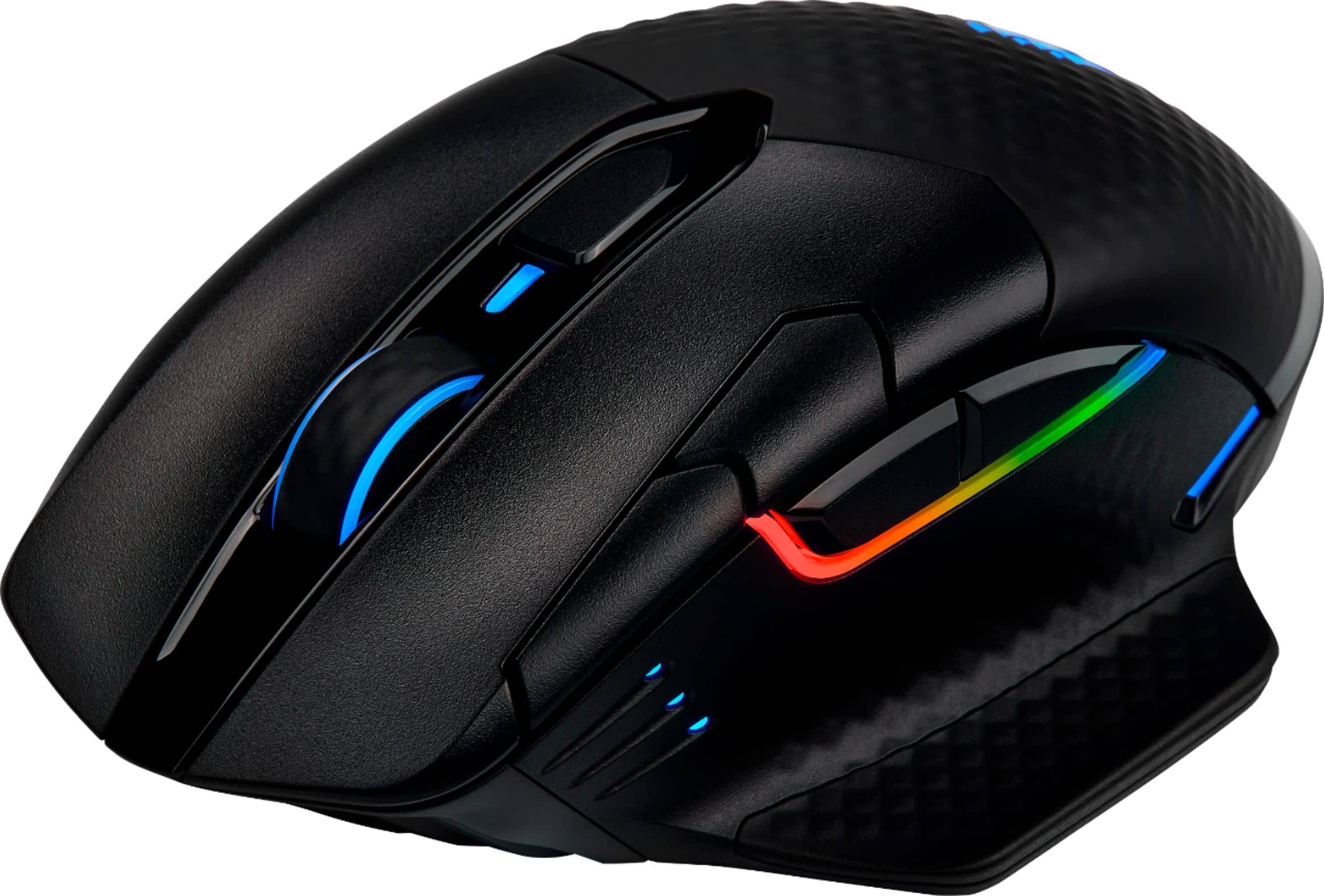
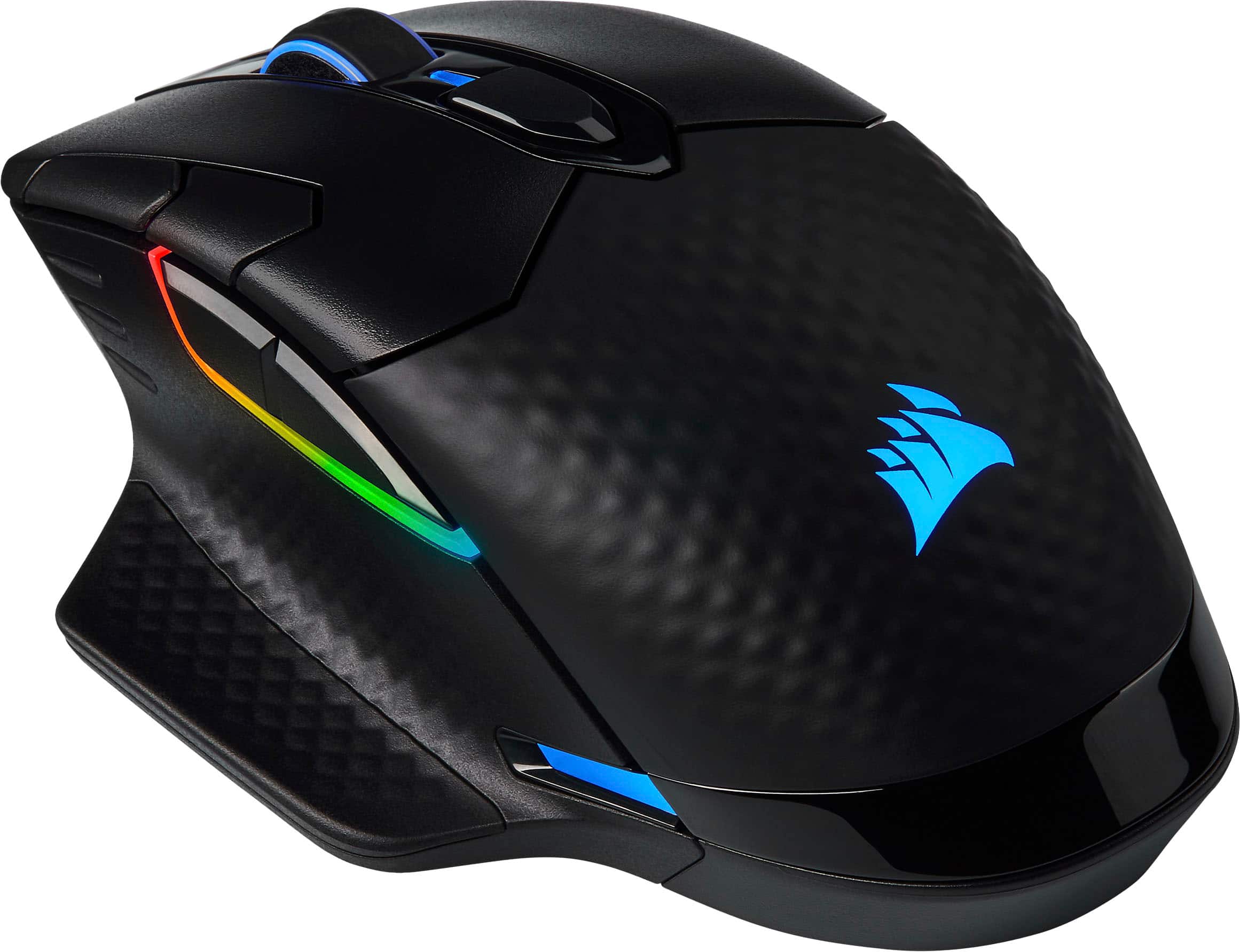
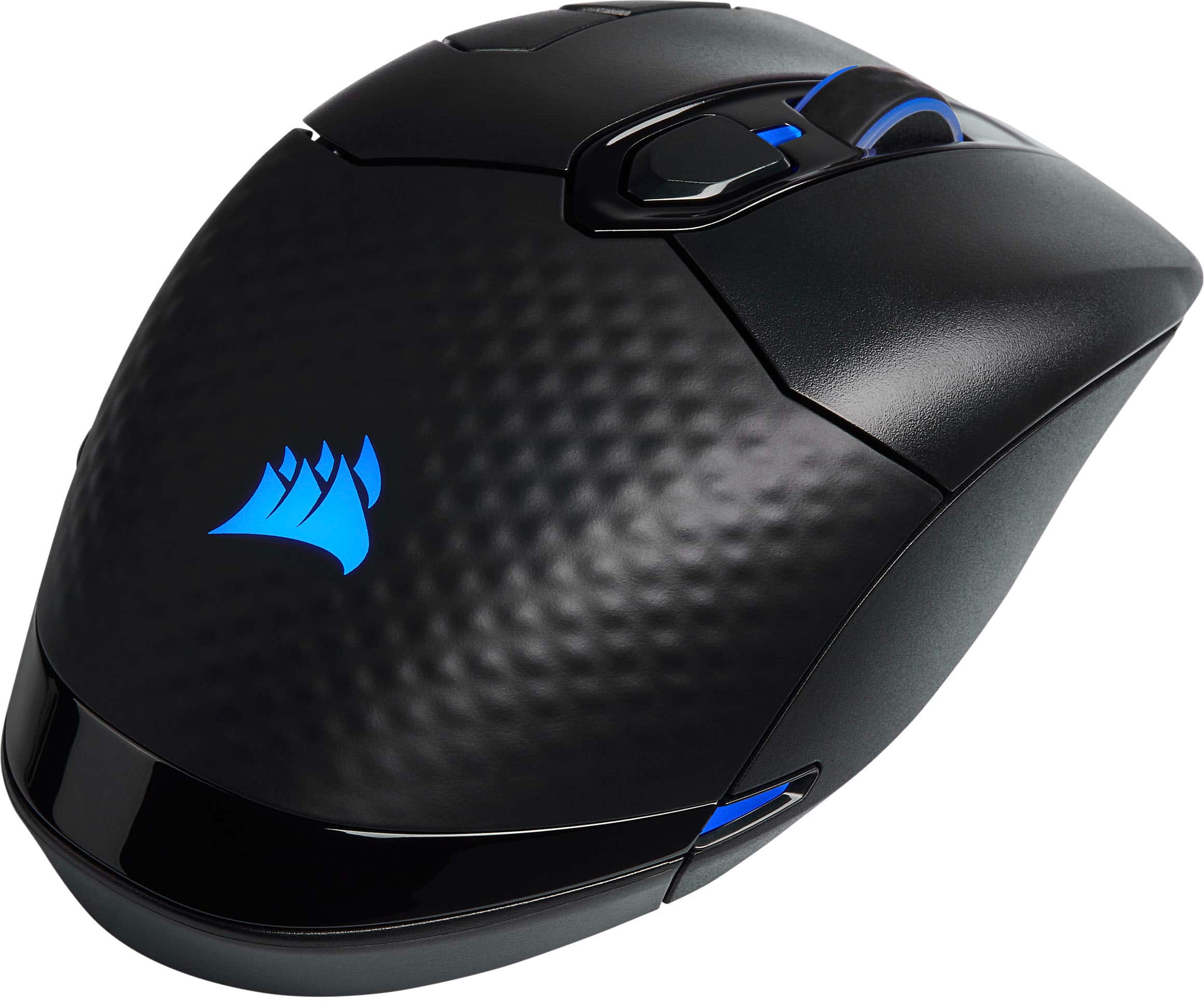
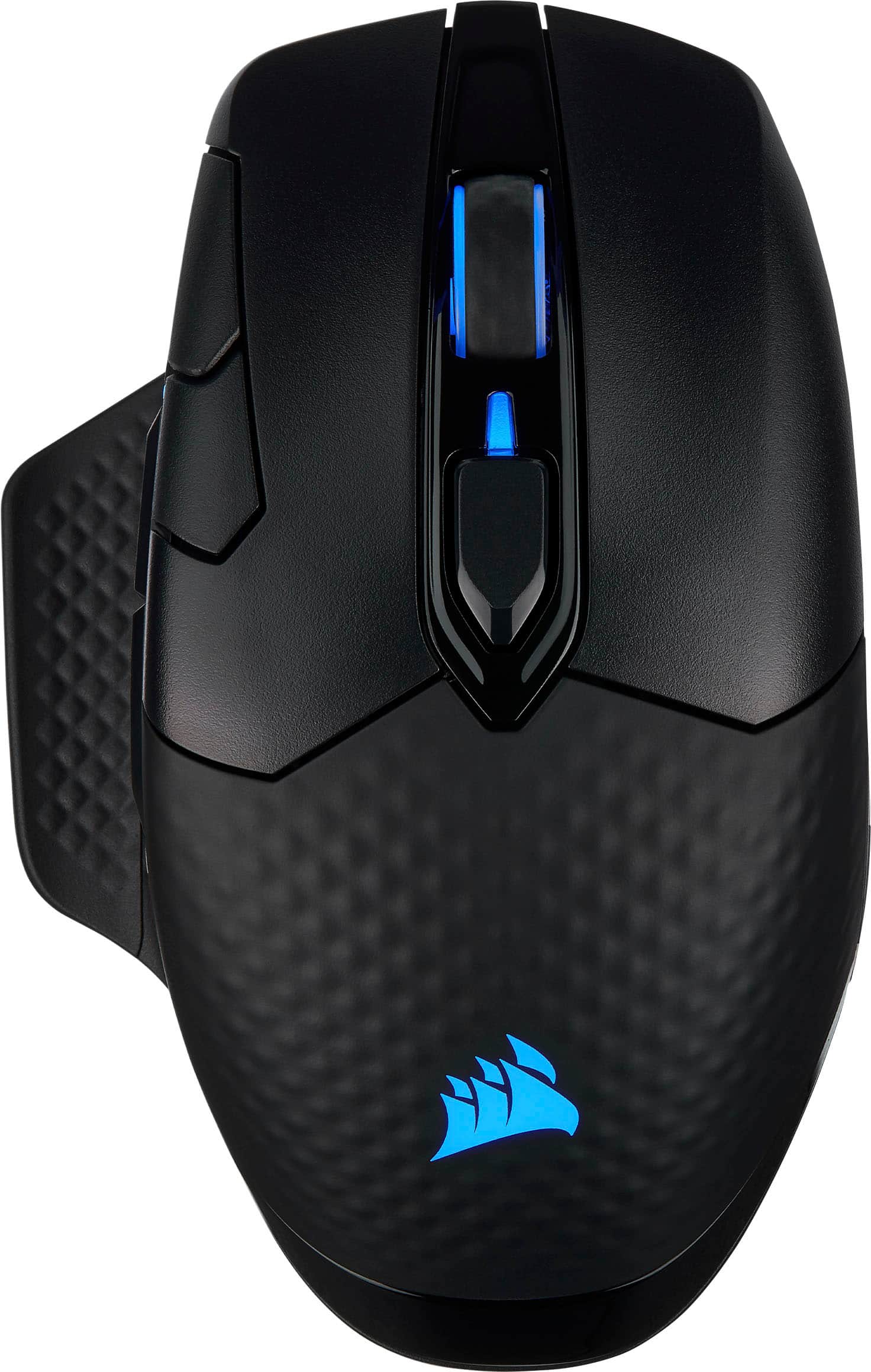
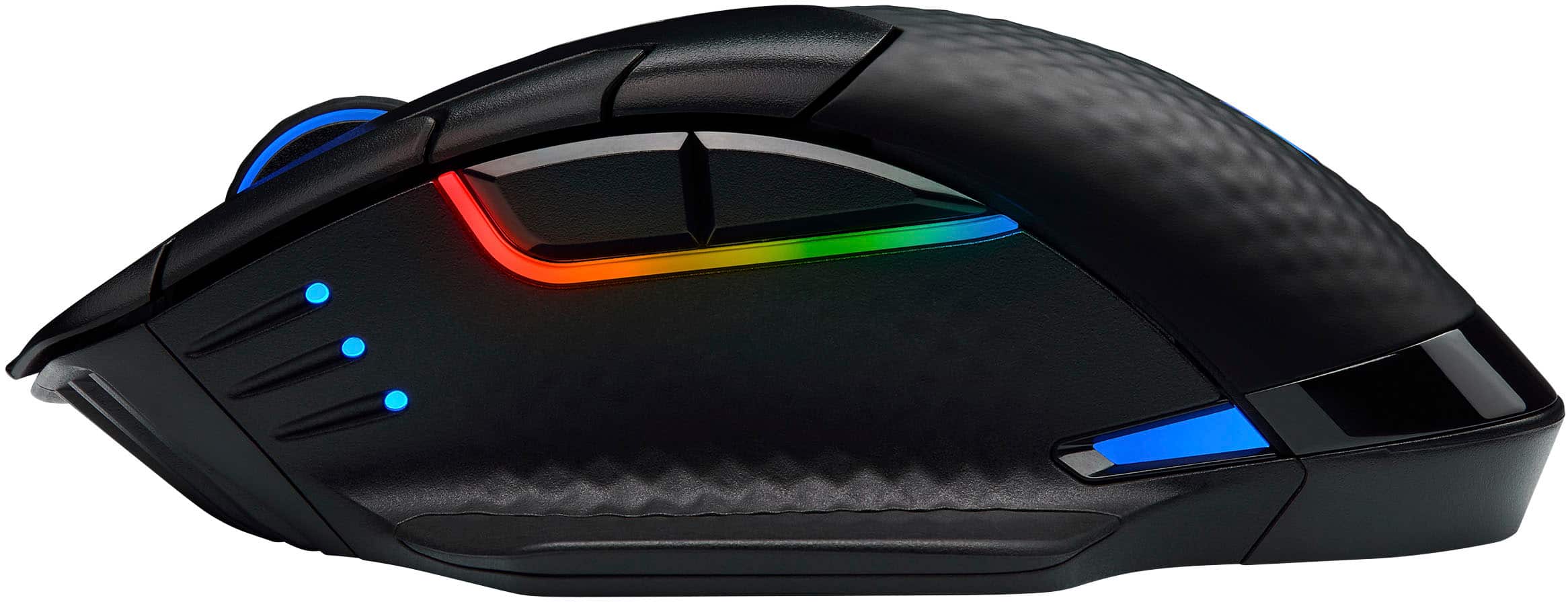
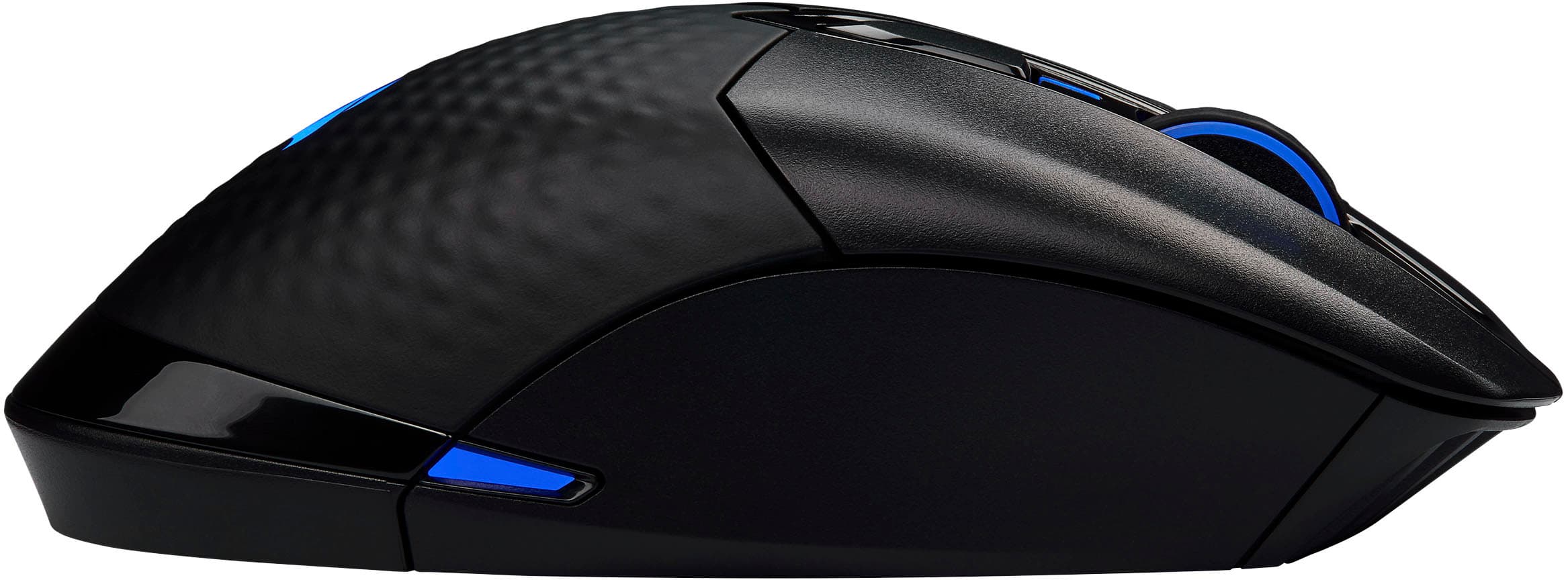
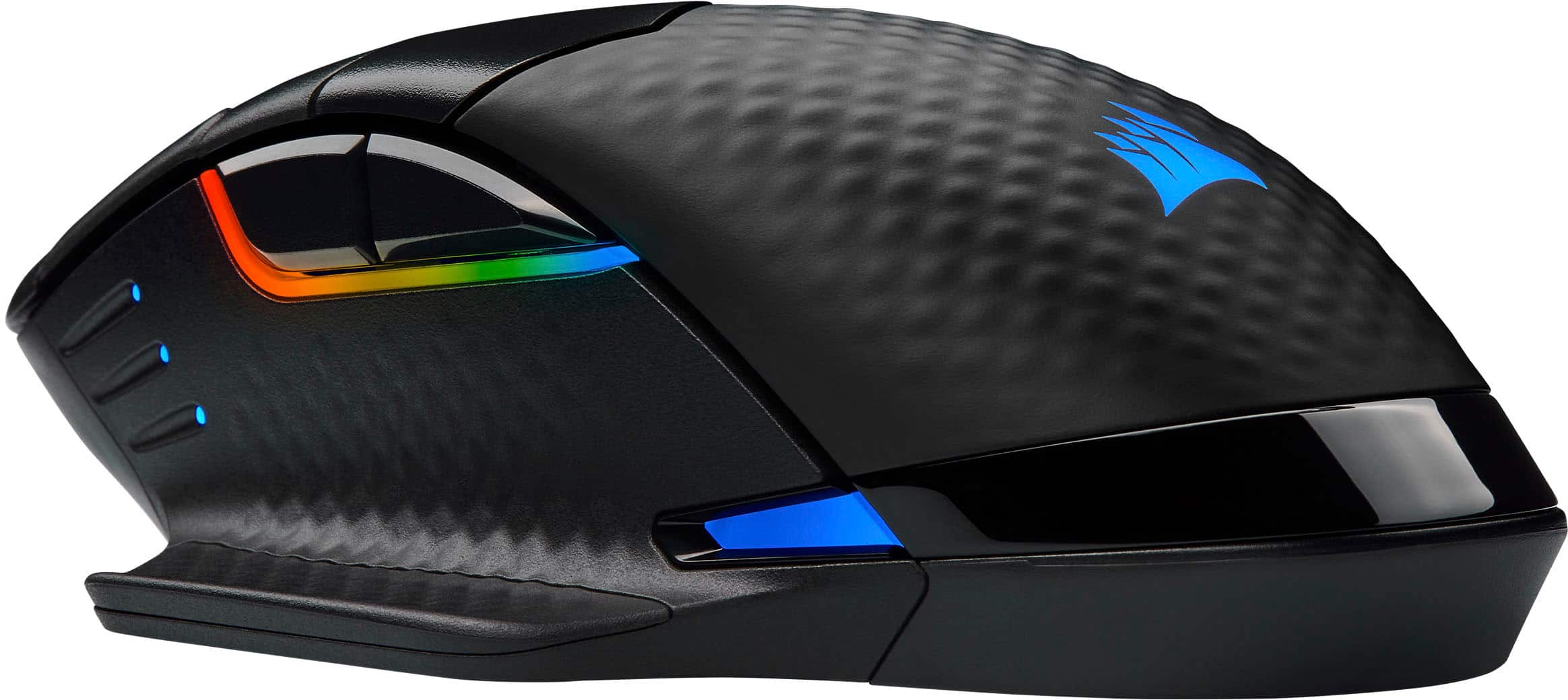
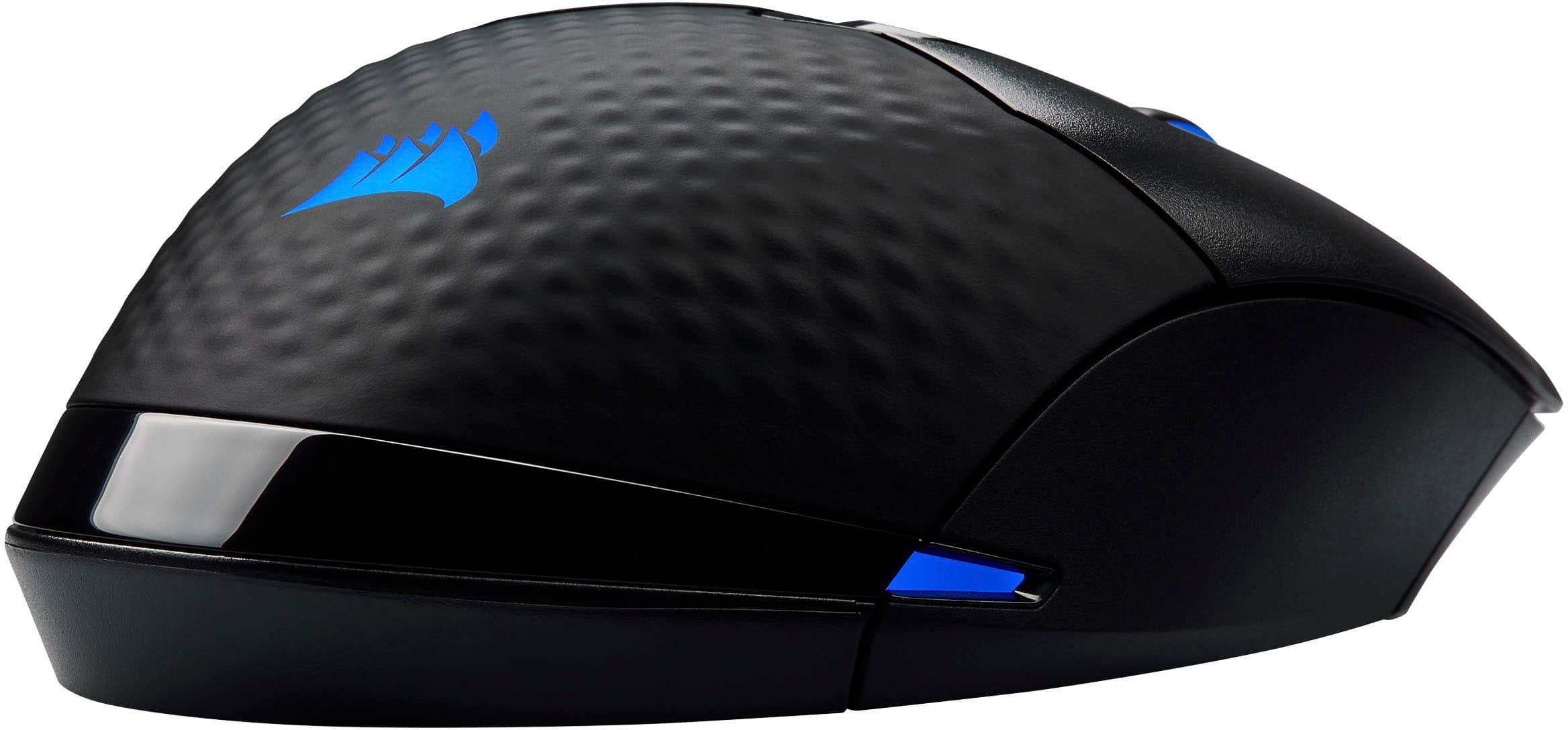
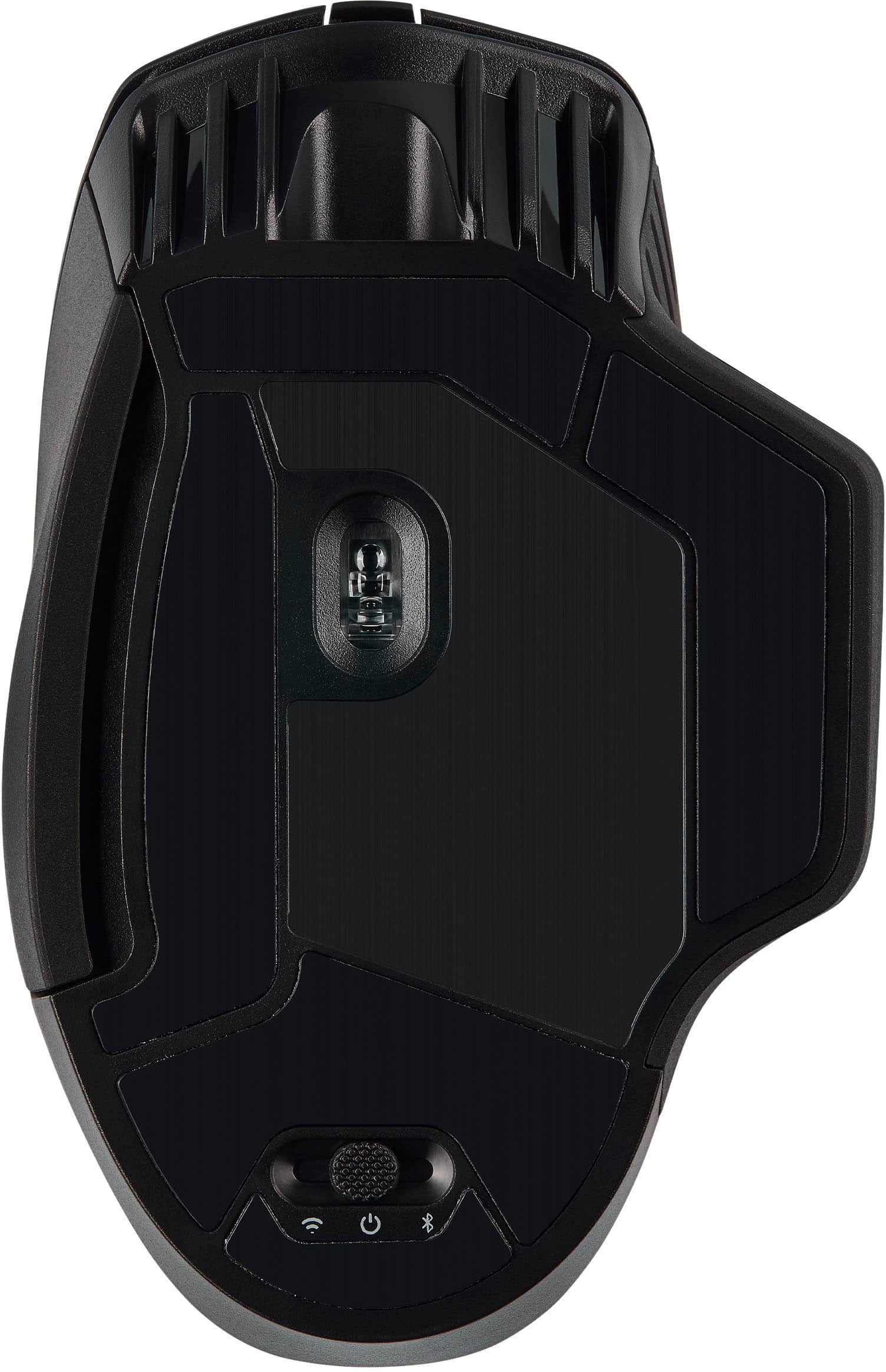
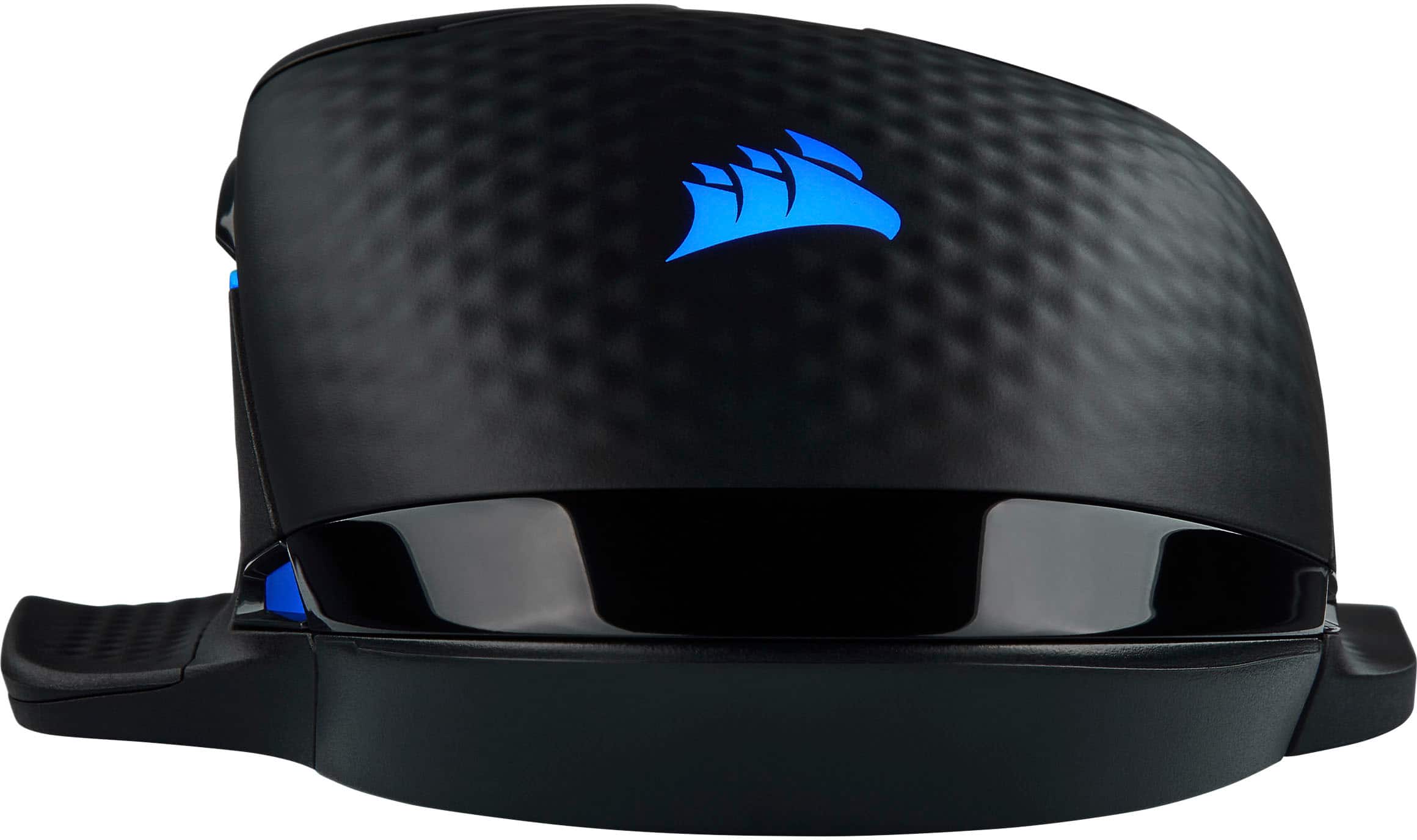
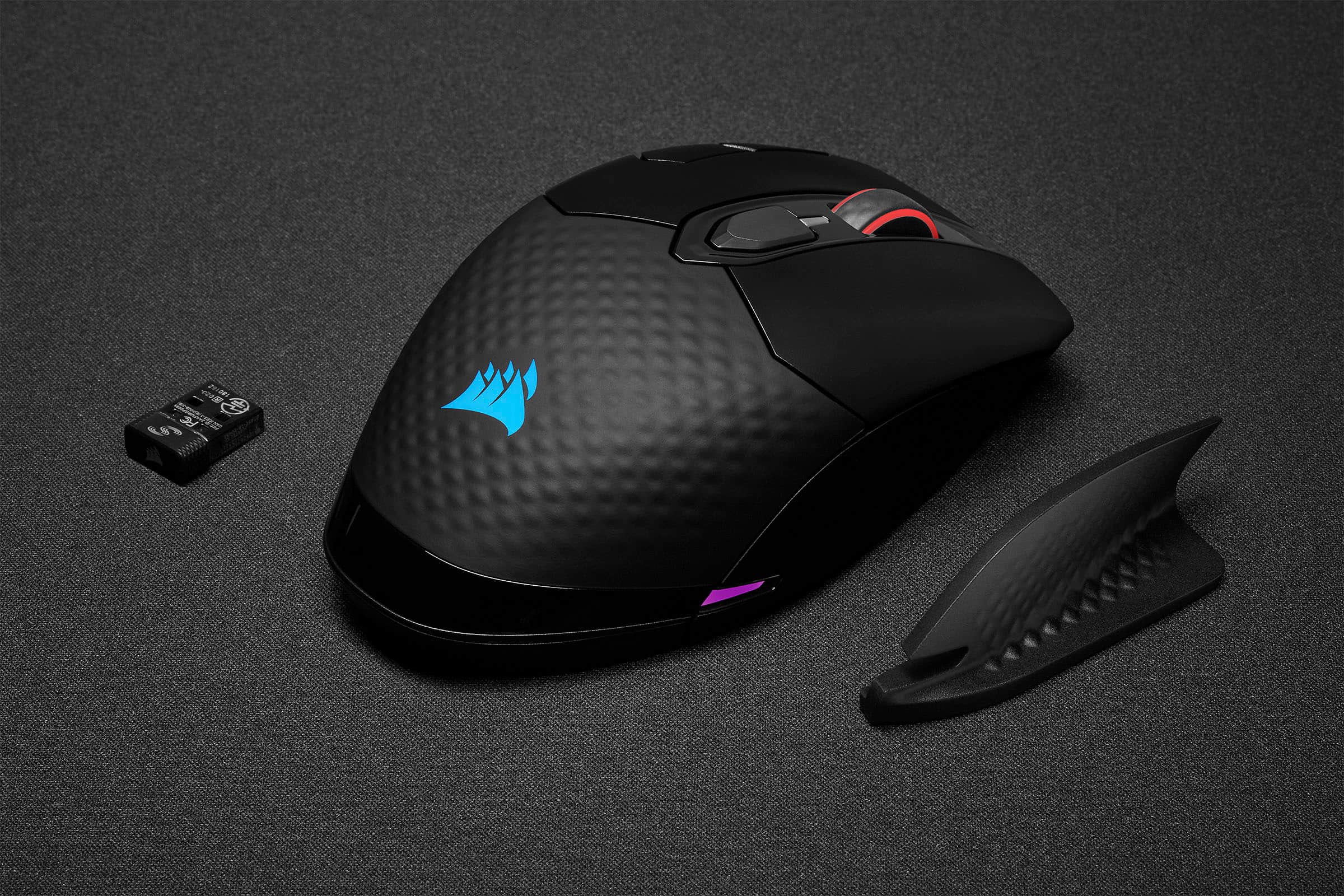
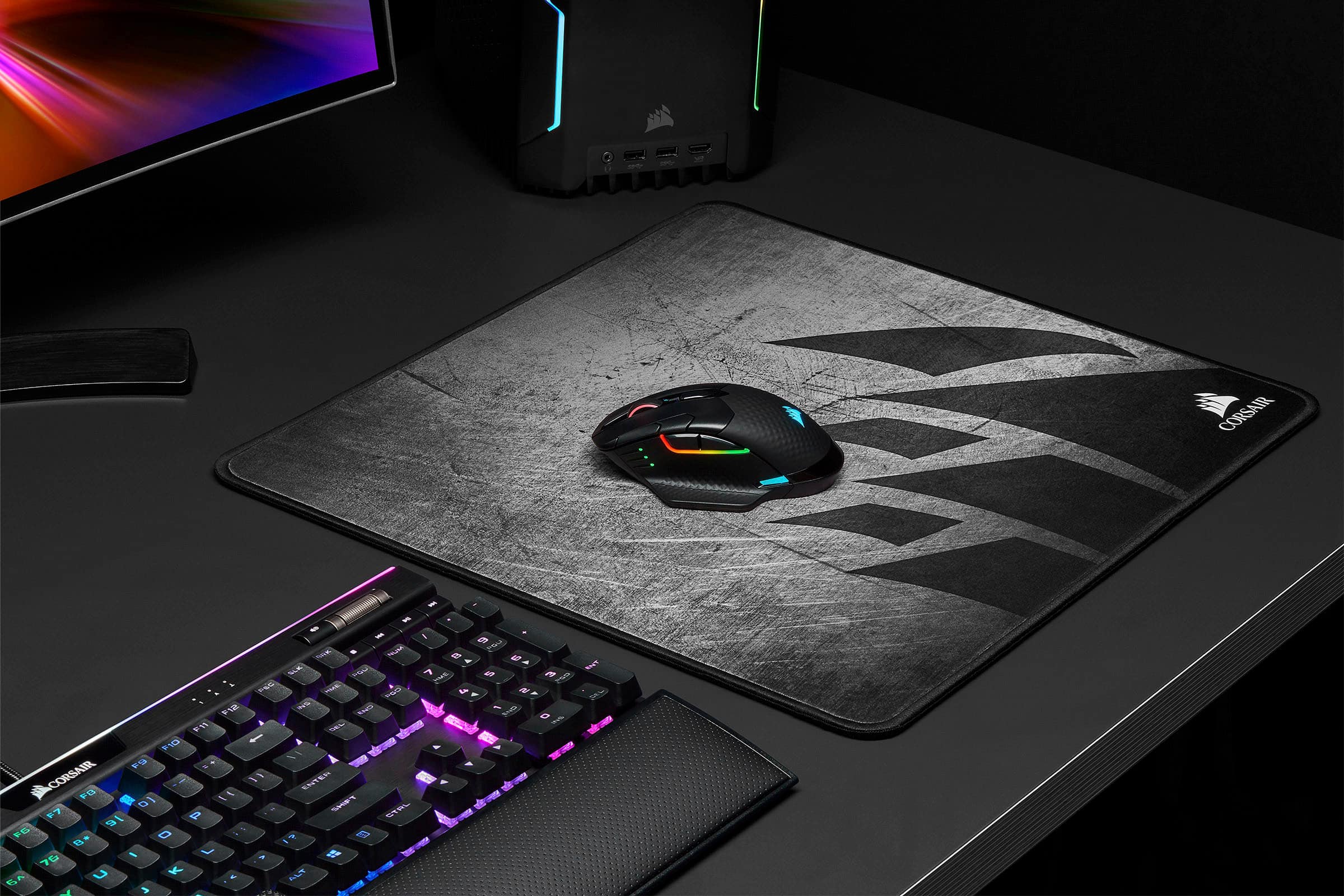
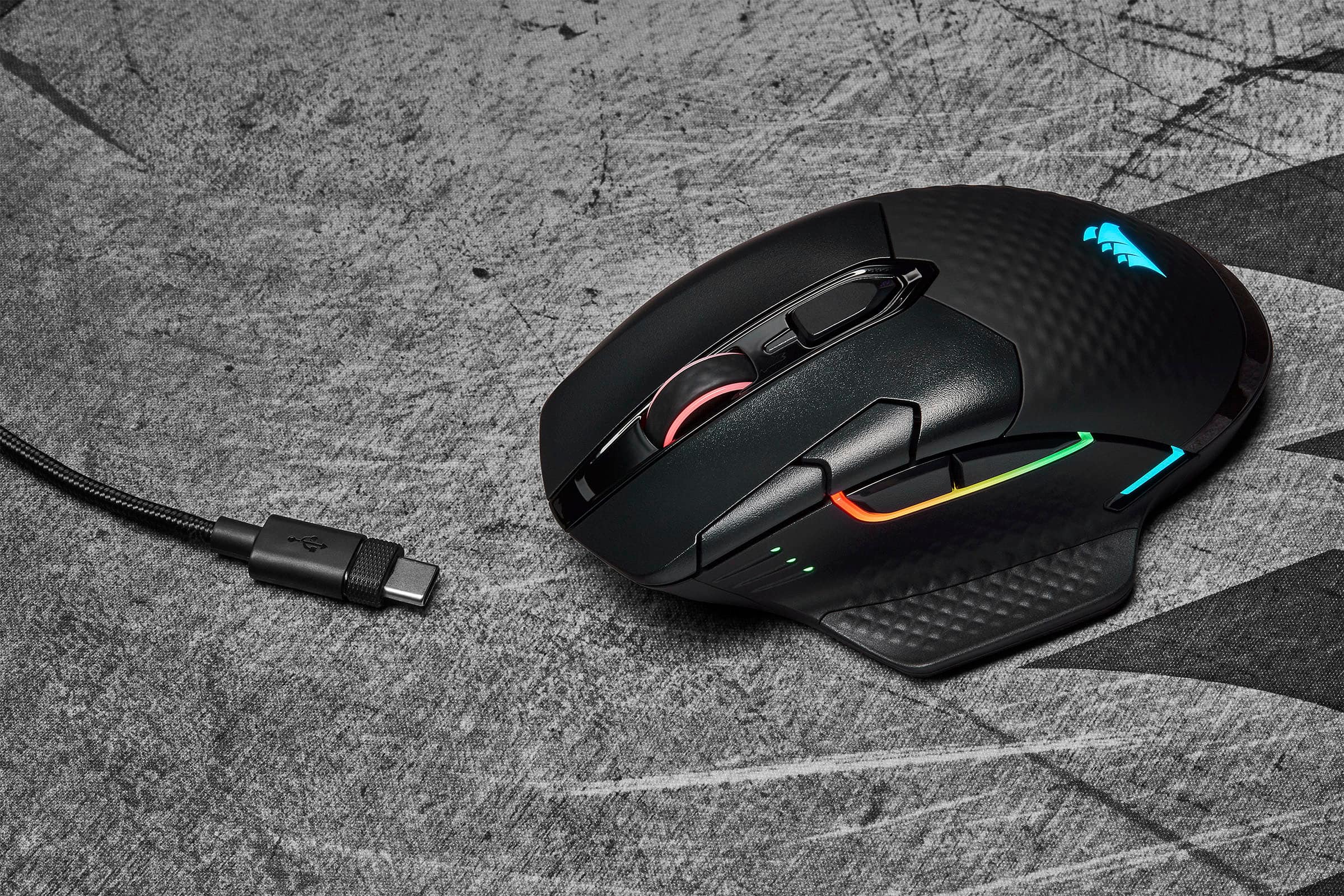
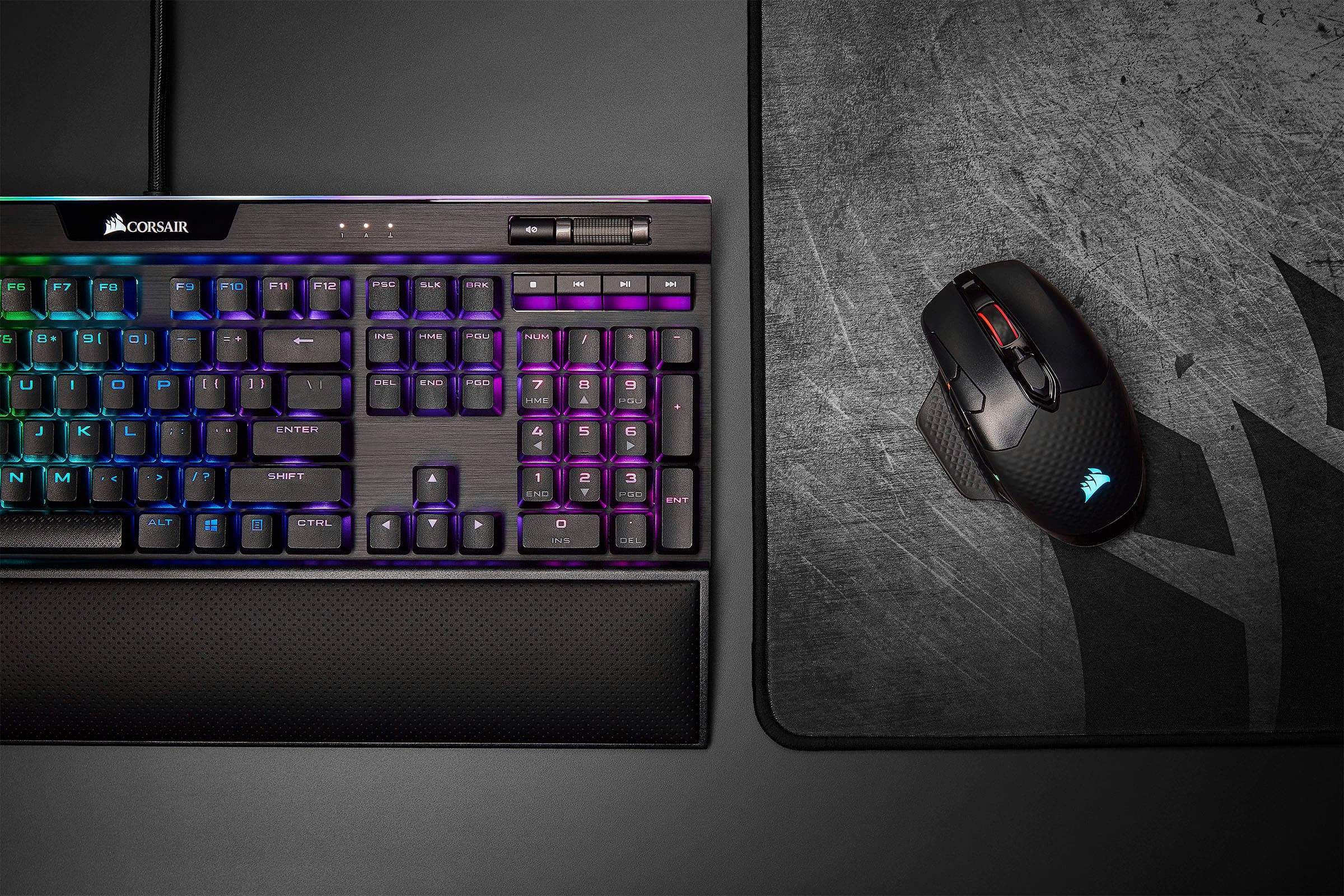
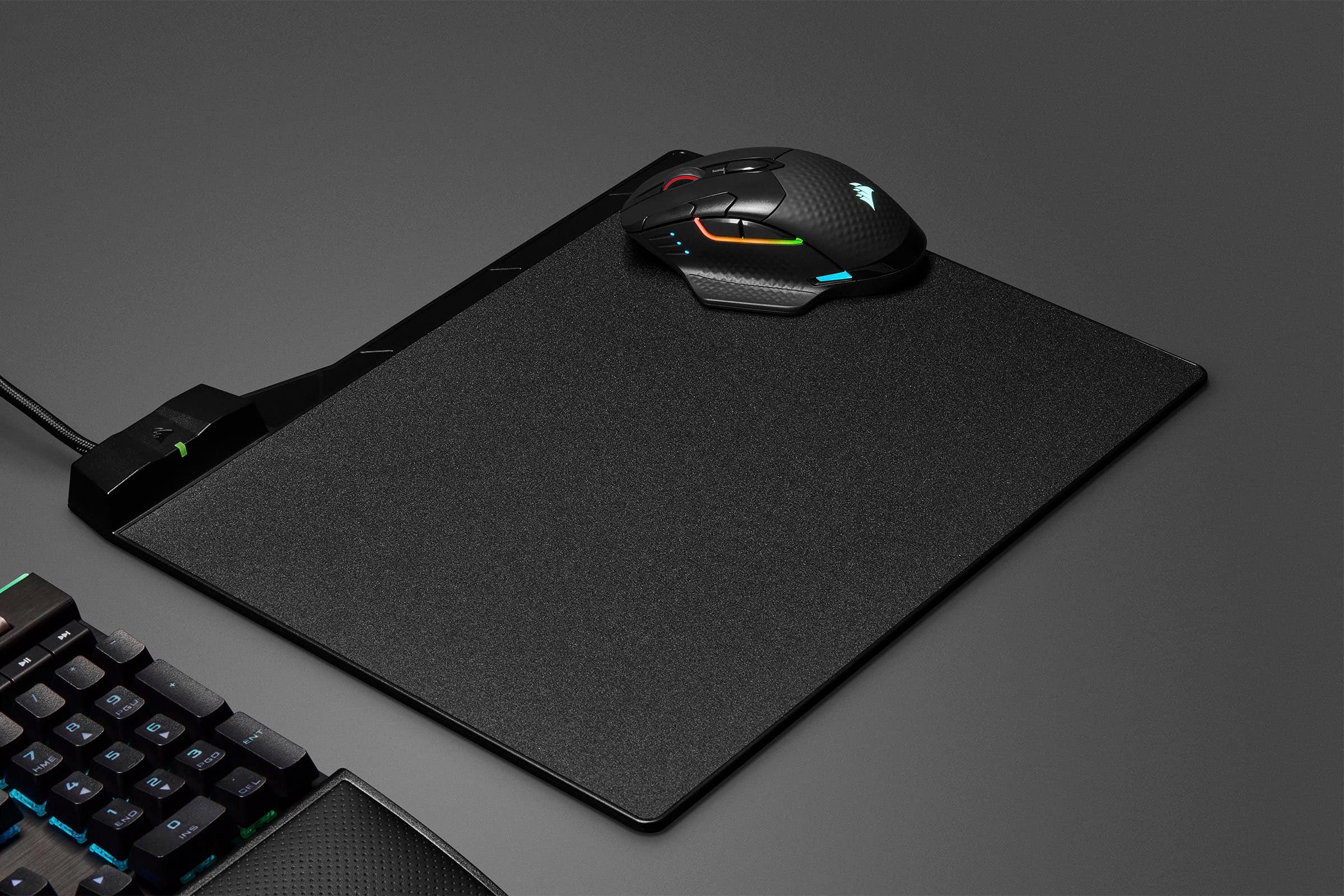
|Posted .This reviewer received promo considerations or sweepstakes entry for writing a review.The Corsair Dark Core Pro SE is Corsair’s updated answer to the high end wireless mouse. While Logitech touts its proprietary charging with a $$$ accessory to charge, Corsair echews that by using standard Qi charging. Couple that with Corsair’s excellent ARGB lighting you have the making of an excellent alternative. This new ‘Pro’ model effectively replaces the old Dark Core RGB SE. So what’s this new model bring to the table that the old model didn’t? A few main differences are an updated look, 8 addressable RGB zones of lighting, USB-C connectivity and arguably a better button layout. Gone is the large thumb button, and replaced is a more standard layout of oversized back/forward style buttons that sit at just the right position. Overall, many things are the same. The layout of the LEDs showing DPI is nearly identical to its forbearer, the scroll wheel still has excellent illumination, and the overall size is about the same. The back cover of the mouse where the palm sits is a textured rubber, similar to what are found on the K95 keyboard and other Corsair accessories. Included in the box is a USB-C to USB-A cable to connect and charge the mouse, and a wing attachment for the right side. If your a palm user, and feel like you're dragging your pinky around, this gives you an elevated platform to rest it. Pulling that panel off reveals a handy place to put the USB receiver. The Dark Core Pro SE also offers bluetooth via the switch on the bottom of the mouse. I had no problem pair this with my Android tablet and using it quite effectively. It’s nice to be able to switch it to a bluetooth device on the fly. One huge highlight of this mouse that is exclusive to the ‘SE’ version is wireless charging. Just as in the RGB SE before it, Qi charging makes a return. If you have an iPhone of recent vintage, or various Android phones from over the years, you probably have a Qi charger sitting around. I already had one on my desk I used for charging my phone. Being able to just throw the mouse on top of this once I’m done is a much better experience than I got with other wireless mice before. It’s good charging it is quite easy, as the RGB lighting will chew threw the battery relatively quickly. I found getting a day out of the mouse was easy enough, but not much more. Qi charging makes life so much easier for me. I appreciate Corsair going with a standard that is already quite popular. If you are unfamiliar with Corsair’s previous Dark Core RGB SE, this model is a definite refinement. The button layout is simplified as previously mentioned. There is the obviously left/right click, middle click on the scroll wheel, profile switch button, DPI up/down, and back/forward buttons. These are all reprogrammable to your needs, but most users familiar with 5 button layout will find this mouse easy to adjust to. The scroll wheel is got a satisfying amount of click to it without being too restrictive. The size is a bit larger than some mice, lending itself to palm style users. Clutch users can still use the mouse to great effect, but may find it a little meandering for their tastes. That isn’t a reflection on the sensor, which offers DPI adjustments from 100 to 18000 DPI by 1 increment. This is the same sensor that is boasted by the venerable M65 Elite. Its accurate, and fast, which is all you really can ask from a sensor. Further in the insanity, is the report rate, which boasts 0.5 millisecond report rate. Out of the box, this is set to 1ms, as even the most hard core gamer wouldn’t tell the difference between 1 and 0.5 ms - still an achievement for wireless. The onboard DPI adjust buttons can be configured through software to different DPIs, allowing precise control whether or not your sniping, or need fast action for unit selection in a game like StarCraft. I played several games, including Counter Strike GO, StarCraft 2 1v1, and a couple more casual FPS games. While I didn’t find myself adjust the DPI on the fly a lot, I did find being able to dial it in to a slightly higher setting or lower was effective. Instead of using profiles in iCue, I used the DPI settings in my default profile, as 3 are all I really use. You could use iCue’s profiles to provide highly detailed settings. If you are new to Corsair accessories, you’ll find the Dark Core Pro SE an excellent introduction to Corsair iCue. iCue is Corsair’s software that controls every aspect of the connected accessories capabilities. Everything from firmware updates, to synchronization of lighting with other Corsair accessories, iCue is the one stop shop for Corsair devices. I for one have a Corsair H150i AIO, RGB Pro DDR4, Corsair Void Pro RGB and a Commander Pro with lighting hub to control 5 Corsair LL series fans along with a K95 keyboard. The Dark Core Pro SE integrates seamlessly into this ecosystem. The coolest thing about Corsair is that you can not only control all of these devices from iCue, but synchronize the ARGB lighting. ARGB stands for addressable Red/Green/Blue lighting that allows individual LEDs to be addressed at greater detail than traditional RGB lighting. You don’t pick a color, you pick a pattern. Everything from rotating unicorn vomit, to your fans playing PONG inside your case is possible. Best of all, everything stays in sync. Unlike, say motherboard vendors, Corsair takes their accessories control seriously, and spend a significant amount of time getting it right. This not only extends to lighting, but performance settings as well. iCue is perhaps not as intuitive as Logitech’s more recently G Hub, but it certainly isn’t any slouch. Profiles can be managed to change lighting, performance, and every aspect of your system per application. This means if your starting a twitch shooter, perhaps you can set the DPI of the mouse higher by default. If your playing a strategy game, maybe you remap some buttons to common functions or create macros to map to the auxiliary buttons. This is all extremely easy enough to setup, but as your device collection grows, the all or nothing profile settings are a bit less flexible. That said, Corsair offers a lot of documentation, YouTube tutorials, and a huge community around their peripherals. Overall the Dark Core Pro SE is an excellent update to the previous Dark Core RGB. You lose some of the more odd arrangements, gain 8 RGB zones, effectively becoming ARGB, improved sensor resolution and submillisecond report rate and more. The size might be a bit much for clutch users, but palm users will rejoice at its size. There are enough buttons without the mouse approaching too busy. Couple that with Qi wireless charging, and you have a winning combination. Great job Corsair!
I would recommend this to a friendDO NOT BUY
||Posted . Owned for 7 months when reviewed.This reviewer received promo considerations or sweepstakes entry for writing a review.total JUNK - the software sucks and 2 of them quit working all together DO NOT BUY!
No, I would not recommend this to a friendBrand response from Corsair Art
Posted .Hi locksmith614,
Sorry to hear that your Dark Core PRO SE stopped working suddenly with your keyboard, we would like to help you with inconvenience. Please reach out to our support team so we can work with you directly: support.corsair.com
-Brian
Good Gaming Mouse
||Posted . Owned for 3 weeks when reviewed.This reviewer received promo considerations or sweepstakes entry for writing a review.this mouse has a great feel to it the mouse was also easy to set up. The only complain is the turn off switch on the bottom.
I would recommend this to a friendCorsair Darkcore
||Posted . Owned for 3 weeks when reviewed.This reviewer received promo considerations or sweepstakes entry for writing a review.uses battery pretty quickly by the end of the day if you leave the lights on it to match the scheme of your desktop.
I would recommend this to a friendExcellent gaming mouse
||Posted . Owned for 2 weeks when reviewed.This reviewer received promo considerations or sweepstakes entry for writing a review.Replaced an older version that i also enjoyed using. Fits my hands perfectly with an adequate but not overwhelming number of programable buttond.
I would recommend this to a friendReturned
||Posted . Owned for 3 weeks when reviewed.This reviewer received promo considerations or sweepstakes entry for writing a review.Mine had a popping feel on the thumb rest area... it felt like the plastic was not attached well. I ended up returning and going with a mamba wireless which I have been much happier with.
No, I would not recommend this to a friendMy New All Day Mouse
|Posted .This reviewer received promo considerations or sweepstakes entry for writing a review.I had a Corsair gaming mouse at work (too heavy for me to play FPS games) & a Razer Death Adder Elite at home for gaming due to how light it is. I have now switched and take this mouse with me to work every day and use it at home as well. I like that I can use it wirelessly at work and then plug it in at home. It has been wonderful for me. The other thing that I noticed was my pinky on my right hand was beginning to constantly hurt me from sitting on the surface of my desk or mouse pad when constantly using my mouse. One of the reasons I was really looking to try out this mouse was because of the ability to change the piece on the right hand sid of the mouse to have like a pinky rest area. While it may seem like a small thing, and it certainly is, this has been a huge bonus for me. No more pain on my right hand pinky finger! Yay! As for gaming, I use this wired not wireless for gaming, and it has done great! I will say I can not figure out how to adjust the DPI even though I have the software installed and am hitting the button to adjust the DPI. It will take more digging on my part to figure out why. Unless Corsair can help me? I'll have to see if they can. But since I play FPS games and usually run around sniping I like to have a lower DPI when gaming to allow for precise movement. The higher DPI settings just make me move around too much as I am not still enough. However, where it would be handing is at work. For work, this has been great. As I mentioned the right side adapter change out was wonderful. I like having the ability to change the RGB colors, I always go for blue (my Corsair mousepad, Corsair keyboard and now Corsair mouse are all blue). But again, being able to adjust the DPI up would be nice. I did install the software on my work laptop to allow for this but again the button isn't working. Until I am able to rectify this I will hold off on a 5 star review. While I am generally all around happy the DPI not adjusting for a gaming mouse is really a big issue. I love the mouse but I can't rate it above average because of this problem. If possible, I will update my review once I am able to fix this problem. Until then, average it is. Also, I can not recommend this to a friend until I figure out why the DPI changer isn't working. I am really saddened by this because I wanted this to be my 5 star gaming mouse. All that sad, it is a great mouse, just can't adjust the DPI.
No, I would not recommend this to a friendStay away, double clicking nightmare.
||Posted . Owned for 8 months when reviewed.This reviewer received promo considerations or sweepstakes entry for writing a review.Started double clicking. I purchased Oct 2020 and now its June 2021. What makes it even worse is that I rarely use this mouse. Stay away buy a different brand,
No, I would not recommend this to a friendBrand response from Corsair Art
Posted .Hi Victor,
Sorry to hear that the mouse was double clicking, we'd like to help! Please reach out to our support team so we can work with you directly: support.corsair.com
-Brian
Poor Quality
||Posted . Owned for 9 months when reviewed.This reviewer received promo considerations or sweepstakes entry for writing a review.Bought this mouse in Dec. 2020 after 10 months the left mouse button is sticking & broken. Excellent feel & features but poor quality/durability.
No, I would not recommend this to a friendBrand response from Corsair Art
Posted .Hi AJCAtrain,
Sorry to hear that the left mouse button was having issues, we'd like to help! Please reach out to our support team so we can work with you directly: support.corsair.com
-Brian
Not what I expected
||Posted .This reviewer received promo considerations or sweepstakes entry for writing a review.It feels flimsy for the money and not at all what I expected from one of my favorite brands. I much prefer the m65 over this for half of the cost.
No, I would not recommend this to a friendBrand response from Corsair Art
Posted .Hi David,
Thank you for your feedback. Please feel free to contact us if you have any questions or concerns, we'd be happy to help: support.corsair.com
-Albert
It's ok but...
||Posted . Owned for 3 weeks when reviewed.This reviewer received promo considerations or sweepstakes entry for writing a review.It was ok but way too bulky even with large hands it still felt like it was too large for a mouse.
No, I would not recommend this to a friendBrand response from Corsair
Posted .Hi,
We appreciate your feedback and understand every user has unique preferences. If you would like guidance on a suitable mouse, please refer to our Mouse Finder Quiz (https://www.corsair.com/us/en/mouse-finder) or get in touch with our support team: help.corsair.com
-Albert
Corsair Mouse Review
||Posted . Owned for 4 months when reviewed.This reviewer received promo considerations or sweepstakes entry for writing a review.I bought this as a temp mouse and wasnt too impress by it. Just feels like it is missing something.
I would recommend this to a friendBrand response from Corsair
Posted .Hi,
Thank you for your feedback. If you have any questions or encounter any issues with your DARK CORE PRO SE, please contact us - we'd be happy to help: support.corsair.com
-Albert
Bluetooth does not work
||Posted . Owned for 1 week when reviewed.This reviewer received promo considerations or sweepstakes entry for writing a review.Do not buy this product!! I could not connect via bluetooth! After researching further, this product has a known history of this problem. It's shameful that Corsair has this problem and has not resolved it.
No, I would not recommend this to a friendBrand response from Corsair
Posted .Hello,
There's no known history of issues. If YOU're having problems, please contact our team directly right on our site for assistance.
-Art
Middle scroll wheel button is too Sensitive.
||Posted . Owned for 3 weeks when reviewed.This reviewer received promo considerations or sweepstakes entry for writing a review.The mouse is OK, but the middle scroll wheel is too sensitive to a click. In normal use it it will click and activate whatever the program has set for that feature. I am not returning it as I had to disable that button to make the scroll feature usable.
No, I would not recommend this to a friendBrand response from Corsair Art
Posted .Hi,
And thanks for the feedback. If you think the way the button reacts is a problem then please reach out at any time: support.corsair.com
-Art
Great Mouse
||Posted . Owned for 1 month when reviewed.This reviewer received promo considerations or sweepstakes entry for writing a review.the Corsair Dark Core RGB Pro SE Wireless is great piece, smooth on any surfce
I would recommend this to a friendGreat mouse
||Posted . Owned for 1 week when reviewed.This reviewer received promo considerations or sweepstakes entry for writing a review.Love the feel smoother then my old one. Key mapping is confusing but not to bad gose nice with set up
I would recommend this to a friendLove It
||Posted . Owned for 5 months when reviewed.This reviewer received promo considerations or sweepstakes entry for writing a review.Love the Mouse! the lighting looks so cool definitely buying another one for my work office
I would recommend this to a friendTrash, don't buy.
||Posted . Owned for 1.5 years when reviewed.This reviewer received promo considerations or sweepstakes entry for writing a review.Worst mouse I've ever owned. Skips, lags, etc.. trash.
No, I would not recommend this to a friendBrand response from Corsair
Posted .Hello Burt,
Do allow our team to assist, you can contact them directly on our site: help.corsair.com
-Art
Sexy Mouse Died After 4 Months
||Posted . Owned for 4 months when reviewed.This reviewer received promo considerations or sweepstakes entry for writing a review.This is a beautiful mouse. Very fast and accurate. Wonderful color patterns. Bought it in April 2020 and in 4 months it just stopped working. The warranty period is 30 days. So now I'm stuck with a $97.41 piece of black plastic. I've gone back to my Logitech G502.
No, I would not recommend this to a friendBrand response from Corsair Art
Posted .Hi,
And Sorry to hear. Please allow us to help directly, reach out at any time: support.corsair.com
-Art
Love this mouse!
||Posted . Owned for 1 month when reviewed.This reviewer received promo considerations or sweepstakes entry for writing a review.This is a great mouse. I just wish it had a few more buttons.
I would recommend this to a friend