Customer Ratings & Reviews
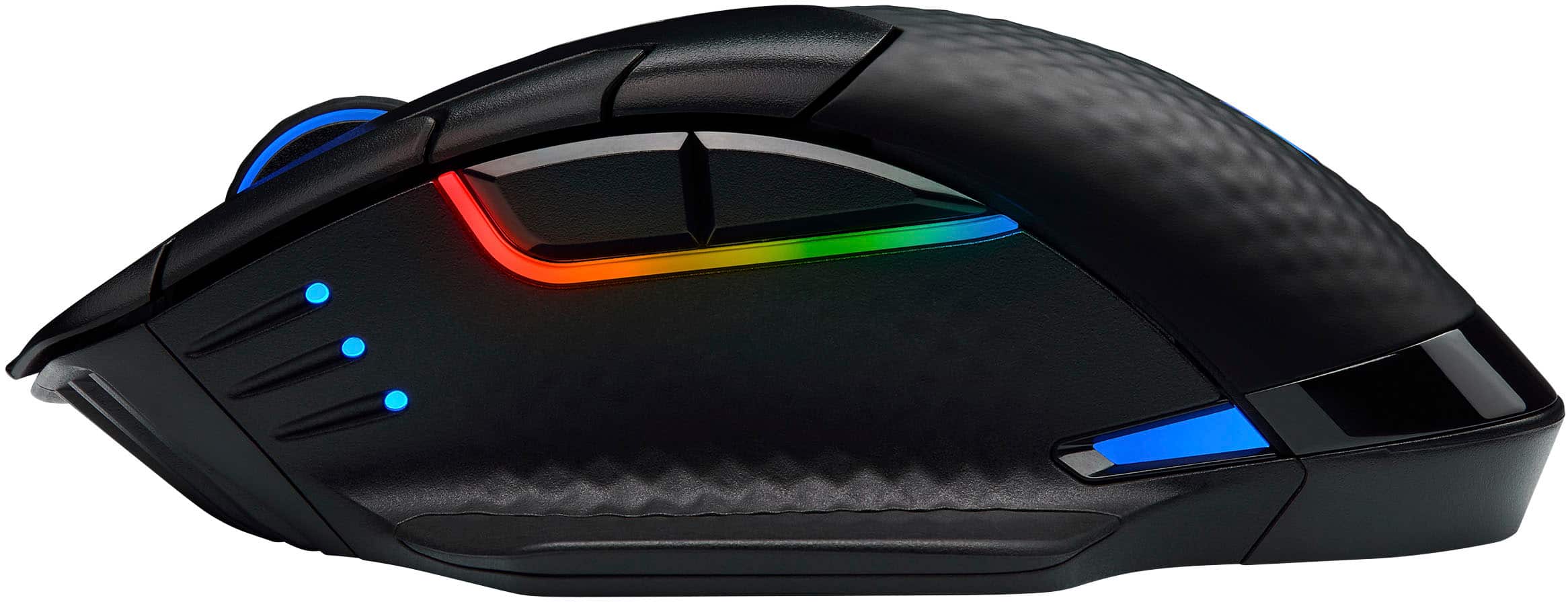
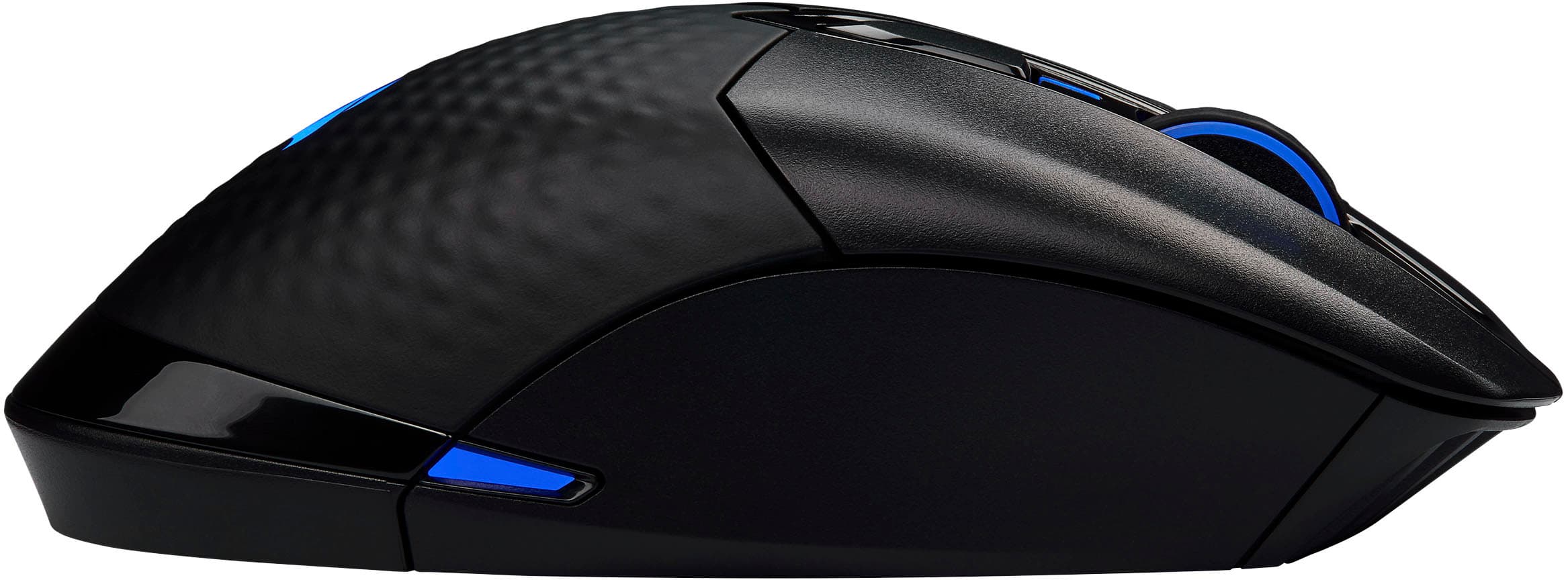
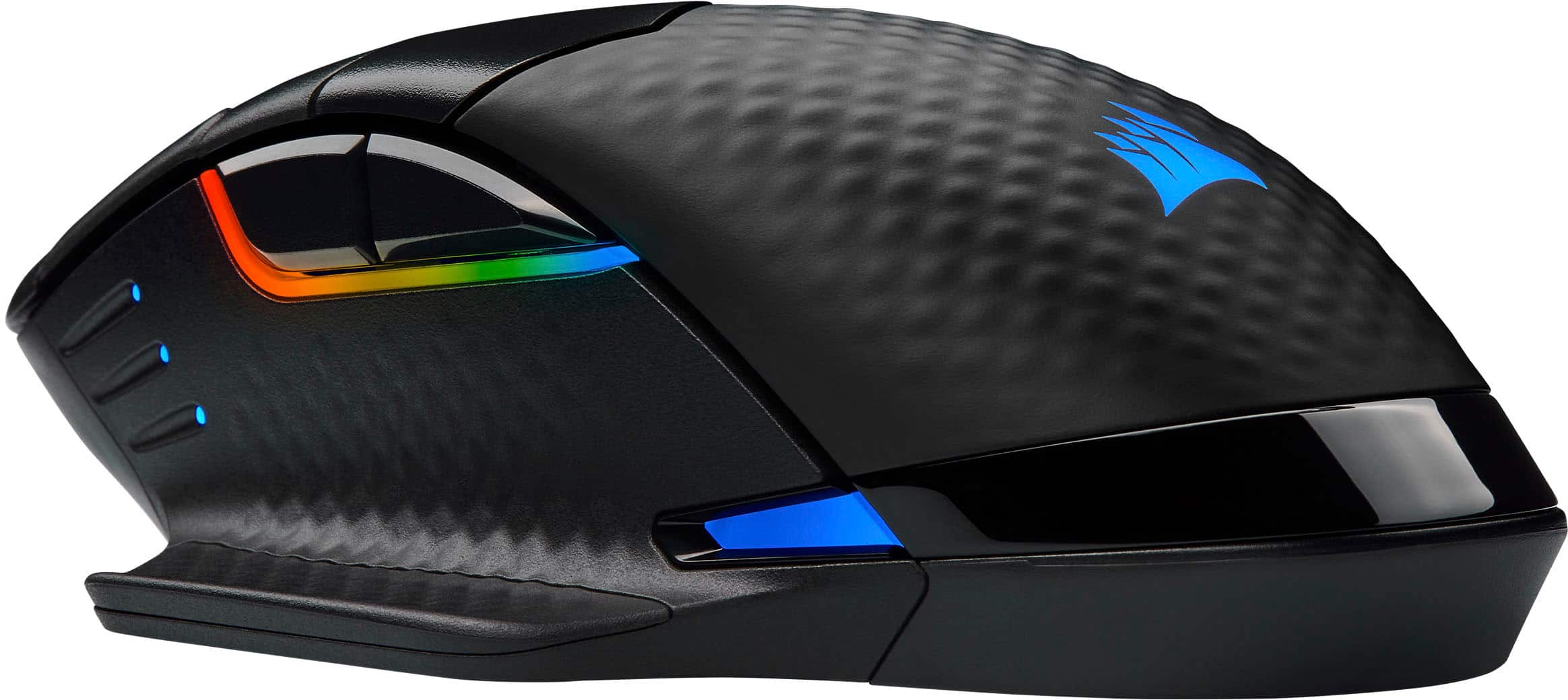
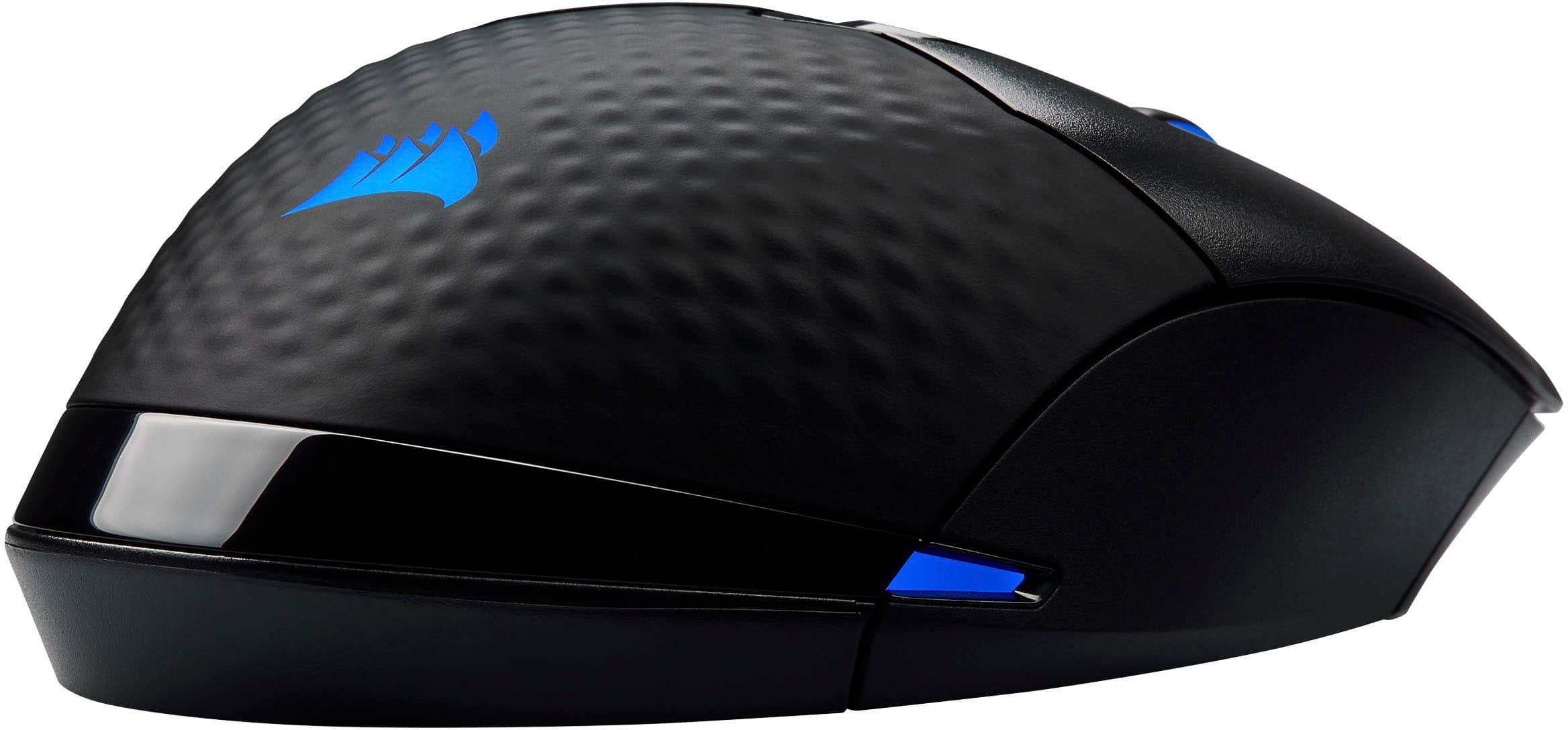

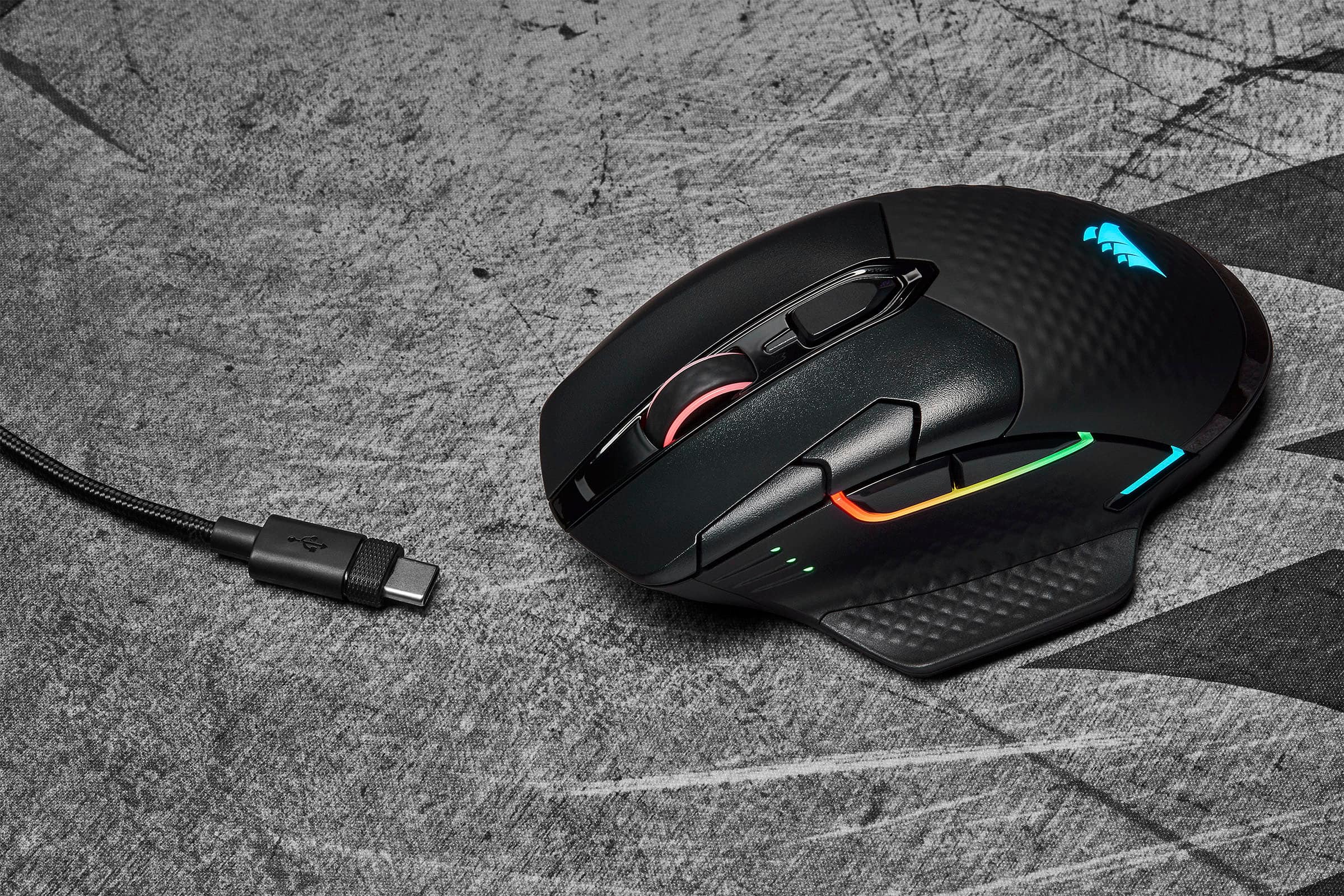
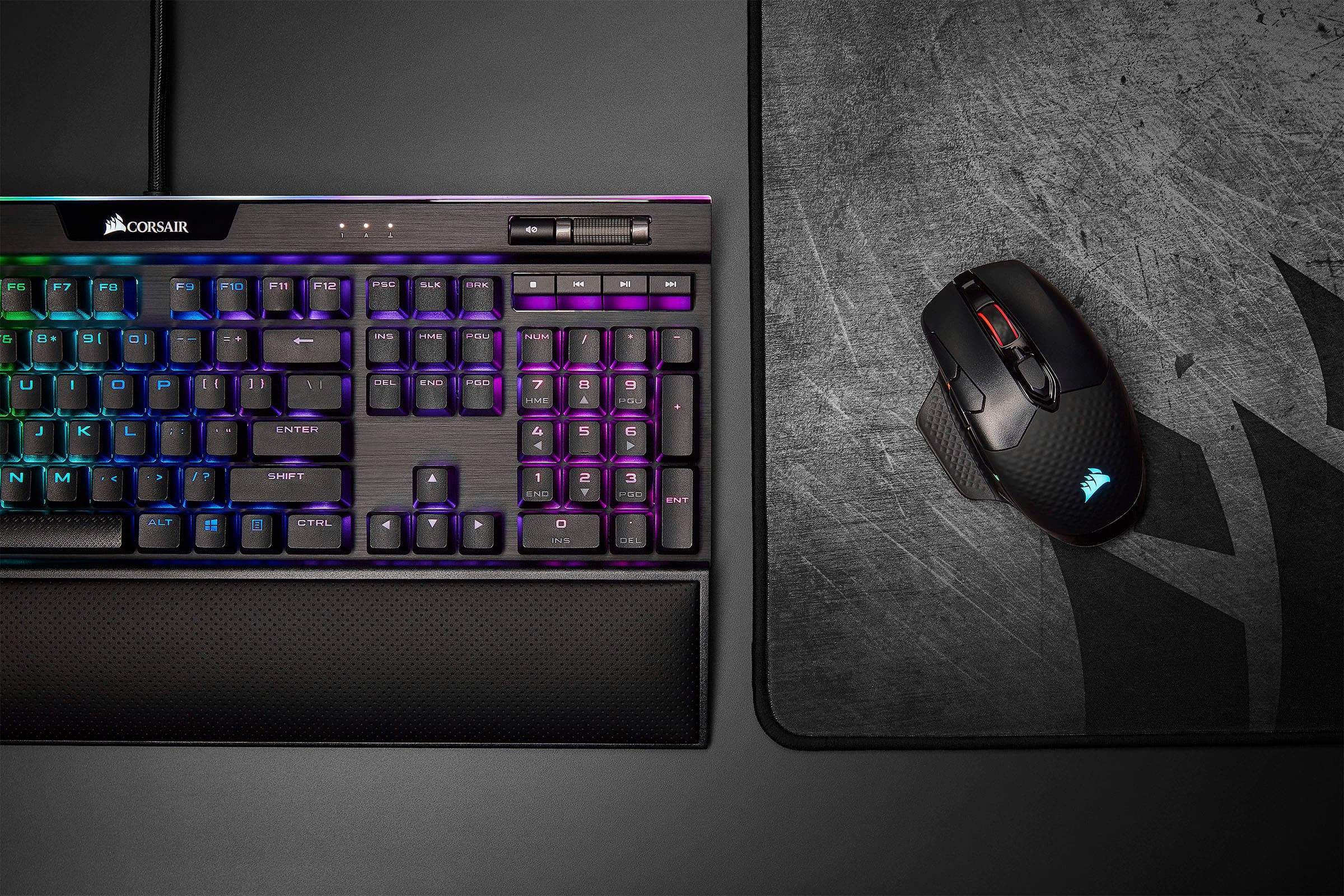
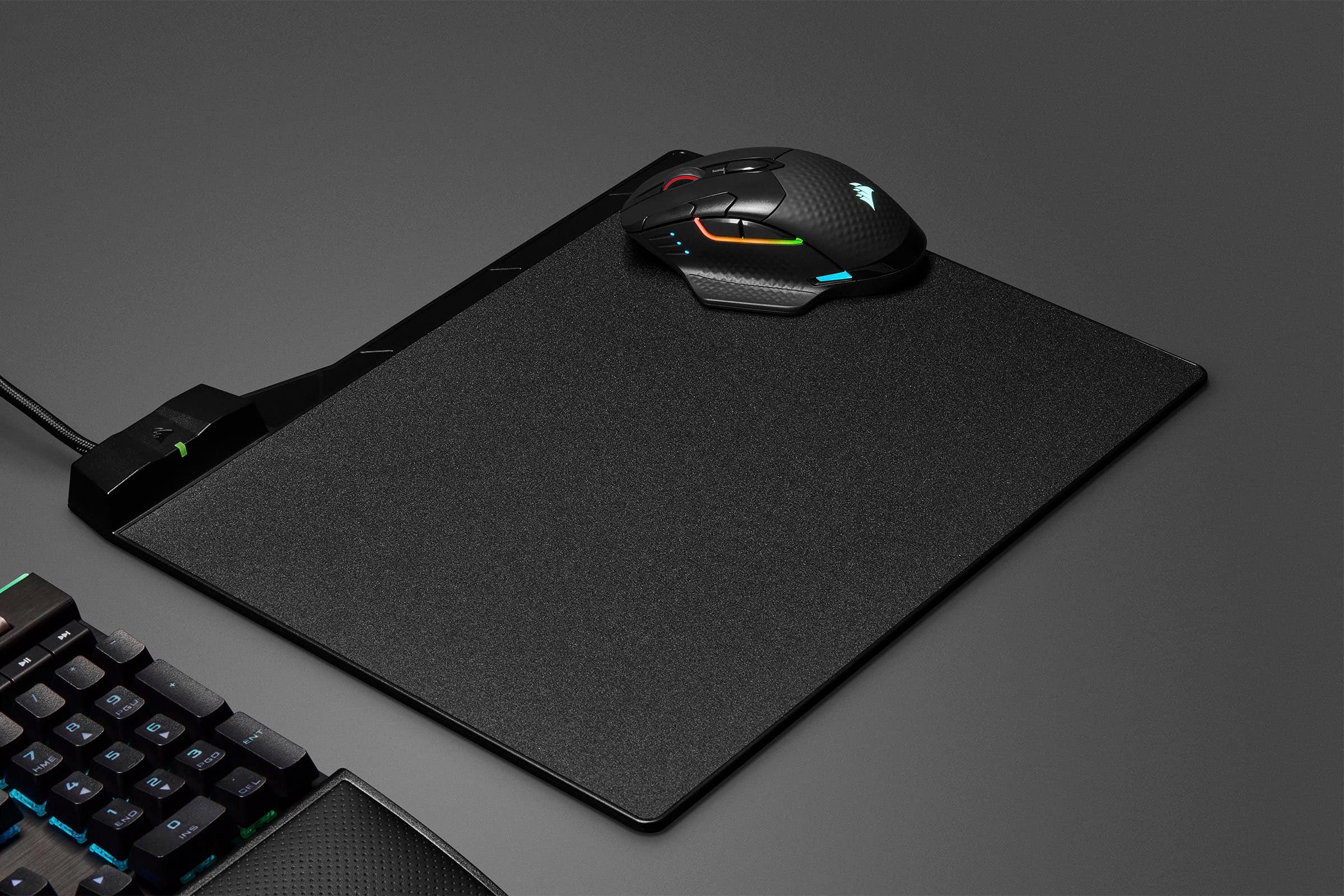

- Model:
- CH-9315511-NA
- SKU:
- 6393999
Rating by feature
- Value
Rating 4.4 out of 5 stars
- Quality
Rating 4.5 out of 5 stars
- Ease of Use
Rating 4.6 out of 5 stars
to a friend
Customers are saying
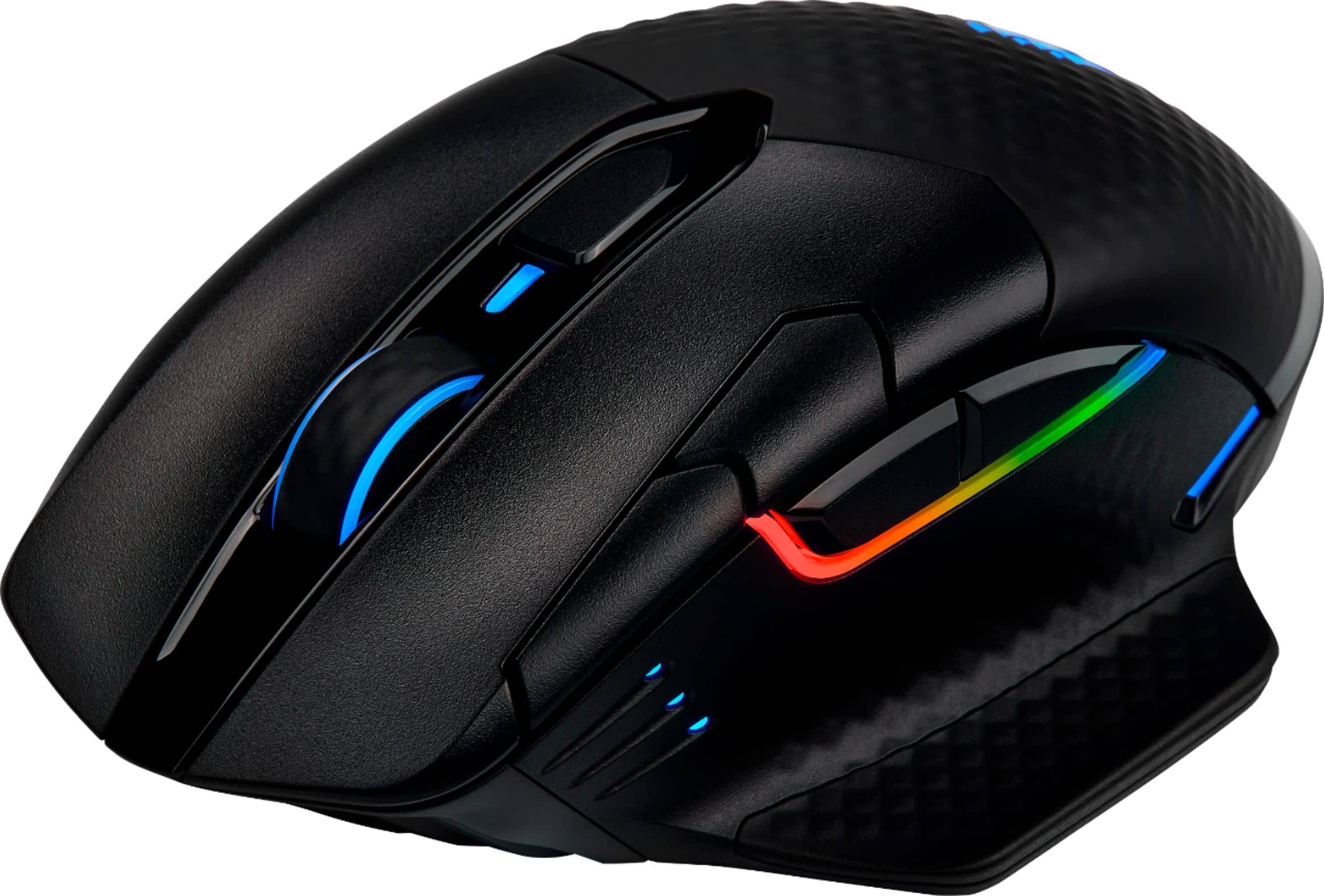
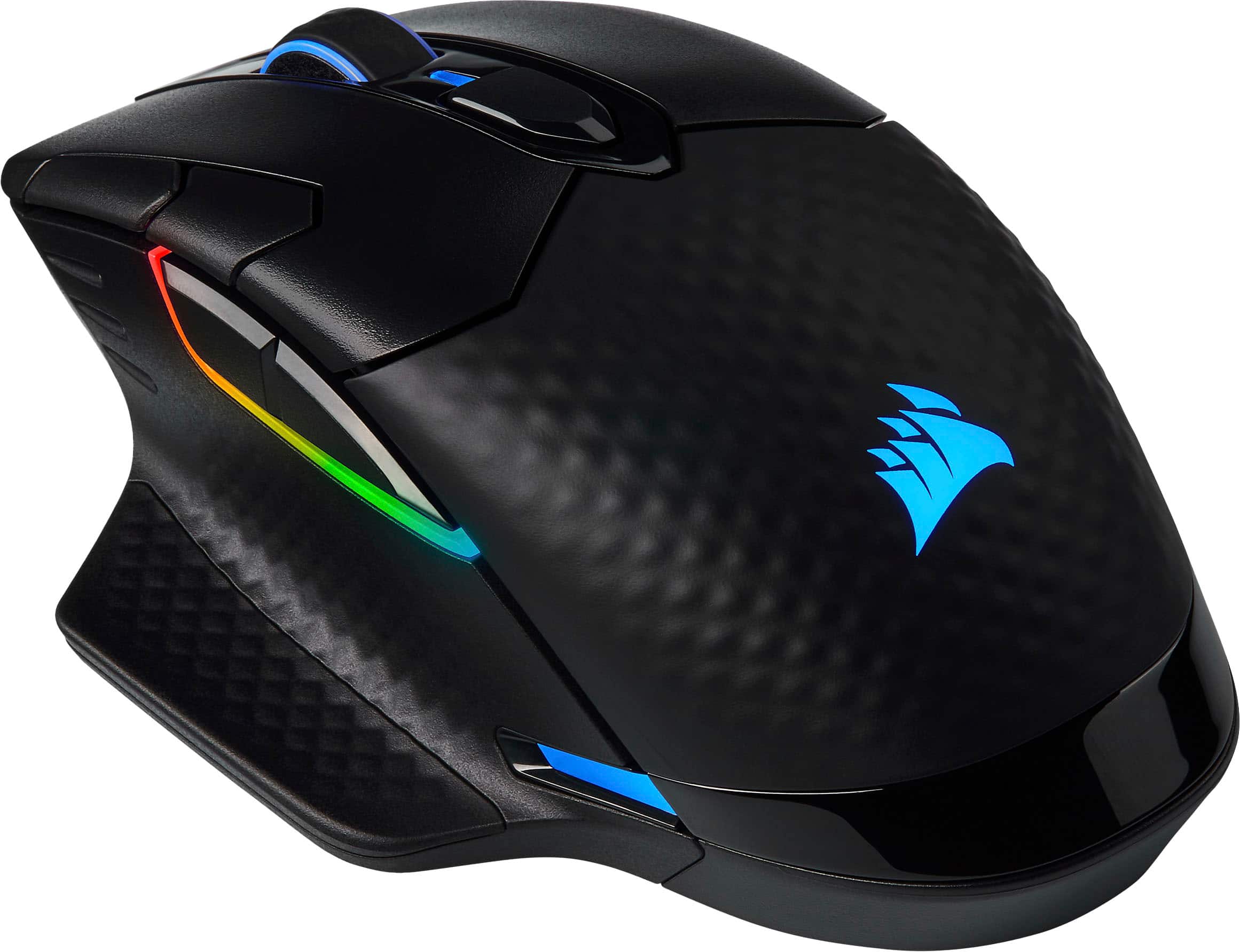
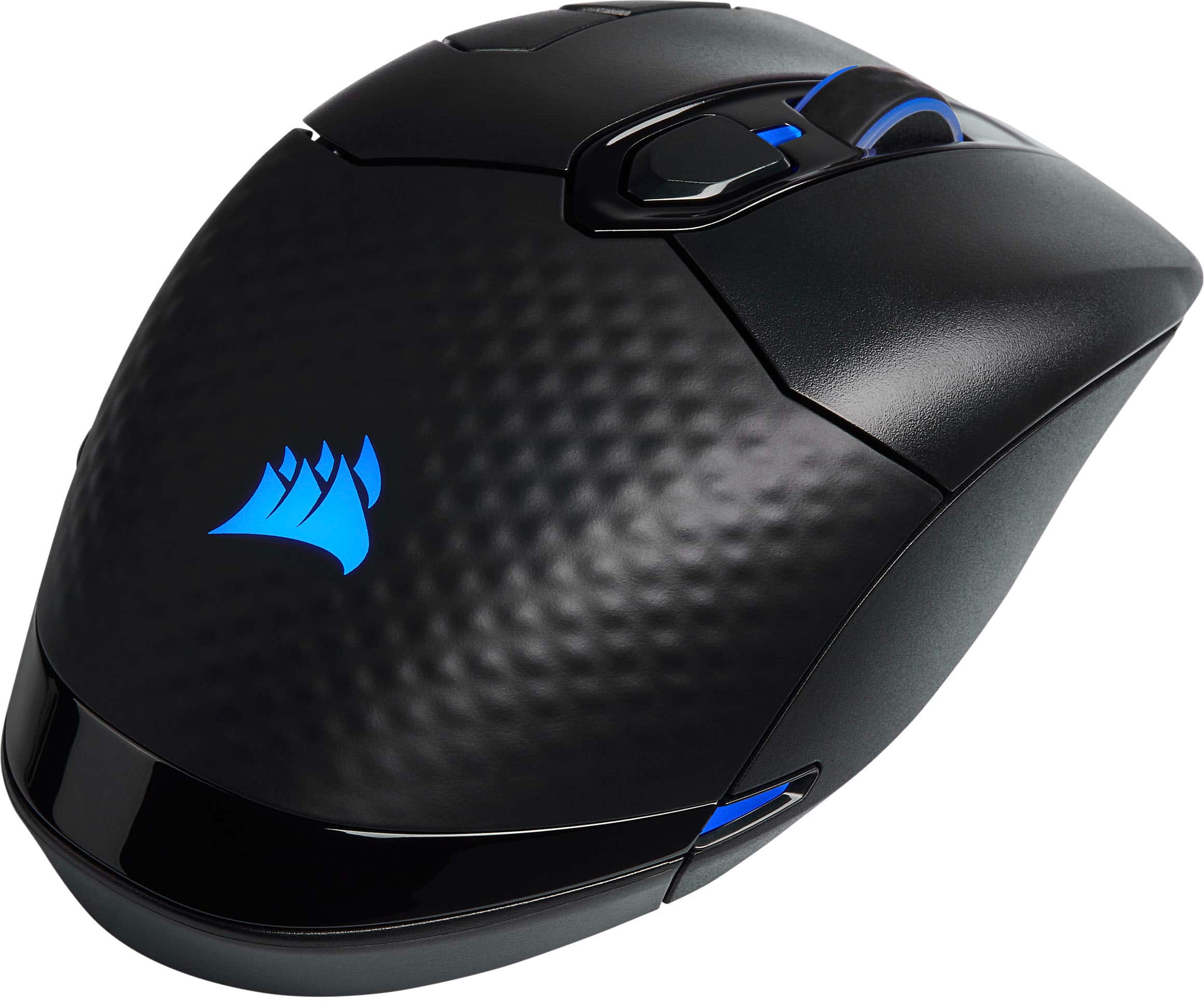
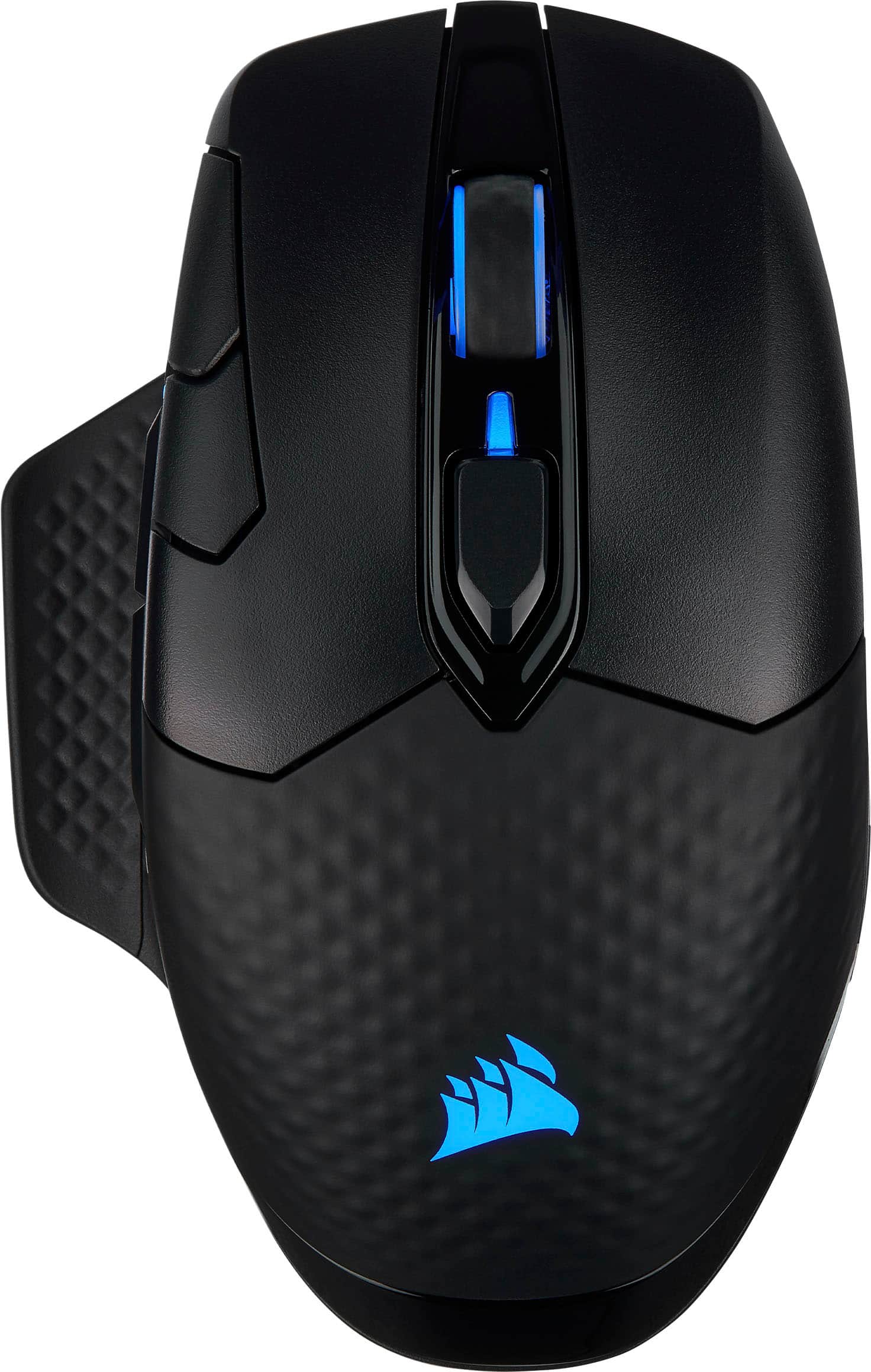
Customers are satisfied with the DARK CORE RGB PRO SE Wireless Optical Gaming Mouse's wireless functionality, long battery life, and vibrant RGB lighting. Many appreciate its comfortable design and responsive performance, while some experienced issues with the scroll wheel and software. The size and DPI settings also received positive feedback. A few users reported occasional connection problems.
This summary was generated by AI based on customer reviews.
Nice
||Posted . Owned for 1 week when reviewed.This reviewer received promo considerations or sweepstakes entry for writing a review.Nice and comfortable. Quick response time, i love it.
I would recommend this to a friendDark Core- poor connection
||Posted . Owned for more than 2 years when reviewed.This reviewer received promo considerations or sweepstakes entry for writing a review.Mouse worked well for about 1 year and then it stopped working wirelessly, now only works while wired, but connection is still sporadic.
No, I would not recommend this to a friendBrand response from Corsair
Posted .Hello,
Please contact our team directly right on our site for assistance with this!
-Art
Connection issues
||Posted . Owned for less than 1 week when reviewed.This reviewer received promo considerations or sweepstakes entry for writing a review.it was tood while it would connect. I turn on the pc today and the mouse will no respond. I took out the little wireless receiver and tried that again. Nothing happened. It just makes the connection sound but nothing else.
No, I would not recommend this to a friendBrand response from Corsair Art
Posted .Hi,
If you still have the mouse and you're still having issues, please reach out directly so we can help: support.corsair.com
-Art
Who Knows???
||Posted . Owned for 1 week when reviewed.This reviewer received promo considerations or sweepstakes entry for writing a review.Well I only gave it 1 star because I have no idea if its a good product or not. I purchased this in store brand new, got it home cut the plastic wrap off cut the sealed box it was in and opened it to find a used wired mouse of a different brand that was dirty, scratched up, and the wire on it was frayed like it had been used for years. I was completely thrown off by this and immediately returned it to the store and got something different.
No, I would not recommend this to a friendBrand response from Corsair
Posted .Hello,
That would be something to leave a review for, for the store. Please edit accordingly. And do let us know if you have any issues after you receive what you actually paid for.
-Art
Best mouse I’ve ever owned!
||Posted . Owned for 2 months when reviewed.This reviewer received promo considerations or sweepstakes entry for writing a review.No lie this is the best mouse ever! My game play on FPS has really improved. One made thing I noticed is the way the mouse is designed to keep your hand/fingers off your muse pad really helped my reaction time due to no drag from my hand. If you got big hands also this is a great mouse!
I would recommend this to a friendNot a good experience... x2
||Posted . Owned for 3 months when reviewed.This reviewer received promo considerations or sweepstakes entry for writing a review.I wanted to love this mouse. However, after the firmware and crashing iussues, it has caused me nothing but money and time. I have two RGB PRO SE devices that will not install the new firmware updates, and have left the mice virtually bricks.... two rainbow bricks. I have tried every troubleshooting measure known to man. My last resort is to RMA the devices. I love corsair, and have an entire system built with their produts, but I cannot vouch for this one. Two dead mice.... im out. Gonnna make the jump to logitech.
No, I would not recommend this to a friendBrand response from Corsair Art
Posted .H Patrick,
Sorry to hear about your experience. Considering our mice carry a 2-year warranty, we'd be happy to get the issue sorted out: support.corsair.com
-Albert
Good
||Posted . Owned for 1 month when reviewed.This reviewer received promo considerations or sweepstakes entry for writing a review.It is very good from having a cheap mouse to this helps
I would recommend this to a friendBrand response from Corsair
Posted .Hi SCZOMBIESLAYER,
Thank you for your feedback. If you have any questions or concerns, please feel free to contact us - we'd be happy to help: support.corsair.com
-Albert
Nice confortable mouse short life.
||Posted . Owned for more than 2 years when reviewed.This reviewer received promo considerations or sweepstakes entry for writing a review.I bought this mouse about 2 years ago after 8 months of use it completely stopped working. The manufacturer replaced it free of charge under warranty. It has now broken again this time with the warranty expired.
No, I would not recommend this to a friendBrand response from Corsair
Posted .Hello Eddy,
If you're just past the warranty expiration period I'd recommend reaching out to our team again to see if there's anything else they can still help.
-Art
Good luck with the brick and mortar
||Posted . Owned for 1 week when reviewed.This reviewer received promo considerations or sweepstakes entry for writing a review.Last time i ever go into a bestbuy store i guess wereing my work cloaths means i look like enough of a theif to for two secret shopppers to follow me around the store.. the the clerk accused me of switching the product out of the box i had in hand for annother one because the seirial number was t on the box.. terrible im shure there getting stuff stolen every day but thats not my problem. Ill go to a place that dosnt treat me like a criminal from now on..
No, I would not recommend this to a friendBrand response from Corsair
Posted .Hello Kristopher,
Please note this is irrelevant to the product itself and should be addressed with that store's management.
-Art
Not durable
||Posted . Owned for 3 months when reviewed.This reviewer received promo considerations or sweepstakes entry for writing a review.Have had the mouse less that a year and all the pain has come off other than that it has been a great mouse
No, I would not recommend this to a friendBrand response from Corsair
Posted .Hello,
Do contact our team so they can give this a look, you can reach out to them directly right on our site at any time!
-Art
Junk - Stopped working after a month and a half
||Posted . Owned for 3 weeks when reviewed.This reviewer received promo considerations or sweepstakes entry for writing a review.It received a firmware update via Corsair iCue, which failed. After that, it stopped working. I put in a ticket with Corsair, because I was like 9 days outside of my return with Best Buy, and have heard NOTHING. I have no problem troubleshooting computer parts. I build my own PCs and have worked in IT for decades. I went through extensive troubleshooting on my own to try to resolve this issue and nothing would fix it. The failed firmware update from the manufacturer basically bricked it, it doesn't even work on a different, known-good PC. Do not spend $80 on this mouse. In fact, don't buy Corsair mice at all. This is my fourth one, and I've finally learned my lesson. In all fairness, their other components seem solid.
No, I would not recommend this to a friendBrand response from Corsair Art
Posted .Hello,
Please reach out directly and speak to a supervisor over the phone, allow us to make these issues right: support.corsair.com
-Art
Poop
||Posted . Owned for 2 months when reviewed.This reviewer received promo considerations or sweepstakes entry for writing a review.This mouse is horrible. Nonresponsive, super laggy. Worst mouse I've ever purchased
No, I would not recommend this to a friendBrand response from Corsair
Posted .Hi Brent,
Sorry to hear about your experience. Have you updated your mouse's firmware to the latest version via our iCUE software? Please get in touch with us regarding the responsiveness, we'd appreciate the opportunity to get this resolved: support.corsair.com
-Albert
$100 Down The Drain.. Scroll Wheel Issues
||Posted . Owned for 1 year when reviewed.This reviewer received promo considerations or sweepstakes entry for writing a review.Scroll wheel does not function properly after less than a year, Corsair warranty and Best Buy support is unhelpful. I would not recommend this mouse, or Best Buy.
No, I would not recommend this to a friendlow quality
||Posted . Owned for 2 months when reviewed.This reviewer received promo considerations or sweepstakes entry for writing a review.mouse scrolling wheel didnt even last 3 months. mouse has a good hand feel if you have big hands, not recomended for baby hands.
No, I would not recommend this to a friendBrand response from Corsair
Posted .Hi,
Sorry to hear about your experience. Considering our mice carry a 2-year warranty, please contact support via our website - we'd appreciate the opportunity to further look into this and provide assistance.
-Albert

Nice
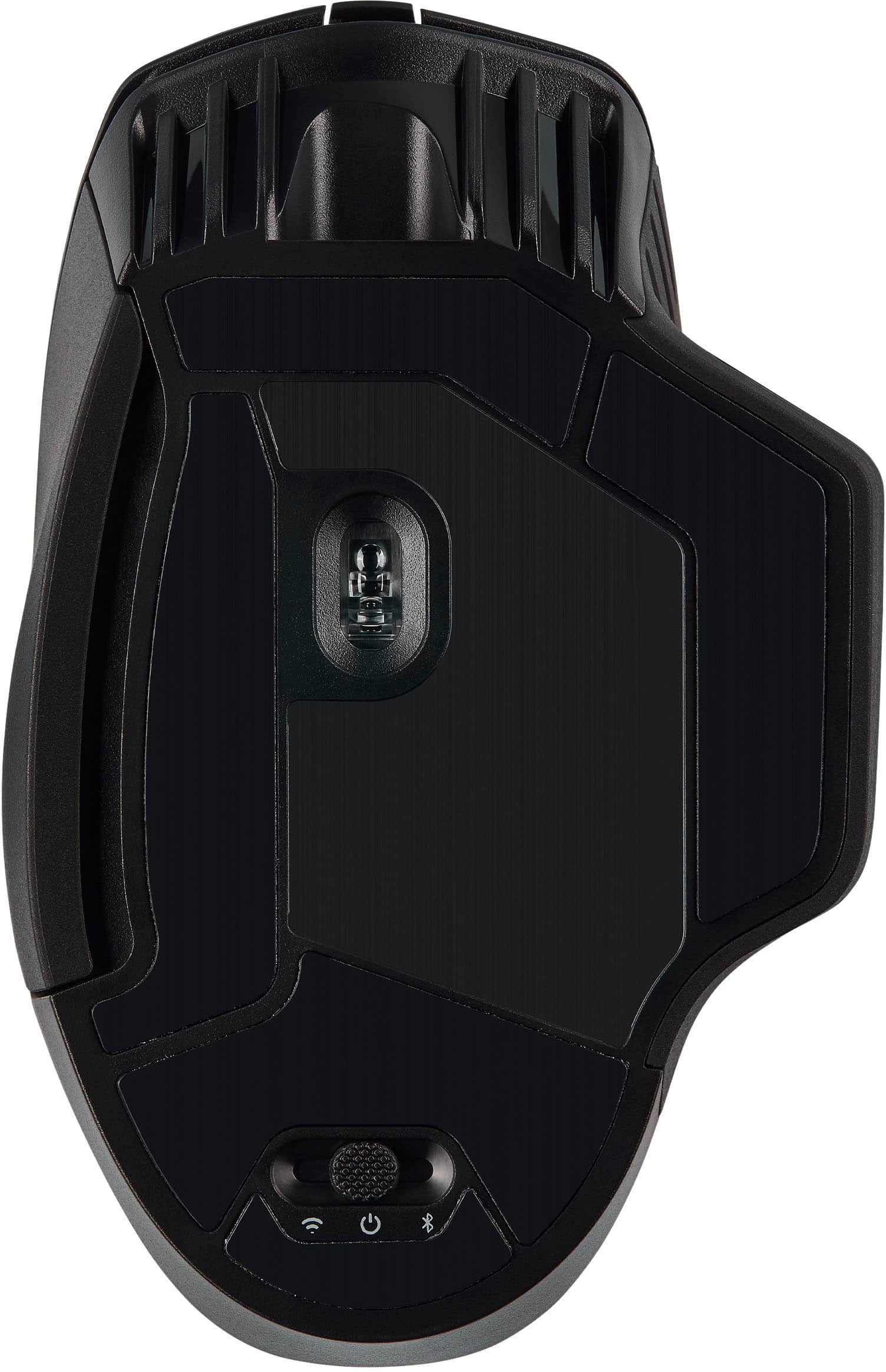
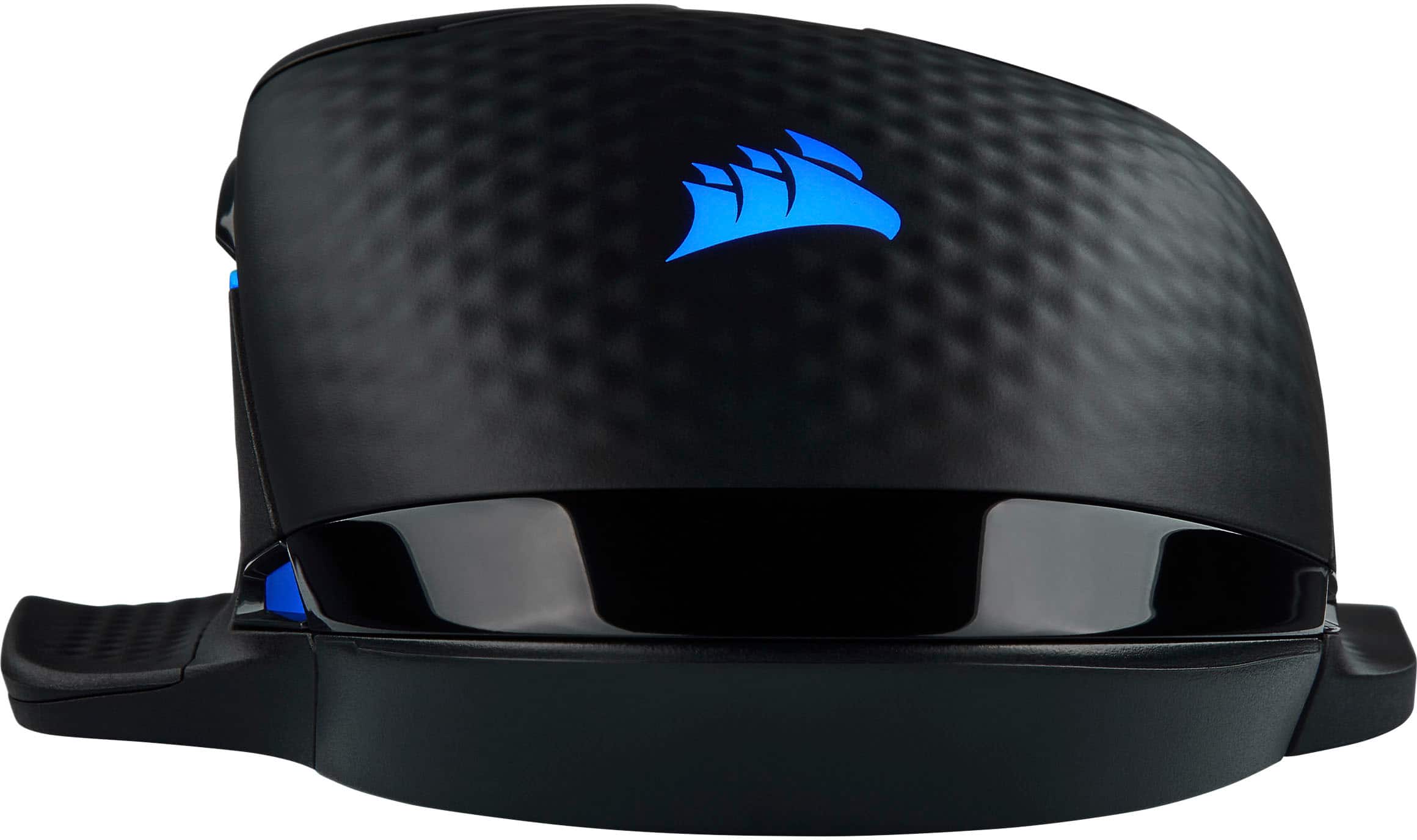
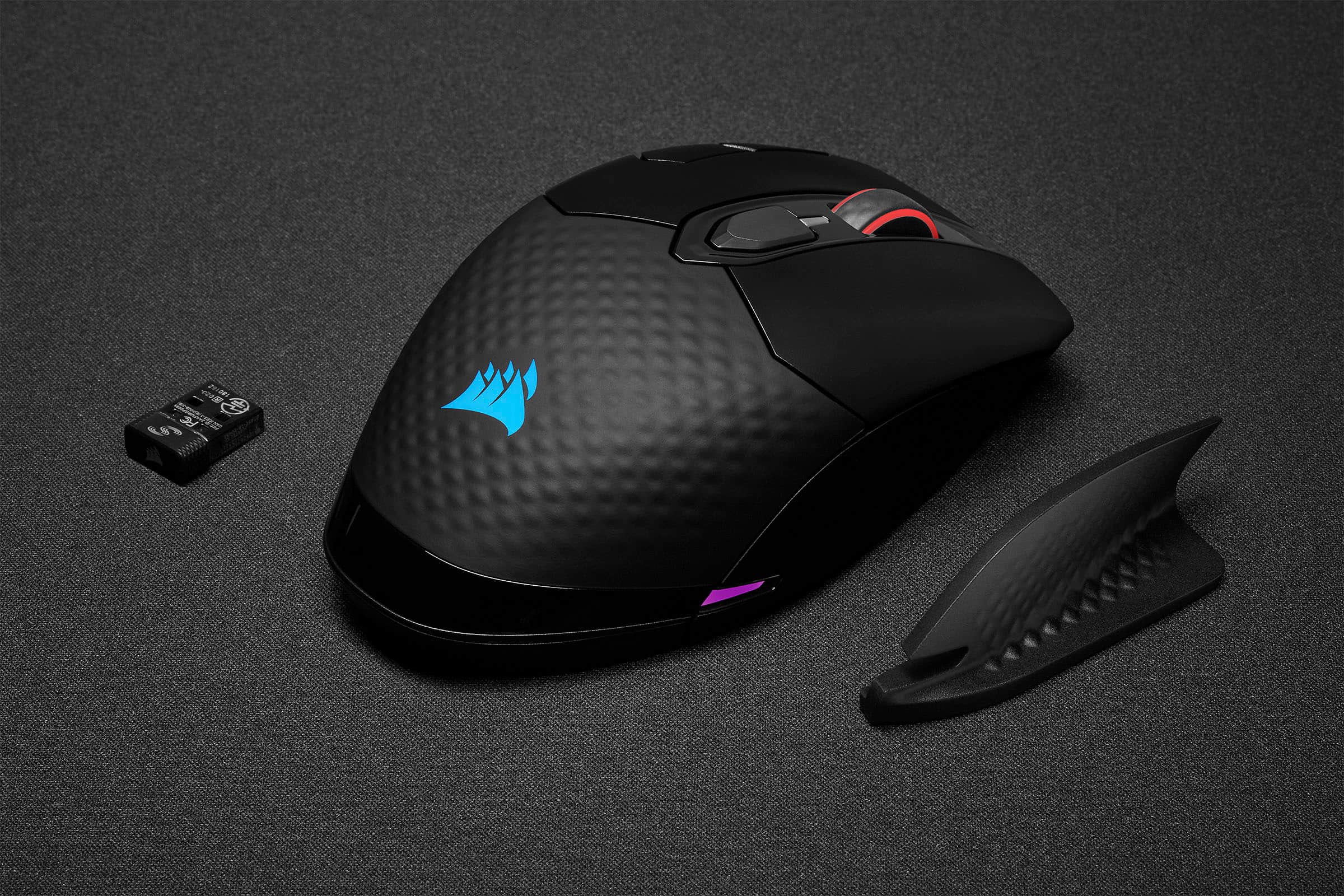
|Posted .This reviewer received promo considerations or sweepstakes entry for writing a review.Great mouse for gaming or regular use. Very responsive for games and cool RGB lighting. Has three modes for connection: wired, slipstream wireless using included usb dongle, and Bluetooth. qi charging is one of my favorite features but you can charge it with the wired connection too. It's kind of big compared with regular mice but fits my hand well and is quite comfortable to use. It includes an extra side piece with an extended flange that you can install on the right side if you like. The left side already has the flange. Has extra buttons for forward and back and dpi adjustments. Nice scroll wheel too. The iCUE software works well but not on Bluetooth. If you use the wired or slipstream wireless it works fine for changing lighting schemes, reassigning buttons, or creating macros. It also supports other corsair accessories like keyboards. Also has some extras such as dpi adjustments and some diagnostics. Bluetooth connection only seems to support the default settings which are still quite good. It's my new favorite mouse and likely will be for a long time. Get one if you want to win!
I would recommend this to a friendMid mouse
||Posted . Owned for 6 months when reviewed.This reviewer received promo considerations or sweepstakes entry for writing a review.Heavy and poor battery life compared to my old Logitech g703 wireless, while costing more. Works well but I'm only getting like 4 hours of battery life
No, I would not recommend this to a friendBrand response from Corsair
Posted .Hello,
Definitely faulty if that's all you're getting. Please contact our team directly at any time right on our site to get this resolved.
-Art
Wheel Stopped Working
||Posted . Owned for 1 year when reviewed.This reviewer received promo considerations or sweepstakes entry for writing a review.The mouse looked great and worked great. Then soon after the wheel stopped working. I looked up information on it and it is a common issue. I tried everything suggested and nothing worked. DO NOT BUY!!!
No, I would not recommend this to a friendBrand response from Corsair
Posted .Hi Thomas,
Sorry to hear about this issue affecting your mouse. Do contact our team directly right on our site for assistance with an exchange: help.corsair.com
-Art
Great mouse, but expensive.
|Posted .This reviewer received promo considerations or sweepstakes entry for writing a review.This is a great mouse. It is a little on the large side, but that is perfect for my large hands. It offers three different connection methods: a USB-C cable (which also allows charging), a wireless dongle, or Bluetooth (which I did not test). After you install the software, you can create different profiles (switch profiles using a button just below the scroll wheel). You can give each profile different macros and colors, both of which are easy to define. You can easily adjust DPI setting on the fly. It offers up to 2,000 Hz update rate over USB, or 1,000 Hz over wireless – fast enough for any twitch gamer. Wireless charging is an option if you supply your own charging mat or mousepad. Really, the only minor down side is that the software allows you to define a “sniper mode” DPI setting, but there is apparently no way to select this mode on this model mouse.
I would recommend this to a friendGood overall gaming mouse
||Posted . Owned for 1 month when reviewed.This reviewer received promo considerations or sweepstakes entry for writing a review.Great gaming mouse same DPI as most wired mice. Negatives bulky in hand. bad battery life, I was charging it every day
I would recommend this to a friendBrand response from Corsair
Posted .Hi,
We appreciate your feedback and understand every user has unique preferences. If you require assistance looking for a suitable mouse, please refer to our Mouse Finder Quiz. In regard to the battery life, please contact us - we'd appreciate the opportunity to further look into this and provide assistance: help.corsair.com
-Albert
Wireless never works
||Posted . Owned for 1 year when reviewed.This reviewer received promo considerations or sweepstakes entry for writing a review.This mouse feels great, but the wireless is horrible. Never wants to work correctly, loses charge over time & i’m using a wire 24/7 now because the wireless just simply does not work anymore.
No, I would not recommend this to a friendBrand response from Corsair
Posted .Hi Ivan,
Sorry to hear you're experiencing an issue with the wireless connection. Have you updated your mouse's firmware to the latest version via our iCUE software? If the issue persists, please get in touch with us - we'd be happy to help: support.corsair.com
-Albert