Customer Ratings & Reviews

- Model:
- CH-9315511-NA
- SKU:
- 6393999
Rating by feature
- Value
Rating 4.4 out of 5 stars
- Quality
Rating 4.5 out of 5 stars
- Ease of Use
Rating 4.6 out of 5 stars
to a friend
Customers are saying
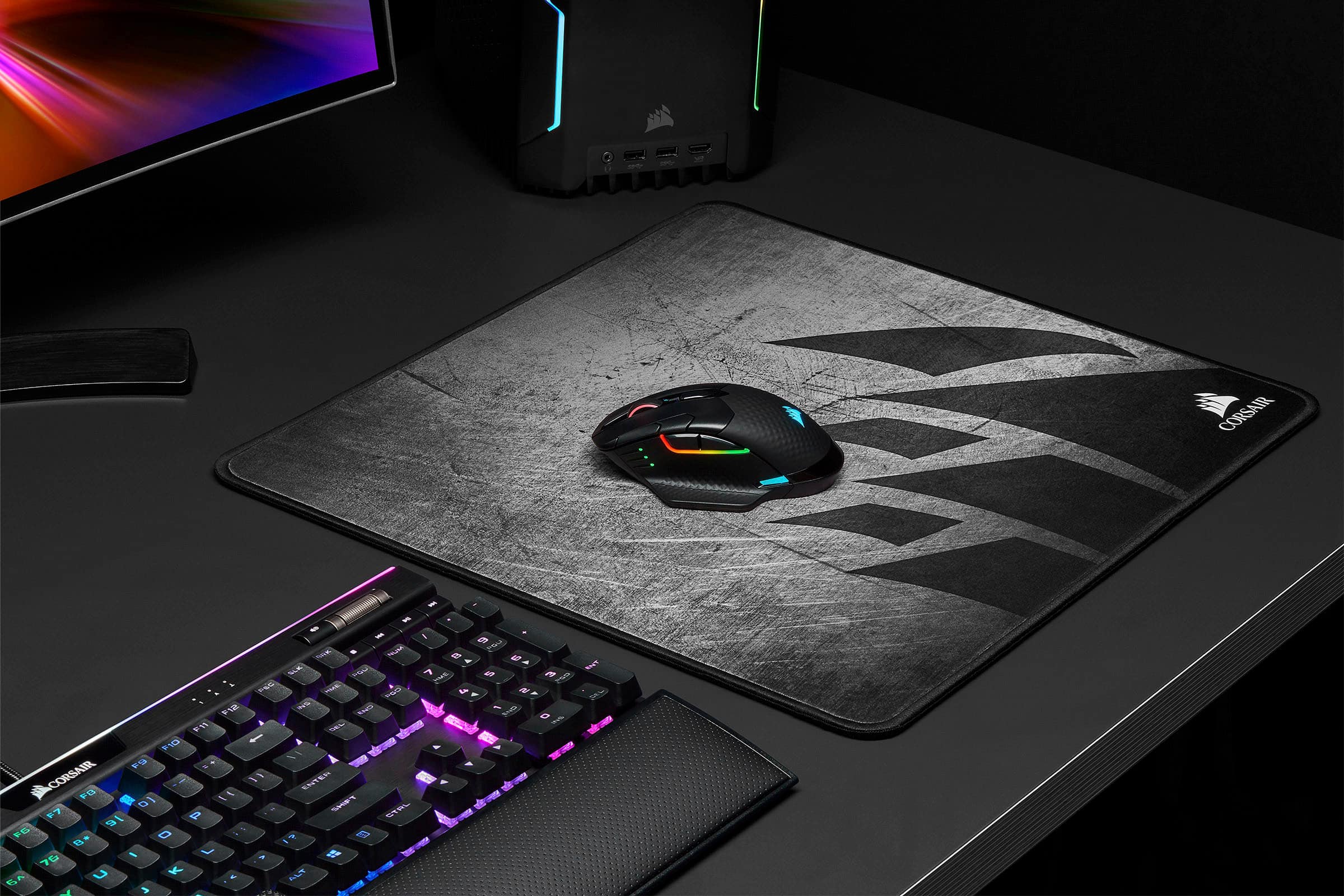
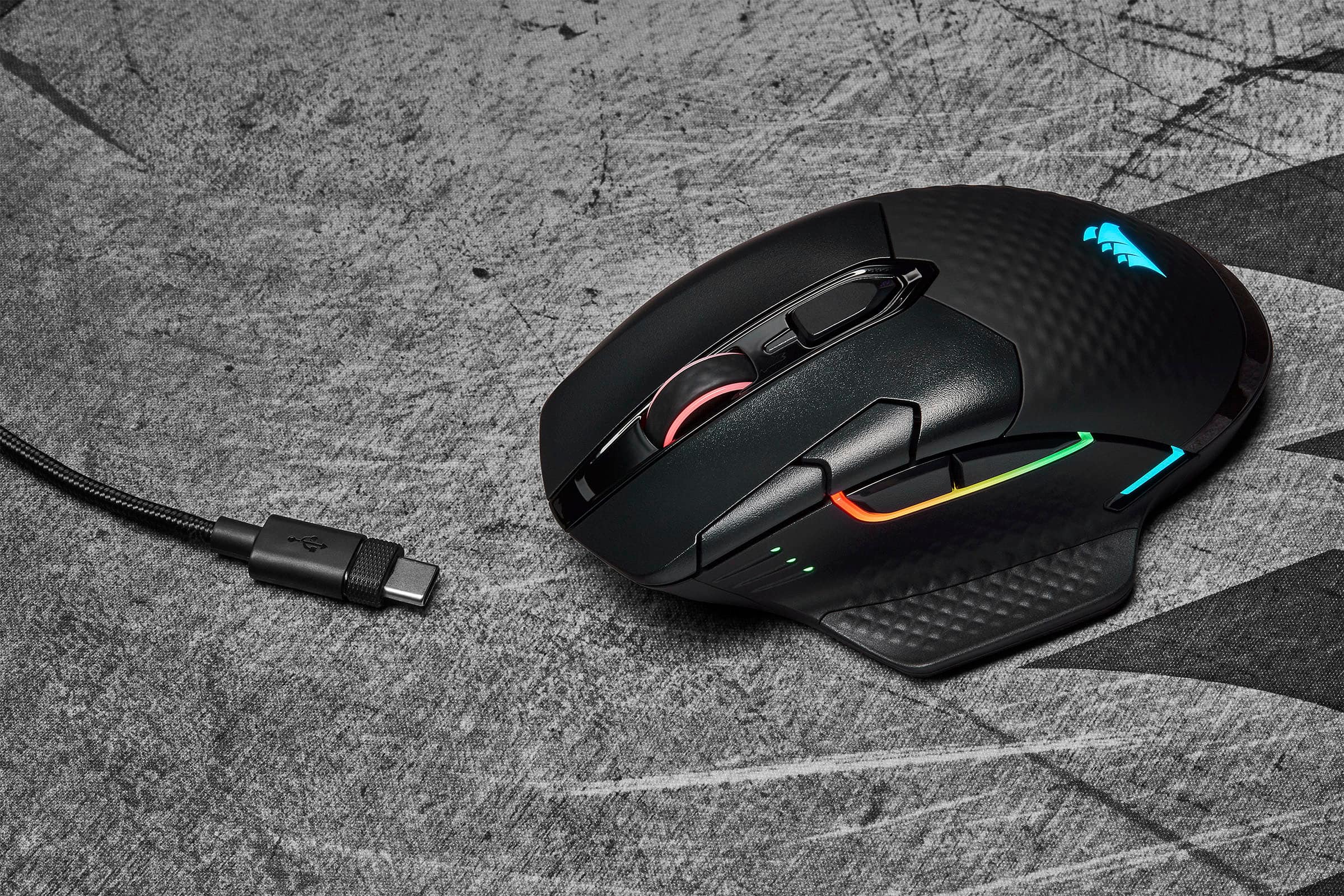
Customers are satisfied with the DARK CORE RGB PRO SE Wireless Optical Gaming Mouse's wireless functionality, long battery life, and vibrant RGB lighting. Many appreciate its comfortable design and responsive performance, while some experienced issues with the scroll wheel and software. The size and DPI settings also received positive feedback. A few users reported occasional connection problems.
This summary was generated by AI based on customer reviews.
Sexy Mouse Died After 4 Months
||Posted . Owned for 4 months when reviewed.This reviewer received promo considerations or sweepstakes entry for writing a review.This is a beautiful mouse. Very fast and accurate. Wonderful color patterns. Bought it in April 2020 and in 4 months it just stopped working. The warranty period is 30 days. So now I'm stuck with a $97.41 piece of black plastic. I've gone back to my Logitech G502.
No, I would not recommend this to a friendBrand response from Corsair Art
Posted .Hi,
And Sorry to hear. Please allow us to help directly, reach out at any time: support.corsair.com
-Art
Love this mouse!
||Posted . Owned for 1 month when reviewed.This reviewer received promo considerations or sweepstakes entry for writing a review.This is a great mouse. I just wish it had a few more buttons.
I would recommend this to a friendBroken
||Posted . Owned for less than 1 week when reviewed.This reviewer received promo considerations or sweepstakes entry for writing a review.Item came damaged, the right click doesn't work, never had problems with Corsair.
No, I would not recommend this to a friendBrand response from Corsair Art
Posted .Hi Tatyrose,
Sorry to hear, Reach out to Best Buy for an exchange if you're within the return period. Or, reach out to our support team so we can work with you directly.
-Brian
Mouse
||Posted . Owned for 1 year when reviewed.This reviewer received promo considerations or sweepstakes entry for writing a review.Nice design, easy to use. good price and gets used a lot.
I would recommend this to a friendTrash, don't buy.
||Posted . Owned for 1.5 years when reviewed.This reviewer received promo considerations or sweepstakes entry for writing a review.Worst mouse I've ever owned. Skips, lags, etc.. trash.
No, I would not recommend this to a friendBrand response from Corsair
Posted .Hello Burt,
Do allow our team to assist, you can contact them directly on our site: help.corsair.com
-Art
TRASH!!
||Posted . Owned for 8 months when reviewed.This reviewer received promo considerations or sweepstakes entry for writing a review.they don't last I've had three under warranty its to bad I wanted it to work but if its not going to work what's the point throw the trash out get something else.
No, I would not recommend this to a friendBrand response from Corsair
Posted .Hi,
Sorry to hear about your experience. Considering our mice carry a 2-year warranty, we'd appreciate the opportunity to further look into this and provide a replacement for each unit under warranty - please reach out directly to our Support Escalation team at SES@corsair.com with a screenshot of this review and our team will assist you ASAP.
-Albert
No bueno
||Posted . Owned for 3 weeks when reviewed.This reviewer received promo considerations or sweepstakes entry for writing a review.When you lift this mouse off the pad, it still picks up your movement for a split second after, which means unwanted movement. After playing on a logitech 903 lights speed, this corsair is unbearable. Would not recommend for gamers.
No, I would not recommend this to a friendBrand response from Corsair Art
Posted .Hi badwabbitTV,
Sorry to hear, have to adjusted the lift height setting in our iCUE software? If you'd like help, please reach out to our support team: support.corsair.com
-Brian

RGB Fully Customizable Gaming Mouse
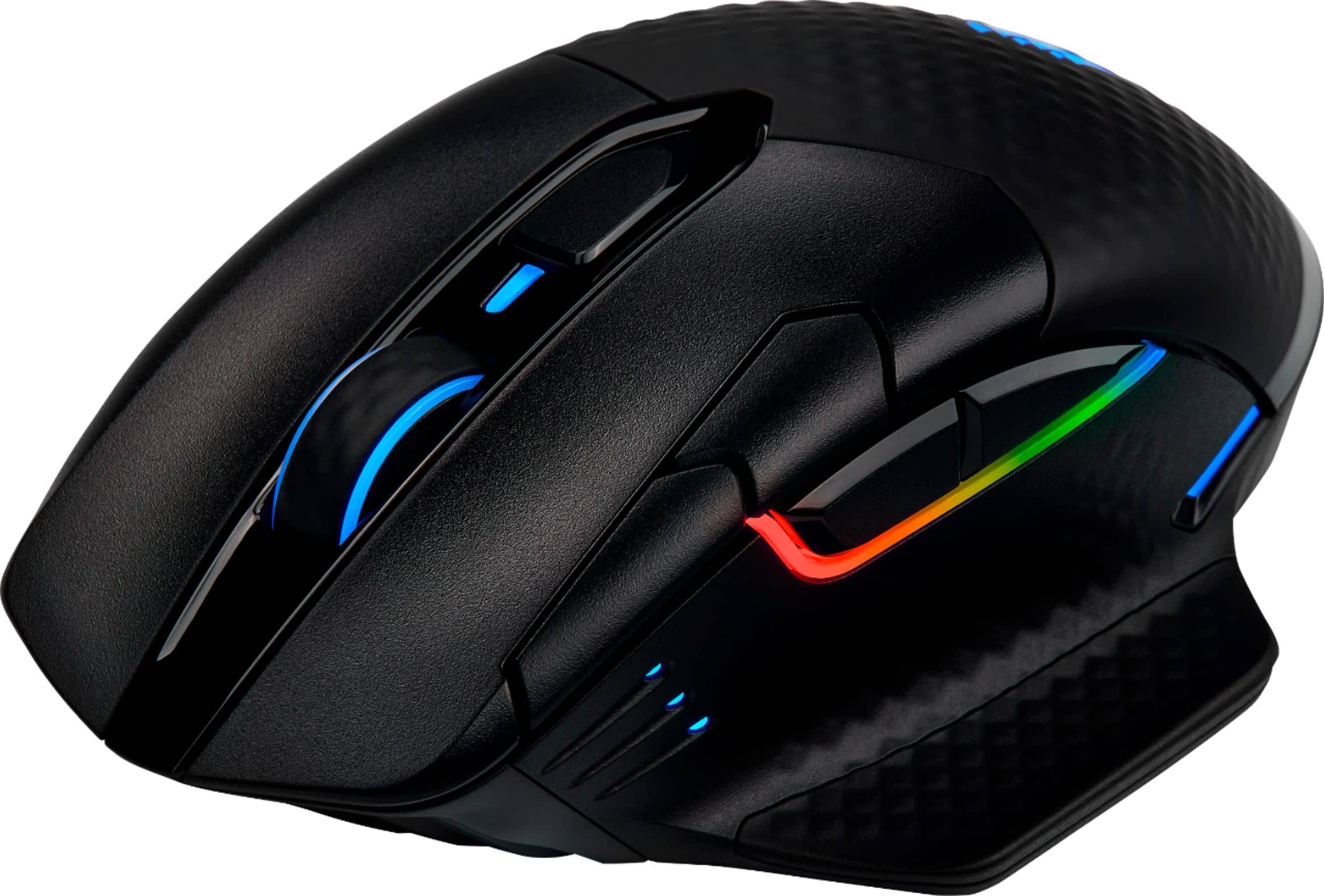
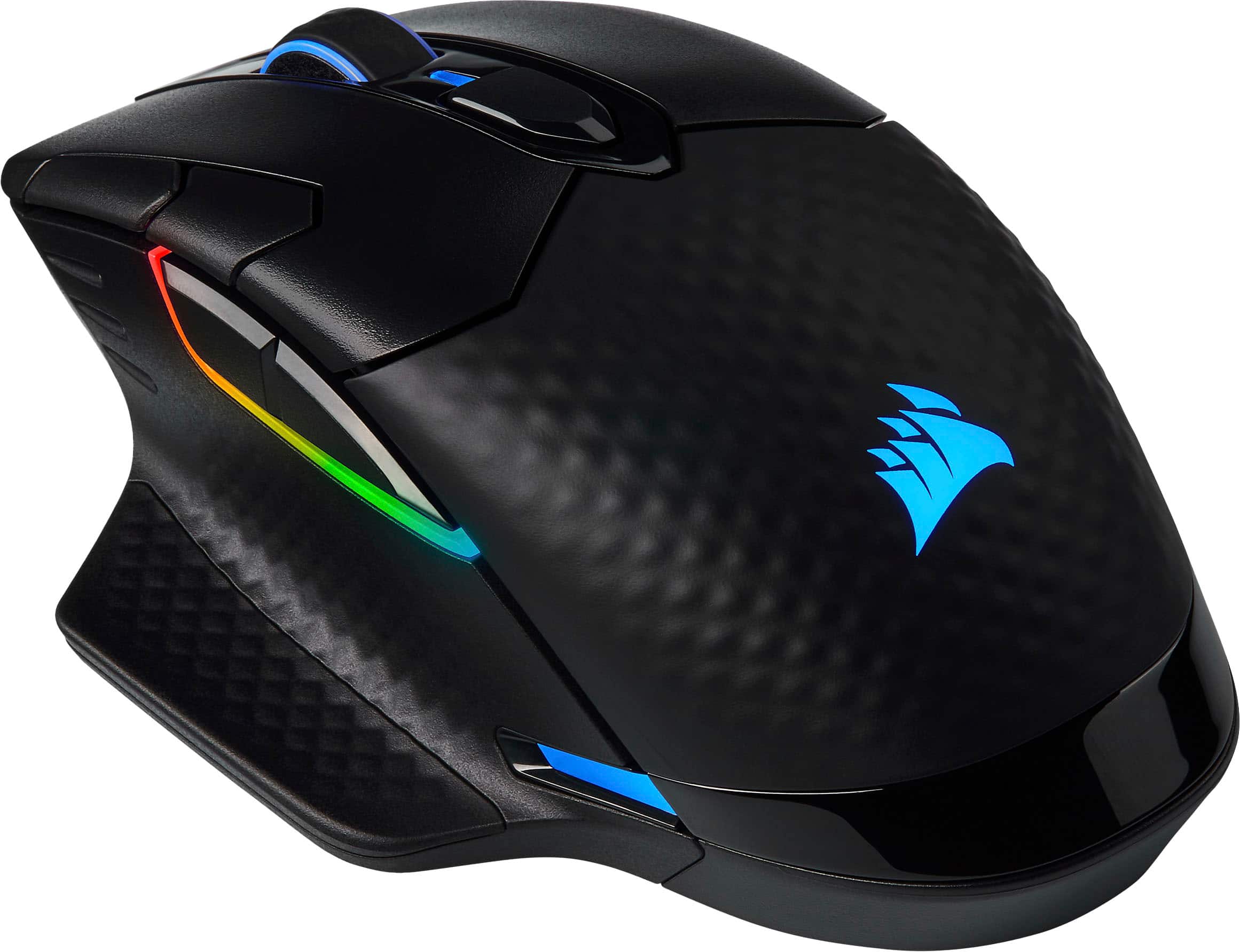
|Posted .This reviewer received promo considerations or sweepstakes entry for writing a review.Pros: - Ergonomically I really enjoy the optional extended finger rest that goes on the right side of the mouse. With most mice, your ring finger kind of hugs the side of the mouse, with the optional extension, you can relax your hand. For me, this lets me have more of a reflex reaction when gaming compared to having direct the mouse. - RGB. ICUE software syncs all the ICUE devices. I have my water cooler, case fans, ram, and now gaming mouse all synced on the same profiles. Options are endless and you can spend many hours or just a few minutes customizing your rig with amazing results. - You can customize almost every button. Whether you want a macro, text, remap a key or button, or disable it if it’s not necessary to the game you’re playing. The software is intuitive and makes setting - Wireless options. This mouse gives you the option between using the wireless usb dongle (which has a storage location in the mouse) and Bluetooth. This really allows you to use this mouse between multiple devices without having to plug and unplug a dongle, especially if you have a main rig but also do gaming on a mobile device like a gaming laptop. - USB C charge port. Cons: - Scroll wheel needs a little bit more grip for me. I find myself pressing it in as a button when I only intend to scroll the wheel. This is the only real problem for me. - The mouse is a bit on the heavy side and with the extension, and a bit larger than your average mouse. I like the heft because it gives me more precision, but others may find it a bit too heavy. Final Thoughts Corsair really put a lot of thought into customization from the RGB, to customizable buttons, to even how you connect the device. Definitely for anyone who likes options.
I would recommend this to a friendThis Unit Had A Very SHORT Life
||Posted . Owned for 1 month when reviewed.This reviewer received promo considerations or sweepstakes entry for writing a review.Sadly, it quit working last Friday. It was dead as if it needed charging but it was plugged into the wall. so it had been charging night. I wasn't happy about it.
No, I would not recommend this to a friendBrand response from Corsair
Posted .Hi,
Sorry to hear about your experience. Considering our mice carry a 2-year warranty, we'd appreciate the opportunity to get this resolved. Please reach out directly to our Support Escalation team at SES@corsair.com with a screenshot of this review and our team will assist you ASAP.
-Albert
Junk
||Posted . Owned for 3 weeks when reviewed.This reviewer received promo considerations or sweepstakes entry for writing a review.Bad quality manufacturing, overall uncomfortable and disappointing. I won't be buying from this manufacturer again.
No, I would not recommend this to a friendBrand response from Corsair
Posted .Hello Damien,
What seem to be the issues, specifically? Please contact our team directly right on our site online for assistance.
-Art
Dead battery after 6 months
||Posted . Owned for 7 months when reviewed.This reviewer received promo considerations or sweepstakes entry for writing a review.Battery went dead after about 6 months - would not hold a charge long and eventually stopped taking a charge altogether
No, I would not recommend this to a friendBrand response from Corsair
Posted .Hello Mason,
Our team can assist, please reach out to them at any time right on our site.
-Art
Best mouse I've ever used
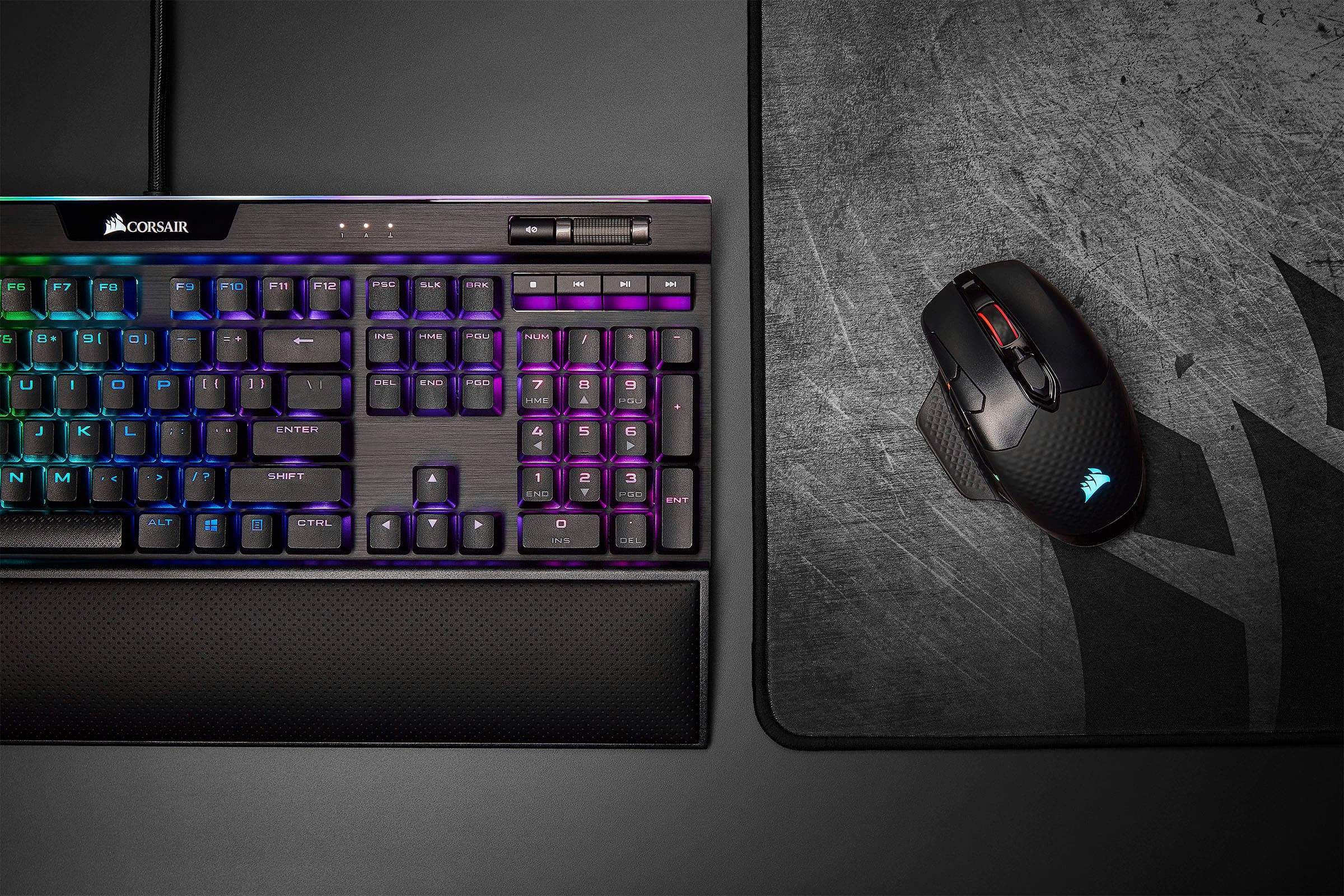
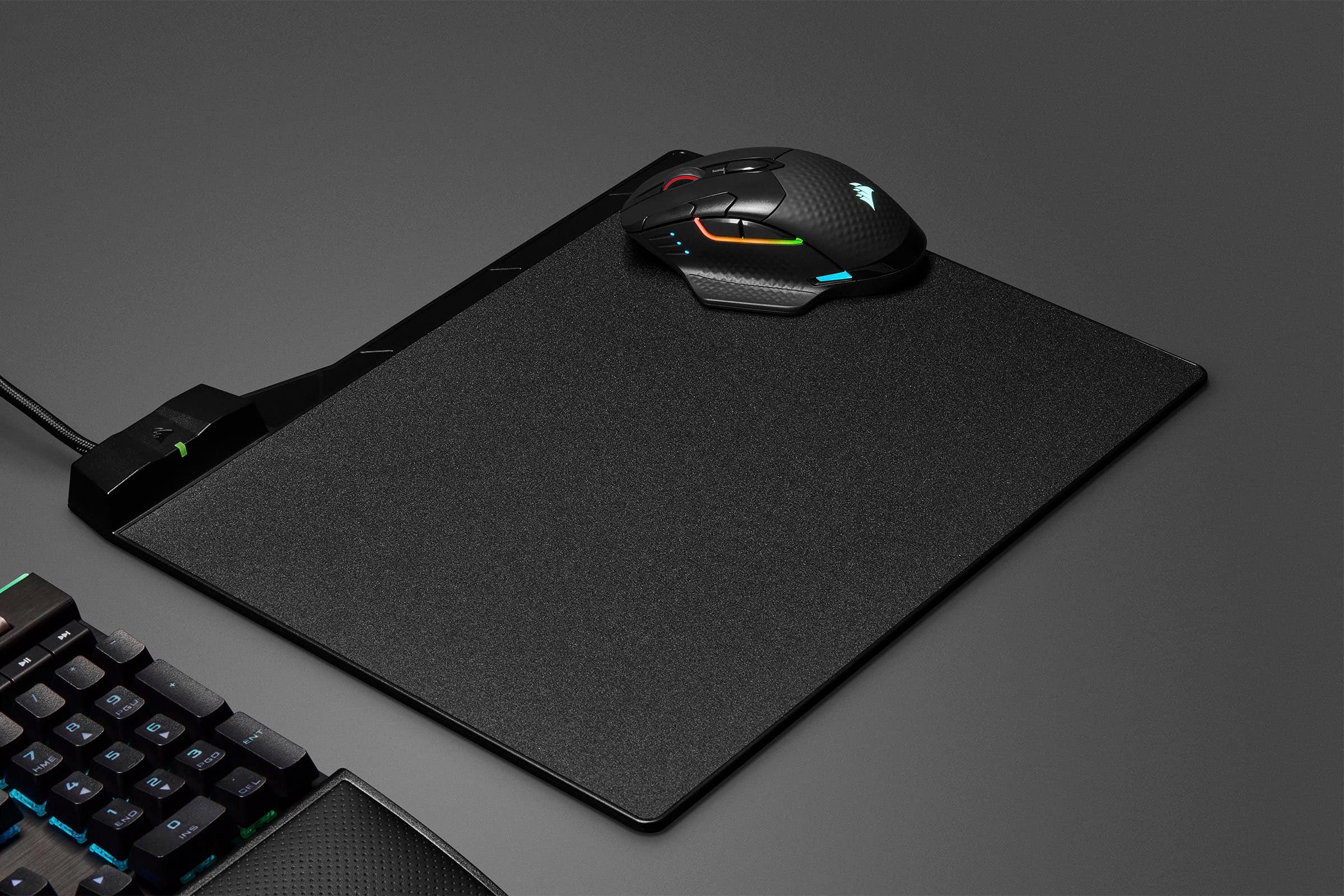
|Posted .This reviewer received promo considerations or sweepstakes entry for writing a review.This mouse is a work of art. Absolutely the most comfortable mouse I've ever used. The thumb rest is such a welcome feeling for long periods of use, It fits my hand perfectly. It also includes another thumb rest to install for the lefthanders. I'm a pushover for lighting and the lighting on this is awesome and is a perfect match for my Corsair keyboard. Using the ICUE software, I can match everything up perfectly. There are more options in that software than I know what to do with so I plan on doing some fine tuning but just the basic settings should please everyone. The QI charging is sweet. I can just drop it on my phone pad when I'm using the phone and it charges right up. I'll never need to dig around for the wire to charge it although it does come with a nice high quality braided USB-C wire. I'll probably end up repurposing that for my car. Since it's a USB-C cable and a couple of my laptops have that only, I can also just plug in to any of those and use the mouse wired without having to swap things out. Great feature to see a mouse go USB-C. Not sure how common that has become but it's a first for me. This mouse is a real winner. Comfortable, super fast, looks awesome and extremely accurate.What more could I want?
I would recommend this to a friendPaperweight
||Posted . Owned for 3 months when reviewed.This reviewer received promo considerations or sweepstakes entry for writing a review.Bought this mouse around Christmas; today it completely died and won’t charge. For how expensive these things are, you’d expect it to last longer than it did.
No, I would not recommend this to a friendBrand response from Corsair Art
Posted .Hi,
Sorry to hear your mouse has stopped working. Considering our mice carry a 2-year warranty, please get in touch with us - we'd be happy to get you a replacement: support.corsair.com
-Albert
Died in two weeks
||Posted . Owned for 2 weeks when reviewed.This reviewer received promo considerations or sweepstakes entry for writing a review.Worked great for two weeks then died overnight while charging. Too late to return to Best Buy.
No, I would not recommend this to a friendBrand response from Corsair
Posted .Hello,
Sorry to hear. Please know you can still get assistance from our team, do contact them at any time right on our site.
-Art
Great feel but lack of quality control
||Posted . Owned for less than 1 week when reviewed.This reviewer received promo considerations or sweepstakes entry for writing a review.Broke within 72 hours. Went dead and won’t charge. Others may have a similar experience if purchased.
No, I would not recommend this to a friendBrand response from Corsair Art
Posted .Hi ChrisMc,
Sorry to hear that the mouse had issues so soon, we'd like to help. Please reach out to our support so we can work directly: support.corsair.com
-Brian
Thought wireless gaming mice were good :(
||Posted . Owned for 1 month when reviewed.This reviewer received promo considerations or sweepstakes entry for writing a review.Worked great for like a month. Now is lagging and disconnecting randomly
No, I would not recommend this to a friendBrand response from Corsair Art
Posted .Hi Julian,
Sorry to hear you're experiencing an unstable connection. Please get in touch with us, we'd be happy to help sort out the issue: support.corsair.com
-Albert
Comfortable but not Invincible
Posted .This reviewer received promo considerations or sweepstakes entry for writing a review.This is the most comfortable mouse I've ever used, I have large hand and the pinky guard is blessing. I bought this in 2021 and the middle click eventually broke. Corsair replaced it with a refurbished one. And now the scroll wheel on the refurb is going out. I'm going to get another because there is no comparable model that's as comfortable and the software works very well with it.
I would recommend this to a friendA MOUSE FIT FOR A KING
Posted . Owned for 1 week when reviewed.This reviewer received promo considerations or sweepstakes entry for writing a review.Phenomenal ergonomics and smooth transition with incredible response. RGB is awesome too multiple settings. The battery is godly. The best festure is its connectivity. Bluetooth, usb remote plugin w/usb-c cable and wifi. You will never miss a beat with this mouse. I would definitely recommend
I would recommend this to a friendFast response and long lasting battery
|Posted .This reviewer received promo considerations or sweepstakes entry for writing a review.I have enjoyed using the corsair dark core rgb mouse thoroughly. I don't have any fancy equipment or software to measure how fast the response times are with this mouse, but I have not been able to tell the difference between this mouse and other wired and wireless gaming mouse that I have used and still use. Ths mouse is a little bigger than some, more like my old Logitech G7 in size, but to me, the mouse is still very comfortable. Battery life has been excellent! I think I have seen it advertised as lasting 24 hours of use, and I am sure that number is obtainable with the unit I have. I haven't found any negatives with this mouse to speak of. Even though I have several units that I can use, Lately, I have found myself reaching for this one when I need to win a battle! I think you will find it will fit almost everyone's needs. There is a charging pad that you can buy for this mouse, but it is compatible with about any Qi charging pad you may already own.
I would recommend this to a friendA mouse that’s two steps forward, one step back
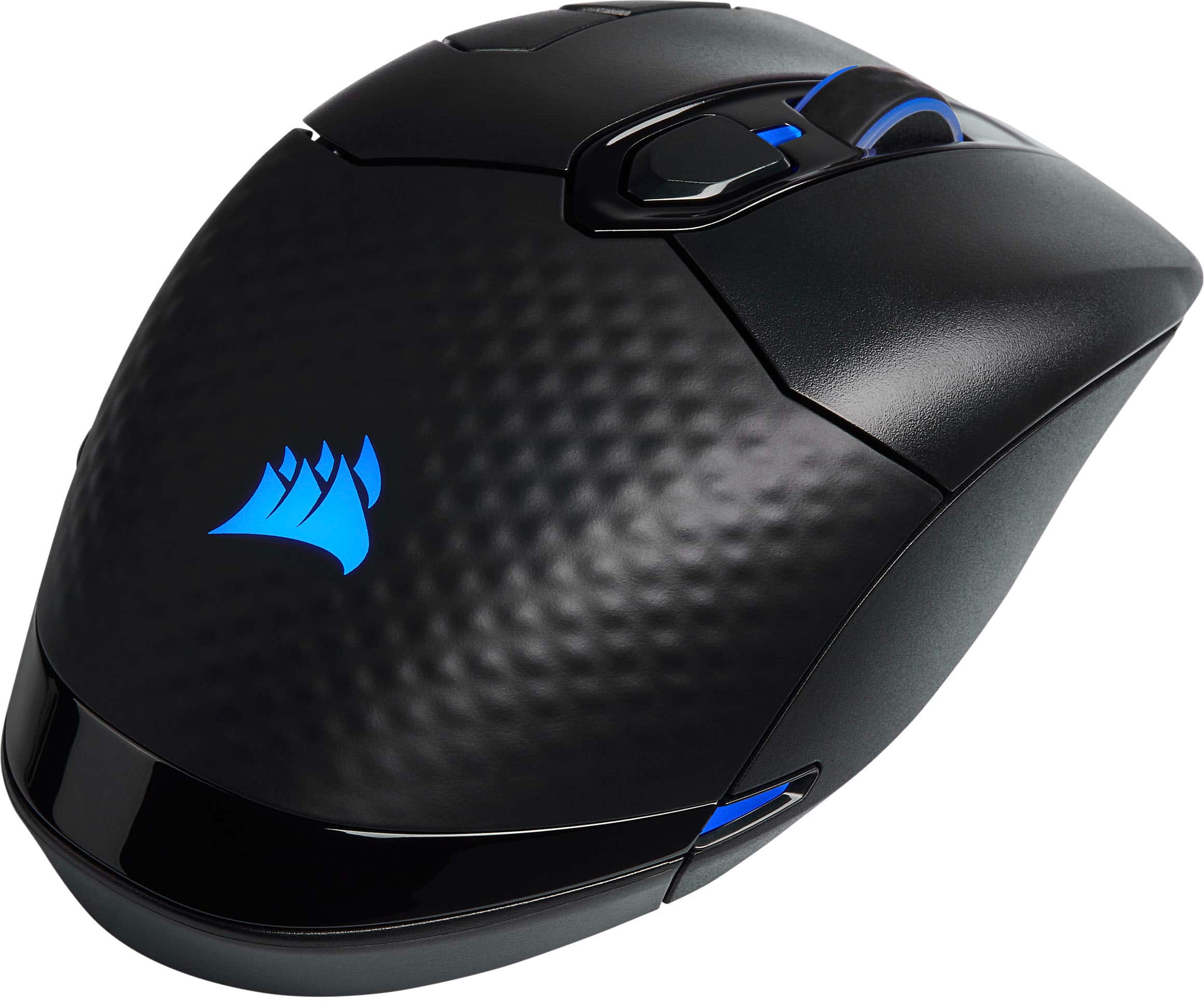
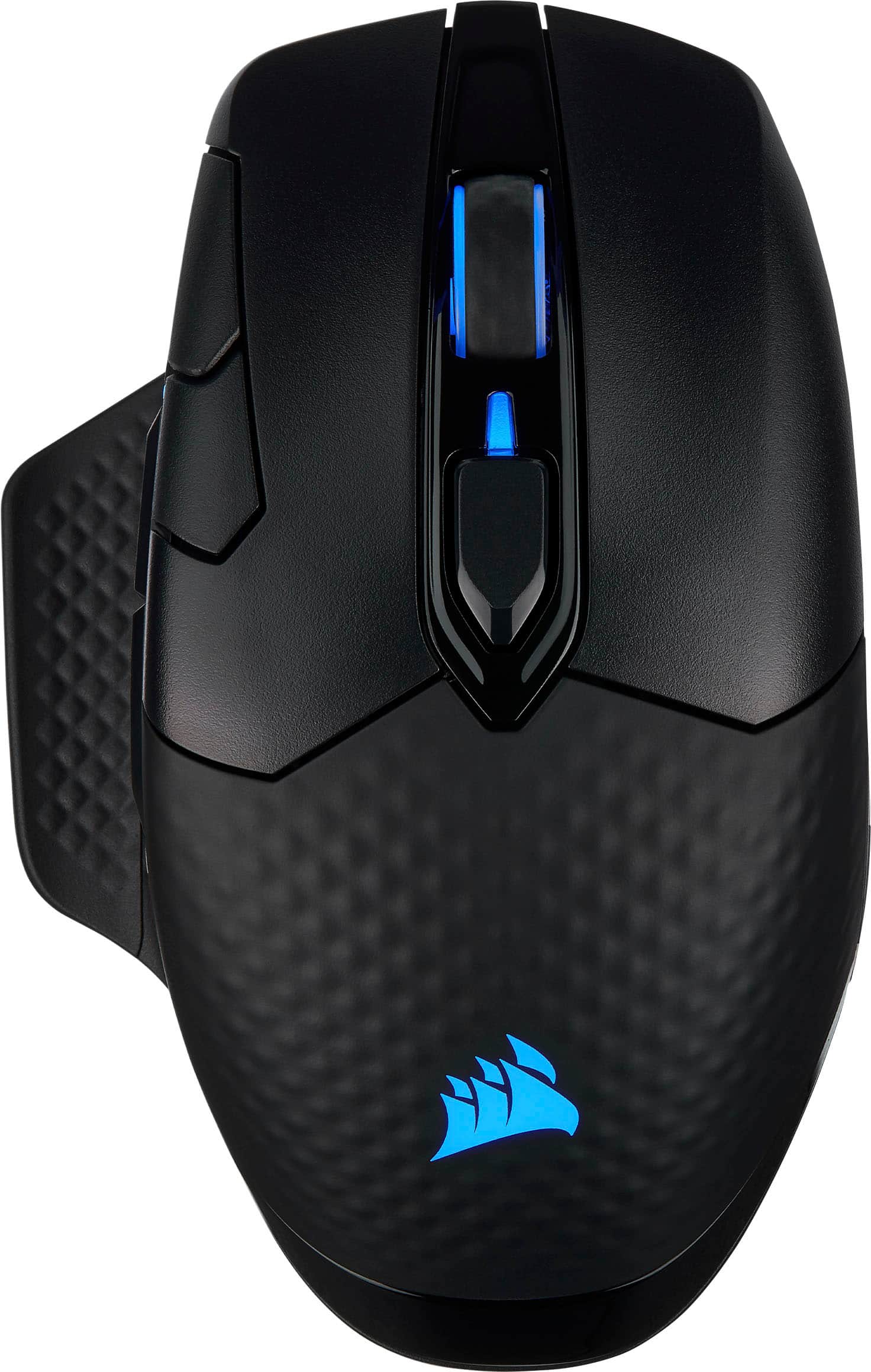
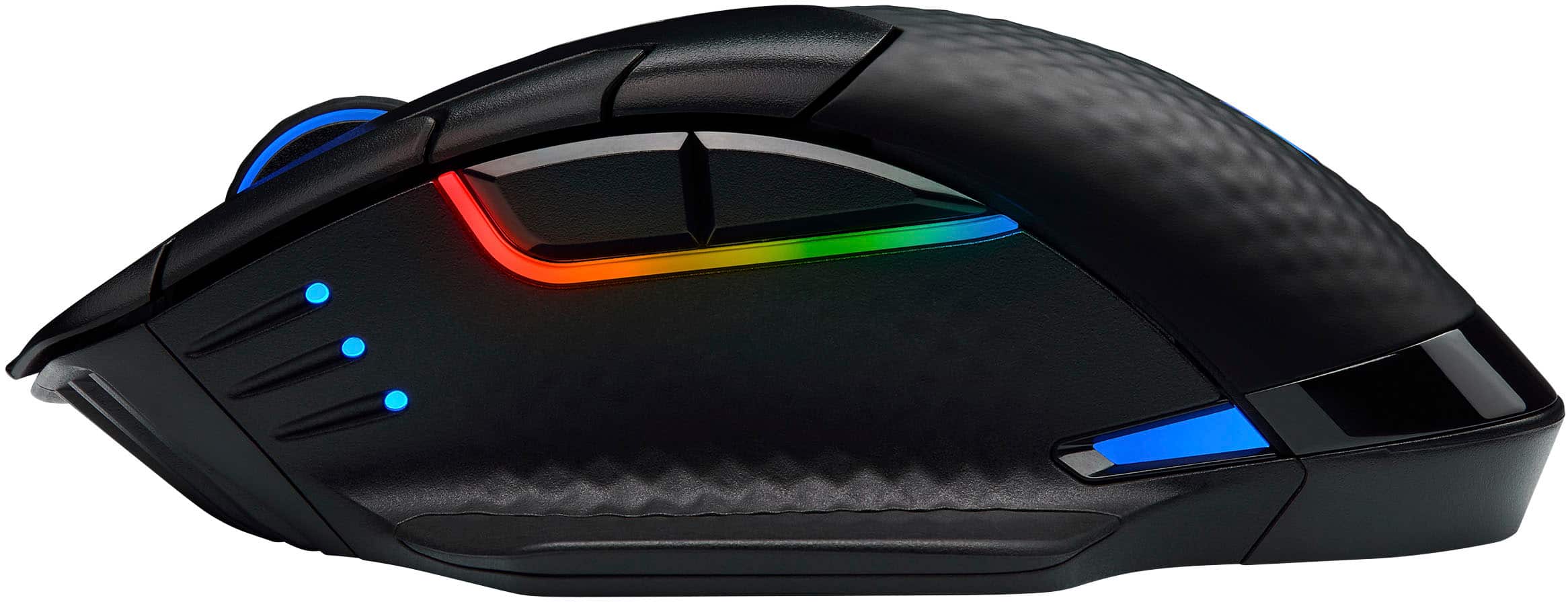
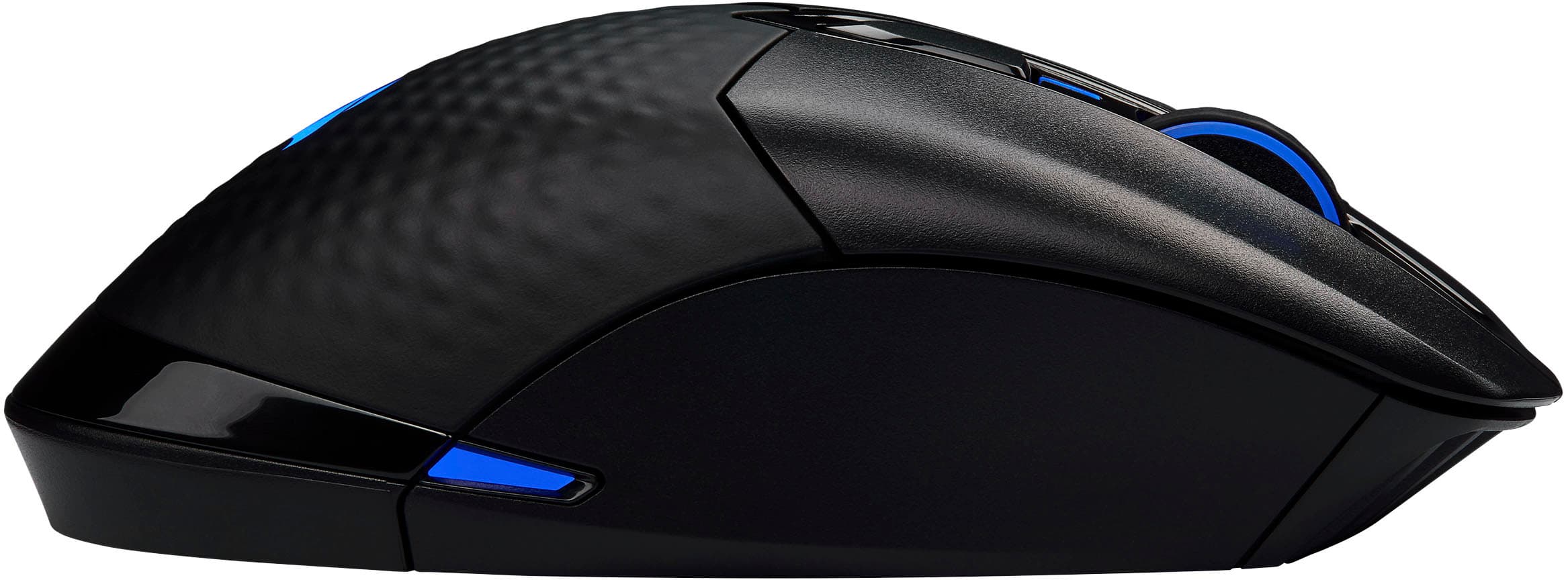
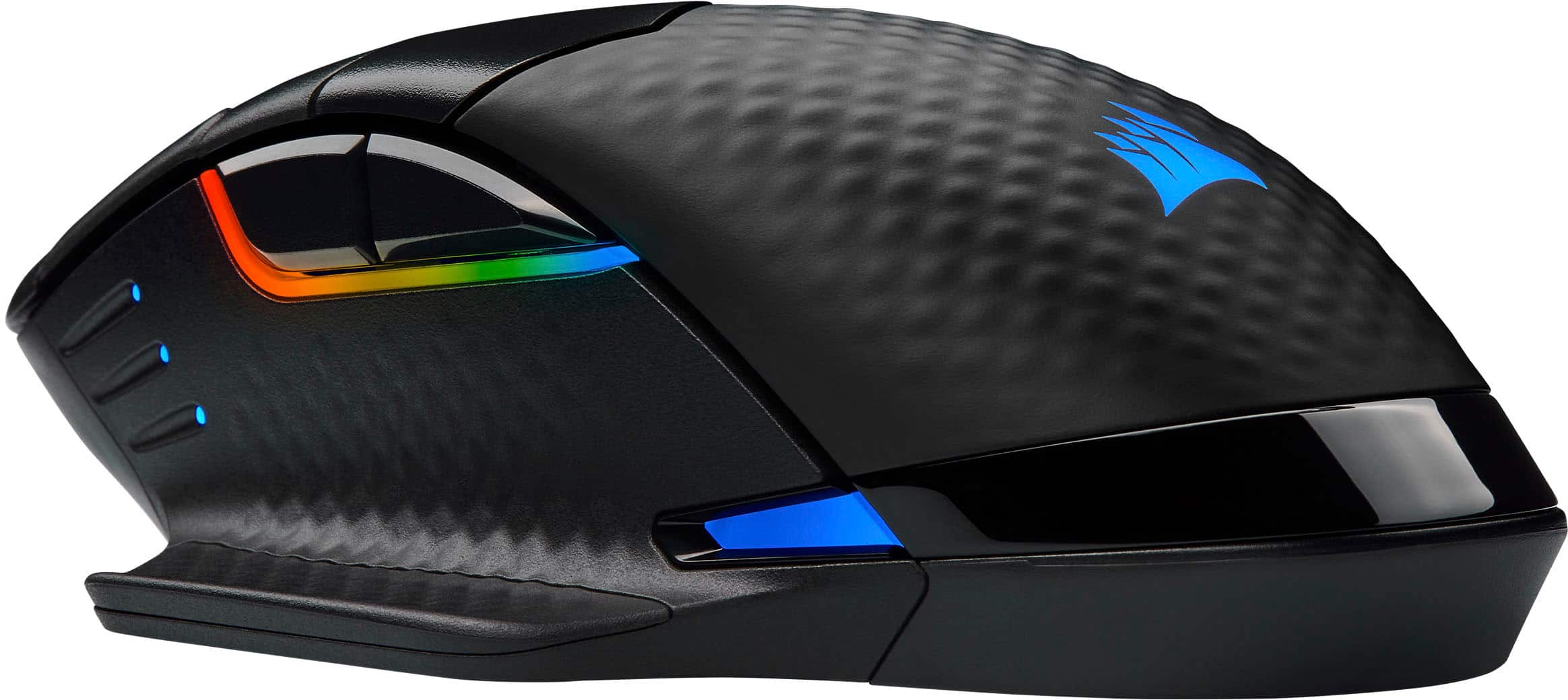
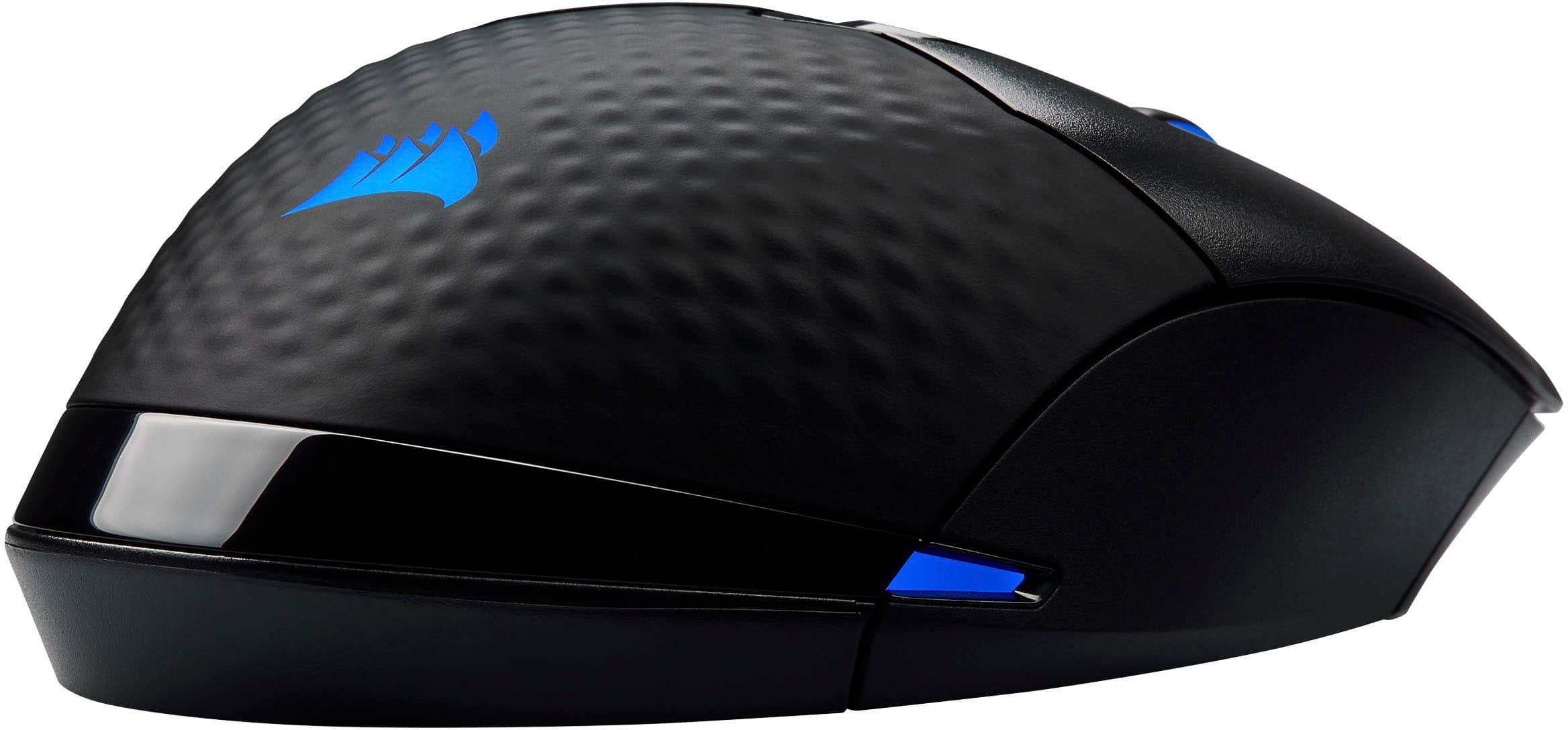
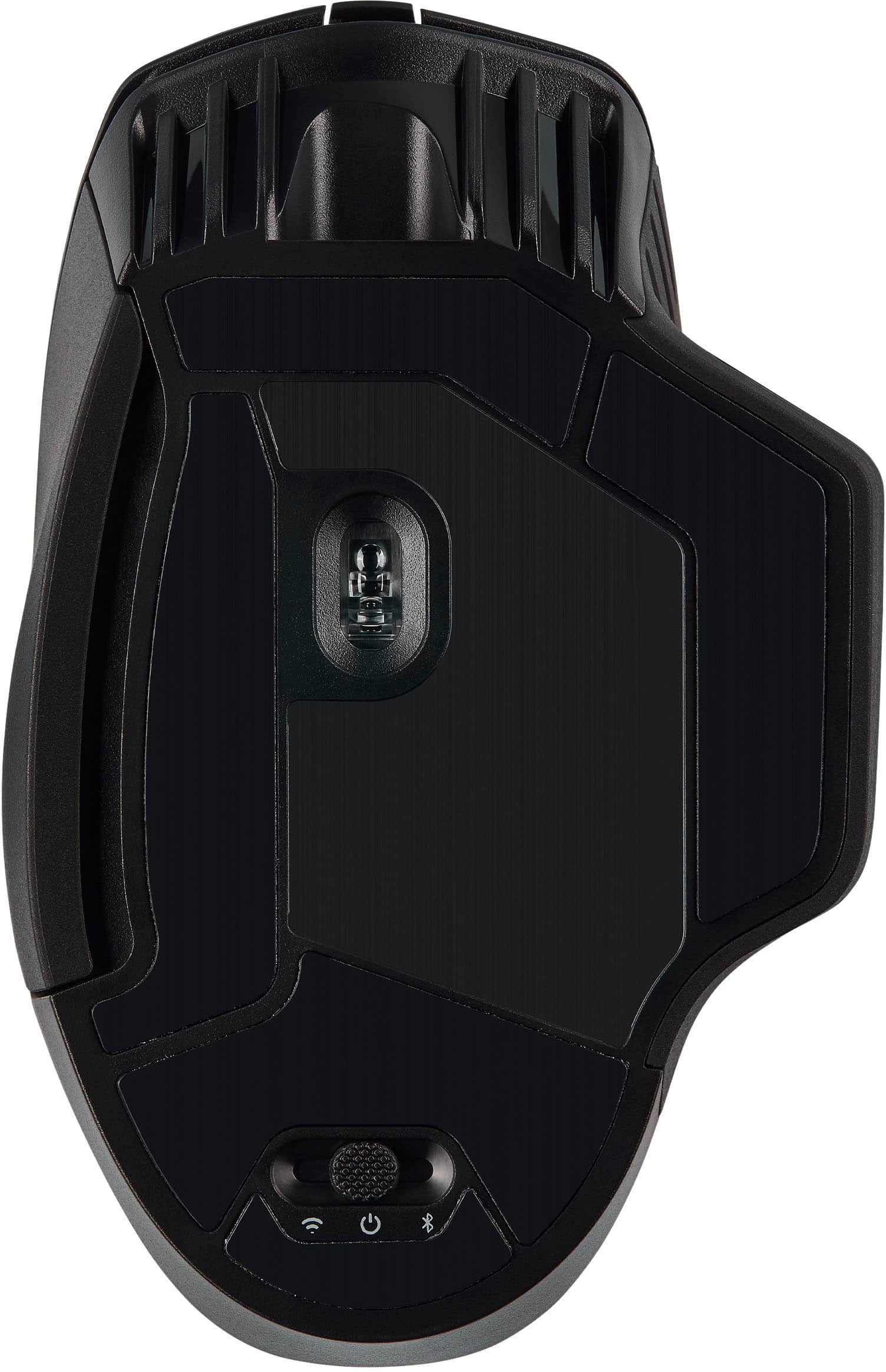
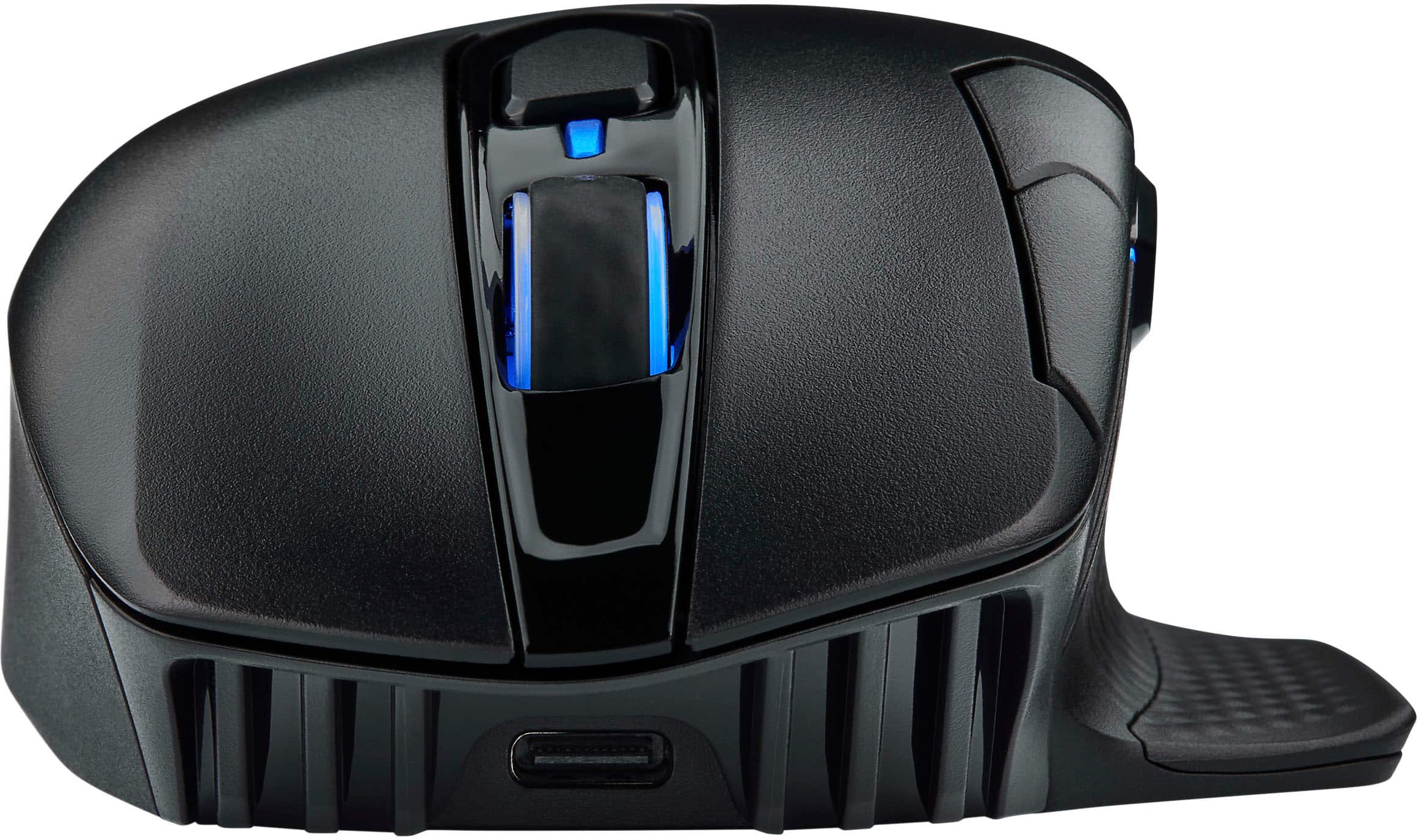
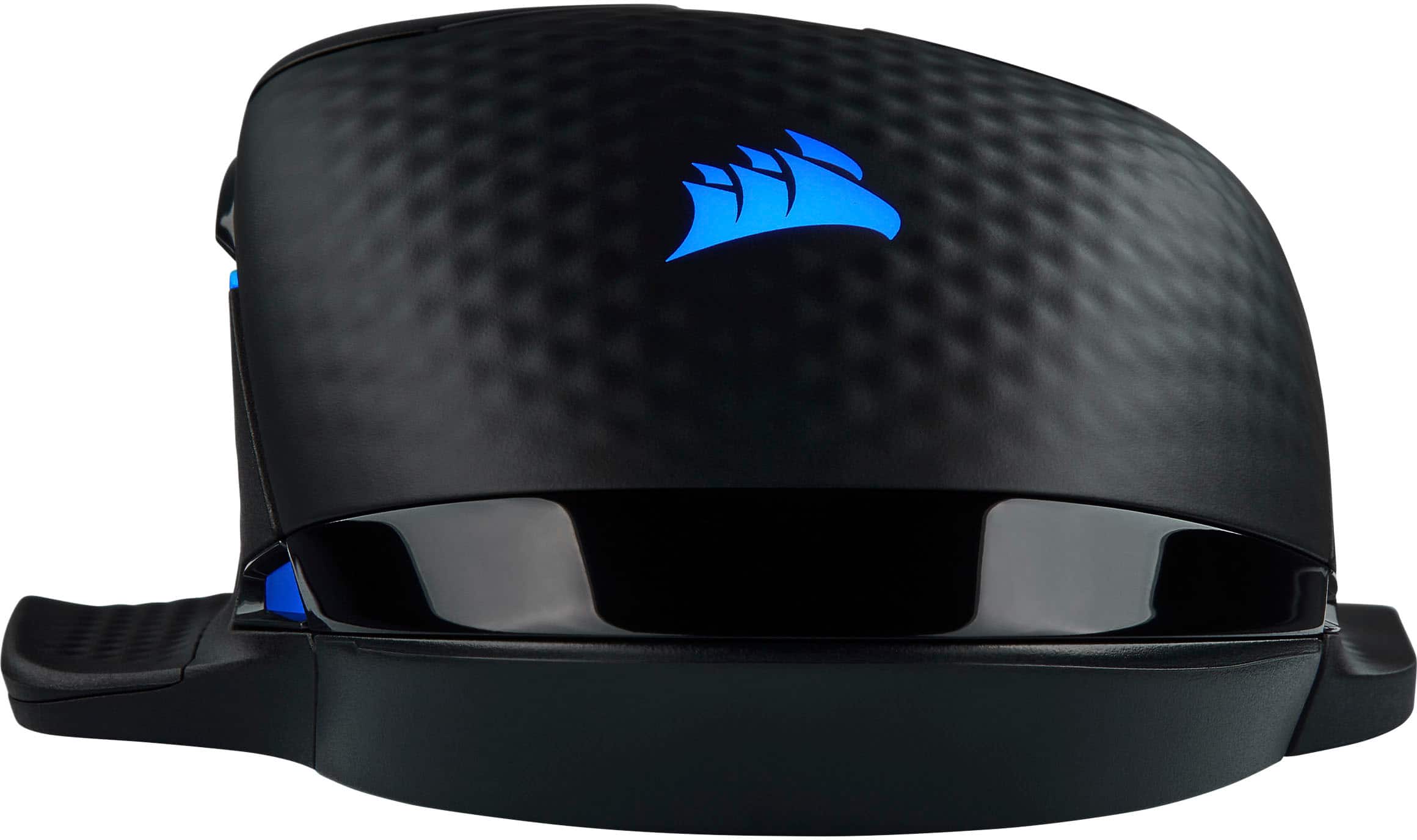
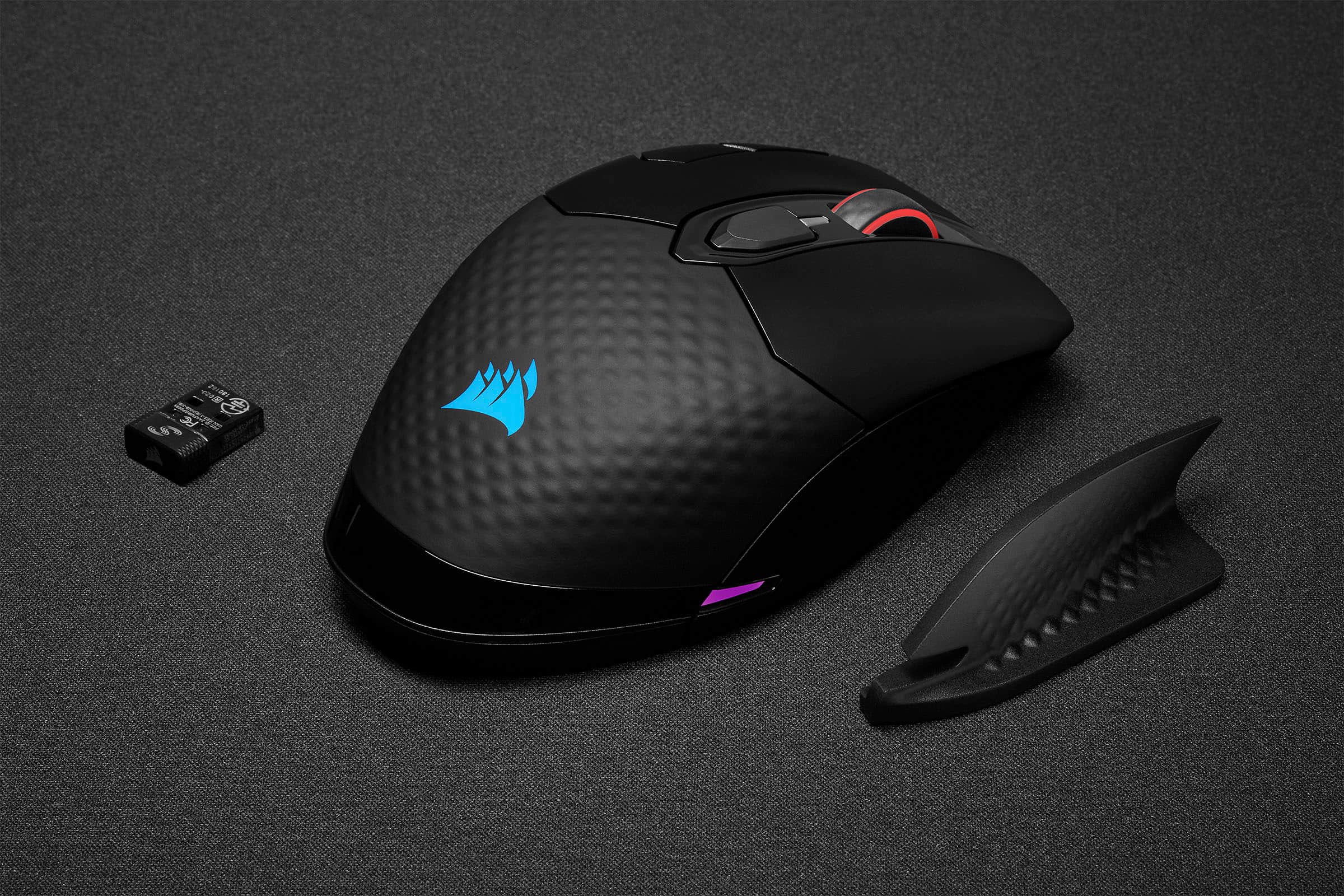
|Posted .This reviewer received promo considerations or sweepstakes entry for writing a review.First, there was the “Dark Core RGB”. Then came the “Dark Core SE” (notice the lack of ‘RGB’ in the name, but RGB is still there. Now, Corsair gives us the “Dark Core RGB Pro SE”. The truth is, while the newest iteration is an improvement over the previous versions, it is also, strangely enough, a bit ‘less’. As the old saying goes, “Two steps forward, one step back.” Also of note…for those not familiar with the Dark Core mice, it is a “right hand-only” design. UNBOXING AND INITIAL IMPRESSIONS: Corsair continues to ‘evolve’ in this area, improving on their “environmentally-friendly” packaging, as the use of plastic is kept to a minimum. Open the box, and the only pieces of plastic are the piece covering the mouse, and the small piece below the mouse, holding the USB dongle & the secondary right-side piece (which I’ll explain later). As for the mouse, itself, it is very ergonomic in shape, and, at first look, appears almost identical to the previous models…until you look at the left side. While the top still has the same 4-button layout (remember, the scroll wheel is also a button), the left side is “missing” a button. What’s missing in the button between the ‘forward’ & ‘back’ buttons…specifically, the “sniper” button. Why they would have done this, I don’t know. SETUP: As with other recent releases from Corsair, they continue to provide three connectivity options – wired, Bluetooth & ‘Slipstream’ wireless. Obviously, the fastest connection is the wired option…but Slipstream does come extremely close, albeit (currently, which I’ll explain) with the ‘downside’ of each Slipstream device requiring its own USB dongle. Now, before those reading this “get their panties in a bunch”, there’s something coming which I can’t legally disclose full details on. What I can say is that the ability to use a single dongle for connecting multiple Slipstream devices is physically built into the hardware (USB dongle, as well as all Slipstream keyboards, mice & headsets), but each device will need a firmware update. Until this happens, if you need to connect multiple devices via a single dongle (for example, you don’t have enough USB ports for each device to have their own dongle), then the Bluetooth option is available for you to use. As for actual setup, the software provides a simple step-by-step procedure to get going. iCUE: as I’ve stated before, Corsair’s iCue software is the ‘glory’, as well as the ‘bane’, of Corsair Gaming products. The most recent version, 3.24.52, was released at the beginning of January, and I’m sure the latest version includes some of the “updated info” I alluded to in the ‘setup’ section, above, but the firmware updates will still be needed before all Slipstream devices can utilize a single dongle. As for the iCue software, itself, it continues to be the most powerful customization software available (the ‘glory’), but also continues to be quite difficult to use, and even harder to fully harness the power of (the ‘bane’). In a previous review, I used the metaphor of it “combining the power of the Ford GT40, with the problems of the Ford Pinto”, and that continues to hold true. Maybe, when version 4.x is released, they will finally make the iCue software easier to fully use. CLOSING THOUGHTS: Quickly getting back to the previously-mentioned “secondary right-side piece”, the mouse includes two of these. One is already attached to the mouse, while the other is included in the packaging. The ‘standard’ piece gives the mouse a “standard” shape, while the second piece give the mouse a “wing” on the right side, similar to the “wing” on the left side…and, it’s not just for aesthetics. It also helps to keep your fingers off the mousepad, table, or whatever your mouse is resting on. Both pieces also provide a second “purpose” – if you transport your mouse, the USB dongle fits into a slot hidden under the right-side piece. I’ll be honest…I don’t know why they removed the sniper button. As this is targeted at the FPS/MOBA market, a sniper button came in quite handy. Yes, the buttons are programmable, and you can reassign the “sniper” function to another button, but that not only defeats the purpose of having a specific “sniper” button, it also means you lose another function/button, plus it disorganizes the “button layout”. FINAL VERDICT: For those who’ve read my reviews in the past, you’ll notice I didn’t include a “The Good, The Bad, The Ugly” section. The truth is, this mouse is too convoluted to figure that stuff out. While it’s fantastic that Corsair added the Slipstream technology to the Dark Core lineup, it’s still hampered by its inability to utilize a single dongle for multiple devices (although, at the same time, as I mentioned, above, this “problem” will be “corrected” in the near-future…although, how long that “near-future” will be, I cannot say). Then, there’s the “problem” of the missing sniper button. While some might not care, those intending this mouse for FPS/MOBA games will certainly miss it. Because of this one specific change, I’m not sure whether, or not, I can recommend this mouse (for the purpose of Best Buy reviews, where you MUST select ‘yes’, or ‘no’, I’ve selected ‘yes’, but only because I’m given no other options). For general mouse use, and for other types of games, the4 Dark Core RGB Pro SE is perfect…but, for the FPS/MOBA games Corsair is marketing this mouse for, it’s a disappointment, and, to those people, if you’re a Corsair user, I’d recommend the previous Dark Core SE mouse. Disclaimer: This product was provided free, or at reduced cost, for the purpose of reviewing the product. Nevertheless, the above review, be it positive, negative, or anywhere in-between, is a 100% honest review, and the price paid played absolutely no part in my review.
I would recommend this to a friend