Customer Ratings & Reviews








- Model:
- CH-9315211-NA
- SKU:
- 6165950
Rating by feature
- Value
Rating 4.2 out of 5 stars
- Quality
Rating 4.4 out of 5 stars
- Ease of Use
Rating 4.3 out of 5 stars
Customers are saying

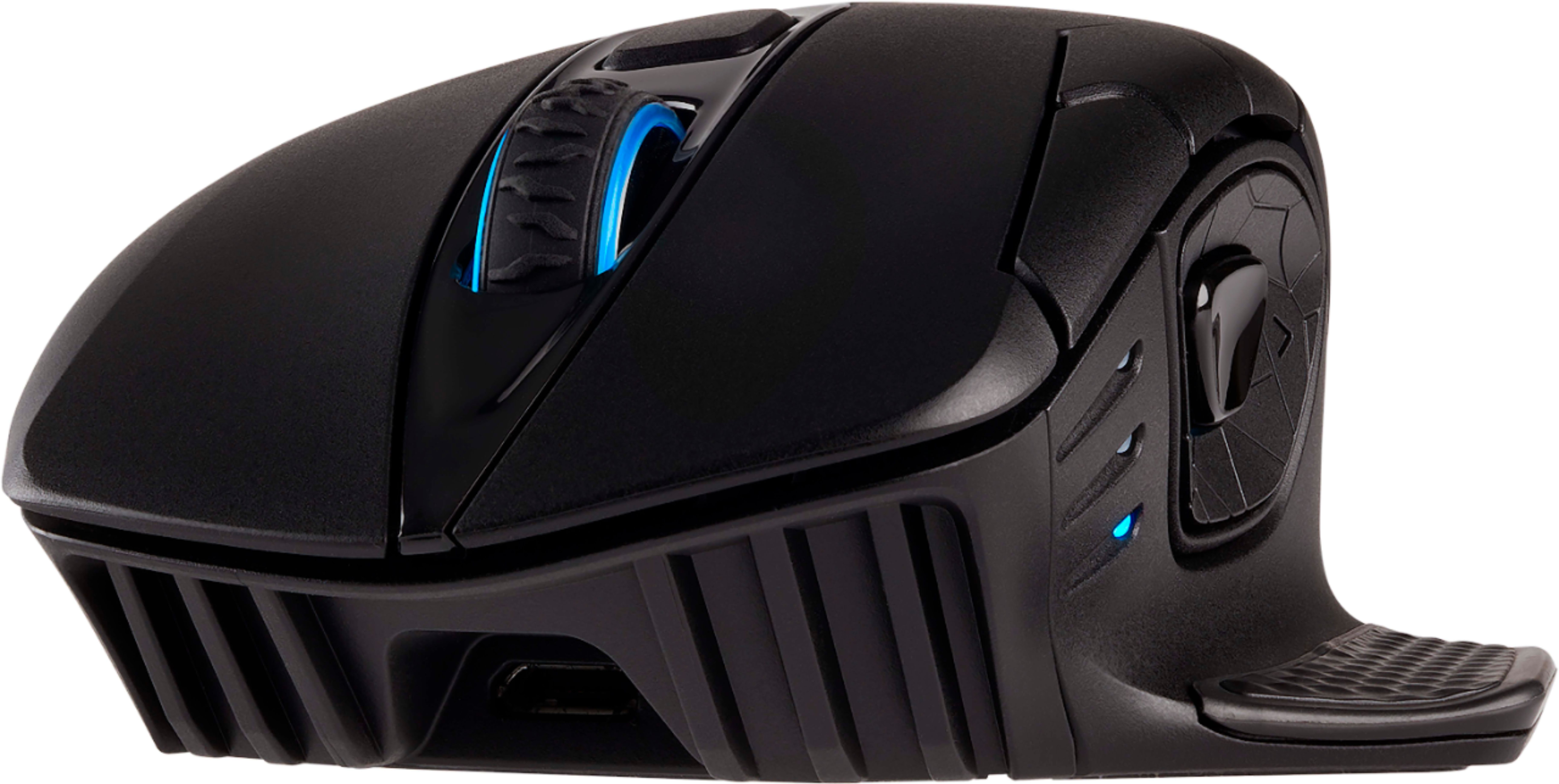
Customers praise the DARK CORE Wireless 9 Button Optical Gaming Mouse's vivid RGB lighting, ease of use, and reliable wireless performance with long battery life. Many appreciate its comfortable ergonomics and responsive, accurate tracking, while some users find the software and button placement less intuitive. The mouse's size may also be a consideration for users with smaller hands.
This summary was generated by AI based on customer reviews.

Great gaming mouse...that's almost unusable
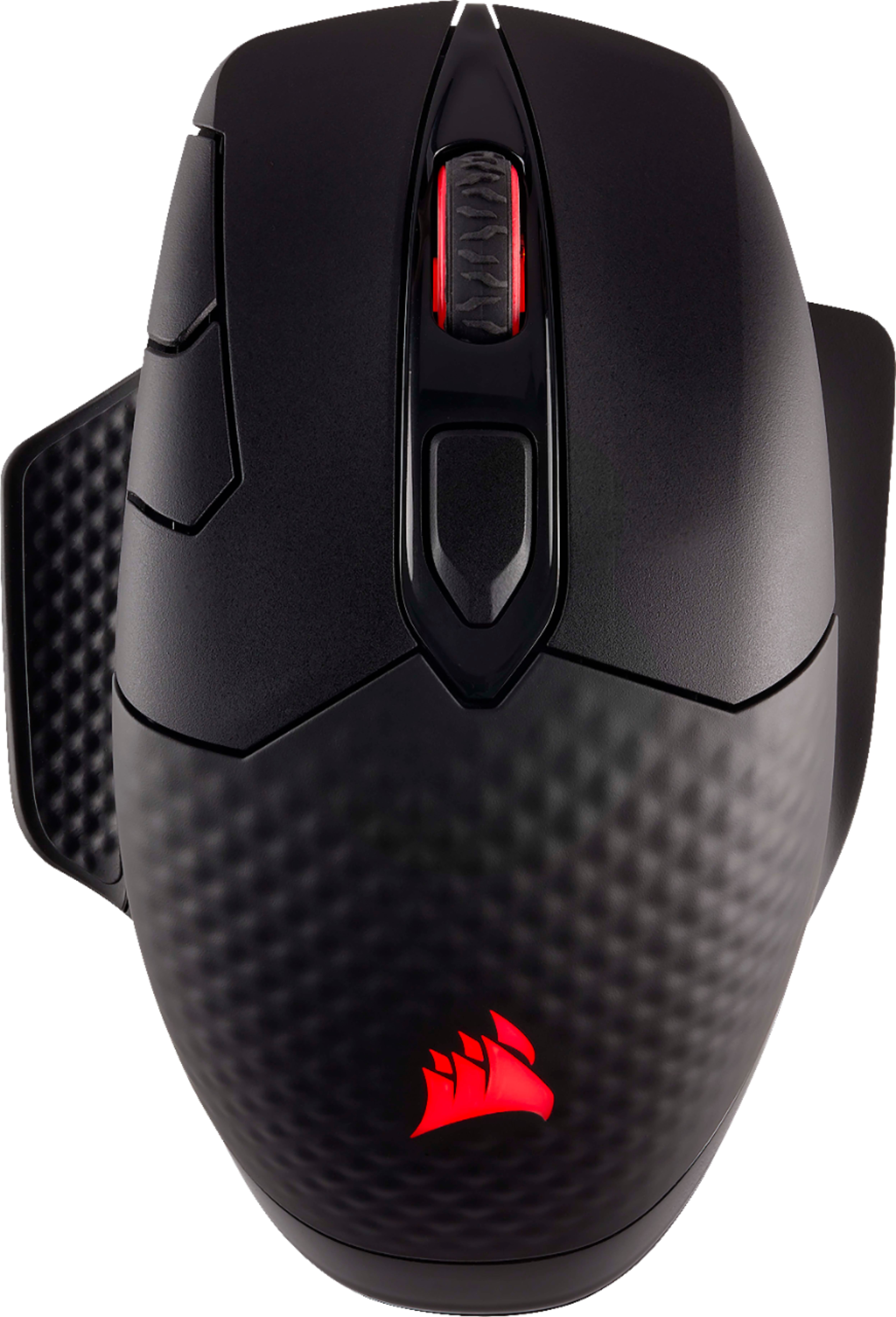
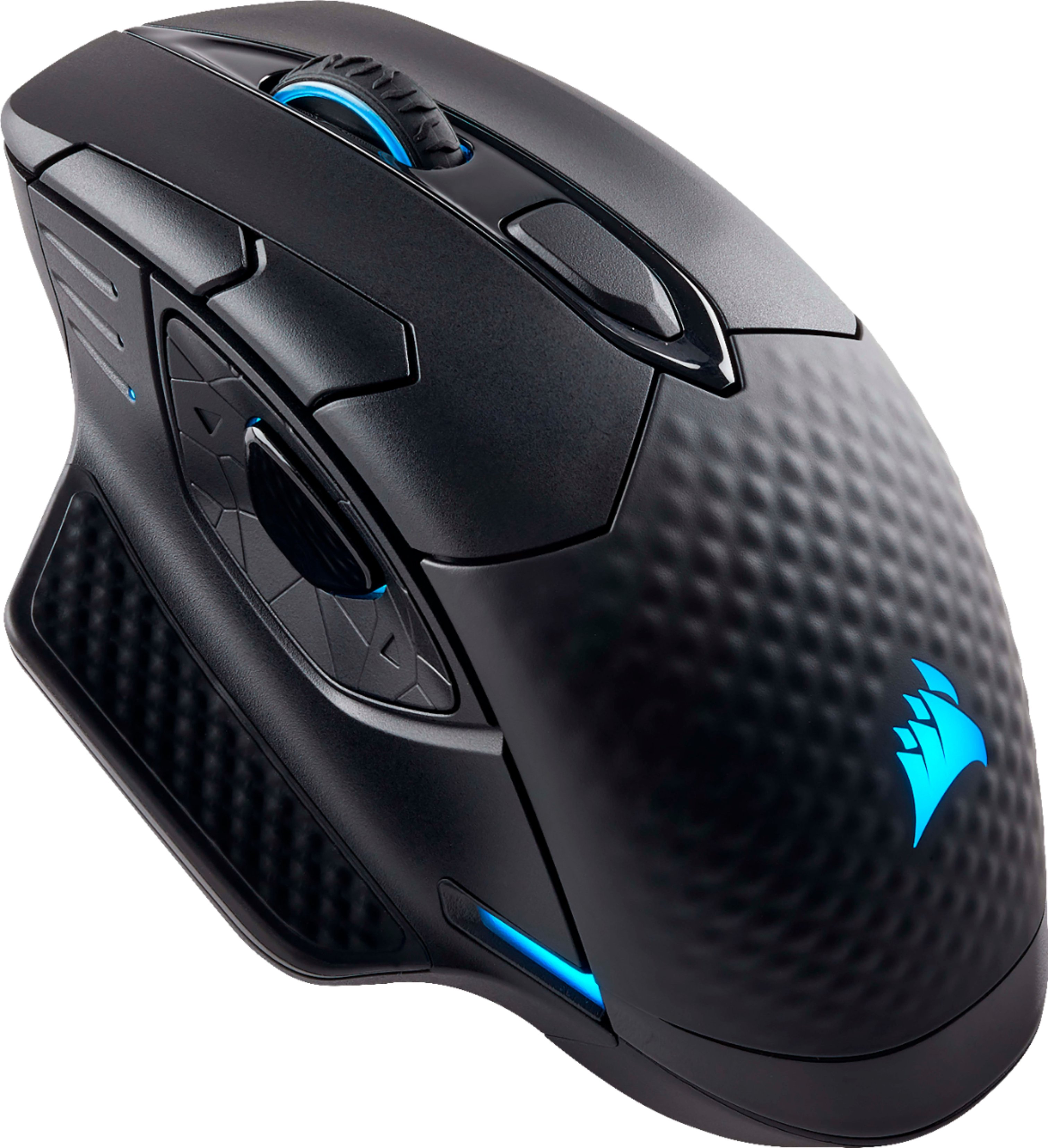
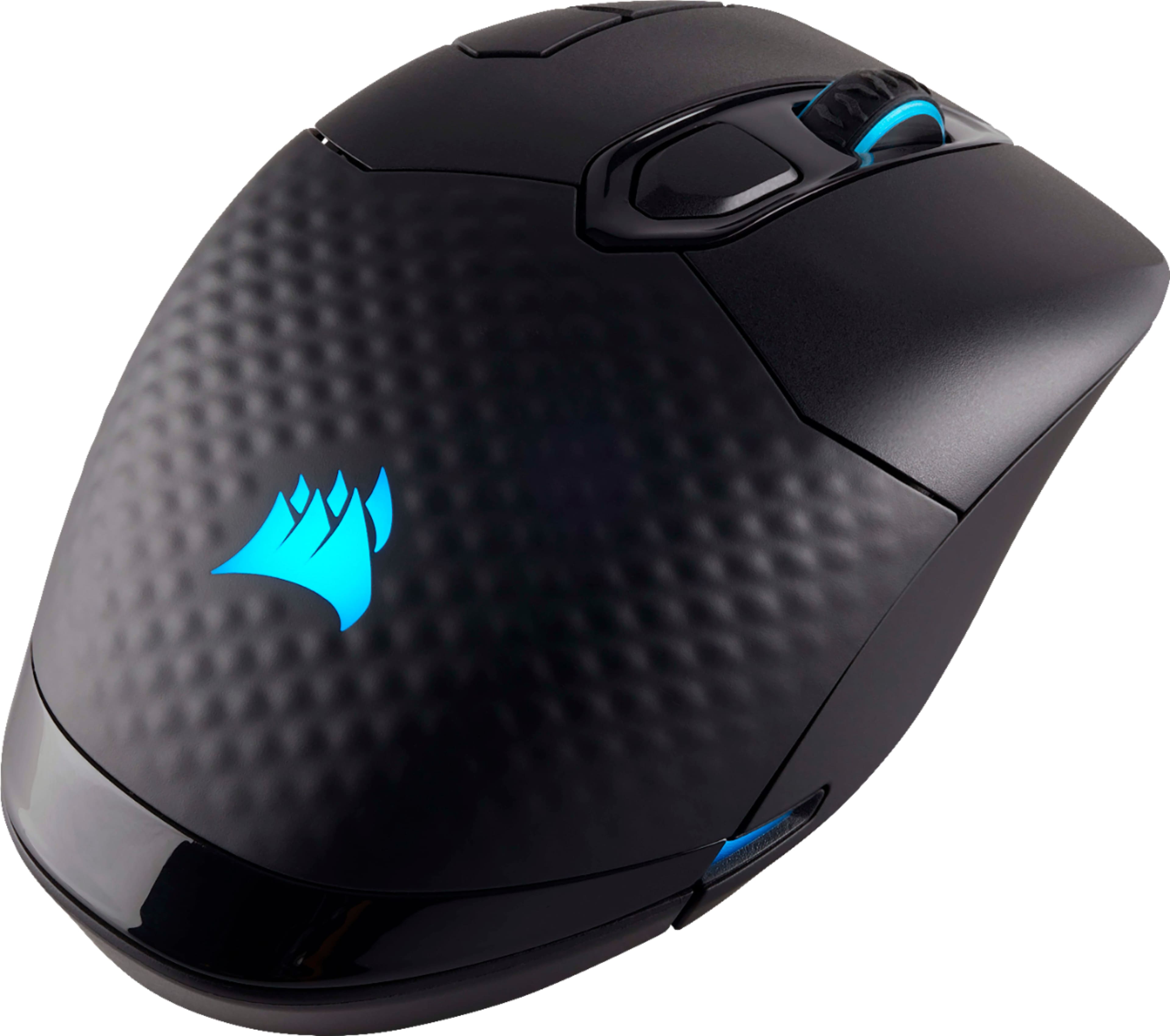
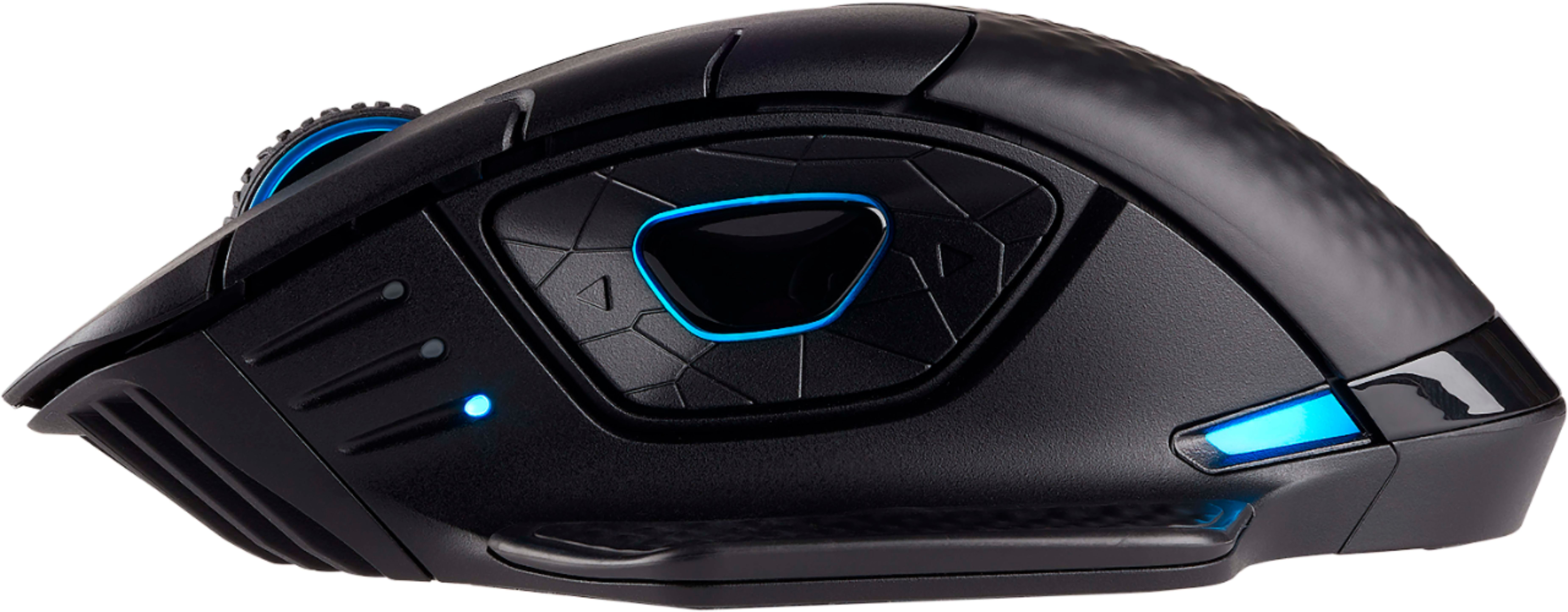
|Posted .This reviewer received promo considerations or sweepstakes entry for writing a review.This mouse looks and feels amazing. Out of the box it looks sharp, and feels heavy (but not too heavy) and has some great customization options to it such as thumb rests for either side, and being able to use it either wired or without wires. It even includes a 2.4 Ghz wireless dongle that is easy to connect, and finds the mouse immediately. It's incredibly responsive--especially for a wireless mouse. There was NO delay from mouse movement to screen response. Unfortunately if you want to make adjustments this is where the issues begin... If you want to get into the best features of this mouse things start to fall apart. There are a TON of programmable buttons. More than I'll ever use, frankly, even as a gamer. A couple of them are "buttons" but their location makes them kind of useless (the thumb buttons above the dual thumb button for example--I have very large hands but still couldn't comfortable get to them.). You can also change the led colors, along with various other customizations. Upon opening this mouse and connecting it I went through the "manual' thoroughly, assuming there would be something about how to customize it. I found short guides as to how to connect, but nothing about any sort of software OR any mention of how to customize it. The "CUE" software that is Corsair's proprietary software to program all of their peripherals is mentioned on the box, but that's it. I didn't know I had to download it to customize until searching online for a while, so that was a hassle that could have been very easily avoided. It's possible I missed some sort of slip of paper that was in the box, but I looked everywhere and found nothing. Mentioning this in the set-up guide seems like the smartest place to do it, but it's not there as of now. Once I realized I had to download software from Corsair it was fairly easy to find it. Downloading and installing it was also very easy. Trying to open it all was frustrating. It crashed or locked up three times before I finally just restarted my system. After a restart I was able to open it. From there virtually NOTHING is easy to use. I'm good with this sort of thing, but I felt like a child poking around and just trying various things to see what would work. There is very little explanation to any of it. It took a while to figure out how to map the buttons, change the colors, etc. Then, after two days, I had to do it again as my profile seemed to have fallen out of the system. Frustrating enough that I didn't want to bother trying again. All-in-all it's a great product with terrible supporting software. If Corsair can fix that (which seems like it should be pretty easy) then I'd be happy to recommend it as I loved the way it feels and how crazy responsive it is. Since one of the main reasons you're likely purchasing this is to use those bells and whistles I can't really recommend this until the software is fixed.
No, I would not recommend this to a friendGood mouse, feels great, buggy CUE software
Posted .This reviewer received promo considerations or sweepstakes entry for writing a review.Good mouse, feels great, buggy CUE software My Best Buy® Elite Member February 5, 2018 I bought this mouse to pair with the Corsair K95 RGB keyboard. The mouse works well and seems to stay connected via the 2.4Ghz connection. It fits well in your hand thanks to the contoured shape, and can be switched to a left hand mouse with an included attachable left thumb rest. It is also nice to have a wired/charging vs. two different wireless options, and no removable batteries that need to be replaced. I removed one star because, when paired with a Corsair keyboard with onboard lighting profiles, the mouse will only sync with a saved profile if the CUE software is running, which adds one more program running in the background if you want your mouse to sync with your keyboard lights. Otherwise, the mouse defaults to the first profile loaded into it when CUE is not running. Also, you have to reset the DPI setting every time you change the lighting profile or power it on for the first time. Otherwise, it works well with Corsair keyboards when CUE is running. If you're looking for a nice high DPI gaming mouse, this is certainly one of the better options.
I would recommend this to a friend- Pros mentioned:Rgb lighting
Nice
Posted .This reviewer received promo considerations or sweepstakes entry for writing a review.Mouse works wonderfully with nice accent colors. Love the option to connect three different ways
I would recommend this to a friend - Pros mentioned:Battery life
Gamming and work mouse
Posted .This reviewer received promo considerations or sweepstakes entry for writing a review.feels amazing in my hands especially for someone with big hands, battery life is long as well
I would recommend this to a friend - Cons mentioned:Software
The Best Wireless Mouse I've Tried
Posted .This reviewer received promo considerations or sweepstakes entry for writing a review.My journey to find a new gaming mouse started with the Logitech G903, that mouse had incredible feedback for a wireless mouse and amazing connectivity; except for some malfunction in the mouse that turned the left click into a back button. I returned that and bought the Razer lancehead wireless, which was a disaster. That mouse couldn't keep up a consistent connection and the laser sensor felt off. After that I finally got this mouse, a mouse that I didn't want to get because of the bad reviews, I was just running out of options. To my surprise though, this was the best mouse out of all of them. The hardware and the base mouse software have worked flawlessly. I have only seen wireless connectivity issues when I'm actually trying to mess with settings in a game or on the mouse. Which leads to the only real flaw and that's corsairs mouse management software. Yeah more often than not, the lights shut down on the mouse when I open up the software , but the mouse still works and the lights that tell you what DPI setting your on still work. There are also times when the software will bug out when your working on the mouse settings and disconnects the mouse completely; I've found the solution is to turn off and on the mouse and reconnect the wireless dongle as well. Overall, this has been the best wireless mouse I've used, and I've gone through quite a few recently.
I would recommend this to a friend Comfortable and responsive
Posted .This reviewer received promo considerations or sweepstakes entry for writing a review.This is my go to gaming mouse as it is comfortable and has plenty of options.
I would recommend this to a friend- Cons mentioned:Lag
Solution for faulty mouse
Posted .This reviewer received promo considerations or sweepstakes entry for writing a review.My mouse would periodically have 3-5 lag spikes that made it unusable for gaming. Fortunately, Corsair sent an advance replacement (i was able to keep the old one until the new mouse arrived) and since then I've had zero issues. There was a problem with the chip set on the first batch of the mice, but as mentioned my new one is functioning great.
I would recommend this to a friend - Cons mentioned:Software
Horrible Software Good Hardware
Posted .This reviewer received promo considerations or sweepstakes entry for writing a review.Love the mouse love the way it felt love the accessories that came with it but Corsair just Falls flat on their software. I set up the mouse I repeatedly deleted all the profiles that came preloaded in it I repeatedly deleted them from the Corsair cue software as well and yet they reappeared constantly. While I was using the mouse it would freeze and then the directional movements and other buttons would start to do different things that weren't normal for a couple seconds kind of almost like a robot turning motion you would have to constantly unplug and replug the mouse to try and get it to sync backup and work correctly if you would like a wireless and wired mouse that is a gaming mouse that will work without any problems purchase a Razer I bought the Lancehead and not a single problem as well the software from razer it's a lot more robust you actually can quickly and easily assign keys without having to find the bubble and fill in the bubble that you want to assign a new key to you just press the key. As well another bone to pick about Corsair cue software if anyone out there has any Corsair link products the cue software is actually trying to load the link software custom configuration capabilities such as RBG lights ect they are trying to load that customization into the cue software now I have a Corsair Mouse but I've actually had to delete the software so my link products will work properly so I no longer have the cue software on my computer though I still own one Corsair Mouse. In Corsair products are just so much more reasonably priced than razer products maybe they need to charge more and get a better software development team Logitech I've never had any problems with Logitech either but I don't currently own any of their mice I'm sure they have great Wireless wired mice as well. Their software is of an equal quality to Razer.
No, I would not recommend this to a friend very nice feel and works very well
Posted .This reviewer received promo considerations or sweepstakes entry for writing a review.very nice feel and works very well. I returned because I needed a 20 button mouse.
I would recommend this to a friendGreat Mouse, Terrible Software
Posted .This reviewer received promo considerations or sweepstakes entry for writing a review.After the first day of purchase my mouse will not even connect to the included wireless receiver. I had purchased this mouse because it was Corsair and would go great with all my other corsair products, that is not the case, without the included Charging cable plugged into the mouse I cannot even use it. It just does not respond without the Cable plugged in, which makes the price tag of the mouse hurt just a little more because it should be wireless. There were also some connection issues when the Wireless Receiver did work, I was seeing the mouse jump across the screen even though the Receiver was a small distance away from the Mouse. The Corsair CUE software has messed up and at one point showed that i had TWO separate Dark Core Mice connected when I only have one, and I had tried repairing the software, and that did not work. I had also tried Uninstalling and Reinstalling the CUE software to fix the Wireless Receiver Issue multiple times, but that also did not work. I really want to like this mouse but it is way too buggy and CUE would not even start up at times and would crash when first loading up even after a fresh restart of my computer.
No, I would not recommend this to a friend- Cons mentioned:Software
Nice design, but terrible software
Posted .This reviewer received promo considerations or sweepstakes entry for writing a review.I was excited to see Corsair release a wireless produce since they have produced excellent products in the past. When I bought the mouse, it felt great in my hands and the texture was comfortable. However the software itself is a nightmare. I downloaded the CUE software, but after installing it, it would not respond and the software keep bugging out. This alone is enough to make me return the mouse as there are other great options out there. I know with any new first release there are bound to be mistakes, so I would suggest waiting for corsair to improve their software before making the purchase.
No, I would not recommend this to a friend - Cons mentioned:Software
Disappointing and underwhelming for the price
Posted .This reviewer received promo considerations or sweepstakes entry for writing a review.I was really looking forward to using this mouse. I have a Corsair headset that I love, so I expected to love the mouse too. However, that's not the case. It constantly has connection issues and when using it through bluetooth, it stutters ever so slightly. I thought at first the game I was playing was dropping frames, but it turned out that it was just the mouse being so jittery over a wireless connection that it appeared to be dropping frames. I also am very disappointed at how confusing Corsair's Utility Engine software is - there is no straightforward way to customize the mouse's settings, and it is extremely difficult (if not impossible, since I haven't been able to get it to work) to reprogram some of the mouse buttons, such as the sniper button on the side or the profile switching button on the top. I will be going back to my Logitech G602 since it was half the price and way more reliable.
No, I would not recommend this to a friend Learn it
Posted .This reviewer received promo considerations or sweepstakes entry for writing a review.Good mouse. A little complicated at first but still happy I got it.
I would recommend this to a friendlooks and feels great (have not tried wireless)
Posted .This reviewer received promo considerations or sweepstakes entry for writing a review.Works great in wired mode. Very comfortable. didn't want to mess with wireless mode in case i forget to recharge etc. micro usb fits very firm and no danger of coming out accidentally.
I would recommend this to a friendWas so excited for this to release
Posted .This reviewer received promo considerations or sweepstakes entry for writing a review.So as others have stated, this mouse has major connection issues. I got the K63 wireless keyboard about two weeks ago and everything was fine with that. So I decided to get the matching mouse. My mistake. It simply does not hold a solid connection. Tried upgrading firmware to v 0.33 and that didn't help any. Went into my power plan settings and disabled USB selective suspend. I've deleted and reinstalled drivers. My next step will be move the router out of the room in case it's interfering with signal but I turned the router completely off and unplugged it and was still having disconnections so I doubt that is the problem. Now my K63 keyboard is also having disconnects, but only since I got the mouse. Both will disconnect for a few seconds, then reconnect. You can imagine how that affects you when playing a game. I imagine they might fix this down the line with firmware updates but as of right now, I wouldn't buy this mouse.
No, I would not recommend this to a frienddont buy if you want wireless
Posted .This reviewer received promo considerations or sweepstakes entry for writing a review.Don't get me wrong I love this mouse. But I bought this to be a wireless mouse due to my previous setup. From the start I had issues with the wireless part of this mouse. It would constantly disconnect and reconnect from the dongle. After a while i just disconnected the dongle and used the charging cord it came with to make it a wired mouse. I'm glad it had the option to switch to wired so I didn't have a wasted mouse but its disheartening that a wireless mouse didn't work as it suppose to. And yes I tried this mouse on laptops and desktop same issue. I didn't have any issues with the software. It was pretty easy to understand. The back thumb buttons a little odd but you get use to it. I'm in the hunt for a mechanical keyboard that's wireless and wanted to stick with one brand but after this mouse I will not be trusting anything from corsair.
No, I would not recommend this to a friendBrand response from Corsair Art
Posted .Hi,
And sorry to hear about everything. Did you reach out for assistance at any time? If you haven't, please do so now and we'll help out: support.corsair.com
-Art
Disaster
Posted .This reviewer received promo considerations or sweepstakes entry for writing a review.Corsair's first wireless mouse is an absolute disaster. I really wanted to like this mouse but I will have to return it. The mouse build feels good and the shape is nice. However, i am constantly dealing with connection issues. With the mouse not responding or stuttering once it wakes up Sometimes the wireless won't even respond at all and have to plug it in to even use it. I did try to troubleshoot it. Different USB port, Update the firmware, Tried a different computer entirely, etc. Nope. Its the mouse.
No, I would not recommend this to a friendHorrible design, Horrible software.
Posted .This reviewer received promo considerations or sweepstakes entry for writing a review.For starters, the mouse is shaped oddly. The thumb cluster is too far forward, the right index buttons are also too far forward. It's too heavy. The thumb cluster could have had up/down/left/right buttons but they opted for only 2 direction. The software is horrible, they completely lack a "hole while pressed" option for macros, which is bread and butter for all gaming mice. Wireless signal occasionally hangs. Rubber grip is too slippery for any lift off. This would be a great mouse for palm users with freakishly long fingers. I'm 6ft and have what I thought were long lankey hands.
No, I would not recommend this to a friend