Customer Ratings & Reviews
- Model:
- CA-9011167-NA
- SKU:
- 6080702
Rating by feature
- Value
Rating 4.2 out of 5 stars
- Quality
Rating 4.8 out of 5 stars
- Ease of Use
Rating 4.8 out of 5 stars
Customers are saying
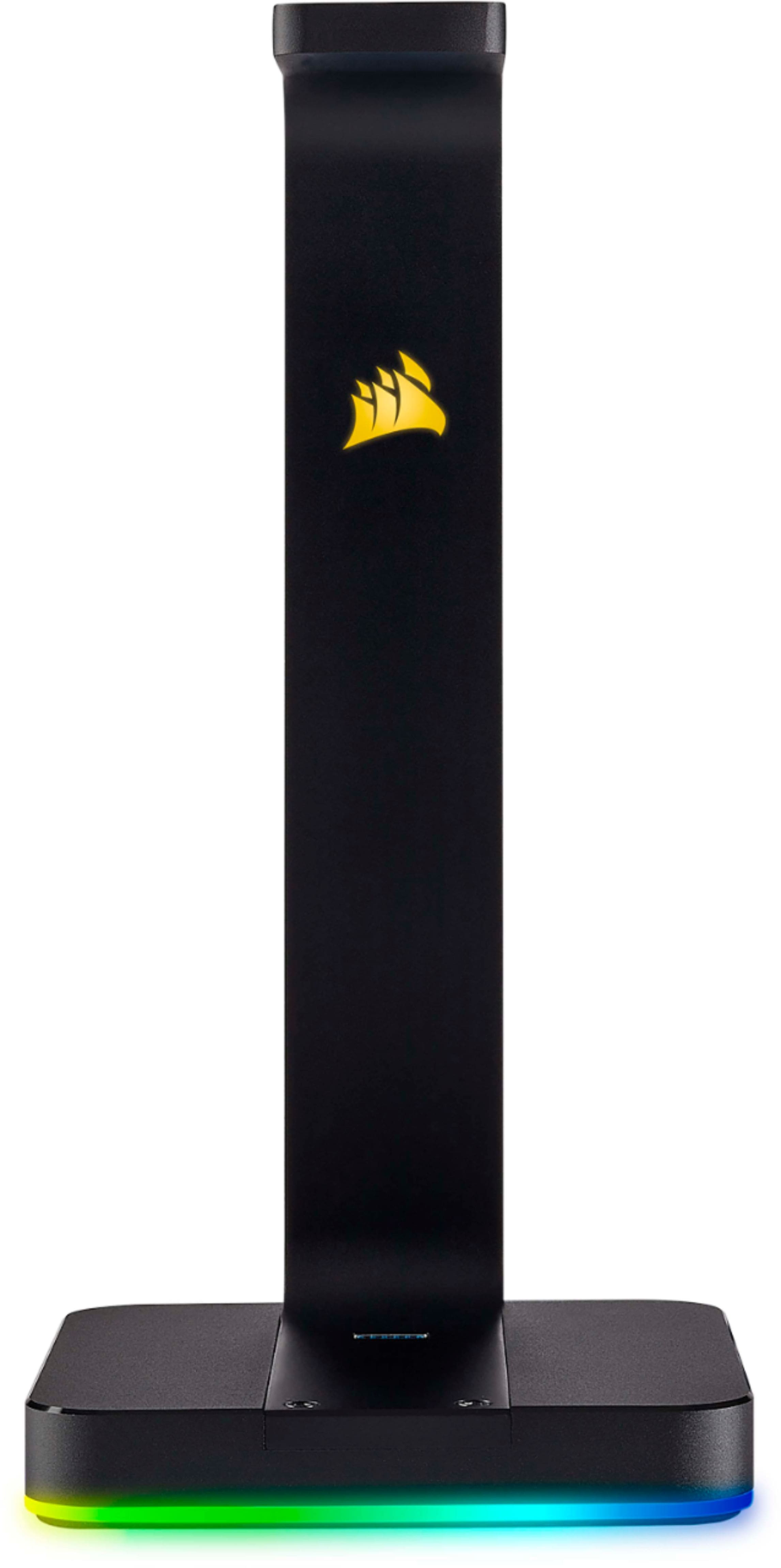
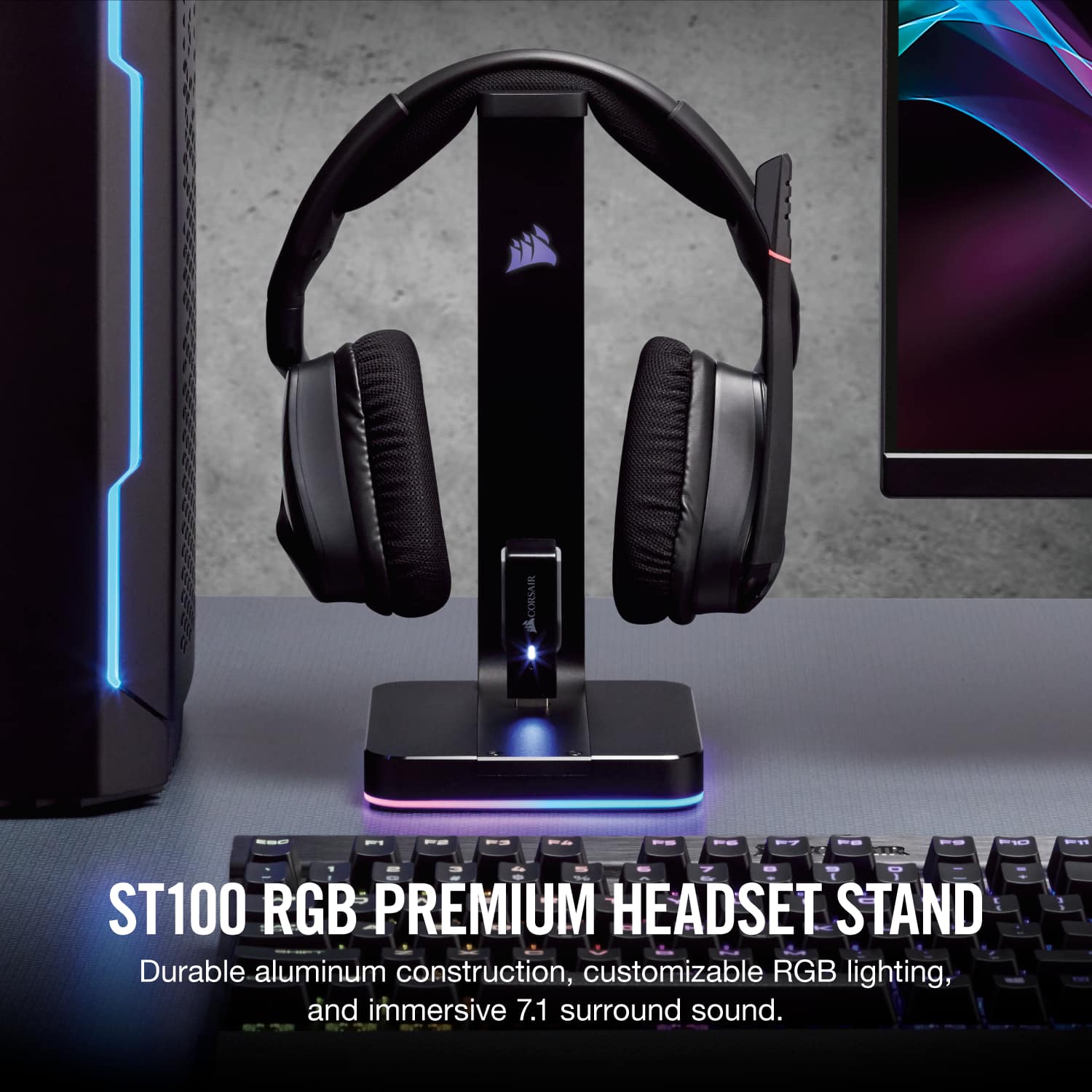
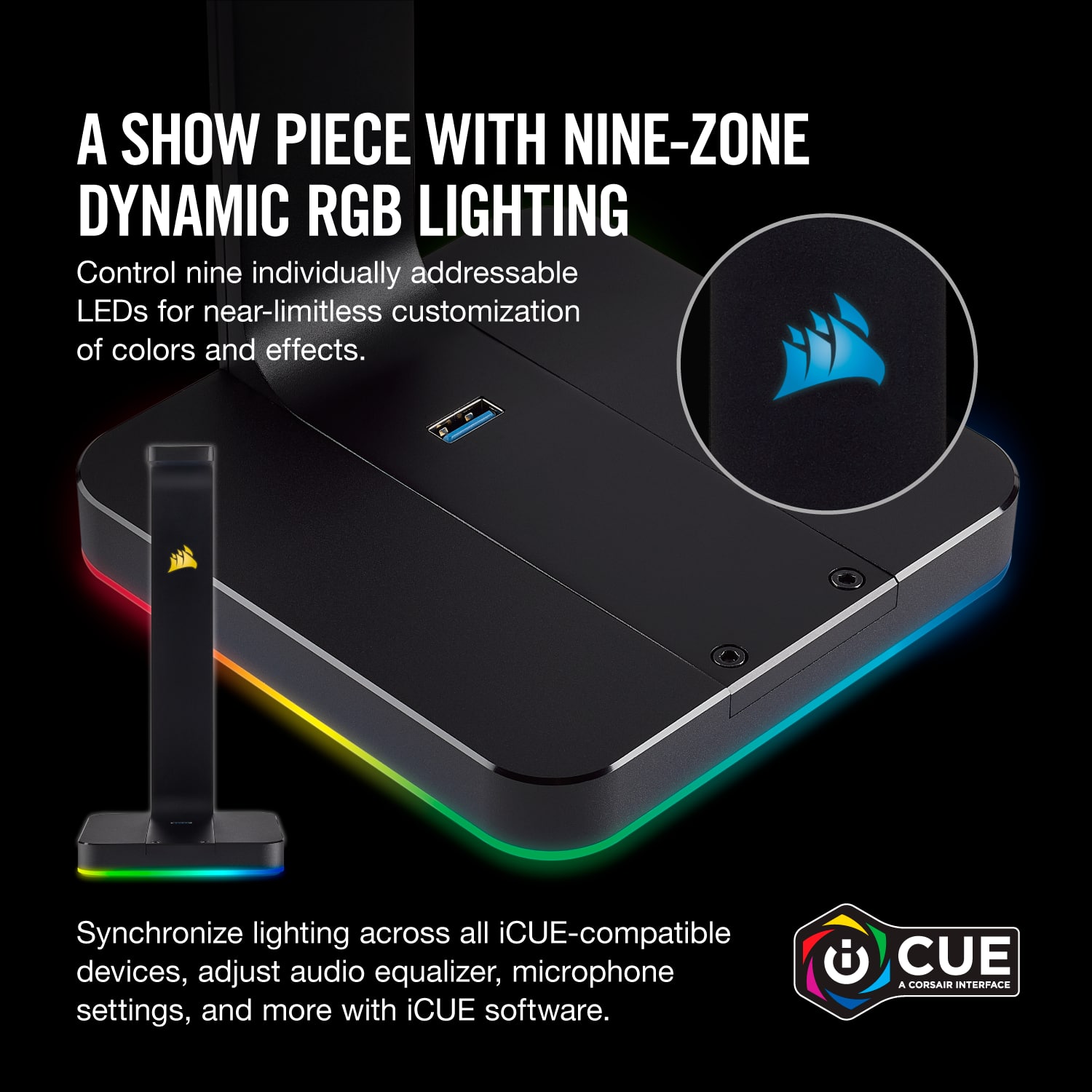
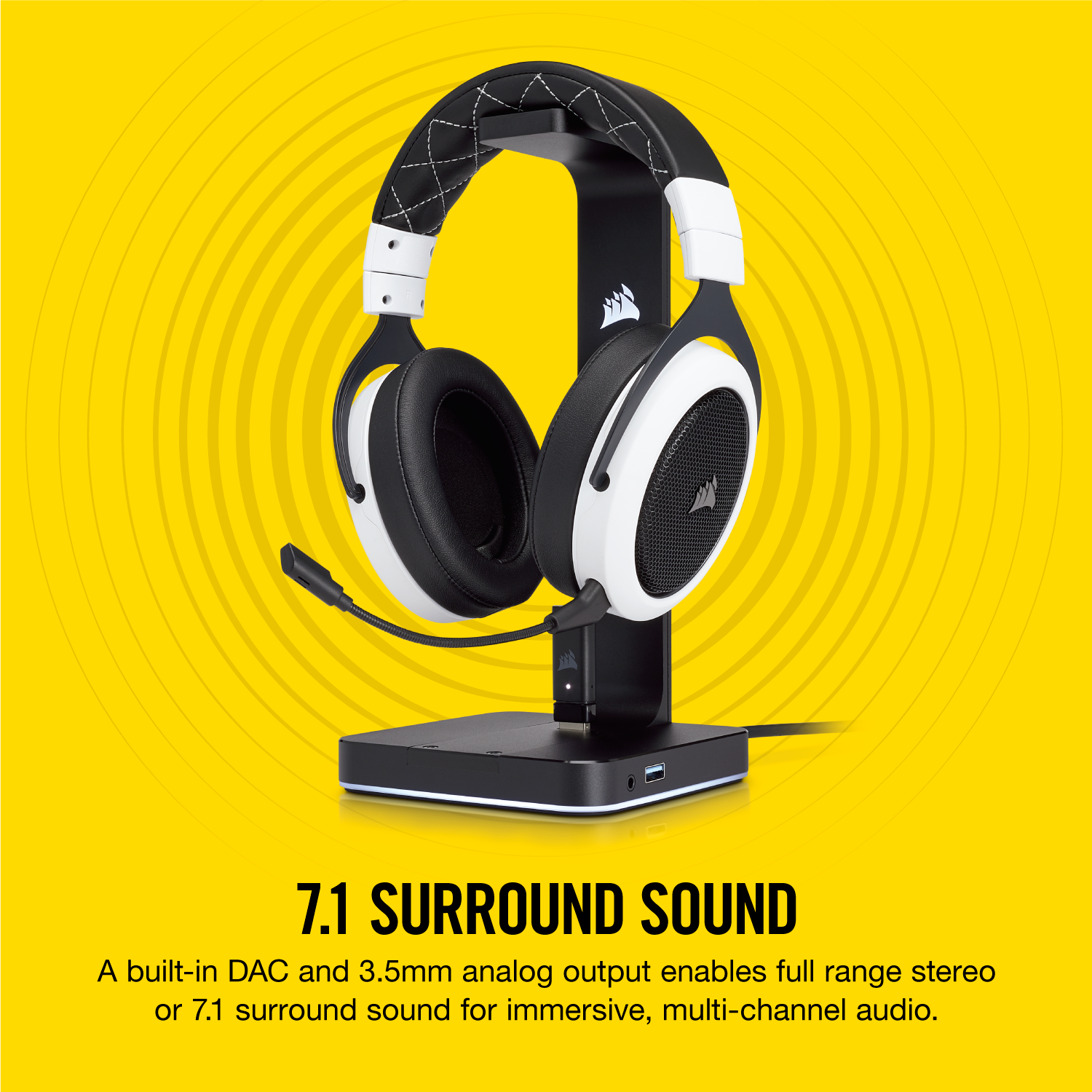
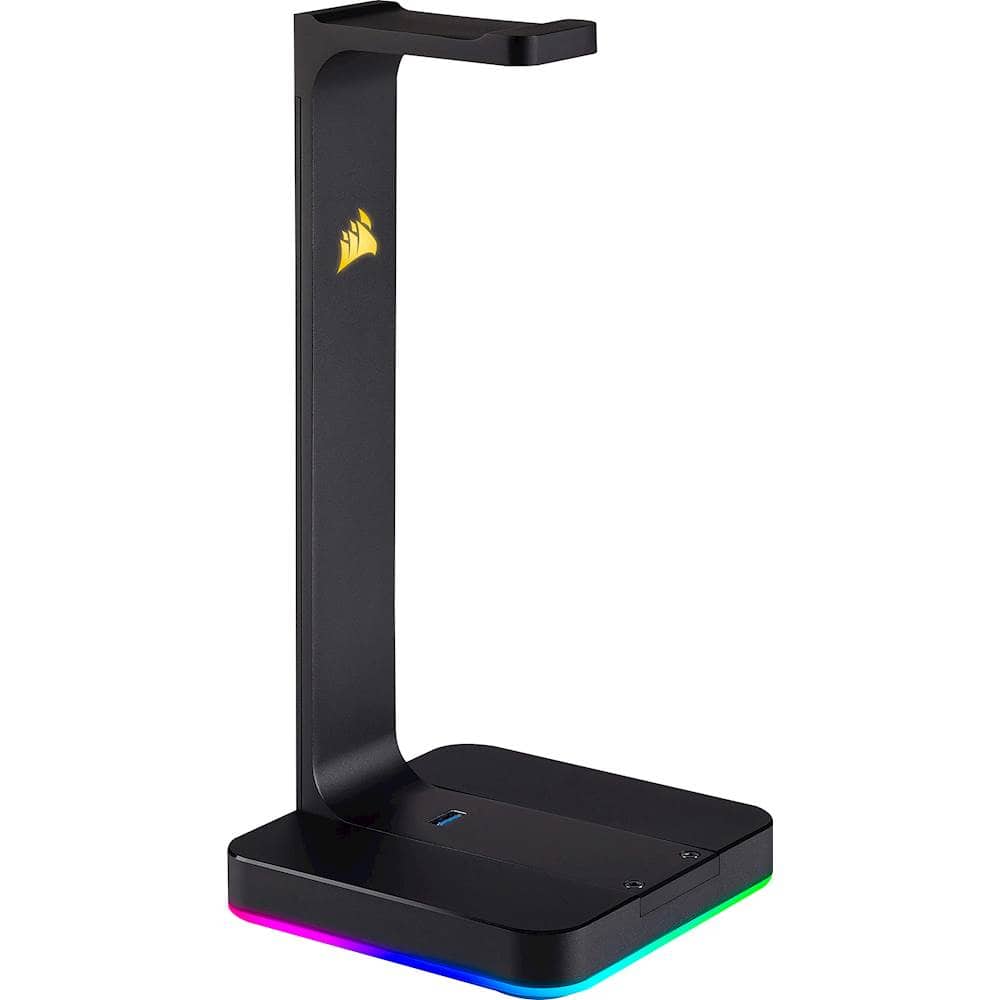
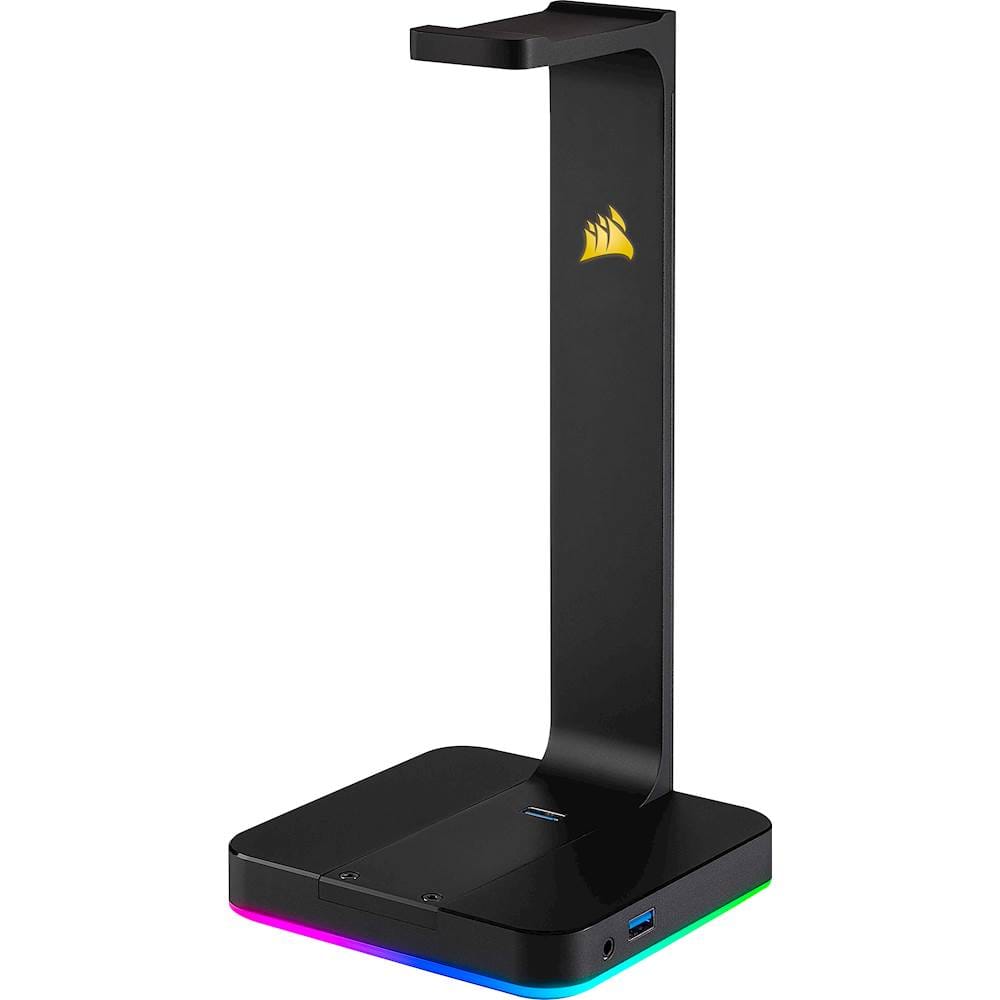
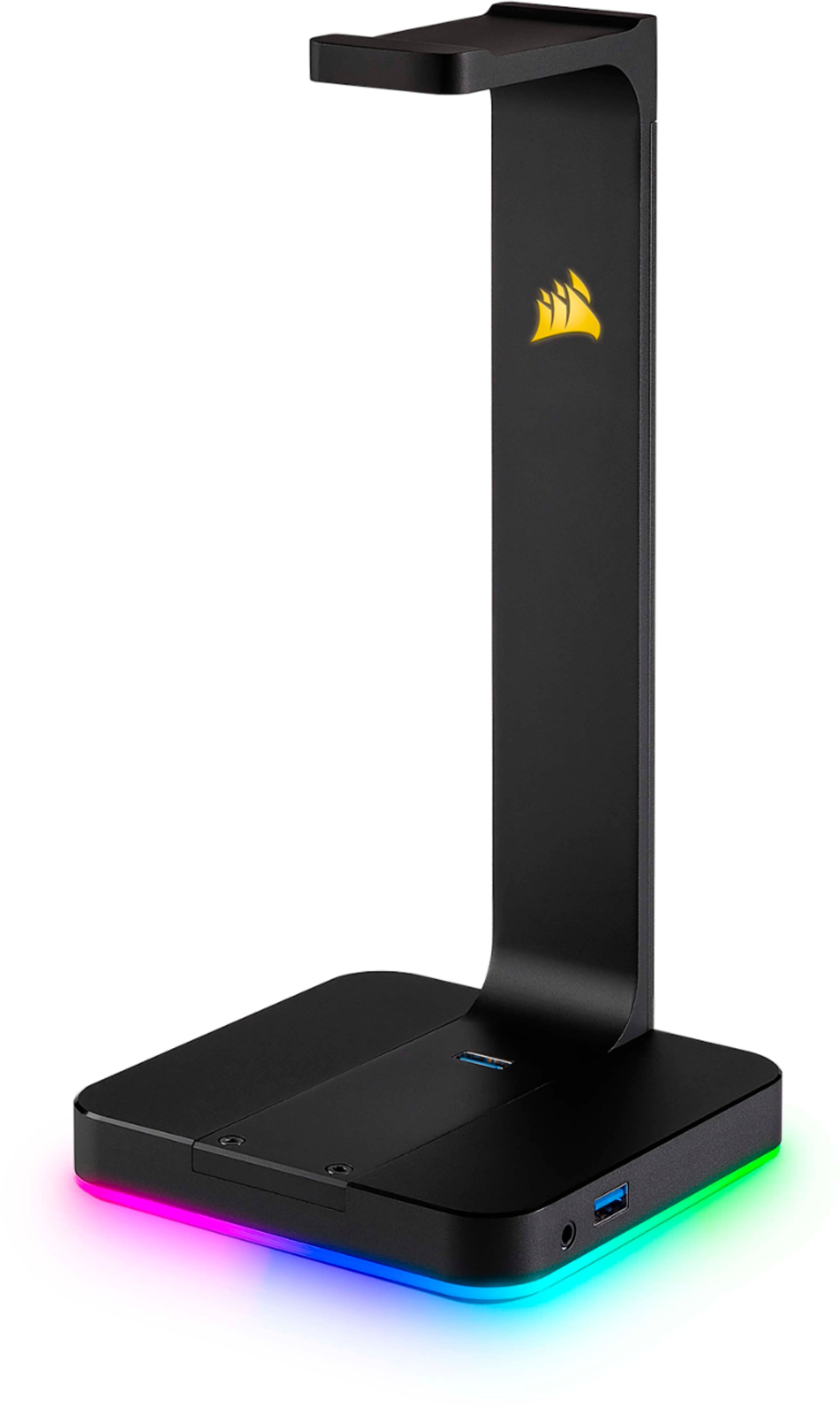
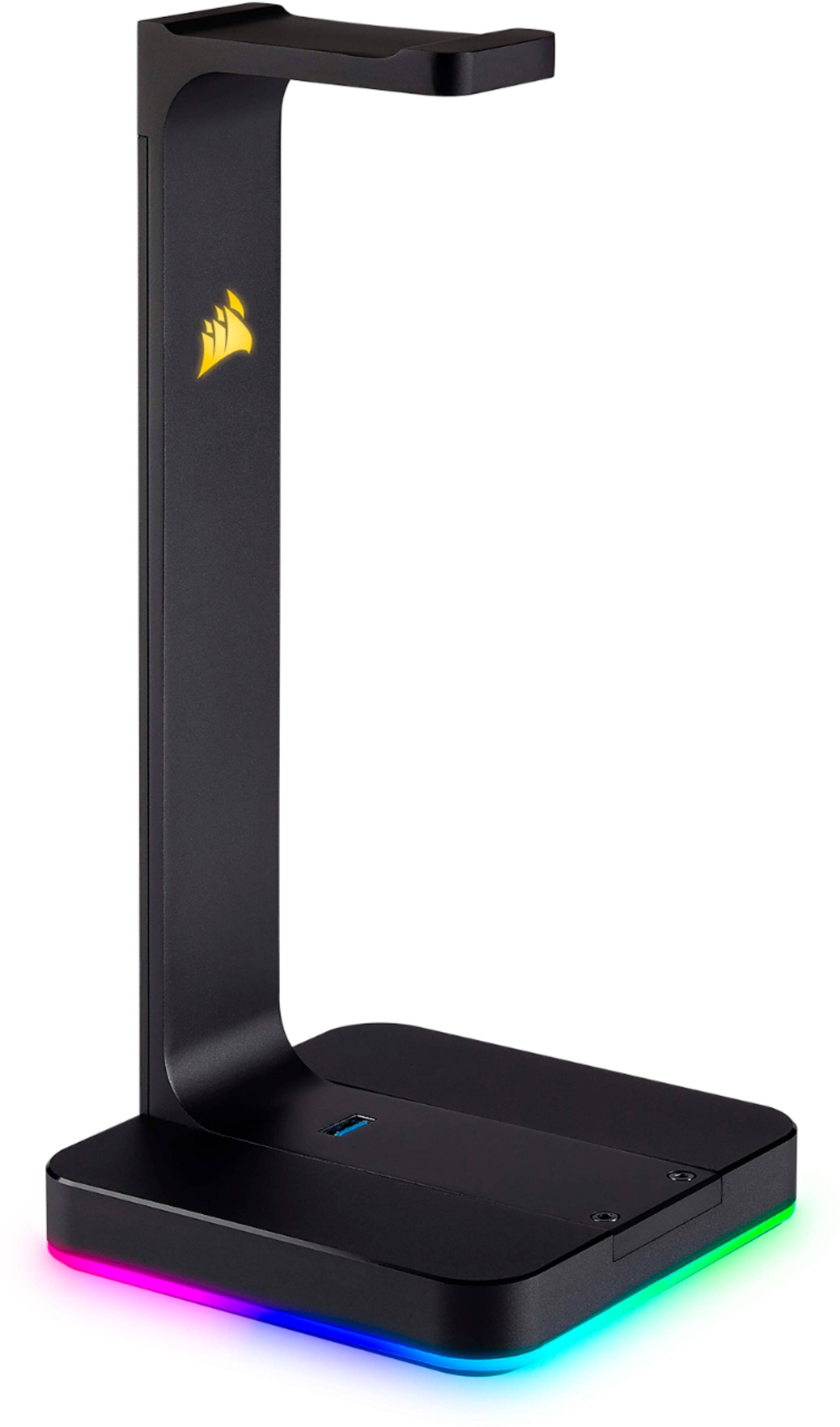
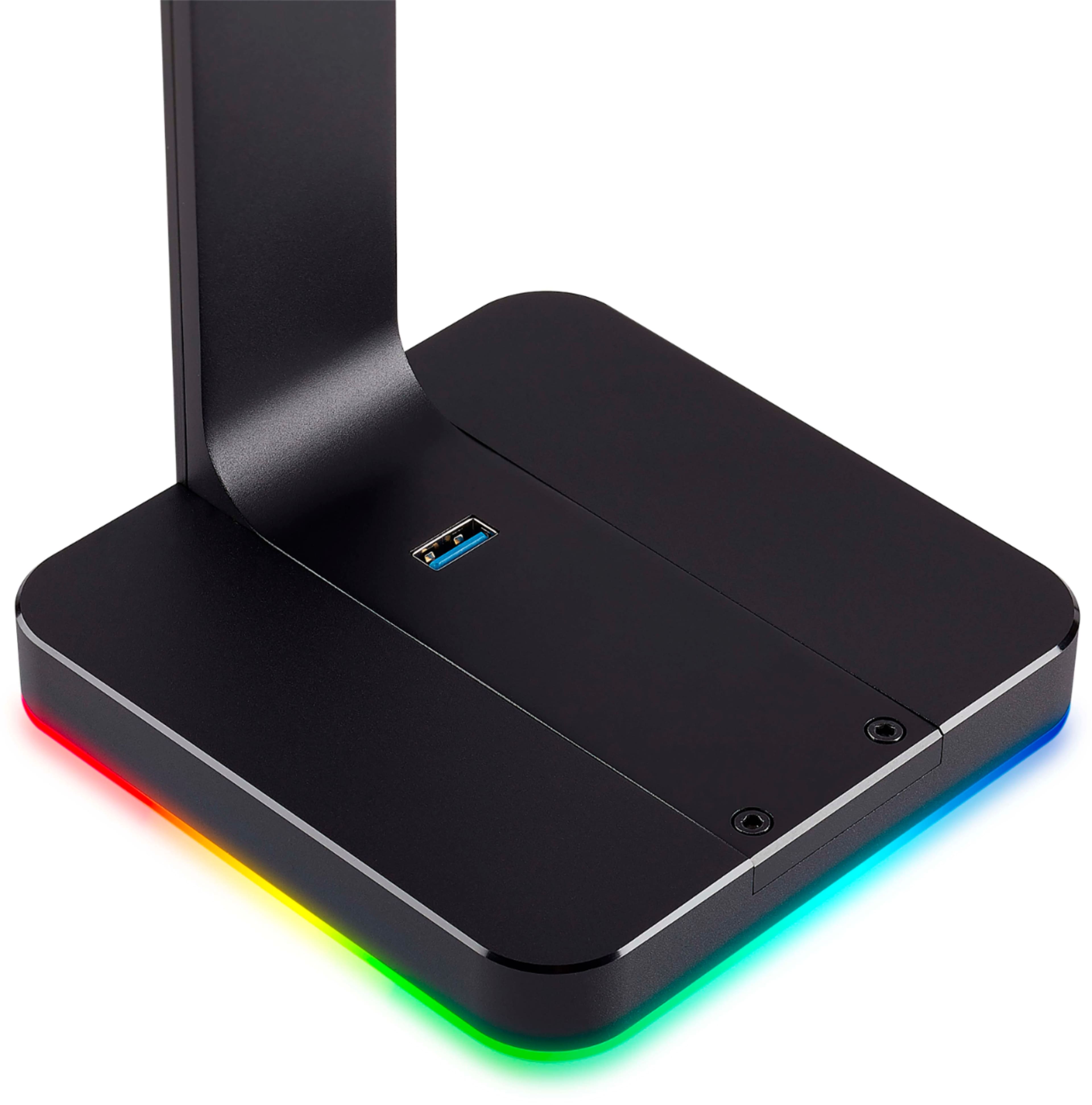
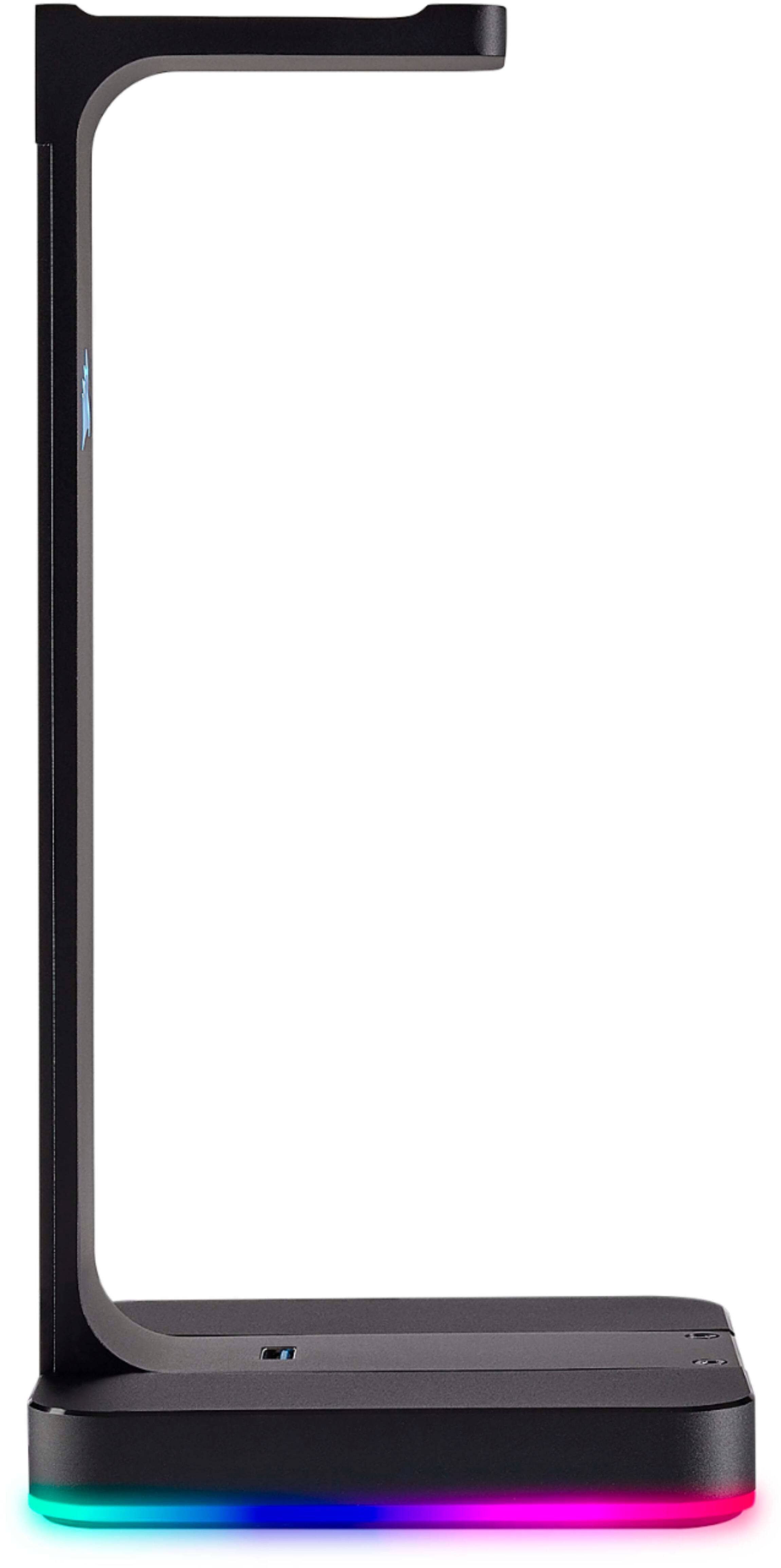
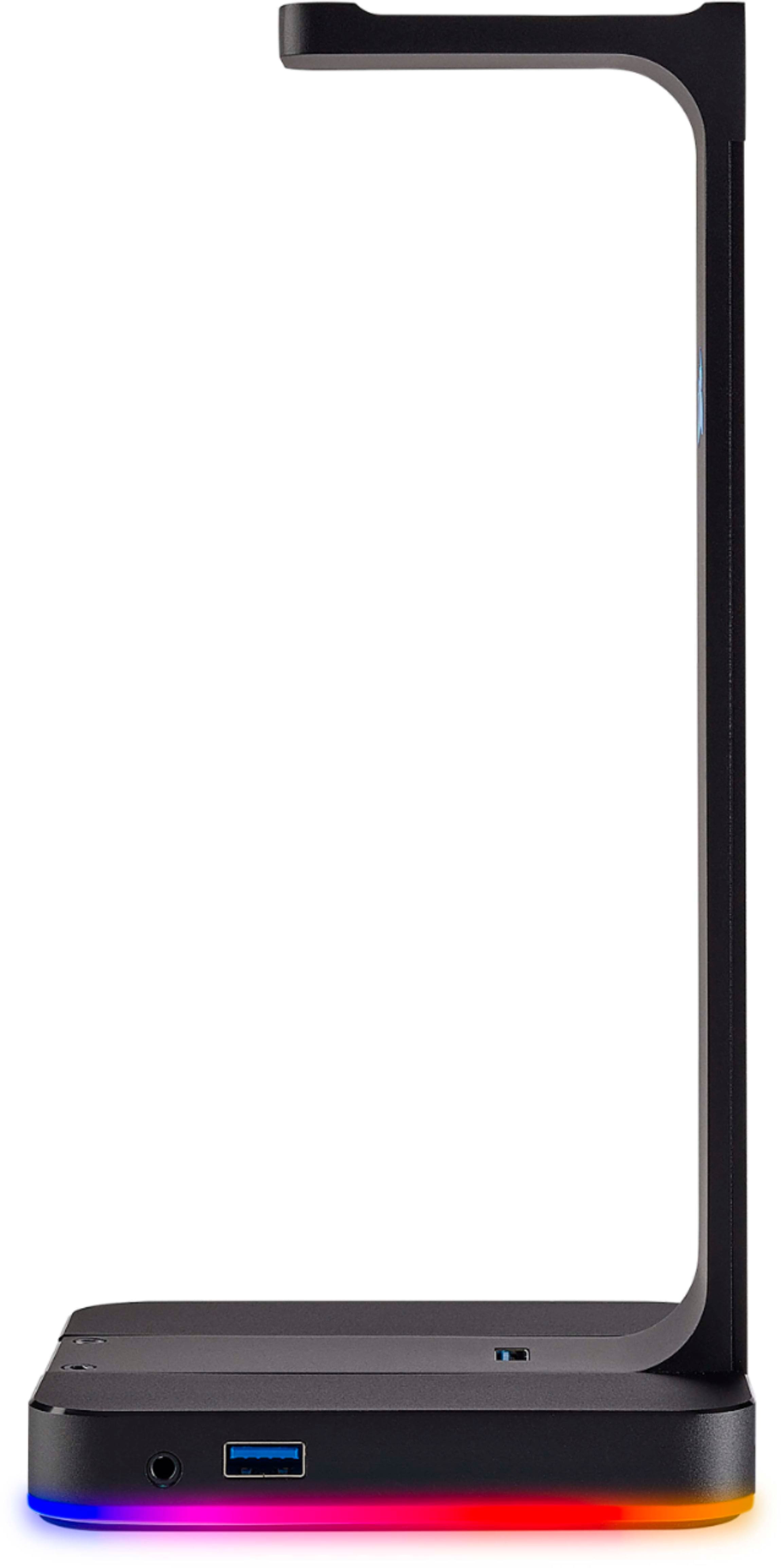
Customers are positive about the Gaming ST100 RGB Premium Headset Stand's features, especially the RGB lighting and additional USB ports. Users appreciate its sturdiness, appealing design, and compatibility with software. However, some customers feel the price is a bit high.
This summary was generated by AI based on customer reviews.
Head phone stand
||Posted . Owned for 1.5 years when reviewed.This reviewer received promo considerations or sweepstakes entry for writing a review.Great stand not great light stop lighting up after a month of use.
No, I would not recommend this to a friendBrand response from Corsair Art
Posted .Hi RayRay,
Sorry to hear that the lighting stopped working, we'd like to help! Please reach out to our support team so we can work with you directly: support corsair.com
-Brian
faulty cable connection
||Posted . Owned for 10 months when reviewed.This reviewer received promo considerations or sweepstakes entry for writing a review.After buying this cool looking item and getting home I plugged it into my computer and almost right away it started having issues the cable that plugs in the back of the headphone stand that comes with it does not mate well with the connector on the headphone stand at all and this is on a flat table running straight back. I constantly get massage from my computer telling me it does not recognize this USB device. I have tried moving the cable on the back of the headphone stand and sometimes if i get it in just the right spot it will stop sending me massages. but a short time later it starts again sending massage. I diden't know Best Buy had a 15 day return policy and I even tried calling them to see if they would help me to no avale. Buyer be ware.
No, I would not recommend this to a friendBrand response from Corsair Art
Posted .Hi Corsairheadphonerack,
Sorry to hear that the cable connection is having issues, we'd like to help! Please reach out to our support team so we can work with you directly: support.corsair.com
-Brian
Just ok
||Posted .This reviewer received promo considerations or sweepstakes entry for writing a review.My son asked for it for Christmas then we ended returning it he honestly never used it.
No, I would not recommend this to a friendBrand response from Corsair Art
Posted .Were there any issues with it? If it's decided to rebuy it and any problems surface please let us know: support.corsair.com
Ehhh
||Posted . Owned for 3 weeks when reviewed.This reviewer received promo considerations or sweepstakes entry for writing a review.Its hold the headphones fine but sadly the lighting leave a lot to be desired.
No, I would not recommend this to a friendBrand response from Corsair Art
Posted .Hello shinypants,
Thanks for the honest feedback, is there any way you could reach out to us and give more in-depth information? There's always room for improvement and I'm sure our support team would love to hear that from you to pass on: support.corsair.com
Headphone stand
||Posted . Owned for 1 week when reviewed.This reviewer received promo considerations or sweepstakes entry for writing a review.Good quality material, however difficult to set up and frequently settings change to be the default audio ouput, creating issues. If you have a Corsair headset with the USB connection it won't connect to the headset stand.
No, I would not recommend this to a friendBrand response from Corsair Art
Posted .Hello Jenn,
Please contact us for troubleshooting. What you describe shouldn't be happening.
Please reach out: support.corsair.com
-Art
- Cons mentioned:Price
Not worth the money
||Posted . Owned for 1 week when reviewed.This reviewer received promo considerations or sweepstakes entry for writing a review.Its perfect for the rbg factor but the usb hubs on mine are stupid it keeps disconnecting from my pc, i love Corsair but that was disappointing especially for 80$
No, I would not recommend this to a friendBrand response from Corsair Art
Posted .Hello Chris,
Sounds like it could be faulty, or somehow the issue could be related to how/where the stand is connected. Please reach out so we can help: support.corsair.com
RGB headset holder is great!
||Posted .This reviewer received promo considerations or sweepstakes entry for writing a review.Everything about this is great except I can figure out how to keep it staying a Solid color. Every once in awhile, it will go off the solid color I set
I would recommend this to a friendTotal waste of money
||Posted .This reviewer received promo considerations or sweepstakes entry for writing a review.My computer will not complete the boot cycle if this is plugged in. I have updated my usb and motherboard drivers. If I boot the computer first then plug the device in, I can not control any of the lighting. If I plug my headphones into any of the usb ports on the device, the lighting shuts off. After that I have to restart my computer to get the lights to even light up. It is a complete and utter disaster.
No, I would not recommend this to a friendBrand response from Corsair Art
Posted .Hi,
Could you contact us with more information regarding your set up? Could be another software that's conflicting: support.corsair.com
cool at first
||Posted .This reviewer received promo considerations or sweepstakes entry for writing a review.it was ool at first but then easily became one of those product i regret
I would recommend this to a friendGreat Stand
||Posted .This reviewer received promo considerations or sweepstakes entry for writing a review.This stand works well. My headset fits good and I would recommend.
I would recommend this to a friendFancy way to waste your money
||Posted . Owned for 3 weeks when reviewed.This reviewer received promo considerations or sweepstakes entry for writing a review.I bought this thinking it would wirelessly charge my corsair wireless headset. The idea of plopping my headset on the stand without having to worry about wires is extremely appealing and I thought that's what this was. It is not. This is essentially a piece of metal to hang your headset on with some colorful lights below.
No, I would not recommend this to a friendBrand response from Corsair Art
Posted .Hi Marcus,
Did you run into any functionality problems? If the issue was just the confusion that made you think this would charge any wireless headset please reach out with screenshots of where this may have come across as such and we can avoid any future confusion.
Thanks! Here is the contact info: support.corsair.com
Looks great... when it works.
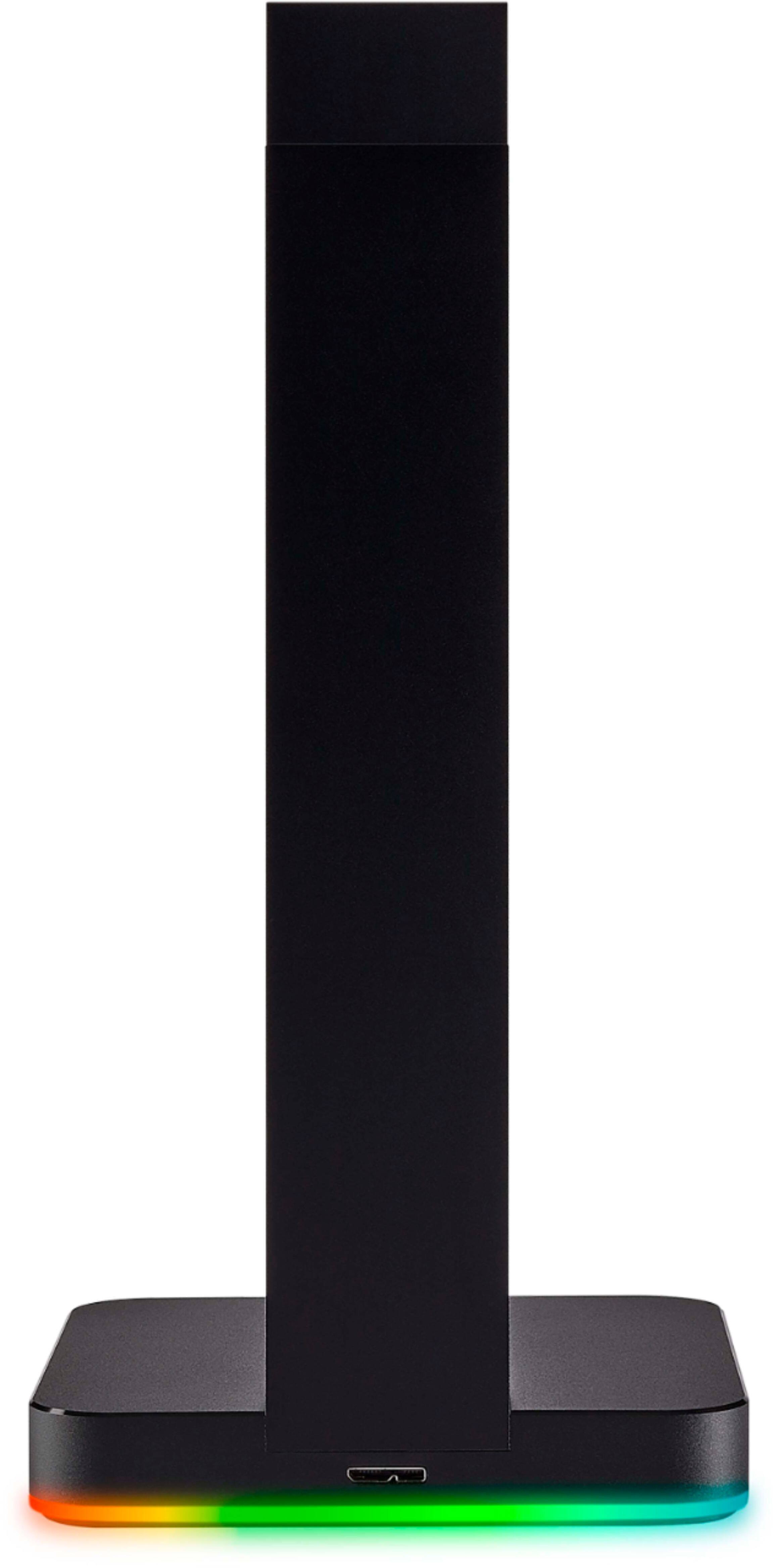
||Posted . Owned for 1.5 years when reviewed.This reviewer received promo considerations or sweepstakes entry for writing a review.It looks great and is easy to set up and use. the biggest problem with this thing is its connection in the back. micro usb type b is a horrible connector. the cable fit is loose and eventually just quits working altogether. in the end its just an expensive paperweight.
No, I would not recommend this to a friendBrand response from Corsair Art
Posted .Hello GreyGollum,
That shouldn't be the case, if yours does have that issue please reach out and we'll do our best to help: support.corsair.com
Every slight movement disconnects this.
||Posted . Owned for 6 months when reviewed.This reviewer received promo considerations or sweepstakes entry for writing a review.Not sure if I've gotten a bad product or if this is just how it is, but every slight shift of my desk disconnects this. Which also disconnects anything plugged into it. Everything else works fine, it's just ridiculously annoying to have it disconnect constantly.
No, I would not recommend this to a friendBrand response from Corsair Art
Posted .Hi Ryan,
Does sound like a faulty connection/unit, please reach out directly: support.corsair.com
-Art
Not happy
||Posted . Owned for 1 month when reviewed.This reviewer received promo considerations or sweepstakes entry for writing a review.Don’t how to set up and I want to the store and did know how to either I have a Mac the device is pec still need help
No, I would not recommend this to a friendBrand response from Corsair Art
Posted .Hello,
You can reach out to us, we'll try to help with whichever issue you may be having: support.corsair.com
-Art
- Pros mentioned:Rgb, Usb ports
Great Matching Stand for Headsets
Posted .This reviewer received promo considerations or sweepstakes entry for writing a review.Straight to the point: Pros: -Really ties the RGB systems together -Great custoimizability with the Corsair Utility Engine (CUE) software. -Doesn't take up too much desk space. -Provides 2 additional USB 3.1 ports Cons: -Requires CUE which has been shown to be buggy (not the stand problem) -Top USB port has stopped supporting my headset wireless dongle. May be isolated issue. -Small portion of the device has RGB lighting (wish there was more). Summary: I've been pretty happy with the stand for the most part. I may return the one I currently have and exchange it for another one to see if the center-top USB port will work with my Corsair Void wireless dongle. Hopefully it does, I need to preserve the limited USB 3.1 ports on the back of my PC.
I would recommend this to a friend - Pros mentioned:Rgb
Corsair has taken RGB to the next level!!!
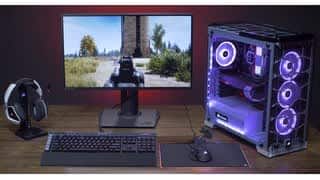
Posted .This reviewer received promo considerations or sweepstakes entry for writing a review.I have been keeping up with all of Corsair's RGB lighting effects, the ST100 was a must. If you have a 7.1 wireless headset and/or a wired 7.1 headset, this can handle either or both without any hassle.
I would recommend this to a friend - Pros mentioned:Sturdiness
Excellent style and build, but...
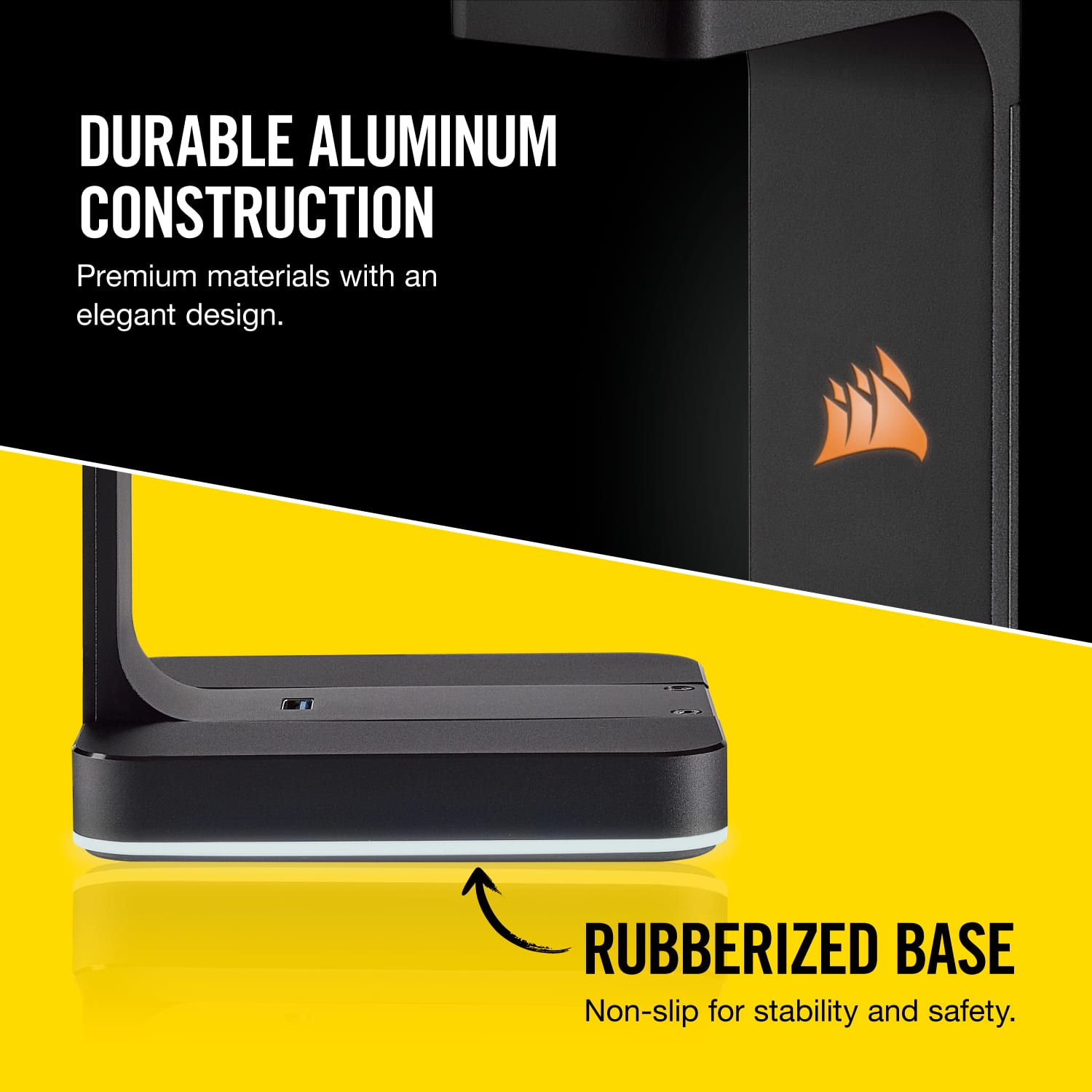
Posted .This reviewer received promo considerations or sweepstakes entry for writing a review.First, let me say the quality is fantastic. The piece rock solid and the materials used surpass much of what you would find in premium car. The lighting effects are entertaining when paired with my Corsair K95 Platinum and MM800 mouse pad. Now the but... Why didn't Corsair make this capable of charging cordless headphones??(!) I had expected it would charge my Logitech headset, but it will not do it (or charge a phone). Shame on me for not doing my homework, I suppose! This would be a nice addition for what is already a great package! I absolutely recommend this item, but plan on having and extra cord running around your system if you use wireless headphones! Enjoy
I would recommend this to a friend - Pros mentioned:Usb ports
LOVE IT! AUX does boost sound quality
Posted .This reviewer received promo considerations or sweepstakes entry for writing a review.Love the headset, goes with my other Corsair products nicely. 3.0 usbs work fast! the Aux input is great, enhances sound! May not notice on lower end speakers. not saying mine are great, but they are logitech 3 peice with sub. i noticed a good difference.
I would recommend this to a friend - Pros mentioned:Rgb
Nice
Posted .This reviewer received promo considerations or sweepstakes entry for writing a review.Beautiful addition to the PC. The RGB is a great add too
I would recommend this to a friend Corsair ST100 sounds as good as it looks!
Posted .This reviewer received promo considerations or sweepstakes entry for writing a review.This is the perfect accessory for my Sennheiser HD598. All of my peripherals are Corsair and the RGB backlighting looks terrific. The bonus was the sound quality coming out of this unit.I actually wasn’t expecting too much but it sounds amazing!
I would recommend this to a friend