Customer Ratings & Reviews

- Model:
- CH-9311011-NA
- SKU:
- 6316173
Rating by feature
- Value
Rating 4.5 out of 5 stars
- Quality
Rating 4.5 out of 5 stars
- Ease of Use
Rating 4.6 out of 5 stars
Customers are saying
Customers are positive about the HARPOON RGB Wireless Optical Gaming Mouse with Bluetooth, especially its wireless capabilities, battery life, and ease of use. Many appreciate its RGB lighting, lightweight design, DPI switch, and affordable price. However, some customers find the size too small and have experienced connection issues. There are also some complaints about the side buttons, software, and scroll wheel.
This summary was generated by AI based on customer reviews.
- Pros mentioned:Rgb, Wireless
nice mouse
Posted .This reviewer received promo considerations or sweepstakes entry for writing a review.very light, medium sized mouse. if you have very large hands this may not be the one for you. Very surprised with the features it includes, on the fly dpi settings, your basic forward/back keys on the side, and a wide array of rgb settings with their icue software. can connect to your pc with 2.4 wireless, wired, or bluetooth connection
I would recommend this to a friend Double click
||Posted . Owned for 1 year when reviewed.This reviewer received promo considerations or sweepstakes entry for writing a review.Definitely did not like this. Mouse started double clicking not long after purchase. I tried all the fun things to try to fix it to no avail. I have a wired g502 that is awesome.
No, I would not recommend this to a friendBrand response from Corsair Art
Posted .Hi Yoshi,
Sorry to hear about the doubleclicking, we'd like to help! Please reach out to our support team so we can work with you directly: support.corsair.com
-Brian
Great if you are running nothing else 2.4
||Posted . Owned for 4 months when reviewed.This reviewer received promo considerations or sweepstakes entry for writing a review.This mouse works great wired but with 2.4 my Astro A50 and the mouse interfere with each other.
No, I would not recommend this to a friendBrand response from Corsair
Posted .Hi,
Thank you for your feedback. Have you tried inserting the USB dongle into a USB port located in a separate area on your system? If you have any questions, please feel free to reach out: help.corsair.com
-Albert
Not recommended
||Posted . Owned for 3 weeks when reviewed.This reviewer received promo considerations or sweepstakes entry for writing a review.Not all that impressed. While the colors options are great and the mouse itself is not bad it does not stay charged very long.
No, I would not recommend this to a friendBrand response from Corsair
Posted .Hi Vecknon,
Thanks for the feedback, how much battery life are you getting? Could you try resetting the mouse? Turn off the mouse, hold Left+Right click, turn back on the mouse. If you're still getting issues with the battery life, please feel free to reach out to our support team: support.corsair.com
-Brian
worked great, but not durable at all.
||Posted . Owned for 4 months when reviewed.This reviewer received promo considerations or sweepstakes entry for writing a review.Was using this mouse for FPS games. The mouse only lasted 4 months, mouse 1 function deteriorated quickly. Now it double clicks automatically.
No, I would not recommend this to a friendBrand response from Corsair Art
Posted .Hello,
We can help. Please reach out at any time: support.corsair.com
-Art
eh
||Posted . Owned for 1 year when reviewed.This reviewer received promo considerations or sweepstakes entry for writing a review.i was not a fan of the texture, it also feels like a weird, matted coating.
No, I would not recommend this to a friendBrand response from Corsair
Posted .Hi,
Sorry to hear about your experience. Please get in touch with our support, we'd appreciate the opportunity to further look into this and provide assistance: help.corsair.com
-Albert
Bad mice
||Posted .This reviewer received promo considerations or sweepstakes entry for writing a review.This one is very bad... i will never get a product from corsair :( i hope they will improve themselves
No, I would not recommend this to a friendBrand response from Corsair Art
Posted .Hi,
Sorry to hear about your experience. We can help out with any issue you may have encountered: support.corsair.com
-Albert
Poor contours
||Posted . Owned for 3 weeks when reviewed.This reviewer received promo considerations or sweepstakes entry for writing a review.Returned; didn’t fit my hand. Wanted a good mouse that didn’t cause pain; this was NOT it.
No, I would not recommend this to a friendBrand response from Corsair Art
Posted .Hi,
Sorry to hear this mouse did not suit your hand. If you need any help finding a suitable mouse, we'd be happy to help: support.corsair.com
-Albert
Lable wronge
||Posted . Owned for 2 months when reviewed.This reviewer received promo considerations or sweepstakes entry for writing a review.On the box it said wireless but when we got home it was actually a wire so i returned it
I would recommend this to a friendBrand response from Corsair Art
Posted .Hi Sonas,
The included cable is for charging. It can also be used for a wired connection in the case battery is depleted. If you have any questions, we'd be happy to help: support.corsair.com
-Albert
It stopped working after 6 months
||Posted .This reviewer received promo considerations or sweepstakes entry for writing a review.It stopped working after 6 months. Now I have to deal with the warrantee
No, I would not recommend this to a friendBrand response from Corsair
Posted .Hi BestBuyRi,
So sorry to hear that the mouse stopped working so soon, does it no longer power on or are you having other issues with the mouse? Our support team would be happy to assist with any issues you may be experiencing with the mouse, please feel free to reach out to our support team so we can assist you directly: support.corsair.com
-Brian
lose money
||Posted . Owned for 5 months when reviewed.This reviewer received promo considerations or sweepstakes entry for writing a review.I would never buy it again. It does not work. I missed the return date,
No, I would not recommend this to a friendBrand response from Corsair
Posted .Hi Mary,
What issues did you have with the Harpoon Wireless? Please reach out to our support team so we can work with you directly: support.corsair.com
-Brian
Poor quali
||Posted .This reviewer received promo considerations or sweepstakes entry for writing a review.Too small. Left button for mushy after 2 months of minimal use. Not a gamer.
No, I would not recommend this to a friendBrand response from Corsair Art
Posted .Hi Doni,
Sorry to hear that the left button is mushy, we'd like to help! Please reach out to our support team so we can work with you directly: support.corsair.com
-Brian
Do not buy
||Posted . Owned for 1.5 years when reviewed.This reviewer received promo considerations or sweepstakes entry for writing a review.The product stopped working after a few months. The product never worked wirelessly
No, I would not recommend this to a friendBrand response from Corsair Art
Posted .Hi TheCreecher87
Sorry to hear that the mouse stopped work so soon, we'd like to help! Please contact our support team so we can work with you directly: support corsair.com
-Brian
want to return
||Posted .This reviewer received promo considerations or sweepstakes entry for writing a review.the feet came off after a few days of light use, i am planning on returning this
No, I would not recommend this to a friendBrand response from Corsair Art
Posted .Hi erfdgsdsfgfdgs,
Sorry to hear that the feet came off so soon, we'd like to help! Please reach out to our support team so we can work with you directly: support corsair.com
-Brian
Connection issues
||Posted .This reviewer received promo considerations or sweepstakes entry for writing a review.I got this mouse because it can connect via bluetooth and usb. I can never get the usb to connect automatically on my laptop. I can open cue and click pair and it will connect but I wont do it automatically. It also wont connect via bluetooth to my tab s4. It is very frustrating.
No, I would not recommend this to a friendBrand response from Corsair Art
Posted .Hi,
Is it only the laptop that you have issues with with the dongle? If so, please reach out and we may be able to assist: support.corsair.com
- Pros mentioned:Battery life, Ease of use
A Mouse
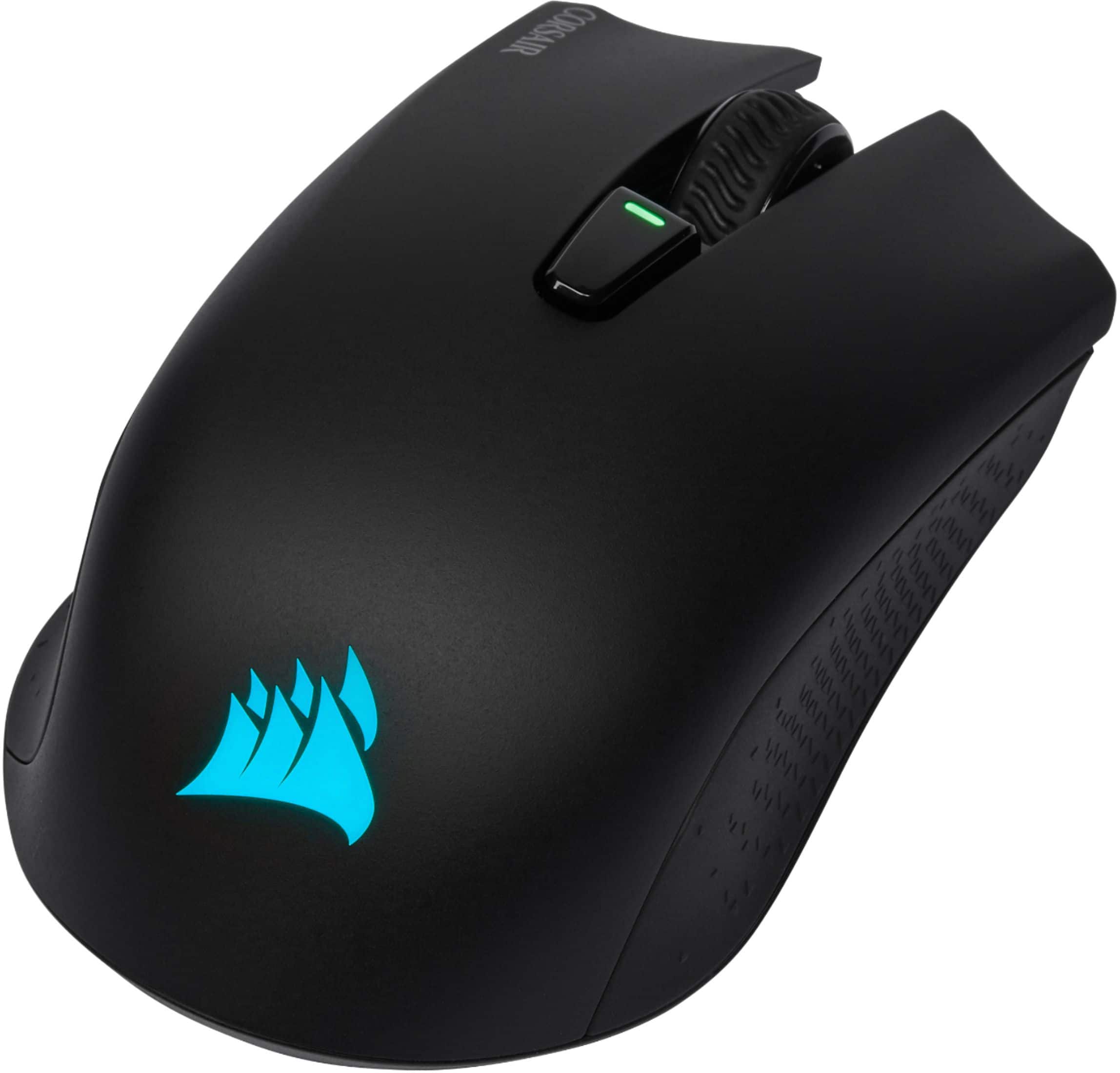
Posted .This reviewer received promo considerations or sweepstakes entry for writing a review.It's honestly just a standard wireless mouse, nothing too special about it, except its got 2 extra buttons to go back or forward, and another button under the scroll, which changes the sensitivity. I think it's a little overpriced since it's doesn't really offer anything special but it IS a very sturdy mouse, the battery life is very good, I leave it on for hours and only charge it maybe once a month or less. The logo changes color which is really cool, I never have any connection issues or anything, and it fits comfortably under your hand. The only thing I would change is that I wish it would tell you the battery instead of just blinking the light which you might not see. I recommend this if you're looking for a standard but very high quality wireless mouse.
I would recommend this to a friend - Pros mentioned:Rgb
Works with 2019 MacBook Pro
Posted .This reviewer received promo considerations or sweepstakes entry for writing a review.I wanted to clear up some confusion for Mac users who are interested in this product. Corsair’s iCUE for macOS has been out for a while now. Once downloaded, it will identify the mouse right away when connected via the included USB-cable or USB-wireless adapter. Within iCUE you will be able to set RGB color profiles, DPI settings etc. Profiles will only work through USB wired & wireless connections, not with Bluetooth. This device does not have on-board hardware profiles. This means that while in Bluetooth-mode the RGB will always be on the default Rainbow lighting effect.
I would recommend this to a friend - Pros mentioned:RgbCons mentioned:Size
Nice small budget mouse
Posted .This reviewer received promo considerations or sweepstakes entry for writing a review.This mouse is a good wireless mouse for someone with small hands and/or on a budget. The mouse has RGB lit logo and you can change it to the color of your choice in Corsair's iCue software. I would not recommend this mouse to someone with large hands. I personally had to learn to right click with my ring finger because the mouse was so small.
I would recommend this to a friend - Pros mentioned:Overall performanceCons mentioned:Side buttons
Best mouse out there
Posted .This reviewer received promo considerations or sweepstakes entry for writing a review.10/10. Amazing quality for a $50 mouse. It can easily compete with any razor mouse. But if your a more competitive gamer it does not come with side buttons. I've had mine for over a year and still in perfect condition.
I would recommend this to a friend Solid All-Around Wireless Mouse
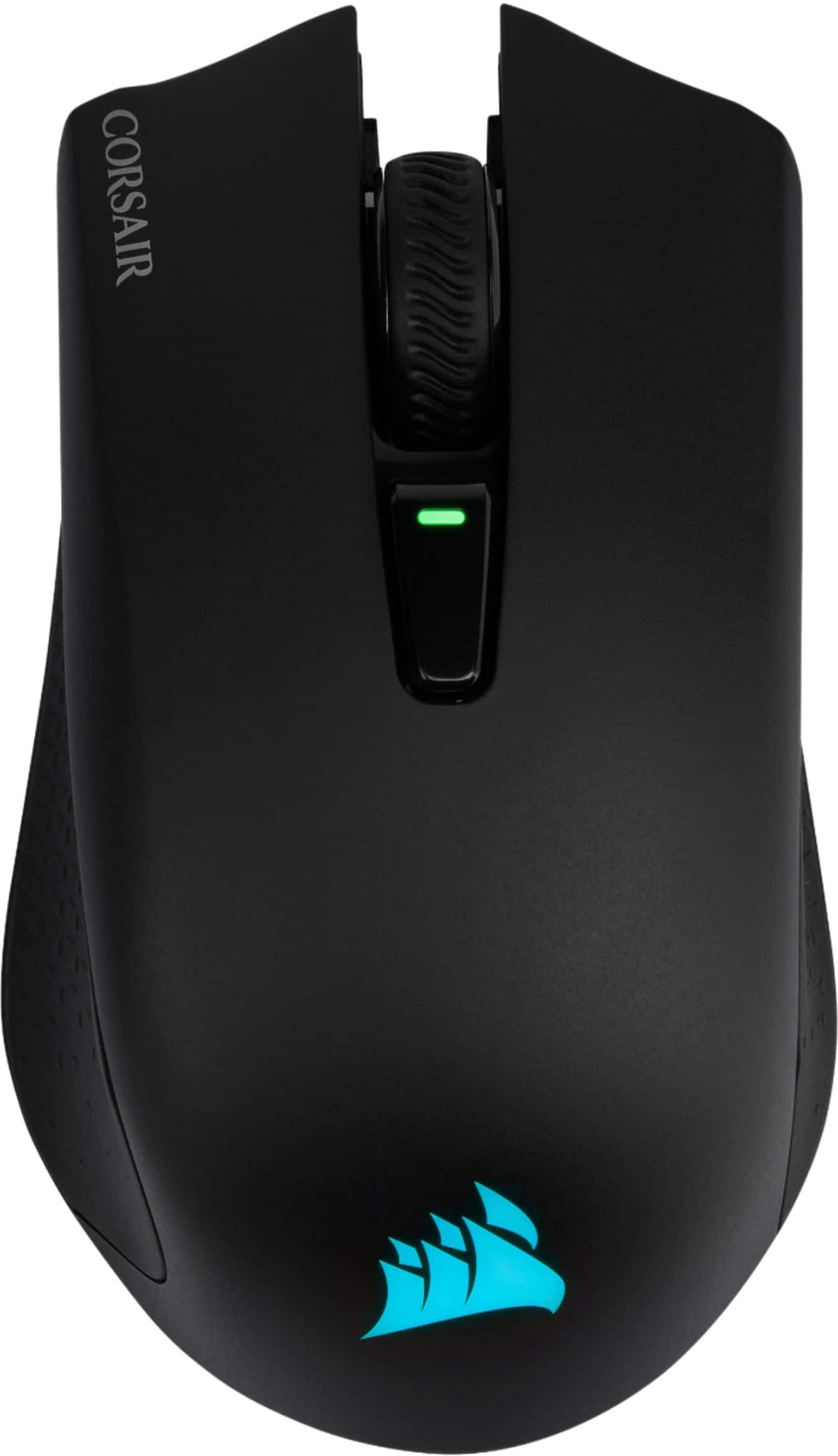
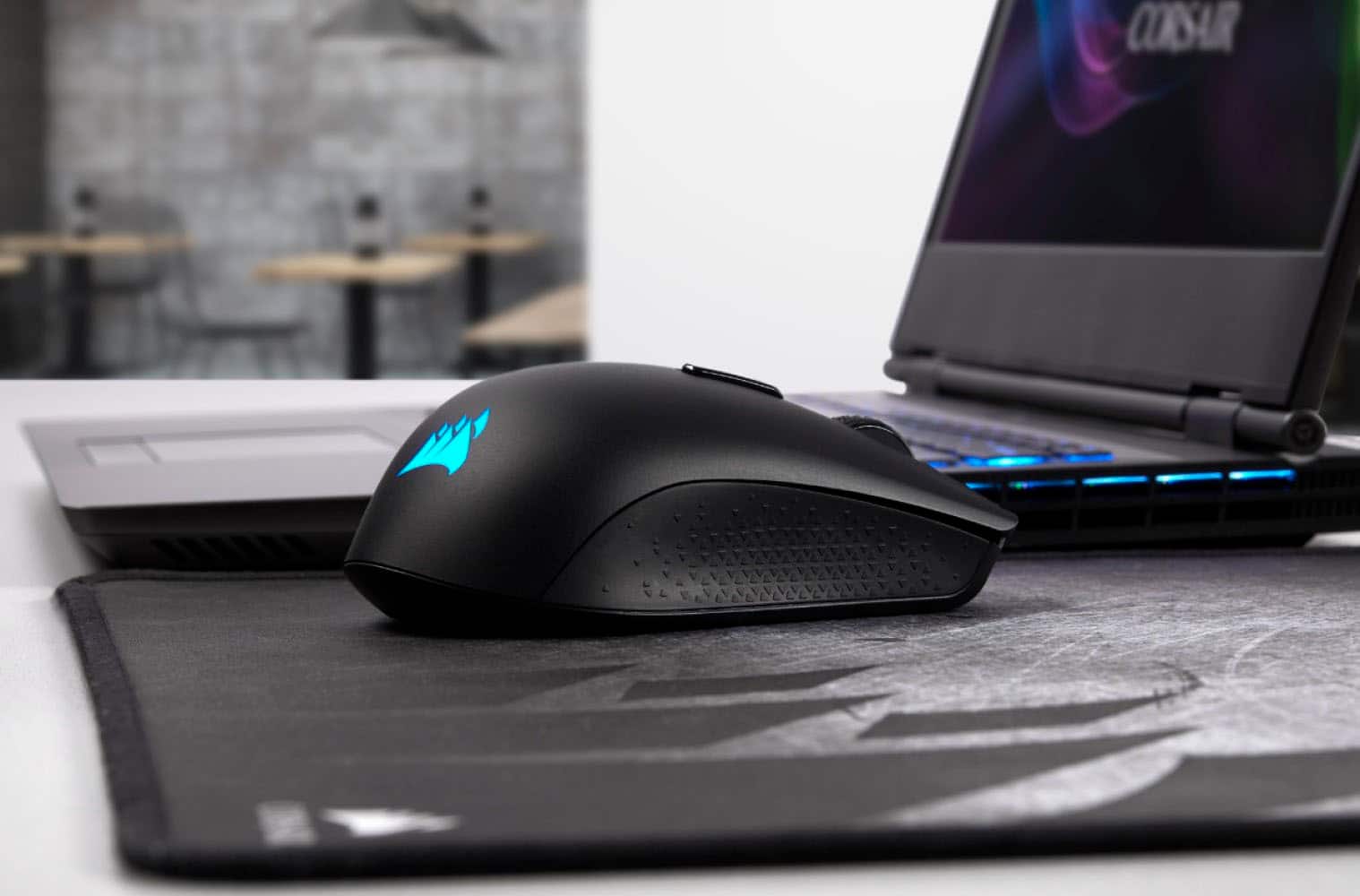
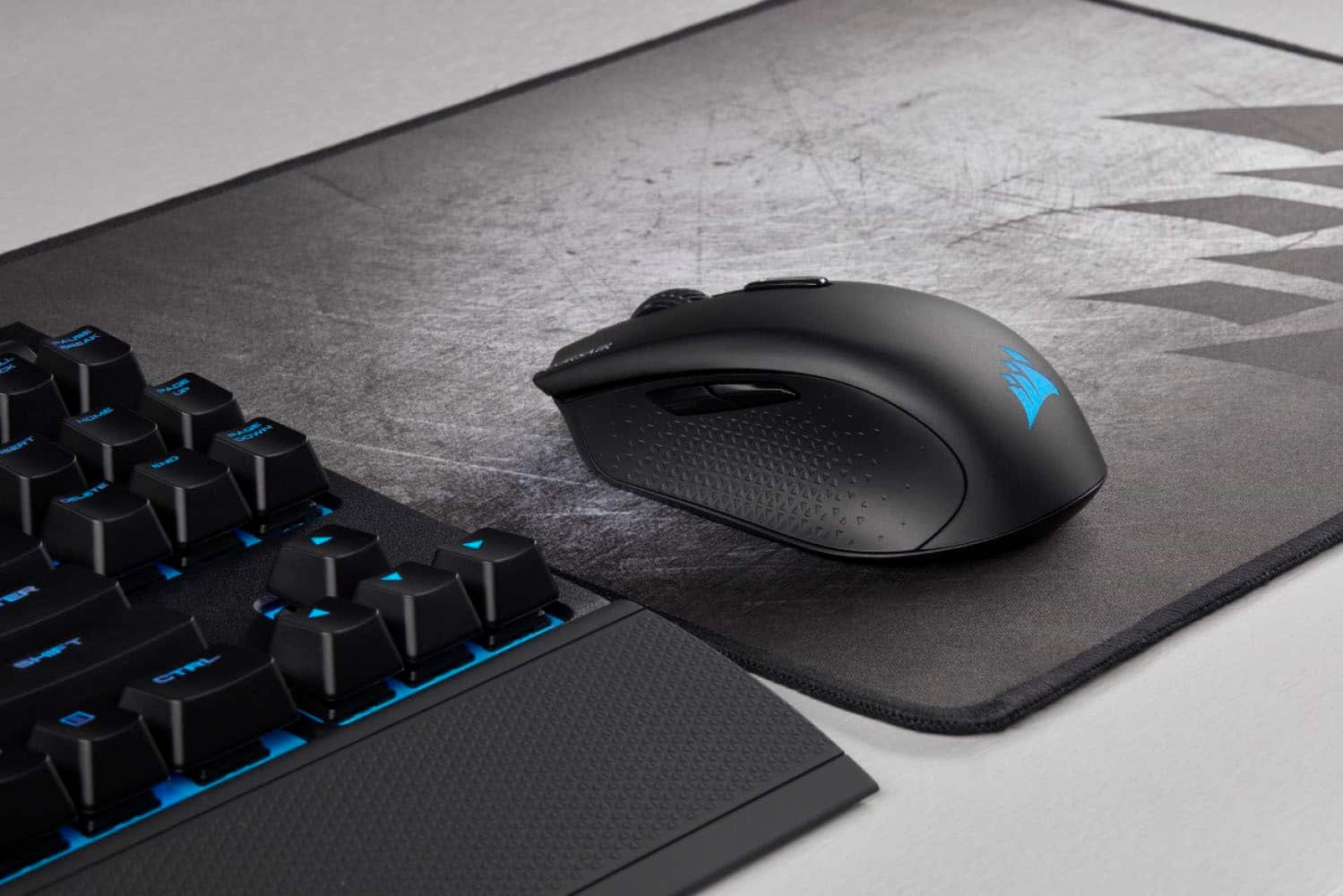
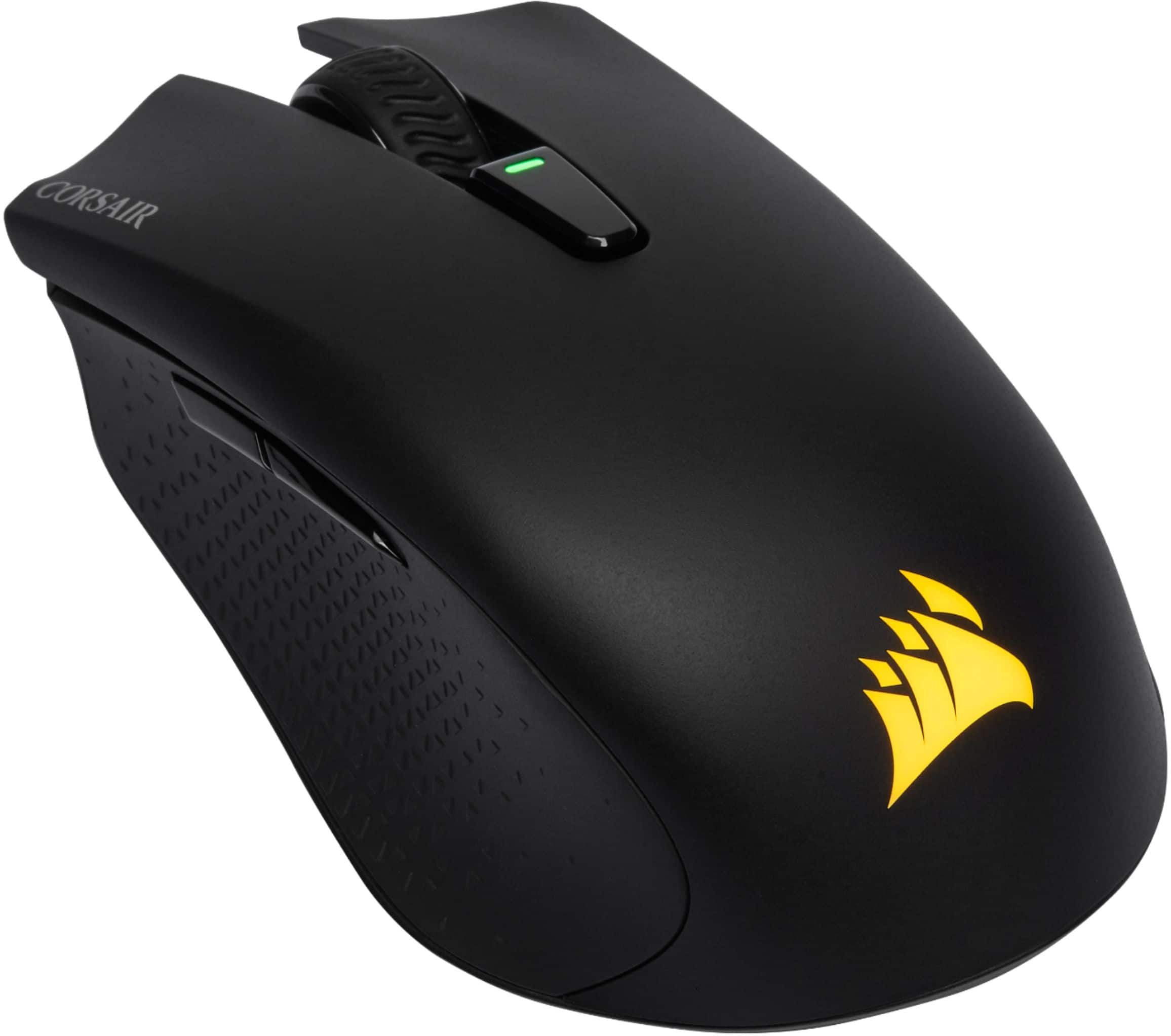
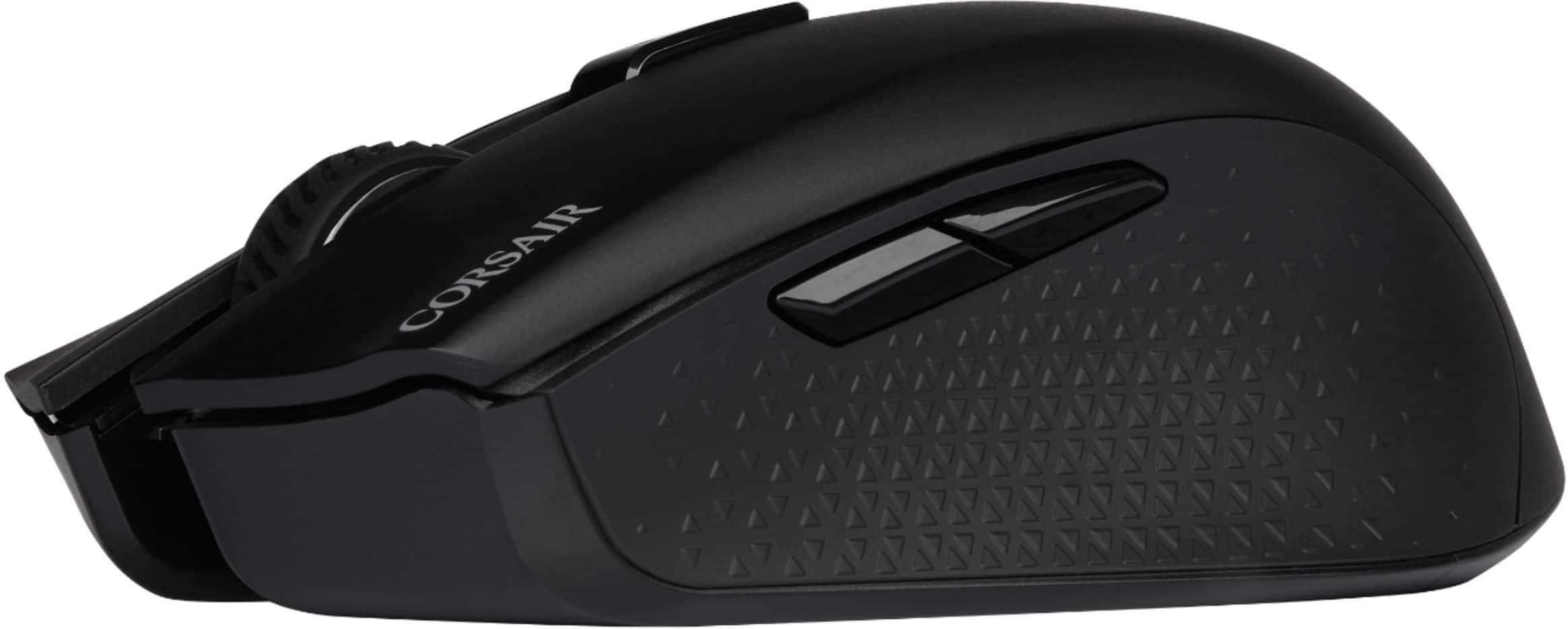
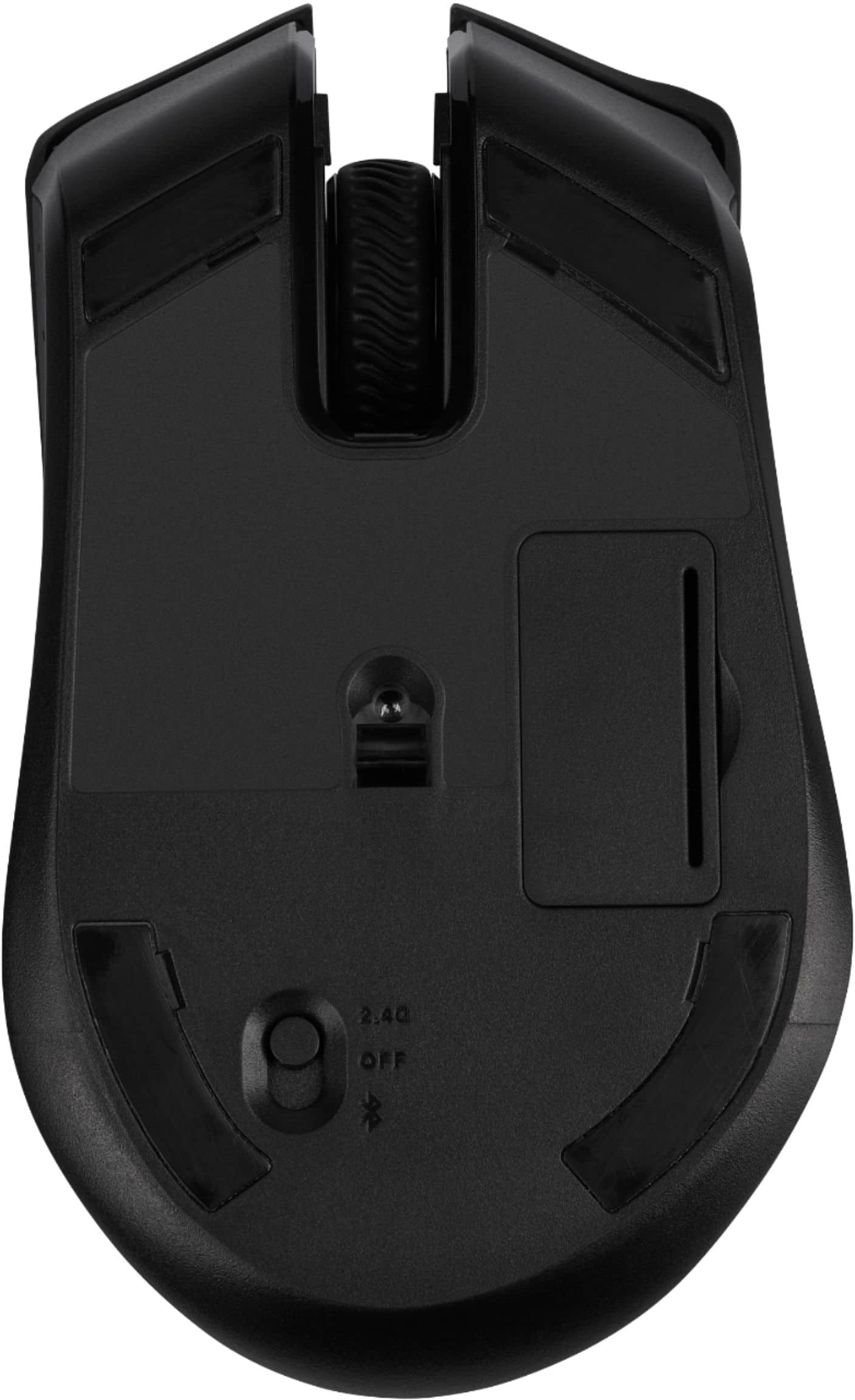
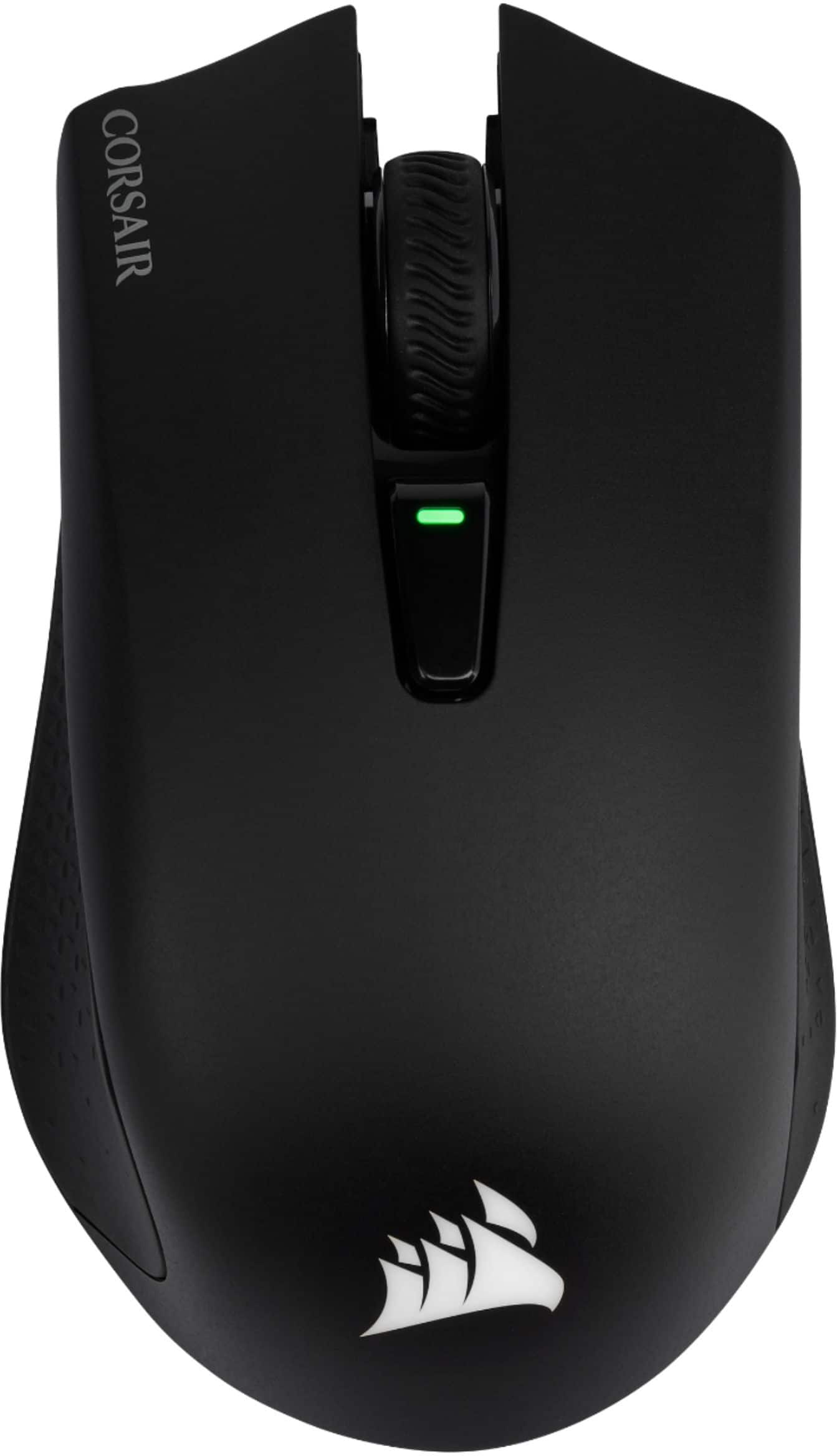
Posted .This reviewer received promo considerations or sweepstakes entry for writing a review.I am a casual gamer, and this is my second corsair mouse. I have been a long-time user of Logitech products, but was so impressed with my Corsair K95 keyboard, that I wanted to try the Corsair Glaive RGB. After being impressed by that, and wanting to get an affordable wireless mouse, I decided to try this mouse, the Corsair Harpoon RGB Wireless Gaming Mouse. I have always been skeptical of wireless peripherals, since I worry about the responsiveness in a competitive gaming situation, but technology has come a long way since the early days of wireless. I'll go into more detail below but overall, I was impressed by this mouse; the mouse felt good in my hand, not too heavy, good size, the wireless motion was incredibly responsive, and the price was right. Design: I like that this was a sleek RGB gaming mouse that didn't look like a Transformer. Very general 6-button design, which I liked more than my 16k dpi Glaive RGB. I found the 2 thumb buttons to be a little small and close together, causing me to fumble with them at times, as opposed to the way they are well defined and separated on my Glaive. Not a huge issue, but still an issue nonetheless. They reminded me a bit of the Logitech G Pro Gaming FPS mouse I used before the Glaive. The wire option fits in seamlessly when plugged in, and didn't seem to hinder my movement at all. The rubber grips on the sides assist with and provides a comfortable grip, and the steep curve along the back really helps you wrap your hand around the mouse while keeping your hand upright in a more mobile grip. Size and Weight: The size and weight was something that I really liked about this mouse. It was definitely smaller and lighter than Glaive, and was about the same size, if not a little smaller, and definitely lighter than my old Logitech with comparable design. Specs on the Glaive put it at 4.3 ounces, while the Harpoon wireless is stated to weigh 3.52 ounces. I haven't used the wired Harpoon, but as one might expect, the wireless is supposed to be slightly heavier and larger than the wired. Possibly something to consider if you have the wired and are thinking of making the switch to wireless. I don't (usually) play for marathon sessions, but the lighter weight and smaller size has felt less cumbersome on my hand over time. Wireless Connectivity: Now for the reason I got this mouse. I was blown away by the responsiveness of the wireless functionality. The mouse can be connected via the 2.4ghz wireless receiver (my method), Bluetooth, or via USB. There is a switch on the underside to select between the wireless and Bluetooth functions, or to just turn off the mouse. Corsair describes their "Slipstream Wireless Technology" as hyper-fast, and it did not disappoint. The max dpi on this mouse is 10k, which for me being a casual gamer, was higher than anything I feel comfortable using, but wasn't as high as my Glaive at 16k, or my Logitech at 12k, so something to be aware of if this is a concern for you. Battery: The mouse comes with a built-in rechargeable lithium batter, and I appreciated that they conveniently included the USB cord to plug in and recharge the mouse as needed. Honestly, I haven't noticed any issues with the battery life as plugging in and recharging has been fairly convenient, plus like I said, I don't generally play for extended periods of time. With that been said, the description says up to 60 hours, but I noticed the battery seeming to go quicker than that. From research that I've done, it seems like the RGB LEDs cause the battery to go out quicker. Fortunately enough, the software allows you to turn off the LEDs, but from my perspective, what's the point of getting the RGB feature if you're not going to use it. Just plug it in after each use and you shouldn't have any issues. Overall: Solid all-around wireless mouse that felt good, worked well, and is affordably priced for what you're getting.
I would recommend this to a friend