Customer Ratings & Reviews



- Model:
- CW-9060062-WW
- SKU:
- 6488321
Rating by feature
- Value
Rating 4.1 out of 5 stars
- Quality
Rating 4.4 out of 5 stars
- Ease of Use
Rating 4.3 out of 5 stars
Customers are saying
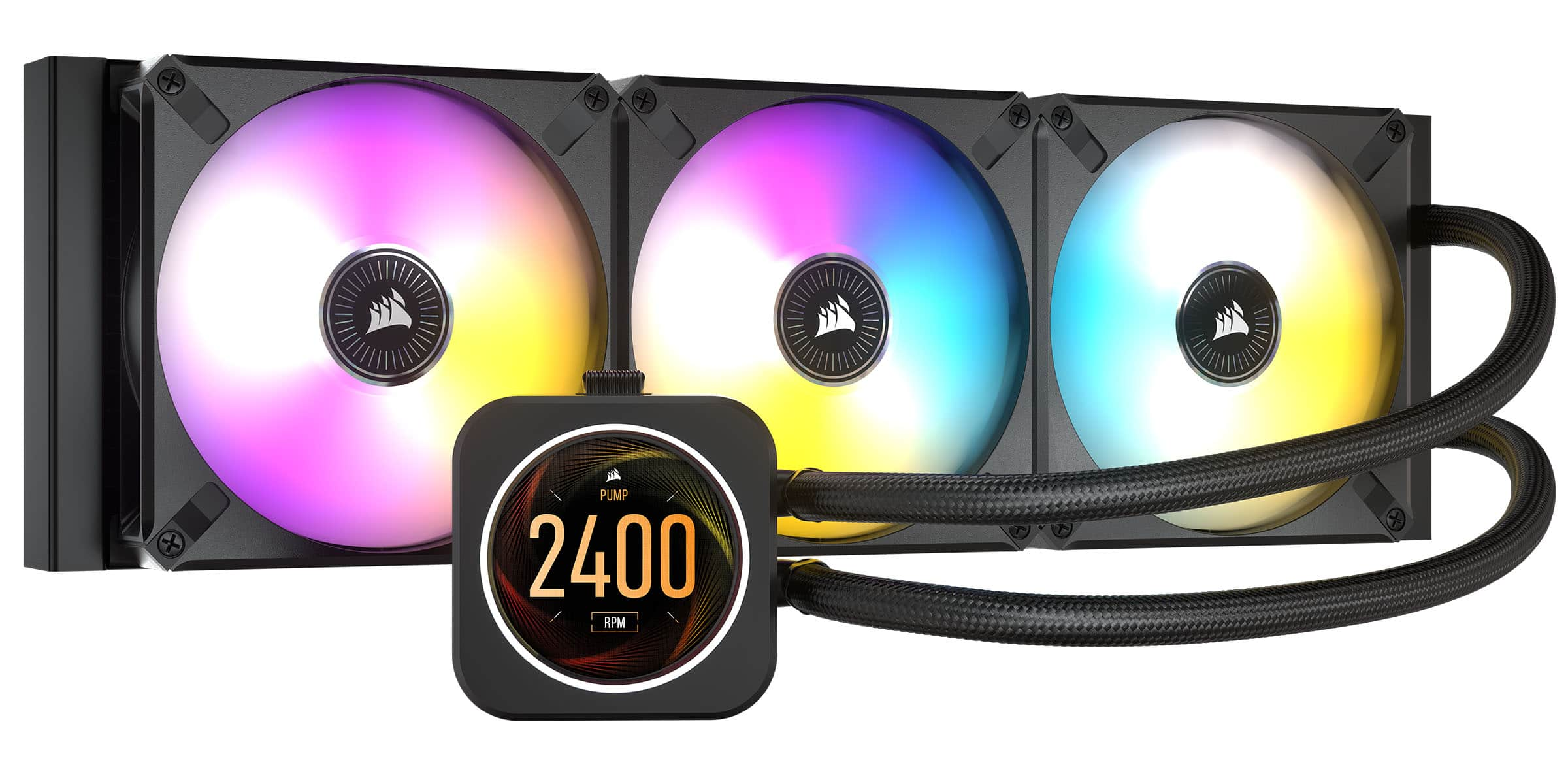
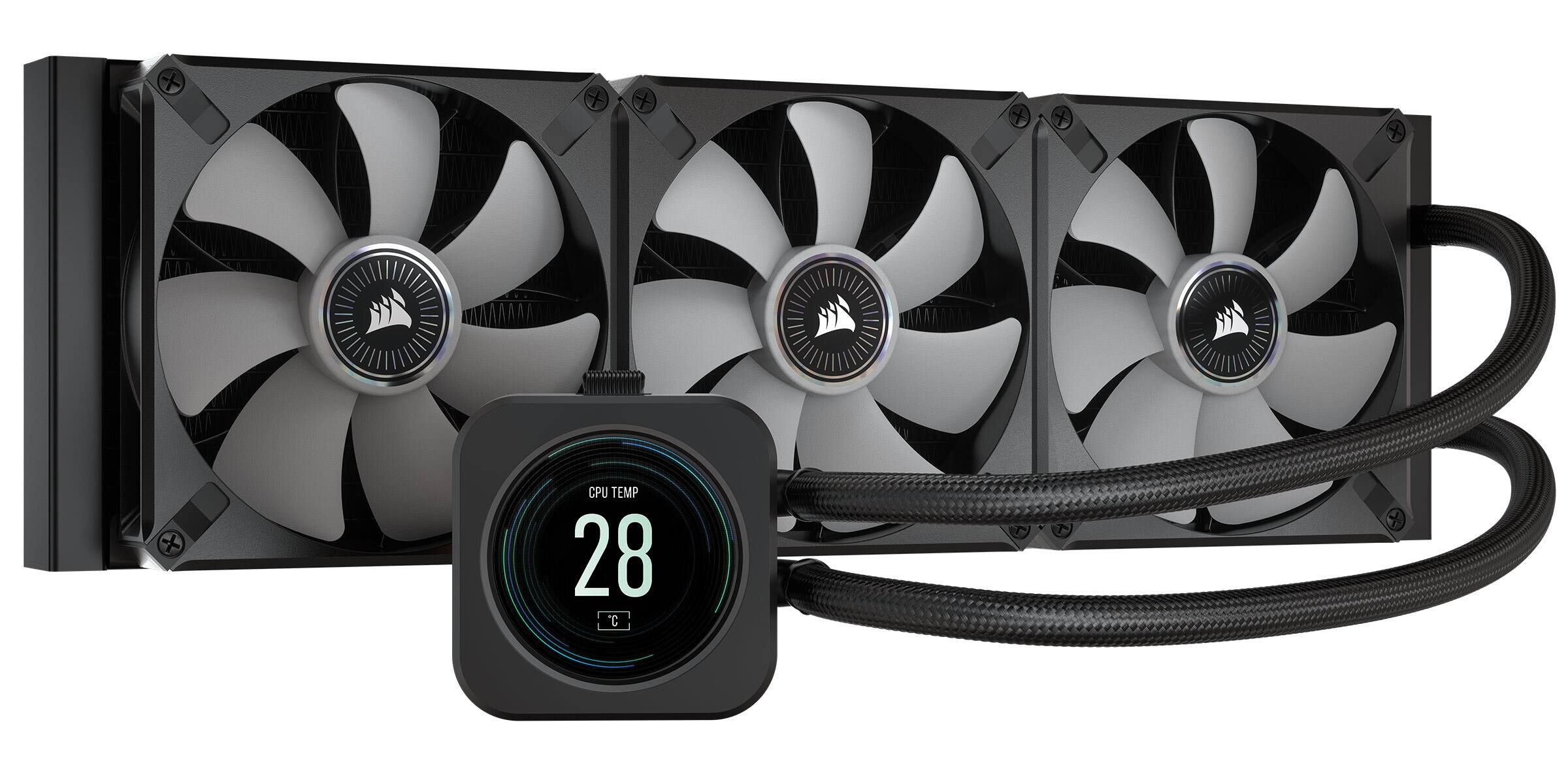
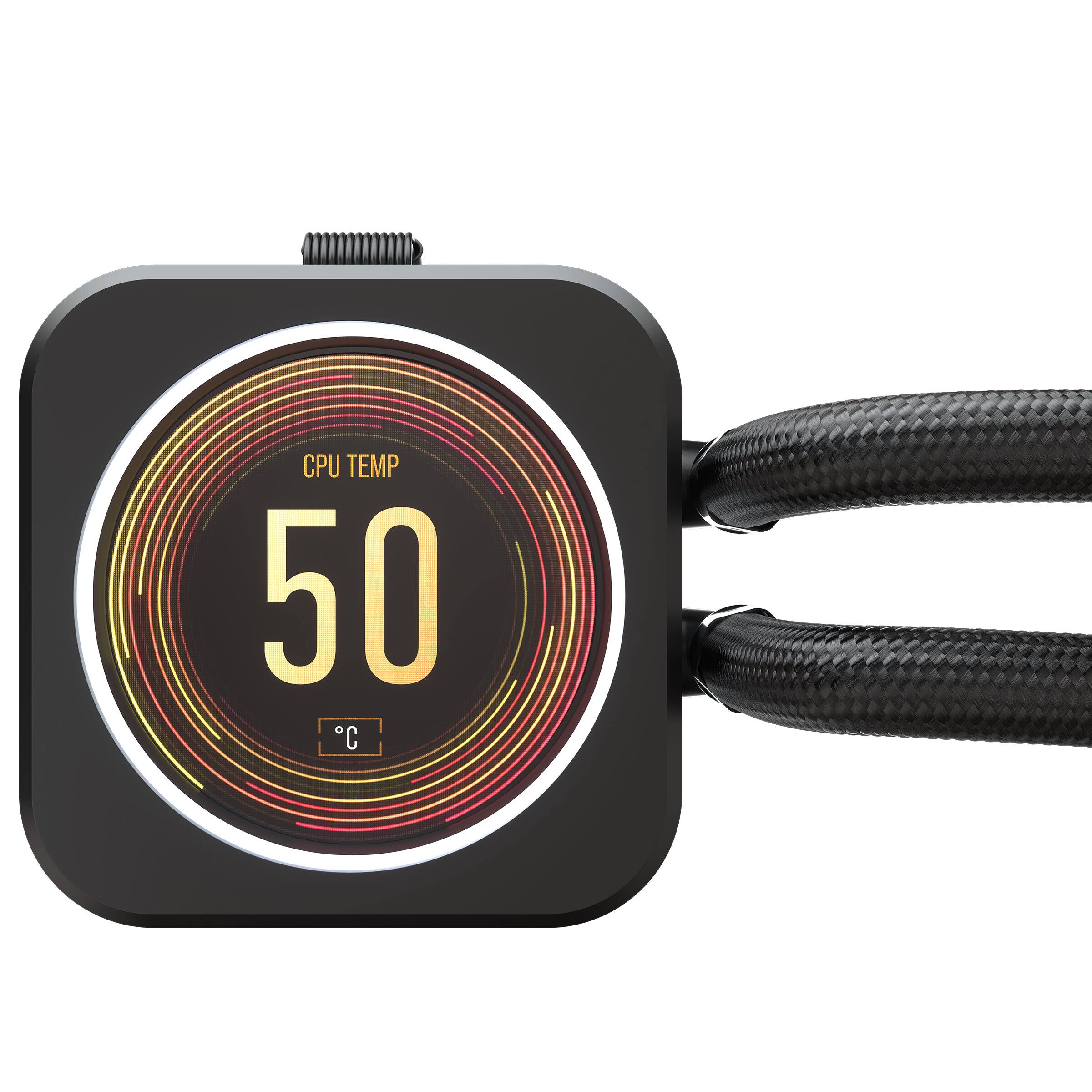
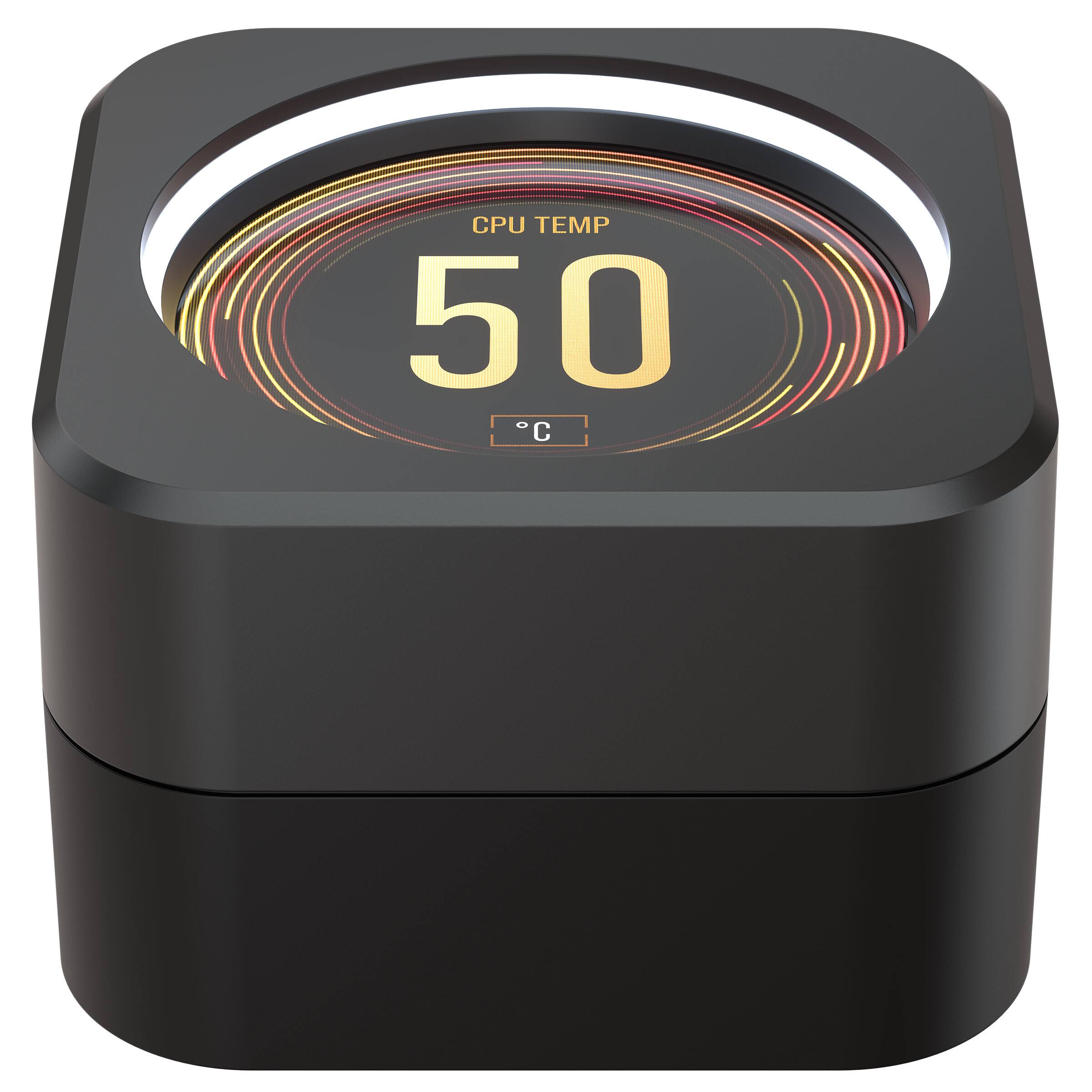
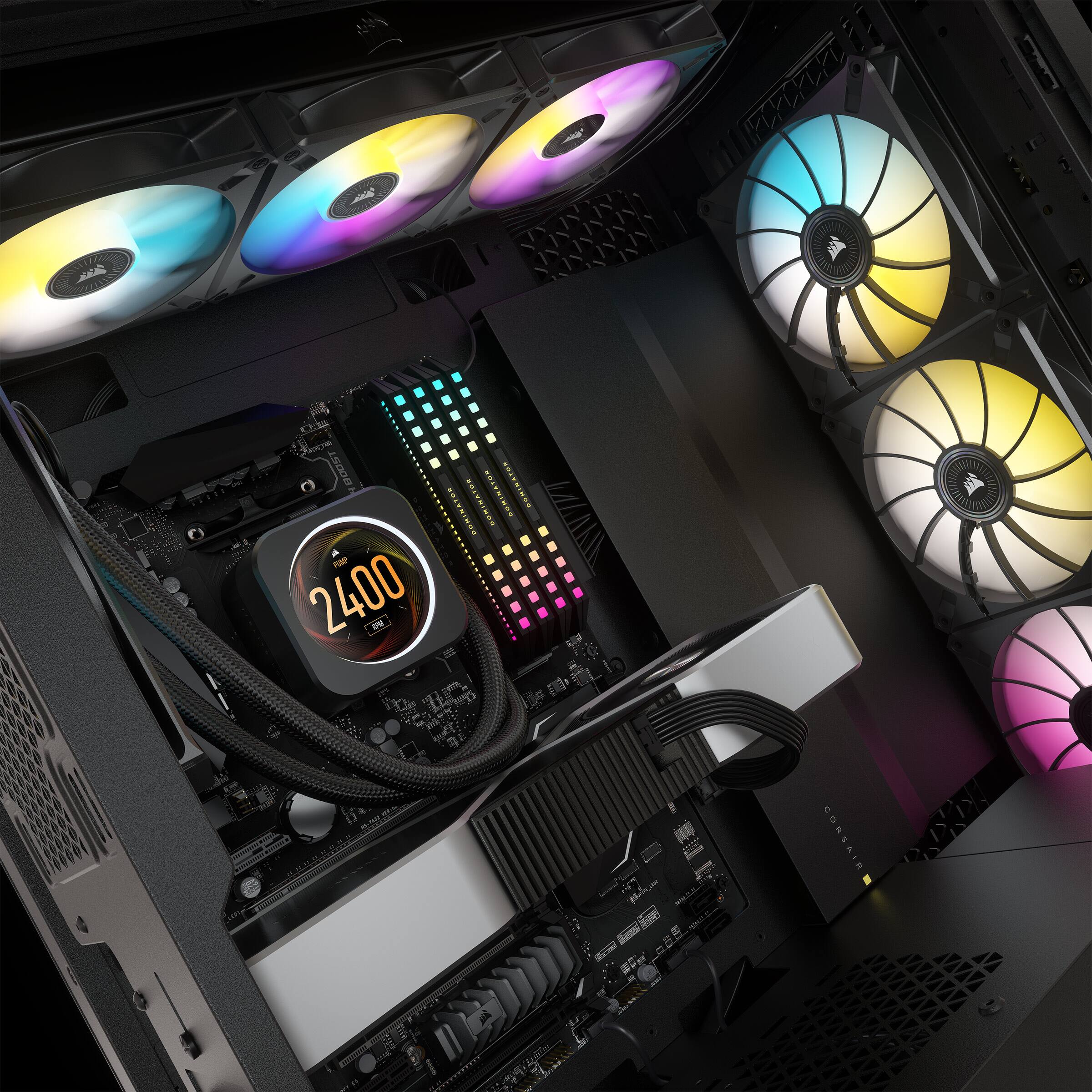
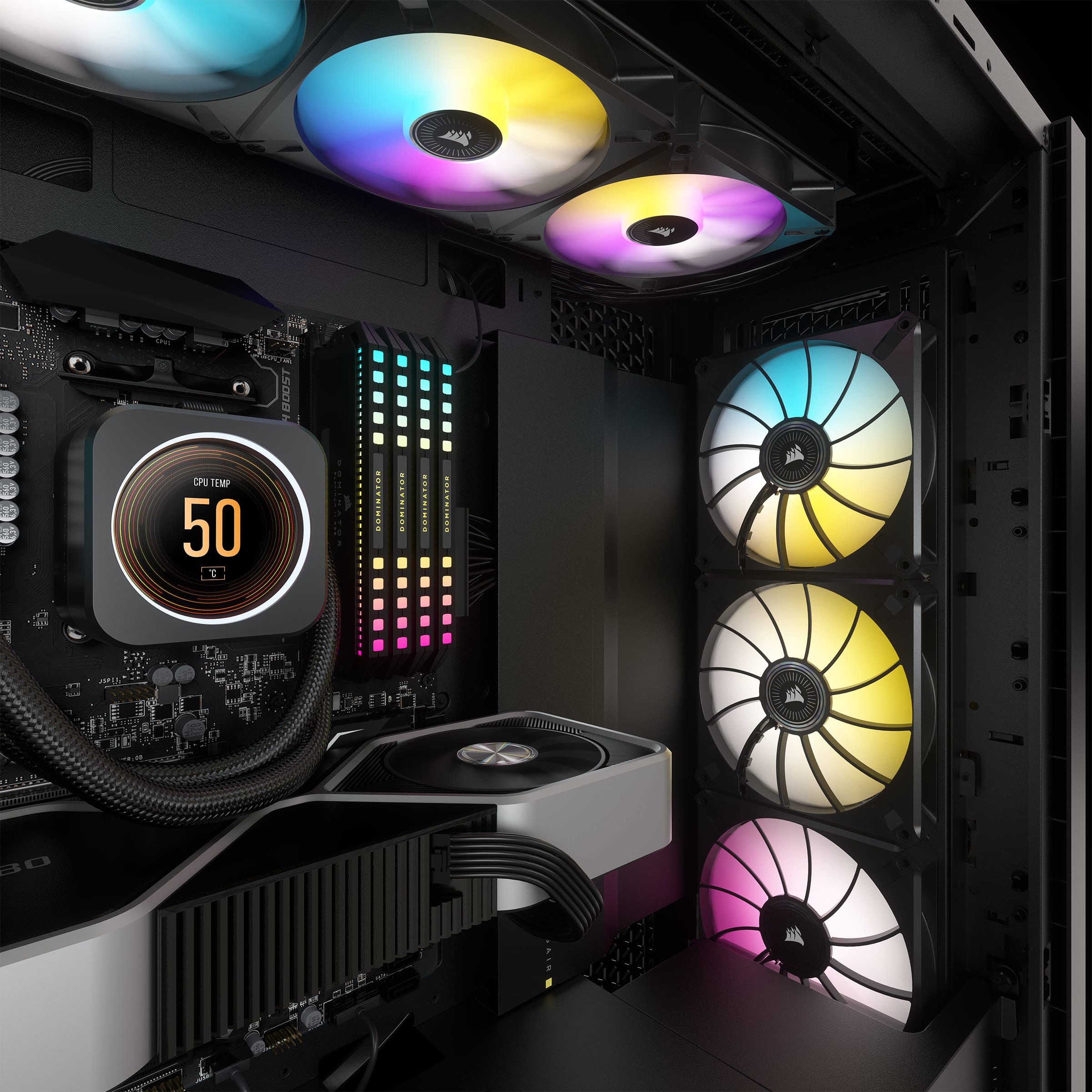
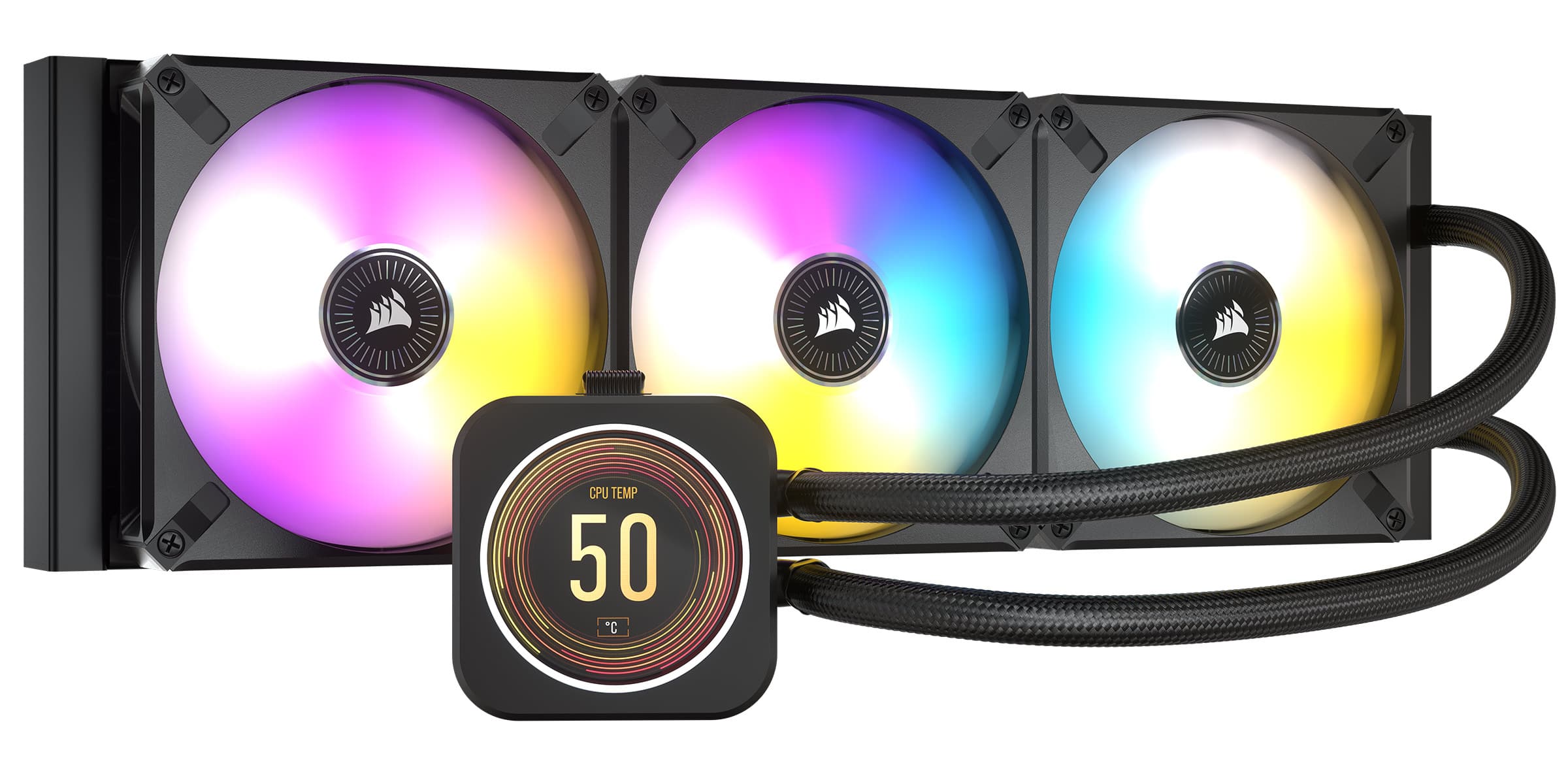
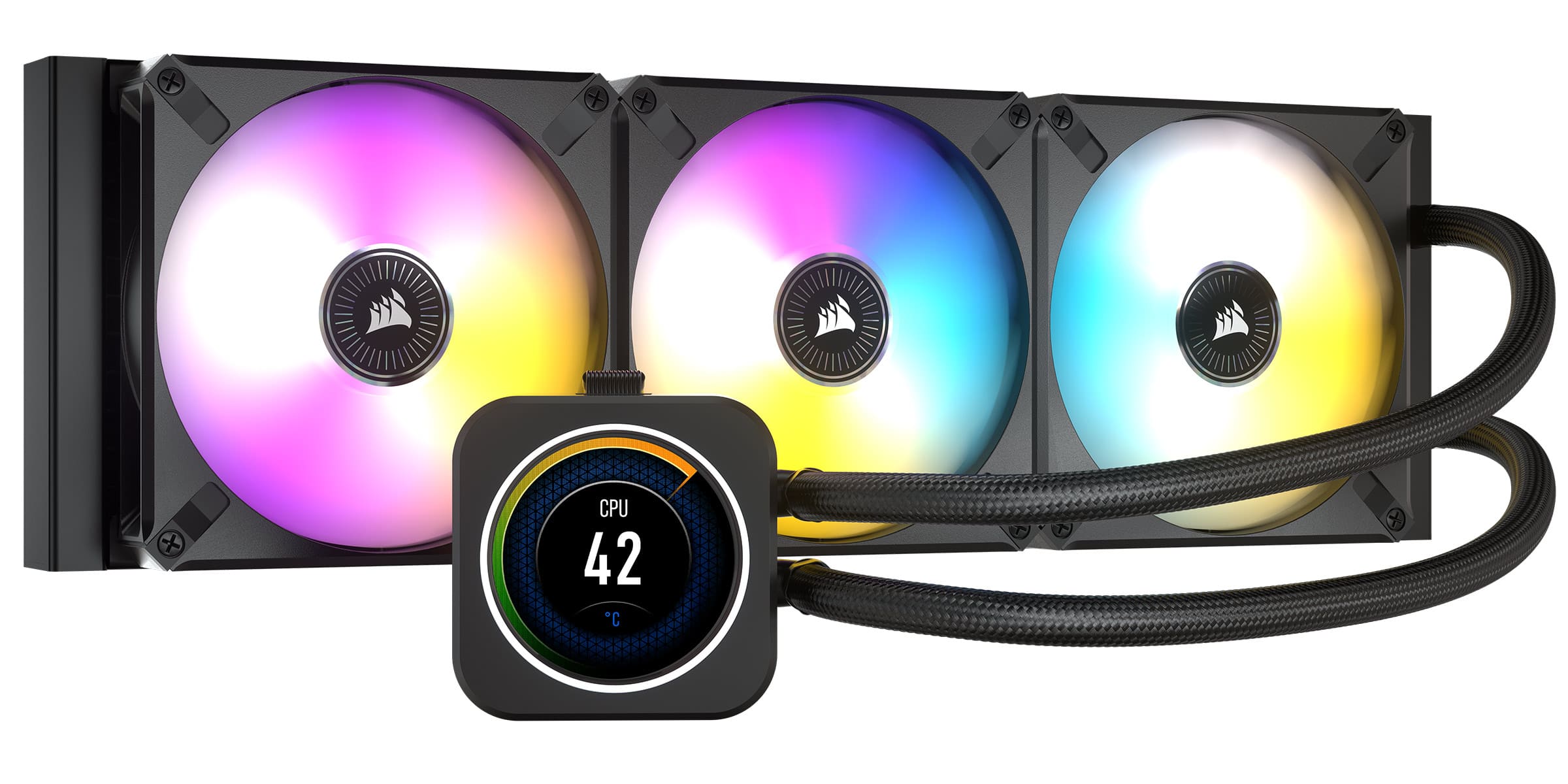
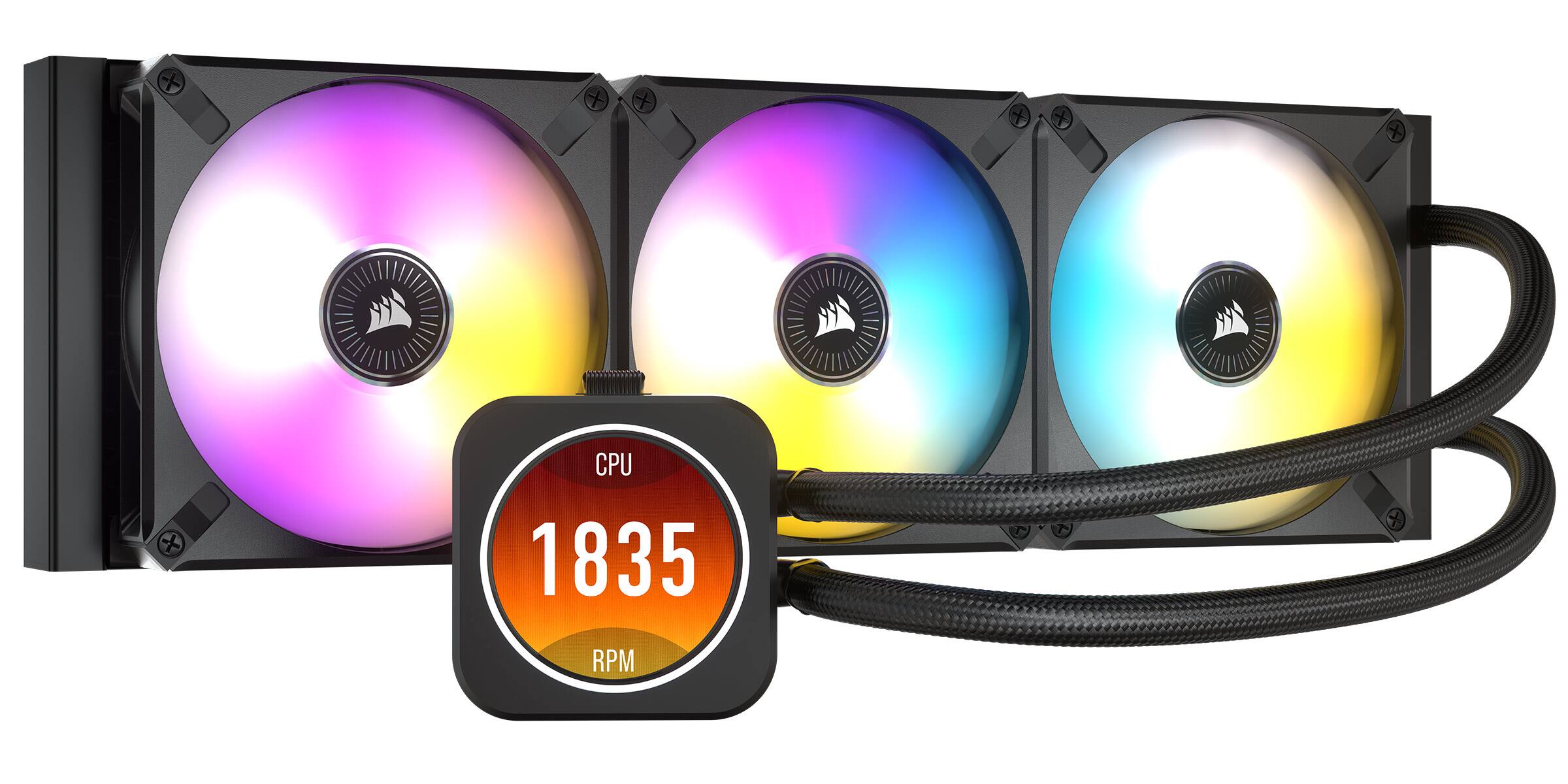
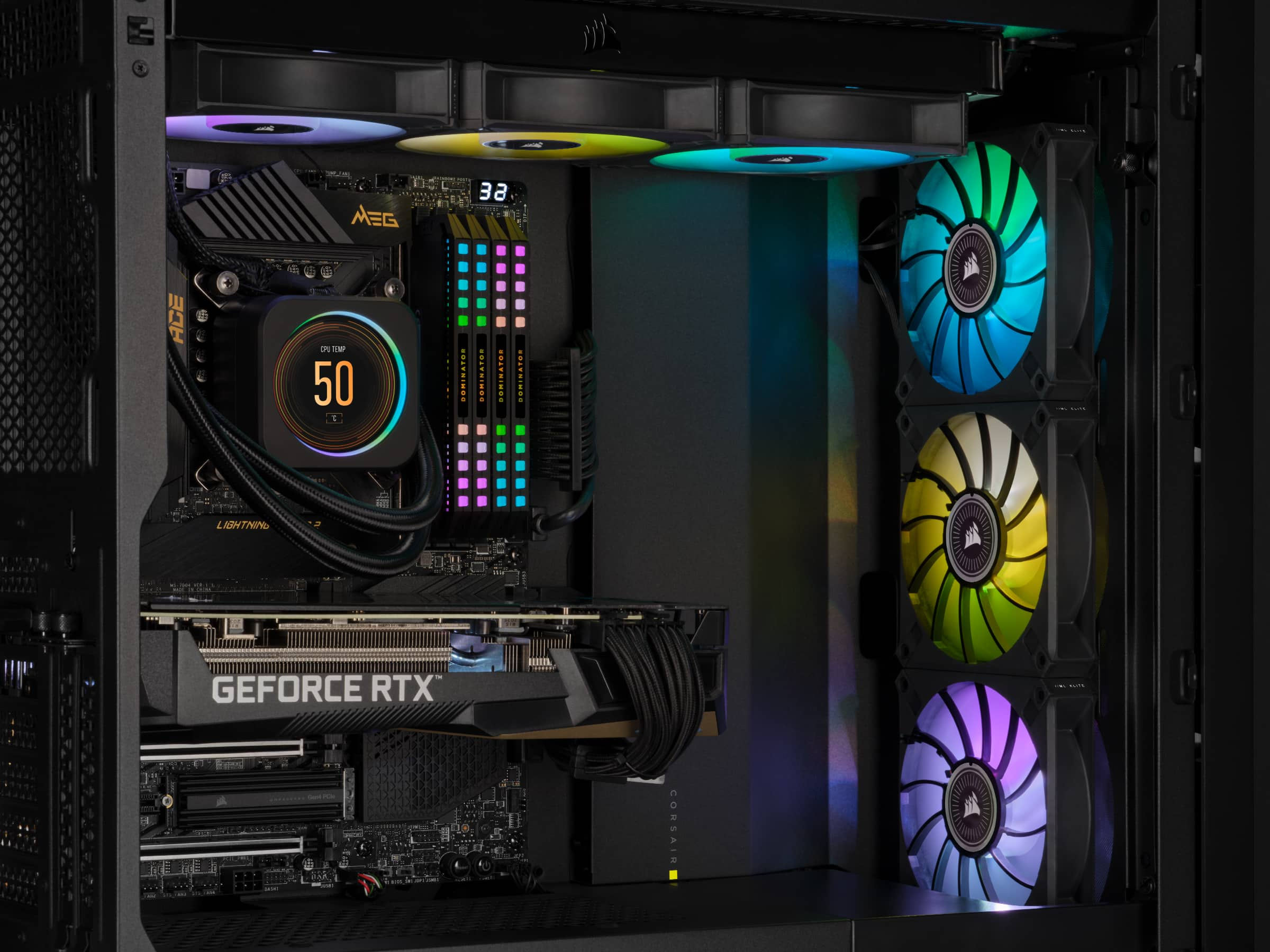
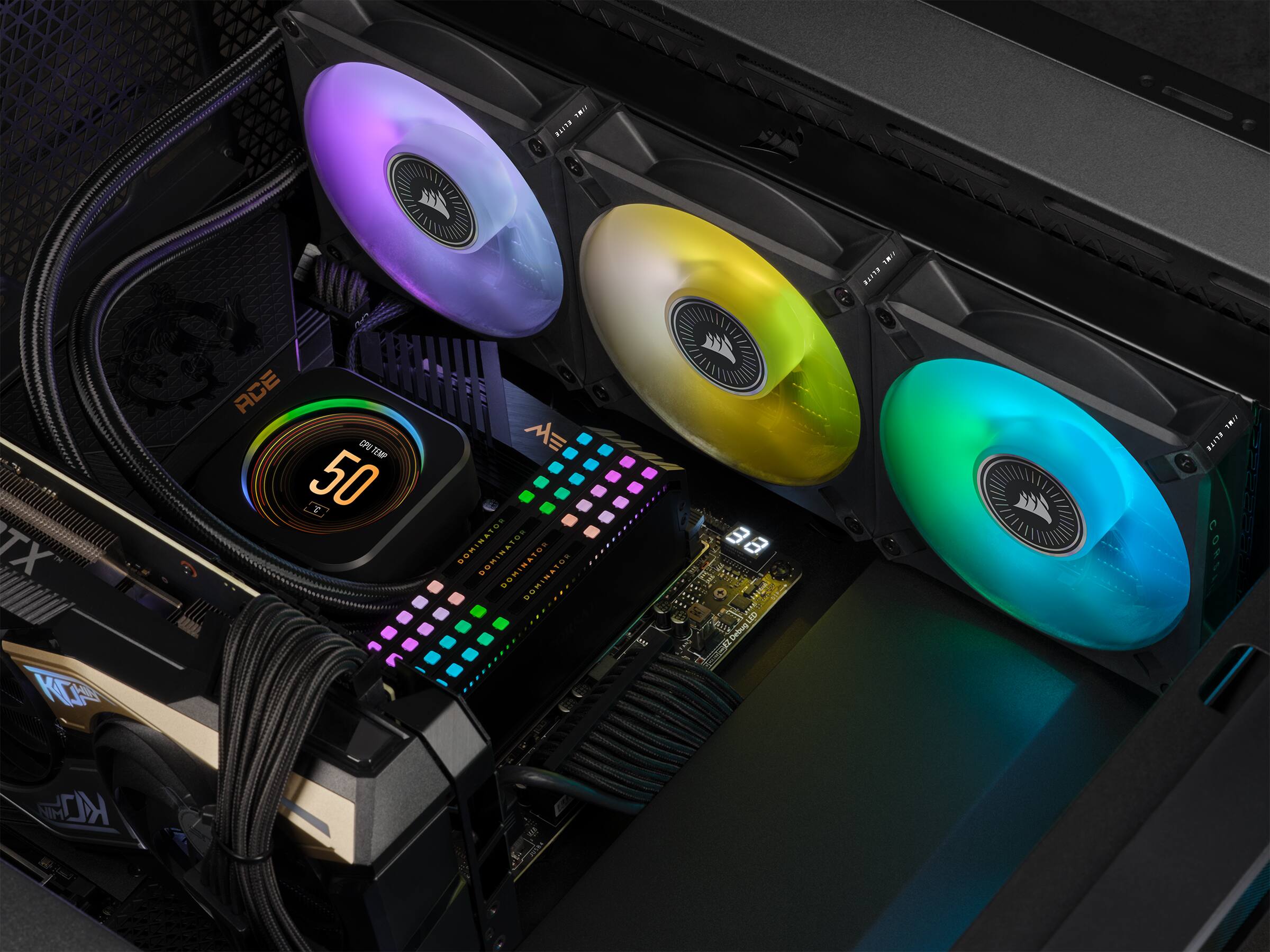
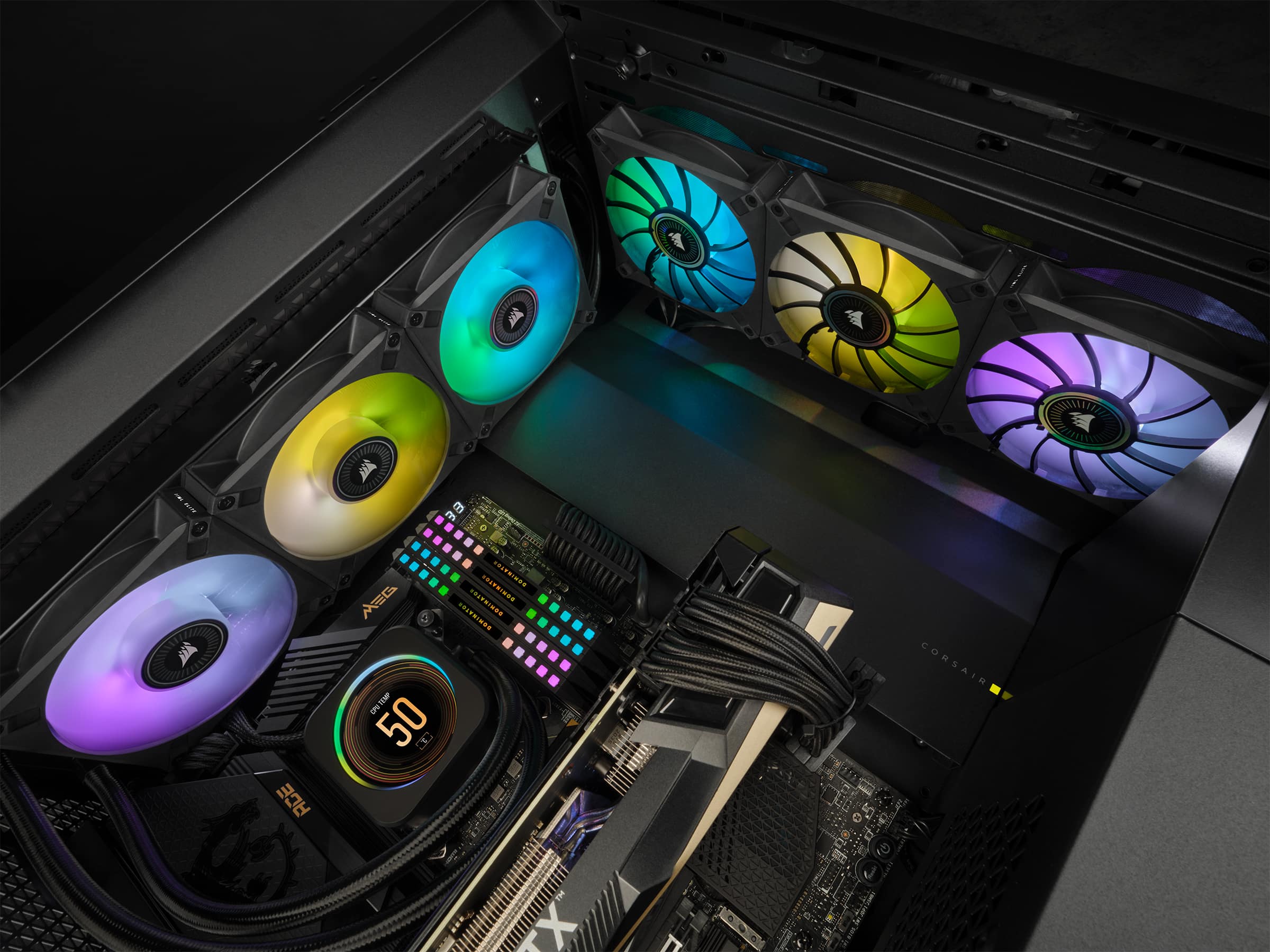
Customers recognize the iCUE H150i ELITE LCD cooler's excellent cooling performance and visually appealing LCD screen. Many appreciate its relatively easy installation and quiet operation, while some find the price to be high. A small number of users reported issues with the pump or software.
This summary was generated by AI based on customer reviews.
Great
||Posted . Owned for 5 months when reviewed.This reviewer received promo considerations or sweepstakes entry for writing a review.Works how it's supposed to. Can not complain one bit, other than not liking that fans that come with it.
I would recommend this to a friendDo your research
||Posted . Owned for less than 1 week when reviewed.This reviewer received promo considerations or sweepstakes entry for writing a review.Be sure to check the power requirements and that the device is compatible with your system before purchase.
No, I would not recommend this to a friend- Pros mentioned:Cooling
Awesome product when the LCD screen works
||Posted . Owned for 3 weeks when reviewed.This reviewer received promo considerations or sweepstakes entry for writing a review.CPU stays cooled under the harshest conditions. LCD screen keeps going out due to other RGB software on my computer fighting each other. When the LCD screen goes out, I have to shut down my computer, disconnect power to the PCU, reconnect power, turn it back on, then hope that nothing interferes with the LCD screen during boot.
I would recommend this to a friend Gamer
||Posted . Owned for 10 months when reviewed.This reviewer received promo considerations or sweepstakes entry for writing a review.I got this piece to bring my PC to life the colors are very crystal clear and you can keep it on one color or have it alternating
I would recommend this to a friendThe looks is ok. Not sure if the rate is correct
||Posted . Owned for 1 year when reviewed.This reviewer received promo considerations or sweepstakes entry for writing a review.After 1 year of having this, I am still getting error code. Not sure If its installation error or what. But I have had it checked and it they say its fine. But at times after updates I get error and I have to BIO. Not sure whats up
No, I would not recommend this to a friendGood
||Posted . Owned for 1.5 years when reviewed.This reviewer received promo considerations or sweepstakes entry for writing a review.Wonderful fan Perfect design Beautiful color led Cool
I would recommend this to a friend- Pros mentioned:Cooling, Ease of use
Cant complain
||Posted . Owned for 1 month when reviewed.This reviewer received promo considerations or sweepstakes entry for writing a review.Super easy to install and you can attach any gif to the display. Keeps my Ryzen 9 5900x at 37C while gaming.
I would recommend this to a friend - Pros mentioned:Lcd screen
Well worth the money.
||Posted . Owned for 2 months when reviewed.This reviewer received promo considerations or sweepstakes entry for writing a review.Easy to use does well with the i5 12600k and the power hungry i9 12900k cpu. The cpu never gets over 30c on both, have the i9 12900k over clocked it runs at 30c. I5 12600k never went over 28c, do like the display on cpu. Your able to customize it the way you want, with the temps on the cpu. If you dont care to see the temps on the cpu, then you take pictures make them into gif. Pictures and download it to the icue and use it on the display.
I would recommend this to a friend - Pros mentioned:Cooling
Great for i9 processors
||Posted . Owned for 4 months when reviewed.This reviewer received promo considerations or sweepstakes entry for writing a review.Purchased this cooler for my i9 12900K processor. After a Noctua air cooler failed to prevent it from overheating during long gaming sessions. The new cooler has kept the processor cool, and my ambient temps went down to about 30 degrees Fahrenheit and never go above 78 degrees during high workloads. Installation took a little longer than expected due to missing a couple of screws, otherwise works great! Would highly recommend!
I would recommend this to a friend I have a rotating cheeseburger on the cooler scree
||Posted . Owned for 7 months when reviewed.This reviewer received promo considerations or sweepstakes entry for writing a review.Cpu never overheats with this. I really like the screen because you can put anything on it which can add to the aesthetic of a PC build
I would recommend this to a friendLCD screen fitting issues with motherboard standof
||Posted . Owned for 1 year when reviewed.This reviewer received promo considerations or sweepstakes entry for writing a review.Great cooler. Had issues with the lcd screen fitting but otherwise good
I would recommend this to a friend- Pros mentioned:Cooling, Lcd screen
Are you winning son?
||Posted . Owned for 1 month when reviewed.This reviewer received promo considerations or sweepstakes entry for writing a review.Cool, quiet, and the screen allows me to see my water and CPU temps without a second program. Great product.
I would recommend this to a friend A bit tricky to set up, but absolutely incredible
||Posted . Owned for 3 weeks when reviewed.This reviewer received promo considerations or sweepstakes entry for writing a review.It was a lot more challenging to install than a traditional CPU cooler, but this cooler is far better, both in terms of cooling capabilities and general coolness factor. A couple things worth noting from my experience installing this into my PC: 1. The connector that goes to the CPU fan header only has one wire. This is intentional. The cooler works fine. 2. Make extra sure you double check all the plugs, especially the ones that go to the control unit. When I installed mine, one cable came unplugged as I was sealing up the back of the case. This unplugged cable prevented the cooler from functioning, and if my motherboard hadn't alterted me in the bios that the CPU temperature was rapidly rising, I wouldn't have known anything was wrong. I turned off the PC and triple checked all the plugs. It took a bit of fiddling, but once everything was properly connected the cooler worked flawlessly. Aside from that, there really isn't that much else to note. The cooler performs really well (especially to me, since this is the first AIO cooler I've ever used). There are plenty of customization options for the lighting and the screen. It's an all-around dream to have set up in my PC, and I don't regret spending the extra $100 to have a screen on my cooler even though the PC sits under my desk at an angle where I can never really see the screen. Someday when I have a different room or desk, this PC is going to sit proudly in a place where its glory is on display for all to see.
I would recommend this to a friend
Its ight ehh a but huge ngl
|Posted . Owned for 1 week when reviewed.This reviewer received promo considerations or sweepstakes entry for writing a review.[Employee of bestbuy] It wouldve worked so good but my case was just a bit tiny, but i sure you it wouldve been the best purchase i’ve ever done
I would recommend this to a friend- Pros mentioned:Lcd screenCons mentioned:Price
The LCD is pretty hype.
||Posted . Owned for 1 month when reviewed.This reviewer received promo considerations or sweepstakes entry for writing a review.Its a nice AIO, its a bit expensive, but it does look quite crisp in a build.
I would recommend this to a friend It's cool, and it's complicated.
||Posted . Owned for 1 month when reviewed.This reviewer received promo considerations or sweepstakes entry for writing a review.Here's the deal - it's finicky. What do I mean? I mean that, for the most part, it works great, looks absolutely gorgeous, and does a good job cooling a CPU. But setup is a mess, especially if you're an existing iCUE user with v3 of iCUE installed..(PROTIP, UNINSTALL IT BEFORE INSTALLING THE COOLER). You need v4 of iCUE to use this system properly. Physical installation is easy and typical of Corsair's AIOs, so there is nothing to be concerned about there. Take GREAT care in connecting the ribbon cable to the controller, you'll understand why when you do it. It takes some pressure to push it in, and you need to push it all the way in. Assuming this is brand new to your system and you don't have any other Corsair or iCUE stuff on your PC, you'll likely have a fantastic go at it, but be warned - it can be a problematic setup.
I would recommend this to a friendAwesome
||Posted . Owned for more than 2 years when reviewed.This reviewer received promo considerations or sweepstakes entry for writing a review.Still have the PC 3 years later and works great!!!
I would recommend this to a friend- Pros mentioned:Cooling, Ease of use
Very happy
||Posted . Owned for 1 month when reviewed.This reviewer received promo considerations or sweepstakes entry for writing a review.Best cooling cpu ever easy to install and the set up super easy
I would recommend this to a friend Great cooler but 1 issue (with a fix)
||Posted .This reviewer received promo considerations or sweepstakes entry for writing a review.It’s a very sleek looking cooler. Bough this for my brother’s all black build and he likes it. For people having issues with not being able to change the screen settings or adding gif, this is a common issue. The fix is to plug the usb cable directly to the motherboard header and NOT to a usb splitter. When I first had it plugged into a splitter, ICUE would not give me an option to change screen settings but after plugging it directly into the motherboard header, that option showed up and i have not had any issues so far. I hope this helps anyone having this issue, other then that it works flawlessly. I hope Corsair is working on a solution as many people may make the mistake of plugging this into a splitter and think they have a defective lcd they waste time reinstalling icue a million times.
I would recommend this to a friendThis thing is awesome
|Posted . Owned for 2 weeks when reviewed.This reviewer received promo considerations or sweepstakes entry for writing a review.[Employee of bestbuy] It’s really cool no pun intended the lcd feature is awesome and looks really nice
I would recommend this to a friend