Customer Ratings & Reviews
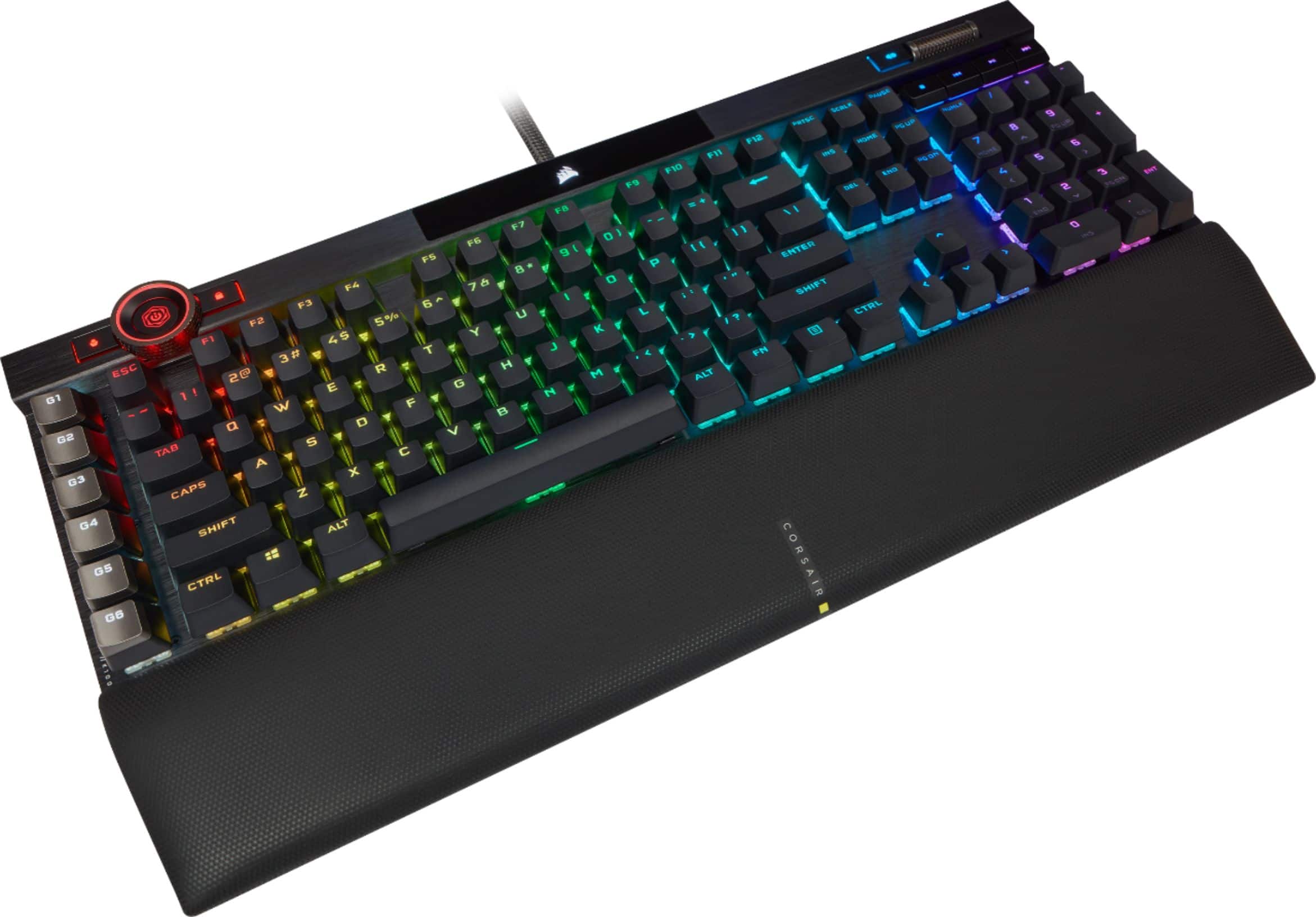
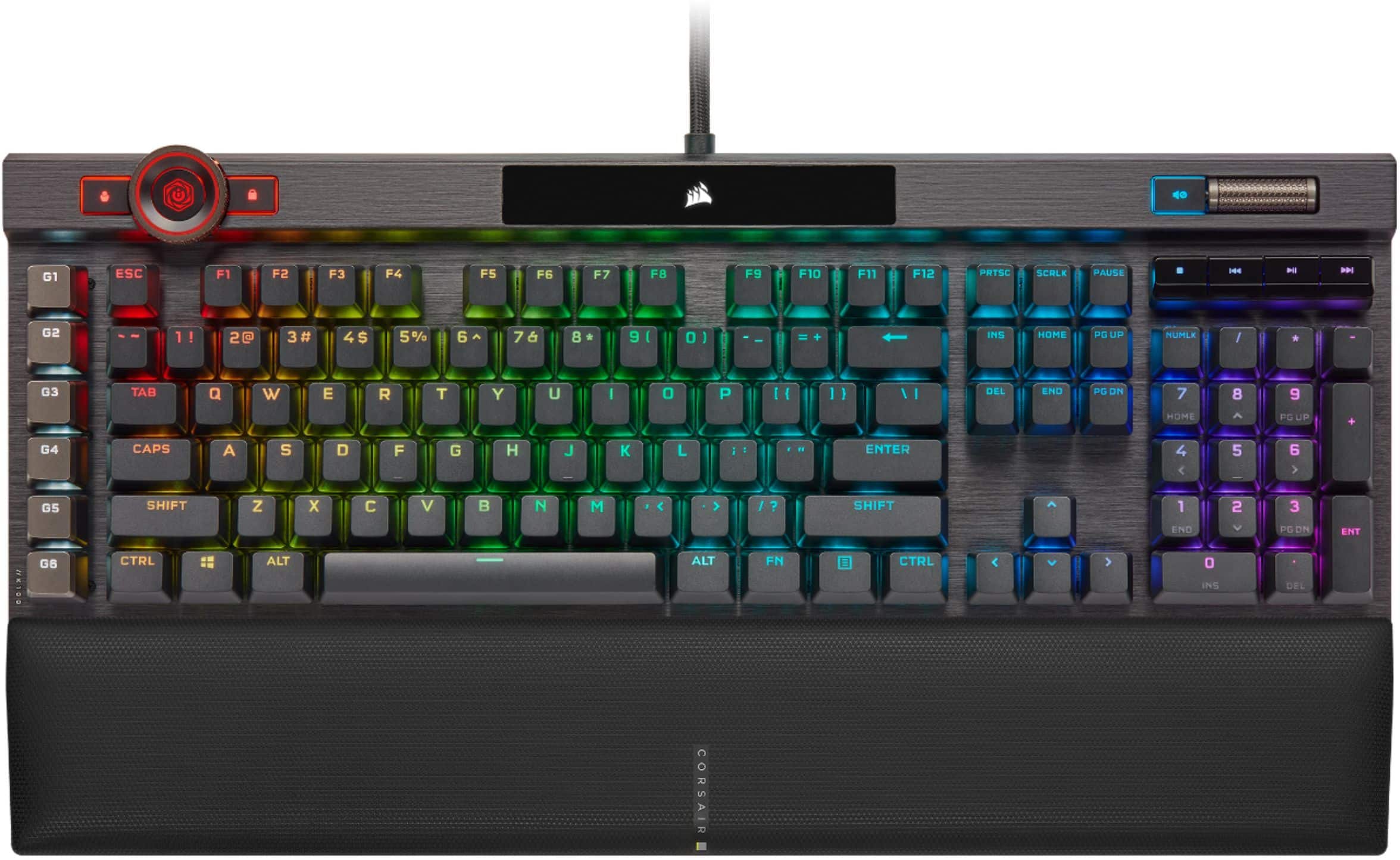
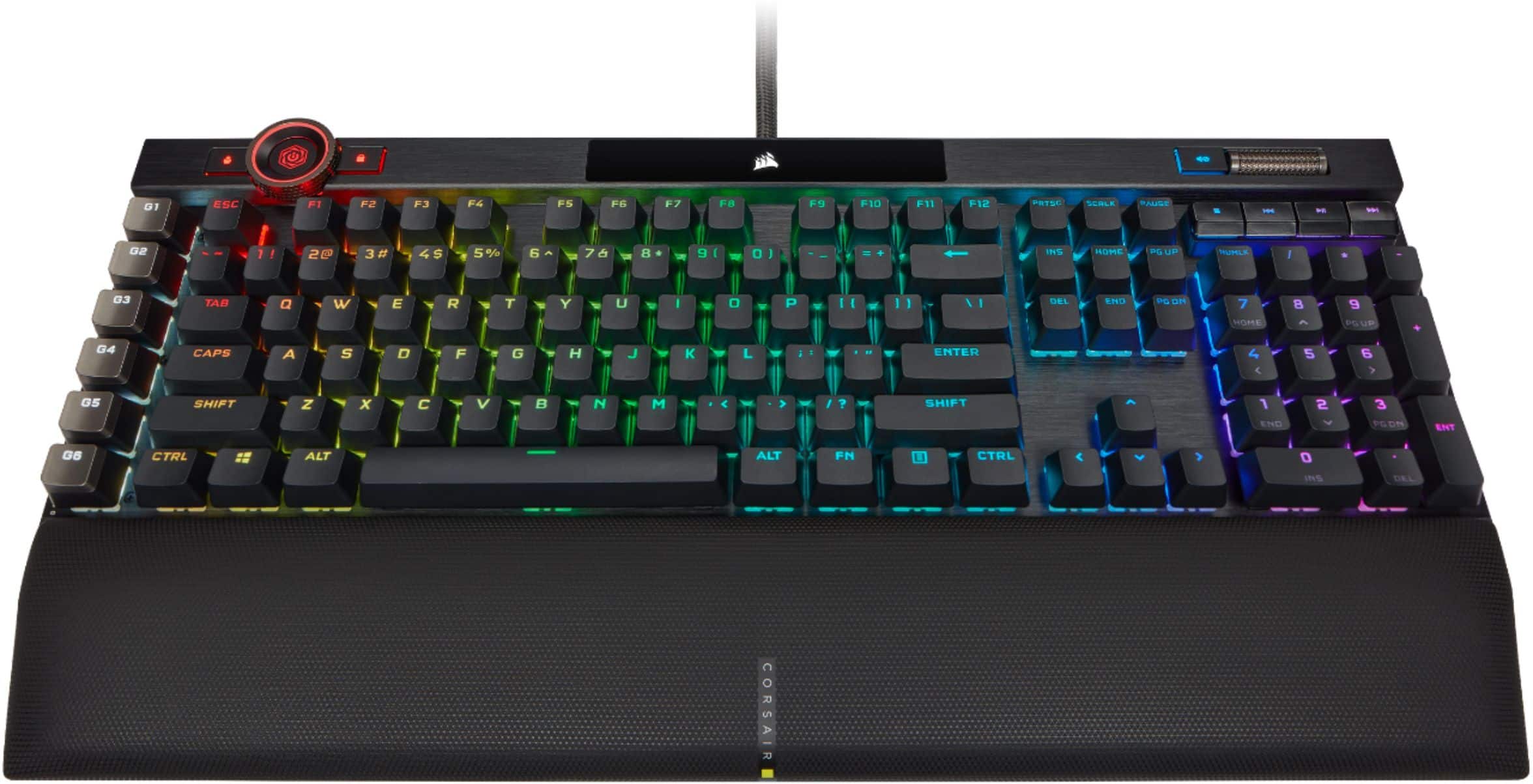
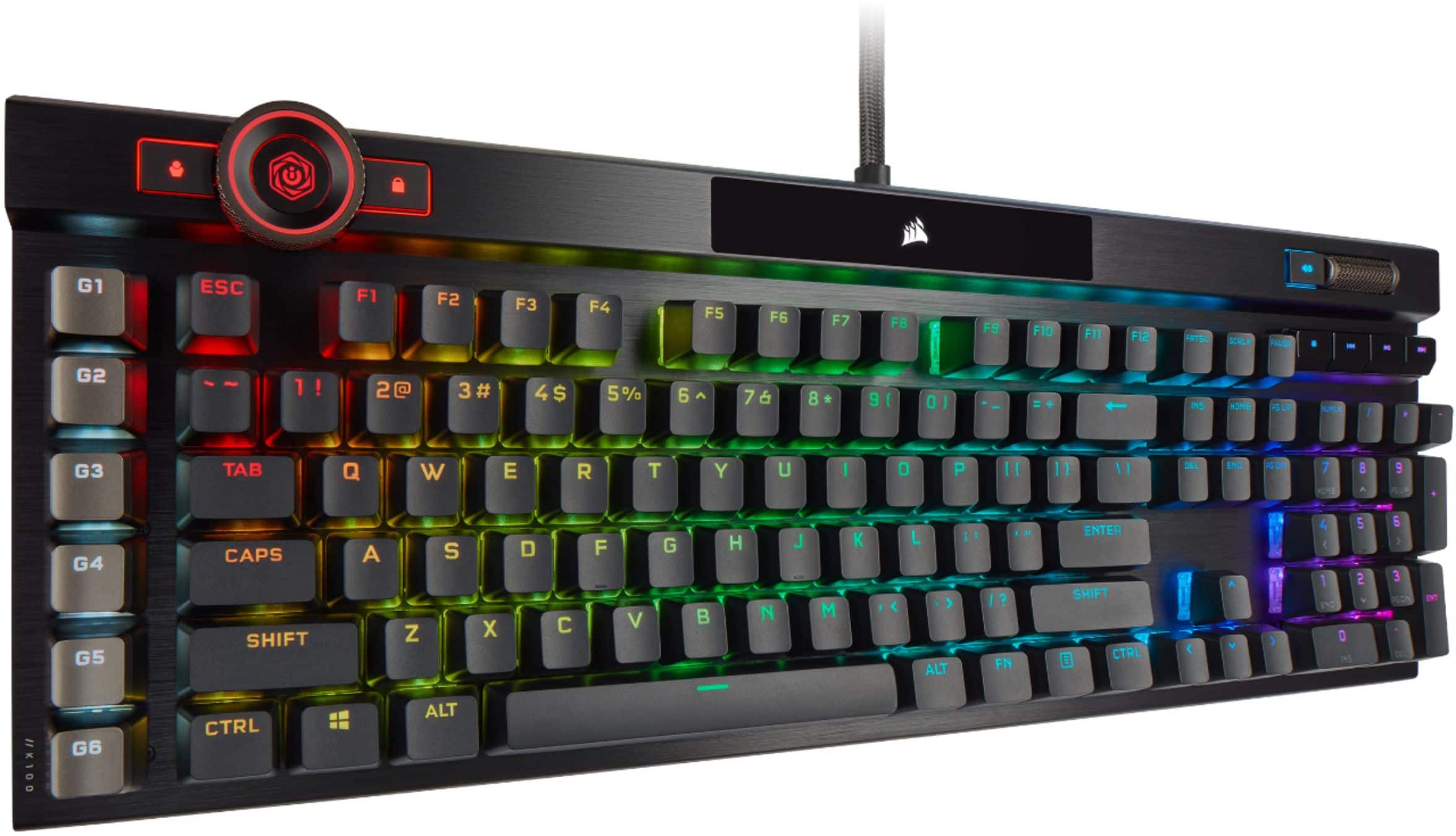


- Model:
- CH-912A01A-NA
- SKU:
- 6424866
Rating by feature
- Value
Rating 4.3 out of 5 stars
- Quality
Rating 4.8 out of 5 stars
- Ease of Use
Rating 4.6 out of 5 stars
Customers are saying
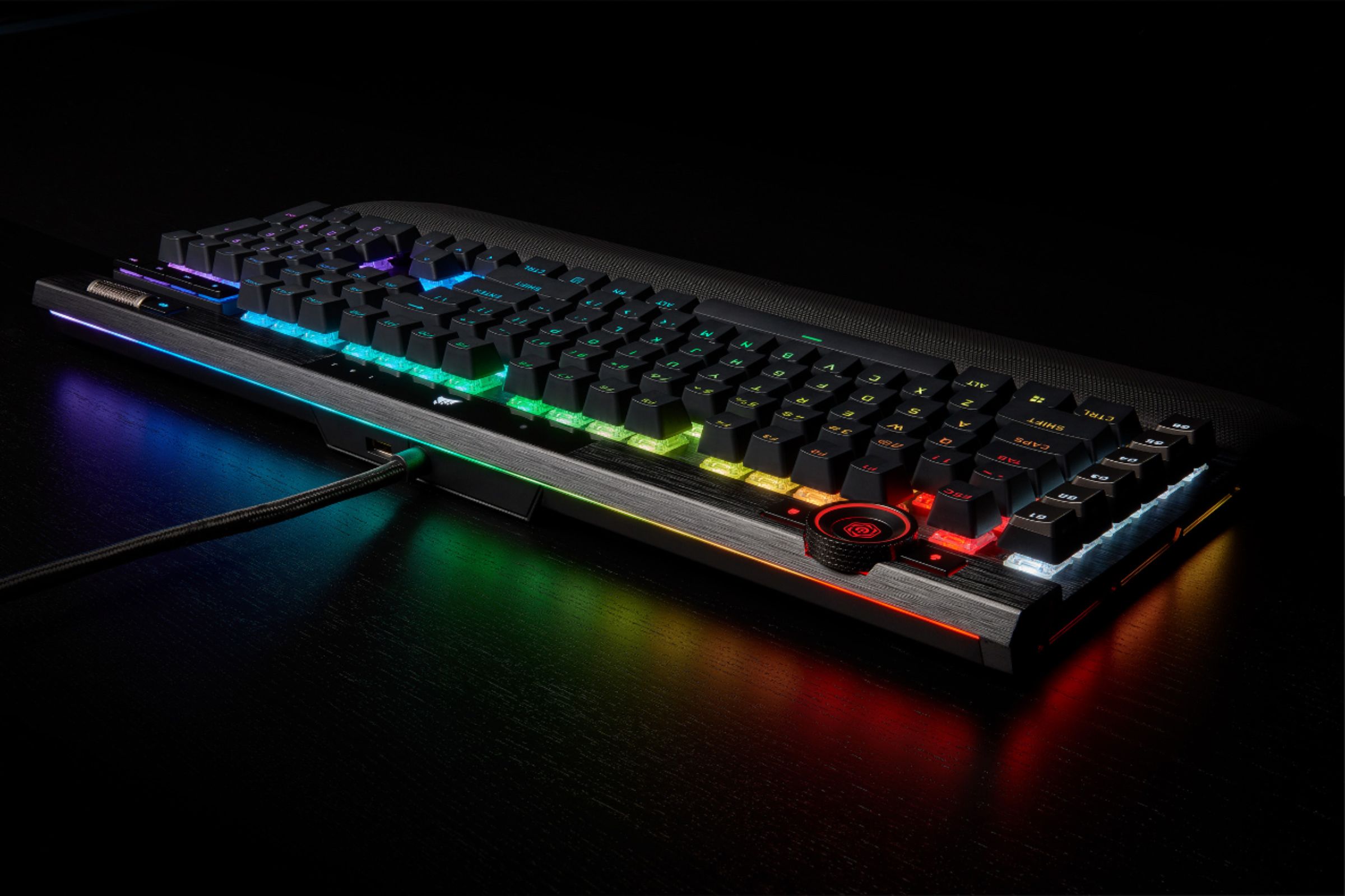
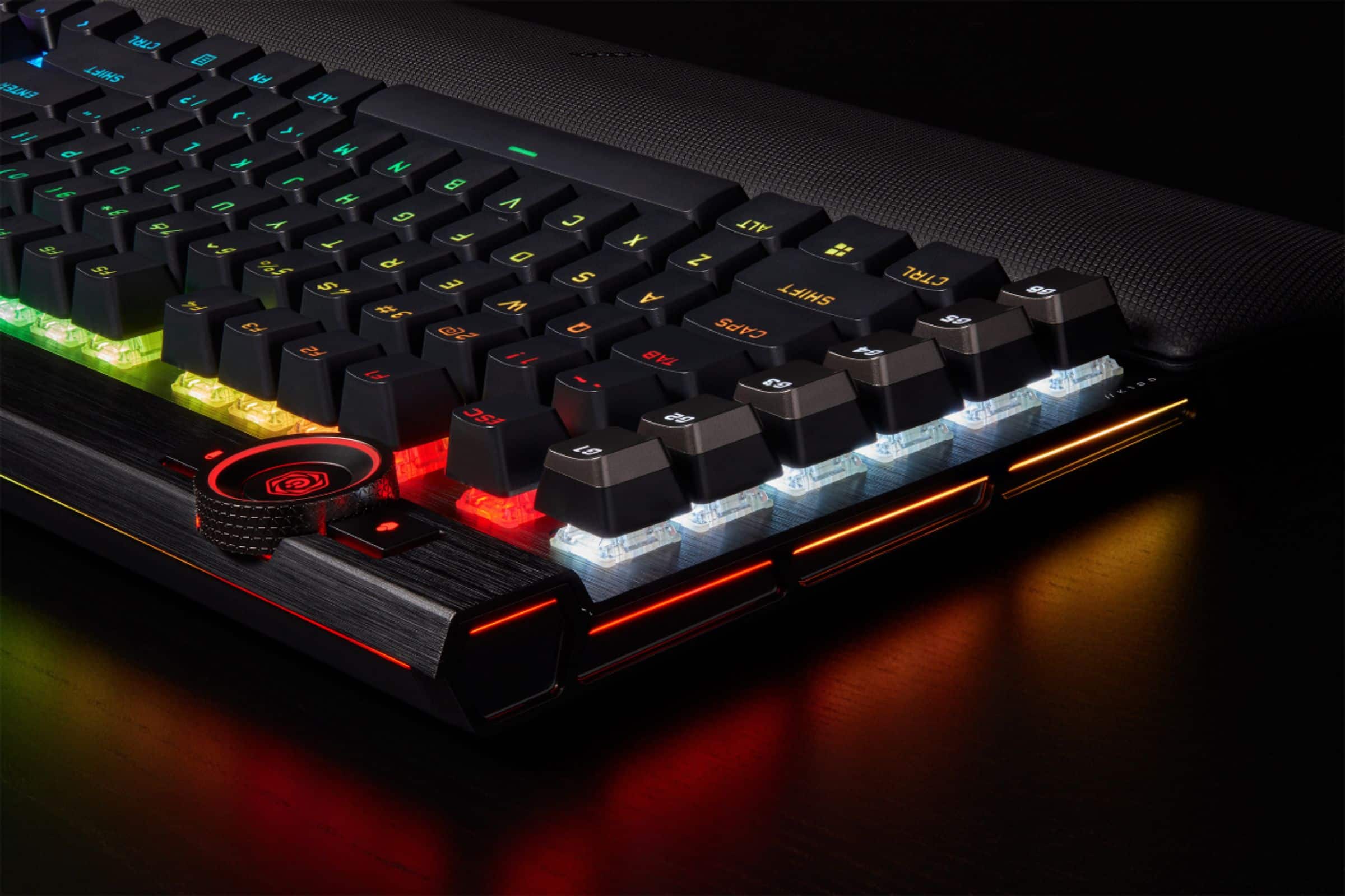
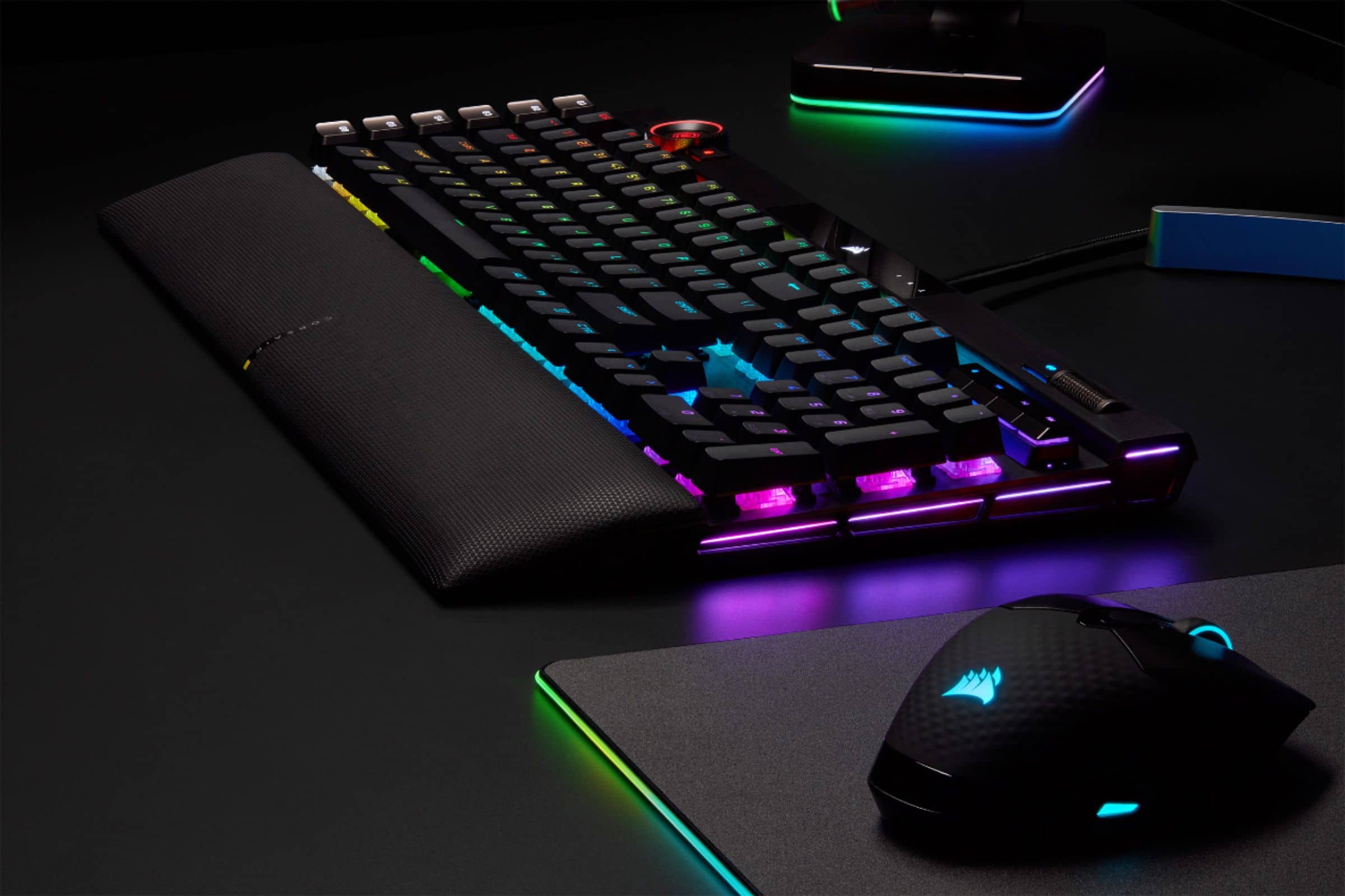
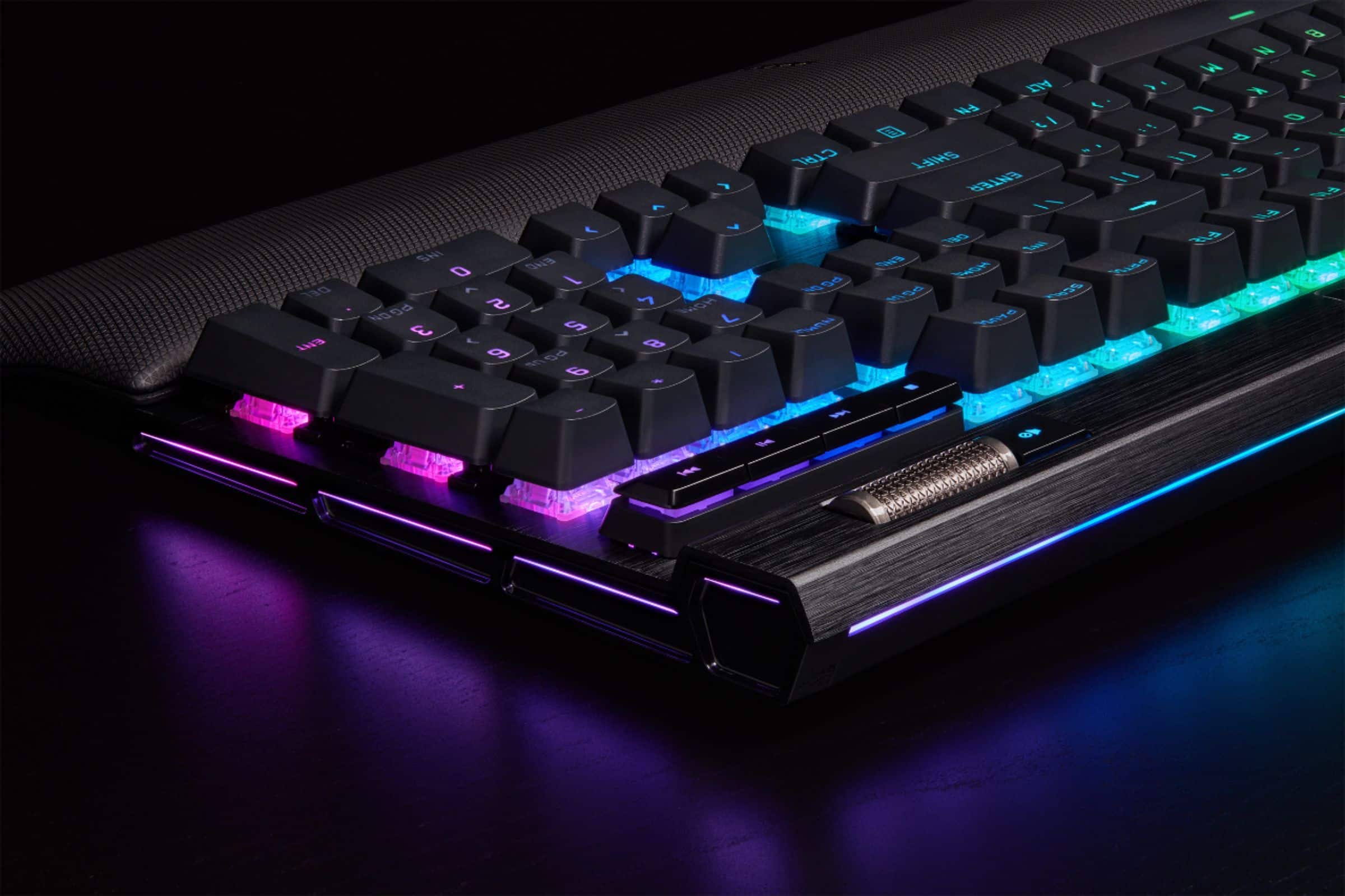
Customers are delighted by the exceptional keyboard quality, excellent key feel, and vibrant RGB lighting. They also appreciate the comfortable wrist rest, ease of use, and great response time for gaming. However, the accompanying software is frequently criticized, and some users find the product to be a bit pricey. Minor concerns also include its size and sensitivity.
This summary was generated by AI based on customer reviews.
- Pros mentioned:Key feel, Keyboard quality, Wrist rest
Great Gaming & Typing Keyboard
||Posted . Owned for 3 weeks when reviewed.This reviewer received promo considerations or sweepstakes entry for writing a review.I was very hesitant to buy this keyboard for my 11 year old daughter due to the cost. They had it on display in the store and she fell in love with it. She said that she knew it would be a really good keyboard. So I gave in and bought it for her. In this instance you get what you pay for - excellent keyboard! The keys are raised high for easy typing. It is pretty quiet, good quality, durable, and has a wrist rest that is erogomomically friendly. Lights up during a cloudy day and at night so you can see it well. The colors are beautiful and they can be changed to your liking. The volume key on the upper right is so conveniently located and is easy to use. If you are using this keyboard medium use, 3 family members, this will be perfect for you. We hooked up this new keyboard to our new all-in-one HP desktop PC that we purchased from you all. The one we had died. We got it at a great price and also love it so far. Thank you Best Buy for carrying such high quality products and for the excellent customer service in your Charlottesville, VA, store. We bought both inside the store. We have bought other products online and love them as well. Total Tech and all employees inside the store are wonderful. I hope this new keyboard and the new PC will last us for a very long time.
I would recommend this to a friend - Pros mentioned:Keyboard quality, Rgb
Took a chance, exceeded expectations
||Posted .This reviewer received promo considerations or sweepstakes entry for writing a review.I was considering whether or not to get this keyboard for weeks. The high price point was off-putting, and some people saying it was too sensitive for typing nearly convinced me not to get it. But I decided to take a chance since it was $50 off for Black Friday. And buying it through Best Buy meant they offered extended holiday returns through January in case I didn't like it. Soon as I had it all plugged in, I was immediately impressed by the functionality. Pulled up ICue to replace the unicorn poop stock RGB pattern, which was actually really easy to configure. If you've ever used ICue before (which you have if you own other Corsair products), then configuring this keyboard is no different than any other product. If this is your first Corsair product, ICue 4 is even easier to use than previous versions. I don't think you'll have much trouble figuring it out honestly. Pulled up a free online typing test and easily got 100+ WPM with 98% accuracy. Not sure what people were complaining about with getting extra keystrokes or whatever. I tried simulating resting my fingers on the keys and even applying the slightest pressure possible and it actually didn't produce any unwanted keystrokes. If you are just a heavy-handed person, maybe you should learn to hold your hands off the keys if that's really an issue for you? Just saying. This wasn't an issue for me. I was surprised to discover that it required two USB connections from my computer, the cable from the keyboard literally splits into two USB ports at the end. Wasn't expecting this. Sure it has a USB port on the back of the keyboard, but what's the point? I didn't gain any ports from that. That's the only thing I don't like so far. Overall, I'm impressed and glad I took the chance. Black Friday helped reduce the price point and typing wasn't any more difficult than on my last keyboard, a Logitech 602. The quality of this K100 is definitely a big step up from that. My two concerns, price and typing, were both better than expected. And after trying it out in a game (Black Ops Cold War), I can safely say the gaming performance is a great experience. Can't say much for the long-term durability yet, but my impressions after the first weekend are extremely positive. Take the "top reviews" with a grain of salt. The few voices tend to be the loudest. If you look at the reviews, more than 80% are 5 star. Chances are, you'll have a great experience with this keyboard.
I would recommend this to a friend - Pros mentioned:Key feel, Keyboard quality, Lighting
This needs a title? Seems a bit extra for a review
||Posted . Owned for 2 weeks when reviewed.This reviewer received promo considerations or sweepstakes entry for writing a review.Quality keyboard, good materials. Probably one of the most satisfying to use volume scroller I have ever used. Just the right mechanical clicky feel/noise on the keys. Response time is extremely good. No complaints with the lighting, it works, its good. Only complaint is the multipurpose dial on the upper left is kinda awkward to grab and use, buuut I am just picking nits at that point. It's expensive but worth it. I had buyers remorse right up until I unboxed it, at which point I became completely satisfied with my purchase.
I would recommend this to a friend - Pros mentioned:Key feel, Keyboard quality, Rgb
Comfortable and Quiet
||Posted . Owned for 1 month when reviewed.This reviewer received promo considerations or sweepstakes entry for writing a review.The wrist rest is padded and incredibly comfortable. Its's also magnetic so there's no fear of accidentally breaking anything. The keys are very silent so my microphone doesnt pick them up almost at all (depending on how loud I press). Along with the Corsair RGB lighting its probably one of the most luxurious keyboards I've ever bought from them! Extremely satisfied.
I would recommend this to a friend - Pros mentioned:Keyboard quality, Rgb, Wrist restCons mentioned:Switch type
Great keyboard for those who like linear switches
||Posted . Owned for 1 week when reviewed.This reviewer received promo considerations or sweepstakes entry for writing a review.This keyboard will be fantastic for those who like linear, low resistance switches. Makes a good gaming keyboard. I am a tactile, and sometimes a clicky switch user and I tested it out in store and it felt very nice quality wise and the total key travel was a little lower than a regular linear switch to I thought maybe I could get used to it. Unfortunately after two weeks I cannot get used to it so I had to return mine. I hope to see a tactile variant of this switch or even a clicky one. The build quality is great, wrist rest is great, the RGB lighting is by far the best I have seen on a corsair board. I just want to see more switch variety.
I would recommend this to a friend - Pros mentioned:Keyboard quality, Rgb

A Premium Keyboard & Exceptional Performance
|Posted . Owned for 3 weeks when reviewed.This reviewer received promo considerations or sweepstakes entry for writing a review.[Employee of bestbuy] The Corsair K100 RGB Optical-Mechanical Gaming Keyboard is a top-tier choice for gamers and professionals seeking unparalleled performance and customization. Its standout feature is the exclusive CORSAIR OPX optical-mechanical switches, offering hyper-fast input with a 1.0mm actuation distance and smooth linear travel, ensuring rapid and precise keystrokes. The keyboard's AXON Hyper-Processing Technology enables an impressive 4,000Hz polling rate, registering keypresses up to four times faster than standard mechanical keyboards. This responsiveness is crucial for competitive gaming scenarios where every millisecond counts. Beyond performance, the K100 RGB boasts a durable aluminum frame and per-key RGB lighting, allowing for extensive customization to match any setup. The integrated iCUE control wheel offers intuitive command over backlighting, media, and more, enhancing the user experience. For streamers and content creators, the keyboard's compatibility with Elgato Stream Deck software provides seamless integration, enabling efficient control over streaming functions. In summary, the Corsair K100 RGB Optical-Mechanical Gaming Keyboard combines cutting-edge technology with thoughtful design, making it a worthy investment for those seeking a high-performance, customizable keyboard.
I would recommend this to a friend - Pros mentioned:Key feel, Rgb, Wrist rest
Opto-Mech !!!
||Posted . Owned for 3 weeks when reviewed.This reviewer received promo considerations or sweepstakes entry for writing a review.Well i switch to this keyboard almost a month ago because my LG G915 was not charging properly” bad usb connector” and there was out of stock on the 2 Best Buy store near me, here is my honest opinion about this item. The keyboard have their new Opto-Mech switches with are stupid fast, actuation is only .05 in contrast with the G915 1.2, not only this is mechanical but is also linear meaning is dead silent and that makes it perfect for streaming because you can press as hard or fast as you can and is not gonna be picked up by your mic, keycaps are solid with no wiggle room and the font is super nice and plenty visible with the RGB, talking about the RGB is that is something you like it have something like 40+ zones to customize with iCUE. The wrist rest is very comfortable. If there is something in can complain is that while this keyboard is amazing at everything it do it requires 2 usb ports in order to work, also coming from the G915 which is the smallest full keyboard on the market with the smallest key caps took me some time to get used and I completely miss the actual click of the key strokes, also is not Bluetooth nor wireless “lightspeed in LG software” and that is also something to consider.
I would recommend this to a friend - Pros mentioned:Key feel, RgbCons mentioned:Software
Just about perfect!
||Posted . Owned for 1 month when reviewed.This reviewer received promo considerations or sweepstakes entry for writing a review.This is my first experience with a mechanical keyboard, and even more-so, my first experience with a legit gaming keyboard. I really use this for work-related tasks, but perhaps will get into some gaming with it in the future. The tactile nature of the keys feels absolutely amazing. I am in no way great at typing, but I am ok enough to get satisfaction out of a great feeling keyboard like this. It isn't overly noisy, but it does have an audible click to it, especially when you type more quickly. I again am not using this for gaming, and really don't have an opinion on the RGB gaming type accessories. I do, though enjoy the different colors I can have that sort of breaks the monotony. The functionality is somewhat simple in that there are keystrokes that will engage and change the basic profiles preset in the keyboard, itself. There is far more customization if you utilize the proprietary software that can be downloaded at the Corsair website (bear in mind that there is no support for Mac OS, which I feel is a huge miss by Corsair). The iCUE software is a great way to customize ever nook and cranny, but there is a learning curve, or at least there was for me. The software lacks some intuitive functionality and I found that I was very frustrated with it for the first hour or so of trying to navigate through to see what fun stuff I could add to the keyboard. All in all I am very happy with this purchase. It's a pricey peripheral, but well worth it if you have the extra money that you want to spend on something of quality.
I would recommend this to a friend - Pros mentioned:Rgb, Wrist rest
Wonderful keyboard for gaming!
Posted .This reviewer received promo considerations or sweepstakes entry for writing a review.I absolutely love this keyboard! Not only is it very pretty and has a lovely sound. But you can choose the type of colors or pattern it has a very comfortable wrist pad and a smooth volume dial. Theres a slot in the back for a Bluetooth mouse which i found very handy!! All and all a great keyboard!
I would recommend this to a friend - Pros mentioned:Rgb, Wrist restCons mentioned:Software
Well thought out
||Posted . Owned for 1 week when reviewed.This reviewer received promo considerations or sweepstakes entry for writing a review.Spent about two months looking for a keyboard. Coming from a Logitech g15 which served well. I had used for at 10 years. Was looking at the Razer huntsman elite. Did not like the fact I had to login to Razer to use the software. So I went with the K100. Optical switches are very very fast. You won’t know you’ve brush/pushed a key. Take a little while to change your method but it’s better. Software takes some time to become familiar. I’m still using windows 7, 64 bit haven’t had the first issue. Keyboard itself is substantial. Has weight. Think a iPad the size of a keyboard. Wrist rest is the best I’ve used. Don’t care for wireless. RGB is highly customizable. RGB effects are fluid. If I can say anything bad it’s that I’m still running a i7 with do stepping. About time to change that.
I would recommend this to a friend - Pros mentioned:Rgb, Wrist rest
My favorite Keyboard
||Posted . Owned for 2 weeks when reviewed.This reviewer received promo considerations or sweepstakes entry for writing a review.I love this keyboard. The foam wrist wrest is a huge bonus in-package. The RGB color mode variety is fantastic, with some modes I've never seen present on other keyboard models. The action is light, so you don't have to yam down on the keys to get input. Super accessible and user friendly with the user mode selection and volume knobs being right at the top of the keyboard. Definitely worth the price.
I would recommend this to a friend - Pros mentioned:Keyboard quality
Top-Tier Performance Keyboard Built for Gaming and
||Posted . Owned for more than 2 years when reviewed.This reviewer received promo considerations or sweepstakes entry for writing a review.The CORSAIR K100 RGB OPX Mechanical Gaming Keyboard is easily one of the most premium keyboards I have ever used. From build quality to performance, this keyboard feels like it was designed for people who take gaming and productivity seriously. The OPX linear optical-mechanical switches are incredibly fast and smooth. Key presses feel instant, with virtually no debounce delay, which makes a noticeable difference in fast-paced games. At the same time, the typing experience is clean and consistent, making it comfortable for long work or streaming sessions. Build quality is outstanding. The aluminum frame feels solid and heavy, with zero flex. The RGB lighting is bright, vivid, and highly customizable, easily one of the best-looking RGB implementations available. The wrist rest is also surprisingly comfortable and actually usable for extended sessions. One standout feature is the control wheel and extra macro keys. The Elgato Stream Deck software integration is a huge bonus if you stream or create content. Being able to control scenes, audio, lighting, and shortcuts directly from the keyboard adds real workflow value and reduces the need for extra hardware. The iCUE software gives deep customization options for lighting, macros, profiles, and performance settings. It can feel overwhelming at first, but once set up, it is extremely powerful. This is not a budget keyboard, but it absolutely delivers on its premium price. If you want elite-level responsiveness, top-notch build quality, and powerful streaming and macro integration, the Corsair K100 RGB OPX is one of the best full-size mechanical keyboards you can buy.
I would recommend this to a friend - Pros mentioned:Keyboard qualityCons mentioned:Software, Switch type
Pricey but worth it
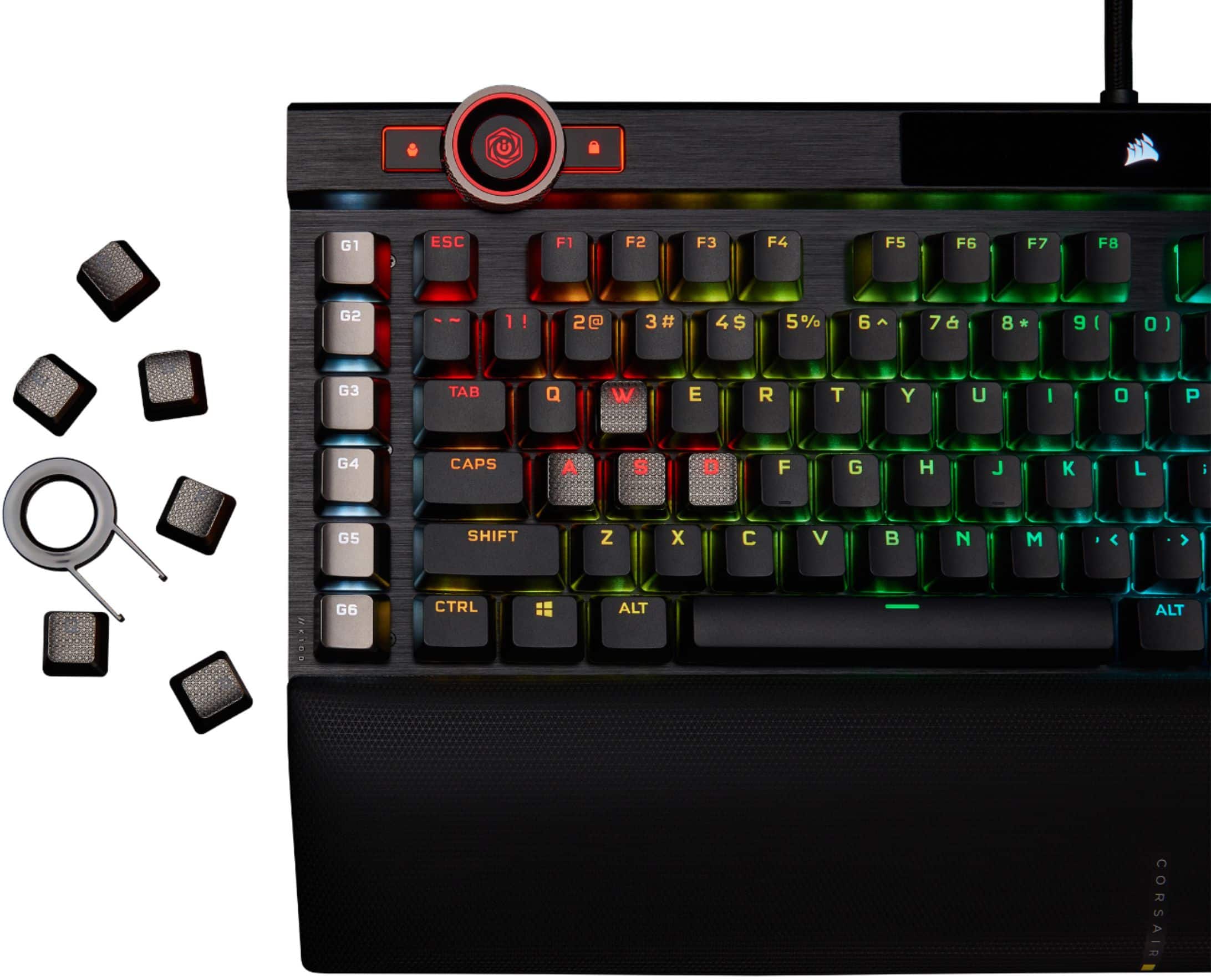
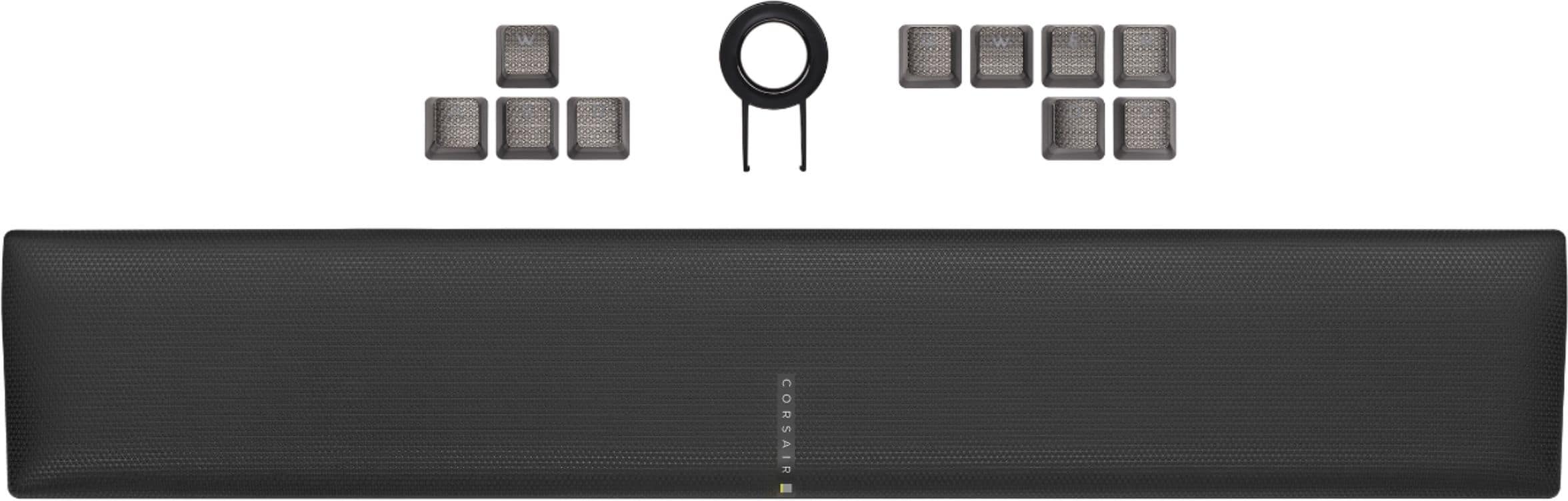
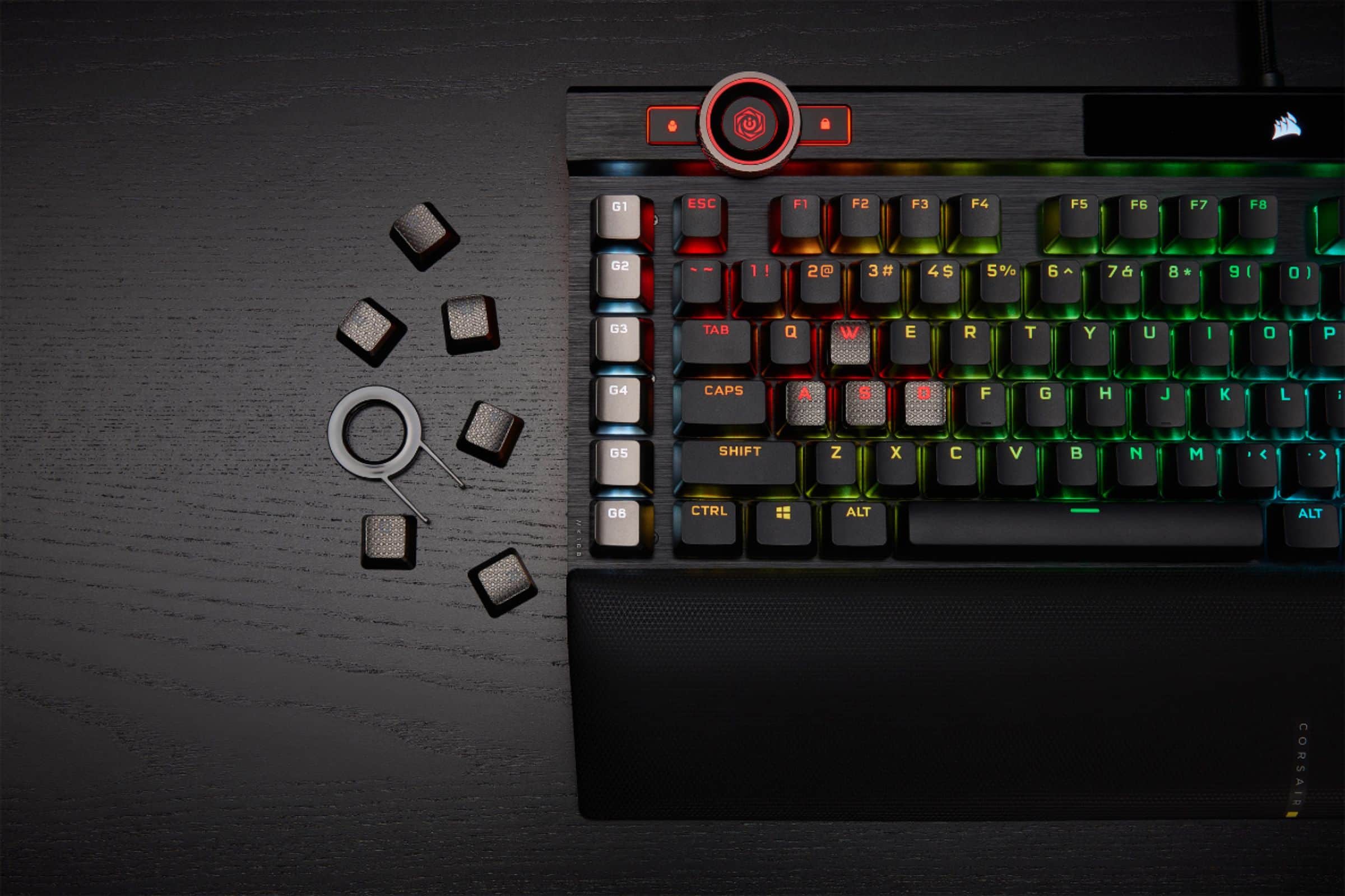
||Posted . Owned for 2 months when reviewed.This reviewer received promo considerations or sweepstakes entry for writing a review.Corsair's flagship keyboard is pricey but worth it if you have the budget. Awesome build quality and RGB. I especially like the OPX switches. For me, they feel/sound better than the cherry MX speed switches (I previously had the K95/w these). I also enjoy using the programmable gaming keys (on the left side). Setting up macros in iCue is simple. Also, it comes with FPS and MOBA keycaps which are a great touch if you use them. My only criticism is with Corsair's iCue software which is good, but sometimes not intuitive and buggy. This is not a knock to the K100, but since you need iCue to control all its features and RGB, you may have to do a bit of trial and error getting things customized the way you want. I'm hoping Corsair continues to update/improve iCue as they have been doing over the years.
I would recommend this to a friend - Pros mentioned:Keyboard quality, Rgb
Seems well built.
||Posted .This reviewer received promo considerations or sweepstakes entry for writing a review.Expensive, but well built. Doesn't really have the "click clack" like some keyboards, more of just a clack. Feels solid. Haven't really dived into the macro's or other abilities. RGB is RGB. Nothing really crazy. Same ole Rainbow bright abilities like others. Not really my thing. Keep it all white light. Like the circle as a dimmer for night time. I picked up some Glorious Mechanical Keyboard O-Ring - Switch Dampeners from another website. Its a tedious task, but putting these on every key makes the keyboard a little quieter, but still a solid clack. So far a solid replacement to the G710+ it replaced.
I would recommend this to a friend - Pros mentioned:Rgb, Wrist rest
New Favorite Keyboard
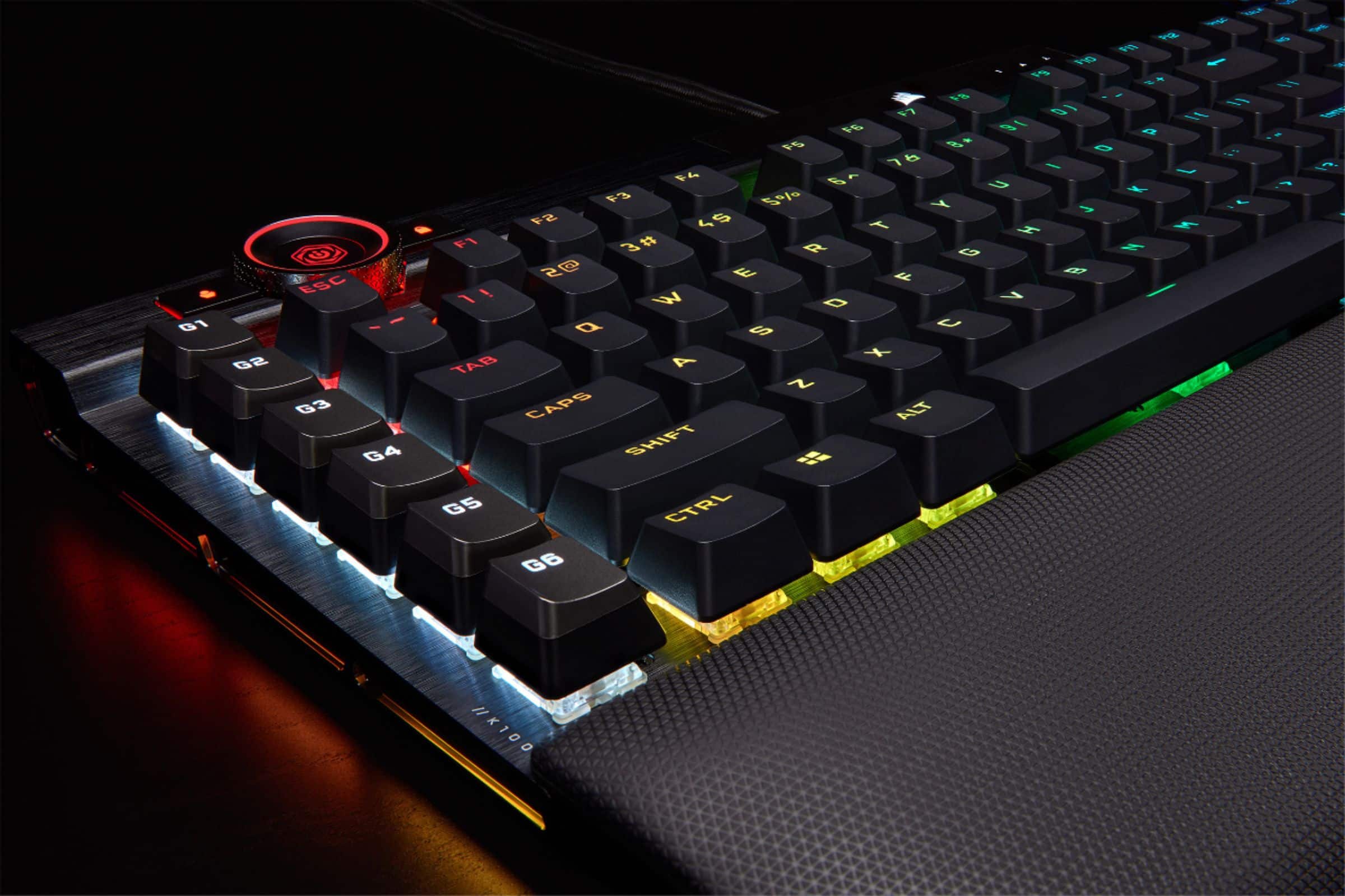
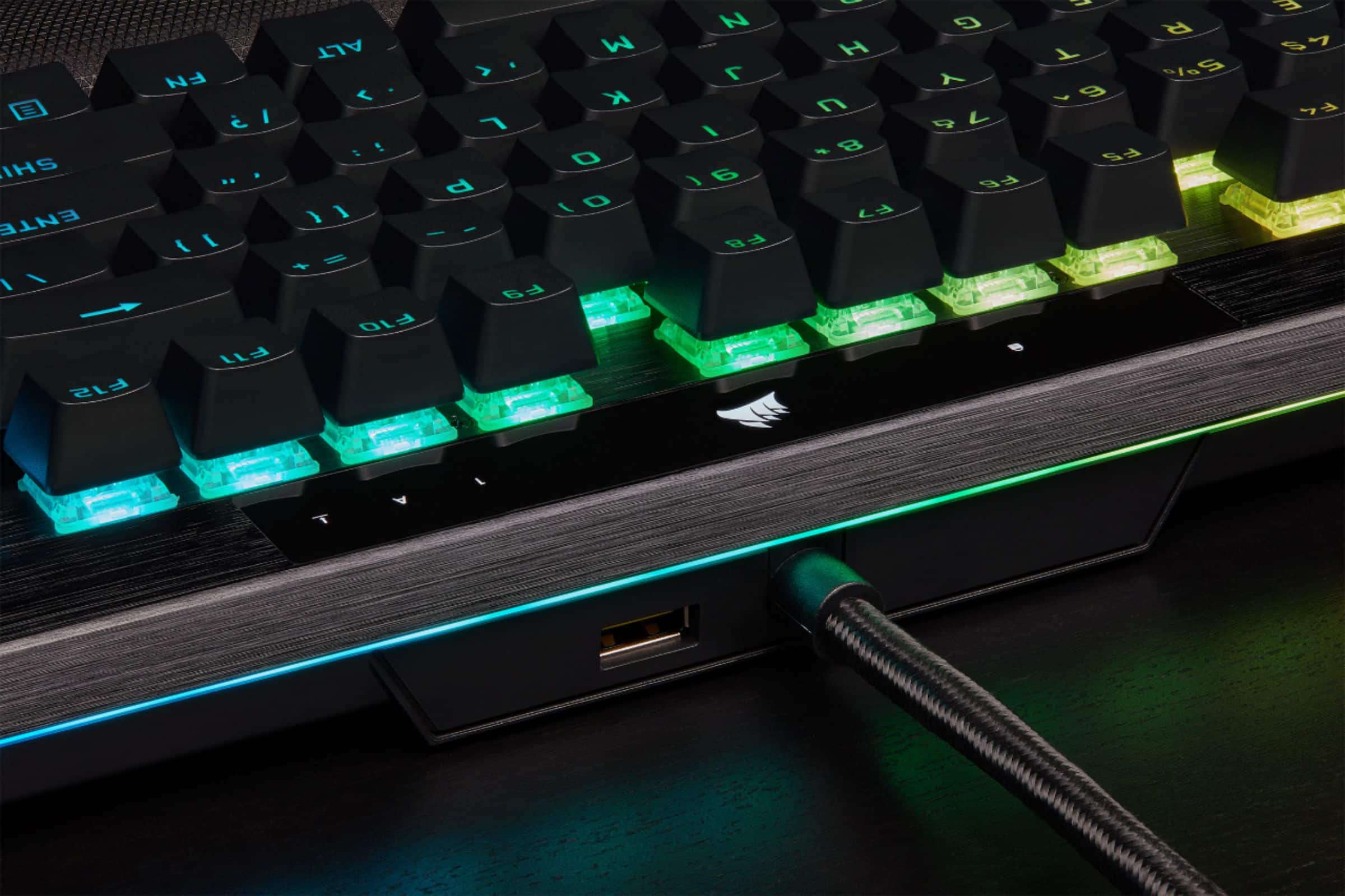
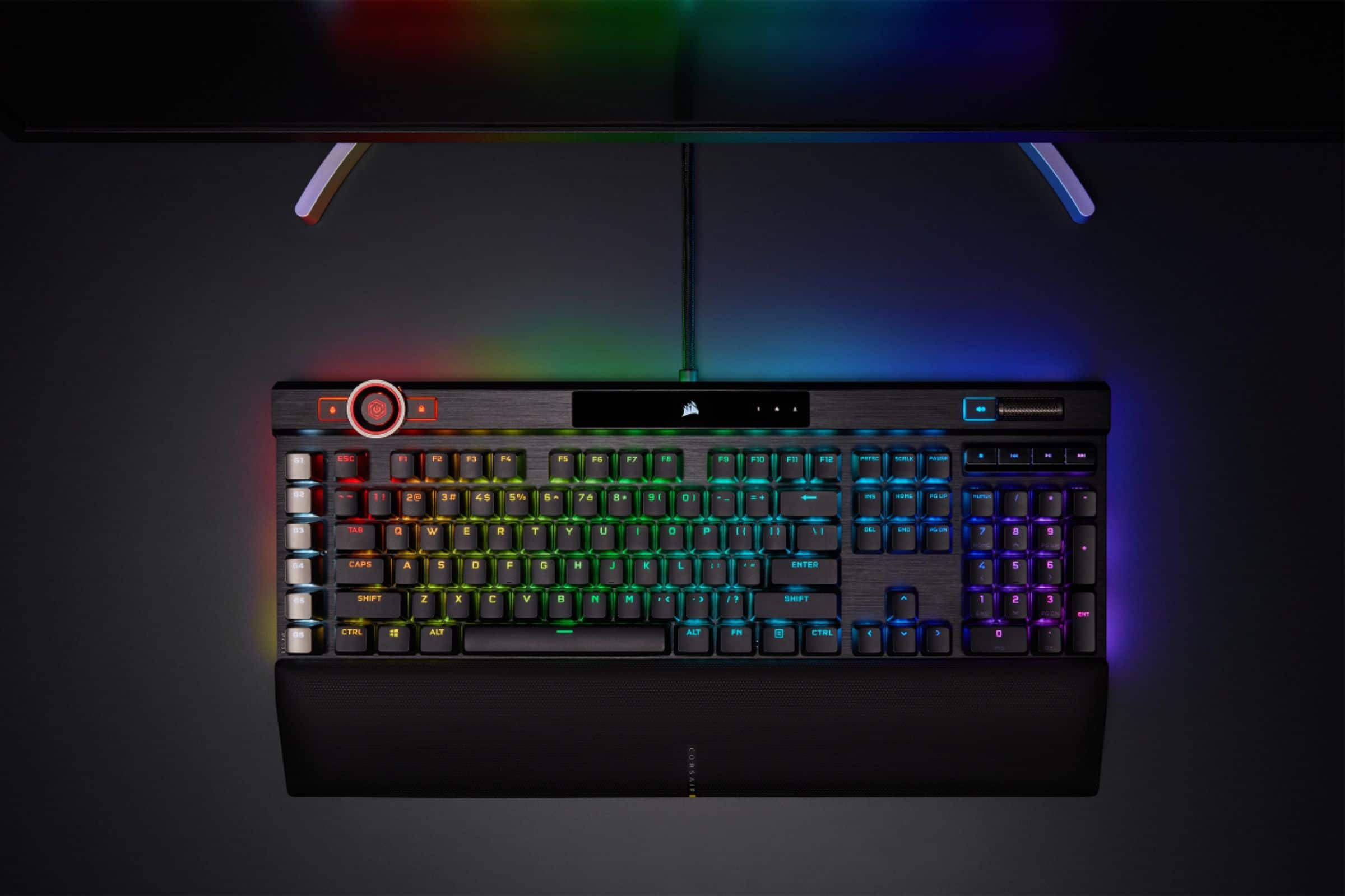
||Posted . Owned for 1 year when reviewed.This reviewer received promo considerations or sweepstakes entry for writing a review.TLDR: Awesome RGB, wheel go brrrrrrrr, double shot keycaps, USB pass-through, media buttons, 200 on board savable lighting profiles. This is the best keyboard I have ever used. I have always been a fan of Corsair's keyboards and this one didn't disappoint. Looks and material are high quality. The wrist rest is better than other I've seen or used. It's angled in a way that lifts your wrist closer to proper form (for those of us that keep our wrists down when typing - bad form, I know, I know) The RGB is customizable beyond my understanding through iCue. You can save 200 profiles directly onto the keyboard itself. Meaning you can save your lighting profiles and take it somewhere that doesn't have the software installed and the lighting will work like on your computer. The profiles are easily accessed through the scroll wheel at the top left. This wheel also controls a plethora of other features, which you can customize also on iCue. The keycaps are top quality doubleshot PBT which will not only last longer than regular ABS keycaps, but also sounds better in my opinion. It gives it fuller and heavier sound when pressing the keys instead of the hollow, plastic sounding clicks of other keys. Just my preference. It's on the louder side, but I prefer that. The RGB shines through on this keyboard BEAUTIFULLY considering the heavier keycaps too. Plus it has lighting zones on the top and sides which light up the area around the keyboard in addition to just the keys. Customizing how you want them to shine is easy through iCue and can be synced to all your devices with RGB. There are six macro buttons on the side that you can record functions for. I use them to launch programs and apps, but it can also record step by step functions, so you don't have to do something over and over all the time. The last thing I really like is there is a USB pass-through at the top of the keyboard so you can plug another device in on this like headphones, mice, or dongles. 10/10 would recommend this keyboard for gaming AND normal daily use.
I would recommend this to a friend - Pros mentioned:Key feel, Keyboard quality, Rgb
Corsair K100
||Posted . Owned for 1.5 years when reviewed.This reviewer received promo considerations or sweepstakes entry for writing a review."Corsair K100 RGB offers exceptional performance with OPX linear switches for ultra-fast actuation. The dynamic RGB backlighting is fully customizable. Integrated Elgato Stream Deck software enhances stream control, making it ideal for gamers and content creators. Solid build quality and responsive keys ensure a premium typing experience."
I would recommend this to a friend - Pros mentioned:Key feel, Rgb
Crazy performance for a price
||Posted . Owned for 1 week when reviewed.This reviewer received promo considerations or sweepstakes entry for writing a review.I've slowly upgraded to better gaming keyboards over the years and while the K100 is the most expensive keyboard I've ever purchased it's well worth it. This replaces my previous K70 RGB and the added macro keys are worth every penny. Corsair purchased Elgato in 2018 and has integrated Streamdeck functionality into the 6 programmable keys along the left edge. You can program macros control streaming apps or whatever you wish to program. For simple macros you don’t have to use the Elgato Streamdeck app but it does add some pretty powerful options. There is a wheel on the upper left side of the keyboard that is also programmable with basic control over brightness of the keyboard back lighting. My preference is having a volume knob, not just buttons, and most of the Corsair keyboards fit the bill. In addition is a full set of media control keys not leaving it to a combo key press of function key and Fn. The mechanical keys have an amazing feel to them, just the right amount of travel with a crisp break. Being a full sized keyboard it has a full numeric keypad which you either love or hate. If my computer was strictly for gaming I could probably do without it but since I use my system for work as well a keypad is a must. For comfort the provided wristpad is memory foam and has a smooth covering that doesn’t get sweaty with long gaming sessions. Some manufacturers have gotten away from attaching the wristpad to the keyboard and absolutely hate that. I’ve got one and I had to constantly adjust it to stay next to the keyboard. Corsair has solved this problem by providing tabs on the bottom of the wristpad that slide under the keyboard so it’s passively “connected” while not actually being connected. Slick solution! Another nicety is the additional gaming keycaps to replace the standard QWEASD keycaps. If you are looking for a more traditional look then keep the ones that come on the board or if you prefer the gaming look feel free to swap them out with the provided keycaps and pull tool. Corsair has set the benchmark for RGB lighting on computers. I know of no other company that has stepped up the game like Corsair. My current gaming build is fully Corsair fitted. I have the DDR4 memory with addressable RGB, I have the all in one liquid cooling CPU cooler with RGB fans and pump, I use the Corsair Commander Pro to control 6 other of the ML120 RGB fans, and of course the K100 keyboard and when I bought the keyboard I also purchased a Corsair Dark Core RGB Pro SE wireless gaming mouse. All are synced using Corsair’s ICUE software. You can even design your own color scheme using the Corsair color scheme Windows App from the Windows App Store. I love this keyboard and I’m sure it will give me years of service. While pricey it does so much that it’s worth every penny.
I would recommend this to a friend - Pros mentioned:Keyboard quality, Rgb
Fantastic keyboard--buy for the accurate typer
||Posted . Owned for 1 week when reviewed.This reviewer received promo considerations or sweepstakes entry for writing a review.With this being my first opti-mechanical linear keyboard, I was ECSTATIC at first. Great layout, and iCUE isn't as bad as people say. I quite enjoyed the software. Keyboard presses were quick with nstant responses with barely any pressure. But that's also where I realized that was a problem for me. This keyboard being optical and needing barely any pressure to actuate made it easy for me to hit accidental key-presses as I was typing/gaming. It's quick response time was a fresh change from my usual clicky, heavier green switches from Razer. But, ultimately, I returned the keyboard and bought a Razer V4 Pro because this guy made me miss my heavy-actuation green switches from Razer. I can't stress this enough, I'm giving this keyboard 4/5 stars. It's well-built, greatly designed, and has a function-wheel that's great for multiple, customizable uses. The dedicated macro keys on the left side of the board are easy to set and fun to use. RGB is beautiful and fun to set on iCUE. Switches were smooth, and light to press for instant input, but that's why it wasn't my cup of tea. Not a bad keyboard by any means, just a bad fit for myself. I would recommend this keyboard to anyone who is an accurate typer who loves quick and quiet switches. If you're not extremely accurate when typing, you're risking hitting multiple keys with this bad boy.
I would recommend this to a friend - Pros mentioned:Keyboard quality, RgbCons mentioned:Price
Great optical silver switch customizable keyboard!
||Posted . Owned for 4 months when reviewed.This reviewer received promo considerations or sweepstakes entry for writing a review.My kid almost cried when I brought this home for him, he loves it SO MUCH. Hearty keyboard, works well for heavy gaming. The optical silver switches are FAB! No latency to speak of. Parents - this is SUPER clicky - you WILL hear it. If you or your child is a fast typist (our son types 120wpm) this may drive you a bit crazy. Typical easy to use and customizable software. RGB lights are cool. Solid unit. A little expensive, but compared to other high end gaming boards, this is a solid contender. Happy with purchase, recommend.
I would recommend this to a friend - Pros mentioned:Wrist rest
Coming from Razer Huntsman Elite V1 w/PBT Linear
||Posted .This reviewer received promo considerations or sweepstakes entry for writing a review.Before I continue, mind that you can't go wrong with either of the Razer Huntsman Elite with PBT added on or this Corsair K100 keyboard. The keyboard just like mouse feel is up to you and you alone. My review for pros and cons is a comparison between those 2 keyboards and am assuming you already know you want an optical over a mechanical keyboard over the pros of optical over mechanical. Typing: +1 Corsair - This was a hard one. The corsair K100 is easier to type with than the Razer because the keys feel more "lightfoot" when you type on it and springs back up faster than the Razer's (it could also be that my Razer is old and needs to be replaced). In addition, the shape of the keycaps on the Corsair (feels flatter) make it easier to type the key and leave to the next while the Razer's feel like they are "cupping" your fingertips more. I feel like if I used Corsair's keycaps on the Razer than it would probably be more of a tie. Gaming: Up to You. I am personally not used to the G keys on the left of the Corsair keyboard and found myself constantly missing the placement of my fingers on the home row keys. I'm sure I'll get used to it eventually but thought I should note if this is your first keyboard with G keys on the left, have some patience before throwing it out the window. Also, the key caps feel smaller than Razer's but really aren't (I measured them, they are the same) and I think it has to do with how they made the keycaps more flat than curve indent the Razer one has. For gaming, you can't go wrong with either but for MMOs the G keys are a welcome addition. Corsair claims 4000 polling on their keyboard and all but honestly in real time gaming, there was only a little bit of an advantage with Corsair. It was noticeable though so I'll give Corsair that, 4000 polling on a keyboard is not a gimmick. Keyboard Height: Up to You. The Razer highest point is the first tier of the Corsair keyboard. Meaning, the Corsair has another prop height to make it higher on the top than Razer does. If you like flatter keyboards or a lower keyboard height raise option, Razer is better. Wrist Pad: Up to You. Corsair really stepped up on their wristpad on this one. It used to be plastic, and Razer would easily have won this contest. However, this depends on you. The Corsair has a slant downwards while the Razer wristpad is more flat and level. It depends on how you prefer your wrists to rest. Extra Features: +1 Corsair. -In addition to the volume mute etc. they have a wheel that can be used for photoshop etc. -USB Passthrough (although only 2.0). Granted, the Razer Huntsman V2 now has it, I'm not comparing that one since they don't have a linear switch version of that yet which I will get when they release it to compare with this keyboard (I am a huge peripheral nerd, I like to test all of them and change every year lol. Razer Huntsman Elite is the longest lasting relationship I've had with a keyboard little over a year. eBay is awesome to recoup some costs back =D). +Corsair comes with PBT caps on while the Razer Huntsman Elite V1 doesn't. It ends up being the same cost anyway $239.99 since the Razer PBT keycaps are $39.99 and the keyboard is $199 (although you can get it on sale now for $159.99 since V2 came out). CONCLUSION: If you were expecting me to pick a keyboard for you, I cannot since both Razer Huntsman and the Corsair K100 are AMAZING optical keyboards. However, based on my experience with Generation 1 of Razer Huntsman vs K100, I prefer K100. I will be getting generation 2 of Razer Huntsman Elite V2 Analog once they release one with Linear switches as I prefer Linear switches 1mm. For now, for myself, I like the K100 more than the Razer Huntsman Elite Linear V1. It was a hard call but K100 pulled ahead for me.
I would recommend this to a friend