Customer Ratings & Reviews


- Model:
- CH-912A01A-NA
- SKU:
- 6424866
Rating by feature
- Value
Rating 4.3 out of 5 stars
- Quality
Rating 4.8 out of 5 stars
- Ease of Use
Rating 4.6 out of 5 stars
Customers are saying
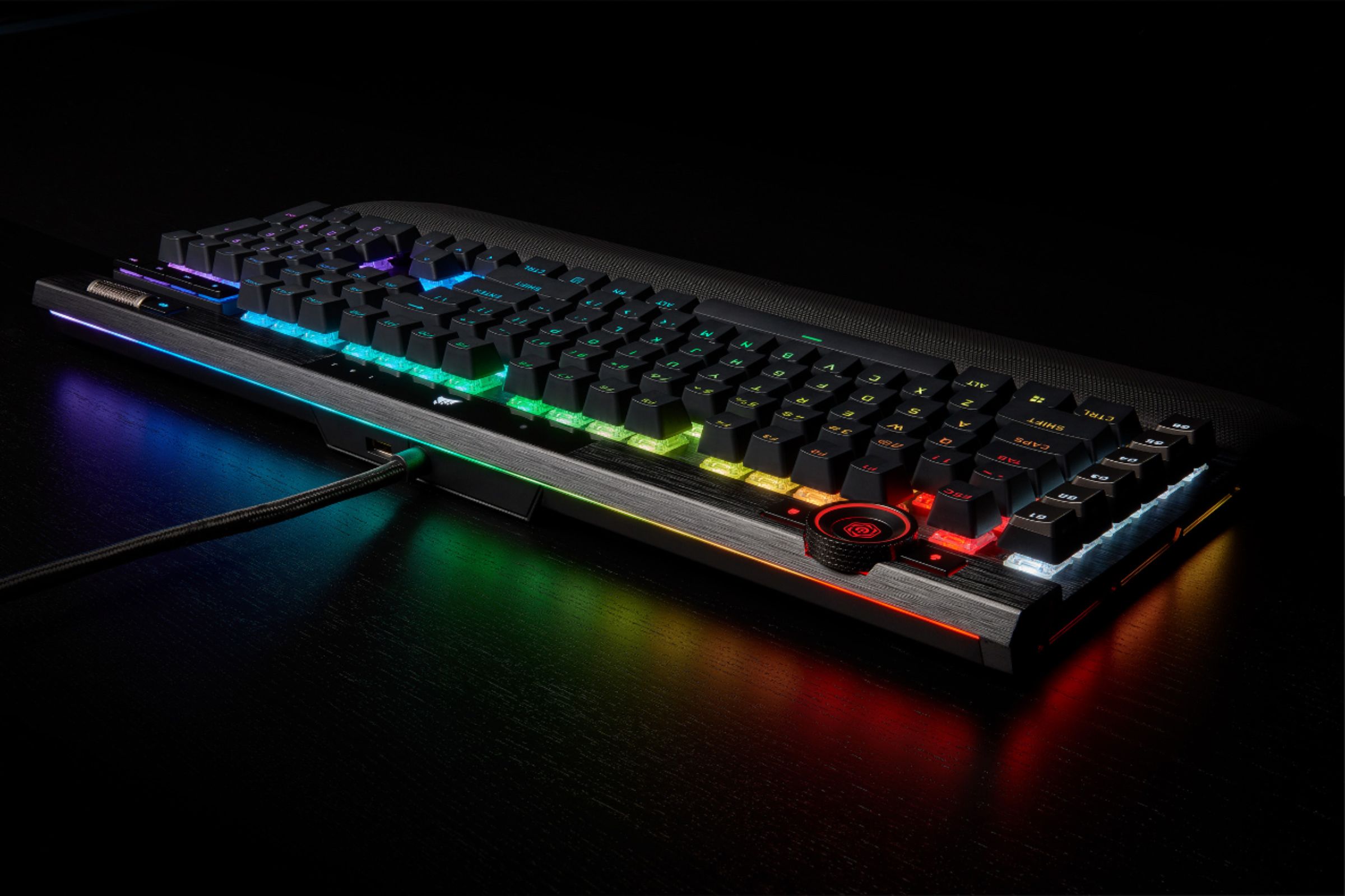
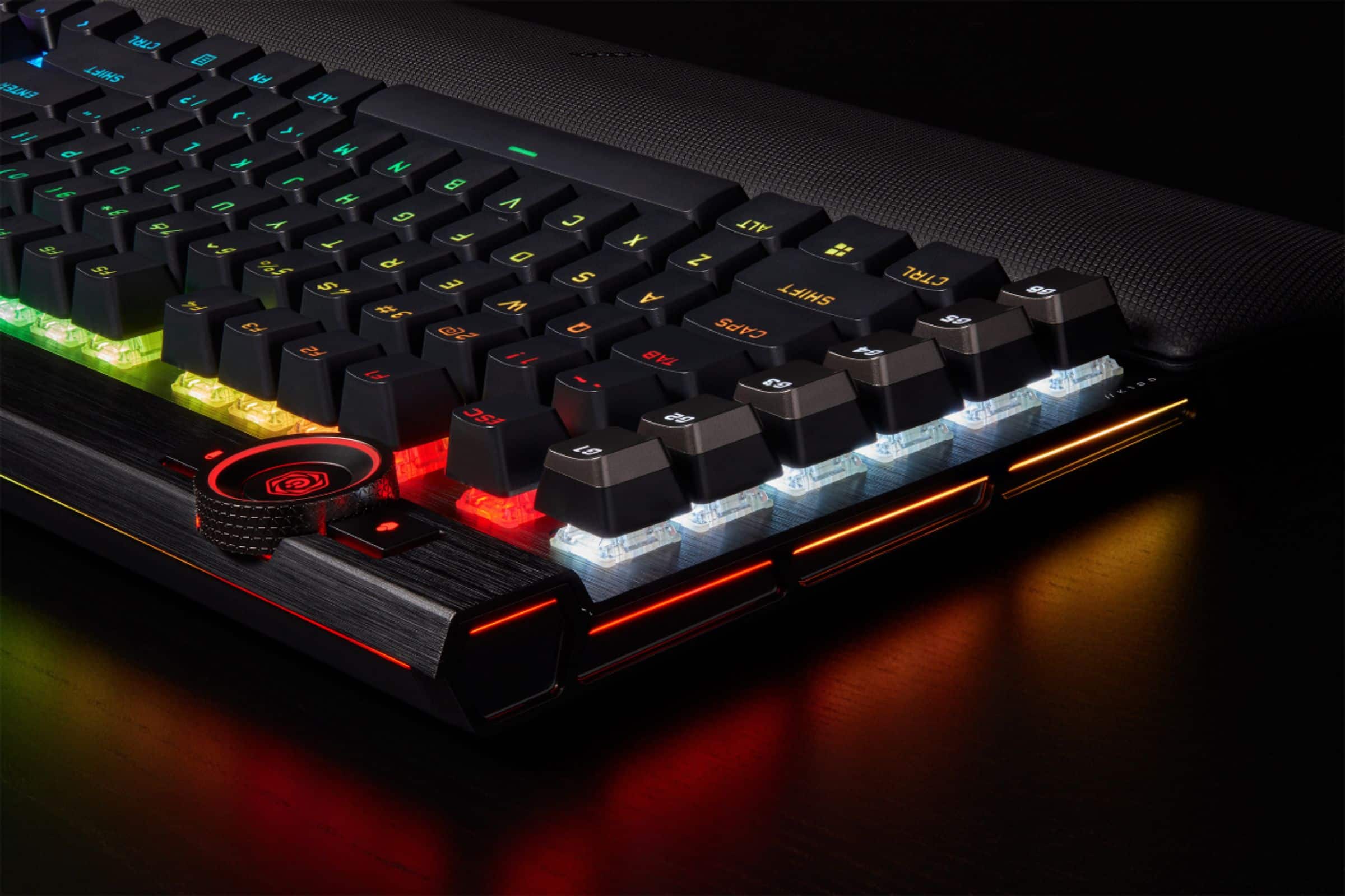
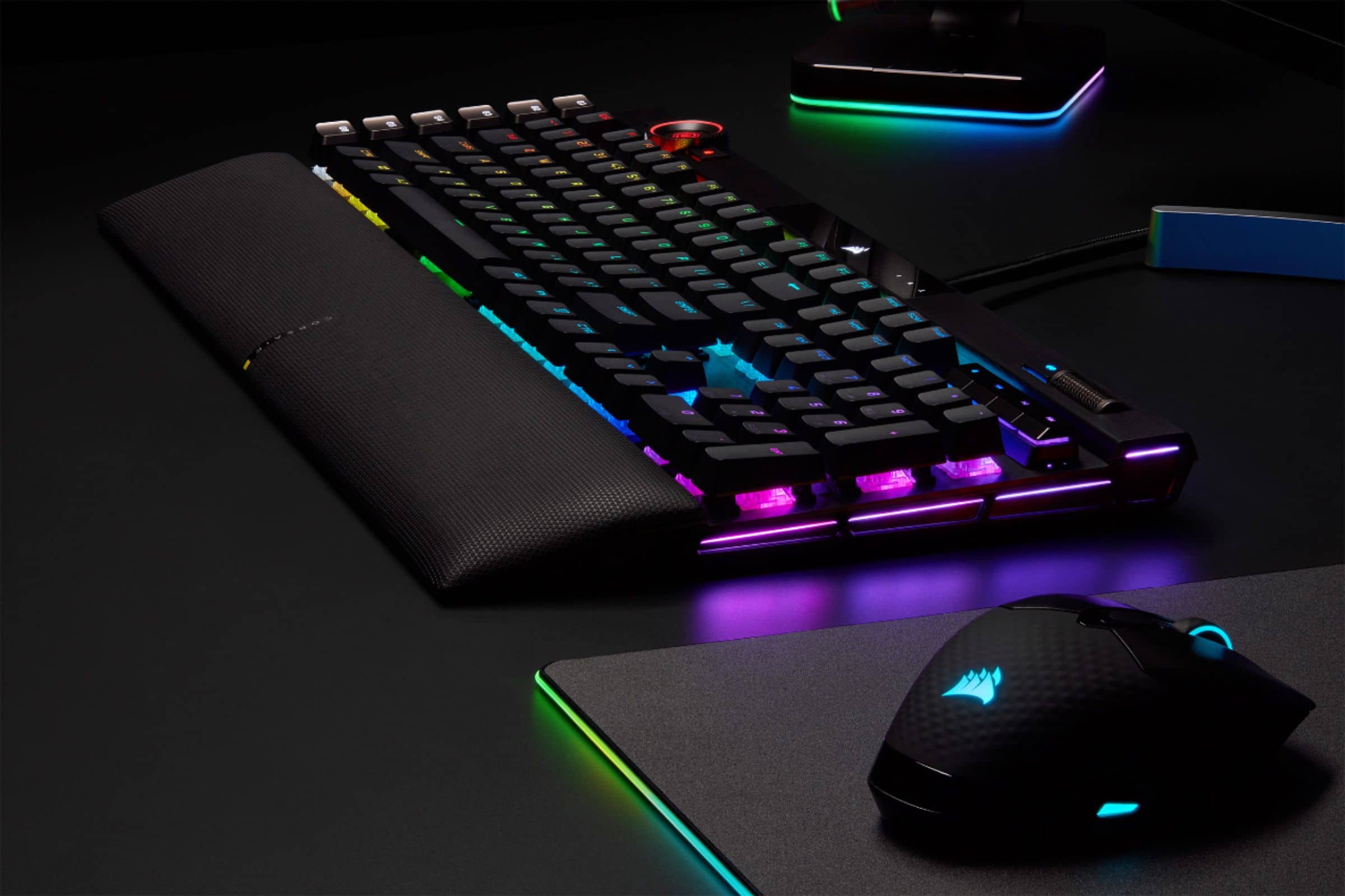
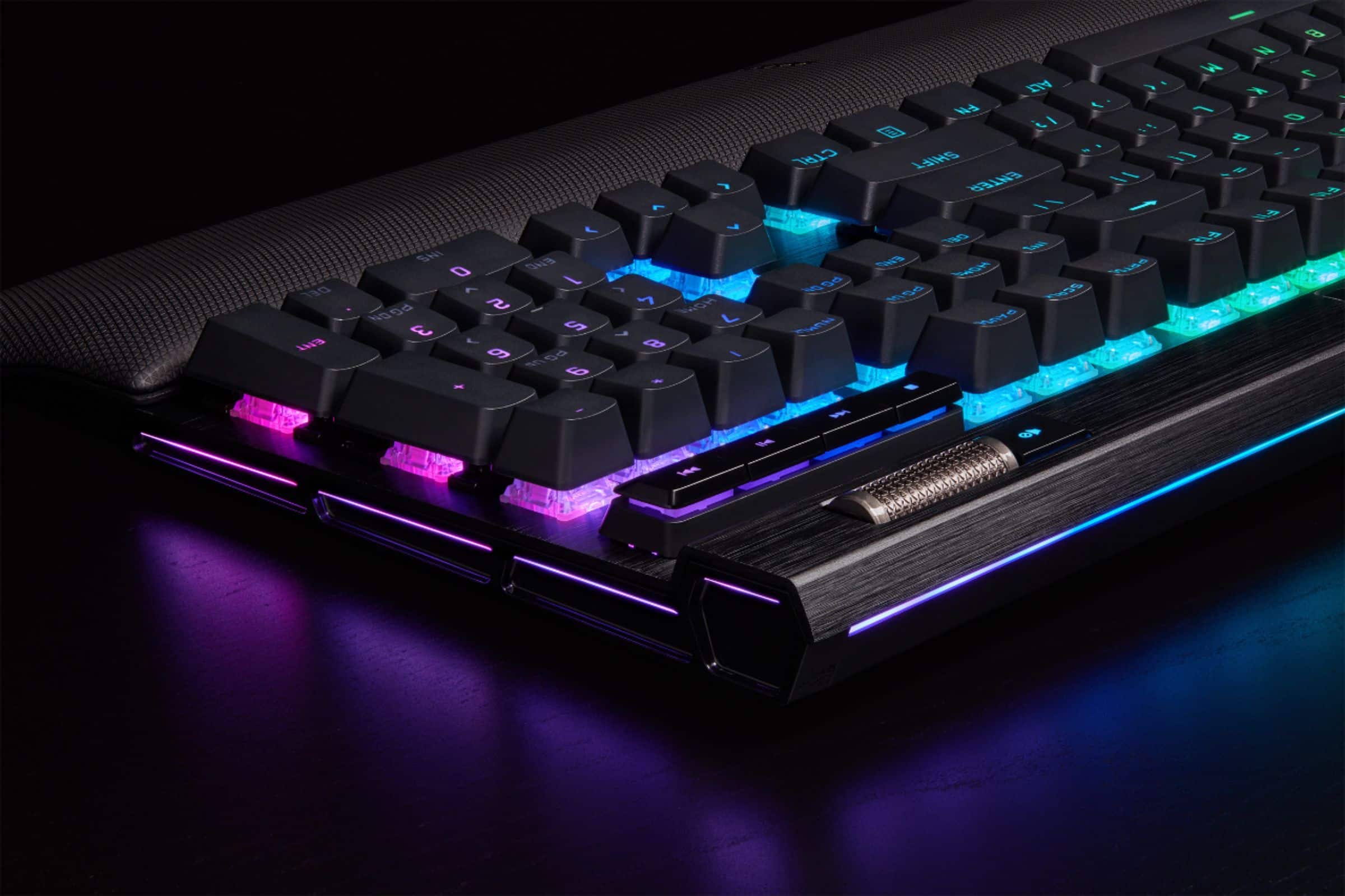
Customers are pleased with the K100 RGB keyboard's quality, customizable RGB lighting, and comfortable key feel, especially on the optical version. Many appreciate the included wrist rest and the keyboard's responsiveness during gaming. However, some find the software less than ideal and consider the price to be somewhat high. A few users also noted its larger size and sensitivity might not suit everyone.
This summary was generated by AI based on customer reviews.
Great keyboard minus the leds.
||Posted . Owned for 4 months when reviewed.This reviewer received promo considerations or sweepstakes entry for writing a review.Very responsive and functional keyboard but many of the LEDs are failing. Throughout the years It’s been my experience that many of the Corsair products with LEDs tend to fail or illuminate pink when choosing a white color.
I would recommend this to a friendbuyer beware, you can get better
||Posted . Owned for 1 month when reviewed.This reviewer received promo considerations or sweepstakes entry for writing a review.too outdated for the price, didnt realize it was 3 years old when i bought it.
No, I would not recommend this to a friendBrand response from Corsair
Posted .Hello Austin,
Did you have any actual issues? If so, please contact our team directly right on our site at any time.
-Art
Not for Production Work
||Posted . Owned for 2 weeks when reviewed.This reviewer received promo considerations or sweepstakes entry for writing a review.I gave it 2 stars because i do like the keyboard. However, there is a known bug in the firmware that causes it to regurgitate info that has been typed on it. It will just randomly start typing by itself and for someone like myself who does production work, this is a BIG problem. It is a known issue but thus far no update to the firmware has addressed the problem. So, i have to return it unfortunately. The keyboard is super fast and the clicky action is great. But an unreliable keyboard, and especially at this price, is unacceptable.
No, I would not recommend this to a friendBrand response from Corsair
Posted .Hi,
Sorry to hear about your experience. We are currently investigating this issue. We'd appreciate the opportunity to attain your input and provide a replacement - please reach out directly to our Support Escalation team at SES@corsair.com with a screenshot of this review and our team will assist you ASAP.
-Albert
Good keyboard
||Posted . Owned for 1 week when reviewed.This reviewer received promo considerations or sweepstakes entry for writing a review.Im satisfied with the switch’s and icue software :)
I would recommend this to a friend- Pros mentioned:Keyboard quality
One of the best keyboards
||Posted . Owned for 2 weeks when reviewed.This reviewer received promo considerations or sweepstakes entry for writing a review.It feels smooth and great love the colors and is great for playing or more
I would recommend this to a friend Get the opx to mod.
||Posted .This reviewer received promo considerations or sweepstakes entry for writing a review.Very loud. Reccommeded to get the optical version and lube the keyboard. Everything in the opx version is hotswapable since its using gateron optical switches.
I would recommend this to a friendBrand response from Corsair Art
Posted .Hi Jack,
Thanks for the feedback, if you have any further questions about the keyboard, please feel free to contact our support team: support.corsair.com
-Brian
Keys Don't travel far
||Posted . Owned for 1 week when reviewed.This reviewer received promo considerations or sweepstakes entry for writing a review.Maybe it's just me. But the keys funny travel very far down which could be a good thing for some people. But it's not for me and has been difficult to get to used to
No, I would not recommend this to a friendBrand response from Corsair
Posted .Hi,
Thank you for your feedback. If you'd prefer key switches with longer actuation distance, it would be recommended to look at our K70 RGB PRO keyboard with Cherry MX Browns, Blues, or Reds. The mentioned key switches have double the actuation distance (2mm) compared to our OPX key switches (1mm). If you have any questions, please feel free to reach out - we'd be happy to assist: help.corsair.com
-Albert
Build quality is fairly bad.
||Posted . Owned for less than 1 week when reviewed.This reviewer received promo considerations or sweepstakes entry for writing a review.the switches themselves are fast, but the keycaps on the switches move around so much it almost feels like its broken. Every key especially ones with a "stabilizer" have more play than the little red joysticks that were in old IBM laptops. Even the flat media buttons feel like they could come off at any moment. Update: Just put some other keycaps on a few switches...its the keycaps that are garbage. They sit up way too high and have almost no structure to them. So if you plan on getting it then expect to drop a little more money on some decent keycaps.
No, I would not recommend this to a friendBrand response from Corsair Art
Posted .Hi James,
Thank you so much for the feedback on the keycaps, we will provide this to our Keyboard team. They should not cause any issues and should give you a stable typing experience. If you have any further questions about the headset, please feel free to contact our support team: support.corsair.com
-Brian
- Pros mentioned:Rgb
Great keyboard
||Posted . Owned for 1 week when reviewed.This reviewer received promo considerations or sweepstakes entry for writing a review.The perfect rgb keyboard. Easy to use and lots of fun features!
I would recommend this to a friend K100
||Posted . Owned for 3 weeks when reviewed.This reviewer received promo considerations or sweepstakes entry for writing a review.The keys are very sensitive, which I can adjust to and is what I paid for. A bit noisier/clackier than I was expecting. But it seems my USB passthrough port has stopped working after a few weeks.
No, I would not recommend this to a friendBrand response from Corsair Art
Posted .Hi Jhlorn,
Sorry to hear that the passthrough port isn't working, we'd like to help! Please reach out to our support team so we can work with you directly: support.corsair.com
-Brian
- Pros mentioned:Keyboard quality
Keyboard
||Posted . Owned for 1 week when reviewed.This reviewer received promo considerations or sweepstakes entry for writing a review.I love this keyboard, its functionality, and very well built
I would recommend this to a friend - Pros mentioned:Keyboard quality
Great !!!!!
||Posted . Owned for 1 week when reviewed.This reviewer received promo considerations or sweepstakes entry for writing a review.It works perfect ………………………………………………………………………………………………
I would recommend this to a friend Cheap feel and low quality components!!!
||Posted .This reviewer received promo considerations or sweepstakes entry for writing a review.I was excited to try this new keyboard and hoped that it would be a worthy replacement for my aging (3 year old) Razer Huntsman Elite V1 who's volume control has long since stopped working properly. Upon unboxing I noticed that it just wasn't near as heavy as my Razer and didn't feel good in the hand. I set it down on my desk and after plugging it in I tried typing on it and it just felt cheap and the switches appear to be exposed underneath the keys. Then I was greeted by difficulty in storing my lighting profile plus it caused icue to drop my dark core pro se profile. So I wipe both devices and start again and was able to store the profiles and thought that I was getting somewhere. I then started playing some videos and upon tapping the spacebar to pause I noticed that my video did not pause and was doing some strange things so I tapped the spacebar again. This time I noticed that it had stuck in the bottomed out position. I tried a persistent tapping and prying on it and was able to get it free. I then started tapping on it to see if it would do it again and lo and behold it stuck in the down position again. I immediately unplugged it and put it back into its box to return to Best Buy. This kb cost far too much for this kind of poor quality and I'm going to get the Huntsman Elite V2. If you're buying a kb or anything else do yourself a favor and try to go by the store and put your hands on them before you buy. No I would not recommend this keyboard to anybody.
No, I would not recommend this to a friendBrand response from Corsair
Posted .Hi HappyShopper,
Sorry to hear about your experience. Were you using the K100 RGB with the included palm rest accessory? If so, the palm rest and keyboard would both need to be on a levelled surface to prevent the space bar getting stuck. For future reference, please feel free to contact us regarding any questions or issues, we'd be happy to help: support.corsair.com
-Albert
Very average feeling for non-average price
||Posted . Owned for 2 weeks when reviewed.This reviewer received promo considerations or sweepstakes entry for writing a review.Big and clunky. Build quality feels overall bad for this price point, (example: rattling keys and wheel is too loose). Switches are okay. Not too good and not too bad.
I would recommend this to a friendBrand response from Corsair
Posted .Hi GenericNoBody,
Thank you so much for the feedback, we're always happy to hear from our customers. If you'd like provide us with more feedback directly, please feel free to contact our support team: support.corsair.com
-Brian
Bought for use with icue. dont care for it
||Posted . Owned for 1 month when reviewed.This reviewer received promo considerations or sweepstakes entry for writing a review.still cannot get used to the key layout for some reason. the wrist pad for some reason will move and hold down on the space bar. not my fav keyboard ive had.
No, I would not recommend this to a friendBrand response from Corsair
Posted .Hi Stuffy,
So sorry to hear that the wrist pad is causing issues with your spacebar, can you see if it's laying properly flat? Are there any obstructions at the attachment point? Please reach out to our support team so we can assist you directly: support.corsair.com
-Brian
Almost a 10/10!
||Posted . Owned for less than 1 week when reviewed.This reviewer received promo considerations or sweepstakes entry for writing a review.Great keyboard, I just unfortunately managed to purchase one with a defect. My left shift key had a noticeable "crunch" when pressed on the upper right corner, which is where it would naturally be while gaming. I purchased another one of these through a different vendor with newer stock and didn't have the same issue. I have to give BestBuy points, the easy return genuinely helps and I'll be back for any new purchases.
I would recommend this to a friendGood, but extremely sensitive
||Posted .This reviewer received promo considerations or sweepstakes entry for writing a review.Really good keyboard, but the keys are extremely sensitive. You’ll get use to it over time, but keys sometimes get stuck, even if you’re not touching keyboard at all.
I would recommend this to a friendBrand response from Corsair Art
Posted .Hi TheFluff,
Thanks for the feedback, if you have any further questions about the K100 RGB, please feel free to contact our support team: support.corsair.com
-Brian
- Cons mentioned:Software
Great Mechanical Keyboard
||Posted . Owned for 1 month when reviewed.This reviewer received promo considerations or sweepstakes entry for writing a review.Great tactile feedback. Software can be a little glitchy at times but overall works well.
I would recommend this to a friend 
You have been warned,Stay far away!
|Posted . Owned for 2 months when reviewed.This reviewer received promo considerations or sweepstakes entry for writing a review.[Employee of bestbuy] For the last week and a half I thought my computer had a keylogger. After multiple os restores while setting up the computer it began typing by itself things I had typed weeks ago! Online searches, passwords, addresses, you name it! I finally researched everything connected to my comouter as I elimated the hard drive as being suspect. Only to find thousands of articles about a “buggy” feature that the k100’s experience, keylogger like behavior. Which causes ur keyboard to randomly type previous things that you have typed in the computer. Corsair has lost all trust from me as a consumer. Logitech is the way to go if your looking for a premium keyboard that actually works and leaves you worry free of your information potentially being stolen. At $200+ no one should have to worry about their information potentially being stolen or have their work constantly interrupted due to ghost typing. If don’t believe me look of k100 keylogger and you will see endless articles of this “keylogger like bug.”
No, I would not recommend this to a friendBrand response from Corsair
Posted .Hello,
That's indeed a big issue, was our team reached out to at any time? Please contact them if you haven't at this time, as they'd be able to assist.
-Art
Not worth the price.
||Posted . Owned for 3 months when reviewed.This reviewer received promo considerations or sweepstakes entry for writing a review.I've had this keyboard for 3 months and have not been very satisfied with it. It's stated as a mechanical keybaord but the keys are very soft and extremely sensitive, unlike other mechanical keyboards used. The raised keys with the flat foundation seemed like it would make cleaning it easy, but 3 months in and the keys are already jamming even though it is well maintained. I took a shot on a high priced item and I would not do it again.
No, I would not recommend this to a friendBrand response from Corsair
Posted .Hi Nate,
Thank you for your feedback. These are various versions of mechanical switches, perhaps you are more familiar with switches such as Cherry MX Blue which are very clicky and exhibit more of a tactile response. The OPX switches are designed to be linear and fast actuating for gaming, so they will activate very quickly when pressed. If you'd like to learn more about the differences in switch types, please feel free to reach out to our support team, we'd be happy to continue assisting you: support.corsair.com
-Brian