Customer Ratings & Reviews


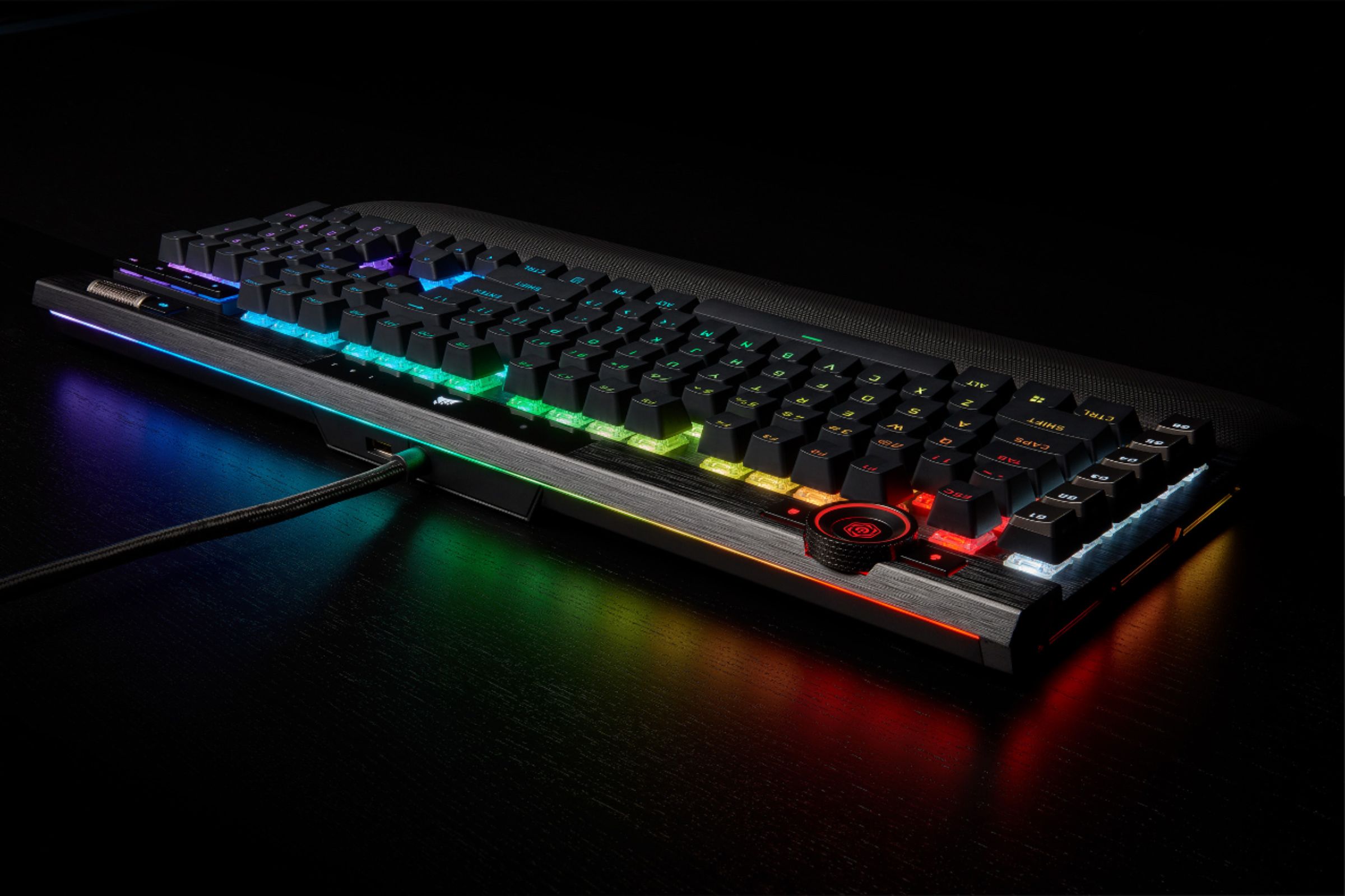
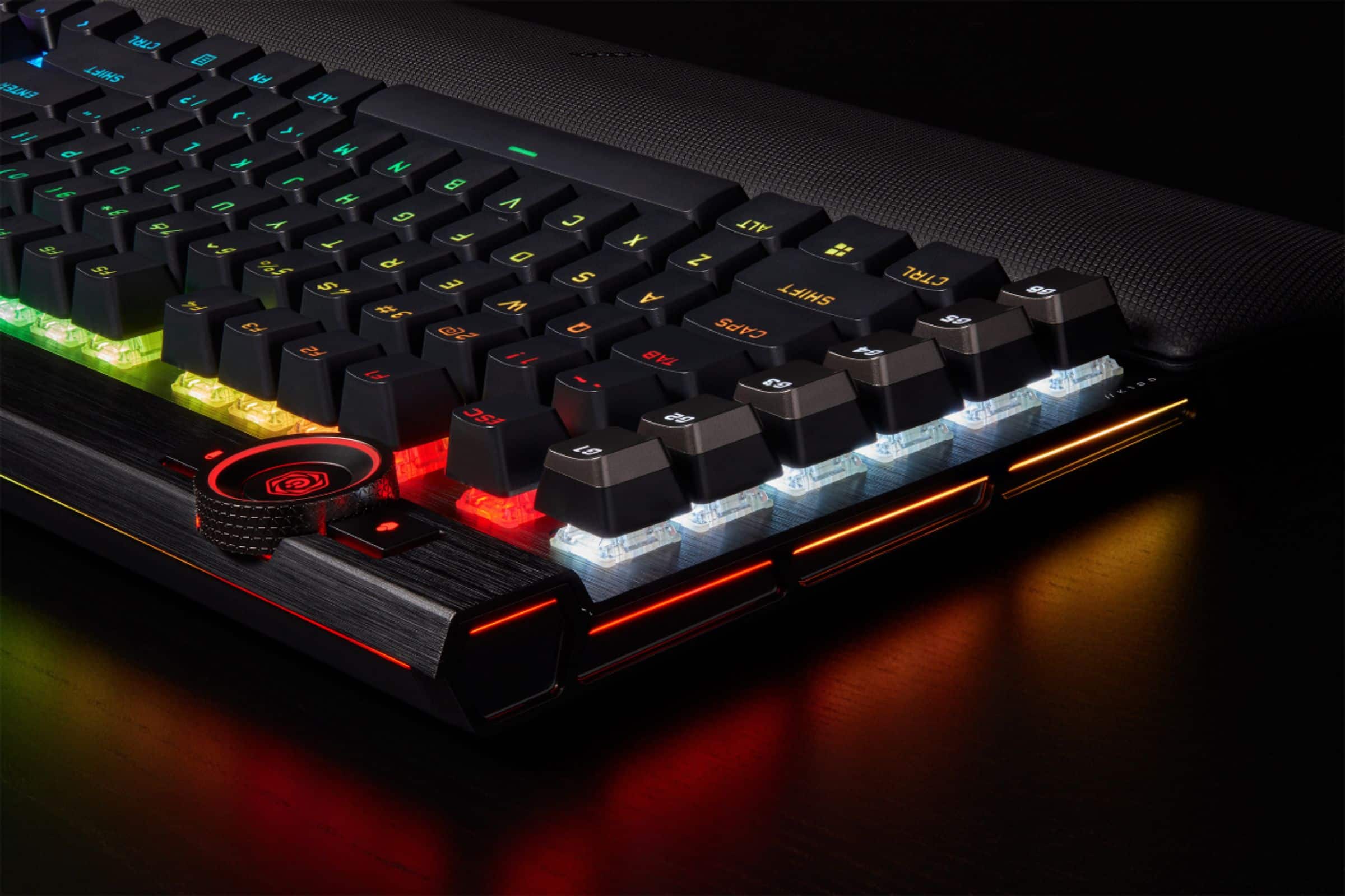
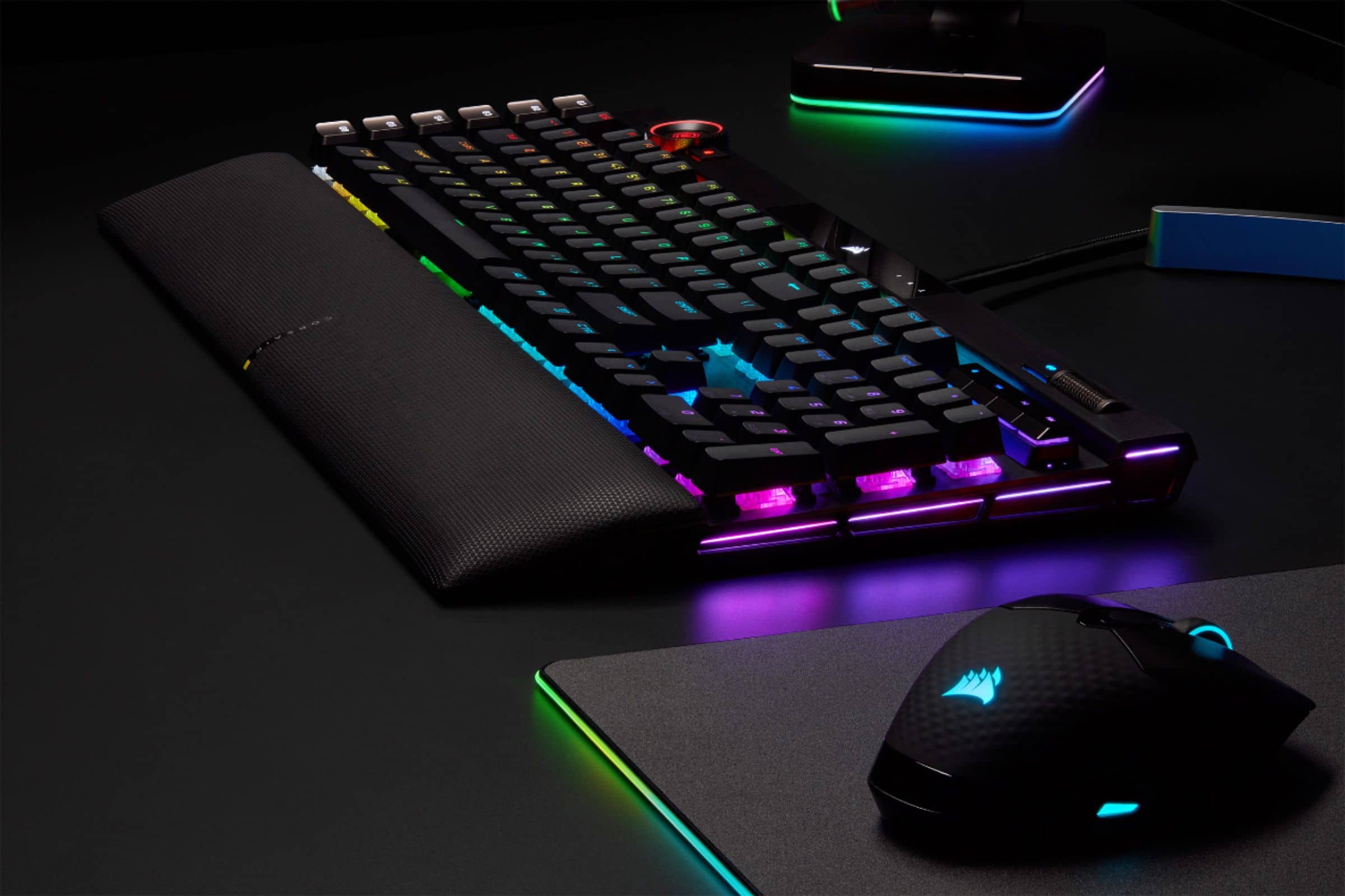
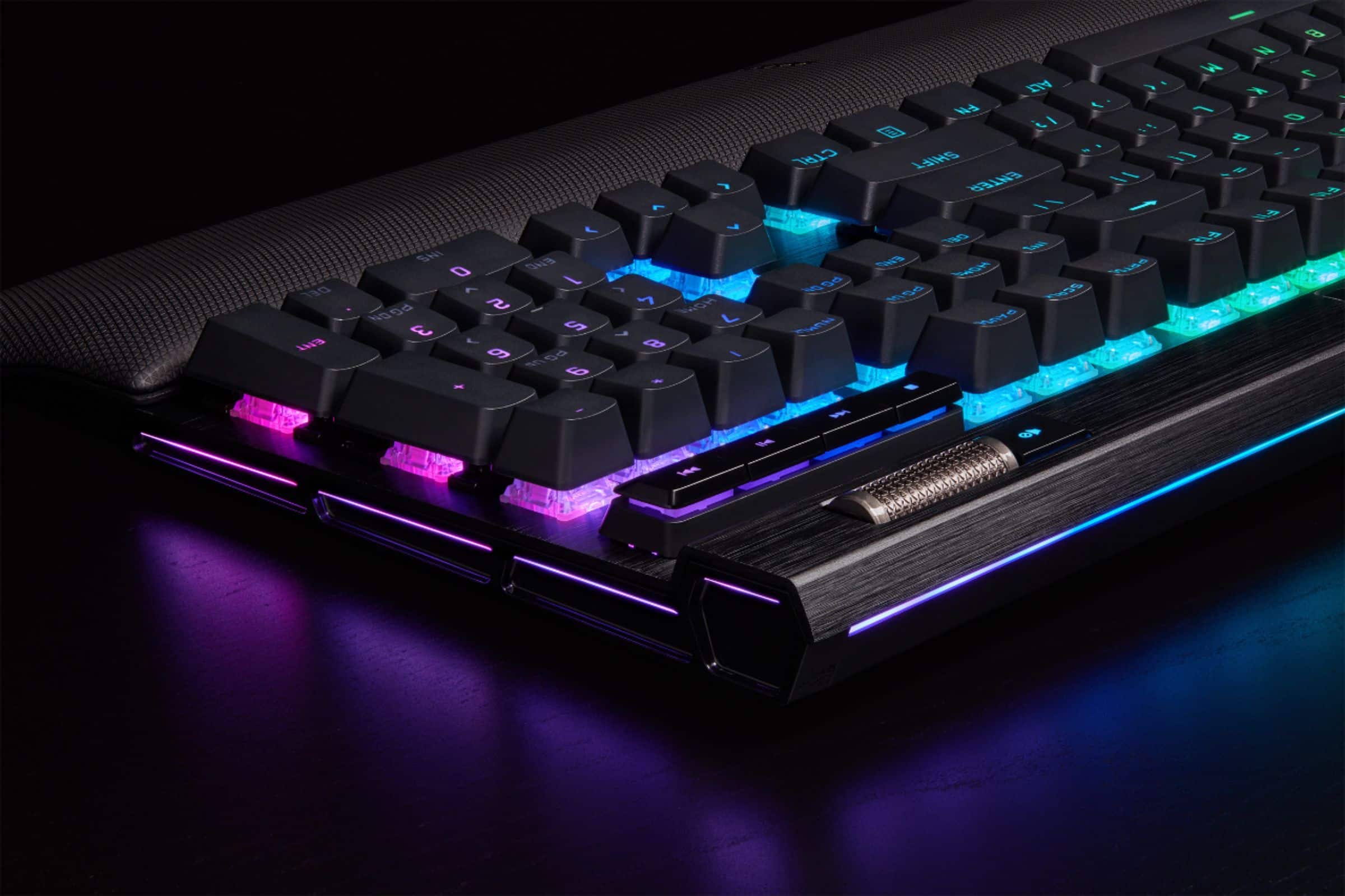
- Model:
- CH-912A01A-NA
- SKU:
- 6424866
Rating by feature
- Value
Rating 4.3 out of 5 stars
- Quality
Rating 4.8 out of 5 stars
- Ease of Use
Rating 4.6 out of 5 stars
Customers are saying
Customers are delighted by the exceptional keyboard quality, excellent key feel, and vibrant RGB lighting. They also appreciate the comfortable wrist rest, ease of use, and great response time for gaming. However, the accompanying software is frequently criticized, and some users find the product to be a bit pricey. Minor concerns also include its size and sensitivity.
This summary was generated by AI based on customer reviews.
- Pros mentioned:Keyboard quality, Wrist rest
Great Quality, Great Keyboard, Just Not My Type
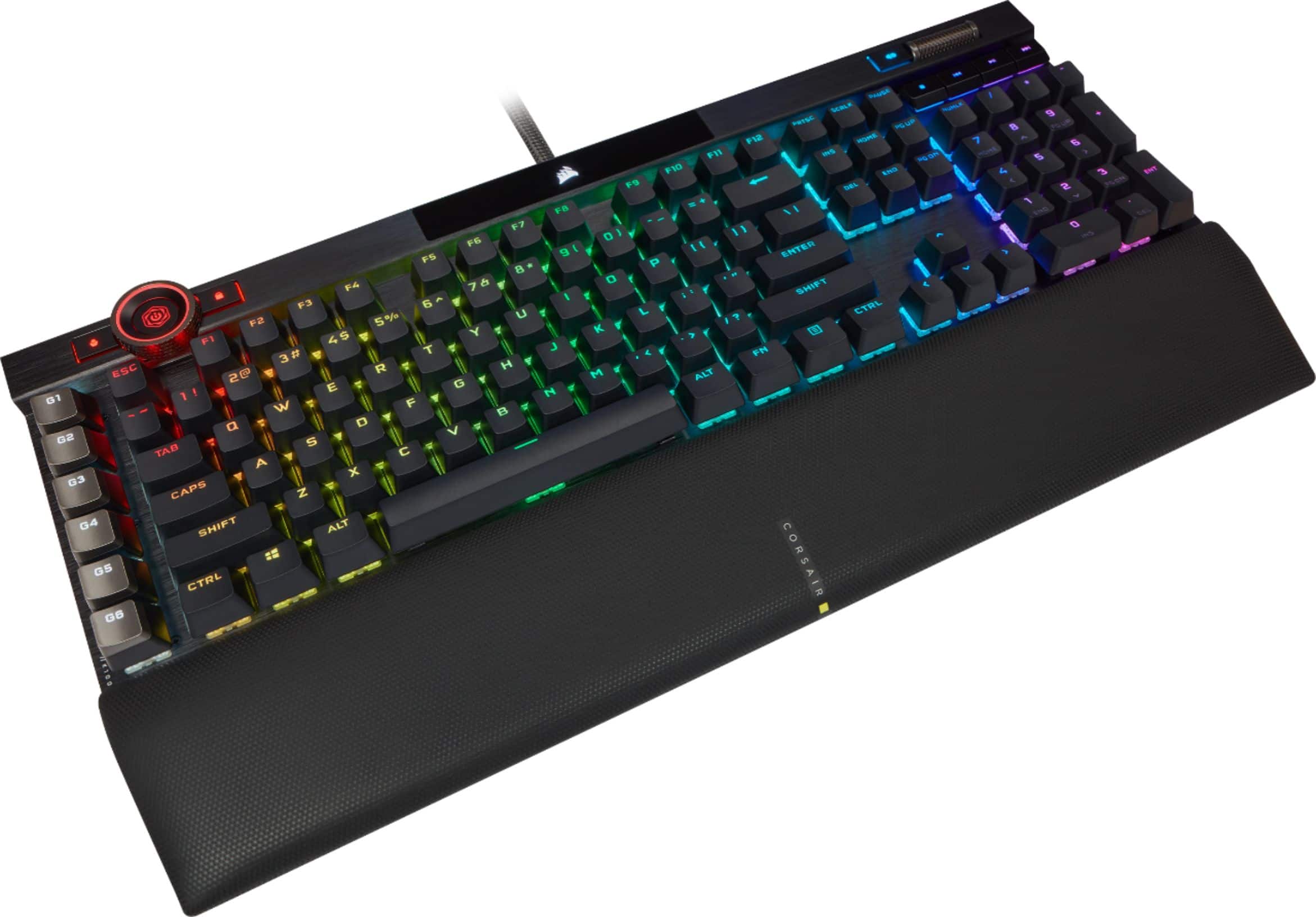
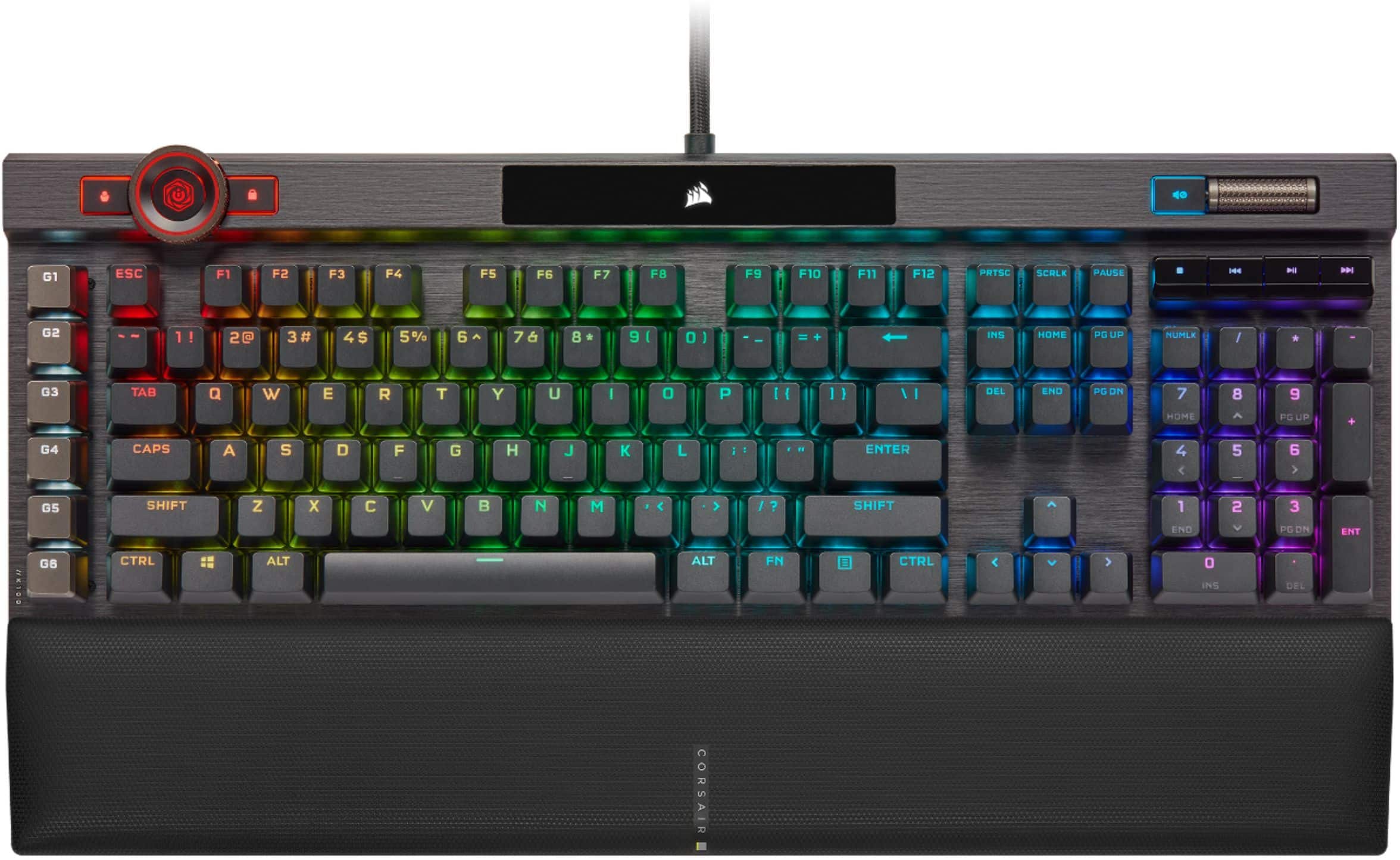
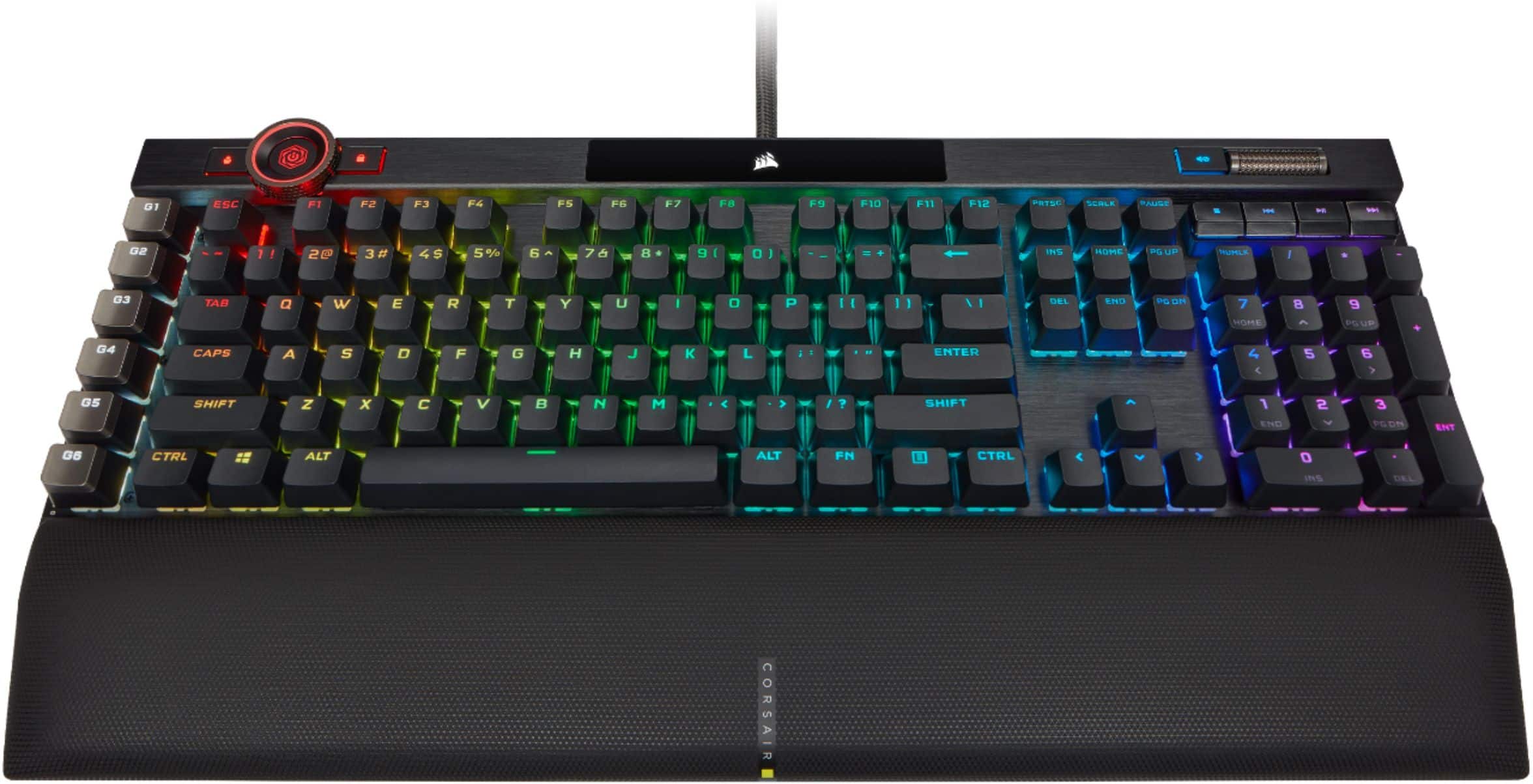
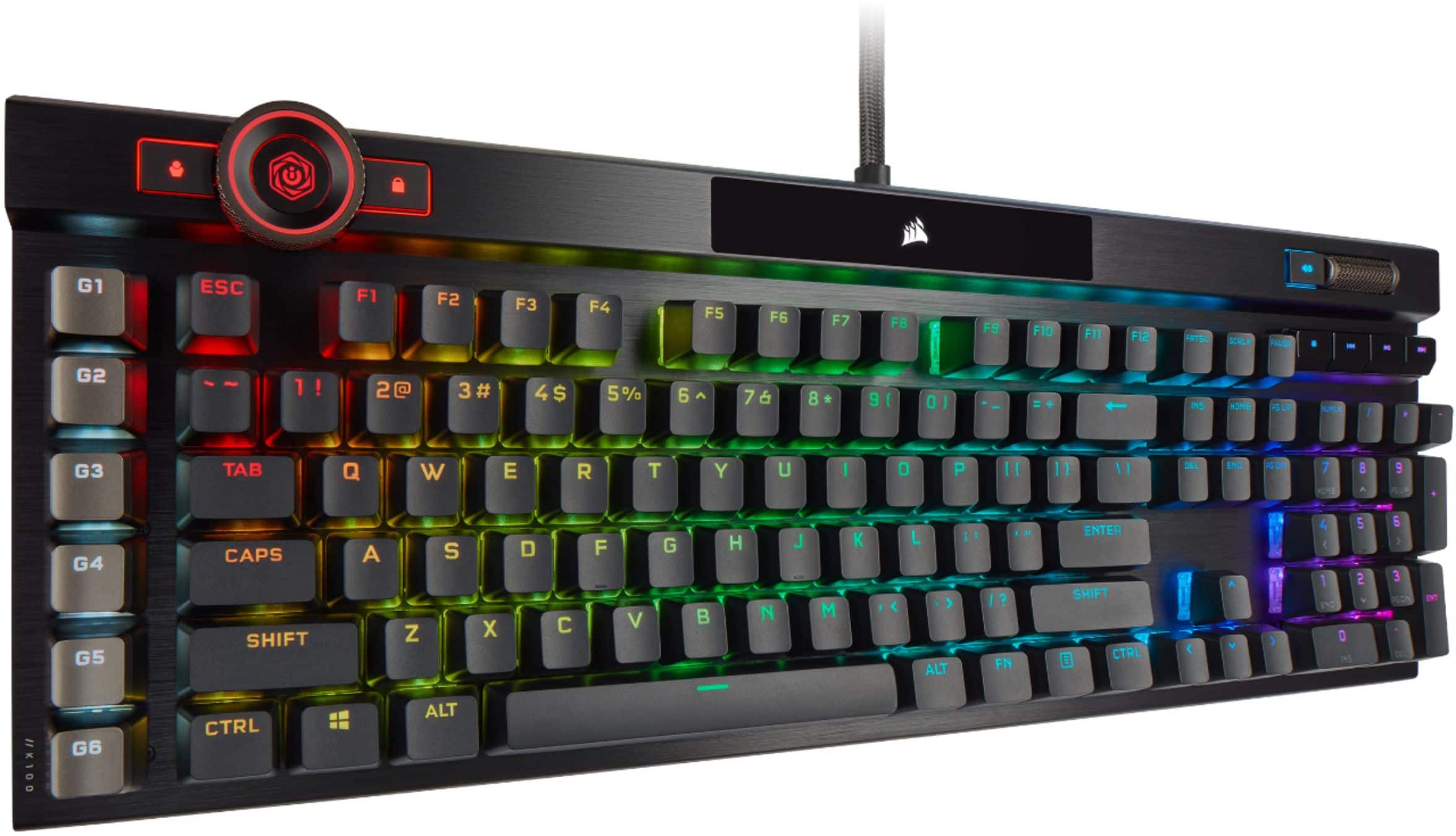
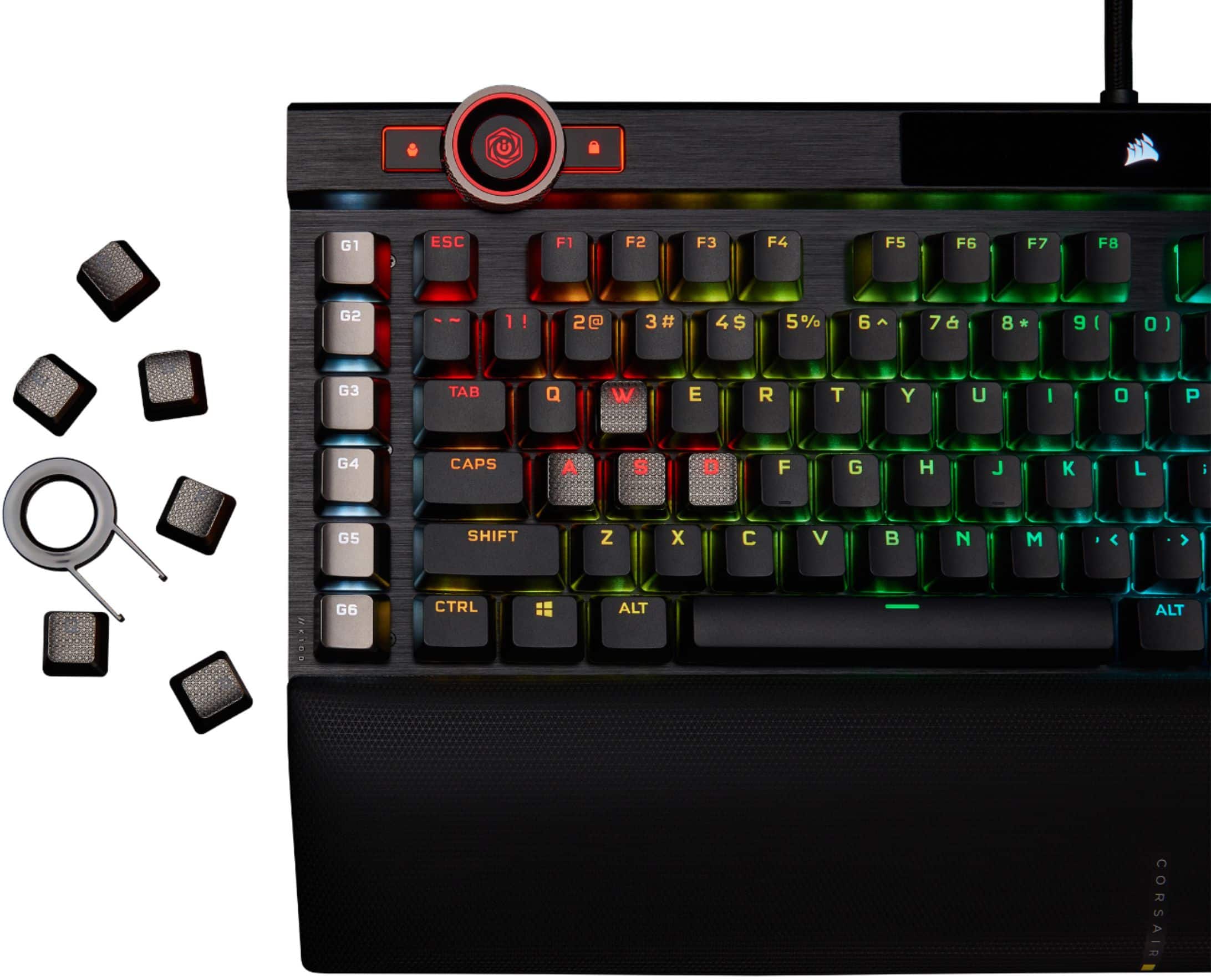
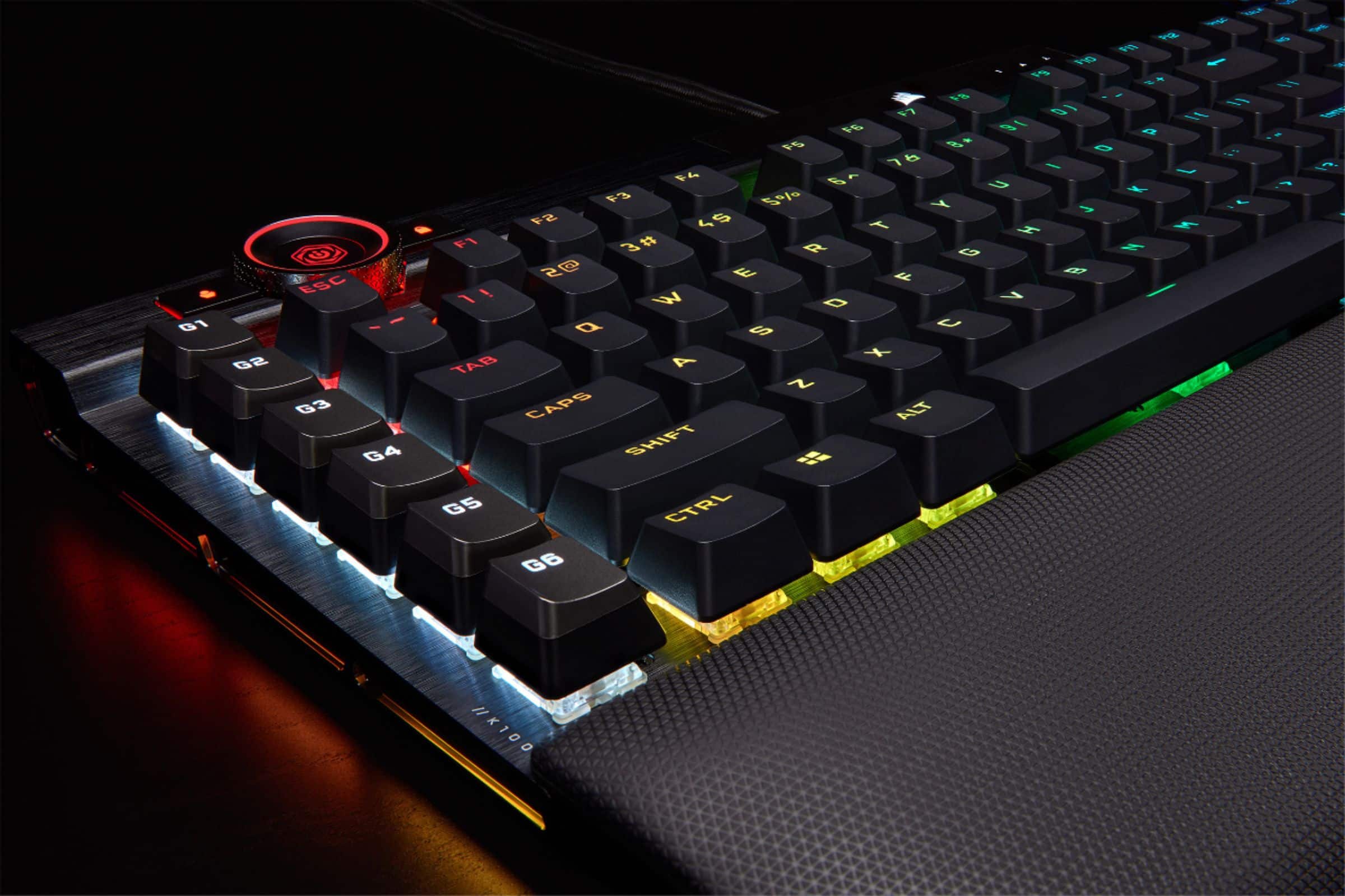
||Posted . Owned for less than 1 week when reviewed.This reviewer received promo considerations or sweepstakes entry for writing a review.Let me start off saying that this is an absolutely beautiful keyboard. The brushed metal finish is amazing, the quality of the keycaps are superb, and the integration with Corsair's iCue software is easy and fast. The volume wheel, multimedia keys, macro keys, and iCue wheel are very handy features to have. It even comes with a easy to attach magnetic wrist-pad which is great. Very sturdy and premium build. I think this is a very good keyboard...but only for those that like mechanical keyboards with very short key travel. For those that DON'T like short key travel...this probably ain't for you as it ain't for me. This has Corsair's custom OPX switches and it makes it very easy to accidentally press a key by BARELY placing your finger/hand on a key. The previous keyboard I used had a much longer keypress and therefore a much harder "thump" feeling when you press the keys. I would prefer to use something like that instead of this. Despite that, I don't think this opinion is worth deducting any points from the review because of how nice the keyboard is in general. If you're a fan of short key-travel AND the main points I raved about in my first paragraph, this keyboard is definitely for you. It's just not exactly my type.
I would recommend this to a friend - Pros mentioned:Keyboard quality
Keyboard
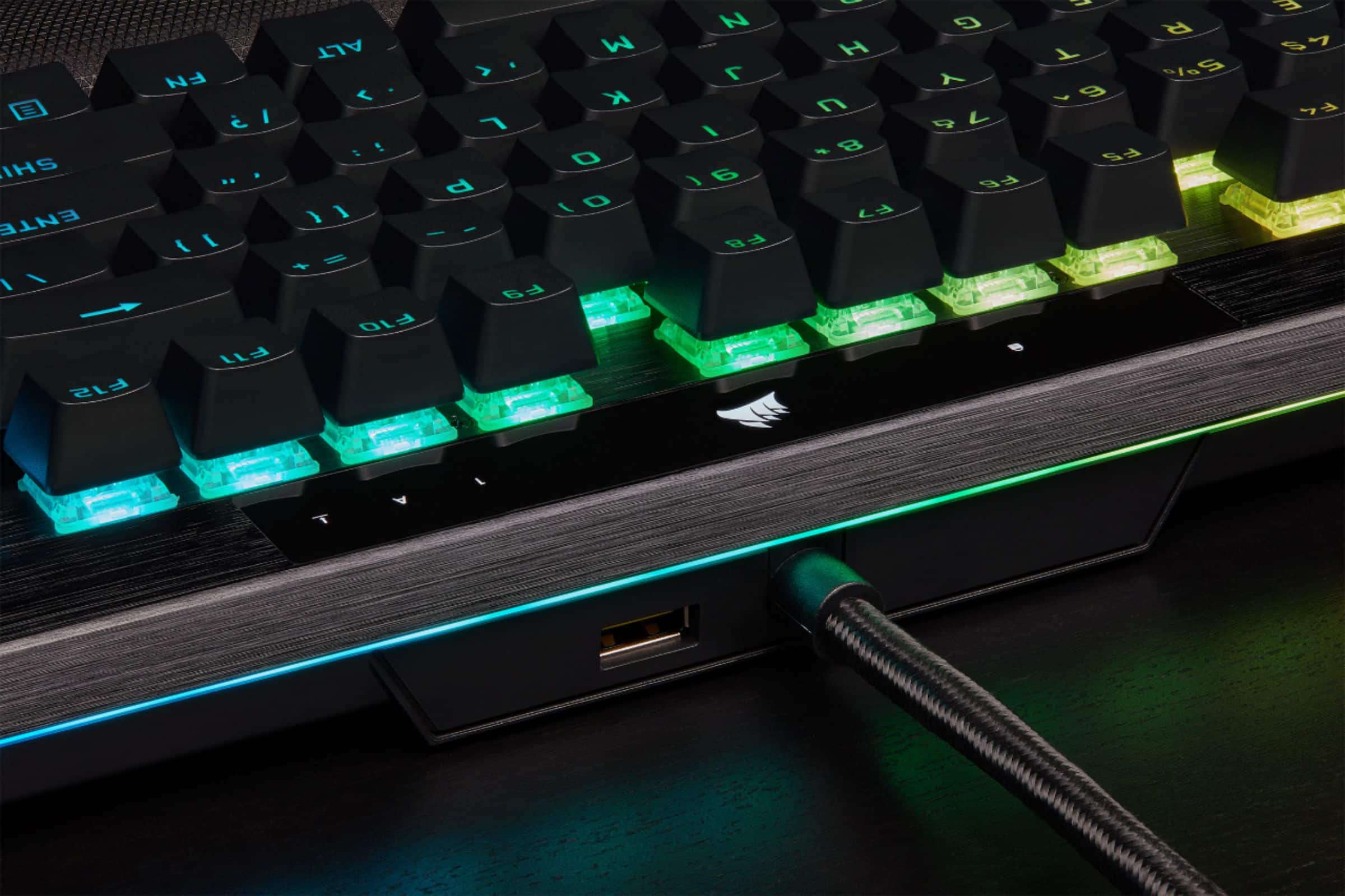
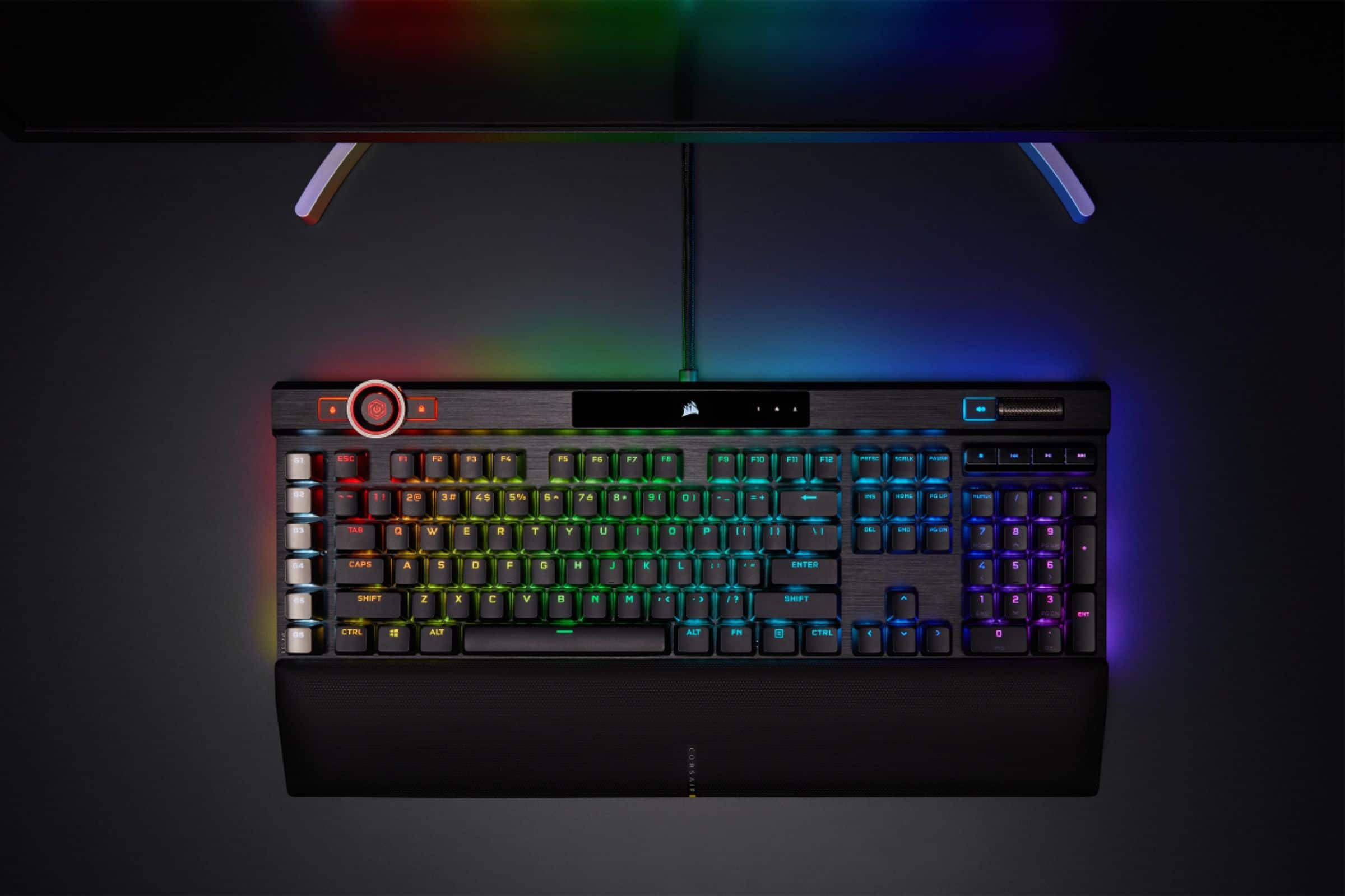
||Posted . Owned for 1 year when reviewed.This reviewer received promo considerations or sweepstakes entry for writing a review.I’ve been using the Corsair K100 RGB for a while now, and it’s easily one of the most feature-packed gaming keyboards I’ve tried. The build quality is top-notch, with a solid aluminum frame and double-shot PBT keycaps that feel premium and durable. The keyboard offers a choice between Cherry MX Speed or Corsair OPX optical-mechanical switches, both providing ultra-fast response times — the OPX switches have a 1.0mm actuation distance and are rated for 150 million keystrokes. One of the standout features is the 4,000Hz polling rate, which reduces input lag and makes gameplay feel incredibly responsive. The iCUE software integration allows for extensive customization, including per-key RGB lighting, macros, and even control over the iCUE control wheel, which can be programmed for various functions. The keyboard also includes six dedicated macro keys, a detachable wrist rest, and a USB pass-through port. While it’s on the larger side and comes with a premium price tag, the Corsair K100 RGB delivers exceptional performance and versatility, making it a solid choice for gamers seeking a high-end keyboard.
I would recommend this to a friend - Pros mentioned:Key feel, Keyboard qualityCons mentioned:Price
Yes this is a great keyboard.
||Posted . Owned for 3 weeks when reviewed.This reviewer received promo considerations or sweepstakes entry for writing a review.i upgraded from a k70 to this. What a nice upgrade. Surprisingly the corsair switches work just as good if not better than cherry switches. They are lightning fast. It did take me a few days to get used to how sensitive they are. My only complaints is the price. It is a little bit more money that i wanted to spend. Other then that, its a solid keyboard. It also has a high-end feel to it. Also would like to add the programmable G keys is a great addition to program macros for work.
I would recommend this to a friend - Pros mentioned:Key feel, Wrist rest
Very High Quality Gaming Keyboard.
||Posted . Owned for 3 weeks when reviewed.This reviewer received promo considerations or sweepstakes entry for writing a review.Keyboard is very quick to respond, and the included wrist rest is very comfortable. The Corsair iCue software is very easy to use to create custom lighting effects and map the G-Keys. The typing experience is very nice, with a crisp sound from the OPX switches. The keyboard is very stiff, with no flex at all. The volume dial is very smooth, and the multiple profile feature is very useful for different games or programs.
I would recommend this to a friend - Pros mentioned:Rgb, Wrist restCons mentioned:Software
Good keyboard, but too sensitive for me.
||Posted . Owned for 1 month when reviewed.This reviewer received promo considerations or sweepstakes entry for writing a review.I wanted to like it, but the keys are way too sensitive for me. This was on the OPX switch verson. I was getting a lot of accidental key presses in games and while typing. My old keyboard was a G710+ with MX Brown switches. The 1.0mm and no tactile feedback on the optical switches don't work for me. I know the longer I would use it I would train my muscle memory, but the return window isn't long enough to be sure. The RGB lighting and wheel are very nice, as well as the soft/magnetic wrist rest. But I'm not a fan of the glossy center piece for the logo and key indicator lights. The media keys are also a little wobbly and can be pressed the on side without registering a key input. Software wise I experienced the iCUE software crash frequently when double clicking it in the taskbar, making me relaunch it. I didn't get a lot of time to spend with lighting options and macros so I can't really give a lot of input on that. I will say the ability to customize nearly any key on the keyboard is a huge improvement over Logitech's software. I would love it if the K100 came with a MX Brown or Red equivalent version and the media keys were more solid. Also, the placement of the wheel is awkward. If it was on the far left side or right side it would be more convenient to use frequently.
I would recommend this to a friendBrand response from Corsair Art
Posted .Hi,
Thank you for your feedback. If you continue experiencing any issues with iCUE, we'd be happy to help: support.corsair.com
-Albert
- Pros mentioned:Key feel, Wrist restCons mentioned:Price
Very nice keyboard.
||Posted . Owned for 2 weeks when reviewed.This reviewer received promo considerations or sweepstakes entry for writing a review.The aesthetics are only matched by the silky smooth feeling of the keys. This is also one of the more comfortable keyboards I've ever used. The wrist rest is soft and supportive. The feel of the keys and the overall comfort will ruin any other keyboard you are forced to use. Try to catch it on sale because it is a bit pricey.
I would recommend this to a friend - Pros mentioned:Keyboard quality, Rgb
Corsair quality in a beautiful new shell
||Posted .This reviewer received promo considerations or sweepstakes entry for writing a review.I've been a loyal Corsair customer since the K65. But up until this purchase, I've only been using Cherry MX Brown keyswitches (non-clicky, tactile). The K100 is my first try at a non-clicky, non-tactile switch. The ultra-short actuation distance of 1mm and total travel distance of 3.2mm compared to the brown's 2mm actuation, 4mm total travel took a while to get used to. My WPM dropped by about 20 WPM at first, and I kept fat fingering random keys with slight brushes. But after about 2 weeks of consistent use with gaming (mostly MOBAs and FPS) and word processing, I got used to the feeling and got back my 20 WPM. The RGB on this is totally over the top and I love it. But if excessive RGB isn't your cup of tea, the iCUE app allows you to set color profiles to your liking. You can turn everything off if you'd like. The new iCUE control wheel is a nice touch, but I didn't really find it to be that useful yet. Still looking for ways to use it other than brightness control. But compared to the K95 Platinum's 4-5ish brightness settings, the control wheel actually allows for way more precise brightness setting... More settings that I can reasonably count. But I wouldn't buy this keyboard for the wheel. All that being said, I can say for certain that this keyboard, like Corsair's other keyboards, is well-crafted and worth the money. If you have $230 to drop this holiday season, I'd highly recommend that you treat yourself or a loved one to this if you're in the market for a new keyboard. If I had to buy again, I would buy this over the K95 Platinum (my last baby) in a heartbeat.
I would recommend this to a friend - Pros mentioned:Keyboard quality, Rgb
A worthwhile upgrade from my stock keyboard
||Posted . Owned for 1 month when reviewed.This reviewer received promo considerations or sweepstakes entry for writing a review.I bought the K95 just a week or two before this one came out, so I just went back and exchanged for this one instead. I'm still not sure if I like the K100 better to be honest, but I think part of that is just buyer's remorse on spending another $50...but I still love it! This is going to seem like a joke, but when I upgraded from my basic HP keyboard I had from back in the day to a nicer keyboard (the K95 at the time), I jumped 3 rankings in Valorant literally that weekend. So if you're debating on whether or not upgrading keyboards is worth it...I would have to say it is! The optical-mechanical switches give wildly fast responses. They feel great, the font on them looks smooth, the RGB is bright and vibrant, the G-Keys are nice, etc. So nice having that volume control wheel and music control buttons as well. The only downside with this keyboard is not with the keyboard, but with Corsair's iCue. All of the RGB in my PC is Corsair, so I use iCue for all of that, but some things just don't flow well on iCue - such as the dial. For the default profile, it works fine because it has these pre-built settings that are somewhat useful, but then I can't get any settings to work for the wheel on other profiles (basically RGB settings). BUT, it is quite nice being able to set up different RGB settings in different profiles and switch them around with the touch of a button. Overall, a fantastic keyboard. I really liked the K95 as well. Just depends on whether you want the extra speed on the optical-mechanical K100, or the mechanical speed of the K95 is good enough.
I would recommend this to a friend - Pros mentioned:Key feel, Keyboard quality, Wrist rest
Would recommend over any other Corsair full size k
||Posted . Owned for 1 week when reviewed.This reviewer received promo considerations or sweepstakes entry for writing a review.Total upgrade over the K55. Keys are high quality and being linear they only require a feathers weight to register. High quality cushion as a wrist rest and worth every penny so far. Additional K Keys on the left are great for setting up macros. Or streaming macros if youre into that.
I would recommend this to a friend - Pros mentioned:Key feel, Wrist rest
Great keyboard and totally worth the money
||Posted . Owned for 1 week when reviewed.This reviewer received promo considerations or sweepstakes entry for writing a review.Wrist rest is cushioned and very comfortable. The keys are perfectly linear and are pretty bright with the lights off. They are noticeably faster than the k70 rapid fire key switches which was surprising since thats the keyboard I had previously and those where pretty fast. All in all this review was typed using the k100 and was very comfortable to use. Thank you for reading my TED talk.
I would recommend this to a friend - Pros mentioned:Keyboard quality, Rgb
Clickity Clack!
||Posted . Owned for 4 months when reviewed.This reviewer received promo considerations or sweepstakes entry for writing a review.Great keyboard with way to many features! This keyboard has it all! The response, customizable RGB lighting, settings, feel, and sound, are all great. Definitely use the ICue to set the keyboard up to your liking. I have Screen shots, playback, record, and statistics ( all require multiple inputs to run ) on their respective keybind.
I would recommend this to a friend - Pros mentioned:Keyboard quality, RgbCons mentioned:Software
high price high quality
||Posted . Owned for 1 month when reviewed.This reviewer received promo considerations or sweepstakes entry for writing a review.Best keyboard I've owned, very responsive, keys feel and sound great, leds look amazing, love the programmable side keys and volume slider. -1 star bc icue can be pretty wonky to use
I would recommend this to a friend - Pros mentioned:Keyboard quality, Rgb, Wrist rest
Premium keyboard at a premium price.
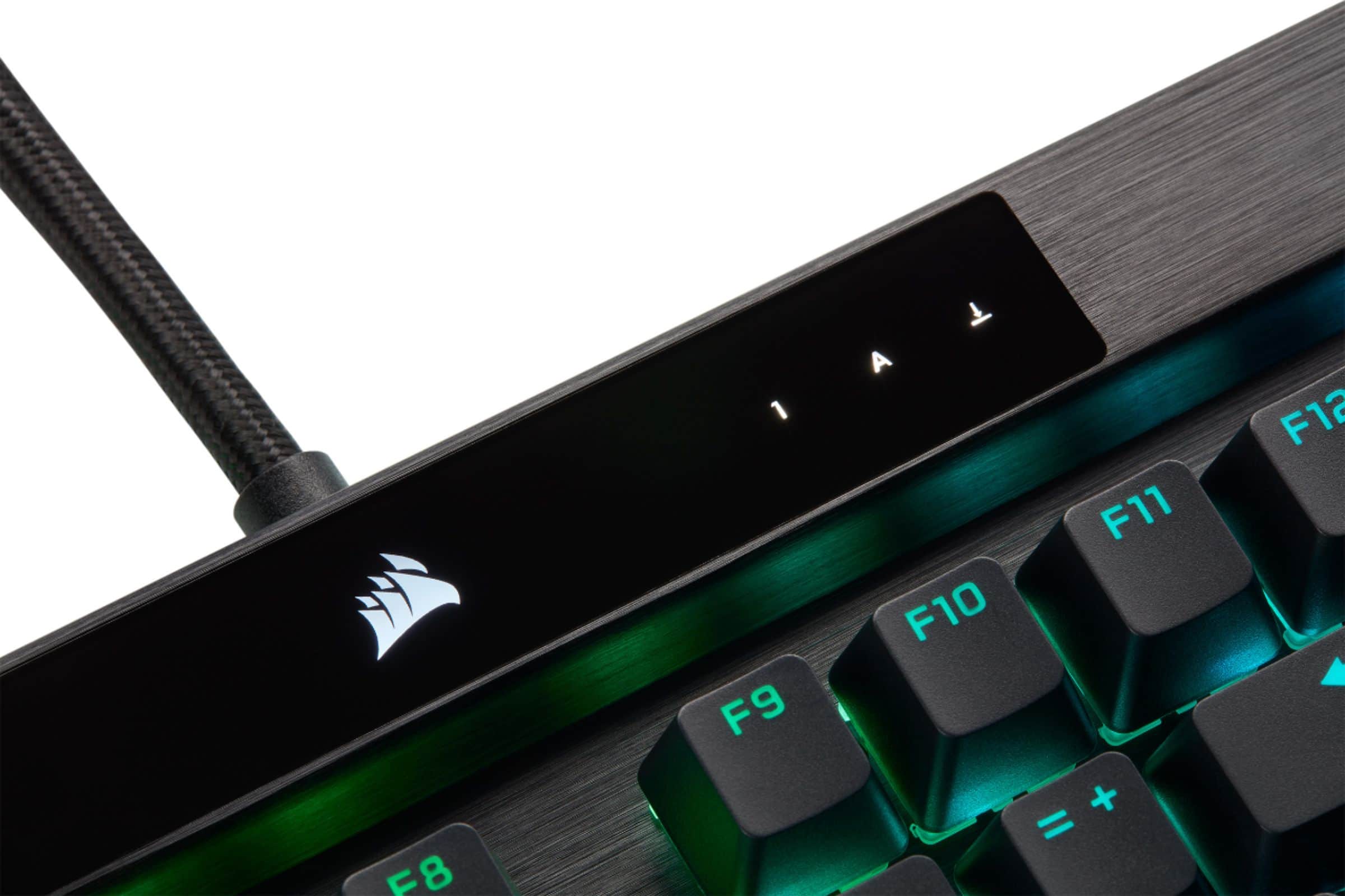
||Posted .This reviewer received promo considerations or sweepstakes entry for writing a review.Optical switches, rgb control, media wheel, macro keys, soft wrist rest, brushed aluminium, this is a premium keyboard for a premium price. The only strange design choice for me is the glossy light indicator which could have been an LCD display. Beautiful key board with all the bells and whistles.
I would recommend this to a friend - Pros mentioned:Lighting, Wrist rest
Best gaming keyboard to date.
||Posted . Owned for 1 week when reviewed.This reviewer received promo considerations or sweepstakes entry for writing a review.I am very happy with my purchase. This is a very responsive keyboard. I am coming from a Logitech G510s that I loved but lighting was going bad and keys sticking. I have used Logitech forever but their new keyboards are just lacking in a lot of ways. This Corsair k100 optic is great for gaming and the lighting is out of this world. I like the monitor screen mosaic since it adds to the ambiance of the game or video that I am watching. The one plus that I will give Logitech is their Linier keys are very quiet compared to this keyboard. I think I will just need to get used to it after so many years using the other. Typing is a little different and will also take a while to get used to but this is a minor issue. I can always use my wireless for long typing sessions. The aluminum body of this keyboard and its weight are awesome. The wrist pad is very nice but worried that it might not last after a year or so of use but will wait and see. I am using the plastic cover from the packaging as a dust cover when not in use and it works great since the wrist rest is magnetic and movable. I cannot say it enough, this is the best dang gaming keyboard made to date.
I would recommend this to a friend - Pros mentioned:Key feel
Beautiful lighted keyboard
||Posted . Owned for 1 week when reviewed.This reviewer received promo considerations or sweepstakes entry for writing a review.Fast response time when I click any key on this keyboard. I love the feel and click sound of the keys. It’s like a light show that you can control across the keyboard. I have my controller hooked directly to it.
I would recommend this to a friend - Pros mentioned:Key feel, Keyboard quality
Great gaming keyboard
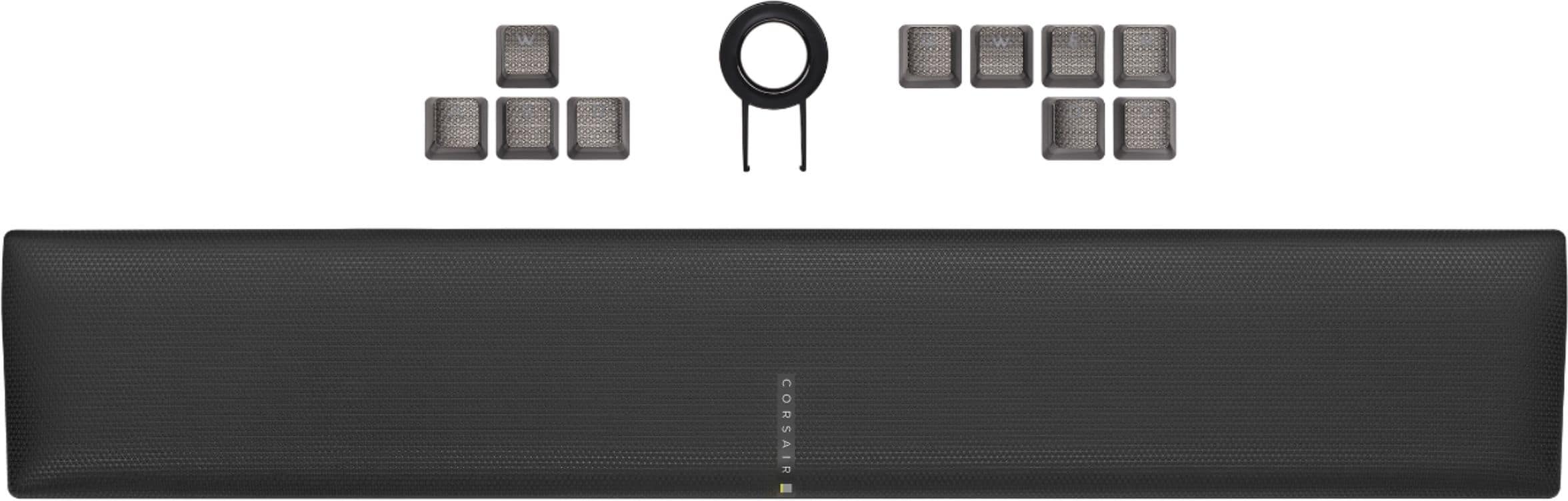
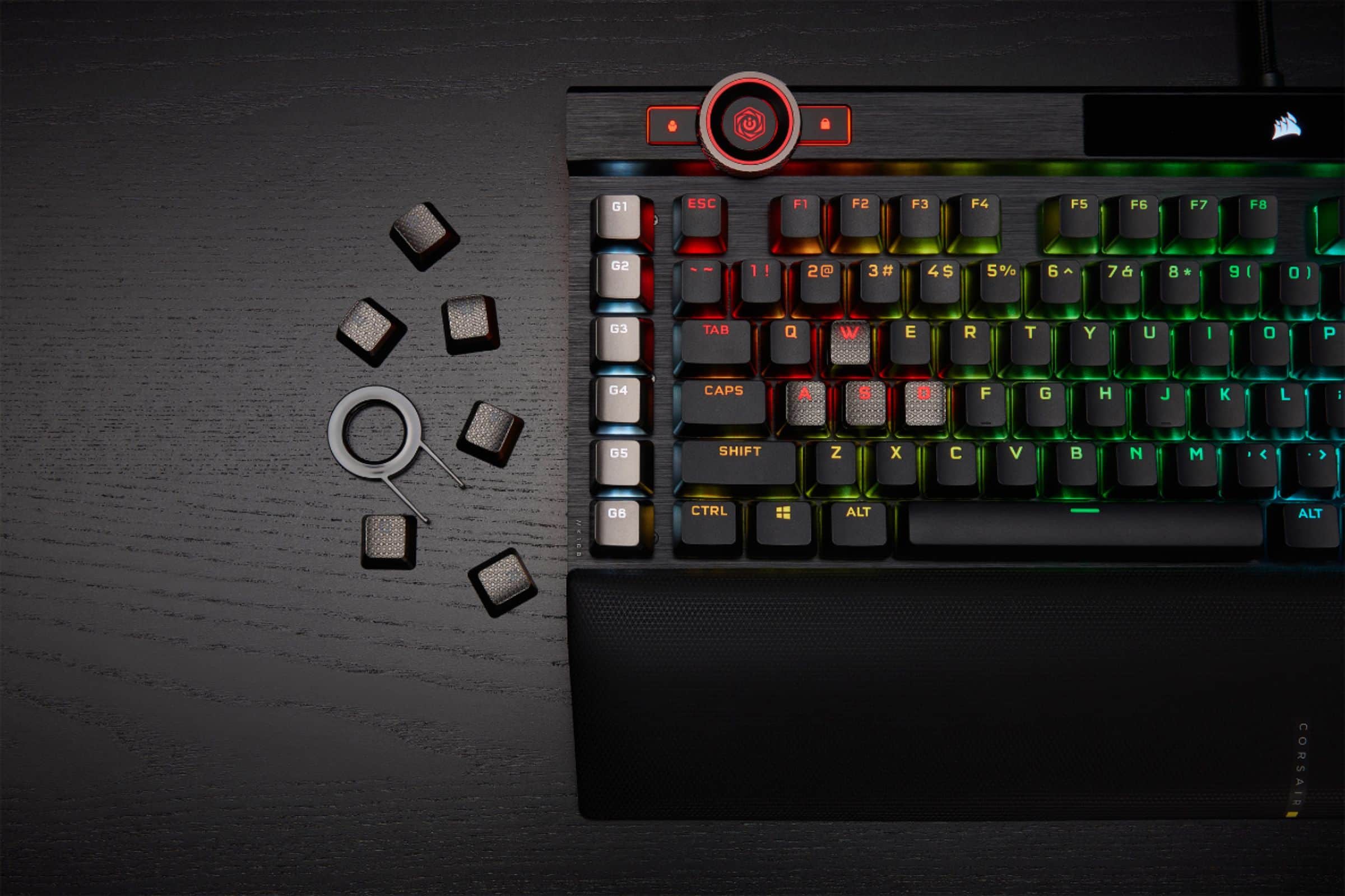
||Posted . Owned for 1 week when reviewed.This reviewer received promo considerations or sweepstakes entry for writing a review.Great mechanical keyboard for gaming! Comes with custom keys for gaming (WASD). Easy to change. Integrates well into Corsair's iCue software.
I would recommend this to a friend - Pros mentioned:Key feel, Keyboard qualityCons mentioned:Software
Great Keyboard!!
||Posted . Owned for 1 month when reviewed.This reviewer received promo considerations or sweepstakes entry for writing a review.The keyboard was shipped very fast and in one piece. Set up was easy and straightforward. The keys feel very nice and not too loud. Overall build quality looks and feels great. The only reason I'm taking one star off is because the Corsair ICUE software is a pain to navigate and set up.
I would recommend this to a friend - Pros mentioned:Keyboard quality, RgbCons mentioned:Price
Very sturdy board
||Posted . Owned for 2 months when reviewed.This reviewer received promo considerations or sweepstakes entry for writing a review.This is my first mechanical gaming keyboard and it is a night and day difference between this and the membrane type. It took a little getting used to the speed but I love the sound when I type and the speed for gaming is addictive. I don't use many features of this keyboard but the colors are amazing and the keys feel outstanding. I still feel it is a little expensive though
I would recommend this to a friend - Pros mentioned:Keyboard qualityCons mentioned:Software
Simply outstanding!
||Posted .This reviewer received promo considerations or sweepstakes entry for writing a review.After spending months on whether to buy this keyboard, I finally bought it and wow am I pleased. My former keyboard was a huntsman elite (I'm kind of a hardware accessory enthusiast). What I didn't like about razer's keyboard was the subpar software (for keyboards at least) and having to spend extra money for PBT double shot keycaps. Don't get me wrong, both are amazing and outstanding keyboards. But I have noticed the build quality, customization, and macro keys set this keyboard apart from the other competition. My huntsman used the linear optical switch, but it still took a while to get used to these new switches on the Corsair k100. I also love the sound the keys make compared to the huntsman. If you're on the fence between the two, you honestly cannot make a wrong decision. I will say razer's software is more difficult for RGB customization. Whereas the k100 has plenty of profiles that you can download off the internet.
I would recommend this to a friend - Pros mentioned:Rgb, Wrist rest
Expensive, big, colorful, but arguably the best KB
||Posted . Owned for 4 months when reviewed.This reviewer received promo considerations or sweepstakes entry for writing a review.Pros: Standard size - Important for programmers such as myself. Quiet - Not the quietest, my EVGA Z20 is quieter, but this one's not far off. Around 10dB louder, if that. Smooth keystrokes - especially once filmed/lubed. Programmable profiles/macros and some of the SEXIEST RGB you'll ever see on a keyboard. There are over 180 LED's on this keyboard... The Control wheel is a bit of a gimmick for me, but it is cool to be able to set it to do different things, and have different "profile colors" for each wheel function and have them able to be switched through on the fly. Wrist rest attaches magnetically, and I've removed/cleaned mine several times and it hasn't broken yet. There's no "click-in" style tabs - just simple, elegant magnets, and two "arms" that descend beneath the keyboard into their seats.
I would recommend this to a friend