Customer Ratings & Reviews


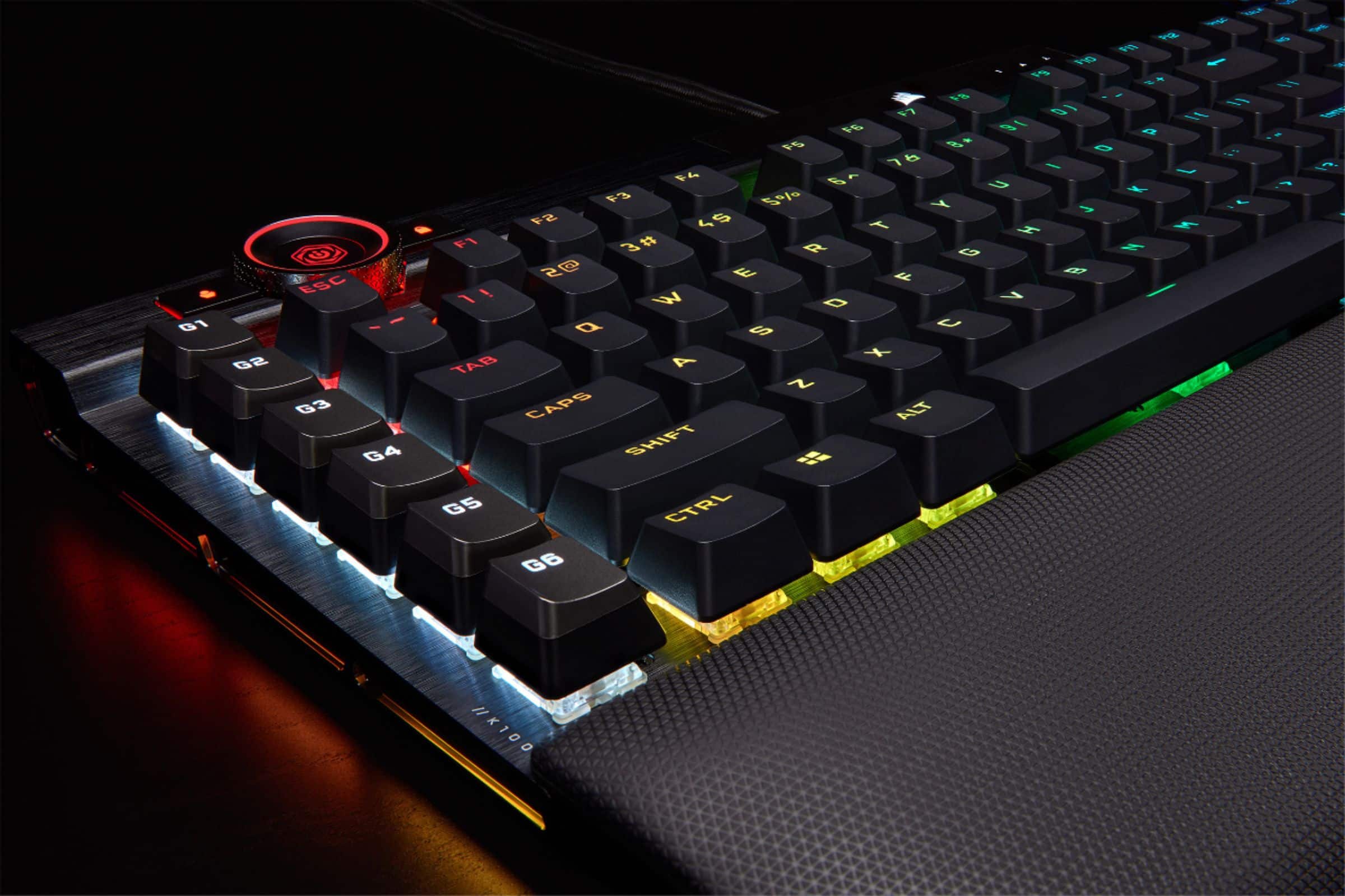
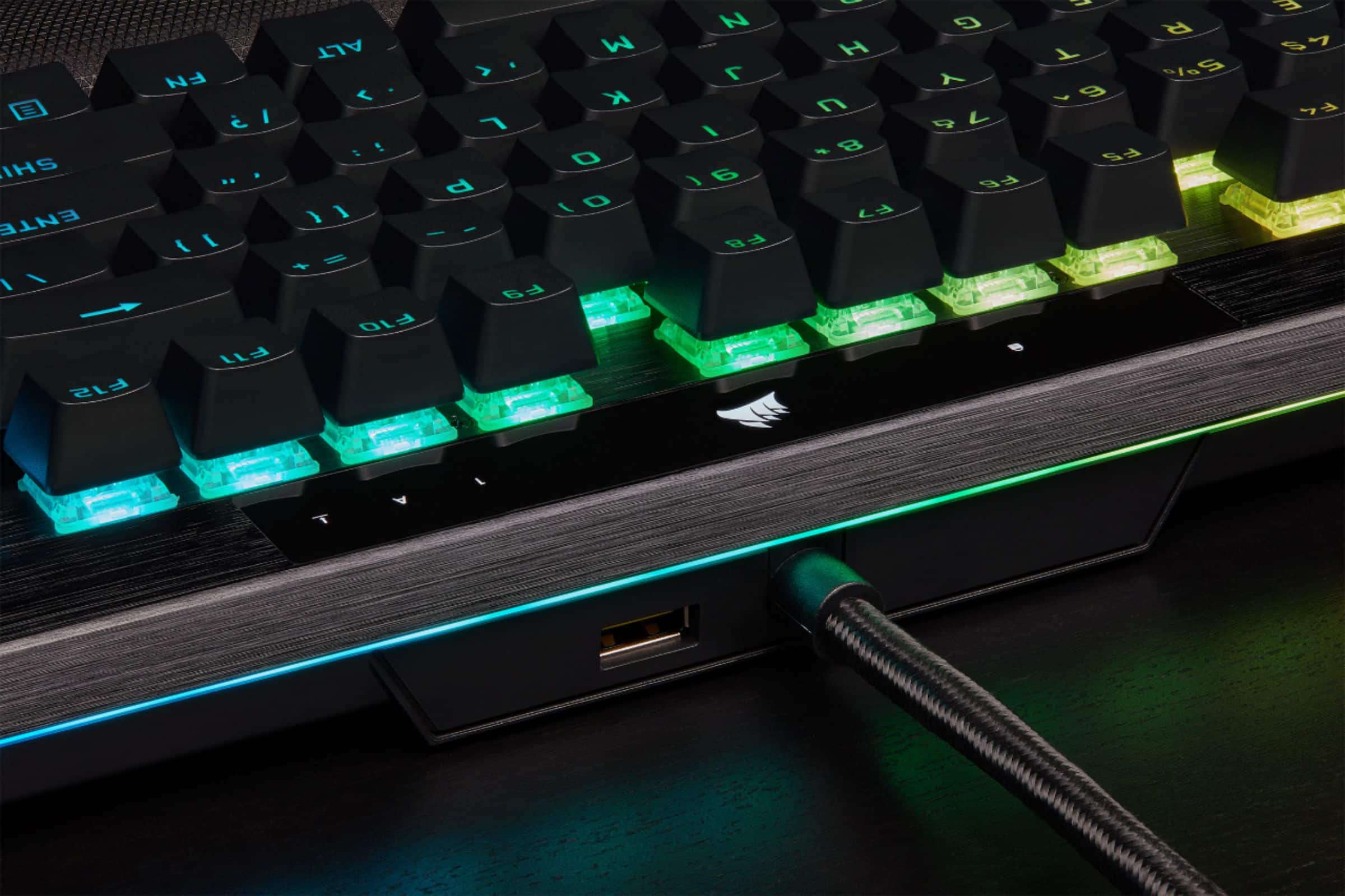
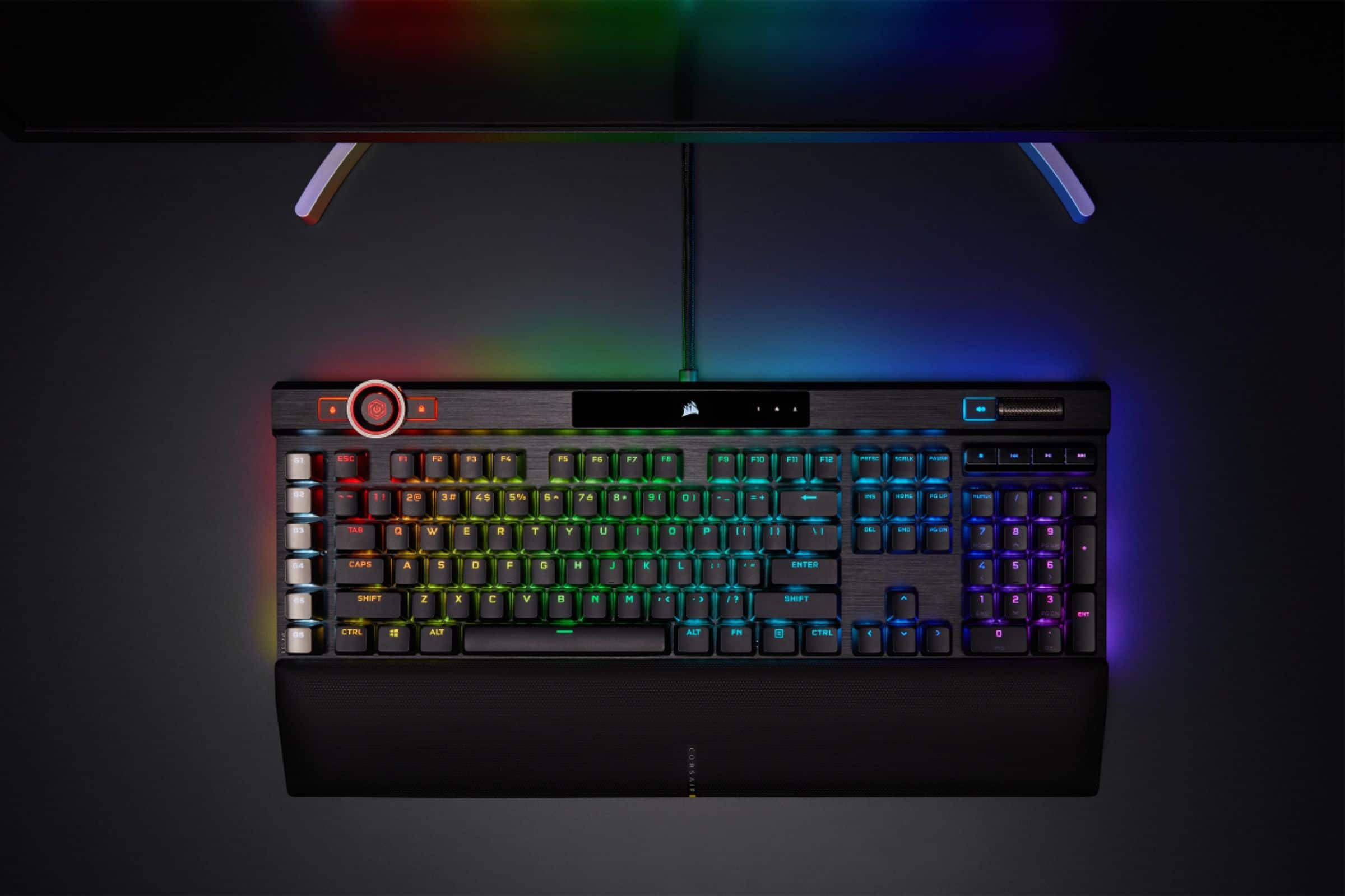
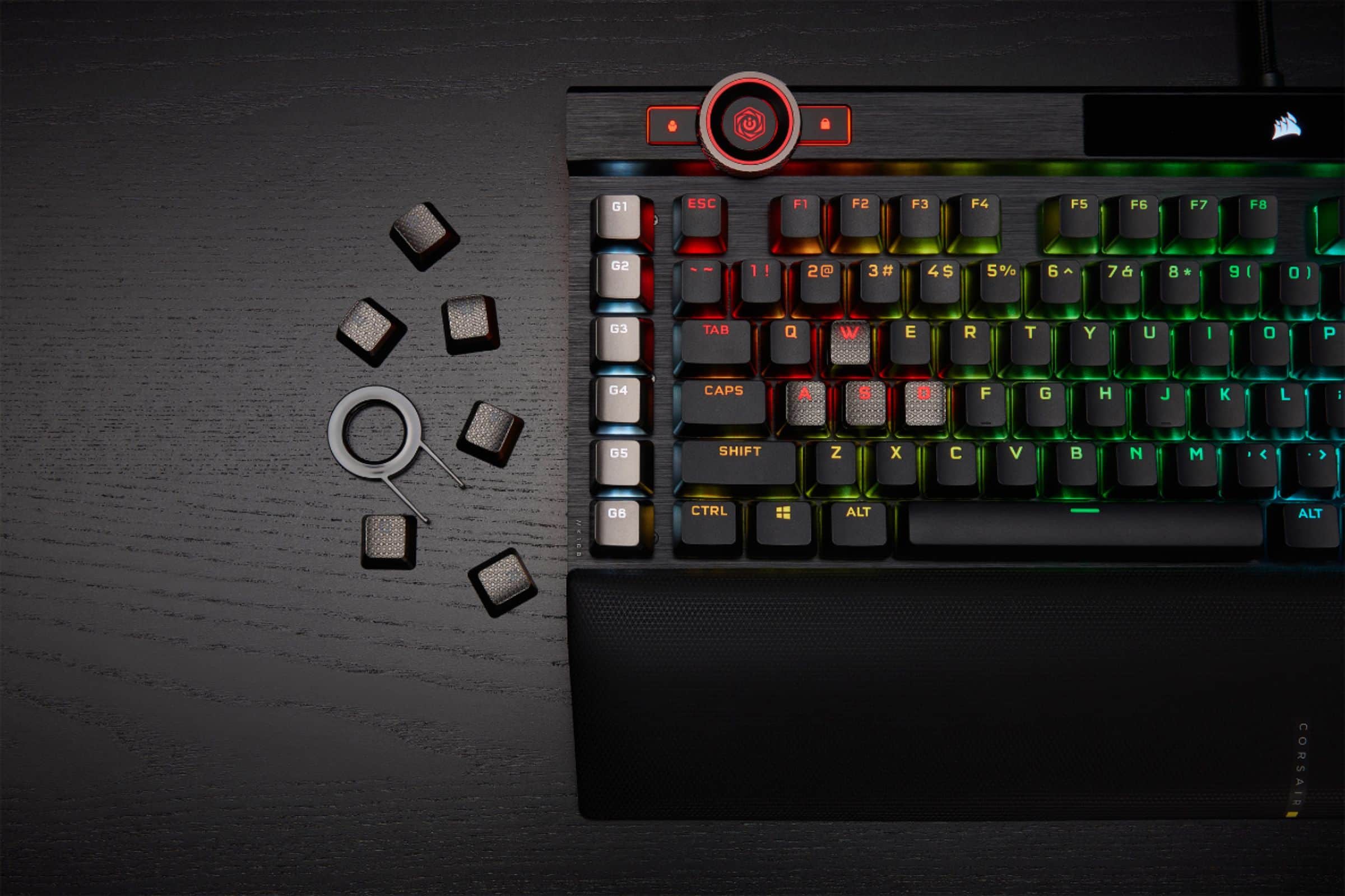
- Model:
- CH-912A01A-NA
- |
- SKU:
- 6424866
Customer reviews
Rating 4.6 out of 5 stars with 1202 reviews
(1,202 customer reviews)Rating by feature
- Value4.3
Rating 4.3 out of 5 stars
- Quality4.8
Rating 4.8 out of 5 stars
- Ease of Use4.6
Rating 4.6 out of 5 stars
Customers are saying
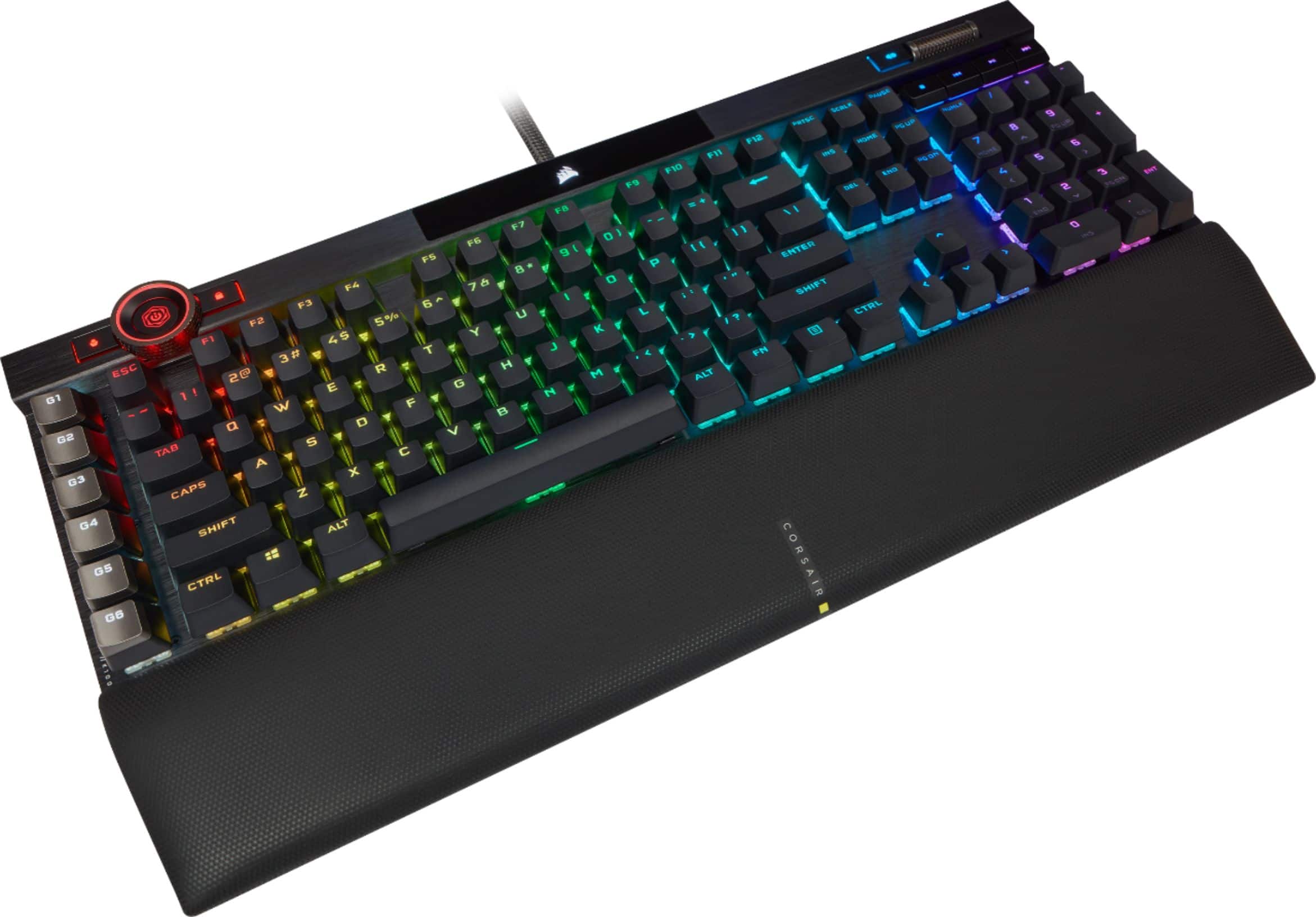
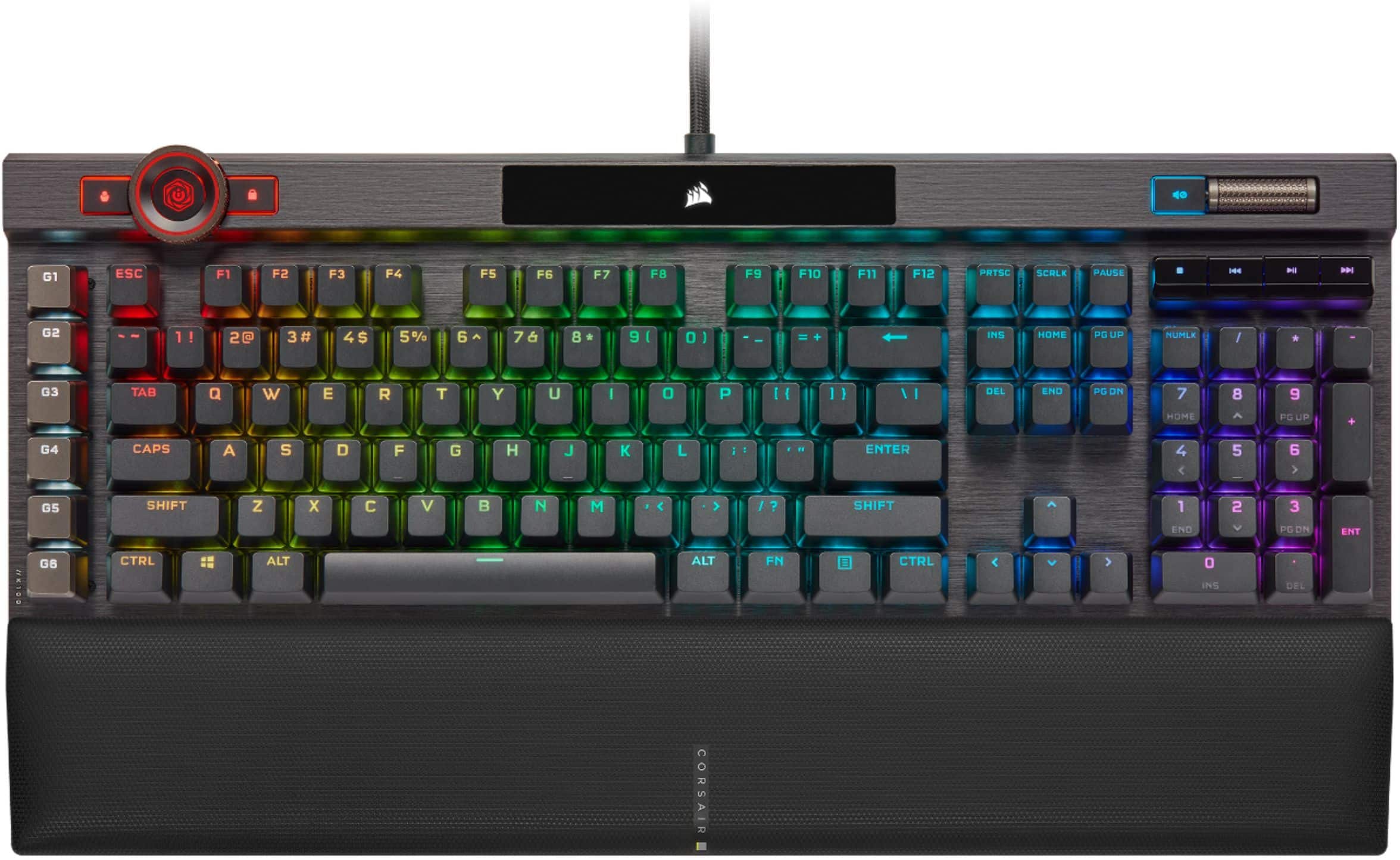
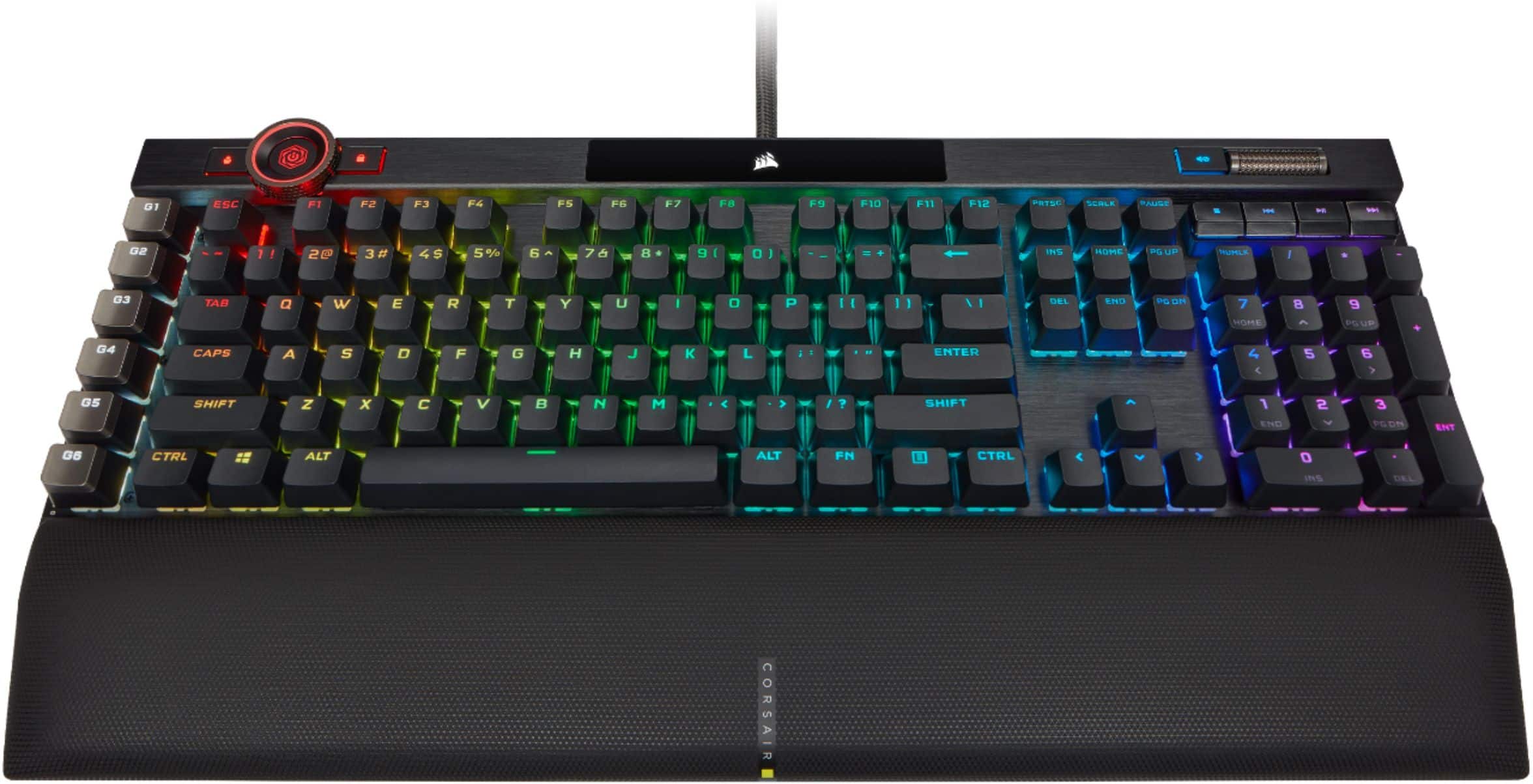
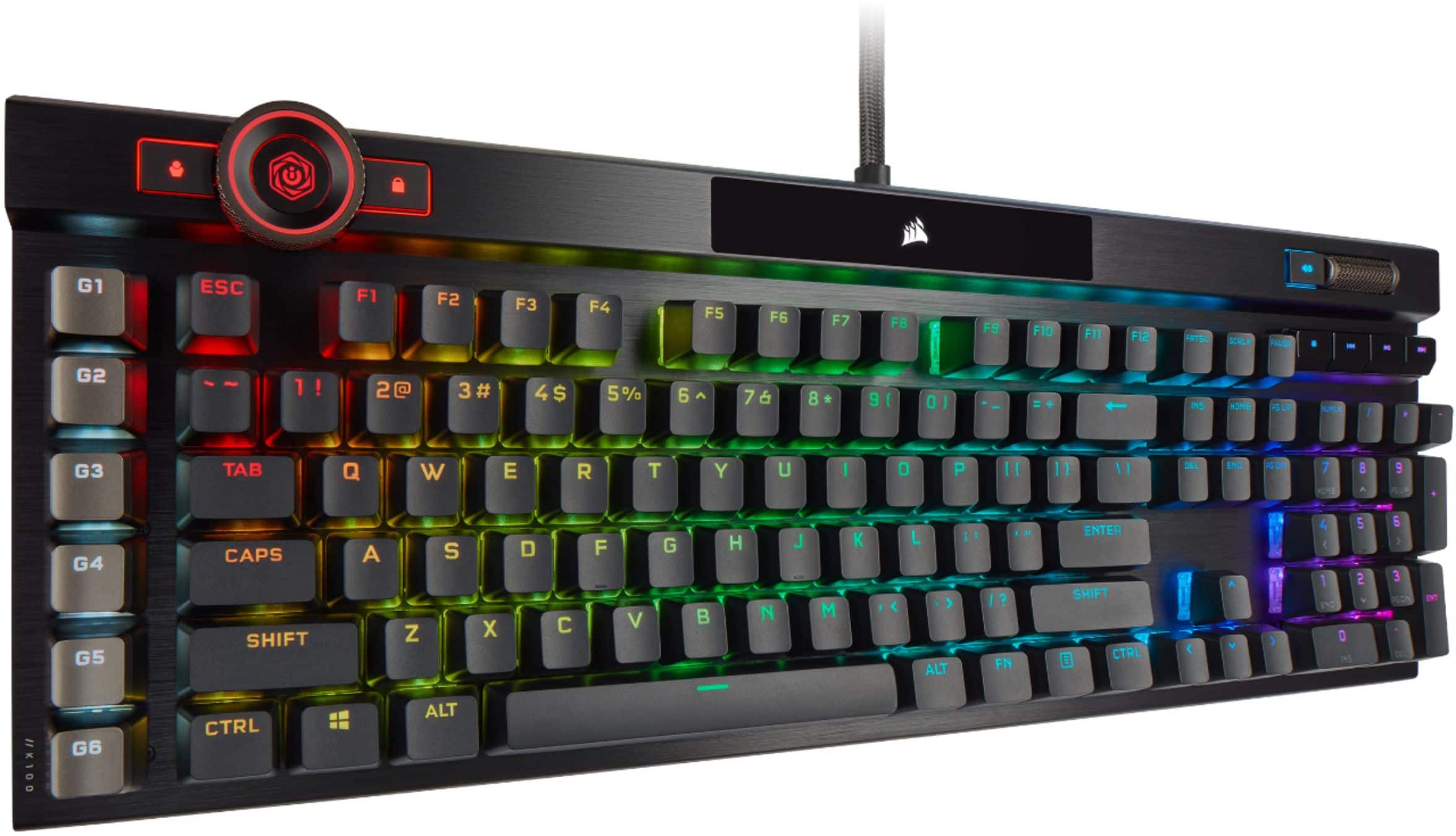
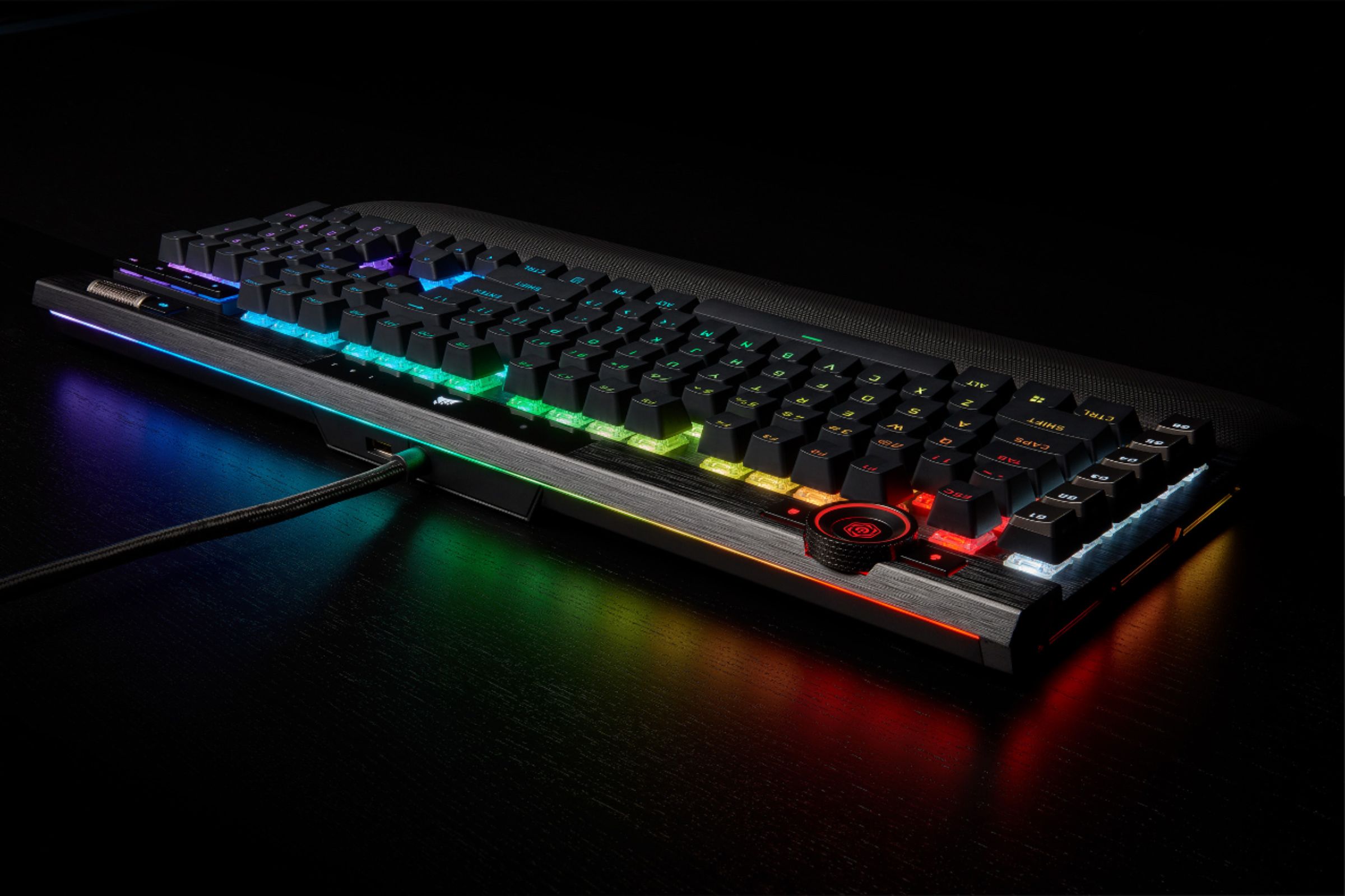
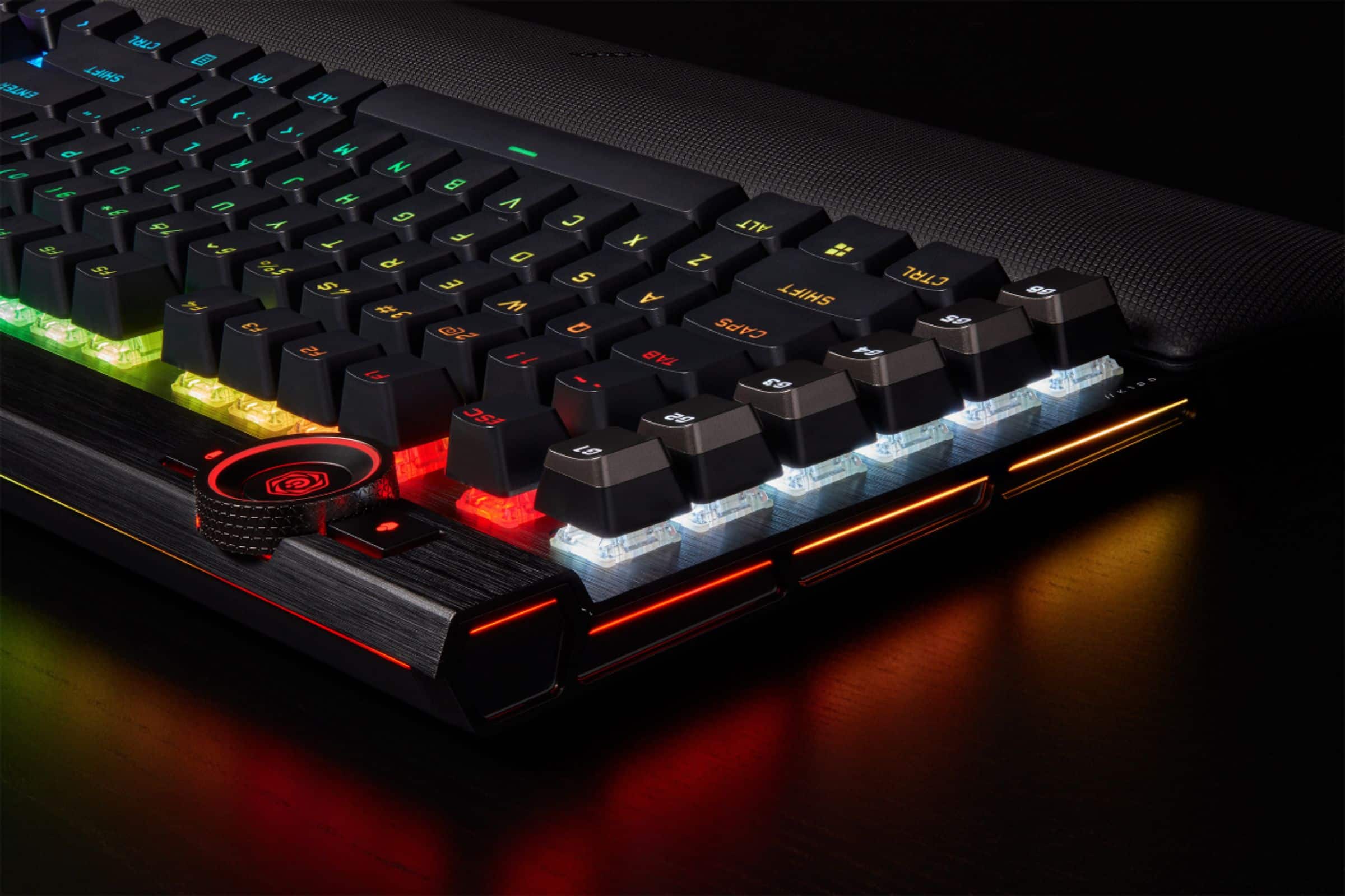
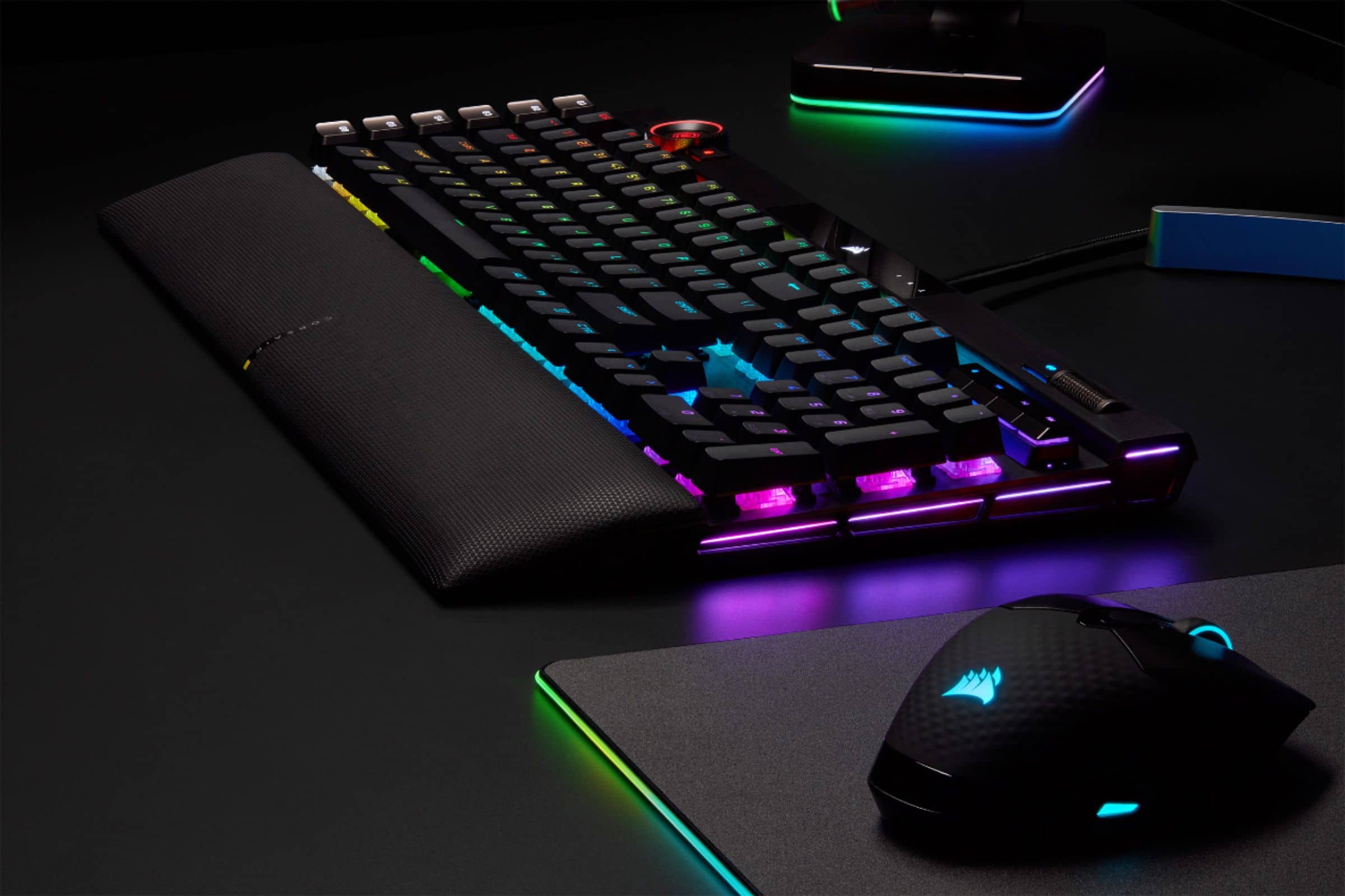
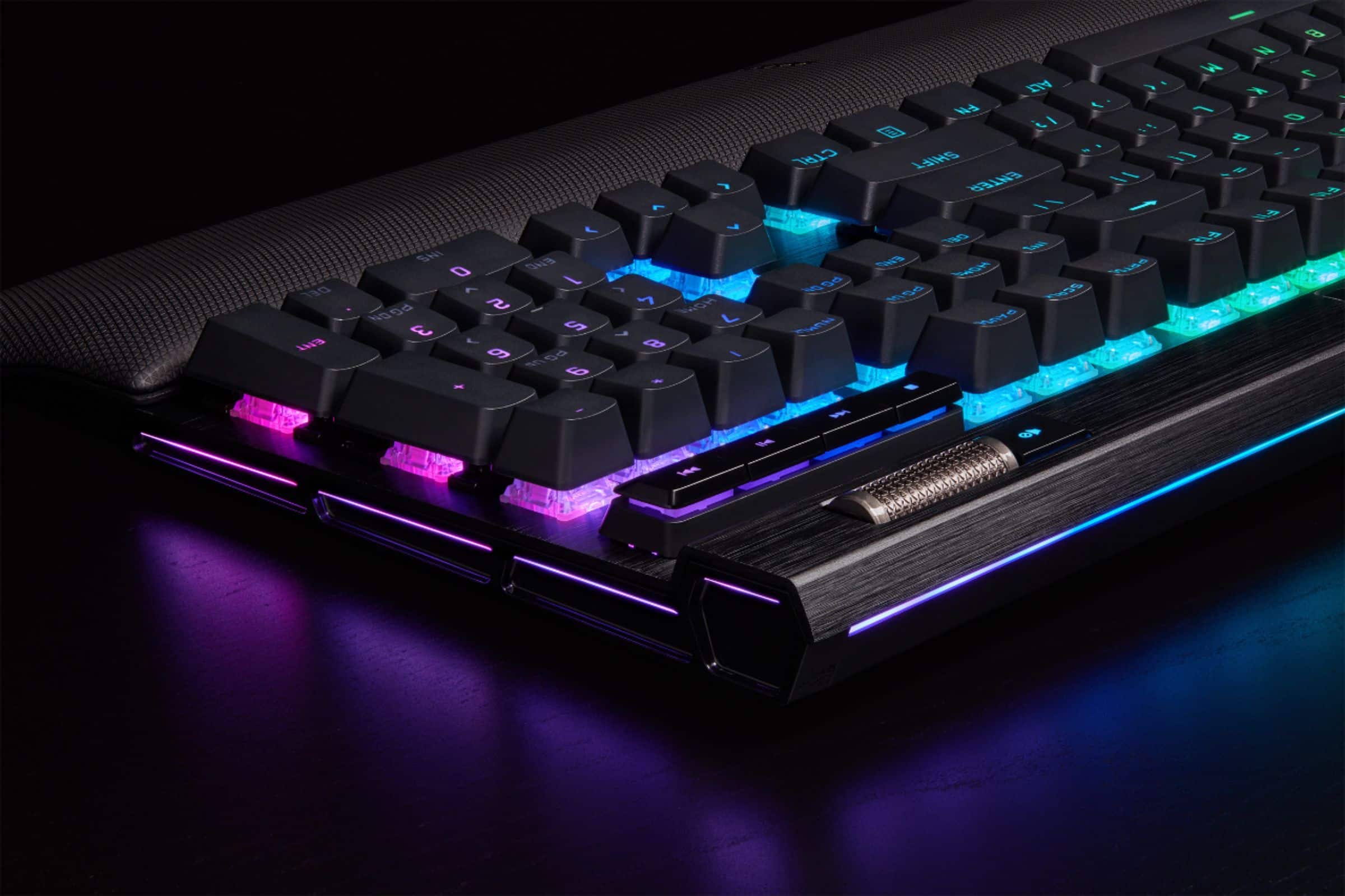
Customers are pleased with the K100 RGB keyboard's quality, customizable RGB lighting, and comfortable key feel, especially on the optical version. Many appreciate the included wrist rest and the keyboard's responsiveness during gaming. However, some find the software less than ideal and consider the price to be somewhat high. A few users also noted its larger size and sensitivity might not suit everyone.
This summary was generated by AI based on customer reviews.
- Pros mentioned:Key feel, Keyboard quality
Rated 5 out of 5 stars
Great keyboard at a fair price.
||Posted . Owned for 1 year when reviewed.This reviewer received promo considerations or sweepstakes entry for writing a review.3.5 years strong at the point of this review. This keyboard has held up well and has had 0 issues. The feel is still nice, the pad has not worn out, and the color options are great.
I would recommend this to a friend Rated 5 out of 5 stars
I live this keyboard!
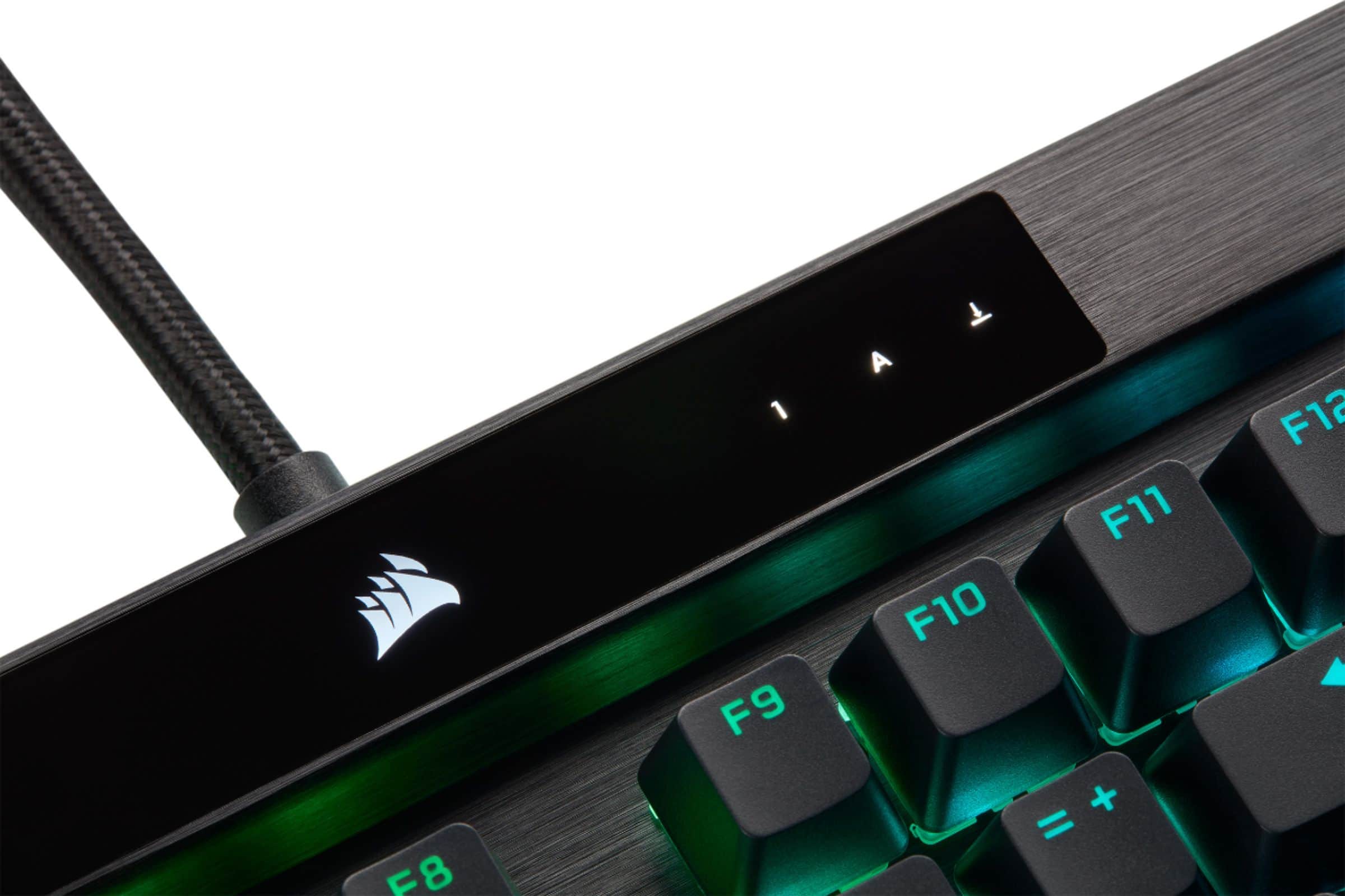
||Posted . Owned for more than 2 years when reviewed.This reviewer received promo considerations or sweepstakes entry for writing a review.Have been using everyday since I bought it. Super responsive, great tactile feel, and lots of really amazing features. I really love the tiny LCD screen on it.
I would recommend this to a friend- Pros mentioned:Keyboard quality, RgbCons mentioned:Price
Rated 4 out of 5 stars
Pricey
||Posted . Owned for 1 week when reviewed.This reviewer received promo considerations or sweepstakes entry for writing a review.Great keyboard, great rgb, and quiet keys. My only issue is the price.
I would recommend this to a friend - Cons mentioned:Software
Rated 5 out of 5 stars
Expensive but, it's Corsair's latest flagship
||Posted .This reviewer received promo considerations or sweepstakes entry for writing a review.It's a great board for gaming. I like it a lot and the wheel is very useful for me. My desk is huge anyways but, although it is a big flagship board it does seem a little slimmer on the mouse side than I expected. My last board had kail heavy speed switches in it and these optical switches feel very light compared to them. It's a silky smooth keystroke and it's great for games. I'm not much of a typist but, I imagine most people will need to get used to these keys before they're typing full speed without error. The optical switches and the 4000hz polling is definitely responsive. Is it any better than the kail speed mechanical switches at 1000hz? Honestly, it's hard to say. It hasn't made me any better but, there is a weird crispness to everything that wasn't there before. It's hard to explain and I don't think it will make any difference in my gaming performance but, it does feel better. The software is pretty in depth. You can do just about anything you can think of with it and the wheel offers another level of control that I instantly took to. However like any other companies control software it is not at all intuitive and it took me the better part of an hour to figure most of it out. It's nice looking and there are even tooltips but, they didn't offer any actual help and I basically ended up using trial and error to figure it all out. Even updating firmware was difficult and I had to run it in safe mode with networking for it to work at all. For whatever reason the Corsairs and Razers of the world always seem to come up with these convoluted messes but, once you figure it out it plenty functional. All in all I'm happy with the purchase. It's an expensive board but, if the K95 is any example this will be Corsair's top board for years to come and last much longer.
I would recommend this to a friend - Pros mentioned:Keyboard quality, Lighting
Rated 5 out of 5 stars
Way Beyond The Competition
||Posted . Owned for 3 weeks when reviewed.This reviewer received promo considerations or sweepstakes entry for writing a review.I’ve had three keyboards now. Razer, Logitech and this one. This one is easily the best I have owned. It’s quiet, the keys are smooth, the lighting and its options are great. Depending upon who you are, it may be a hefty price tag for a keyboard, but you definitely get what you pay for.
I would recommend this to a friend - Pros mentioned:Keyboard qualityCons mentioned:Software
Rated 5 out of 5 stars
Great keyboard
||Posted . Owned for 2 months when reviewed.This reviewer received promo considerations or sweepstakes entry for writing a review.Great keyboard but horrible software. The software doesn't start on start up and is confusing. It works other then that. The keyboard is amazin thow
I would recommend this to a friend - Pros mentioned:Keyboard quality, Rgb
Rated 5 out of 5 stars
Love it
||Posted . Owned for 1 week when reviewed.This reviewer received promo considerations or sweepstakes entry for writing a review.Love the keyboard, love how it types and good ease of access and the RGB works great.
I would recommend this to a friend - Pros mentioned:Keyboard quality, Rgb
Rated 5 out of 5 stars
very satisfied
||Posted . Owned for 1 week when reviewed.This reviewer received promo considerations or sweepstakes entry for writing a review.Simple connection to computer, excellent response and feel. The colors add another dimension to gaming
I would recommend this to a friend - Pros mentioned:Key feel, Wrist rest
Rated 5 out of 5 stars
Worth every penny, looks and feels quality
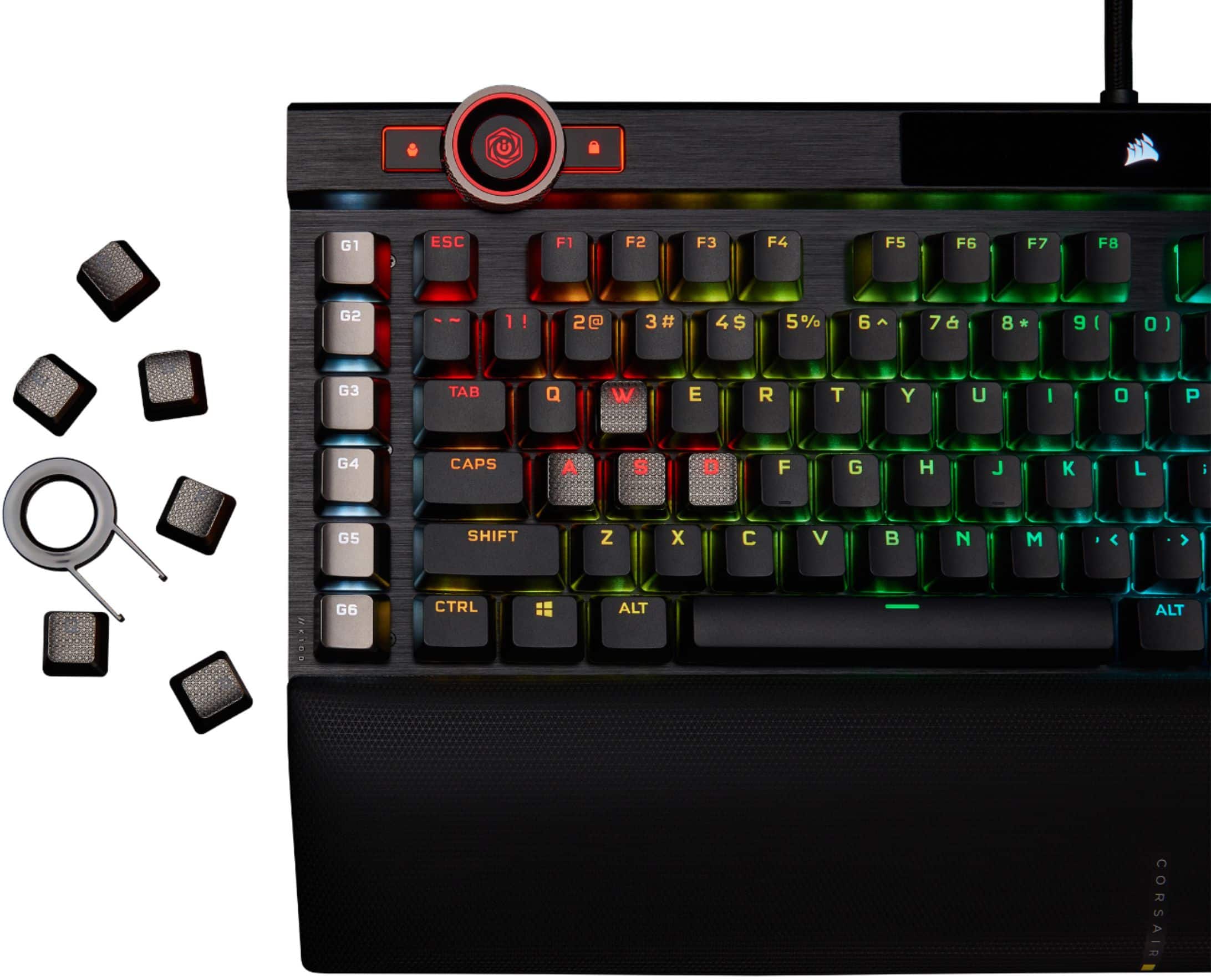
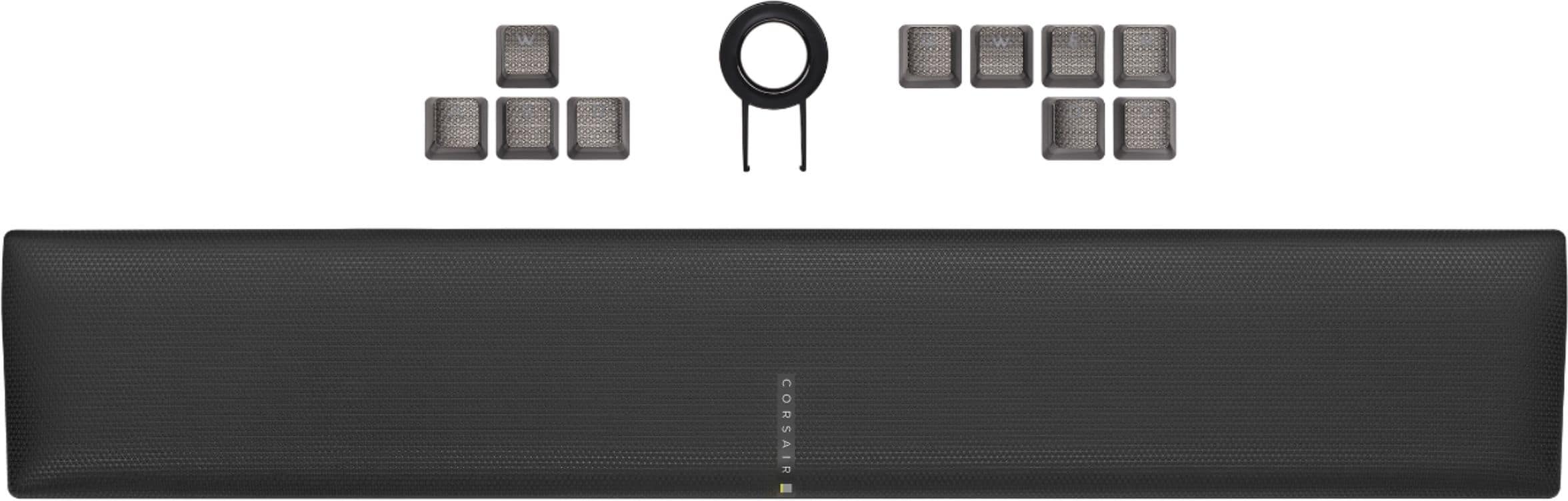
||Posted . Owned for 6 months when reviewed.This reviewer received promo considerations or sweepstakes entry for writing a review.Wrist cushion is wonderful, keys are very light and smooth, not clicky. The WSAD custom buttons are gaming are great for feeling where you’re at at all times. Reliable, has an extra usb port you can plug into (does not support usb camera) Having a full lit up keyboard has been great for my setup.
I would recommend this to a friend - Pros mentioned:Keyboard quality, Rgb
Rated 5 out of 5 stars
You get what you pay for
||Posted . Owned for 3 weeks when reviewed.This reviewer received promo considerations or sweepstakes entry for writing a review.Great keyboard, taking time to get used to quick response of the OPX switches, but a delight to use. You also get a ton of RGB if you're into that. Build quality is solid, you get what you pay for. MK purists may bash it, but it has it's use cases. If I had one complaint it's that I don't take full advantage of all the features this offers, that's more on me than anything. Lots of fun to be had if you like to tinker with functionality.
I would recommend this to a friend - Pros mentioned:Wrist rest
Rated 5 out of 5 stars
K100 Corsair
||Posted . Owned for 3 weeks when reviewed.This reviewer received promo considerations or sweepstakes entry for writing a review.Good solid design, built tough. Love the OPX switches, very little force is needed to depress so hand/finger fatigue is not as big a problem for me because I am using less force and my hands don't cramp after long sessions of typing, gaming, what have you.. The volume control knob in the upper right is easy to access and operate as is the second rotary wheel in the upper left. Wrist rest is extremely soft and magnetically attached, no chance of breaking a plastic clip off removing or installing. A little pricey but so far it has been worth the money to me. One thing I could complain about is the usb port in back is 2.0 and for a 200 dollar KB is coulda been 3.0 or better. Im sure that would encompass a different wiring challenge, but to be honest I probably will never use it anyway, so another good idea would have been to delete the port entirely and drop a few bux off the price. iCUE software is very powerful and has many great features plus a few extra native to the K100 only. but to me could be a little more simplified. I have not used the Elgato software yet to see what it is like. All in all a great KB even if a bit pricey. For those that like the mechanical switches you can get this one with Cherry MX as well, but Id try the OPX ;)
I would recommend this to a friend - Pros mentioned:Rgb
Rated 5 out of 5 stars
It works well
||Posted . Owned for 2 months when reviewed.This reviewer received promo considerations or sweepstakes entry for writing a review.A cool lighted keyboard. easy to use press fn key and any one of the number keys to change the stock lighting. if you want more download icue for what seams like infinite customization. This keyboard can save over 100 profiles as well
I would recommend this to a friend - Pros mentioned:Key feel, Lighting
Rated 5 out of 5 stars
Phenomenal gaming keyboard!!
||Posted . Owned for 1 week when reviewed.This reviewer received promo considerations or sweepstakes entry for writing a review.This is quite simply the best gaming keyboard I have ever had!! Very responsive keys and you are able to set the response rate which I like a lot. I also like the way you can set different lighting schemes to the keyboard as well as having the passthrough for adding another USB device. The volume up and down scroll button roller is also very innovative and once you start using it, you wonder how why this hasn't been around earlier.
I would recommend this to a friend - Pros mentioned:Keyboard qualityCons mentioned:Software
Rated 5 out of 5 stars
Great Keyboard
||Posted . Owned for 1 month when reviewed.This reviewer received promo considerations or sweepstakes entry for writing a review.Love the construction of this keyboard, all aluminum feels good. Feels good to type on and I'm glad that Corsair went back to the standard layout. May get some new key caps for it. LED's are super nice and the buttons up top feel good to use. They have a nice click. ICUE is a little buggy to use but I don't mind it that much. I also love that the palm rest attaches magnetically, I don't know why this hasn't been standard.
I would recommend this to a friend - Pros mentioned:Key feel
Rated 5 out of 5 stars
AMAZING!!
||Posted . Owned for 2 months when reviewed.This reviewer received promo considerations or sweepstakes entry for writing a review.I am very picky about my keyboards. I have MS and sometimes have decreased feeling in my fingers. So I need to have a really nice "clicky" keyboard. The clickity clack of the keys and the feel of the keys pushing downward is a huge help for me to know that I am actually hitting the keys. This has all the bells and whistles and then some! The different settings for the backlighting are all awesome. The magnetic wrist rest is awesome. Music controls are great. It's really taking me a while to adjust to the 6 G keys on the left side. I need to take the time to just set them to the button I think I am pushing when I hit them. LOL! I need to program the G3 button to be a tab button and etc. Sometimes when my fingers are just resting on the keys when I stop to think, a letter will sometimes start running across the screen. (ex. jjjjjjjjjjjjjjjjjjjjjjjjjjj) So it seems to be a little sensitive sometimes. But all in all I am over the moon happy with this keyboard. My husband got this for me for Christmas after my previous keyboard died. He did good. ^_^ Clickity Clack
I would recommend this to a friend - Pros mentioned:Rgb, Wrist rest
Rated 5 out of 5 stars
Best out there.
||Posted . Owned for 2 months when reviewed.This reviewer received promo considerations or sweepstakes entry for writing a review.If you are running icue and have other corsair peripherals, it doesn't get much better than this. Awesome rgb and the most comfortable wrist rest I've ever used. Highly recommended
I would recommend this to a friend Rated 4 out of 5 stars
Decent keyboard.
Posted .This reviewer received promo considerations or sweepstakes entry for writing a review.Overall a decent keyboard. Takes some getting used to if you're not coming from an MX-Speed (silver) keyboard as the keys are very sensitive. Only real gripe with it is the spacebar has a sharp edge on the back. I took the spacebar off and rotated it 180 to make it stop gouging into the side of my thumbs. Unfortunately rotating it does make it look a bit weird and it doesn't line up with the RGB lighting when rotated, so that key will be dark after rotating, but worth it for long term hand comfort on the key. Bought this to replace my old Logitech G15 keyboard that finally after over a decade had a key failure.
I would recommend this to a friend- Pros mentioned:Keyboard quality
Rated 4 out of 5 stars
Good, not great.
||Posted . Owned for less than 1 week when reviewed.This reviewer received promo considerations or sweepstakes entry for writing a review.I needed to replace my Corsair K70 due to dumping a cup of coffee in it. I elected to go with the K100 since it had some additional features over my K70 even though I was hesitant about the OPX keys. I really liked the feel of the Cherry MX keys on the K70 but the K100 with the MX keys was not available at BB. Build quality is good, I like the Corsair stuff and that part does not disappoint. I've been using it for about a week or so and I'm still mixed on the keys. They just don't feel the same. It's a good keyboard and I have yet to get in and program the macro buttons but to be totally honest, if I had a chance to swap it out for the Cherry MX version I probably would.
I would recommend this to a friend - Pros mentioned:Key feel
Rated 5 out of 5 stars
Jump on this keyboard once it goes on sale!
||Posted . Owned for 1 week when reviewed.This reviewer received promo considerations or sweepstakes entry for writing a review.I own the K95 RGB Platinum XT with Cherry MX Brown switches, the K70 MK.2 SE with Cherry MX Speed switches and this keyboard: the K100 RGB with optical switches. I've found a bit difficult to immediately adjust to this keyboard due to the lighter attenuation needed for the optical switches. This has caused some accidental keypresses even after resting my fingers on the keys. Though once you do adjust this keyboard is godlike for typing quickly and fluidly. The lighting isn't that much different from previous models though I dislike the fact that the RGB lighting strip is missing along the top of the keyboard and has instead been moved to the bottom. I haven't really used the stream deck so I don't have an opinion on it. The keys themselves are solidly built and there isn't much wiggle to them maybe like 1mm or 0.5mm. I don't use the macro buttons either. Since I've used the K95 for so long I'm already used to their placement. I switched to this keyboard because I play a lot of World of Warcraft and after some sessions my fingers start to hurt using my old K95. Since I've made the switch my fingers have not hurt even after 2-3 hour long raids. If this were to go on sale for the same price as the K95 I'd choose it over that. If not the K95 is still really good just keep in mind the tactile feel of each keyboard are very different and choose the one that feels best instead of aesthetics.
I would recommend this to a friend - Pros mentioned:Key feel
Rated 5 out of 5 stars
Must have
||Posted .This reviewer received promo considerations or sweepstakes entry for writing a review.Very good for gaming with all the extra key binds. Keys feel good and comfortable to use overall. Great buy for everyone.
I would recommend this to a friend