Customer Ratings & Reviews
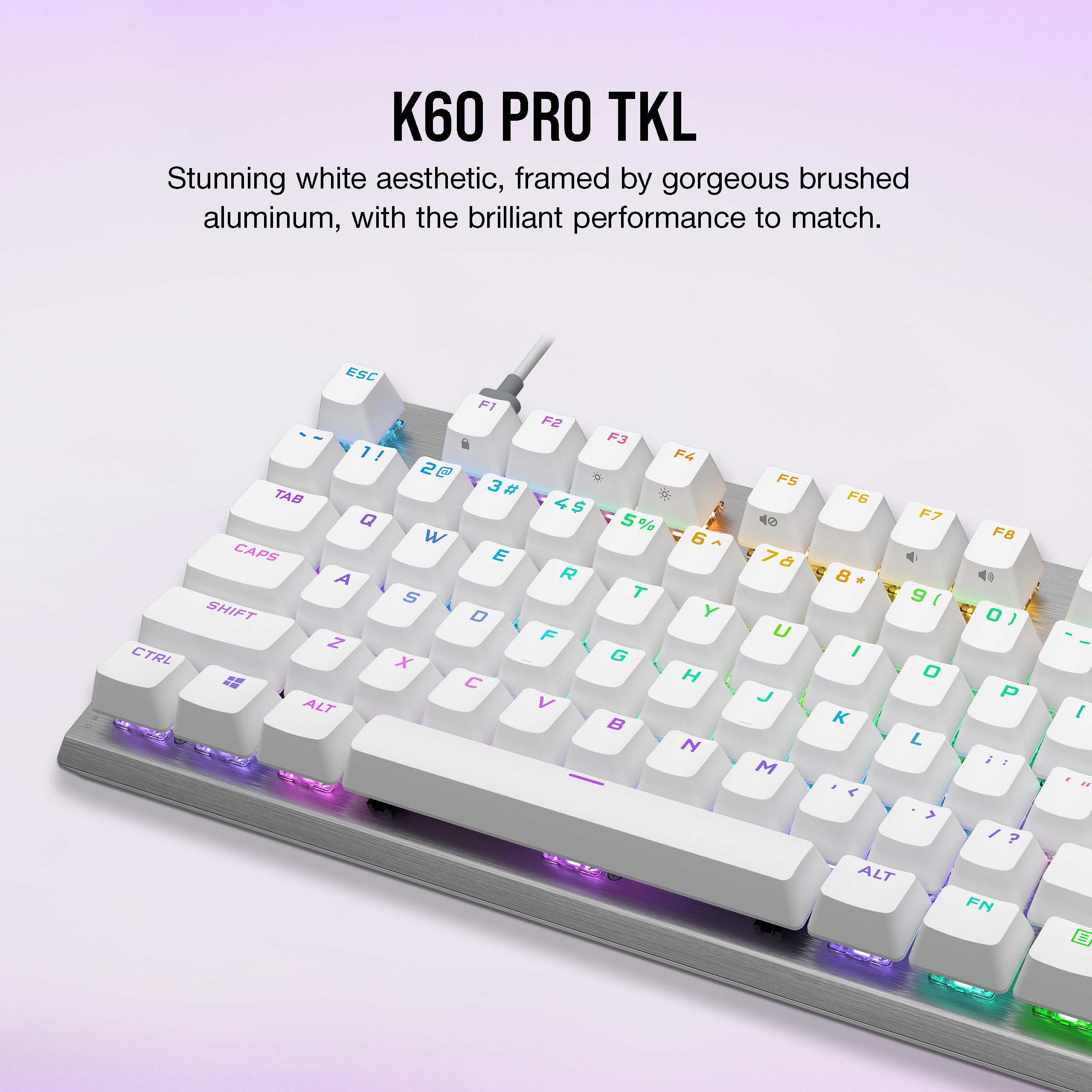
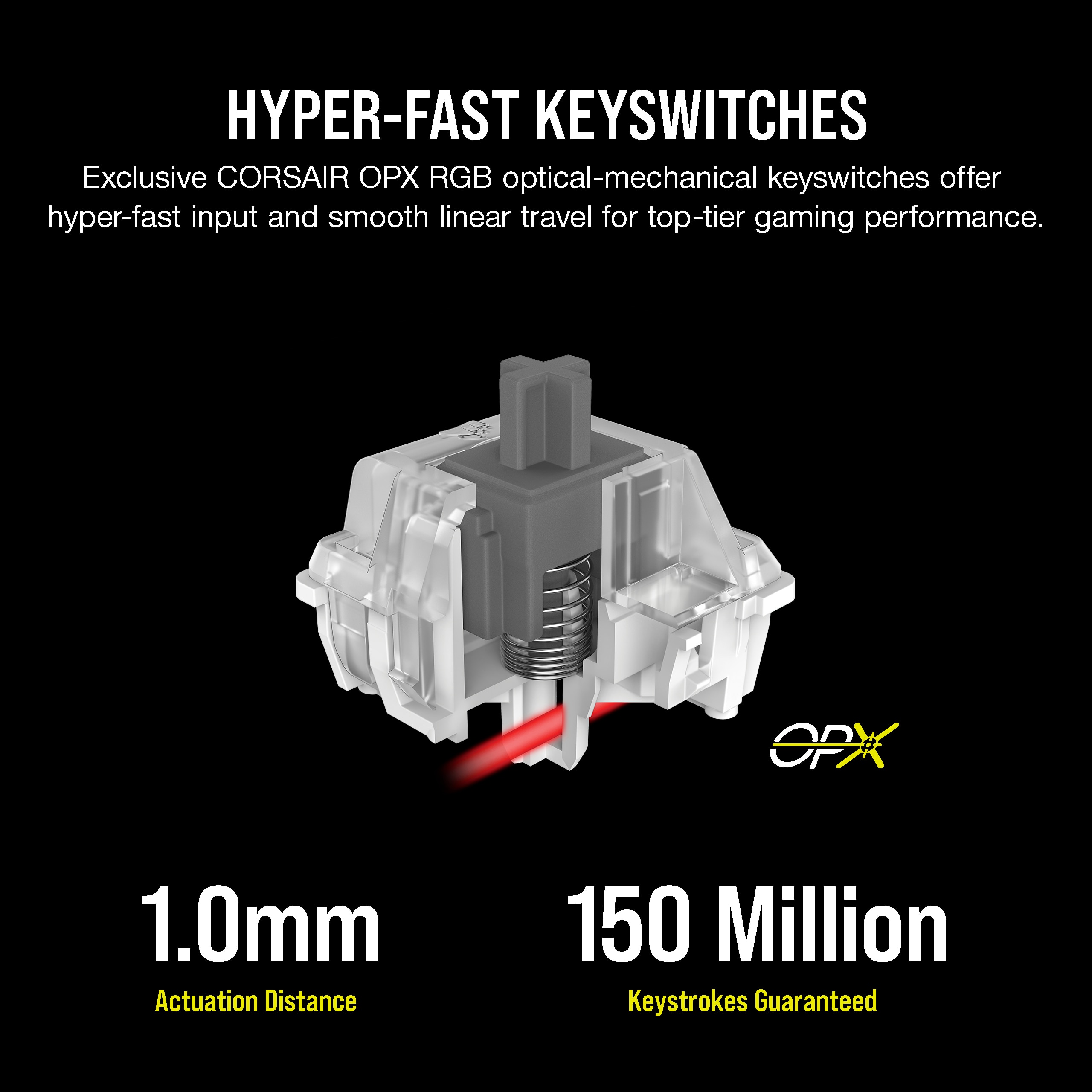
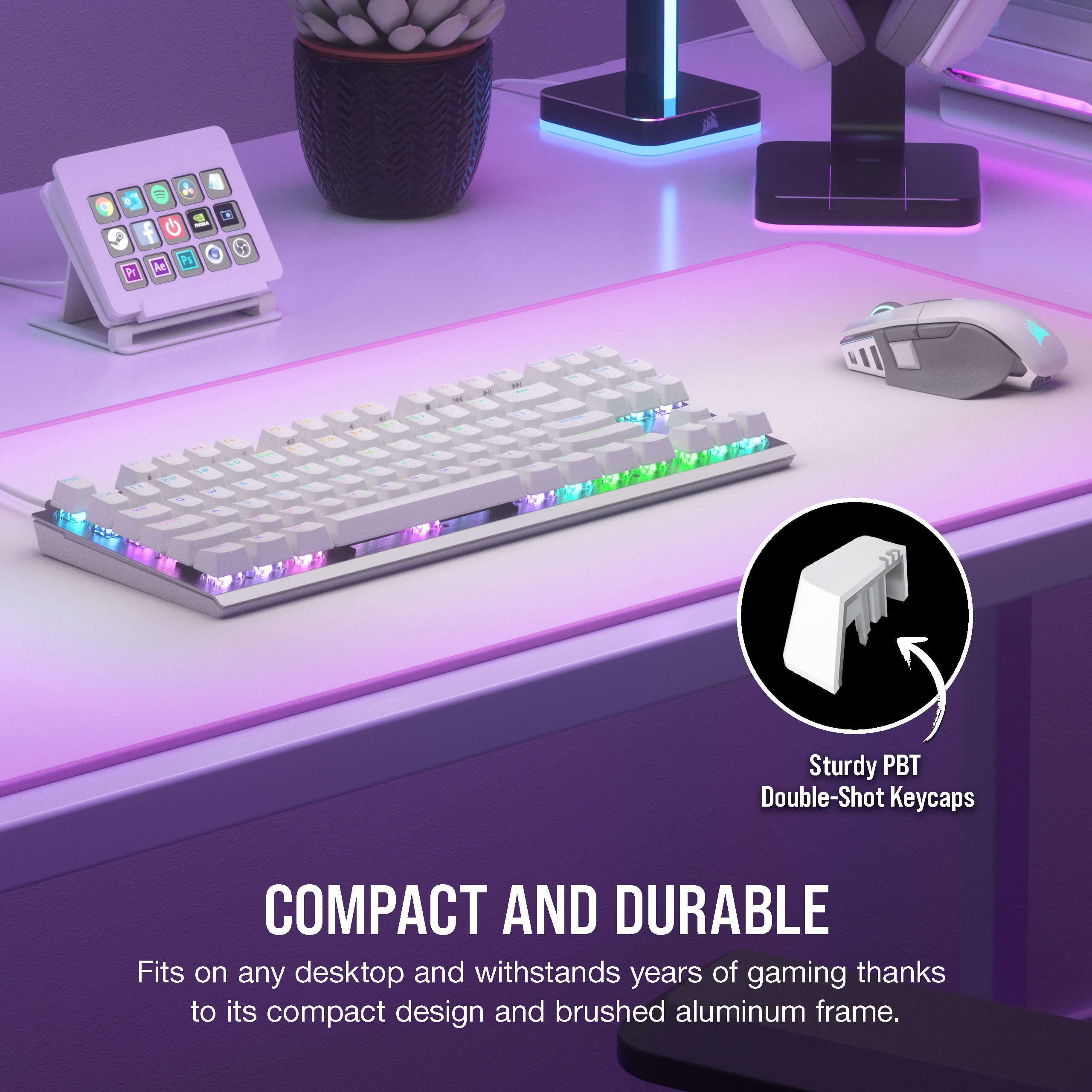
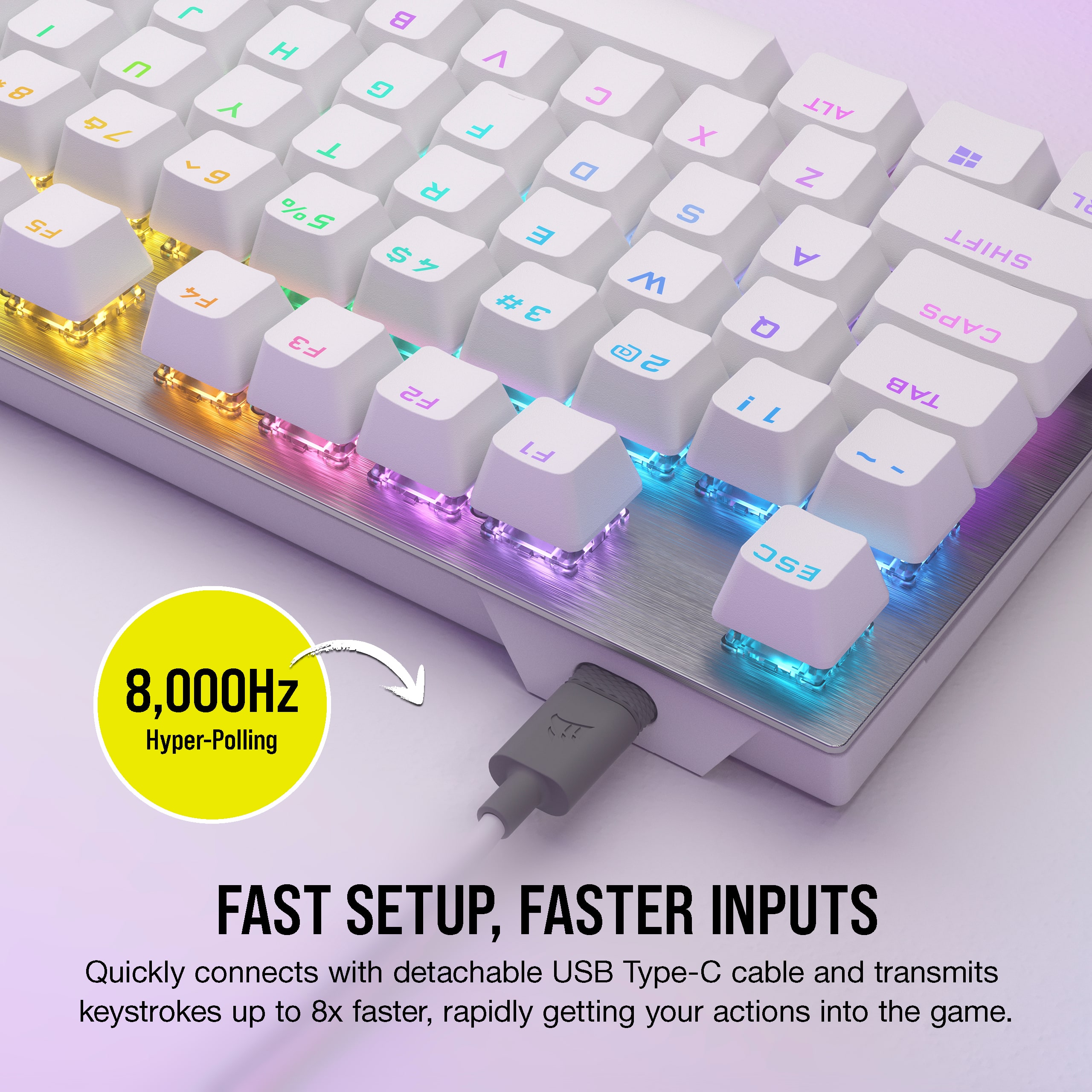

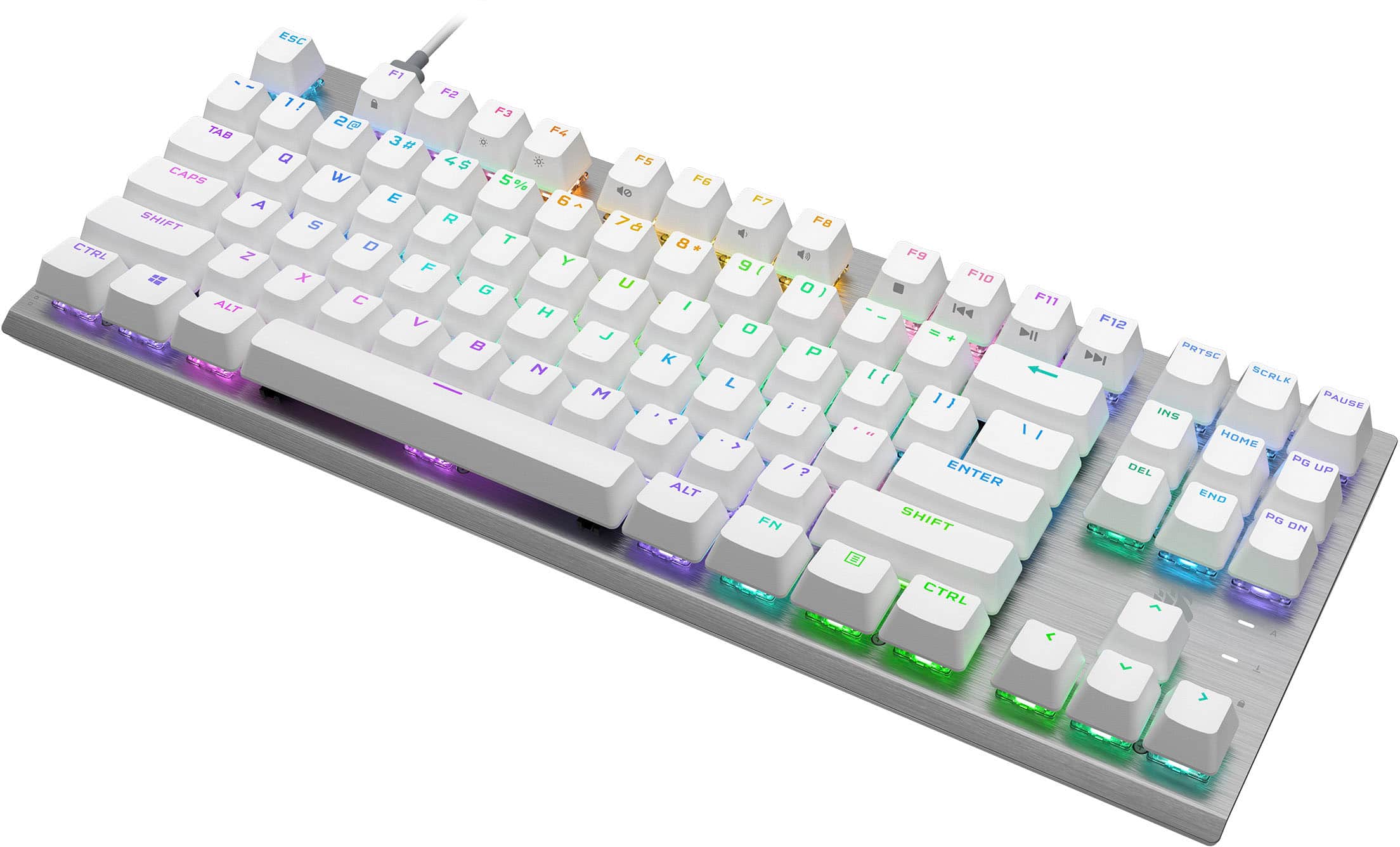
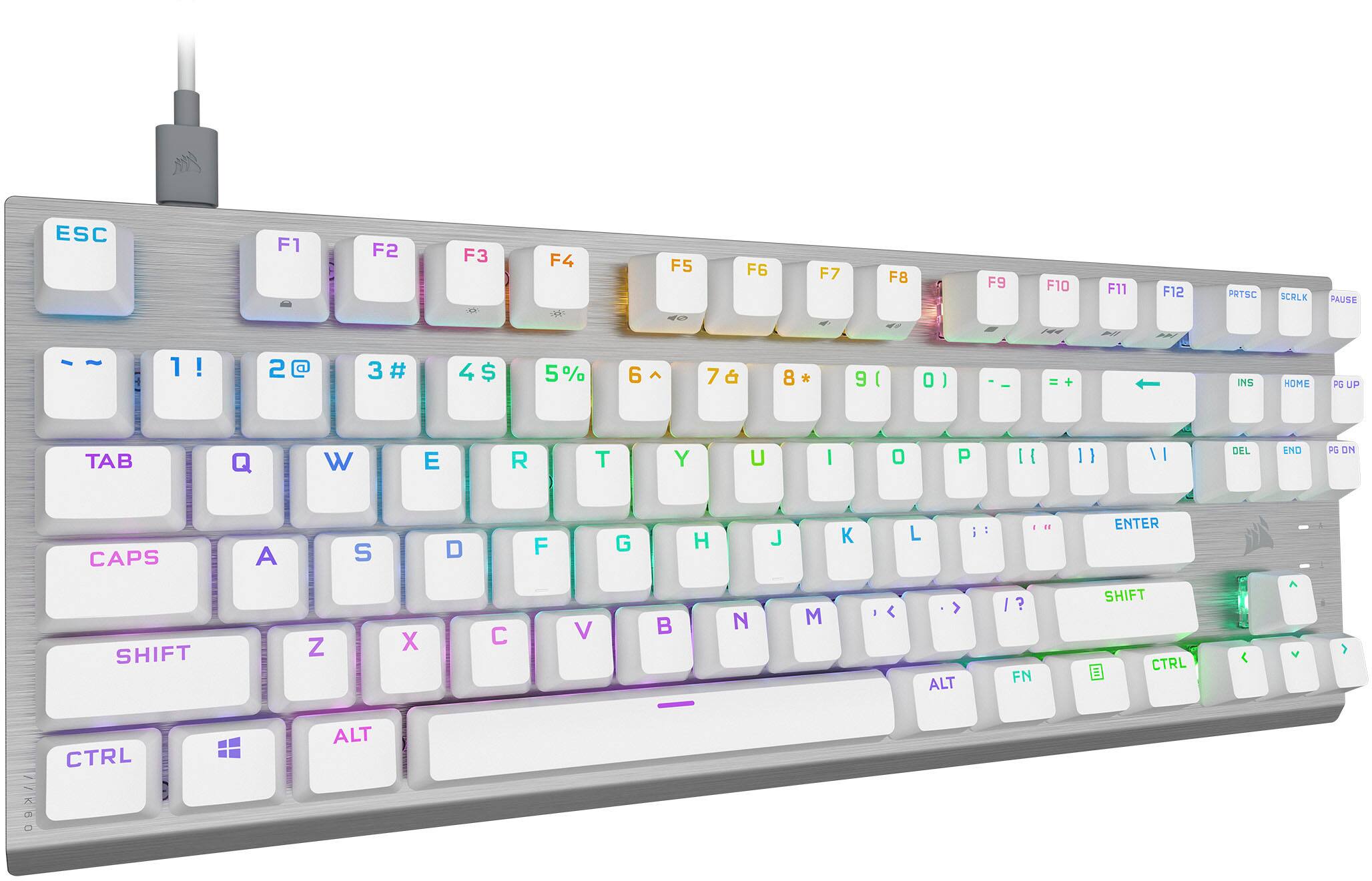
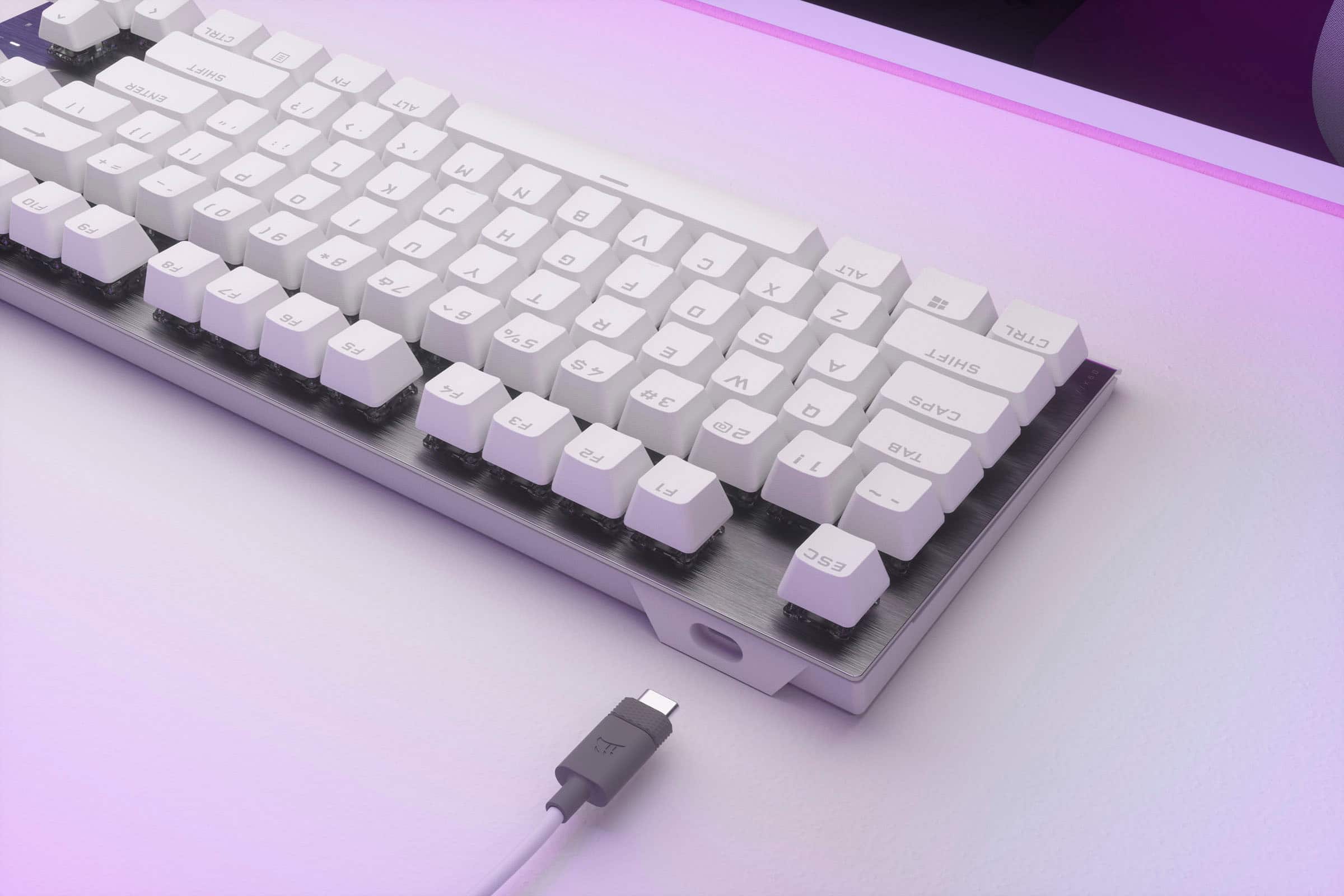
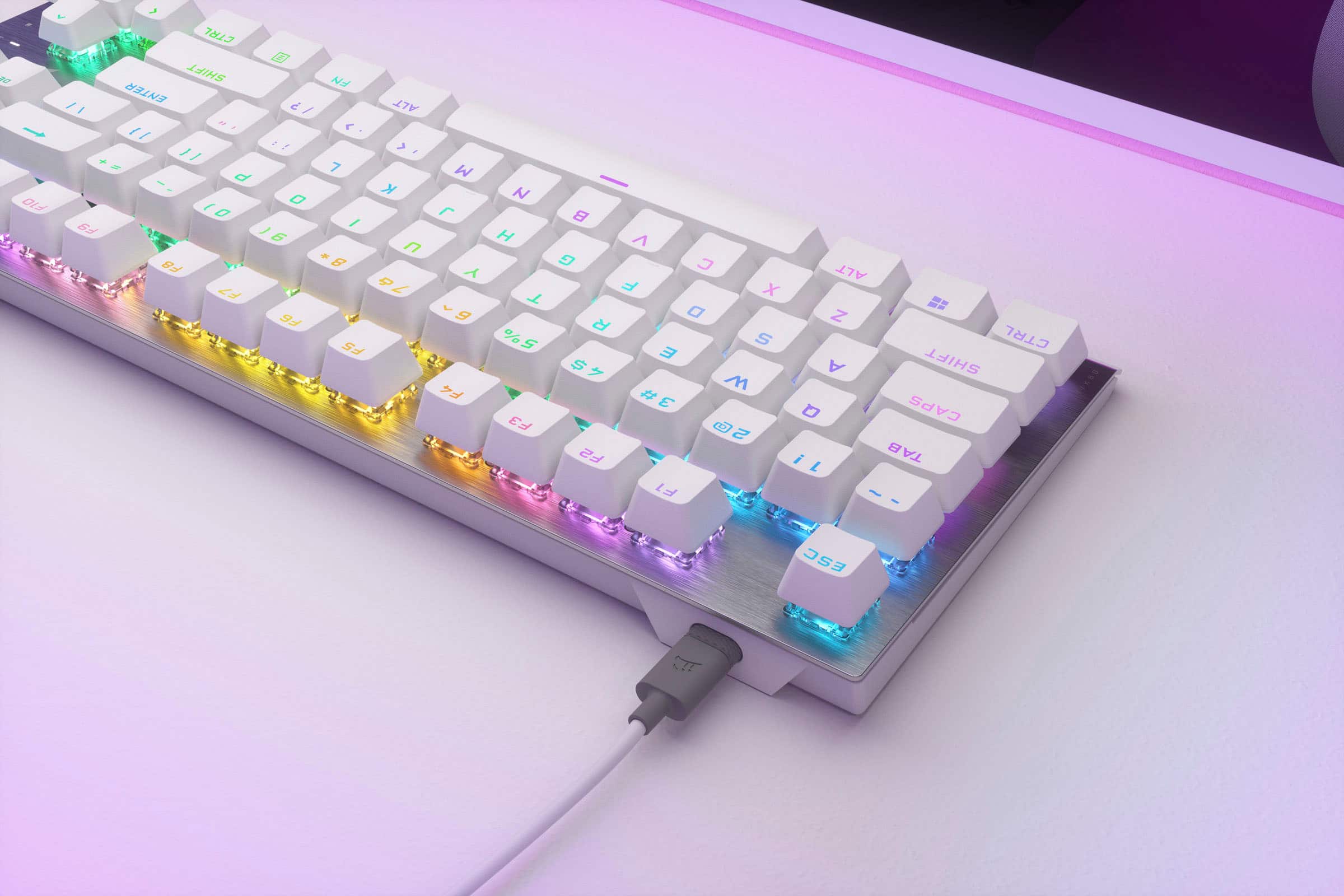
![Windows Key Lock Mode Convenient FN Shortcuts:
F1, F2, F3, F4, F5, F6, F7, F8, F9, F10, F11, F12, 3, 4, 5, 6, 7, 8, 9, 0, +, -, =, [, ], \_, /, ;, ', "
Standard Bottom Row:
8,000Hz NKRO 100% Hyper-Polling Full N-Key Rollover Anti-Ghosting](https://pisces.bbystatic.com/image2/BestBuy_US/images/products/975f3a0a-422f-47ac-bd5e-15f9caebe228.jpg)
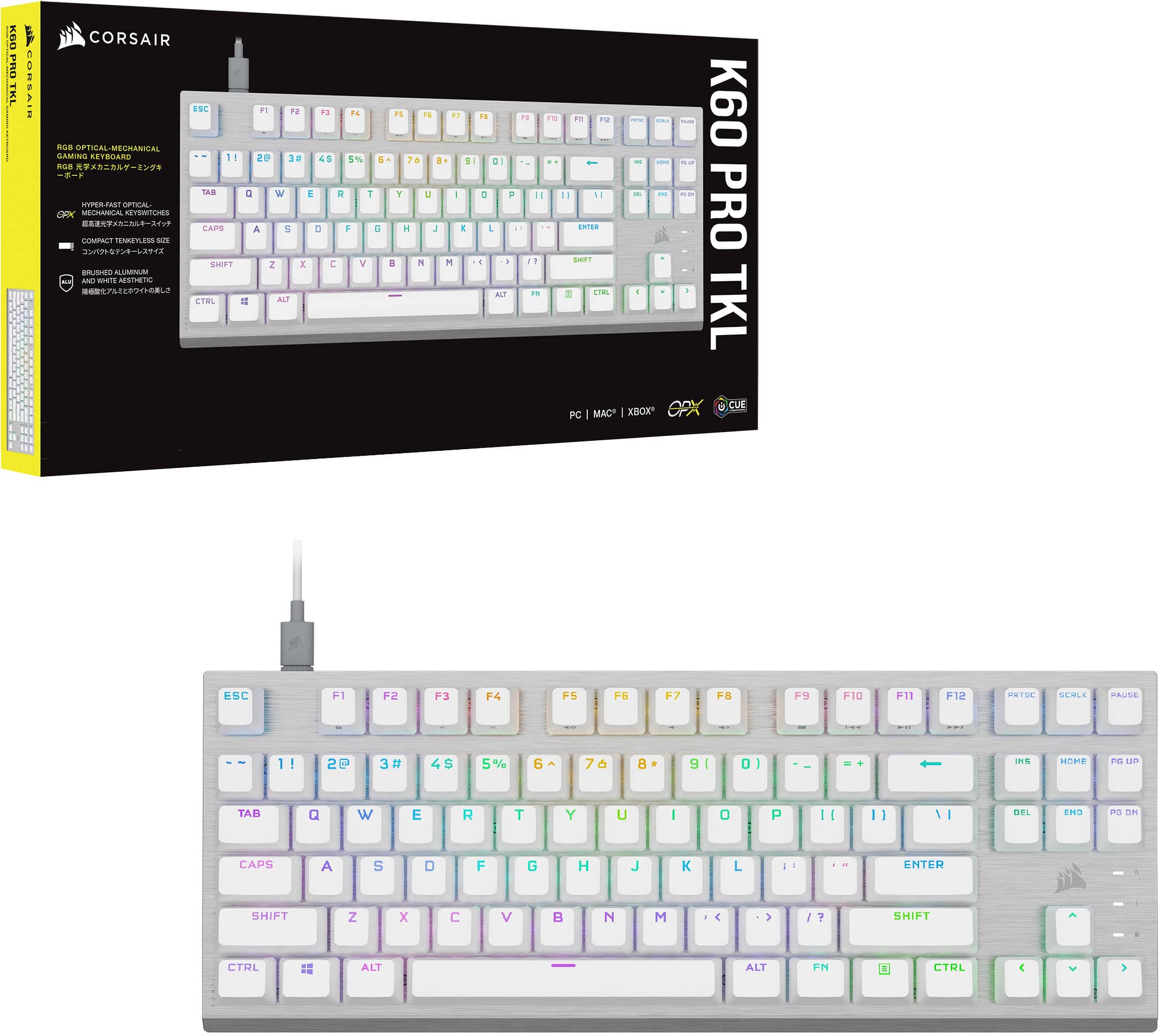
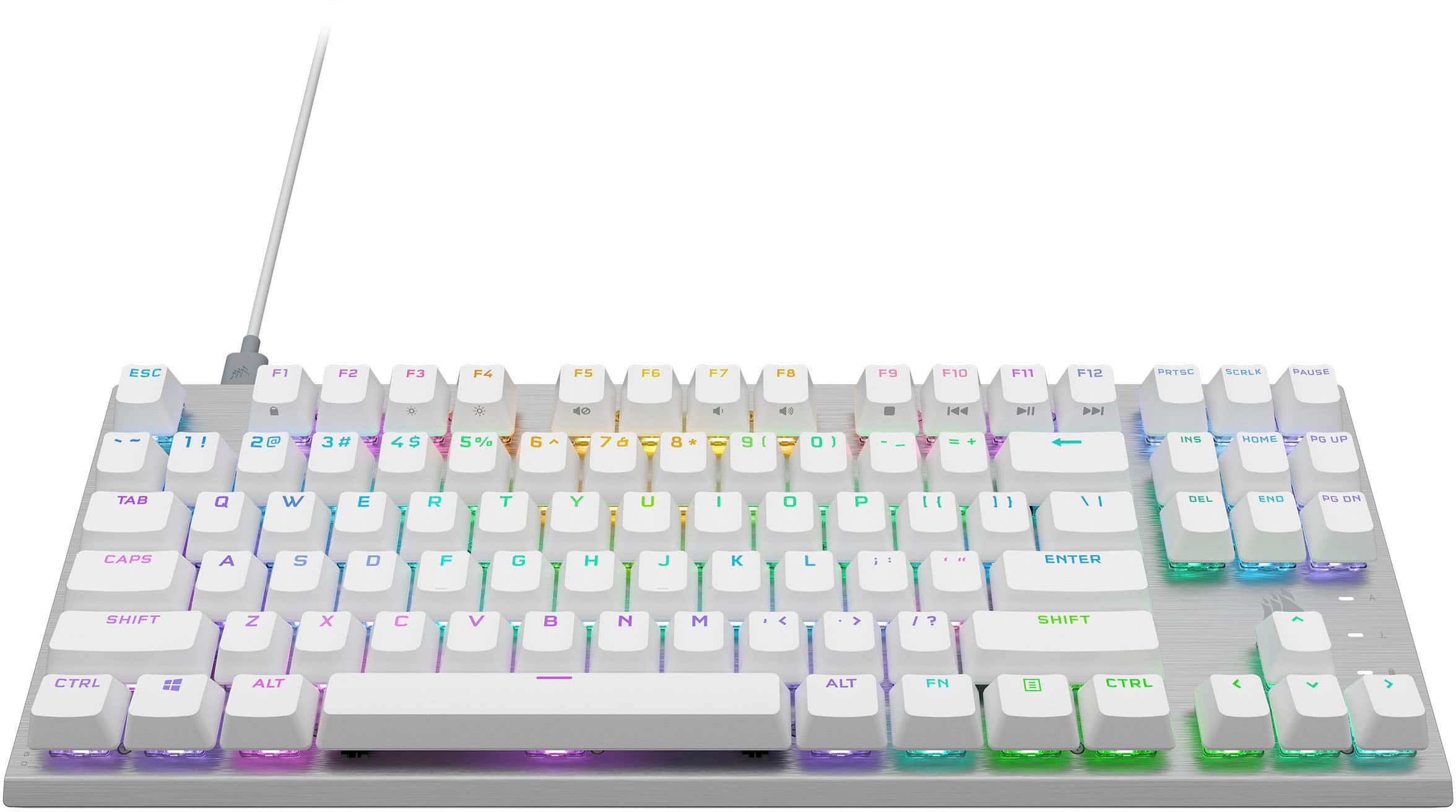
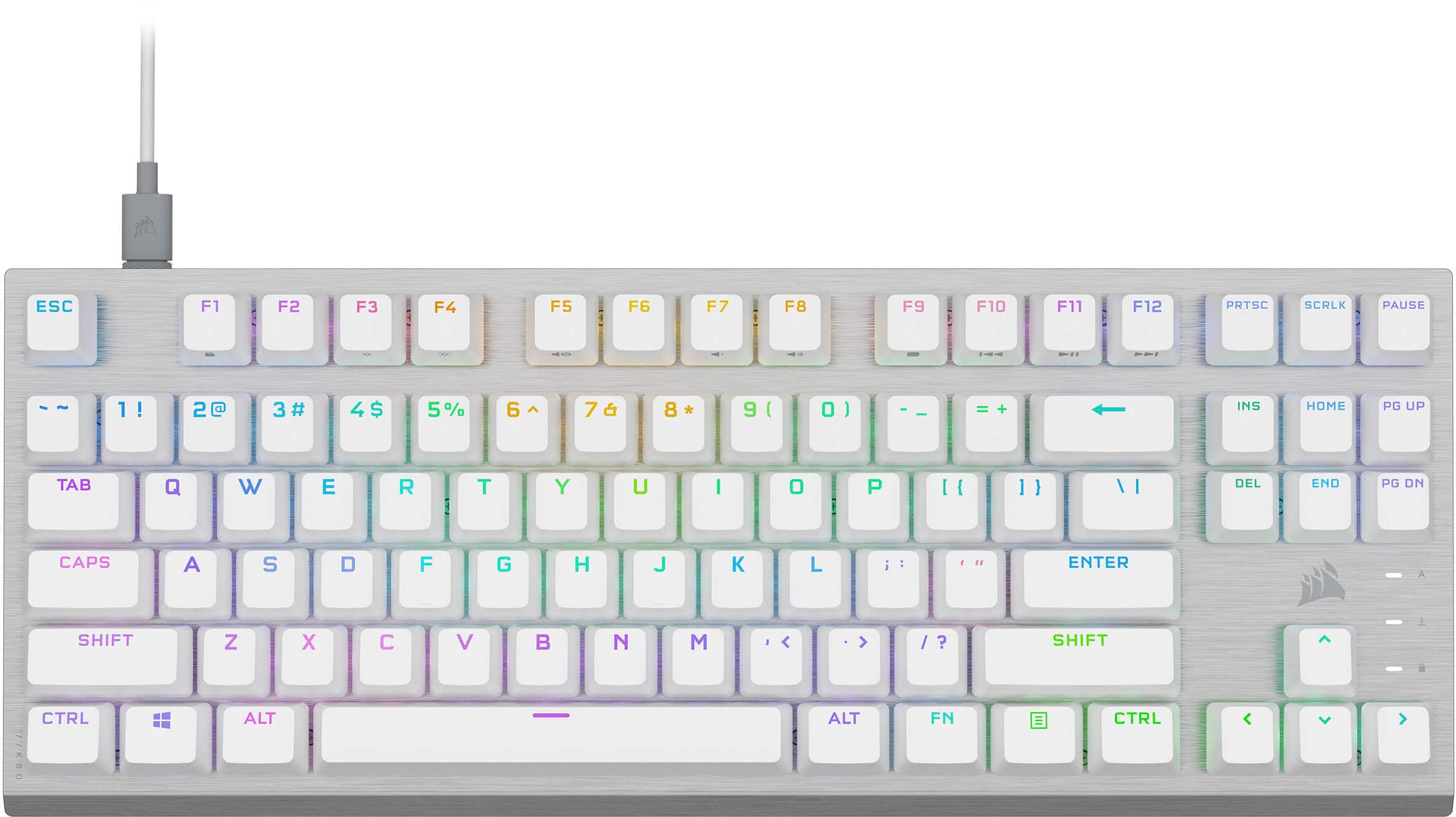
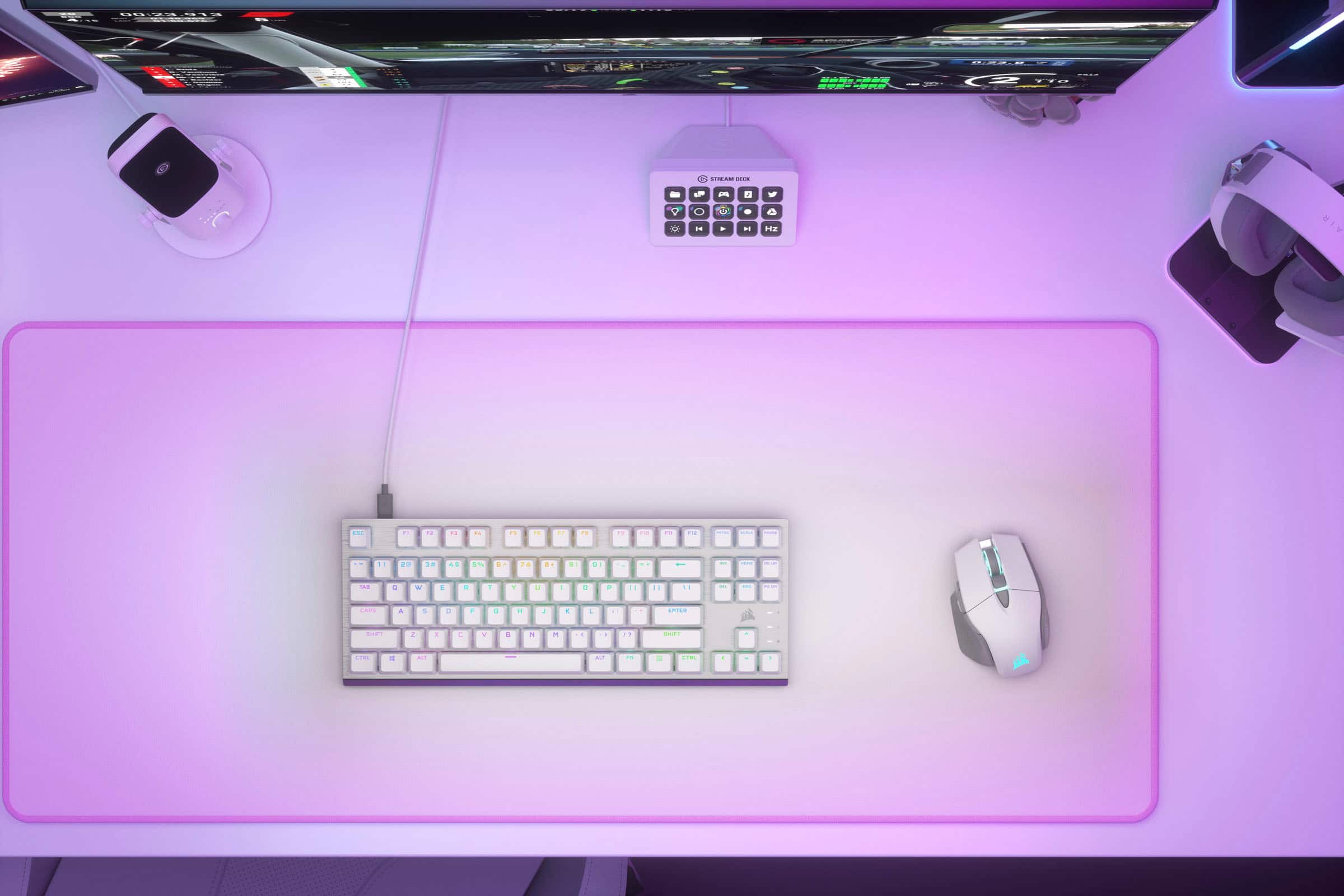
![The text on the image is a list of keyboard shortcuts and keys. Here's a corrected and grouped version of the text:
1. ESC - F1 - F2 - F3 - F4 - F5 - F6 - F7 - F8 - F9 - F10 - F11 - F12 - PRTSC - SCRLK - PAUSE
2. 1! - 2@ - 3# - 4$ - 5% - 6 - 76 - 8 - 9 - ( - O - ) - ee - = - INS - HOME - PG UP - TAB - Q - W - E - R - T - Y - U - I - O - P - [ - ] - DEL - END - PG ON - CAPS - A - S - D - F - G - H - J - L - i - : - E4 - ENTER - A - SHIFT - Z - X - V - N - M - ? - SHIFT - 1 - i - 17/K60 - CTRL - ALT - ALT FN - CTRL](https://pisces.bbystatic.com/image2/BestBuy_US/images/products/d02e7bd4-65e9-465d-ab4f-1b4170850dba.jpg)
- Model:
- CH-911D11A-NA
- SKU:
- 6599034
Rating by feature
- Value
Rating 4.6 out of 5 stars
- Quality
Rating 4.7 out of 5 stars
- Ease of Use
Rating 4.7 out of 5 stars
Customers are saying
Customers are delighted by the K60 PRO TKL's overall build quality and vibrant RGB backlighting. Many appreciate its compact size, satisfying key feel, and fast response time, especially considering the reasonable price. However, some users find the keyboard a bit noisy and the software slightly challenging to navigate.
This summary was generated by AI based on customer reviews.
Do Not Purchase
||Posted . Owned for 1 month when reviewed.This reviewer received promo considerations or sweepstakes entry for writing a review.within a month of use the keys i use most were already sticking. I do not eat at my desk. I had to start spraying water on my switches just to be able to use the keyboard until i could go buy a new one. This is the first time ive had a corsair keyboard and it will be the last.
No, I would not recommend this to a friendBrand response from Corsair
Posted .Hello,
Please DO NOT spray water on the keyboard at any time, that will kill it/make it malfunction.
-Art
- Pros mentioned:Size
Great Keyboard
||Posted . Owned for 1 week when reviewed.This reviewer received promo considerations or sweepstakes entry for writing a review.Love the keyboard. Was looking for the smaller size without the number pad and this is perfect.
I would recommend this to a friend - Pros mentioned:Size
Keyboard
||Posted . Owned for 1 week when reviewed.This reviewer received promo considerations or sweepstakes entry for writing a review.Pretty nice didn’t give me no problems nice size for gaming
I would recommend this to a friend Good
||Posted . Owned for 2 weeks when reviewed.This reviewer received promo considerations or sweepstakes entry for writing a review.Nice keyboard, but should should have gotten something with a ten key
I would recommend this to a friendBrand response from Corsair
Posted .Hello Evan,
Do contact our team directly if you run into any actual issues! Enjoy the keyboard!
-Art
Splid purchase
||Posted . Owned for 2 weeks when reviewed.This reviewer received promo considerations or sweepstakes entry for writing a review.Sleek, stylish, customizable, relatively quiet, durable.
I would recommend this to a friend- Pros mentioned:Keyboard quality
average
||Posted . Owned for less than 1 week when reviewed.This reviewer received promo considerations or sweepstakes entry for writing a review.This is such cute and sturdy keyboard but I don't love that you can see under the keys from any view.
I would recommend this to a friend Mechanical Keyboard review
||Posted .This reviewer received promo considerations or sweepstakes entry for writing a review.Key depth is low. Does not feel like mechanical keyboard. Sound of click not satisfying
No, I would not recommend this to a friendBrand response from Corsair
Posted .Hello Kent,
Thanks for the feedback. Did you have any actual issues? Please contact our team directly on our site for any assistance if needed.
-Art
Useless after a few months
||Posted . Owned for 10 months when reviewed.This reviewer received promo considerations or sweepstakes entry for writing a review.Worked great for about six months. Suddenly had severe connection issues, would randomly disconnect from the compute even though the power cord was untouched. Keys randomly started sticking and not responding. Better to spend your money on something worthwhile.
No, I would not recommend this to a friendBrand response from Corsair
Posted .Hello,
Our team can certainly help with these, please reach out directly on our site for assistance.
-Art
1mm Actuation is Tough
||Posted . Owned for 2 weeks when reviewed.This reviewer received promo considerations or sweepstakes entry for writing a review.Great quality keyboard but the 1mm actuation point is too short for my usage.
No, I would not recommend this to a friendBrand response from Corsair
Posted .Hello Levi,
Did you have any non-design issues? If so, and you kept the keyboard or have any of our other products, do contact our team directly on our site for assistance.
-Art
Keyboard
||Posted . Owned for 1 week when reviewed.This reviewer received promo considerations or sweepstakes entry for writing a review.Keyboard goes by itself. Very touched. Need check out.
No, I would not recommend this to a friendBrand response from Corsair
Posted .Hello,
What would you mean by this? Please contact our team directly on our site for assistance.
-Art
Great Keyboard
||Posted . Owned for 3 months when reviewed.This reviewer received promo considerations or sweepstakes entry for writing a review.Upgraded my older keyboard too this one. Trying for an all Corsair build and it’s great. I like that it’s not too loud when you type but very responsive.
I would recommend this to a friend
Great Keyboard for the money
|Posted . Owned for 2 weeks when reviewed.This reviewer received promo considerations or sweepstakes entry for writing a review.[Employee of bestbuy] Bought this keyboard for a build for my wife, wouldn’t be my first pick as I immediatly curbed it as I found an older keyboard I used to use.
I would recommend this to a friendBrand response from Corsair
Posted .Hi,
Thank you for your feedback. Did you encounter any issues with this keyboard? Please feel free to contact support via our website if you encountered any issues or have any questions - we'd appreciate the opportunity to assist.
-Albert
- Pros mentioned:Keyboard quality, Rgb backlighting

Space saver without scrimping on features
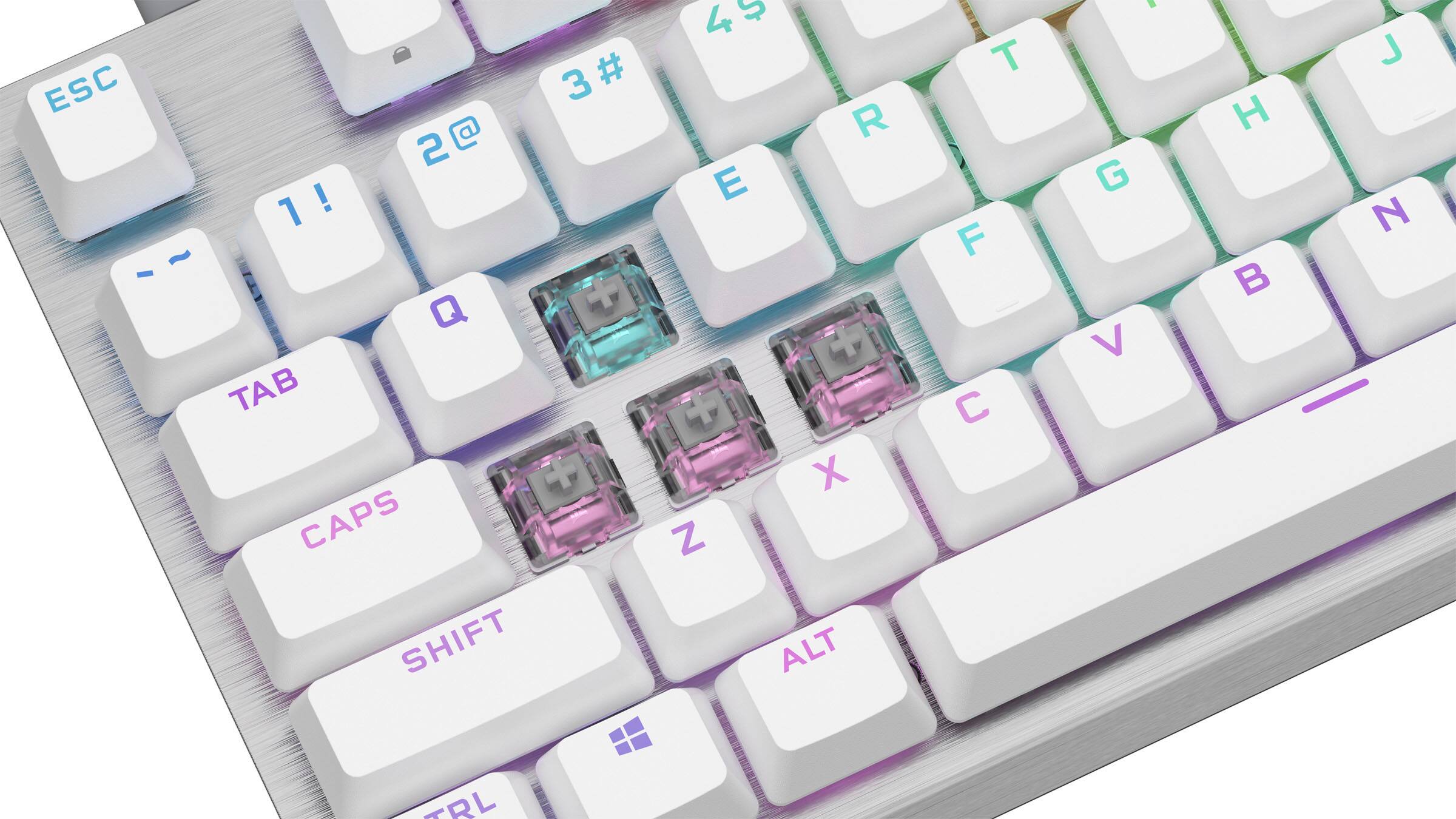
|Posted .This reviewer received promo considerations or sweepstakes entry for writing a review.I'm a bit of a keyboard snob. I have several go to brands and Corsair is one of my favorites. My most favorite is their K100. I use it for work and gaming daily. Corsair has had ten key less keyboards in the past but they are stepping up their game (pun intended) with the TKL 60 Pro. I've been tinkering with several of the brands that have full customizable keyboards where you can change out the switches and key caps but those can get pretty cost prohibitive. For a small form factor racing simulator I have I needed a compact keyboard to set to the side of the seat sled. The TKL 60 Pro is exactly what I needed. The 60% size affords me a bit more space where I can also use a mouse to navigate the game menus. The optical keys are a bit clicky but tactle feedback is excellent. Stroke travel is perfect for my liking and the response is extremely quick. I was hoping the switches could be swapped but from what I can tell the switches are fixed. But, if you don't like the keycaps there are other standard sets you can purchase if you wish to customize the K60. The weight of the keyboard and the rubber grips is on par with most gaming units and keeps it from sliding around your desktop while you are deep in game play. The LEDs are fully customizable using Corsair iCue software. You can easily switch between standard effects or customize to your liking. I actually use a bit of software called SignalRGB for a complete system LED setup. Corsair is fully supported. The only issue I have with 60% keyboards is you give up dedicated media keys but instead you can use function keys with fn key pressed to shortcut media control. All in all it's a great keyboard from one of my favorite computer accessory/component manufacturers. 2 thumbs up Corsair. The OPX is a solid performer. I'm happy I added it to my keyboard stable.
I would recommend this to a friend Eh on the keycaps
||Posted . Owned for 1 month when reviewed.This reviewer received promo considerations or sweepstakes entry for writing a review.Ok keyboard horrible keycaps. I figured paying this much the keycaps would be way better but I guess not.
No, I would not recommend this to a friendBrand response from Corsair
Posted .Hi,
Sorry to hear about your experience. Did you experience any issues with the key caps? If you did, please contact us - we'd appreciate the opportunity to further look into this and provide a solution: help.corsair.com
-Albert
Mecahnical RULES
||Posted . Owned for 2 weeks when reviewed.This reviewer received promo considerations or sweepstakes entry for writing a review.Mechanical is the way to go. Old school really helps in the user experiance
I would recommend this to a friendUnderwhelming
||Posted . Owned for 1 week when reviewed.This reviewer received promo considerations or sweepstakes entry for writing a review.Felt very low quality. Icue is a solid software. Feel like there are better options at this price point.
No, I would not recommend this to a friendBrand response from Corsair
Posted .Hello,
What seemed to feel very low quality about it? If you have any more feedback please contact our team directly right on our site at any time.
-Art
Great keyboard
||Posted . Owned for 3 weeks when reviewed.This reviewer received promo considerations or sweepstakes entry for writing a review.Definitely a good upgrade if you need one worth it
I would recommend this to a friendGreat
||Posted . Owned for 2 weeks when reviewed.This reviewer received promo considerations or sweepstakes entry for writing a review.Used it about 3 weeks now and have been loving it.
I would recommend this to a friendSkip this item
||Posted . Owned for 1.5 years when reviewed.This reviewer received promo considerations or sweepstakes entry for writing a review.Not a quality item, The right keyboard region stopped working after 11 months.
No, I would not recommend this to a friendTry something else
||Posted . Owned for 3 weeks when reviewed.This reviewer received promo considerations or sweepstakes entry for writing a review.Keys are very loud. Sounds cheap and plastic like.
No, I would not recommend this to a friendBrand response from Corsair
Posted .Hi,
Sorry to hear about your experience. Please feel free to contact support via our website if you have any questions or encounter any issues - we'd be happy to assist.
-Albert