Customer Ratings & Reviews









- Model:
- CH-9145030-NA
- SKU:
- 6165951
Rating by feature
- Value
Rating 4.2 out of 5 stars
- Quality
Rating 4.5 out of 5 stars
- Ease of Use
Rating 4.4 out of 5 stars
Customers are saying
Customers appreciate the keyboard's quality, long battery life, and wireless convenience. Many find it easy to use and enjoy the compact size, although some miss the number pad and RGB lighting options. The response time is frequently praised, while a few users noted the weight and some minor issues with key feel. Overall, the positive feedback on functionality outweighs the negative comments on missing features.
This summary was generated by AI based on customer reviews.
- Pros mentioned:Keyboard quality, Wireless
Very Good Upgrade
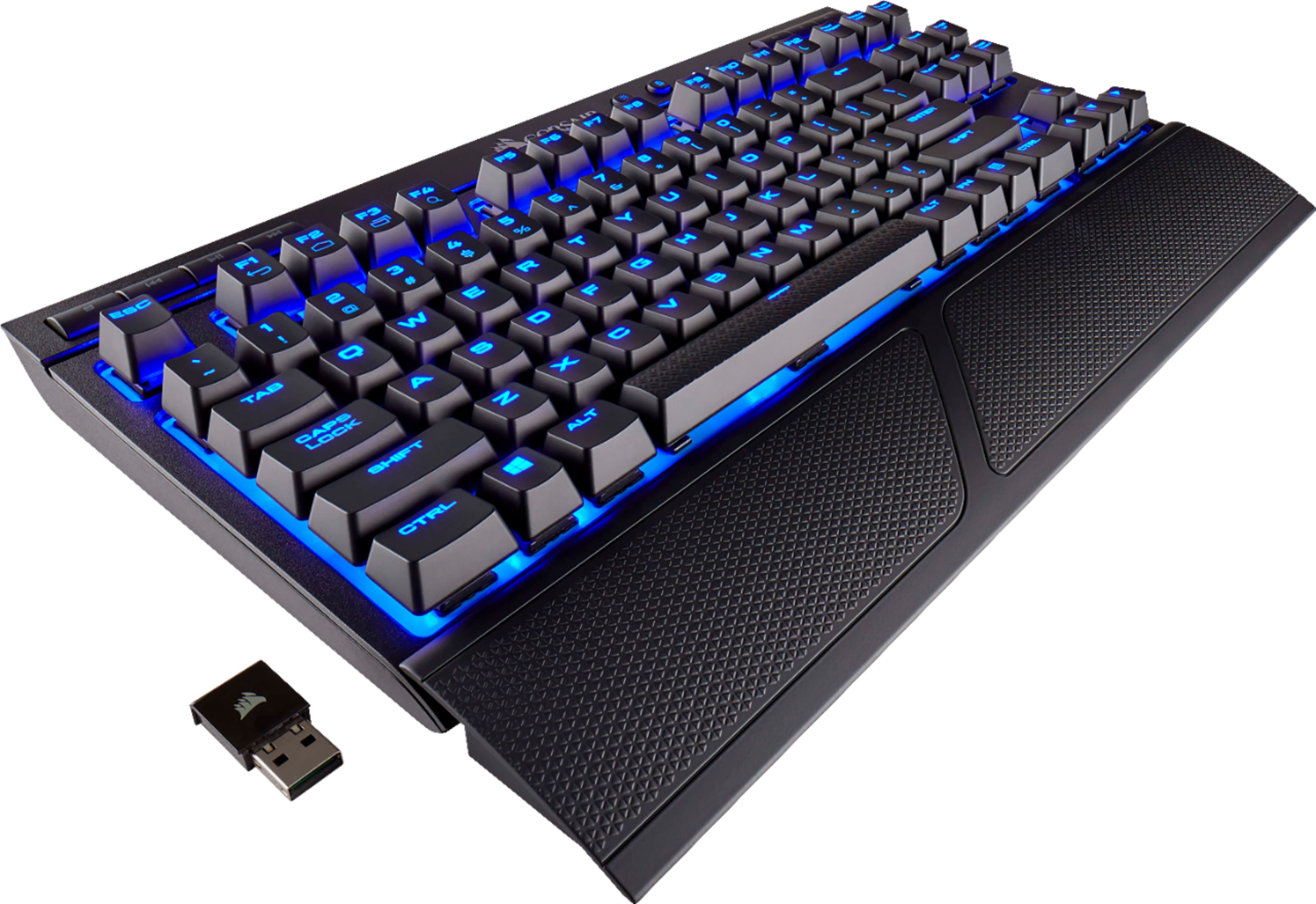
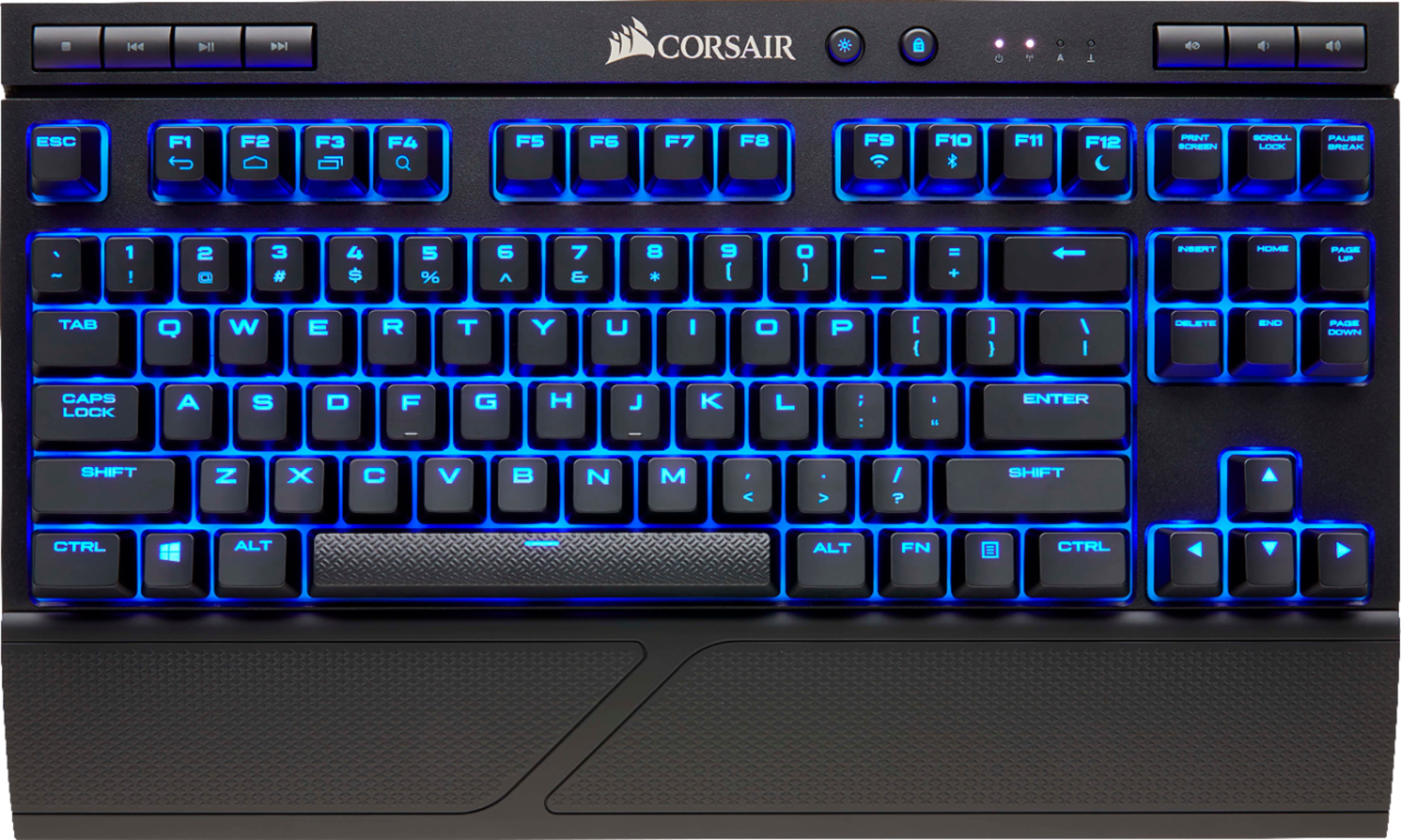
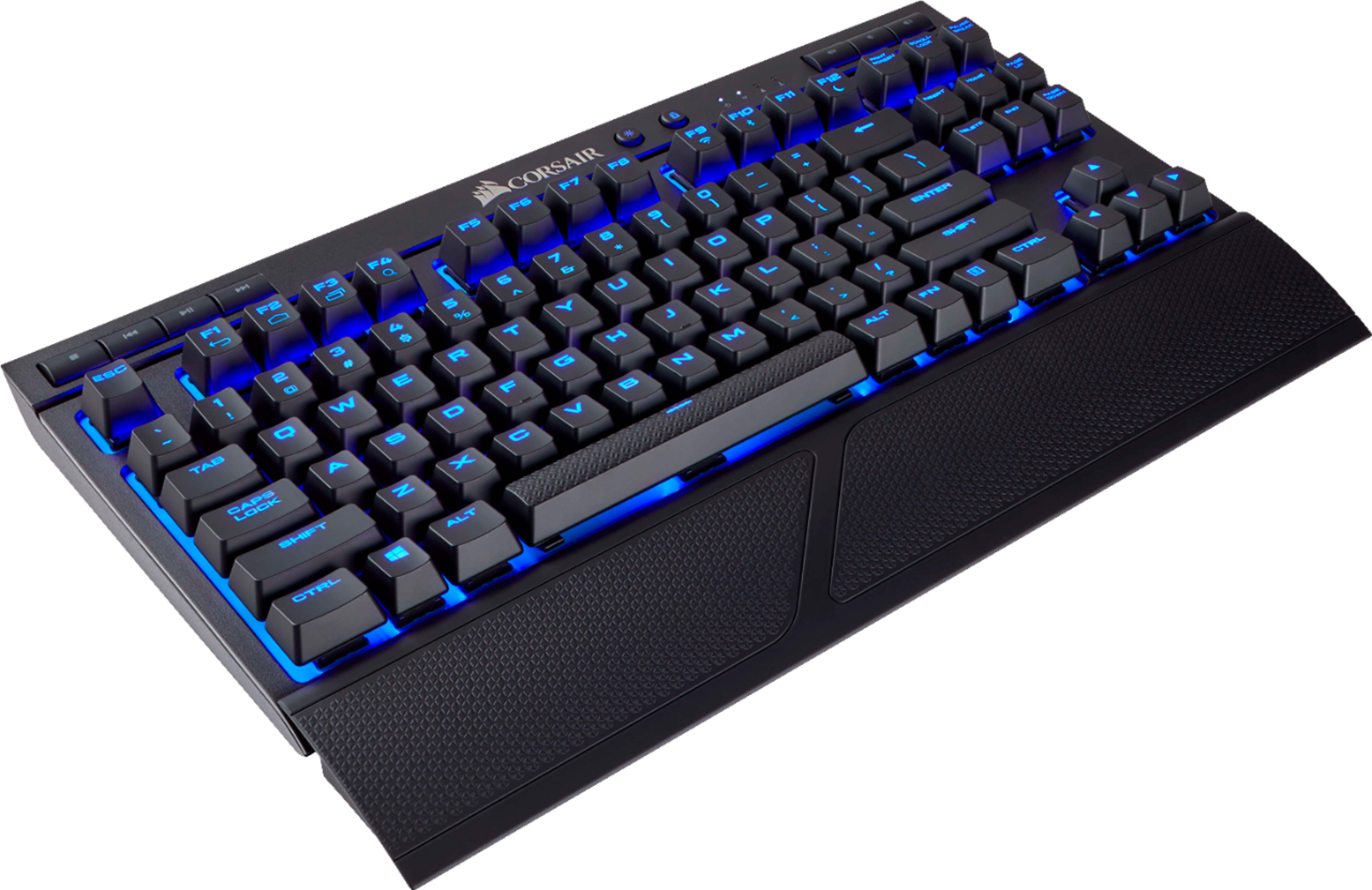
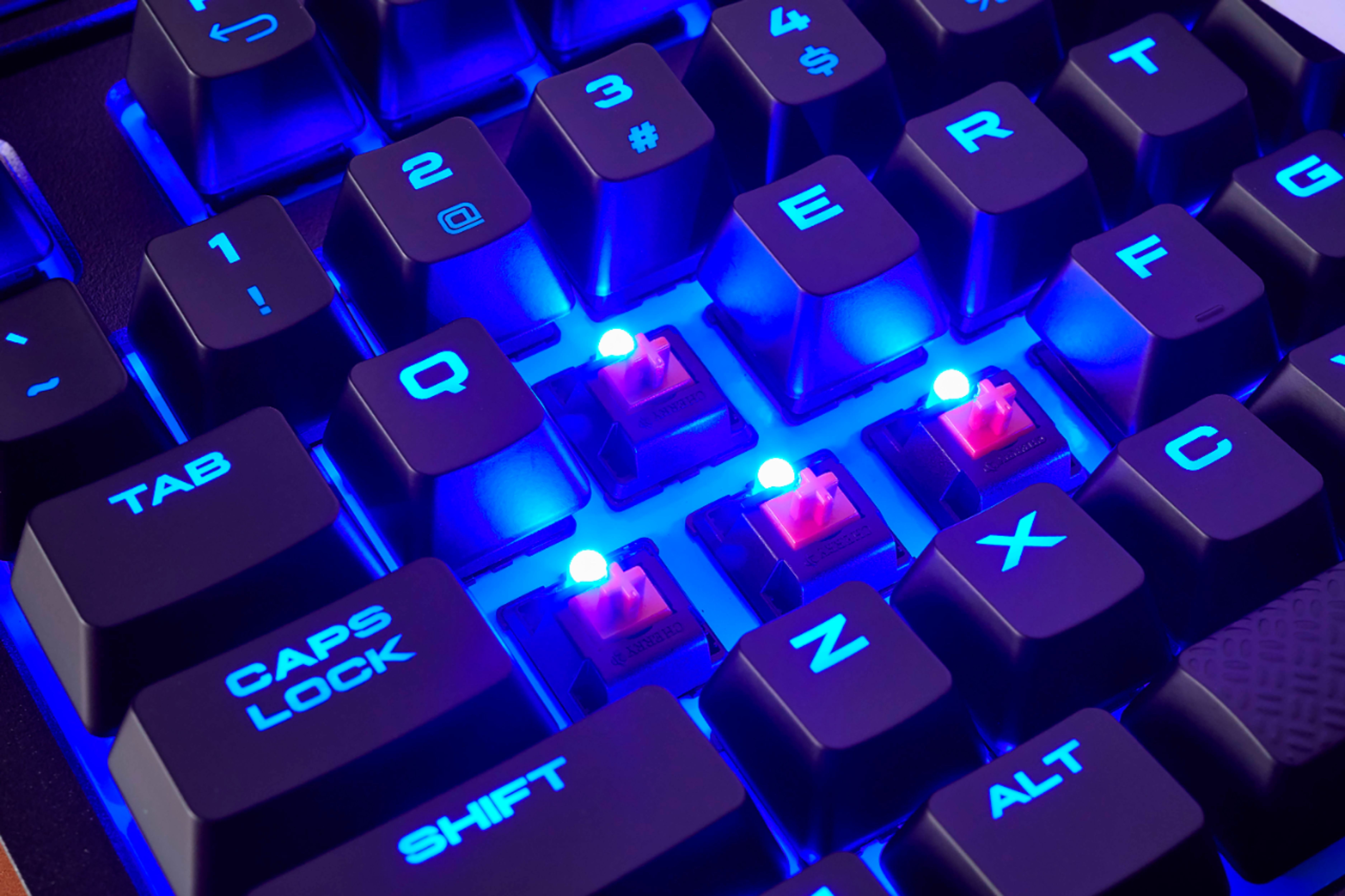
Posted .This reviewer received promo considerations or sweepstakes entry for writing a review.I have had the wireless K63 wireless for about two weeks now. I have my gaming pc hooked up to my big tv in the living room. I normally play with a xbox one elite controller or steam controller but you cant use a controller on all games. I upgraded from a logitech wireless key board, the K63 is built much better and was only about $45 more then my old key board, I have had no problems with wireless and the key board is very responsive. Just make sure you download the Corsair software and you have to update the software and update the keyboard with it plugged in by usb. There is a few small things I don't really like one is the battery, the life is alittle short and you can not change or upgrade the battery you can make it last longer by turning down the brightness in the software I am running my lights at 25% and I have then turned the switch down to the lowest setting. I don't care to much for the blue plastic under the keys I would have liked it black. I also wish the would have made it so you could change the color of the lights it only has blue lights. I do recommend it for couch play. I also got the lap board and that makes it much better for playing from the couch the key board fits perfect and it has a large mouse pad.
I would recommend this to a friend - Pros mentioned:Battery life, Keyboard quality
Better Then Expected!! Great Buy.
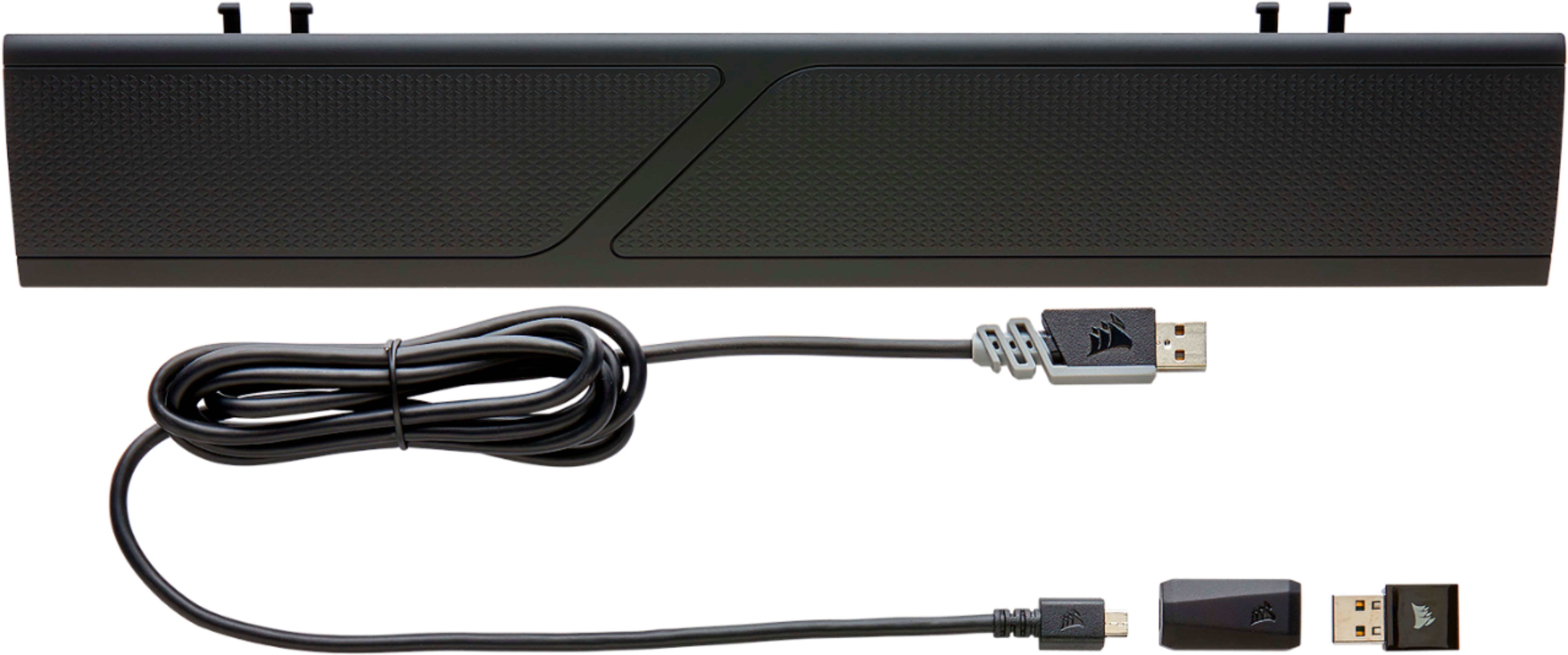
Posted .This reviewer received promo considerations or sweepstakes entry for writing a review.Really wanted to give a gaming keyboard a chance and this one did not fail. I've had 0 issues with Latency/Response time. The size is perfect if your someone who wants a smaller keyboard that's wireless. Also comes with a long Micro USB cable for charging . After one week with the keyboard It's only needed one charge. I've played about 3-5 hours a day on it for the past week. Defiantly recommend giving this wireless keyboard a try.
I would recommend this to a friend - Pros mentioned:Keyboard qualityCons mentioned:Number pad
Sacrifices made
Posted .This reviewer received promo considerations or sweepstakes entry for writing a review.I have the k95 and love it however I am getting into DJing and at time need to move my keyboard so I can put the DJ controller on the desk during the times I want to practice. Instead of unplugging and plugging they keyboard, I went looking for a nice wireless keyboard. The K63 is a nice keyboard, I miss the RGB however it's not a deal breaker as I mainly use blue lights anyways. I do miss the number keys to the right of the keyboard for quick tasks. The quality is there but not K95 quality...
I would recommend this to a friend Great Gaming Keyboard in Wireless form
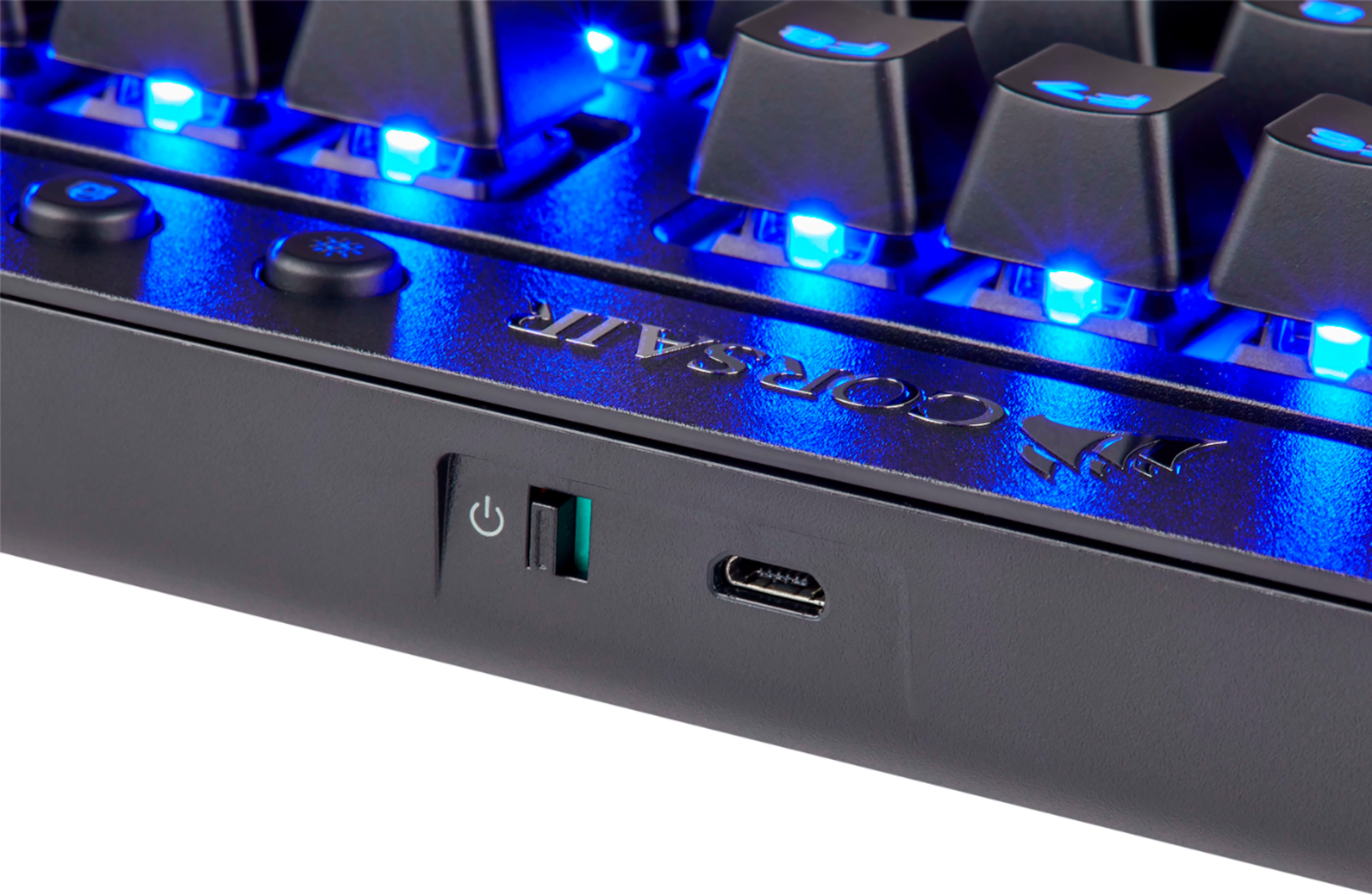
Posted .This reviewer received promo considerations or sweepstakes entry for writing a review.I have to say I really like this keyboard and how it feels. The keys are very nice and feel good to the touch and press. I like the Blue LED's although I don't understand why they just didn't go that extra little step and go full RGB. The downsides are for me is that it is Tenkey Less (I miss my tenkey's!). The battery life is fairly short (I get about 2-3 days of usage with turning it off in between uses). Not sure why the battery doesn't last longer. It's Micro USB instead of USB C (Come on! It's 2018!) Wish it had a user replaceable battery. I would almost rather use my Eneloop rechargeable's in this thing even if it meant changing them out daily.
I would recommend this to a friend- Pros mentioned:Battery life
Amazing keyboard
Posted .This reviewer received promo considerations or sweepstakes entry for writing a review.I really love this keyboard the keys are very clicky and fell good the battery lasts for a long time. I just wish it was RGB instead of just lightning up blue.
I would recommend this to a friend Awesome Keyboard When It Decides To Work
Posted .This reviewer received promo considerations or sweepstakes entry for writing a review.This is by far the best mechanical, wireless keyboard. I've had the Logitech and that one is far too heavy and has the squishy Romer-G switches. This keyboard was meant solely to be my all in one to replace my desktop keyboard for gaming and my logitech for couch browsing. It does both really well when it works. So far, I've had it for more than a year and I keep getting disconnects. I'll switch it off and on and it will not register keys but will still show lights. I also updated the firmware, via hardwire like recommended, and it failed and showed corruption. I did not touch my keyboard during the update but I can only assume Corsair screwed something up. Overall, I'd still buy this keyboard again but only at sub $60. The connection issues are too infuriating when I have to either reconnect the dongle or micro-usb directly to the keyboard. The whole point is for it to be wireless and it fails.
No, I would not recommend this to a friendBrand response from Corsair Art
Posted .Hi Mike,
Very unfortunate to hear about your issues, please reach out and we can help: support.corsair.com
Sure, it has mechanical switches but...
Posted .This reviewer received promo considerations or sweepstakes entry for writing a review.I am by no means an expert when it comes to mk's. My points of reference are the Alps SM-101 with Alps white buckling spring switches and a Cooler Master Rapid Fire TK wired with Cherry reds. Not a ton of experience with aftermarket key caps either, as I had only ever experienced last year's distribution of (mass)drop.com Tai Hao Hiragana's. That being said, I do my fair share of market research via YT reviews, r/mk, and window shopping. Now that we've got that out of the way, let's break it down... PROS Now that big box stores like Best Buy are fully in on the MK craze, it's nice to be able to just walk in and buy a board with mechanical switches. Comes with a wrist rest, BT usb adapter for non-wireless computers, and a cord you can play jumprope with. Onboard volume keys work with my Mac right out of the gate. Finally, it was on sale for $89.99. I have the option to return this to Best Buy within 14 days, which I most likely will, and spend more time/money/effort on a NightFox kit and my choice of switches and cable. CONS It's 2019, there are 1TB micro SD cards available yet I have to download a 339 mb proprietary software file. AGAIN, it's 2019 but I have to use a USB dongle to communicate with a Mac. Switches feel wobbly, space bar stabilizers give off an annoying pinging sound, font is butt-ugly. Idk who's idea it was to make this the industry-standard 3L1T3 gAmEr font but it's gross and needs to be gone by 2020. I would've gone with a non-backlit board with much less intrusive font for the same price. Take-away: If you want to get in on a discounted bluetooth mechanical keyboard and tell your friends that you too have a mechanical keyboard, by all means, have at. That being said, I believe a long-standing company like Corsair could do better with the same resources invested in this product.
No, I would not recommend this to a friendBrand response from Corsair Art
Posted .Hi,
You do not have to use the dongle with a Mac device, you could just connect via bluetooth.
If there's other information we can clarify for you please reach out: support.corsair.com
Great keyboard with a big issue
Posted .This reviewer received promo considerations or sweepstakes entry for writing a review.Really like this keyboard, was exactly what I was looking for. Unfortunately, there's a big issue it seems Corsair probably isn't going to fix. Every time the keyboard goes to sleep to conserve battery, it takes a good 10 seconds after pressing a key before it wakes up and key presses are registered. I have both a Mac and Windows PC, tried this with both the wireless dongle and bluetooth, and problem is the same no matter what. Tried updating firmware and everything. Found a forum post where other people were mentioning the same problem. A Corsair person responded saying they were going to fix it. That was back in March, and it still has this issue. Seems unlikely they're going to fix it, so guess I'll have to return this and get the Logitech one instead. Oh, and I have an older Mac on High Sierra, and was unable to pair bluetooth with it.
No, I would not recommend this to a friendBrand response from Corsair Art
Posted .Hi JBob,
Shouldn't take more than a couple of seconds to be paired up again, Please reach out to us and we can look into how to help: support.corsair.com