Save up to 50% on 3-Day Sale deals.Ends 12/7.Shop now

Skip to content
Gift Ideas
Main Content

Customer Ratings & Reviews

Your price for this item is $139.99
The comparable value price is $179.99

Customer reviews

Rating 4.8 out of 5 stars with 378 reviews

Rating Filter

Rating by feature

  • Value

    Rating 4.7 out of 5 stars

  • Quality

    Rating 4.8 out of 5 stars

  • Ease of Use

    Rating 4.8 out of 5 stars

Pros mentioned filter

Cons mentioned filter

97%would recommend to a friend
The vast majority of our reviews come from verified purchases. Reviews from customers may include My Best Buy members, employees, and Tech Insider Network members (as tagged). Select reviewers may receive discounted products, promotional considerations or entries into drawings for honest, helpful reviews.
Page 19 Showing 361-378 of 378 reviews
  • Pros mentioned:
    Key feel, Keyboard quality
    Tech Insider Network Member

    Rated 5 out of 5 stars

    Nice keyboard

    |
    Tech Insider Network Member
    Posted .
    This reviewer received promo considerations or sweepstakes entry for writing a review.

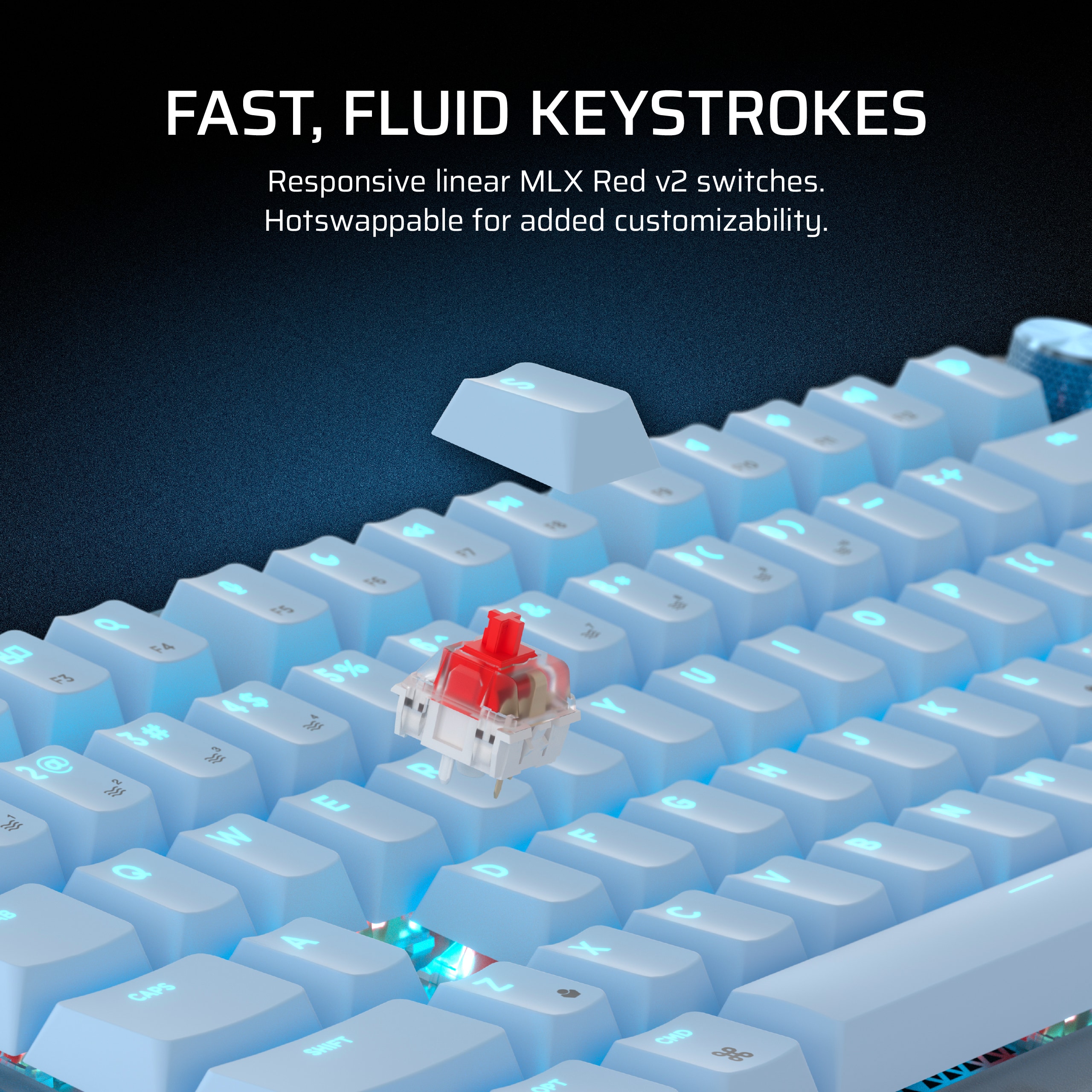
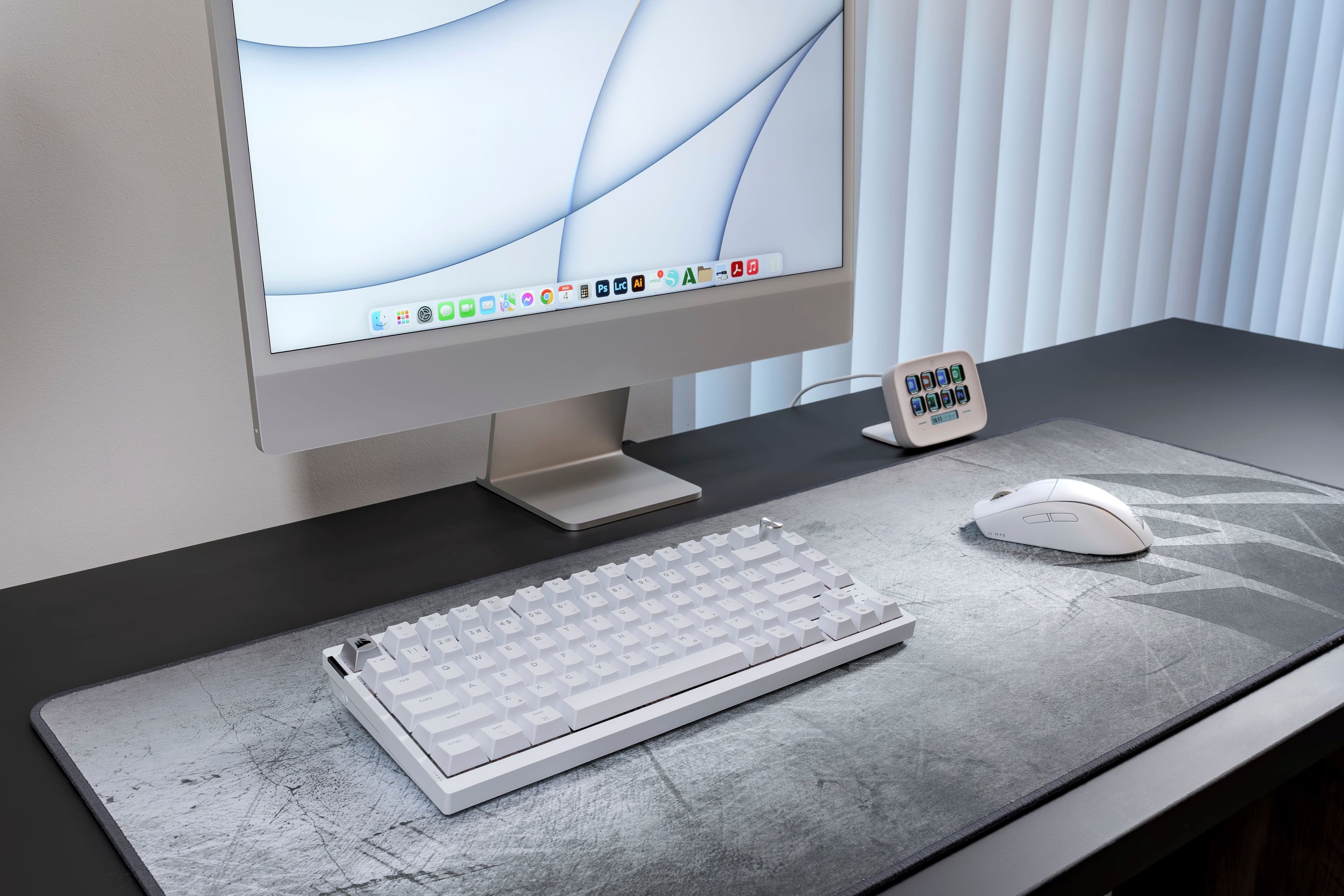
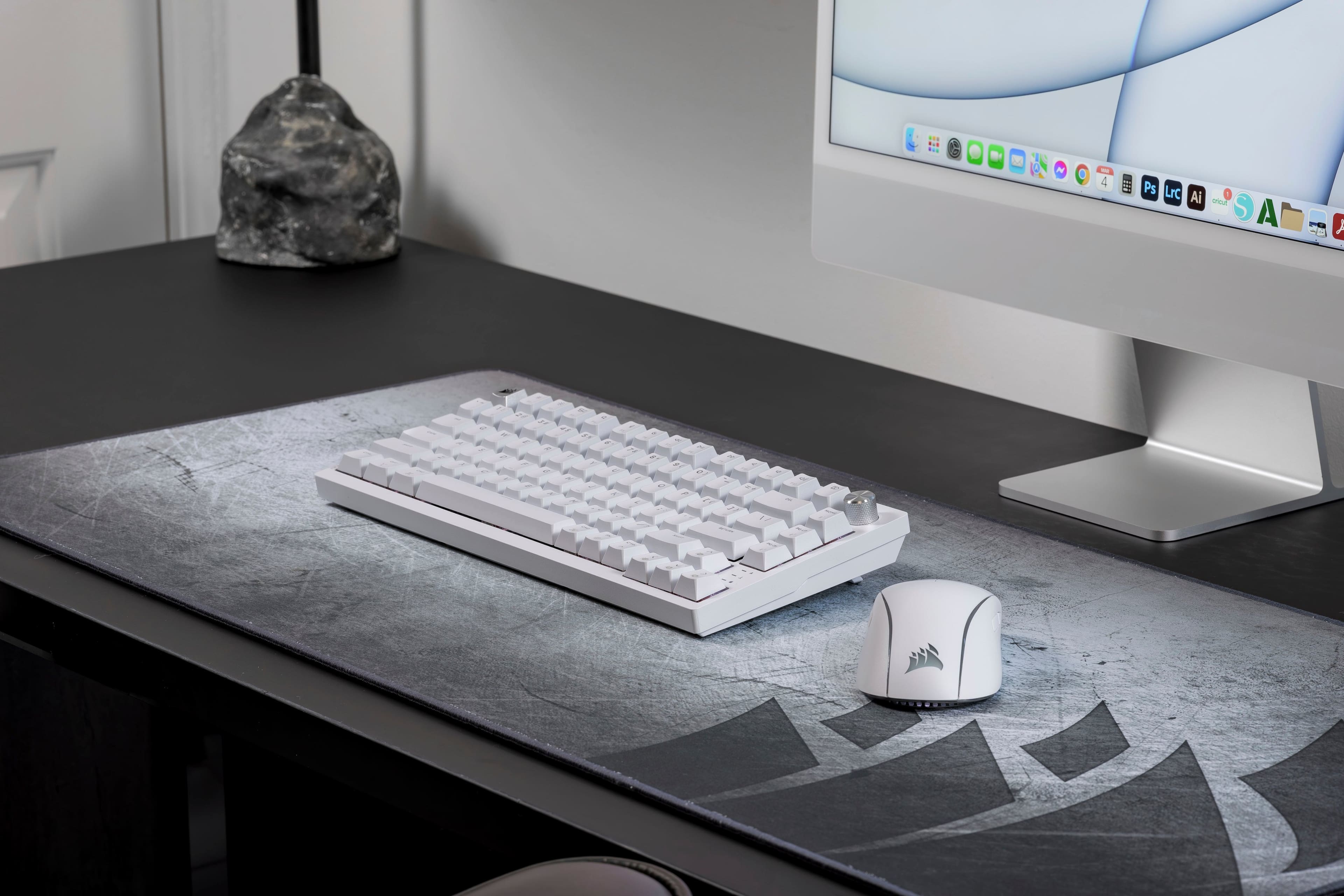
    This is a really nice keyboard but it does have a couple of minor flaws. I would probably give it a 4.5 star rating if best buy allowed half stars but because it is so good otherwise I rounded up to 5. The first and biggest flaw to me (which isn't a big deal really) is the backlighting. It doesn't really light the keytops but just the area around them so don't expect it to help much for visibility. It seems to be more for decoration. There also doesn't seem to be any per key lighting currently, just the usual patterns or static colors. But I guess it's kind of a bonus that it does have backlighting since it wasn't mentioned in the description when I ordered it. There is a convenient button on the side to turn it on/off if you want to use the backlight. I personally keep it off most of the time since it seems distracting during intense gaming and also drains the battery a bit more. The other minor flaw is with the macros which seem to be limited to a certain number of characters. I like to program my email address as a macro since most websites that require a login use it but mine is apparently a few characters too long to record all of it. But again not a big deal since it does do macros which was a pleasant surprise. I really like the looks and size of this keyboard. The spacing and feel of the keys are great. It's pretty hefty for it's size which is good to keep it from moving around when using it. Probably it's large battery adds some of the weight. It's also very quiet so you shouldn't disturb others with your frantic gaming. Works wired too but I mostly use the 2.4 Ghz receiver wirelessly. I used to prefer keyboards with tactile feedback but this one may have converted me to the smooth linear style which is very comfy here. It has become easily my favorite for gaming of the many keyboards I've used over the years.

    I would recommend this to a friend
  • Pros mentioned:
    Key feel, Noise level

    Rated 5 out of 5 stars

    outstanding and convinient

    Posted .
    This reviewer received promo considerations or sweepstakes entry for writing a review.

    great typing feel, great lights and stand, keys have great feeel to them, quiet, software "icue" is shoddy but who cares great keyboard

    I would recommend this to a friend
  • Pros mentioned:
    Keyboard quality, Wireless
    Tech Insider Network Member

    Rated 5 out of 5 stars

    Best Keyboard I've Used

    |
    Tech Insider Network Member
    Posted .
    This reviewer received promo considerations or sweepstakes entry for writing a review.

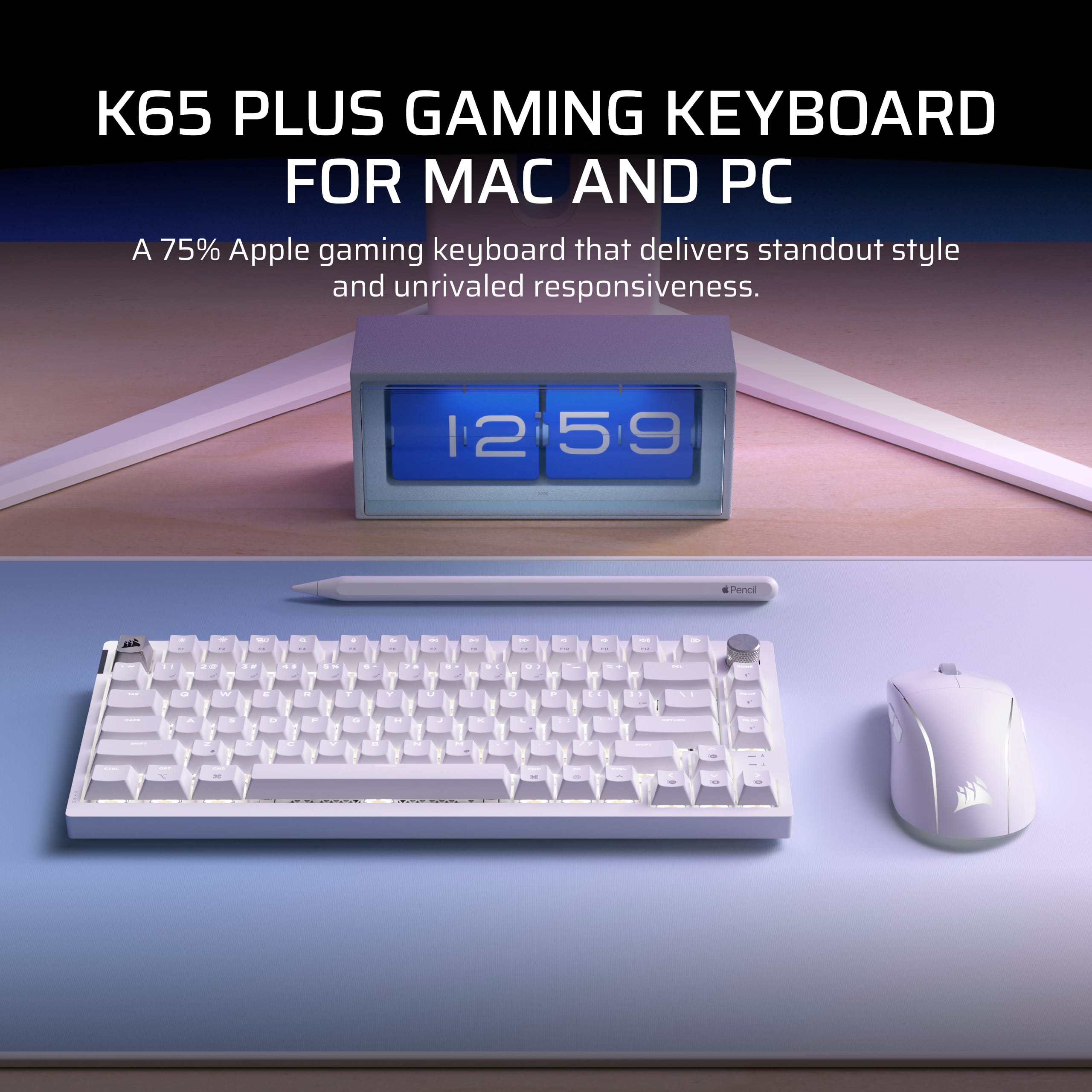
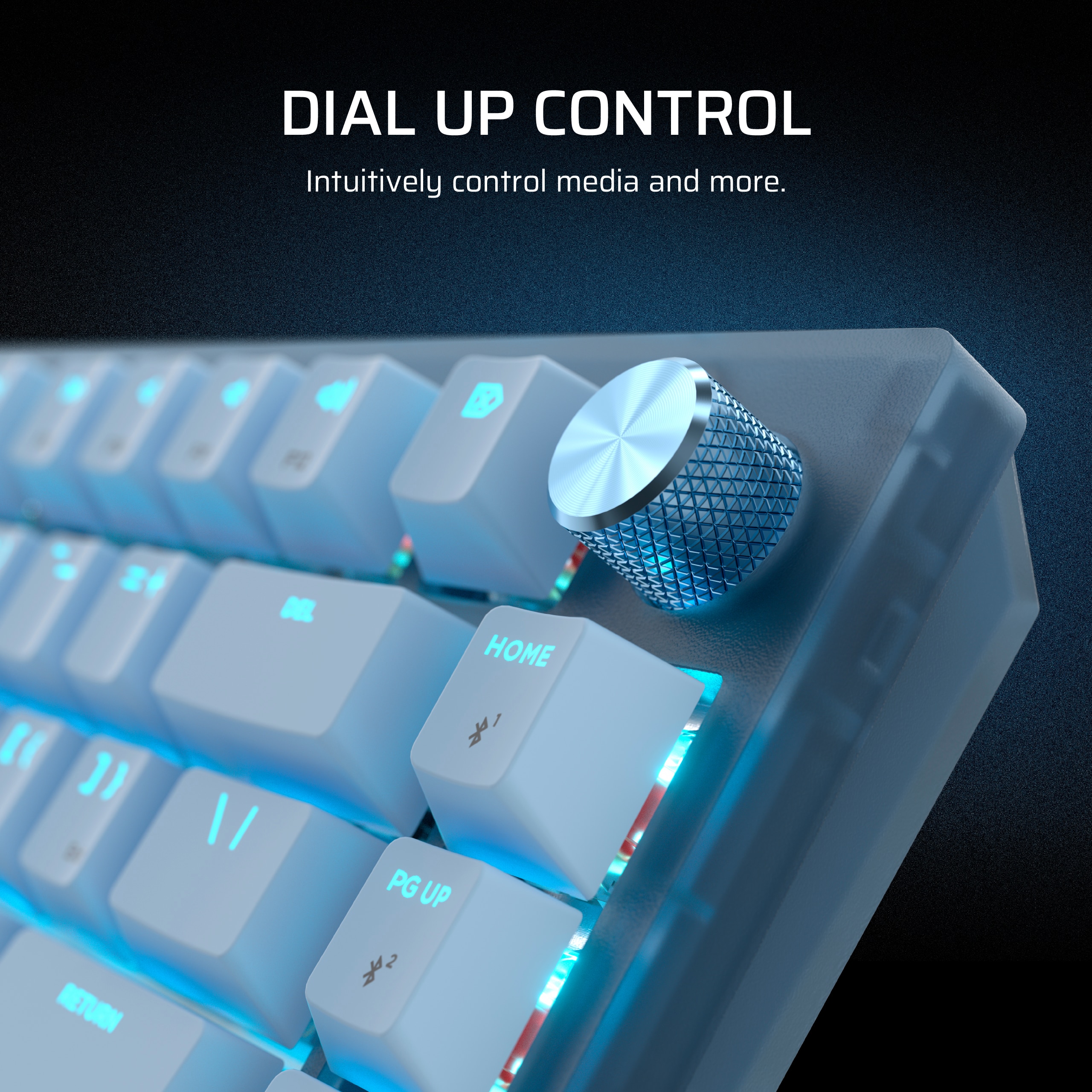
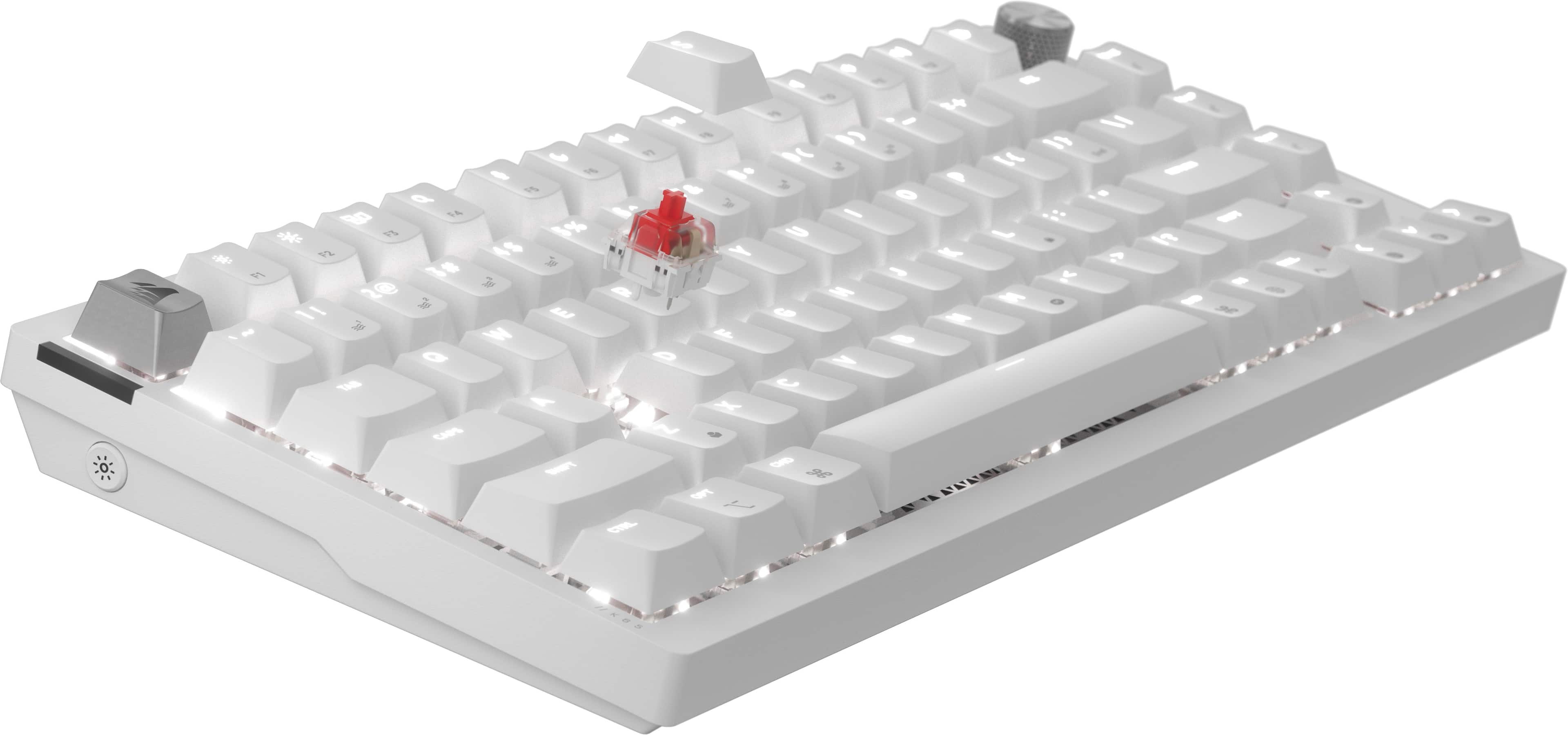
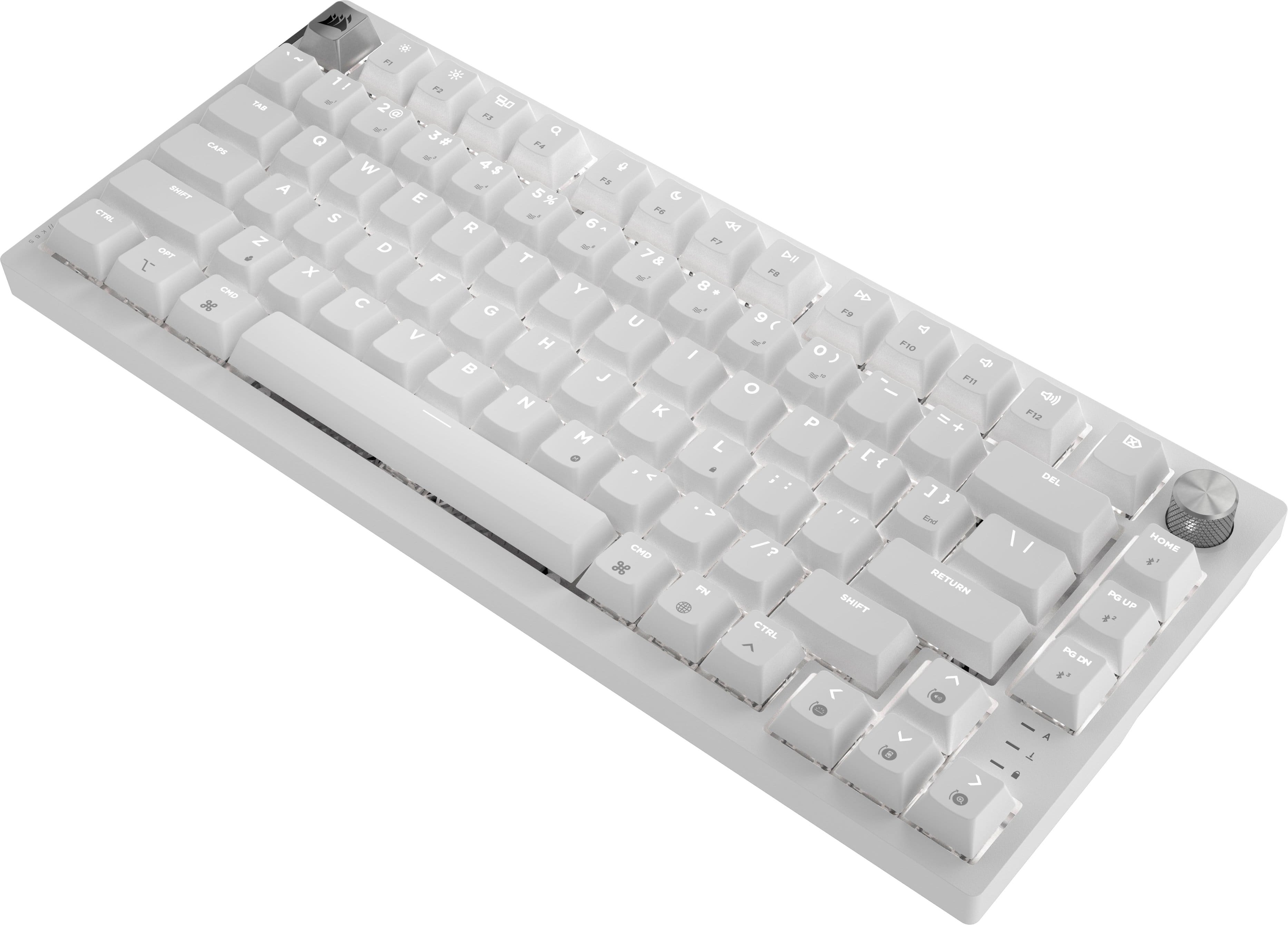
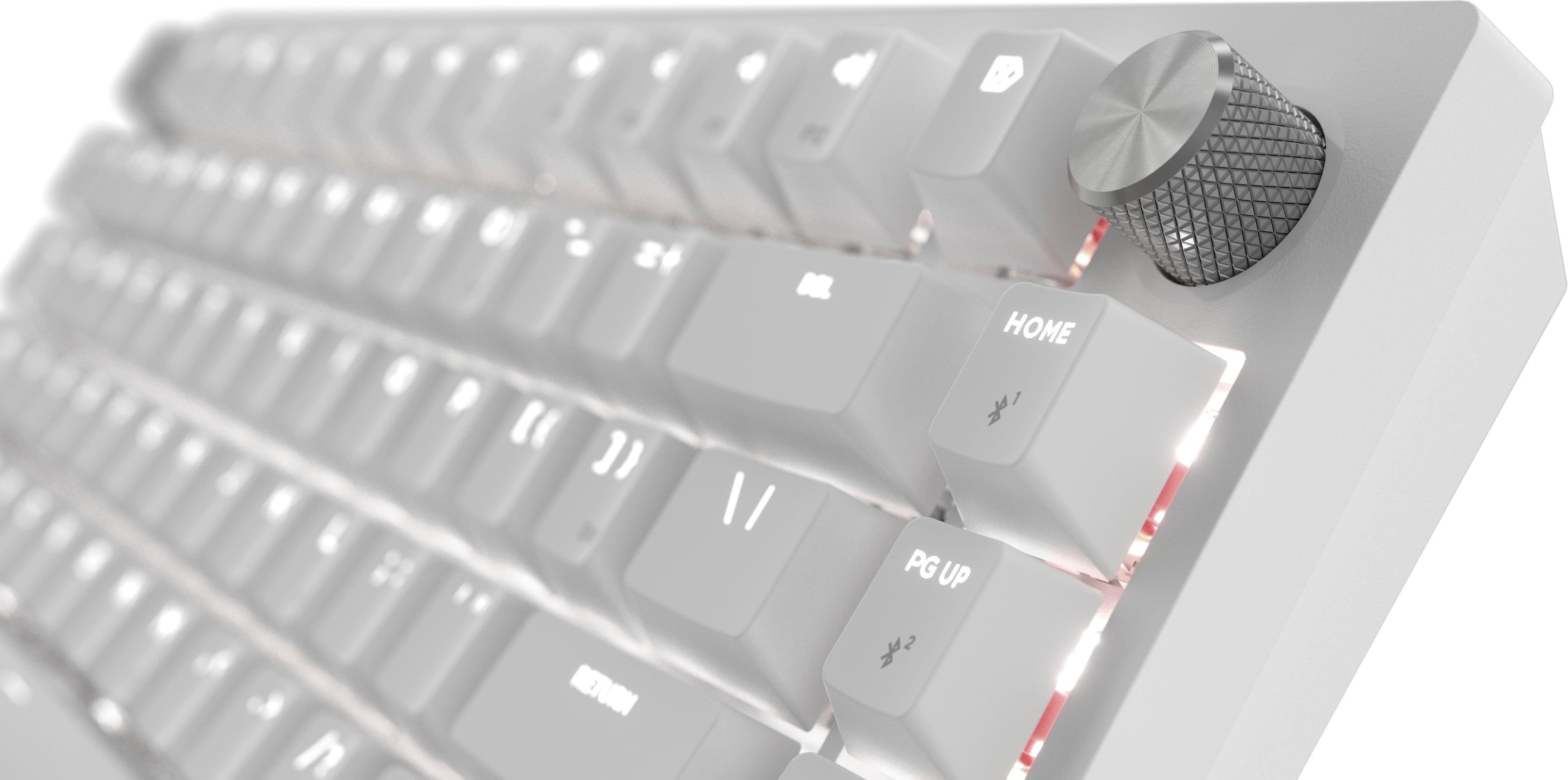
    The new Corsair K65 PLUS has very quickly become my favorite keyboard. For me anyways, it's as close to perfection as I think a keyboard can get. The design is well thought out and the size is just right. A smaller keyboard like this might not be for everyone. But for me I like that it works great for everything while not taking up a ton of space. The build is first class. This really feels solid without being to heavy. The ability to use it corded or cordless (Bluetooth or Wi-Fi) is great. The MLX Red key strokes are (again, for me anyways) just right. The perfect amount of travel with a nice feel and not overly clicky. The backlight can be controlled with the Corsair iCUE app and is easy to customize. The multi function dial works great as well. With it being a small keyboard, there are a good number of keys that have a secondary function that other keyboards don't have. But none of it is hard to figure out or get used to. Some gamers might not like the small size. But like anything, that's a personal choice. For me, the balance between gaming keyboard and work keyboard is absolutely perfect and I couldn't be happier. In fact, I really don't see myself using any of my other keyboards again!

    I would recommend this to a friend
  • Rated 1 out of 5 stars

    Gaming Keyboard

    |
    |
    Posted . Owned for 3 weeks when reviewed.
    This reviewer received promo considerations or sweepstakes entry for writing a review.

    Could work better but it sucks if I am being honest

    I would recommend this to a friend
    • Brand response from Corsair
      Posted .

      Hello Ciana,

      How does it "suck"? Please contact our team directly right on our site for assistance.

      -Art CorsairGaming

  • Pros mentioned:
    Keyboard quality
    Tech Insider Network Member

    Rated 4 out of 5 stars

    Great wireless mechanical keyboard (once setup)

    |
    Tech Insider Network Member
    Posted .
    This reviewer received promo considerations or sweepstakes entry for writing a review.

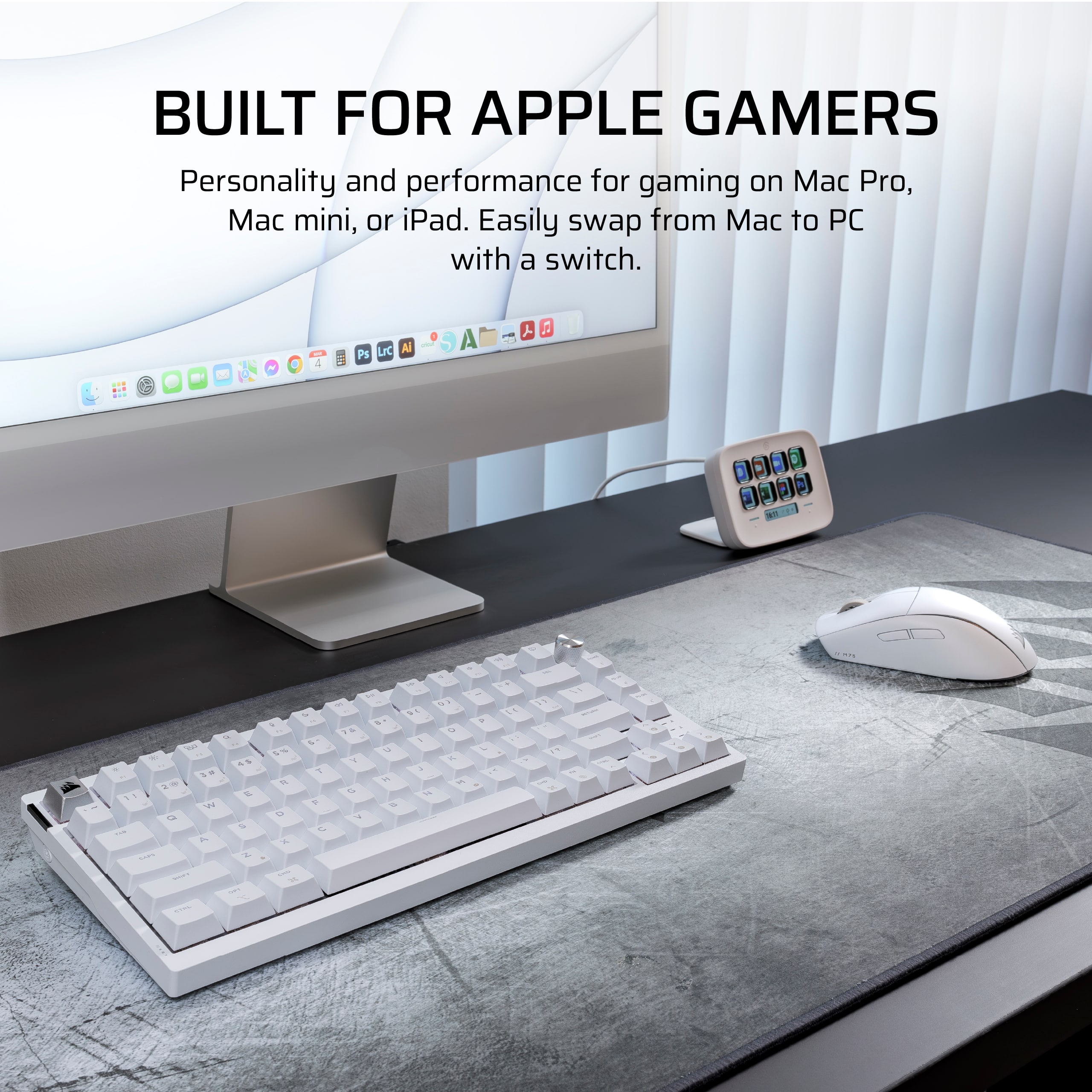
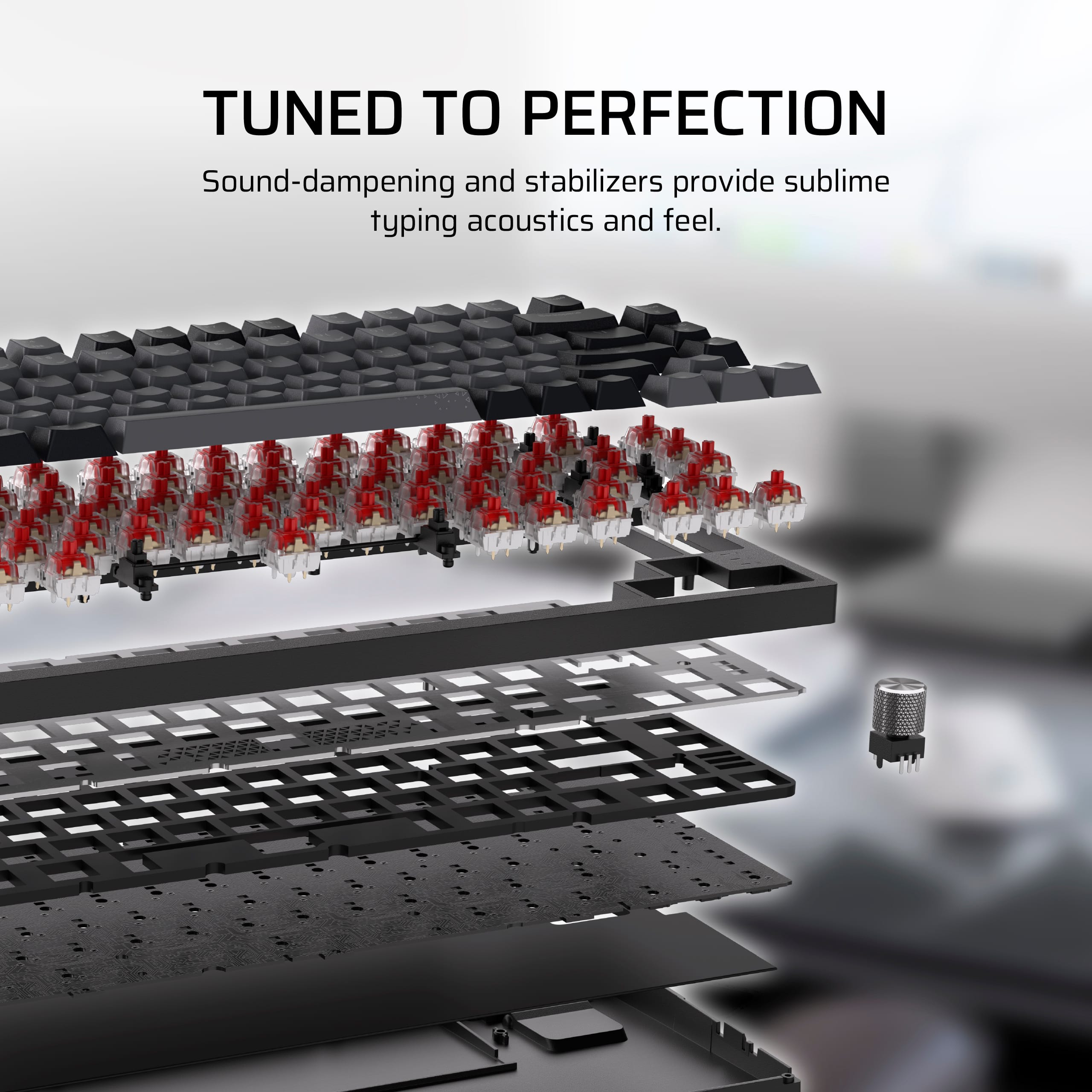
    There is a lot to like about this keyboard. Mechanically, I am very impressed. While I am not a big fan of the red switches (because there is no discernible "click" or "release" when typing as I have grown to love from a mechanical keyboard), the travel distance on the keyboard is good and it is comfortable for typing. It is also fairly quiet for a mechanical keyboard (although I do prefer hearing that distinct "click" when I type). With all that being said, though, it is very easy to not only change the keycaps with the included tool, but the switches themselves can be changed (also facilitated by the included tool). This is the first keyboard I ever had with replaceable switches and I am looking forward to actually swapping them out with maybe a brown or blue switch. Next, this is one of the few mechanical keyboards I have found that recognizes that there are some people out there who use Macs. The modifier keys are marked for both Windows and Mac layouts and the keyboard changes from one to the other by simply toggling a switch on the back of the keyboard. I finally have a portable option for a mechanical keyboard when traveling with my Mac! I will be checking to see if Corsair sells a similar keyboard with a numeric keypad. (Yes, such an option makes for a larger keyboard that does not necessarily travel as well, but I would probably still travel with it as I use my numeric keypad frequently.) In talking about traveling, my random thought is that it would be nice to include or sell a "cover" for the keyboard to protect the keys while traveling (making it easier to throw the keyboard in a bag or suitcase without having to worry about the keys taking abuse during travel). Although, then again, mechanical key switches are supposed to be very robust, so hopefully such travel-related abuse would not be detrimental to the keyboard. The LEDs are customizable through Corsair's iCue software and lighting layouts can be uploaded to the memory within the keyboard. The volume dial on the keyboard is also customizable to accommodate different keyboard features (such as brightening or dimming the LEDs). The keyboard does have some significant heft for full-size, yet smaller form-factor keyboard. I am guessing that is because of the battery? Unfortunately, I have not had the keyboard long enough to determine just how long the battery lasts during typical use. Given its USB-C connectivity, however, I do not consider it to be that big of an inconvenience to plug it in when necessary. Along those lines, the keyboard can connect to devices via USB-C, bluetooth, or wirelessly using the included USB-A computer dongle. Given its bluetooth connectivity, the keyboard can apparently connect to other devices as well, like an Xbox, Playstation, iPhone, iPad, or an Android device. I did not try that, however, as I typically do not use a physical keyboard with those devices (aside from a smart keyboard for my iPad). With that connectivity in mind, this is where the keyboard takes a few "dings" in my review. The initial setup of the keyboard was not very intuitive. I already had Corsair's iCue software installed on my PC and the software did not see the keyboard when I plugged it in via USB-C. Another criticism is that, while I already had a Corsair dongle in the computer for my Corsair Dark Core mouse, I still had to plug in this second dongle specifically for the keyboard. Maybe I am doing something wrong, but it would have been nice for the single USB-A dongle to work across multiple Corsair devices. I would also be curious if there is an advantage to using the wireless versus bluetooth for connecting the keyboard to my computer. Again, the documentation in the box is rather scarce and does nothing to help the user install the keyboard and the software on your computer. Ultimately, it took some trial and error, switching back-and-forth between USB-C and wireless, and at least one reboot before things finally seemed to work. Even then, however, I was still challenged with setting up the lighting and still have no idea how to control the lighting through the keyboard versus turning things on and off (or changing layouts) through the iCue app. In this regard, some much better documentation would have really been helpful. Maybe there is something online, but there was nothing in the box to even direct me there. For that reason, I cannot bring myself to give this keyboard 5 stars. Mechanically, it is probably worth 5 stars, but the difficulty I had in setting it up, working with the iCue software, and lack of even some type of cursory documentation, definitely impacted my experience and made it difficult for me to justify anything more than 4 to 4.5 stars (and, because I can rate only in full stars here, I had to round down, rather than up, given these "supplemental" shortcomings). If you are able to tolerate a somewhat haphazard setup process with little to no documentation, there is a lot to love about this keyboard. Is it worth the price and would I recommend it to others? I would say yes on both accounts (with the setup/documentation caveat).

    I would recommend this to a friend
  • Pros mentioned:
    Noise level
    Tech Insider Network Member

    Rated 5 out of 5 stars

    What can I say? It's Corsair.

    |
    Tech Insider Network Member
    Posted .
    This reviewer received promo considerations or sweepstakes entry for writing a review.

    Maybe I'm a little bit of a fanboi, but I love me some Corsair, and this keyboard doesn't disappoint. I've never really had a 75% keyboard before, I've seen many people use them (and smaller) and wondered about the draw to them. To me it was always basically a laptop form factor keyboard but at a desk scale and I didn't really get it. I'm a believer now. It comes packaged as most keyboards do, simple thin box and that's really all that is needed. In the box is the keyboard itself, a USB dongle, cable and tool to remove the switches as they are swappable. The keyboard itself touts as being compatible with basically everything (Windows, Linux, Android, Apple, PS, XBox, and a partridge in a pear tree) and while I don't have ALL of those and while I do primarily use it with Windows, I can confirm it works well with what I do have (Android, XBox, Windows). Having a small-ish mechanical gaming keyboard is rather nice, not contending with the space of the number pad that I dont really use for anything besides inputting passwords frees up some of my valuable desk space and that makes it worthwhile to me. The backlighting is cool, the keys are responsive and quiet, and overall the use is great. I would recommend using the USB dongle on compatible devices for gaming as the response is best with it. That's not to say bluetooth is bad, but wired or the dongle is going to be faster than bluetooth. Overall it's a great keyboard, particularly for those not needing the number pad, it's mechanical, it's quiet and it's Corsair.

    I would recommend this to a friend
  • Pros mentioned:
    Battery life
    Tech Insider Network Member

    Rated 4 out of 5 stars

    High quality keyboard

    |
    Tech Insider Network Member
    Posted .
    This reviewer received promo considerations or sweepstakes entry for writing a review.

    First is the negative which cost it a star: The keys do not light up. If you play in the dark or dim room you won't be able to see what the keys are. You'll have to rely on memory and feel to get your position. The lighting is only for show and not function. If you want lit key markings, you'll need to purchase you own key caps. First impression upon unboxing is that, man, this thing has some weight at a little over 2lbs. I thought it would be a lightweight but it's heavier than some of my full sized mechanical keyboards. If you use it as a portable then you'll have to account for the extra weight. It's nice to know I can use it for self defense if needed, lol. It pairs perfectly with a Legion Go or ROG Ally. The noise from typing is minimal. You get the taps, but Corsair did a great job of muffling the clickity-clack of the board to where you won't be disturbing anyone around you much. The travel is minimal and doesn't require much force. Battery life has been pretty good. I haven't needed to recharge it with roughly 5 hours of game play and low back lighting. If the battery dies during a session, you can always resort to wired connection and use the included USB C cable to keep going as it recharges. With iCue, you can set up your backlighting to a nearly unlimited combinations. You can also set up any key as a macro. You can also store four profiles so that you don't need to install iCue on every computer you use it on. I didn't test it, but I recall some of their older KB's didn't store macros or certain color effects, so I don't know if this model will. Everything about this keyboard is high quality. The only thing that I don't like is not being able to see the keys. I play in a dim or dark area, so having true back-lit keys are essential. At least the fix isn't that costly.

    I would recommend this to a friend
  • Tech Insider Network Member

    Rated 4 out of 5 stars

    Great portable mini gaming beast!

    |
    Tech Insider Network Member
    Posted .
    This reviewer received promo considerations or sweepstakes entry for writing a review.

    TLDR: If you need a portable/75% high end gaming keyboard, the K65 Plus is a legit contender, while being fairly quiet! I give the K65 plus a solid 4/5 and recommend it for most gamers on the go! Pros: The size of the K65 plus could be a positive or negative for some, but if you’re considering it, I would automatically assume it's a positive. Due to the battery and materials used, it's quite heavy for its size, but that gives it an extra solid and premium feel. The iCue software allowing for such customization is LEGIT, and the RGB is surprisingly bright considering its not coming through the keys at all, just under/around. The feel plus ease of key replacement (and even switch replacement!) makes this an easy daily use keyboard as well as being portable. Being able to use the included dongle OR Bluetooth is a huge plus. Cons: iCue isn’t my favorite software, but obviously that comes down to personal preference. It’s a bit clunky still, but does allow for TONS of customization. The battery life seems mediocre-ish (I’ve had to charge it 3 times in a week, not a huge deal with the easy port/nice included cable, but I have been gaming at least a few hours per day) Obviously I have the RGB rolling, which would most likely save some juice if needed.

    I would recommend this to a friend
  • Pros mentioned:
    Keyboard quality

    Rated 5 out of 5 stars

    Great keyboard

    Posted .
    This reviewer received promo considerations or sweepstakes entry for writing a review.

    Fantastic keyboard. Great sounding and comfortable to use. Knob is versatile and easy to use.

    I would recommend this to a friend
  • Rated 5 out of 5 stars

    Good keyboard

    Posted .
    This reviewer received promo considerations or sweepstakes entry for writing a review.

    amazing deal and price! the software for this very useful and the sound is out of the world great choice if you looking for a upgrade

    I would recommend this to a friend
  • Rated 5 out of 5 stars

    Gamers must have

    Posted .
    This reviewer received promo considerations or sweepstakes entry for writing a review.

    Wonderful product! Much better than the stock ones on the gaming pcs

    I would recommend this to a friend
  • Pros mentioned:
    Keyboard quality

    Rated 5 out of 5 stars

    Gift

    Posted .
    This reviewer received promo considerations or sweepstakes entry for writing a review.

    My son loves this keyboard! Gave it to him for his birthday

    I would recommend this to a friend
  • Pros mentioned:
    Key feel

    Rated 5 out of 5 stars

    One of my favorites

    Posted .
    This reviewer received promo considerations or sweepstakes entry for writing a review.

    Similar to any other tenkeyless, plus the wireless, and brown keys are awesome. Not loud but clunky enough. It's a preference at the end of the day. Just try it, if you dont like it dont destroy it, then return it. Software is pretty rad as well.

    I would recommend this to a friend
  • Pros mentioned:
    Noise level

    Rated 5 out of 5 stars

    It’s great

    Posted .
    This reviewer received promo considerations or sweepstakes entry for writing a review.

    Had it for also a month now and I love it. The looks, how it sounds and the colors looks great.

    I would recommend this to a friend
  • Rated 5 out of 5 stars

    K70 RGB

    Posted .
    This reviewer received promo considerations or sweepstakes entry for writing a review.

    Amazing keyboard, very quiet. Only flaws is it's plastic base construction and the keys themselves don't allow light passthrough meaning rgb lighting is only shown from the bottom of the keys.

    I would recommend this to a friend
  • Rated 3 out of 5 stars

    Can't see the type

    Posted .
    This reviewer received promo considerations or sweepstakes entry for writing a review.

    Haven't had long to judge performance so my reason for 3 stars is, for this price the key legends should light up. I am not a typist so I don't have keys memorized. My issue is, in the darkness at night or in a dark bedroom I can't see the legend on the keys so I have to have a light on to see them. Got it today, think I will return it.

    No, I would not recommend this to a friend
  • Pros mentioned:
    Keyboard quality

    Rated 1 out of 5 stars

    Receiver doesn’t work

    Posted .
    This reviewer received promo considerations or sweepstakes entry for writing a review.

    Great keyboard feels and looks good however the issue with the receiver completely kills any enjoyment i would’ve gotten from this. At first it started with random flashes on my delete and light key that would disrupt performance before rapidly progressing into the issue i have now where the receiver detects the keyboard but doesn’t connect what so ever and to make matters worse it was already outside of the return period. Would not recommend.

    No, I would not recommend this to a friend
    • Brand response from Corsair
      Posted .

      Hello Scott,

      Sorry to hear,

      Our team can definitely help, please contact them directly right on our site at any time for assistance!

      -Art CorsairGaming

  • Rated 5 out of 5 stars

    Keyboard

    Posted .
    This reviewer received promo considerations or sweepstakes entry for writing a review.

    Fire bord Fire shipping time Would definitely recommend if you are looking for a more quiet keyboard that is still mechanical

    I would recommend this to a friend