Customer Ratings & Reviews
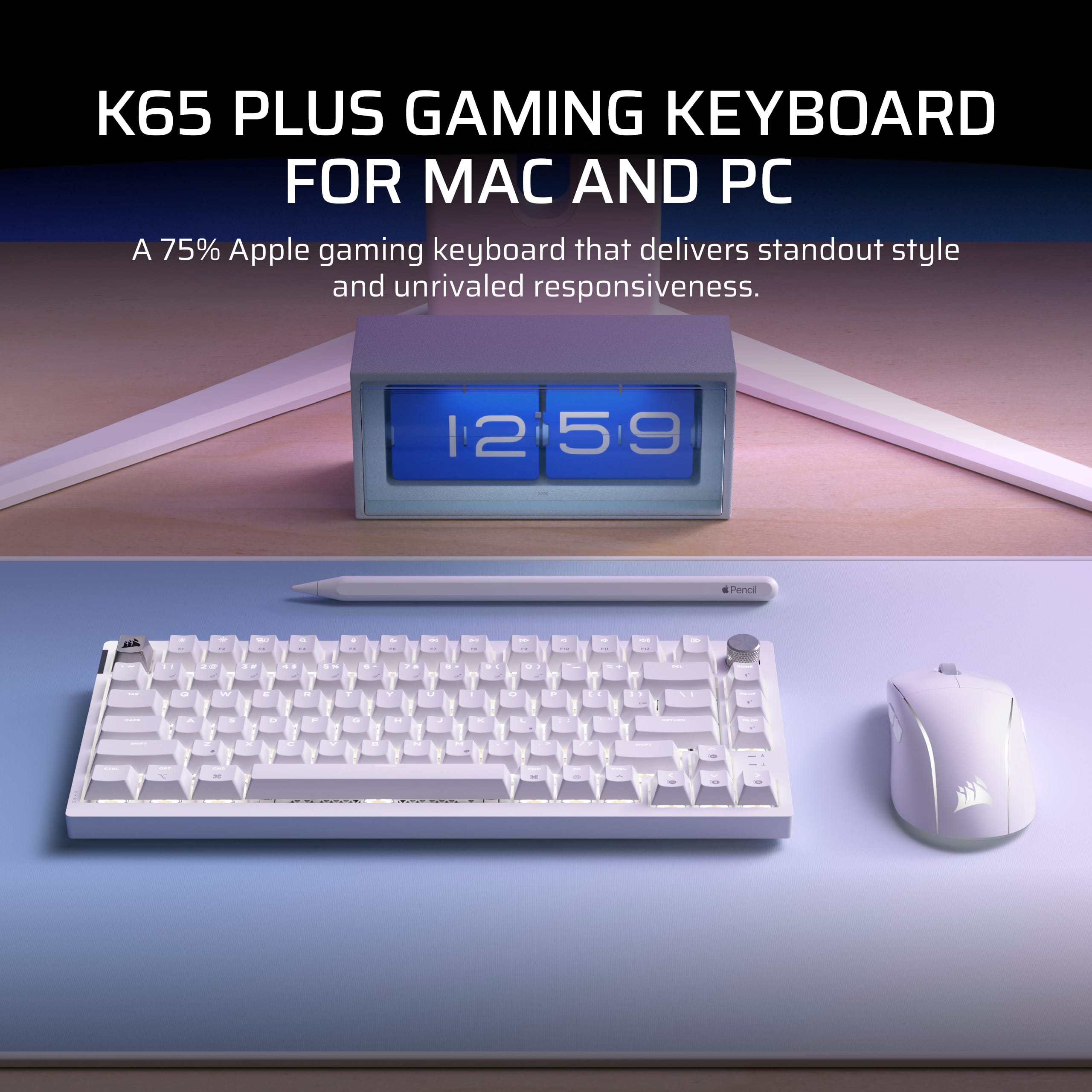
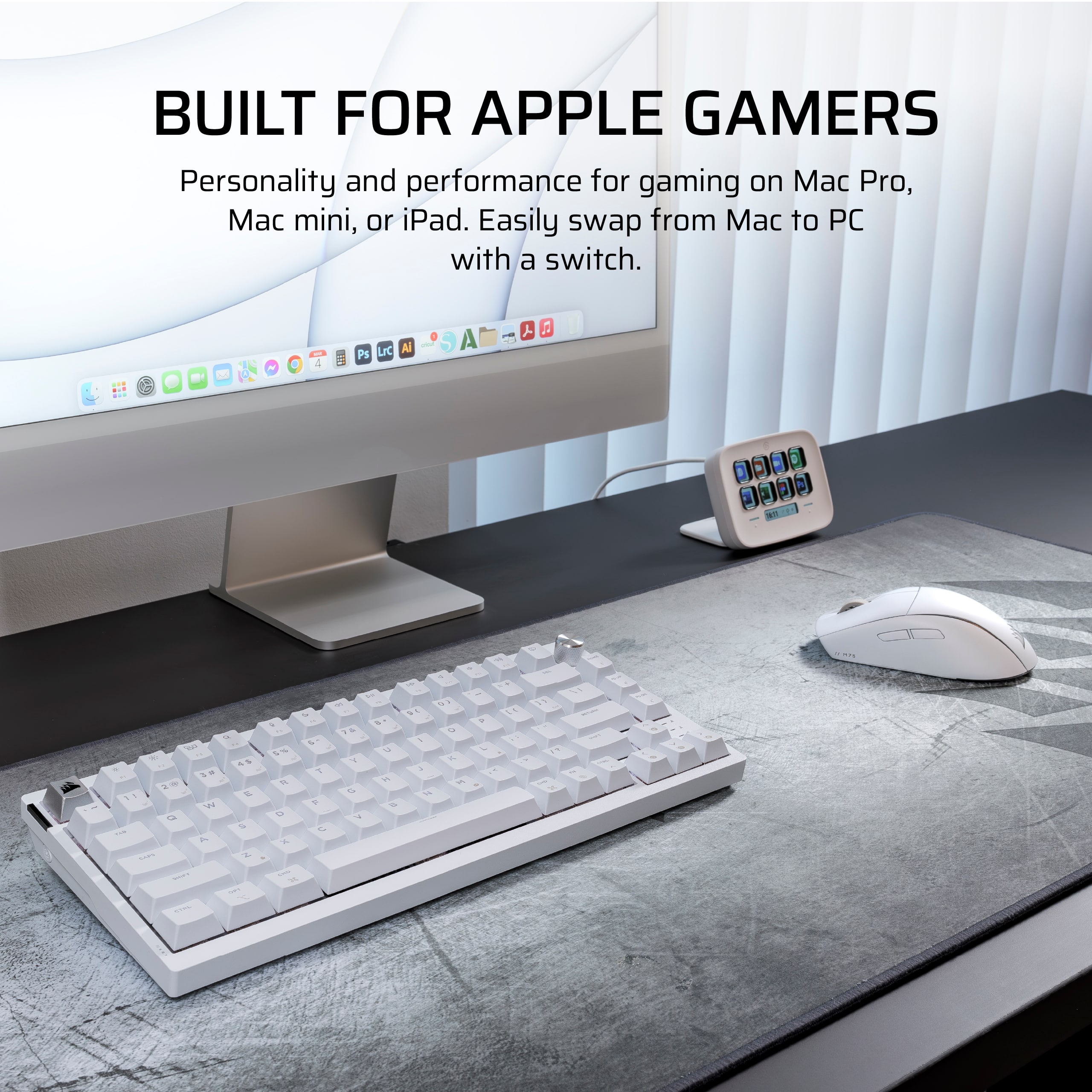
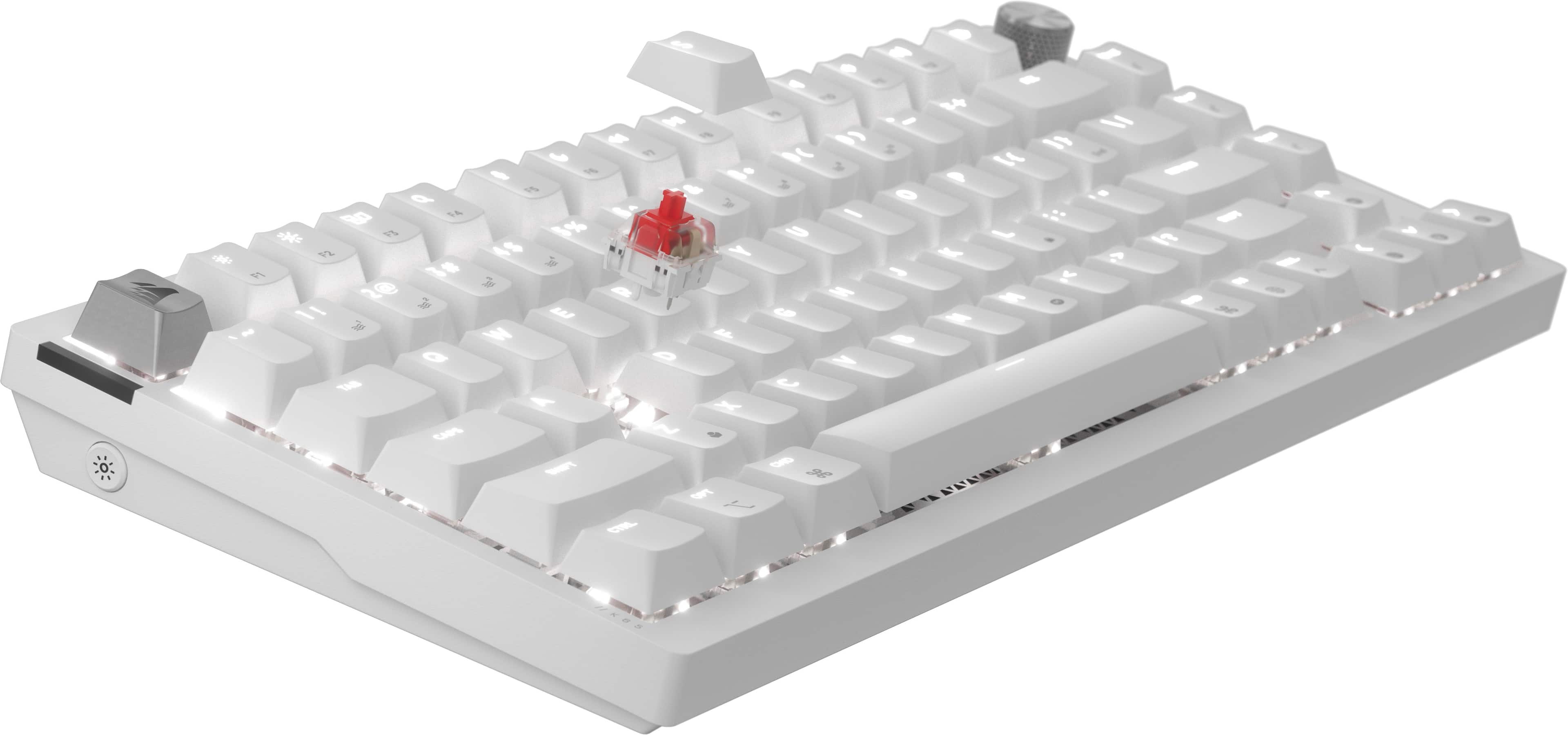
![The text on the image is a list of keys on a keyboard. Here's the corrected list:
1. ! 2. @ 3. # 4. $ 5. % 6. ^ 7. & 8. * 9. ( 10. ) 11. - 12. = 13. + 14. [ 15. ] 16. { 17. } 18. I 19. O 20. P 21. J 22. K 23. L 24. ; 25. ' 26. , 27. / 28.
The image shows a white keyboard with a close-up view of the keys.](https://pisces.bbystatic.com/image2/BestBuy_US/images/products/dba36f8b-74ae-410a-9fe4-242142f89ae4.png)
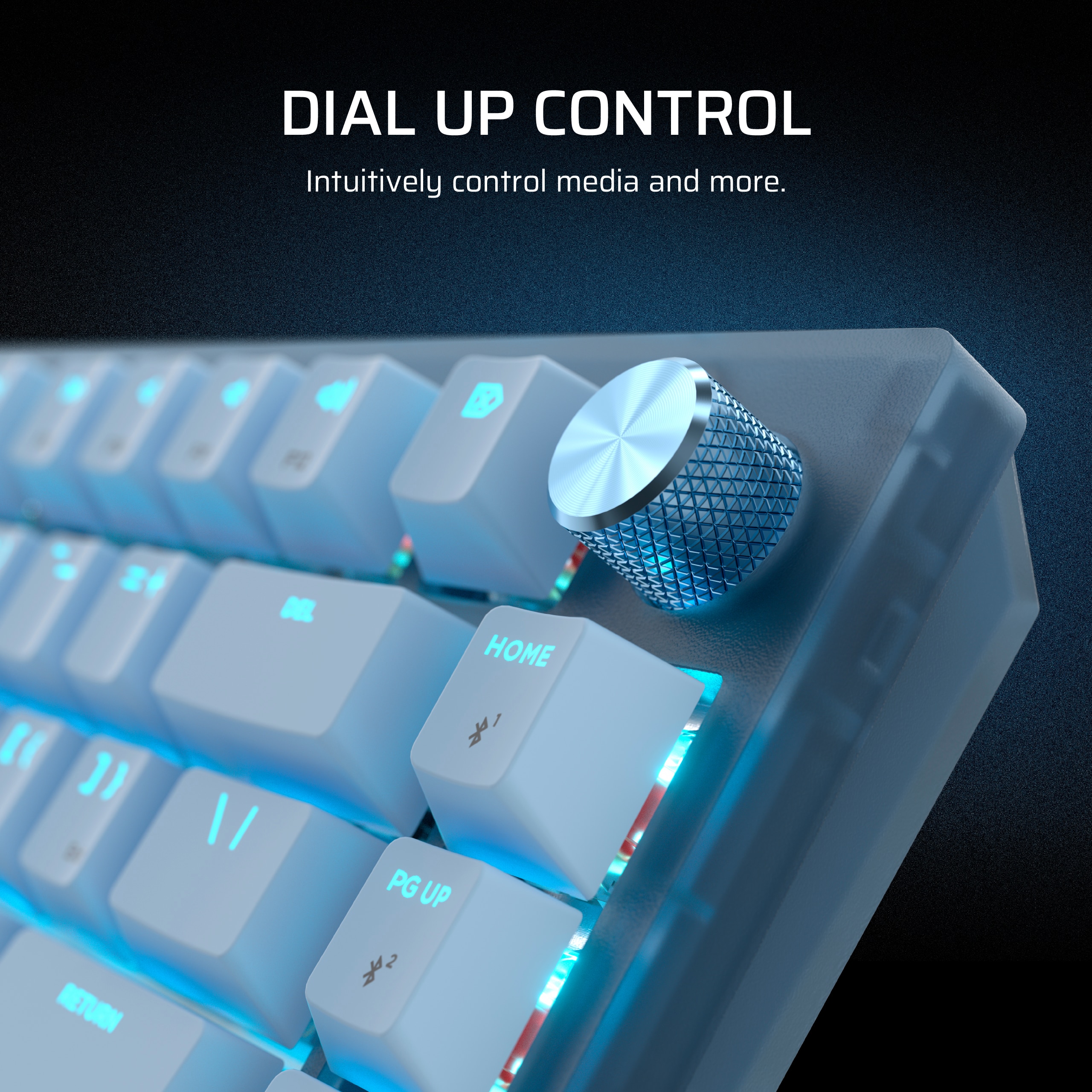
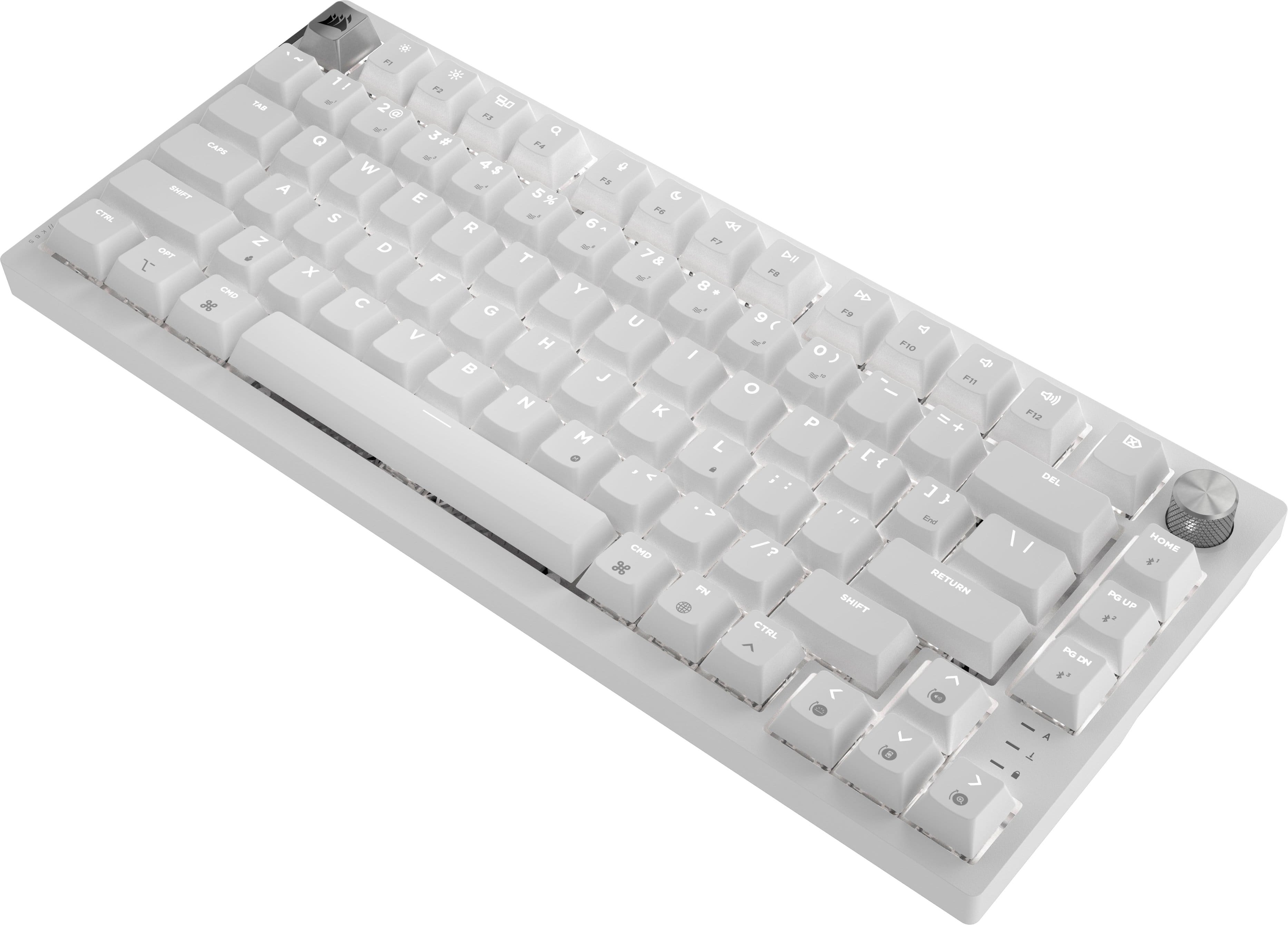
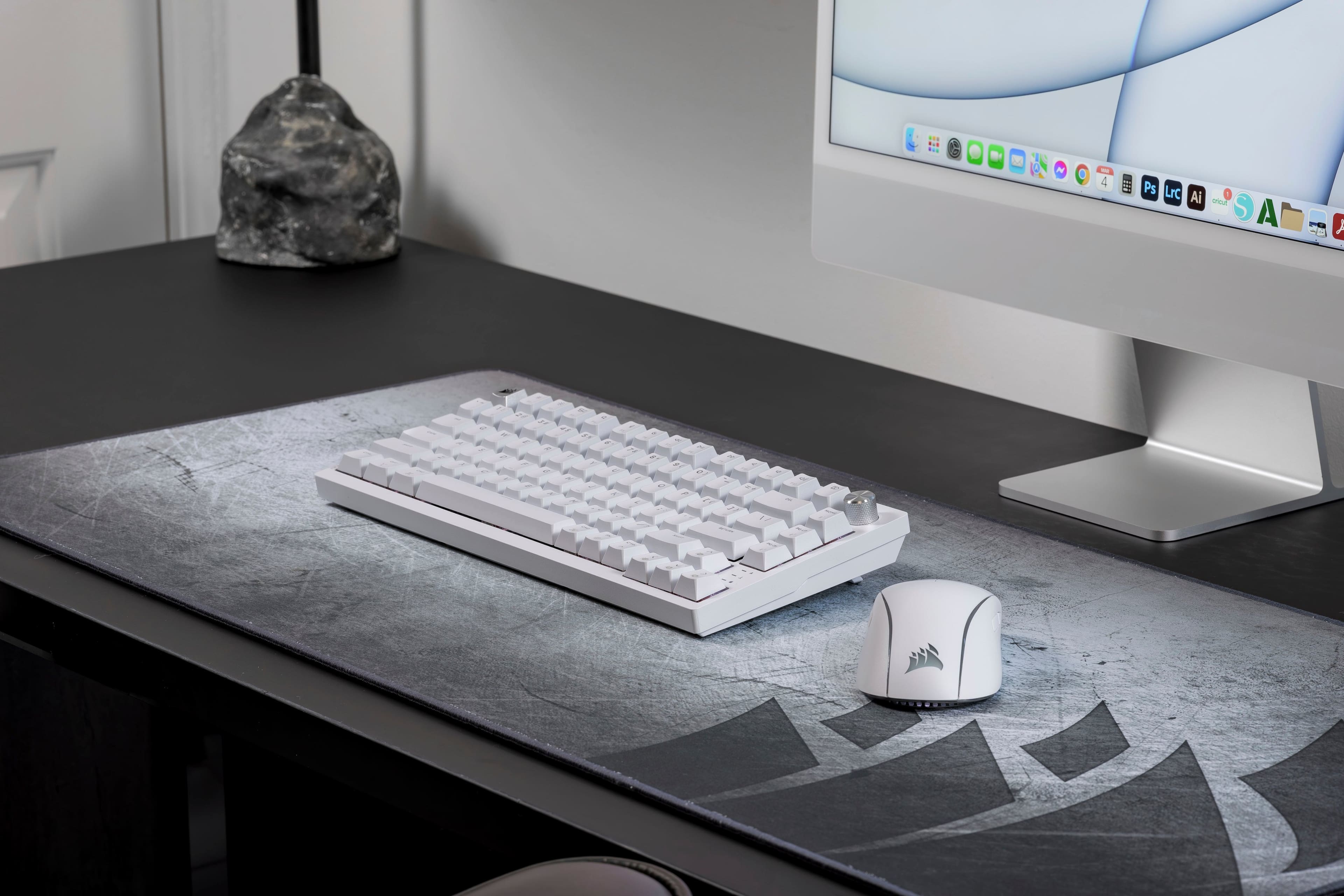
![PAIRS PERFECTLY WITH AN APPLE SETUP
Apple keycap legends, unique colorways, and single-color default lighting.
HOME F12 4 P11 4 + F10 = DD F9 I/ DII ) { FB I ( P 9 o + 8 O : - i I L 6 U > K V J I H M DEL } ] End 1 /? ? CHD PGUP Us PG I RETURN SHIFT CTRL FN DN PO](https://pisces.bbystatic.com/image2/BestBuy_US/images/products/04a5b210-ddad-4524-8ca8-e3399b398b56.jpg)

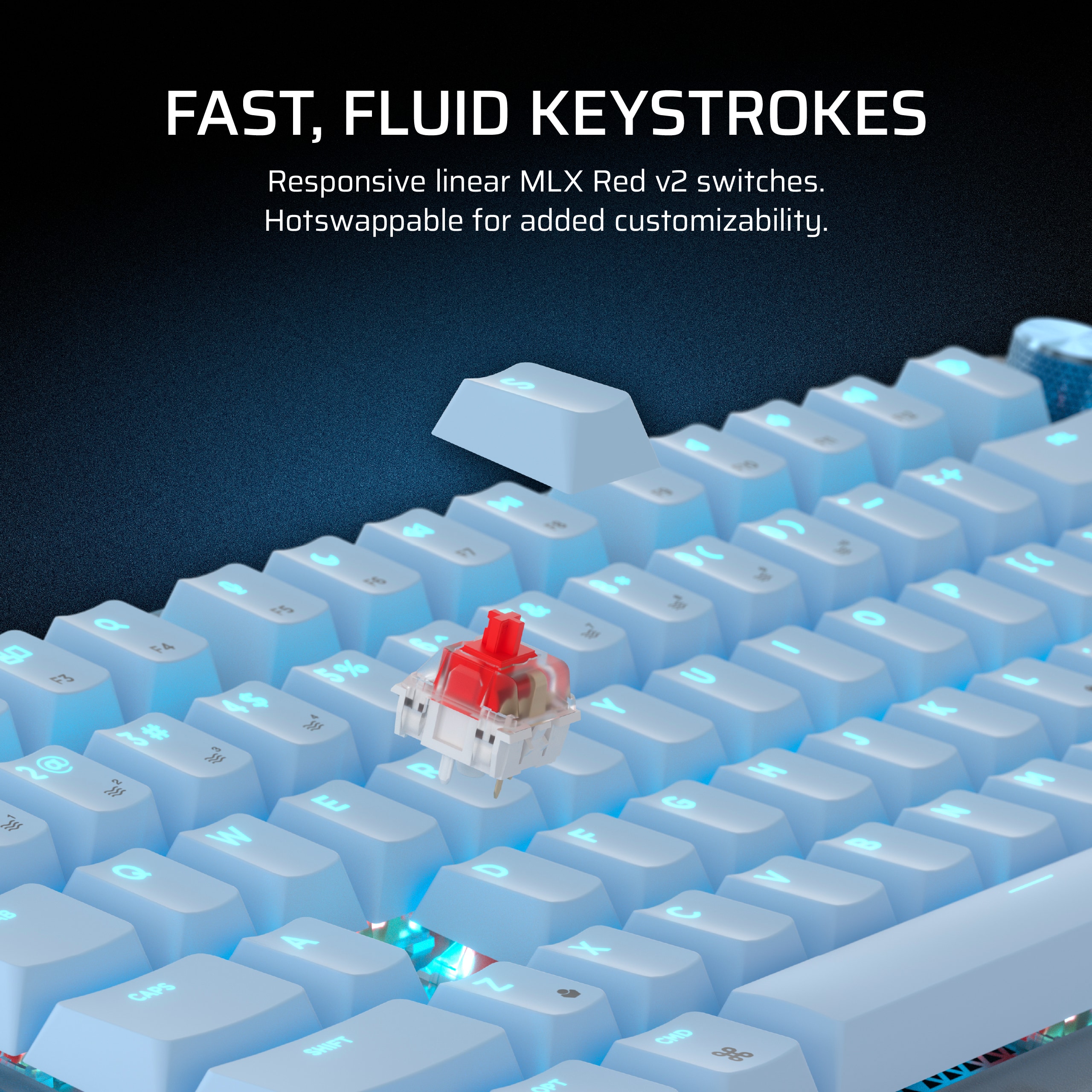
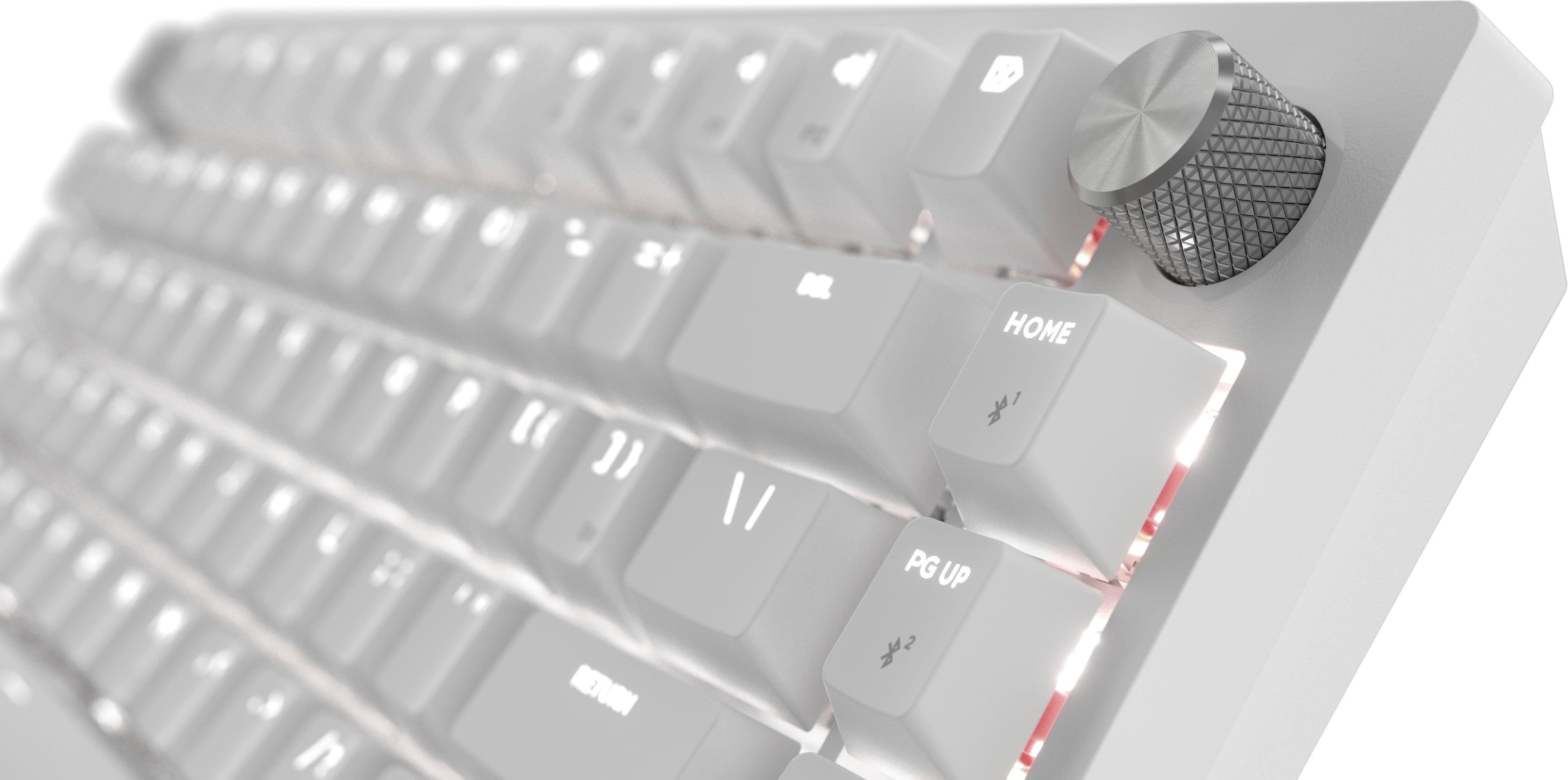
![Sure, here is the corrected and grouped text:
---
**VERSATILE CONNECTIVITY**
Connect via low-latency 2.4GHz wireless, Bluetooth®, or wired.
---
**Keyboard Layout:**
- F1
- F2
- 1 ! 1
- 2 @ 2
- 3 # 3
- 4 $ 4
- 5 % 5
- 6 ^ 6
- 7 & 7
- 8 * 8
- 9 ( 9
- 0 ) 0
- - _ -
- = + =
- Backspace
- Tab
- Q
- W
- E
- R
- T
- Y
- U
- I
- O
- P
- [ {
- ] }
- \ |
- Caps Lock
- A
- S
- D
- F
- G
- H
- J
- K
- L
- ; :
- ' "
- Enter
- Shift
- Z
- X
- C
- V
- B
- N
- M
- , <
- . >
- / ?
- Shift
- Ctrl
- Fn
-](https://pisces.bbystatic.com/image2/BestBuy_US/images/products/5a1ce8c8-e970-4062-8e18-cfa6bee792e2.jpg)
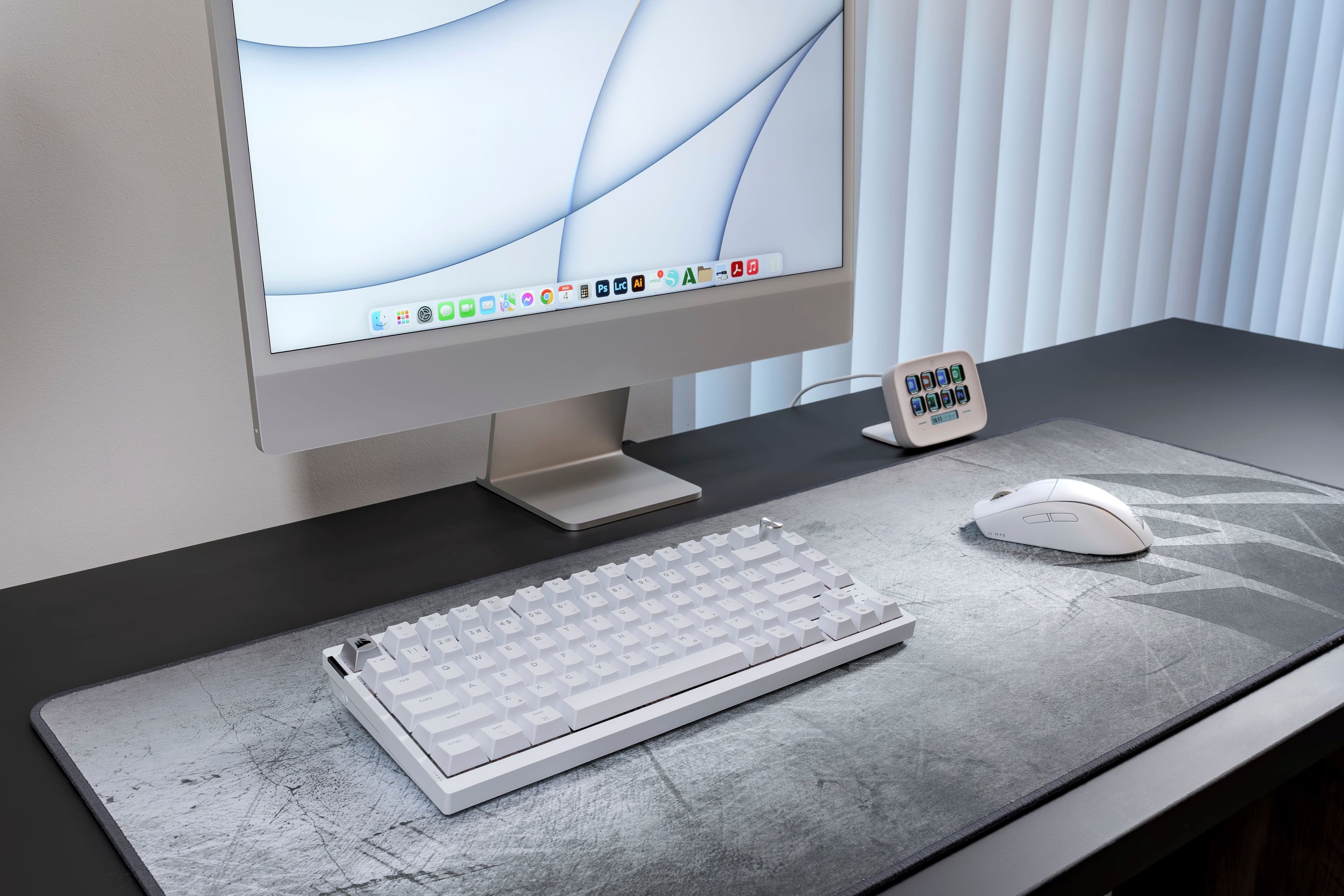
![Sure, here is the corrected and grouped text from the image:
- HOME
- F12
- PUP
- DEL
- e7
- &
- -
- +
- 1/
- F1D
- to
- x
- -
- }
- ]
- Snd
- PI
- 0)
- E
- RETURN
- FS
- T
- 9
- 9
- (
- P
- 1
- M
- e
- 8
- O
- SHIPT
- F6
- --
- 7
- &
- I
- I?
- ?
- FS
- L
- I
- CTRL
- Q
- 6
- U
- >
- 7
- K
- F4
- PH
- 5
- %
- Y
- <
- -"
- J
- F3
- $
- CHD
- *
- 4
- T
- H
- M
- 3
- F
- 3
- #
- R
- N
- M'
- G
- PS
- 2
- E
- F
-](https://pisces.bbystatic.com/image2/BestBuy_US/images/products/4b483da0-8f7f-44d4-89bc-39b3db66e548.png)

- Model:
- CH-91D451E-NA
- SKU:
- 6620658
Rating by feature
- Value
Rating 4.7 out of 5 stars
- Quality
Rating 4.8 out of 5 stars
- Ease of Use
Rating 4.8 out of 5 stars
Customers are saying
Customers find value in the K65 PLUS RGB keyboard's quality, key feel, and battery life. The wireless connectivity and pleasant noise level are also appreciated. While the RGB lighting and pre-lubed switches are well-received, some customers feel the price is a little high.
This summary was generated by AI based on customer reviews.
Solid keyboard
||Posted . Owned for 6 months when reviewed.This reviewer received promo considerations or sweepstakes entry for writing a review.Have thoroughly enjoyed using this keyboard. A solid off-the-shelf option.
I would recommend this to a friend
Good but needs better caps
|Posted . Owned for 2 weeks when reviewed.This reviewer received promo considerations or sweepstakes entry for writing a review.Overall solid keyboard, only thing lacking is non-transparent key caps. Other than that keyboard is solid
I would recommend this to a friendThe Corsair brand name took a hit
||Posted . Owned for 3 months when reviewed.This reviewer received promo considerations or sweepstakes entry for writing a review.S key repeats or does not register! Tried resetting and updating firmware and now happens more often clown emoji. It’s only been 3 months since purchasing. What a sham!!!
No, I would not recommend this to a friendBrand response from Corsair
Posted .Hello,
Sorry to hear about this. I'm certain our team can help, do contact our team directly right on our site via a ticket for assistance!
-Art
Multiple keys already having issues
||Posted . Owned for 3 weeks when reviewed.This reviewer received promo considerations or sweepstakes entry for writing a review.Write out of the box my u key will get stuck pressed in and slowwwwlly come back out and now I’m noticing it with other keys. For a pricey keyboard it’s just not good quality. LEDS don’t come out of the top either so hard to see in darkness.
No, I would not recommend this to a friendRare Miss From Corsair
||Posted . Owned for 2 weeks when reviewed.This reviewer received promo considerations or sweepstakes entry for writing a review.Corsair missed the mark with this one. The keycaps not being backlit, just RGB on the edges, is gross.
No, I would not recommend this to a friendBrand response from Corsair
Posted .Hello Nick,
The keyboard looks exactly as it does in the marketing pictures. Sorry to hear you purchased something you weren't looking to use/enjoy. If you have any questions, don't hesitate to contact our team directly right on our site at any time.
-Art
- Pros mentioned:Battery life, Keyboard quality
above and beyond
Posted .This reviewer received promo considerations or sweepstakes entry for writing a review.The corsair K65 PLUS wireless keyboard is a welcomed entry into the robust keyboard market. Upon receiving the keyboard, I was surprised at how heavy it was for only being a 75% profile design. Upon opening up the box, I was presented with an elegant yet very well-made keyboard the emits high end and quality. It comes with the keyboard, a hot swappable key remover tool and cable. With this being a wireless 2.4GHZ and Bluetooth functioning keyboard i was wary of its input lag for gaming and other possible disconnects while in use. Those concerns were put to rest. After setting up the keyboard and connecting through the iCUE app, I was off to the races to test it out and put it through its paces. For me to test I wanted to put it through FPS games such as COD and Battlefield. Then I also tested in WoW and Skull and Bones. First up was COD, the keys are muted and have reduced quiet keypress, so you don't get the traditional clicking from mechanical switches. I can't even tell you how nice it is without just saying was life changing. My squad mates didn't complain once about my keyboard clicking so that was nice plus I wasn't hearing the clicking over the sound from game. The lag input was nonexistent and noticed no issues over wireless connectivity versus a wired keyboard. This was very promising as input delays are a crucial barrier in games were microseconds matter. The same results occurred in BF, WOW and Skull and Bones as I put the keyboard through roughly 82 hours of intense gaming usage. After the dust settled it felt brand new and just like it did when I first used it. Some key features this keyboard has is that the keys used are Corsair Red linear mechanical switches that are built with PBT-dye sub laminated keycaps on top of two layers of sound dampening foam that reduces the acoustics. Additionally, it has a multifunctional rotary dial that allows you to scroll through media as well as your applications quickly. The keyboard is billed as a wireless keyboard that offers connectivity through 2.4GHZ, Bluetooth with a dongle and even allows you to use a USB cord included for wired connectivity. Be aware that this keyboard can used on a multitude of devices, PC, MAC via a switch press on keyboard, Xbox X or S, PlayStation 4 or 5, iOS and Android. This really creates freedom for this keyboard making it more valuable in the long run as it won't just be tethered to one device. Note of caution it took a little work to get it to connect to the PlayStation systems but nothing that a user can't follow from the manual. Conclusion, overall, this Keyboard is amazing in everything it set out to do. It is high-quality, the battery life is claimed to have over 266 hours if backlighting is turned off. I'm at almost 100 hours and haven't even hit 50% battery life on wireless with the RGB backlight on. If you are looking for a mechanical keyboard that is versatile and is quiet then get this one, you won't be disappointed.
I would recommend this to a friend - Pros mentioned:Key feel
A keyboard that isn't worth $150.
||Posted .This reviewer received promo considerations or sweepstakes entry for writing a review.Good feel for the keys. The actual key caps don't light up so it feels dull. It comes with a dongle but the wireless portion outright just does not work so I don' think its worth it.
No, I would not recommend this to a friendBrand response from Corsair
Posted .Hello,
Sorry to hear about your issue, please contact our team directly on our site for assistance with this.
-Art
- Pros mentioned:Keyboard quality, Rgb lighting

Great gaming keyboard with good key travel
|Posted .This reviewer received promo considerations or sweepstakes entry for writing a review.The CORSAIR K65 PLUS WIRELESS 75% RGB Mechanical Gaming Keyboard is a solid keyboard for gaming and general use. The keyboard is very solid. I was under the impression that it would be lightweight and would have a rather cheap feeling like most other keyboards I’ve used in the past. I definitely misjudge the build quality on this keyboard. It has some weight to it and it is built very solid. With the weight of this keyboard, along with the rubber feet underneath, this keyboard is not going anywhere on a flat surface. No need to worry about it moving around. The legs that flip out that gives it an angled elevation even feel nice when you extend them out and flip them back in. The keys are very tactile and they have key travel like the old school keyboards from back in the day. The keys are very responsive and they feel good to type on. The volume knob has a good feel to it and it dials in the levels with accuracy. The RBG lights add a nice touch. I wish the lightning for the keys could be a tad bit brighter. The keyboard has multiple ways of connecting to your devices. If you plug it directly into your computer or device with the USB-C cable, it will automatically connect. There’s a slider button the back of the keyboard for connecting wireless to devices using Bluetooth or Wireless mode. It can connect to Windows, Mac, Android, iOS, and Playstation devices. Setup was fairly straightforward. There’s no manual nor Quickstart guide in the packaging. There’s a QR on the inside packaging that you will need to scan with your phone. It will then take you to their website where you can view the manual and instructions online. Overall, I’m impressed with the solid build and functionality of this keyboard.
I would recommend this to a friend - Pros mentioned:Battery life, Keyboard quality
Great performance feature packed Gaming Keyboard
|Posted .This reviewer received promo considerations or sweepstakes entry for writing a review.The Corsair K65 Plus is a wireless mechanical keyboard black bodied with grey and black keycaps. It seems optimized for portability and space for gamers. It doesn't have the numberpad on the right side which gives extra mouse space next to the keyboard. This may seem a minor point if you have a large enough desk but regardless of your desk size, your keyboard is generally positioned in front of where your hands will naturally rest to slightly to the side. Having more space right next to the keyboard means your mousing area is closer to your hands. So you can move faster with less strain and some will tell you that ever millisecond counts. And this keyboard is serious on that front. Where some other 75% keyboards still make room for multimedia buttons this one requires you to use standard FN shortcuts and just gives you a rotary dial. That said, the dial can be configured for a few different functions or modes of operation. The keyboard itself uses red keyswitches. While the tradeoff for linear actuation is normal typing comfort and noise, it seems Corsair has managed to make these seem a bit quieter than you might be used to from red keyswitches. Interface options for this keyboard is another way where Corsair seems to have packed a lot into it. That might explain the decent heft to the keyboard - it's pretty solid. Though some of that is definitely battery to support it's 200+ hour battery life and being robust enough to carry around in a bag from place to place. I think I'd still want to have at least a soft case/bag around it particularly to protect the keys but the rest of the keyboard seems pretty robust. There's a USB-C port for charging and connecting to a PC or Playstation as a wired keyboard. Two wireless modes, Bluetooth and a proprietary 2.4GHz, that's selectable with a slide switch with the proprietary 2.4Ghz receiver docking in the keyboard itself for storage. There's also a slide switch for switching between Mac and Windows modes. And then with Bluetooth, you can pair up to three different PCs to the keyboard with FN shortcuts to switch between them in addition to having the 2.4Ghz dongle to either use for a random PC or to keep as your "main" or in your docking station (my usual approach). There is a physical button for backlighting which is nice. I like a quick way to activate that versus needing to hit a shortcut combination in the dark. While technically I have muscle memory for several shortcuts but I've generally found that keyboard backlighting is one that is used often enough, but not enough to really stick. The keyboard is lighted with a few profiles you can cycle through with keyboard shortcuts. There's also the capability to record and save macros directly just with the keyboard alone. But the keyboard support's Corsair's iCUE which while it doesn't add that much specifically that's keyboard related besides deep customization of lighting (and ability to use that to present some notifications or statuses from other sources) and key remapping, the ability to synchronize the keyboard with other devices for a cohesive experience is pretty sweet. I liked the actual feel of typing and gaming on the keyboard. My existing mechanical keyboard uses brown switches so there's was an immediate noticeable difference with the K65 Plus but after a couple hours, I feel I got used to it to the point where I didn't really notice much of a difference other than when the lighting difference (since I hadn't customized it yet) would remind me something has changed. That said, it's definitely louder. While I got into the flow and mostly the extra sound disappeared during my use, a couple times when my partner happened to walk by prompted comment on how my keyboard seemed noisier than before. Gaming also felt good. The keyboard seemed pretty responsive and I didn't experience any glitches or behaviors that I'd blame on the keyboard. I mostly used it over bluetooth and 2.4Ghz to my laptop though tried the wired mode just to confirm it worked and see the LED indication for charging. In all, this is a solid design, very good performance, packs a bunch of features and customization while being in a compact package that didn't leave me feeling like there were sacrifices made. I'm impressed.
I would recommend this to a friend - Pros mentioned:Key feel, Keyboard quality
Nice keyboard
|Posted .This reviewer received promo considerations or sweepstakes entry for writing a review.This is a really nice keyboard but it does have a couple of minor flaws. I would probably give it a 4.5 star rating if best buy allowed half stars but because it is so good otherwise I rounded up to 5. The first and biggest flaw to me (which isn't a big deal really) is the backlighting. It doesn't really light the keytops but just the area around them so don't expect it to help much for visibility. It seems to be more for decoration. There also doesn't seem to be any per key lighting currently, just the usual patterns or static colors. But I guess it's kind of a bonus that it does have backlighting since it wasn't mentioned in the description when I ordered it. There is a convenient button on the side to turn it on/off if you want to use the backlight. I personally keep it off most of the time since it seems distracting during intense gaming and also drains the battery a bit more. The other minor flaw is with the macros which seem to be limited to a certain number of characters. I like to program my email address as a macro since most websites that require a login use it but mine is apparently a few characters too long to record all of it. But again not a big deal since it does do macros which was a pleasant surprise. I really like the looks and size of this keyboard. The spacing and feel of the keys are great. It's pretty hefty for it's size which is good to keep it from moving around when using it. Probably it's large battery adds some of the weight. It's also very quiet so you shouldn't disturb others with your frantic gaming. Works wired too but I mostly use the 2.4 Ghz receiver wirelessly. I used to prefer keyboards with tactile feedback but this one may have converted me to the smooth linear style which is very comfy here. It has become easily my favorite for gaming of the many keyboards I've used over the years.
I would recommend this to a friend - Pros mentioned:Rgb lighting
What I was looking for.
Posted .This reviewer received promo considerations or sweepstakes entry for writing a review.This keyboard is exactly what I wanted. I don’t care much for RGB but I wanted a quality small keyboard for my laptop set up. This fit the bill. Simple set up and a joy to game with. There is a button to turn off the rgb which I enjoy. Surprised on how many negative Reddit posts there is lol if you like it, buy it. I don’t regret it.
I would recommend this to a friend - Pros mentioned:Keyboard quality
Best Keyboard I've Used
|Posted .This reviewer received promo considerations or sweepstakes entry for writing a review.The new Corsair K65 PLUS has very quickly become my favorite keyboard. For me anyways, it's as close to perfection as I think a keyboard can get. The design is well thought out and the size is just right. A smaller keyboard like this might not be for everyone. But for me I like that it works great for everything while not taking up a ton of space. The build is first class. This really feels solid without being to heavy. The ability to use it corded or cordless (Bluetooth or Wi-Fi) is great. The MLX Red key strokes are (again, for me anyways) just right. The perfect amount of travel with a nice feel and not overly clicky. The backlight can be controlled with the Corsair iCUE app and is easy to customize. The multi function dial works great as well. With it being a small keyboard, there are a good number of keys that have a secondary function that other keyboards don't have. But none of it is hard to figure out or get used to. Some gamers might not like the small size. But like anything, that's a personal choice. For me, the balance between gaming keyboard and work keyboard is absolutely perfect and I couldn't be happier. In fact, I really don't see myself using any of my other keyboards again!
I would recommend this to a friend - Pros mentioned:Key feel, Noise level, Rgb lighting
outstanding and convinient
Posted .This reviewer received promo considerations or sweepstakes entry for writing a review.great typing feel, great lights and stand, keys have great feeel to them, quiet, software "icue" is shoddy but who cares great keyboard
I would recommend this to a friend Gaming Keyboard
||Posted . Owned for 3 weeks when reviewed.This reviewer received promo considerations or sweepstakes entry for writing a review.Could work better but it sucks if I am being honest
I would recommend this to a friendBrand response from Corsair
Posted .Hello Ciana,
How does it "suck"? Please contact our team directly right on our site for assistance.
-Art
- Pros mentioned:Keyboard quality
Great wireless mechanical keyboard (once setup)
|Posted .This reviewer received promo considerations or sweepstakes entry for writing a review.There is a lot to like about this keyboard. Mechanically, I am very impressed. While I am not a big fan of the red switches (because there is no discernible "click" or "release" when typing as I have grown to love from a mechanical keyboard), the travel distance on the keyboard is good and it is comfortable for typing. It is also fairly quiet for a mechanical keyboard (although I do prefer hearing that distinct "click" when I type). With all that being said, though, it is very easy to not only change the keycaps with the included tool, but the switches themselves can be changed (also facilitated by the included tool). This is the first keyboard I ever had with replaceable switches and I am looking forward to actually swapping them out with maybe a brown or blue switch. Next, this is one of the few mechanical keyboards I have found that recognizes that there are some people out there who use Macs. The modifier keys are marked for both Windows and Mac layouts and the keyboard changes from one to the other by simply toggling a switch on the back of the keyboard. I finally have a portable option for a mechanical keyboard when traveling with my Mac! I will be checking to see if Corsair sells a similar keyboard with a numeric keypad. (Yes, such an option makes for a larger keyboard that does not necessarily travel as well, but I would probably still travel with it as I use my numeric keypad frequently.) In talking about traveling, my random thought is that it would be nice to include or sell a "cover" for the keyboard to protect the keys while traveling (making it easier to throw the keyboard in a bag or suitcase without having to worry about the keys taking abuse during travel). Although, then again, mechanical key switches are supposed to be very robust, so hopefully such travel-related abuse would not be detrimental to the keyboard. The LEDs are customizable through Corsair's iCue software and lighting layouts can be uploaded to the memory within the keyboard. The volume dial on the keyboard is also customizable to accommodate different keyboard features (such as brightening or dimming the LEDs). The keyboard does have some significant heft for full-size, yet smaller form-factor keyboard. I am guessing that is because of the battery? Unfortunately, I have not had the keyboard long enough to determine just how long the battery lasts during typical use. Given its USB-C connectivity, however, I do not consider it to be that big of an inconvenience to plug it in when necessary. Along those lines, the keyboard can connect to devices via USB-C, bluetooth, or wirelessly using the included USB-A computer dongle. Given its bluetooth connectivity, the keyboard can apparently connect to other devices as well, like an Xbox, Playstation, iPhone, iPad, or an Android device. I did not try that, however, as I typically do not use a physical keyboard with those devices (aside from a smart keyboard for my iPad). With that connectivity in mind, this is where the keyboard takes a few "dings" in my review. The initial setup of the keyboard was not very intuitive. I already had Corsair's iCue software installed on my PC and the software did not see the keyboard when I plugged it in via USB-C. Another criticism is that, while I already had a Corsair dongle in the computer for my Corsair Dark Core mouse, I still had to plug in this second dongle specifically for the keyboard. Maybe I am doing something wrong, but it would have been nice for the single USB-A dongle to work across multiple Corsair devices. I would also be curious if there is an advantage to using the wireless versus bluetooth for connecting the keyboard to my computer. Again, the documentation in the box is rather scarce and does nothing to help the user install the keyboard and the software on your computer. Ultimately, it took some trial and error, switching back-and-forth between USB-C and wireless, and at least one reboot before things finally seemed to work. Even then, however, I was still challenged with setting up the lighting and still have no idea how to control the lighting through the keyboard versus turning things on and off (or changing layouts) through the iCue app. In this regard, some much better documentation would have really been helpful. Maybe there is something online, but there was nothing in the box to even direct me there. For that reason, I cannot bring myself to give this keyboard 5 stars. Mechanically, it is probably worth 5 stars, but the difficulty I had in setting it up, working with the iCue software, and lack of even some type of cursory documentation, definitely impacted my experience and made it difficult for me to justify anything more than 4 to 4.5 stars (and, because I can rate only in full stars here, I had to round down, rather than up, given these "supplemental" shortcomings). If you are able to tolerate a somewhat haphazard setup process with little to no documentation, there is a lot to love about this keyboard. Is it worth the price and would I recommend it to others? I would say yes on both accounts (with the setup/documentation caveat).
I would recommend this to a friend - Pros mentioned:Noise level
What can I say? It's Corsair.
|Posted .This reviewer received promo considerations or sweepstakes entry for writing a review.Maybe I'm a little bit of a fanboi, but I love me some Corsair, and this keyboard doesn't disappoint. I've never really had a 75% keyboard before, I've seen many people use them (and smaller) and wondered about the draw to them. To me it was always basically a laptop form factor keyboard but at a desk scale and I didn't really get it. I'm a believer now. It comes packaged as most keyboards do, simple thin box and that's really all that is needed. In the box is the keyboard itself, a USB dongle, cable and tool to remove the switches as they are swappable. The keyboard itself touts as being compatible with basically everything (Windows, Linux, Android, Apple, PS, XBox, and a partridge in a pear tree) and while I don't have ALL of those and while I do primarily use it with Windows, I can confirm it works well with what I do have (Android, XBox, Windows). Having a small-ish mechanical gaming keyboard is rather nice, not contending with the space of the number pad that I dont really use for anything besides inputting passwords frees up some of my valuable desk space and that makes it worthwhile to me. The backlighting is cool, the keys are responsive and quiet, and overall the use is great. I would recommend using the USB dongle on compatible devices for gaming as the response is best with it. That's not to say bluetooth is bad, but wired or the dongle is going to be faster than bluetooth. Overall it's a great keyboard, particularly for those not needing the number pad, it's mechanical, it's quiet and it's Corsair.
I would recommend this to a friend - Pros mentioned:Noise level
perfect fit
Posted .This reviewer received promo considerations or sweepstakes entry for writing a review.amazing keyboard. great colors and quiet smooth. =)
I would recommend this to a friend - Pros mentioned:Battery life
High quality keyboard
|Posted .This reviewer received promo considerations or sweepstakes entry for writing a review.First is the negative which cost it a star: The keys do not light up. If you play in the dark or dim room you won't be able to see what the keys are. You'll have to rely on memory and feel to get your position. The lighting is only for show and not function. If you want lit key markings, you'll need to purchase you own key caps. First impression upon unboxing is that, man, this thing has some weight at a little over 2lbs. I thought it would be a lightweight but it's heavier than some of my full sized mechanical keyboards. If you use it as a portable then you'll have to account for the extra weight. It's nice to know I can use it for self defense if needed, lol. It pairs perfectly with a Legion Go or ROG Ally. The noise from typing is minimal. You get the taps, but Corsair did a great job of muffling the clickity-clack of the board to where you won't be disturbing anyone around you much. The travel is minimal and doesn't require much force. Battery life has been pretty good. I haven't needed to recharge it with roughly 5 hours of game play and low back lighting. If the battery dies during a session, you can always resort to wired connection and use the included USB C cable to keep going as it recharges. With iCue, you can set up your backlighting to a nearly unlimited combinations. You can also set up any key as a macro. You can also store four profiles so that you don't need to install iCue on every computer you use it on. I didn't test it, but I recall some of their older KB's didn't store macros or certain color effects, so I don't know if this model will. Everything about this keyboard is high quality. The only thing that I don't like is not being able to see the keys. I play in a dim or dark area, so having true back-lit keys are essential. At least the fix isn't that costly.
I would recommend this to a friend Great portable mini gaming beast!
|Posted .This reviewer received promo considerations or sweepstakes entry for writing a review.TLDR: If you need a portable/75% high end gaming keyboard, the K65 Plus is a legit contender, while being fairly quiet! I give the K65 plus a solid 4/5 and recommend it for most gamers on the go! Pros: The size of the K65 plus could be a positive or negative for some, but if you’re considering it, I would automatically assume it's a positive. Due to the battery and materials used, it's quite heavy for its size, but that gives it an extra solid and premium feel. The iCue software allowing for such customization is LEGIT, and the RGB is surprisingly bright considering its not coming through the keys at all, just under/around. The feel plus ease of key replacement (and even switch replacement!) makes this an easy daily use keyboard as well as being portable. Being able to use the included dongle OR Bluetooth is a huge plus. Cons: iCue isn’t my favorite software, but obviously that comes down to personal preference. It’s a bit clunky still, but does allow for TONS of customization. The battery life seems mediocre-ish (I’ve had to charge it 3 times in a week, not a huge deal with the easy port/nice included cable, but I have been gaming at least a few hours per day) Obviously I have the RGB rolling, which would most likely save some juice if needed.
I would recommend this to a friendI like it would recommend
Posted .This reviewer received promo considerations or sweepstakes entry for writing a review.I like this keyboard its my first small keyboard, and I'm happy with it. It just sucks that when you're playing in the dark its really hard to see the keys because the letters on the keys are not see-through, and the colors on it arent as accurate and as good as some other keyboards the price is reasonable, but everything is really good its good at responding, and it feels good for my wrist
I would recommend this to a friend