Customer Ratings & Reviews
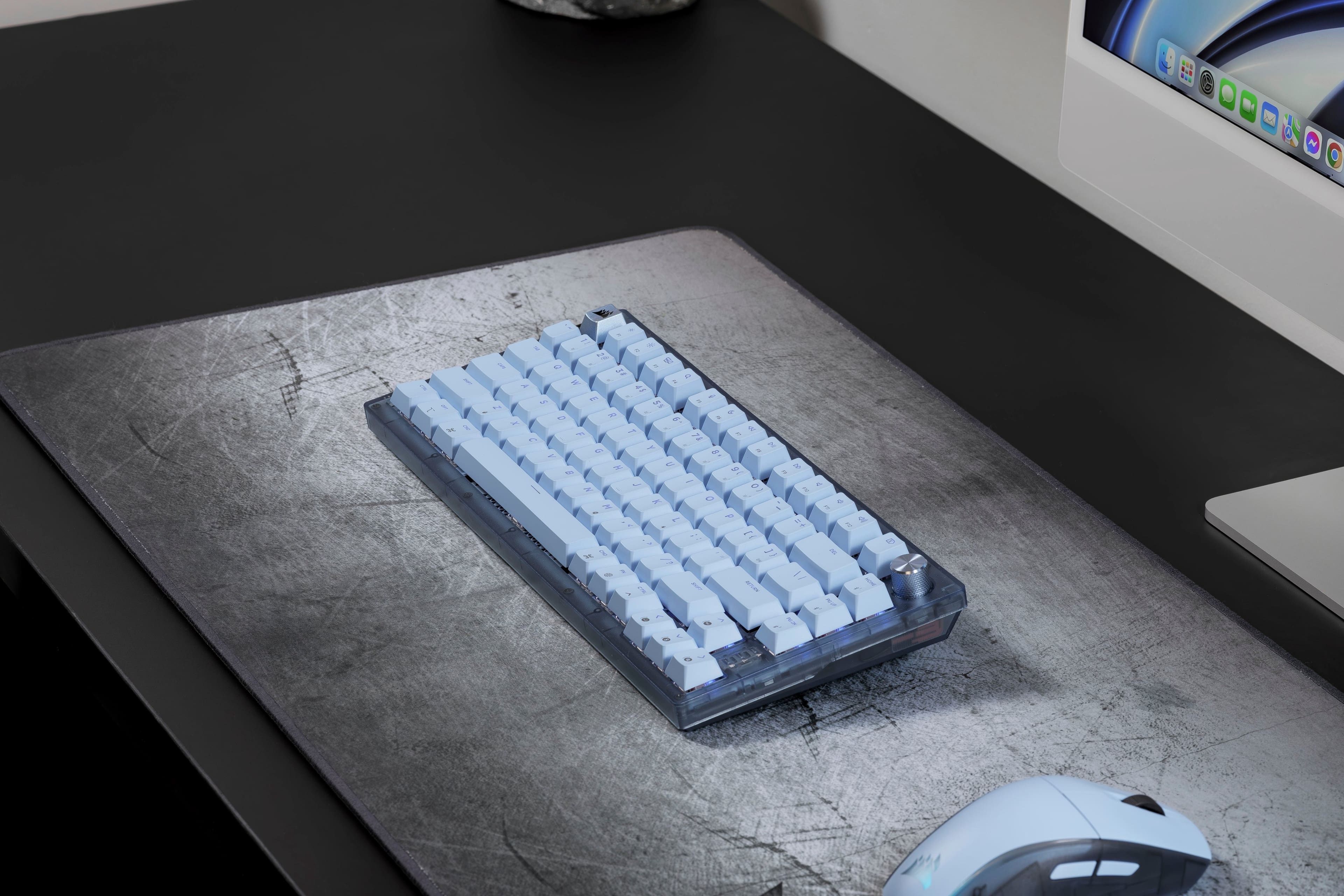
![Q W E R T Y U I O P [ ] \ PG UP End CAPS A S D F G H J K L I RETURN PG ON 1 SHIFT Z X C V B N M ? SHIFT A M D CTRL OPT CMD CMD FN CTRL 2 WIKOS I H](https://pisces.bbystatic.com/image2/BestBuy_US/images/products/ac0d90eb-708a-4566-a251-39b81949332c.png)
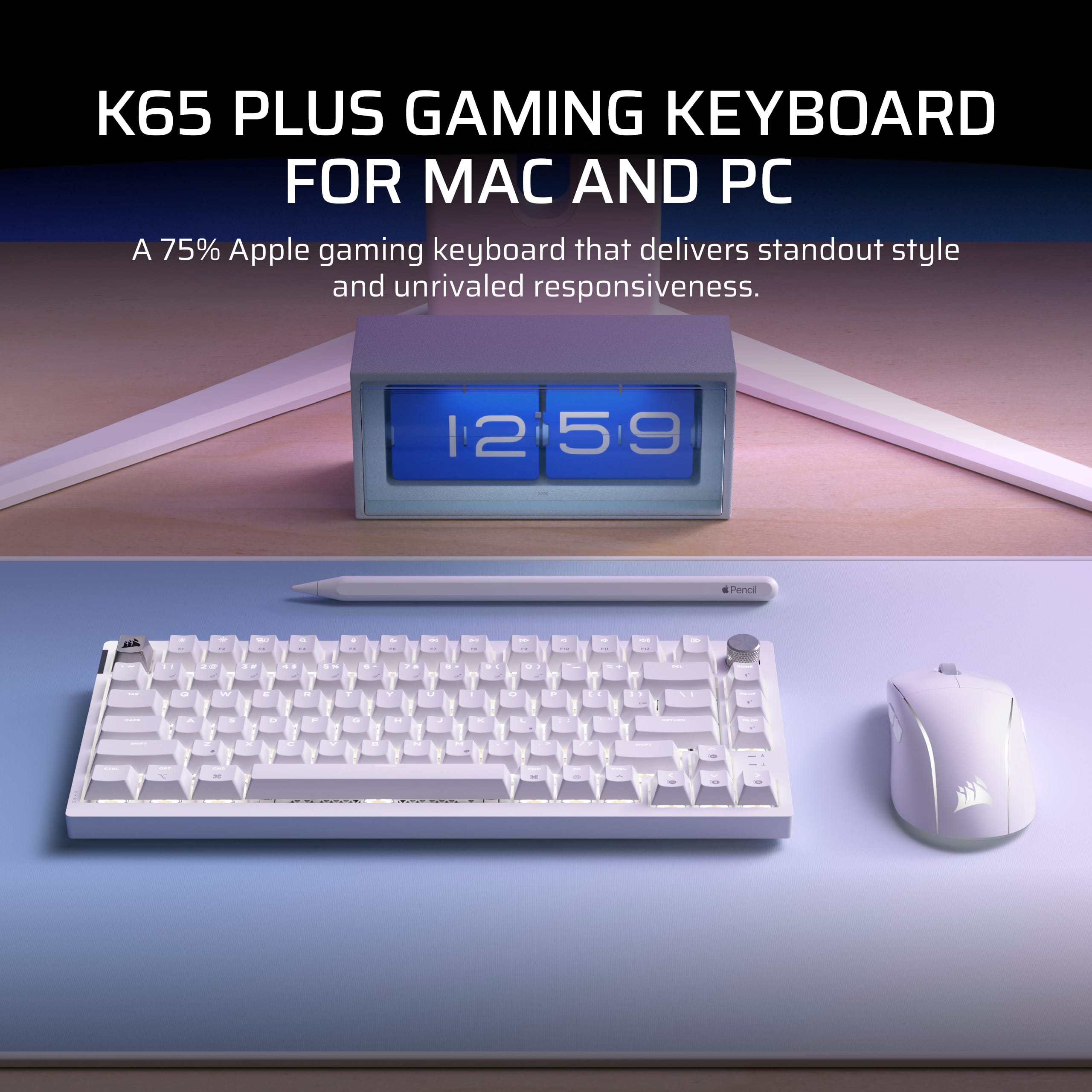
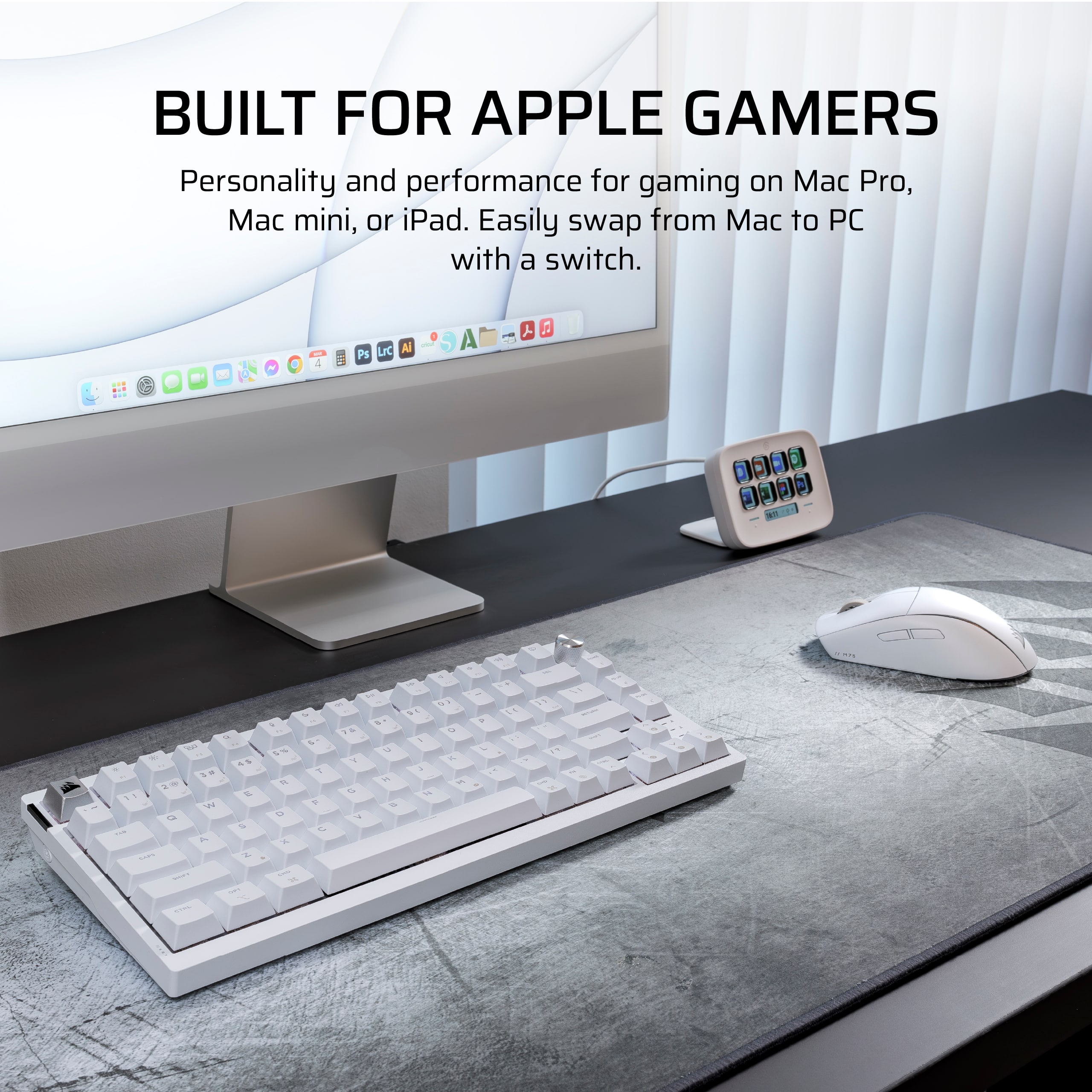
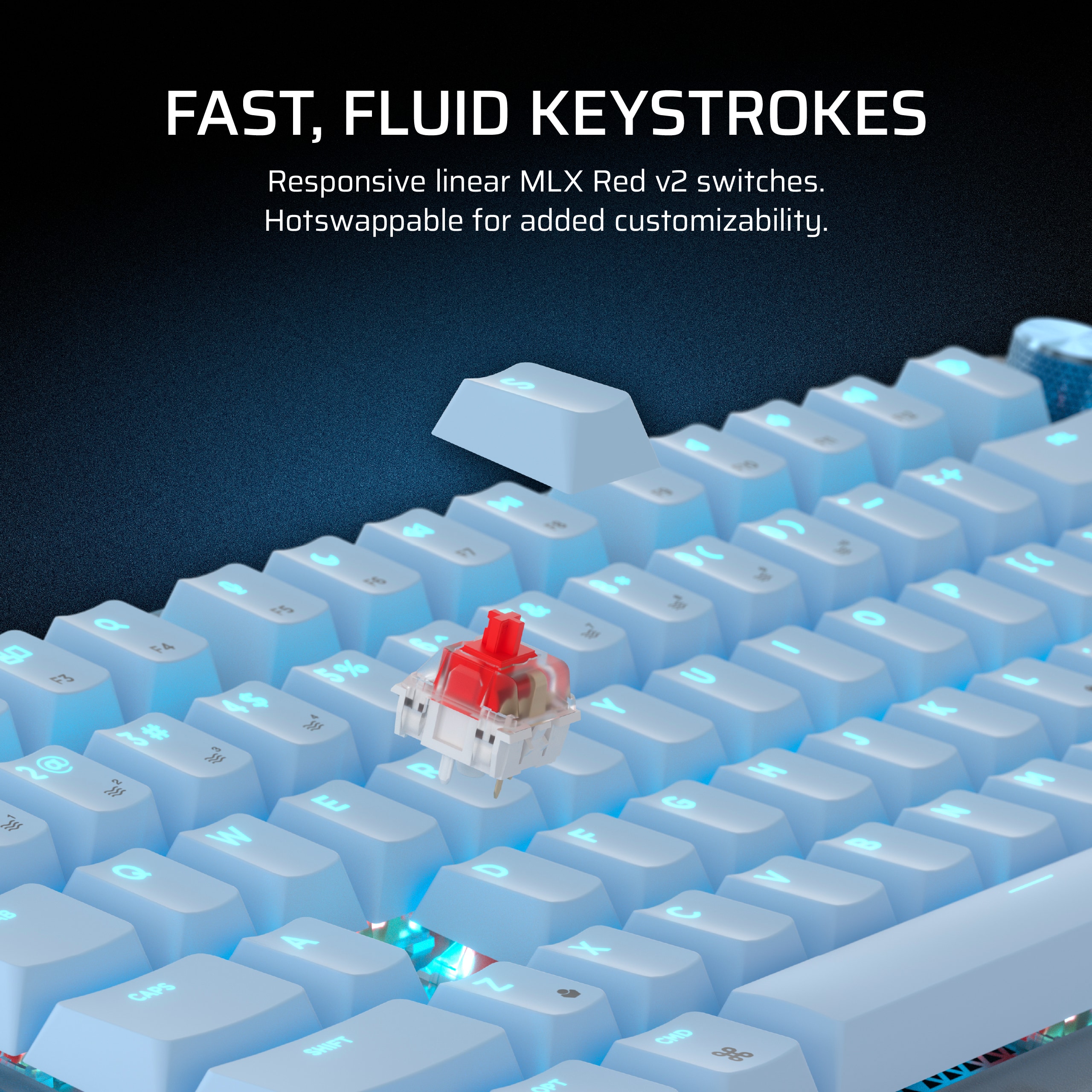
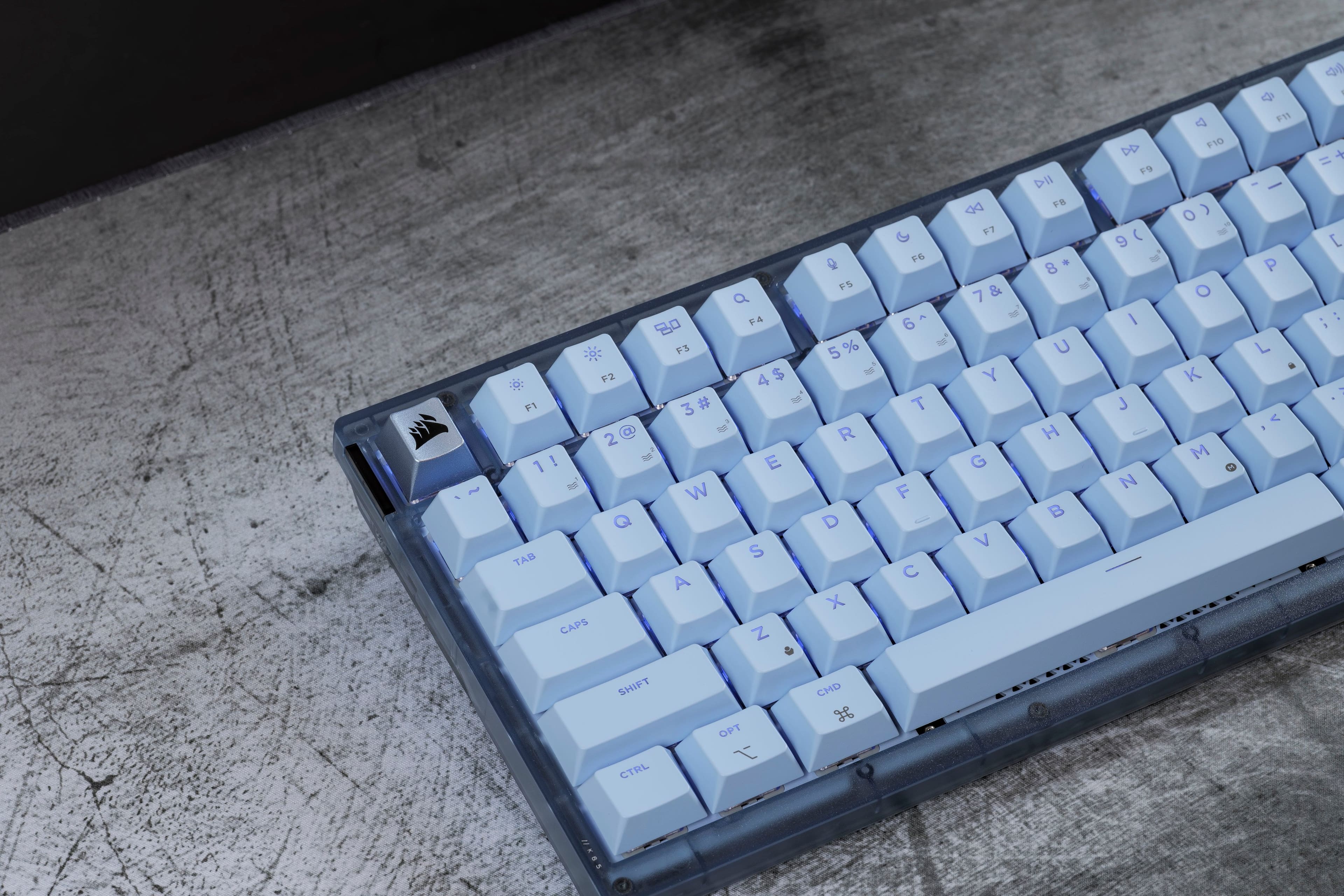
![PAIRS PERFECTLY WITH AN APPLE SETUP
Apple keycap legends, unique colorways, and single-color default lighting.
HOME F12 4 P11 4 + F10 = DD F9 I/ DII ) { FB I ( P 9 o + 8 O : - i I L 6 U > K V J I H M DEL } ] End 1 /? ? CHD PGUP Us PG I RETURN SHIFT CTRL FN DN PO](https://pisces.bbystatic.com/image2/BestBuy_US/images/products/04a5b210-ddad-4524-8ca8-e3399b398b56.jpg)
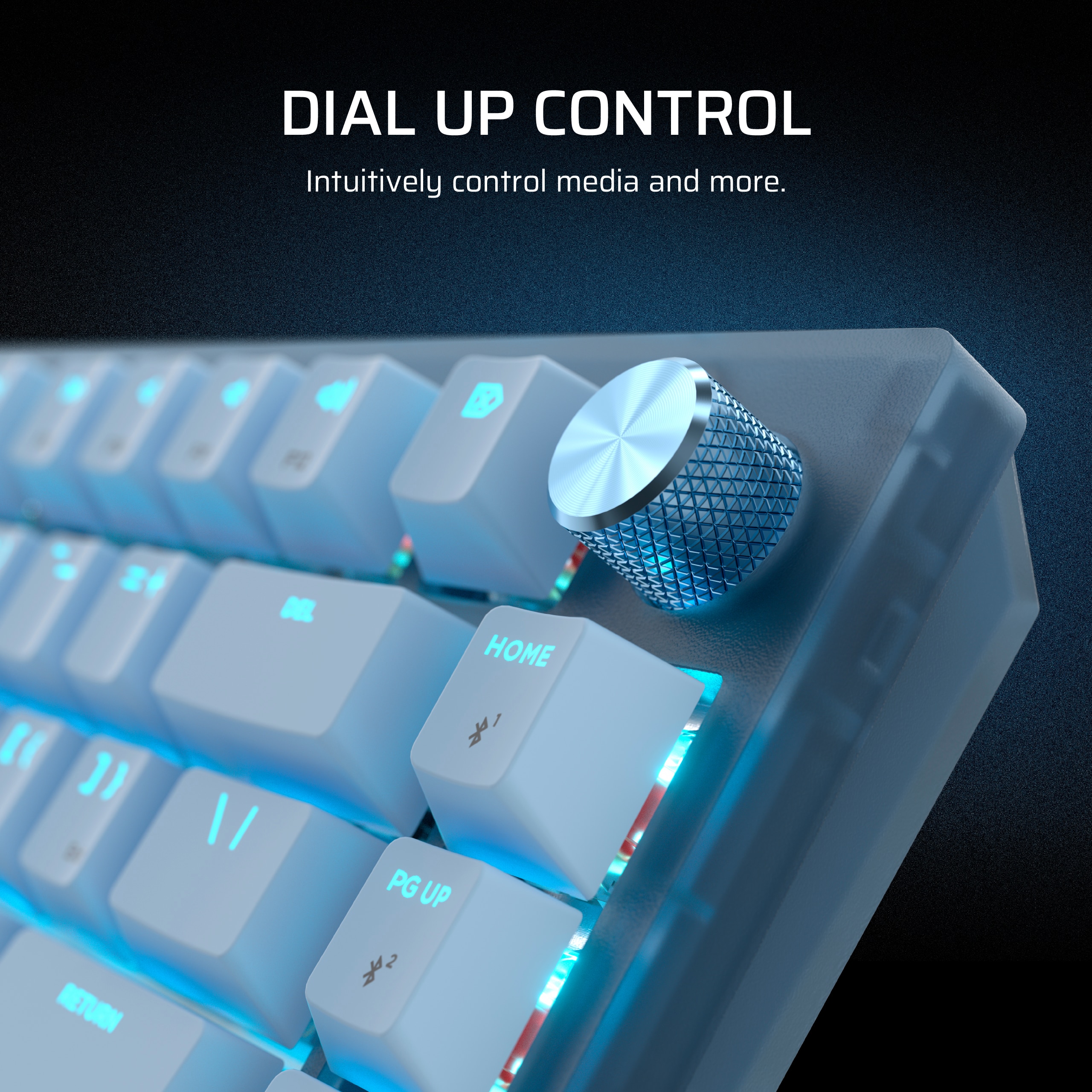
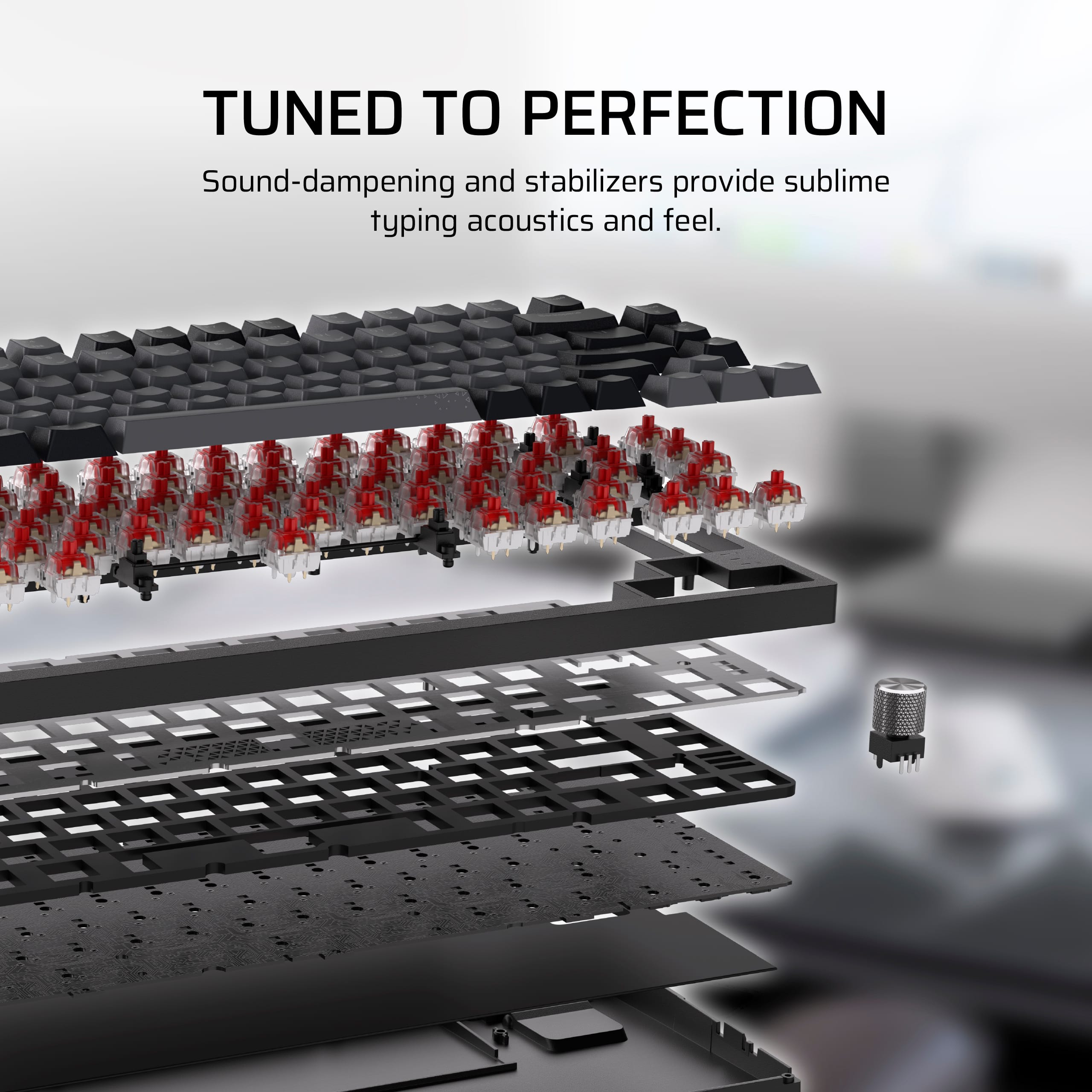
![Sure, here is the corrected and grouped text:
---
**VERSATILE CONNECTIVITY**
Connect via low-latency 2.4GHz wireless, Bluetooth®, or wired.
---
**Keyboard Layout:**
- F1
- F2
- 1 ! 1
- 2 @ 2
- 3 # 3
- 4 $ 4
- 5 % 5
- 6 ^ 6
- 7 & 7
- 8 * 8
- 9 ( 9
- 0 ) 0
- - _ -
- = + =
- Backspace
- Tab
- Q
- W
- E
- R
- T
- Y
- U
- I
- O
- P
- [ {
- ] }
- \ |
- Caps Lock
- A
- S
- D
- F
- G
- H
- J
- K
- L
- ; :
- ' "
- Enter
- Shift
- Z
- X
- C
- V
- B
- N
- M
- , <
- . >
- / ?
- Shift
- Ctrl
- Fn
-](https://pisces.bbystatic.com/image2/BestBuy_US/images/products/5a1ce8c8-e970-4062-8e18-cfa6bee792e2.jpg)


- Model:
- CH-91D461E-NA
- SKU:
- 6620660
Rating by feature
- Value
Rating 4.6 out of 5 stars
- Quality
Rating 4.8 out of 5 stars
- Ease of Use
Rating 4.8 out of 5 stars
Customers are saying
Customers find value in the K65 PLUS RGB keyboard's quality, key feel, and battery life. The wireless connectivity and pleasant noise level are also appreciated. While the RGB lighting and pre-lubed switches are well-received, some customers feel the price is a little high.
This summary was generated by AI based on customer reviews.
Solid keyboard for the money!
||Posted . Owned for 2 weeks when reviewed.This reviewer received promo considerations or sweepstakes entry for writing a review.Solid keyboard, only the black and white models come with the attached wristrest which is critical for this keyboard. As much as I liked this model, I went with the black model for the wrist rest. Also, the white model DOES NOT have shine through keycaps! That aside, the switches feel much better than most of the Cherry options and the board is more compact and functional while retaining a full-size number pad which is critical for my work. Would buy again!
I would recommend this to a friend- Pros mentioned:Key feel, Keyboard quality
Good keyboard
||Posted .This reviewer received promo considerations or sweepstakes entry for writing a review.Excellent keyboard, it has good feel on the touch and the sound is so good.
I would recommend this to a friend - Pros mentioned:Key feel, Keyboard quality
Def clutch for minimal gamers
||Posted . Owned for 1 month when reviewed.This reviewer received promo considerations or sweepstakes entry for writing a review.Super sturdy and has weight to it. Love the keystrokes and color options. Pairs nicely with the corsair mouse too
I would recommend this to a friend Great Keyboard
||Posted . Owned for less than 1 week when reviewed.This reviewer received promo considerations or sweepstakes entry for writing a review.Purchased this to be my travel keyboard. I like the heft of the keyboard, it feels premium. The keys are satisfying to click and its a perfect size.
I would recommend this to a friend- Pros mentioned:Keyboard quality
Small but Mighty.
||Posted . Owned for 4 months when reviewed.This reviewer received promo considerations or sweepstakes entry for writing a review.Love everything about it. I dont love the loud clicks. And this one checks that box. Not as quiet as a laptop style keyboard, but still very quiet while maintaining a mechanical feel. Very customizable, which is also nice. Has some extra functions like the volume wheel and other buttons you can program to your needs. Honestly, I cant imagine it gets any better for this small of a keyboard. I find myself missing it when Im away from my desktop, but the beautiful thing is, its small enough, yet built well enough to bring it with me when Im out of town for work.
I would recommend this to a friend - Pros mentioned:Keyboard quality

So nice I got 2
|Posted . Owned for 2 months when reviewed.This reviewer received promo considerations or sweepstakes entry for writing a review.[Employee of bestbuy] Smooth, consistent and looks great. I use one for work and my personal. I play everything from Space Marines 2 to League. Been fantasitc so far.
I would recommend this to a friend - Pros mentioned:Key feel
Keyboard
||Posted . Owned for 1 week when reviewed.This reviewer received promo considerations or sweepstakes entry for writing a review.The Keyboard has a great feel and love how the switches are extremely loud
I would recommend this to a friend - Pros mentioned:Keyboard quality
Honestly, my best keyboard yet
||Posted . Owned for less than 1 week when reviewed.This reviewer received promo considerations or sweepstakes entry for writing a review.I only got this keyboard bc my setup is a grey and black aesthetic. I bought a cheap $40 grey and black keyboard and was so disapointed by the quality, so I had to return it. So i figured I’ll spend the outragous $160 for this keyboard. I still feel like $160 is crazy for a keyboard but I’d be lying if I said this wasnt my favorite keyboard to date. The quality is amazing. I love the way it feels to click. Its really heavy too, probably because of the build quality. It feels high quality at least. The rgb is easy to customize, you just gotta download the cosair hub. Also a tip, if you dont want the annoying flashing led on the left, use the keyboard in wireless mode. Anyways, 10/10 keyboard for me
I would recommend this to a friend - Pros mentioned:Keyboard quality
The GOAT
||Posted . Owned for 3 months when reviewed.This reviewer received promo considerations or sweepstakes entry for writing a review.Best Keyboard I have ever used period I've put new switches and Keycaps on but it is a king all on its own I love this keyboard and have used quite a few the k65 plus is king
I would recommend this to a friend - Pros mentioned:Battery life, Keyboard quality
Great name great keyboard
||Posted .This reviewer received promo considerations or sweepstakes entry for writing a review.Great sound nice long battery good metal volume knob
I would recommend this to a friend - Pros mentioned:Noise level
Favorite keyboard Of all time.
||Posted . Owned for 1 week when reviewed.This reviewer received promo considerations or sweepstakes entry for writing a review.My new favorite keyboard and it’s not even close. Has a good weight to it and a premium feel overall. The keys are clicky but not too loud which I love.
I would recommend this to a friend - Pros mentioned:Noise level
Definitely recommend
||Posted . Owned for 1 week when reviewed.This reviewer received promo considerations or sweepstakes entry for writing a review.The keyboard is so smooth and completely runs good! I definitely recommend if you want a small keyboard with a satisfying noise.
I would recommend this to a friend - Pros mentioned:Keyboard quality
Excellent Feel and Sound
||Posted .This reviewer received promo considerations or sweepstakes entry for writing a review.This keyboard feels fantastic to type on, with satisfying key travel and a great sound that makes long sessions enjoyable. The build quality is solid and the keys are responsive for both work and gaming. Love the tactile feedback and overall comfort. Definitely a worthwhile upgrade from standard keyboards.
I would recommend this to a friend - Pros mentioned:Keyboard quality, Rgb lighting
Amazing Keyboard
||Posted . Owned for less than 1 week when reviewed.This reviewer received promo considerations or sweepstakes entry for writing a review.thoccy sound good for gaming nice color modes and a good software
I would recommend this to a friend - Pros mentioned:Battery life, Keyboard quality
Thing is awesome!
||Posted . Owned for 5 months when reviewed.This reviewer received promo considerations or sweepstakes entry for writing a review.Such an amazing keyboard has a long battery life and sounds awesome!
I would recommend this to a friend Phenomenal Keyboard
||Posted . Owned for 1 month when reviewed.This reviewer received promo considerations or sweepstakes entry for writing a review.I haven’t had much need for a new keyboard until I purchased a mini computer. The Cosair K65 Plus was an excellent choice for which I don’t regret.
I would recommend this to a friend- Pros mentioned:Rgb lighting
Keyboard is great.
||Posted . Owned for 1 month when reviewed.This reviewer received promo considerations or sweepstakes entry for writing a review.This keyboard is great. I absolutely love how it feels when you type compared to cheap office keyboards or over clicky gaming keyboards. My favorite part about this keyboard is that you could use software in iCUE to change the rgb. I just wish they had more rgb options.
I would recommend this to a friend - Pros mentioned:Keyboard quality
Very user friendly and worth the price!
||Posted . Owned for 3 weeks when reviewed.This reviewer received promo considerations or sweepstakes entry for writing a review.This is definitely on of the better out of the box keyboards! The break-in is nice and smooth and the app needed for the customizable LED is very user friendly! Unlike other budget brands... And, if you ever decide that you don't like the sound of the keyboard it is very friendly to swap out the components! The switches are five pin compatible so you can use pretty much any kind you'd like. I decided to put silent linear geko switches from kinetic labs and I love the sound! The foam and sound deadening on the inside is good quality as well. And the keycap/switch puller that comes in the box is even better. If you are looking to get into the rabbit hole of keyboards this is not a terrible place to start.
I would recommend this to a friend - Pros mentioned:Keyboard quality
My new everyday keyboard.
||Posted . Owned for 1 week when reviewed.This reviewer received promo considerations or sweepstakes entry for writing a review.This keyboard sounds great, as well as looks the part too. It has no delay whatsoever when gaming wirelessly and the hot swappable keys really add to the overall customization allowed.
I would recommend this to a friend Great keyboard
||Posted . Owned for 1 week when reviewed.This reviewer received promo considerations or sweepstakes entry for writing a review.My Razer keyboard was getting pretty tired and replaced it with this, I couldn’t be happier. I didn’t think I’d like the red switches but they are awesome!
I would recommend this to a friend