Customer Ratings & Reviews




- Model:
- CH-91D401L-NA
- SKU:
- 6572502
Rating by feature
- Value
Rating 4.6 out of 5 stars
- Quality
Rating 4.8 out of 5 stars
- Ease of Use
Rating 4.8 out of 5 stars
Customers are saying
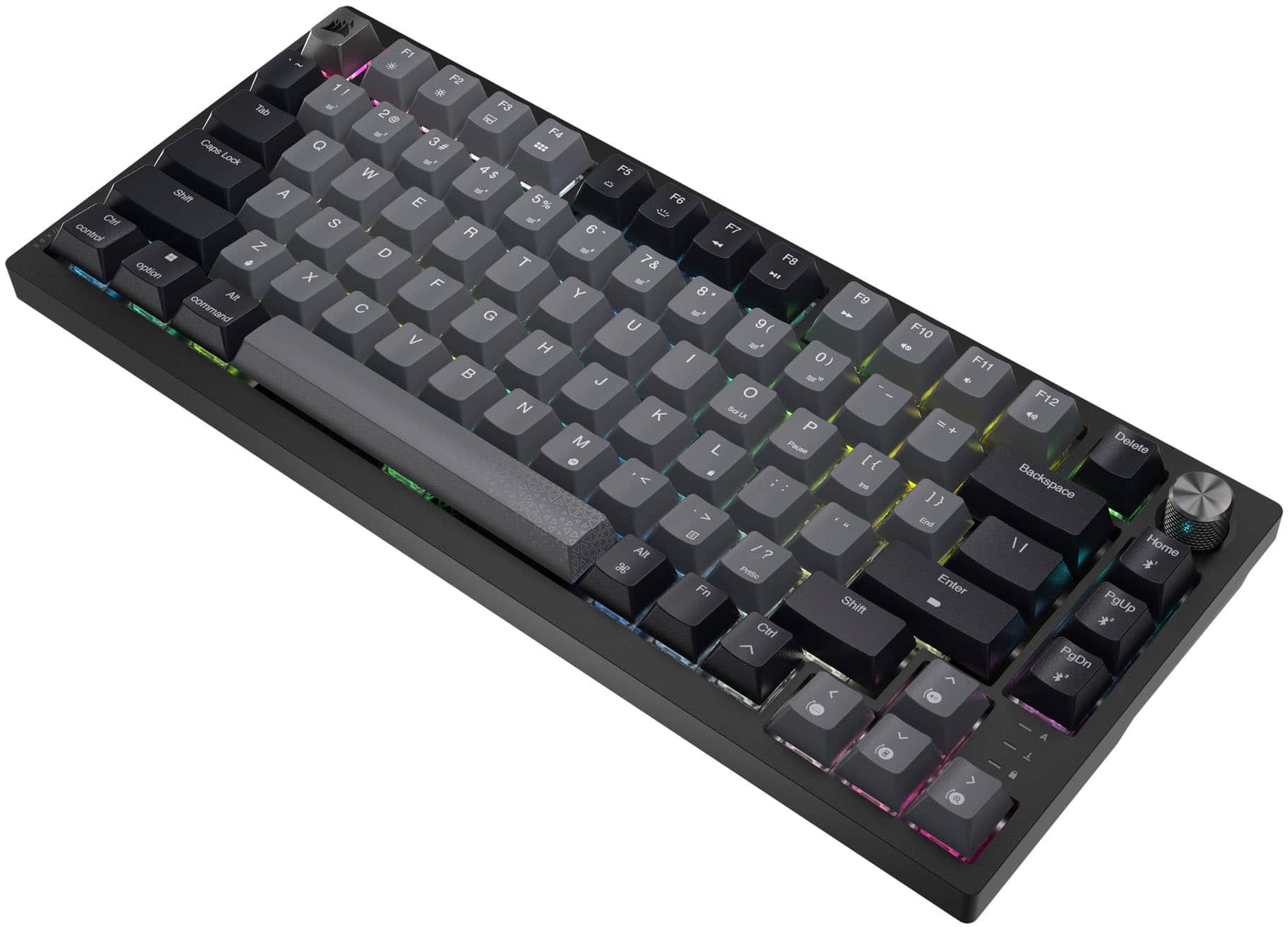
Customers find value in the K65 PLUS RGB keyboard's quality, key feel, and battery life. The wireless connectivity and pleasant noise level are also appreciated. While the RGB lighting and pre-lubed switches are well-received, some customers feel the price is a little high.
This summary was generated by AI based on customer reviews.
- Pros mentioned:Keyboard quality, Noise level, Rgb lighting
The Doorway to Typing Pleasure
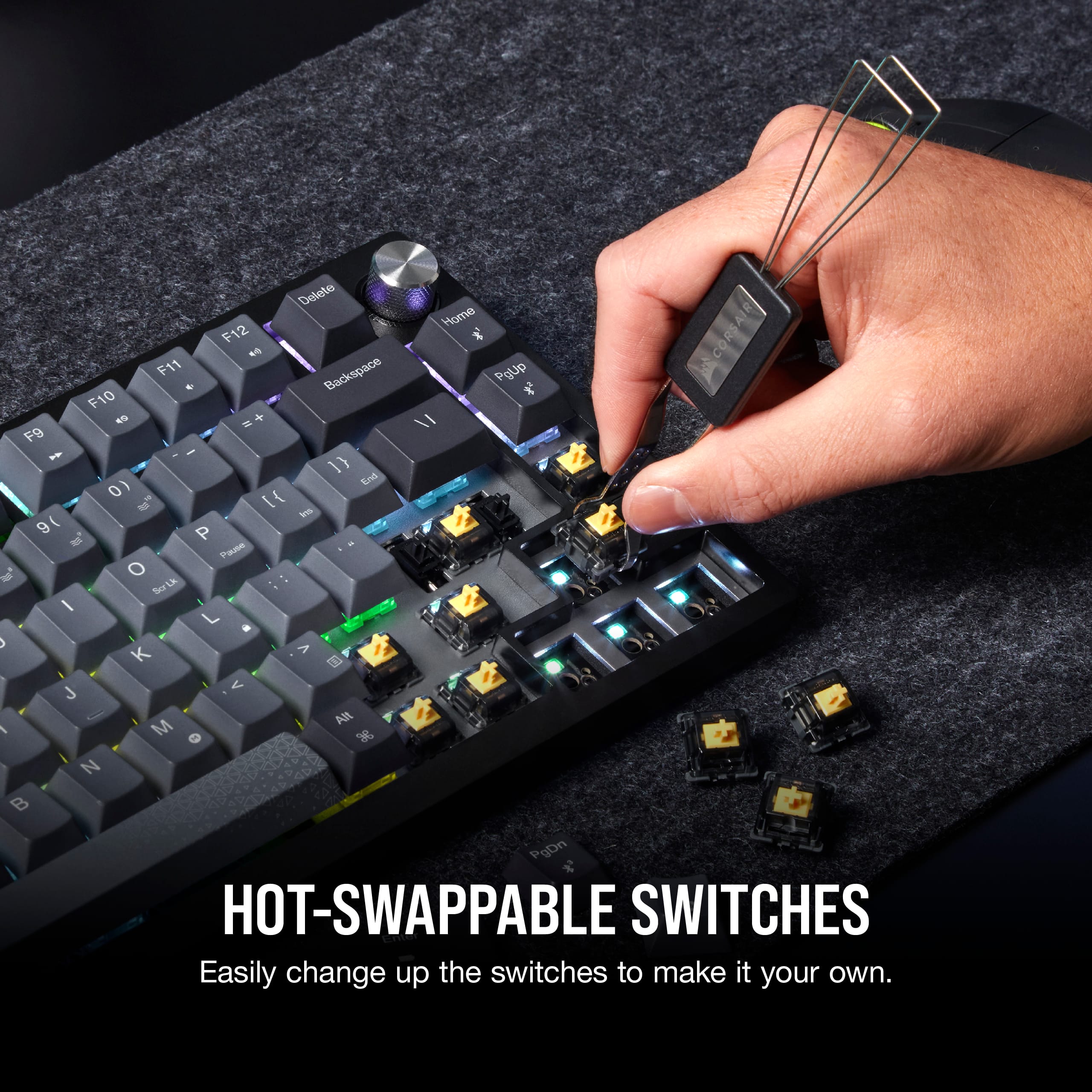
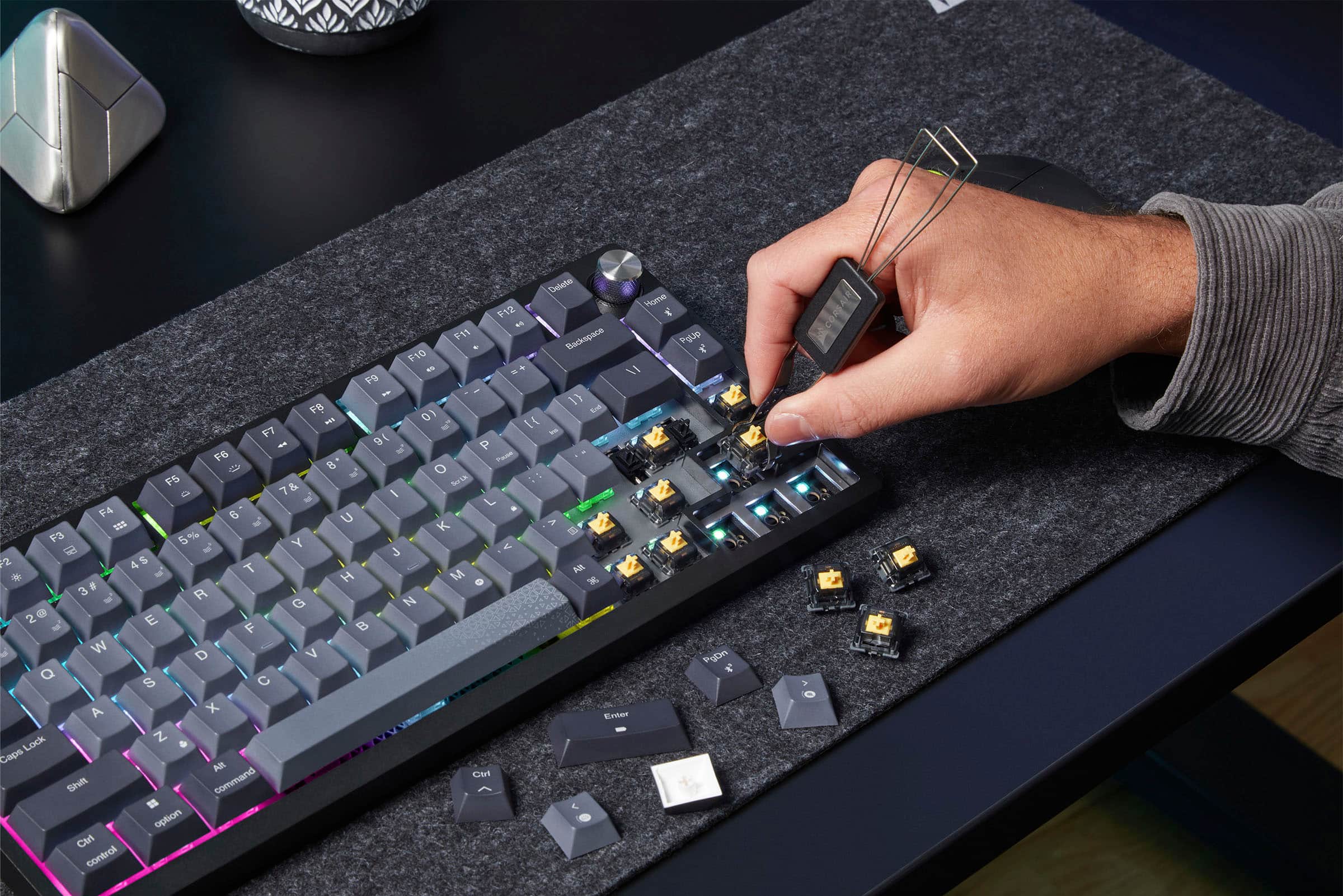
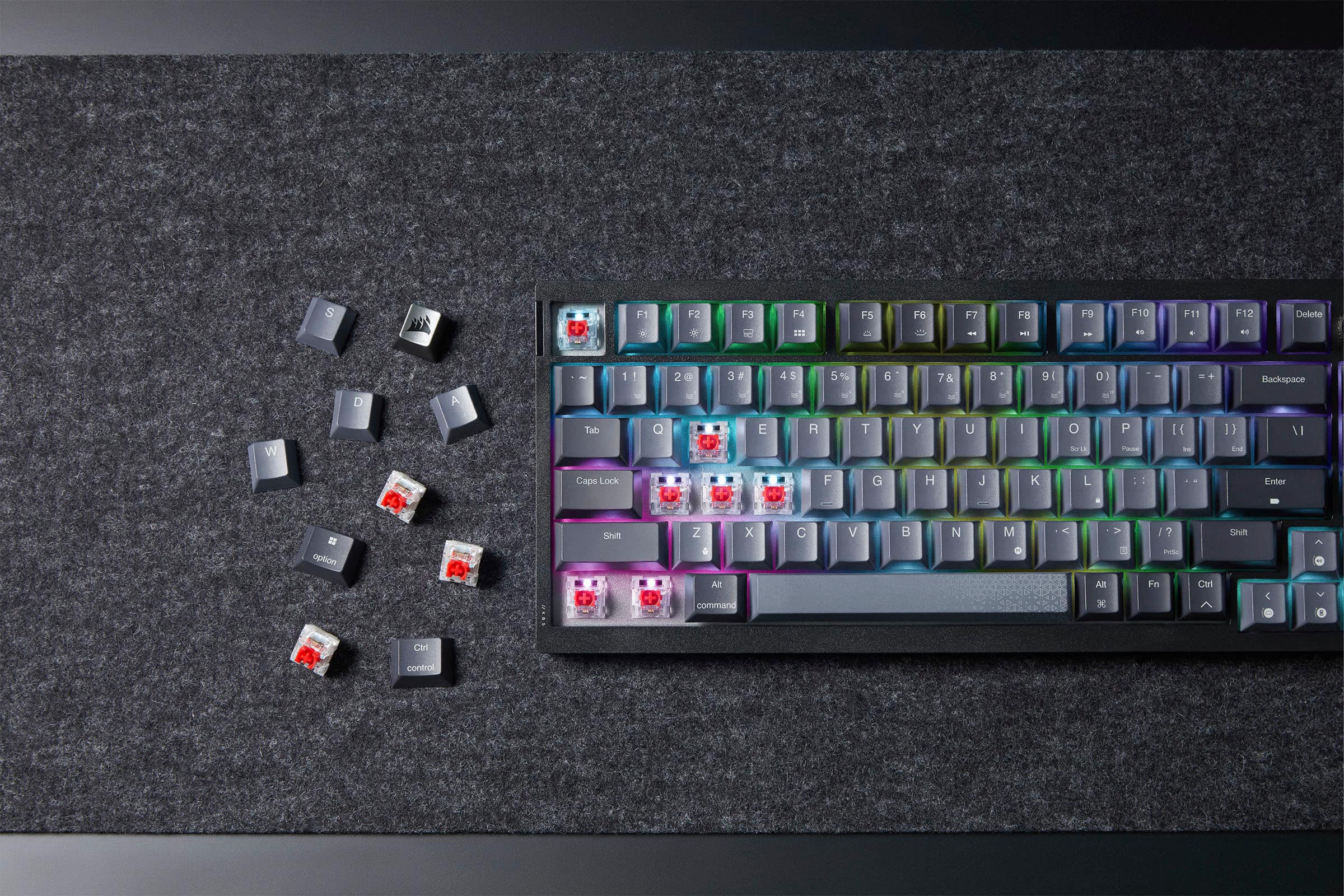
||Posted . Owned for 9 months when reviewed.This reviewer received promo considerations or sweepstakes entry for writing a review.Most importantly, this keyboard is NOT HOT-SWAPPABLE! I tried for days and hours, the switches don't come out. If you like red switches, and u got them in ur keyboard, they are stuck there. Red switches are great, through, so why change? However, the sturdiness and Red Switches do feel nice, quiet, and satisfying to type with. The frame is a little lighter than the higher end keyboards, but the RGB backlighting and customizable buttons make this keyboard a gaming peripheral as well as a multi-media controller. This is a great keyboard for entry level users trying to minimize desk space using the 75% style. If you want a quiet, smooth, satisfying typing experience, get this keyboard!
I would recommend this to a friend - Pros mentioned:Keyboard quality, Noise level
Premium product.
||Posted . Owned for 3 weeks when reviewed.This reviewer received promo considerations or sweepstakes entry for writing a review.Bought as one of son's graduation gifts. It's hard for me to justify $160 for any keyboard. However, it's equally difficult to deny the premium feel and quietness for mechanical keys. Also looks good on a desk. Of course, the convenience of wireless has its uses as well.
I would recommend this to a friend - Pros mentioned:Noise level, Rgb lighting
Must buy!
||Posted . Owned for 1 week when reviewed.This reviewer received promo considerations or sweepstakes entry for writing a review.My new favorite keyboard slick smooth and quite. Rgb option on this thing is sick.
I would recommend this to a friend - Pros mentioned:Battery life, Keyboard quality, Noise level

Perfect compromise between Size and Function
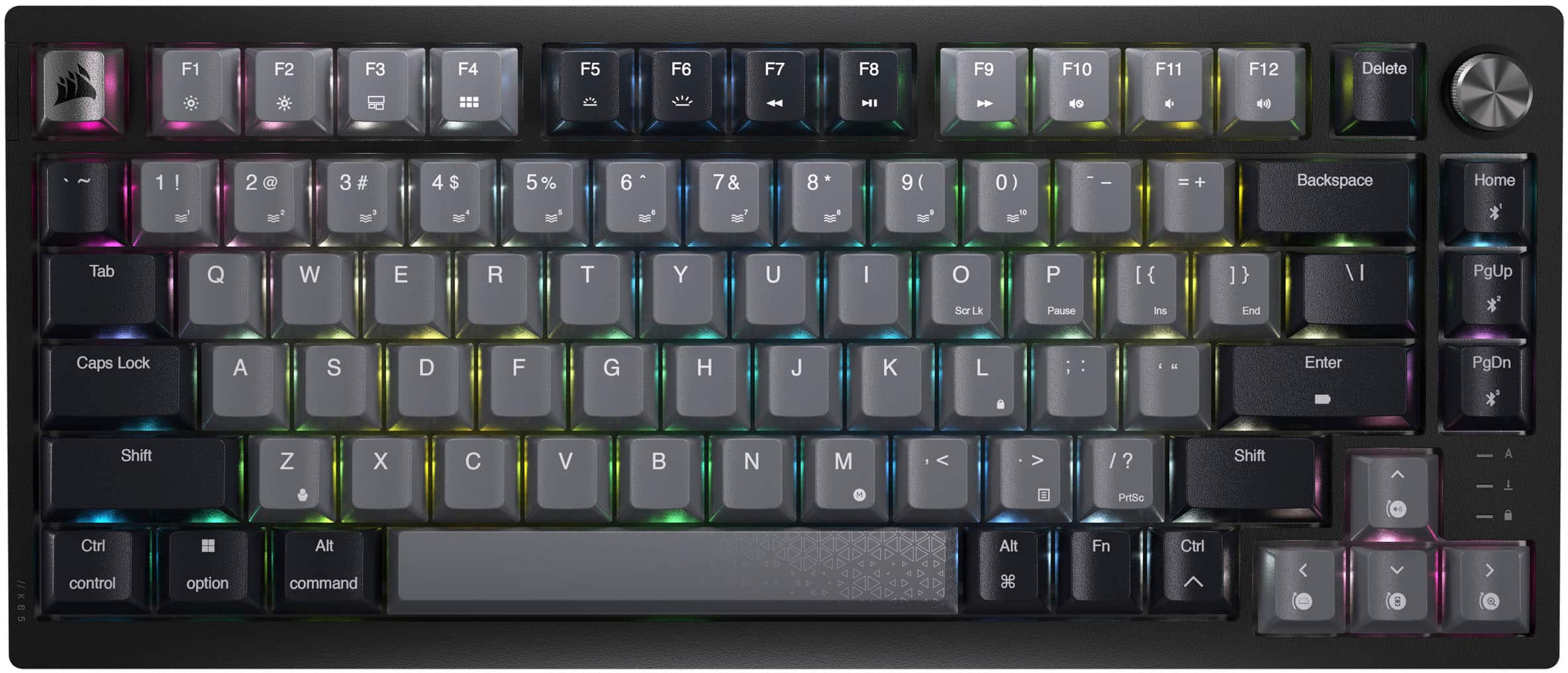
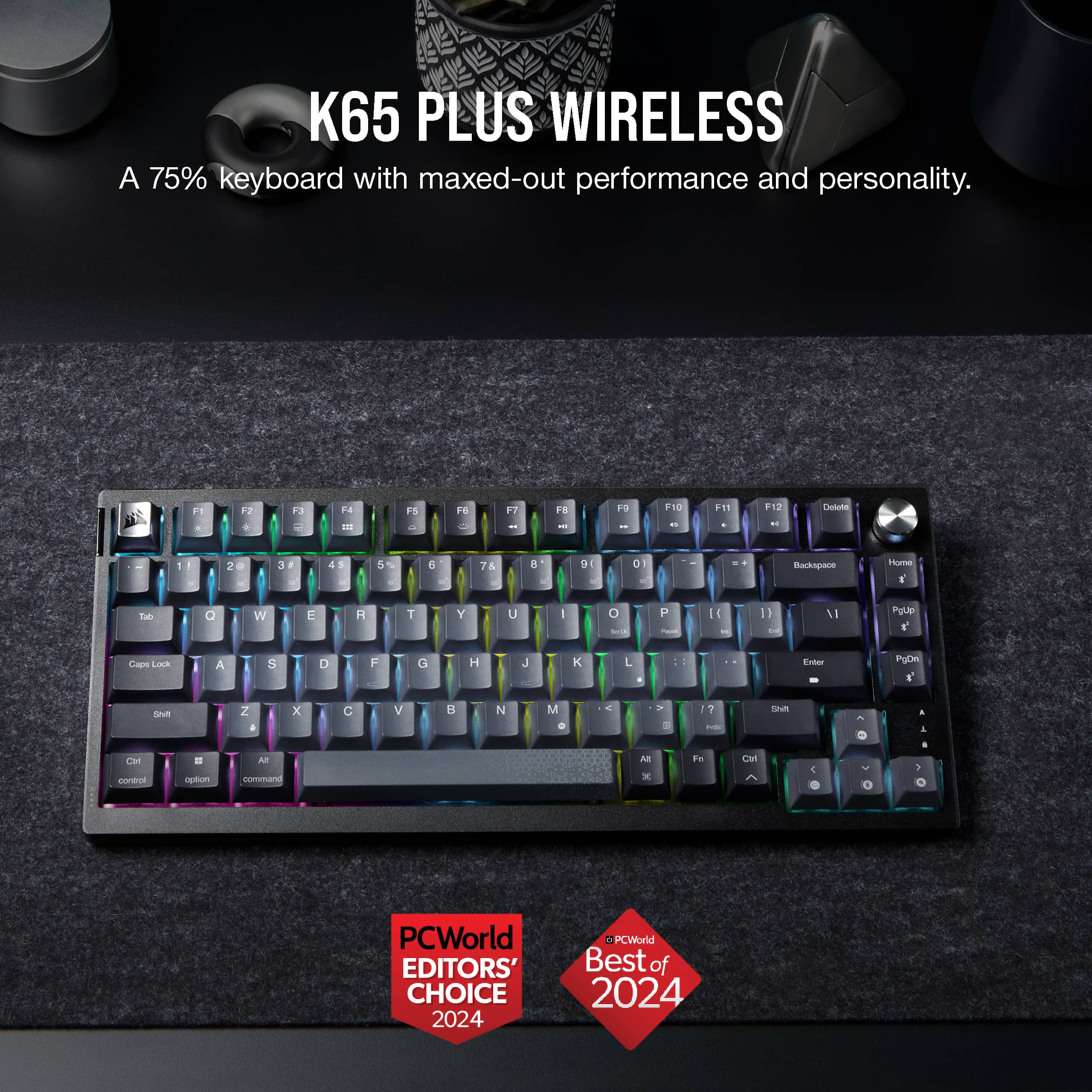
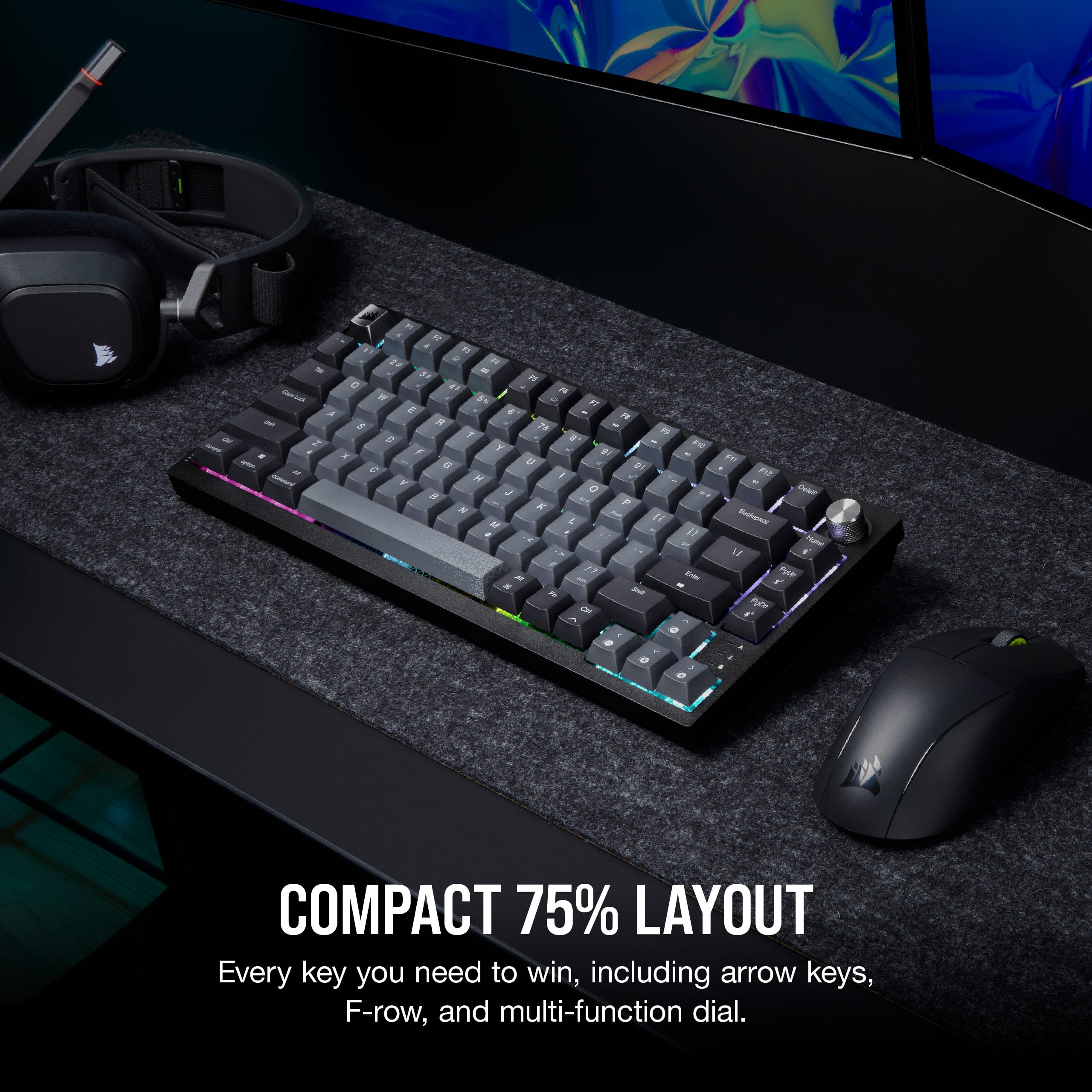
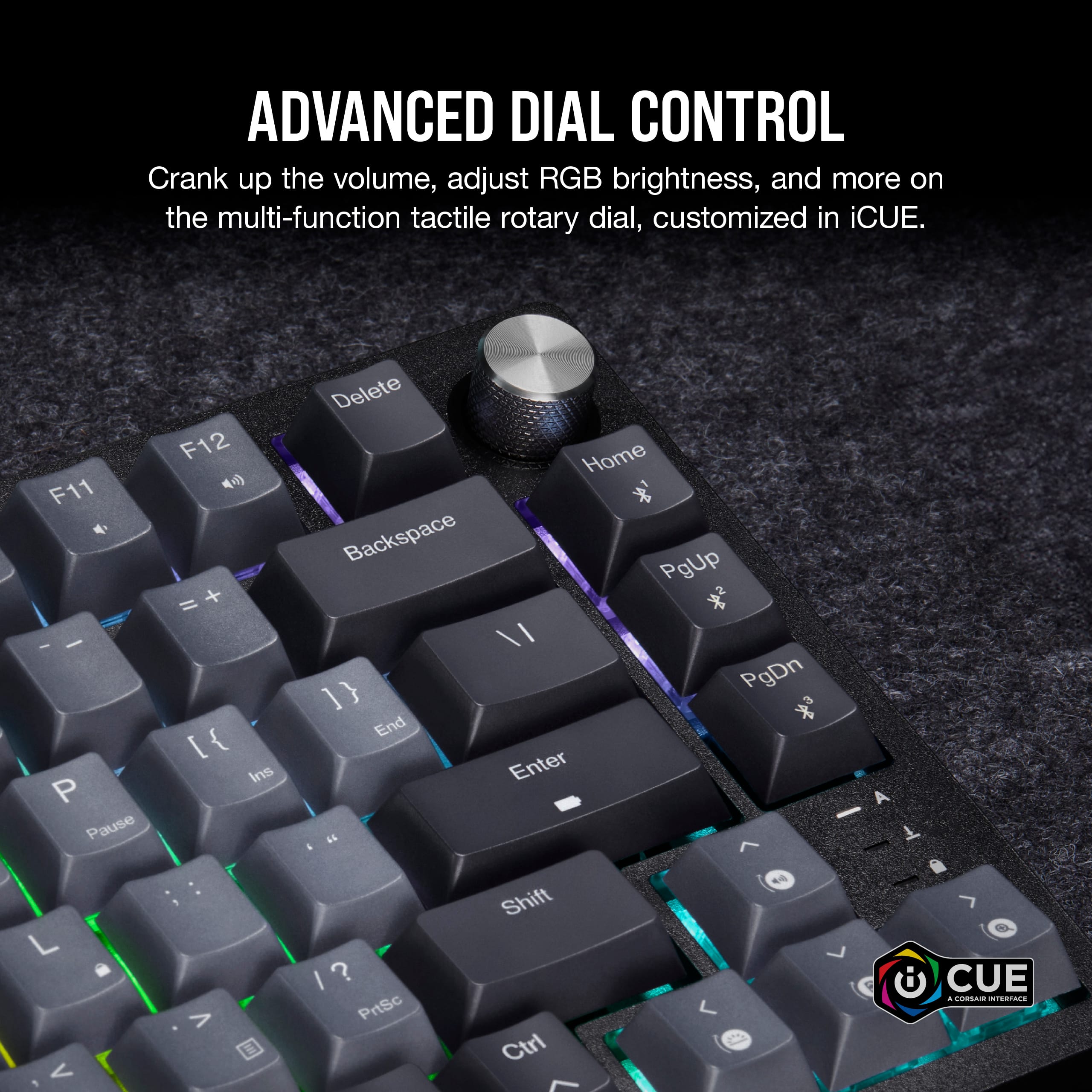
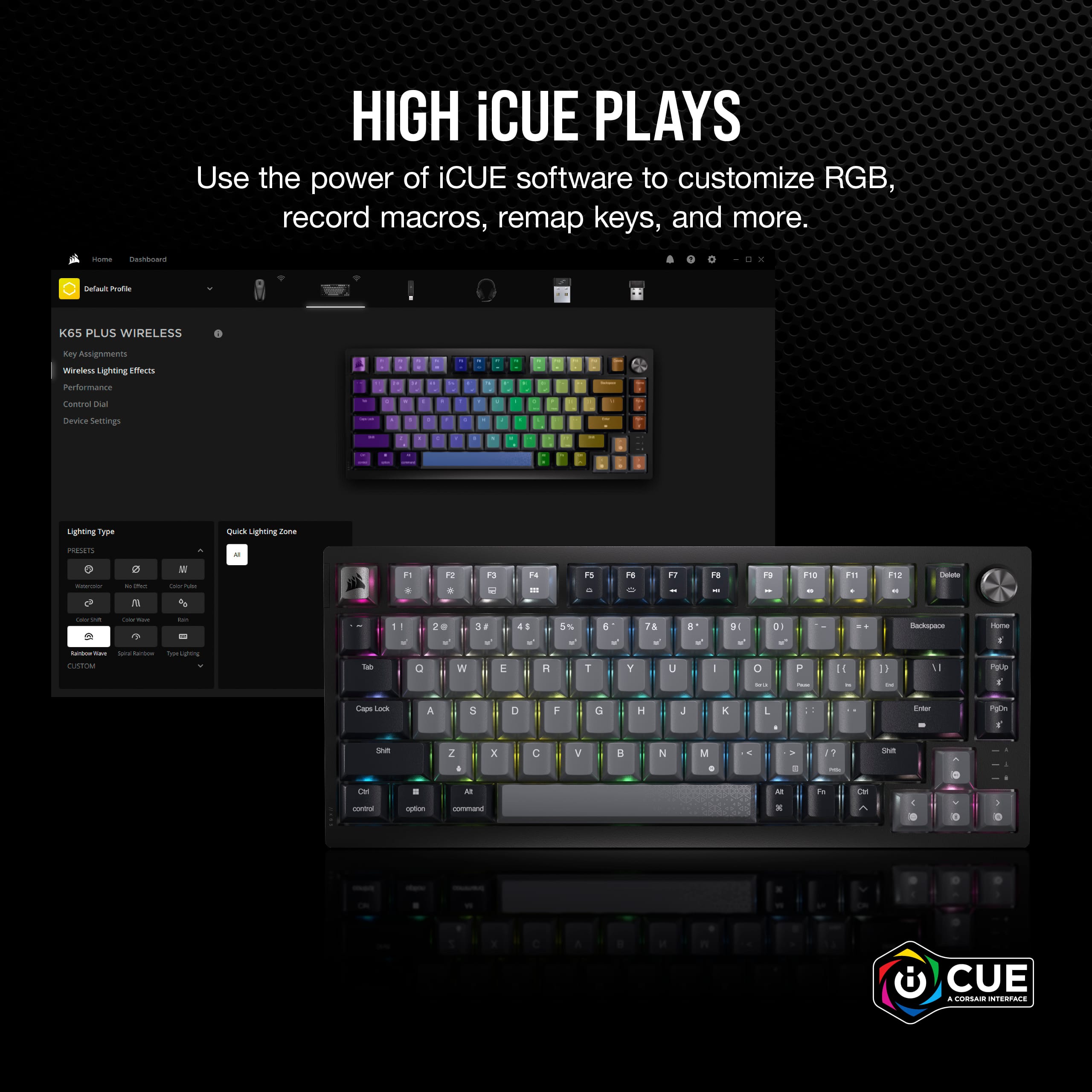
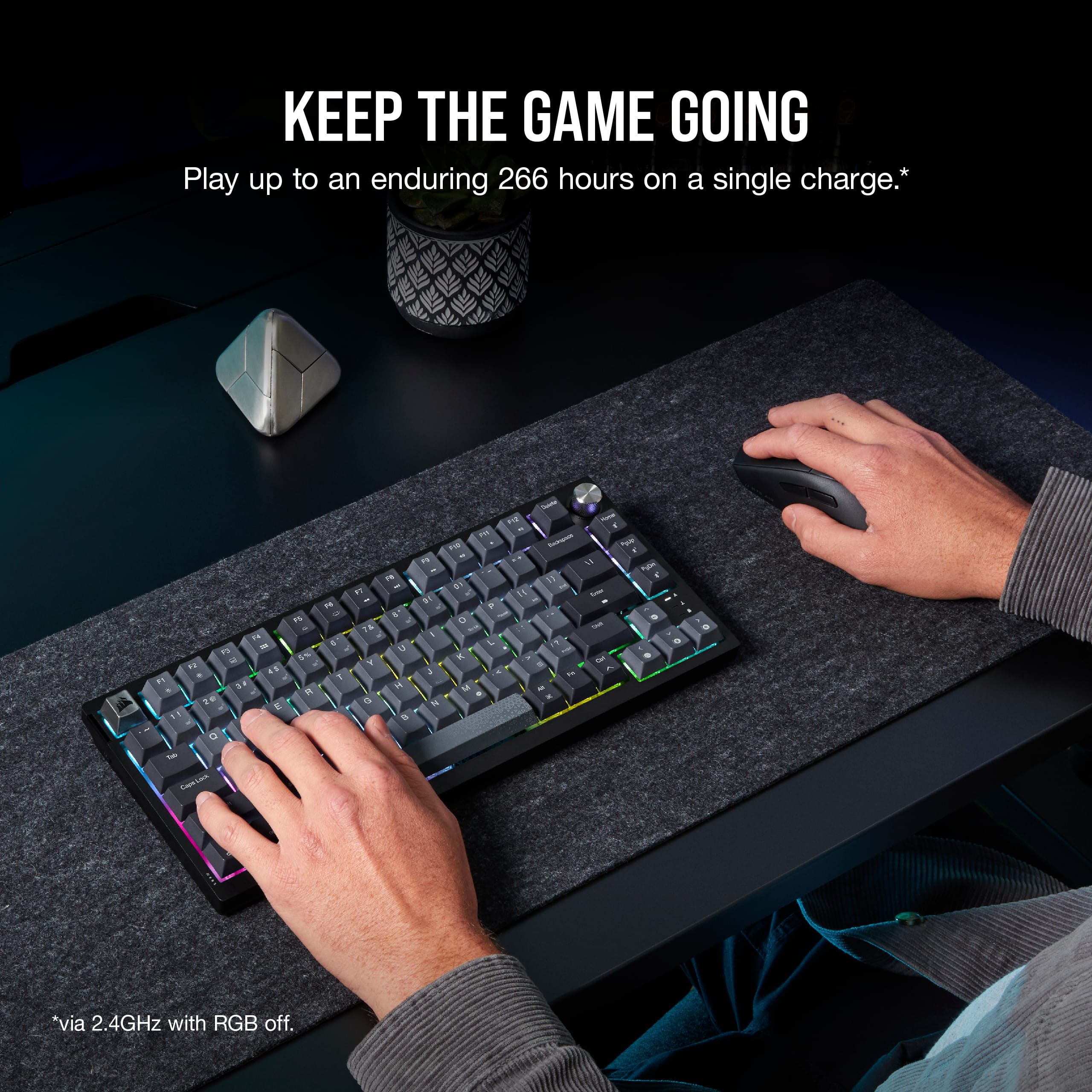
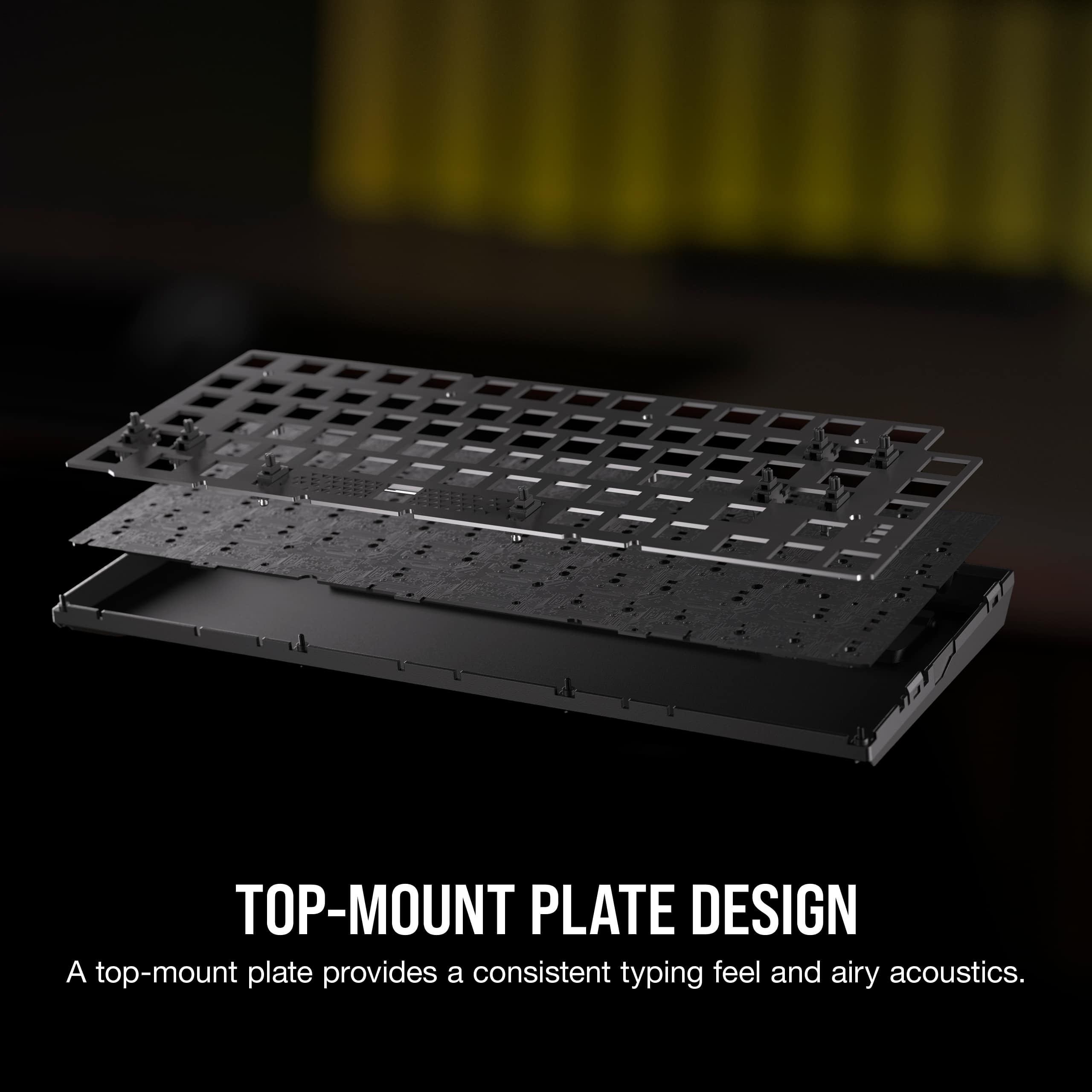
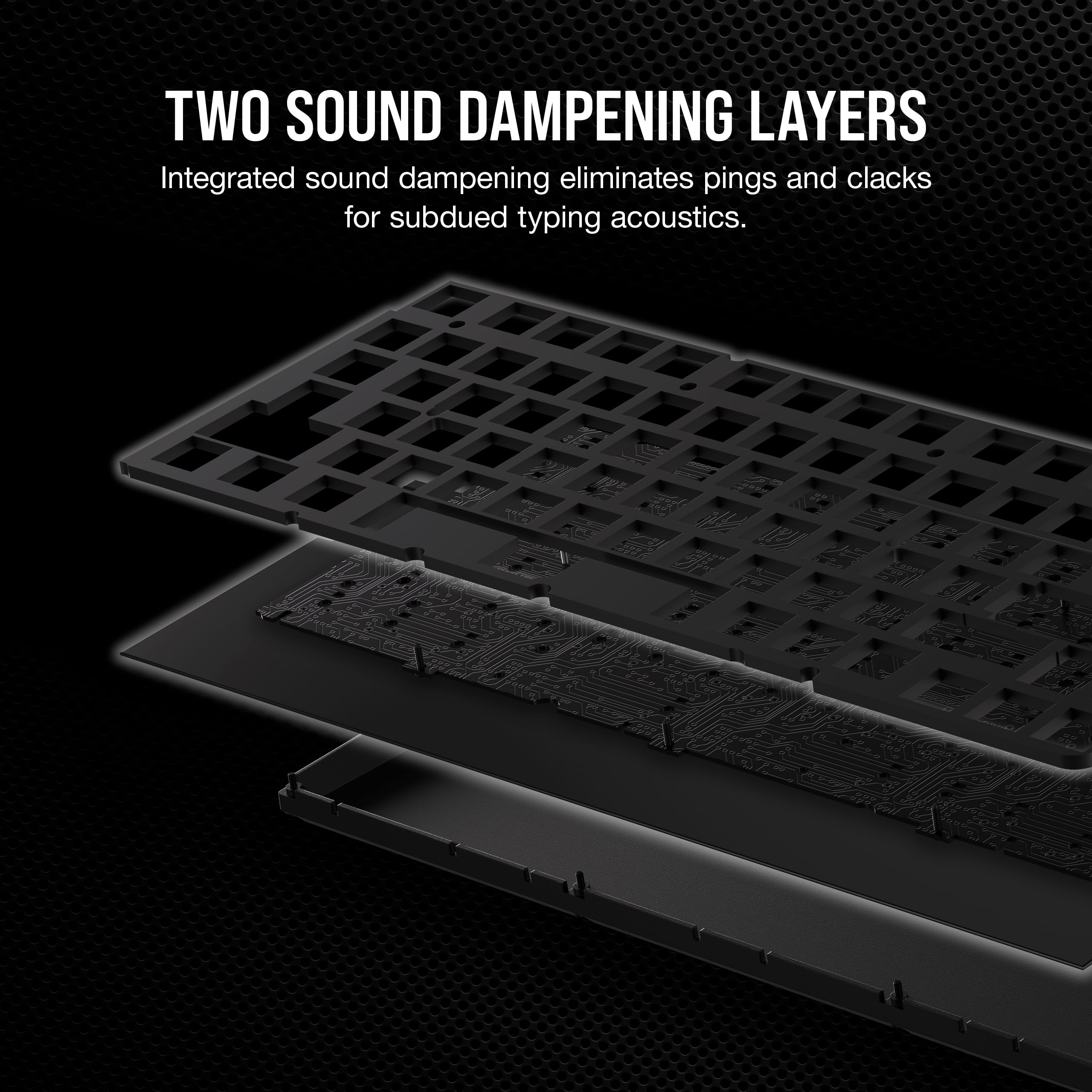
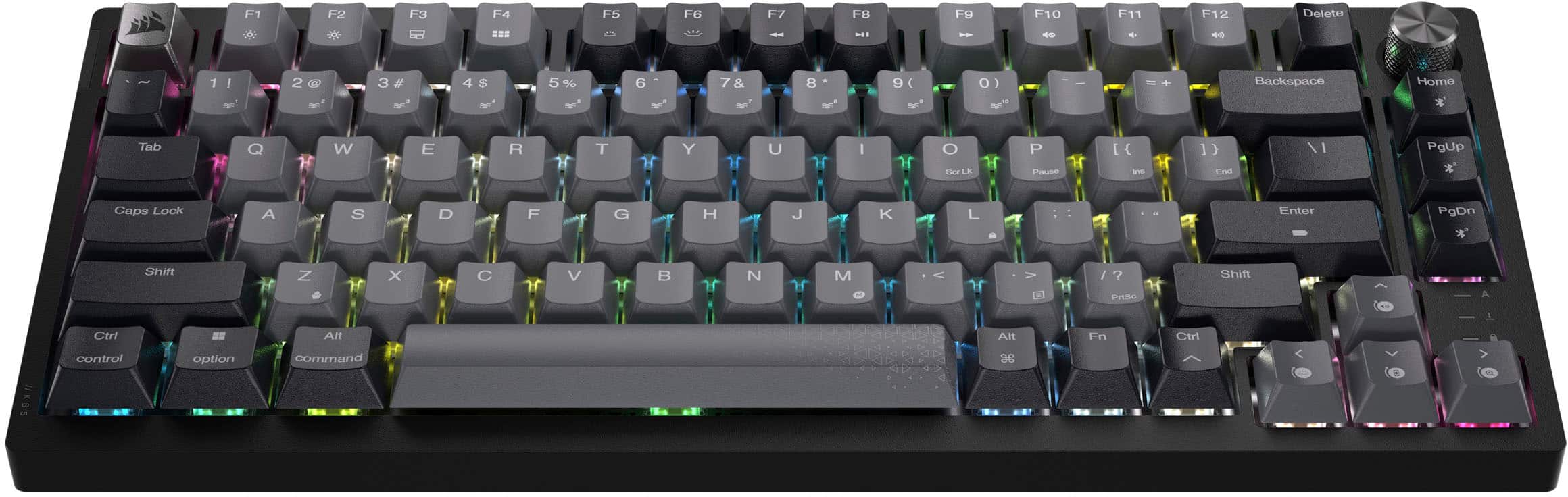
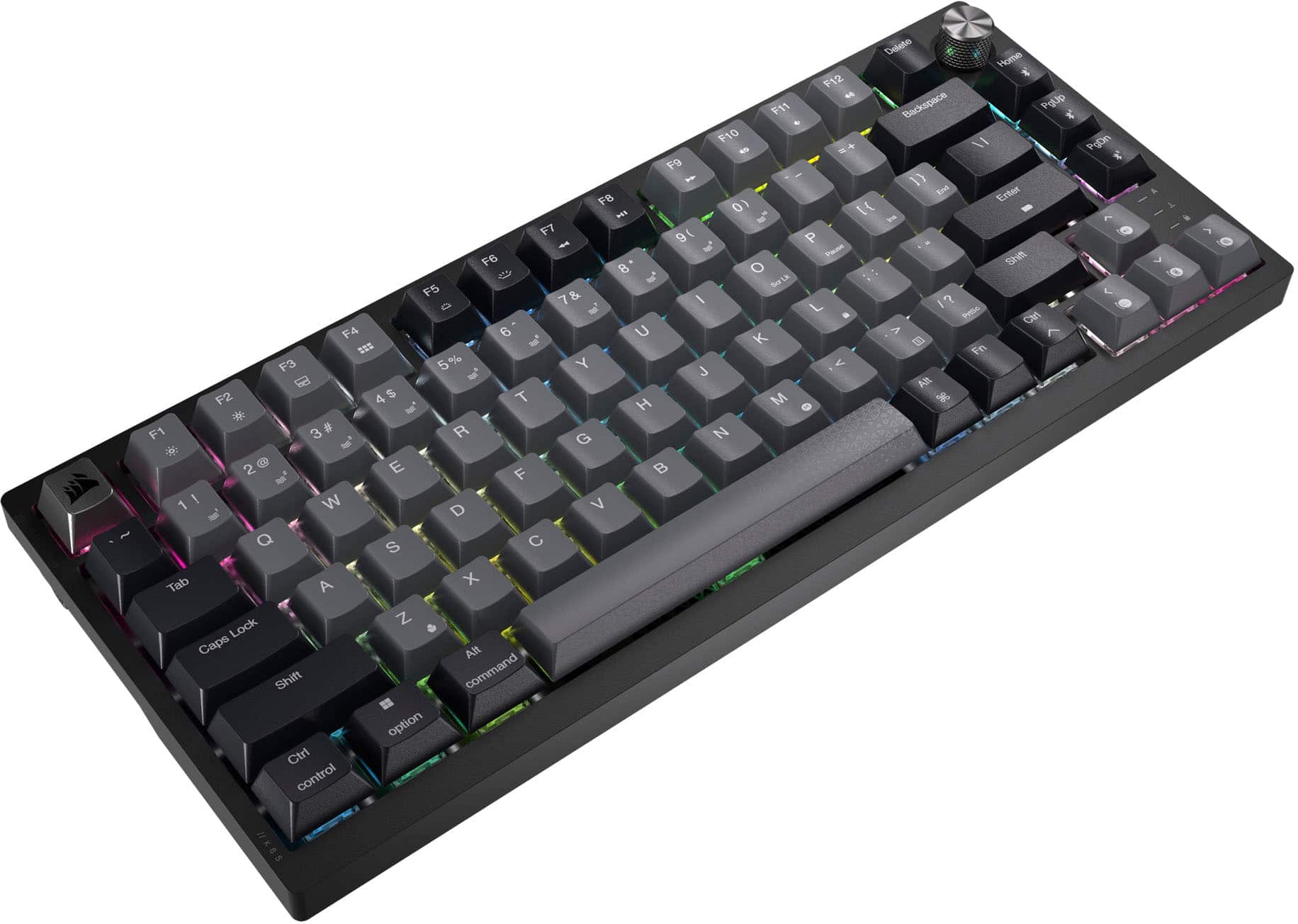
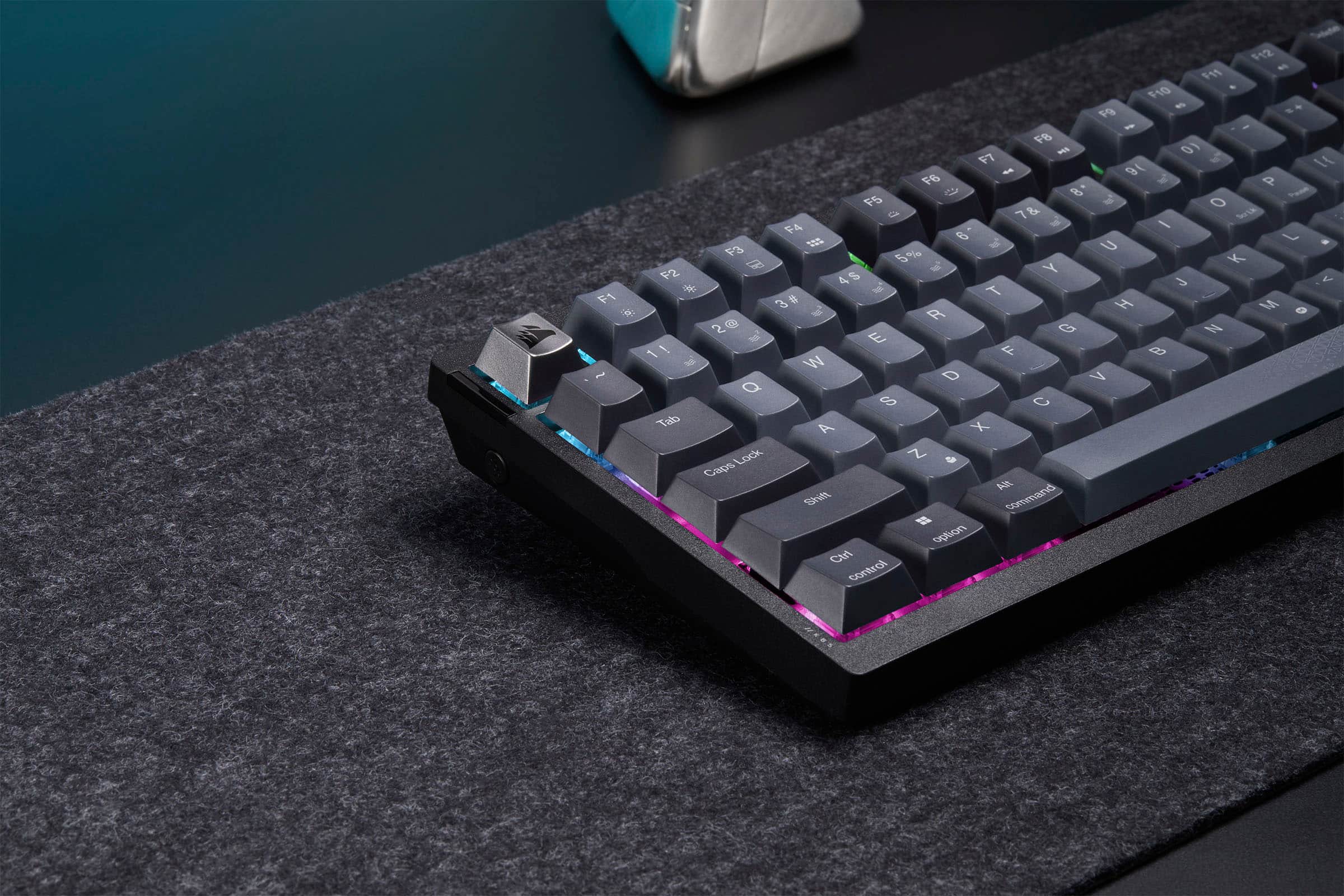
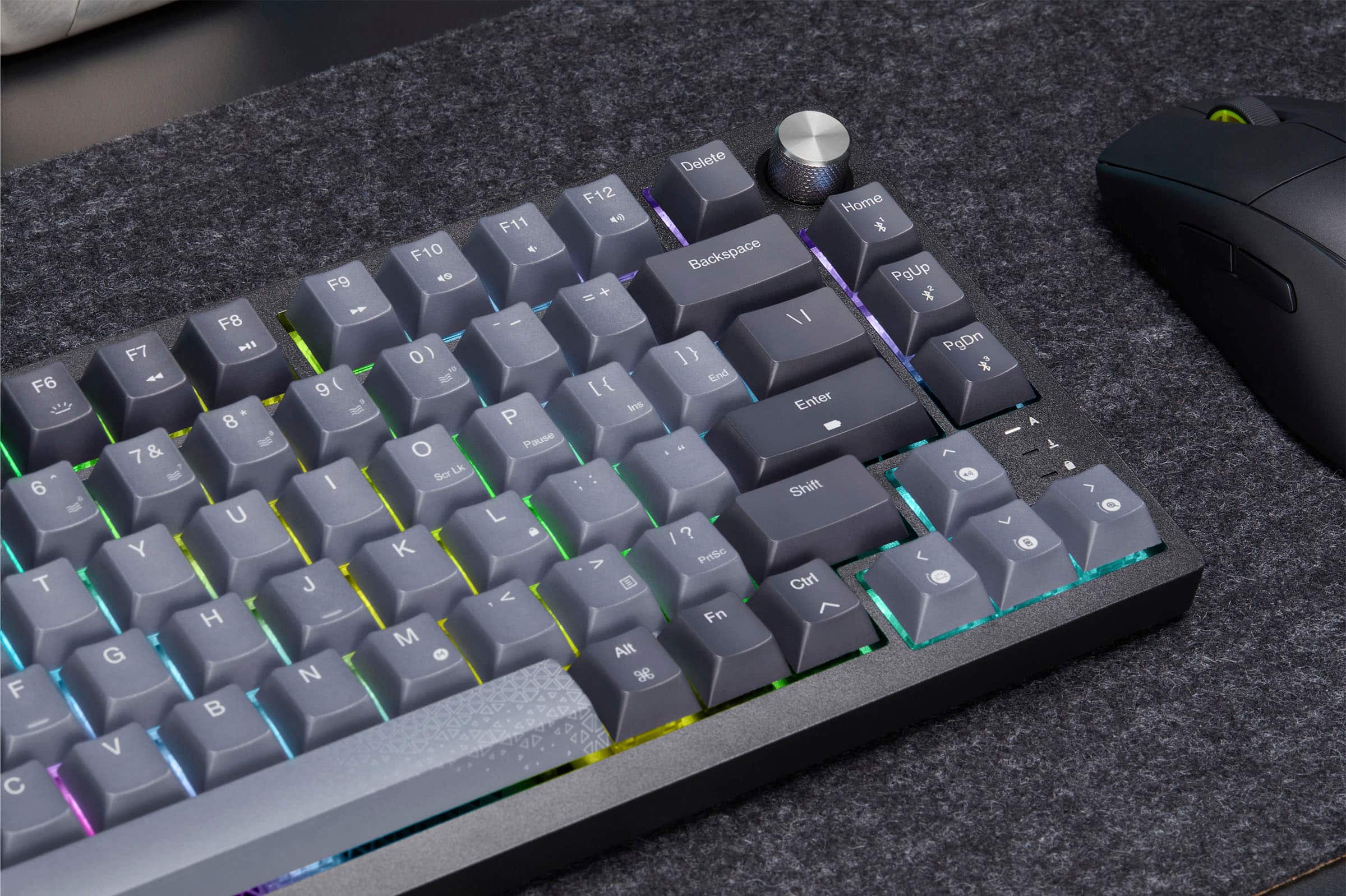
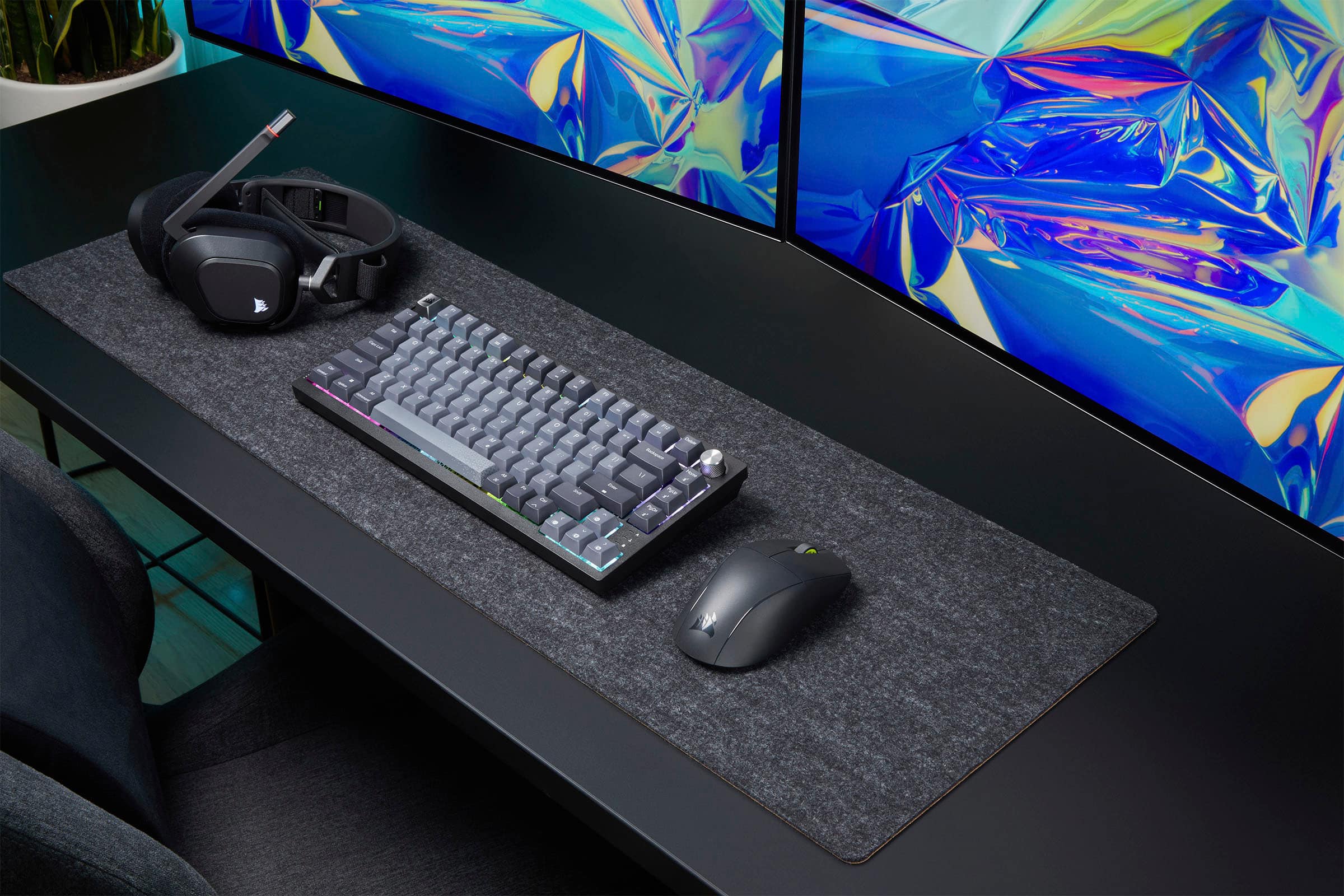
|Posted .This reviewer received promo considerations or sweepstakes entry for writing a review.It’s hard to improve on a great keyboard but Corsair has done it with this K65 Plus keyboard. I own both the full size and mini Corsair mechanical gaming keyboards and this keyboard makes improvements over both. I included a photo showing the size difference between this keyboard and the mini K70 and the full size K70 keyboards. The sound damping definitely makes this keyboard much quieter so you can use it on conference calls without everyone hearing you type in the background. They incorporated the rotating dial function that is in the larger keyboards but did it in a more space saving fashion. And they addressed the biggest complaint I had with the mini keyboard, they moved the dual-purpose symbols off the front side of the keys and put them on the top so you quickly identify all the key functions just by looking at the top of the key! Bottom line is that this keyboard is fantastic whether you are using it for work or for gaming and it doesn’t matter if you are using a windows pc, an imac, a tablet or a Sony Playstation. Corsair has combined the functionality of a larger keyboard and the space savings of a small keyboard in this K65 plus. Like all their keyboards the base is solid and has some heft to it so you know it wont bend or twist if you want to use it as a portable keyboard. The MLX Red mechanical switches make this a very responsive keyboard and perfect for gaming. Note that the W, A, D and S key caps do not have a special texture to help in gaming but you can assign special lighting or use the included key cap puller to replace them with optional key caps. The two layers of sound dampening doesn’t totally eliminate the clatter of the mechanical keys but it definitely makes them much less noticeable. You connect the keyboard using a USB cable or Wireless dongle or Bluetooth. If you use Bluetooth you can pair with three different devices and easy switch between them with a simple keystroke. When connecting via Bluetooth or Wireless they estimate that the keyboard can go over 250 hours between charges if you aren’t using the RGB lighting. But one of the nice features is the RGB lighting so don’t plan on going that long between charges. You can control the RGB lighting via iCue or by using the Function key combined with a number key. There are 10 different RGB patterns stored on the keyboard or you create your own pattern using iCue. One of the best features is the rotary dial function which allows you to quickly control numerous functions on the keyboard. You can quickly and easily change the dial’s mode to perform the functions you need the most depending on how you are using the keyboard. There is also full media support on the function keys and rotatory dial. You can perform macro recording using the keyboard or you can use iCue which also allows you to do key assignments, set the lighting effects, configure functions and short cuts and much much more. With all these functions and the quality of the build and keys this has to be one of the best keyboards available.
I would recommend this to a friend - Pros mentioned:Battery life, Noise level, Rgb lighting
Smooth
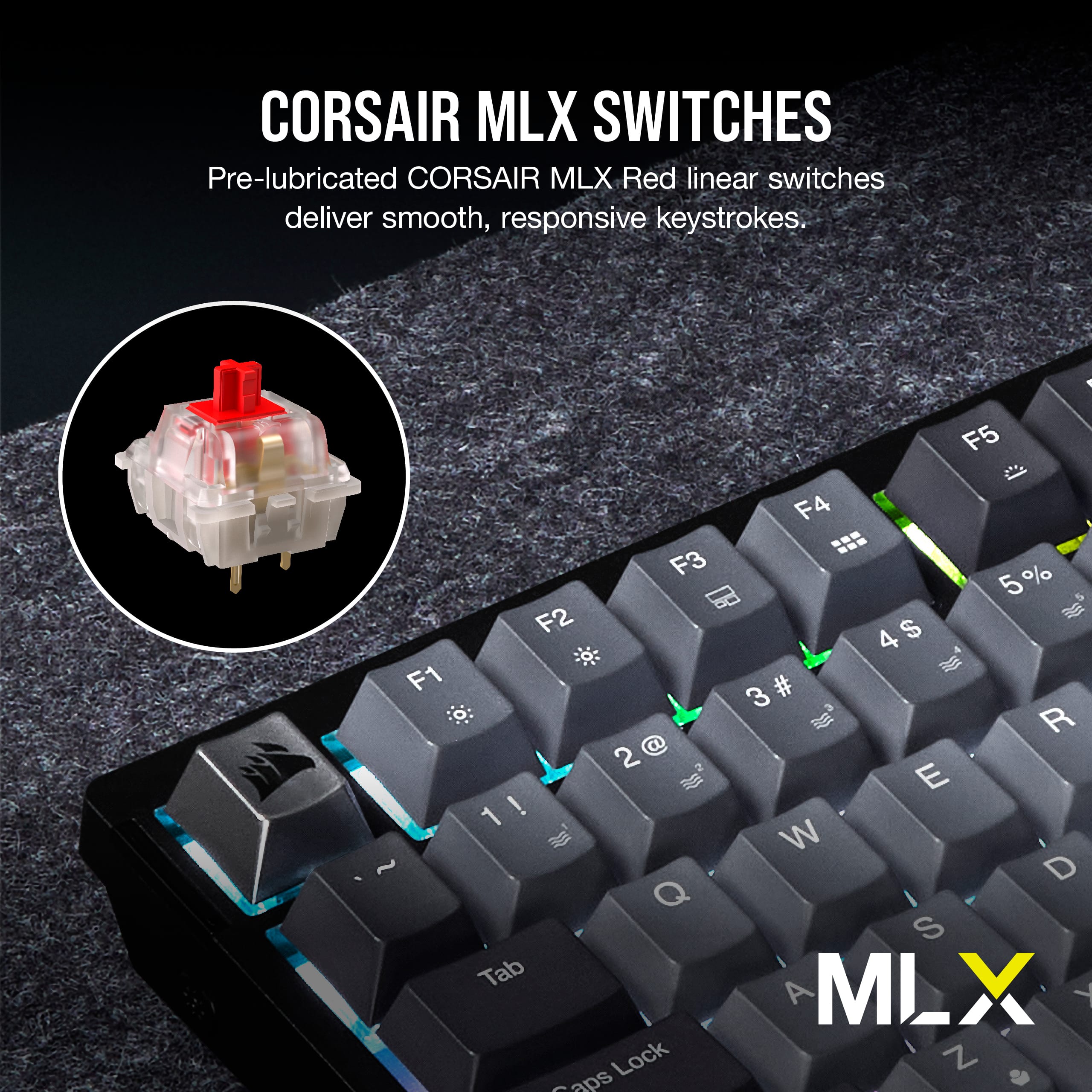
||Posted .This reviewer received promo considerations or sweepstakes entry for writing a review.This Corsair K65 Plus RGB 75% wireless mechanical keyboard is an absolute standout! The pre-lubricated MLX Red linear switches feel incredibly smooth and buttery right out of the box—light, fast actuation, and super satisfying for both gaming marathons and long typing sessions. The dual-layer sound dampening makes it one of the quietest mechanical boards I've used, with a deep, thocky sound that's premium without being loud. The compact 75% layout is perfect: arrow keys, function row, and that knurled metal volume knob make it way more practical than smaller 60% or 65% options, while still saving tons of desk space. Wireless performance via Slipstream or Bluetooth is rock-solid with excellent battery life (I've gone weeks without charging with RGB on). Hot-swappable switches mean easy future upgrades, and the RGB looks vibrant even if the keycaps aren't fully shine-through. Build quality feels hefty and well-made, no flex, and iCUE software adds great customization. For the price, this is hands-down one of the best 75% wireless gaming keyboards out there—highly recommend if you want smooth linear switches and a clean, high-end feel!
I would recommend this to a friend - Pros mentioned:Battery life, Keyboard quality, Noise level
Great board so far!
||Posted . Owned for 2 months when reviewed.This reviewer received promo considerations or sweepstakes entry for writing a review.I deliberately waited a few months before writing this review. During my research, I noticed a troubling pattern: many enthusiast-oriented keyboard brands had numerous reports of boards failing shortly after purchase. I wanted to see if the K65 Plus would suffer the same fate. I'm happy to report it hasn't. After exploring several enthusiast brands in search of a hot-swappable keyboard, I kept encountering the same issues across various price points. Boards under $150 often had faulty designs, poor electronics, or buggy software. Sure, they might look and sound great, but reliability matters more to me than aesthetics. Surprisingly, more expensive options weren't much better—they had similar quality control problems but with worse (or nonexistent) return policies. Corsair's two-year warranty became a significant selling point. While I've purchased several Corsair keyboards over the years and was hoping to branch out, I ultimately decided to stick with what works. The Good Stuff The typing experience has been excellent. The MLX Red switches are smooth and pleasant to type on, and they're noticeably quieter than other switches I've used—a nice bonus if you're in a shared space. The RGB lighting looks great, though I've avoided Corsair's iCUE software (it's admittedly clunky). Fortunately, you can adjust basic lighting settings directly on the keyboard, which is all I really need. The keycaps feel solid and comfortable for extended typing sessions. I would have preferred shine-through legends for better RGB visibility, but the current design still looks good with the backlighting, so it's not a dealbreaker. At this price point, getting wireless connectivity alongside hot-swappable switches and extensive customization options is impressive. While I primarily use wired mode for gaming, the wireless functionality is convenient when I want to reposition the keyboard. Battery life seems solid, though I haven't stress-tested it since I'm usually plugged in. Bottom Line The K65 Plus delivers where it matters most: reliability, solid build quality, and a great typing experience.
I would recommend this to a friend - Pros mentioned:Keyboard quality, Noise level
Silent and silky-smooth portable gaming!
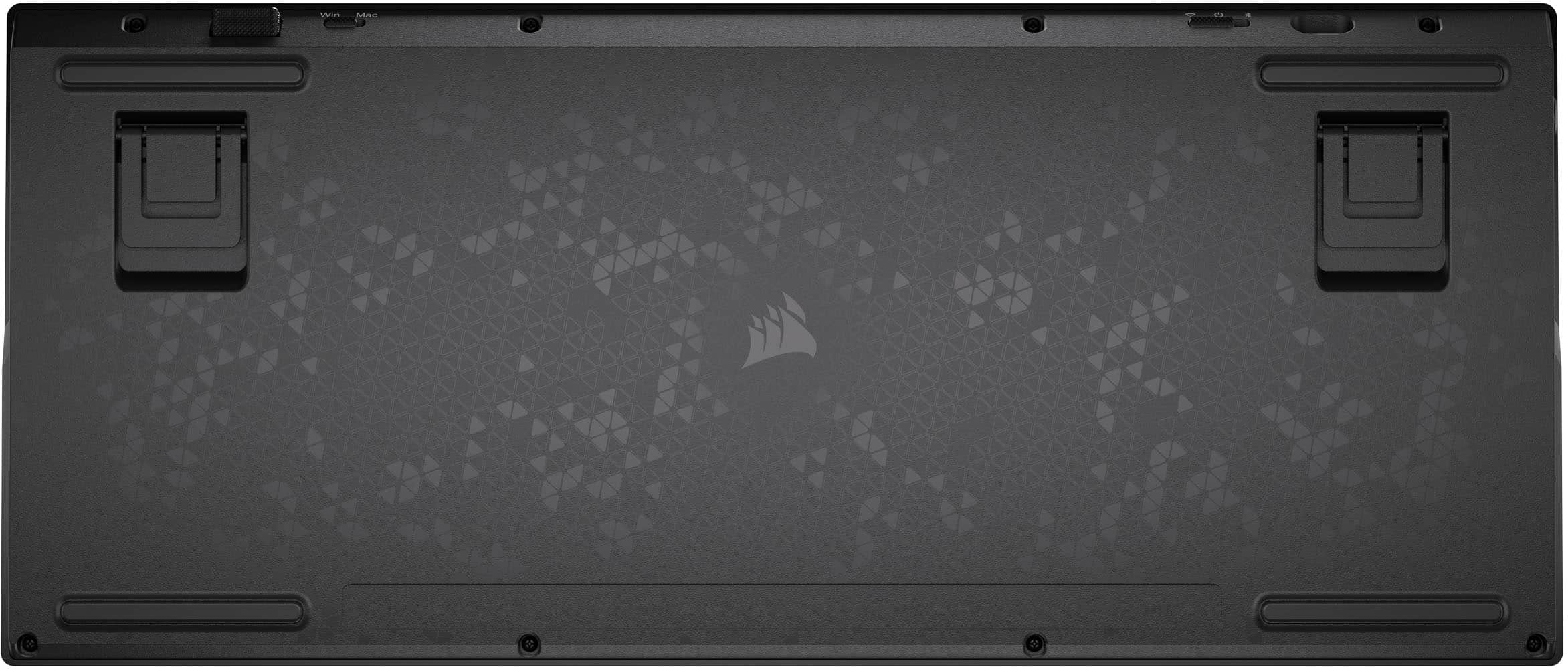
|Posted .This reviewer received promo considerations or sweepstakes entry for writing a review.First impressions: The K65 Plus Wireless 75% Corsair is smooth, responsive, and well damped. The keys MX Red Smooth and Silent keys are probably the single most exciting thing about this keyboard for me. Corsair has always made great keyboards. Unfortunately, the race to make the clickiest and highest performing keyboard also lead us down the road of annoying key ringing. This is an unintended consequence impacting any manufacturer using Cherry keys. Put your head next to your mechanical keyboard. Press and release any key as normal. You will be left with a high-pitched resonance that sounds like a tuning fork. It is big enough deal that I spent months auditioning keyboards until I found one that had the least annoying ring. The Corsair K65 Plus solves this issue by adding two layers of sound damping material: high density foam and a silicon pad. The results are a quiet typing and gaming experience that rivals that of a membrane laptop keyboard. Ringing be Gone! The linear key does not have the click bump further reducing the noise. Clicking be Gone! And the damping material also muffles the clack of the key bottoming out. Overall, nice job Corsair! Typing: I am not exaggerating when I say that the K65 Plus with the pre-lubricated MLX Red linear mechanical switches are like typing on a cloud. Both the down stroke and the up stroke are smooth with constant resistance. Sorry for the hyperbole but I just do not know how else to describe the experience. I have owned many keyboards with linear switches and none come anywhere close to the K65 Plus. Imagine pressing your fingers into a Pusheen stuff animal. And, if for whatever reason, you need a different typing or gaming experience, then you can replace every single switch on this keyboard with any other MXL switch you desire. They are not only removable but Corsair includes a key cap and switch extractor. Go nuts! Gaming: The polling rate on the K65 is limited/locked at 1000Hz/1ms on both Windows and Mac. It is limited to 125Hz when used with an iOS or Android device. So, it does not have the hyper polling and response rate of the more expensive K70 or K100 Axiom keyboards. Overall, I found the 1000Hz/1ms polling more than adequate for simulator style games that I play. Games such as Mechwarrior Online, Mechwarrior 5, and Battletech were smooth and responsive. Yes, there is a theme here. The sound damping qualities and the lubricated actuation mechanism of the pre-lubricated MLX Red linear mechanical switches allowed me to enjoy more of the sounds of war and my teammates than my keystrokes. Honestly, there is nothing more annoying than listening to someone clacking away at a super noisy keyboard on comms. Those who have been there know exactly what I am talking about. Doom eternal was fast and responsive. Multi-key combinations such as run forward and strafe left were fluid and did not cause any pause in my movements. The keyboard simply accepted the simultaneous commands and allowed me to move diagonally while reloading the jumping. Essentially, ghosting is not an issue here. Forza Horizon was smooth and responsive. Left, right, acceleration, breaking, and looking functions were fast and smooth. I also did not experience any ghosting when pressing multiple keys together or in quick succession. The K65 Plus was a delight to game on with games that I regularly game with mouse and keyboard. Lighting: In my opinion, lighting is the real weakness of the K65 Plus is. RGB switch lighting is excellent. It is the same awesome that we have all come to expect from MX RGB keys. The K65 ships with Dye-sub PBT single shot key caps and not the shine through PBT double shot keycaps. The keys themselves are solid, comfortable, concave to support the finger and reduce slippage, and overall of good quality. The RGB under key lighting affect is pleasantly soft. Which is fine if you type and play in a well-lit room. If you are like me, who works and plays in a dim or dark room, then this becomes an issue super-fast. The first issue is that it is difficult to identify less often used keys such as the F Keys or any Macro keys that may have a specific RGB color assignment. And forget about reading any of the keycaps in a dimly lit room. The glow from the backlight, and the concave shape of the individual keys, guarantees a permanent shadow cast on the printed characters. I found this especially challenging playing simulator games where I am activating specific keys that I do not use as often as ASDW or the keys immediately around ASDW assigned to reload, use, push to talk, etc. In those instances, I am reliant on quickly identifying, say, the “M” key by sight to activate counter ECM rather than muscle memory. In the case of the K65 Plus, my “M” key is color coded and blinks for quick attention and identification. However, a blinking backlight glow is almost lost in the constant glow of the other keys. Worse, the colors mix into a soft glow that lack the sharpness I need for quick identification. I included two photos as examples. One if my daily typing color and the other is my keyboard setup for Mechwarrior Online. iCUE: This is not going to be a review of iCUE. It is not perfect, but I still think iCUE is the best software in the business and I have not seen anything from any other manufacturer that has changed my mind yet. One feature I love about iCUE is that any keyboard profile I have created for any keyboard will be compatible with any other Corsair keyboard. The K65 Plus is no exception. My primary gaming and typing profiles automatically took to the K65 Plus. There are two caveats though. iCUE profile interaction is limited to 2.4Ghz and USB connectivity only. iCUE will not see the keyboard over Bluetooth. Any macros or key assignments that do not align with the physical keys on the K65 Plus, such as the G1 key on a K100 keyboard, will not activate. Why is this a good thing? This means I can go to Corsair and download a pile of pre-made iCUE profiles that are mostly equipment agnostic. This means the very excellent Christmas RGB profile found on Corsair’s site will work equally well with the K65 Plus as it does with my K100. And it does. The benefit? I do not need to rebuild all of my profiles from scratch just because I changed to a new Corsair keyboard. Profiles: iCUE is not currently capable of uploading profiles from iCUE to the keyboard. It is possible to program the keyboard, using the keyboard exclusively, to build an onboard profile. Macros can also be programed from the keyboard. But there is no way to transfer what is on the keyboard to iCUE or vice versa. Wireless Options: The K65 Plus can hold 3 Bluetooth partners, ships with a 2.4Ghz USB Dongle, and has a USB-C to USB-A cable. The connection type is user selectable on the back of the keyboard. There is a second switch that indicates Windows or Mac connectivity. The K65 Plus ships with a USB wireless adapter. The adapter plugs into any USB A slot. Windows will identify the adapter and connect the K65. Please note, the Windows switch and the correct wireless switch must be set for this to work. Bluetooth is also easy to setup in Windows. Open Bluetooth in settings, setup a new wireless device, and then use FN+ <Home, PgUp, or PgDn> to select the wireless slot. Synce and done. Essentially, this keyboard can sync with just about anything. Portability: Corsairs claims the k65 Plus is 2.02 lbs. It is a dense 2.02 lbs. Get some curls in between matches kind of dense. And please do not hit anything with this keyboard. You will break something and it won’t be the keyboard. The keyboard is about the size of a 15-inch class laptop keyboard. This means your mouse and keyboard can be closer together thus creating a more natural position for your hands and shoulders relative to the center of the monitor. There are rubber pads on the bottom that will prevent any slippage. The K65 Plus has a two-level fold out legs to adjust the keyboard angle. Finally, the K65 Plus does not ship with a matching wrist rest. I found a memory foam wrist rest on Amazon that fits both the size and height of the K65 Plus for cheap. Conclusion: Construction, type experience, and connectivity capabilities are excellent. The typing experience is unlike anything I have ever had the pleasure of typing on. And I am a first gen keyboard warrior dating all the way back to the days of the original Zork adventures. The size of the keyboard is excellent for anyone who needs a fully capable keyboard but has limited space. The RGB is top notch. Overall, I feel that the K65 Plus, as a mid-tier gaming keyboard, is well constructed and well executed. And the typing experience is like nothing else out there today. Did I mention that I really like typing on this keyboard?
I would recommend this to a friend - Pros mentioned:Noise level
10/10 Keyboard
||Posted .This reviewer received promo considerations or sweepstakes entry for writing a review.Very quiet and good quality. The switches are also very easy to change out as well as the key caps in wanting to. 10/10 would recommend as this is compatible with a lot of different things.
I would recommend this to a friend - Pros mentioned:Keyboard quality, Noise level
Awesome keyboard if you want something quiet!
||Posted . Owned for less than 1 week when reviewed.This reviewer received promo considerations or sweepstakes entry for writing a review.I previously owned a K70 Core and traded it in to get this keyboard and it was the best decision I made! I love how quiet it is and how well built it is. It is on the heavier side, but that means that it will not slide around on the table or mat at all. It has the ability to run on Macs with the keys labeled for both Windows and Mac computers which is a plus since I own both. You can also set up to three bluetooth connections using the "fn" key and turn on a switch in the back to allow bluetooth connection. It is on the pricier side, but considering what I have written so far and that you can hot-swap the switches in the future, it was well worth the purchase!
I would recommend this to a friend - Pros mentioned:Key feel, Noise level
Great keyboard
||Posted . Owned for 2 weeks when reviewed.This reviewer received promo considerations or sweepstakes entry for writing a review.Great keyboard, good feel on the keys but not too loud. still a nice click.
I would recommend this to a friend - Pros mentioned:Battery life, Noise level
10/10
||Posted . Owned for 3 weeks when reviewed.This reviewer received promo considerations or sweepstakes entry for writing a review.It is satisfying to use. The sound isn't gonna bust your eardrums. The battery life is is amazing.
I would recommend this to a friend - Pros mentioned:Noise level
Best keyboard I’ve used yet
||Posted . Owned for 1 month when reviewed.This reviewer received promo considerations or sweepstakes entry for writing a review.As a nerd that’s bought many overpriced, underpriced and everything in between keyboards and mice this thing is built like a tank. The keya was not loud but still the nice quality. It makes you question what guy wanted loud clacky keys. Bit heavier then other keyboards but it’s not made of cheap plastic so tradeoffs. I carry this in a backpack. I’m going to be looking for a full sized version to replace my razer at my pc
I would recommend this to a friend - Pros mentioned:Battery life, Noise level
Just a solid wireless keyboard
||Posted . Owned for 5 months when reviewed.This reviewer received promo considerations or sweepstakes entry for writing a review.Very solid keyboard with quiet yet fun feeling keys. Is very fun to type on and the battery life is decent. Corsair could do a bit better job with their wireless batter implementations but at least for this product its decent.
I would recommend this to a friend - Pros mentioned:Noise level
Perfect 75% board
||Posted . Owned for 1 week when reviewed.This reviewer received promo considerations or sweepstakes entry for writing a review.The included reds feel alright, but swapped out for my own switches. Sound dampening keeps sound fairly lower than usual with any switch. Wireless 2.4 works perfectly where my Nuphy Air 75 would have frequent disconnects from the same positions. Only qualm is that iCue has poor RGB lightning options (no full custom layouts like Razer), and battery indicator gets too dim when backlighting brightness is about 3rd from lowest setting. Otherwise perfect solution for gamers that want F-row keys and a wireless board. All options and settings are accessible without the software as well, so no need to install iCue, even to set PS5 compatibility.
I would recommend this to a friend - Pros mentioned:Noise level
Great Keyboard that’s Soothing to the ears.
||Posted . Owned for less than 1 week when reviewed.This reviewer received promo considerations or sweepstakes entry for writing a review.Such an amazing Keyboard. I ended up buying 2. One for home and one for the office. I love the fact that it can connect either using bluetooth, or wireless using a USB dongle or even a hardline connection. I’ve been researching keyboards and this is so nice. It’s very thocky in regards to a sound. I probably spent 30 minutes in the store clicking away on keyboards until I found this thing. I love it.
I would recommend this to a friend - Pros mentioned:Noise level
Definitely recommend
||Posted . Owned for 1 week when reviewed.This reviewer received promo considerations or sweepstakes entry for writing a review.The keyboard is so smooth and completely runs good! I definitely recommend if you want a small keyboard with a satisfying noise.
I would recommend this to a friend - Pros mentioned:Noise level
Favorite keyboard Of all time.
||Posted . Owned for 1 week when reviewed.This reviewer received promo considerations or sweepstakes entry for writing a review.My new favorite keyboard and it’s not even close. Has a good weight to it and a premium feel overall. The keys are clicky but not too loud which I love.
I would recommend this to a friend - Pros mentioned:Keyboard quality, Noise level
Good keyboard
||Posted . Owned for 1 week when reviewed.This reviewer received promo considerations or sweepstakes entry for writing a review.Feels solid and it's quiet. Been using it for a week now and the keys are overly sensitive as well. They are very responsive though. I'm truly enjoying this keyboard
I would recommend this to a friend - Pros mentioned:Key feel, Noise level
Great keyboard
||Posted . Owned for 1 week when reviewed.This reviewer received promo considerations or sweepstakes entry for writing a review.Keys feel great and aren’t too loud. Also is the perfect size for me personally.
I would recommend this to a friend - Pros mentioned:Noise level
K65 PLUS RGB
||Posted . Owned for 3 weeks when reviewed.This reviewer received promo considerations or sweepstakes entry for writing a review.Love this keyboard. Good size, quiet, I love the color feature. Would highly recommend to anyone looking for a keyboard!
I would recommend this to a friend