Customer Ratings & Reviews
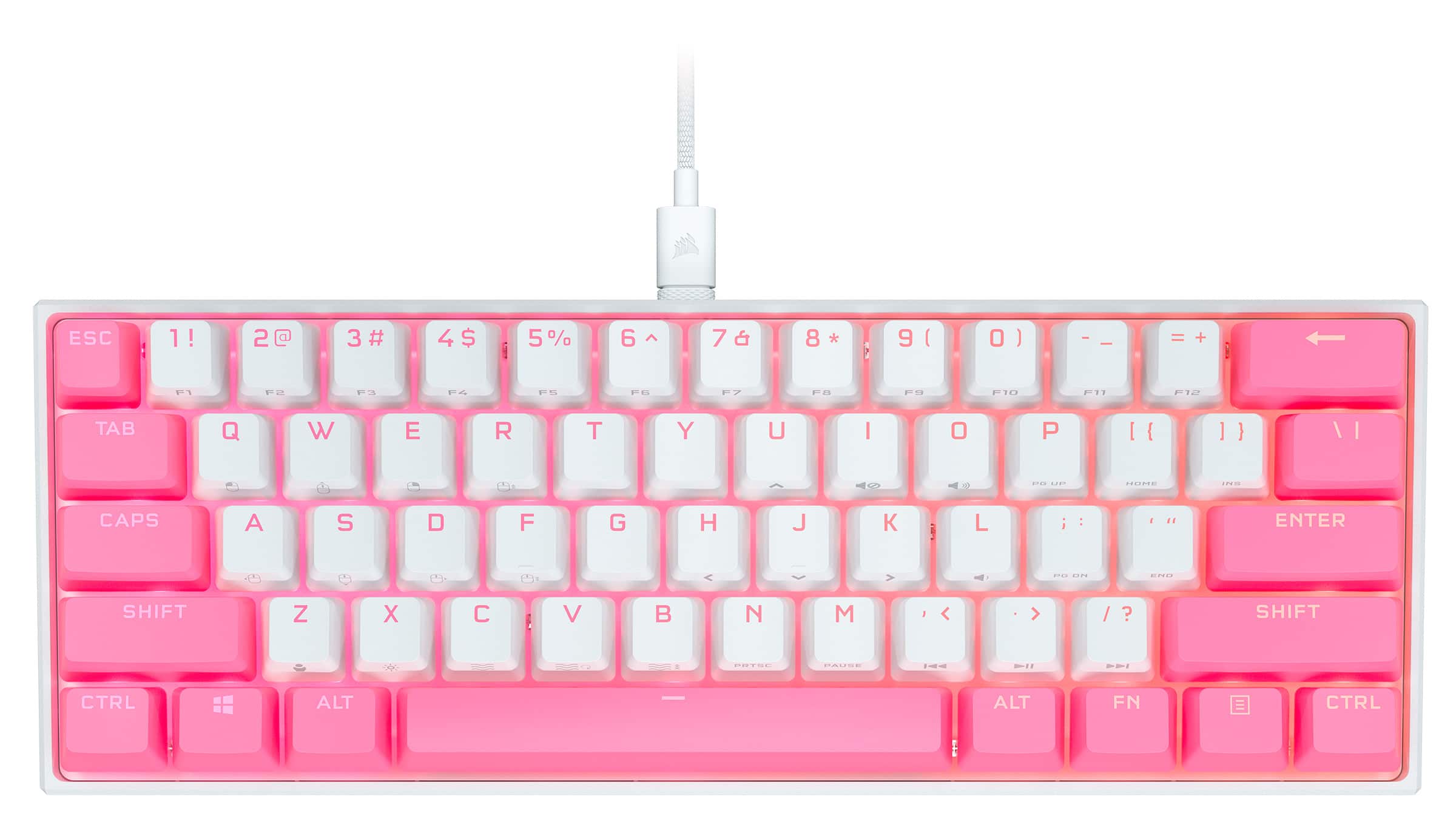
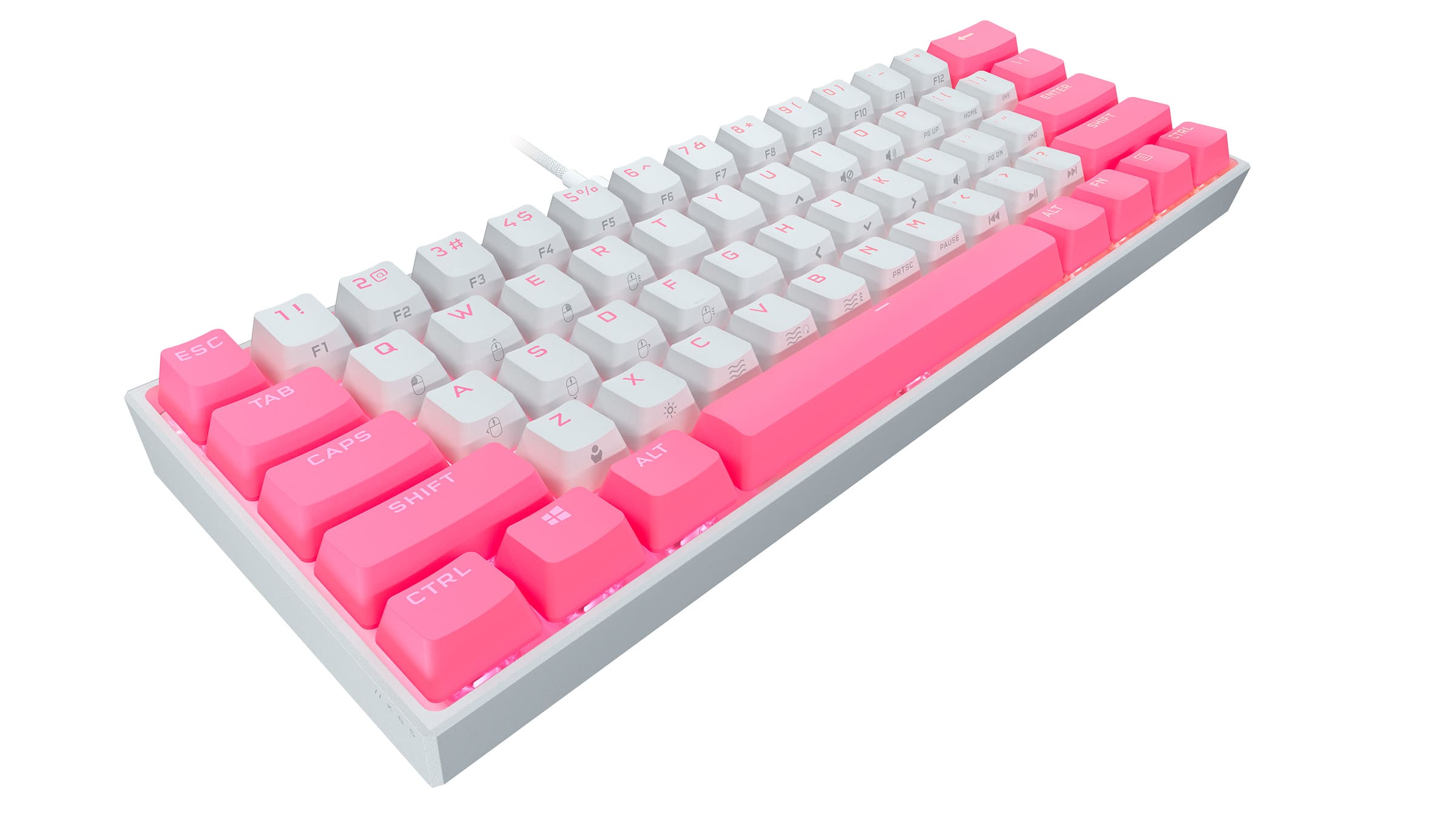
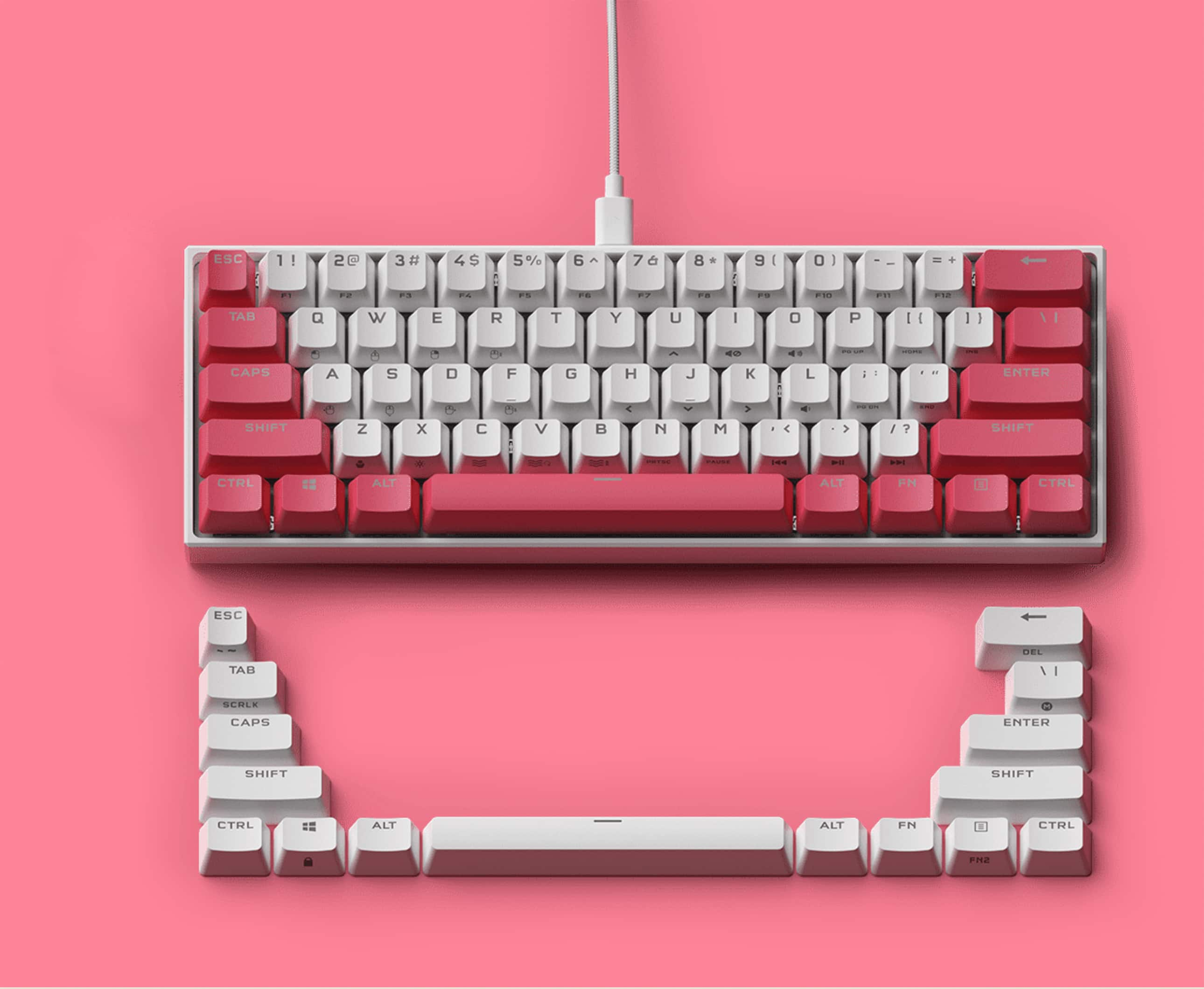

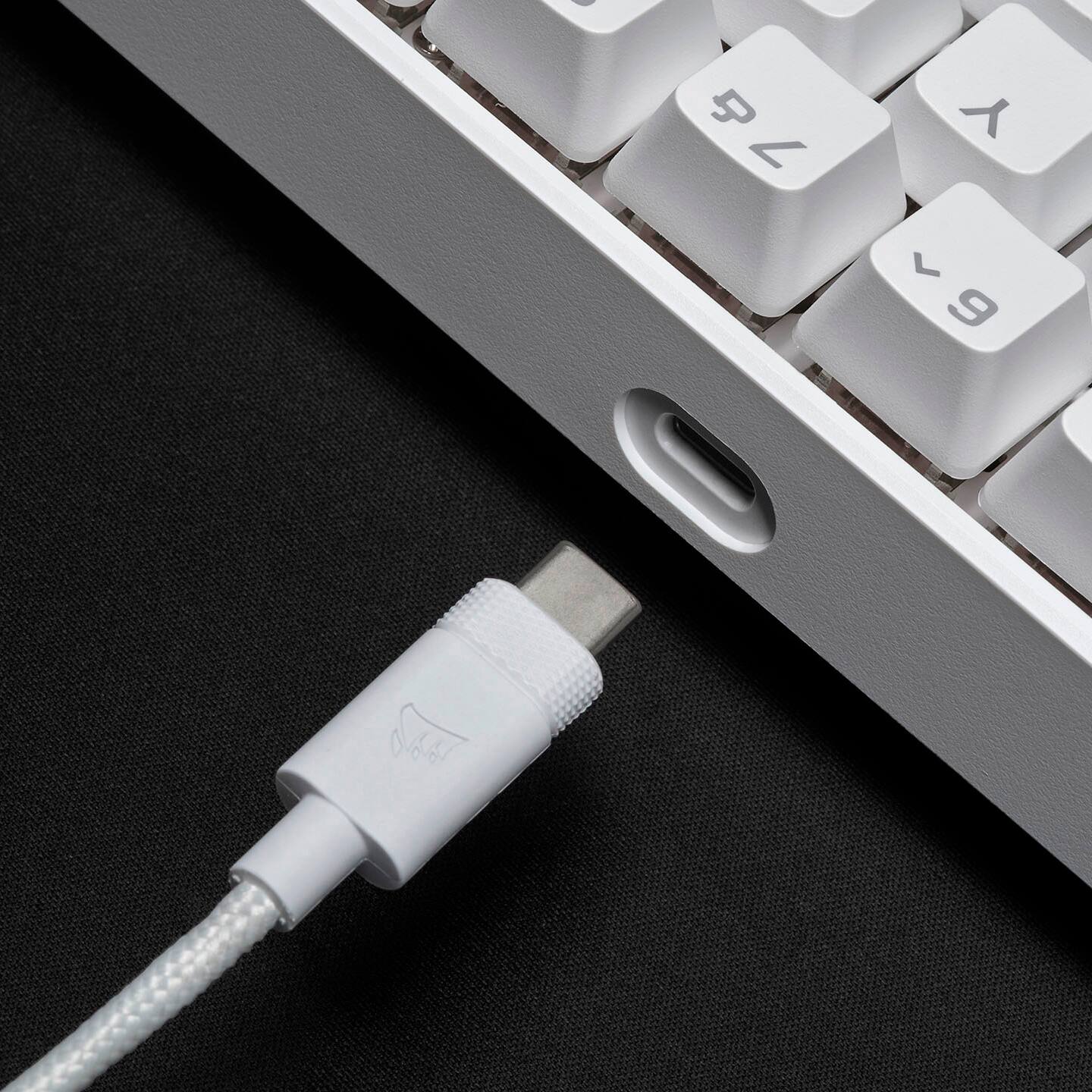

- Model:
- CH-91942A4-NA/BB
- SKU:
- 6494383
Rating by feature
- Value
Rating 4.6 out of 5 stars
- Quality
Rating 4.7 out of 5 stars
- Ease of Use
Rating 4.7 out of 5 stars
Customers are saying
Customers are delighted by the K65 RGB Mini's keyboard quality, compact size, and vibrant RGB lighting. Users appreciate the satisfying key feel and the quality of the Cherry MX Speed Linear switches. Some find the price a bit high and have noted that the Corsair software could be improved.
This summary was generated by AI based on customer reviews.
Keys don all work
||Posted . Owned for 3 weeks when reviewed.This reviewer received promo considerations or sweepstakes entry for writing a review.Not all the keys are working, also havent even had it for a month and a half maybe.
No, I would not recommend this to a friendBrand response from Corsair
Posted .Hello Kristin,
Do contact our team directly on our site for assistance with your issue!
-Art
- Pros mentioned:Keyboard quality, RgbCons mentioned:Software
if you want a honest review read this
Posted .This reviewer received promo considerations or sweepstakes entry for writing a review.it sounds incredible and the rgb is out of the world it is really amazing I love this keyboard the software is a little complex to work but it is the by far the best rgb software I have ever used it has so many features and the mouse I have literally no complaints it's just the best it's loud but it's not as loud as blue switches it has a deep but nice sound I loved typing all this just to hear the sound of this keyboard
I would recommend this to a friend - Pros mentioned:Keyboard quality, Lighting

Great for certain situations
|Posted .This reviewer received promo considerations or sweepstakes entry for writing a review.The Corsair K65 RGB Mini 60% keyboard is a pretty handy little gadget in the right situations. In my opinion, it is great for younger people, or adults with smaller hands/shorter fingers. It’s easier to reach around the keyboard and being able to customize key maps and layer function allows for a lot of functionality in a compact footprint. It is also ideal for travel. It fits easily into any laptop bag and it isn’t too heavy. That combo makes for some great gaming on the go. I don’t think it will be replacing my full-sized keyboards anytime soon. I do miss having all of the keys and having to remember shortcuts is a challenge. Even though this probably won’t be my primary keyboard at home, this little guy definitely has its place in my arsenal of gaming gadgets. I’ll point out a few things I didn’t love first to get them out of the way. I wasn’t a fan of how it sounds. It sounds hollow and very much made of plastic. I know it’s a weird thing to care about, but somehow, I was expecting something a little more. It’s especially noticeable on the spacebar, and considering that I use it to jump, I hear it a lot. I’m not quite sure why Corsair went with cherry red switches. It just doesn’t seem to be quit on par with the rest of the tech in this keyboard. Can those switches really make use of the 8K poling rate? On top of that, I’m not really sure why you even need 8K in a keyboard. A mouse sure, but not a keyboard. It’s a cool factor, but unless you are a pro and upgrade the switches, it probably doesn’t do you much good. You should expect a learning curve on this keyboard. The small form factor and all of the shortcuts and layers of functions most definitely take time to learn. If you aren’t willing to go through that frustrating process, this probably isn’t for you. This has nothing to do with quality or brand, it’s a function of cramming all of that functionality into such a small footprint. That’s the tradeoff…size vs ease of use. I’ve still got a way to go even after a couple of weeks. I’m a bit worried that I’ll have a hard time adjusting when I travel with it, so I plan to use it some each week even at home just so it’s easier to adjust when I travel. Alright…on to the good stuff. The configuration app was super simple to download and use. I have a lot of different customizable peripherals and many of them have terrible software. I found the Corsair application to be intuitive and fun to play with. The lighting is amazing. So bright and totally fun to play with. You can customize the lighting in pretty much any way you can imaging. It’s very easy to change things all the way down to the individual key level. I really enjoy the preset lighting effects and customization. It has on board lighting controls, so you can switch between lighting effects and control speed directly from the keyboard. No need to tab out to the software to make a change. Very cool. As I mentioned above, the smaller form factor is great for smaller hands. My 13-year-old loves this thing. It’s easier for him to reach more keys than on our full-size keyboards. It also has a built-in slant that seem to be comfortable. It’s not adjustable, but I’m fine with the static positioning in this case. I like that all of the keys you’d expect to find on a full-size keyboard are available, you just have to get used to using shortcuts and function keys to perform certain operations. Numbers, arrows, media controls, etc. are all there. You can even use it as a mouse replacement if needed. I don’t see this as practical, but in a pinch, you can use it to mimic mouse movements. The keys are responsive. I didn’t have any issues with missed strokes. I only have the stock set of key caps right now, but I like knowing that I can swap caps if I’m looking for a change of pace. It comes with 2 extra custom branded caps for the esc and space bar keys. I like the custom keys. Especially the space bar. It makes the lighting playground even more fun. I don’t know if it’s intended or not, but the original packaging had a clear plastic cover to protect the keys. I kept that as a nice dust cover when not in use. It is connected via a standard USB-C cable. I love that it’s not some proprietary cable. If it breaks, I can just use my phone charging cable. The stock cord that comes with it is high quality braided cable. It should last. It seems excessively long to me, but that’s a personal preference. I’ll probably get my own cord anyway, but it does come with one. The macro recording is a bit tricky to get the hang of right out of the box, but once you figure it out, it’s not too tough to remember. Pro-tip from an idiot…don’t create a macro and bind it to the same keys that are used to turn macro’s off unless you want to have to factory reset your keyboard on day one. That’s on me…oops. As far as I can tell, it plays back at whatever speed you input during recording, so don’t think you are going to be able to set up a macro and then speed everything up to super human levels. So, there you go. What I liked and what I didn’t. The bottom line is that this is a solid entry into the 60% market place. 60% keyboards aren’t for everyone or every situation, but they have their place for sure. It has all of the basic features that you’d expect. I’m not sure 8K really gets me anything, but it’s hip with the kids, so…
I would recommend this to a friend - Pros mentioned:Size
Great for people with little hands
||Posted . Owned for 1 week when reviewed.This reviewer received promo considerations or sweepstakes entry for writing a review.I don't like this keyboard it is too small. But for those of you who like small keyboards this is amazing. You don't need all those extra keys outside of that big portion of the keyboard now do you? I got one of these for my friend who has a genetic predisposition for being small and she loves stroking these keys.
I would recommend this to a friendBrand response from Corsair
Posted .Hi,
Thank you for your feedback. We have a wide variety of keyboards to choose from, including full-size and tenkeyless keyboards. If you have any questions regarding any of our products, we'd be happy to assist: help.corsair.com
-Albert
Old switches, bad lighting, meh not worth $
||Posted . Owned for 1 month when reviewed.This reviewer received promo considerations or sweepstakes entry for writing a review.Honestly, for the price that you are paying, I don’t recommend this item, it feels cheap, CHERRY MX switches are great, but kinda old in today’s technology.. it echoes like a long hallway due to its design. Keycaps are okay. Lighting is a tad disappointing
No, I would not recommend this to a friendBrand response from Corsair Art
Posted .Hi Mugman,
Thanks for the feedback, if you have any further questions about the K65 RGB Mini, please feel free to contact our support team: support.corsair.com
-Brian
Not worth
||Posted . Owned for 1 year when reviewed.This reviewer received promo considerations or sweepstakes entry for writing a review.Cable connection issues and loud. Simply not worth the money
No, I would not recommend this to a friendBrand response from Corsair
Posted .Hello,
Sorry to hear about this, our team can definitely assist. Please contact them directly on our site at any time if you're past the exchange period through Best Buy.
-Art
- Pros mentioned:Keyboard quality
Excellent Gaming Keyboard!
|Posted .This reviewer received promo considerations or sweepstakes entry for writing a review.As a long-time user of mechanical keyboards, I always get a little excited when a company like Corsair does something unexpected. For gaming, I love a good 60% keyboard – especially one using Cherry MX Speed Silver switches. So fast and so buttery smooth! The keycaps are solid PBT double-shot and feel premium. For gaming, silver switches really are fantastic. I’ve used MX red and although nice too – the silvers offer a faster experience. I do not know that I’d recommend this setup for serious typing, but for gaming I’ve been really satisfied. The feature set is great too. The per key RGB backlight is bright and easy to manage with the iCue software. With support for hardware profiles and the ability to store lighting configurations you can even get custom layered RGB settings when moving to a different computer. This helps make a mini keyboard even more portable. With a detachable USB C it’s a great keyboard on the go. If you’re looking for an attractive, mechanical, compact keyboard for gaming this might be a board worth checking out.
I would recommend this to a friend Some points
||Posted .This reviewer received promo considerations or sweepstakes entry for writing a review.No review here other than getting 5pncharacters and we made it
No, I would not recommend this to a friendBrand response from Corsair
Posted .Hi,
Did you encounter any issues or have any questions? Please feel free to contact us, we'd be happy to assist: help.corsair.com
-Albert
- Pros mentioned:Keyboard quality
Top tier build quality, little odd to get used to.
|Posted .This reviewer received promo considerations or sweepstakes entry for writing a review.Corsair has managed to build a keyboard that is both the smallest and the biggest I have ever seen. While the K65 Mini has a miniscule footprint, its nearly two inches of height makes for a somewhat imposing presence on your desk. And I absolutely love it. Despite the plastic shell it is a remarkably sturdy piece of gear with absolutely no deck flex, a satisfyingly smooth (though not at all tactile) typing experience, and all the top tier features you'd expect from a premium keyboard from Corsair. It is over the top, showy, and absolutely glorious. For those who haven't tried mechanical "gaming" keyboards before, I should probably explain that they are one relatively few examples of gaming specific gear that actually does have a measurable impact on your gaming performance. Standard membrane keyboards register a keypress only when you bottom out a key - and generally struggle to accurately register keypresses when you hit several keys simultaneously or in close succession. Standard mechanical keyboards use individual switches for each key. These switches can be designed to trigger (aka: actuate) with much less travel, so you don't need to bottom out the key before the computer registers you've pressed it. Good ones also feature microcontrollers that can better track keypresses as they occur, providing full n-key rollover (registering multiple keyboard presses) and eliminating ghosting (when a keyboard fails to register a keypress because it happened too close to one that was already being processed.) Gamers love them because the more responsive and reliable control inputs improve reaction times and make it easier to use complex keyboard commands or combos. They've also proven to be quite popular among particularly fast typists, who can sometimes have issues with random typos appearing as a result of ghosting when they're going at full tilt. Corsair, in their typical fashion, has decided to fully embrace overkill with the introduction of their AXON microcontroller. AXON is able to check for new keypresses 8000 times every second. This is far, FAR more than any human should ever be able to take full advantage of, but on the flip side that also means that there's even less time spent waiting between the moment you press the key and the moment it gets sent to your CPU. And as if this weren't enough they also built this particular board with Cherry MX Speed switches (also known as Cherry MX Silver, depending on who you ask.) These actuate after just 1.2mm of travel and require 25% less force to use than the standard clicky blue switches that have been the defacto standard for the last few years, making the keyboard even more twitchy. They're also linear switches, meaning they don't have the tactile "bump" to let you know when the switch has fired and make significantly less noise as a result. Having used both I can tell you that typists will likely not find linear switches to be nearly as satisfying as tactile ones, since being able to feel each keypress land can greatly assist with overall accuracy, but for any kind of twitch gaming you're going to be hard pressed to find much better than these speed switches paired with the AXON Controller. And it doesn't hurt that the keyboard looks great either. Corsair's iCue software has come a long way since it first released and allows you to set up all manner of complex lighting effects and animations if you want, and the diffusion plate installed beneath the keys means that the entire thing glows with a softer and more pleasant effect than you get with most per-key lighting. It's particularly stunning with the optional "radiant" spacebar installed, though sadly this and the optional Corsair escape key are both painted single shot keys rather than the more durable molded double shot keys that the rest of the keyboard uses, which you can definitely tell if you look close enough as the surface finish doesn't quite match. As far as my actual usage experience goes, the only issues I really ran into come down to the fact that I'm just not used to using a 60% keyboard, which is really just a matter of practice. These keyboards are basically what you get when you decide that the already diminutive tenkeyless designs are just too big for your liking. 60% keyboards have no dedicated arrow, function, or navigation keys, requiring you to use function key combos for all of them. Corsair, to their credit, packed in a lot of these key combos. In addition to the usual arrow keys and function keys there's a virtual mouse (which is just as clumsy as you'd expect trying to replace a mouse with a keyboard would be, but really nice to have if you ever find you actually need it,) media keys, macro keys, lighting controls, and the ability to lock the Windows key to prevent you from accidentally minimizing a game while you're playing it. There is a definite learning curve required to get good at these, and it feels a bit clumsy if you've gotten used to having a full keyboard available, but some will no doubt find it worthwhile to reclaim the desk space. In my case, for example, I'm planning to mount the keyboard in a VR simpit I've built for games like Elite Dangerous or Microsoft Flight Simulator. The fact that I can attach it to a miniscule tray that I can swing out of the way without worrying that I'll accidentally smash something in the process because I can't see out the VR headset more than makes up for having to hold FN-K to scroll to the right. I'd primarily recommend this to any gamers looking for a way to save space without compromising on quality or comfort who also don't anticipate doing a ton of word processing.
I would recommend this to a friend ok keyboard
||Posted . Owned for 2 months when reviewed.This reviewer received promo considerations or sweepstakes entry for writing a review.is ok .
No, I would not recommend this to a friendBrand response from Corsair Art
Posted .Hi Cole,
Did you have any issues with the keyboard? Please feel free to reach out to our support team if you have any questions or issues: support.corsair.com
-Brian
Too sensitive!
||Posted . Owned for less than 1 week when reviewed.This reviewer received promo considerations or sweepstakes entry for writing a review.Terrible keyboard for gaming. I bought this keyboard because I have corsair products in my pc. I couldn't even rest my fingers on the keys without them being pressed slightly. The slightest touch on your key will make it be pressed just a little bit but it will still use they key.
No, I would not recommend this to a friendBrand response from Corsair Art
Posted .Hi AndresL,
Thanks for the feedback, if you have any further questions about the K65 RGB Mini, please feel free to contact our support team: support.corsair.com
-Brian
Disconnects frequently
||Posted . Owned for 1 month when reviewed.This reviewer received promo considerations or sweepstakes entry for writing a review.When this product is functioning properly it is great, however it sometimes it begins disconnecting constantly which is a bit frustrating.
No, I would not recommend this to a friend- Pros mentioned:Key feel
Absolutely Smooth and Fast
|Posted .This reviewer received promo considerations or sweepstakes entry for writing a review.This 60% mechanical keyboard has the speed and smoothness needed for any game. It does require some practice due to the size and lack of some keys. No shortcuts were taken by Corsair as the Cherry MX switches are super. There is 8GB of onboard storage for holding macros and also light settings. Be sure to load the correct iCue software as this keyboard requires the more robust 4.9.350 level and I did accidently load the wrong software since there is also a K65 RGB ‘non-mini’ – no harm since that software won’t recognize this keyboard. This software is brilliant. Detection of the device is instantaneous. You have complete software control for key assignments, lighting assignments, and device settings. It comes with some super looking default lighting effects as well. Your hardware key assignments remain even if the software is closed. Of course you can construct macros. You also have hardware control even if you don’t use the software; but to really gain the benefits of this keyboard the software will certainly facilitate your setup. If you want a gaming mechanical keyboard that is also portable and takes less space, this may be the one for you. It does have a detachable USB cable. The quality is solid and both feel and speed of the keys are perfect, no more missed key strokes. I updated the firmware from v.0.12.26 to v.0.14.28. I also set the speed to the most powerful i.e. 8000Hz polling rate – this does require a high performance computer. I’m not a good enough gamer to challenge that speed for sure, so I set it back. I was not able to find any problems with the software - nice. I do recommend this for those who have the skills to construct the macros, play very powerful games and like the smaller footprint. It is a beautiful and solid addition to anyone’s arsenal of equipment.
I would recommend this to a friend - Pros mentioned:Keyboard quality, Rgb
Know what your getting
|Posted .This reviewer received promo considerations or sweepstakes entry for writing a review.The RGB leds are uber-cool! There are tons of customizations possible. You may not like that the arrow keys are gone but that is the price you pay for a 60% keyboard. If you miss them, you can remap them using the downloadable app. The key response is perfect. Not to click and not too soft. I enjoy the fatness of the overall frame and only wish that it was rechargeable. Being truly wireless would really set this apart from anything else on the market. 60% keyboards are a fairly new concept so I can't wait to see whats next
I would recommend this to a friend /:
||Posted . Owned for 5 months when reviewed.This reviewer received promo considerations or sweepstakes entry for writing a review.came faulty. I was not able to exchange it. Great keyboard, if only it worked. It randomly starts to spam letters and numbers. locks itself all the time. I have to unplug it and plug it back way too often. I really wanted to leave a positive review
No, I would not recommend this to a friendBrand response from Corsair
Posted .Hi Breadlee,
We're so sorry to hear that you're getting letters randomly input. Can you try resetting the keyboard? Unplug the keyboard, hold down ESC, then reconnect the USB cable to the keyboard. Can you also try the keyboard on another system to see if the keyboard is still having the same issue? If you're still having issues after this, please feel free to reach out to our support team so we can assist you directly: support.corsair.com
-Brian
- Pros mentioned:Keyboard quality
Bright and Clicky
|Posted .This reviewer received promo considerations or sweepstakes entry for writing a review.I got the K65 to pair with my Surface Book Pro 2 for gaming. The Surface Book is a great "business by day gaming by night" kind of machine with decent enough specs for gaming but the keyboard leaves a lot to be desired for anything but typing. The K65 itself comes packaged nicely and includes a keycap puller and an alternate space bar (I swapped out the flashy one for the plain one) as well as a long, braided USB A to USB C cable. The cable itself is sturdy and the connectors seem well-reinforced so you can feel comfortable wrapping it up and throwing it in a bag with you laptop. Once I hooked it up I had a rough time getting Corsair's iCUE software to recognize the keyboard. After some frustration I realized that the download version at the top of Corsair's download page was not the most recent. Learn from my mistake and be sure you have the latest version! Since I've had the keyboard there's already been one firmware update and a software update. I know it's a minor thing, but I loke when hardware manufacturers continue to tune their gear over time. It shows they stand behind their product and care enough to continually improve. iCUE is fun software to play with. I've had keyboards capable of setting macros before, but the experience is kind of intimidating. In iCUE just go into the KEY ASSIGNMENTS menu and it will walk you through your first one. You can set up text macros, or even more complex multiple-key macros to set up short-cuts in game. You can even set up modified keys to launch apps, like [FN-B] to open a browser for example, or [FN-S] to go straight to Steam. The keys are scooped and are normally sized, just packed together to 60% of a full size keyboard. There is no number pad or dedicated row of function keys or dedicated multimedia keys. Those are mapped to other keys with the FN key. If you click the "i" icon in the iCUE software there's a handy cheat-sheet that pops up of alternate keys. The keys have a nice clack to them. The tray is a sturdy plastic. I would have preferred an aluminum base to cut down on the hollow plastic sound, but the tray is at least thick. The lighting is the amazing part. I've had a few RGB keyboards and this is the best lighting I've come across. The iCUE software allows you to try out some neat animated presets or go crazy with options to customize. The colors are bright and deep. Most of my past keyboards have produced either bright light or deep color, but not both. This is the best of both worlds, and there's no "is that cyan or just mostly white?" situation here. The keycaps show color well and the space between rows is just amazing. Some things to keep in mind: first, this is a gaming keyboard. If you want to use this at the office because you like mechanical keyboards the person in the next cube is going to hate you because it's very clacky. Also, there is no adjustable angle. If you're looking for something you can customize all day long, this is a great keyboard to play with!
I would recommend this to a friend Ok if you are a child
||Posted . Owned for 3 weeks when reviewed.This reviewer received promo considerations or sweepstakes entry for writing a review.Way too small. Key action felt cheap . I had high hopes but a mini is just not for me
No, I would not recommend this to a friendThis is JUNK
||Posted . Owned for 6 months when reviewed.This reviewer received promo considerations or sweepstakes entry for writing a review.Function key stopped working within first 30 days of purchase, got it to work again by resetting but within 60 days it stopped working for good. Saw online others had the same issue, save yourself the hassle and buy Logitech.
No, I would not recommend this to a friendBrand response from Corsair
Posted .Hi,
Sorry to hear about your experience. Considering our keyboards carry a 2-year warranty, please get in touch with us - we'd appreciate the opportunity to get this resolved: support.corsair.com
-Albert
- Pros mentioned:Keyboard quality
Great
Posted .This reviewer received promo considerations or sweepstakes entry for writing a review.Sounds great high quality i i i i ii u i u u u u u u u u u u u u u u u u
I would recommend this to a friend - Pros mentioned:Rgb, Size
An okay mini keyboard for everyday use, and gaming
|Posted .This reviewer received promo considerations or sweepstakes entry for writing a review.The Corsair K65 mini keyboard is in fact a small keyboard. So far, so good. The RGB lighting is done well, and you can use the FN key + C/V/B (Effect/Direction/Speed) The RGB lights are bright. Inside the box you get the keyboard, a detachable USB-C to USB-A braided cable, a keycap puller, an alternate ESC and a an alternate spacebar. As much as I would like to say that this is a great keyboard, I just don't see it as such. First it's a plastic keyboard. Corsair may have done this to keep it lightweight, but it just doesn't have that quality build feeling to it. The keys themselves are good, the actuation distance and the AXON Hyper-Processing technology makes the keyboard feel quick and responsive. The cherry MX mechanical key switches are okay by today's standards, but aren't as smooth compared to other keyboards in Corsair's lineup. You keyboard has iCue, which is software dedicated to customizing the RGB lighting. It's a nice touch, but doesn't actually add anything to the functionality. All in all it's a good keyboard for gamers on the go. It doesn't really excel in any area, but for me, it doesn't justify the price.
No, I would not recommend this to a friend