Customer Ratings & Reviews
- Model:
- CH-9194114-NA
- SKU:
- 6476232
Rating by feature
- Value
Rating 4.6 out of 5 stars
- Quality
Rating 4.7 out of 5 stars
- Ease of Use
Rating 4.7 out of 5 stars
Customers are saying
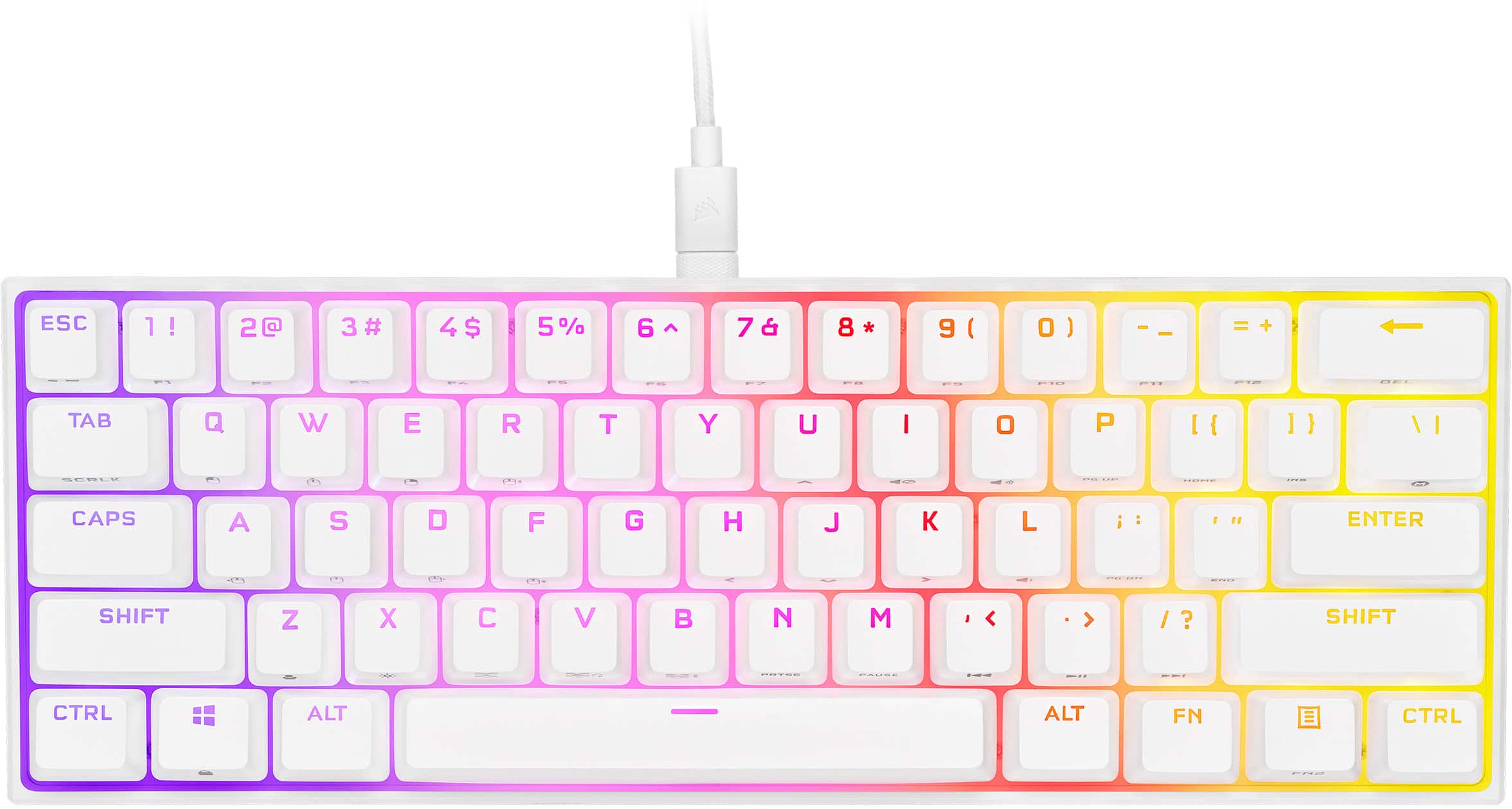
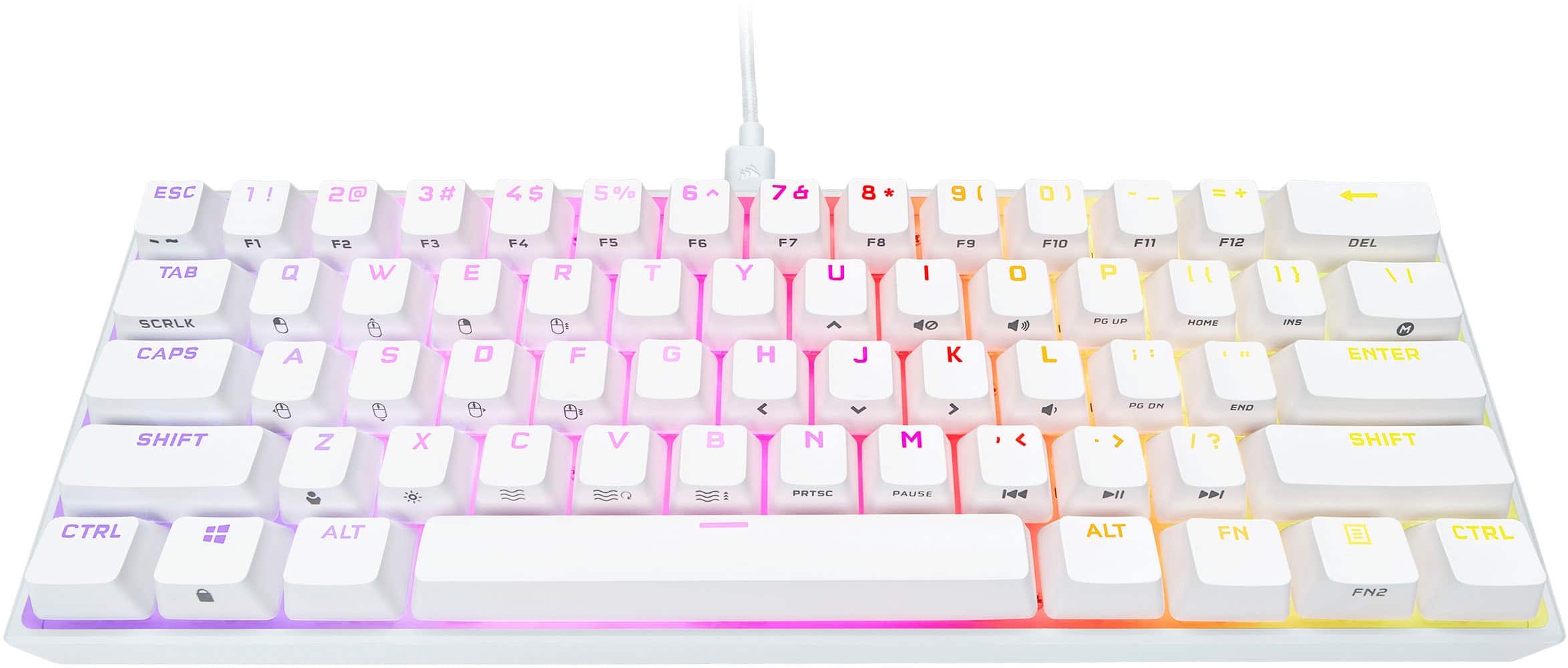
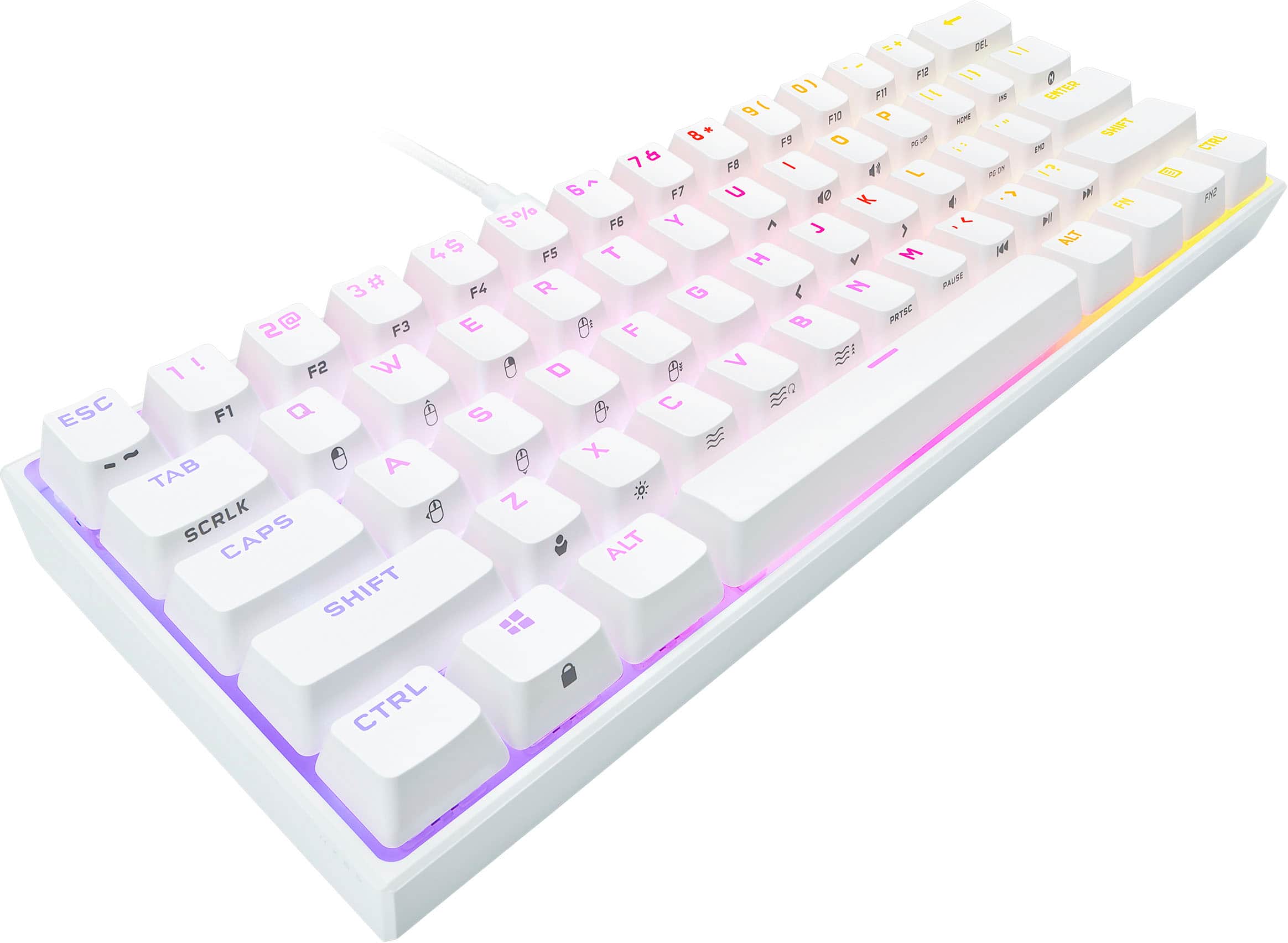
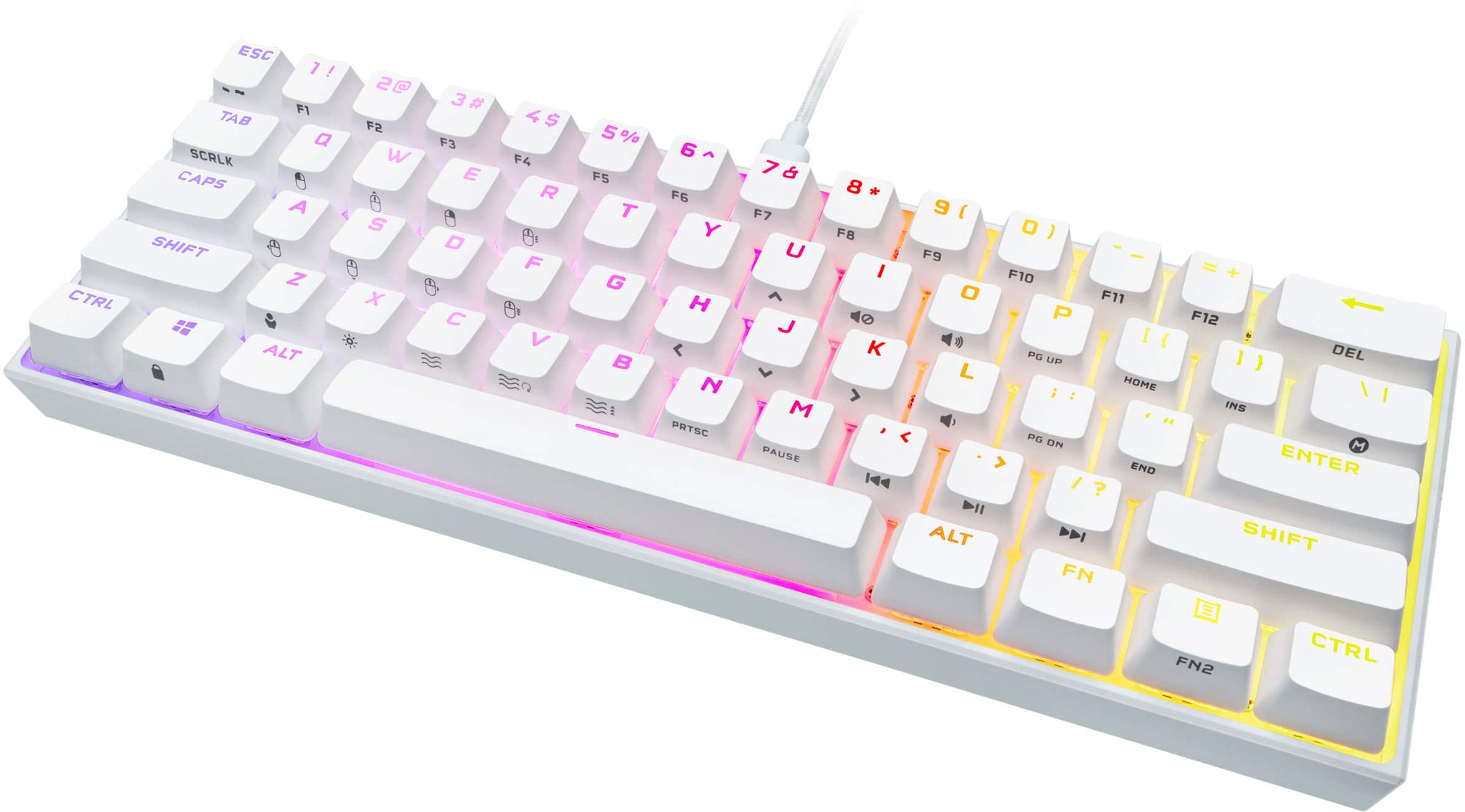
Customers are delighted by the K65 RGB Mini's keyboard quality, compact size, and vibrant RGB lighting. Users appreciate the satisfying key feel and the quality of the Cherry MX Speed Linear switches. Some find the price a bit high and have noted that the Corsair software could be improved.
This summary was generated by AI based on customer reviews.
Corsair
||Posted . Owned for 1 week when reviewed.This reviewer received promo considerations or sweepstakes entry for writing a review.Beautiful keyboard and very responsive, and clean l.
I would recommend this to a friendVery good keyboard recommending
||Posted . Owned for 1 week when reviewed.This reviewer received promo considerations or sweepstakes entry for writing a review.It’s a really good keyboard for gaming I like how the stabilizers are good for the space bar also
I would recommend this to a friend- Pros mentioned:Keyboard quality
Great Keyboard.
||Posted . Owned for 1 month when reviewed.This reviewer received promo considerations or sweepstakes entry for writing a review.I got this keyboard due to the fact that i have very limited space on my desk and I have nothing but good things to say about it. This keyboard is very comfortable and convenient. MX silver switches are still my absolute favorite keyswitch.
I would recommend this to a friend - Pros mentioned:Keyboard quality
Keyboard Review
||Posted . Owned for 1 week when reviewed.This reviewer received promo considerations or sweepstakes entry for writing a review.Really pretty keyboard, feels great just note it’s only for pc so don’t be like me if you want one for console!
I would recommend this to a friend Cosair Keyboard
||Posted . Owned for 3 weeks when reviewed.This reviewer received promo considerations or sweepstakes entry for writing a review.Love this keyboard the lights settings are so fun, I’d absolutely purchase again.
I would recommend this to a friend- Pros mentioned:Keyboard quality
Great product!
||Posted . Owned for 1 week when reviewed.This reviewer received promo considerations or sweepstakes entry for writing a review.Great product , built like it’s going to last. Best choice I’ve done was to change from a full keyboard to a reduced version for gaming.
I would recommend this to a friend - Pros mentioned:Keyboard quality
Look and feels great
||Posted . Owned for 2 months when reviewed.This reviewer received promo considerations or sweepstakes entry for writing a review.Bought this because my mouse kept hitting my full sized keyboard when I was gaming. Hasn’t happened since i bought it lol. Looks great fits my set up perfect
I would recommend this to a friend - Pros mentioned:Keyboard quality
Great keyboard!
||Posted . Owned for 3 weeks when reviewed.This reviewer received promo considerations or sweepstakes entry for writing a review.Perfect 60% keyboard for gaming or everyday use. One of the prettiest little keyboards on the market.
I would recommend this to a friend Fantastic response
||Posted .This reviewer received promo considerations or sweepstakes entry for writing a review.This Mini Key is awesome man. Super responsive. Switches are great. Fantastic for quick paced games. Love the extra space on my desk.
I would recommend this to a friend- Pros mentioned:Keyboard quality, Rgb, Size

Cute Mini RGB keyboard for Gamers
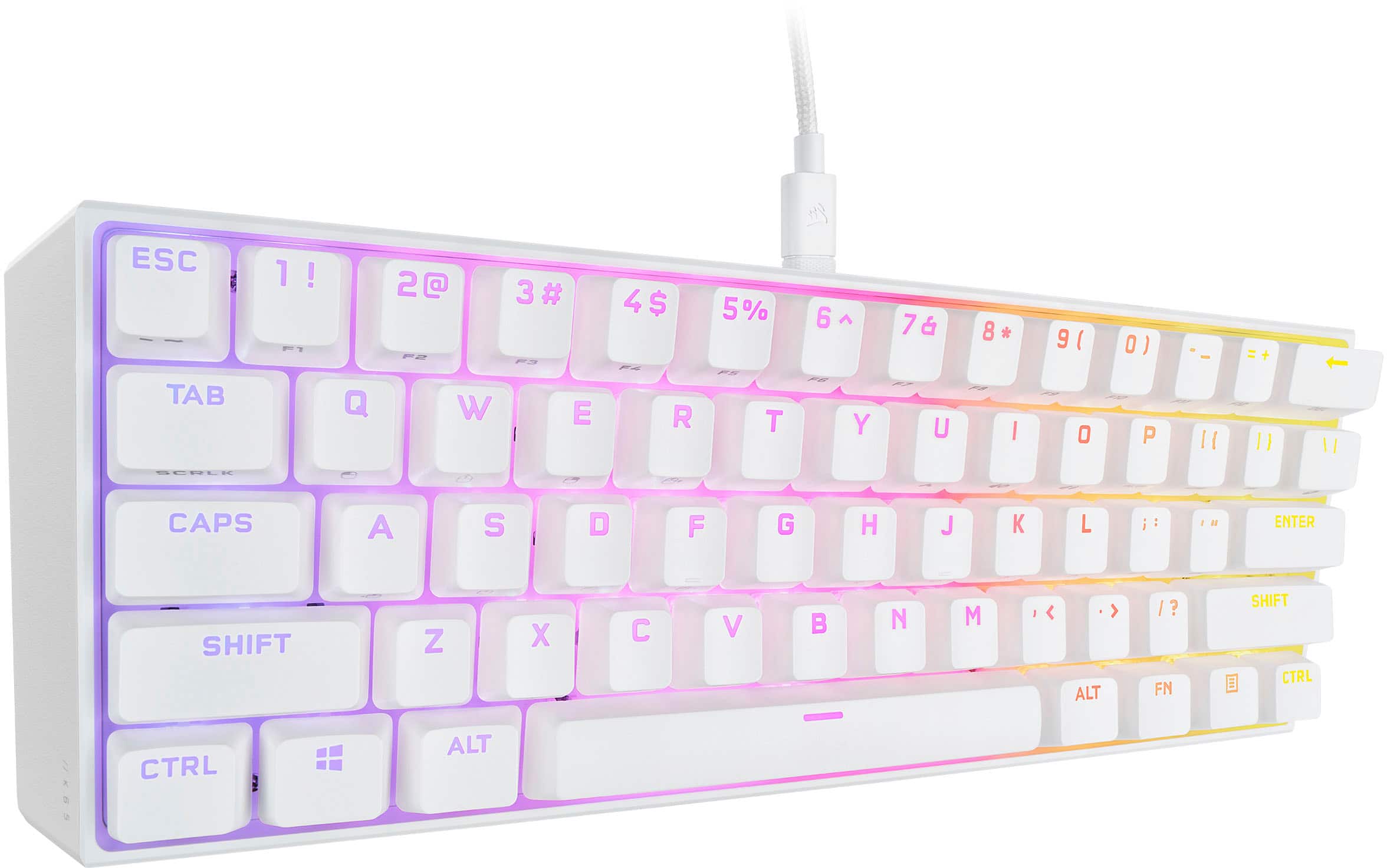
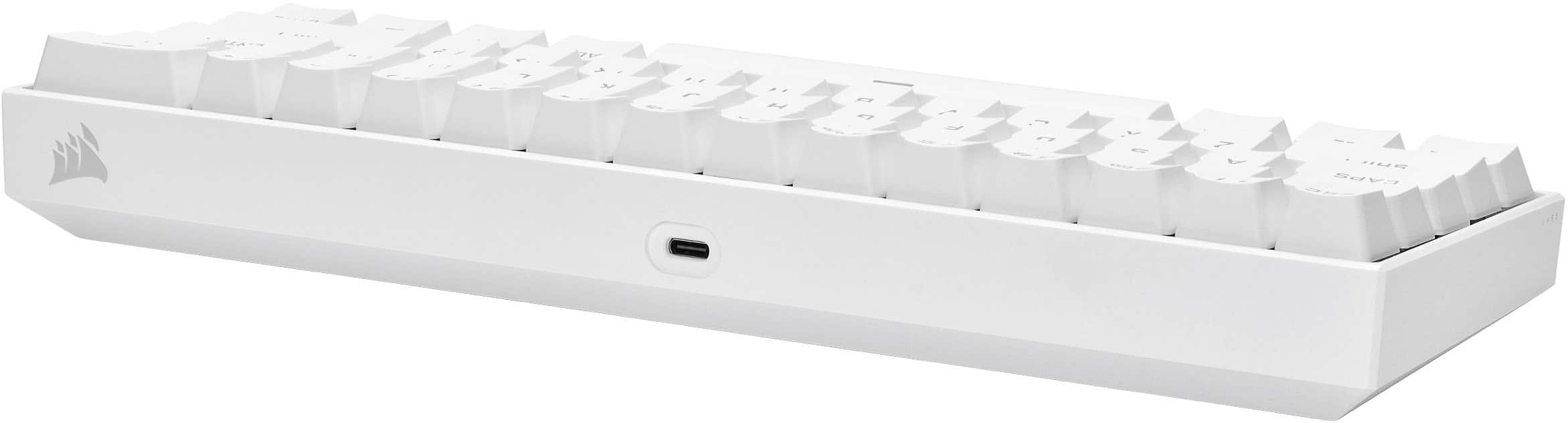
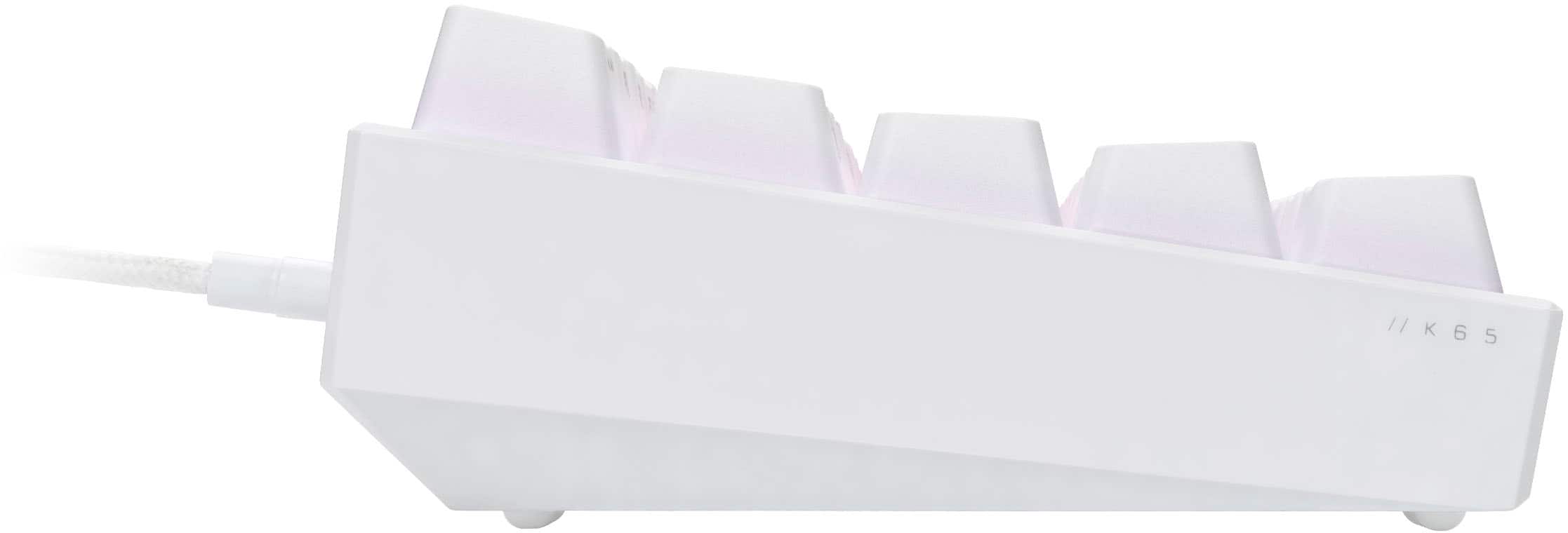
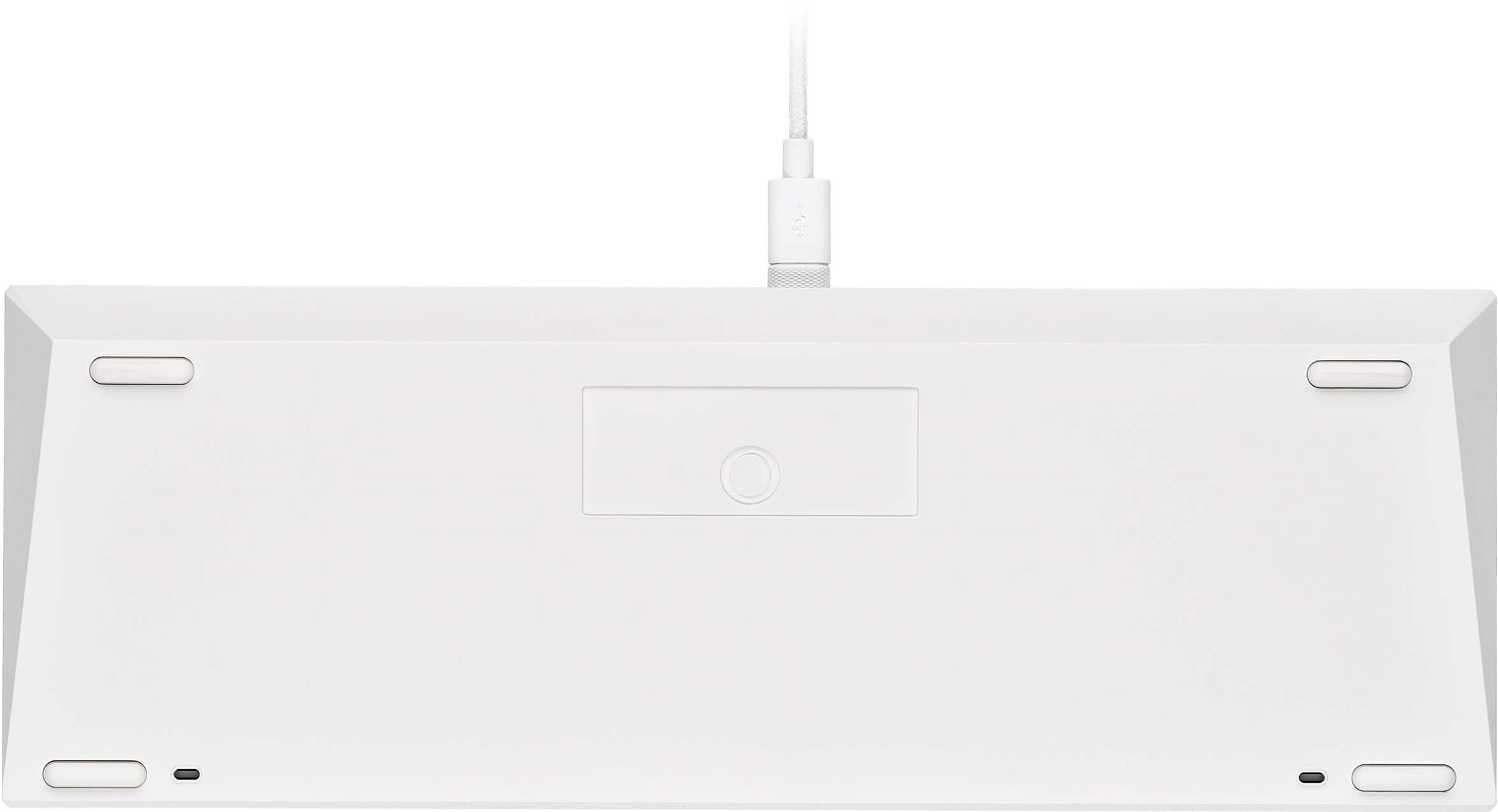
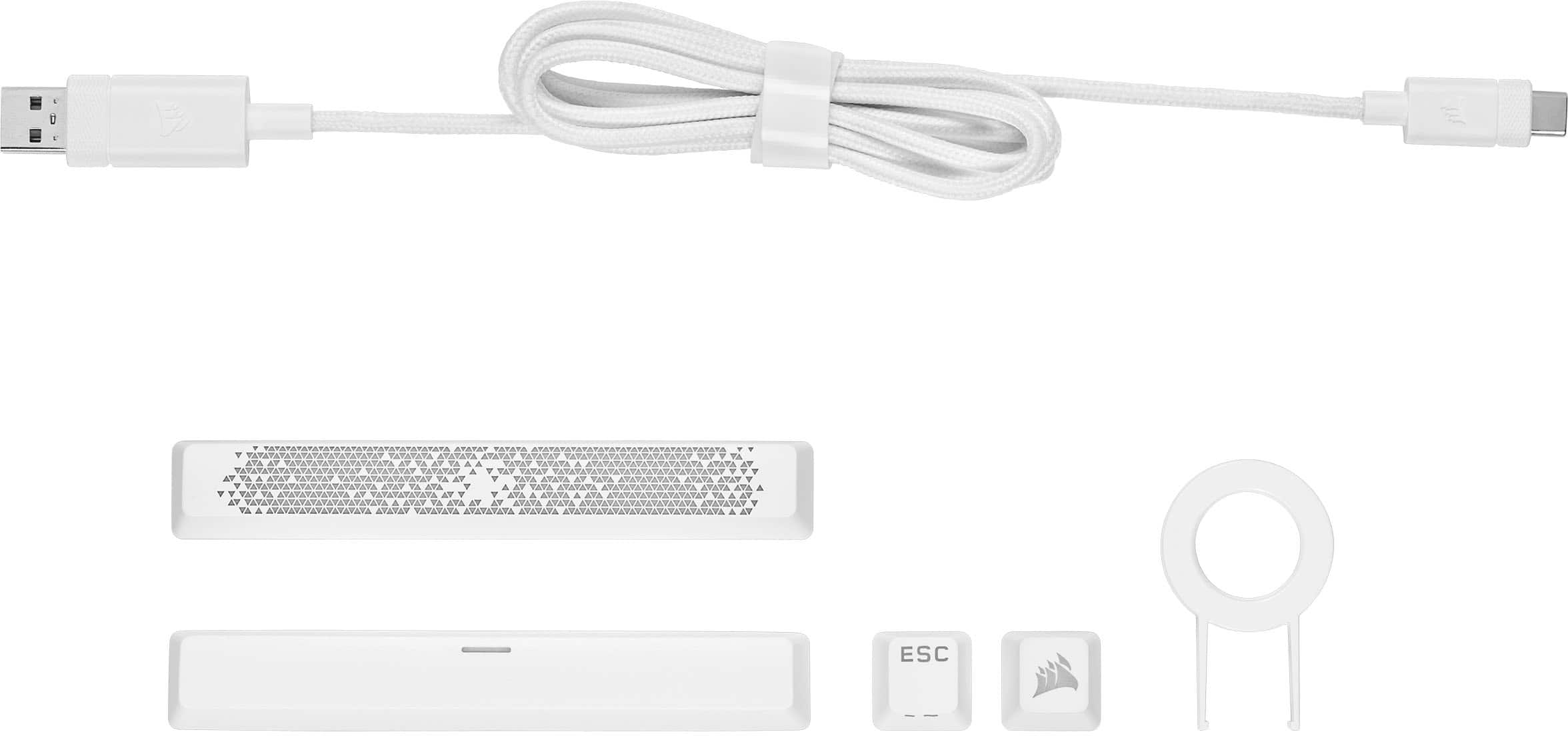
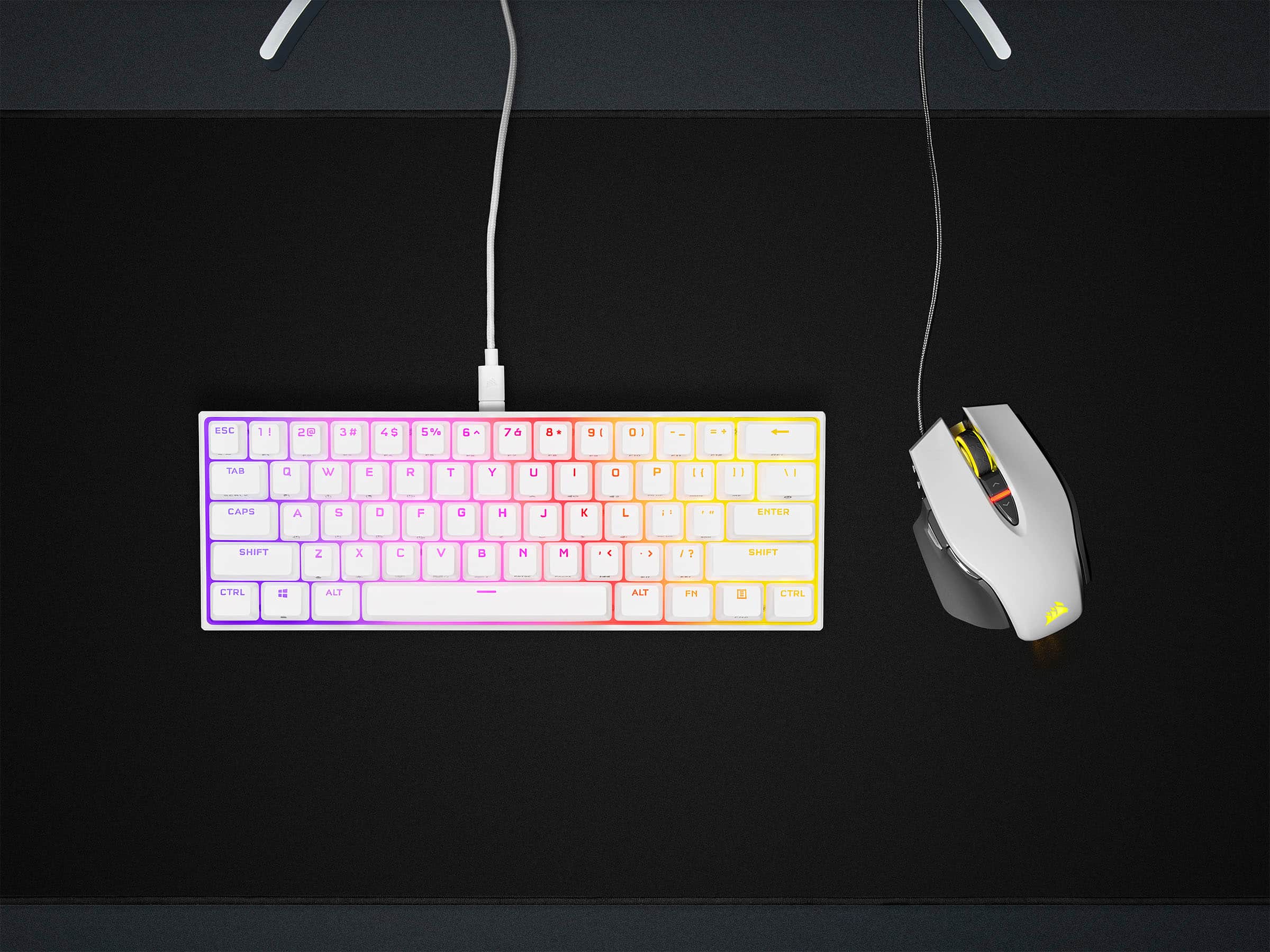
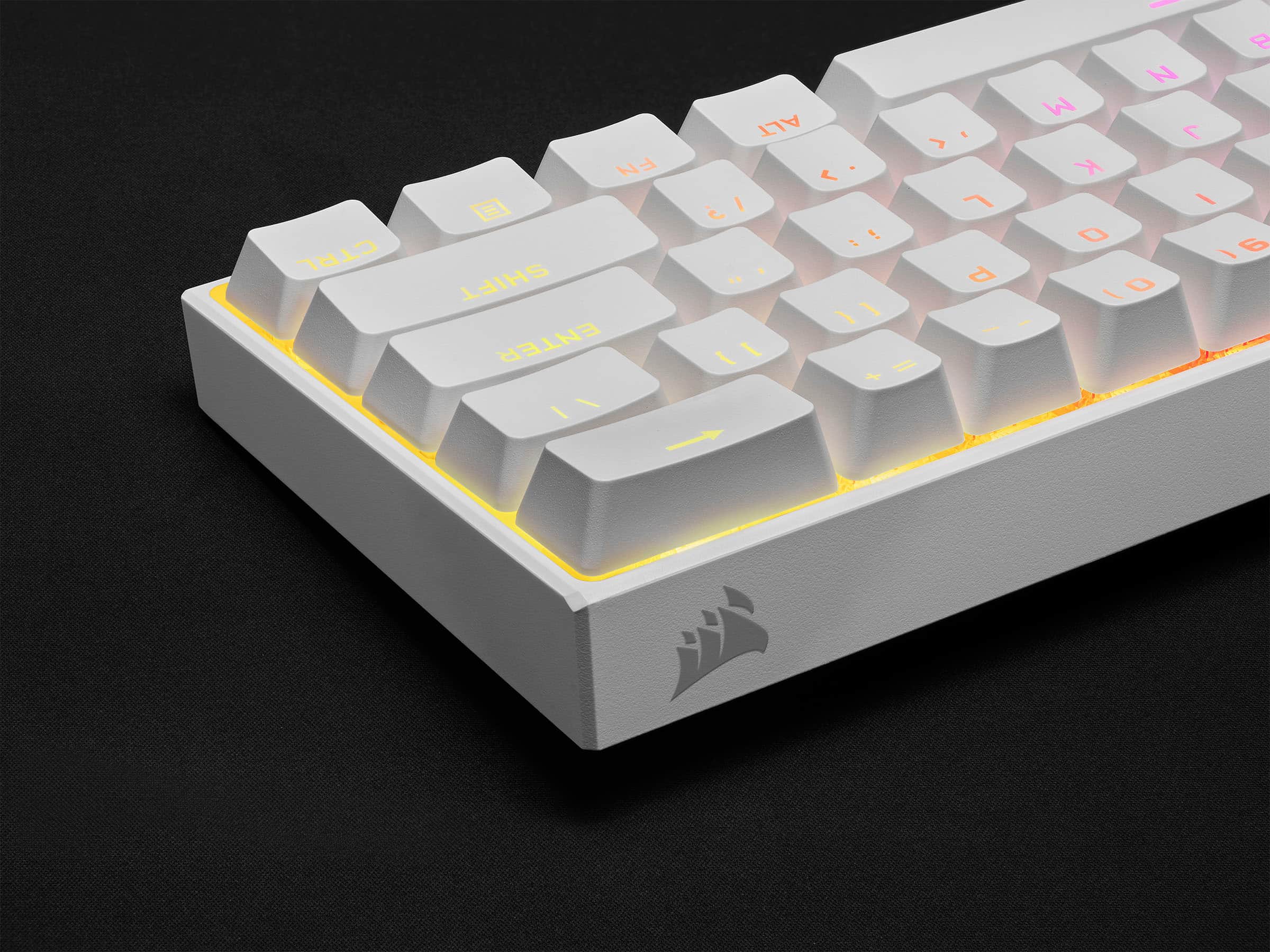
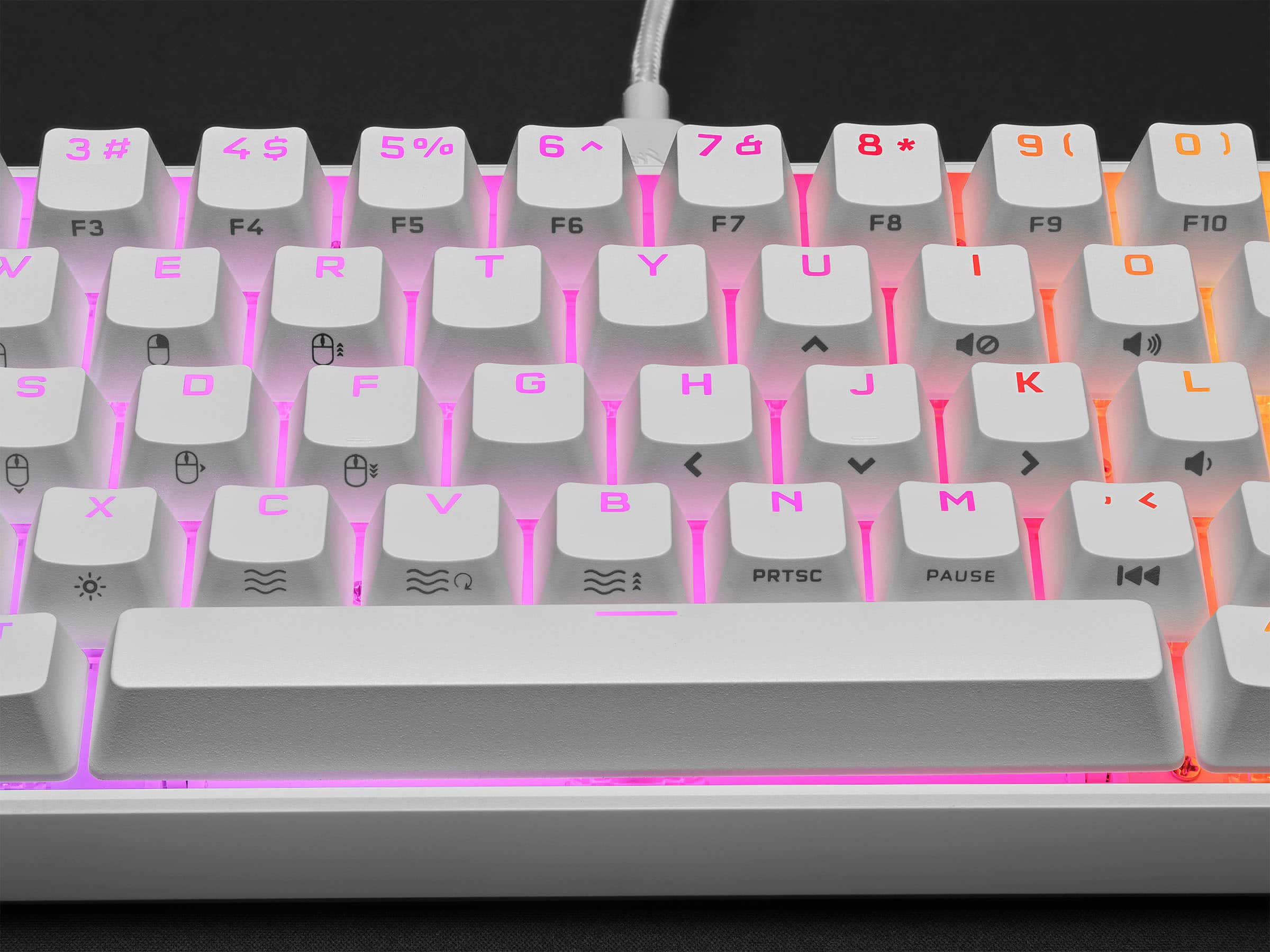
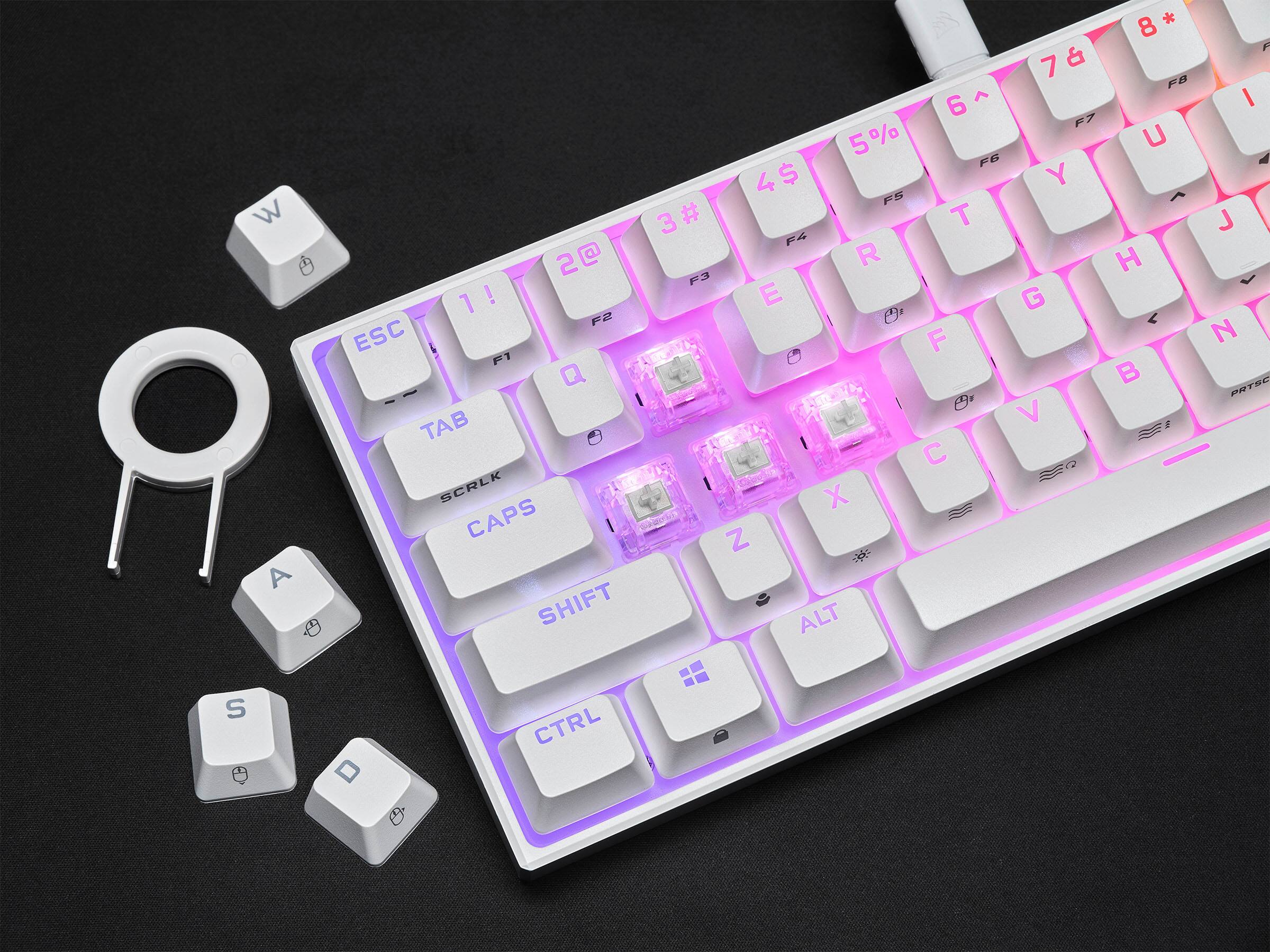
|Posted .This reviewer received promo considerations or sweepstakes entry for writing a review.Corsair K65 Mini as advertised is 60% form factor keyboard intended for travel purchase or minimizing desk space and its not targeted for everyday use unless you are used to not using arrow keys and other important keys. It does take less space on your desk and comes with detachable USB C to USB A cable. Unboxing and What’s included: In the box, keyboard, braided USB 3.0 cable (Type C to A), Corsair Logo imprinted ABS ESC keycap, Radiant ABS space bar, plastic ring style keycap puller and user manual. Keyboard’s minimalistic design is good and measures 11.6 x 4.14 x 1.74 inches and weighs around 1.28 pounds. Detachable cable is 6 ft black braided fiber USB Type-C to Type- A. This detachable cable option makes its portable for travel and is easy on the go and connect to any system. This Keyboard does not have all the keys from the full-size Keyboards. I have posted pictures with my Corsair K95 full size keyboard for comparison on the size. No volume wheel, no dedicated mute button or the dedicated profile switch. Logo is not seen anywhere on the front of the keyboard and is on the back right side. Very clean design. Space bar attached is the radiant ABS and comes with PBT keycap that can be easily switched if you need a plain look. Personally, like the printed ABS spacebar for its look. This keyboard has no height or elevation adjustment feet tabs at the back and sits flat on the desk. Also, this one has no wrist pad like K95 and the cable management at back so it took few hours to get used to it. It does have a four rubber pads on each corner to avoid the keyboard from sliding when typing. As always RGB lighting on this keyboard is very good and looks premium. Backlight is individually lit and per-key programmable. Keycaps are PBT double-shot keycap set and is 15mm thick. Keyboard has lot of shortcuts and for those who are not comfortable with mini or laptop keyboard will definitely find this keyboard annoying at first as you will need to use shortcuts for most functionality like arrow keys, delete, media control keys. You will need to use the function key quite often if you need to use any of the shortcuts. For ex: if you need increase volume then you need to hold the FN key and press the corresponding shortcut key O. It does take time to get used to this keyboard for the most part, I still have trouble with the arrow keys placement and the function key. Shortcuts for lighting, profiles, macros, mouse cursor, media controls are allowed. Like other corsair keyboards, this mini also runs on the iCUE software. You will need to download the software iCUE 4 from the website. iCUE software is compatible with both windows and macOS, and is required to change RGB lighting control, key remaps, macro programming and to achieve the full customization of this keyboard. This keyboard has 8MB of onboard storage that allows to store up to 50 profiles with custom macros including 20 lighting layers. You can operate this keyboard in two operating modes – Hardware mode & Software mode. When you connect this device to a system that doesn’t have iCUE software then its on hardware mode and the onboard stored profiles and lighting effects can be used. To change the lighting effect, you can use shortcut by pressing the FN key and C and for changing profile its FN+Z. iCUE software has been updated and it’s recommended to download the latest version directly from the website. It’s recommended to update the firmware, by selecting the device settings. I had to update the firmware from v.0.12.26 to v.0.14.28. This new software has updated options to start programming and its very intuitive. It has various options for key assignments, hardware key assignments, lighting effects, hardware lighting, performance and device settings. Overall, it’s a good value for 60%form factor mini keyboard that is great for travel. Takes less desk space and looks great and powerful with its 8000Hz polling rate with Corsair AXON hyper-processing.
I would recommend this to a friend keyboard
||Posted . Owned for 1 month when reviewed.This reviewer received promo considerations or sweepstakes entry for writing a review.really clean keyboard, easy to use especially for first pc/laptop buyers
I would recommend this to a friend- Pros mentioned:Size
Big things come in small packages
||Posted . Owned for 1 month when reviewed.This reviewer received promo considerations or sweepstakes entry for writing a review.Big things come in small packages. Cant see myself going another moment on my pc without this keyboard.
I would recommend this to a friend - Pros mentioned:Size
Love!
||Posted . Owned for 1 week when reviewed.This reviewer received promo considerations or sweepstakes entry for writing a review.Great size if you’re looking for a small keyboard. And the keys aren’t too loud.
I would recommend this to a friend - Pros mentioned:Keyboard quality
Best KeyBoard I have owned
||Posted .This reviewer received promo considerations or sweepstakes entry for writing a review.Good keyboard I used it for office and gaming upgraded from a Ducky One 2 Mini
I would recommend this to a friend - Pros mentioned:Keyboard quality
Cute
||Posted . Owned for 3 weeks when reviewed.This reviewer received promo considerations or sweepstakes entry for writing a review.Super cute and really small. But super good for my games.
I would recommend this to a friend - Pros mentioned:Key feel, Keyboard quality
Mighty Little Keyboard
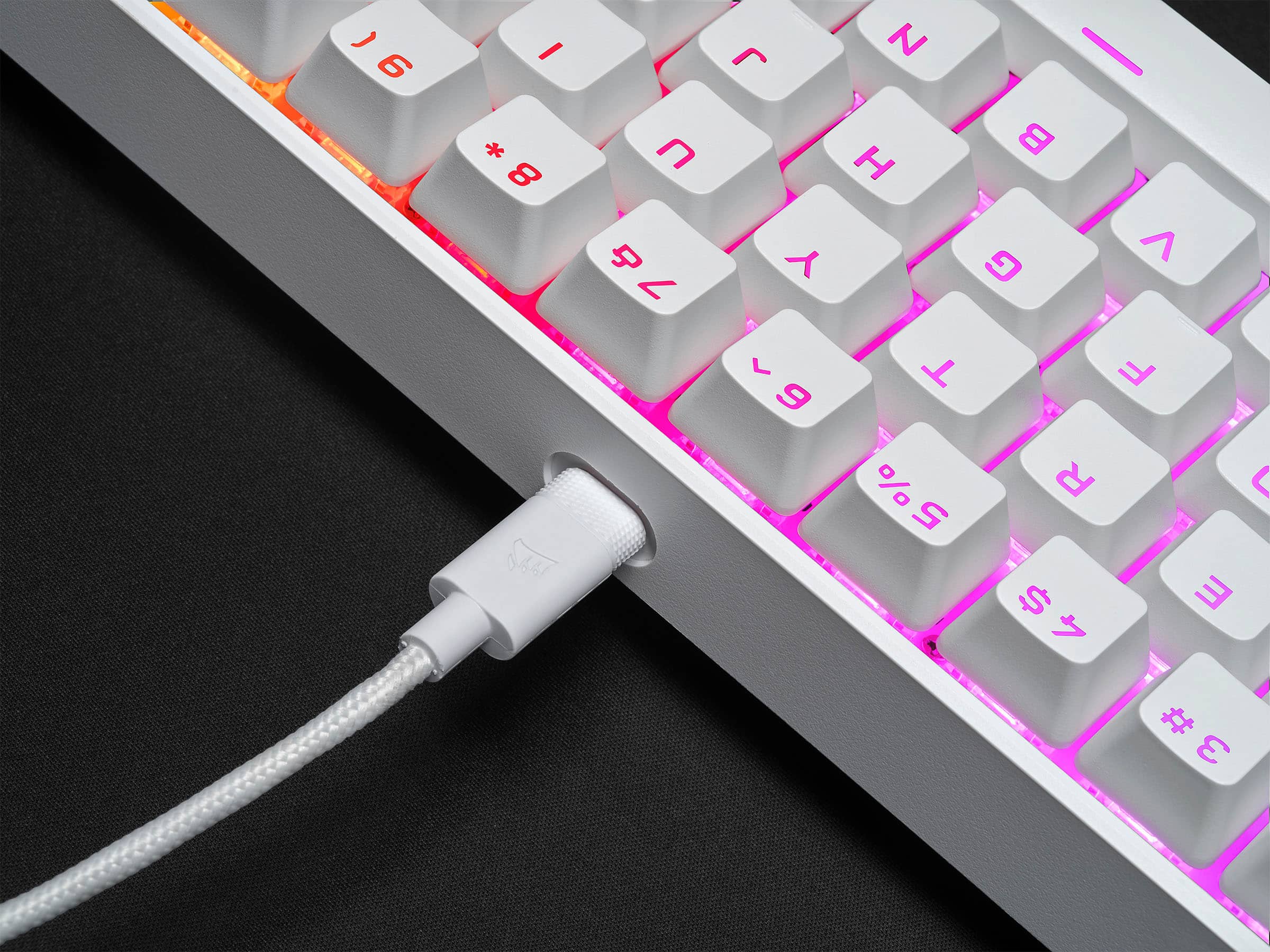
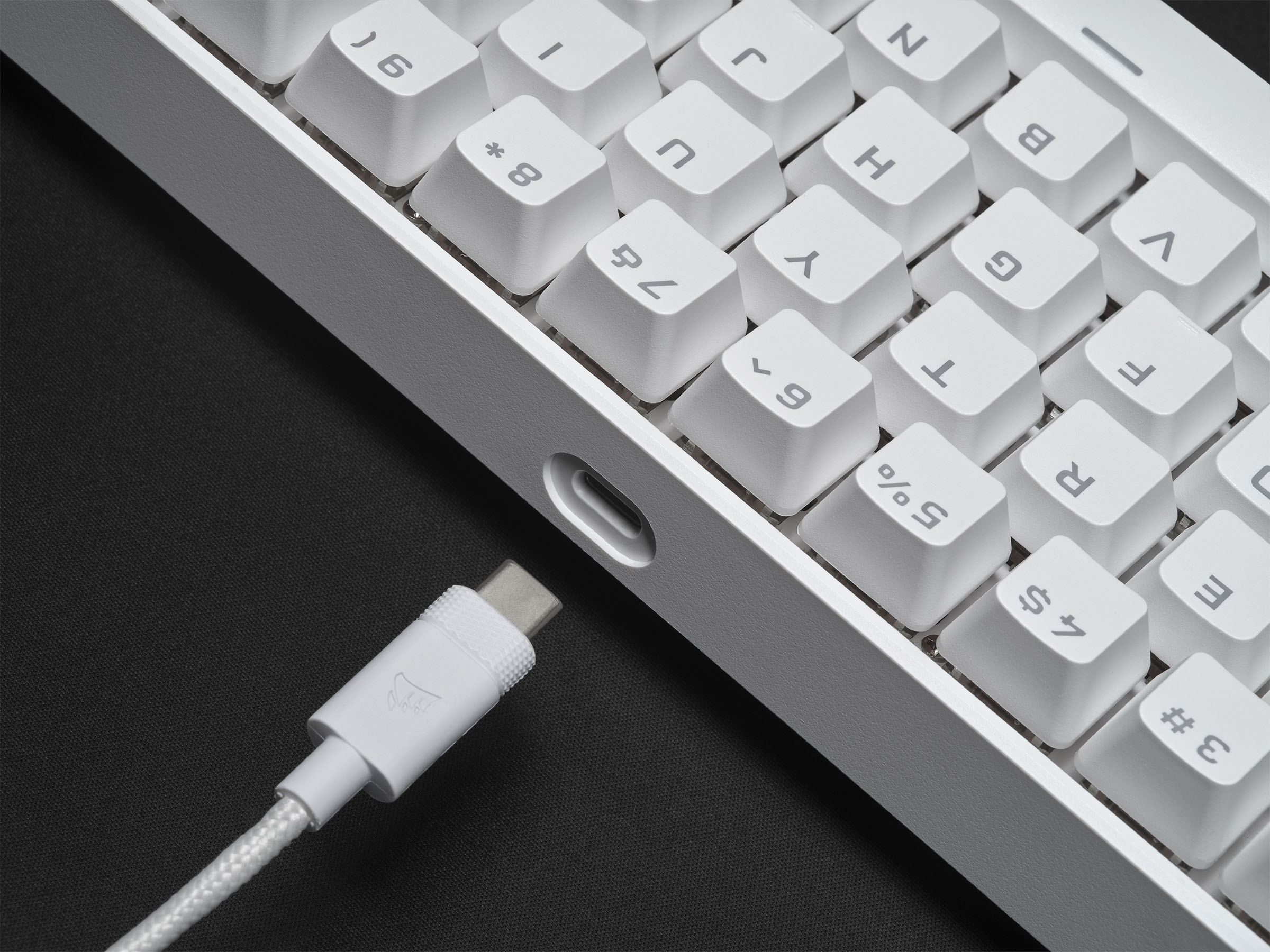
|Posted .This reviewer received promo considerations or sweepstakes entry for writing a review.I am a member of Best Buy’s Technical Insider Network, TIN for short. Reviewers in this invitation-only program are provided products for the purpose of writing honest, unbiased reviews. Initial impressions: I thought my Corsair K65 LUX RGB keyboard was small. The K65 Mini is only five rows high, does away with the traditional dedicated F-keys, Arrows keys, media player controls, any key that traditionally exists to the right of the Enter key, and any programmable macro keys that you find on some gaming keyboards. The keyboard has a rear facing USB-C connection. You can have this disconnected from your rig and in your travel back in seconds. I cannot do with my larger K65 LUX. What do I lose by having such a small keyboard? Answer: a number-pad. That is it! Everything else has been worked into the keyboard as a Function key. FN+ (U,H,J, and K) are your arrow keys. You can refer to Corsair’s instruction manual for a full list of FN+ functions. The feature set of this keyboard is dense. There are FN keys to control mousing functions. Corsair chose to print the alt-function graphic on the side of the each key. Not an issue in a well-lit room. It is an issue in a darker room. The RGB backlighting does not solve this issue. This is because the keys cast their own shadows up the sides of the keys. Therefore, it is nearly impossible to see the side graphics without the aid of an external light source. The keys shape, texture, and actuation will be familiar to anyone who has used a Corsair gaming keyboard before. The keyboard I received uses the Cherry MX Speed keys. I do not know that exactly actuation force for these keys. However, I can tell you that the actuation force is more than Cherry MX Red keys that are on my K65 LUX keyboard. The good news is that it will take more force to commit an accidental key press. The downside is it may take a while for your fingers to get used to the increased force necessary to depress the keys. The keys themselves feel solid and actuation is smooth from top to bottom of keystroke. I do notice a strange metallic ring when depressing a key. The keyboard, like most gaming keyboards, is loud. But this is the first I have used that rang. It is not annoying. Just odd. There are key cap kits available for Corsair keyboards that include O-rings for that quiet the keys. If this is annoying, then maybe this is an option for you. Gaming: For my tests, I plugged the K65 Mini into my gaming computer that also hosts my K65 LUX. iCUE recognized both and treated each as an independent keyboard. My goal was to have another keyboard to compare to if I so wish. I ultimately ended up comparing RGB profile between the two keyboards so that I could sync up my game profiles for both keyboards. I did not do any gaming on my old keyboard during this period. First, I loaded up Mechwarrior Online. This is my most robust gaming profile that I personally configured. About half the keys on the keyboard have specific color assignments and, in some cases, animations. To my surprise, the K65 automatically adopted as much of the profile as was possible. I had to remap a few keys in game because certain F-keys do not exist on the K65 Mini. The profile automatically activated when I loaded the game. I had to re-map a few in game key assignments to align with the limited keys on the K65 Mini. I was good to go within a few minutes. My in-game performance was as expected. All keys depressed were presented in game instantly. At no time did I notice any missed key commands or ghosting when depressing multiple keys simultaneously. For FPS games, I turned to Titanfall 2, Fortnite, and Middle-Earth Shadows of War. I also chose to repurpose some iCUE profiles I downloaded from Corsair’s website instead of making my own custom profiles. There are a few reasons I did this that I will cover in the iCUE portion of this review. For TitanFall 2, I chose a Call of Duty: Modern Warfare 2 iCUE profile I downloaded from Corsair’s site. I used FN+Z to cycle through the iCUE profiles until I landed on this one. Responsiveness was instantaneous. I did not notice any ghosting or missed key presses as I was running through the map, wall running, or Titan piloting. For Fortnite, I used a Fortnite iCUE profile that I also downloaded from Corsair’s website. The colors are light blue, purple, and include Rain and Type Lightning special effects. Again, gaming was smooth and without issue. I spent some time in the Easter lobby world jumping around and doing general silly stuff just to see how responsive the keyboard was. I did play a single multiplayer deathmatch game. I was the first to be forced into spectator mode; if you know what I mean. Watching the remainder of the match made it clear to me that the path to victory was Macro creation and Macro management. I do not play Fortnite enough to make it worth my time to make macros. However, if you want to be competitive in games like Fortnite then you will want to invest some time writing macros. iCUE makes macro building relatively easy and pain free. You will find macro building under “Key Assignments” and “Hardware Key Assignments” in your K65 Mini gaming profile. Corsair should just call it “Macro” to avoid confusion. You can build these macros to live in your iCUE profile or build them directly into the keyboard’s hardware. That’s some nice flexibility if gaming on the run are and find yourself using a computer that does not run iCUE. Next, Middle-Earth Shadows of War. For this, I created a new profile by copying the Fortnite profile. I also adjust the polling rate to 4000hz. The game played smoothly and without any issues. This game slower pace for me but still requires anti-ghosting. For example, I press W+D+L-Shift to sprint at an angle to my enemy. Then, while depressing all three, hit the spacebar to jump. Everything worked as expected. Finally, I chose to see what 100% anti-ghosting and the new AXON processor could handle. As a non-gaming test, I loaded up MS Word to have a keyboard smashing exercise. I loaded a blank document in MS Word, picked a key for each finger, and then proceeded to simultaneously smash down all ten keys as quickly as I could. Word printed out every key, strangely in an exact repeating pattern, of all my keys for as many times as I smashed down on the keyboard. I think Corsair met their 100% anti-ghosting goal with their new AXON controller. Comfort level: The keyboard offers a comfortable typing experience. As mentioned earlier, the actuation force of the Cherry MX Speed keys are more than the Cherry MX Red keys. My fingers are still adjusting after a week of typing. It serves as a good reminder to take breaks during long gaming sessions. I ran into a few challenges. My first challenge was keyboard size. I did not realize how much I visually depended on seeing the edges of my “normal” sized keyboards for an activity as mundane as finding my home typing keys. My second challenge was the use of FN+ (function) to navigate with arrow keys, the delete key, and access to my F-keys. It will take time to build muscle memory. The final challenge is the exclusion of a wrist rest. Many other gaming keyboards include a wrist rest. It may have reduced the portability of the keyboard but, if detachable, not by much. It is a comfort I have grown accustomed to. Otherwise, this feels like any other Corsair keyboard I have owned. iCUE software: Corsair makes rock solid keyboards. What makes them special is the iCUE software. This is a powerful programming suite for all your Corsair devices. iCUE manages all your Corsair products. My gaming PC consists of 6 Corsair RBG fans, the H100i CPU cooler, ST100 RGB headset stand, the MM800 RGB gaming mouse pad, K65 RGB keyboard, and the Carbide Spec Omega RGB case. I can customize each LED individually, as a group, or across the entire group of devices. For example, I can assign each light on each device individually or I can assign all devices to do a rainbow wave in sync. This includes customer color profiles for each game. For example, when playing Battletech, all my fans turn green, my keyboard theme activates, I have a chase light running along the mouse pad, and my computer case has a blue light chasing a red light from the bottom of my case to the top. The K65 Mini integrates perfectly into this ecosystem. Working with iCUE will take some work and experimentation. You can get some great results with little effort. For example, my default profile is a dim red color assigned to every key with a secondary layer using the pre-defined Type Lightening 1 lighting effects. This results in a keyboard with red lit keys that explode with multi-colors when I depress any key. The iCUE software is also where you have access to adjust the pooling rate of the keyboard, setup macros, create and upload new hardware color profiles to the K65 Mini, disable certain key functions such as the Windows Key or Alt-Tab combinations, and many other functions. Finally, you can leverage exported profiles provided by the community for some great affects. Sometimes it is easier to use someone else’s profile. It is also a good way to learn by seeing what others have done. There are also helpful videos in the iCUE help section. I recommend watching these. Final thoughts: I have not come close to scratching the surface on how feature dense this keyboard is. All I have done is list a few high points and a few places where I feel Corsair can improve the experience. Bottom line, Corsair did a stunning job of shrinking their already amazing keyboards into an ultra-portable package. If you are looking for an ultra-portable keyboard that has all the power and flexibility of a full-sized gaming keyboard, then I encourage you to give the K65 Mini a try.
I would recommend this to a friend Corsair mini
||Posted . Owned for 1 week when reviewed.This reviewer received promo considerations or sweepstakes entry for writing a review.Best gaming keyboard I’ve used. Amazing responsiveness.
I would recommend this to a friendAmazing
||Posted .This reviewer received promo considerations or sweepstakes entry for writing a review.Best keyboard ive had so far. Amazing for its price too.
I would recommend this to a friendKeyboard
||Posted . Owned for 2 weeks when reviewed.This reviewer received promo considerations or sweepstakes entry for writing a review.Smooth speed silver linear switches. My son loves it!
I would recommend this to a friendDope RGB mini keyboard
||Posted . Owned for 1 month when reviewed.This reviewer received promo considerations or sweepstakes entry for writing a review.Awesome keyboard, already upgraded the keycaps to the Crystal Crown caps by G.Skill.
I would recommend this to a friend