Customer Ratings & Reviews
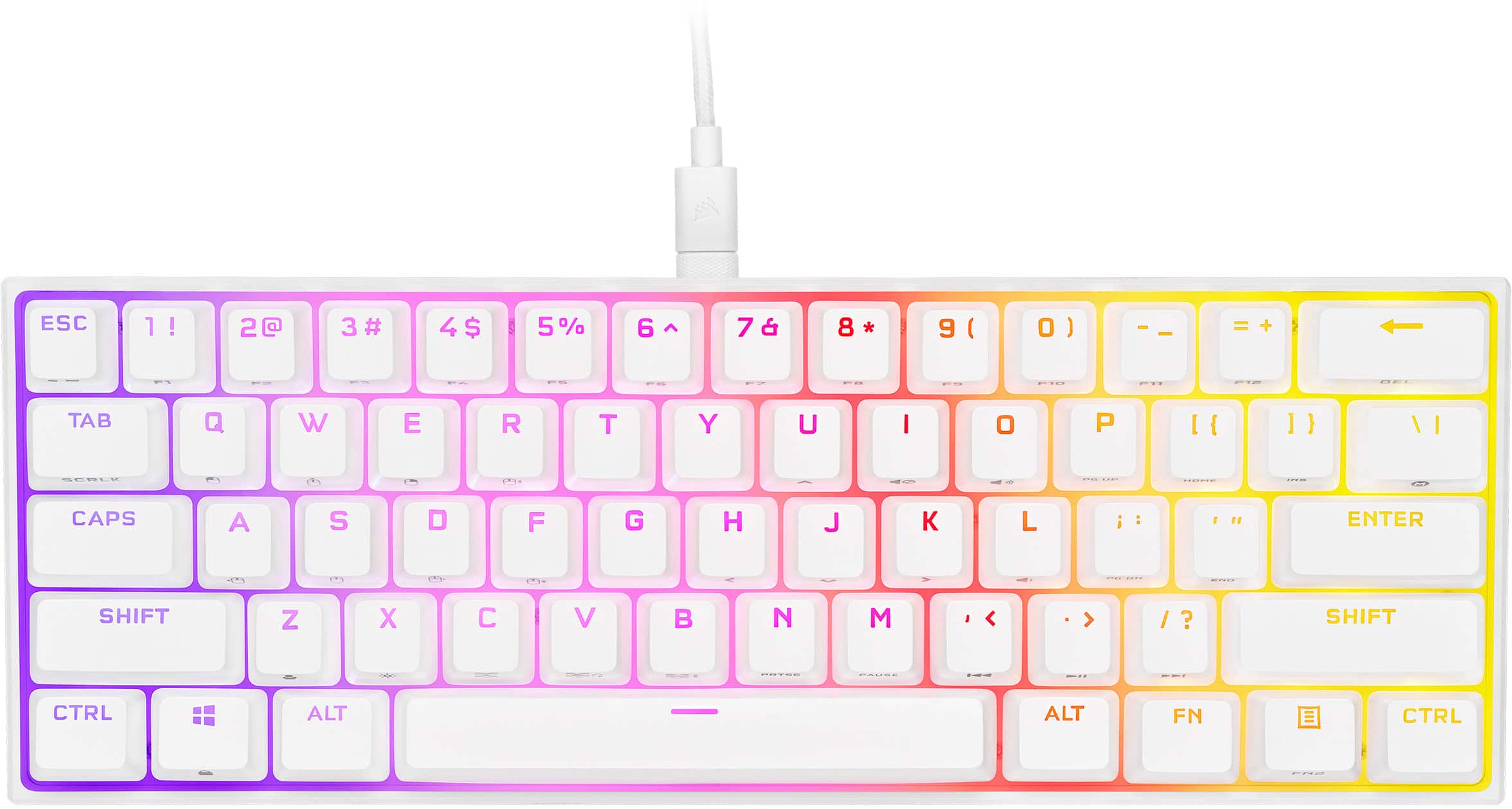
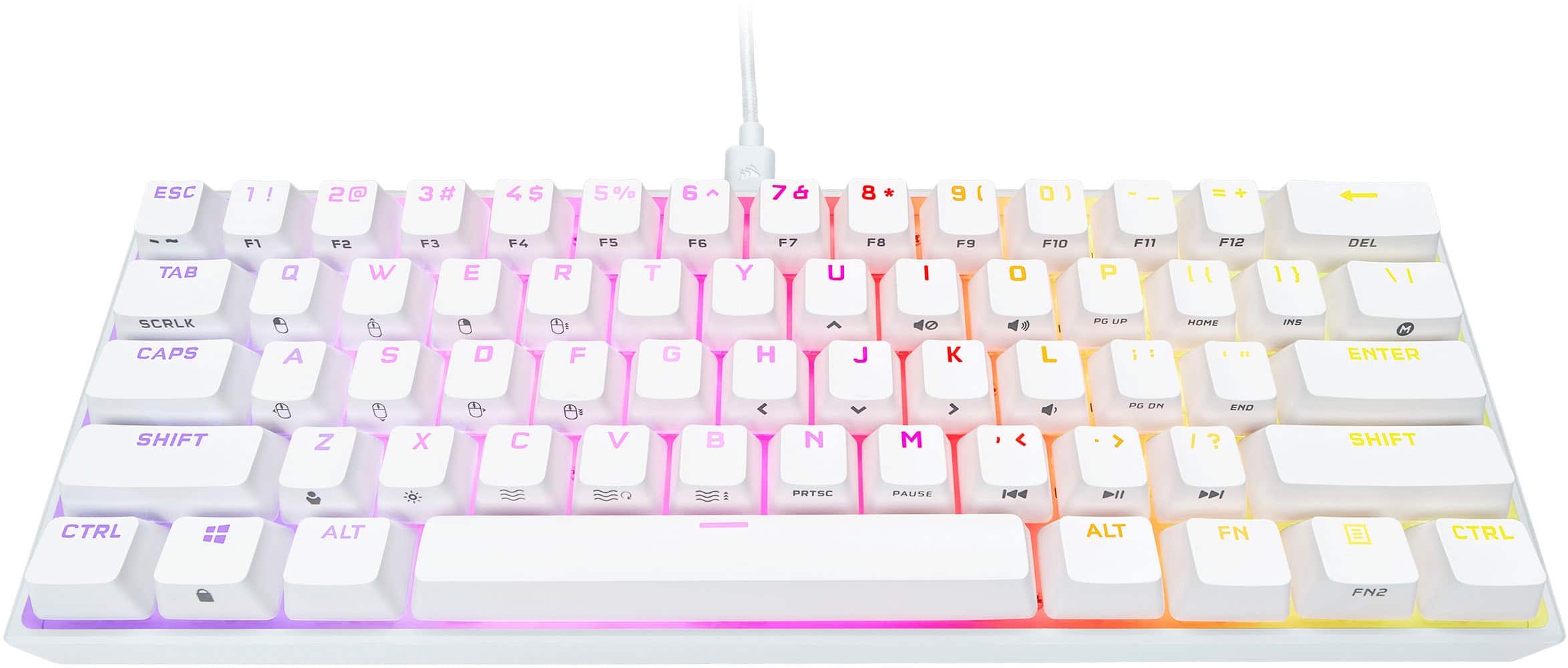
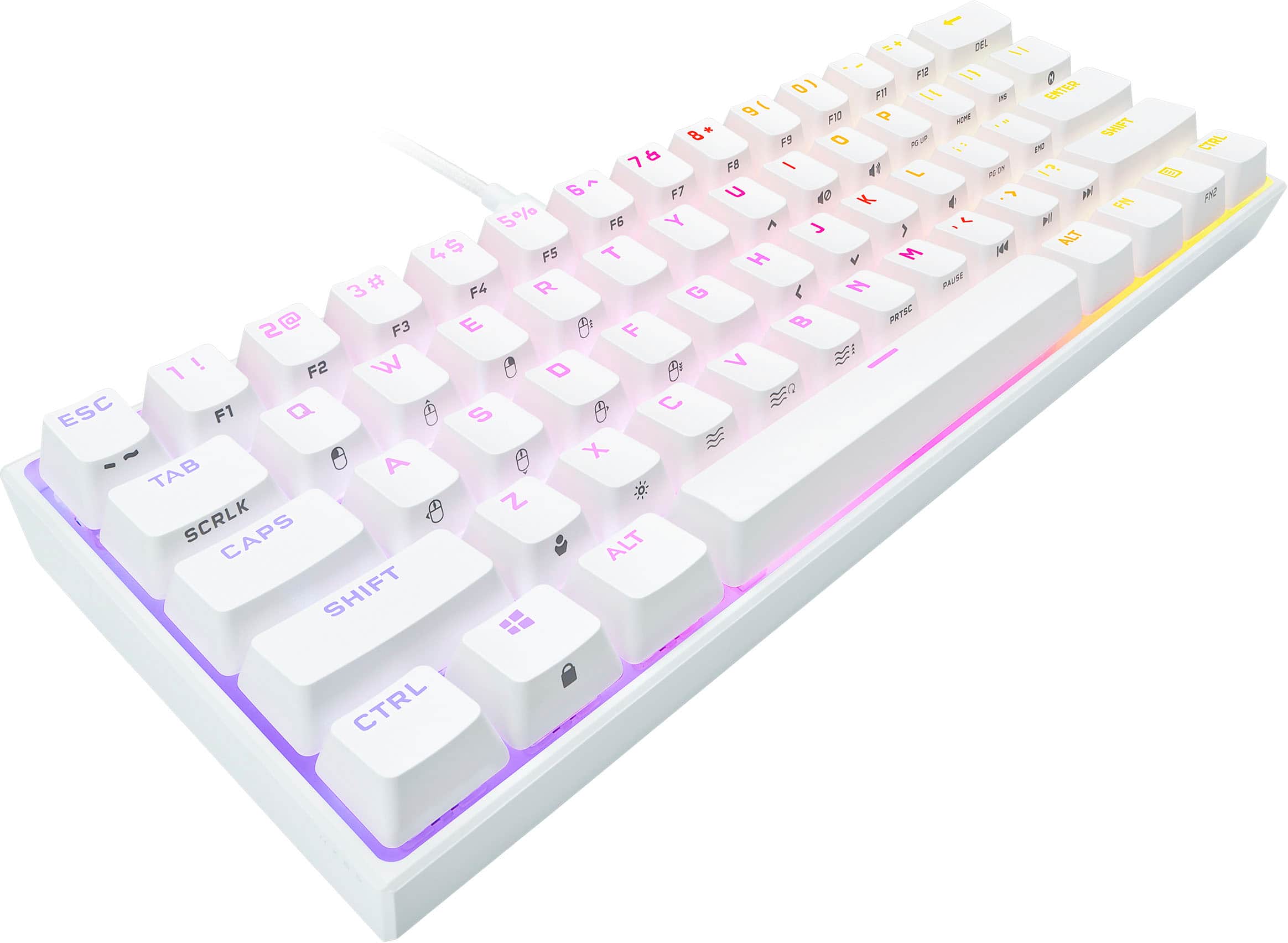
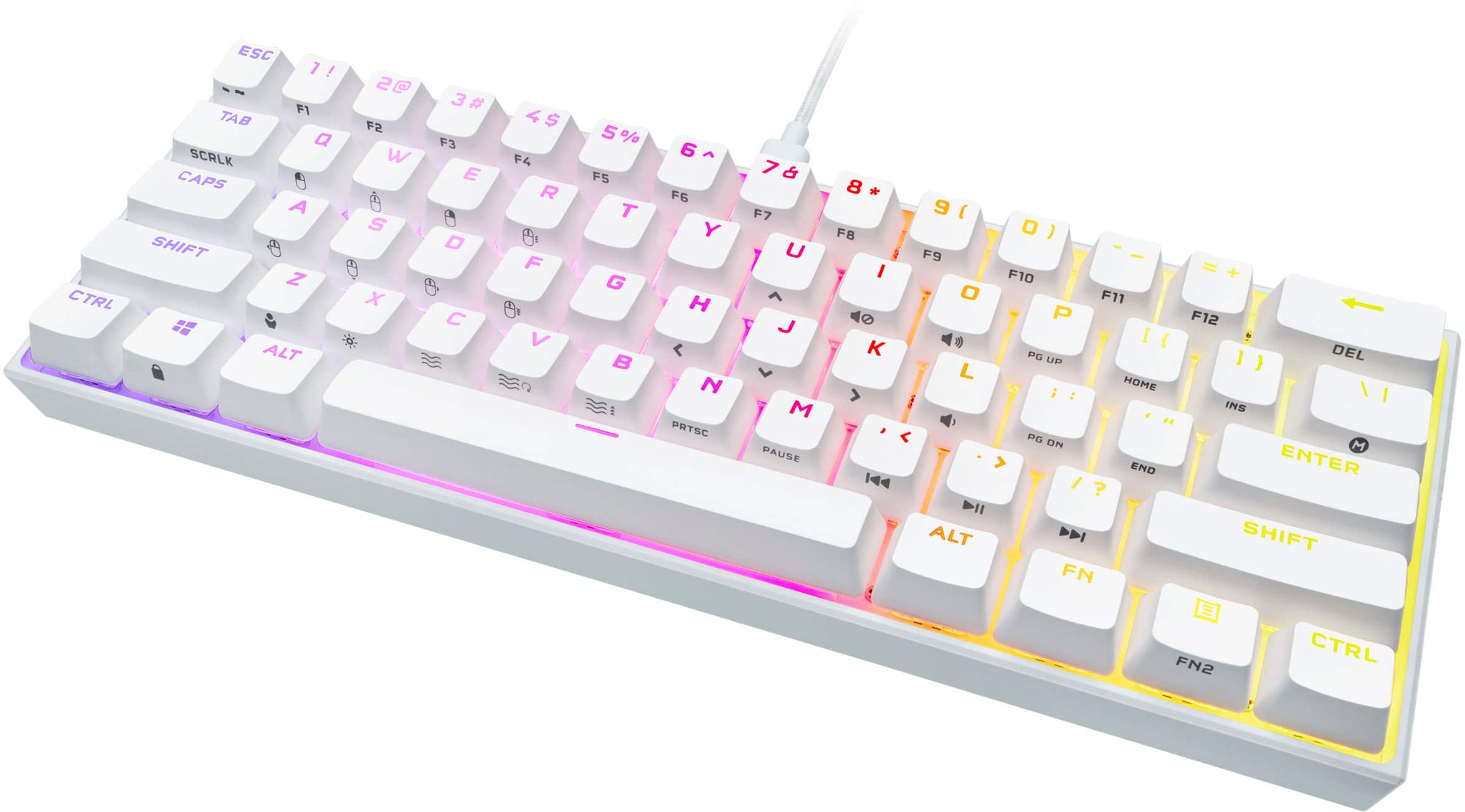
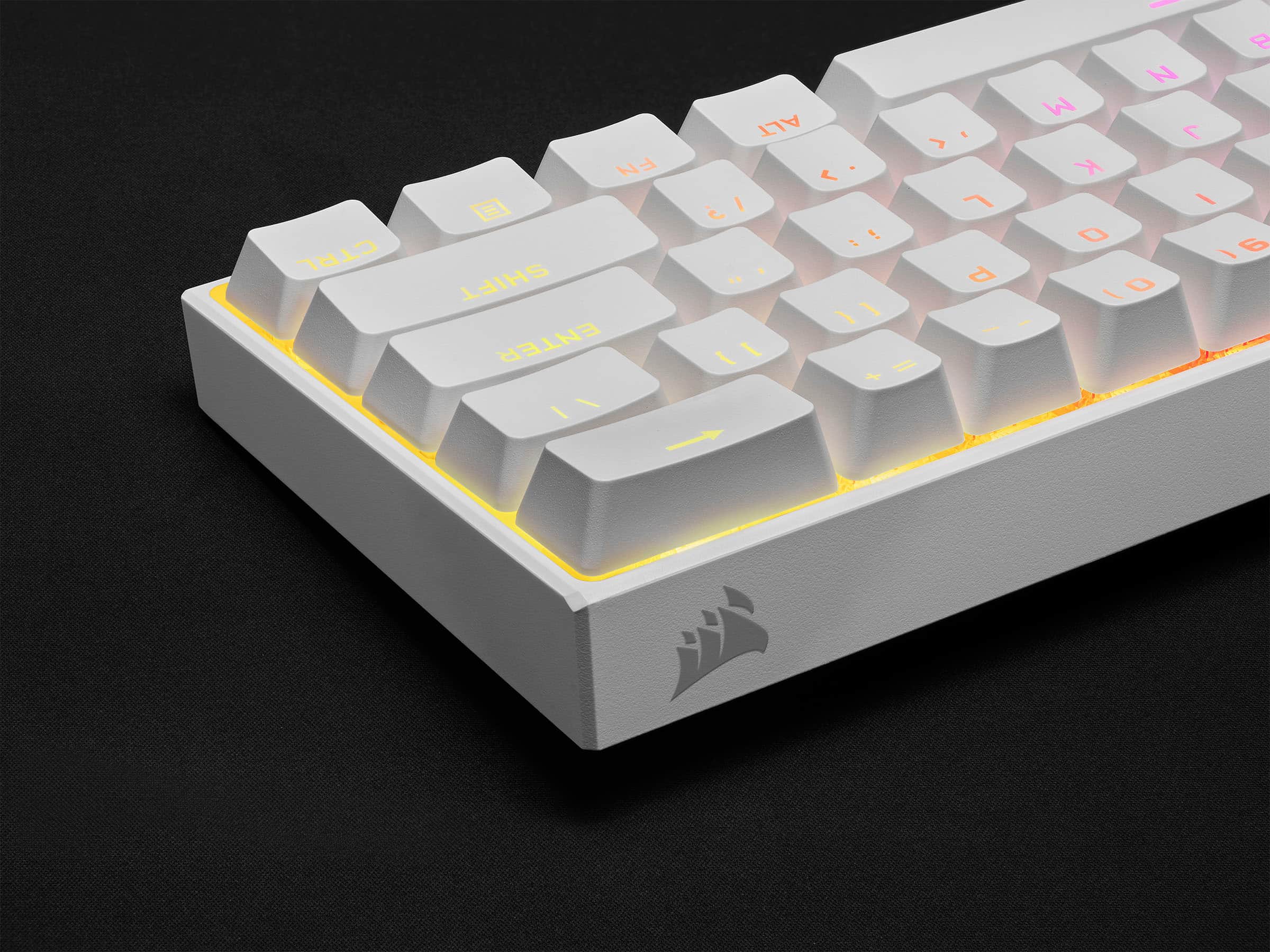
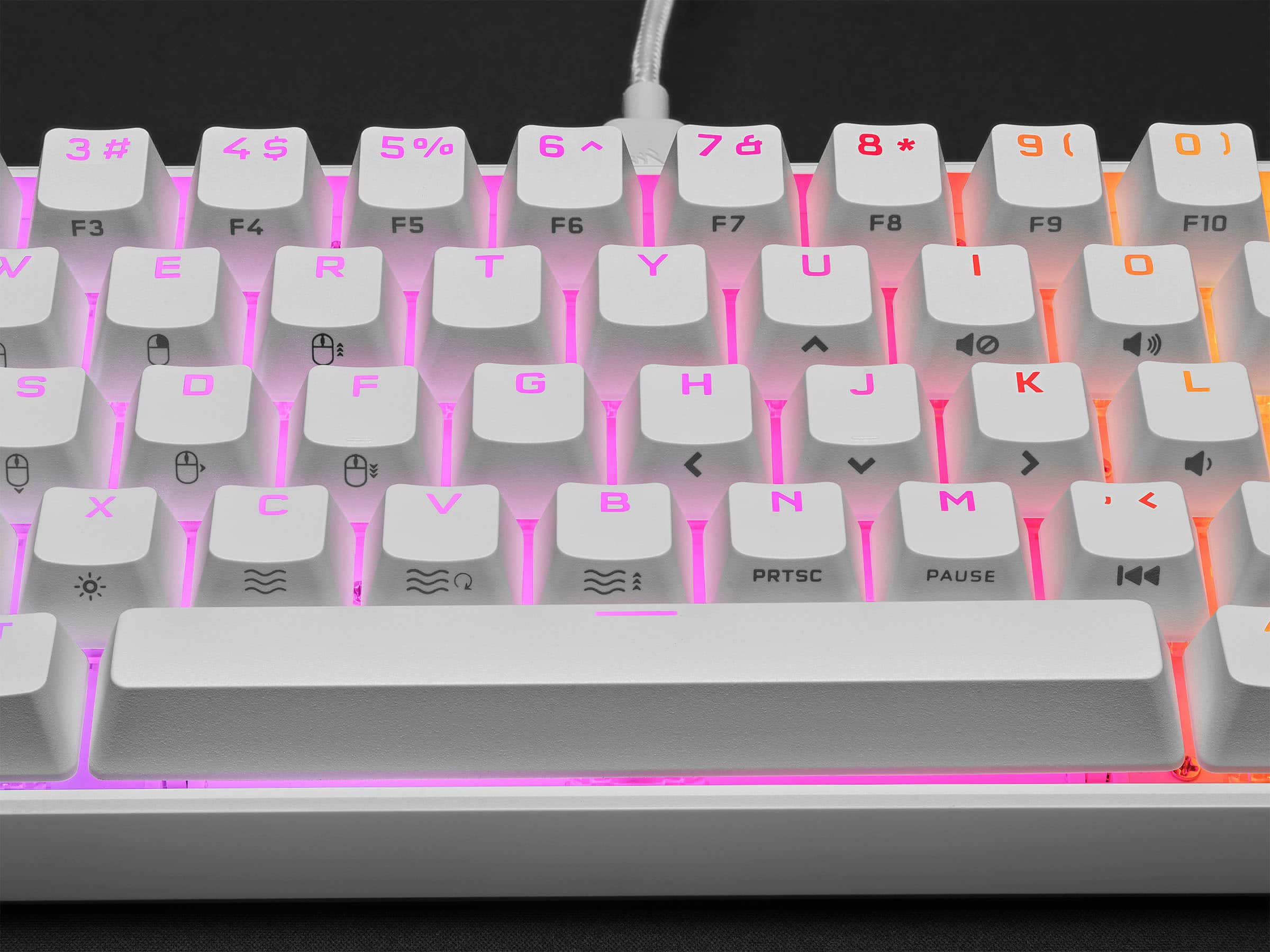
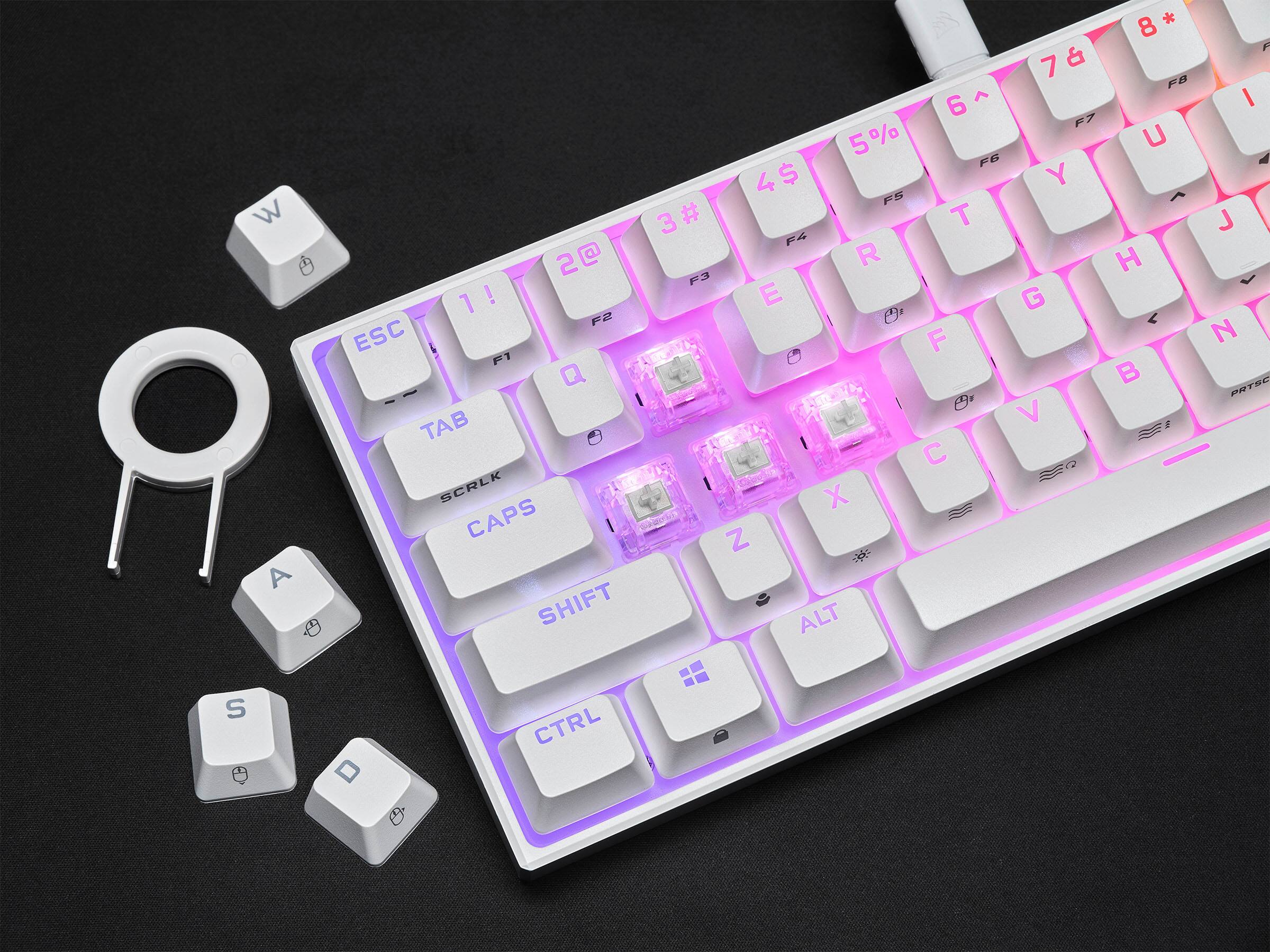
- Model:
- CH-9194114-NA
- SKU:
- 6476232
Rating by feature
- Value
Rating 4.6 out of 5 stars
- Quality
Rating 4.7 out of 5 stars
- Ease of Use
Rating 4.7 out of 5 stars
Customers are saying
Customers are delighted by the K65 RGB Mini's keyboard quality, compact size, and vibrant RGB lighting. Users appreciate the satisfying key feel and the quality of the Cherry MX Speed Linear switches. Some find the price a bit high and have noted that the Corsair software could be improved.
This summary was generated by AI based on customer reviews.
Very pleased!
||Posted . Owned for 1 month when reviewed.This reviewer received promo considerations or sweepstakes entry for writing a review.So easy to set up and use my son absolutely loves it!!!
I would recommend this to a friendMostly Great
||Posted . Owned for 1 week when reviewed.This reviewer received promo considerations or sweepstakes entry for writing a review.Keyboard is great minus it disconnecting from ICUE constantly.
I would recommend this to a friend- Pros mentioned:Rgb, SizeCons mentioned:Price

So Tiny
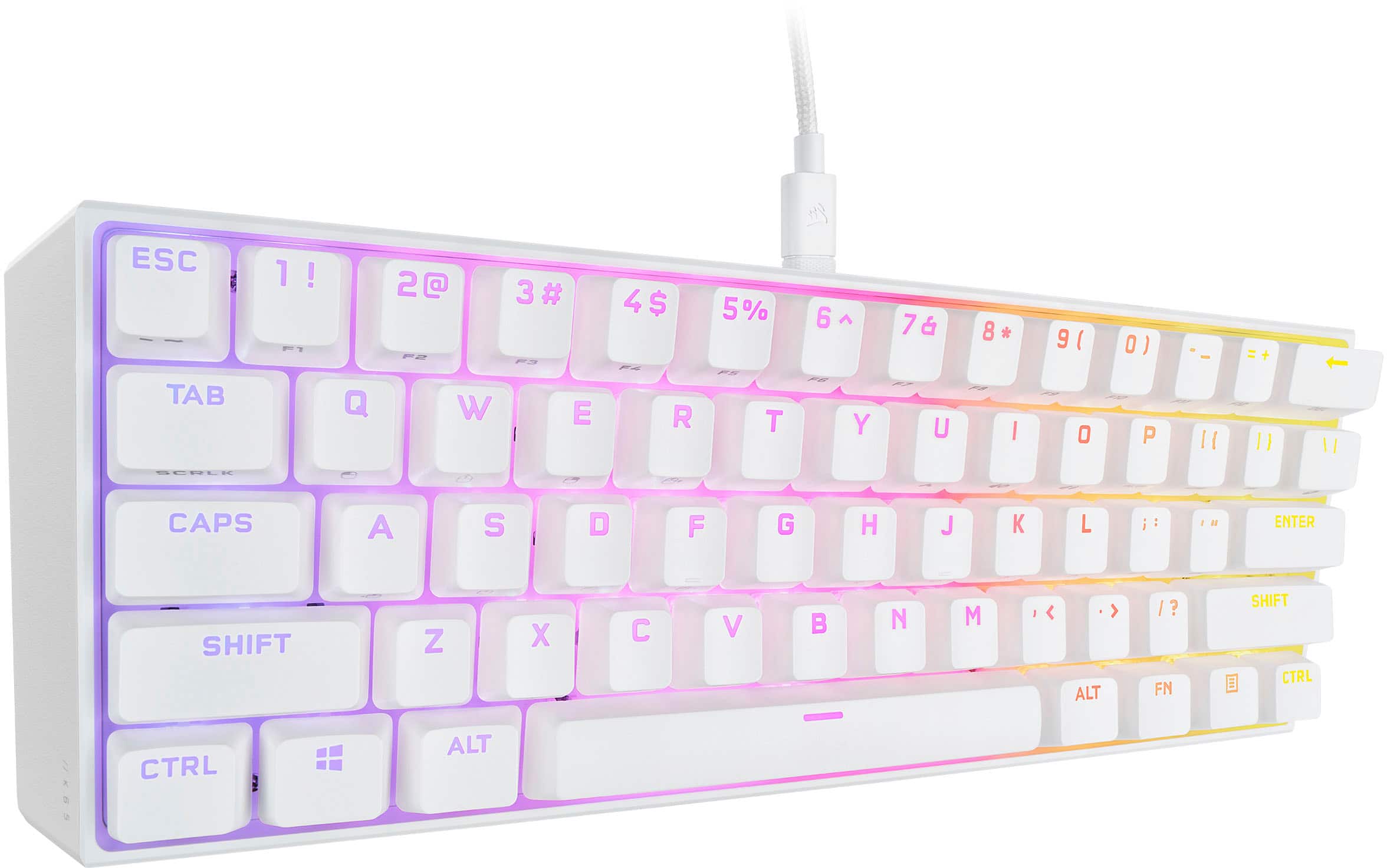
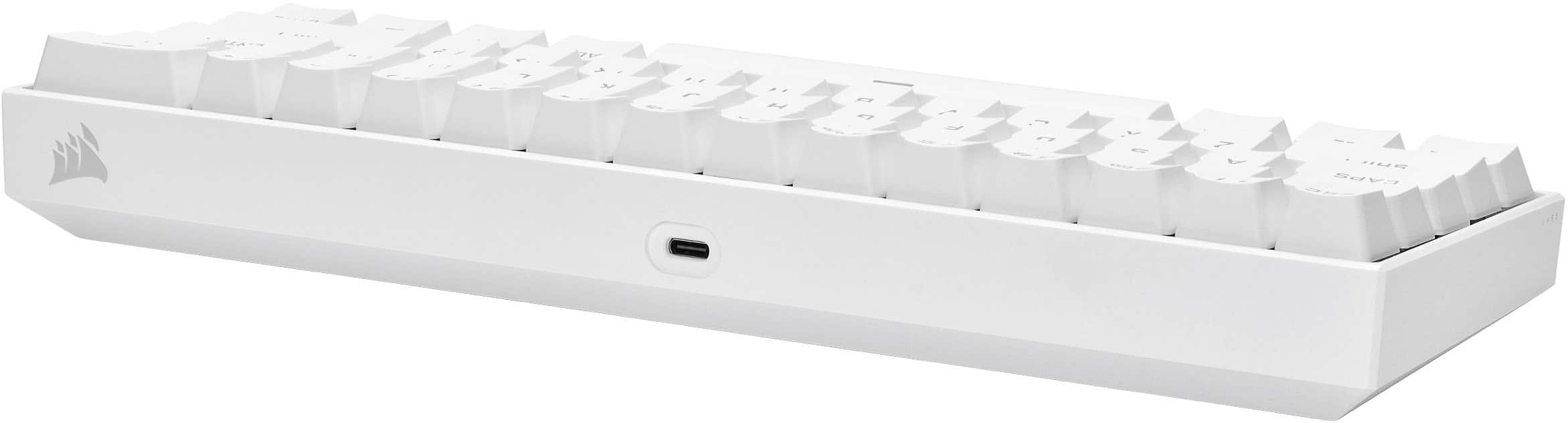
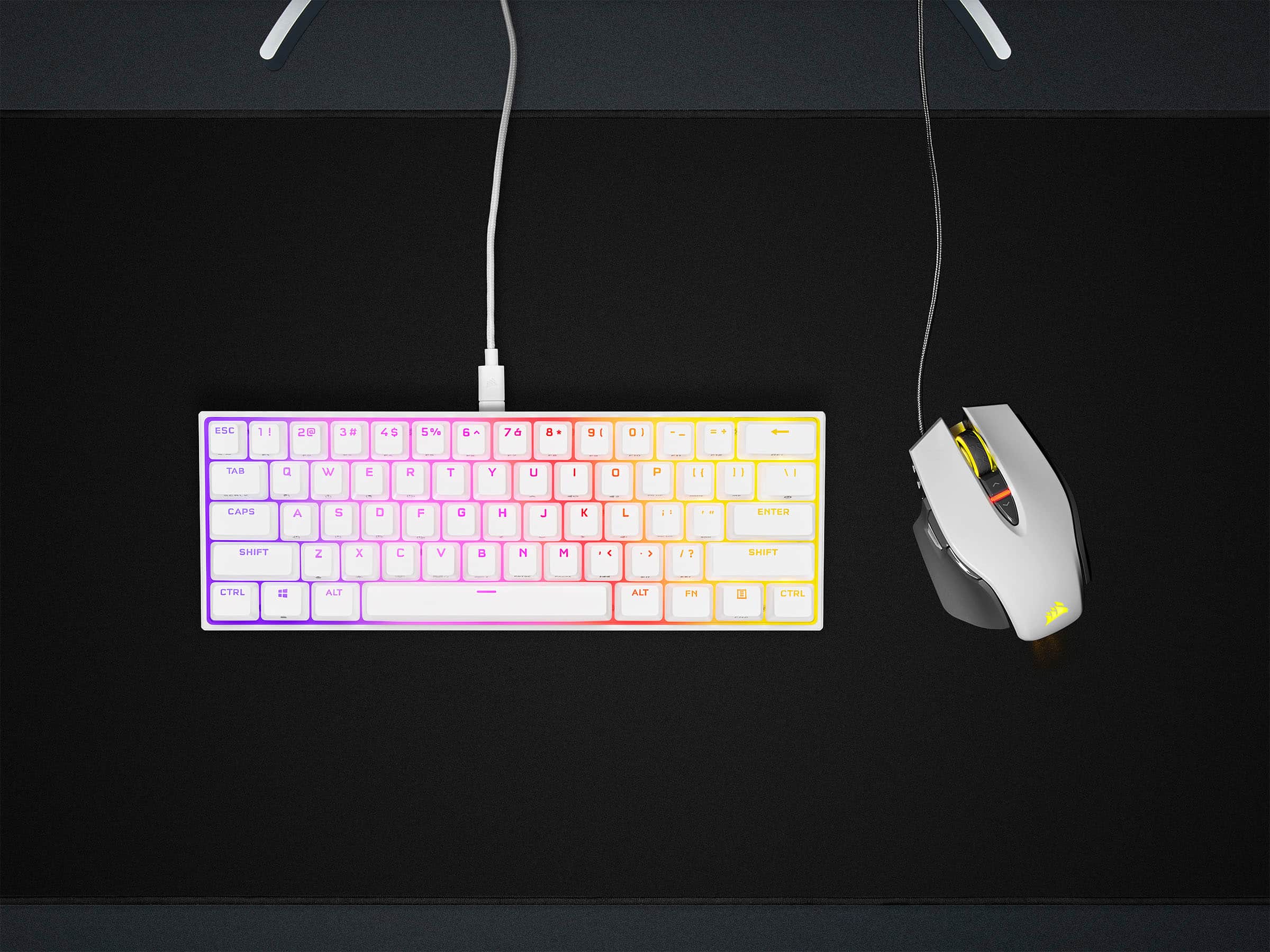
|Posted .This reviewer received promo considerations or sweepstakes entry for writing a review.this is my second mini keyboard that i’ve tried sold my first one that was bought on amazon, but now I think it’s time to maybe give a mini keyboard a second try, or even have it as an alternative to my daily use. corsair finally made their very first mini keyboard, i’ll be listing my pros and cons like. see how my experience with the keyboard. Pros - first thing yes it’s small it is 60% mini keyboard, even the gag between keys are closer compare to standard size keyboard - the design is pretty simple on the left corner you will see “k65” branding that’s very minimalist, and on the top right corner is corsair main logo - you also get a basic corsair usbc cable, an extra space bar/ key and key puller - all the rgb glows and shine perfectly with the white bottom base. the animations of the lights looks amazing by the way. corsair iCUE app will be needed if you want to fully customize this keyboard - the app has tons of functionality, you have the ability to assigned certain keys to adjusting lighting effects, creating lighting profiles that can be programmed to your keyboard - if you have other rgb by corsair on your computer setup, the iCUE app could sync them all together - the key caps is basic With huge fonts, you will need to use the FN key to get access to alternative buttons, you might hate it or love it - it’s Cherry MX red, for me they sounded great not too loud, just a great sounding keyboard, i’ve always prefer cherry red to this is perfect. Cons - the key caps looks cluttered, you’ll need memorize where most alternative keys are located, or you’ll be stuck like me when I game in dark, it’s sometimes hard to tell where to find the alternative key since it’s 60% keyboard - the keyboard have zero personality than it’s logo, it almost looks like an off brand keyboard that you can order online, I wish it had little more something to separate it from other, because without looking you wouldn’t think this a corsair, just how simple it look. - wish they added a height adjustment on bottom, I mean does it cost that much to add that? my cheap red dragon even have it so I don’t see why corsair felt like cutting corners here - for the price I guarantee you can find the same similar feel keyboard for less, the only thing you’ll be missing is the rgb features that the app offers for some that’s not a bad deal at all I think i’d still keep the keyboard it would look basic by the time i’m done with it, i’m planning on buying new key caps and cord for this, that would give it more of a personal if you choose to do so, overall for the price and for corsair fan, you might be ok paying $110 for this keyboard, but I know for those that are very familiar with mini keyboard would prob give this a pass.
I would recommend this to a friend - Pros mentioned:Keyboard quality
Tiny and awesome!
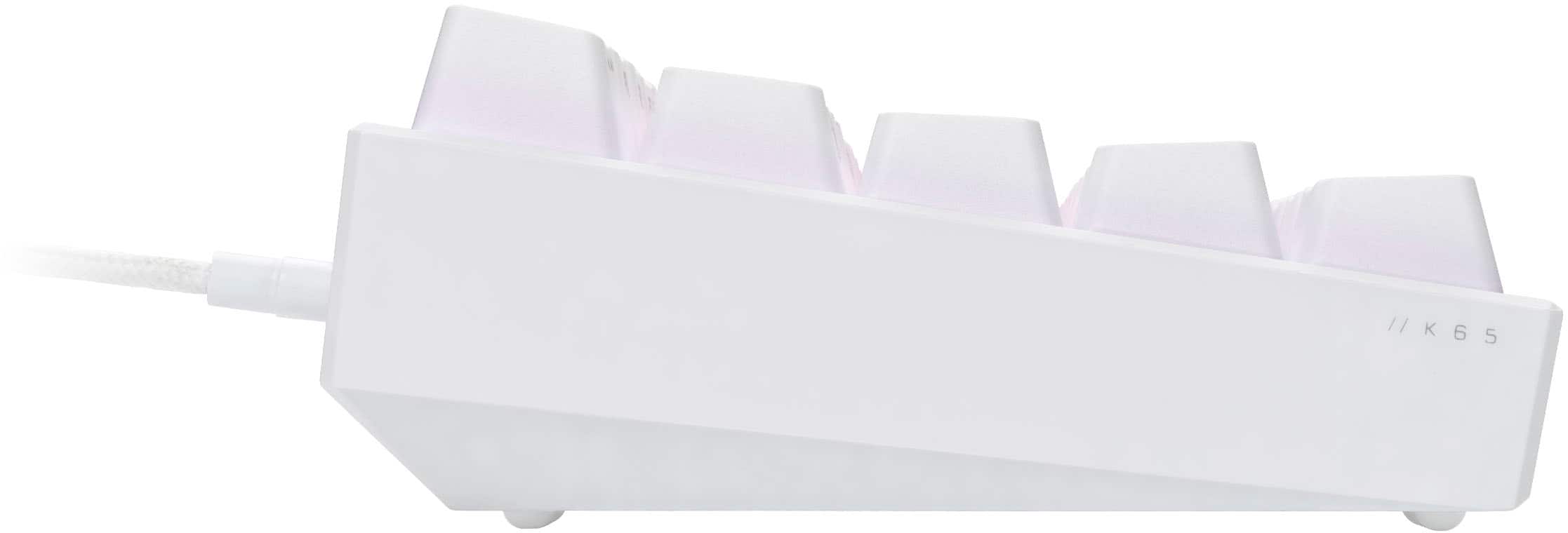
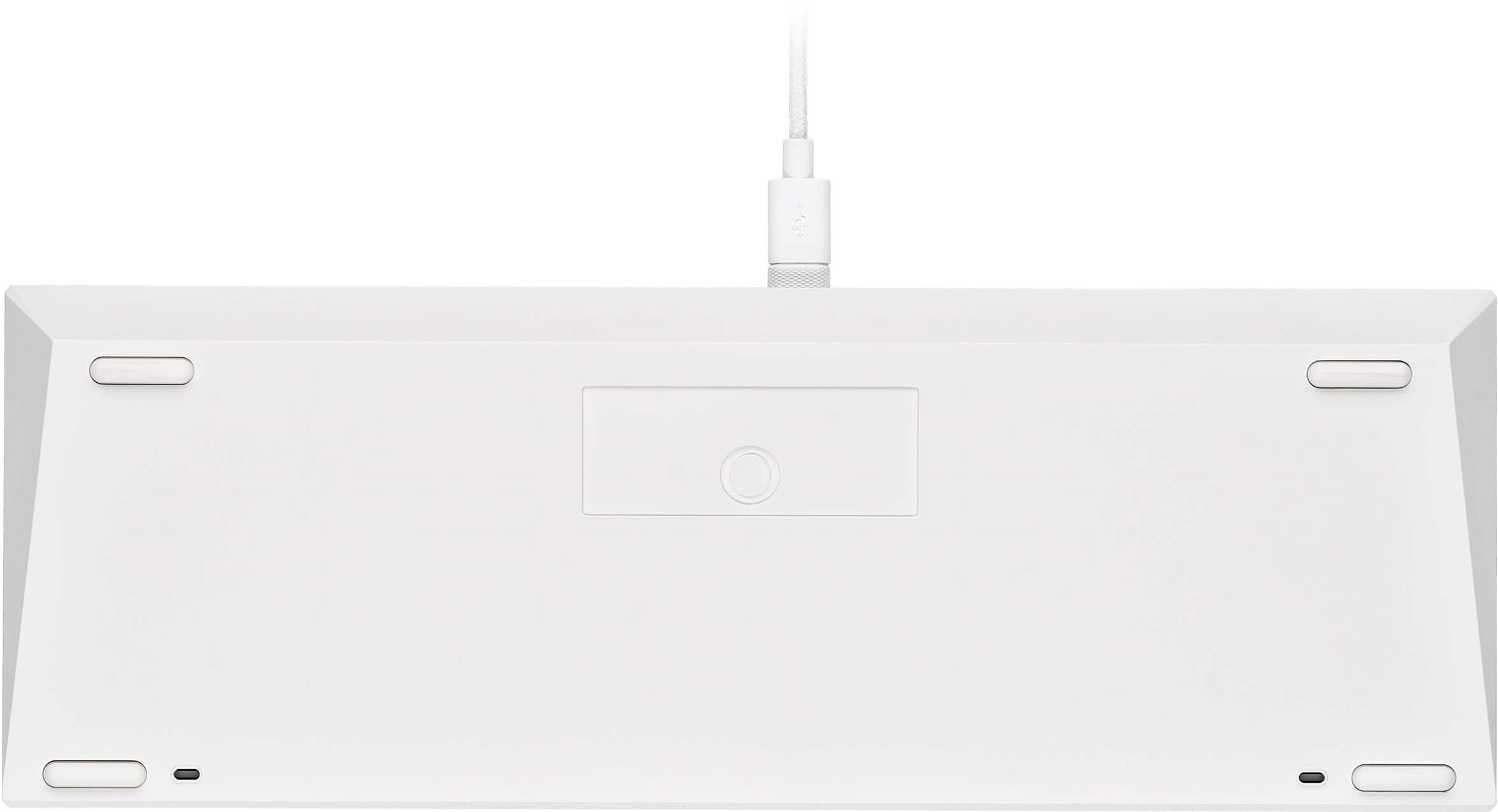
|Posted .This reviewer received promo considerations or sweepstakes entry for writing a review.PROS: - Corsair finally has a 60% keyboard! - Cherry MX Speed switches - 8000Hz polling rate - Stabilizers are excellent - Sturdy/well-built - USB cable (USB-C to USB-A) is very long - Customizable macros - Customizable RGB CONS: - Can't adjust elevation - No USB passthrough for mouse == Setup == Setting up the K65 is super easy, regardless of the OS you're using. To take full advantage of what you can do with this keyboard, I would recommend using Windows. While it works just fine connected to my Linux laptop, you're going to want to use Corsair's iCue software. While you can just plug in the K65 and use the on-board storage to map macros and adjust the RGB, I find it easier to do through iCue. From here you can do just about anything you could imagine for macros and lighting effects. You can even have different macros/colors for multiple profiles. Using iCue is also the only way you're going to be able to toggle the polling frequency (up to 8KHz). == Daily Use == If you've never used a 60% keyboard before (like me), it's going to take some time to get used to taking advantage of the function shortcuts. Anything that you could do on a full-sized keyboard, you can do on the K65. While I don't use it all the time, I still think it's cool that I can use the function shortcuts to control the mouse cursor. Since working from home, I love how much desk space has been freed up by going with a 60% keyboard. Since the K65 is so small, you can even have a full-sized ergo keyboard for work and still keep the K65 on your desk for gaming in the evening, without feeling like your desk is cluttered. == Performance == While I can't say that the K65 has turned me into a better player, I absolutely enjoy using an actual mechanical keyboard for gaming over using my ergo keyboard (shocking, I know). If you like to angle your keyboard for FPS games, having a small keyboard makes all the difference for comfortable playing. Having such a small footprint really lets you position your arms to whatever angle/reach is the most comfortable for you, even if you don't have a very large desk. The accuracy of the K65 is amazing! I never felt like there were any missed keypresses, there were no duplicate hits, and everything was lightning quick. Cranking up the polling rate really does make a difference. == Minor Complaints == Honestly, I really love this keyboard, it's perfect what I need for balancing work and play. I can have my full-sized ergo keyboard for work and switch to the K65 for when I want play. However, it's not a perfect keyboard. I really wish that you could adjust the angle/elevation of the keyboard, but Corsair did not include tilt legs under the keyboard chassis. It may not be an issue for some people, but it would have been nice to have the option. There's no USB passthrough, something that's common on many of Corsair's other mechanical gaming keyboards. While I can live without it, it would have been nice to have. == OVERALL == I'm sure I'm not the only person who's been waiting a long time for Corsair to make their own 60% keyboard, so it's great to finally have the K65 on my desk. This is a fantastic gaming keyboard without taking up a lot of space. If you're thinking about getting a smaller keyboard, I would HIGHLY recommend going to your local Best Buy and try out the K65 in person. It performs great and has a very satisfying sound and feel when typing.
I would recommend this to a friend - Pros mentioned:Keyboard quality, Size
Good mini keyboard
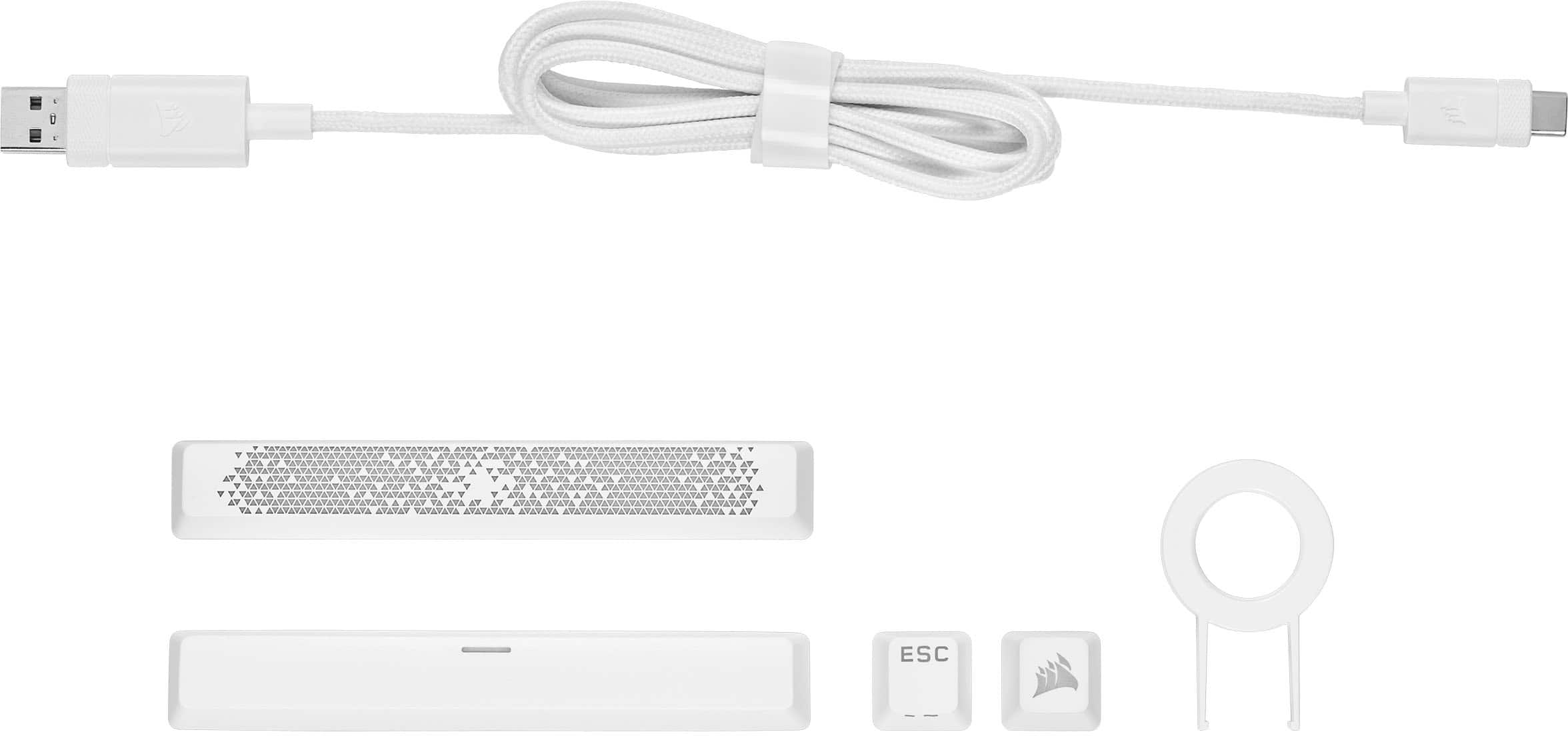
|Posted .This reviewer received promo considerations or sweepstakes entry for writing a review.This keyboard is just not a regular gaming keyboard it is a very small one. The size of this thing is very noticeable next to my regular gaming keyboard. The amount of space saving is also something you can't ignore. This keyboard is very nicely built you will notice once you get it out of the box. Don't be fooled by its size this thing has a little weight in it and is thick. It does not have kickstand legs, instead the back was built higher giving the look and feel that the keyboard is raised. Setting it up is relatively easy plug N play pretty much. However to take full advantage you need to download the dedicated iCue software. With the software installed you can create profiles, assign keys, change lighting, create macros and more. The lighting effects are pretty cool, the "rain" setting is one of my favorites. The colors on this keyboard are bright and vivid. There's plenty of features to play around with the lights in this keyboard. The mechanical keys have good feedback when playing or typing and that's because of the CherryMX mechanical switch . However, the clicking sound is a little louder compared to my other keyboard. With the small size it comes with some disadvantages meaning you're losing some of the keys you are used to like the arrows and number pad. Now, using the iCue software you can actually remap those keys or pressing the Fn key will give you access to them by default, now that being said you have to have the FN button pressed. It would have been nice to be able to lock that Fn button. You can also control the mouse cursor and adjust the speed with this keyboard using the WASD keys, and yes the Fn has to be pressed. Most of the keys will have a function to it and they are labeled too and of course you will have to press the Fn to activate it. How will this keyboard improve your gaming experience, that will be in the space saving to be honest and the ability to carry it around due to its size. Even with the 8000hz hyper-pooling I did not notice a difference in my game play. Overall if you want a sweet gaming keyboard with most of the perks, be able to customize the keys however you like and save a lot of space at the same time, this keyboard got your back. In the box includes the Keyboard, detachable braided USB-A to USB-C cable, keycap puller, Corsair keycap with logo, space bar, manual and other documents.
I would recommend this to a friend - Pros mentioned:Key feel, Keyboard quality, Lighting
Gorgeous keyboard!!
||Posted . Owned for 1 month when reviewed.This reviewer received promo considerations or sweepstakes entry for writing a review.I just got my pc about 2 weeks ago and wanted a smaller keyboard to start out with. I know Corsair is a good brand and when i saw this one at half price i knew i had to get it. I love how you can customize the lighting in the iCue app and how the keys feel and sound. Overall its a great keyboard! I dont know enough about gaming keyboards to compare it to others but i think this one is a solid choice for anyone starting out!
I would recommend this to a friend - Pros mentioned:Keyboard quality, Size
Tiny...
|Posted .This reviewer received promo considerations or sweepstakes entry for writing a review.When I first opened this keyboard I thought to myself, wow, this is so tiny, I wonder how functional it is? Well, I'm here to say that is highly functional, but there is a learning curve. For starters, every special function requires use of the "FN" key. This includes the arrows. After a couple days I got used to it, but I still find myself going for the normal location for them. The keyboard is solid and keystrokes feel natural and confident. You can do a lot with the keyboard without the iCUE software, but when you install it it opens a whole other world of customization. One issue I have with the software is that it overrides my AURA software that controls my motherboard and video card whenever I open it, and I haven't yet figured out how to get back of control of them. An option in the software would be nice, like a check box next to them as to whether or not you want the software to control them. Overall, it's a great keyboard if you're limited on space. Likes: 1.) Small form factor gives you more room for mouse pad on smaller desks 2.) Feels solid, high quality. 3.) Confident keystrokes. Dislikes: 1.) Having to use "FN" key for everything other than normal keystrokes, this includes arrow keys 2.) iCUE software overrides AURA for RGB settings.
I would recommend this to a friend - Pros mentioned:Keyboard quality, Size
Corsair Cherry Sweetness!!
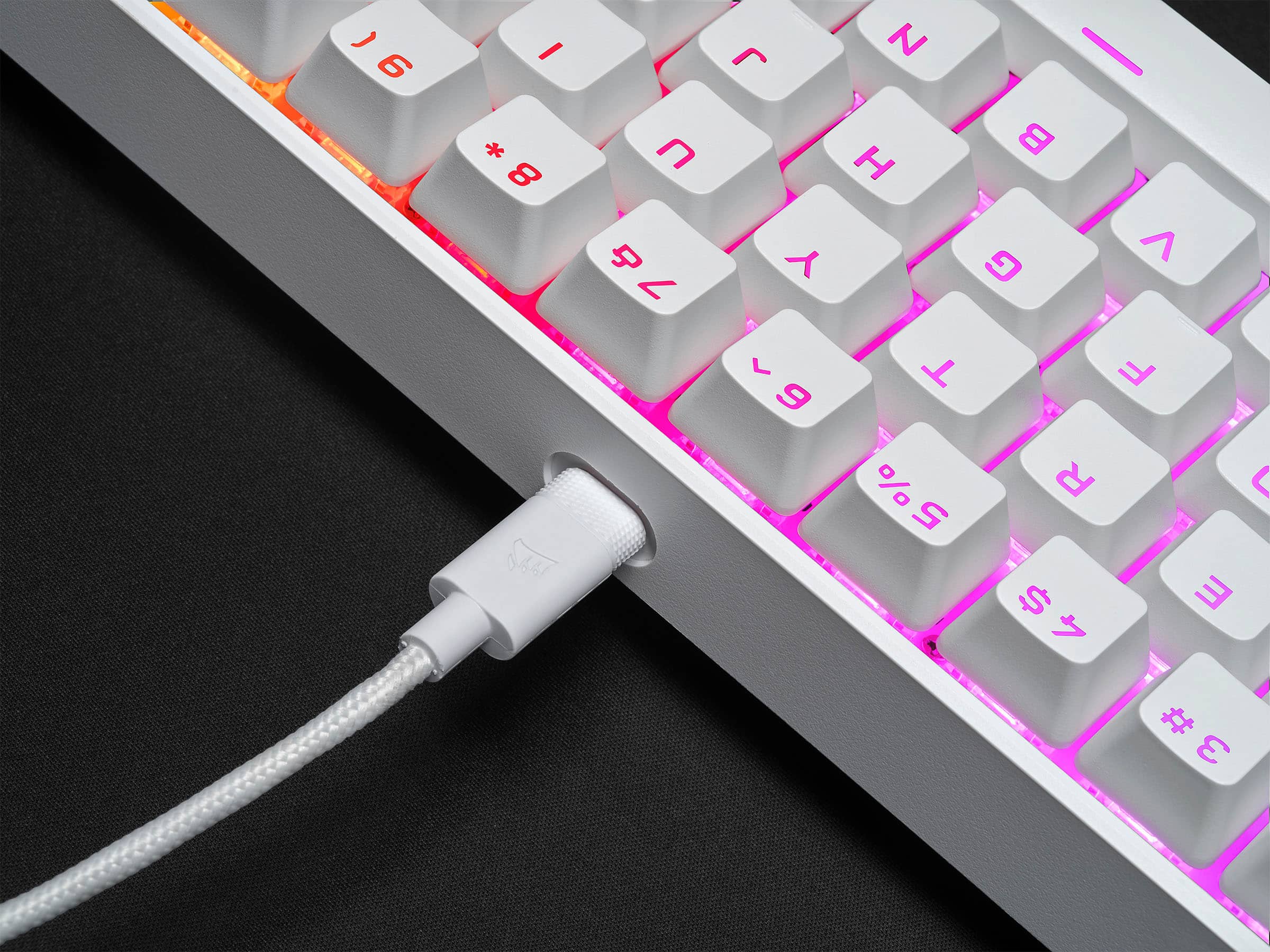
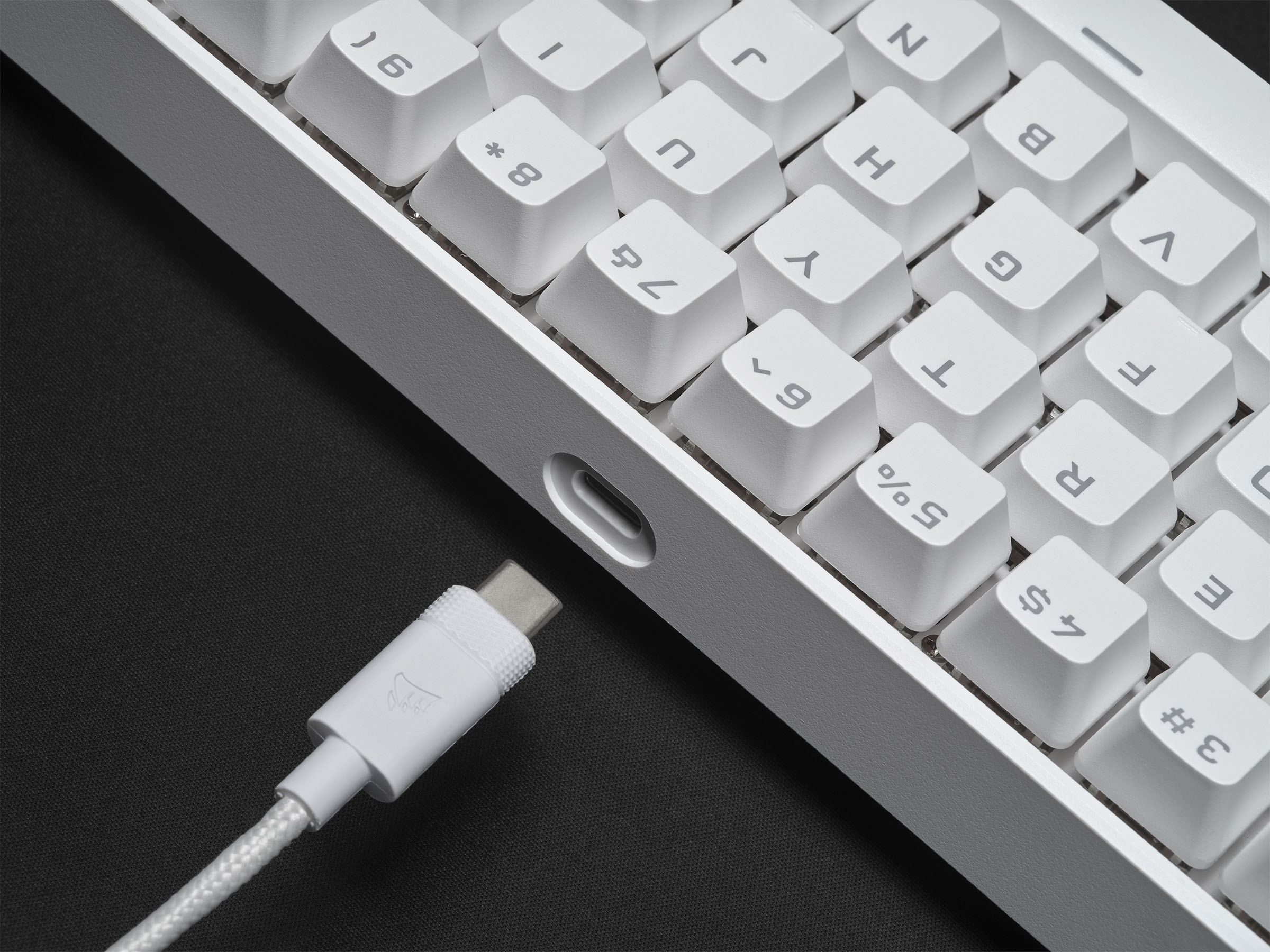
||Posted . Owned for 1.5 years when reviewed.This reviewer received promo considerations or sweepstakes entry for writing a review.I purchased 2 of these keyboards, one for me and my girlfriend, I love how compact it is, the white with RGB is very clean and sleek, mechanically good and works great. What I love most about this keyboard is the detachable usb-c cable is super convenient for me personally, just detract from keyboard and plug my Xbox or ps5 controller and play games, I even use the cable for my Samsung tablet too. Buy this keyboard, it’s always on sale!
I would recommend this to a friend - Pros mentioned:Keyboard quality
Small form factor packed with gaming tech features
|Posted .This reviewer received promo considerations or sweepstakes entry for writing a review.I've been tempted to get a TKL (tenkeyless) keyboard for awhile for my gaming rig to help with some of the aches and pains of having my arms spread apart so wide during long gaming sessions, so I was excited to see Corsair was taking it to the next level by not only making a TKL keyboard, but also creating a keyboard that was even more compact down to 60%. They were able to accomplish this additional downsize by removing the F-keys at the top, removing the arrow keys and home/end cluster. The functionality is not gone however, as they've cleverly used a FN key to allow you to combo with existing keys to get your F-key functionality along with a host of other commands at the press of 2 keys rather than 1. One of the best features of the K65 Mini is that it requires no additional software to get most of its functionality since all of the FN key macros and even the LED controls are already stored onboard. There's a number of basic lighting profiles that you can cycle through and you can also change the speed and direction of the LED effects. The keys themselves are Cherry MX Speed switches which are designed for maximum performance and responsiveness. To me, they feel like a mix between Red and Brown switches, a little bit more tiresome typing than some of the Reds I've used in the past and a little bit louder when typing compared to Red, Black and Brown switches. The key tops also feel a bit smaller to me, so this leads to more missed strokes at first but I am getting more accurate even as I am typing this review with the Mini. Overall the keys are fast and responsive, however the larger keys around the edges like shift, enter, backspace and control seem to be a bit stiffer. This may change as the switches break-in. Also while writing this review, I realize how much I miss physical arrow keys to move around text blocks and edit. I am sure I will miss them too when navigating game menus or inventories. It would've also been nice if the FN keys on the front of the keycaps were laser etched out and illuminated as well, but over time muscle memory should take over if I want to use the arrow keys a lot. Other tech Corsair has included is their AXON gaming tech which is probably more important for their gaming mice since it can register up to 8K inputs, not sure how much good that does for a gaming keyboard since typing speeds and actions per minute are probably nowhere close to needing that. The keyboard also features some expected gaming requirements like non-ghosting and blocking. In terms of gaming responsiveness it performed as expected, fast in FPS and RTS games. You can also record Macros still if you want help reperforming some mundane tasks in your favorite MMO. Overall the size and weight of the keyboard are impressive, its actually no wider than my work laptop and it is indeed 60% maybe even 55% the size of my gaming keyboard. This actually works out great since during Covid, I move my laptop and Gaming keyboard back and forth so this K65 Mini makes it much easier to share space. It would also be great for those who are transitioning back into the office and home and want to bring their keyboard with them. Just be mindful this keyboard is not super quiet in an office environment. In terms of some negatives that should be mentioned: -The keyboard is small in terms of total footprint, but it is actually kind of tall from bottom to top. There's no legs to allow you to adjust and the normal height is probably a bit higher and more angled than most keyboards with their legs out. It also makes it a little bit uncomfortable when resting your wrists on a table, so make sure to get a good gel wrist rest. -I verified the keyboard works with a USB-C to USB-C cable, but it would've been nice if Corsair included either a USB-C to USB-C cable, or a cable that was USB-C to USB-C with a USB-A to C adapter instead of the A to C cable. -The keyboard switches sit in an overall well, which means over time gunk will get in that well. Overall I prefer keyboards including a few offered by Corsair that have their key posts flush on top of the keyboard so they can be easily cleaned with a can of air. Overall this is a great concept keyboard that will take some time to get used to, but I would still probably look to a TKL keyboard for some of the features I've mentioned mainly the arrow keys to navigate text bodies or menus/inventories in game quickly.
I would recommend this to a friend - Pros mentioned:Key feel, Keyboard quality
Nice Gaming Keyboard - no arrows is tough
|Posted .This reviewer received promo considerations or sweepstakes entry for writing a review.Some thoughts on the: CORSAIR - K65 RGB MINI 60% Mechanical Gaming Keyboard, Backlit RGB LED, CHERRY MX SPEED Keyswitches - Black It has a tiny footprint - which is great. USB-C - the way to be! Very responsive - key clicks have no delay whatsoever. The missing keys with this being a 60%er are given a new life on other keys via the Function key and alternate key bindings. As I had never looked at that before apparently it's pretty common. So, if you’re missing the Up, Left, Down, Right buttons, you can press U/H/J/K while holding the Function (FN) key on the right side of the keyboard next to Alt and get them back (in a way). A few misses. The “home row” bumps are smaller than normal - makes it harder to get centered during a game. The alternate key bindings aren’t part of keys lights - so you can’t see what things are in the dark. LEDs - great range & options with the iCue software Cool space bar design that’s reactive like the keys are. I found the hollow sounding clicks interesting; much different than other linear / red switches which sound more dense. The keys themselves have a nice feel to them; they aren’t slippery / glossy like other keyboards, these are more matte and have a slight resistance to them when sliding your fingers down the keys. The USB-C cable is pretty solid - it’s a weaved cable that appears to be pretty rigid and looks like it’ll have a decent amount of longevity. Overall, I like this keyboard and think it’ll be my daily-gamer for a while to come.
I would recommend this to a friend - Pros mentioned:Keyboard quality
Outstanding Compact Keyboard w/ A Few Quibbles
|Posted .This reviewer received promo considerations or sweepstakes entry for writing a review.I was looking for a small mechanical keyboard to use on a lap desk while playing PC games on my TV (desk has my Mac on it and my gaming PC is a laptop). For some reason I thought this was a wireless keyboard and when I first received it and plugged it in via the USB-A to C cable, I wondered where the charge indicator was located. Silly me, I misread the description. Despite that, I REALLY like the feel of this keyboard and I'm keeping it, though I did have to go out and get a longer cable to run from the computer (which is up by the TV) to my couch. I've been hit or miss (mostly miss) with mechanical keyboards over the last several years, but this is the first one that out of the box, felt good without a wrist rest or any other thing to make it more comfortable to use. My day-to-day keyboard is a Mac so I'm used to a very slim keyboard and most mechanicals cause my wrists to have to be bent back too far and make gaming for any real stretch of time very hard. The Corsair K65 RGB Mini isn't a thin keyboard by any means but the compact size makes everything so reachable. This keeps me from having to reposition my hands/wrists and everything just kinda flows. I also really enjoy these smaller keycaps. I am making a lot less 'fat-finger' mistakes, which seems counter-intuitive but I actually have rather slender and long fingers and I would miss keys because of the angle and large keycaps, while now, everything seems to be in place for me. My biggest complaint is that there are no arrow keys. Didn't realize how much I would miss dedicated arrow keys until I started using this keyboard. Mostly I'm playing MMOs/adventure games and my main controller is an Xbox controller with a keybind program. So most of my input is done through the controller but I was finding that I needed to type more and more and there were other times that the keyboard was the best option (or only option if I couldn't properly bind a command to the game controller). While there are 'Fn' shortcuts to emulate all the keys of a full sized keyboard, when in the heat of a game with a quick response needed, it can sometimes be hard to remember the combo in time. Corsair makes it a bit easier by having the 'Fn' shortcuts printed on the front of the keys so that is nice, but again, I often don't have time to hunt for them. This will get better as I develop some muscle memory with the keyboard, but like I said earlier, I didn't realize how much I would miss some of these keys until they were gone. Bottom-Line: The K65 RGB Mini is an outstanding small-form mechanical keyboard. For me, it is the most comfortable mechanical keyboard I have ever used. However, the missing dedicated keys are more of a hassle than I thought they would be. Really I give this keyboard 4.5 stars but I can't do half stars for the review so I have to knock one off. Other than that, I'm pretty happy with this keyboard.
I would recommend this to a friend - Pros mentioned:Keyboard quality
Great For Gaming, Not For Work
|Posted .This reviewer received promo considerations or sweepstakes entry for writing a review.I have tested a lot of gaming keyboards over the years and this week I tested the new Corsair K65 RGB mini, 60% wired mechanical keyboard. This is the first time I tested a keyboard with the Cherry MX speed silver switches, and it is my first 60% keyboard. Overall, I do like this keyboard when I am gaming. While gaming the speed silver switches are extremely responsive and the small size of the keyboard gives me plenty of mouse pad real estate to play with. The keyboard does not have any risers but, for my hand placement I think it sits at a good height. Using the keyboard for work, Is a different story. The switches and height are still good for typing. However, since this is a 60% keyboard, I had to learn a new way of doing things without dedicated arrow and delete keys. They still exist on the keyboard as a secondary function but the placement of the function key forces me to use two hands to use them. I thought I would get used to it after a few days, but I did not. I use those keys a lot. As for the other features for this keyboard such as RGB control, key remapping and macro building. It is all done using the new ICUE 4 software. The ICUE 4 user interface is easier to use than its previous versions and I was able to control and sync all my corsair gaming gear. In the past, I was not impressed by the ICUE software because it would frequently have issues. However, ICUE 4 is a lot more polished than its predecessors. In closing, this is an excellent keyboard for dedicated gaming. But I could not live without my arrow and delete keys. So, I do not recommend this keyboard for anyone that will be using it to work.
No, I would not recommend this to a friend - Pros mentioned:Keyboard quality, Rgb, Size
Good 60% keyboard
||Posted . Owned for 2 months when reviewed.This reviewer received promo considerations or sweepstakes entry for writing a review.This corsair keyboard is a solid mechanical keyboard in the 60% layout and sabes desk space for more mouse movement easy to use and easy to set up plenty of RGB options.
I would recommend this to a friend - Pros mentioned:Key feel, Rgb, Size
Corsair K65 RGB Mini Wired
||Posted . Owned for 8 months when reviewed.This reviewer received promo considerations or sweepstakes entry for writing a review.I absolutely love this keyboard. I have so much extra space on my desk and all necessary shortcuts are labeled on the keys. Some old games without key rebinds have to be played with FN + UHJK though. The glow is bright enough and customizable. No issues with this keyboard, and it works great for gaming (e.g. games like Brotato and Skyrim.)
I would recommend this to a friend - Pros mentioned:Rgb
Gaming only
|Posted .This reviewer received promo considerations or sweepstakes entry for writing a review.For Corsair’s first 60% gaming keyboard I think the K65 RGB Mini is a good entry. I would not recommend this for customers that utilize this for daily office work. This keyboard is meant for gamers; unless you like the small form factor for travel. During gameplay the K65 did great and was very responsive. The 8,000hz polling is not worth the 5-10% cpu usage. it would have been nice to see different color chassis options and different switches. Overall this is a good start for new gamers getting use to the 60% market and a good start for corsair on entering the 60% market Pros: Corsairs first 60% keyboard USB-C Beautiful RGB AXON provides up to 8000 Hz polling Comfortable for 60% Keyboard Easily customizable via iCUE and shortcuts. Cons: No adjustable height Hallow internals. Switch options
I would recommend this to a friend - Pros mentioned:Rgb, Size
Good compact gaming keyboard!
||Posted .This reviewer received promo considerations or sweepstakes entry for writing a review.Bought it for my sister and she likes it a lot. Keys are very responsive for gaming and the thing doesn’t take too much space on the desk. RGB lighting is customizable but you have to download an app which is not user friendly especially for beginners or entry level gamers.
I would recommend this to a friend - Pros mentioned:Size
Nice for the price
||Posted .This reviewer received promo considerations or sweepstakes entry for writing a review.I have relatively small hands, and bigger keyboards have always felt too bulky in my opinion, so I decided to check out a mini keyboard at a reasonable price. The keys feel smooth and comfortable, and the size is perfect for my hands. It works great for both gaming and regular work. The colors you can change it to are really nice as well
I would recommend this to a friend - Pros mentioned:Key feel, Rgb, Size
Great small keyboard
||Posted . Owned for 1 week when reviewed.This reviewer received promo considerations or sweepstakes entry for writing a review.Love this keyboard. It does not take up a lot of space. I can easily type on it. The really like the RBG. Definitely recommend for those who want something smaller. The keys are not hard to press down. This allows me to play/type without my fingers getting tired.
I would recommend this to a friend - Pros mentioned:Keyboard quality, Rgb
CORSAIR K65 RGB Mini: Compact Gaming Excellence
||Posted . Owned for 1.5 years when reviewed.This reviewer received promo considerations or sweepstakes entry for writing a review.The CORSAIR K65 RGB Mini Wired 60% Mechanical Keyboard with Cherry MX SPEED Linear Switches is a compact powerhouse for gamers and enthusiasts. Its 60% form factor saves space without compromising on performance. The Cherry MX SPEED Linear switches offer lightning-fast response times, perfect for competitive gaming. The RGB lighting customization is a visual treat, allowing you to personalize your keyboard's look. Despite its small size, it doesn't skimp on build quality, providing a sturdy and premium feel. This keyboard is a fantastic choice for those who want a portable, high-performance gaming keyboard without sacrificing any essential features.
I would recommend this to a friend - Pros mentioned:Keyboard quality, Rgb
Impressive Performance and a Must-Have Keyboard!
||Posted . Owned for 1 week when reviewed.This reviewer received promo considerations or sweepstakes entry for writing a review.This keyboard from Best Buy is simply incredible! Its top-notch performance, customizable features, and ergonomic design make it a must-have for both work and gaming. The tactile keys and RGB lighting add a touch of style, while the software customization allows effortless personalization. N-key rollover and anti-ghosting ensure precise input during intense gaming sessions. The adjustable wrist rest reduces strain, enabling extended use without fatigue. The USB pass-through port and cable management system keep the setup neat and tidy. This keyboard is worth every penny of the price Best Buy has truly impressed me with this exceptional product.
I would recommend this to a friend