Customer Ratings & Reviews


- Model:
- CH-9189014-NA
- SKU:
- 11011034
Rating by feature
- Value
Rating 4.4 out of 5 stars
- Quality
Rating 4.8 out of 5 stars
- Ease of Use
Rating 4.7 out of 5 stars
to a friend
Great keyboard
||Posted . Owned for 1 week when reviewed.This reviewer received promo considerations or sweepstakes entry for writing a review.Great keyboard, no complaints. I like the switches and the placement of everything feels good
I would recommend this to a frienda lot of issues.
||Posted . Owned for 2 weeks when reviewed.This reviewer received promo considerations or sweepstakes entry for writing a review.5 of the keys did not work and 3 of the number keys would type different letters at once with one key stroke. i opened it up and saw it was a switch problem and had to use my old switches. so stressful. the wireless mode doesnt work for me sometimes, i would have to plug it in wired for a few seconds then disconnect it then it would work wireless. i have to admit, its a very nice quality keyboard and its built very well. i dont know if my keyboard was defected or if others are experiencing this too.
No, I would not recommend this to a friendBrand response from Corsair
Posted .Hi,
Sorry to hear about your experience. When swapping the key switches, it's important to properly insert them to ensure the pins do not become bent or damaged. With pins not making proper contact, the types of issues vary, but do include what you experienced. In regard to the wireless mode, please see if performing a soft reset helps: (https://help.corsair.com/hc/en-us/articles/360025465031-How-to-Reset-your-keyboard).
If any issues persist, or you have any questions, we'd appreciate the opportunity to assist - please reach out directly to our Support Escalation team at SES@corsair.com with a screenshot of this review and our team will assist you ASAP.
-Albert
Fire
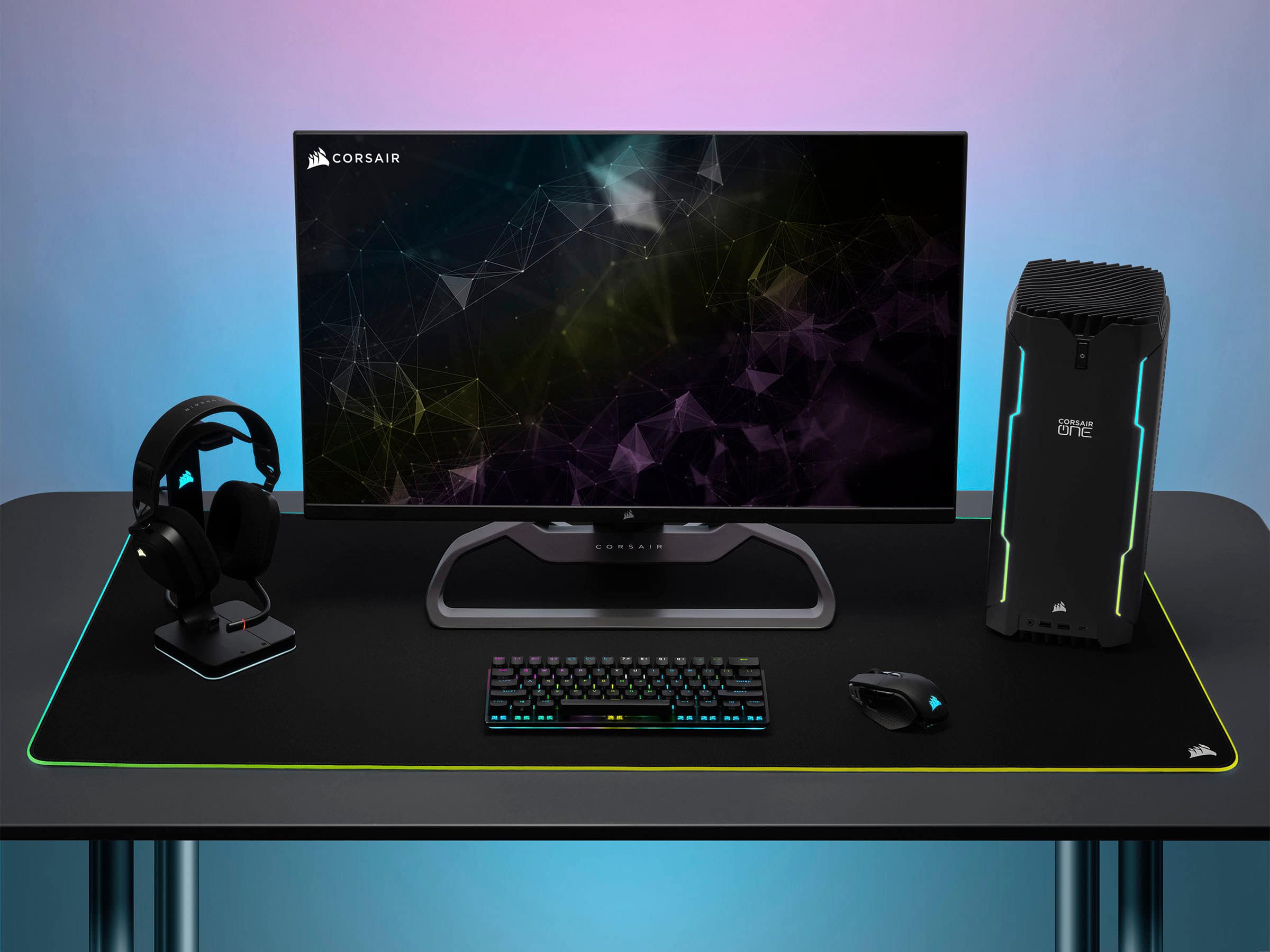
||Posted . Owned for 3 weeks when reviewed.This reviewer received promo considerations or sweepstakes entry for writing a review.Nt going to lie i wasnt sure about the 60% but it looks great with the set up.
I would recommend this to a friendGreat Purchase
||Posted . Owned for 1 week when reviewed.This reviewer received promo considerations or sweepstakes entry for writing a review.Love the keyboard great quality. Works flawlessly with my pc and tablet both.
I would recommend this to a friendGreat Keyboard
||Posted . Owned for 2 weeks when reviewed.This reviewer received promo considerations or sweepstakes entry for writing a review.Great gaming keyboard and overall wireless keyboard, clicks sound great!
I would recommend this to a friendVery nice
||Posted . Owned for less than 1 week when reviewed.This reviewer received promo considerations or sweepstakes entry for writing a review.This is amazing my kids love it. I would like to recommend this item
I would recommend this to a friendWorth it
||Posted . Owned for 2 weeks when reviewed.This reviewer received promo considerations or sweepstakes entry for writing a review.Small compact and doesn’t take up that much room. 10/10 recommend
I would recommend this to a friendBest keyboard
||Posted . Owned for less than 1 week when reviewed.This reviewer received promo considerations or sweepstakes entry for writing a review.Great quality would recommend for any casual or pro gamer
I would recommend this to a friendKeyboard
||Posted .This reviewer received promo considerations or sweepstakes entry for writing a review.Its good keyboard my boys like them will buy more stuff.
I would recommend this to a friendGammer
||Posted . Owned for 1 week when reviewed.This reviewer received promo considerations or sweepstakes entry for writing a review.It was worth the value of the price. It’s colorful
I would recommend this to a friendDecent keyboard
||Posted . Owned for 3 weeks when reviewed.This reviewer received promo considerations or sweepstakes entry for writing a review.Its a decent keyboard when its on sale. You can build your own custom one for the same price which is what i typically do
I would recommend this to a friendBest keyboard
||Posted . Owned for 1 week when reviewed.This reviewer received promo considerations or sweepstakes entry for writing a review.Corsair K70 is the best keyboard that I use so far.
I would recommend this to a friendCompact for sure
||Posted . Owned for 2 weeks when reviewed.This reviewer received promo considerations or sweepstakes entry for writing a review.Bought this to replace my super sized keyboard. Great for all those gamers out there.
I would recommend this to a friendGARBAGE! ZERO CUSTOMER SUPPORT!!!
||Posted .This reviewer received promo considerations or sweepstakes entry for writing a review.JUNK! Firmware refuses to update, constantly disconnects, awful wireless capability. Company refused to help, zero response from support threads, multiple people suffering these same issues. I will never purchase another Corsair piece of trash again. I AM returning it!
No, I would not recommend this to a friendBrand response from Corsair
Posted .Hi,
Sorry to hear about your experience. I suggest making sure your keyboard's cable/dongle is connected directly to your system, and not via a USB hub/dock. If the issues persist, we'd appreciate the opportunity to get this resolved - please reach out directly to our Support Escalation team at SES@corsair.com with a screenshot of this review and our team will assist you ASAP.
-Albert
Keyboard new, that doesn’t work properly and you d
||Posted . Owned for 3 weeks when reviewed.This reviewer received promo considerations or sweepstakes entry for writing a review.Window ,Escape button don’t work & the chip that makes it wireless doesn’t work to !!
No, I would not recommend this to a friendBrand response from Corsair
Posted .Hi Jose,
Do let our team assist with this! You can reach out to them directly right on our site at any time!
-Art

Excellent 60% Mini Keyboard and WIRELESS!
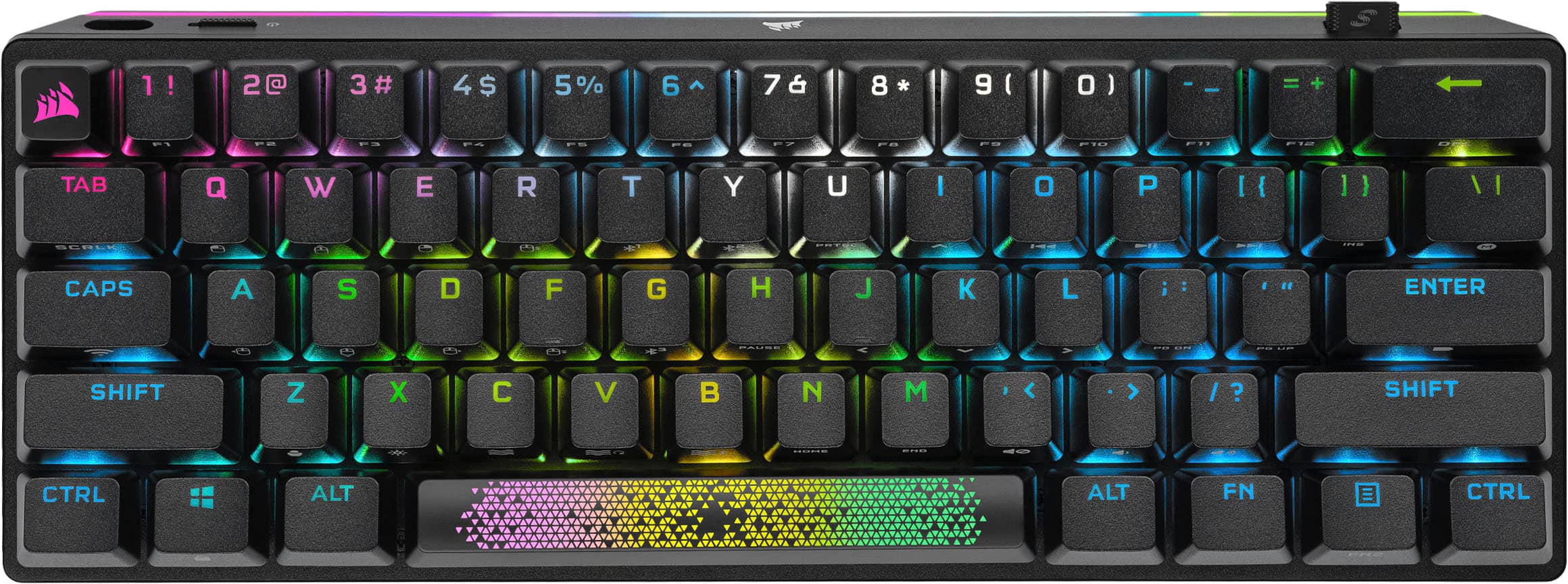
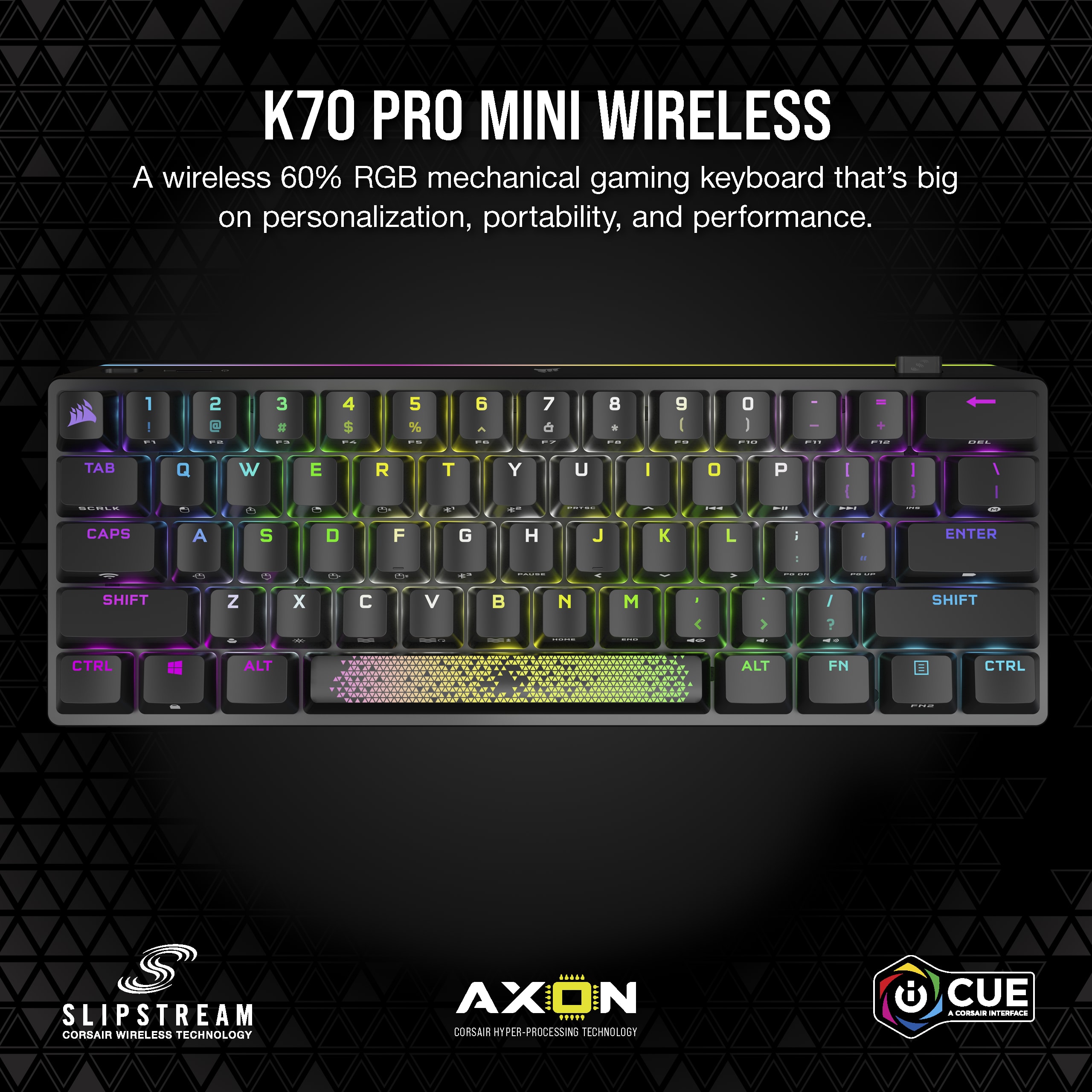
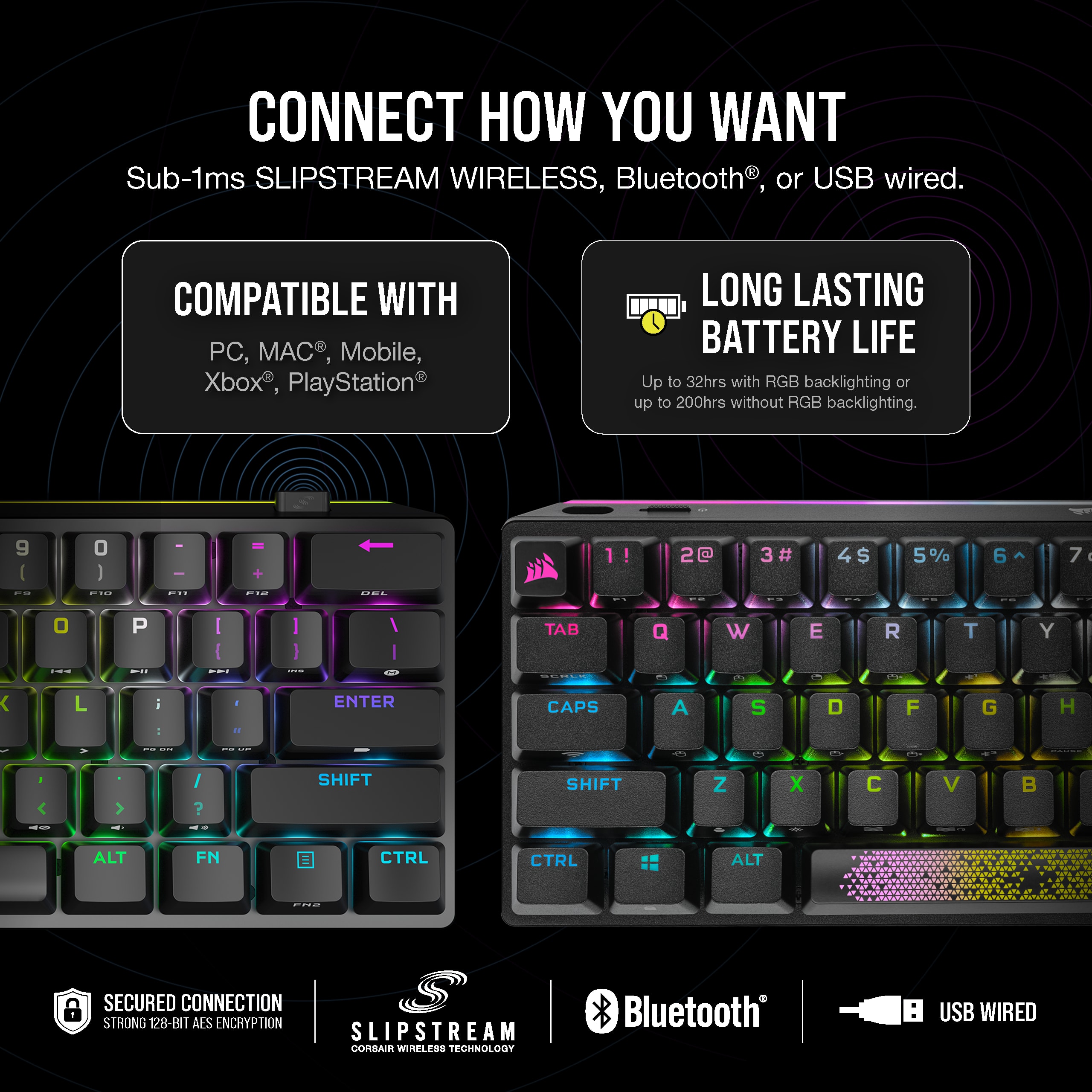
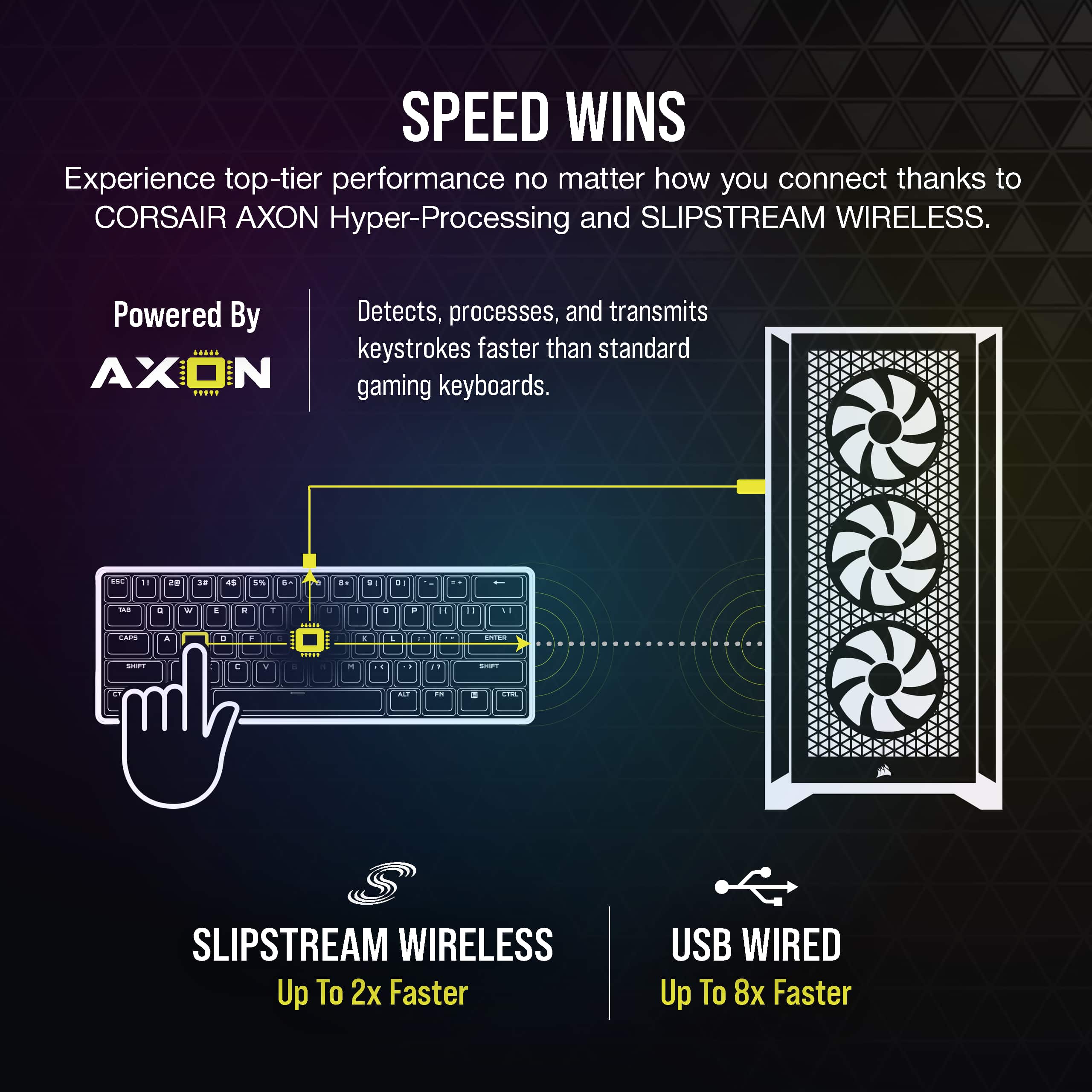
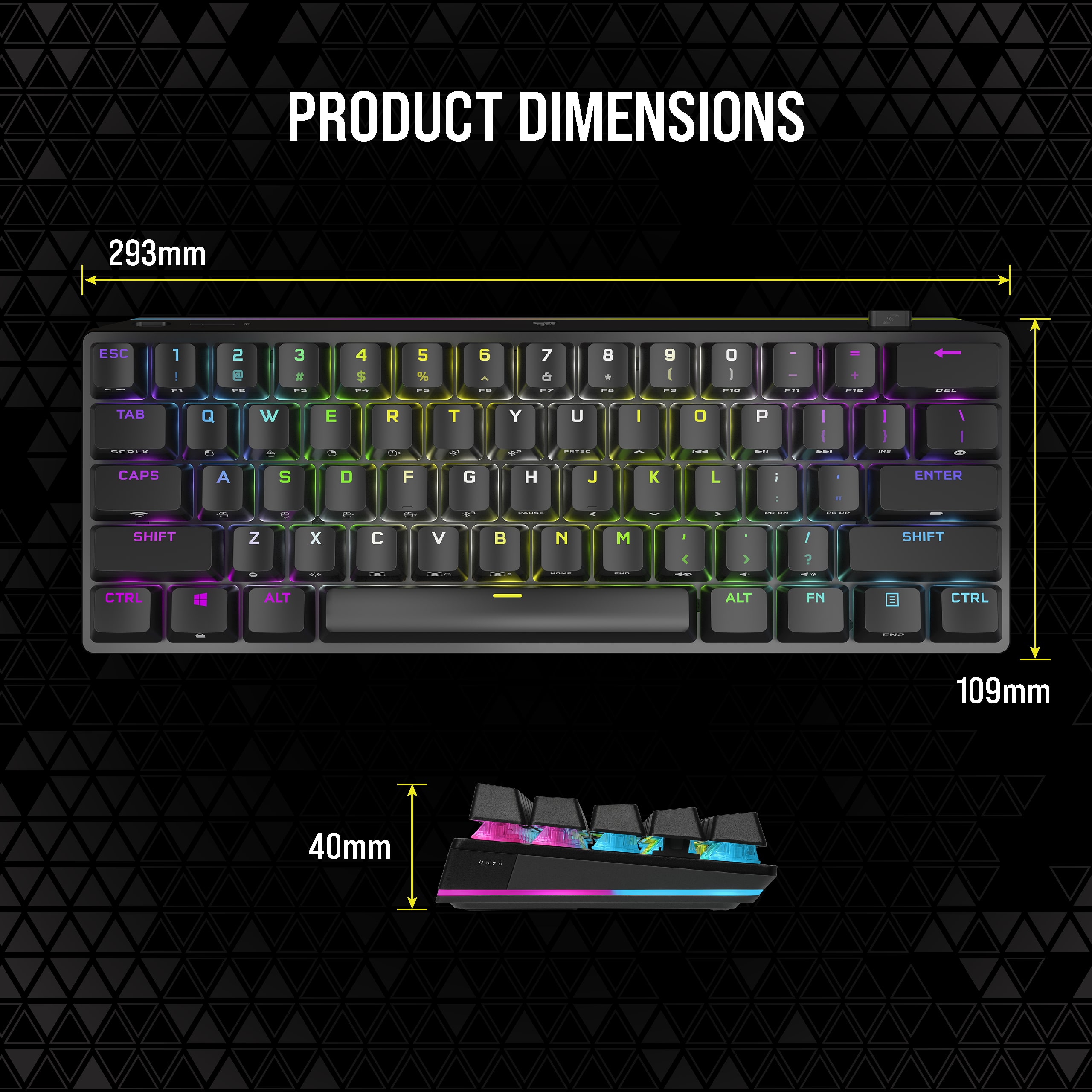
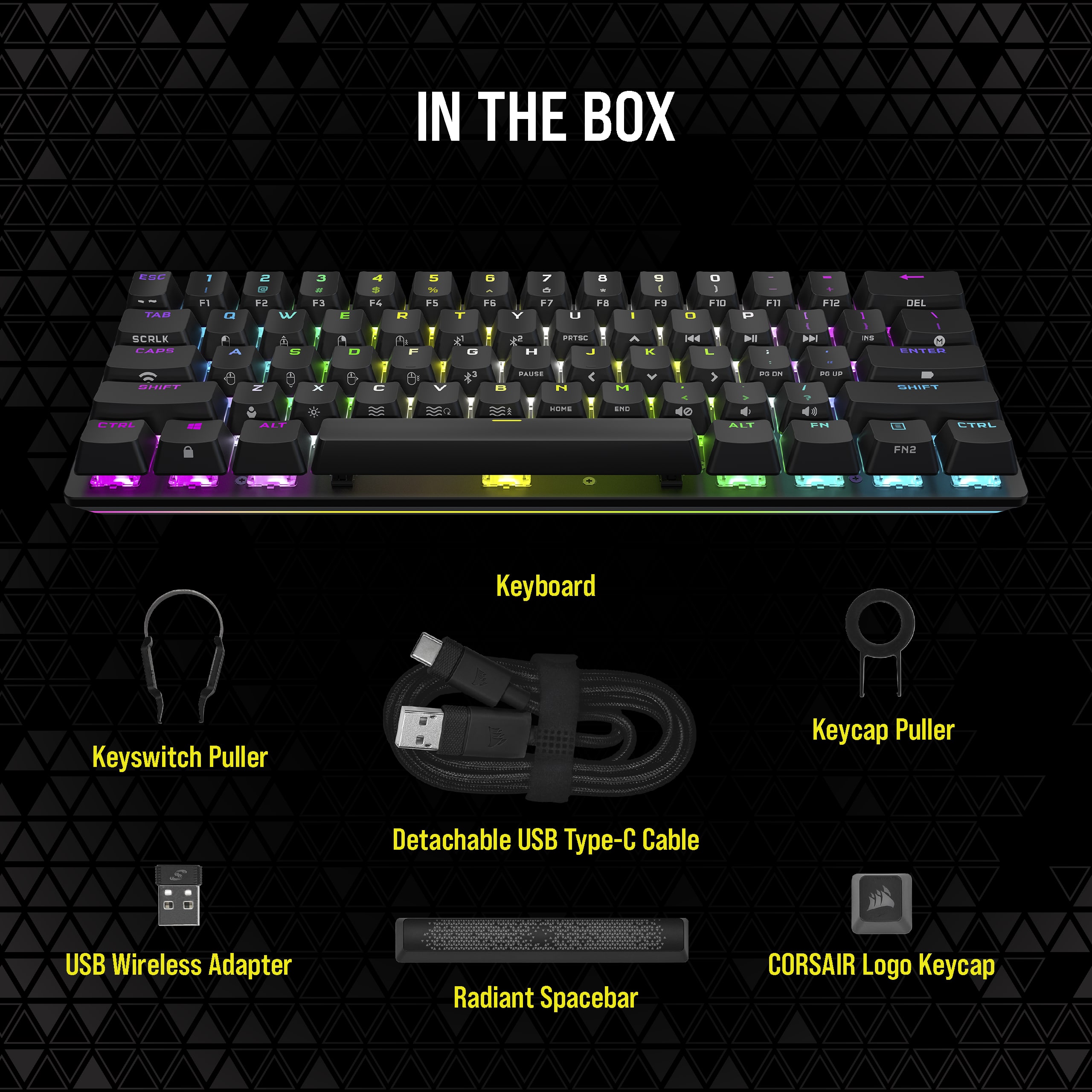
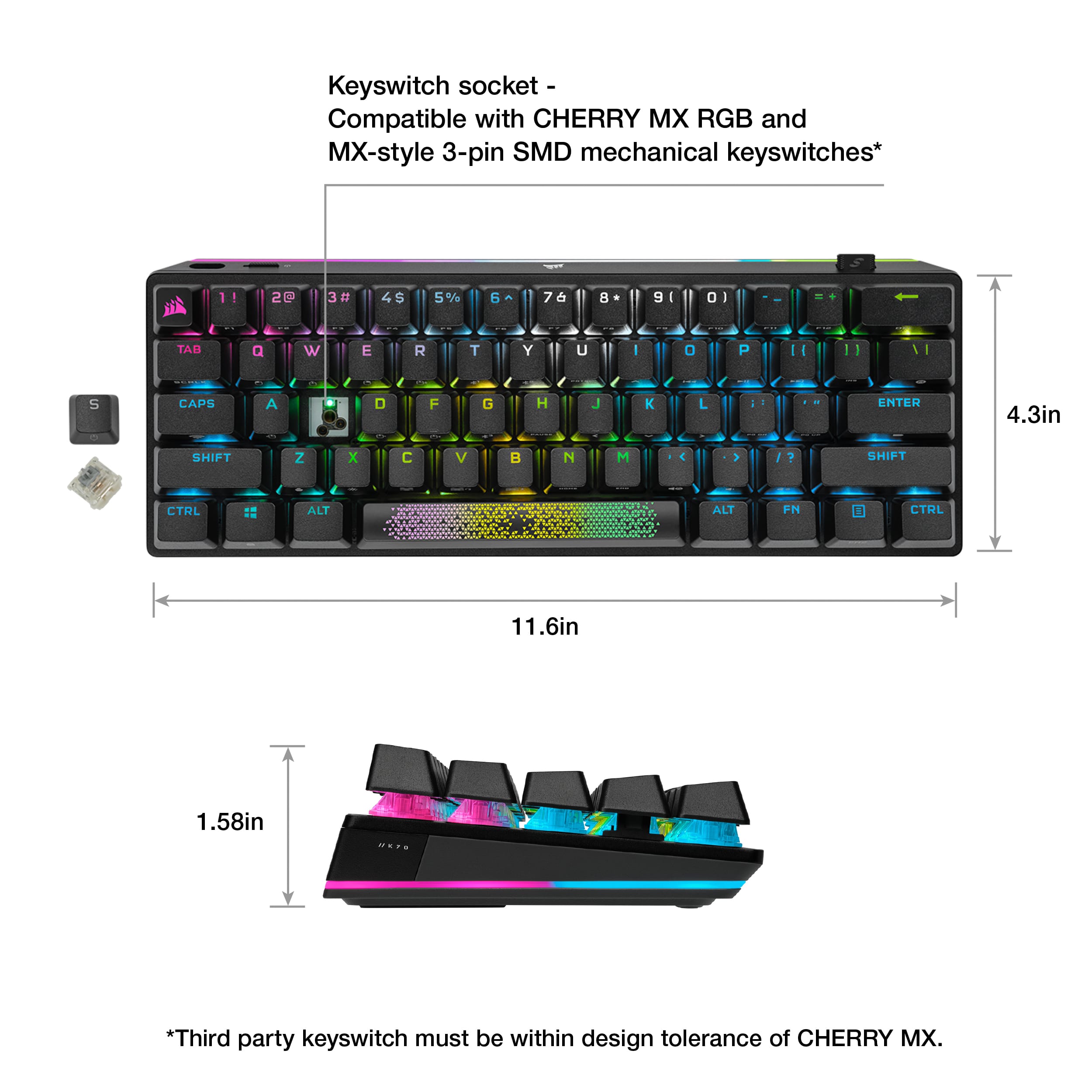
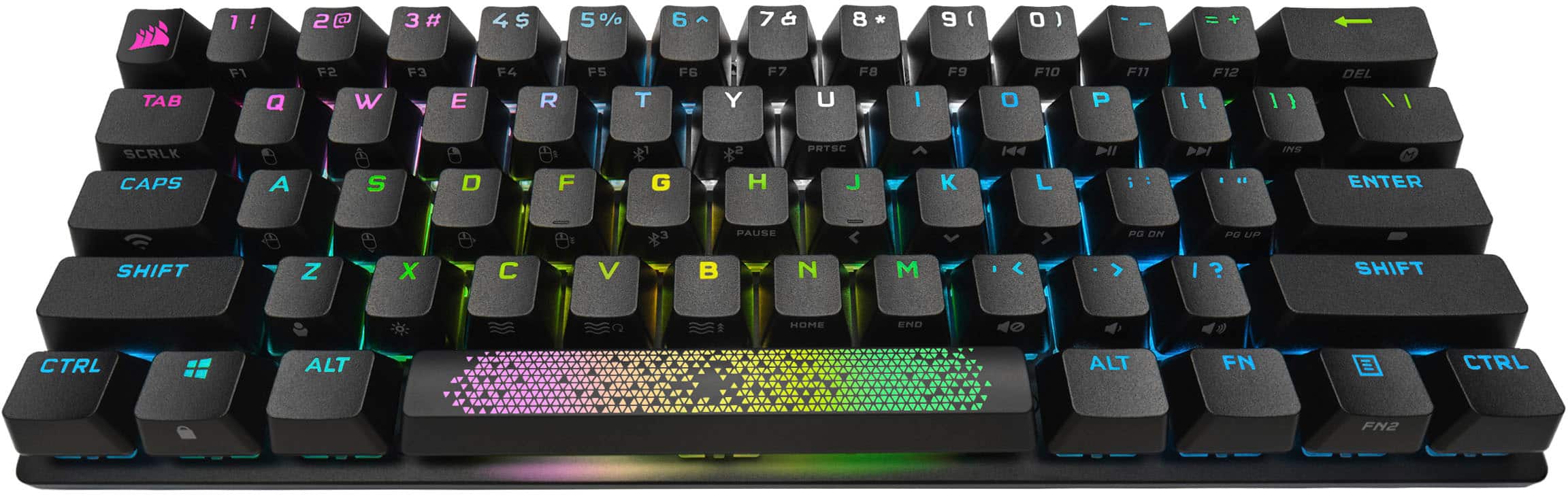
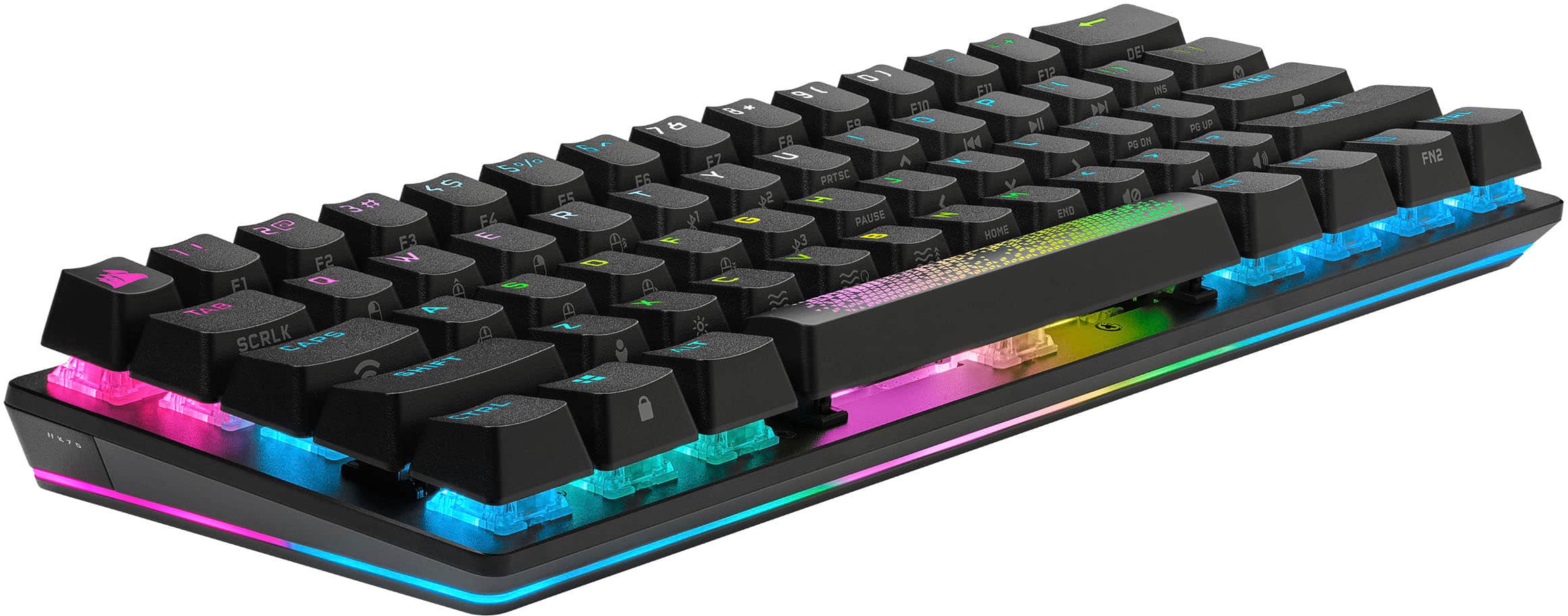
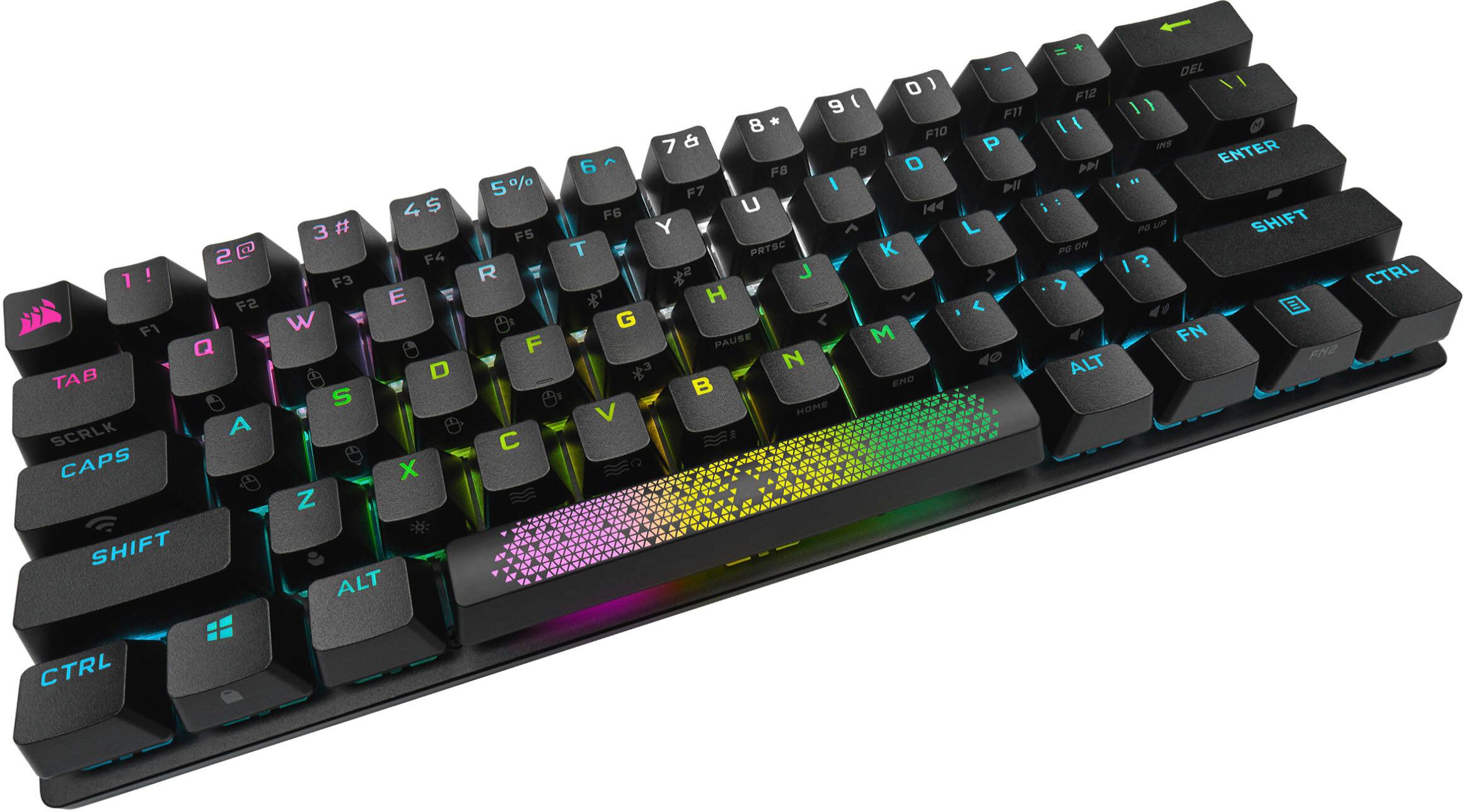
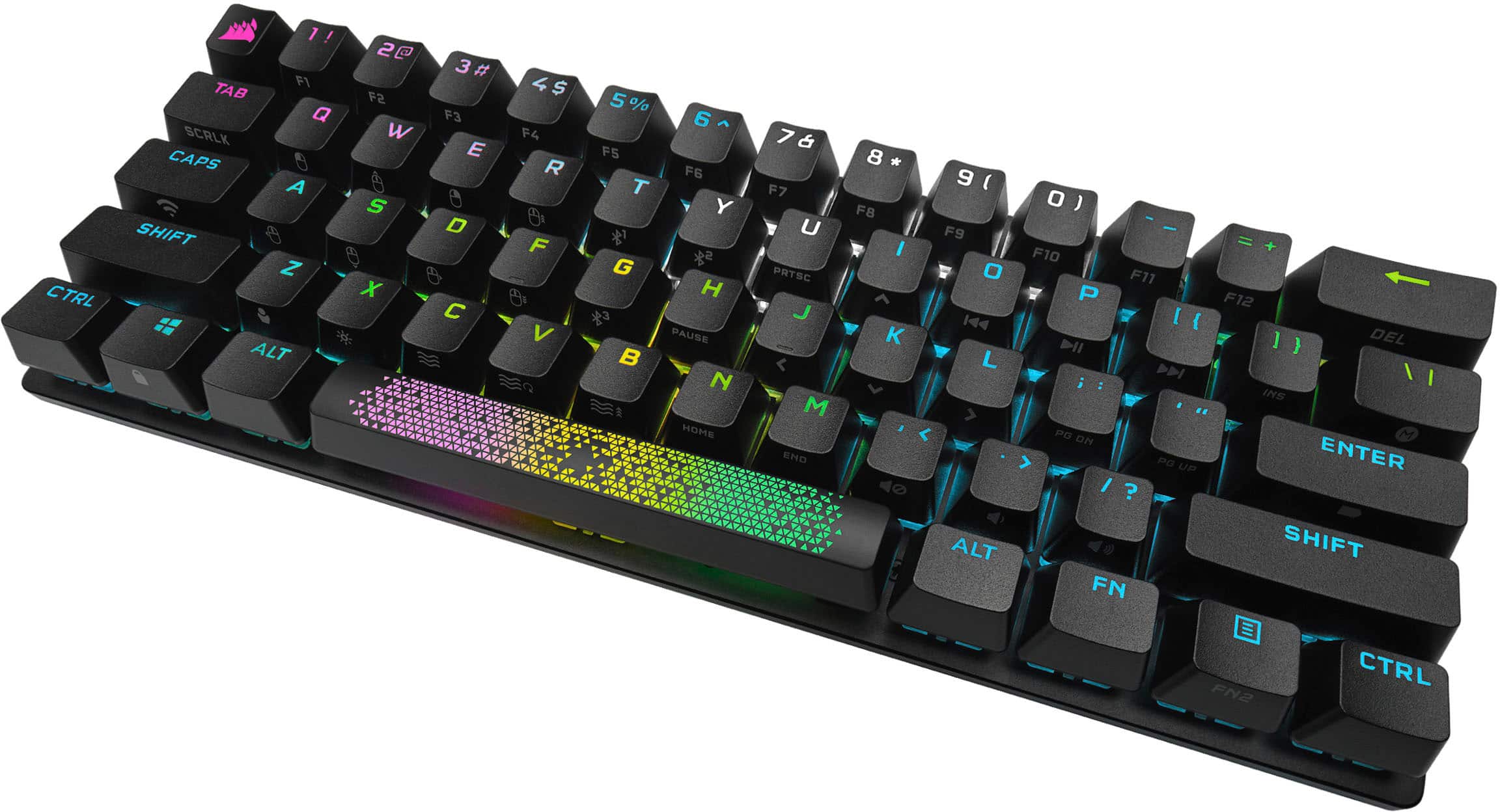
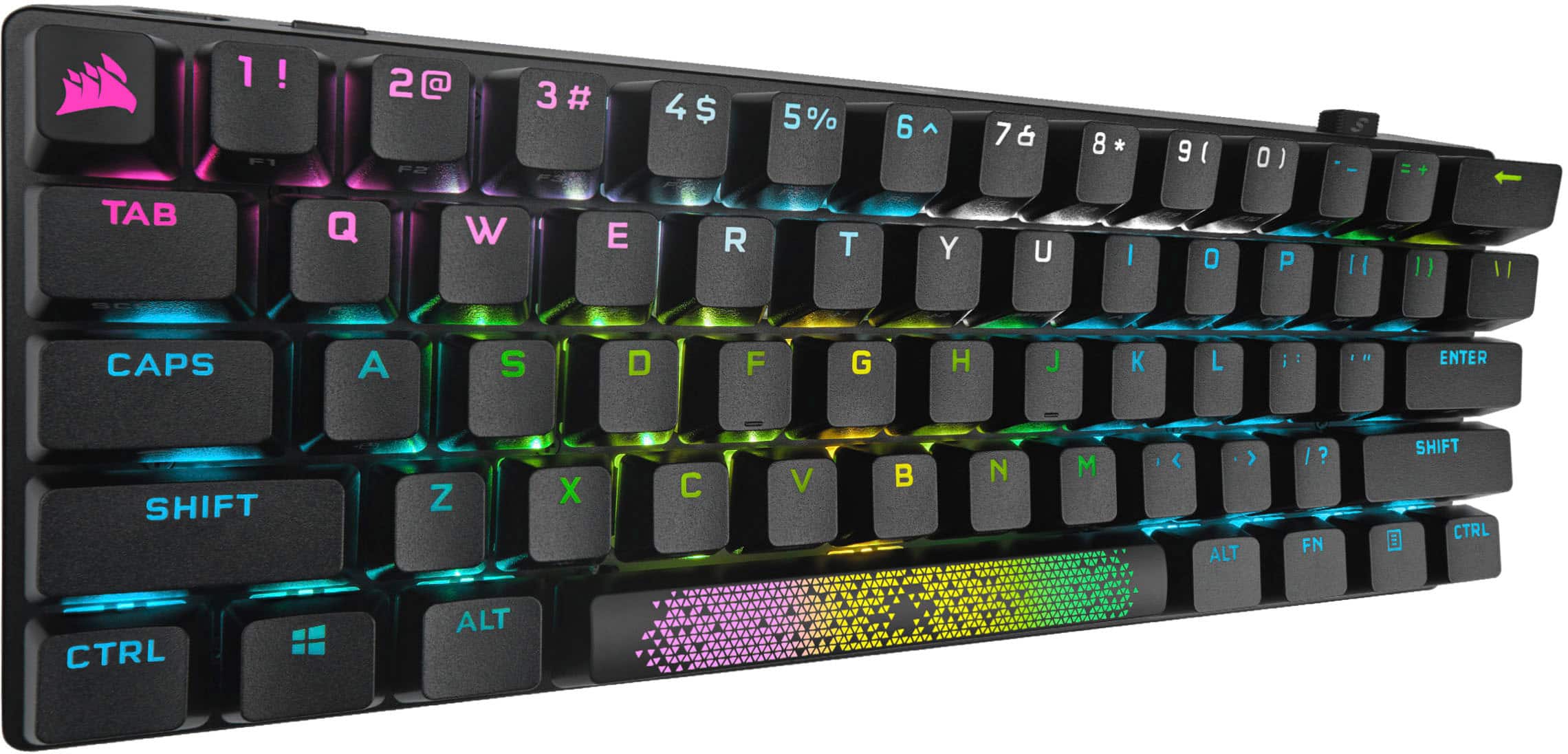
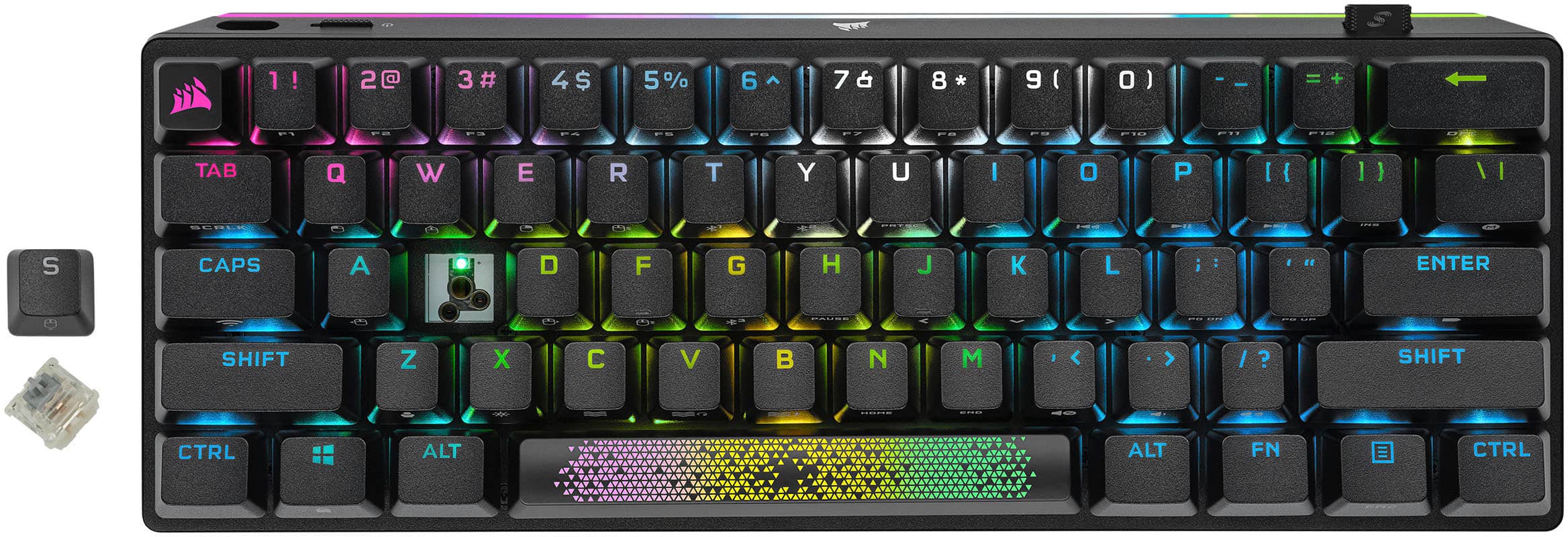
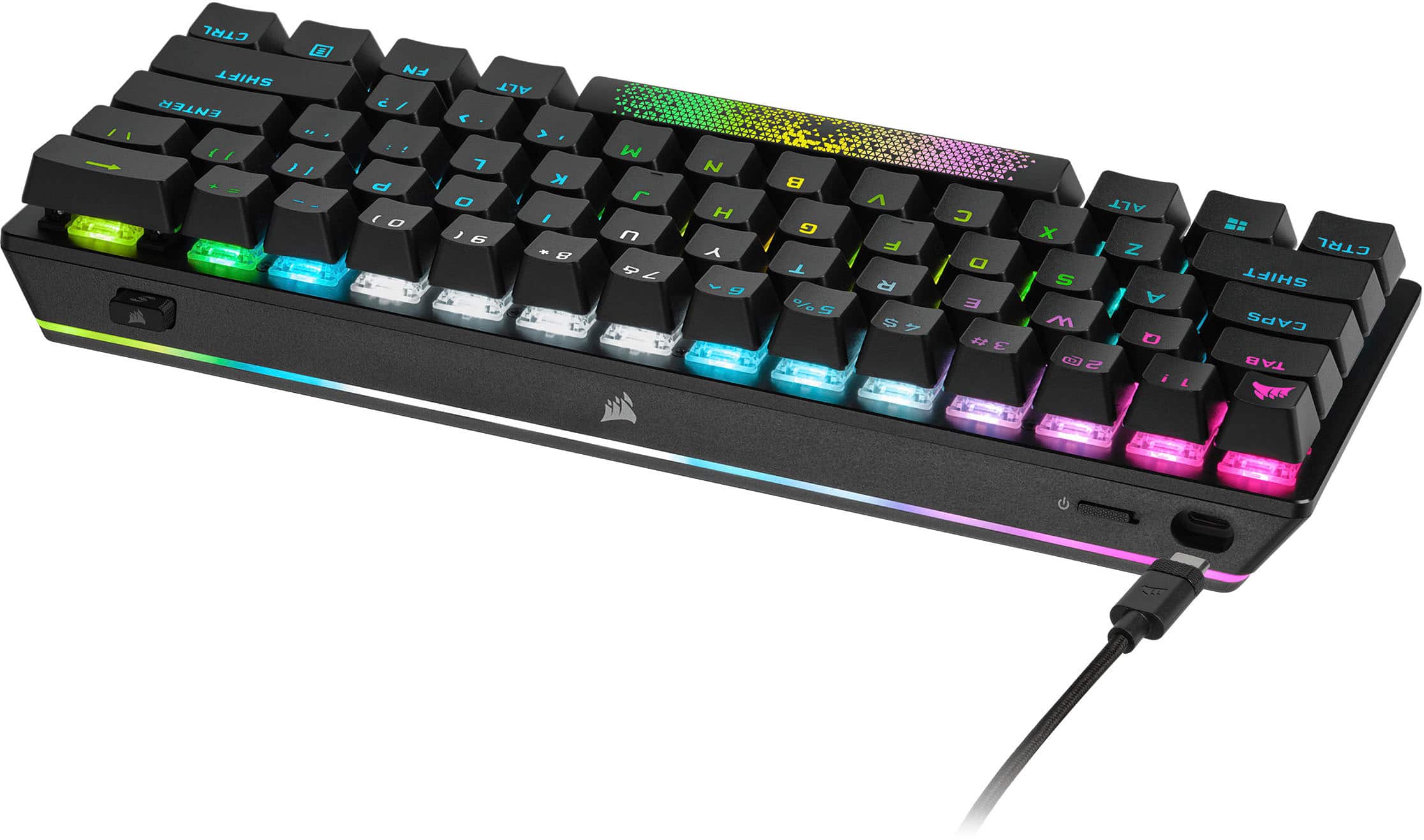
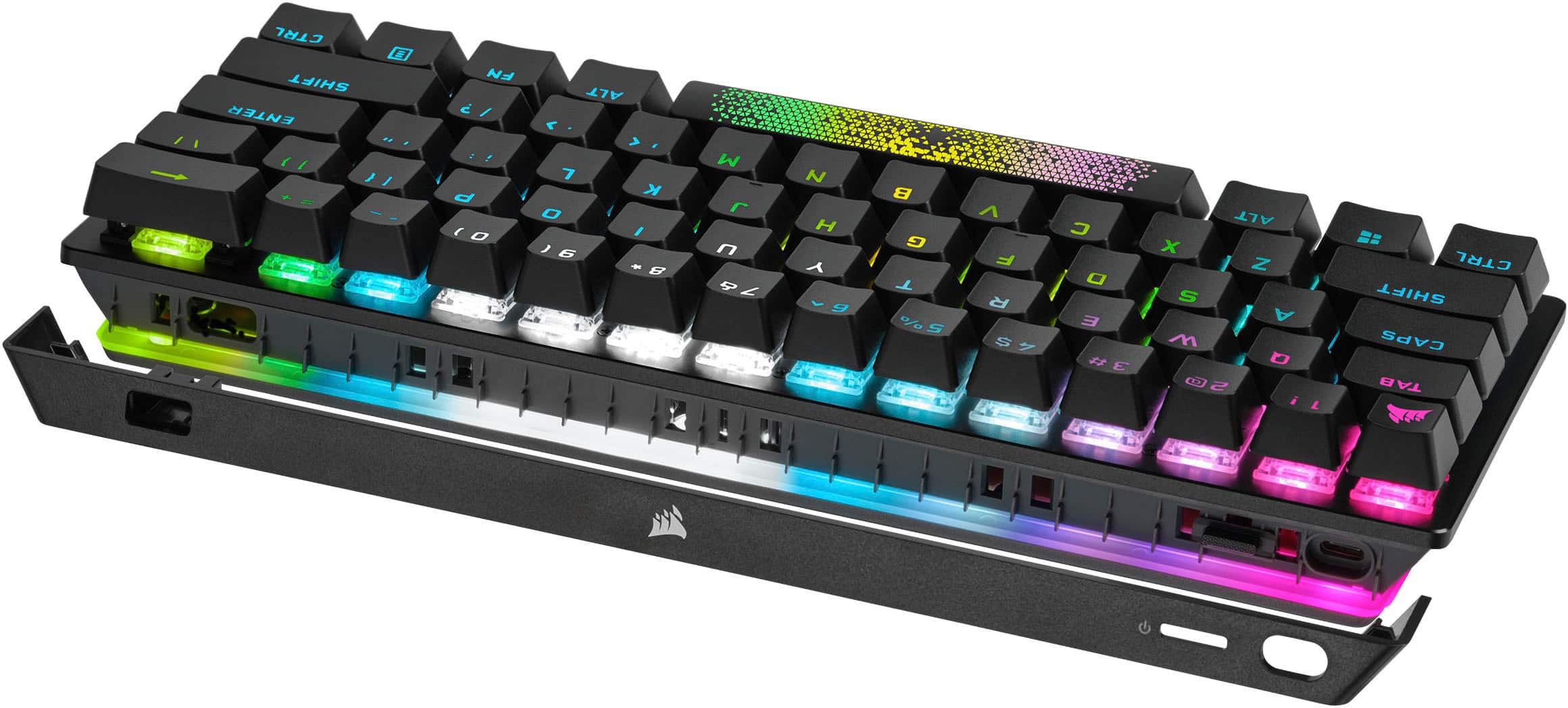
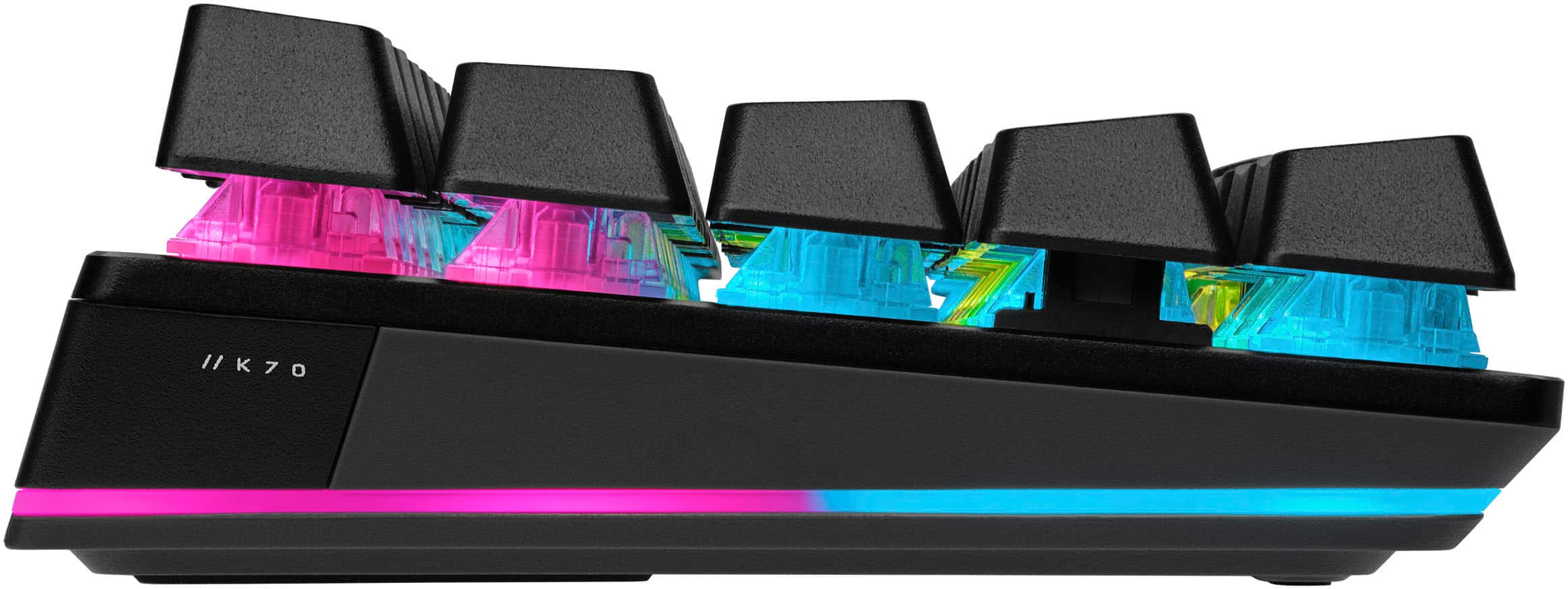
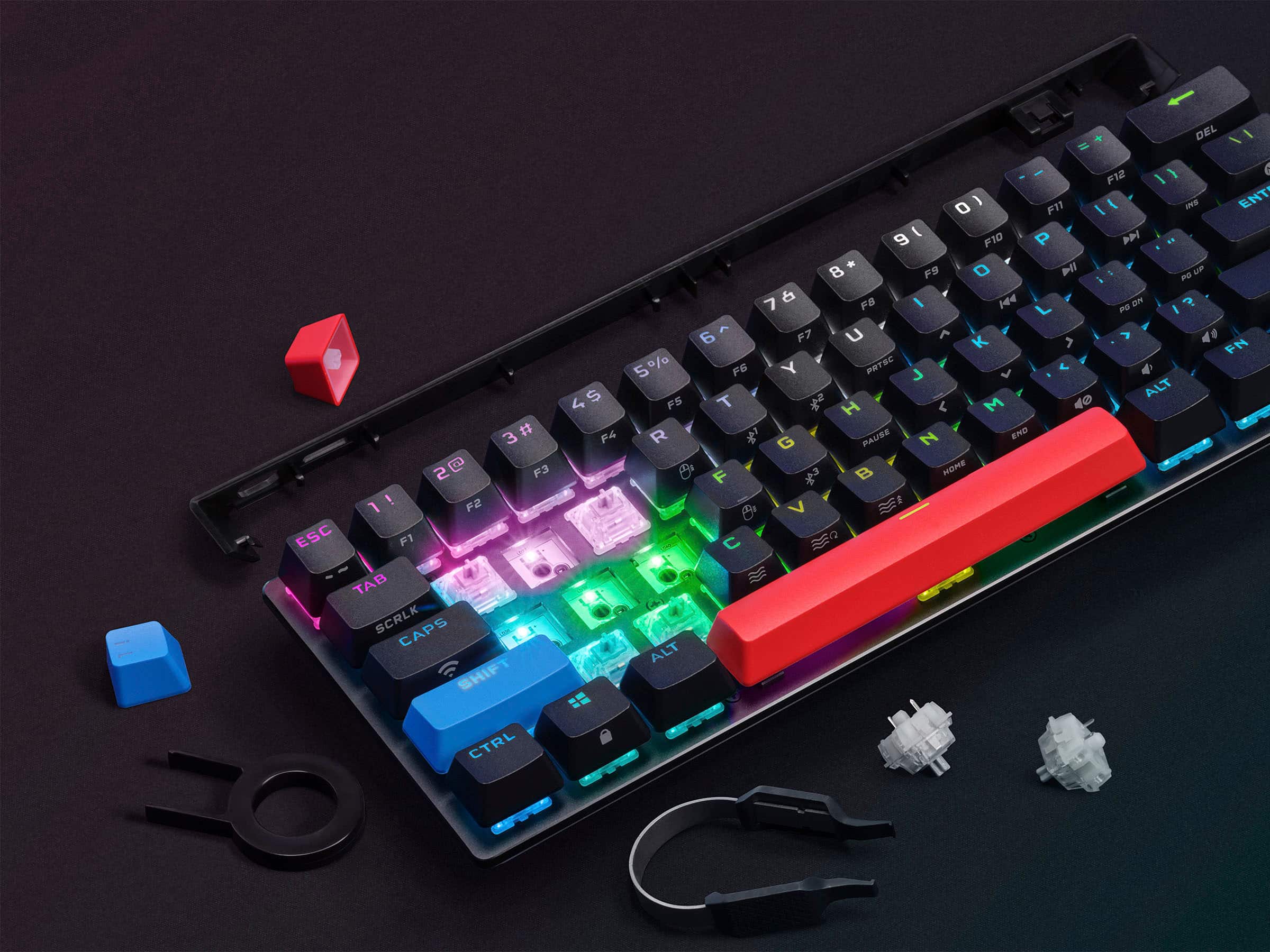
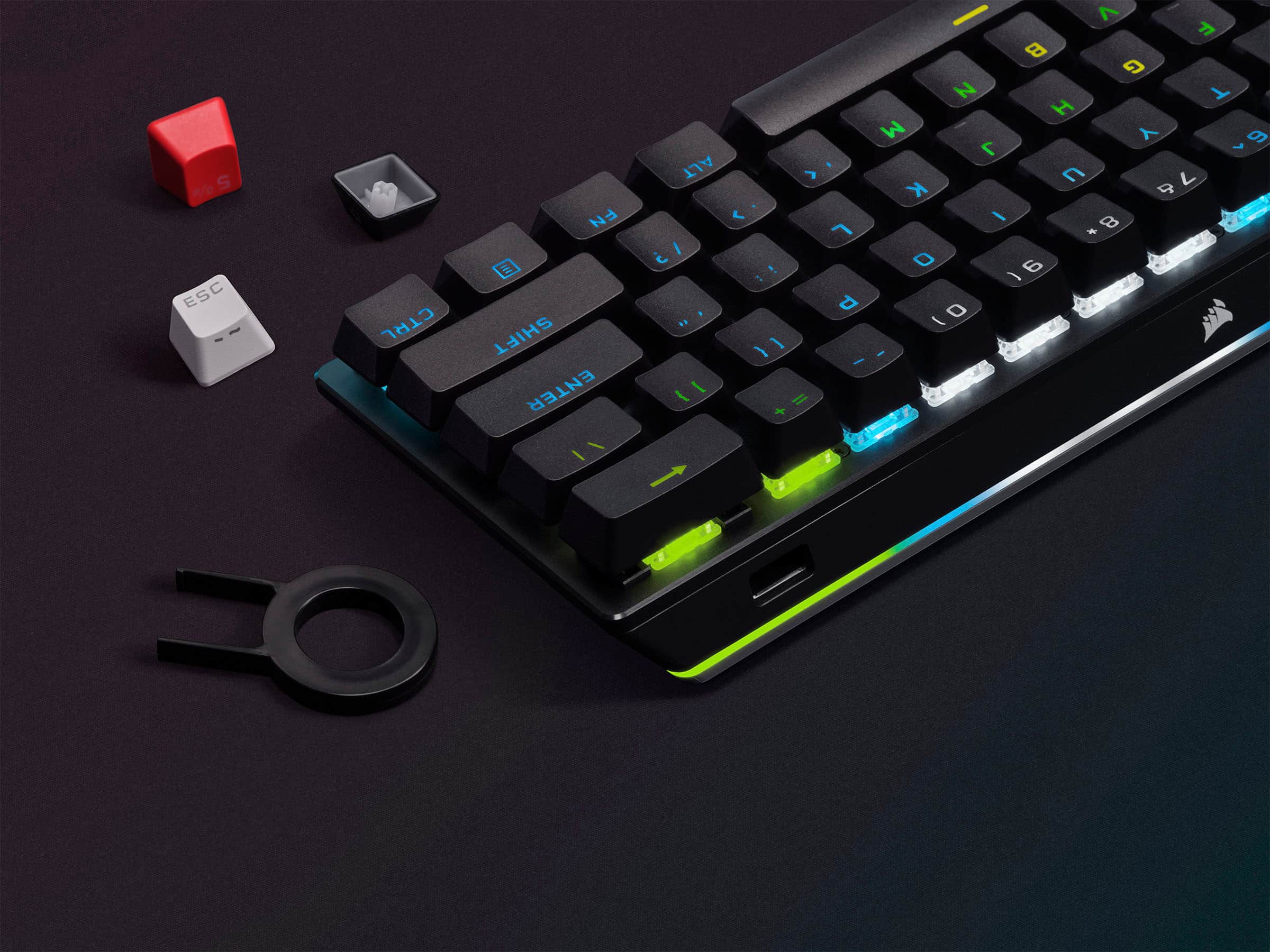
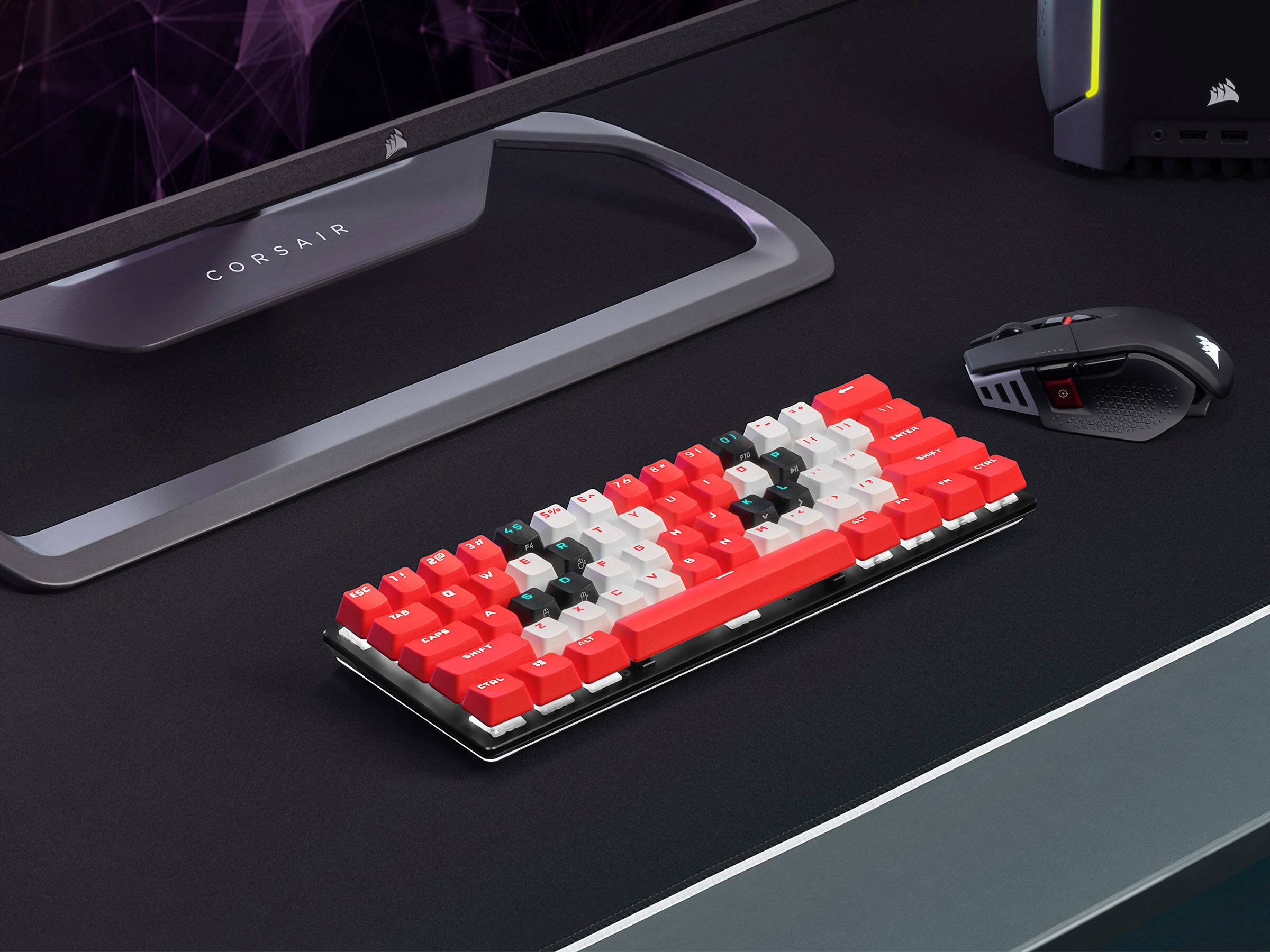
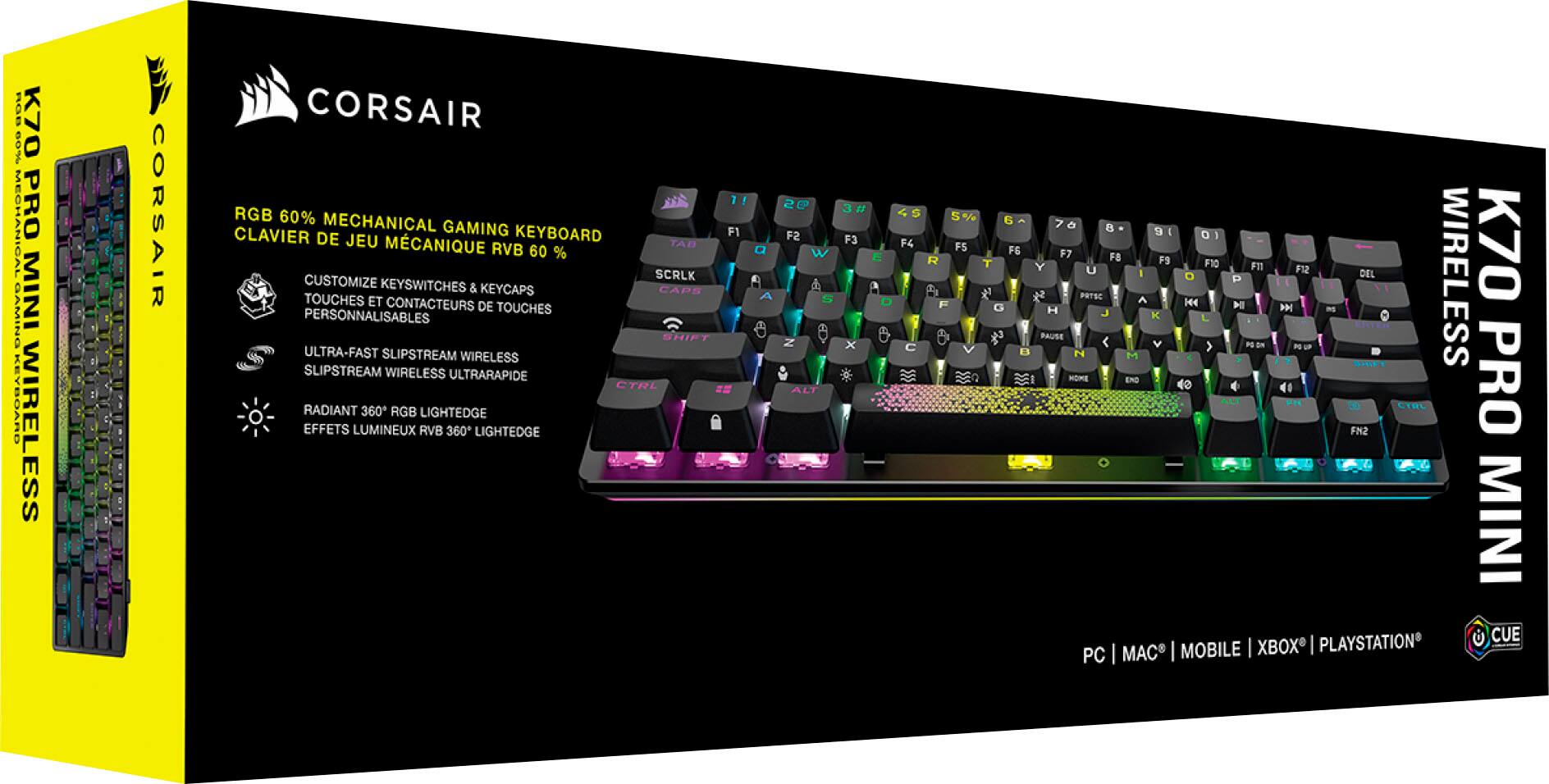
|Posted .This reviewer received promo considerations or sweepstakes entry for writing a review.If you have been interested in jumping onto the 60% keyboard bandwagon, then this is one you should have on your radar. The K70 Pro is the only wireless mini keyboard that Corsair offers, so if you are already a fan of Corsair’s line of keyboards and want to go mini you just need to stop now and buy. My model came with MX Silver Speed switches, but the beauty of this deck is that you can customize not only the keycaps, but also the switches to your heart’s content. You can buy keycaps and switches from Corsair’s website or use any keycap that will fit or any Cherry MX switch. Even if you don’t want to customize it with additional purchases, at the very least try out the spacebar that’s included in the box, it allows you to see 3 zones of RGB! You can also customize the “accent bar” which is a removable piece at the front of the keyboard (where the power switch and usb-c port are located). As of right now the only option available on Corsair’s website for the accent bar is in white but you could paint it. The iCue software (available for macOS or Windows) lets you customize the keyboard’s RGB lighting or remap keys. I usually do not spend much time with the RGB lighting options because every gaming peripheral has it these days but this keyboard can do some pretty cool tricks and the 360 degree light bar with it’s 28 LED zones makes for some pretty awesome effects. A cool trick is that you can set up the lighting effects and key assignments in the hardware so that the keyboard will still work the way you want even if iCue is not installed. You can store as many profiles as the 8MB of onboard storage will allow. If you can’t install iCue for whatever reason there are keyboard shortcuts via the FN key to change the lighting effects. There’s actually a lot you can do with this keyboard without iCue. Most of it is achieved with the FN key on the right hand side which allows you to do the things such as moving the mouse cursor (this works surprisingly well!), changing volume, hardware profile, wireless connection, F1-F12 keys, etc. One of the most important FN key operations is the arrow keys, which are missing dedicated keys but can be used with a combination of FN and I, J, K, L. Unfortunately, I wish Corsair had used H for Left arrow instead of I so the keys would be the same as using the Unix vi command line editor which is muscle memory for me but...oh wait, I can simply remap the keys to my liking, problem solved! The downsides are minimal, if any. First, the keyboard itself is thick. From the thickest part of the keyboard deck to the desk is 7/8 of an inch thick and the entire thickness from top of keycaps to desk is an inch and a half. It’s not any thicker than other mini keyboards out there but I’m not sure why it has to be this thick. What is hiding in all that space? It makes it uncomfortable to use for hours of productivity without a wrist pad (which it does not include and would negate the reason for getting such a small keyboard in the first place). It also makes it a tad bit more difficult to travel with but still much easier than a full size or even TKL deck. I would just like to see it 20-30% thinner next time. The only other thing is with only 61 keys you will be using the FN key often to access the arrow keys or insert / delete key and until you have them memorized you won’t be able to see these functions printed on the keys at night. Only the primary key function is illuminated with RGB. On the flip side, it would look very busy if they were lit up and if you end up changing the mapping as I have it wouldn’t make sense anyway. After a few days of use, I discovered that if you have iCue installed there is a handy guide in the tray that will describe the default FN key mapping (but not remappings) Pros: Corsair 2.4Ghz Slipstream Wireless (up to 2000hz polling) OR Up to 3 Low-latency Bluetooth Connections OR USB-C Wired (up to 8000hz polling) PS4/PS5 Compatibility Small Footprint Makes every key count Key Switch Swappable Per-key RGB 360 degree Light Strip Includes key cap and switch removers Highly customizable Cons: Thick Not the best for productivity Couple of other things to note: - New product as of writing this review so it will only work with iCue 4.25.155 or later - Not all may know you can pair multiple Corsair products to one receiver. Which is awesome so you only need to worry about one if you travel like me. I have my Dark Core RGB, Virtuoso XT, and now this K70 paired to the same receiver. Overall, as far as 60% boards go, this is likely the best. I use it when traveling as I am always on the go and never leave without my gaming laptop. I wish it was a bit thinner, but not a deal breaker. While it’s great for gaming, I find it less appealing for programming or design work where I am already using key combo shortcuts and with 40 keys missing it’s more cumbersome then I’d like but just need more time. If you are a traveling gamer, have little deskspace, or simply just want your hands closer together when using a mouse this is the keyboard for you.
I would recommend this to a friendQuality construction. Flexible. Complete package
|Posted .This reviewer received promo considerations or sweepstakes entry for writing a review.Corsair has done a nice job here. I really like this keyboard. It more or less has all of the features I was looking for in this type of deck. 60%. Speed. Connectivity. Quality construction. Customization with cap and switch swapping. RGB with excellent software. Some good battery life. It does most to all of this very well. It comes at a bit of a price, but I think the value is there for what you get. All of that said, I do have a couple of nitpicks here and there. I like the look of the keyboard, compact, black, about what you would expect. The build is solid, with a metal frame. Honestly, I don’t love the switches that come stock, but being able to adjust as I like is a nice option. Same with the keycaps, although I am a little torn here. The caps feel great, are PBT, and generally look good. This is personal to me, but I just don’t like the font. It is not a big thing, but it is what it is. It also leads to another issue for me, adding some caps I love would be great, but I would lose track of so many of the function options that are on the stock keys (given the 60% nature of the deck). Again, not a big thing, but something to think about. While I am not the “biggest” RGB guy, I have to admit, I am liking it here. It may not be the “super brightest,” but it works, the keys look good, and the software control and implementation are just fantastic. There are so many options, preset and otherwise, that I can’t imagine someone not finding something that they like. Patterns. Layers. Profiles. Just a lot of control over nearly every aspect of the lighting. Further, there is a “ring” or “RGB LightEdge” around the base of the keyboard that looks wild, but it is a bit lost in that you can’t really see it when you are using the board. It can make your system stand out from afar, but I just wasn’t seeing it glow around the board in use. I think one of the main things they nailed with this board was the connectivity. Several options. They all work. They all work very well. Sure, a lot of the draw is the wireless capability, but wired up is great as well, although the well for the USB-C plug is a bit deep. It may come into play if you have cables, you already use. As a whole, zero issues for me so far with connectivity. Fast. Stable. What you are looking for. Battery life? It has been “good.” I will have to see how this plays out over time. I would say I am a tick below the rated numbers, but as I use it more and see how I really use all the lighting I think it will end up being fine. I can see myself not using the lighting all the time, and the rated hours for that are very high. Further, I will probably be plugged in a bit as well. In the end, this is a very good keyboard, and I like it. I would say it more or less is the complete package. It performs well, has a great build, looks good, and is very feature rich. Further, Corsair gives you everything you need from a customization standpoint. Extreme keyboard heads may want to take a more custom route, and I guess it would be best to have “the perfect keyboard” out of the box, but for those want to play and change it up, you can. For many though, I think the stock board will be great as is and I think most will be happy to add it to their setup.
I would recommend this to a friendAwesome Mini Wireless Keyboard
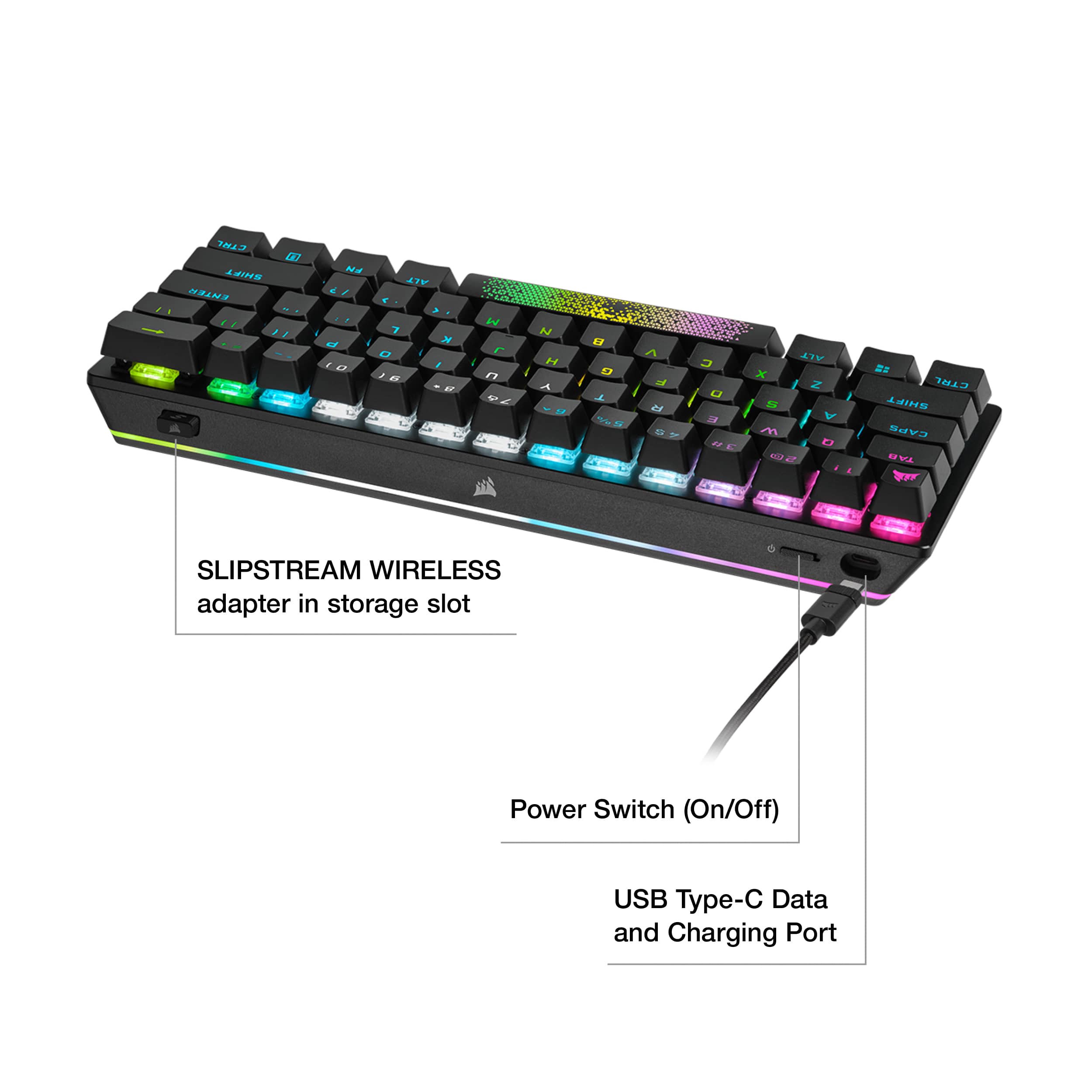
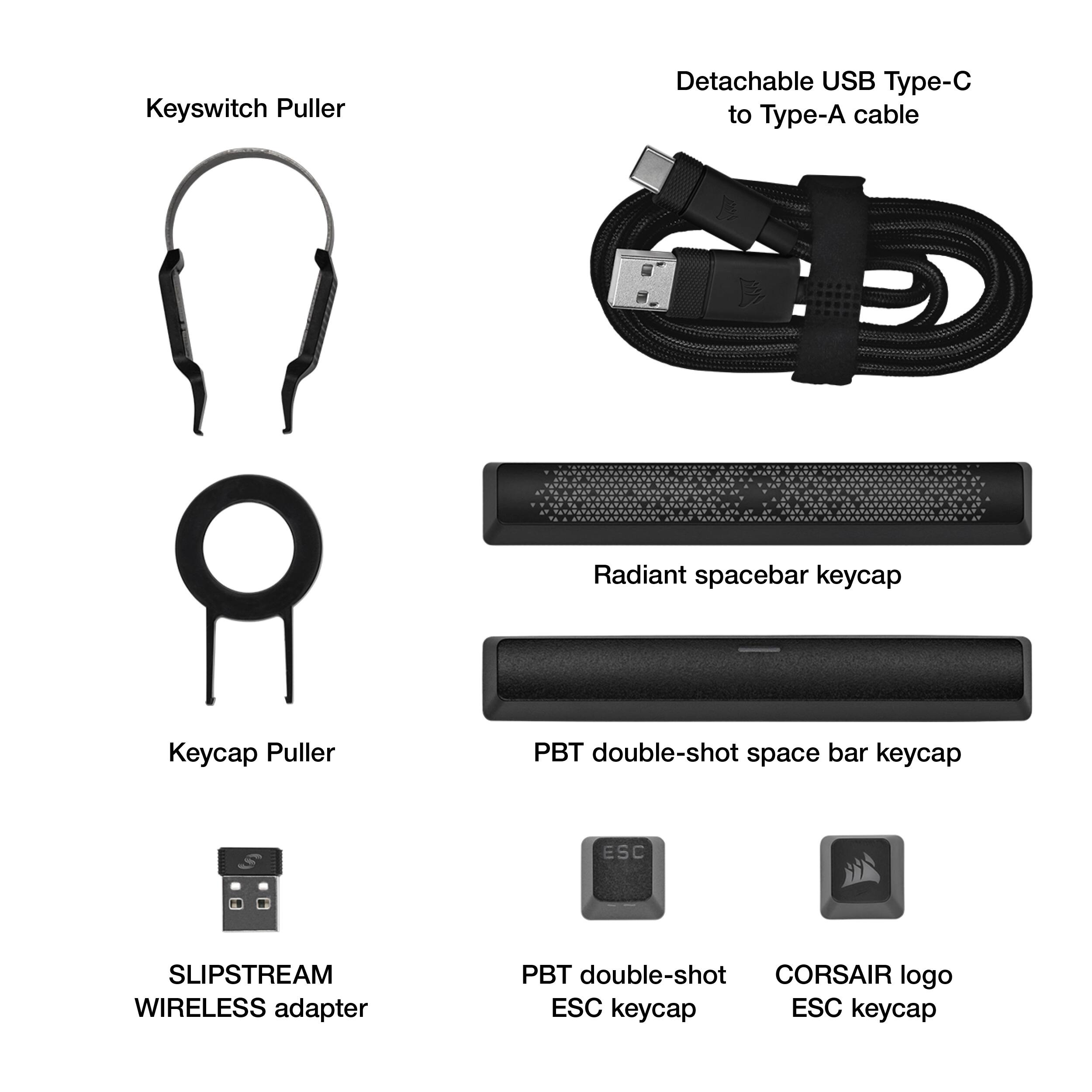
|Posted .This reviewer received promo considerations or sweepstakes entry for writing a review.This is an excellent gaming keyboard from Corsair. I was excited to see how it performs to the competition. Finally, a wireless mini keyboard from Corsair. The unboxing was simple. USB C adapter an turn on the keyboard. Then go to corsair and download the Icue software. After installation I was able to configure my macro keys I play with and apply a color theme. The dashboard showed my GPU and CPU temps which was a nice touch. It was nice to apply an over the air firmware update to the keyboard and receiver. In use it felt small and the buttons very responsive. I did find myself getting frustrated coming from a full size keyboard since the keys felt crammed. I like the arrow keys and the lack of them is frustrating. I had to reprogram my other keys to avoid pressing Function. The feel and response is excellent. This must be one of the most blended feels of mechanical without too much noise. This is just between. The keys are double shot so I have no worries of them wearing anytime soon. After several hours of use it looked like I never touched it which was a good thing. I also found that the battery lasted all weekend without running low. A key feature in a gaming keyboard. This keyboard also works with everything from mobile, console to PC/Mac. After some gaming sessions I was able to use on my Ipad which was a nice cross over since it is small and pairs nicely with it. The included cable is braided and made well and has some good length to it. They provided a different space bar and universal key cap which is nice for customizing it. When not In use the dongle stores nicely in the front of the keyboard. I do wish they found room for the arrow keys and made a slightly larger version for versatility. Otherwise, everything works great. The brightness of the keyboard is even and easy to see even with the lights on.
I would recommend this to a friendHappy with my first 60% keyboard
|Posted .This reviewer received promo considerations or sweepstakes entry for writing a review.This is my first time trying out both a 60% keyboard as well as Cherry MX Speed Silver switches. This K70 is replacing my Corsair K63 TKL with Cherry MX Red switches for use with my Xbox Series X and when traveling. I much prefer the design of the K70 over the K63 as it makes use of USB-C instead of micro USB and it also has a storage spot for the USB dongle, something very useful when traveling with the keyboard. I also like the MX Speed switches more than the MX Reds. They have a similar feel overall but the shorter travel and actuation distances make the keys feel firmer with less wobble. It definitely took a couple of days to get used to the extra sensitivity of the keys but it's a more pleasurable experience once you adjust. My main keyboard has Cherry MX Blue switches and that is still my preferred switch for most tasks but when I want to be a bit quitter while gaming or working the K70 does well. Battery life has been great and definitely an upgrade from the K63. I'm not sure if that's due to a bigger battery or just better optimization but I am definitely reaching for the charger a lot less. The RGB lighting effects are also an upgrade over the monochrome blue and are nicely implemented but I often find myself toggling them off as I never really fell into the RGB craze. The alternate functions on the main buttons seemed weird at first but when in use they feel to be in comfortable positions. I think this is likely a common adjustment you need to get used to if you are interested in using 60% keyboards. The included cap pullers and addition spacebar and corsair caps are appreciated and I prefer the added texture on the triangle patterned spacebar.
I would recommend this to a friendLittle keyboard with big performance
|Posted .This reviewer received promo considerations or sweepstakes entry for writing a review.This keyboard is phenomenal to say the least. It is easily the best keyboard I have ever used and I am incredibly picky when it comes to gaming keyboards - last year alone I bought four different ones in just a few months because I couldn’t find the right fit for my needs. The 60% sleek design gives the optimal gaming experience and doesn't take up much space. The speed silver keys are the fastest keys I personally have ever used. If you want the upper hand advantage in your gaming experience go with this keyboard. It is hands down the best keyboard to date. This keyboard being hot swappable makes it so you can use your own keys and be as comfortable with the keyboard as possible but I personally recommend keeping the speed silver ones as they are the fastest keys on the market. The keycaps it comes with feel a bit cheaply made so personally I will end up getting my own keycaps to put on the keyboard. The 1.3 MM actuation point is amazing for gaming AND typing. It can get messy, for lack of a better word, typing with the keyboard because of the little actuation point as you may make more typos but that's a given. I would rate the keyboard a 1000/10. By FAR the best keyboard on the market and I might go as far to say the world.
I would recommend this to a friend