Customer Ratings & Reviews











- Model:
- CH-9119014-NA
- SKU:
- 6453149
Rating by feature
- Value
Rating 4.4 out of 5 stars
- Quality
Rating 4.6 out of 5 stars
- Ease of Use
Rating 4.7 out of 5 stars
Customers are saying
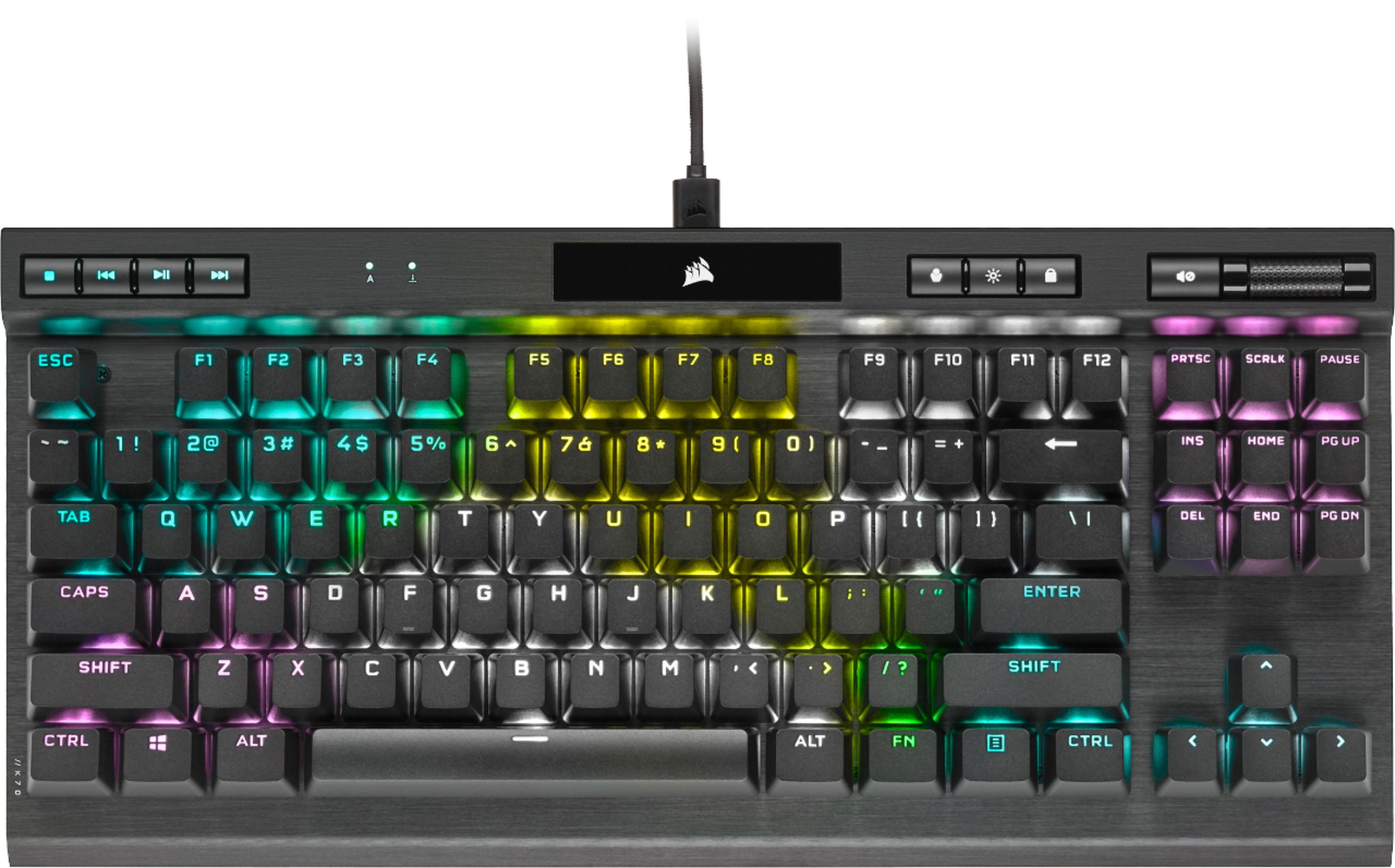
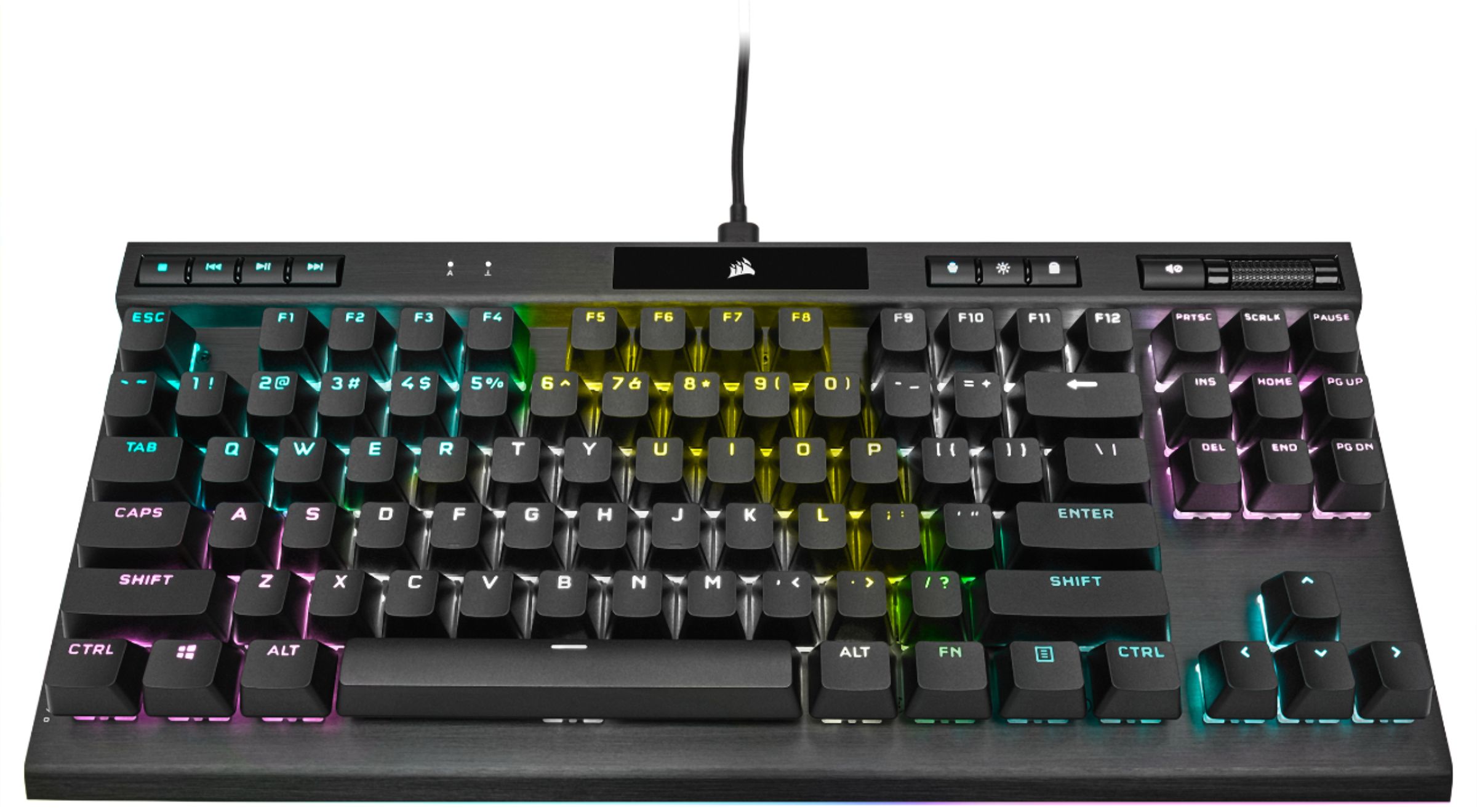
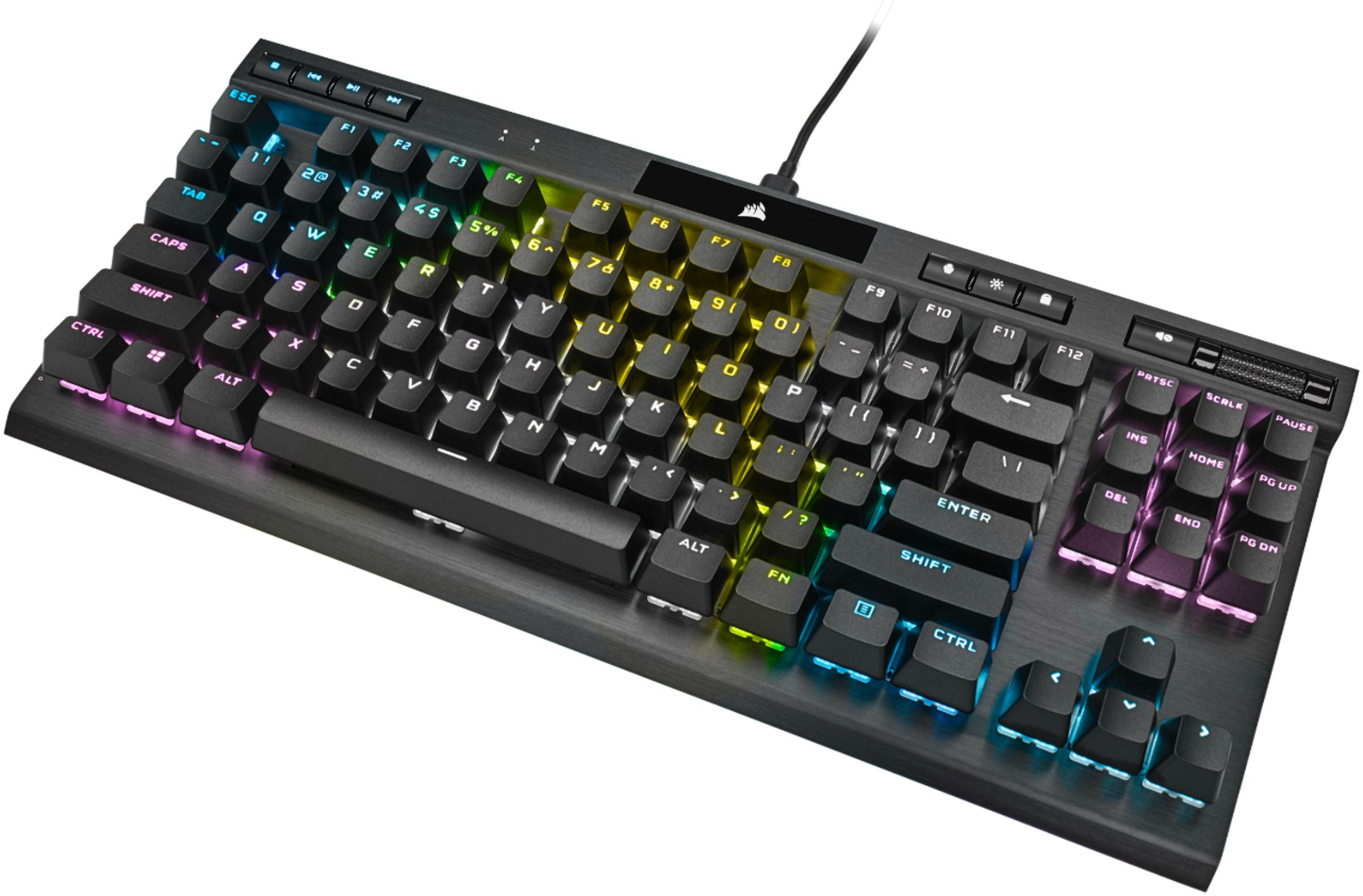
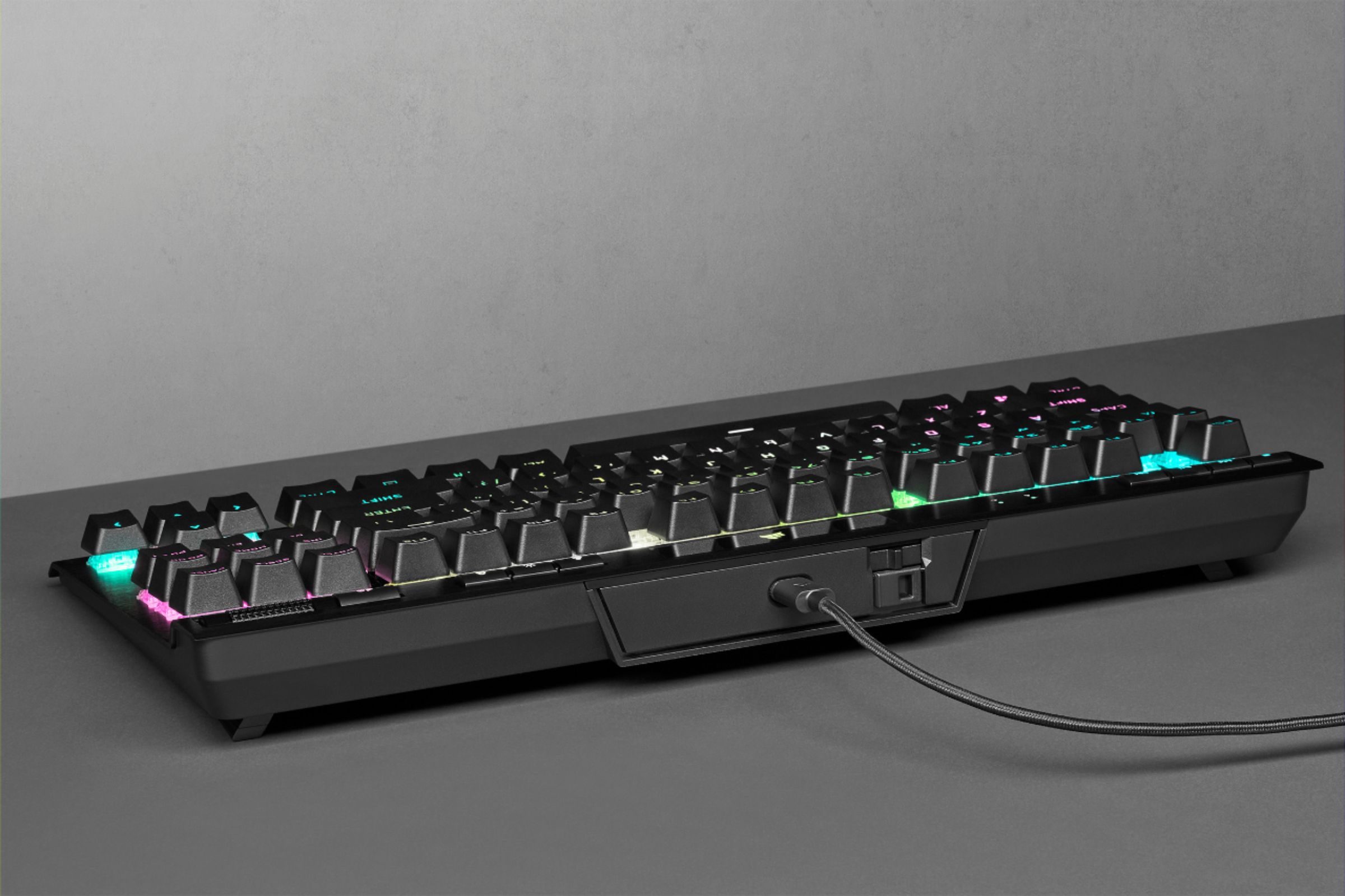
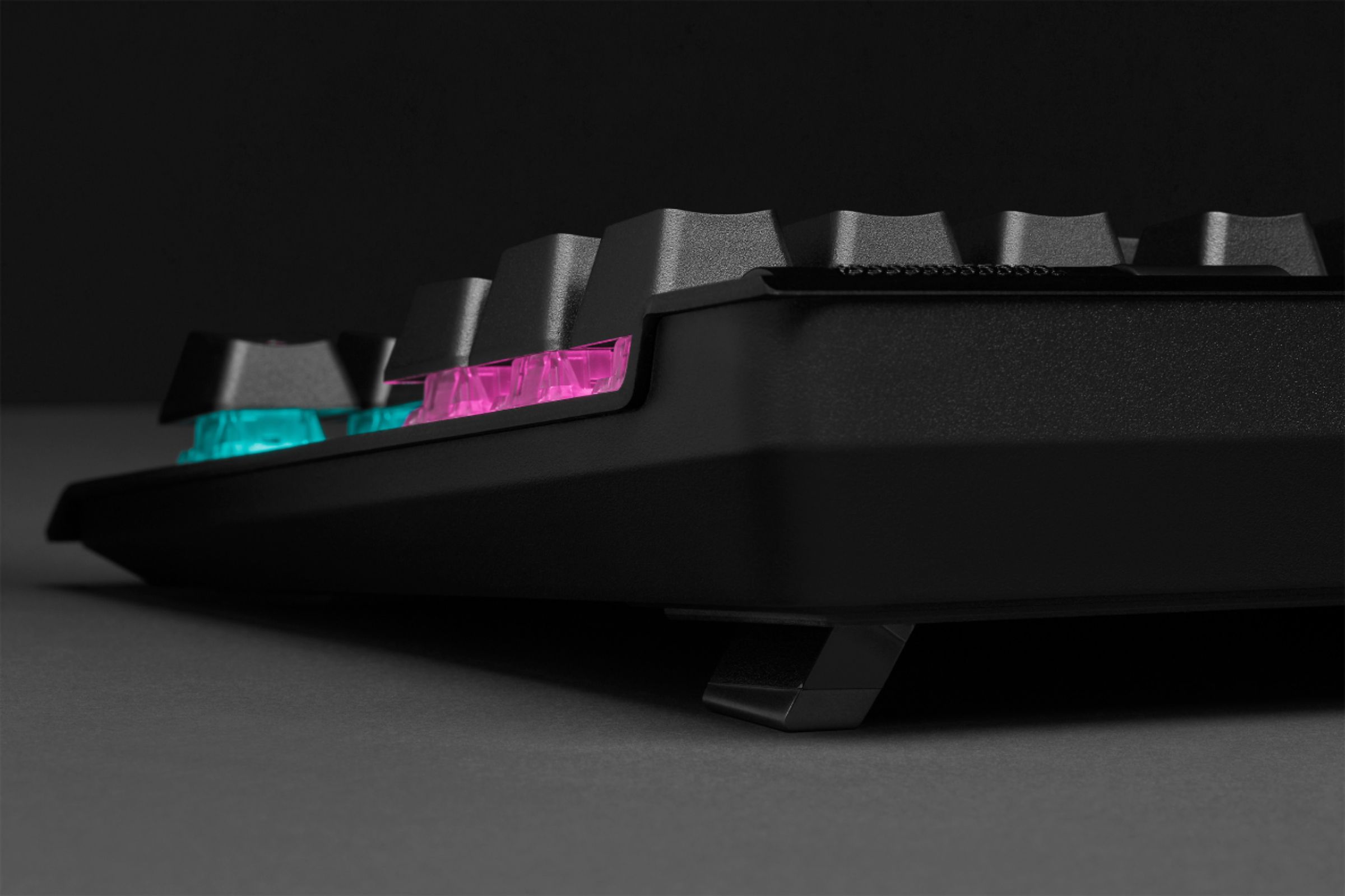
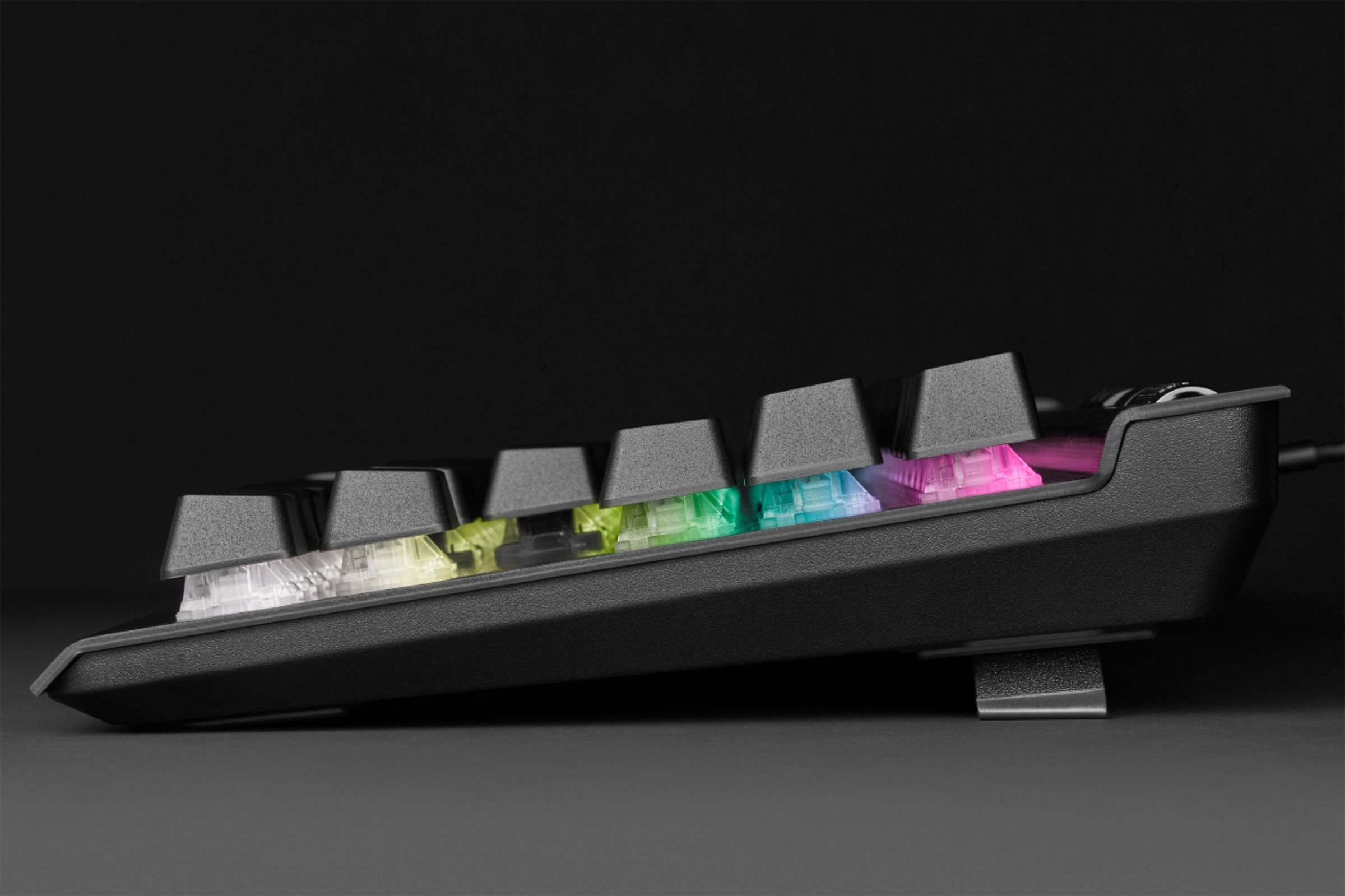
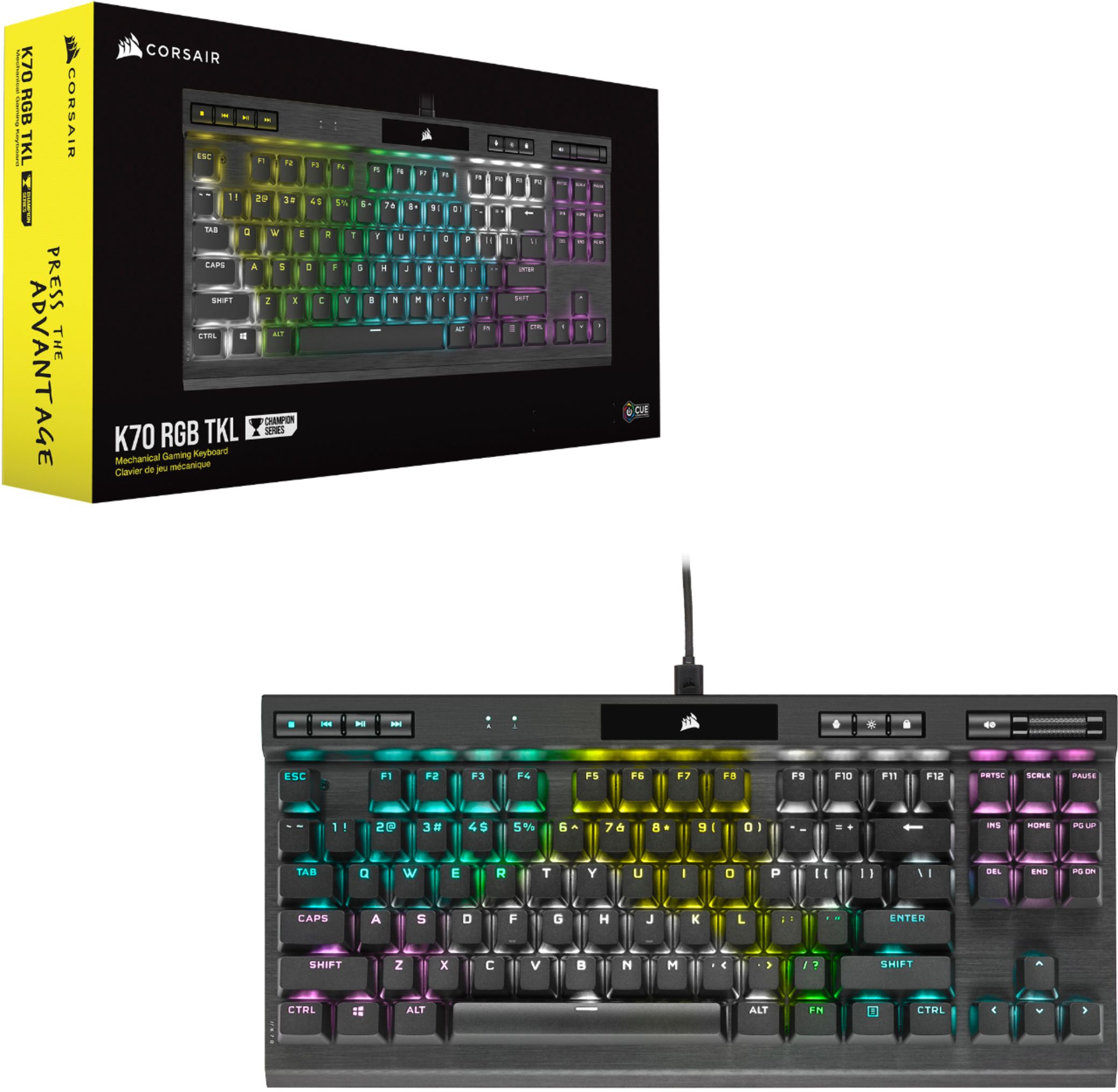
Customers consistently note the high build quality, excellent key feel, and vibrant RGB lighting of the K70 RGB TKL Champion Series keyboard. Many appreciate its compact size and the convenient addition of a volume control wheel. While some users find the software less intuitive than others, the overall positive feedback highlights the keyboard's performance and features. The lack of a number pad and wrist rest are noted as drawbacks by a few users.
This summary was generated by AI based on customer reviews.
Christmas
||Posted . Owned for 3 weeks when reviewed.This reviewer received promo considerations or sweepstakes entry for writing a review.I got this for my daughter for Christmas and she really likes it. No complaints yet
I would recommend this to a friendGood key board
||Posted . Owned for 2 months when reviewed.This reviewer received promo considerations or sweepstakes entry for writing a review.It’s a good key board. While not as nice as some tkls, I definitely recommend it.
I would recommend this to a friend- Pros mentioned:Key feel
Review
||Posted . Owned for 1 month when reviewed.This reviewer received promo considerations or sweepstakes entry for writing a review.Awesome keyboard for the price. Nice keys with controls
I would recommend this to a friend Decent keboard.
||Posted .This reviewer received promo considerations or sweepstakes entry for writing a review.Seems to work pretty good, using it for gaming primarily.
I would recommend this to a friendGood Keyboard!
||Posted . Owned for 2 weeks when reviewed.This reviewer received promo considerations or sweepstakes entry for writing a review.Very good TKL keyboard. My son loves if for gaming.
I would recommend this to a friend- Pros mentioned:Keyboard quality
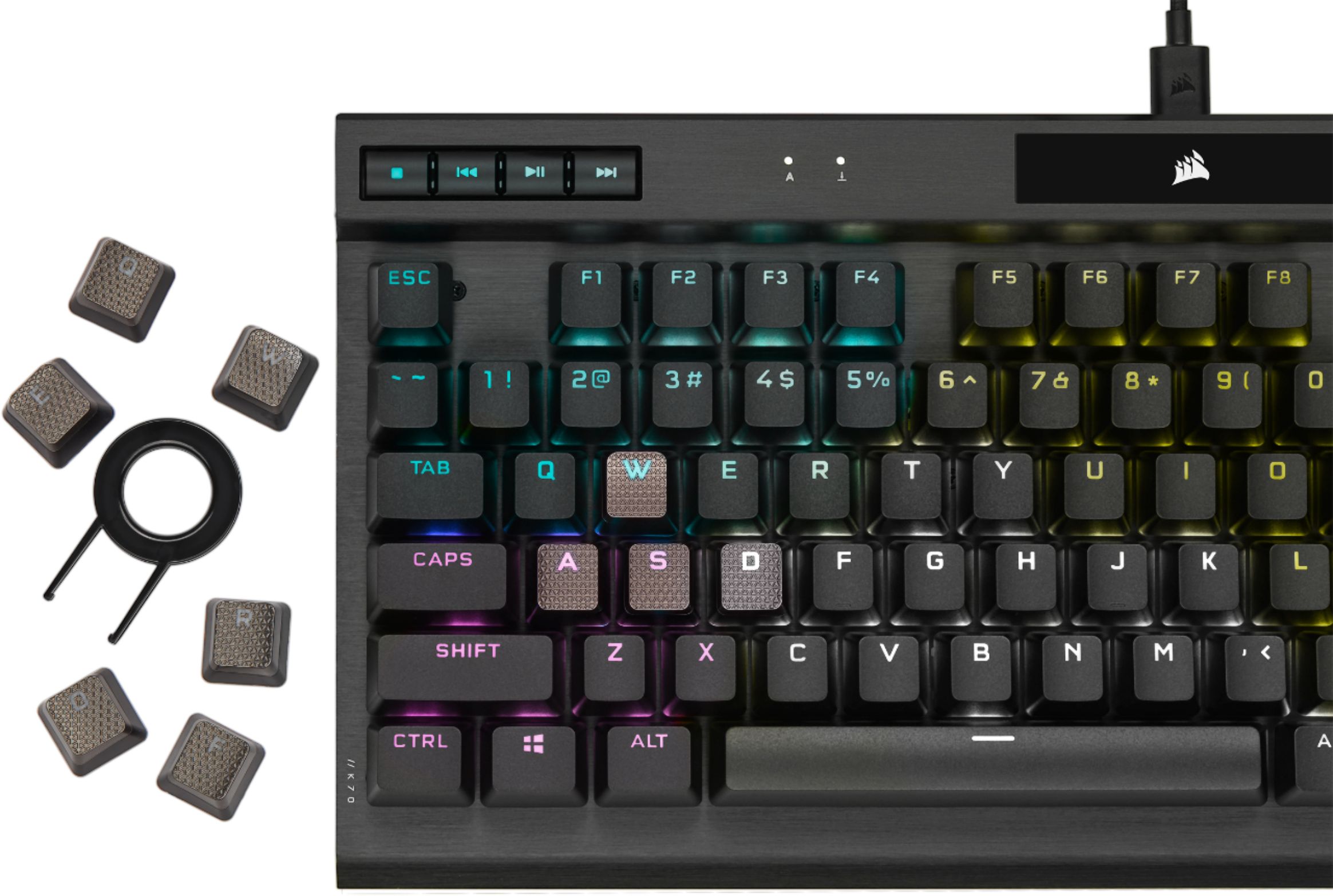
Good keyboard when the ASDW keys don’t fall off
||Posted . Owned for 6 months when reviewed.This reviewer received promo considerations or sweepstakes entry for writing a review.The silver gaming key caps it comes with are worthless. I really like those keys too. Rest of the keyboard is good but the testing is due to Corsairs support. Won’t be buying Corsair again.
No, I would not recommend this to a friendBrand response from Corsair
Posted .Hi Aaron,
Sorry to hear about your experience. Considering our keyboards carry a 2-year warranty, please get in touch with us regarding your FPS key caps, we'd be happy to help: support.corsair.com
-Albert
Does not boot properly, Corsair support lacking
||Posted . Owned for 1 week when reviewed.This reviewer received promo considerations or sweepstakes entry for writing a review.Owned it for a few days. It didn’t work initially, I had to boot up with my old keyboard then plug it in. After rebooting, it didn’t work again and I was stuck in an HP boot screen. I had to hard reset. So it only works when plugging in the old during boot up, which is awful. When I used it, it was responsive and quiet which I loved, but it not powering up during boot and causing some kind of loop cycle killed it for me. I returned it after four days of looking for solutions online and Corsair still hadn’t gotten back to me last night. I’m not tech savvy and couldn’t figure out how to get BIOS to stop trying to boot from the keyboard, if that’s what was happening for me.
No, I would not recommend this to a friendBrand response from Corsair Art
Posted .Hi leondb,
Sorry to hear that the keyboard was having issues, we'd like to help! Please reach out to our support team so we can work with you directly: support.corsair.com
-Brian
double pressing keys after 2 months
||Posted . Owned for 1 week when reviewed.This reviewer received promo considerations or sweepstakes entry for writing a review.I have owned this for about 2 months and I am starting to get "double press" key presses. Hopefully they stop or I will feel like I am getting the $30 mechanical knockoff next time.
No, I would not recommend this to a friendBrand response from Corsair Art
Posted .Hi A1Human,
Sorry to hear that you're getting double clicking, we'd like to help! Please reach out to our support team so we can work with you directly: support.corsair.com
-Brian
Great until it disconnects
||Posted . Owned for 1 month when reviewed.This reviewer received promo considerations or sweepstakes entry for writing a review.This piece would be amazing overall but for some reason it tends to disconnect sometimes. Checked the cable and everything seems fine. If persist I’ll swap out.
I would recommend this to a friendBrand response from Corsair Art
Posted .Hi CasL,
Sorry to hear about the disconnects, we'd like to help! Please reach out to our support team so we can work with you directly: support.corsair.com
-Brian
- Pros mentioned:Key feel, Polling rate

Take Gaming to the Next Level
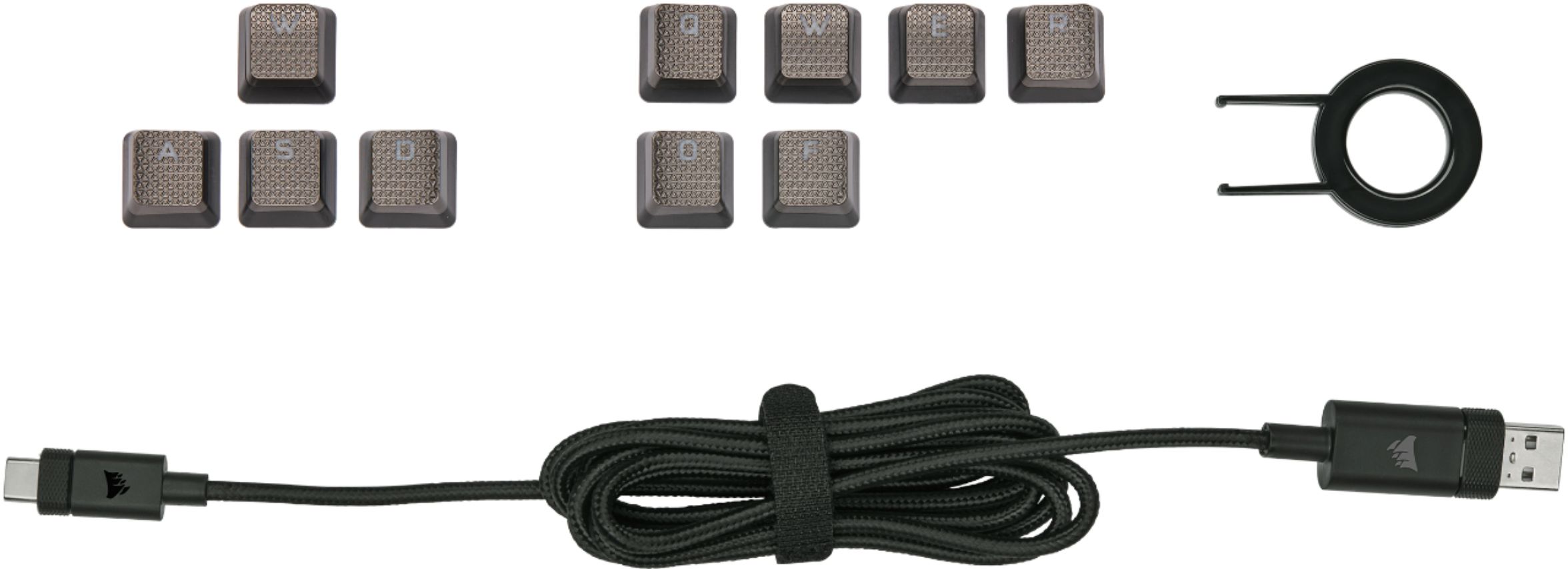
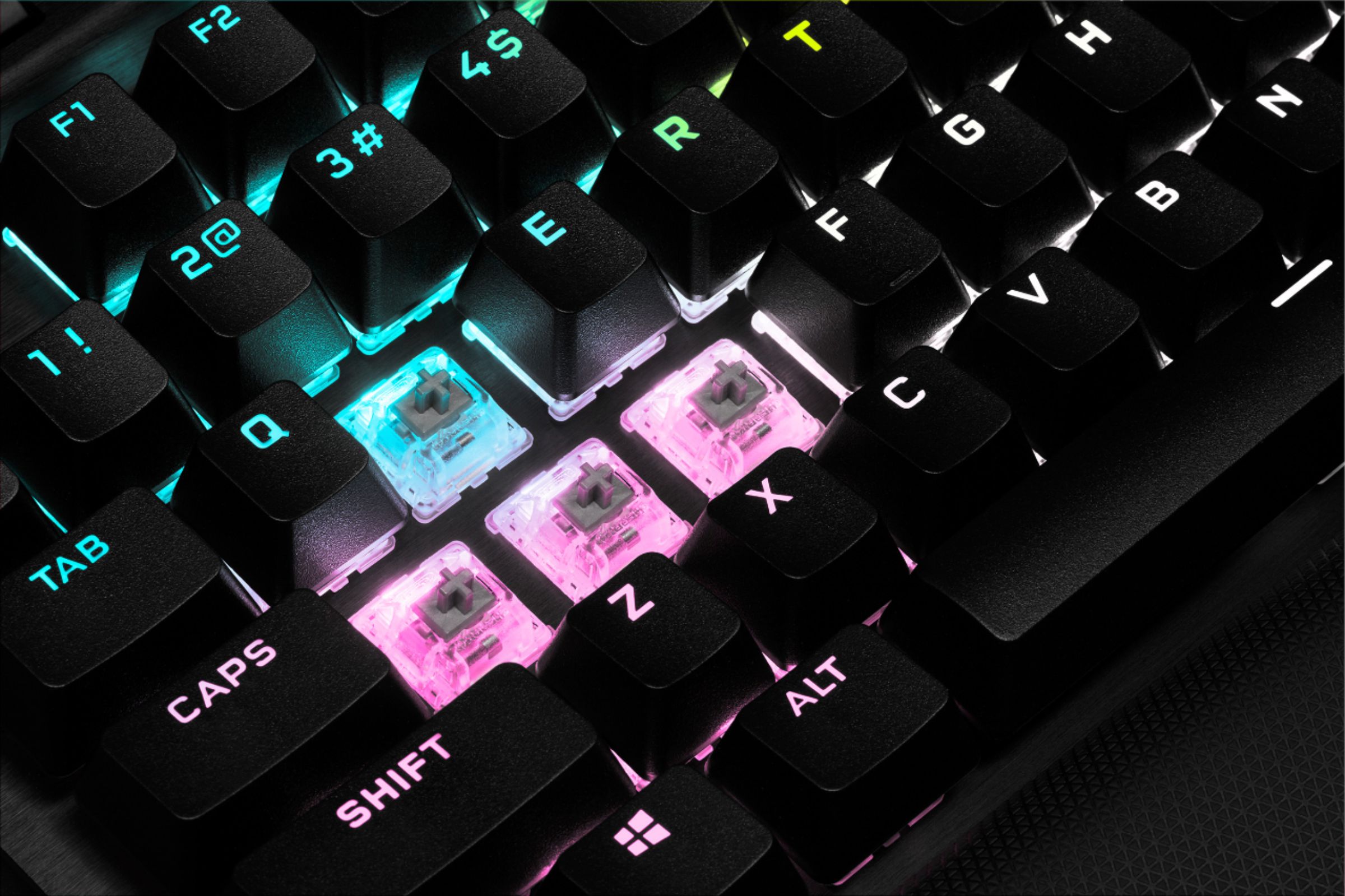
|Posted .This reviewer received promo considerations or sweepstakes entry for writing a review.Gamers always want any edge they can get. If you are looking to take your PC gaming to the next level, the Corsair K70 keyboard may be the one for you. This thing is fast, sleek, and feels good to use. Out of the box it is ready to go. You can personalize you keyboard to match your gaming preferences. The package comes with different colored gaming keys (W A S D Q W E R F O) if you want your commonly used gaming keys to stand out. There is even a tool to remove the old keys easily to make the swap fast, so you are ready to play. The only thing this keyboard does not have is a 10-key numeric register. So, if you have to have that this would be a deal breaker. But most gamers won’t need it. To get the full effects of the keyboard, you will need to load the device’s User Interface software. This software is really where you can completely make the keyboard your own. You can change key assignments, change lighting effects, and other performance and device settings. Polling on the keyboard defaults to 1000 hz although it can go up to 8000 hz on Windows OS systems. This translates into lightning response from the keyboard. I tried this on both Mac and Windows machines and was excited by the performance on both. Even thought the Mac machine was limited to 1000 hz, I couldn’t tell a difference. As far as the keys go, the are Cherry MX mechanical switches. These things are fast and don’t require a lot of pressure to press them down. They also reset quickly so multiple input son the same keys can be done very rapidly. I really enjoy the Corsair K70 Gaming Keyboard. It can back up any gaming style. With 8 MB of storage as well, you can program you presets and macros as you desire to make your keyboard do whatever you want. I highly recommend this gaming keyboard.
I would recommend this to a friend Annoying pinging
||Posted .This reviewer received promo considerations or sweepstakes entry for writing a review.The keyboard is good if you can get over the annoying pinging noise every time you hit a key. Other than that it has really nice features.
No, I would not recommend this to a friendBrand response from Corsair Art
Posted .Hi Jayy,
Thanks for the feedback, if you have any further questions about the K70 TKL, please feel free to contact our support team: support.corsair.com
-Brian
- Pros mentioned:Rgb, Size
Amazingly Responsive
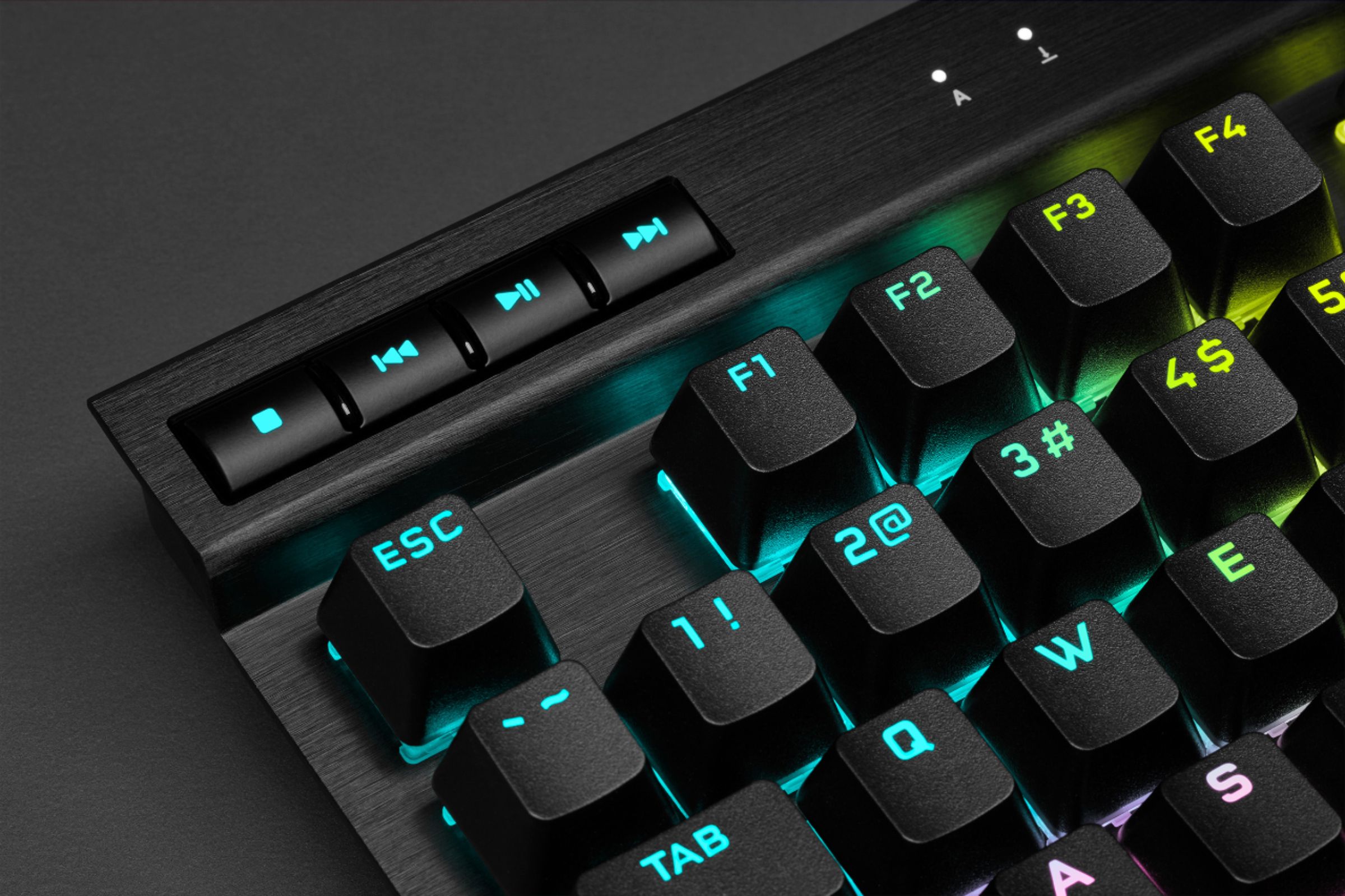
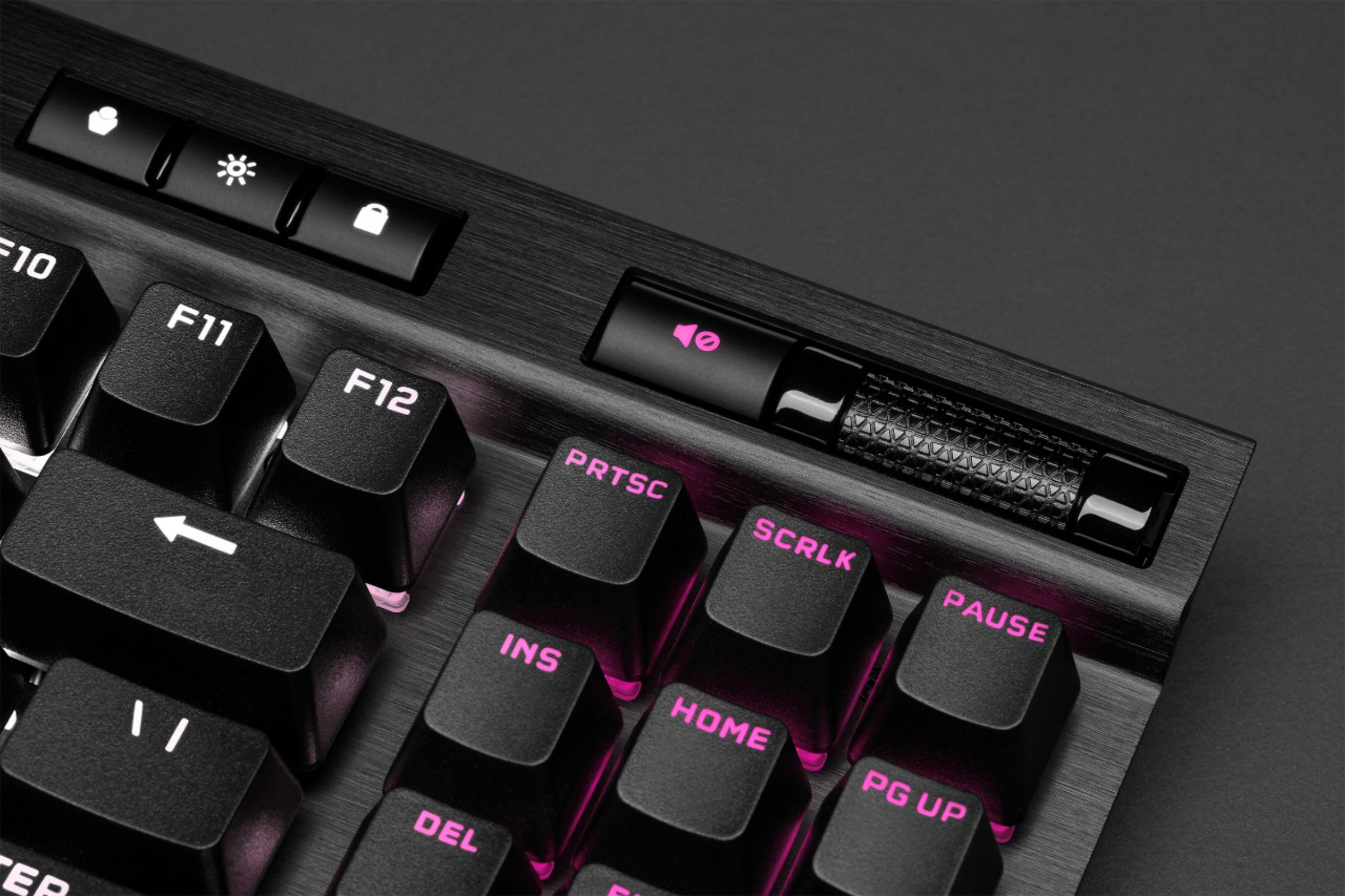
|Posted .This reviewer received promo considerations or sweepstakes entry for writing a review.The first requirement for a gaming keyboard is its survivability. What I mean by that is how tough it is to handle my hard presses, which is what happens when I’m in the middle of a game playing against other gamers. A cheap plastic keyboard just can’t survive longer than a few weeks. The second and equally important requirement is responsiveness. It won’t do me any good if it can survive my pressing but can’t respond quickly enough. To my delight, the K70 RGB TKL meets both criteria. The keys feel tough and they are built on aluminum. Even if you have Hulk-type muscles, it is unlikely you’ll brake them involuntarily. As to responsiveness, this is a dream come true. Really. It’s is instant in every situation. It improved my scores considerably in some games although I wasn’t so lucky with a few. Those two features would be enough to me but this keyboard also allows for up to 50 profiles with its bult-in 8Mb onboard storage. That means that you can use it with another computer without losing your game settings. It’s the first keyboard I have that has that capability. Pressing the profile key, color changes to indicate it has selected another profile. Personally, I like RGB keyboards and this has a lot to like about it. There’s a lot of function key combination for different effects and a physical key to turn it to tournament mode, which sets it to one color, which can be configured for your team color for instance. That was useful to me when I wasn’t playing a game since color changes can be distractive. The only issue is that as the name says, it is for tournament and it disables macros. I also noticed that some games automatically changed lighting effects if it was not set to tournament mode. It came with FPS and MOBA keycap sets and a keycap puller. I just wish these would just go on top of the existing keys but you need to replace the latter first. I have mixed feelings about it. They’re nice keys but it makes it easy to lose keycaps. Highly customizable, it will keep you trying different hardware and software settings for a long time. Size is great. Not too small, not too big. Other than being loud when you’re not using it for gaming, I couldn’t find any downside. Very nice keyboard.
I would recommend this to a friend Loud clicks
||Posted . Owned for 2 weeks when reviewed.This reviewer received promo considerations or sweepstakes entry for writing a review.It is a little loud to type on so we took it back. It is distracting when in the same room as someone using the keyboard.
No, I would not recommend this to a friendBrand response from Corsair Art
Posted .Hi TRB21,
Thanks for the feedback, if you have any further questions about the K70 RGB TKL, please feel free to contact our support team: support.corsair.com
-Brian
Corsair fan… but not of this keyboard
||Posted . Owned for 3 weeks when reviewed.This reviewer received promo considerations or sweepstakes entry for writing a review.I have many Corsair keyboards, this is the least favorite. I was looking for a TKL, thought I’d try this. It’s a little too barren. Keys feel smaller than standard sized key size. The space bar feels “mushy” and stuck on, like brown key caps not cherry red speed. I kept it for emergency purposes , I would have a portable compact keyboard, but that’s all it’s useful for.
No, I would not recommend this to a friendBrand response from Corsair
Posted .Hello medavid16,
Thanks for the feedback! Can you remove the spacebar to see if there are any obstructions underneath? If you're still having issues with the spacebar, please feel free to reach out to our support team: support.corsair.com
-Brian
- Pros mentioned:Key feel
Well balanced features in a TKL package
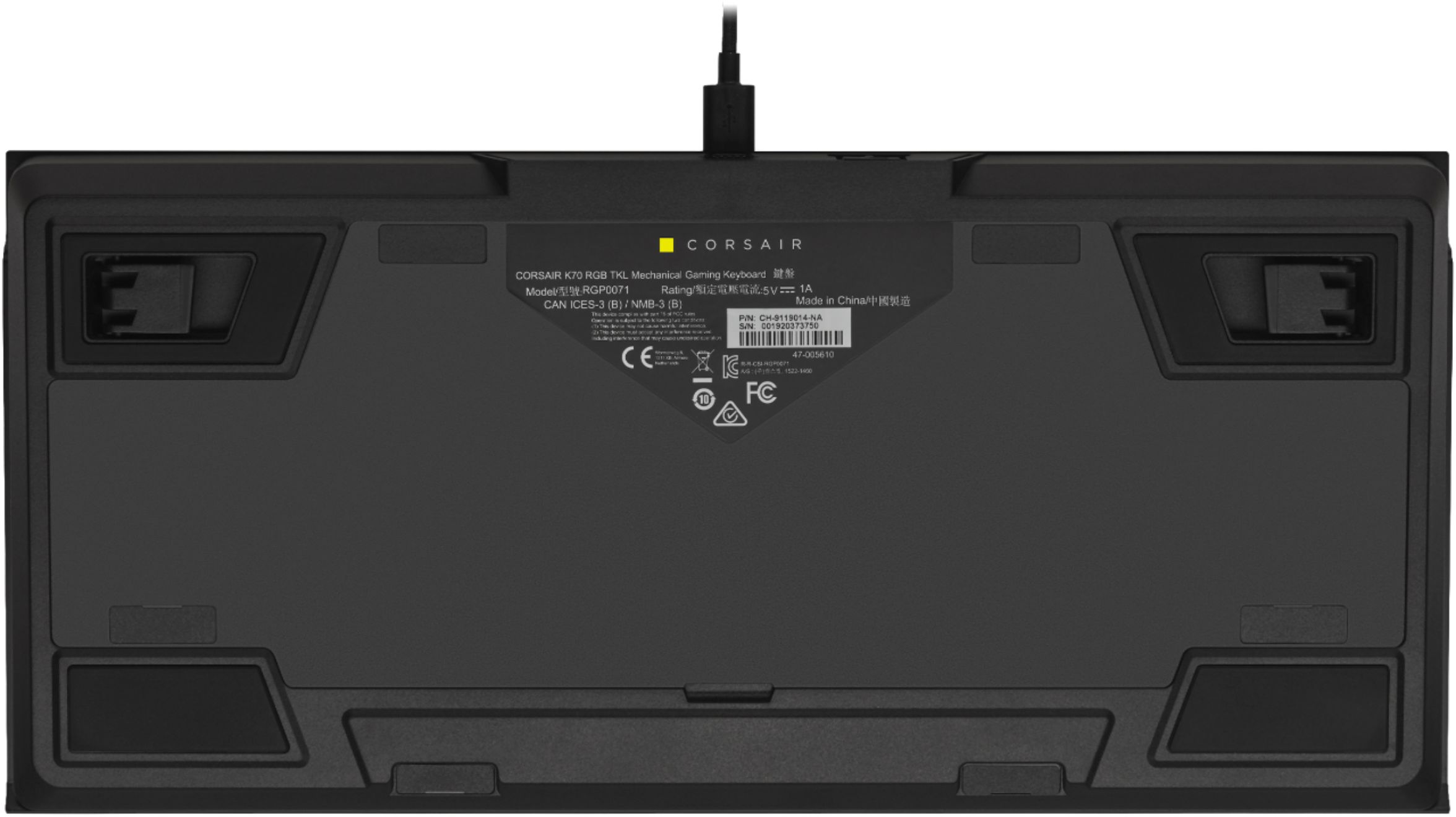
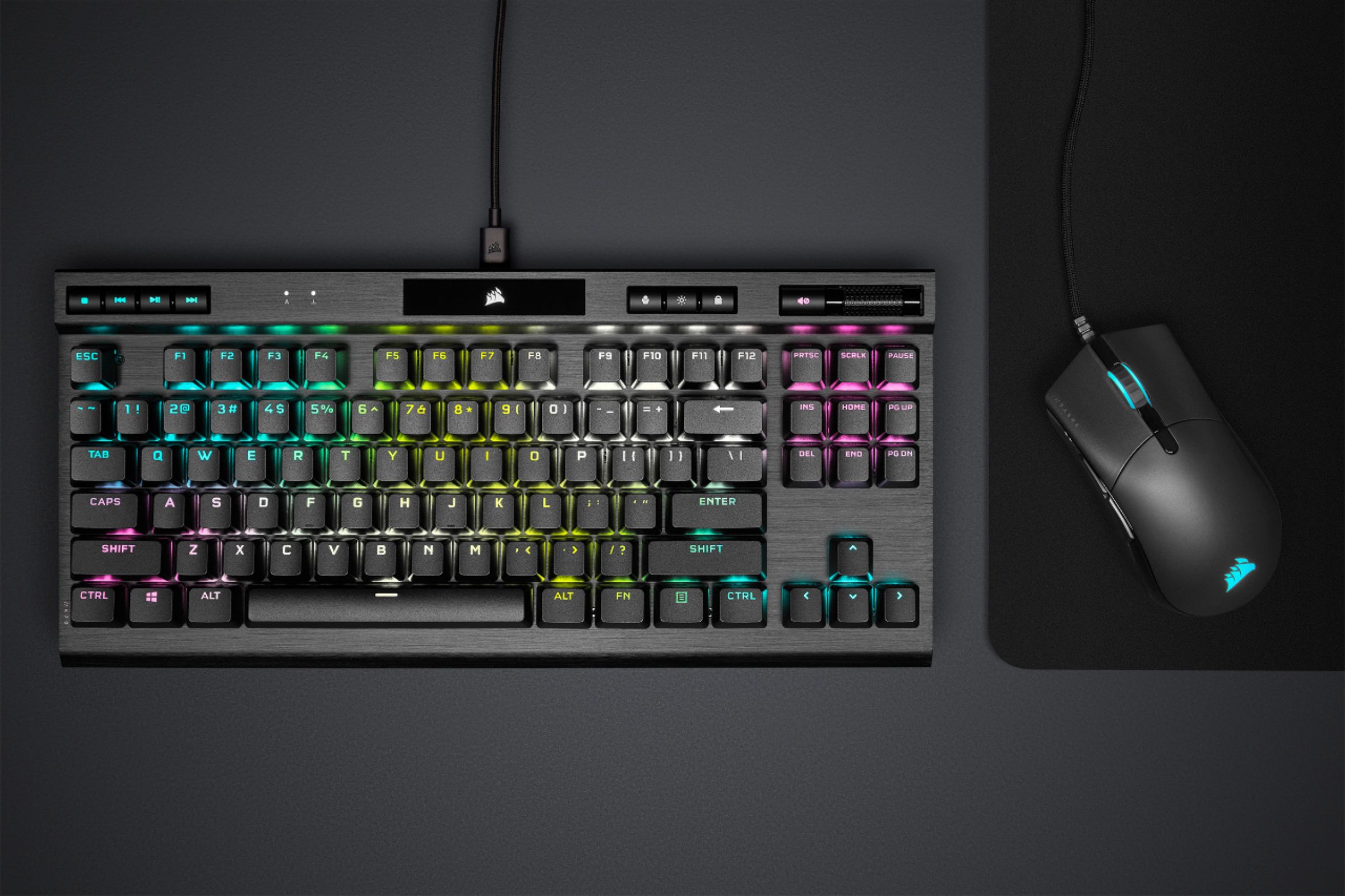
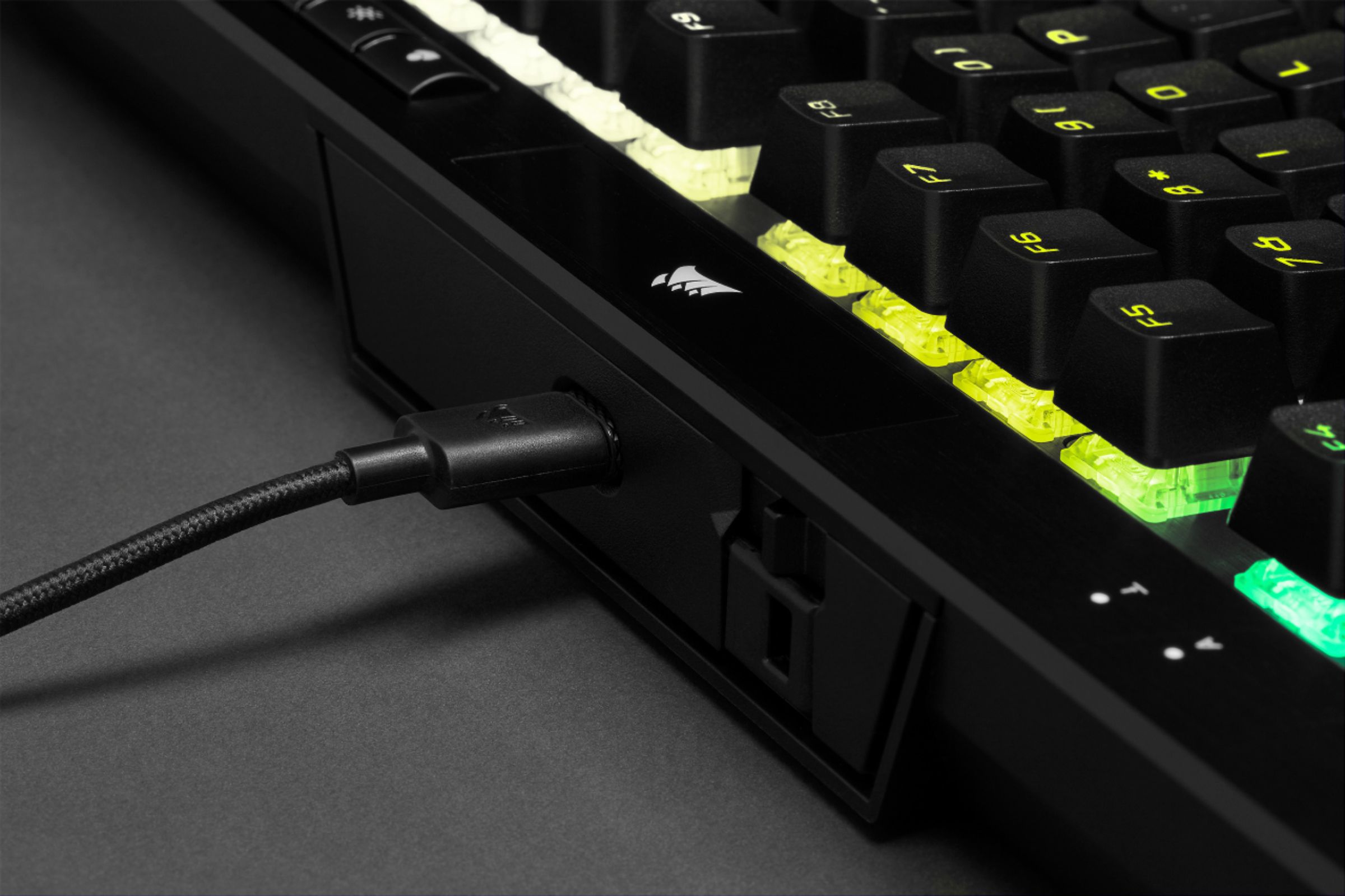
|Posted .This reviewer received promo considerations or sweepstakes entry for writing a review.The K70 RGB TKL (Tenkeyless Mechanical Keyboard) Champion Series is a great all-around keyboard, with cherry switches, full-key rollover, and plenty of onboard memory for profiles. The keyboard is compatible with Windows 10 and macOS 10.15+. It is hard to review a keyboard without simply restating what’s available in the product description, so I’m going to focus on my experience with the described features. This is my first keyboard with a USB Type-C cable and I am not buying another keyboard without one! The convenience of removing the cable for transport and ease of replacing are major advantages. With the iCUE software you can have up to 50 onboard profiles, and there are 5 dedicated media hotkeys and a volume roller! The volume roller seems like a simple add on, but it was a lot more functional than volume up/down keys or a circular dial. The lighting is fully customizable via the iCUE software, and there are 10 key activated lighting effect shortcuts. The keyboard has a physical “Tournament Mode” mode switch that changes the back lighting to a single color, prevents any pre-programmed actions/macros, and allows it to function as a “regular” keyboard without having to switch profiles in the iCUE software. Corsair makes a good keyboard, but the accompanying software is what sets their products apart from the competition. The iCUE software controls the following: *Key assignments in the software that will be active if iCUE is running, and hardware assignments that will work when the software isn’t running. *Lighting Effects – software and hardware based. *Performance – controls keys and key combinations when Win Lock is on. *Device Settings – controls polling rate, layout, etc. The keyboard itself has a great “feel” to it. This is to be expected from a keyboard with this hardware, but the “Champion Series Functions” left me wanting more. I could not tell the difference between having 8000hz hyper polling on and having it off. The tournament mode switch so far as I can tell just stops iCUE from detecting the keyboard, therefore not allowing you to turn on hyper polling in iCUE. I can easily recommend this keyboard if you need a portable sized TKS keyboard, but I would not make the “Tournament Mode” the deciding factor in my purchase.
I would recommend this to a friend - Pros mentioned:Key feel, Size
Good quality compact keyboard
|Posted .This reviewer received promo considerations or sweepstakes entry for writing a review.Pros: Size is nice and small. Key feel is nice. Volume control is good. Power cord is removable. Lighting software works very well. Cons: Lack of macro keys (very minor con) Lack of a number keypad and wrist pad. Good quality compact keyboard. Lacks some minor features like macro keys and a number keypad but the compact size makes up for it. Wrist pad would have been preferred.
I would recommend this to a friend CHEAPLY made keyboard!!! NOT worth it.
||Posted . Owned for 2 months when reviewed.This reviewer received promo considerations or sweepstakes entry for writing a review.Highly DO NOT RECOMMEND this keyboard. It functions well, but many of the plastic pieces are cheaply made. After using this keyboard for 1 month, one of the back tilt legs broke off. I BARELY ever moved the keyboard, and one day when I moved one of the tilt legs, a plastic piece broke off and has since been not useable. I have to use a notepad to stand the keyboard up and it is very annoying to use now. I reached out to Corsair as this is covered under warranty, but it has now been a month since I established contact with them and it hasn’t even left their warehouse. If you’re considering this keyboard DON’T do it!!! The hassle isn’t worth it. Go with the HyperX or Logitech.
No, I would not recommend this to a friendBrand response from Corsair Art
Posted .Hi letsgoHEAT,
Sorry to hear that one of the legs broke, we'd like to help! Please reach out to our support team so we can work with you directly: support.corsair.com
-Brian
Made of plastic
||Posted . Owned for less than 1 week when reviewed.This reviewer received promo considerations or sweepstakes entry for writing a review.Really disappointed, had many keyboards and they all had aluminum frame, this is just cheap plastic, even though in puctures they try to show it is nade if metal, really disappointed in corsair
No, I would not recommend this to a friendBrand response from Corsair
Posted .Hi Archie,
The K70 RGB TKL features a durable aluminum frame. If you received otherwise, please get in touch with us: support.corsair.com
-Albert
- Pros mentioned:Size
Great Item to add
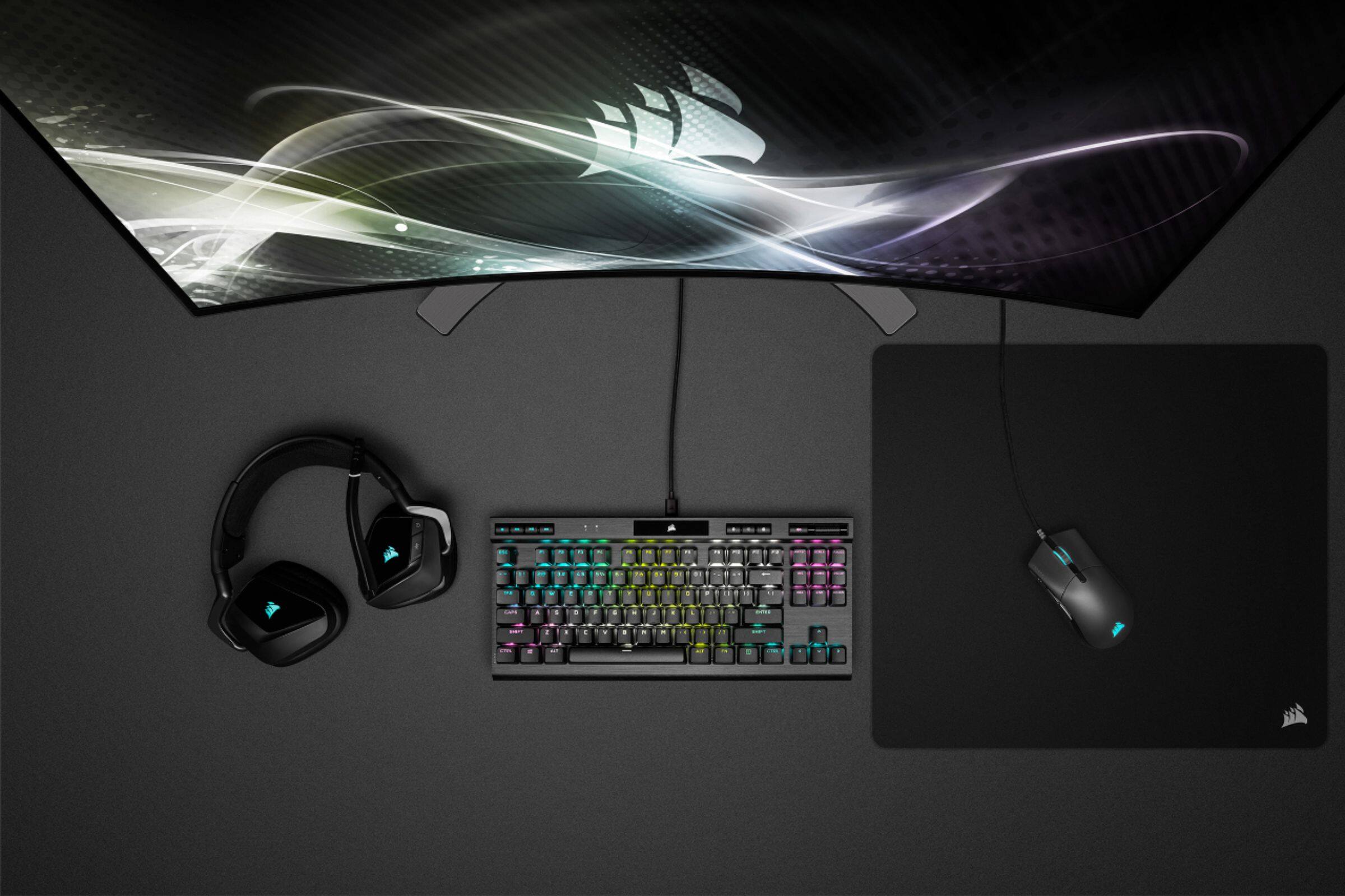
|Posted .This reviewer received promo considerations or sweepstakes entry for writing a review.So having this now for a while, and put a good number of hours... the vast majority of people are going to love this keyboard. First, you will notice that it is much smaller, why... no number pad. For those that use a number pad on occasion, there are many options out there to add one for that limited usage. I love not having the number pad, on my keyboard try, gives me more room for my mouse. Now for the usage as a keyboard... The bigger keys, and the push back on them are great. typing/coding all day, having a responsive keyboard is awesome, and maybe I am old school... but I love the larger keys. Being wired, you have no concerns on a delay or it losing connection, or running out of batteries. I personally turn off the lighting, as that is just not something I need all day long as I use the keyboard. Great addition for the power desktop, or the mobile laptop. It's smaller size allows it to travel much better...
I would recommend this to a friend - Pros mentioned:Keyboard quality
Excellent keyboard with great RGB
|Posted .This reviewer received promo considerations or sweepstakes entry for writing a review.I have been really impressed with this keyboard so far. I have had a handful of TKL keyboards, including wireless models that I have enjoyed. This new Corsair TKL has been great. Solid build quality with a nice weight to it...without being overly heavy. Centered USB-C port for quick and easy cable management and easy disconnect for gaining more desk space. The media controls and volume wheel are excellent, and great features to have on a more compact keyboard. TKL keyboards are great, but too often you miss out on a lot of convenience features. It is nice to see the convenience features were not removed on this model. Gaming performance is excellent, and I have had no issues with the Cherry MX Speed switches. I prefer typing on tactile switches, but these haven't been bad for general use. Gaming is butter smooth and the keyboard has felt great.
I would recommend this to a friend