Customer Ratings & Reviews


- Model:
- CH-9127414-NA
- SKU:
- 6394003
Rating by feature
- Value
Rating 4.4 out of 5 stars
- Quality
Rating 4.9 out of 5 stars
- Ease of Use
Rating 4.7 out of 5 stars
Customers are saying
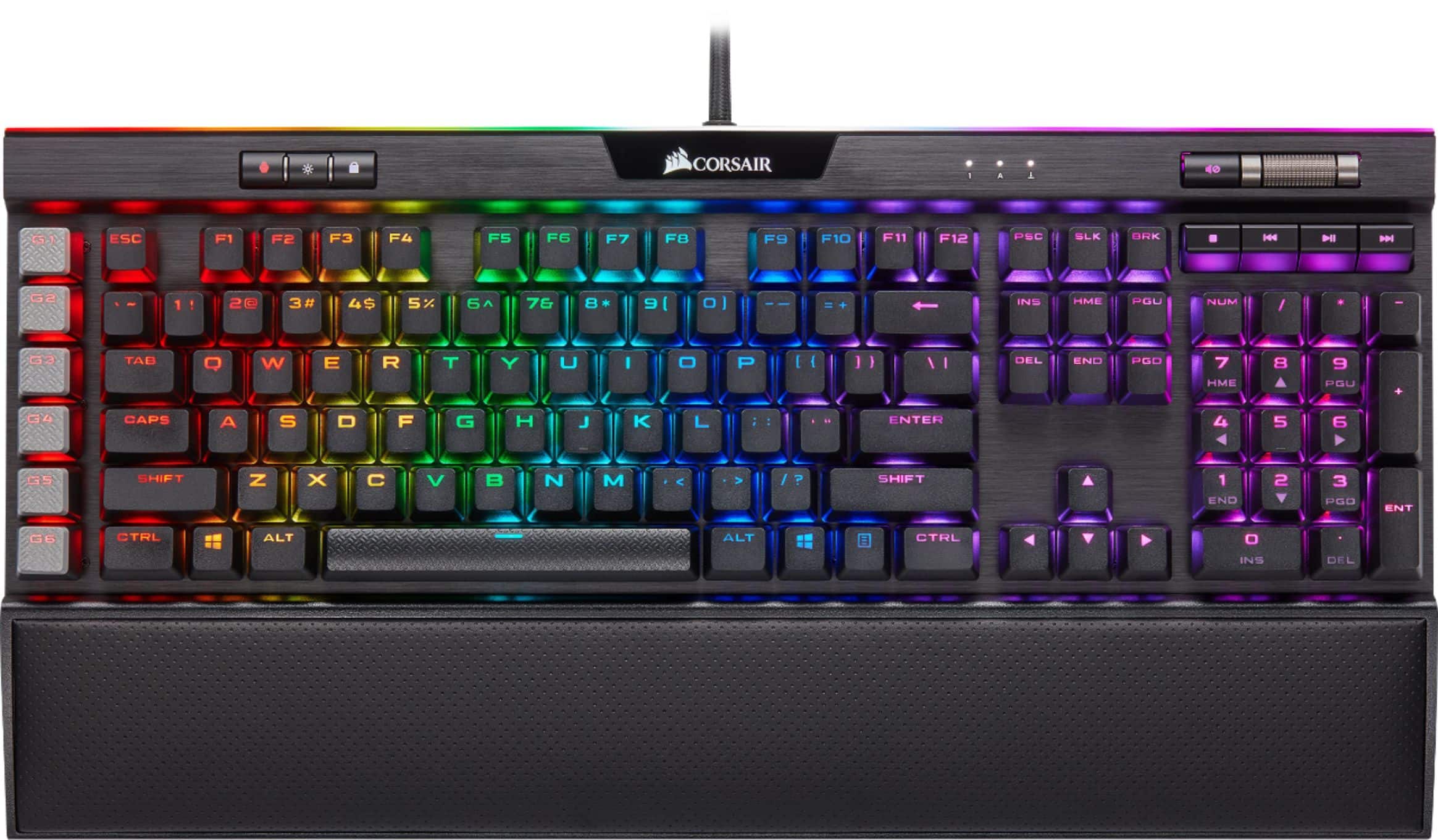
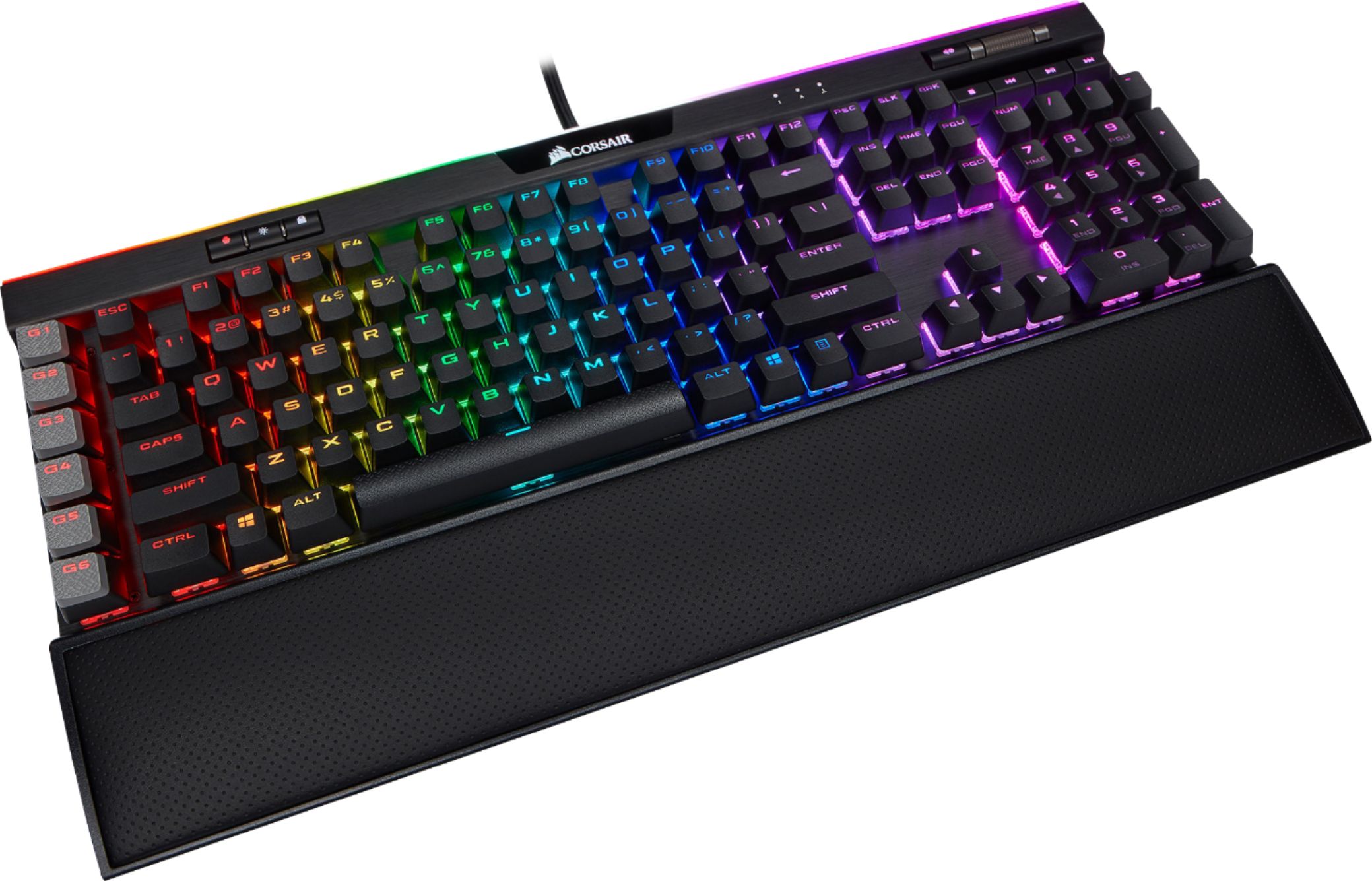
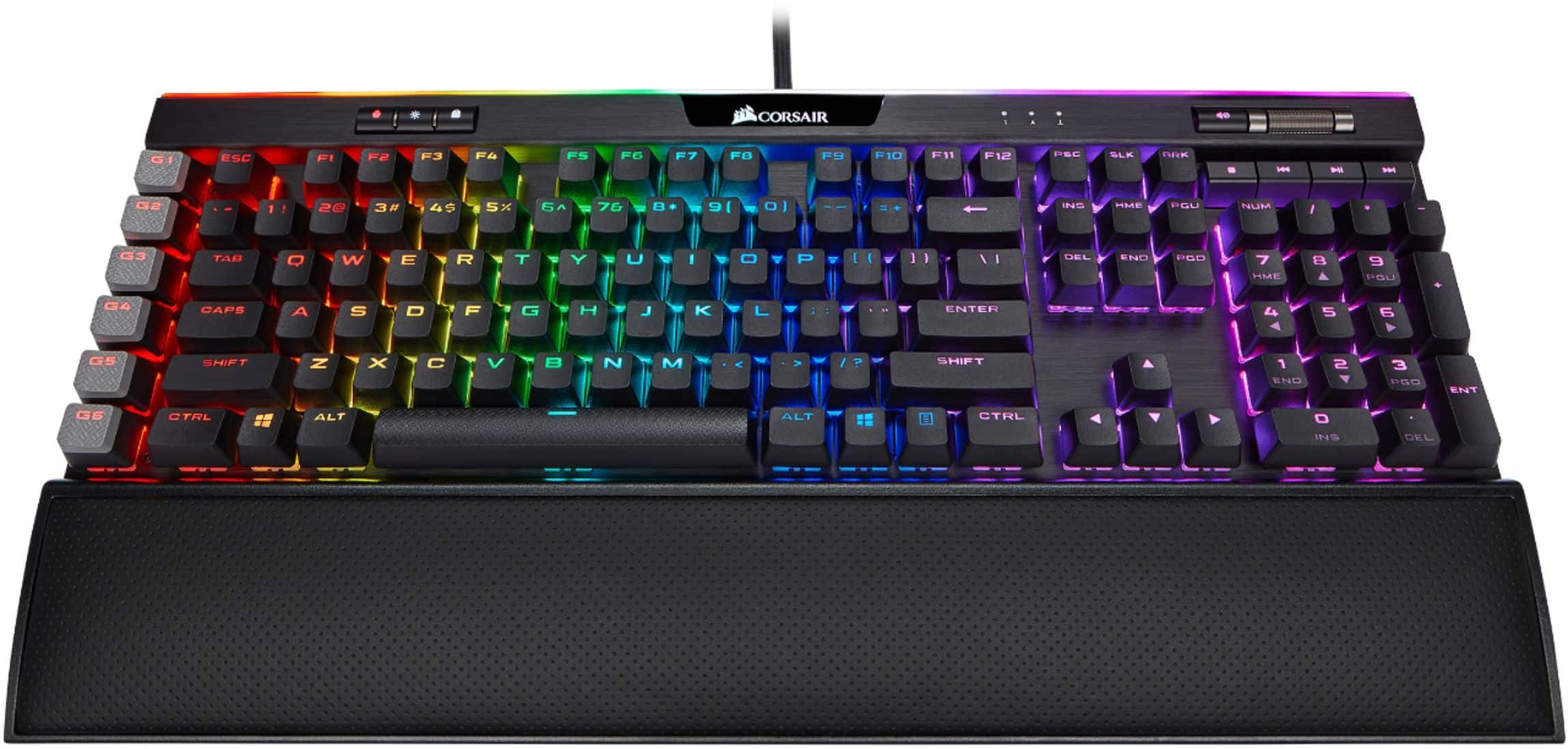
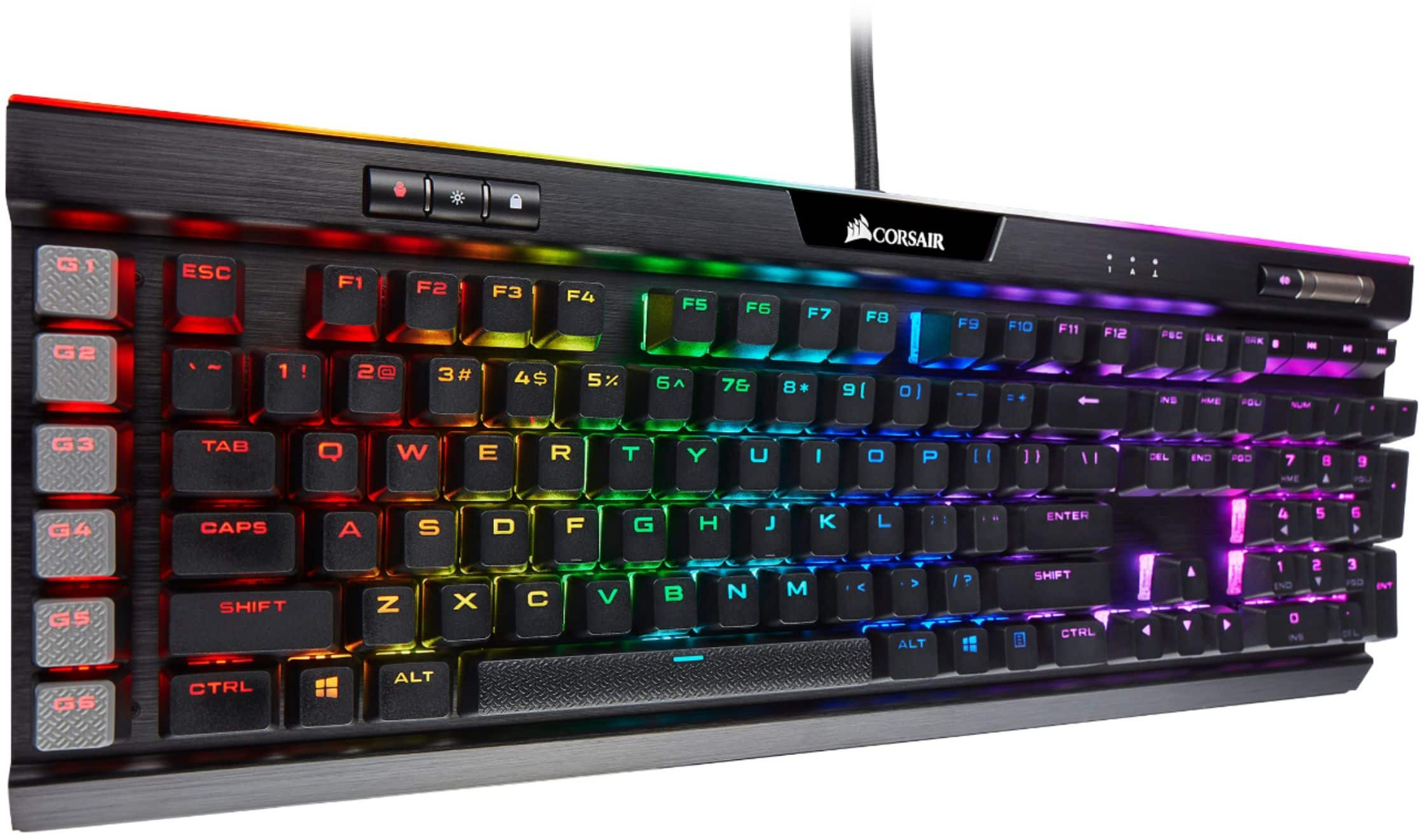
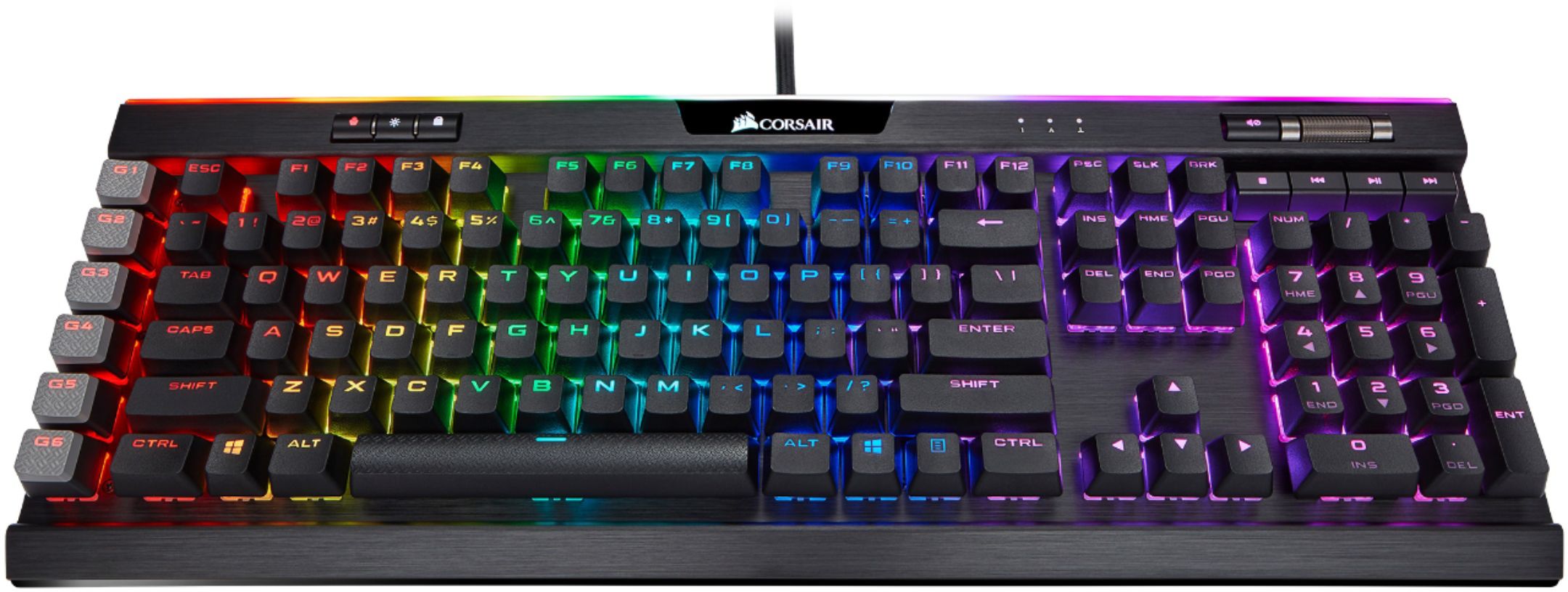
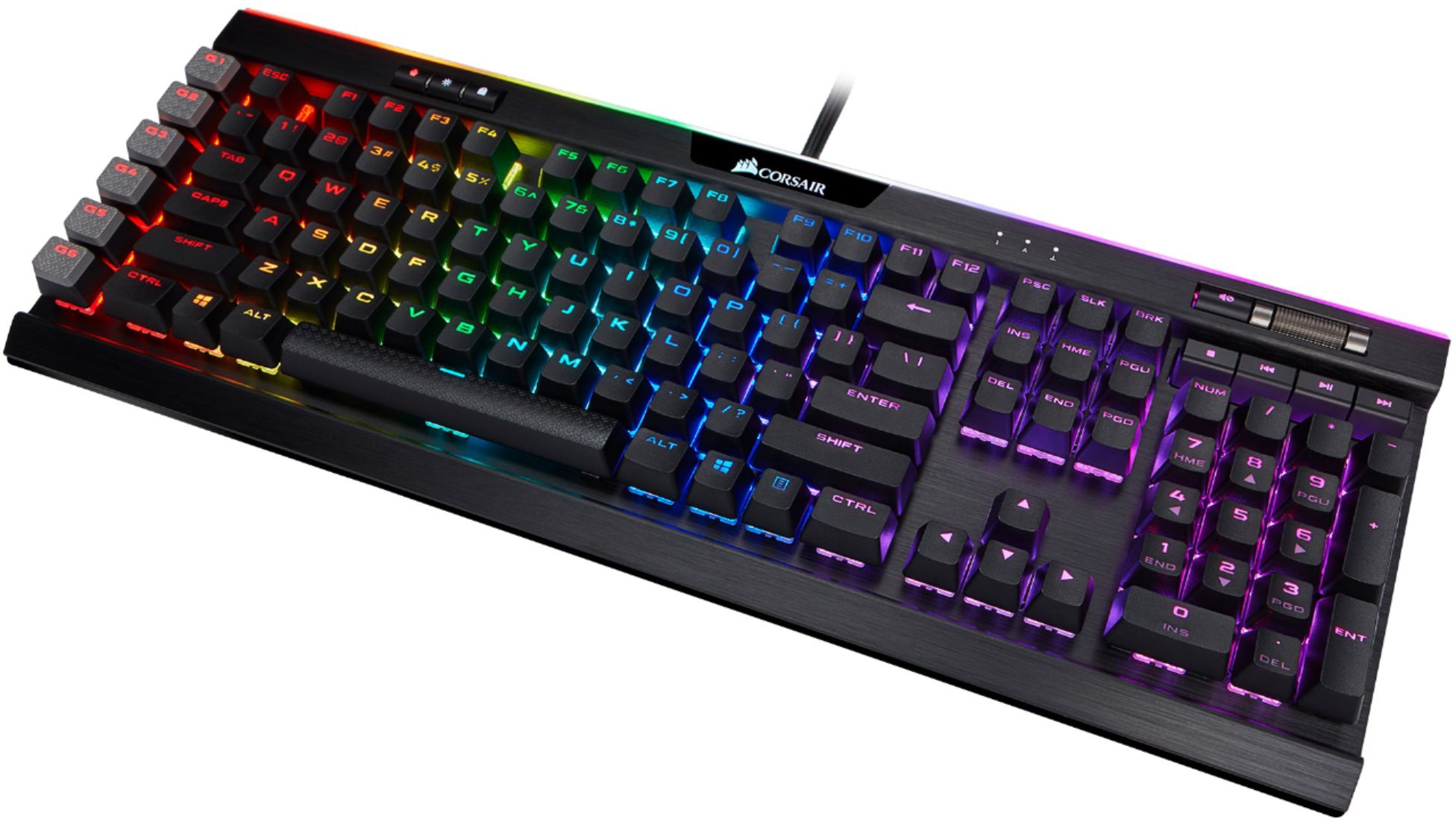
Customers praise the K95 RGB PLATINUM XT keyboard's high-quality build, vibrant RGB lighting, and comfortable wrist rest. Many appreciate the ease of use and extensive customization options offered by the software. However, some find the keyboard expensive. A few users have expressed mixed opinions regarding the switch responsiveness.
This summary was generated by AI based on customer reviews.
Amazing
||Posted . Owned for 1 week when reviewed.This reviewer received promo considerations or sweepstakes entry for writing a review.Very good love the pad for the keyboard. Would reccomend!
I would recommend this to a friendCorsair Keyboard
||Posted . Owned for 1 week when reviewed.This reviewer received promo considerations or sweepstakes entry for writing a review.Very vibrant colors and not too loud and easy to navigate
I would recommend this to a friendGreat gaming gear
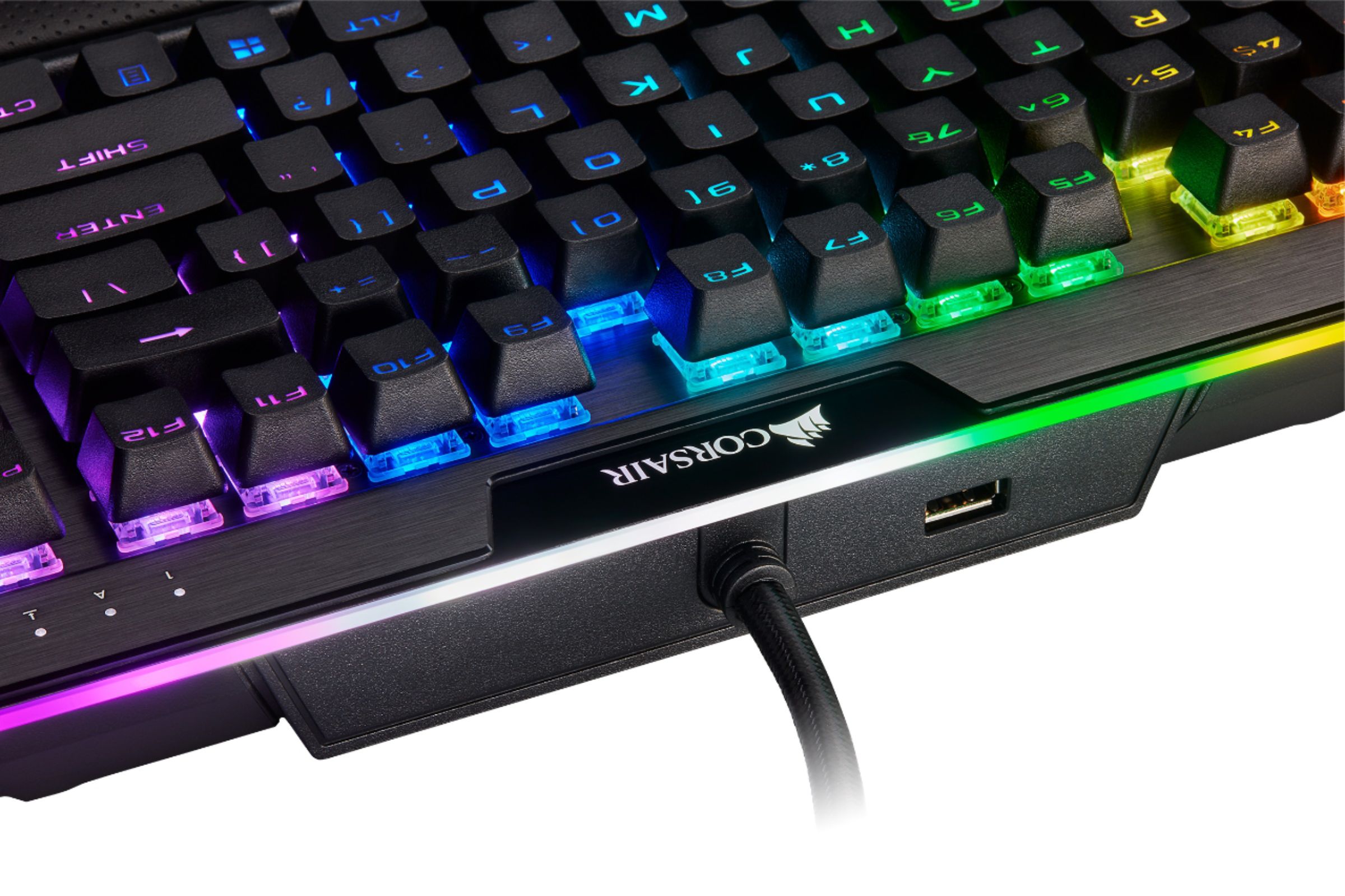
||Posted . Owned for 1 week when reviewed.This reviewer received promo considerations or sweepstakes entry for writing a review.Looks amazing and very responsive and has a USB port on it
I would recommend this to a friendCorsair platinum
||Posted . Owned for 1 month when reviewed.This reviewer received promo considerations or sweepstakes entry for writing a review.Awesome keyboard but the stands that keep the back up are weak they collapse when moving keyboard left to right but other than that great keyboard
I would recommend this to a friendLove this Corsair keyboard
||Posted . Owned for 3 months when reviewed.This reviewer received promo considerations or sweepstakes entry for writing a review.I bought it when it went on sale and Im still loving it.
I would recommend this to a friendExcellent gift for gaming
||Posted . Owned for 3 weeks when reviewed.This reviewer received promo considerations or sweepstakes entry for writing a review.My son was thrilled with his Christmas gift this year!
I would recommend this to a friendgood purchase, very easy to do during Covid
||Posted . Owned for 1 month when reviewed.This reviewer received promo considerations or sweepstakes entry for writing a review.Grandson, age 21, loves this keyboard. It was a gift for him
I would recommend this to a friendBest of the Best!
||Posted . Owned for 3 weeks when reviewed.This reviewer received promo considerations or sweepstakes entry for writing a review.Outstanding gaming keyboard. Works great with our PS4
I would recommend this to a friendGreat keyboard
||Posted . Owned for 1 month when reviewed.This reviewer received promo considerations or sweepstakes entry for writing a review.Awesome gaming keyboard fast response ever great feeling
I would recommend this to a friendGreat
||Posted . Owned for 1 week when reviewed.This reviewer received promo considerations or sweepstakes entry for writing a review.Upgrading from k55. Amazing keyboard, but a bit loud.
I would recommend this to a friendGreat Keyboard
||Posted .This reviewer received promo considerations or sweepstakes entry for writing a review.Low actuation means it takes some getting used to but after awhile, typing becomes a whole lot better. Quieter than brown switches which is great.
I would recommend this to a friendOne of the best keyboards on the market
||Posted . Owned for 3 weeks when reviewed.This reviewer received promo considerations or sweepstakes entry for writing a review.Amasing keyboard, and ive had zero issues with Icue.
I would recommend this to a friendLove the keyboard
||Posted . Owned for 1 month when reviewed.This reviewer received promo considerations or sweepstakes entry for writing a review.Like how u can leave it at a single color an it’s awesome
I would recommend this to a friendGreat key board
||Posted . Owned for 1 week when reviewed.This reviewer received promo considerations or sweepstakes entry for writing a review.Very great key board satisfied very much. I would by again
I would recommend this to a friendGreat Keyboard for gaming
||Posted . Owned for 3 weeks when reviewed.This reviewer received promo considerations or sweepstakes entry for writing a review.Perfect for gaming and response is absolutely amazing
I would recommend this to a friendNice reliable keyboard
||Posted . Owned for 3 weeks when reviewed.This reviewer received promo considerations or sweepstakes entry for writing a review.Nice reliable keyboard. Neat background lighting.
I would recommend this to a friendDisappointed in the product
||Posted .This reviewer received promo considerations or sweepstakes entry for writing a review.Switching over from a razer gaming keyboard i noticed this thing sits an extra inch higher and my knuckles now scrape the desk since its on the under shelf. Also I feel like this keyboard is too sensitive as the slightest brush and you log the key and have lots more typos when typing. It appears they raised the keyboard keys a bit so the rbg lights would show more. I would not have purchases if i knew this at this point.
No, I would not recommend this to a friendBrand response from Corsair Art
Posted .Hello,
Sorry to hear this wasn't a match for you. If you have something our team can help with still, please reach out: support.corsair.com
-Art
This is a good keyboard
||Posted . Owned for 3 weeks when reviewed.This reviewer received promo considerations or sweepstakes entry for writing a review.I bought this keyboard for my brand new system I just built. I had to return a corsair wireless keyboard that didn't work to get it. I have used alot of corsair products in the past and had no issues. This one came with missing Key caps out of the sealed box. The company made it right and luckily it was non essential keys. However with this being 3 products from corsair i have had to return im beginning to question there build quality.
No, I would not recommend this to a friendBrand response from Corsair Art
Posted .Hi,
That's extremely unfortunate and not something I've seen happen before. I am glad, however, that we were able to help. If you need any assistance at any time again, please reach out: support.corsair.com
-Art
- Pros mentioned:Keyboard quality, Wrist rest

Great keyboard experience with added features
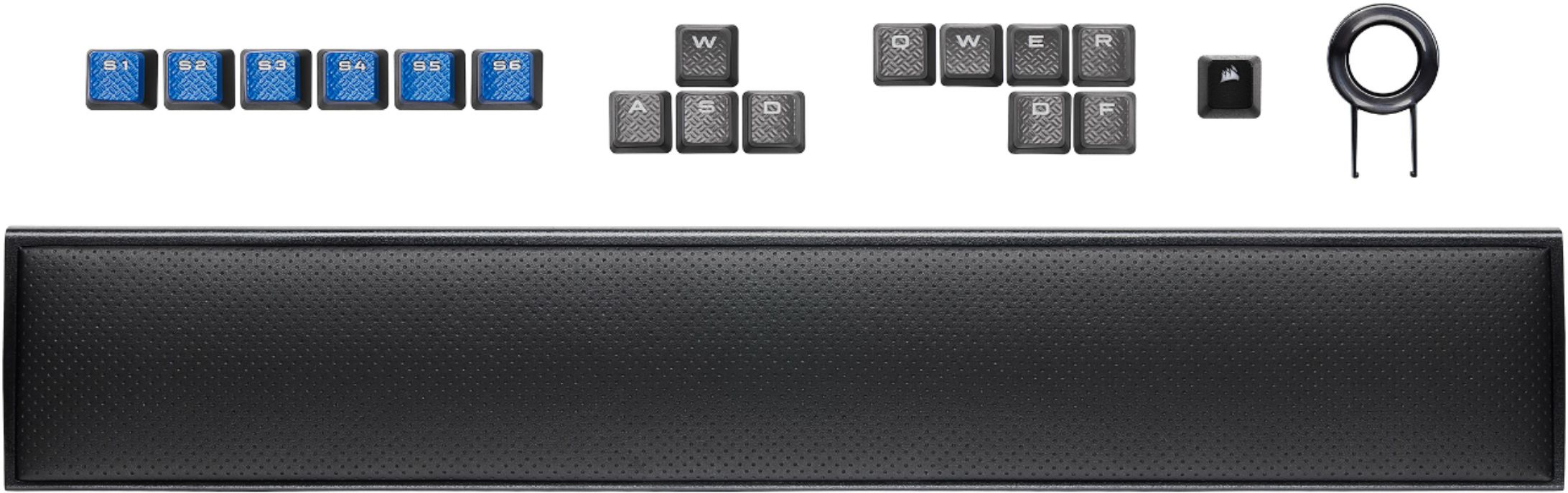
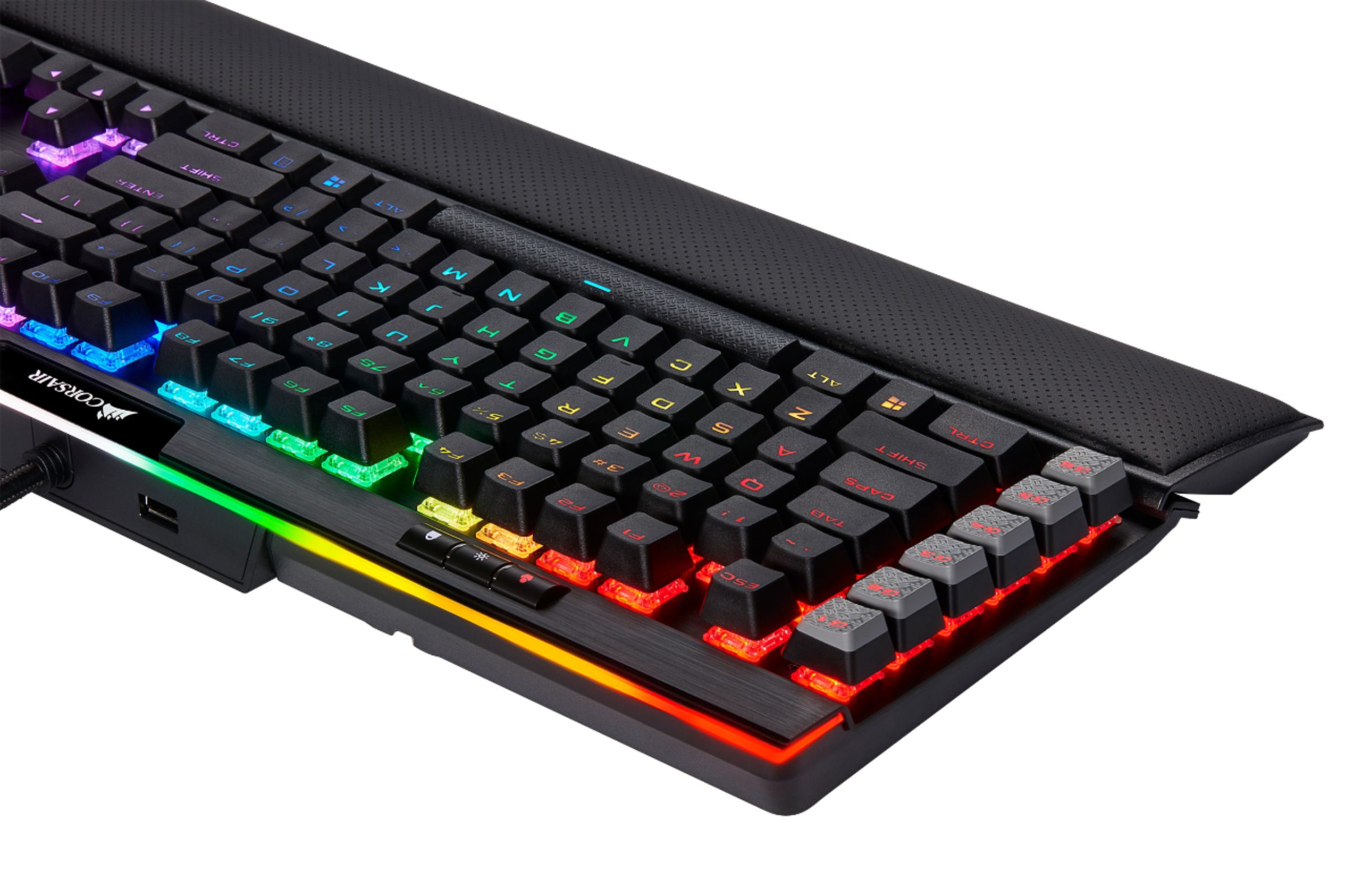
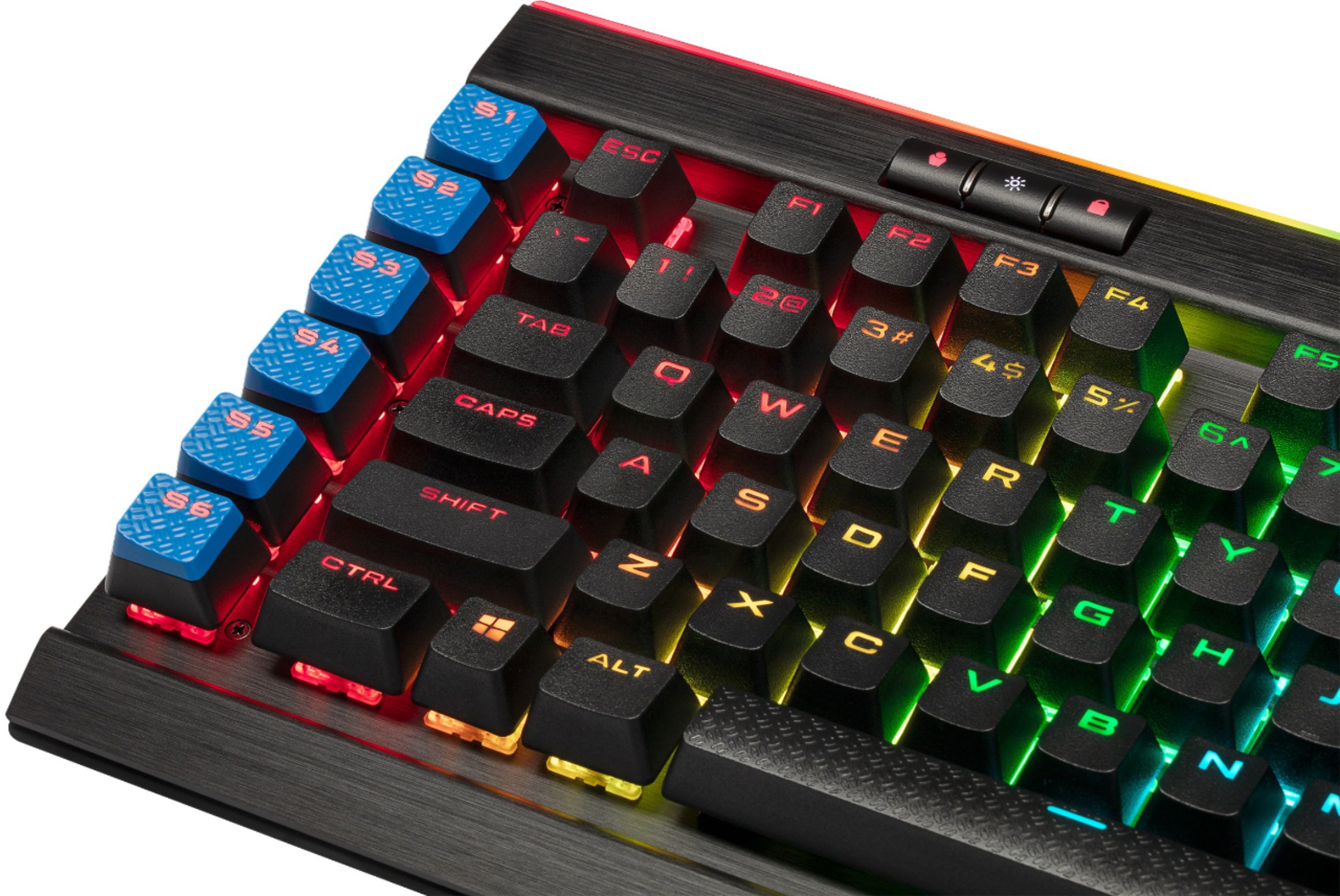
|Posted .This reviewer received promo considerations or sweepstakes entry for writing a review.This keyboard provides a wonderful typing and gaming experience that’s easy to use and comfortable. On top of that, it has Elgato streaming functionality built in which replaces the need for the Elgato streaming deck. If you stream your gaming sessions you should definitely consider this keyboard, but even if you don’t the typing feel, palmrest and customization (with the colors, which are obviously not necessary) make this a keyboard worthy of a closer look. IN THE BOX In the box you get the keyboard, which houses a sturdy braided dual prong USB plugs that’s about 4-5 feet in length (a guesstimation). All you need to know is that it’s plenty long for use in virtually every scenario where you’re sitting at a desk to play. You also get so-me extra keycaps (more on that in a moment) and an underrated palm rest which snaps into the keyboard. SETUP Is obviously straightforward, you plug and play. The only thing that gave me second pause was the dual pronged USB cable. This keyboard requires two USB 3.0 ports. Luckily the single braided cable splits at the last 10 inches or so which allows you the flexibility to plug into two USB ports that aren’t necessarily side-by-side. USE AS A KEYBOARD Honestly, the best thing about this keyboard is the typing experience. I get it, it’s tailored towards gamers, and the light effects might be a little much depending on your office setting (should you use it at work like I do) but the mechanical keyboard is a pleasure to type on. In my job, I’m typing a lot, and having nice equipment makes the job more enjoyable. The keys can a little “clicky” sounding and might annoy people if you work with people in a small space, but it is just a satisfying experience. In fact, I much enjoy this keyboard over other mechanical keyboards (granted, I haven’t tried a whole lot, but Logitech and Alienware gaming keyboards I have). And I really like the numberpad to the right. For me, it just provides a lot use outside of gaming (on computers, my work to play games ratio is like 80/20). FEATURES I want to start with the lighting. I am a big fan of lit keyboards and mice. To me, it spices up what are otherwise dull instruments that people use seemingly everyday. With the Corsair iCUE software you can customize each key individually, I simply go with the presets which are enough for me. Before I get into the main feature of this keyboard, the Elgato stream deck interface, there’s one more thing I want to mention and that’s the included keycaps. Me personally, I’ve always assumed I could get replacement keycaps for my Alienware and Logitech keyboard, so I’ve never seen a keyboard come with them. This keyboard comes with additional WASD and a few other letter keycaps that aren’t just replacements, but have a slightly concave shape and textured feel making them easier to locate when looking at your computer. For those unfamiliar, the WASD keys are primarily used in FPS for movement of your character. While some keyboards might change the colors for these specific keys (which you can do with this model) having a distinct texture on them makes it easy to locate them without looking down. This was something I didn’t think much of until I tried it and I really like. The only minor caveat is that it can feel a little awkward when typing. But the keyboard comes with an easy tool to pop the keys out if they bother you. Really the feature that distinguishes this keyboard from others (and likely why it’s priced as a premium product, although I contend use as a quality keyboard for gaming or otherwise is justified by its performance regardless if you utilize the Elgato features) is the Elgato stream deck. If you are a dedicated streamer, you know all about Elgato (and surely more than me) but if you’re someone that’s never heard of it, or has heard of it but has no idea what it does, it is a system of shortcut keys that offer different functions in a variety of gaming streaming services. Take the most well known, Twitch for example, you can use Elgato to make shortcut keys that might send a precomposed chat message to your chat message board, show you the number of persons viewing your stream, or to quickly create a video clip. You can even use them for standard system functions, like a shortcut to a website. One way of utilizing the Elgato software (at least the easiest) is to get a stream deck, which a separate device on your desktop where you can program the buttons to perform various functions (and to be clear, Twitch is obviously not the only service that works with Elgato, YouTube is another, Twitter and other programs that non-Elgato users have probably never heard of. This Corsair keyboard builds in the stream deck to the keyboard so you don’t waste space on your desktop with a deck. To accomplish this, there are 6 macro keys lined vertically to the far left of the keyboard. Whiler it doesn’t have the 15 buttons the Elgato stream deck has, if you don’t need that many shortcuts, this keyboard is a great alternative to streamline things. I mentioned keycaps earlier, well you get blue keycaps that can replace the standard G# keycaps that represent Elgato functions (granted you don’t need to have the bluecaps on that’s more for aesthetics). You simply download the Elgato AND iCUE software. Once that’s done, you’ll get a hovering menu that represents the Elgato stream deck buttons. You have to add your accounts (like Twitch or YouTube for example) within the menus, then you simply drag the function you like to the shortcut on the hovering window and voila, you’re done. I’m not much of a video game streamer, but I do like to record some clips and I use the Elgato functions for system processes like opening the game I’m currently playing the most or going to a website I visit everyday. The point being Elgato isn’t strictly for those that are live streaming their gameplay. As a still relatively new PC gamer, I found the iCUE and Elgato software very intuitive and easy to navigate. There were a lot of functions, especially in the iCUE that I don’t bother but it’s nice to know I have those options. Most people are probably fine with the default settings, but I think having that level of customization really broadens the appeal to a wider net of folks. CONCLUSION All in all, this is a fantastic keyboard. Like I said, I think the typing experience and customization of the colors alone makes it a worthy purchase. The Elgato features is just icing on the cake. If you are someone who uses a computer a lot, whether for work or play, this keyboard is worth a look. I use it for both and couldn’t be happier. While I don’t stream games on a regular basis (no one really wants to watch my play Far Cry 5) I do find some usefulness in the Elgato stream deck features. And I feel confident that those that are legit streamers who want the Elgato functionality, would find a perfect balance of features with this keyboard without necessitating having to purchase a separate stream deck.
I would recommend this to a friend Good for gaming
||Posted . Owned for less than 1 week when reviewed.This reviewer received promo considerations or sweepstakes entry for writing a review.Works great for my MOBA and FPS needs. Weird bug with program cause I have the mouse too but a google search fixed it.
I would recommend this to a friend