Customer Ratings & Reviews
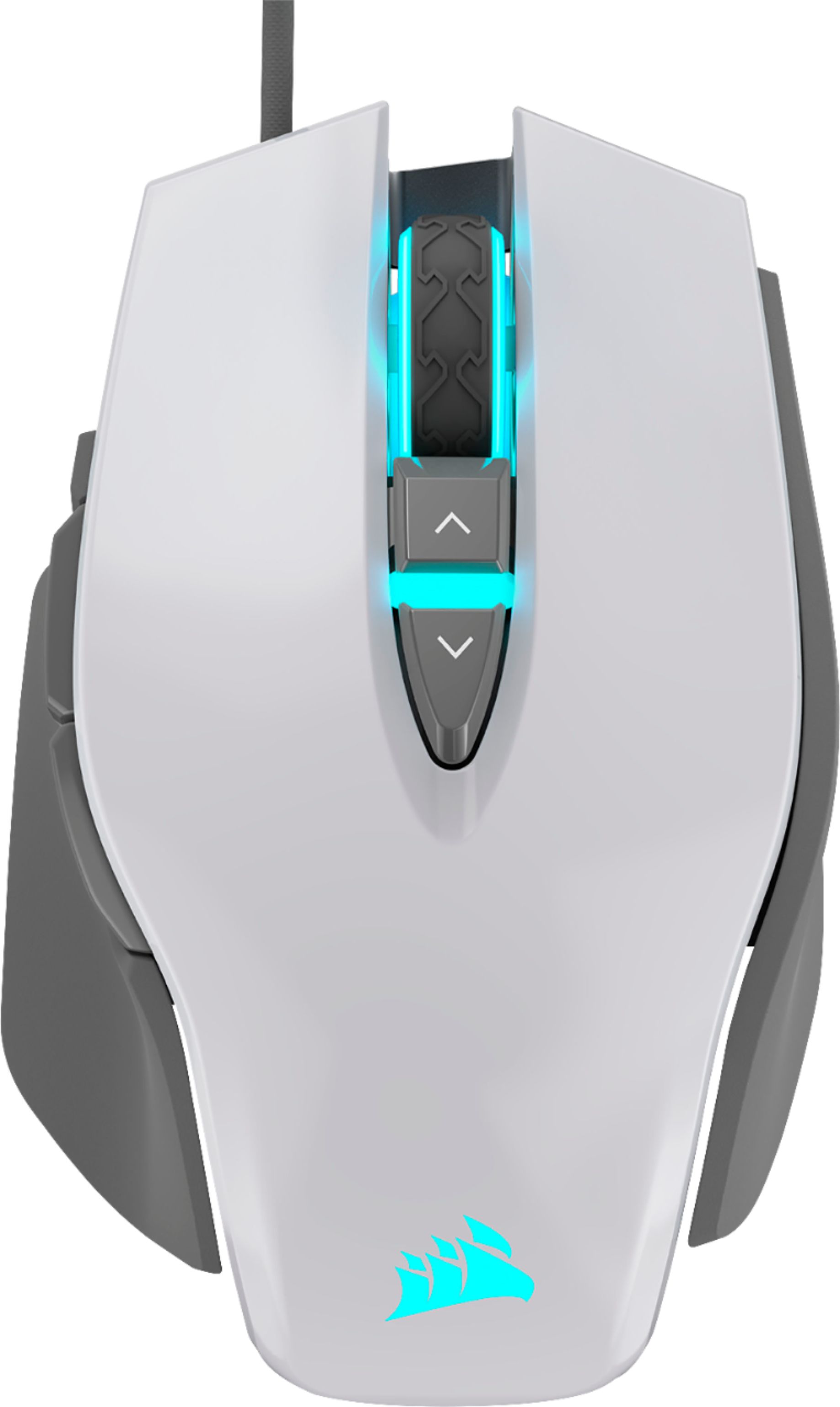
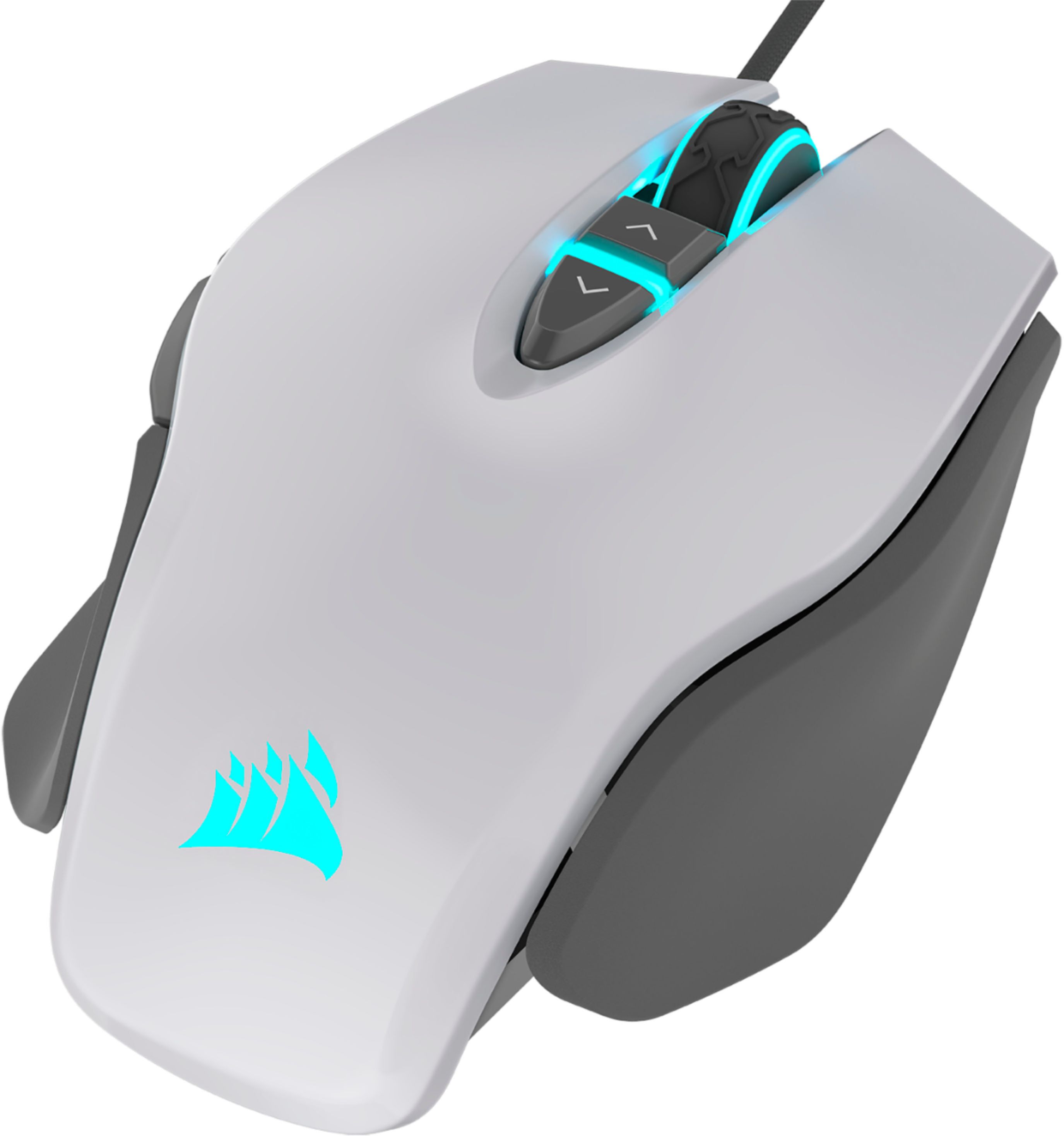
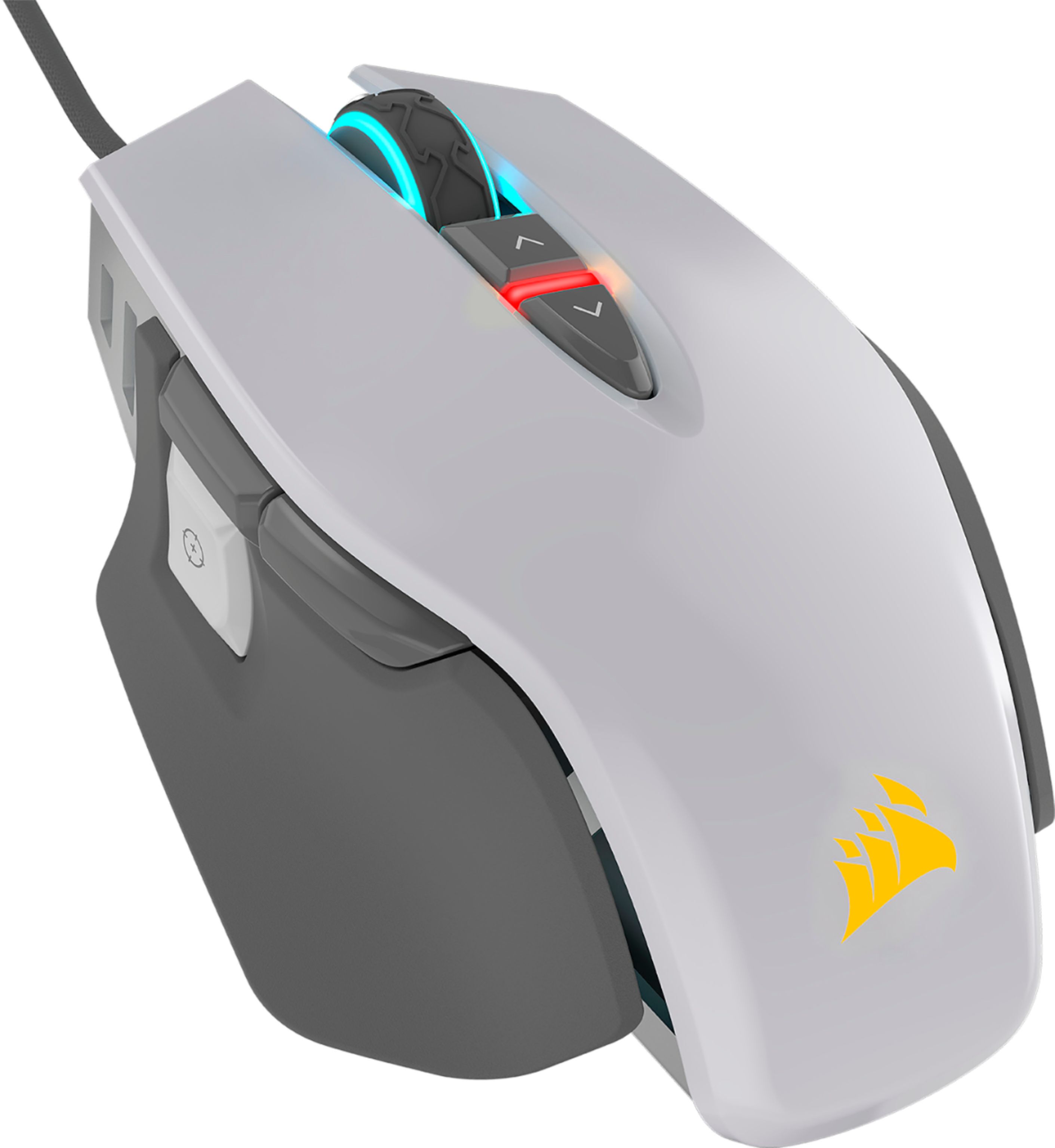
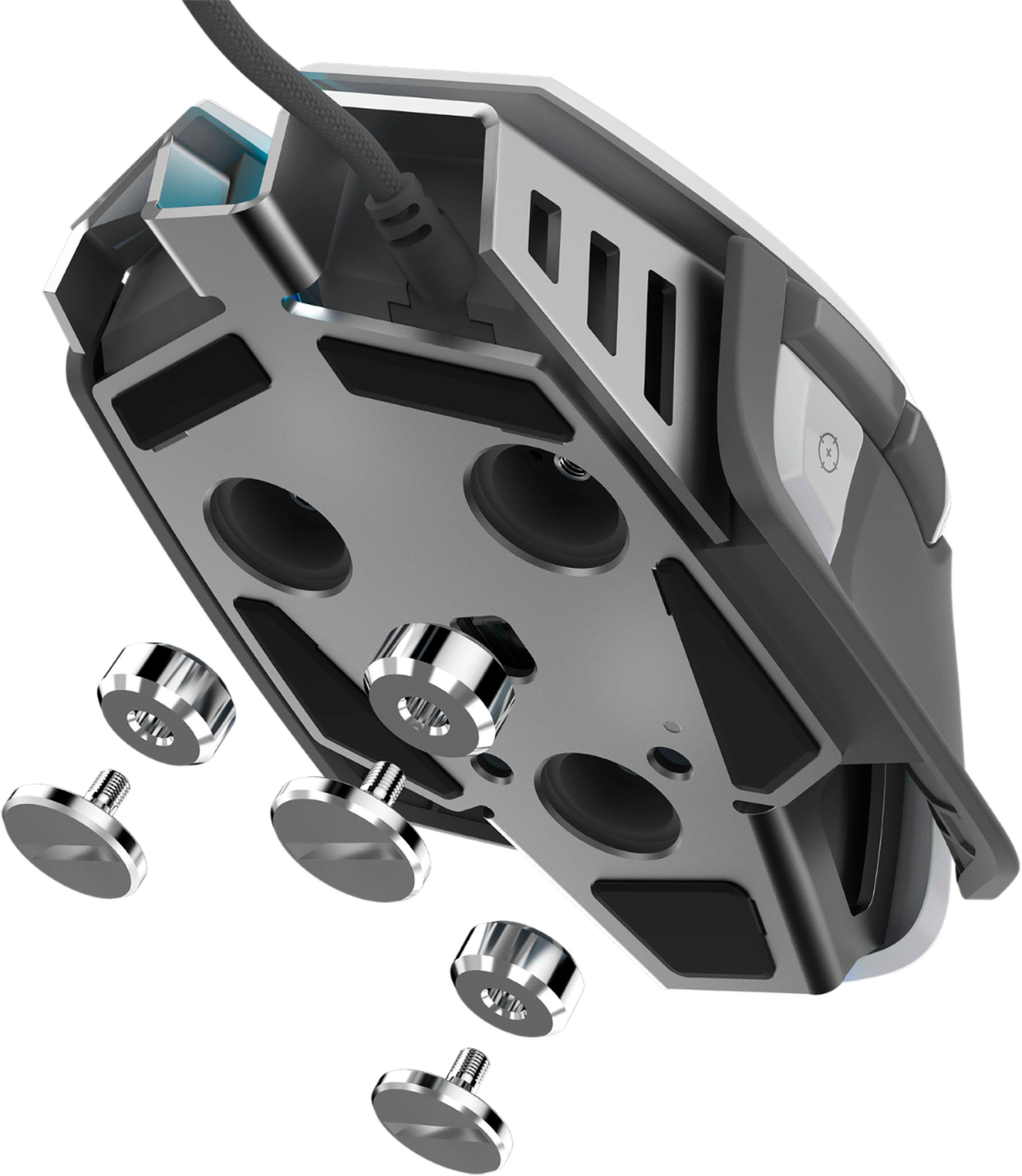

- Model:
- CH-9309111-NA
- SKU:
- 6296531
Rating by feature
- Value
Rating 4.4 out of 5 stars
- Quality
Rating 4.4 out of 5 stars
- Ease of Use
Rating 4.6 out of 5 stars
Customers are saying
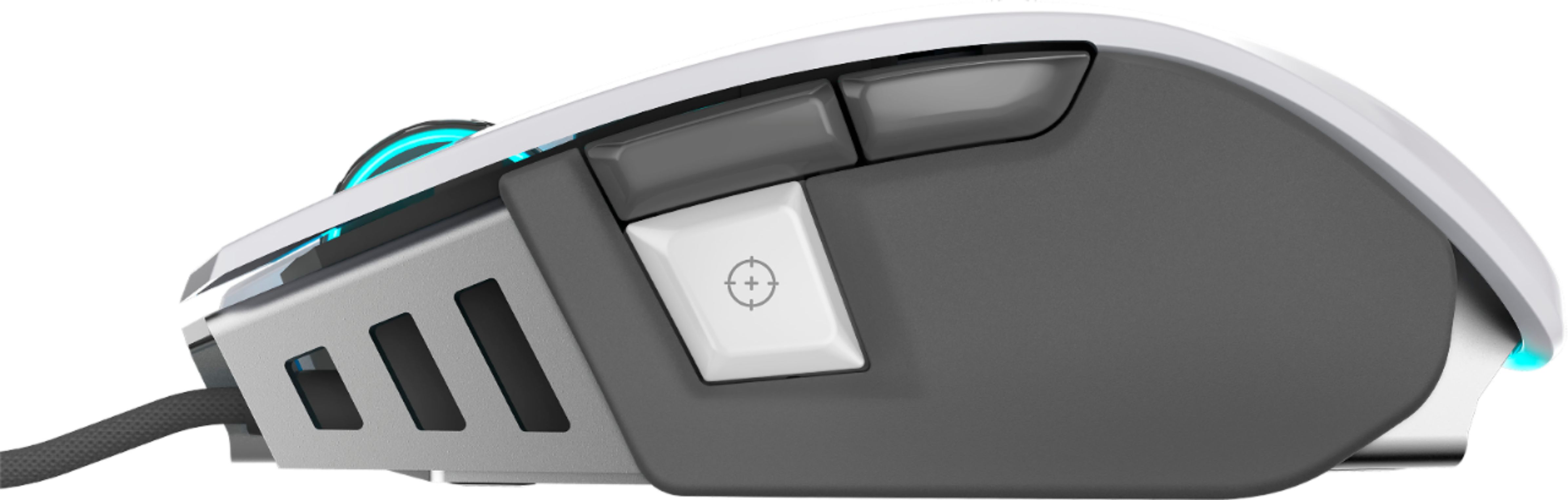
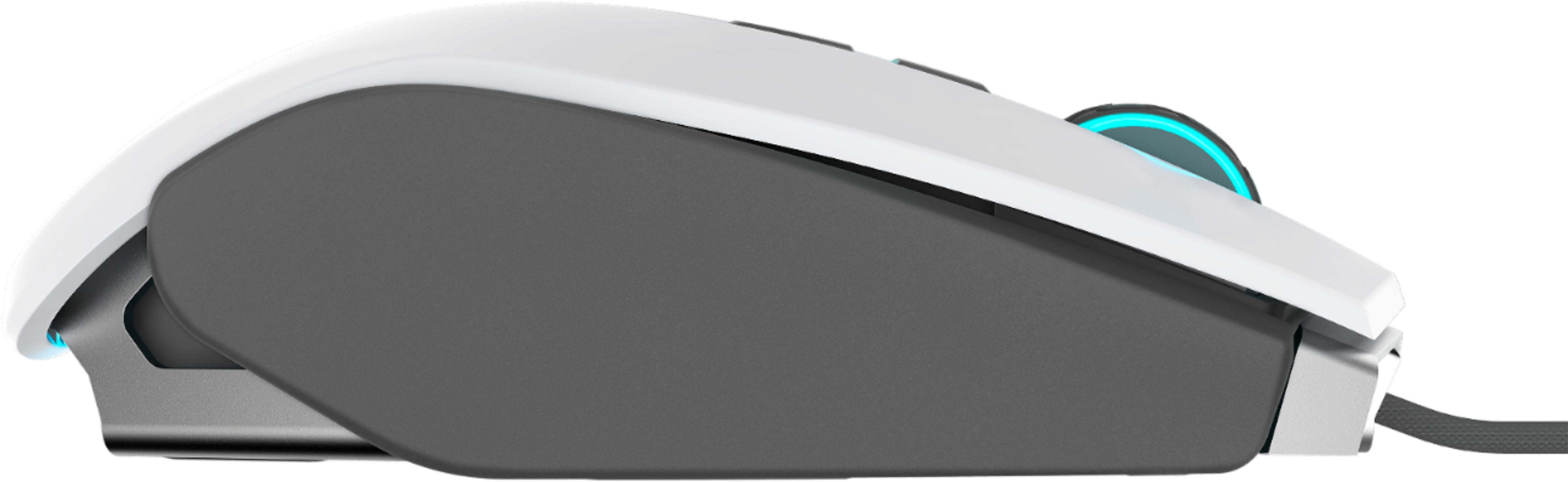
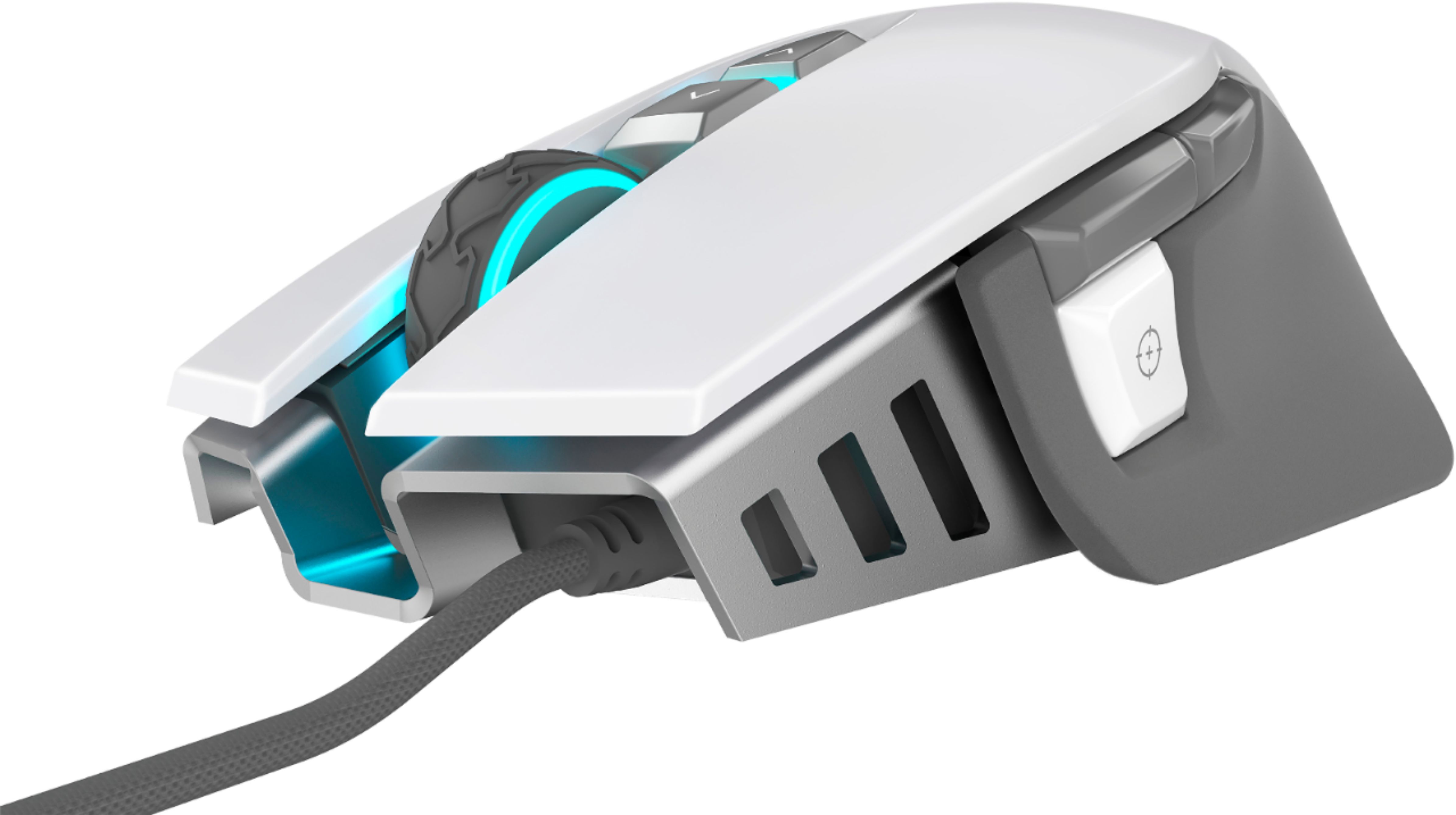
Customers regard the M65 RGB Elite gaming mouse highly for its weight, comfort, and build quality, frequently praising its ergonomic design and responsive DPI settings. Many appreciate the customizable RGB lighting, though some find the software less intuitive than desired. A significant number of users reported issues with the left mouse button.
This summary was generated by AI based on customer reviews.
- Cons mentioned:Left click
Short lived didn't make it to 5 months bad support
||Posted . Owned for 4 months when reviewed.This reviewer received promo considerations or sweepstakes entry for writing a review.Left mouse button stopped working not even 5 months after buying it pretty disappointing. Trying to get an RMA going with Corsair has been a really bad experience as well. I did like it before, but after this quality and lack of support I'll be looking for a new manufacture.
No, I would not recommend this to a friendBrand response from Corsair Art
Posted .Hi,
Sorry to hear about your experience. Considering our mice carry a 2-year warranty, our support will make sure you receive a replacement: support.corsair.com
-Albert
- Cons mentioned:Size
Nice but too big
||Posted . Owned for 2 weeks when reviewed.This reviewer received promo considerations or sweepstakes entry for writing a review.This item is nice but it is too bulky and heavy for my hand.
No, I would not recommend this to a friendBrand response from Corsair Art
Posted .Hi,
Thank you for your feedback. If you are looking for a slimmer and lighter mouse, I suggest taking a look at our newly-released SABRE PRO mice - they weigh as low as 69g. If you have any questions, we'd be happy to help: support.corsair.com
-Albert
- Cons mentioned:Left click
Left mouse button does not always work
||Posted . Owned for 5 months when reviewed.This reviewer received promo considerations or sweepstakes entry for writing a review.Had over a year and only used for non gaming. Started using for gaming during virus shutdown and left mouse button started not always working within 10 days. Turns out the left mouse button issue has existed for over 2 years and their are many people experiencing this issue. Never buying corsair again.
No, I would not recommend this to a friendBrand response from Corsair Art
Posted .Hello,
And sorry to hear. Please contact us directly so we can help with an exchange: support.corsair.com
- Cons mentioned:Left click
Do not buy
||Posted . Owned for 1 week when reviewed.This reviewer received promo considerations or sweepstakes entry for writing a review.I have replaced 3 of these. For some reason around the 3-month mark. The LC ( Left click) does not register when you hear the click. Its construction is flawed and requires more than normal pressure in order to click the mouse. To a gamer its the worst thing to experience and to have in a gaming mouse.
No, I would not recommend this to a friendBrand response from Corsair Art
Posted .Hi,
And very sorry to hear, please contact us directly and we can look into replacing this with a different model for you: support.corsair.com
Good for beginners
||Posted .This reviewer received promo considerations or sweepstakes entry for writing a review.Just a basic beginners mouse. No complaints. No bells and whitles, but its only $30 so.
I would recommend this to a friendBrand response from Corsair Art
Posted .Hi,
Thank you for your feedback. Feel free to let us know if you have any questions or concerns: support.corsair.com
-Albert
Glaring manufacturing issue.
||Posted . Owned for 10 months when reviewed.This reviewer received promo considerations or sweepstakes entry for writing a review.This mouse had been great up until the point where I had been noticing my clicks were not registering. After a while of researching official Corsair message boards, it became very apparent that I was not the only one encountering this specific problem; clicks just stop working on the M65 Elite. After trying multiple steps such as force updating my device firmware and restoring the device to factory settings via holding both primary click buttons in for 5 seconds while plugging it in seemed to work, either as placebo or just very temporarily. After seeing reviews for this device elsewhere I also noticed that in some capacity, official Corsair spokespeople were saying that the issue was 'new' and had 'never been seen before' although forum posts dating back to Q1 2019 said otherwise. It seems the common solution for this is to keep sending the mouse in for refurbishing; taking one consumer up to 8 tries before getting a long-lasting device.
No, I would not recommend this to a friendBrand response from Corsair Art
Posted .Hello Hunter,
Do contact us, our customer support team would most likely be able to have a couple of options for you: support.corsair.com
-Art
Left Click Issues
||Posted . Owned for 5 months when reviewed.This reviewer received promo considerations or sweepstakes entry for writing a review.I have been using this for just a little over 5 months now. Nothing too intense but the left click is already starting to show signs of extreme wear. Their is sometimes a missed click or a double click and it is very random. It becomes a hassle when you are trying to work on something and things end up getting double clicked when they don't need to be. In game, it really becomes an issue as you can't properly play a game because of a double click or missed click. I really don't recommend this particular model until it is updated again. For reference and as a saving grace to Corsair, I owned their M65 Vengeance for 5 years and still don't have problems with it as I use it work. They changed something in their quality and it's definitely showing.
No, I would not recommend this to a friendBrand response from Corsair Art
Posted .Hi Dan,
Please allow us to help, contact us directly at any time: support.corsair.com
-Art
- Cons mentioned:Left click
Left Double Click Issue
||Posted . Owned for 8 months when reviewed.This reviewer received promo considerations or sweepstakes entry for writing a review.This mouse didn't even last one whole year before it started developing the left double click issue. You can't expect a gaming mouse to wear out so quickly. I don't even play video games that seriously. Very disappointing for a CORSAIR product.
No, I would not recommend this to a friendBrand response from Corsair Art
Posted .Hi Chau,
Sorry to hear you're experiencing double-clicking. Considering our mice carry a 2-year warranty, please get in touch with us - we'd be happy to help: support.corsair.com
-Albert
Beware of double click issue.
||Posted . Owned for 1 week when reviewed.This reviewer received promo considerations or sweepstakes entry for writing a review.2nd time purchasing. Original had the "double click" issue.
I would recommend this to a friendBrand response from Corsair
Posted .Hi LenLar,
Our apologies that you're experiencing a double-click, could you try a soft reset of the mouse? Try unplugging the mouse, hold down both Left+Right click, then reconnect the mouse. If you're still experiencing this issues, please reach out to our support team for further assistance: support.corsair.com
-Brian
- Cons mentioned:Left click
Left Click Issue
||Posted . Owned for 8 months when reviewed.This reviewer received promo considerations or sweepstakes entry for writing a review.Was good for a while. Now, the left click only registers if i am pressing very firm. Right click is still perfect. Wouldn't really expect this from a $60 wired mouse.
No, I would not recommend this to a friend - Cons mentioned:Left click
Poor quality
||Posted . Owned for 1 year when reviewed.This reviewer received promo considerations or sweepstakes entry for writing a review.Left click mouse got worn out after less than a year of use. Every time I click once it would take it a double click; I never had this issue with other mousses that I have used for gaming.
No, I would not recommend this to a friendBrand response from Corsair
Posted .Hi Nick,
Sorry to hear about your experience. Considering our mice carry a 2-year warranty, please reach out directly to our Support Escalation team at SES@corsair.com. Be sure to include a link to this product page and a screenshot of your review for reference. Once you e-mail us, we will get back to you with a submission acknowledgement, and our team will assist you as soon as possible.
-Albert
- Cons mentioned:Left click
Buyer beware. Problems with the left click
||Posted . Owned for 2 months when reviewed.This reviewer received promo considerations or sweepstakes entry for writing a review.I really want to love this mouse but the left click stopped working after 2 months. Found a lot of other people reporting the same issue. I contacted Corsair and they are starting the RMA process. It is a shame because otherwise I like the mouse.
No, I would not recommend this to a friendBrand response from Corsair Art
Posted .Hi,
Sorry to hear about the issue. We can definitely take care of getting you a replacement. For those others that may look at this comment while having the same issue, please contact us here: support.corsair.com
It's an ok mouse
||Posted . Owned for 1 month when reviewed.This reviewer received promo considerations or sweepstakes entry for writing a review.I like it, but the razr ballistik I replaced it with was much better.
No, I would not recommend this to a friendBrand response from Corsair Art
Posted .Hi,
What seems to have been the issue? Please reach out at any time for assistance: support.corsair.com
Gaming Mouse
||Posted . Owned for 3 weeks when reviewed.This reviewer received promo considerations or sweepstakes entry for writing a review.The aiming of the mouse is bad! It has latency defects!
I would recommend this to a friendBrand response from Corsair Art
Posted .Hi Ingy,
Sorry to hear about this, we'd like to help. Please reach out to our support team so we can work with you directly: support.corsair.com
-Brian
Side mouse buttons not working
||Posted . Owned for 2 weeks when reviewed.This reviewer received promo considerations or sweepstakes entry for writing a review.Ok so after a couple of days of using the mouse I started noticing a difference in my gameplay that my mouse was delayed so after testing out the mouse it turned out that the side buttons weren’t as responsive as they use to and slowly they had a even bigger delay upon using them.
No, I would not recommend this to a friend- Cons mentioned:Left click
On my third purchase
||Posted . Owned for 1 year when reviewed.This reviewer received promo considerations or sweepstakes entry for writing a review.The left mouse button takes multiple presses in order to activate. They need to move to optical switches or something because this latest purchase has only last 3 months before I submit an RMA. Im done with Corsair mice
No, I would not recommend this to a friendBrand response from Corsair Art
Posted .Hi,
And sorry to hear. It's extremely unlucky that you ran into this issue (and from your verbiage I think more than once). Please contact us directly and we'll do our best to take care of your issue: support.corsair.com
-Art
Left Mouse Sticking
||Posted . Owned for 11 months when reviewed.This reviewer received promo considerations or sweepstakes entry for writing a review.Seems to be a common problem and I wish I looked into the reviews before making a purchase. Everyday is a hit or miss and it has become increasingly frustrating in the last 6 months to even try to use this mouse for productivity or gaming.
No, I would not recommend this to a friendBrand response from Corsair Art
Posted .Hi Chad,
Sorry to hear about the left mouse button, we'd like to help! Please reach out to our support team so we can work with you directly: support.corsair.com
-Brian
Decent product
||Posted . Owned for less than 1 week when reviewed.This reviewer received promo considerations or sweepstakes entry for writing a review.Not too satisfied. Had to switch to Logitech G502.
No, I would not recommend this to a friendBrand response from Corsair Art
Posted .Hi,
Can you give us more information regarding the issue? We'd like to help. You can reach out at any time: support.corsair.com
-Art
- Cons mentioned:Left click
DON'T
||Posted .This reviewer received promo considerations or sweepstakes entry for writing a review.As soon as it was no longer returnable, the left click started sticking or not working at all. I guess I should had read other reviews on this mouse because this is a common issue with the piece of crap.
No, I would not recommend this to a friendBrand response from Corsair Art
Posted .Hi Shadowryche,
Sorry to hear that the mouse stopped working for you so soon, we'd like to help. Please reach out to our support team so we can work with you directly: support.corsair.com
-Brian
- Cons mentioned:Left click
Left click stops working
||Posted . Owned for 3 months when reviewed.This reviewer received promo considerations or sweepstakes entry for writing a review.I've had this mouse for 4 months, the left click stop being responsive. I have a ticket in with Corsair but at this point and reading other reviews I don't even want a replacement, I should have went with SteelSeries.
No, I would not recommend this to a friendBrand response from Corsair Art
Posted .Hi,
And sorry to hear about the issue. If you don't want a replacement, please feel free to ask the agent for the possibility of a different exchange or refund.
If you have anything else we can help with, please reach out: support.corsair.com
-Art