Customer Ratings & Reviews
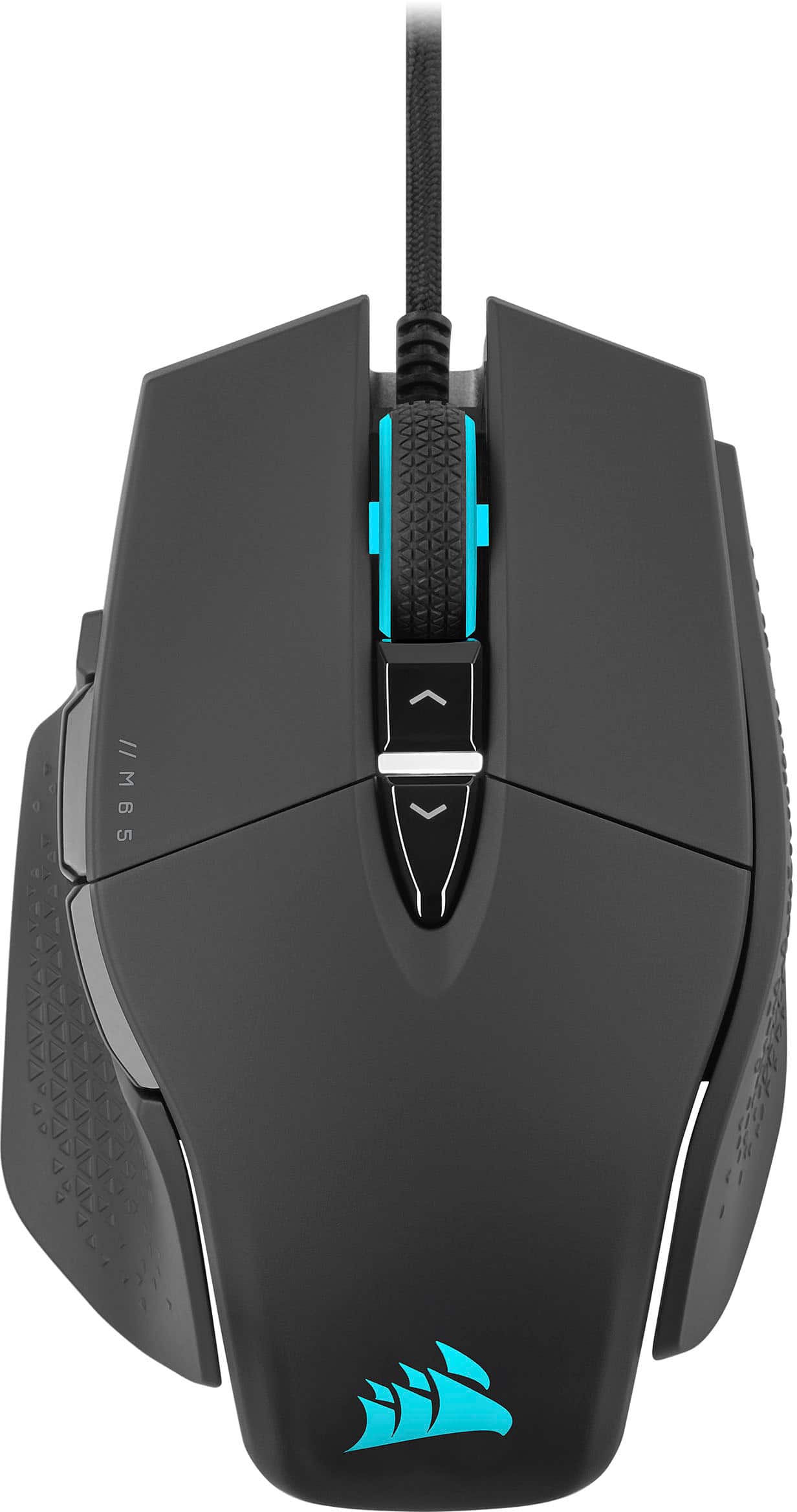
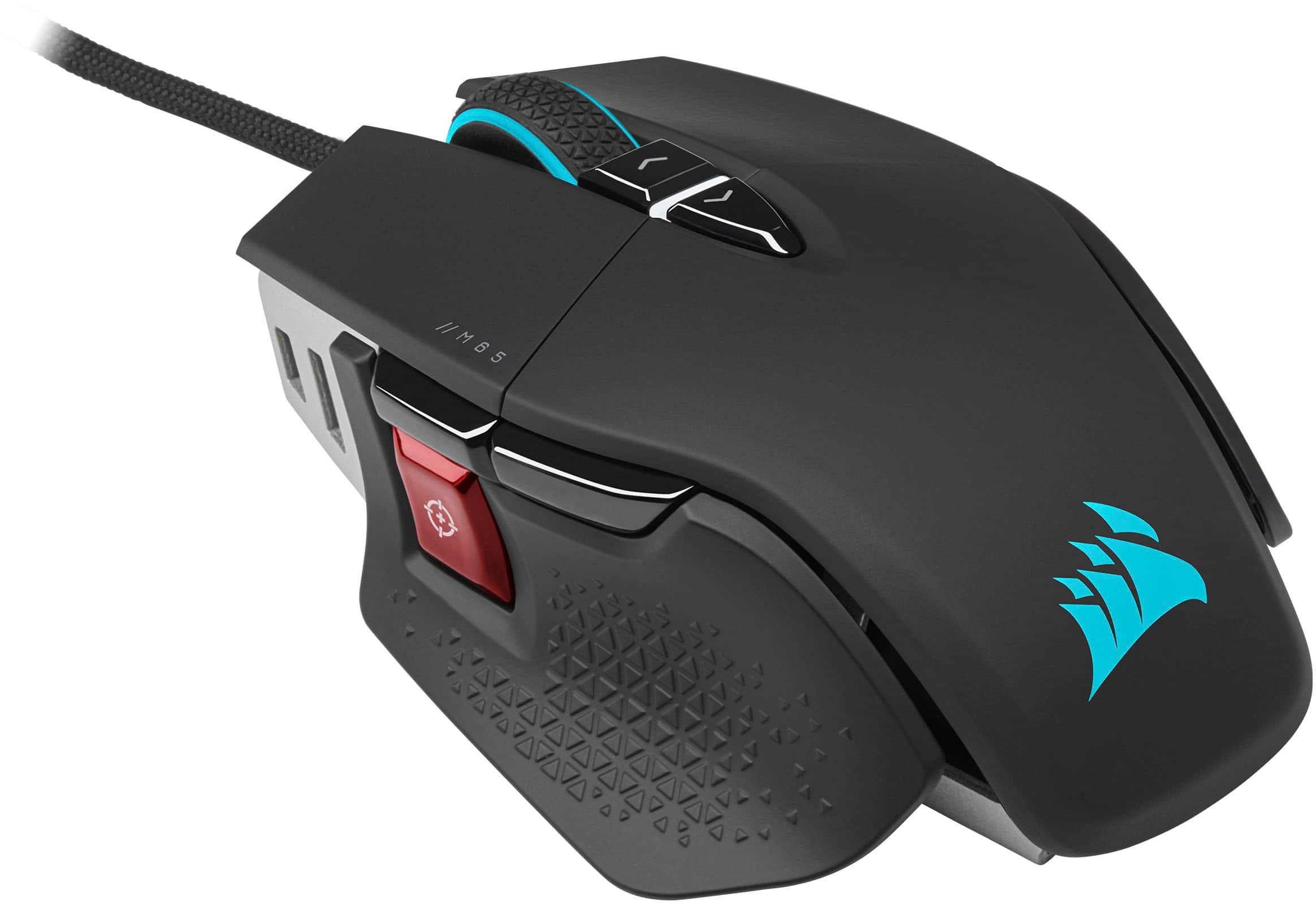
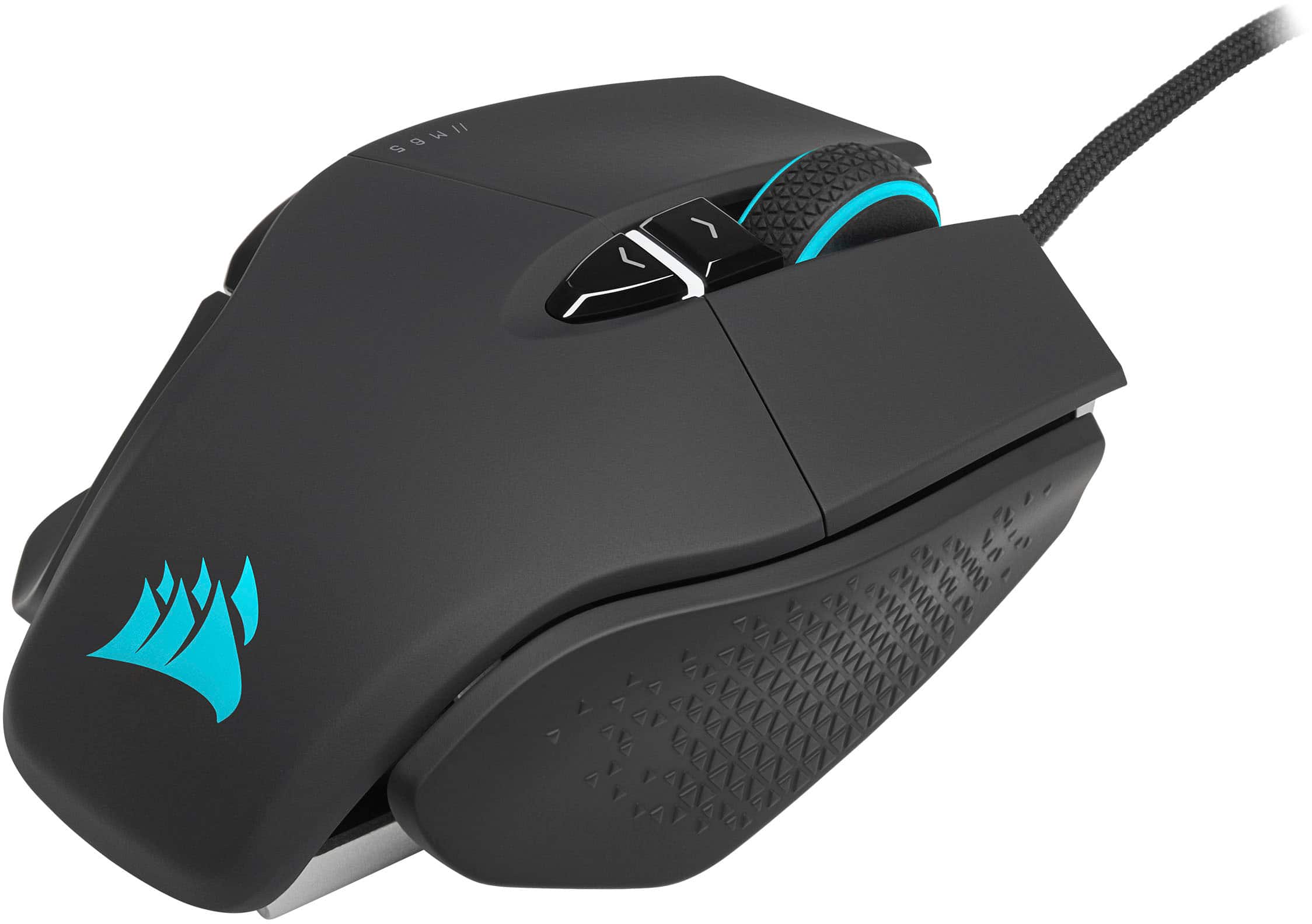
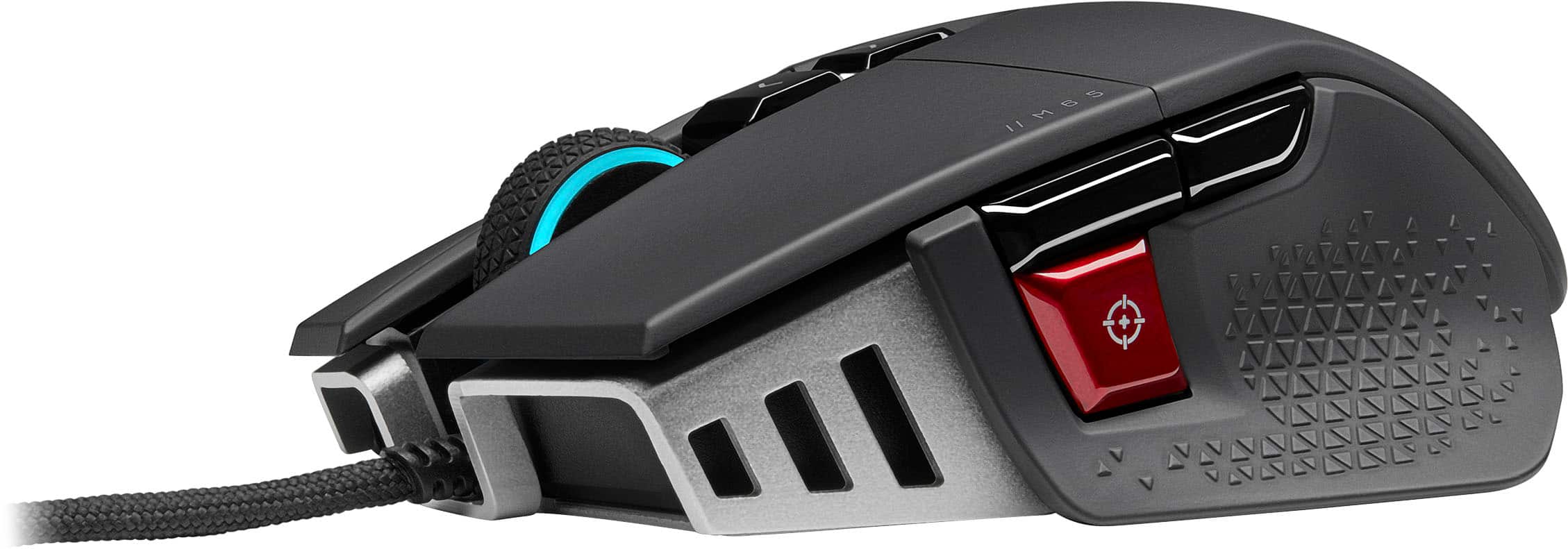
- Model:
- CH-9309411-NA2
- SKU:
- 6485744
Rating by feature
- Value
Rating 4.6 out of 5 stars
- Quality
Rating 4.7 out of 5 stars
- Ease of Use
Rating 4.6 out of 5 stars
Customers are saying
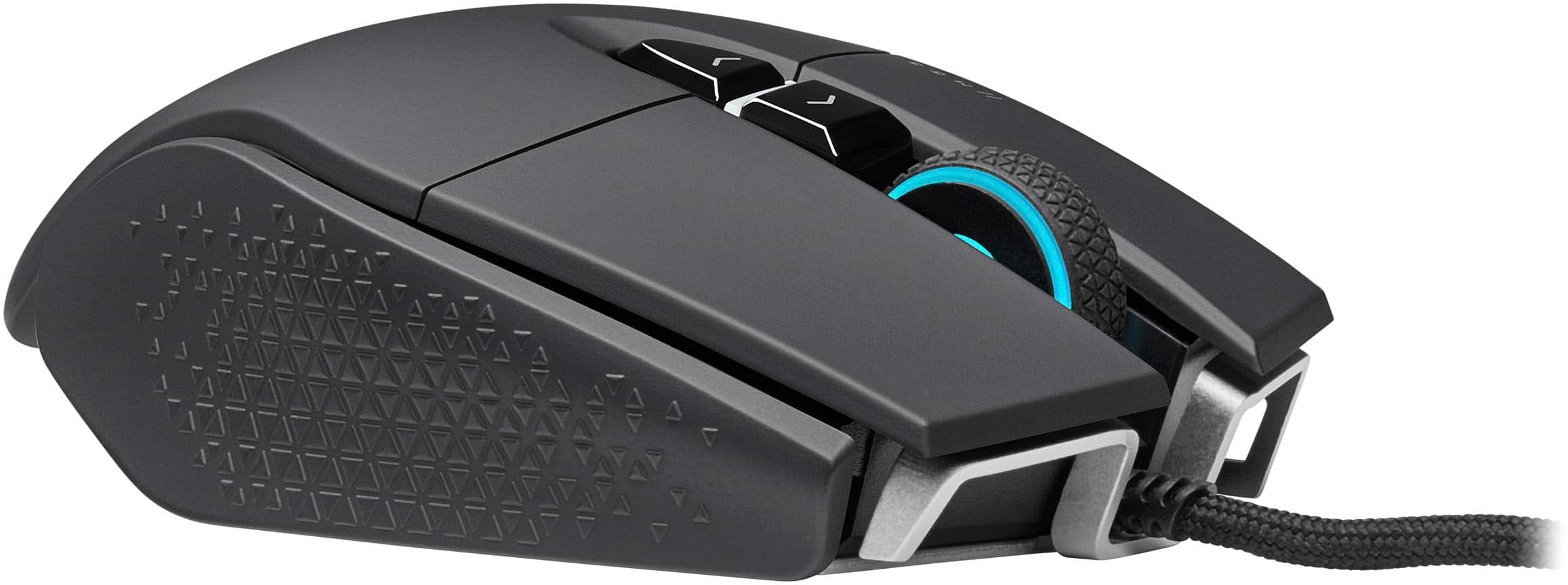
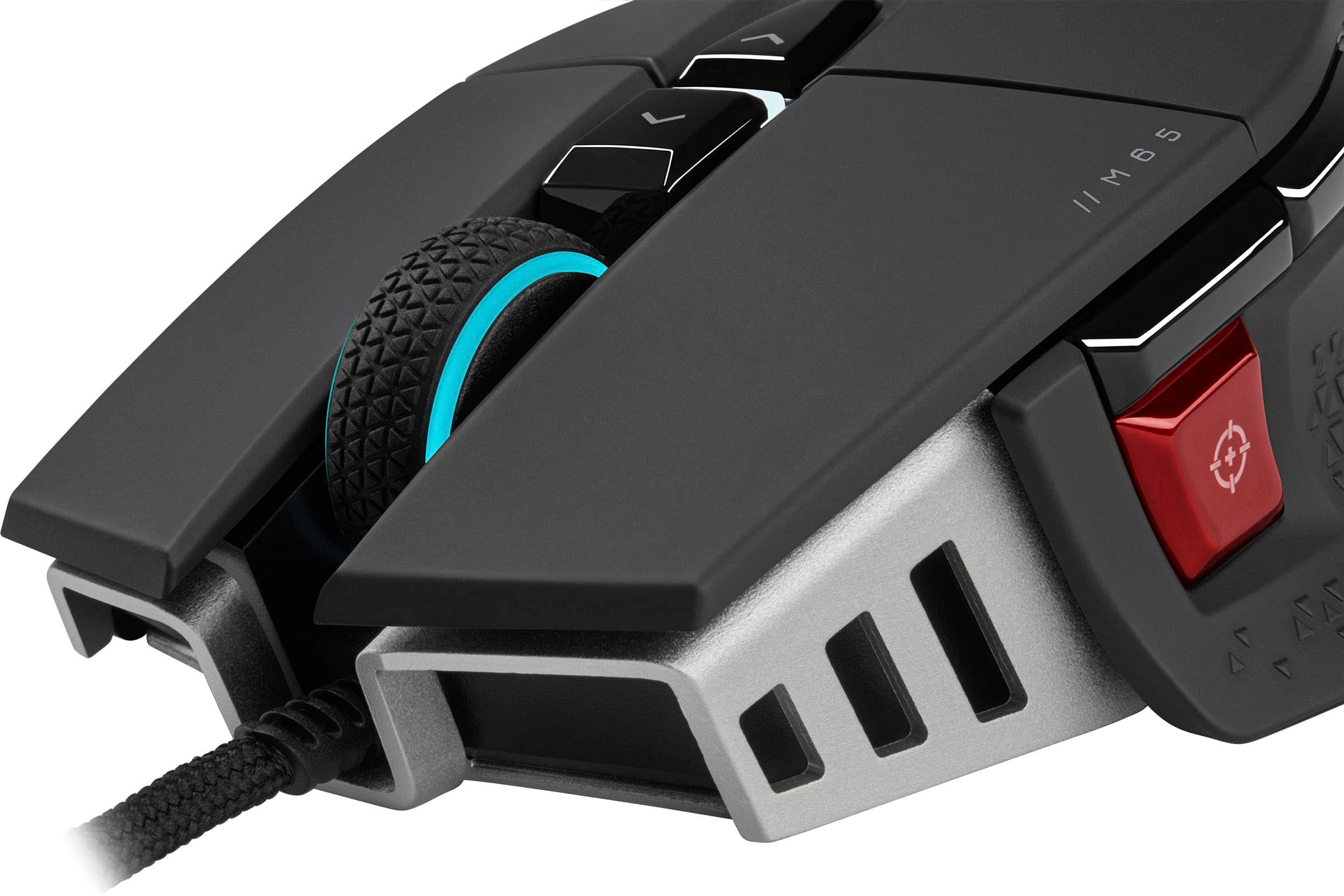
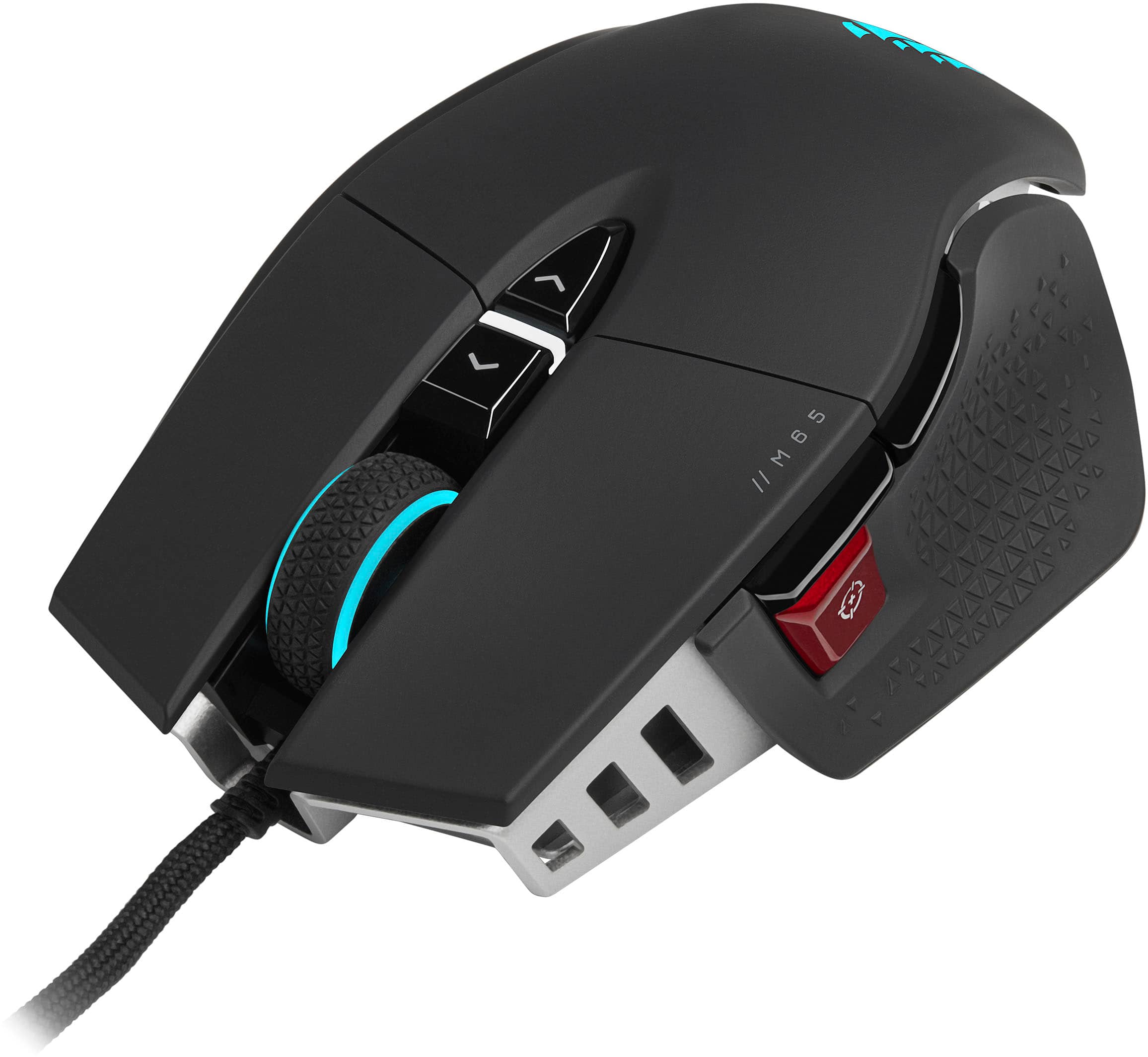
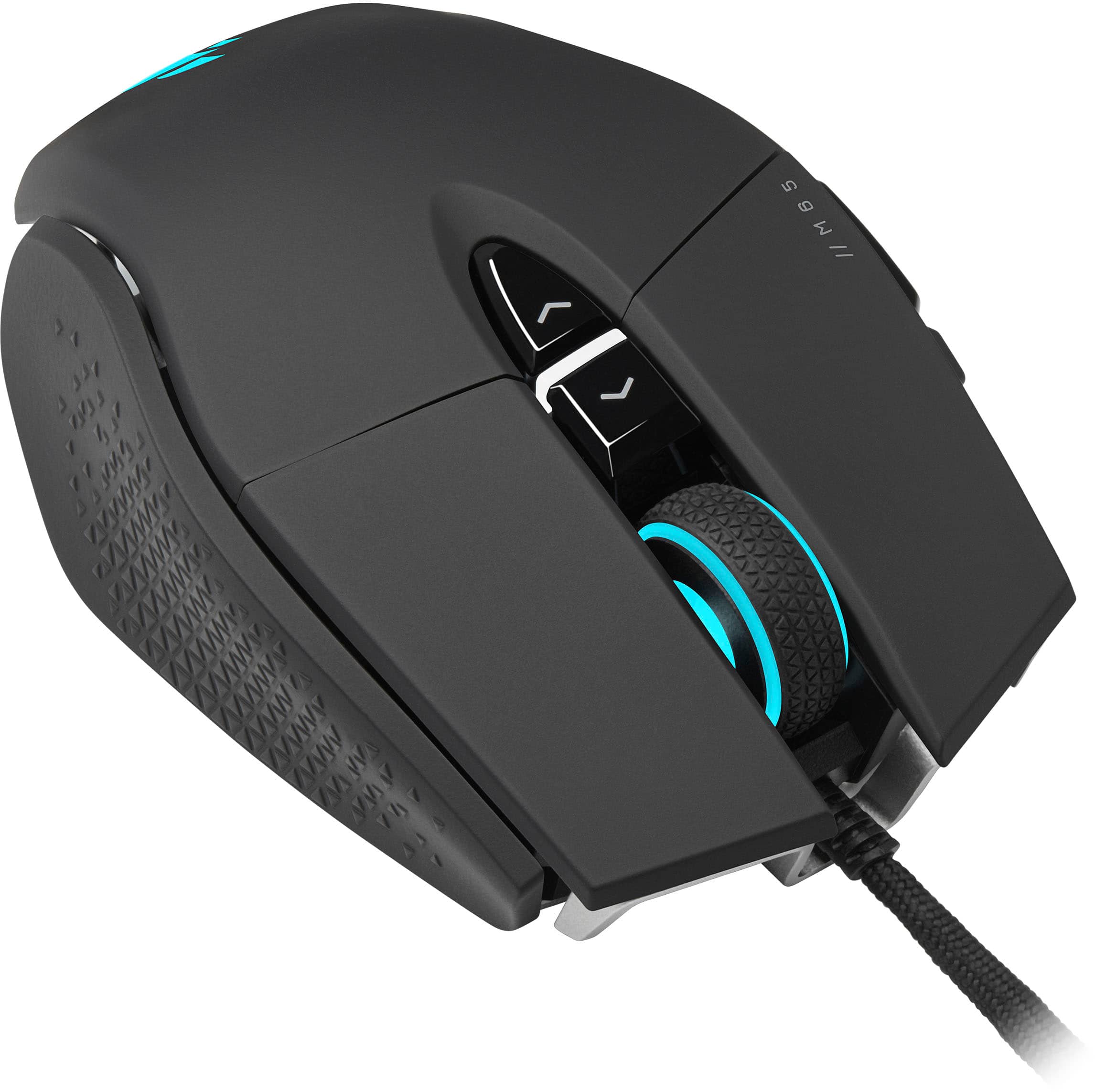
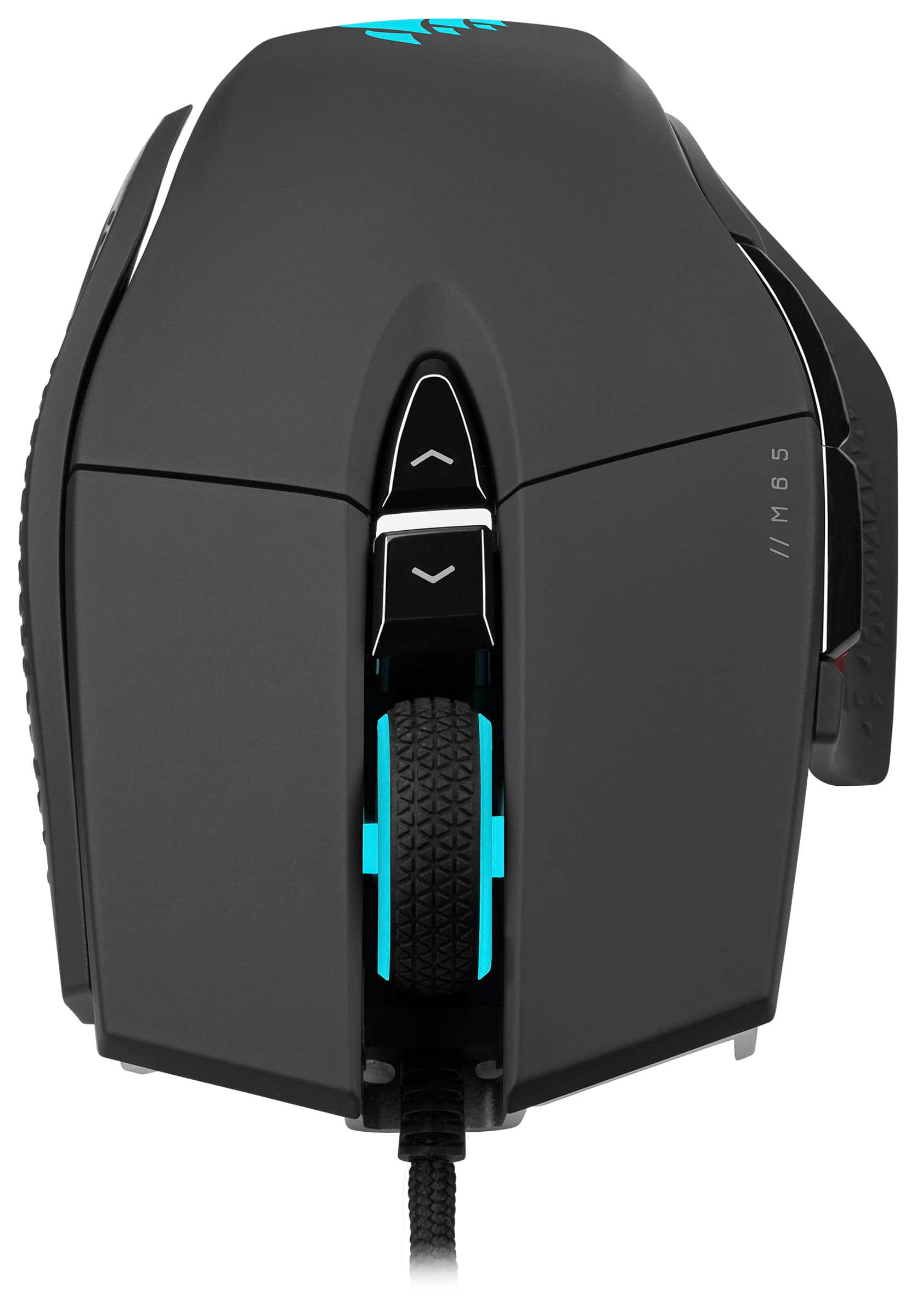
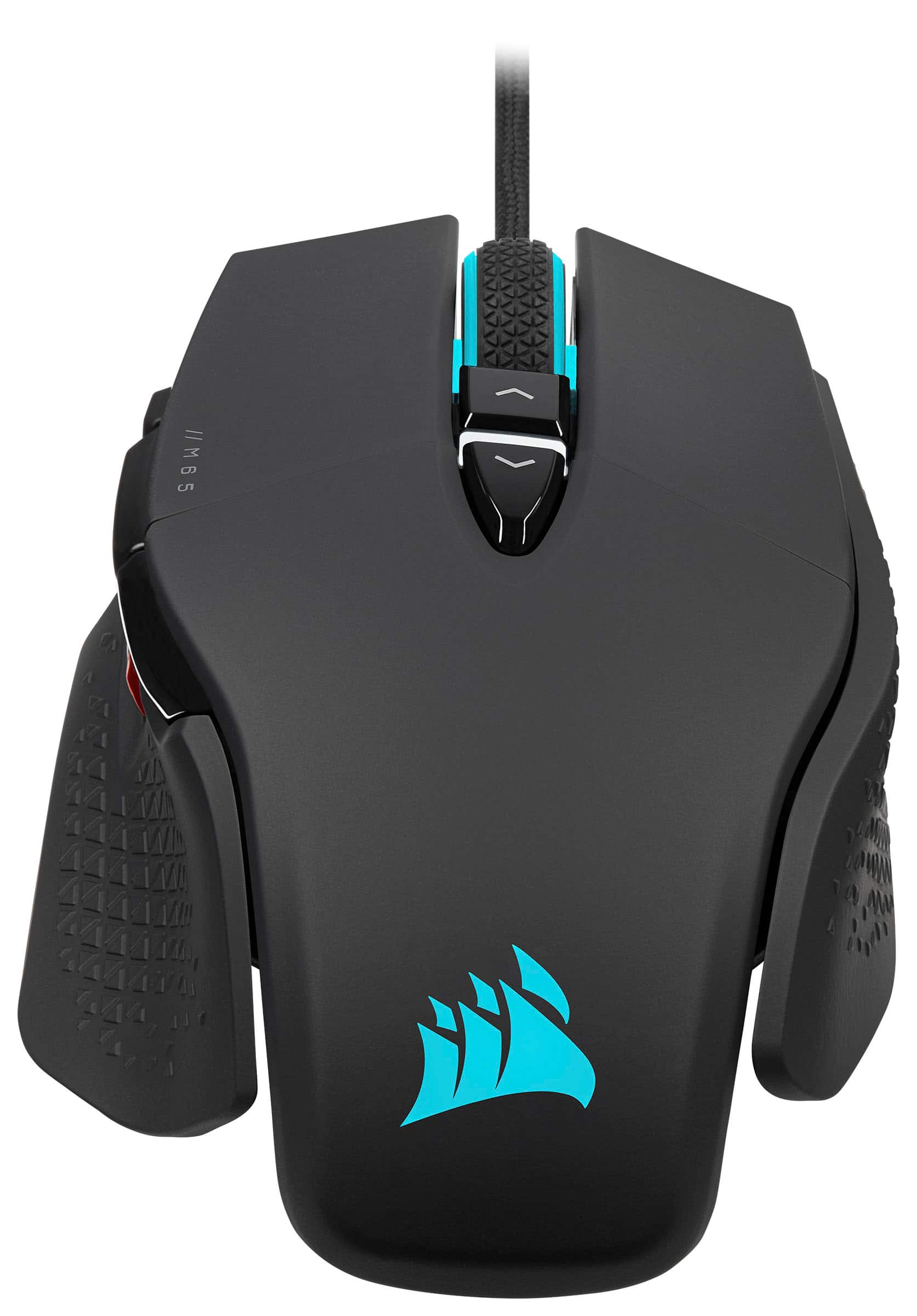
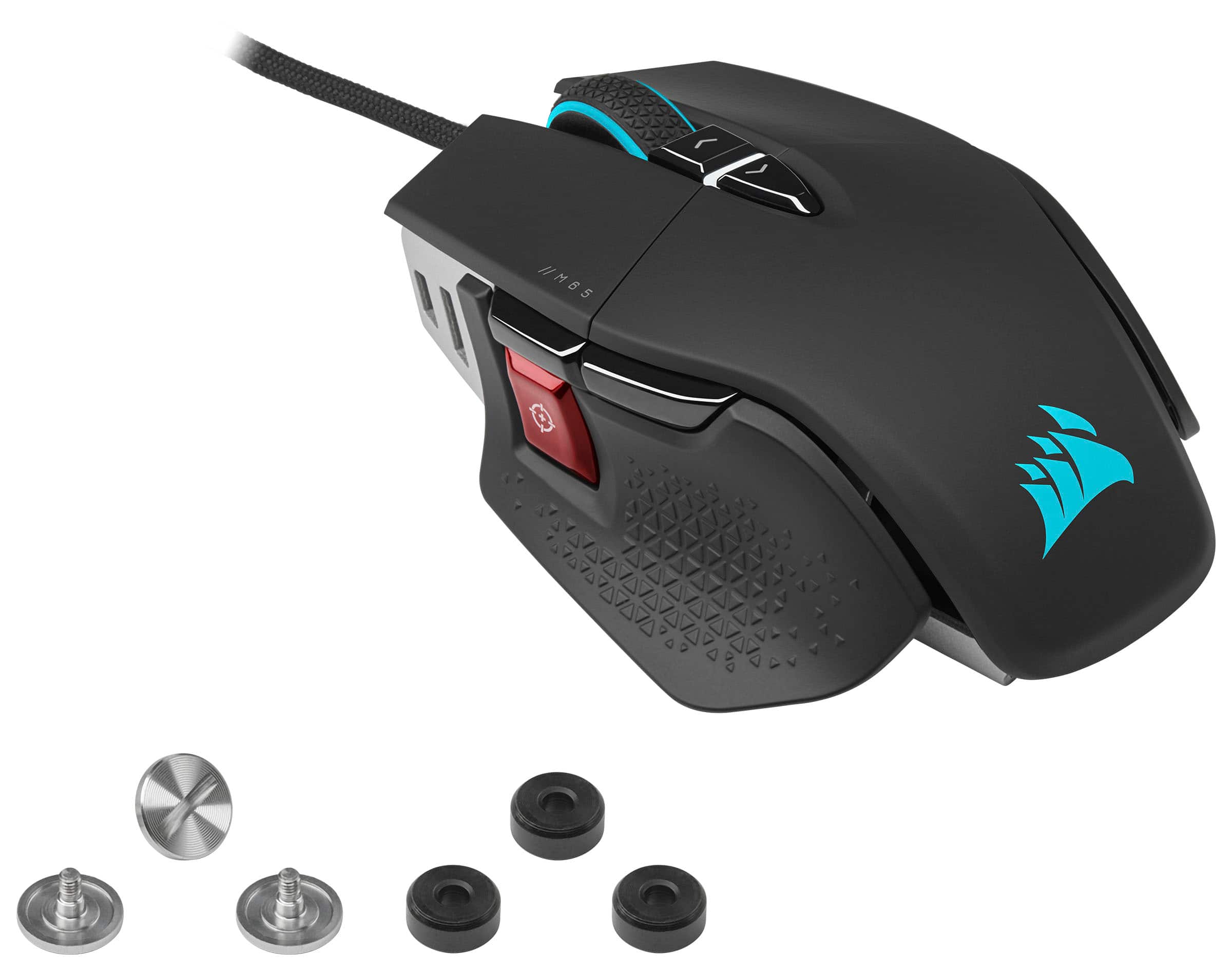
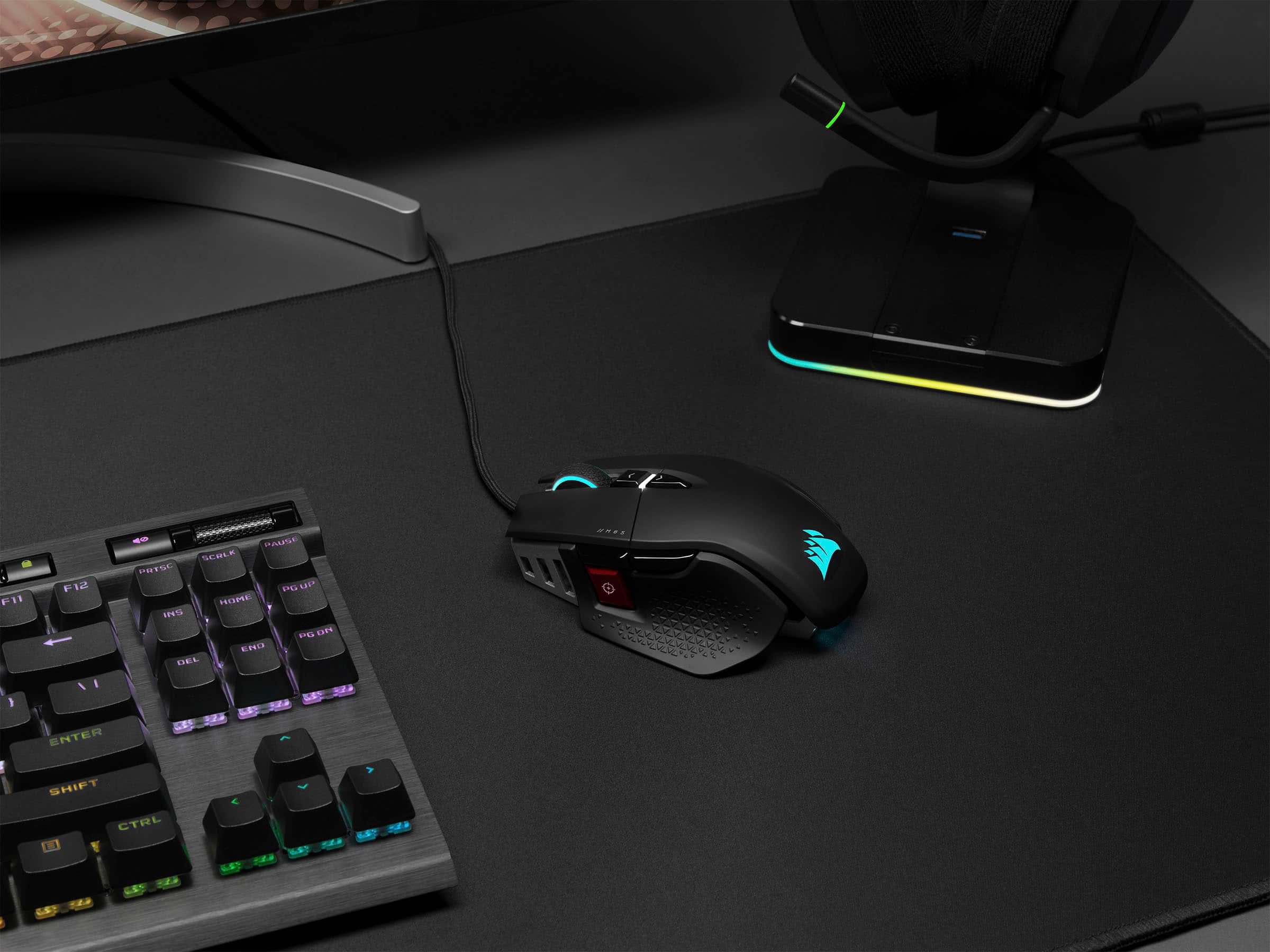
Customers commend the M65 RGB Ultra Wired Optical Gaming Mouse with Adjustable Weights for its adjustable weight, excellent build quality, and comfortable design. Users appreciate the high DPI, responsiveness, and customizable RGB lighting. However, some customers have expressed concerns about the software and issues with the left click button, while others feel the price is a bit high.
This summary was generated by AI based on customer reviews.
- Cons mentioned:Left click
Mouse
||Posted . Owned for 11 months when reviewed.This reviewer received promo considerations or sweepstakes entry for writing a review.Bulky not good for shooting games side button gets in ur way
No, I would not recommend this to a friend Recommend
||Posted .This reviewer received promo considerations or sweepstakes entry for writing a review.My son loves it for his gaming. Very nice features and function
I would recommend this to a friendNew Mouse
||Posted . Owned for 3 months when reviewed.This reviewer received promo considerations or sweepstakes entry for writing a review.Had to return for the wireless one. Been good so far.
I would recommend this to a friend6 months and dud
||Posted . Owned for 6 months when reviewed.This reviewer received promo considerations or sweepstakes entry for writing a review.After owning this about 6 months, the scroller wheel has started to skip and do the opposite direction. Ive found this is a common problem across with this brand after doing more searching online. You’d think for a $100+ mouse things wouldnt be flawed at all. Perfectly happened in time out of my warranty as well. Time to go back to $30 mouses i guess.
No, I would not recommend this to a friendThis is ok for gaming
||Posted . Owned for 3 weeks when reviewed.This reviewer received promo considerations or sweepstakes entry for writing a review.I have tried several gaming mouse with my ZEN Cronus setup and this is my second favorite. The mouse feels good in my hand and functions smoothly. The DPI while high on paper was not as good as others I tried.
No, I would not recommend this to a friendBrand response from Corsair
Posted .Hi JediDisciple,
Thank you for your feedback. Have you performed surface calibration on your M65 ULTRA? This may be done so via our iCUE software. If you have any questions, please reach out - we'd be happy to help: support.corsair.com
-Albert
The second mouse work perfectly. First one had tro
||Posted . Owned for 2 weeks when reviewed.This reviewer received promo considerations or sweepstakes entry for writing a review.The first mouse did not work correctly took it back. Best Buy was very accommodating and gave me a new one just like it the new one works perfectly.
I would recommend this to a friendBrand response from Corsair
Posted .Hi Dave,
Sorry to hear you experienced an issue with your first unit. For future reference, please feel free to contact us regarding any issues or questions you may have, we'd be happy to help: support.corsair.com
-Albert
- Cons mentioned:Software
Awful feeling
||Posted . Owned for 1 month when reviewed.This reviewer received promo considerations or sweepstakes entry for writing a review.The shape of this mouse is just one of the worst i have ever seen. The software is also mediocore at best theres nothing really good about this mouse.
No, I would not recommend this to a friendBrand response from Corsair
Posted .Hello,
What seems to be the issue within iCue? As far as the shape, afraid I'd have to recommend to purchase a mouse you're better suited with.
-Art
Not Recommended: Mouse stops working after 3 month
||Posted . Owned for 3 months when reviewed.This reviewer received promo considerations or sweepstakes entry for writing a review.I bought this mouse exactly 3 months ago because the previous Corsair mouse I had started wearing out (after 6 months). Now we're three months in and this mouse suddenly stops working at random intervals. At first, I would just have to unplug it and plug it back in and then it would work fine for a couple hours. It's at the point now that when I unplug/plug it, it only works for minutes. Disappointing and ridiculous. This will literally be the last piece of Corsair hardware I buy and I do not recommend. I've gone through hours of forum posts and other people have the same problem and plenty of other problems, all seemingly without resolution. I'm not submitting a service ticket this time because the last time I did that they gave me the run around. Done with this company.
No, I would not recommend this to a friendBrand response from Corsair
Posted .Hi Rich,
Sorry to hear about your experience. Have you tried performing a soft reset on your mouse? The steps may be found here: (https://help.corsair.com/hc/en-us/articles/360025348571-How-to-Reset-your-computer-mouse). If the issue persists, please do contact us - our mice carry a 2-year warranty, and we'd appreciate the opportunity to make this right: support.corsair.com
-Albert
Keyboard mouse
||Posted . Owned for 2 weeks when reviewed.This reviewer received promo considerations or sweepstakes entry for writing a review.Not the best far as features and it’s a smaller mouse
I would recommend this to a friendBrand response from Corsair
Posted .Hi,
Thank you for your feedback. Have you fully utilized the M65 RGB ULTRA's features offered via our iCUE software? You may customize RGB lighting, set custom functions between 8 programmable buttons (including tilting), and adjust the DPI to your precise preference. If you have any questions, we'd be happy to help: help.corsair.com
-Albert
- Pros mentioned:DpiCons mentioned:Left click

lots of futures
|Posted .This reviewer received promo considerations or sweepstakes entry for writing a review.so let me first say why 4 stars. I play first person shooters mostly and so this little detail kind of gets to me after a while. I constantly lift my mouse and so now and then if I put it down a little too hard (which is not all that hard) then it will cause it to click the left mouse button. I have had this in other mice but not as often and as bad as this mouse. it is not too often but often enough. the software is not to0 bad for me. a little getting used to it. when you click on different sections on what you can do with the mouse, it will give a tutorial which I though was neat. even if not the best, all the other software programs I have used don't do that. one thing that I would hope that they add is maybe an easier way to save. I will go from one section to another and get a message that I have to go to my mouse device and save or something. Just could be a bit easier to save like a save button at bottom. that said, if it did not have the issue with left clicking when I lift and set it down, this would be my favorite mouse by far. the sniper button for me could be a little bit closer as how I hold the mouse my thumb tip just hits the button; however, I am sure I will get used to this with more time like I did my Logitech mouse. this mouse has 8 buttons you can use as well as the mouse wheel up and down. giving you 10 options. I am a bit sad that, unless I am missing it, but the sniper button or any button I don't see an option to make it a shift key. this does not bother me as I don't use that. but all my other mice that have the same button have that option. can even select what button you want that option for. this could be handy as you could use that to make even more buttons with your mouse. but they do make up for that which I have been using one of these so far and that is a tilt option. you can tilt the mouse in 4 different directions. I find I easily tilt it to the right, so then you can assign that to a key bind. so, if you play games like battle royal style, you have different meds for instance to use. usually those are defaulted to your 7890 keys. and if you are using w a s d for movement, you can see that those 7890 keys are on the other side of keyboard, so you have to move your hand far to get to them. you can then assign the mouse tilts to each one of those keys so instead of hitting 7, if you assigned it to right tilt, you just tilt your mouse. you can set the tilt distance to be slight, or more. the only downside that I see so far is that, at least the game I mainly play) does not recognize the tilting function as extra mouse buttons. this would be nice if those were extra mouse buttons that could be assigned. but like I was mentioning, I just assign those to in game functions that I would use but would have to move my hand to get to. like I mentioned 7890 or you can even do 90-= or something and then just assign whatever tilt to that keyboard button. this also has 2 main RGB light sections and then a third one that is not talked about lol. the 2 mains are the mouse wheel and the logo. the third one is the DPI light. you can set that one as well and to be whatever colors you want to let you know what DPI setting you are on. this will also change color if you use the sniper button as well when its pressed. the sniper button. what I love about this is being able to set it how I want. now games let you change the sensitivity when you are scoped in. but for me, I like having my DPI lower, like 500, and having it the same for if I am not zoomed in (hip fire) and zoomed in. then I like to set my sniper button to be a higher DPI like 1300 or so, this way when I am running around and need to turn and look around fast, I then press and hold the button so that it puts me at a higher DPI so I can look around faster. just used to this. outside of the one issue, I enjoy this mouse and my favorite and most comfortable mouse I have used so far. and I have used a lot of different mice from a few known brands.
I would recommend this to a friend previous model has superior parts
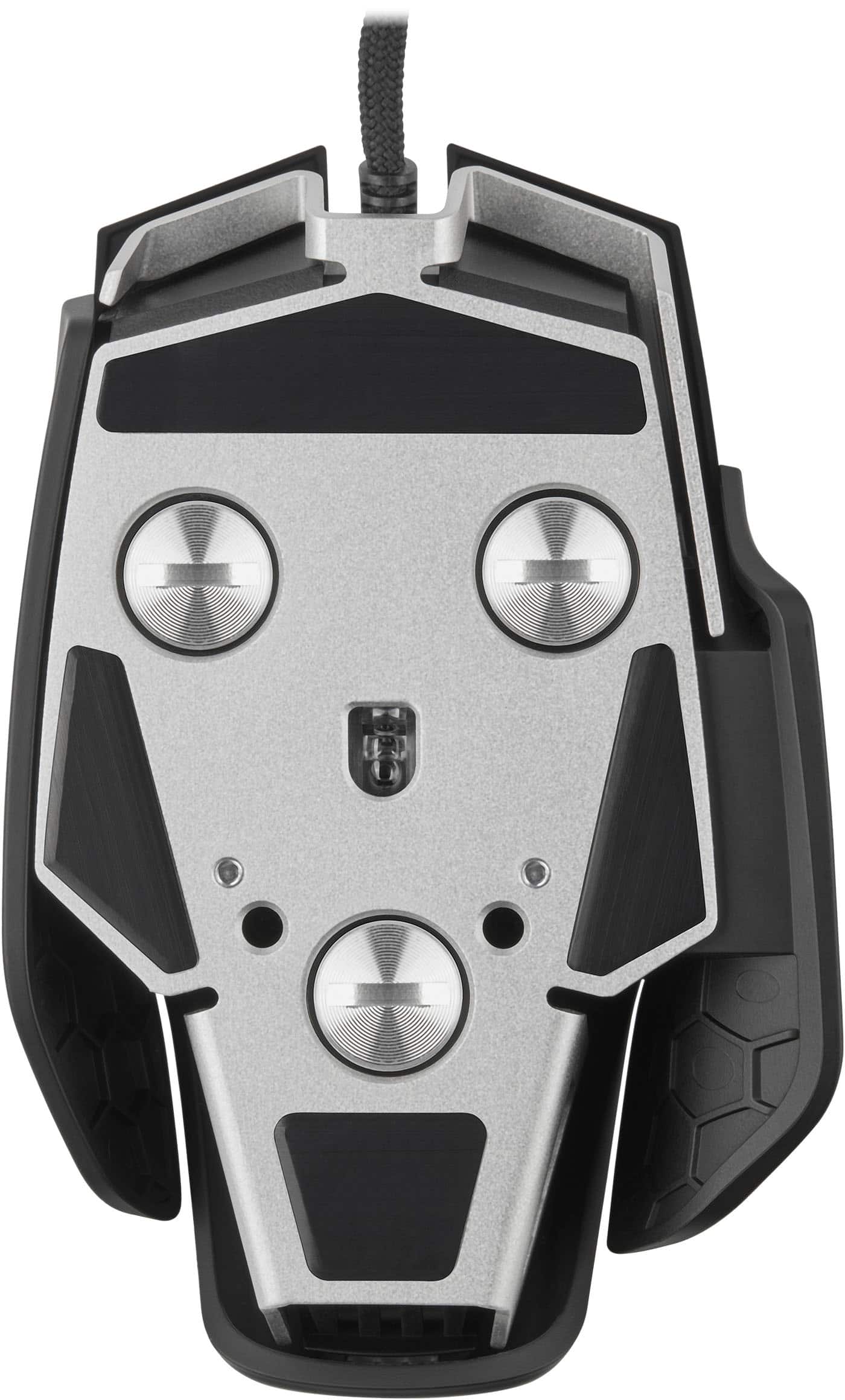
||Posted .This reviewer received promo considerations or sweepstakes entry for writing a review.i have an older version of this mouse . immediately I noticed a weight difference. I think there was about 30 grams? i tried using the weights from my old mouse on the new one because all my old weights weighed more , so i thought ill make up on some of the grams lost. but unfortunatelymy old weights and screws dont fit on the new mouse flush. on top of that the new mouse has plastis inserts not metal and they got stripped and broke . very cheap design feels cheap . kinda dont wanna go with corsair anymore
No, I would not recommend this to a friendBrand response from Corsair
Posted .Hi,
Sorry to hear about your experience. The M65 RGB ULTRA adapted from its predecessors to be better suited for modern standards - which are heavily influenced by the most popular games. Considering our mice carry a 2-year warranty, please get in touch with us if you encounter any issues or have any questions - we'd appreciate the opportunity to assist: help.corsair.com
-Albert
Good for gaming.
||Posted . Owned for 1 month when reviewed.This reviewer received promo considerations or sweepstakes entry for writing a review.My son is using this for the new Call of Duty and says that it works great. He's pretty good at gaming and is picky so that says something.
I would recommend this to a friend- Pros mentioned:Dpi, Weight
Solid Option for a Wired Gaming Mouse
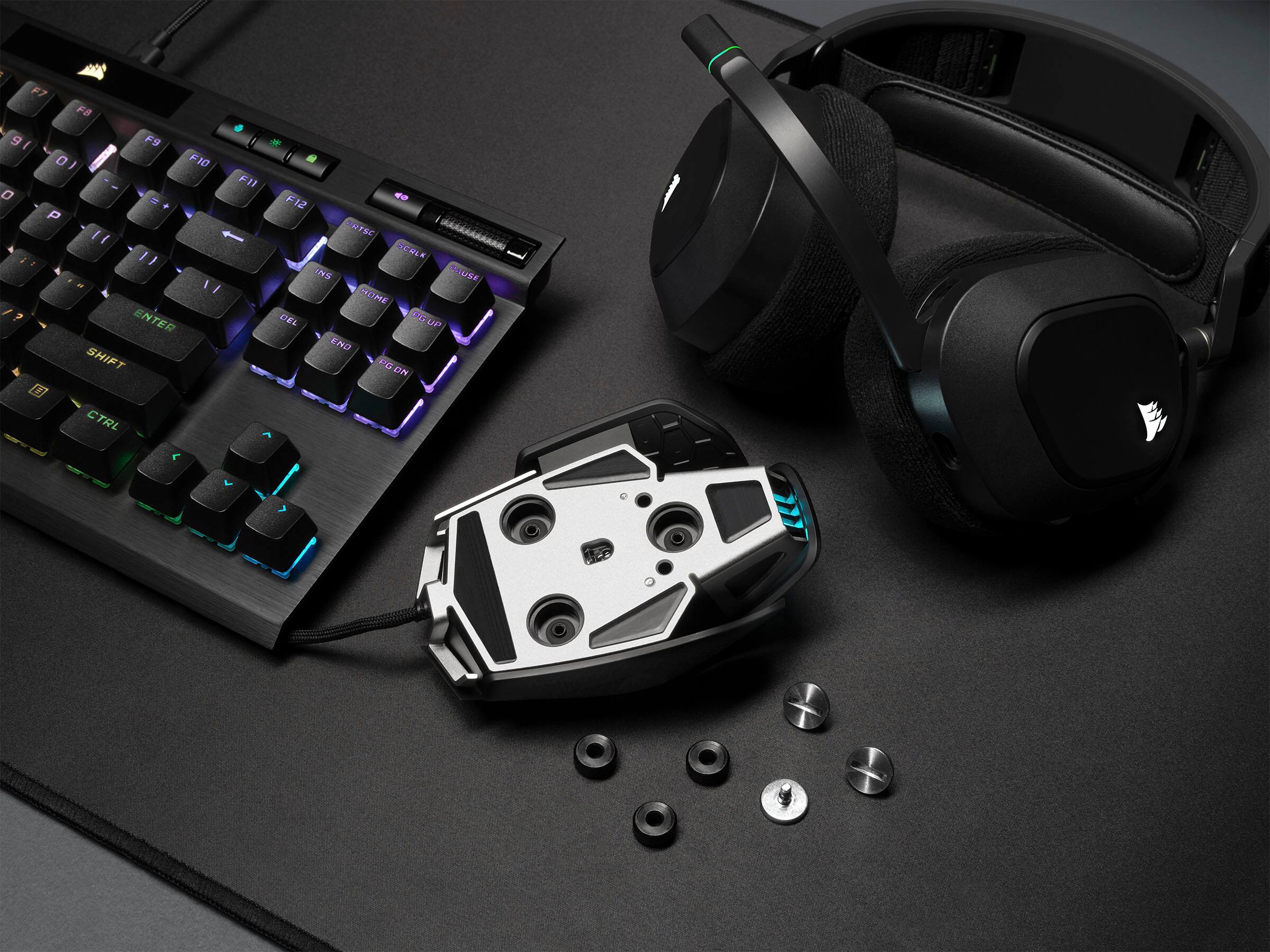
|Posted .This reviewer received promo considerations or sweepstakes entry for writing a review.PROS: * Wired connection * Customizable weight * Ridiculous DPI (26,000) * Customizable buttons * Onboard button profiles * Long, braided cable * RGB! CONS: * Not great for big hands * Collects skin oil quickly == SETUP == For whatever reason, I was having issues with Corsair's iCue software picking up the M65 when I was connecting it to the USB port on my keyboard (which is also made by Corsair). While I was able to use the mouse just fine without iCue, I had to connect the mouse directly to my PC before I could use iCue to fine-tune the mouse. == USING iCUE == Corsair's iCue is almost a requirement to really get the most out of the M65. From iCue, you can select what each button will do, assign multiple profiles, adjust the DPI, and change the RGB color/pattern. The best part? You can use the M65's onboard storage for all of the profiles you create. This means you can connect the M65 to any other computer and your profiles are ready to use, regardless of if that computer has iCue installed on it or not. This is fantastic if you have a gaming laptop AND desktop. == BUILD/DESIGN == The M65 is not a very large gaming mouse. I have large hands, so it took a little time to adjust to the smaller size and find a comfortable position to use the mouse. If you have larger hands, I recommend trying out the M65 at your local Best Buy before buying. To expand on customizing the M65 to your liking, Corsair has designed it to have three removable weights, so you can make the M65 as light or as heavy as you prefer. You may need a coin or screwdriver to remove/add the weights. The cable is long (1.8m) and is braided, so it won't catch on your desk or mouse pad/mat. There's an included rubber cable tie, which is great to keeping your desk space nice and tidy. My only real complaint with the build quality is that the plastic seems to collect oil from my hand VERY easily. The mouse is easy to clean with a microfiber cloth though. == BOTTOM LINE == Wireless mice are nice and convenient, until the battery dies in the middle of a match. The M65 isn't a very large mouse, so it's great to toss in your backpack. The customizable buttons really help make this YOUR mouse. This is a solid option when looking for a wired gaming mouse.
I would recommend this to a friend Doesnt feel ergonomic
||Posted . Owned for 1 month when reviewed.This reviewer received promo considerations or sweepstakes entry for writing a review.My palm didnt rest on it comfortably. I have medium size hands. It is better for small hands.
No, I would not recommend this to a friendBrand response from Corsair
Posted .Hello,
Sorry to hear this wasn't the best for you, hope you find a better solution for your uses.
-Art
great gaming mouse for the most part
||Posted . Owned for 10 months when reviewed.This reviewer received promo considerations or sweepstakes entry for writing a review.Seemed to be a good mouse but 8 mos in the scroll wheel is very intermittent.
I would recommend this to a friendComfortable
||Posted .This reviewer received promo considerations or sweepstakes entry for writing a review.I like the overall design. I bought it to pair with K60 TKL keyboard.
I would recommend this to a friend- Pros mentioned:Dpi, Weight
Great mouse for all applications
|Posted .This reviewer received promo considerations or sweepstakes entry for writing a review.This is a very comfortable and dynamic mouse. Starting with the shape and feel, it is extremely comfortable in the hand. At first, it was tracking very slowly, so be sure to read the instructions for setting the dpi settings. Once set, it responds perfectly for my taste. The beauty of this mouse is that it is configurable to your taste. It comes with three weights to add to the bottom to adjust to a weight that feels right to you. The mouse is designed for gaming, so even the tilt gestures can be programmed. There are additional programmable buttons, making this configurable to your application and gaming needs. The response is immediate, so no lag time noted when using this mouse. While it is wired, the cable is very flexible and long. I was able to adjust the DPI settings to match different uses. Ultra fast for gaming, but I was able to slow it down for daily applications. Finally, I have used this on multiple surfaces including a wooden desk and a kitchen countertop. The mouse seamlessly adapts to the surface and works perfectly on everything.
I would recommend this to a friend Meh
||Posted . Owned for 3 weeks when reviewed.This reviewer received promo considerations or sweepstakes entry for writing a review.The mouse felt very unnecessarily heavy. It went beyond solid.
No, I would not recommend this to a friendBrand response from Corsair
Posted .Hi,
We appreciate your feedback and understand every user has unique mice preferences. If you require assistance looking for a suitable mouse, please feel free to get in touch with support via our website - we'd be happy to provide a recommendation that suits your needs.
-Albert
- Pros mentioned:Dpi
Nicely designed mouse with great features!
|Posted .This reviewer received promo considerations or sweepstakes entry for writing a review.Although I don't do a whole lot of gaming, others in my family do, so it is nice to have a mouse that gives you just enough features and buttons control to make playing just a little easier. We have used the CORSIR DARK CORE RGB PRO Wireless for a couple of years, but I haven't been very extremely fond of its design. The CORSAIR M65 RGB ULTRA Wired mouse is a great improvement, with its design and functionality!! At first glance, it almost looks like a little spaceship. With the M65 line, they have stepped away from the traditional full-rounded back end for resting in your palm, but you can really tell. Overall, it fits nicely in my hand. The DPI toggle switches (when still assigned by default) are in a better, more natural location below the scroll wheel, vs. on the top-left edge on the DARK CORE. There are still the typical 2 side buttons (the normal back/forward buttons for non-gaming), but this also has a press and hold "sniper" button, that instantly sets the DPI lower (defaulted to 400 DPI) while getting the shot lined up just right, until you release the button. And speaking of DPI, this mouse looks to have one of the top optical sensors currently, if not the top, with 26,000 DPI. Another feature that is cool, but I'm not sure how much I'd use it, is the gyroscope/accelerometer that allows you to assign functions to side tilts or front and back tilts. Something new for CORSAIR, is that the left and right click buttons in the M65 RGB ULTRA are the first to use Optical OMRON switches. Along the preciseness of the clicks, this should allow for greater longevity of those buttons (and I've always had problems with wearing out buttons). It has 6 weights that you can install in any amount to give you the best feel for moving. There are 3 slots, with a slightly weighted screw and an additional weight for each. I'm used to my wireless mouse I use for working, which isn't exactly the lightest, so having all 6 in were fine with me. Eventually found that having the top set of two felt the best. The angle of tilt to activate the functions can be set in the iCue app. For the RGB component (which seems that all gaming component manufacturers feel the need to put everywhere), it's not too extreme. Just the sides of the scroll wheel and the logo on the top, plus a port out the back. The color(s) and effects are controlled through the iCue app. The iCue app is also where to go to make any default settings changes, such as functions and DPI settings. So far, we are really liking this mouse! And, once we've finally worn this one out, I wouldn't mind picking up another one (unless they've come out one that's even better by then).
I would recommend this to a friend Missing
||Posted . Owned for 1 week when reviewed.This reviewer received promo considerations or sweepstakes entry for writing a review.You are the worst! No info ever provided about missing orders!
No, I would not recommend this to a friendBrand response from Corsair
Posted .Hello Mark,
Please complain to Best Buy directly as this is a review for the product that you didn't get and there's no way you can review it if you didn't get it.
-Art