Customer Ratings & Reviews
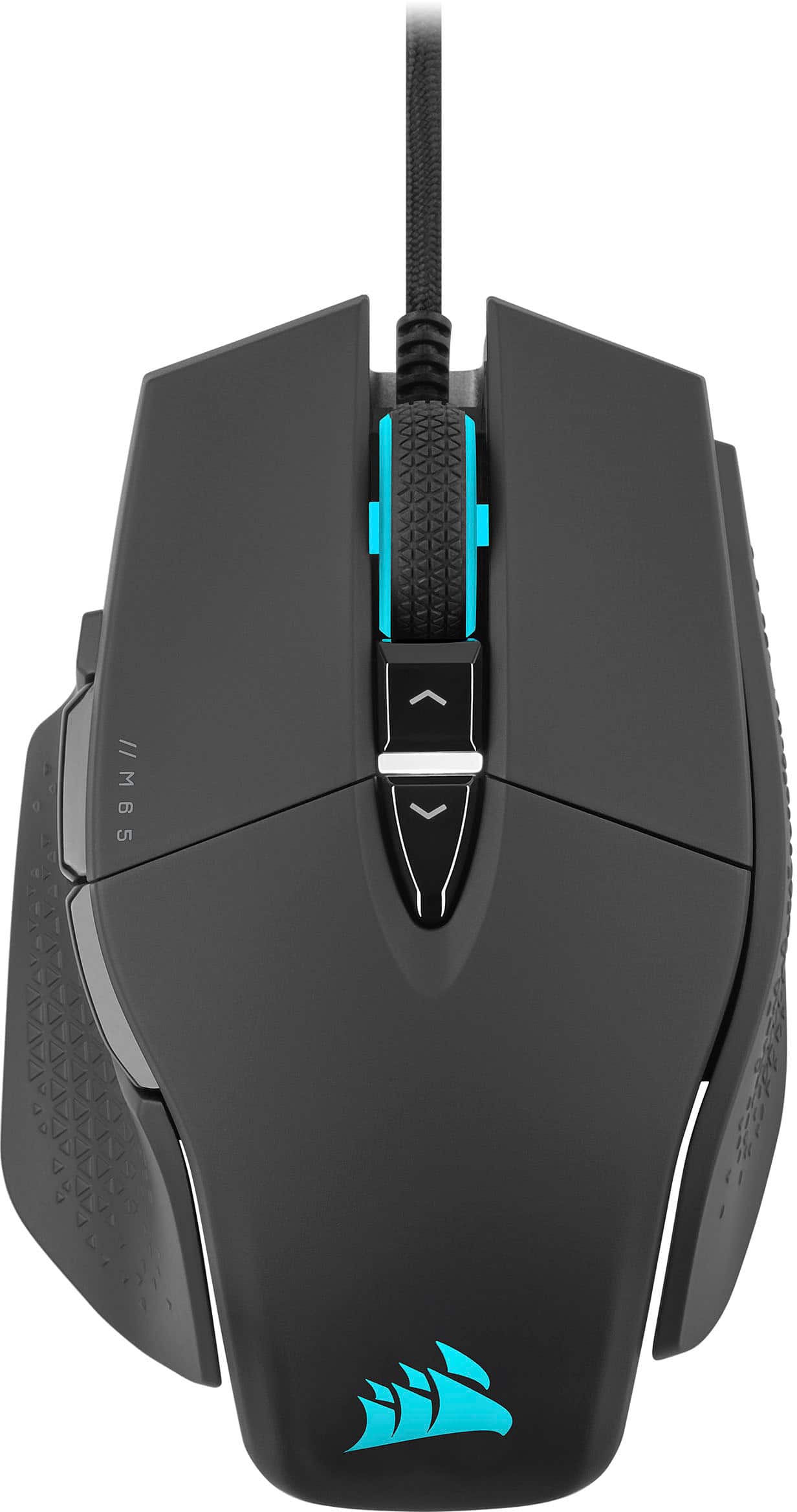
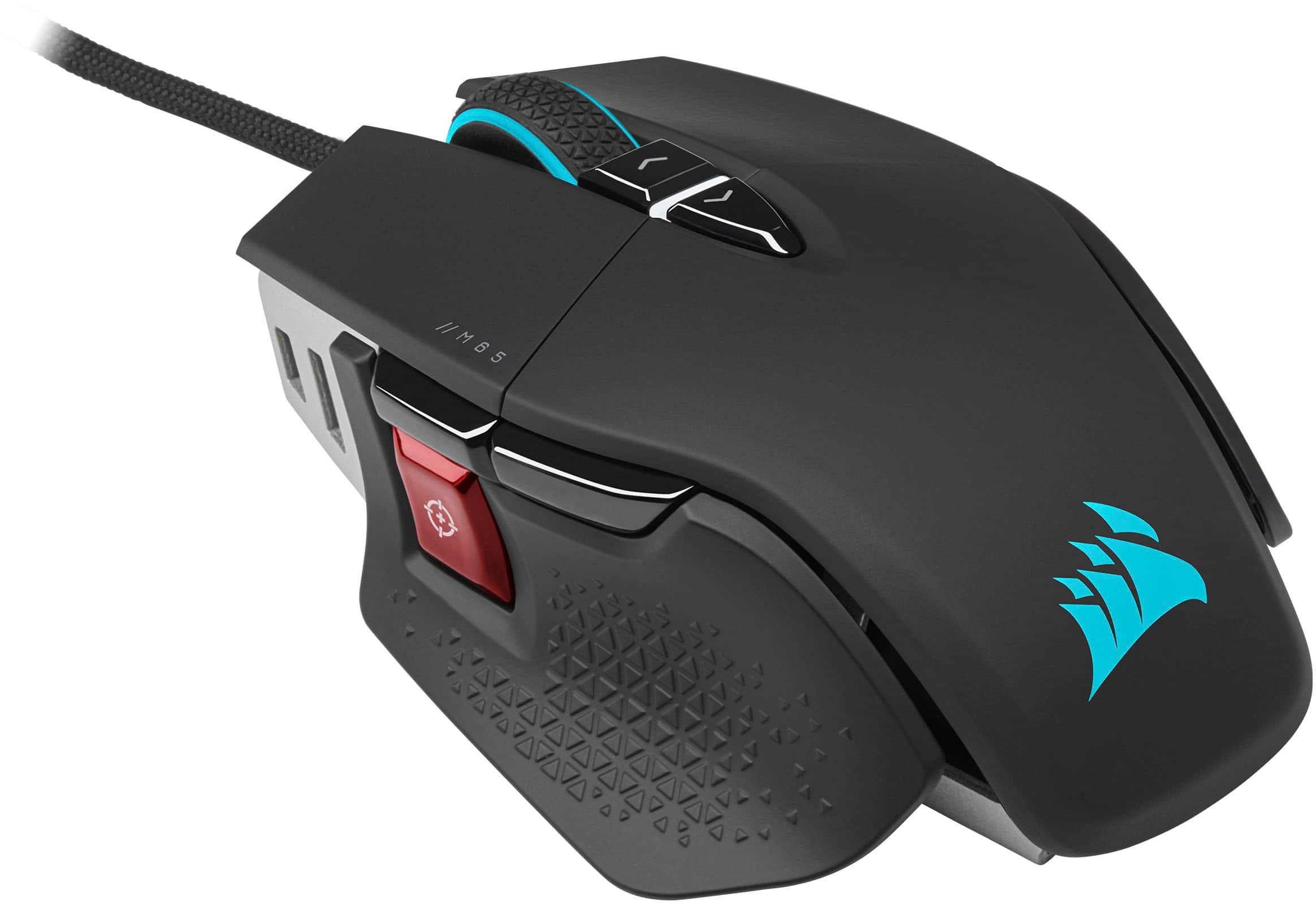
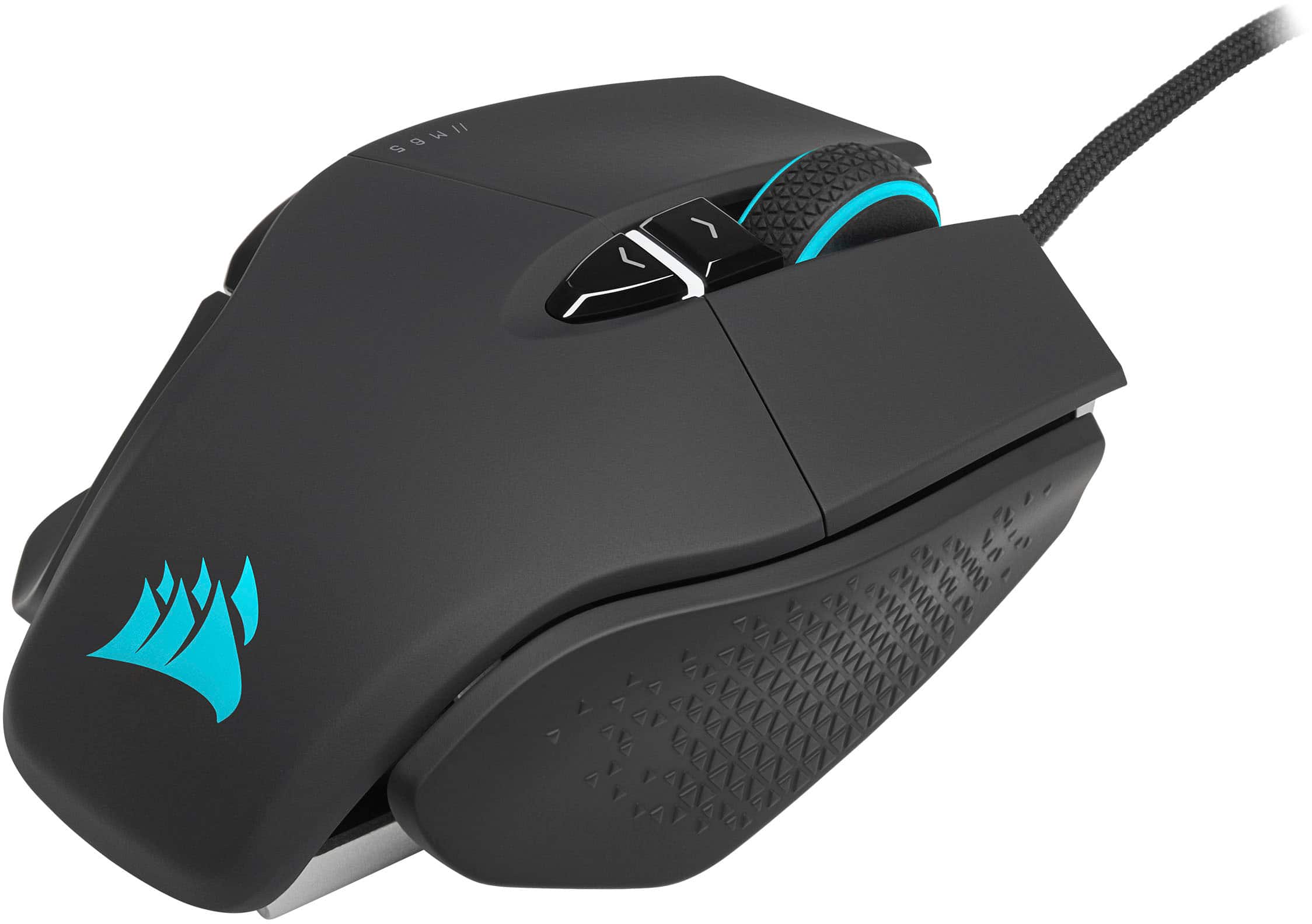
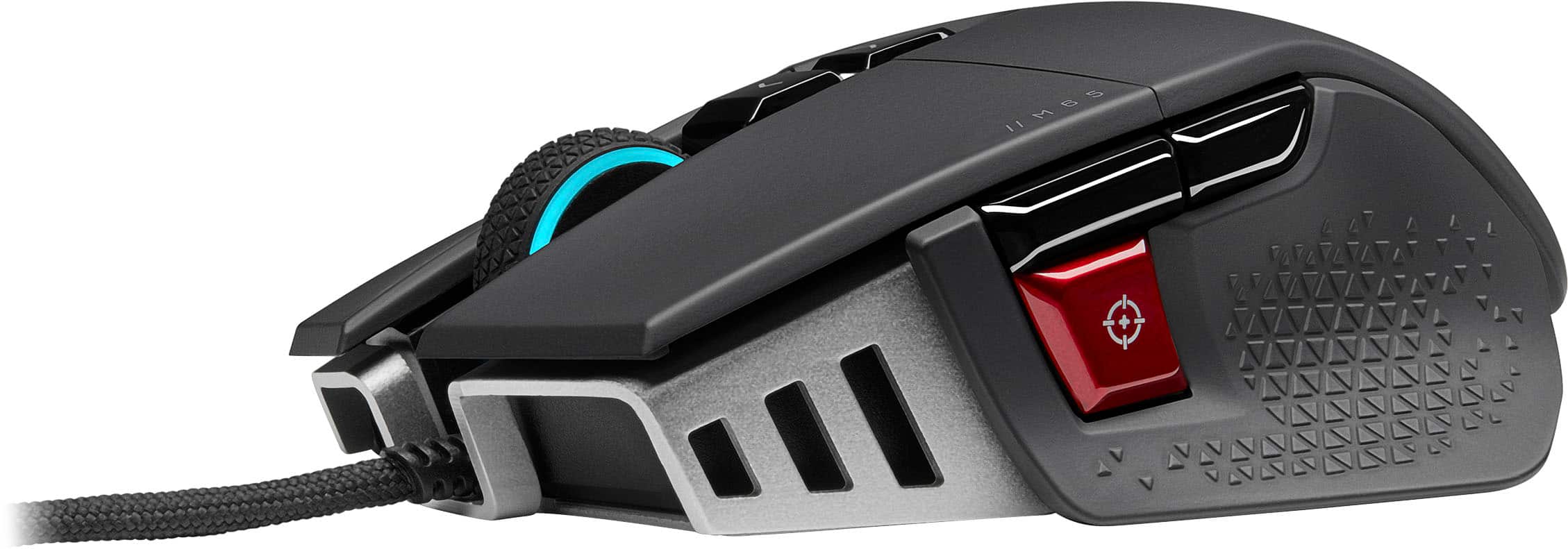
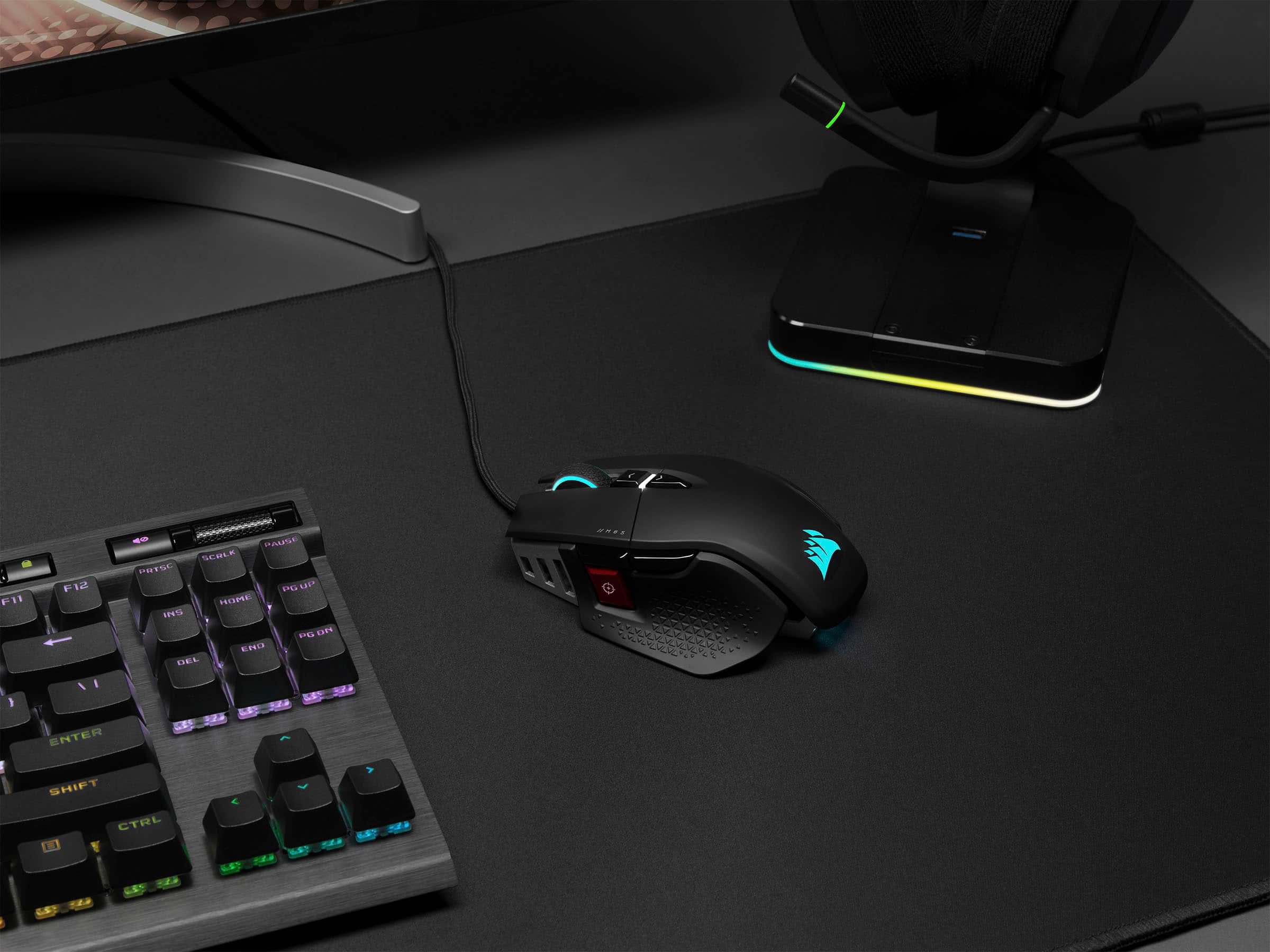
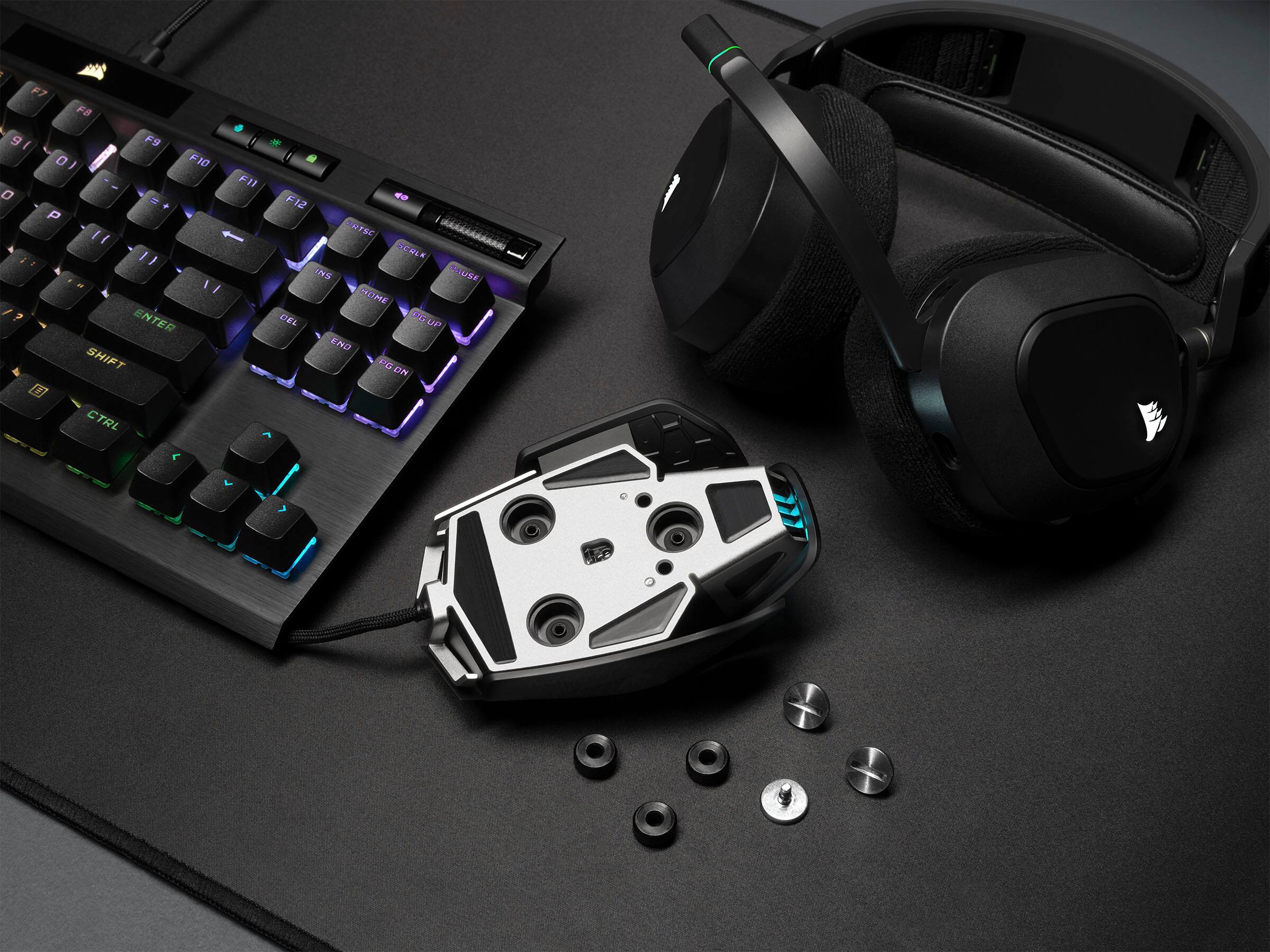

- Model:
- CH-9309411-NA2
- SKU:
- 6485744
Rating by feature
- Value
Rating 4.6 out of 5 stars
- Quality
Rating 4.7 out of 5 stars
- Ease of Use
Rating 4.6 out of 5 stars
Customers are saying
Customers find value in the product's comfortable design, light weight, and strong overall performance, along with its high DPI settings and impressive RGB customization. However, some users have experienced issues with the left click functionality, specifically double-clicking, and find the required software inconvenient. Minor concerns include its wired connectivity, price, and sensitivity.
This summary was generated by AI based on customer reviews.
- Pros mentioned:Weight
CoSOARing Value
||Posted . Owned for 1 week when reviewed.This reviewer received promo considerations or sweepstakes entry for writing a review.Solid weight, but mouse wheel feels a bit too clunky. Issues when using for games needing the option.
I would recommend this to a friend - Cons mentioned:Software
I didn’t like the texture of the mouse
||Posted .This reviewer received promo considerations or sweepstakes entry for writing a review.I really didn’t like the mouse overall, because the texture was too smooth for my hand. I much prefer the more aggressive texture of the Razer Basilisk. I also didn’t like using the bloated iCUE software. But one thing I did like is that I could configure the RGB lighting once and save it to the mouse’s internal memory. Unlike my Razer mouse, this meant that the Corsair mouse could remember my LED settings without the software running in the background.
No, I would not recommend this to a friend - Pros mentioned:Overall performance
Love it
||Posted . Owned for 1 month when reviewed.This reviewer received promo considerations or sweepstakes entry for writing a review.A little on the lite side but work good maybe even mad me a better player
I would recommend this to a friend - Pros mentioned:Feel
Best choice!!
||Posted . Owned for 2 months when reviewed.This reviewer received promo considerations or sweepstakes entry for writing a review.Amazing feel and feed back and is an amazing addition to the set up
I would recommend this to a friend Great mouse!
||Posted . Owned for 3 weeks when reviewed.This reviewer received promo considerations or sweepstakes entry for writing a review.Used this mouse for years. Finally had to purchase another, because the first finally gave up after 5 years of abuse.
I would recommend this to a friend- Pros mentioned:Feel
Just what I was looking for!
||Posted . Owned for 1 month when reviewed.This reviewer received promo considerations or sweepstakes entry for writing a review.Works great! Feels great in the hand and does everything it should!
I would recommend this to a friend - Cons mentioned:Price
mouse
||Posted . Owned for 3 weeks when reviewed.This reviewer received promo considerations or sweepstakes entry for writing a review.This mouse works great but the price is pretty pricey.
I would recommend this to a friend Lovely mouse!
||Posted . Owned for 3 weeks when reviewed.This reviewer received promo considerations or sweepstakes entry for writing a review.Its easy to adjust the sensitivity, i can use it casually for work, and then with the click of a button, i can ramp up the sensitivity for my gaming.
I would recommend this to a friendPerfect mouse
||Posted . Owned for 1 week when reviewed.This reviewer received promo considerations or sweepstakes entry for writing a review.Awesome mouse, fits my hand perfectly and gets the job done. GG
I would recommend this to a friendGaming mouse
||Posted . Owned for 1 week when reviewed.This reviewer received promo considerations or sweepstakes entry for writing a review.This Gaming Mouse was a perfect fit for my son He loved it because it fit his hand better than other mouses and was compatible with his PC and his Playstation.
I would recommend this to a friendCorsair is the best <3
||Posted . Owned for 2 weeks when reviewed.This reviewer received promo considerations or sweepstakes entry for writing a review.The mouse is amazing and the software is amazing too. It also has a great shade of orange compared to others.
I would recommend this to a friendNothing to envy to logitech
||Posted . Owned for 1 week when reviewed.This reviewer received promo considerations or sweepstakes entry for writing a review.This is a great mouse also, just and amazing like ny new alienware, and also a great price and functions, Im a graphic designer and I LOVE IT
I would recommend this to a friendNo issues
||Posted . Owned for 1 week when reviewed.This reviewer received promo considerations or sweepstakes entry for writing a review.Great mouse. I normally opt for wireless but that was giving me issues as of late. 10/10 mouse
I would recommend this to a friendGood n bad
||Posted . Owned for 6 months when reviewed.This reviewer received promo considerations or sweepstakes entry for writing a review.It was a perfect mouse with no issues until 8 months later when the clicker broke.
I would recommend this to a friendNice product
||Posted . Owned for 1 week when reviewed.This reviewer received promo considerations or sweepstakes entry for writing a review.Nice product it’s easy to install and the delivery was fast
I would recommend this to a friendM65 fan
||Posted . Owned for 3 weeks when reviewed.This reviewer received promo considerations or sweepstakes entry for writing a review.Always loved the M65. This new one feels lighter though.
I would recommend this to a friendM65 RGB Ultra
||Posted . Owned for 2 weeks when reviewed.This reviewer received promo considerations or sweepstakes entry for writing a review.Awesome mouse. A ton of features and the lighting is perfect. Would definitely recommend.
I would recommend this to a friend- Cons mentioned:Software
Flawed design and bad software
||Posted . Owned for less than 1 week when reviewed.This reviewer received promo considerations or sweepstakes entry for writing a review.I wanted to give this mouse a try and the more I tried using it the more I regretted it. There's 2 dealbreakers that essentially make it unusable for me, so let's get into that - First is the fact that the mouse is just unstable and rocks side to side either because of the feet or the ledges on the side of the mouse. Next is the software (iCUE) which for me doesn't even want to install despite having enough disk space for it. I don't recommend this mouse alongside many other Corsair mice as they have fallen behind.
No, I would not recommend this to a friendBrand response from Corsair
Posted .Hello,
Seems like you had one issue with your attempt at installing software, regardless if it were iCue, and the other is a preference as to how gliding works with the mouse. If there's something our team can help with, please don't hesitate reaching out directly right on our site.
-Art
- Pros mentioned:Dpi, WeightCons mentioned:Software

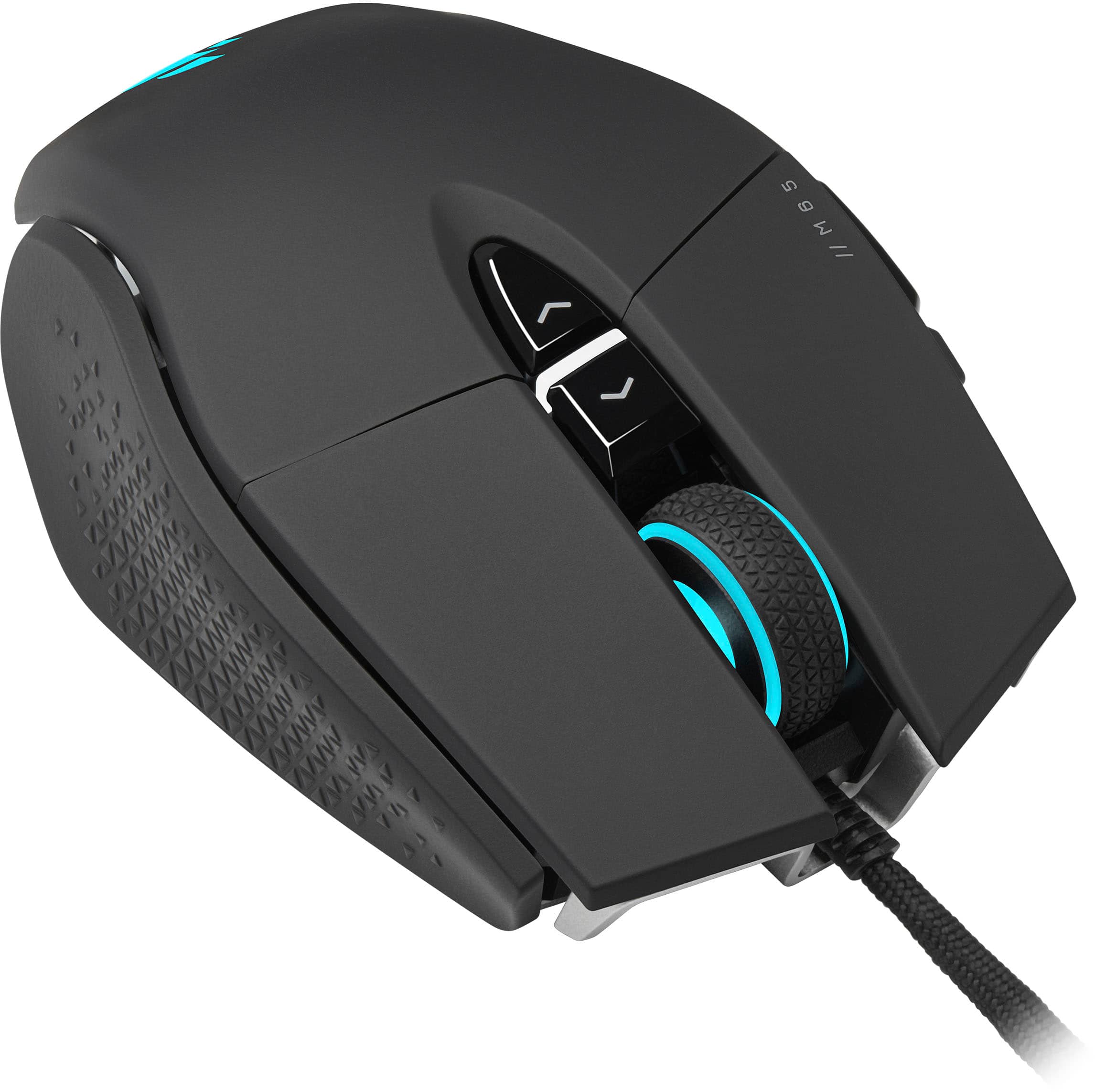
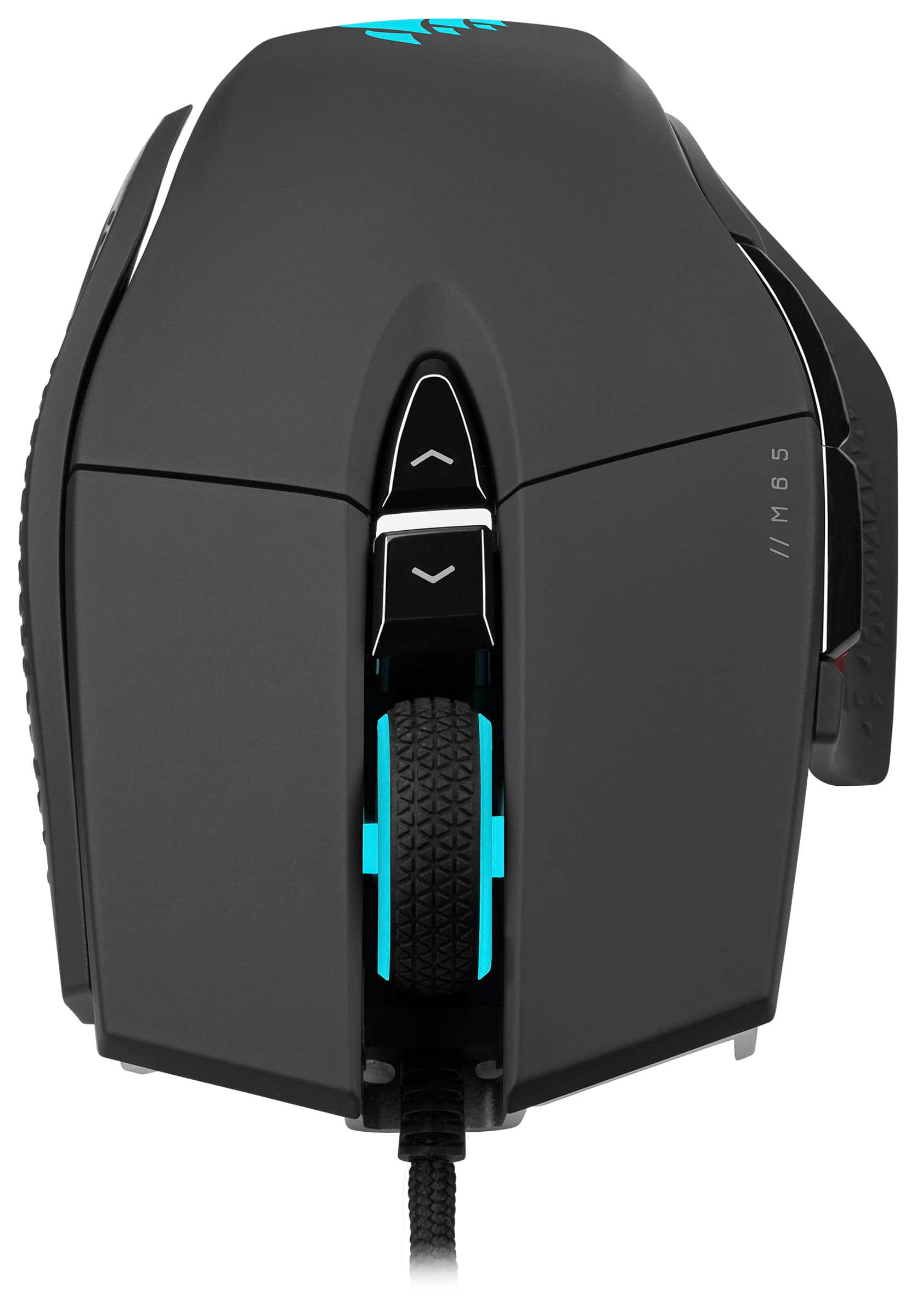
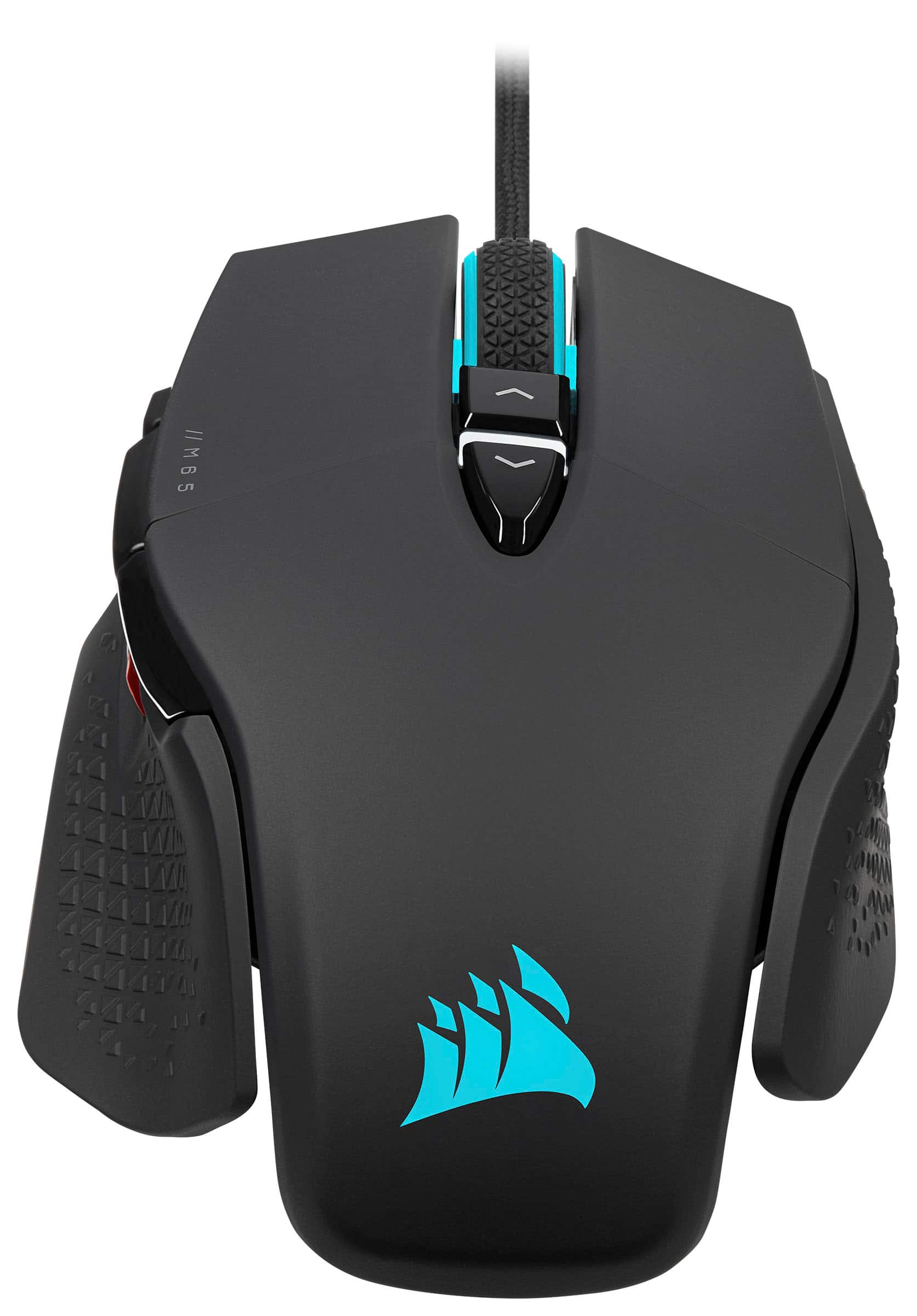
It's a good-looking and performant gaming mouse.
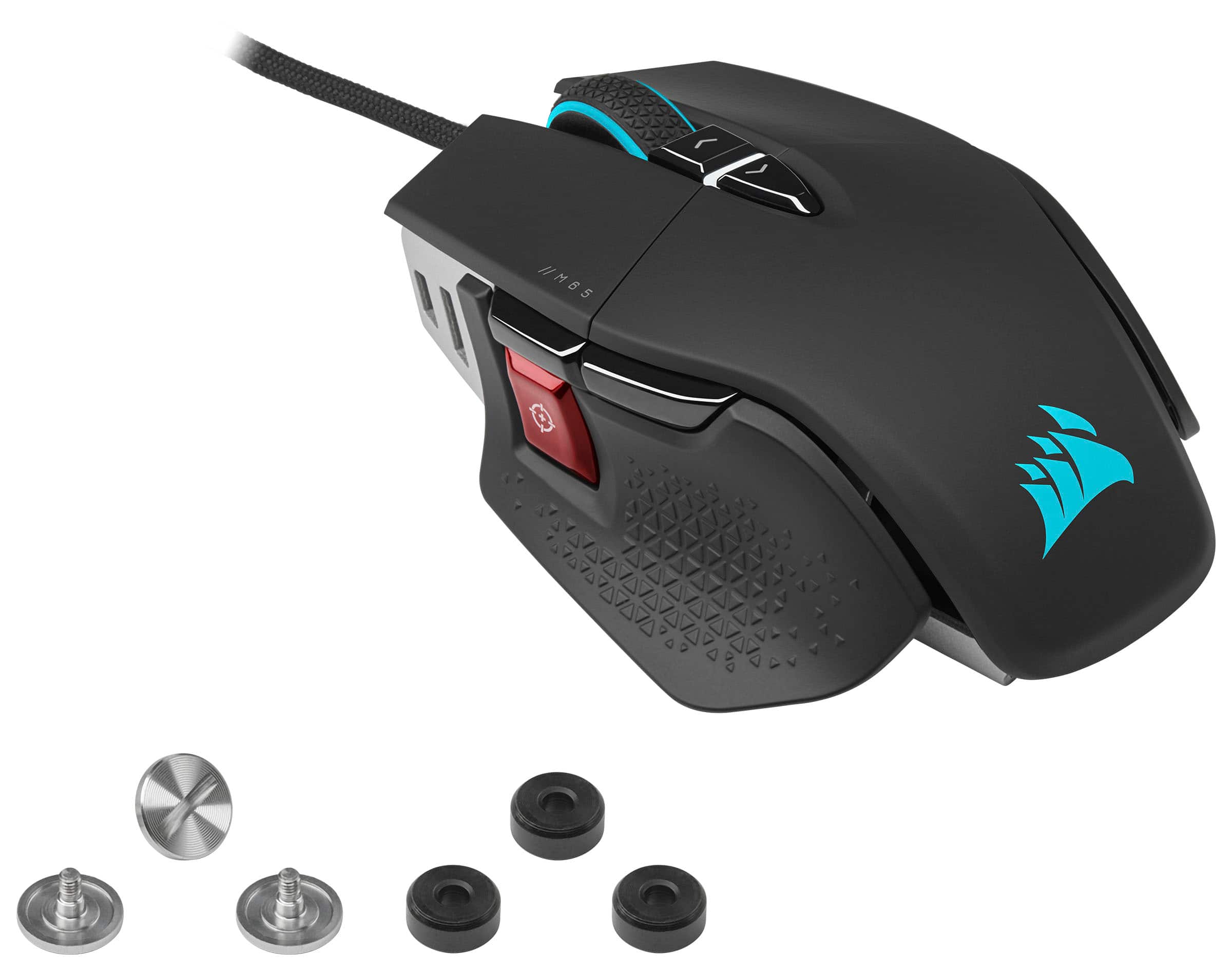
|Posted .This reviewer received promo considerations or sweepstakes entry for writing a review._____ *Pros: -Cool-looking design. -Very light with 3 adjustable weights included. -Clickity, responsive, & reliable buttons. -The left, right, and middle buttons are quiet when pressed. -Scroll wheel has right-on resistance and it's easy to modulate. -Ergonomic and comfortable. -Fantastic dpi range, up to 26,000 and 8,000 Hz polling rate. -Affordable and reasonably priced. -Many adjustable settings via the iCUE app. _____ *Neutral: -The Corsair iCUE app is a big download and clunky to use. -The iCUE app's menus and fonts are too small and waste a lot of screen real estate. _____ *Cons: -The iCUE app's tutorial prompts suck and aren't very helpful. Like many people who love PC tech, I love and enjoy Corsair products in general and the M65 RGB Ultra wired mouse did not disappoint. Hardware-wise, the M65 Ultra checks off everything I want and need from a gaming mouse: cool and slick-looking design with an ergonomic and comfortable in-hand fit, excellent build materials and quality, responsive and accurate switches and sensors, and a companion app that lets me customize LED lighting and set up custom button macros. Just as Corsair impressed me with their high-quality and reliable AIO watercooler systems and power supply units, the M65 Ultra gaming mouse has created another positive impression of the company and their PC offerings. I own several other gaming mice, such as the Logitech G Pro X Superlight, Logitech G903 Hero, Logitech G703, and the Razer Orochi V2. Compared to them, this $69.99 M65 Ultra from Corsair offers higher performance for the money spent and represents very good value. If I knew how good the M65 Ultra was beforehand, then I would've skipped out on several prior gaming mice purchases. Most of my other gaming mice are of the wireless kind and I specifically chose a wired version this time because ever since I started gaming on my 55" TV, I noticed severe and undesirable input lag from the wireless mice that negatively affected my enjoyment of fast-paced FPS games. Simply put, the wireless mice introduced too much input lag and made me strongly dislike playing games on the TV. This M65 Ultra, being a wired mouse, eliminated that annoying lag, and my gaming experience on the TV is just as enjoyable as playing on my 27" PC monitor. Although I'm super satisfied with the hardware, I'm not so keen on the Corsair iCUE software. It's a big, bloated, and unintuitive app weighing in at over 800MB. Also, the app is clunky and the tutorials are not very helpful. For instance, after I made all of my LED and macro customizations, I got a prompt notifying me to save my profile inside Device Settings but when I clicked on Device Settings, there was no simple menu option there to save my profile! To keep my customizations, I had to navigate to the Dashboard tab, click on the icon that represents "Customize Dashboard", left-click to toggle on or turn on the "assigned actions", then click the Apply button. Saving a user profile shouldn't feel like rocket science and Corsair needs to make the app more user-friendly. When it comes to software, Logitech does a MUCH better job, IMHO, and Corsair really should revamp the iCUE app to make it more user-friendly. Another aspect I disliked about the iCUE app is the amount of wasted screen real estate. The fonts are so small and the menus are unnecessarily complicated. Despite all the negativity I'm directing toward the iCUE app, my overall impression of the M65 Ultra is still positive because the hardware is good and one can choose to skip using the iCUE app if you so desire. Yes, you'll miss out on some features such as custom macros and dpi switch settings as well as LED lighting effects, but it's still possible to use and enjoy the mouse as-is out of the box. Since the M65 Ultra should be judged for both its hardware and software facets, I rate it 4 solid stars out of 5. If Corsair improves on the iCUE app, then my rating will be higher. === Is it a good buy? === Yes. For $69.99 (as of 2022-01-14), you're getting a high-quality and premium build quality mouse with excellent sensors, response rate, and a good deal of customization via the iCUE app. Just be aware that the iCUE app isn't that intuitive and simple to use.
I would recommend this to a friend Great product
||Posted . Owned for 3 weeks when reviewed.This reviewer received promo considerations or sweepstakes entry for writing a review.Mouse is great. Very responsive. Colors are cool. Highly recommend
I would recommend this to a friend