Customer Ratings & Reviews



- Model:
- MM800 RGB POLARIS
- SKU:
- 5578636
Rating by feature
- Value
Rating 4.4 out of 5 stars
- Quality
Rating 4.8 out of 5 stars
- Ease of Use
Rating 4.8 out of 5 stars
Customers are saying
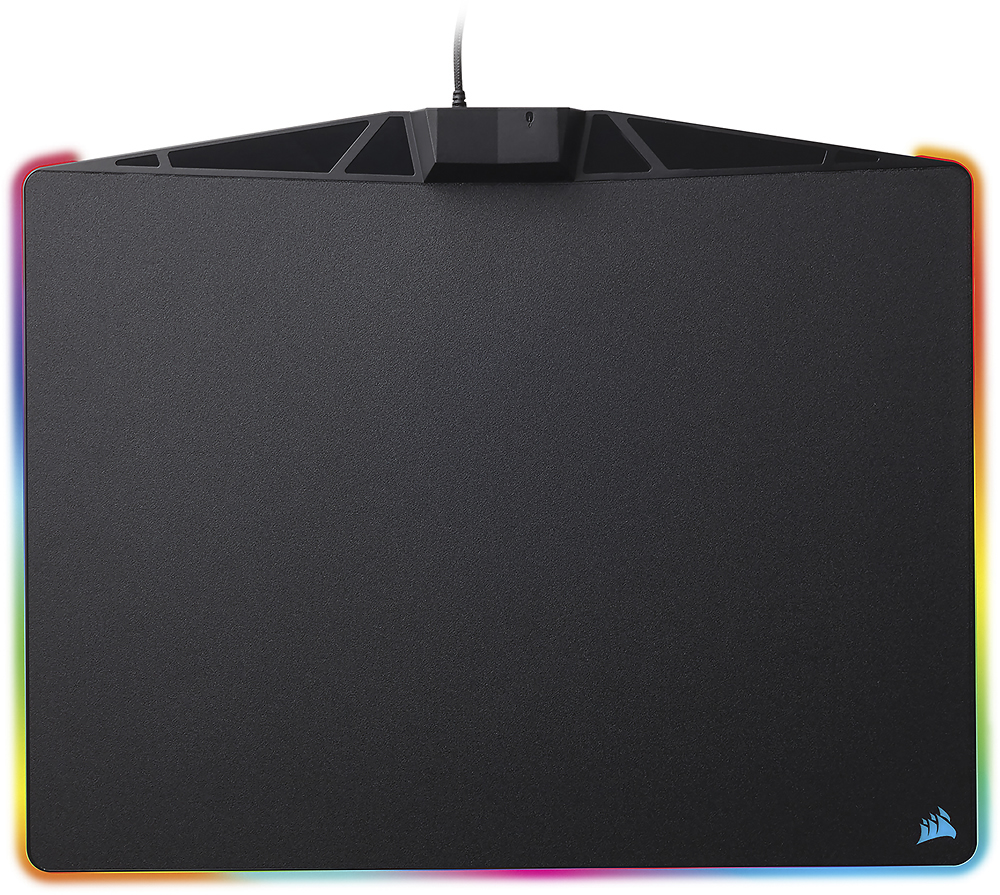
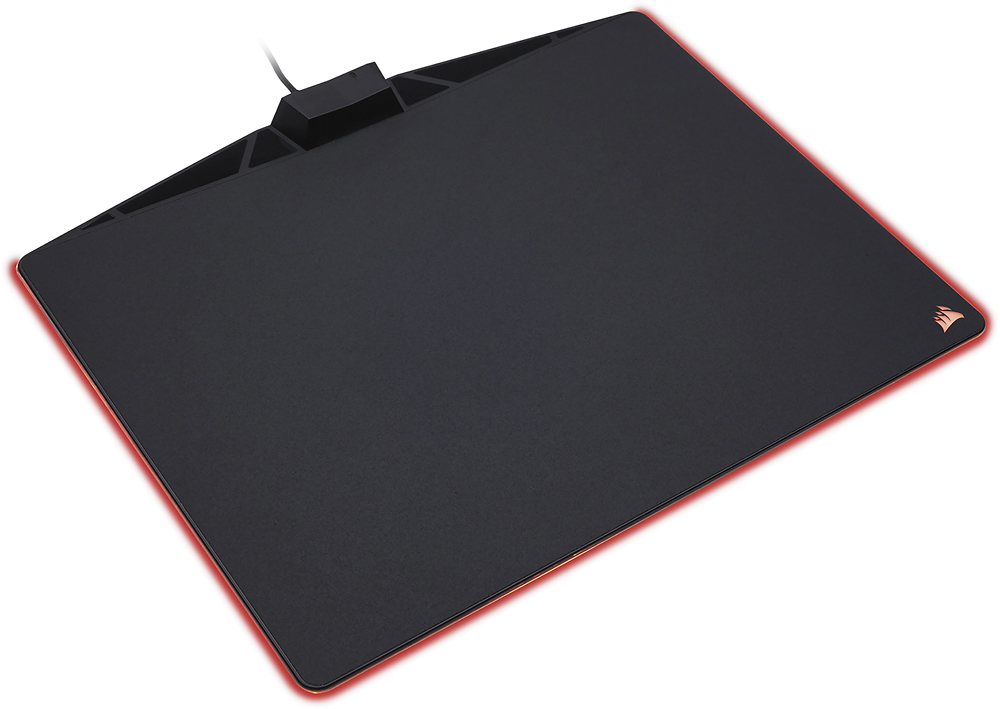
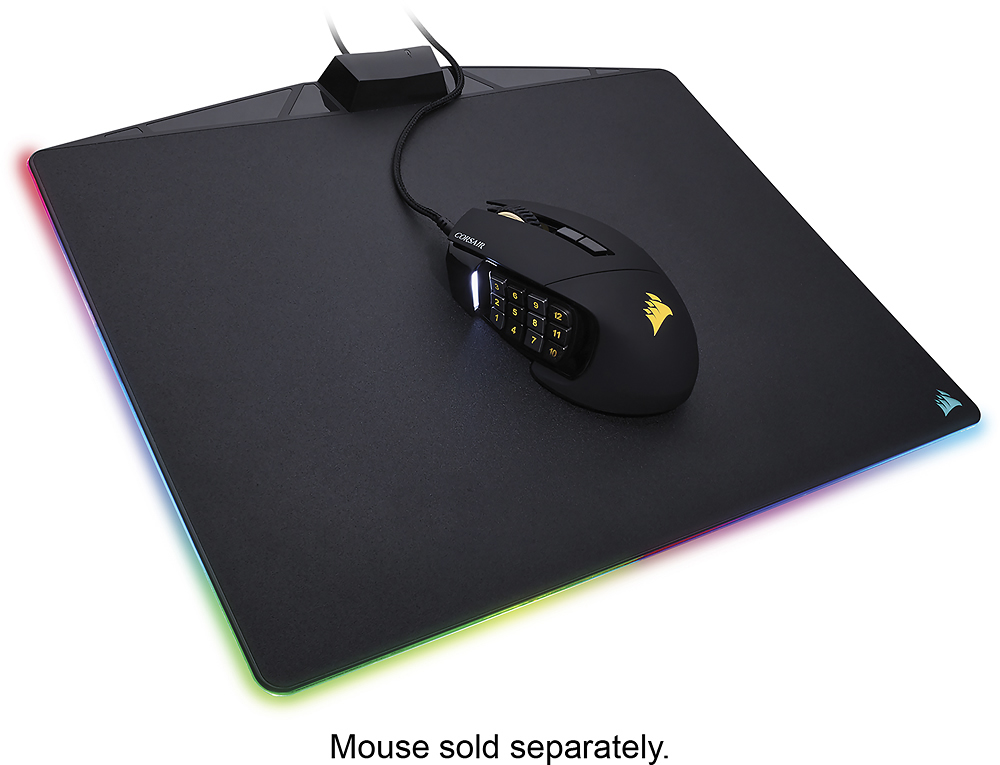
Customers commend the MM800 Polaris RGB Gaming Mouse Pad's vibrant RGB lighting and generous size, praising its smooth surface ideal for gaming and the convenient USB port. Positive feedback also highlights the high-quality construction and ease of use, along with the intuitive software. While some users noted minor friction or material preferences, the overall experience is overwhelmingly positive.
This summary was generated by AI based on customer reviews.
Not for gamers....
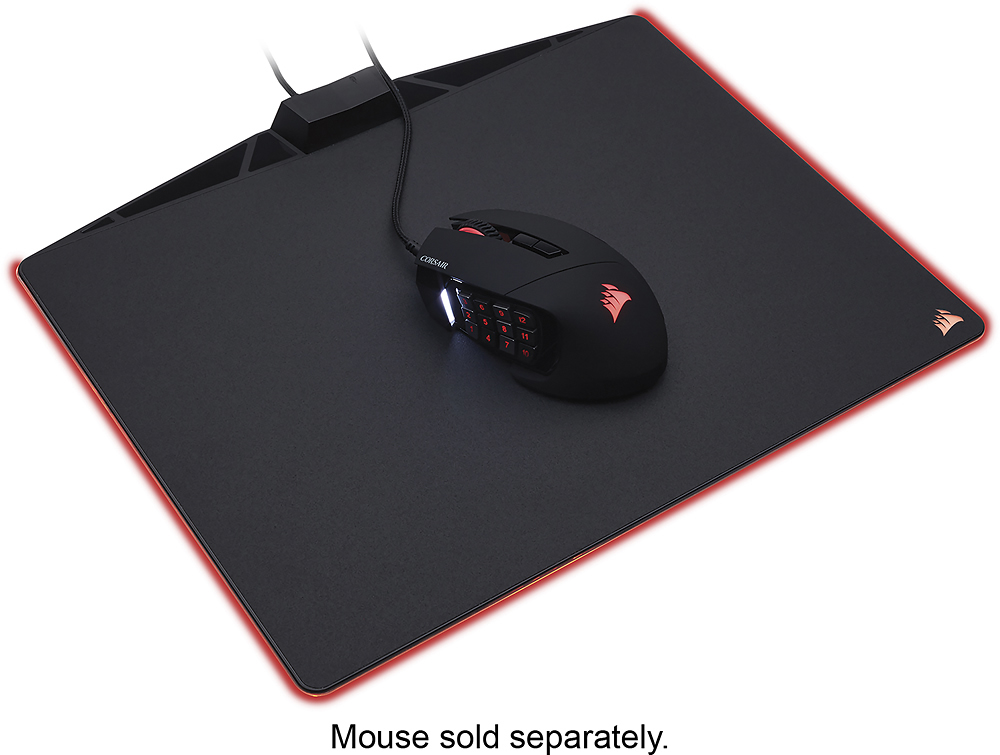
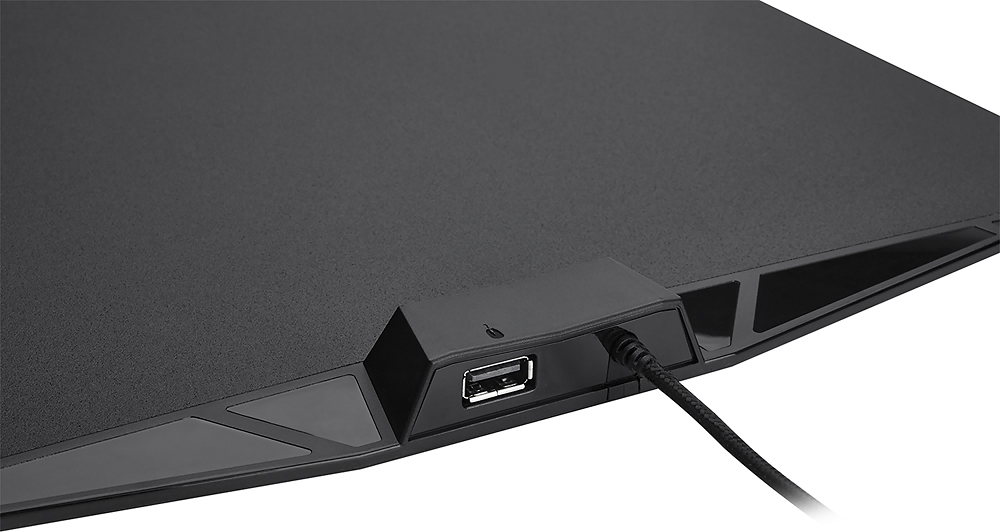
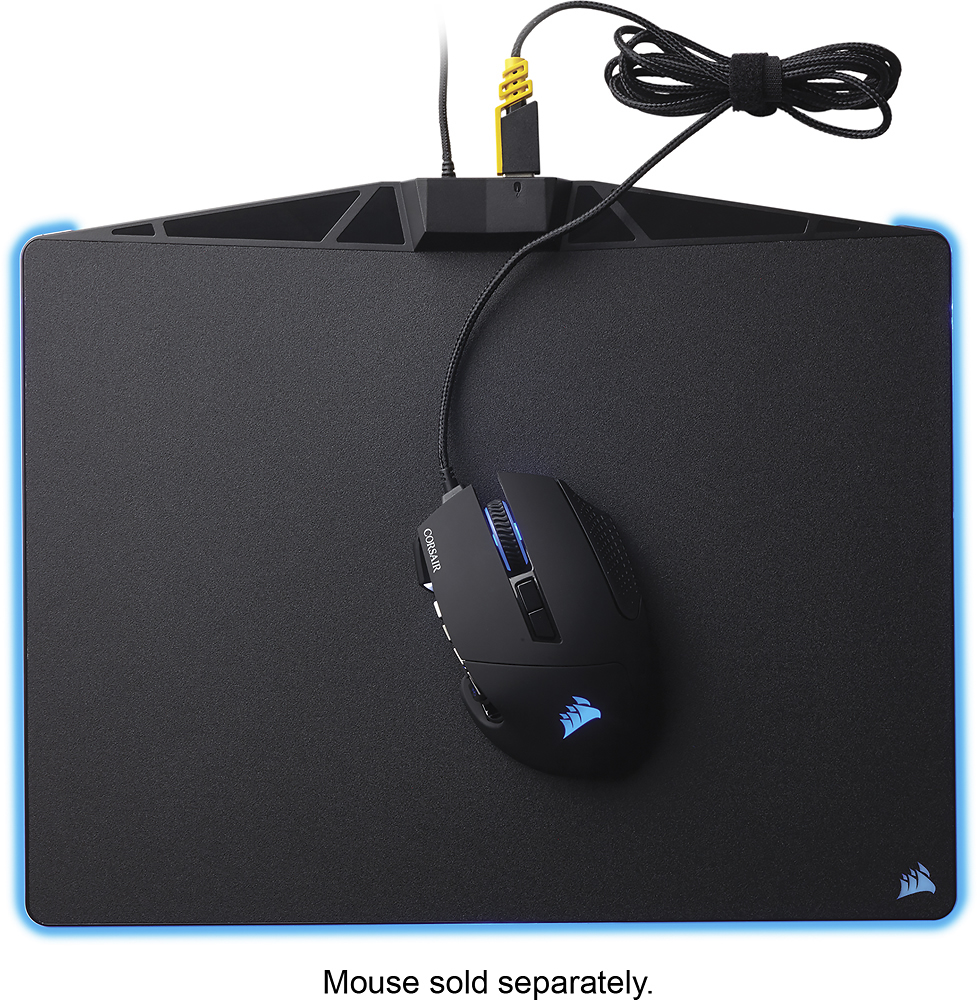
||Posted .This reviewer received promo considerations or sweepstakes entry for writing a review.This is all about being flashy. It looks nice, probably matches up with most people's RBG stuff. I liked how it looked too, until I tried to play games.... The little USB hub at the top needs to be removed. The mouse cord catches on that continuously making it impossible to tolerate. As a FPS gamer this is unacceptable since when you need to look right real fast and shoot, that snag just got you killed. If you use a wireless mouse, this would work. It does track smoothly, and you won't have the wired mouse issues I have. But, 0 input lag for me so stay wired. And this doesn't work.
No, I would not recommend this to a friendCould be better
||Posted .This reviewer received promo considerations or sweepstakes entry for writing a review.Overall great mousepad, only thing that bothered me was the usb pass through being in the middle, i had to get a mouse bungee so the pass through wasnt getting in the way.
I would recommend this to a friendBrand response from Corsair Art
Posted .Thanks for the feedback, to keep the mousepad flat in pretty much every other section of it the passthrough had to be placed there as some left-handed users also may have an issue if it were on the opposite side and viceversa of course.

Nice mat, just not compatible
||Posted .This reviewer received promo considerations or sweepstakes entry for writing a review.Tried multiple re-installs of the Corsair CUE utility, but this mousepad would not install the drivers correctly, so became a $50 pc of plastic. Returned it.
No, I would not recommend this to a friendNot so great
||Posted .This reviewer received promo considerations or sweepstakes entry for writing a review.The mat itself has a very hard surface and it is hard to get used to I had to return in because it was just not easy on your palm
No, I would not recommend this to a friendBrand response from Corsair Art
Posted .Hi Raul,
Sorry to hear this wasn't a good fit with you, I'd recommend the cloth version if you can find it in stock. Otherwise, please reach out if you have any other questions: support.corsair.com
Son doesn't use it
||Posted .This reviewer received promo considerations or sweepstakes entry for writing a review.I thought this would be a perfect item for my 15 year old son. Nothing specifically wrong with it. He feels it's too big for his work area (sigh).
I would recommend this to a friendWorked briefly
||Posted .This reviewer received promo considerations or sweepstakes entry for writing a review.We had to return this mouse, it worked for a few weeks and then buttons on side stopped working after a month or so...had to return
No, I would not recommend this to a friendGood product but extremely expensive
||Posted .This reviewer received promo considerations or sweepstakes entry for writing a review.I think this is a really well made mouse pad, but it's incredibly expensive for what you get. Try to catch it on a sale.
No, I would not recommend this to a friendMouse Cord Hits!
||Posted . Owned for 1 month when reviewed.This reviewer received promo considerations or sweepstakes entry for writing a review.I was super excited about this product... until I tried it. The mouse cord hits the top where the USB plugs in and really hurts when playing shooting games. LED is awesome. Super disappointed I couldn’t use it. Corsair please move the USB hub to the side next time.
No, I would not recommend this to a friendGreat looking mousepad
||Posted .This reviewer received promo considerations or sweepstakes entry for writing a review.The mousepad looks great but it could be a bit bigger and not have such a rough surface
I would recommend this to a friendBrand response from Corsair Art
Posted .Hi Mikhail,
Thanks for the feedback, we did release a MM800 with a soft surface but no longer have it in stock; hopefully you find one of our mousepads to be better for your uses in the near future, and please do reach out if you have any other comments or questions: support.corsair.com
Might be good for some but not for me.
||Posted .This reviewer received promo considerations or sweepstakes entry for writing a review.I'm returning this gaming mouse pad. There is a lecture to the surface and I've noticed it is eating away at the bottom of my mouse after only a couple of weeks. I can't imagine what 6 months or a year might do to my mouse with continued use. I don't expect to need a replacement mouse every 6 months from an expensive mouse pad.
No, I would not recommend this to a friendBrand response from Corsair Art
Posted .Unfortunate to hear about your issue.
If you do get a different mousepad of ours and have issues please contact us right away: support.corsair.com
Awesome looking mouse pad
||Posted .This reviewer received promo considerations or sweepstakes entry for writing a review.Awesome looking mouse pad, but not as low profile as a plain mouse pad.
I would recommend this to a friendGood when it works
||Posted . Owned for 2 months when reviewed.This reviewer received promo considerations or sweepstakes entry for writing a review.Color quality is phenomenal when the unit is working. Unfortunately, it had a tendency of not working. Frequently having to reconnect the unit, reinstall icue, etc lead to returning the product. Love corsair products, but this one seems to be a pass
No, I would not recommend this to a friendBrand response from Corsair Art
Posted .Hi,
We can definitely help. Please reach out at any time directly right under the Support link on the Corsair site.
-Art
Its a rgb mousepad
||Posted . Owned for 2 months when reviewed.This reviewer received promo considerations or sweepstakes entry for writing a review.Its a rgb mousepad. My skills have improved dramatically.
No, I would not recommend this to a friendBrand response from Corsair Art
Posted .Hello John,
Please contact us with any problems you may have had, we'll try to help out: support.corsair.com
I Prefer Razer Firefly V2
||Posted .This reviewer received promo considerations or sweepstakes entry for writing a review.I prefer the Razer Firefly V2. The Razer hard mouse pad is smoother and has the USB port in top left. MM800 is rougher and USB port can get in the way of mouse wire.
No, I would not recommend this to a friendBrand response from Corsair Art
Posted .Hi,
Thank you for your feedback. If you have any questions or concerns, we'd be happy to help: support.corsair.com
-Albert
Help me corsair
||Posted . Owned for 1 week when reviewed.This reviewer received promo considerations or sweepstakes entry for writing a review.I bought two mm800s for my pc and my kids pc and neither one will update the firmware or let me change the colors and has a red triangle in the corner. If you try to update the firmware, it disappears until you restart icue or your pc, and the issue reoccures. I will be contacting corsair to get help. If they cant help, ill be returning them.
No, I would not recommend this to a friendBrand response from Corsair
Posted .Hi TiredOfBeingTired,
Can you try connecting to a different USB port? Preferably one directly on your computer, try to avoid updating FW while connected to a dock or hub. If you're still having issues after this, please feel free to reach out to our support team: support.corsair.com -Brian
Lighting works half the time
||Posted . Owned for 3 weeks when reviewed.This reviewer received promo considerations or sweepstakes entry for writing a review.I liked it but when starting the computer the mouse pad didn’t light up just as often as it did light up.
No, I would not recommend this to a friendBrand response from Corsair Art
Posted .Hi Mike,
There shouldn't be any issue with the mouse pad lighting up once your computer is done starting up. If there's an issue with the lighting, please feel free to contact us: support.corsair.com
-Albert
Good
||Posted .This reviewer received promo considerations or sweepstakes entry for writing a review.It's ok. To pricey for what it is. Rather get a full keyboard n mouse pad.
No, I would not recommend this to a friendBrand response from Corsair Art
Posted .Apologize for your discontent with the product. If you have any issues with it please reach out to us at support.corsair.com
Not so good
||Posted .This reviewer received promo considerations or sweepstakes entry for writing a review.When you lock your computer it doesn't keep the color you set, it goes to multicolor and there is no way to prevent it.
No, I would not recommend this to a friendBrand response from Corsair Art
Posted .Correct, that's not a feature we advertise as the mousepad does not have onboard memory.
Returned
||Posted . Owned for 1 month when reviewed.This reviewer received promo considerations or sweepstakes entry for writing a review.While I love Corsair products, I really found no use in owning this pad. I originally was wanting the charging pad; however, I found that this was close to it and tried it out. Sadly I was very unimpressed.
No, I would not recommend this to a friendBrand response from Corsair Art
Posted .Hi,
And sorry to hear. If there's something we can help with, please reach out to us: support.corsair.com
-Art
this isn't it chief
||Posted . Owned for 8 months when reviewed.This reviewer received promo considerations or sweepstakes entry for writing a review.hard, unswappable surface. large bump in top center means you have to use a wireless mouse or a bungee to hold the cable over it.
No, I would not recommend this to a friendBrand response from Corsair Art
Posted .Hello Maxwell,
What was the issue you had as advertised? I'm afraid I'm not understanding the problem.
If you have anything else we can help with, please reach out to us directly: support.corsair.com
-Art