Customer Ratings & Reviews


- Model:
- CH-931G000-WW
- SKU:
- 6637500
Rating by feature
- Value
Rating 4.5 out of 5 stars
- Quality
Rating 4.5 out of 5 stars
- Ease of Use
Rating 4.6 out of 5 stars
Customers are saying
Customers admire the lightweight design of this gaming mouse, which is frequently praised alongside its impressive battery life and reliable performance. Users also appreciate the comfortable ergonomic shape, high-quality build, and the smooth glide it provides during use. While the device is highly regarded for its technical features like the 8k polling rate, some users have noted minor concerns regarding the button layout and occasional connectivity issues.
This summary was generated by AI based on customer reviews.
- Pros mentioned:Weight
Best mouse ever
||Posted . Owned for 2 weeks when reviewed.This reviewer received promo considerations or sweepstakes entry for writing a review.This mouse is amazing! It’s so lightweight and I can tell an actual difference in the way I play. Would highly recommend
I would recommend this to a friend Great Mouse
||Posted . Owned for 2 weeks when reviewed.This reviewer received promo considerations or sweepstakes entry for writing a review.Very light weighted, battery is good. I’d recommend this.
I would recommend this to a friendPerfect mouse
||Posted . Owned for less than 1 week when reviewed.This reviewer received promo considerations or sweepstakes entry for writing a review.Much better than similar mouse I have purchased in past.
I would recommend this to a friend- Pros mentioned:Battery life
Sabre v2 review
||Posted . Owned for 3 weeks when reviewed.This reviewer received promo considerations or sweepstakes entry for writing a review.Lightest mouse I have owned, battery lasts a while if you have it set at 1000, great for first person shooters.
I would recommend this to a friend - Pros mentioned:Weight
Light as a feather
||Posted . Owned for 1 month when reviewed.This reviewer received promo considerations or sweepstakes entry for writing a review.Its an incredibly lightweight mouse, so light that you dont realize youve lifted it off the mouse pad sometimes until the tracking skips. The sensor doesnt like to realize its back on the desk either.
I would recommend this to a friend - Pros mentioned:Weight
Best mouse for price
||Posted . Owned for 1 week when reviewed.This reviewer received promo considerations or sweepstakes entry for writing a review.Great lightweight mouse for gaming definitely ticked all the boxes that I was looking for
I would recommend this to a friend - Pros mentioned:Battery life
Great mouse
||Posted .This reviewer received promo considerations or sweepstakes entry for writing a review.This mouse is great. Long battery life. Can use while it is charging.
I would recommend this to a friend - Pros mentioned:Weight

Extremely Superlight
|Posted .This reviewer received promo considerations or sweepstakes entry for writing a review.[Employee of bestbuy] Mouse is extremely superlight and very easy to use the DPI is very customizable.
I would recommend this to a friend - Pros mentioned:Weight
Corsair did it again
||Posted .This reviewer received promo considerations or sweepstakes entry for writing a review.Good and light weight for the price definitely a steal
I would recommend this to a friend - Cons mentioned:Button layout
Great mouse
||Posted . Owned for 2 weeks when reviewed.This reviewer received promo considerations or sweepstakes entry for writing a review.Everything is great except changing the dpi is two buttons instead of one. I guess I'm spoiled I do love this mouse.
I would recommend this to a friend - Pros mentioned:Build quality
Excellent battery and everything.
|Posted .This reviewer received promo considerations or sweepstakes entry for writing a review.[Employee of bestbuy] Excellent quality, my favorite mouse I’ve ever had.
I would recommend this to a friend Super lightweight but uncomfortable
||Posted . Owned for 2 months when reviewed.This reviewer received promo considerations or sweepstakes entry for writing a review.This mouse is super lightweight but I feel the mouse is a little too small. Which affects the way I hold the house causing me to get cramping in my hand. The way the top surface rounds into the sides, rather than having a "hard corner" like the aerox 3, makes it difficult to pick up and reposition the mouse on the pad. Which further contributes to the cramping. Also, this mouse is not currently supported in the icue software. Instead you will need to go to a web page to change any settings on the mouse.
No, I would not recommend this to a friend- Pros mentioned:Weight
Sabre v2 review
||Posted .This reviewer received promo considerations or sweepstakes entry for writing a review.Light and very easy to use one of the best gaming mouse’s out there!
I would recommend this to a friend Best FPS Lightweight Mouse
|Posted . Owned for 2 months when reviewed.This reviewer received promo considerations or sweepstakes entry for writing a review.[Employee of bestbuy] Wanted the lightest wireless mouse with the lowest input lag. This is the one. Only issue is that the battery doesn’t last long, needs to be charged every 3-4 days as compared to other wireless mice.
I would recommend this to a friend- Pros mentioned:Build quality
Good mouse
||Posted . Owned for 2 weeks when reviewed.This reviewer received promo considerations or sweepstakes entry for writing a review.Good quality I prefer bigger mice but this is not bad.
I would recommend this to a friend - Pros mentioned:Build quality, Comfort, Performance

A lighter than light gaming mouse
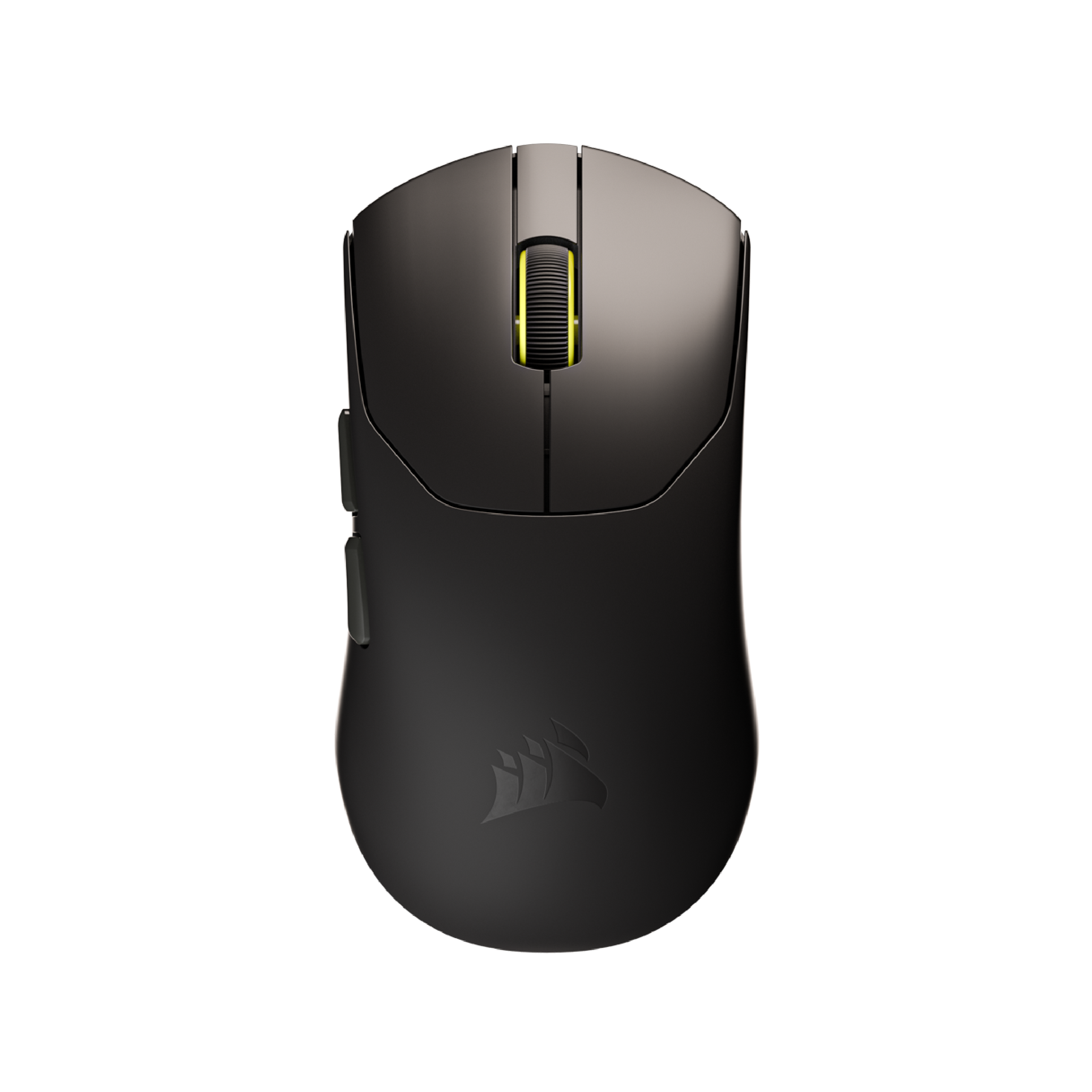
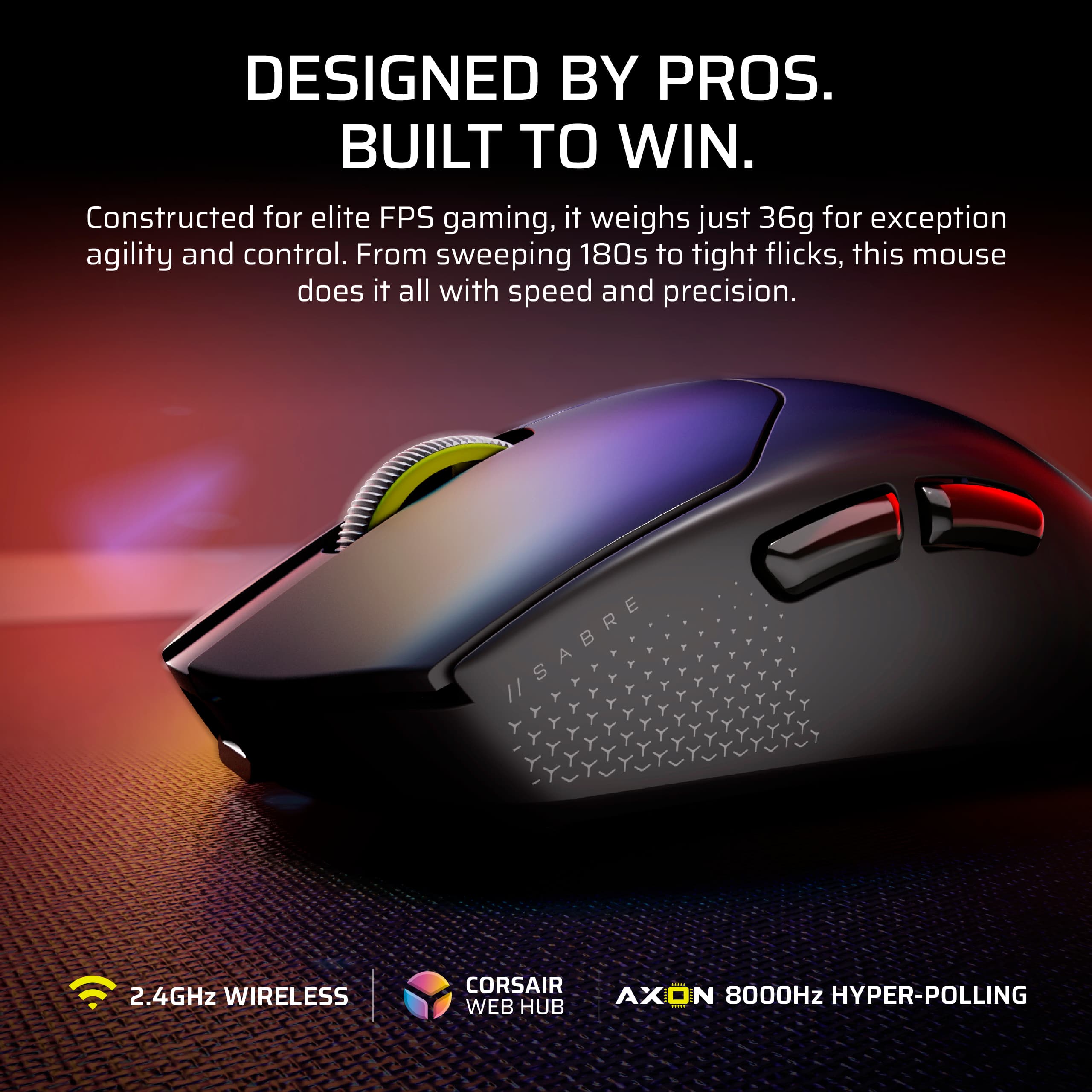
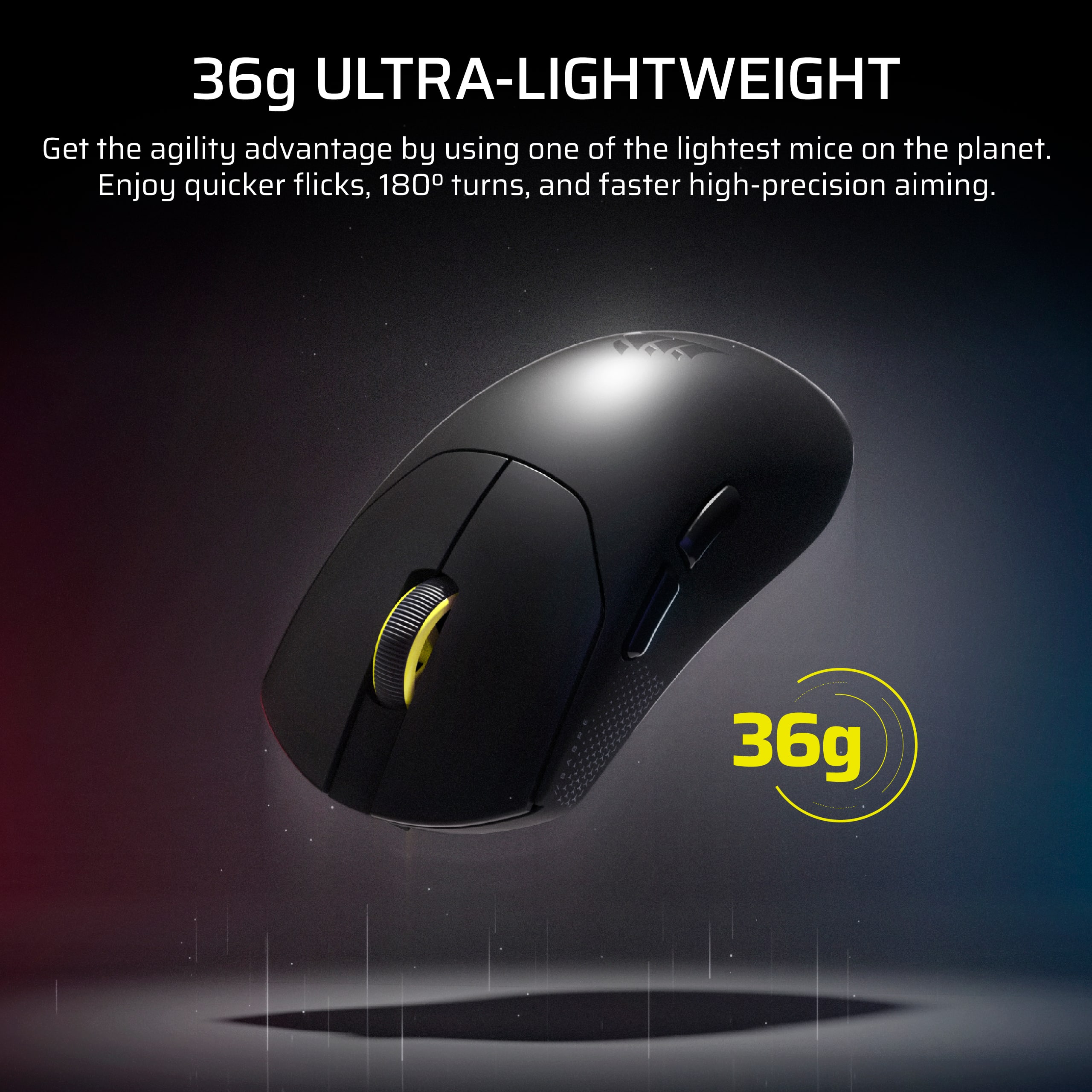
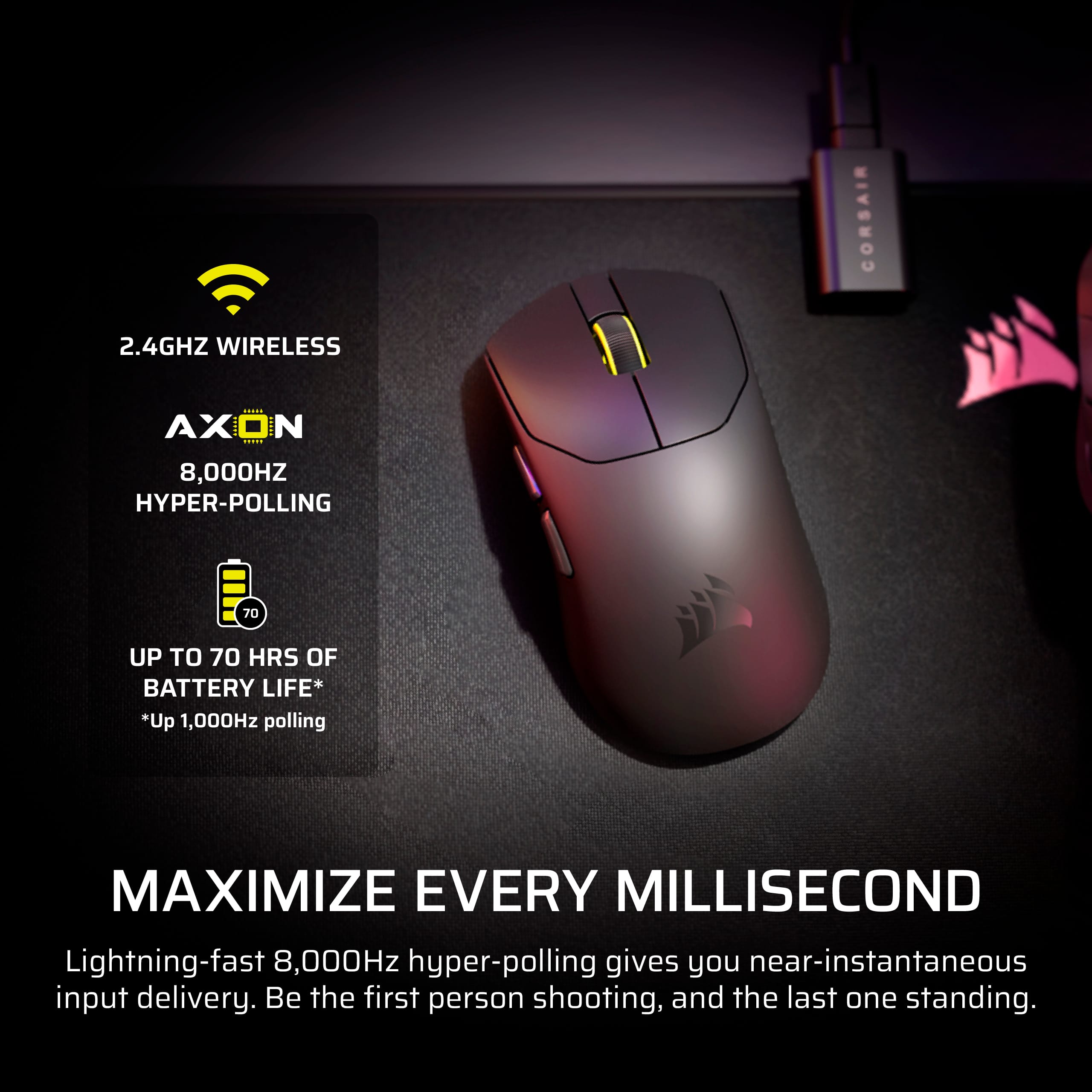
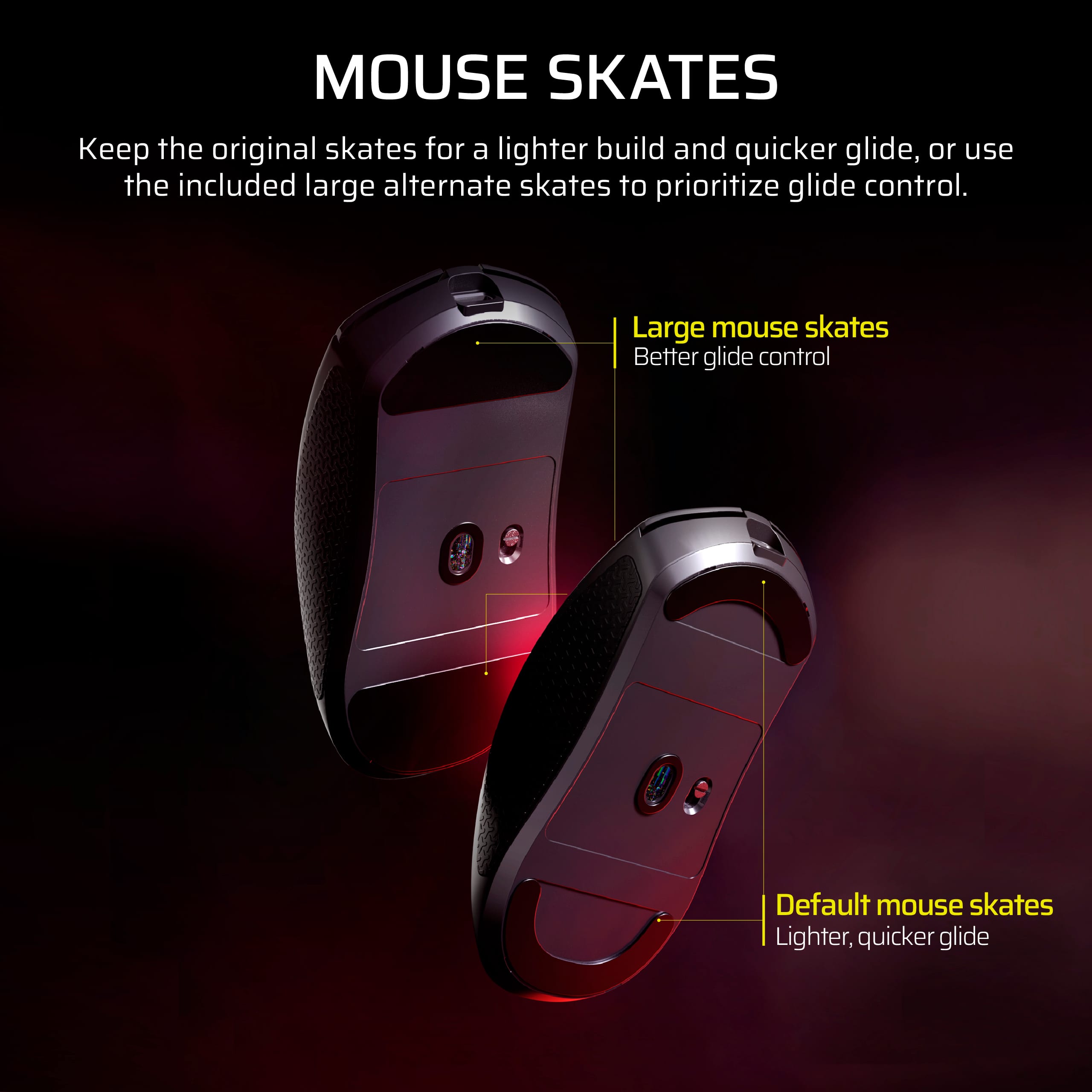
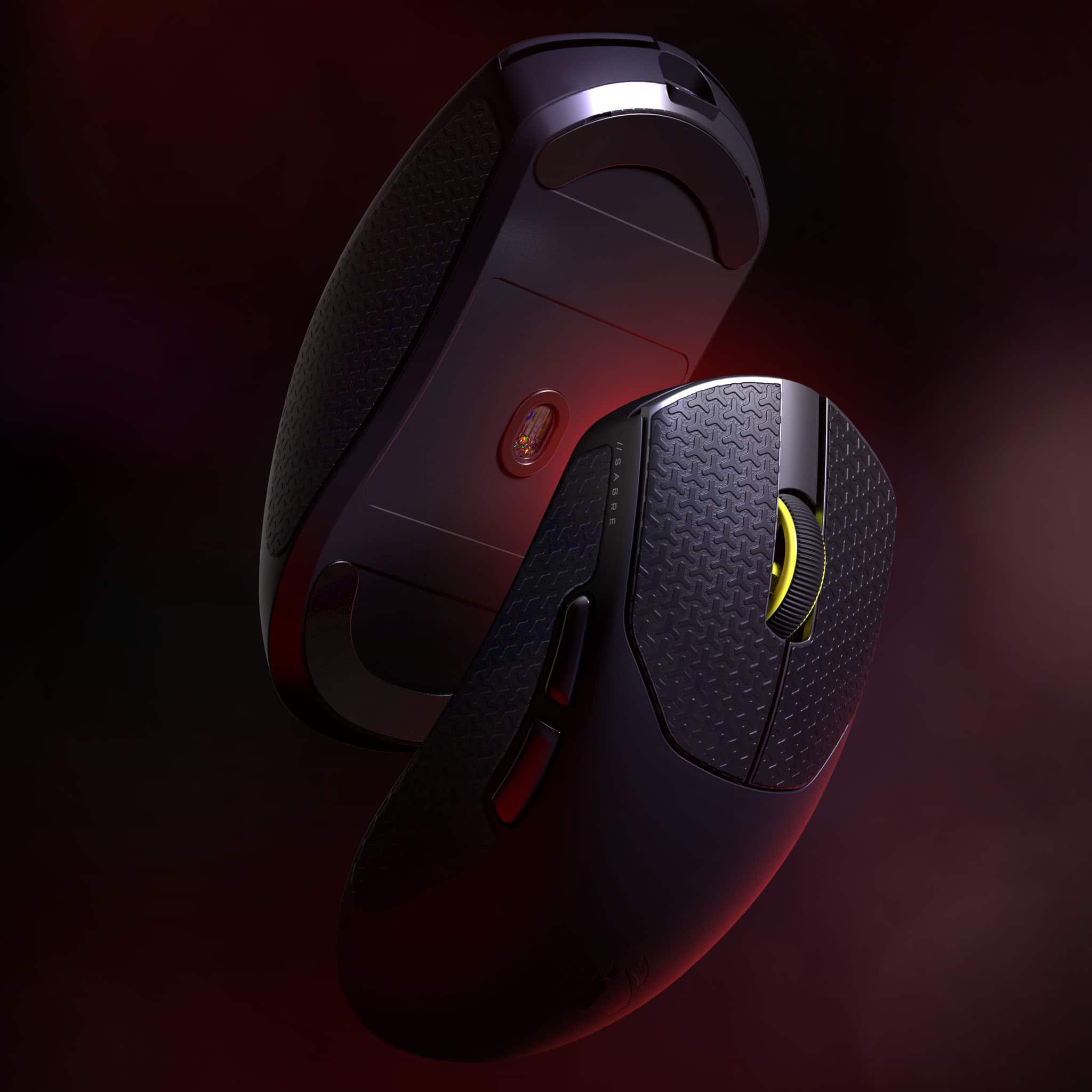
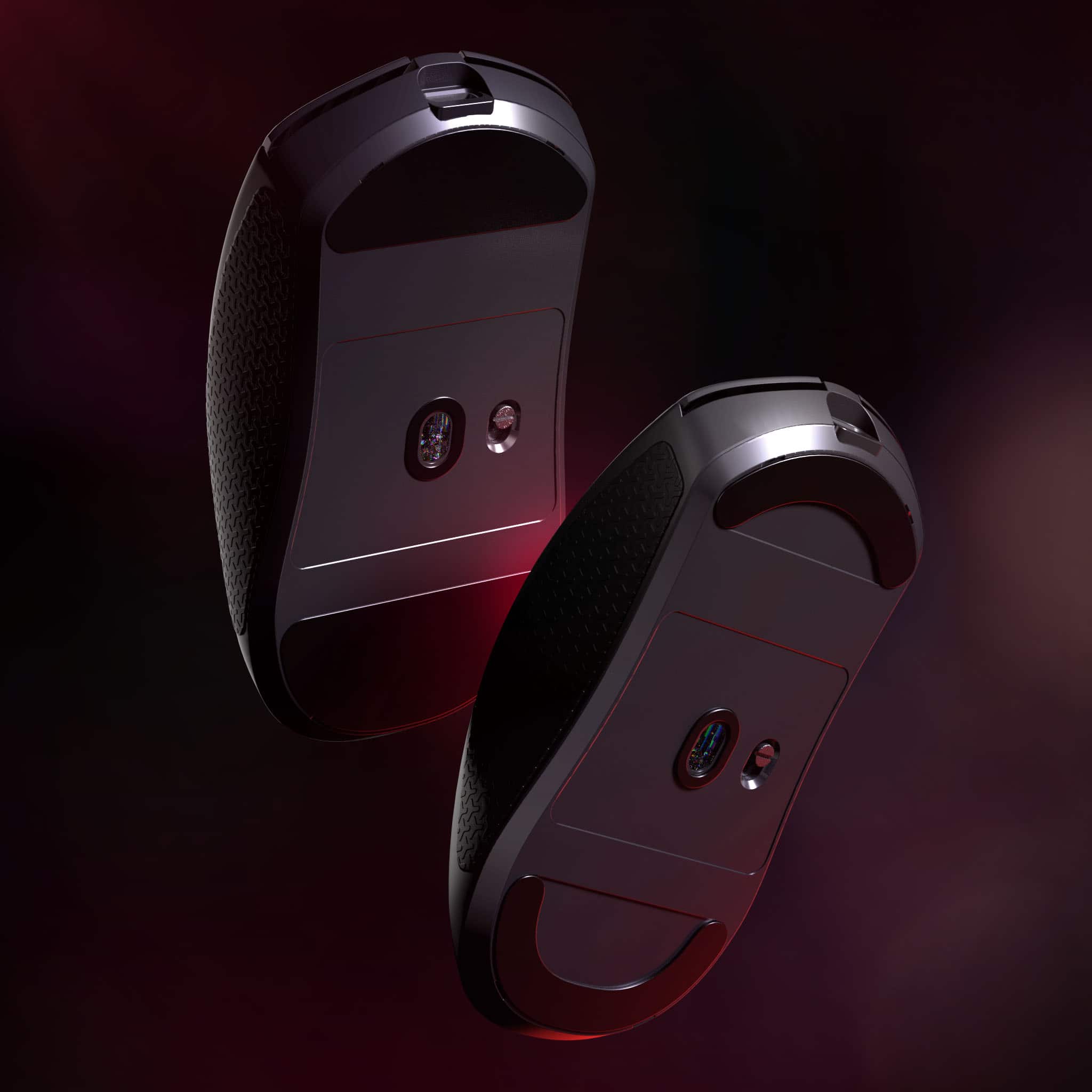
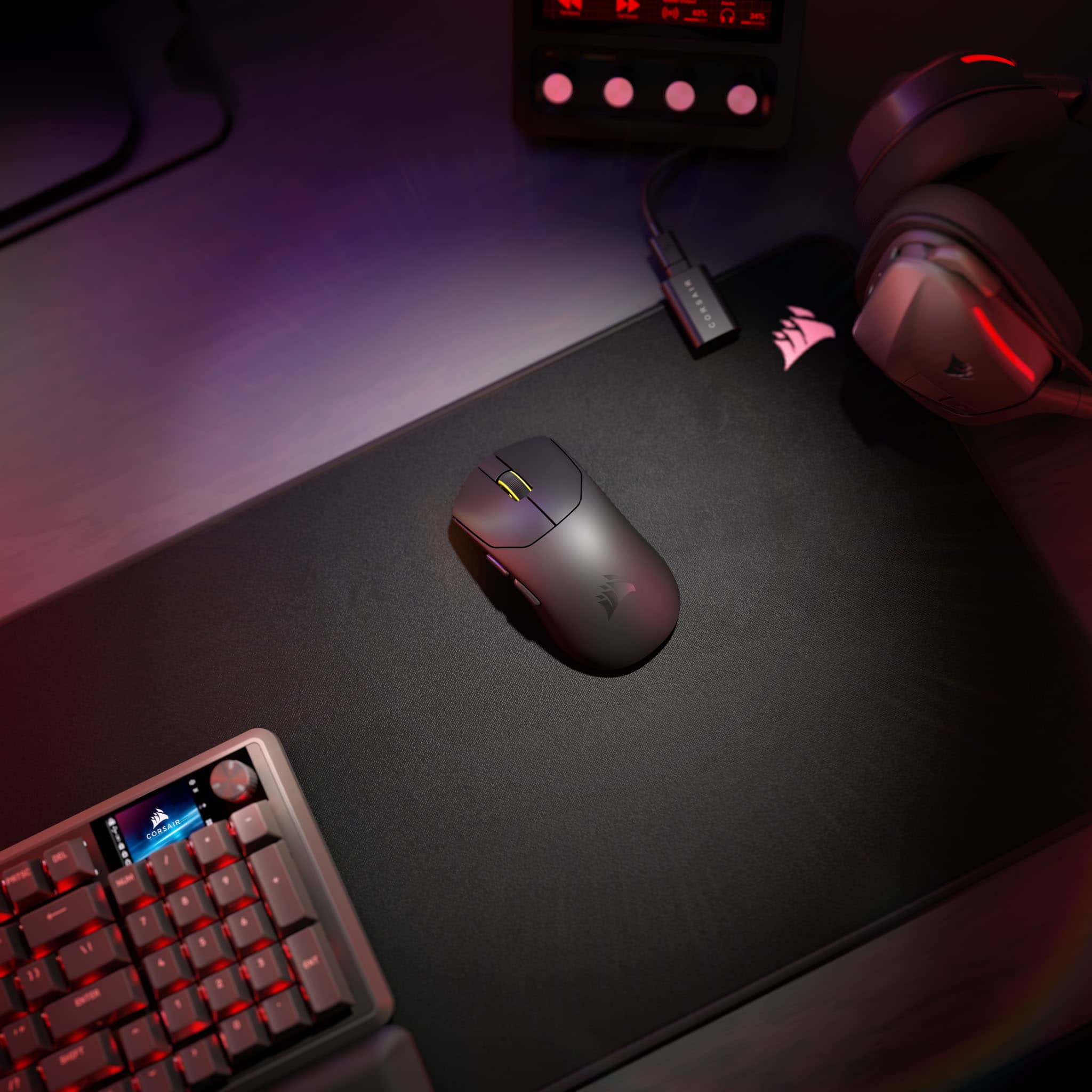
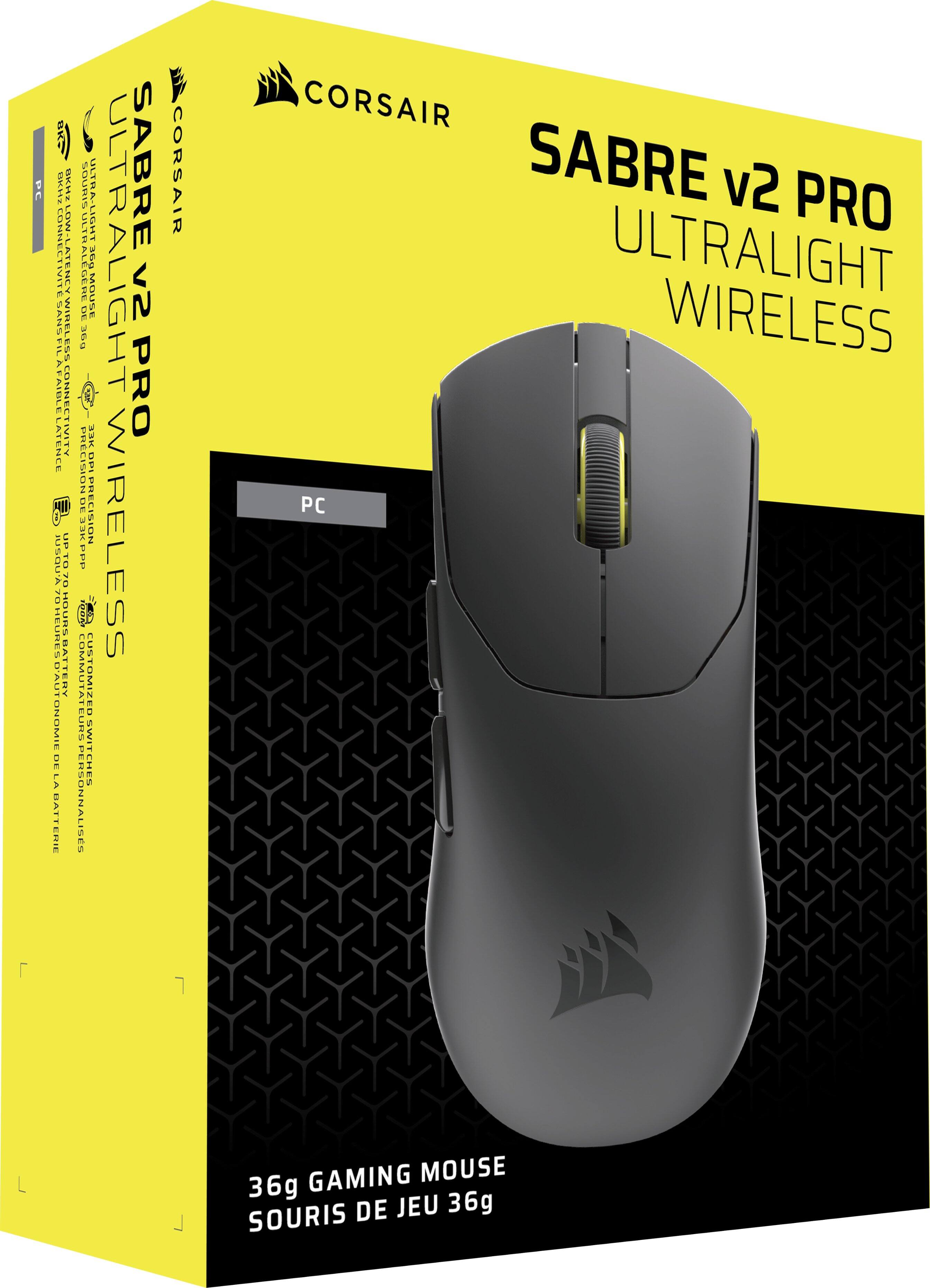
|Posted .This reviewer received promo considerations or sweepstakes entry for writing a review.First impression: My first impression of the Sabre v2 Pro Ultralight mouse is that it is extremely lightweight, but that also concerns me regarding quality of plastics and strength against hard play. What’s in the box: • Corsair Sabre V2 Pro Ultralight mouse. • USB wireless receiver. • USB charging cable. • Grip Tape. • Mouse skates. • Alcohol pad for skate removal. Pros: • 36 grams makes it feel like an extension of your hand • Robust build quality • Impressive sensor with 8K polling • Comfortable to use thanks to the included grip tape • Corsair's new web-based customization tool Cons: • No dedicated DPI switch • Battery life suffers when in 8K mode • No Bluetooth Technical Specifications: • Weight: 36 grams • Sensor: CORSAIR MARKSMAN S optical sensor • Max DPI: 33,000 DPI • Polling Rate: Up to 8,000 Hz • Tracking Speed: 750 IPS • Acceleration: 50 G • Connectivity: Wireless (2.4 GHz) and Wired (USB-C) • Switches: CORSAIR custom tactile mechanical switches • Battery Life: Up to 70 hours at 1kHz (16 hours at 8kHz) • Buttons: 5 • Design: Symmetrical • Feet: UPE (UHMWPE) • Extras: Grip tape, replacement feet, and alcohol wipe are included. The Mouse: Let’s start off with what this mouse is about, it is insanely lightweight. I knew it was going to be lightweight, but when I held it, I couldn’t believe it. I am currently using a heavy gaming mouse. It’s not as fast, but it is completely physically configurable, including length, width, height, weight and balance. So, when I first picked this mouse up, I could only feel it. The plastics on this mouse are thin, and that concerned me. But while using this mouse, it wasn’t a problem. I can push on the body and flex it, but normal use with this mouse doesn’t cause any flexing. And I claw the mouse when gaming, so that isn’t an issue at all. When I read that they included grip tape, I couldn’t understand how that is a good thing. After all, I used grip tape for 30 years on a skateboard. I was pleasantly surprised when I saw it was rubber-based. I used the mouse without it and then I added the grip tape. What a difference it made. Clawing the mouse with the grip tape left no room for slipping and enabled me to have much more control over the mouse. They include a second set of skates, much taller than the ones that come on it. I’m really glad they included these because I do not like short skates. To me the short skates make the mouse feel like it is scraping on the table. But the tall sliders are nice, and the mouse just glides along with them. The Web Hub: For this mouse, Corsair has decided against an installable program and decided to use the CORSAIR Web Hub. I really like the Web Hub, and I like just hitting a website to do adjustments rather than having another hardware setup program on my computer. The Web Hub allows you to adjust the settings of the mouse without needing to install and maintain additional software. It’s simple, well laid out, and easy to use. Performance: The mouse is incredibly lightweight. That goes without saying, but for me, it was a bit too lightweight. It’s like I went from a brick to a pebble, and I found myself overshooting when tracking and aiming. I went into the Web Hub and adjusted some settings, and it helped a little. But after playing with such a heavy mouse for so long, it is going to take some time to get used to it. But I look forward to it, because the light weight gives me incredible control over the mouse. Conclusion: This is a very nice mouse. It is light, has a nice ergonomic shape, grip tape, is highly adjustable, and very fast. It has good battery life until you hit 8000 Hz, but that’s to be expected. The grip tape helps control the mouse, and the tall skates help the mouse glide across the pad. And the thin plastic isn’t the issue that I thought it would be. It will take some practice to get used to such a light mouse, but I can already tell it is going to be worth it. I look forward to this Corsair mouse to be my daily driver. If you want a lightweight gaming mouse that makes 60g mice feel heavy, then I highly recommend the Corsair Sabre v2 Pro mouse. You won’t be disappointed.
I would recommend this to a friend - Pros mentioned:Weight
Alright I guess.
||Posted . Owned for 1 week when reviewed.This reviewer received promo considerations or sweepstakes entry for writing a review.I think if what you’re looking for is a lightweight mouse absolutely for you. Also, not sure how it connected but it did even without a usb dongle which I found kinda weird and very confusing. I did end up return it just because the mouse felt a little too lightweight for me. Turns out I like some weight in my mouse. Still on the search for the perfect mouse for small hands.
No, I would not recommend this to a friend possibly defective
|Posted . Owned for 1 month when reviewed.This reviewer received promo considerations or sweepstakes entry for writing a review.[Employee of bestbuy] mouse was awesome at first. has some issues with response. will probably be returning it.
No, I would not recommend this to a friendGood!
||Posted . Owned for 2 weeks when reviewed.This reviewer received promo considerations or sweepstakes entry for writing a review.It’s extremely light and easy to use. Battery life is good after charging.
I would recommend this to a friendAmazing Mouse
||Posted . Owned for 1 week when reviewed.This reviewer received promo considerations or sweepstakes entry for writing a review.The mouse is very light weight and responsive. It glides really smooth and fells amazing in my hand.
I would recommend this to a friend