Customer Ratings & Reviews



- Model:
- CH-931G000-WW
- SKU:
- 6637500
Rating by feature
- Value
Rating 4.5 out of 5 stars
- Quality
Rating 4.5 out of 5 stars
- Ease of Use
Rating 4.6 out of 5 stars
Customers are saying
Customers admire the lightweight design of this gaming mouse, which is frequently praised alongside its impressive battery life and reliable performance. Users also appreciate the comfortable ergonomic shape, high-quality build, and the smooth glide it provides during use. While the device is highly regarded for its technical features like the 8k polling rate, some users have noted minor concerns regarding the button layout and occasional connectivity issues.
This summary was generated by AI based on customer reviews.
- Pros mentioned:Weight

Light weight insane sensor web based software!
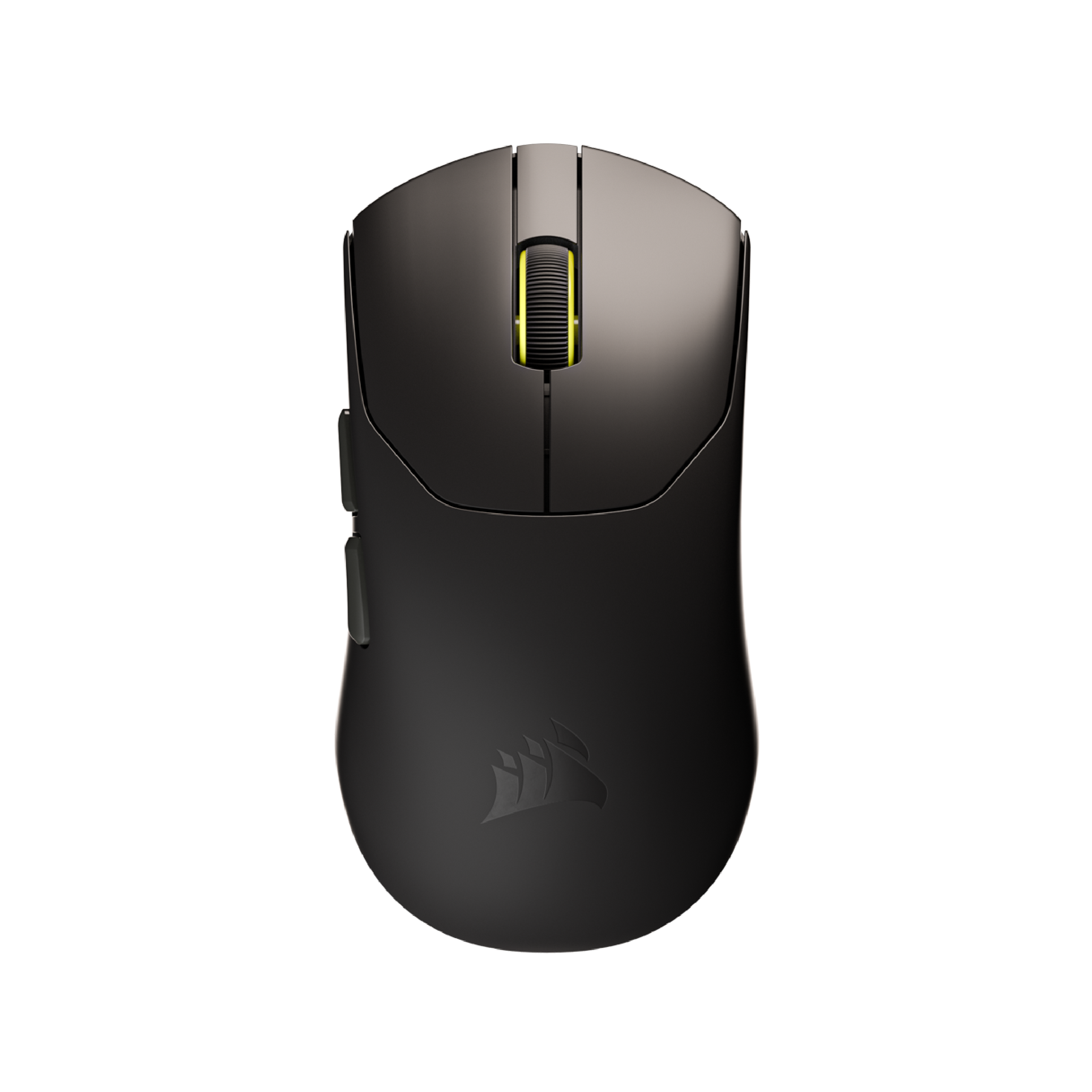
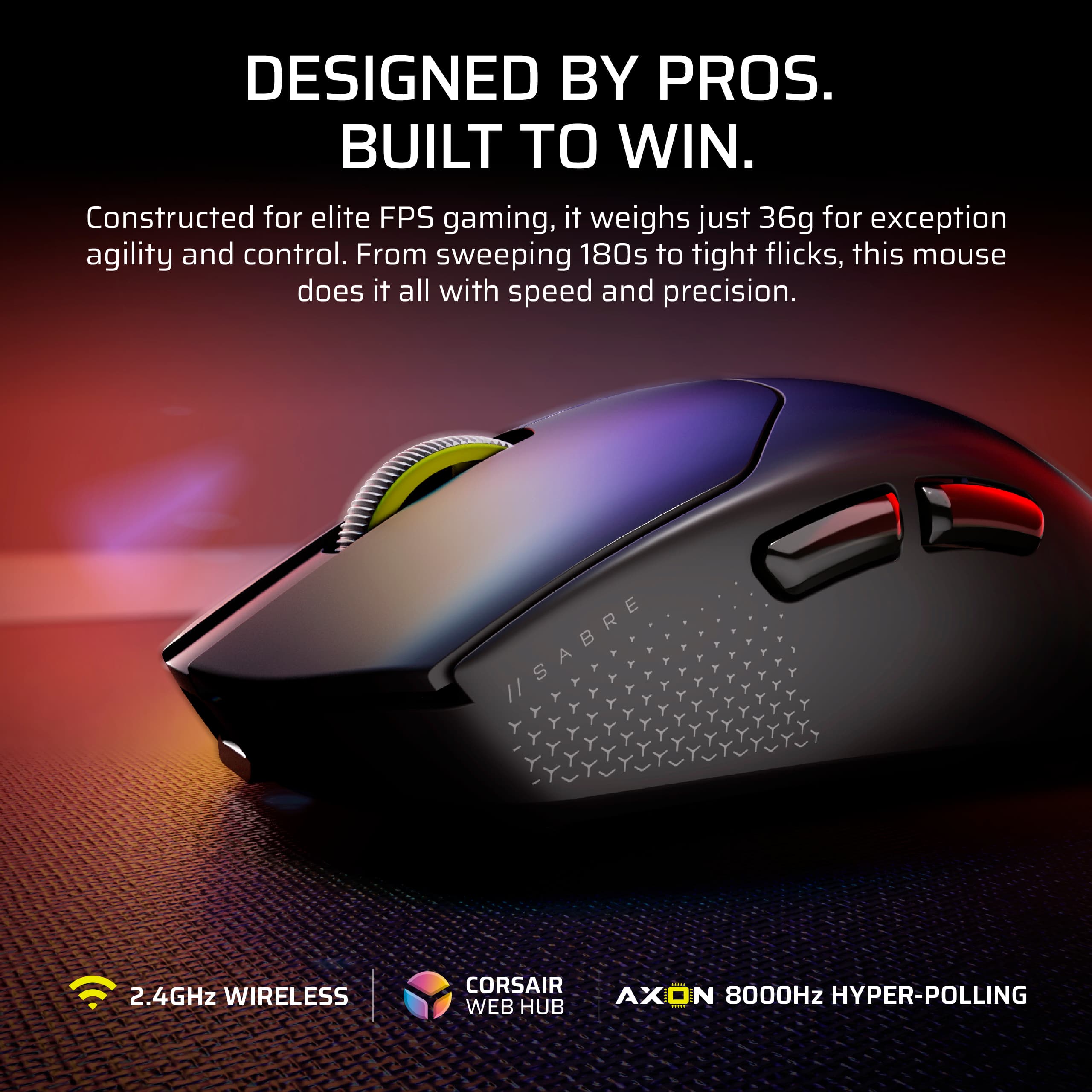
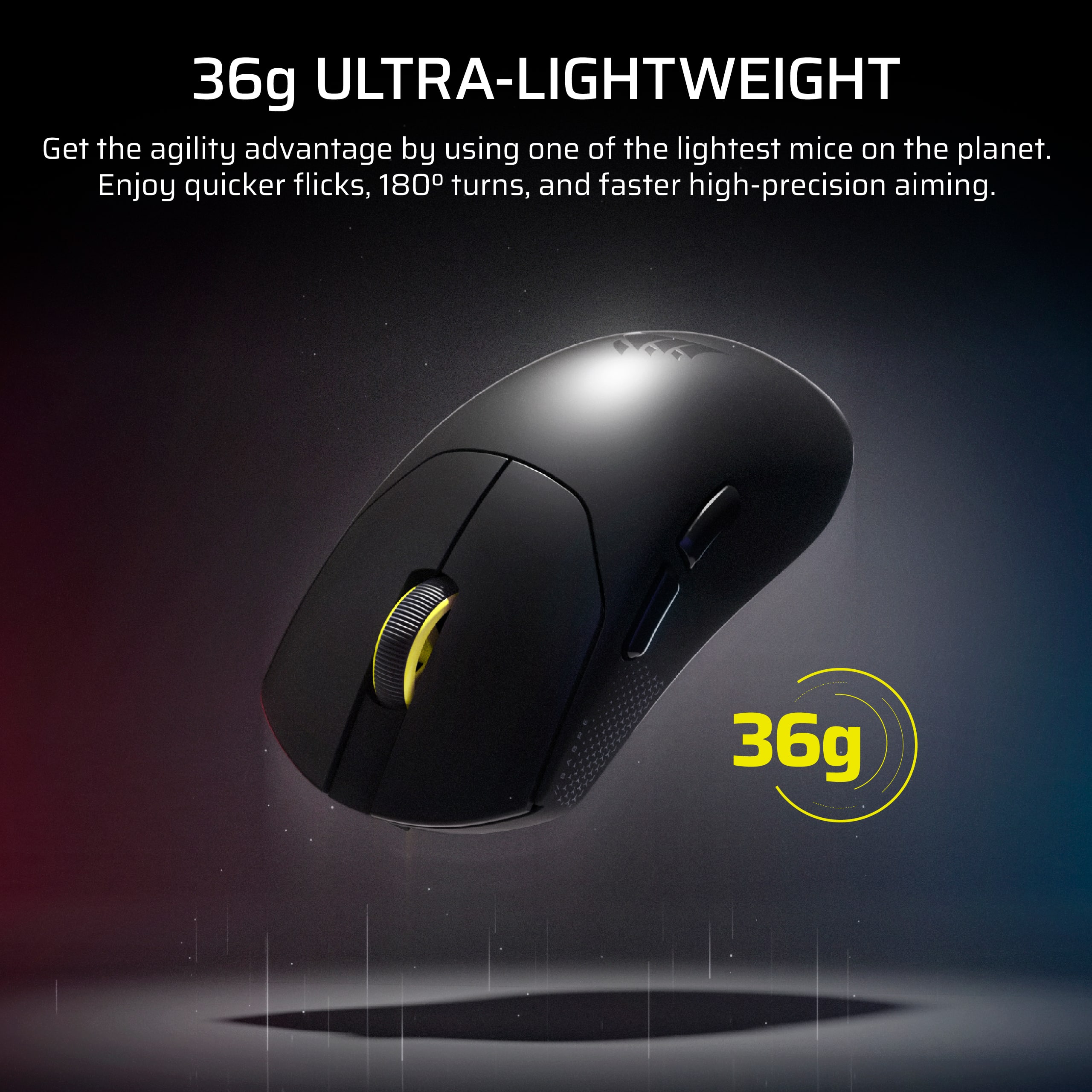
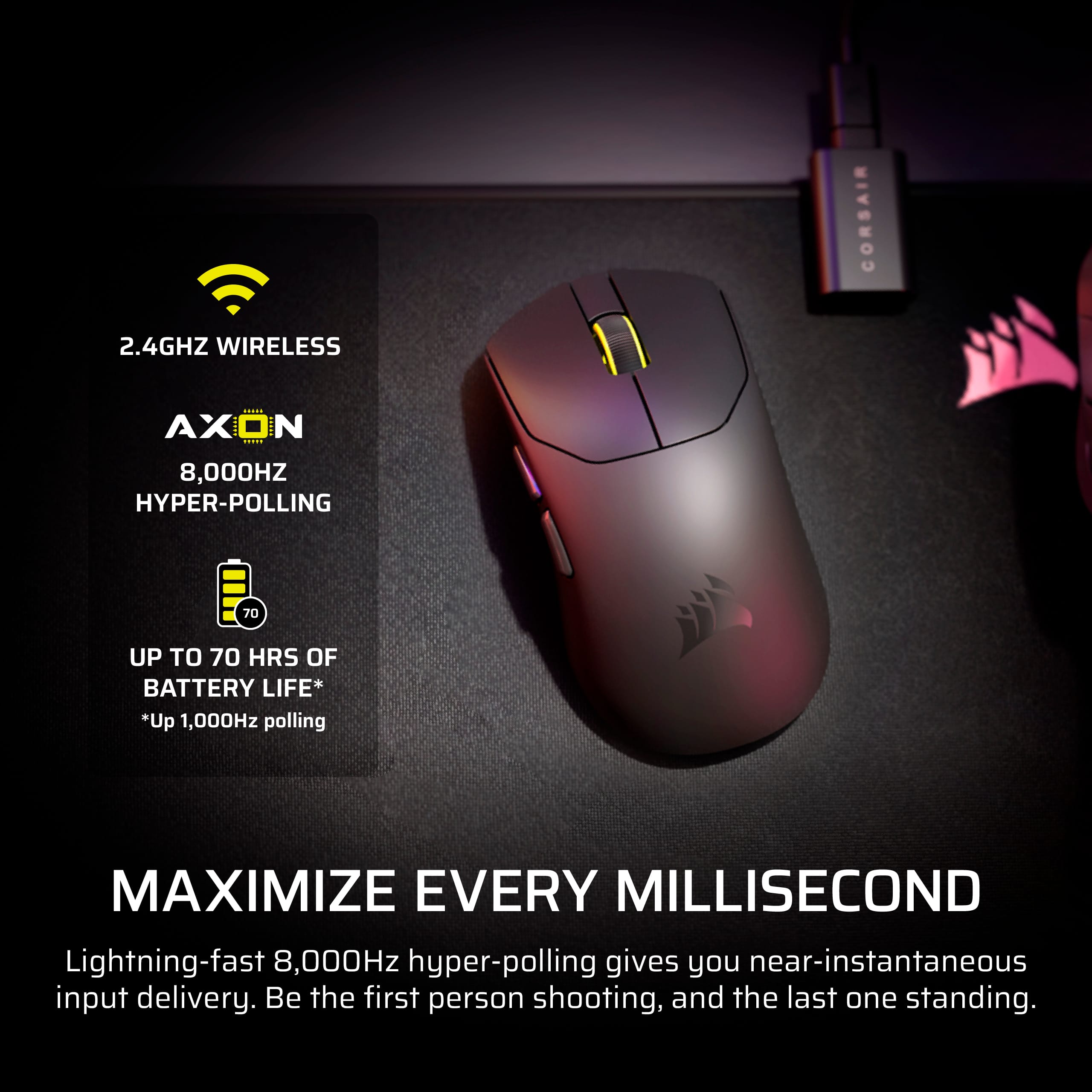
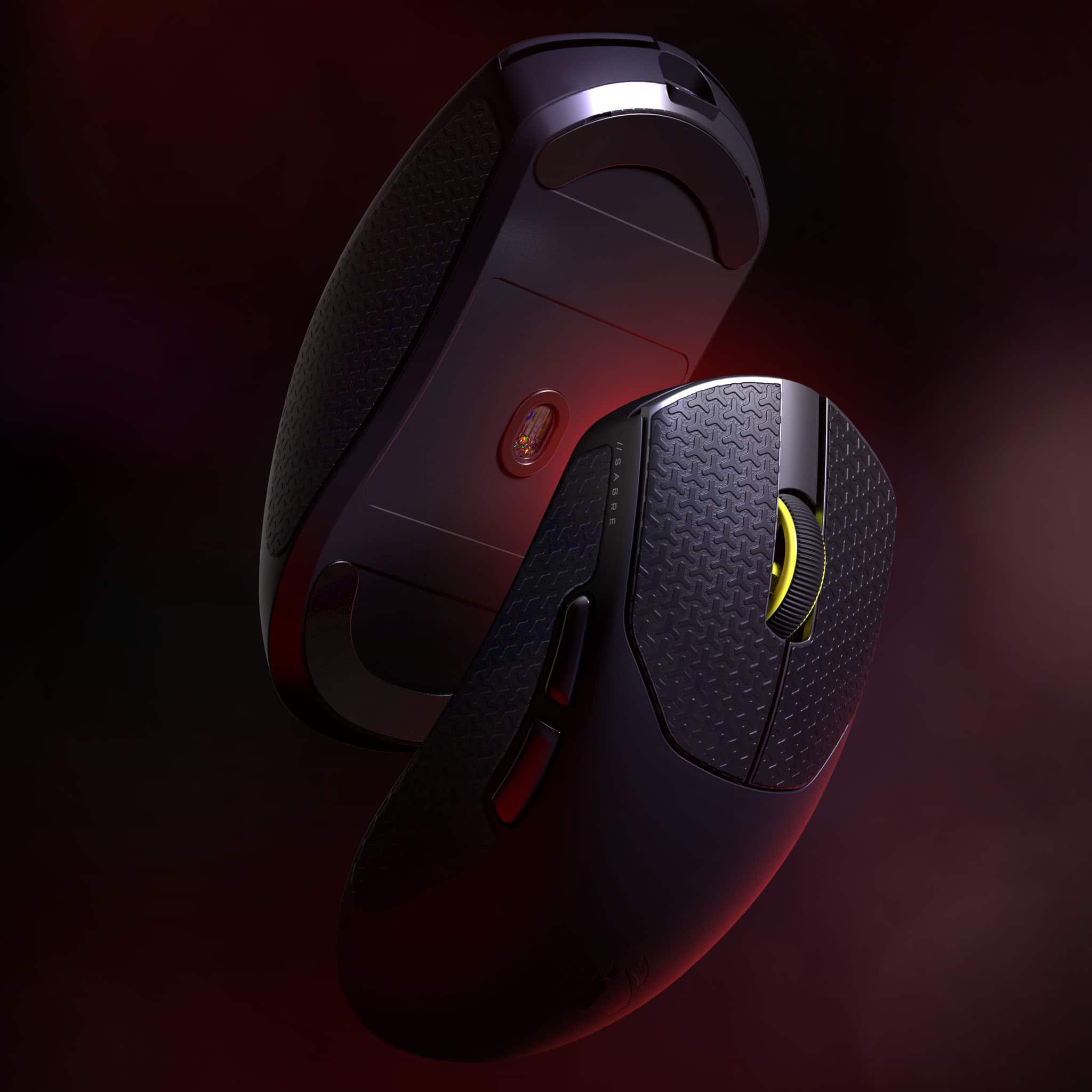
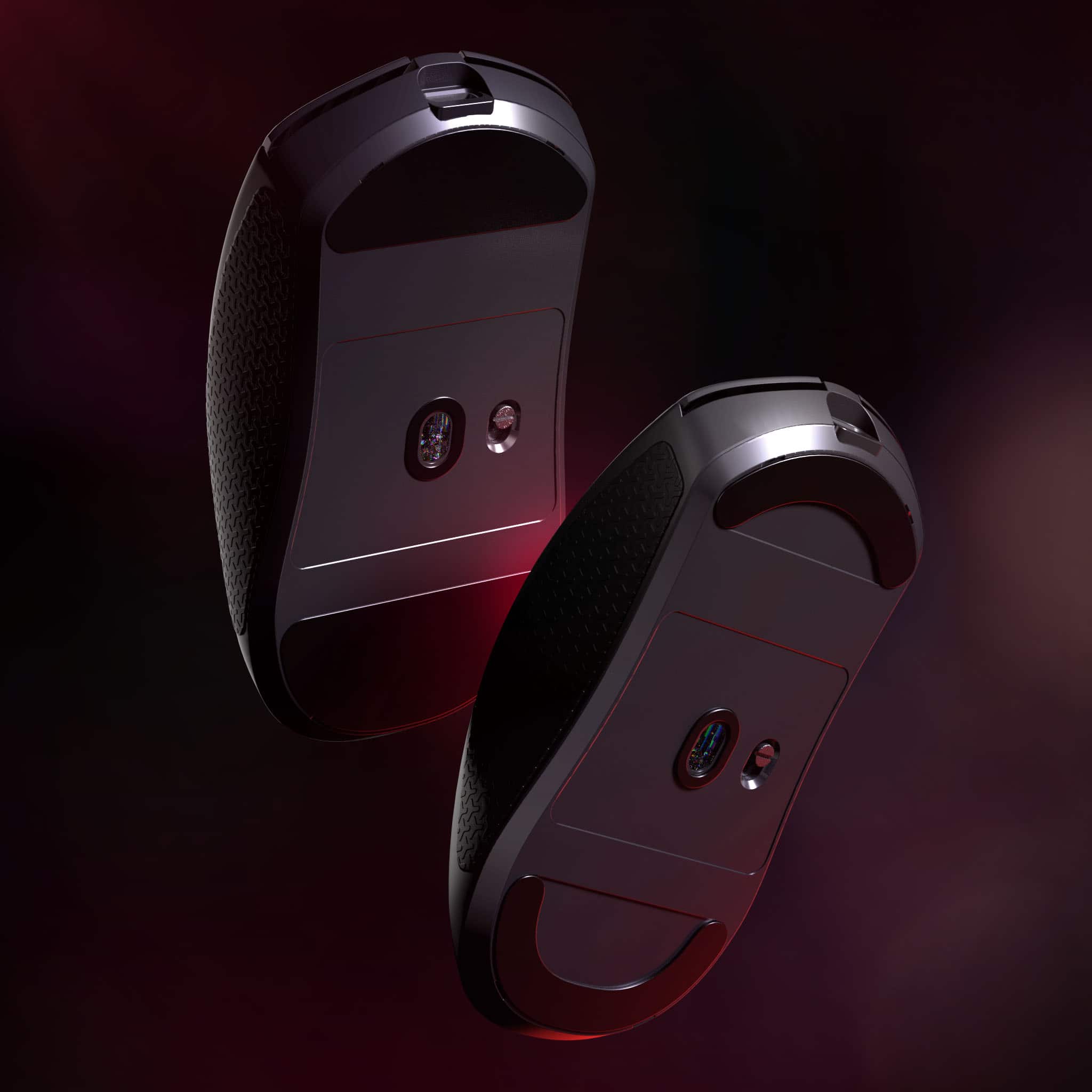
|Posted .This reviewer received promo considerations or sweepstakes entry for writing a review.Its taken a while but were finally here, an extremely lightweight corsair flagship gaming mouse that is an absolute beast. The mouse itself is EXTREMELY light weight being under 40g while still maintaining rigidity is a feat. The UPE feet feel good in use and while slower than natural PTFE they are still right there with them and feel almost more like control feet/pad. It’s got an 8k polling rate ability and a new dongle style with a mousepad clip built in which is much appreciated. This 8k sensor maxes out at 33k dpi which is crazy good compared to the past and when your looking at this number its because of the resolution it provides not that youll actually be using 33k dpi. You can use the web based software to adjust the polling rate down to save even more battery if desired if thats a worry of yours. It’s got corsairs proprietary new mechanical switches, unfortunately not opticals but these do feel and sound good and crisp. The scroll wheel has soft bumps and it's easy to spam if needed. Side buttons are also sharp like the main mouse clicks and have close to no pre-travel. While speaking of the side of the mouse it comes with grips in the box which I prefer to use. One of the things thats bothered me in the past with Corsair stuff was the icue software being difficult to use but that is no more with this mouse it has a web based program you can use to set things like polling rate, dpi, macros etc to then save to the mouse. This in itself is amazingly awesome as ive seen such ability on keyboards but finally on mice it’s great. What this also means is you can adjust settings no matter what type of system your on (say your on a Mac which normally wouldnt be able to use the old software well this one since being browser based works perfectly). Though they are a bit late to the party with this release this is sure to be a hit because it is an absolute banger of a mouse in use! Not to mention a solid price for the specs.
I would recommend this to a friend - Pros mentioned:Weight
Unbelievably light and responsive
|Posted .This reviewer received promo considerations or sweepstakes entry for writing a review.After unboxing and when I first picked up the Sabre v2 I was astounded by how light it really is. It is so much lighter than any mouse that I’ve ever picked up. At 36g it feels feather light. My first impression was that it would be much too light to accurately use. Well, I was wrong. Being so light you can flick it about effortlessly and the superb tracking of the sensors the precision and control is outstanding. The Corsair Web Hub is a nice tool for managing the mouse. Since it is a web application there is no additional software to install. The only requirement though is that it only works with Chromium based browsers such as Chrome or Edge. With it you can install firmware, change polling rate, set the DPI, and create macros. It will also display the current charge state and if plugged in or charging. DPI can be cycled through 5 different stages which can each be configured from 100 to a ridiculous 33000 DPI. The DPI can also be set on the mouse by pressing and holding the right and back buttons simultaneously which will also flash the color associated with the stage briefly on the scroll wheel light. I’m not a hard-core gamer but for the games I played the mouse was super responsive for both movement and button clicks. I experimented with the different polling rates that you can set in the Hub but for me personally I didn’t notice any significant difference with how well it worked. The package also contains grip tape for the sides and buttons. I can’t imagine that you would want to use it without installing the tape since the mouse is so light and the plastic is very smooth. It probably should have been installed at the factory as it was just an annoying task that I had to perform to get started. Battery life is claimed to be up to 70 hours. I did not perform any controlled tests to measure but was easily able to go a number of days between having to plug in for a charge with moderate use.
I would recommend this to a friend - Pros mentioned:Weight
Super light physically and on the computer.
|Posted .This reviewer received promo considerations or sweepstakes entry for writing a review.I have been able to use the Corsair Sabre V2 Pro Ultralight for an about a week now and have enjoyed using it. Straight out of the box you get grips and slide pads that you can add to the mouse if desired. I used the mouse for COD FPS and general computer use and I will say I actually have been enjoying it. It is super light. And I mean super light, like I thought the mouse is missing the internals. Makes for a very responsive feeling use of it in game and productivity. It does have the ability to be customized via a web app. It does not use the icue software. Believe me I tried and got confused when it wouldn’t show up. It’s literally a webpage that you use to get it set up. You allow rights and then it connects to the mouse and you are off to the races now app needed to be installed! For those that don’t like extra software on your computer it’s a god send not having to install an app just to change settings. It’s a great lightweight mouse that performs in day to day tasks as well as gaming.
I would recommend this to a friend - Pros mentioned:Performance
Computer mouse
Posted .This reviewer received promo considerations or sweepstakes entry for writing a review.Works very well, has no glitches and very useful in small spaces.
I would recommend this to a friend