Customer Ratings & Reviews
- Model:
- CH-9304211-NA
- SKU:
- 6393997
Rating by feature
- Value
Rating 4.4 out of 5 stars
- Quality
Rating 4.6 out of 5 stars
- Ease of Use
Rating 4.4 out of 5 stars
to a friend
Customers are saying
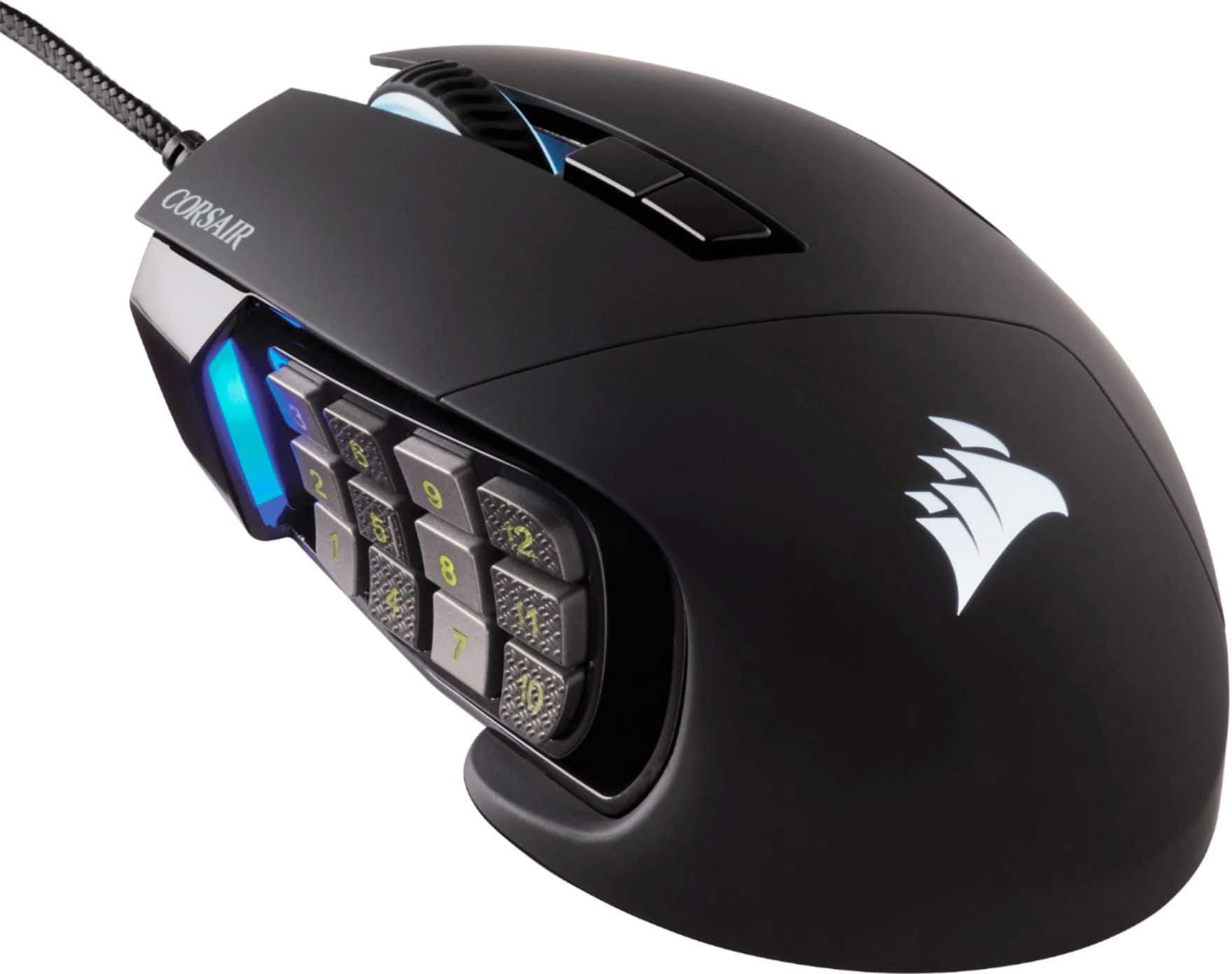
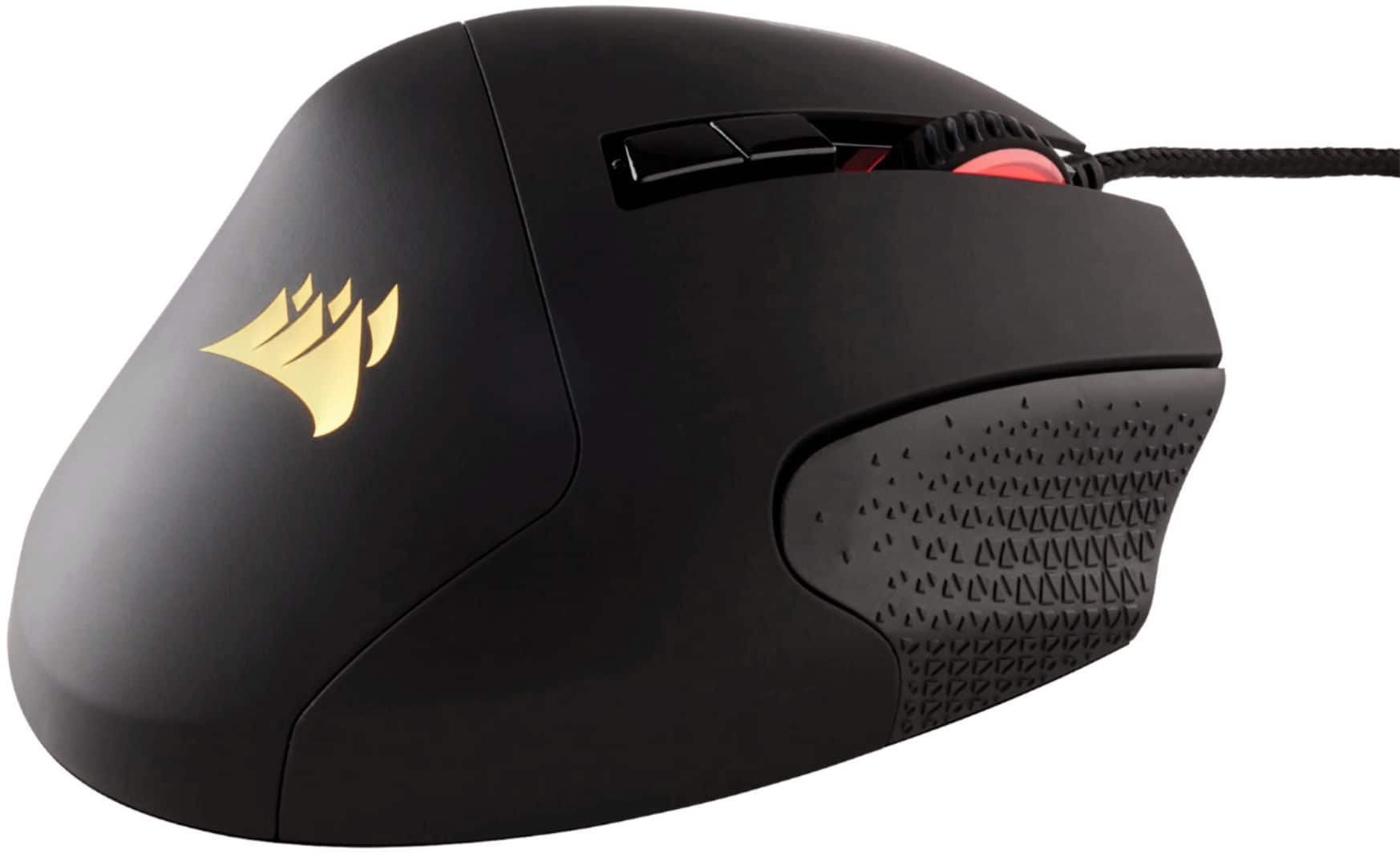
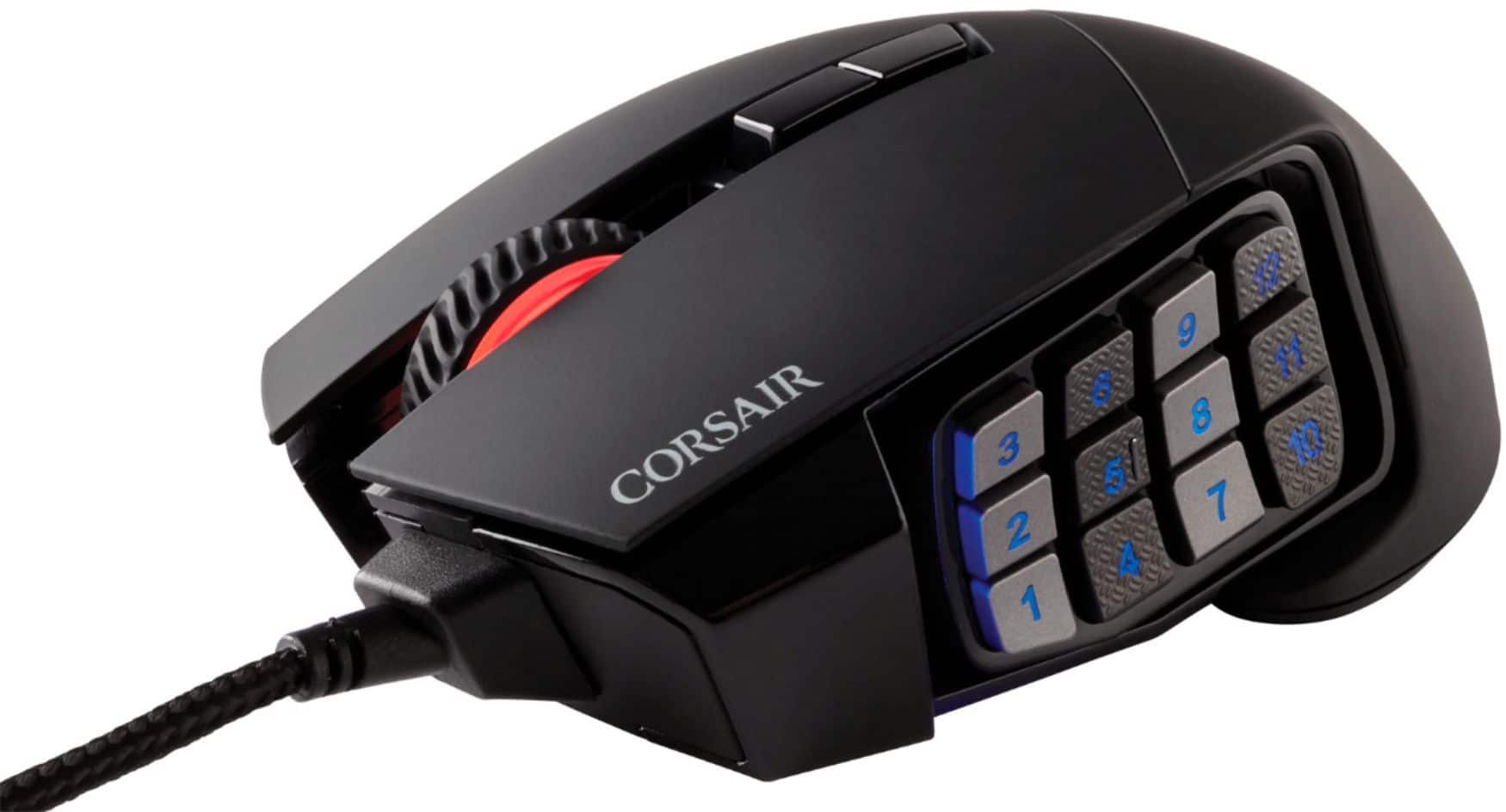
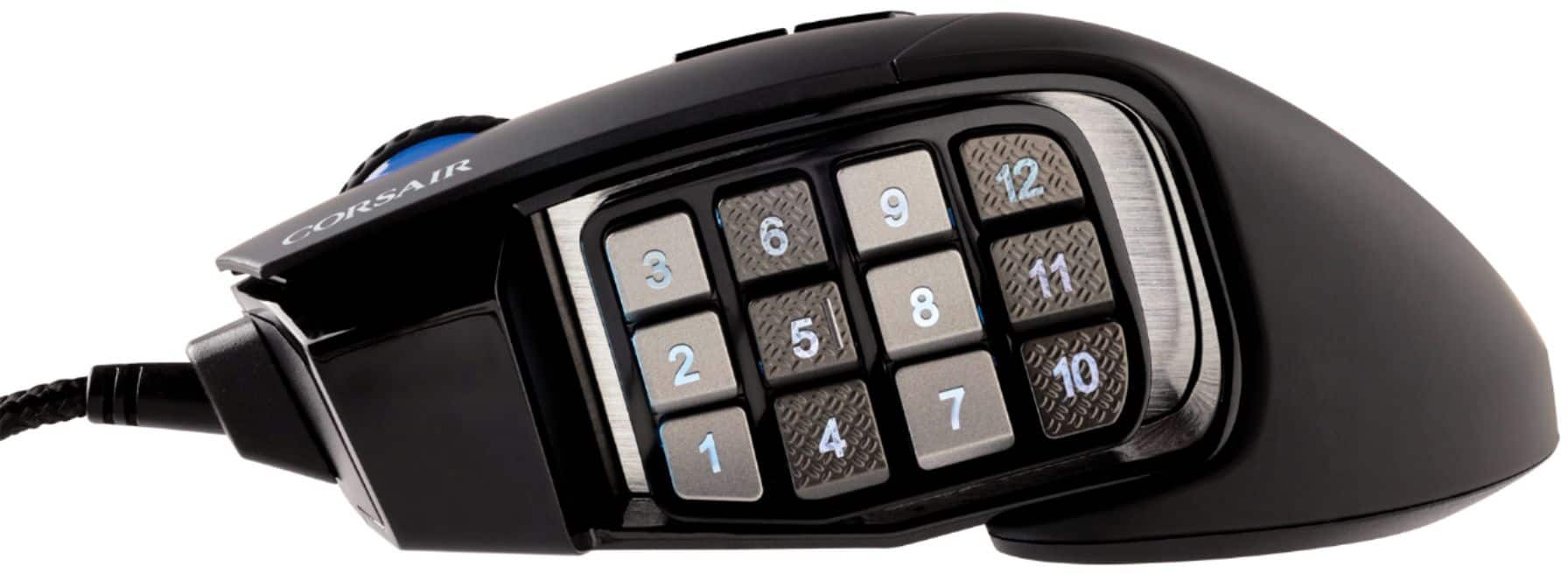
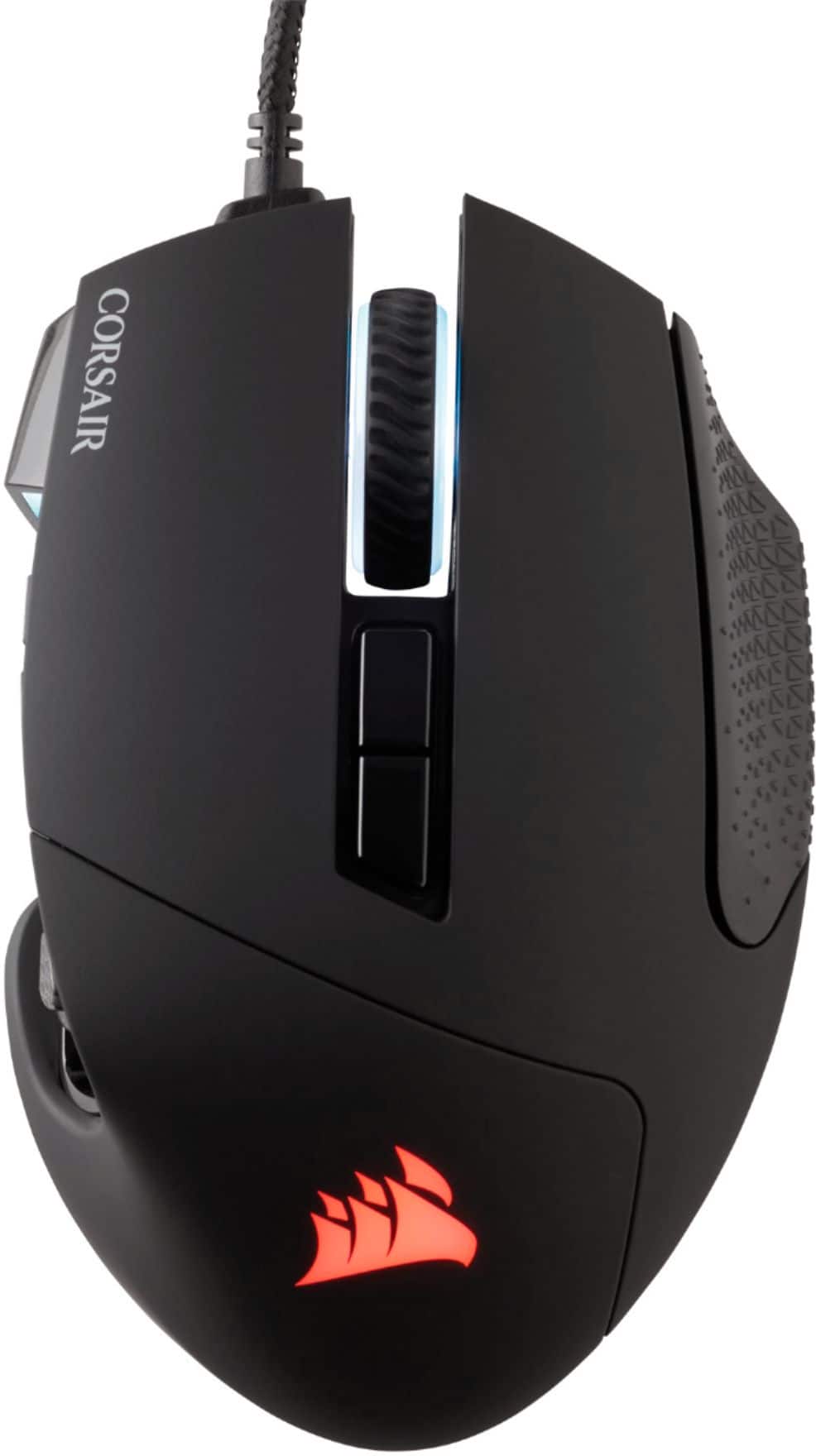
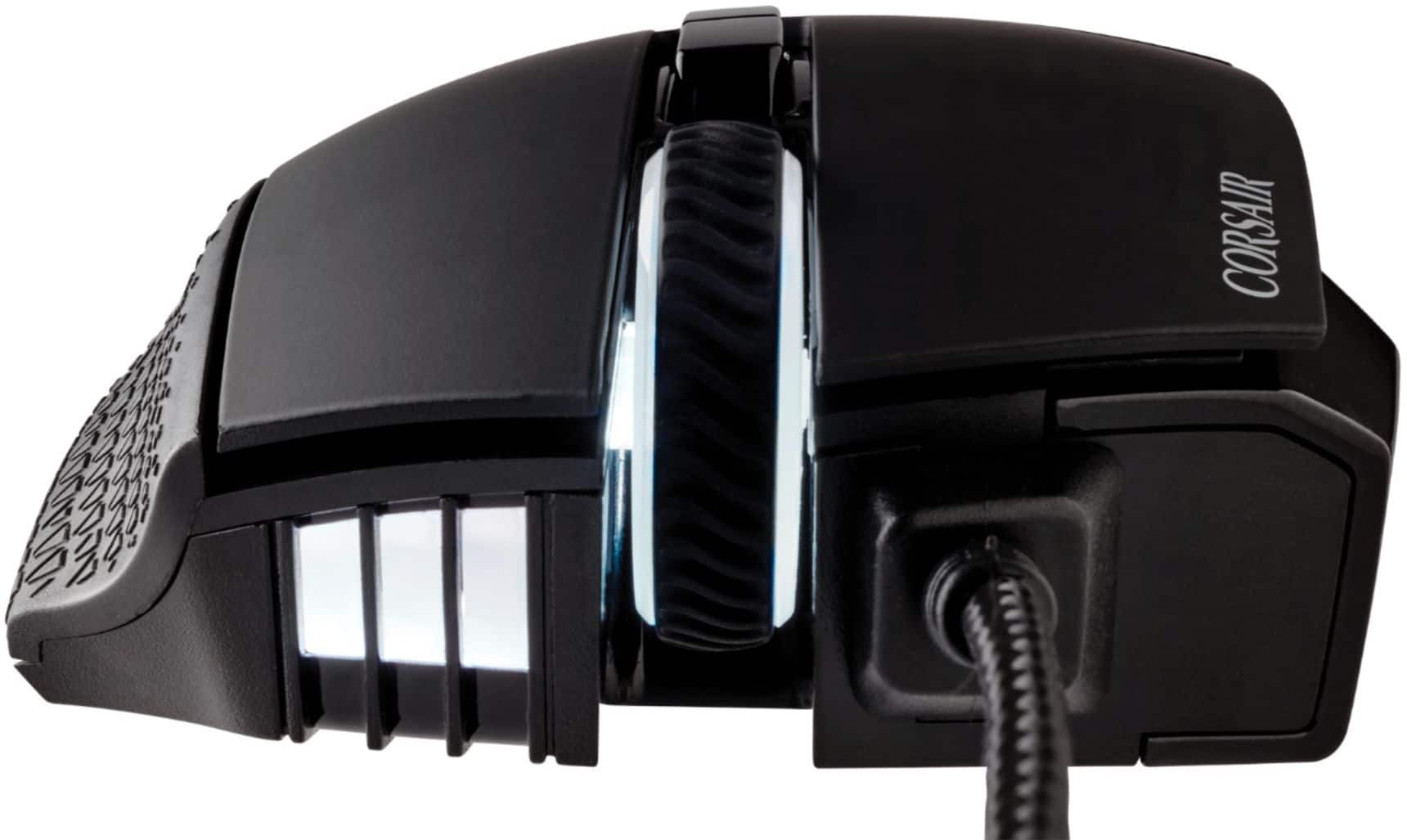
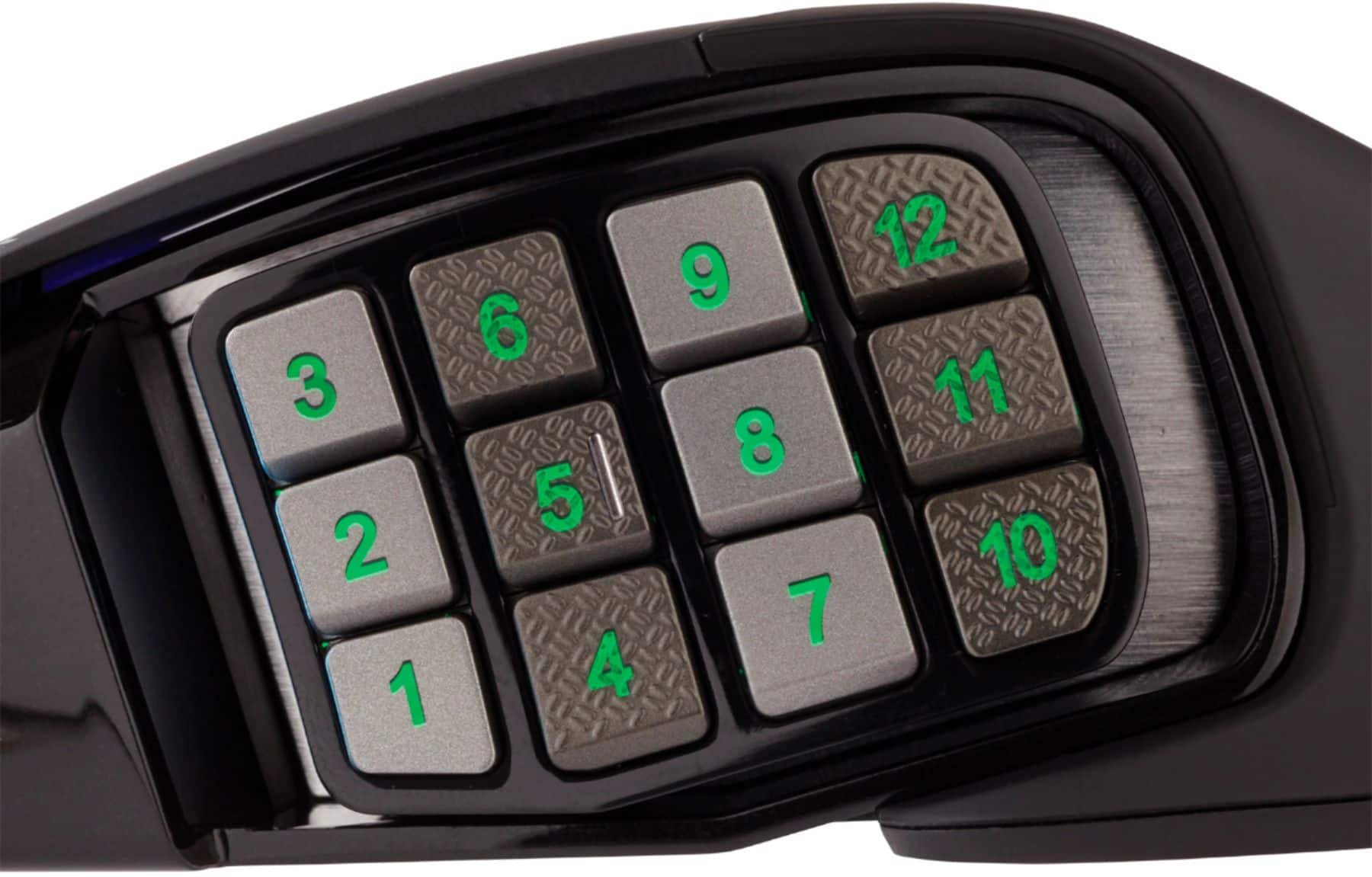
Customers are positive about the Scimitar RGB Elite Wired Optical Gaming Mouse, especially regarding its programmable buttons, comfortable design, and impressive build quality. Many appreciate the customizable DPI and the subtle RGB lighting. However, some customers have expressed concerns about the scroll wheel's reliability and the complexity of the software. Others find the size a bit large and the price somewhat high.
This summary was generated by AI based on customer reviews.
Garbage quality
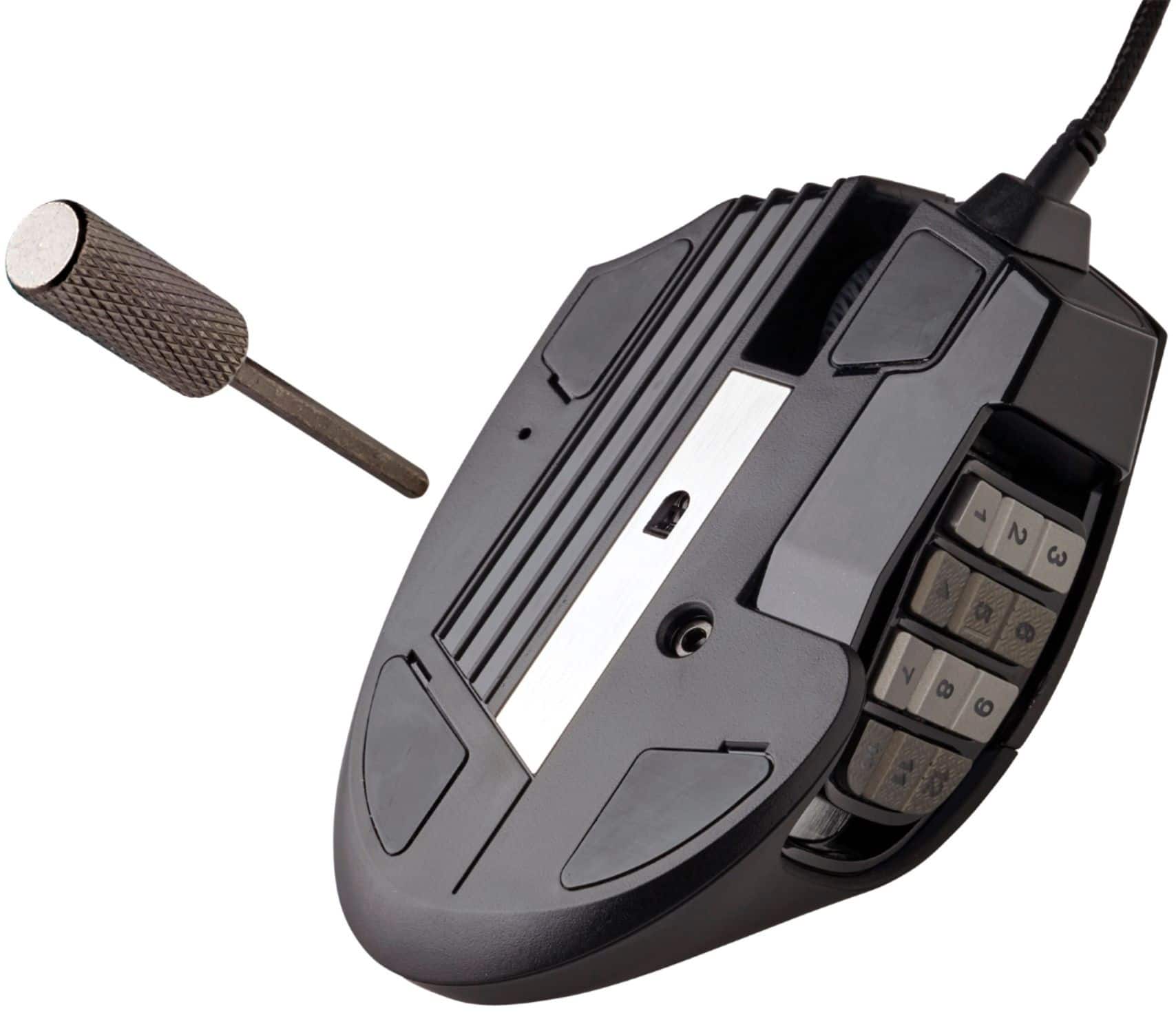
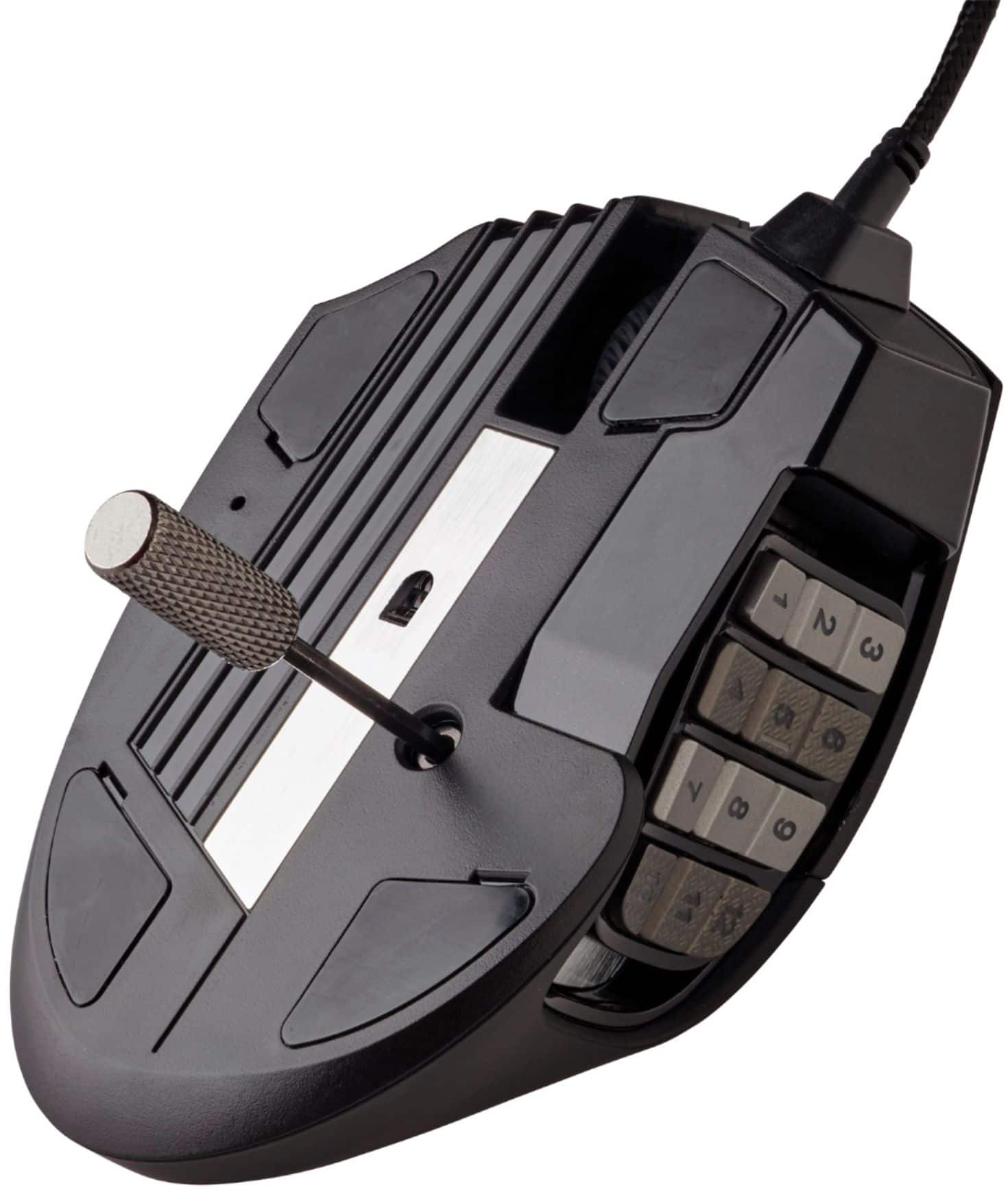
||Posted . Owned for less than 1 week when reviewed.This reviewer received promo considerations or sweepstakes entry for writing a review.Bought this for the 12 mouse buttons which had a cool slide feature using a set screw. Well the set screw mechanism broke while adjusting the slide within a hour of the box being open. Pretty much worthless now so I bought a Razer Naga the next day.
No, I would not recommend this to a friendTotal crap.
||Posted . Owned for 1 month when reviewed.This reviewer received promo considerations or sweepstakes entry for writing a review.I am exceedingly underwhelmed by this mouse. I paid $80 figuring I would get a good gaming mouse. It had good reviews, so I tried it. #1 It's "sharp". The rubber on it is physically sharp and hurts my fingers. no other mouse has done this. #2 The software is absolutely horrible. It's overly complex and "pretty" rather than functional. #3 The mouse loses it's functionality when it wants to on a whim. #4 Support is horrible. Most of the good answers I got were from the user forums. You would think at this price point they could be better.
No, I would not recommend this to a friendBrand response from Corsair Art
Posted .Hi Lasivian,
Sorry to hear about your experience. Please work with our support and provide any details where necessary, they'll be sure to take care of you: support.corsair.com
-Albert
Corsair
||Posted . Owned for 3 weeks when reviewed.This reviewer received promo considerations or sweepstakes entry for writing a review.Was not easy to set up and didn't fully work with most games.
No, I would not recommend this to a friendBrand response from Corsair
Posted .Hi Brian,
Sorry to hear about your experience. If you require any guidance on setting up your SCIMITAR RGB ELITE, please refer to our CORSAIR LAB video (https://youtu.be/RGbYWgf4OCg) or contact us, we'd be happy to help: help.corsair.com
-Albert
Okay mouse
||Posted . Owned for 10 months when reviewed.This reviewer received promo considerations or sweepstakes entry for writing a review.Okay mouse...loved all the buttons but after a few month they started to stick
No, I would not recommend this to a friendBrand response from Corsair Art
Posted .Hi Timothy,
Sorry to hear that the buttons had issues so soon for you, we'd like to help! Please reach out to our support team so we can work with you directly: support.corsair.com
-Brian
Dead after a few months
||Posted . Owned for 1 year when reviewed.This reviewer received promo considerations or sweepstakes entry for writing a review.Scroll wheel failed after a few months now some side inputs are also failing. Light usage, kept very clean, tried air can duster, taking it apart, it's just broken. Get it with a warranty or don't get it at all.
No, I would not recommend this to a friendBrand response from Corsair
Posted .Hi,
Sorry to hear about your experience. Considering our mice carry a 2-year warranty, please reach out directly to our Support Escalation team at SES@corsair.com with a screenshot of this review and our team will assist you ASAP.
-Albert
Meh mouse
||Posted .This reviewer received promo considerations or sweepstakes entry for writing a review.Great mouse, but not the same as a competitors product. Side mouse buttons feel differently.
No, I would not recommend this to a friendBrand response from Corsair Art
Posted .Hi,
Thank you for your feedback. If you have any questions/concerns regarding any of our products, we'd be happy to help: support.corsair.com
-Albert
Bad quality
||Posted .This reviewer received promo considerations or sweepstakes entry for writing a review.Only 2 months old and the scroll doesn’t work at all. Second one I bought because the left and right click buttons also will wear out after certain amount of usage.
No, I would not recommend this to a friendBrand response from Corsair Art
Posted .Hi,
Sorry to hear about your experience. Considering our mice carry a 2-year warranty, please get in touch with us - we'd be happy to help: support.corsair.com
-Albert
Disappointed in this product
||Posted . Owned for 3 weeks when reviewed.This reviewer received promo considerations or sweepstakes entry for writing a review.This mouse seems to have the same problem that all the rest of the same brand have. After a few weeks of use it sticks with the left click button and does double clicks. This is a recurring problem with these gaming rodents.
No, I would not recommend this to a friendBrand response from Corsair Art
Posted .Hi,
This is not a recurring problem with all models, much less this one. I'm sorry you had this issues, but we can help. Please reach out directly under the Support link on the Corsair site.
-Art
My mouse
||Posted . Owned for 1 month when reviewed.This reviewer received promo considerations or sweepstakes entry for writing a review.It is a mouse, it’s just like any other mouse but this mouse is my mouse
No, I would not recommend this to a friendBrand response from Corsair Art
Posted .Hi Cornelius,
Thank you for your feedback. Your mouse is your mouse, indeed. Feel free to let us know if you have any questions or concerns regarding any of our products: support.corsair.com
-Albert
bad software needed for programming keys
||Posted . Owned for 9 months when reviewed.This reviewer received promo considerations or sweepstakes entry for writing a review.icue software used with mouse for programming keys sucks randomly wont work and needs a reboot to get the buttons working right again
No, I would not recommend this to a friendBrand response from Corsair
Posted .Hello,
Seems like you'd just need a bit of help from our team, please contact them directly right on our site at any time.
-Art
Little difficult to use game buttons on the side
||Posted . Owned for 2 months when reviewed.This reviewer received promo considerations or sweepstakes entry for writing a review.Love the mouse. Just a little issue with using the game buttons on the side
No, I would not recommend this to a friendBrand response from Corsair Art
Posted .Hi,
What seems to be the specific issue? Please contact us for assistance: support.corsair.com
-Art
Love it
||Posted . Owned for 1 week when reviewed.This reviewer received promo considerations or sweepstakes entry for writing a review.I had a previous version of this that i use for gsmkng. Its getting old, so i bought this as soon as it went on sale. Absolutely love it! If youre looking for a mouse with a ton of programmable buttons, I definitely recommend this one.
I would recommend this to a friendNot good value
||Posted . Owned for less than 1 week when reviewed.This reviewer received promo considerations or sweepstakes entry for writing a review.Not the best feeling mouse. The buttons are stiff and require quite a bit of pressure to actuate (especially the middle mouse button). Also, the software is a 1.5 gig download. Not sure why it needs to be that big.
No, I would not recommend this to a friendBrand response from Corsair
Posted .Hi,
Thank you for your feedback. Please contact us in regard to the buttons - we'd appreciate the opportunity to look into this and provide assistance: help.corsair.com
-Albert
Trash Mouse - Avoid at all cost!
||Posted . Owned for 7 months when reviewed.This reviewer received promo considerations or sweepstakes entry for writing a review.Trash mouse, side buttons don't come pre-macro'd to appropriate bindings. Scroll Wheel doesn't function after 8 months of use. Better off buying the $70 Razer Naga as opposed to this paper weight.
No, I would not recommend this to a friendBrand response from Corsair Art
Posted .Hi MouseAficionado,
Sorry to hear that the wheel stopped working so soon, we'd like to help! Please reach out to our support team so we can work with you directly: support.corsair.com
-Brian
Junk mouse
||Posted . Owned for 6 months when reviewed.This reviewer received promo considerations or sweepstakes entry for writing a review.The 3rd party app is crap. It randomly cycles through the profiles. It also randomly forgets your presets. STAY AWAY.
No, I would not recommend this to a friendBrand response from Corsair
Posted .Hello,
Please don't use any 3rd party apps, download iCue only and program your mouse just with that, if you need assistance then our team can certainly assist you directly on our site at any time.
-Art
Meh
||Posted . Owned for 9 months when reviewed.This reviewer received promo considerations or sweepstakes entry for writing a review.It took a bit to adjust to the mouse, i accidentally hit the number keys a lot. I've had the mouse for 9 months and the scroller broke. I've never had the scroller break on a mouse.
No, I would not recommend this to a friendBrand response from Corsair
Posted .Hi,
Sorry to hear about your experience. Considering our mice carry a 2-year warranty, please get in touch with us - we'd appreciate the opportunity to provide assistance: help.corsair.com
-Albert
Does not work with PS4
||Posted .This reviewer received promo considerations or sweepstakes entry for writing a review.Works as a basic mouse for PS4 - but I haven’t found a way to pair this with my son’s PS4 so that the side buttons were mappable. There were a few youtube videos that showed older versions of this mouse working. No luck on this one.
No, I would not recommend this to a friendBrand response from Corsair Art
Posted .Hi,
Thank you for your feedback. The Scimitar RGB Elite is not listed to have official support with the PS4. Please let us know if you have any questions: support.corsair.com
-Albert
Mouse wheel ruins this.
||Posted . Owned for 1 year when reviewed.This reviewer received promo considerations or sweepstakes entry for writing a review.Loved this mouse until the mouse wheel stopped working. Sad because how great the mouse is otherwise. Seems like this is a common problem looking at other reviews.
No, I would not recommend this to a friendBrand response from Corsair Art
Posted .Hi Jshort9,
Sorry to hear that the mouse wheel stopped working, we'd like to help! Please reach out to our support team so we can work with you directly: support.corsair.com
-Brian
Side buttons stop working after installing iCue
||Posted . Owned for 1 week when reviewed.This reviewer received promo considerations or sweepstakes entry for writing a review.Widespread issue. Reinstating didn't help, Corsair support couldn't help, ten pages of google recommended couldn't help. Returned and bought a different mouse; will never purchase Corsair again.
No, I would not recommend this to a friendBrand response from Corsair Art
Posted .Hi Tyler,
And sorry to hear about the problem. If you ever decide to purchase another product of ours, please give our support team a shout and they'll guide you even with purchasing advice: support.corsair.com
good mouse and the buttons would be useful if....
||Posted .This reviewer received promo considerations or sweepstakes entry for writing a review.The mouse really needs a thumb resting area. I tend to grip the mouse pretty tight during gaming and find the bottom two rows of buttons get hit all the time making them useless. The sliding adjustment does nothing to alleviate the issue.
No, I would not recommend this to a friendBrand response from Corsair Art
Posted .Hi,
And thanks for the feedback. If there's something we can help with, please reach out: support.corsair.com
-Art