Customer Ratings & Reviews
- Model:
- CH-9304211-NA
- SKU:
- 6393997
Rating by feature
- Value
Rating 4.4 out of 5 stars
- Quality
Rating 4.6 out of 5 stars
- Ease of Use
Rating 4.4 out of 5 stars
to a friend
Customers are saying
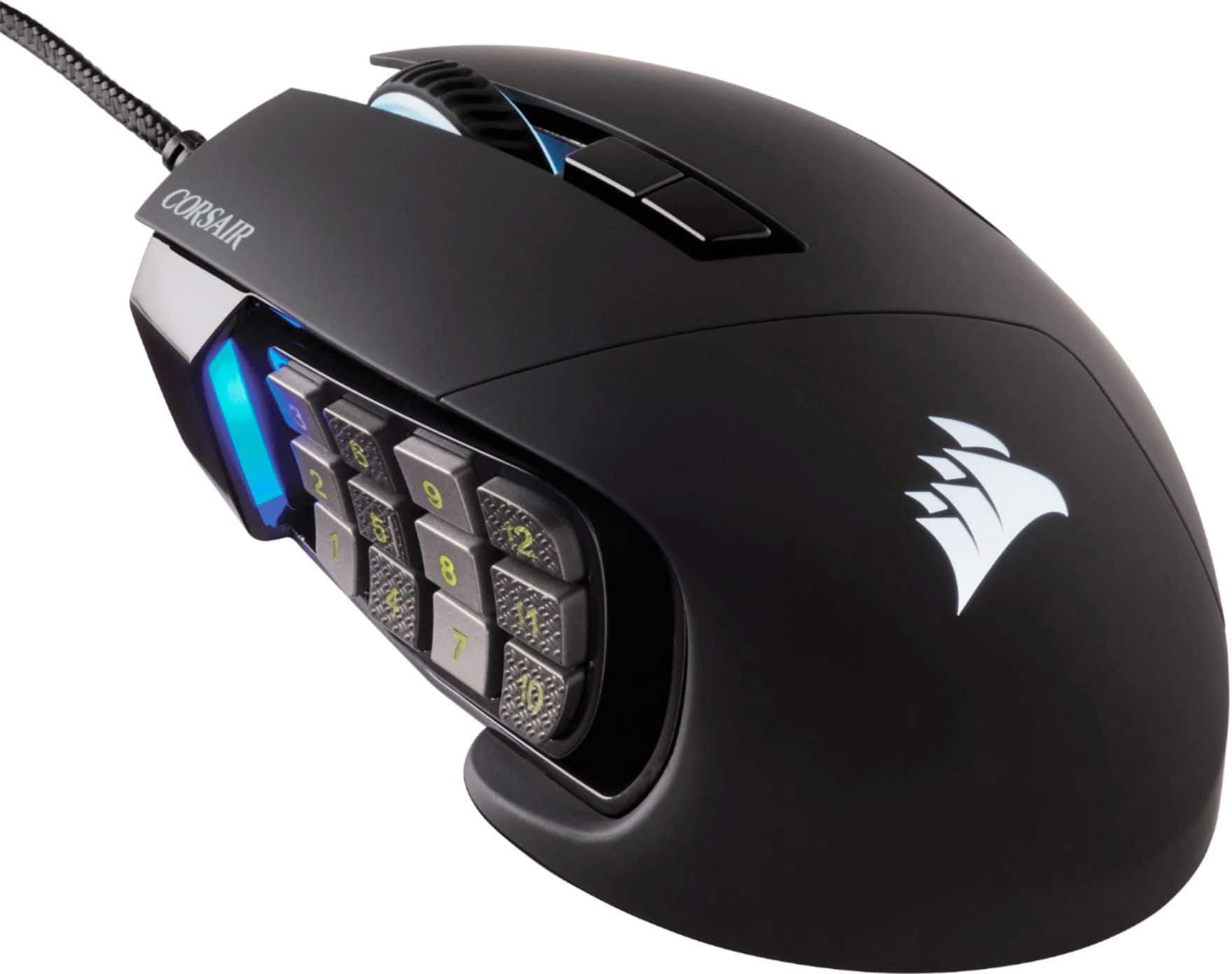
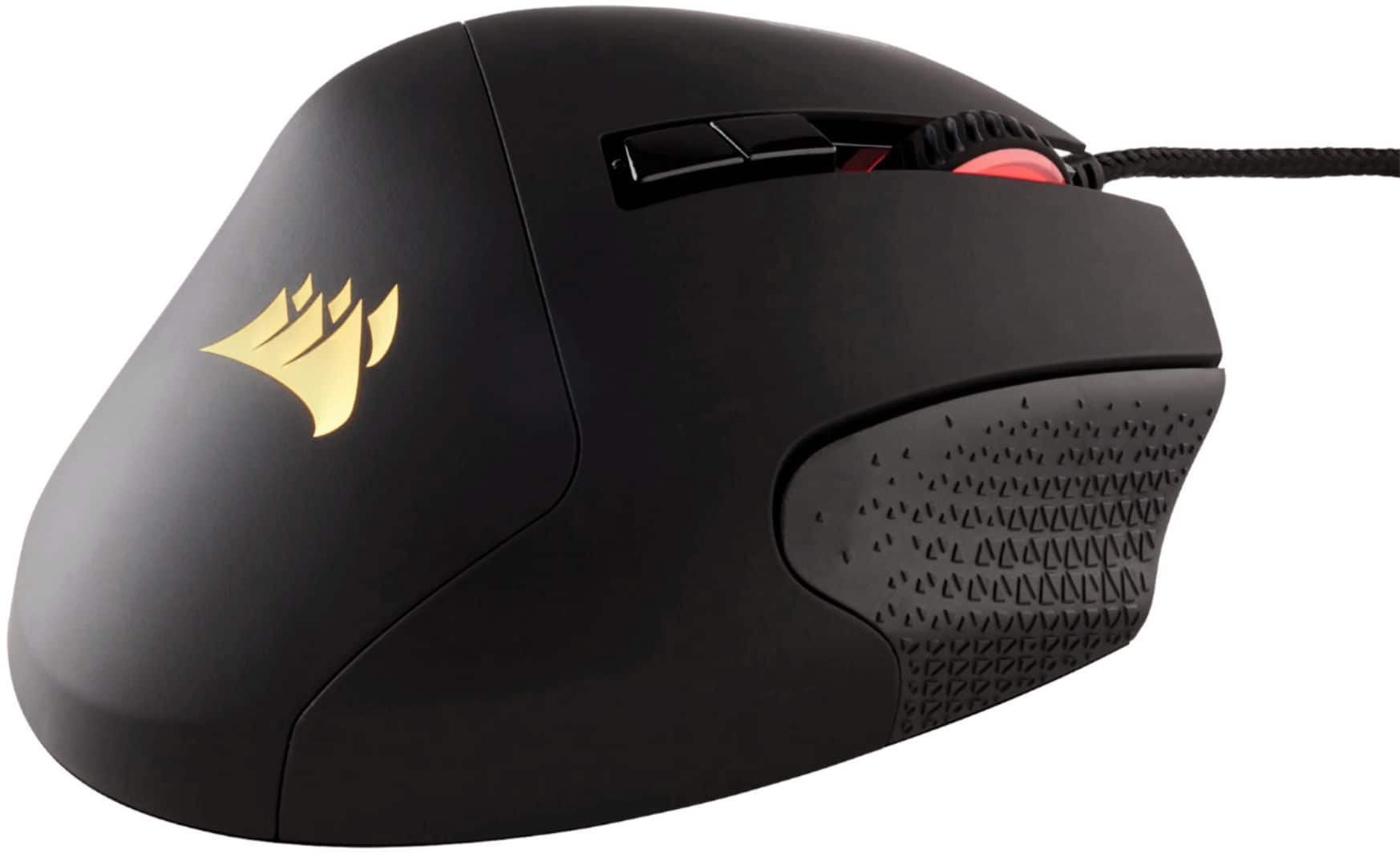
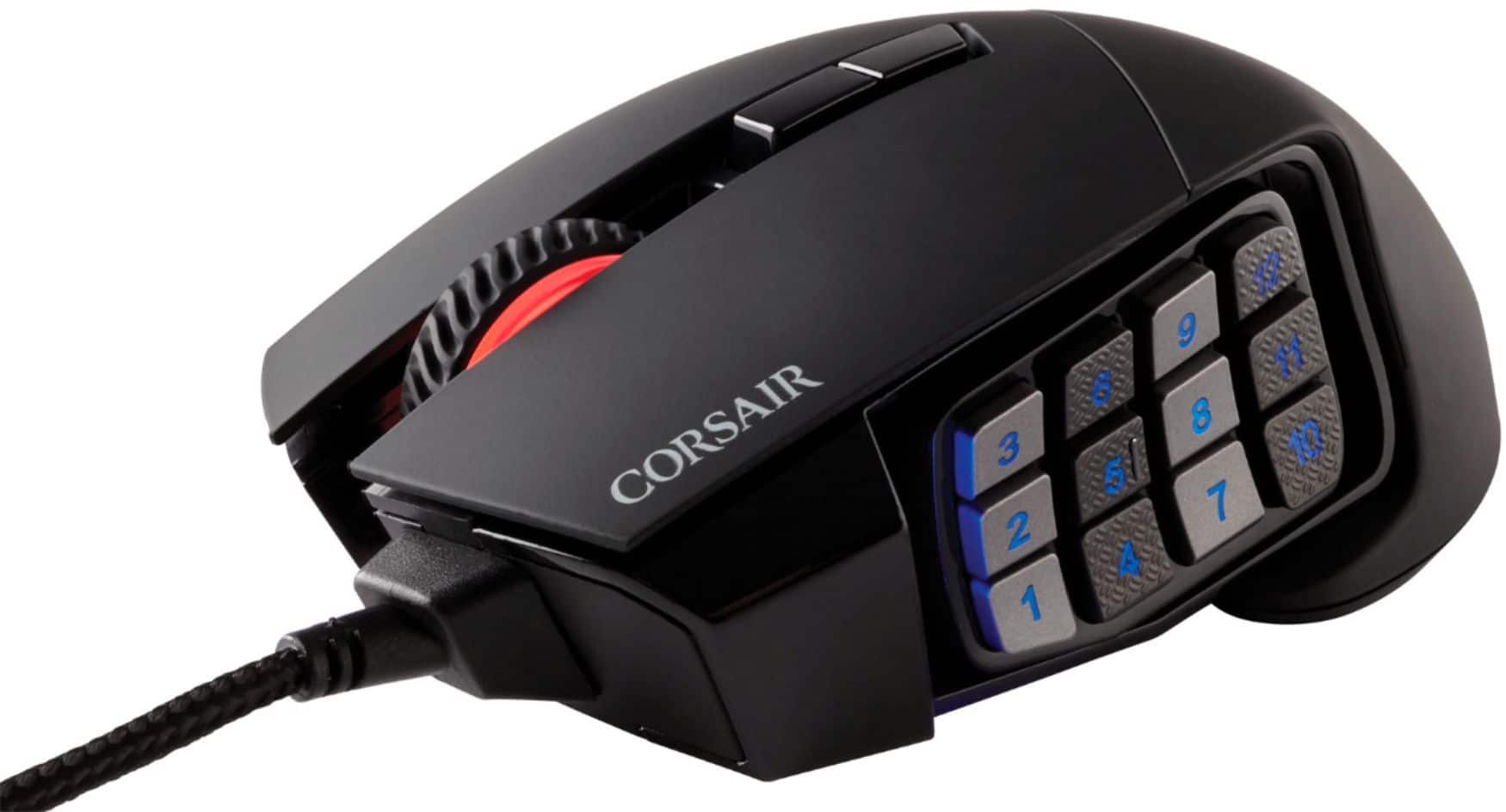
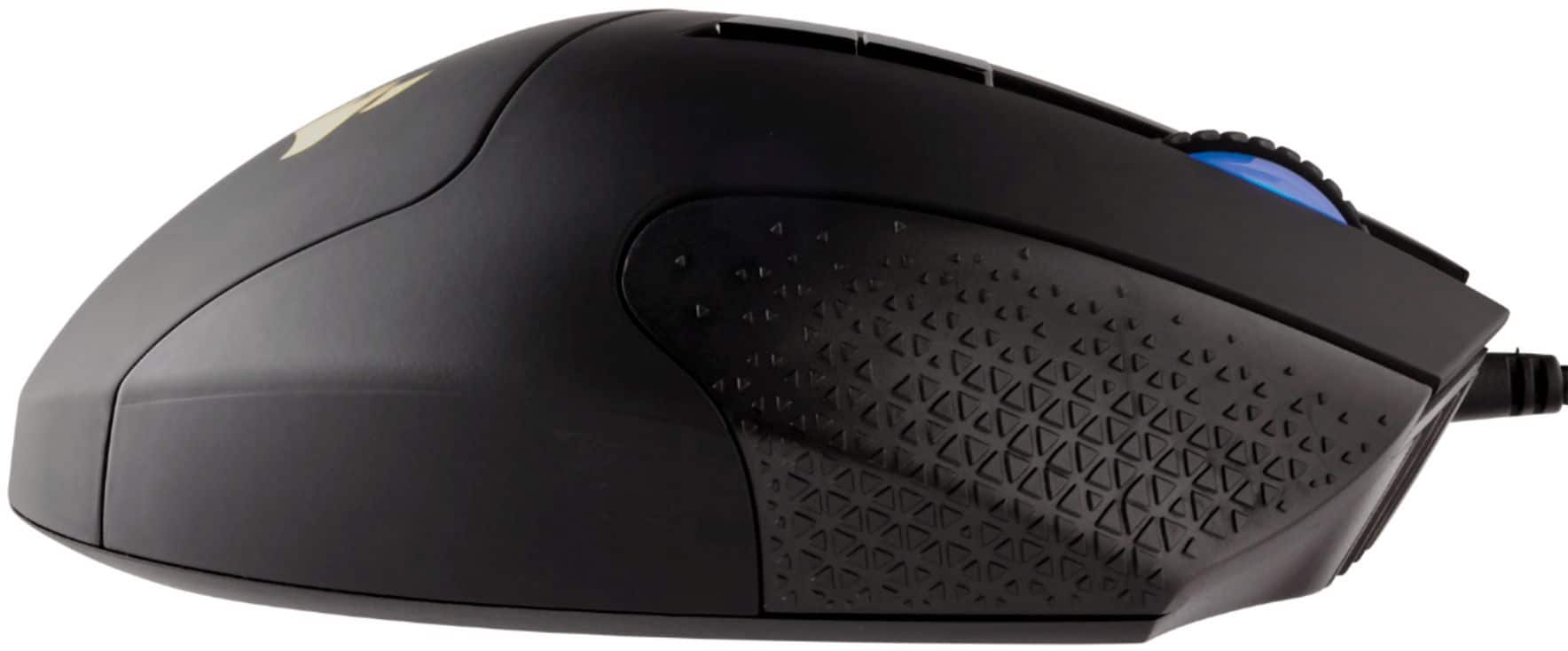
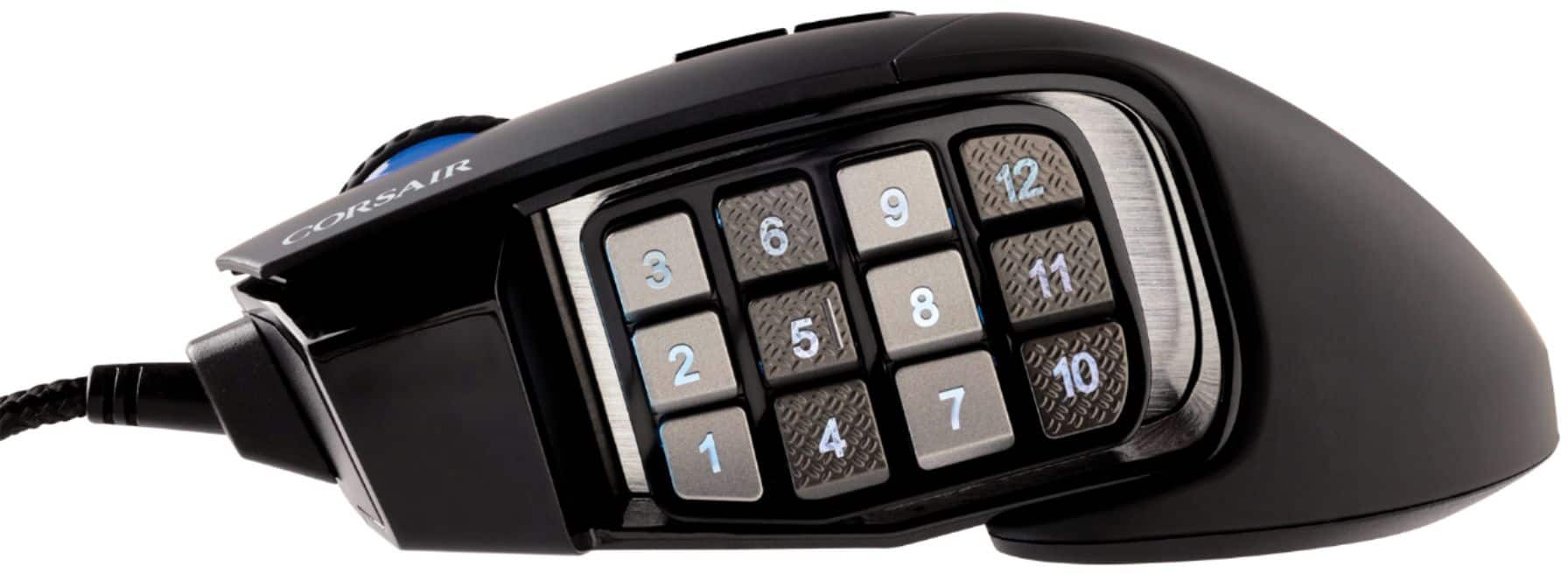
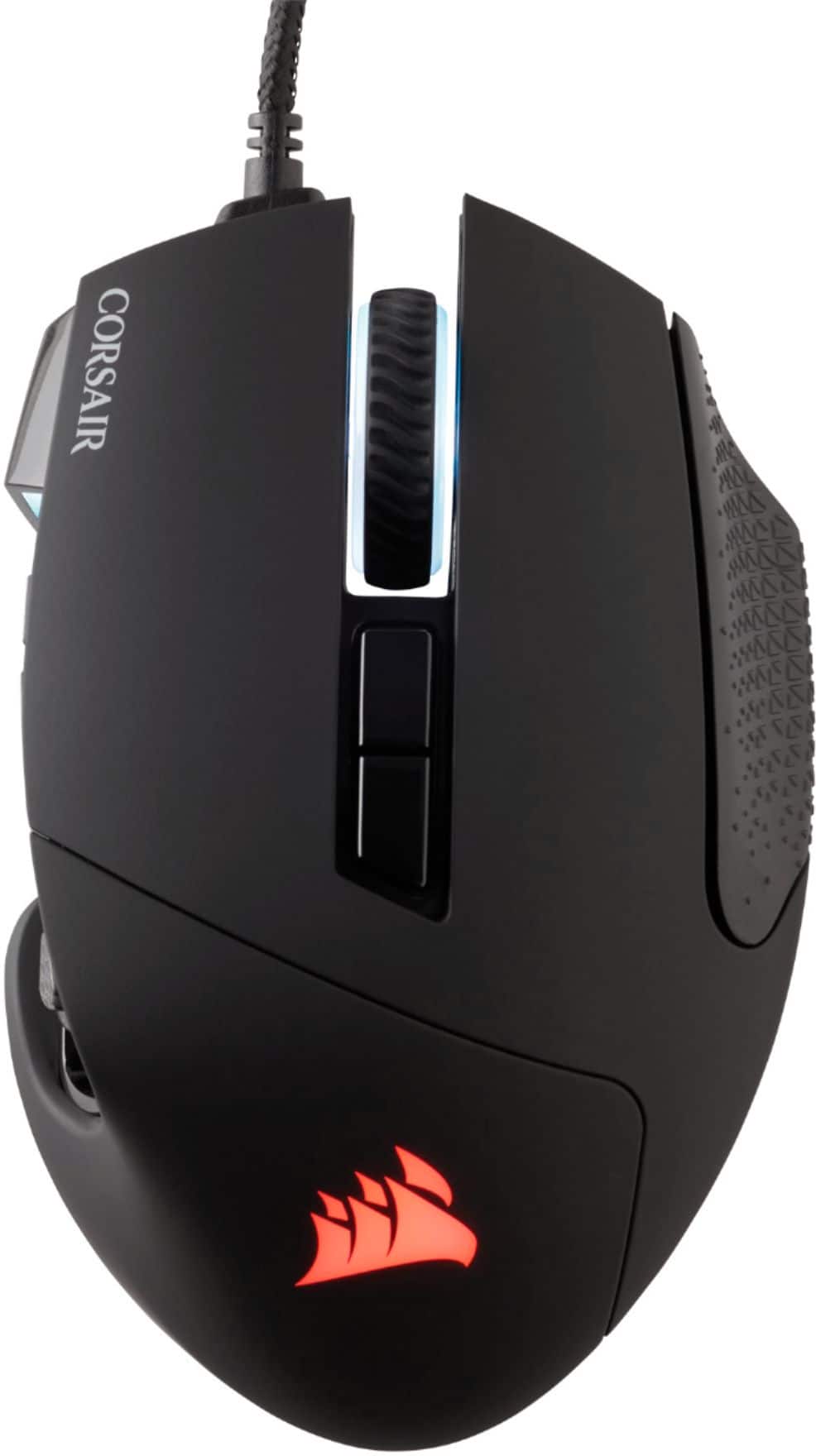
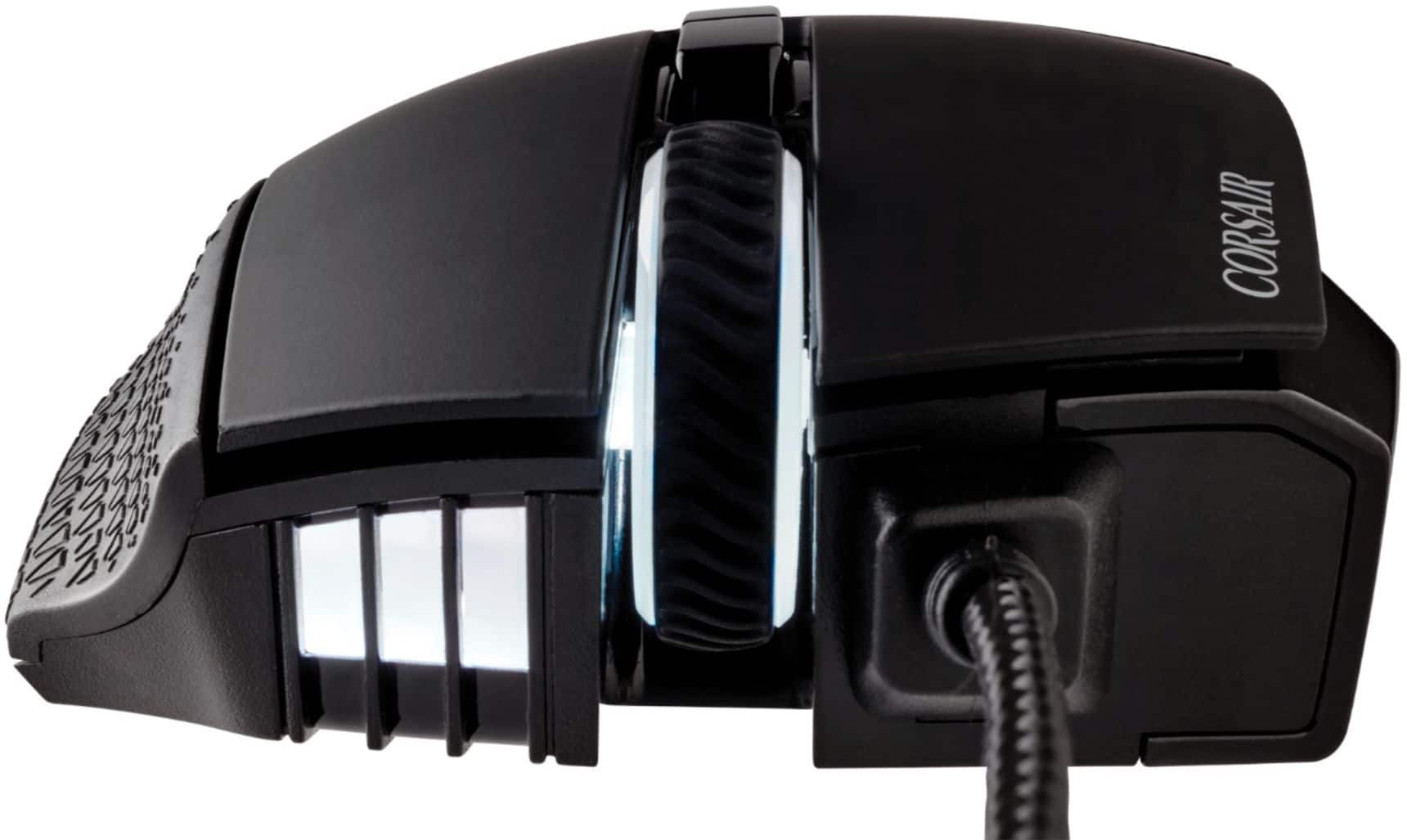
Customers are positive about the Scimitar RGB Elite Wired Optical Gaming Mouse, especially regarding its programmable buttons, comfortable design, and impressive build quality. Many appreciate the customizable DPI and the subtle RGB lighting. However, some customers have expressed concerns about the scroll wheel's reliability and the complexity of the software. Others find the size a bit large and the price somewhat high.
This summary was generated by AI based on customer reviews.
Best Mouse
Posted .This reviewer received promo considerations or sweepstakes entry for writing a review.best mouse ever had worked right out of box very responsive fast
I would recommend this to a friendYou disappoint me Corsair
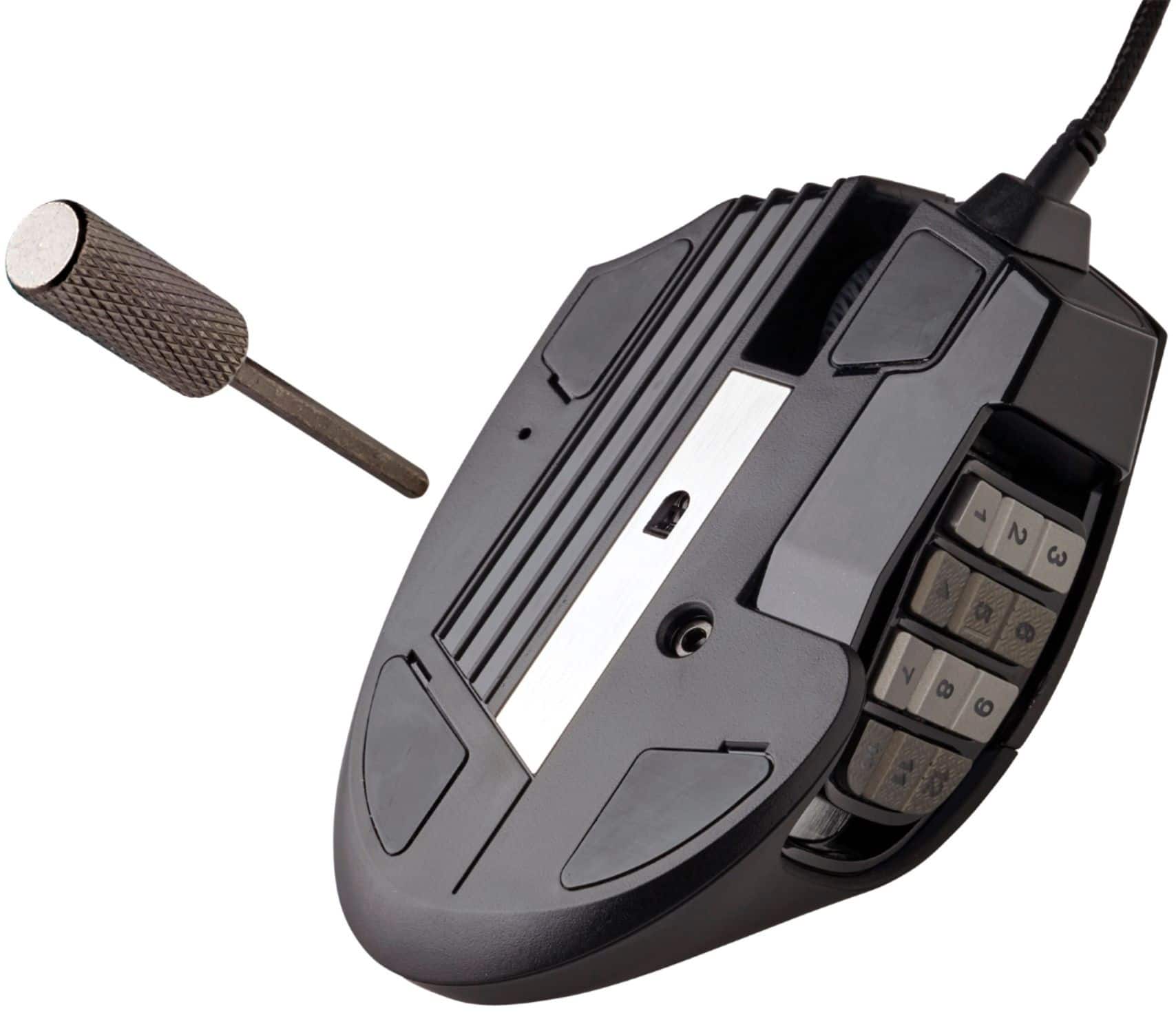
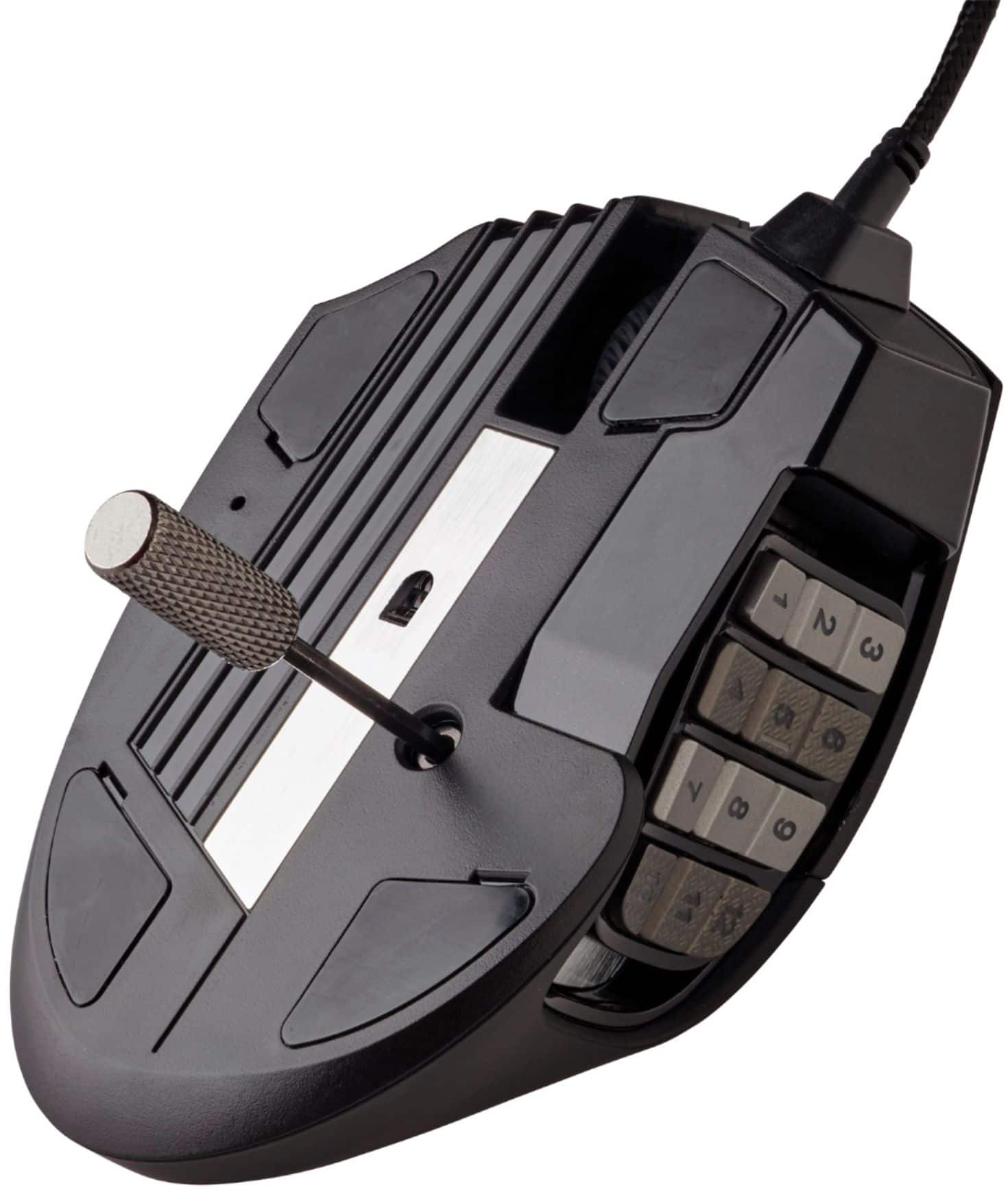
Posted .This reviewer received promo considerations or sweepstakes entry for writing a review.I had high hopes for this mouse because I've been a fan of corsair products for many years. So i switched from my Razer peripherals to Corsair for matching aesthetics sake. I bought the k100 RGB mechanical keyboard with the cherry mx speed switches, I loved it so, I bought this mouse to match... big...mistake.. Round 1...what was wrong the mouse wheel had this horrible squeaking when scrolling and it was loud, terribly annoying; and it was hard to click (i 3d model and i use the middle mouse wheel to tumble the camera while i model, so i used it a lot. A hard to press button simply would not do) The RMA...(A fighting experience) I fought for two weeks via email with a Corsair representative to RMA this defective product, it was unnecessarily hard. The representative didnt seem to have any knowledge of the product i was returning either (he asked for the serial number on the buttom of the mouse...the Scimitar RGB elite has NOTHING on the buttom...no numbers, no words....no nothing. So I gave him the information on the box.) After we finally got through the initial information exchange, i was apparently expected to pay for shipping on this defective product, No... no sir i simply will not. So after another few days i got a pre paid shipping label (which really should have been included to begin with) and sent it back to Corsair. The new mouse The squeaking is gone, which is nice; but the button is still hard to press and the scrolling noise is very loud, especially compared to my razer mouse i switched from. the mouse buttons are easy to press, yet the middle mouse click is very difficult, two completely different pressures for one product making it awkward and uncomfortable to use. The sliding side panel Works as advertised, its nice to be able to move it to adjust your personal thumb reach. The key it comes with to adjust it is a little difficult to use, i almost ended up stripping the hole it goes in, and the black paint on the end chipped off, cheap. I honestly would not recommend this mouse to anyone and I dont think i would take another chance in purchasing another corsair mouse. I wouldnt mind paying a little more for a superior product that at least looks like its trying. Customer service experience 1/5 Quality of product 1/5 Click noise (normal) Middle mouse button function 2/5 (its noisy and hard to press) RGB function 5/5 Do yourself a favor and get a razer mouse, it is a little more expensive but well worth it, my last one lasted over 5 years of heavy gaming.
No, I would not recommend this to a friendBrand response from Corsair Art
Posted .Hi,
Sorry to hear about your experience. Our support does their best to help troubleshoot and narrow down the potential cause, but will ultimately offer a replacement within warranty terms if necessary. Thank you for sharing your feedback with us. If you have any additional questions or concerns, feel free to let us know: support.corsair.com
-Albert
Best MMO mouse
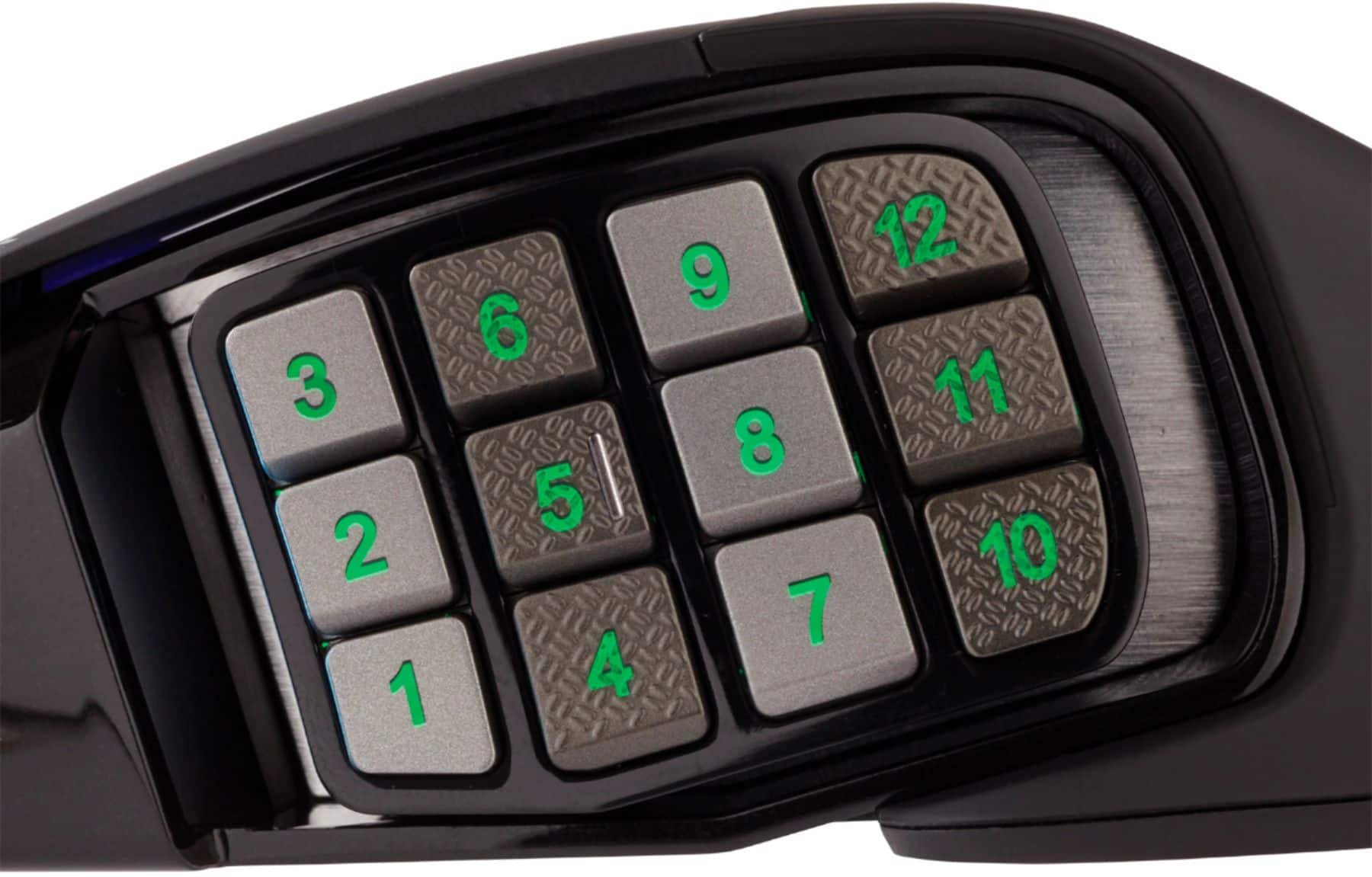
Posted .This reviewer received promo considerations or sweepstakes entry for writing a review.Great mouse and easy to use/configure. The different textures make it easy to cycle through keybinds and build muscle memory.
I would recommend this to a friendJust what my gamer was looking for
Posted .This reviewer received promo considerations or sweepstakes entry for writing a review.This is just what the boys were after. I do not know much about gaming, lol but this gift was a definite hit with the gamers in my life
I would recommend this to a friendCorsair Mouse Amazing
Posted .This reviewer received promo considerations or sweepstakes entry for writing a review.amazing mouse. great for mmos. lovely exterior and beautiful clicking sound. oouuuwwwwweeeeee
I would recommend this to a friendAwesome
Posted .This reviewer received promo considerations or sweepstakes entry for writing a review.The best mouse out there, I always end up going back to this one
I would recommend this to a friendScroll wheel is garbage
Posted .This reviewer received promo considerations or sweepstakes entry for writing a review.This review will point out what the mouse is failing at. The mouse is not recognized by iCUE software every time I boot up. I have to unplug and plug back in for the software to recognize the mouse. Second, the scroll wheel on this is the worst scroll wheel of any mouse i've ever used. Aa $5 mouse's scroll wheel performs better. I still have a 'free' mouse I received that has a scroll wheel still works better than this scroll wheel. What this scroll wheel does when I am scrolling down, it will go down one then go back up one, and at times it goes down once then go up 2-3. The wheel is unreliable at this point and very frustrating to use during a game. I use this mouse for everything so, I use the scroll wheel to scroll up and down pages, and when it will not scroll in the direction I need it to go, I want to smash this mouse.
No, I would not recommend this to a friendBrand response from Corsair
Posted .Hi,
Sorry to hear about your experience. In regard to the detection issue, please ensure the SCIMITAR is connected to a direct USB port on your system, and not a hub/dock. Considering our mice carry a 2-year warranty, please contact us in regard to your scroll wheel. We'd appreciate the opportunity to get this resolved - please reach out directly to our Support Escalation team at SES@corsair.com with a screenshot of this review and our team will assist you ASAP.
-Albert
Corsair mice are a joke
Posted .This reviewer received promo considerations or sweepstakes entry for writing a review.As soon as you install their software for remapping buttons or changing the color the side buttons stop working. This is pathetic. I have watched countless videos and used the guides on the Corsair website to map the buttons how CORSAIR says to do it and it doesn't work. The mouse won't reset so i'm stuck with an $80 piece of garbage. I really wish I had done more research on these before I bought one. If you are reading this please do NOT buy this mouse. It is garbage.
No, I would not recommend this to a friendPremium Priced Scam
Posted .This reviewer received promo considerations or sweepstakes entry for writing a review.A well cared for and barely used PREMIUM price gaming mouse should not have a completely useless mouse wheel after less than a year. Between this and the glaring number of flaws you find with any troubleshooting search, this product line was designed to be as cheap and flimsy as possible. Don't waste your money on this garbage.
No, I would not recommend this to a friendBrand response from Corsair Art
Posted .Hi Steven,
Sorry to hear that the mouse wheel had issues so soon, we'd like to help! Please reach out to our support team so we can work with you directly: support.corsair.com
-Brian
Skip this mouse
Posted .This reviewer received promo considerations or sweepstakes entry for writing a review.Not worth it, I purchased it a little over a year ago, and the left button double clicks like crazy and releases flies while copying and pasting, I purchased a low-cost $20 mouse and works way better and the guest service team at Corsair is a joke with fixing this issue
No, I would not recommend this to a friendBrand response from Corsair
Posted .Hi,
Sorry to hear about your experience. Did you update your mouse to the latest firmware via our iCUE software? If any issue(s) persist, we'd appreciate the opportunity to get this resolved - please reach out directly to our Support Escalation team at SES@corsair.com with a screenshot of this review and our team will assist you ASAP.
-Albert
Great mouse if the buttons wouldn't quit on you
Posted .This reviewer received promo considerations or sweepstakes entry for writing a review.Bought this mouse wanting to try a new mmo style mouse. Size wise it nice and feels good in the hand. the main issue is that 2 weeks after purchase, just after warranty from best buy expires, the side buttons randomly just stop working. You either need to plug it in or unplug it and plug it back in. I purchased this mouse for gaming and it really puts a damper in things when you're in a boss fight and the buttons just stop working.
No, I would not recommend this to a friendBrand response from Corsair
Posted .Hello,
Please contact our team directly right on our site for assistance with this.
-Art
PC cant recognize the gaming mouse sometimes
Posted .This reviewer received promo considerations or sweepstakes entry for writing a review.this gaming mouse is good the first year until my PC cannot recognize it sometimes. I have to restart my laptop to fix the issue. I had bought the same corsair scimitar pro gaming mouse before, its the same problem again:( Ima gonna siwtch to razer
No, I would not recommend this to a friendBrand response from Corsair Art
Posted .Hi Paul,
Sorry to hear you're experiencing this issue. Please get in touch with us, we'd be happy to look into the issue and provide a solution: support.corsair.com
-Albert
Doesnt work with i cue
Posted .This reviewer received promo considerations or sweepstakes entry for writing a review.This mouse is now unsupported by the software it claims to be compatible with making the mouse a useless piece of plastic that you'll pay 50 bucks for. Normally I love Corsair but please just stick with the razer Naga
No, I would not recommend this to a friendBrand response from Corsair
Posted .Hello,
iCue definitely still supports this mouse, please contact our team directly right on our site for assistance.
-Art
Works well until the wire breaks, easily
Posted .This reviewer received promo considerations or sweepstakes entry for writing a review.The concept behind this mouse is great. However the cables are cheaply made and will break after too much use. Similar to how an iPhone cable will go bad. For an $80 mouse you would expect better quality.
No, I would not recommend this to a friendBrand response from Corsair Art
Posted .Hi Christopher,
This shouldn't be the case unless rubbing against something else. Please reach out to us with more info so we can help: support.corsair.com
Nothing new here
Posted .This reviewer received promo considerations or sweepstakes entry for writing a review.The only change is in the dpi of the sensor. It now goes up to a ridiculous setting that in impractical to use. Still have the same problem with the buttons feeling like mush and are so close together that you will frequently hit the wrong or multiple buttons at the same time. Also if you will drag your thumb on the table trying to use the 1,4,7,10 buttons. Also those buttons are not mapped out of the box so you will have to go in and manually set each button before you can use them. This is a hard PASS on this version of the mouse
No, I would not recommend this to a friendBrand response from Corsair Art
Posted .Hi,
Seems like this mouse is just not the one for you. The buttons will indeed remain unchanged for both physical size, and needing to map them to actions/etc... that you would actually use.
If you have any questions, please contact us: support.corsair.com
Numpad stopped functioning
Posted .This reviewer received promo considerations or sweepstakes entry for writing a review.The numpad on the side which is the whole reason I purchased this mouse, stopped functioning entirely within one hour of use. There is no official solution online.
No, I would not recommend this to a friendBrand response from Corsair Art
Posted .Hello,
It's most likely that it needs to be set up through the software, please reach out so we can help: support.corsair.com
-Art