Customer Ratings & Reviews
- Model:
- CH-9304211-NA
- SKU:
- 6393997
Rating by feature
- Value
Rating 4.4 out of 5 stars
- Quality
Rating 4.6 out of 5 stars
- Ease of Use
Rating 4.4 out of 5 stars
Customers are saying
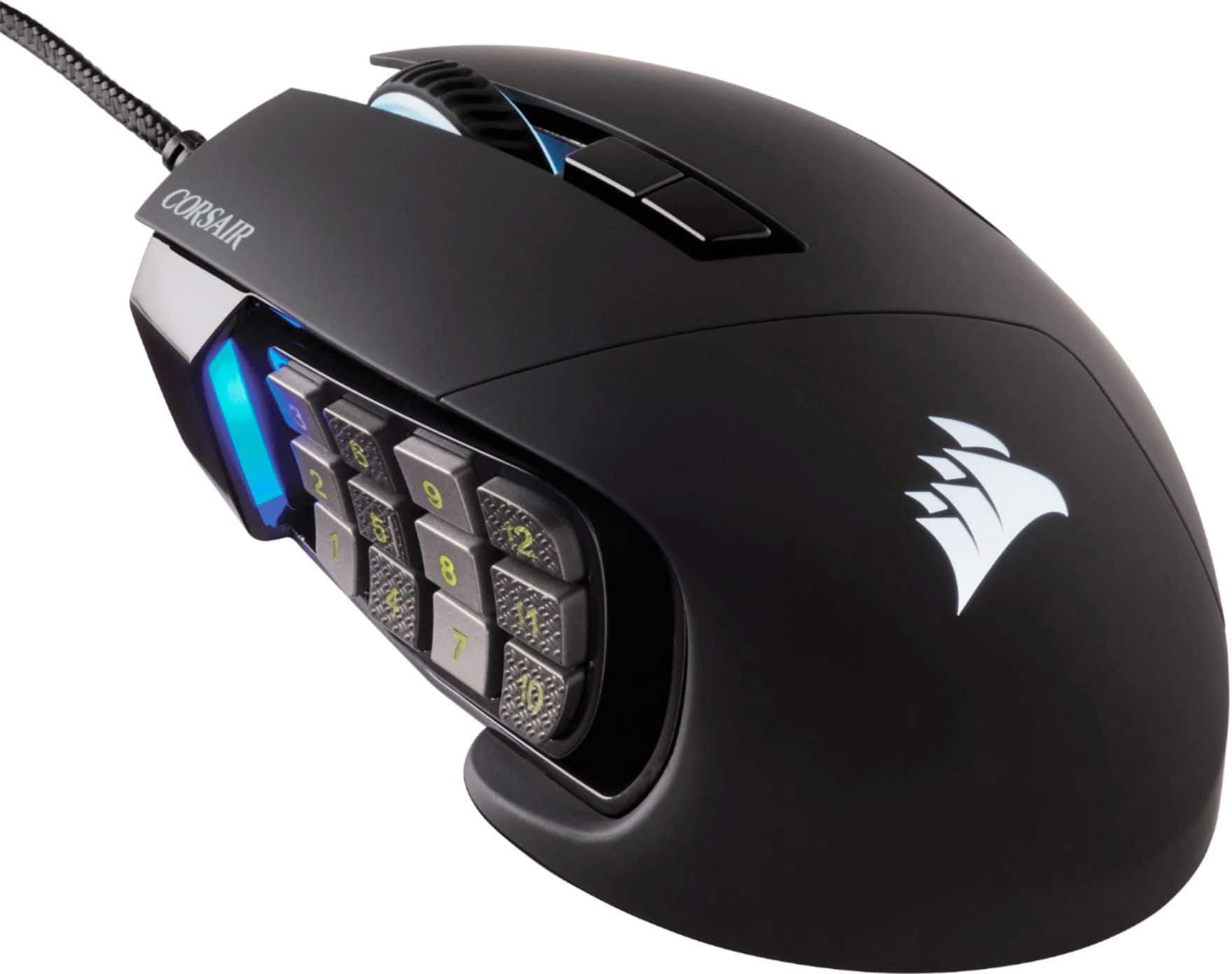
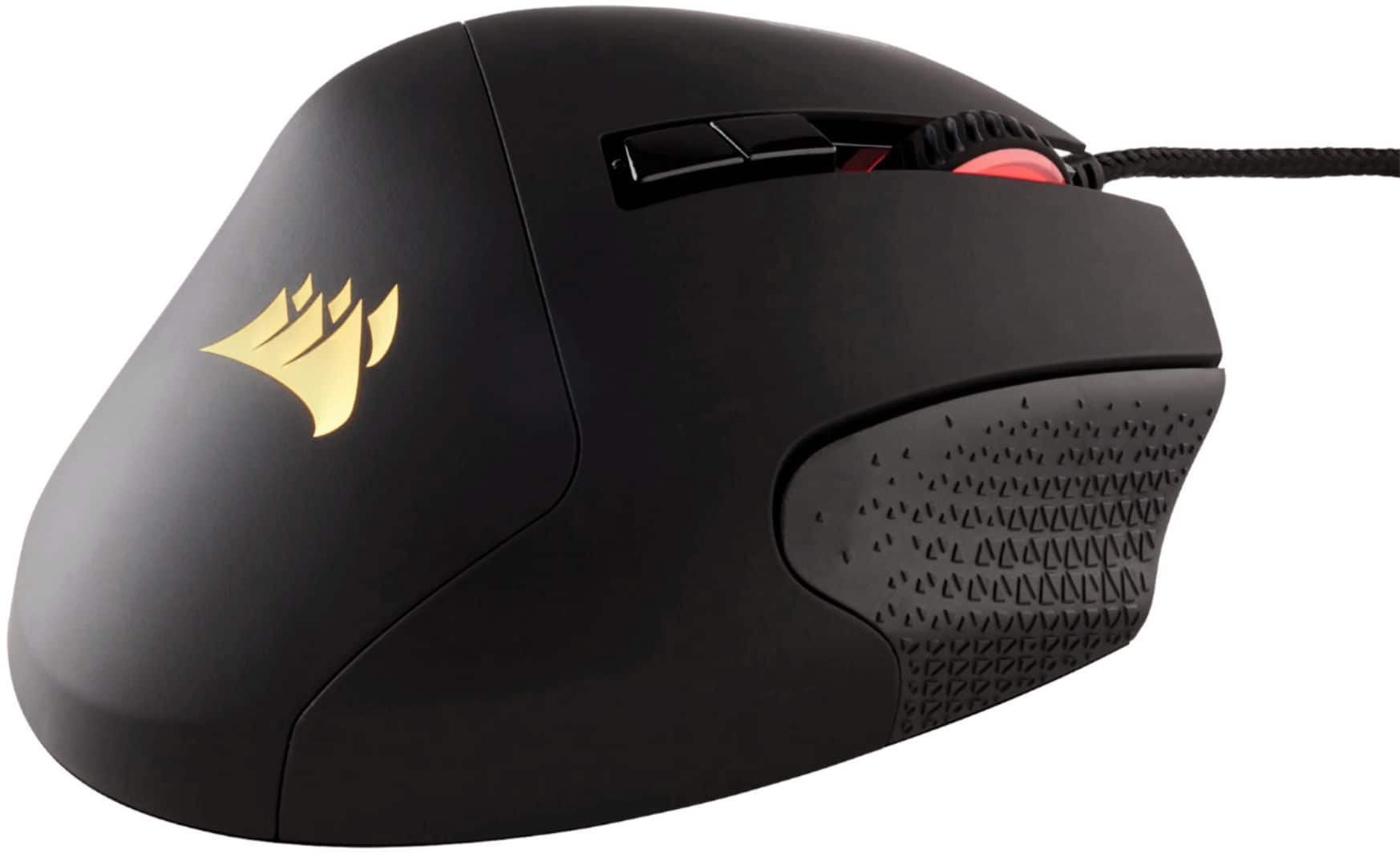
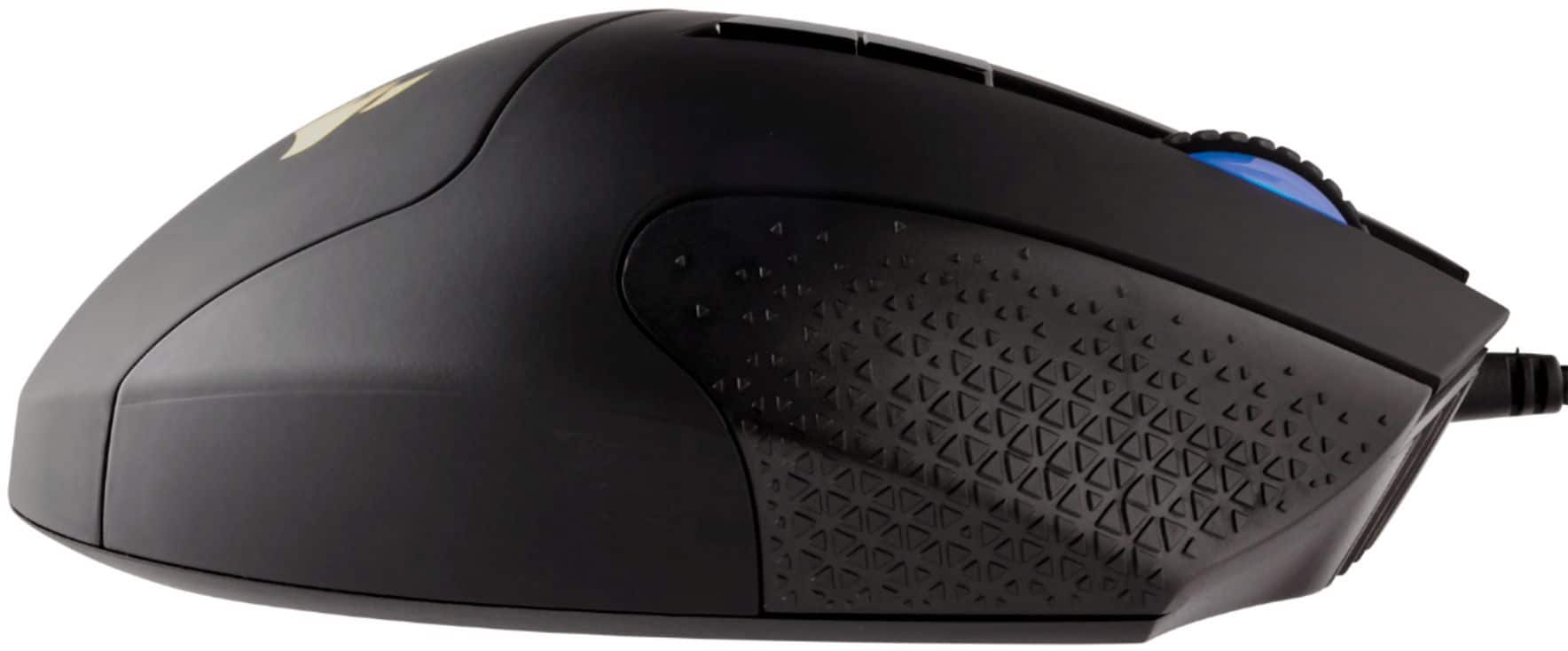
Customers are positive about the Scimitar RGB Elite Wired Optical Gaming Mouse, especially regarding its programmable buttons, comfortable design, and impressive build quality. Many appreciate the customizable DPI and the subtle RGB lighting. However, some customers have expressed concerns about the scroll wheel's reliability and the complexity of the software. Others find the size a bit large and the price somewhat high.
This summary was generated by AI based on customer reviews.
Would definitely reccomend!
||Posted . Owned for 1 month when reviewed.This reviewer received promo considerations or sweepstakes entry for writing a review.Feels great! Adjustable number pad. Great ICUE support!
I would recommend this to a friendFantastic
||Posted . Owned for 1 week when reviewed.This reviewer received promo considerations or sweepstakes entry for writing a review.Fantastic mouse for the price... the buttons work great and fit my hand perfectly!
I would recommend this to a friendBest mouse in my opinion
||Posted . Owned for less than 1 week when reviewed.This reviewer received promo considerations or sweepstakes entry for writing a review.Best gaming mouse for MMOs, easy to set keybinds to
I would recommend this to a friendMouse power
||Posted . Owned for 3 weeks when reviewed.This reviewer received promo considerations or sweepstakes entry for writing a review.Its a pretty good mouse, a litttle light for me coming off of m65.
I would recommend this to a friendMouse
||Posted . Owned for 7 months when reviewed.This reviewer received promo considerations or sweepstakes entry for writing a review.I love this mouse it works so much better then i expected. Super simple set up as well
I would recommend this to a friendCorsair
||Posted . Owned for 1 month when reviewed.This reviewer received promo considerations or sweepstakes entry for writing a review.Mouse is great. Had it for about a month, no issues.
I would recommend this to a friend- Pros mentioned:Build quality, Programmable buttonsCons mentioned:Price, Software
Great hardware, not the best software or value
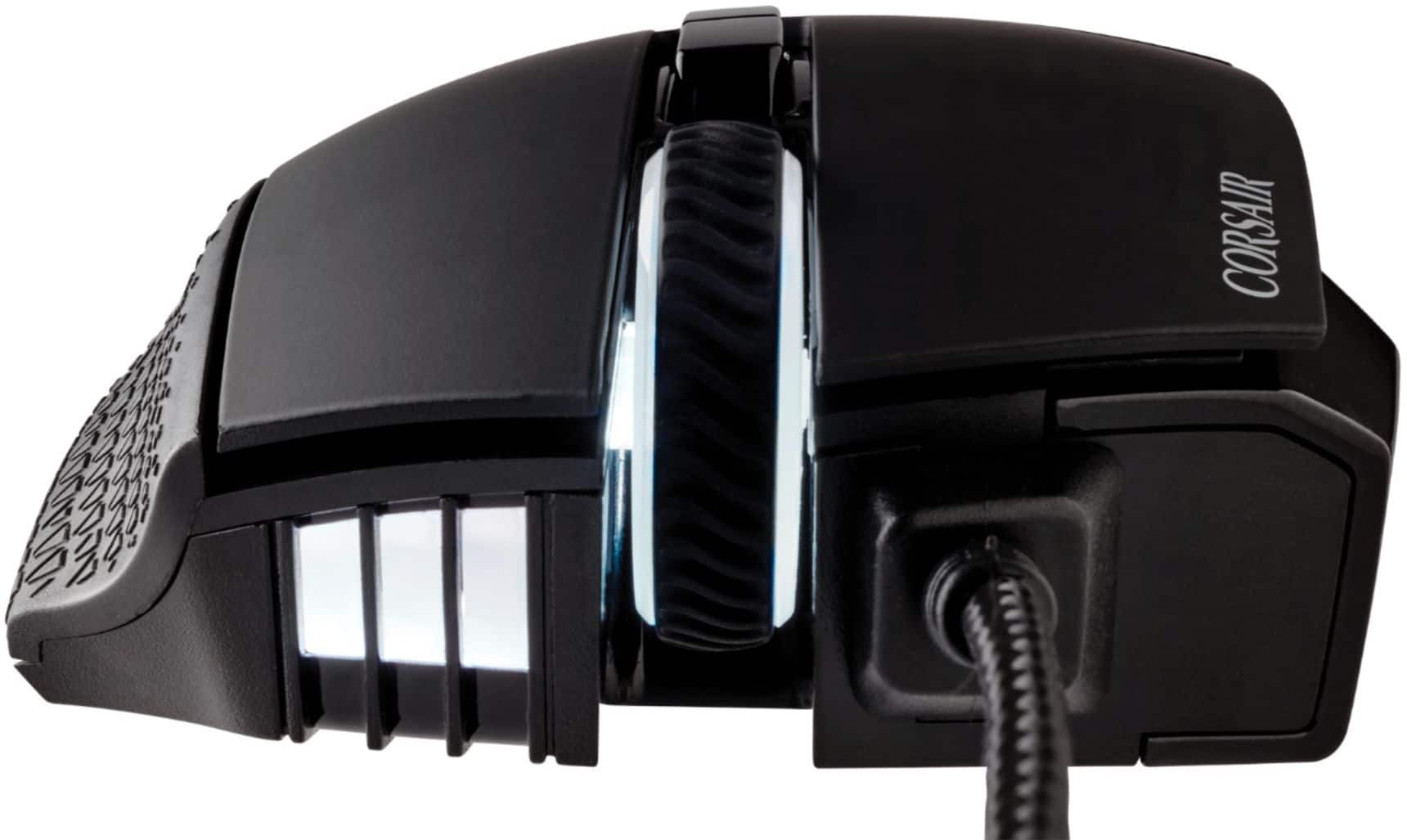
||Posted . Owned for 3 weeks when reviewed.This reviewer received promo considerations or sweepstakes entry for writing a review.I previously owned a Logitech G600 which I used for years. It started double clicking and couldn't fix it this time. Decided on a replacement and settled on this mouse! Corsair Scimitar RGB Elite has almost the same amount of buttons. The adjustable side buttons are a nice touch. I have smaller hands but felt comfortable to me. It is missing the third ring finger button. Disappointing but can use it without. That button was a great modifier key for the side buttons on my Logitech. The build quality does feel very premium. Has a great texture for the contact surfaces. Ton of DPI and profile options that are customizable. Braided cable is a must these days for durability. If I could, I would dock this product a half star for the price and software. I feel like it could be a little cheaper, even on sale. The software was very frustrating initially until I figured out that my default profile was not selected. You have to be careful which profile/s are stored on the mouse. It is not initially user friendly for me at least and caused a lot of confusion when I realized the side buttons weren't working in games. I've had this mouse for about a month now and am now using it every day for gaming with no issues.
I would recommend this to a friend Corsair
||Posted . Owned for more than 2 years when reviewed.This reviewer received promo considerations or sweepstakes entry for writing a review.Great mouse with so many customizable buttons. Goes well with other corsair products through iCue software. Great for MMORPGs. Highly recommended. A true game changer.
I would recommend this to a friendCORSAIR - Scimitar RGB Elite Wired Optical Gaming
||Posted . Owned for less than 1 week when reviewed.This reviewer received promo considerations or sweepstakes entry for writing a review.I got mine today and it was an open box with no support of anything holding the mouse inside. It looked like someone forced their way into the box for a quick swap for a new mouse. The used mouse that came with the box had nasty fingerprints all over it and even on the side buttons. The bottom even has scratch marks. I didn't buy a used mouse for $100 dollar with protection plans. I would still recommend using the mouse since it's a good mouse but never a used mouse with nasty fingerprint. Just a good laugh tonight.
I would recommend this to a friendBrand response from Corsair Art
Posted .Hi NastyUsedMouse,
Please contact Best Buy directly to get an exchange for this.
-Brian
Get razer
||Posted . Owned for 4 months when reviewed.This reviewer received promo considerations or sweepstakes entry for writing a review.The mouse side buttons stop working. Its so bad regret getting
No, I would not recommend this to a friendBrand response from Corsair
Posted .Hi,
Sorry to hear about your experience. Considering our mice carry a 2-year warranty, please get in touch with support via our website - we'd appreciate the opportunity to further look into this and provide assistance.
-Albert
- Pros mentioned:Comfort, Programmable buttons, WeightCons mentioned:Scroll wheel
its one of the greats.
||Posted .This reviewer received promo considerations or sweepstakes entry for writing a review.my first one of these was a pro, it seems the difference between pro and elite is how many dpi... had the first one for 3 years before the scroll wheel broke which 3 years with a mouse is a long time and ive never had a complaint. its comfortable during long gaming sessions the buttons are great for MMOs mobas or any game that key mapping is a thing its fully rgb customizable in Icue it feels medium heavy kind of the perfect weight me but ive had other mouses that you could adjust the weight if that was your thing i cant picture myself enjoying any other mouse hence why im buying a second one.
I would recommend this to a friend 
The KeySlider Sold Me
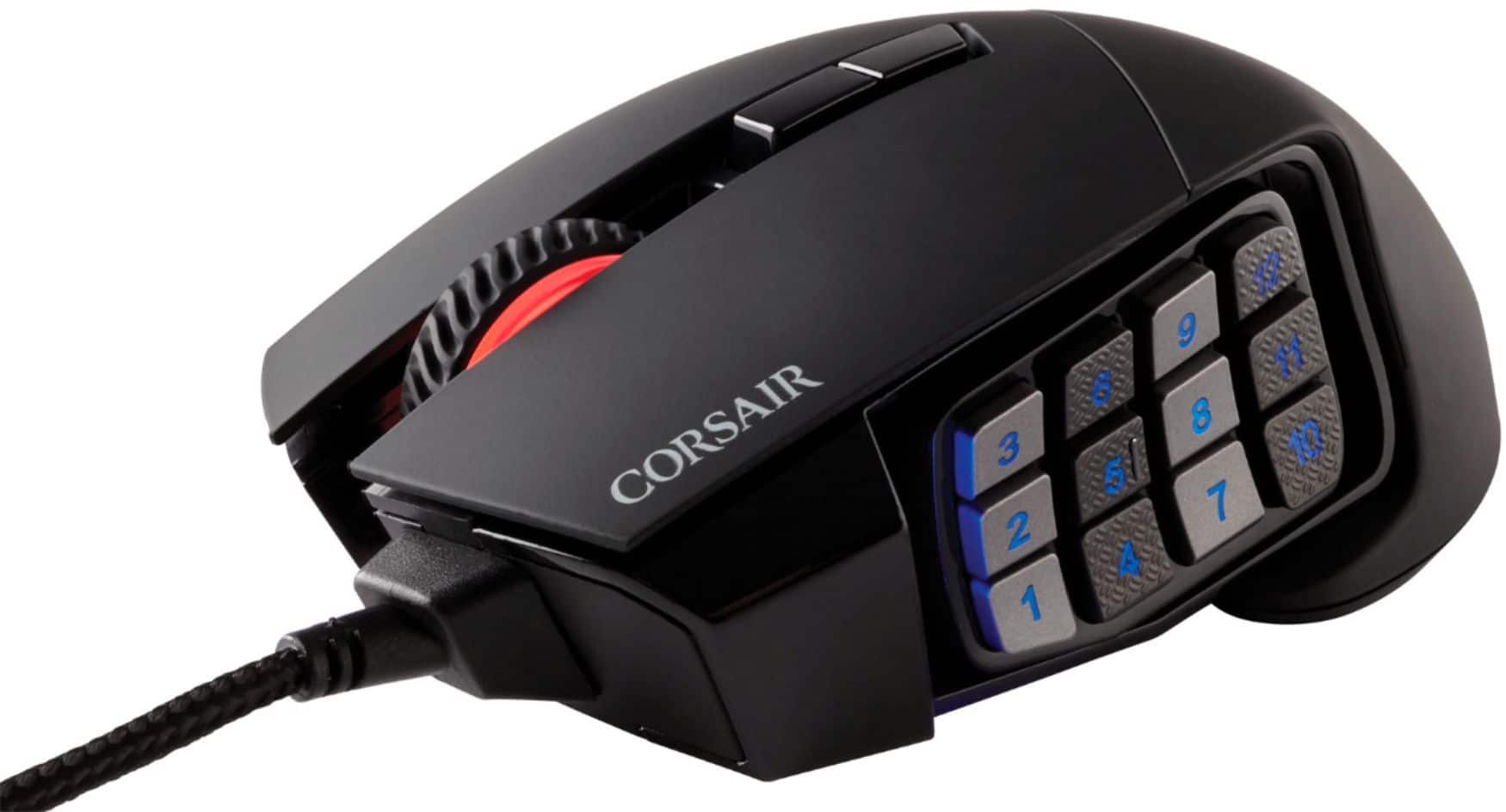
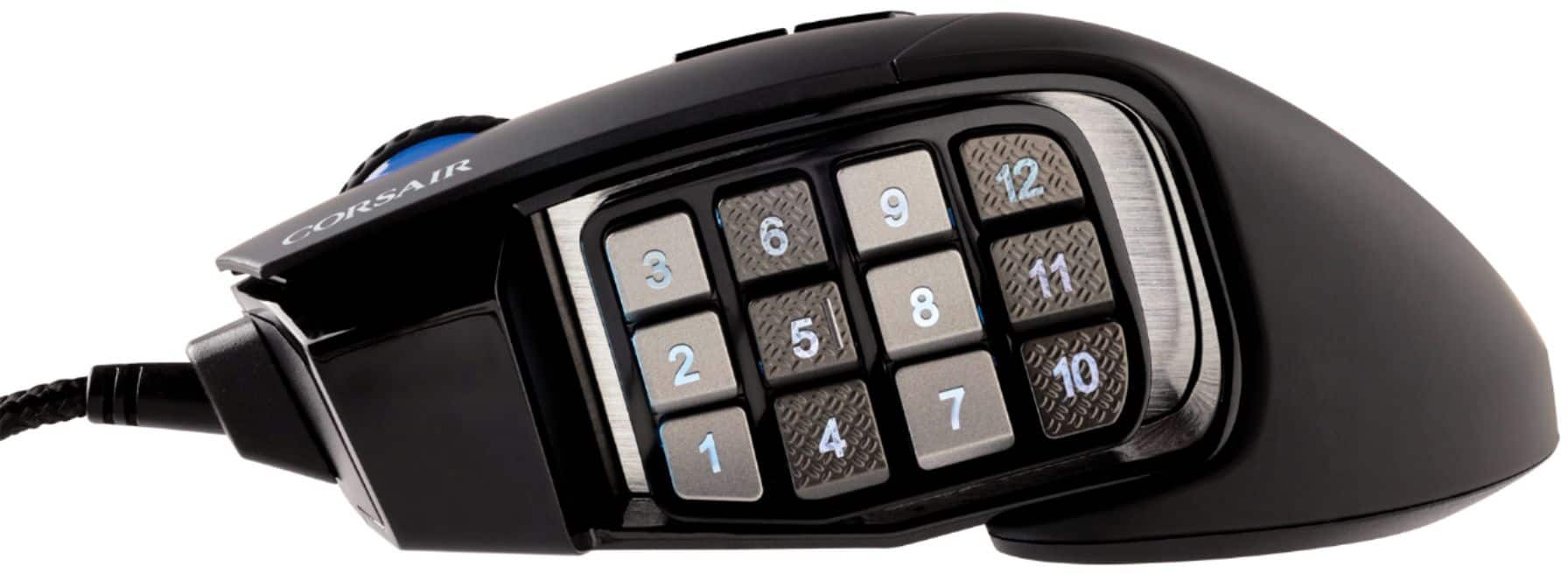
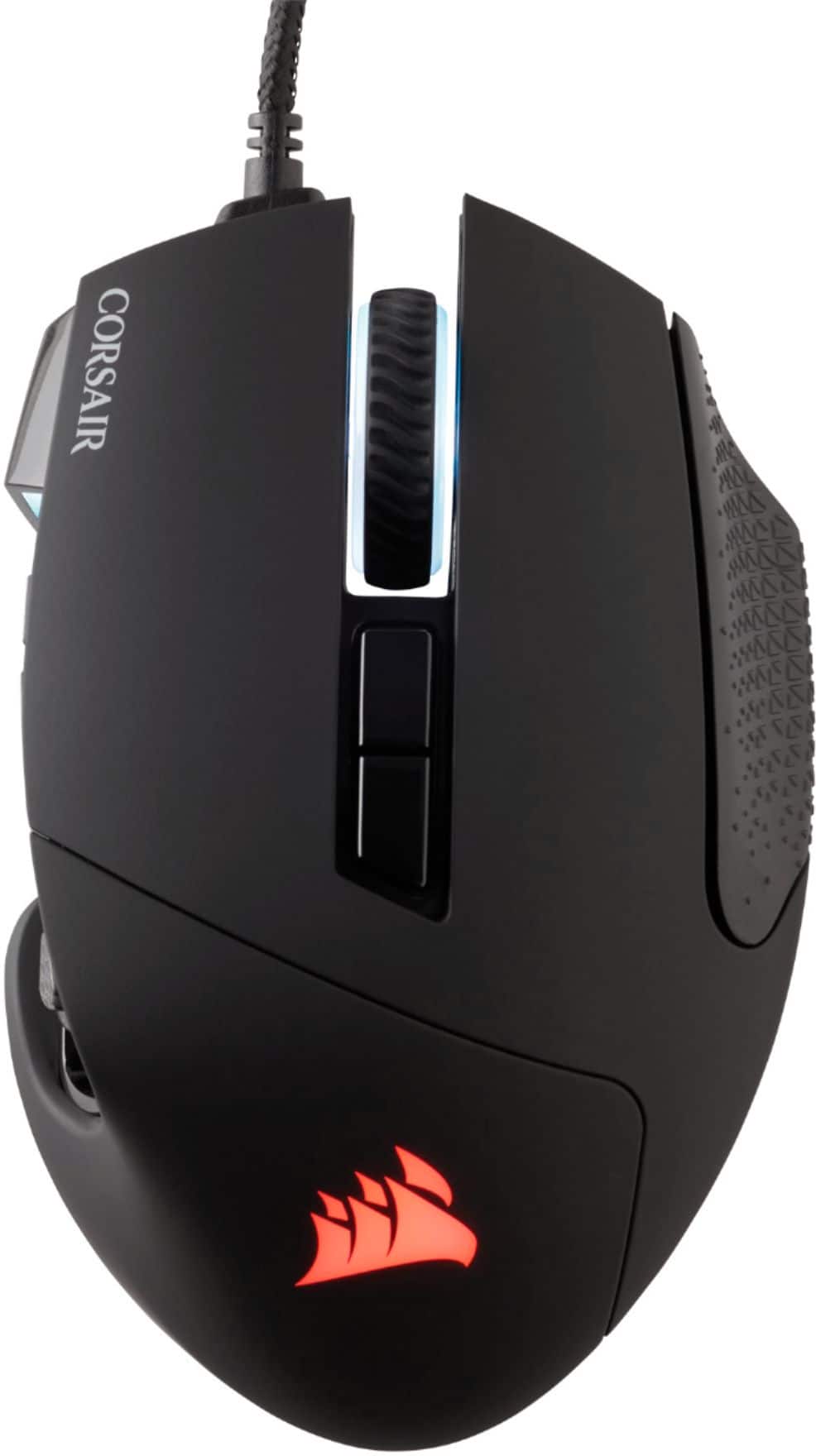
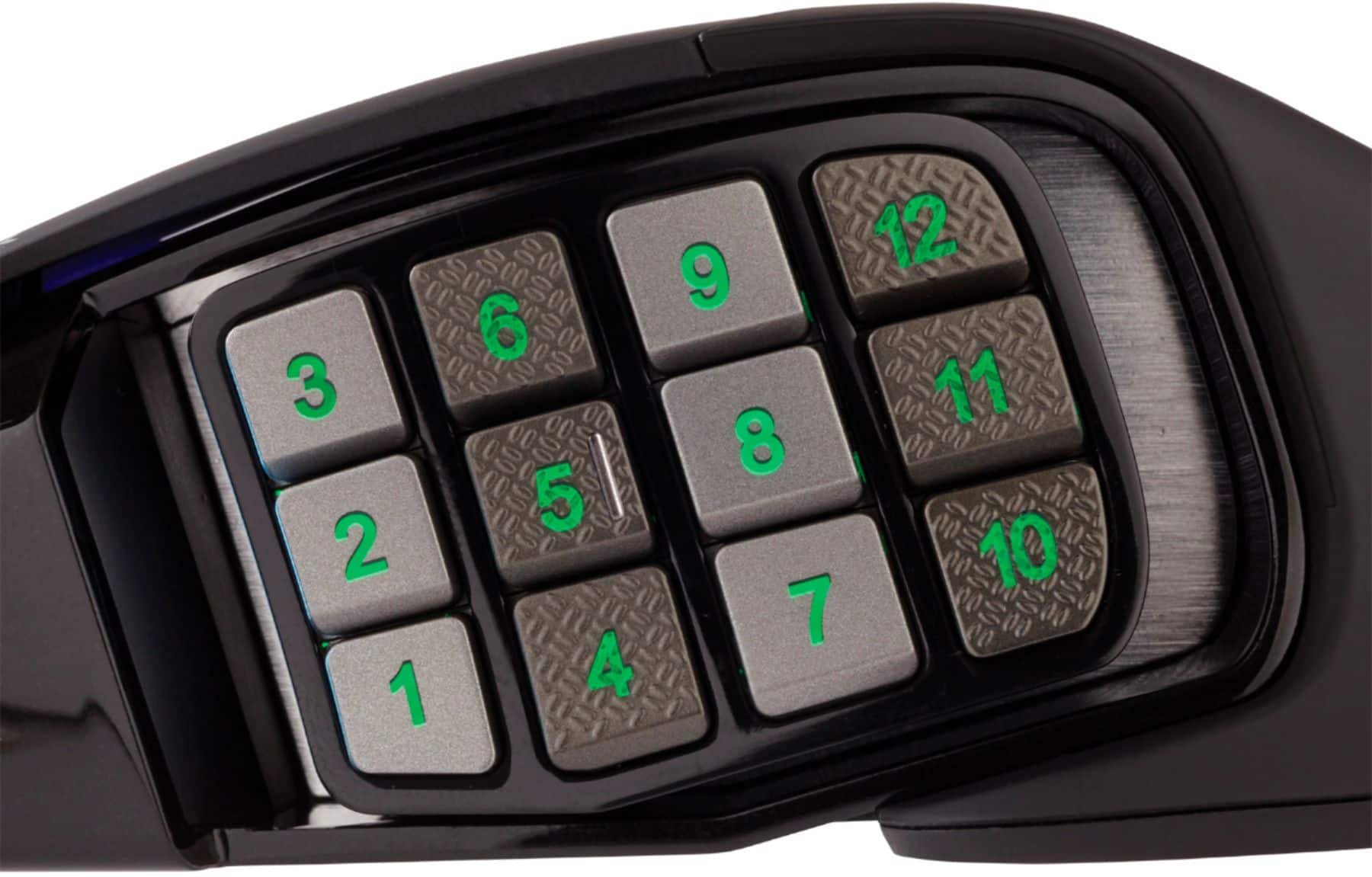
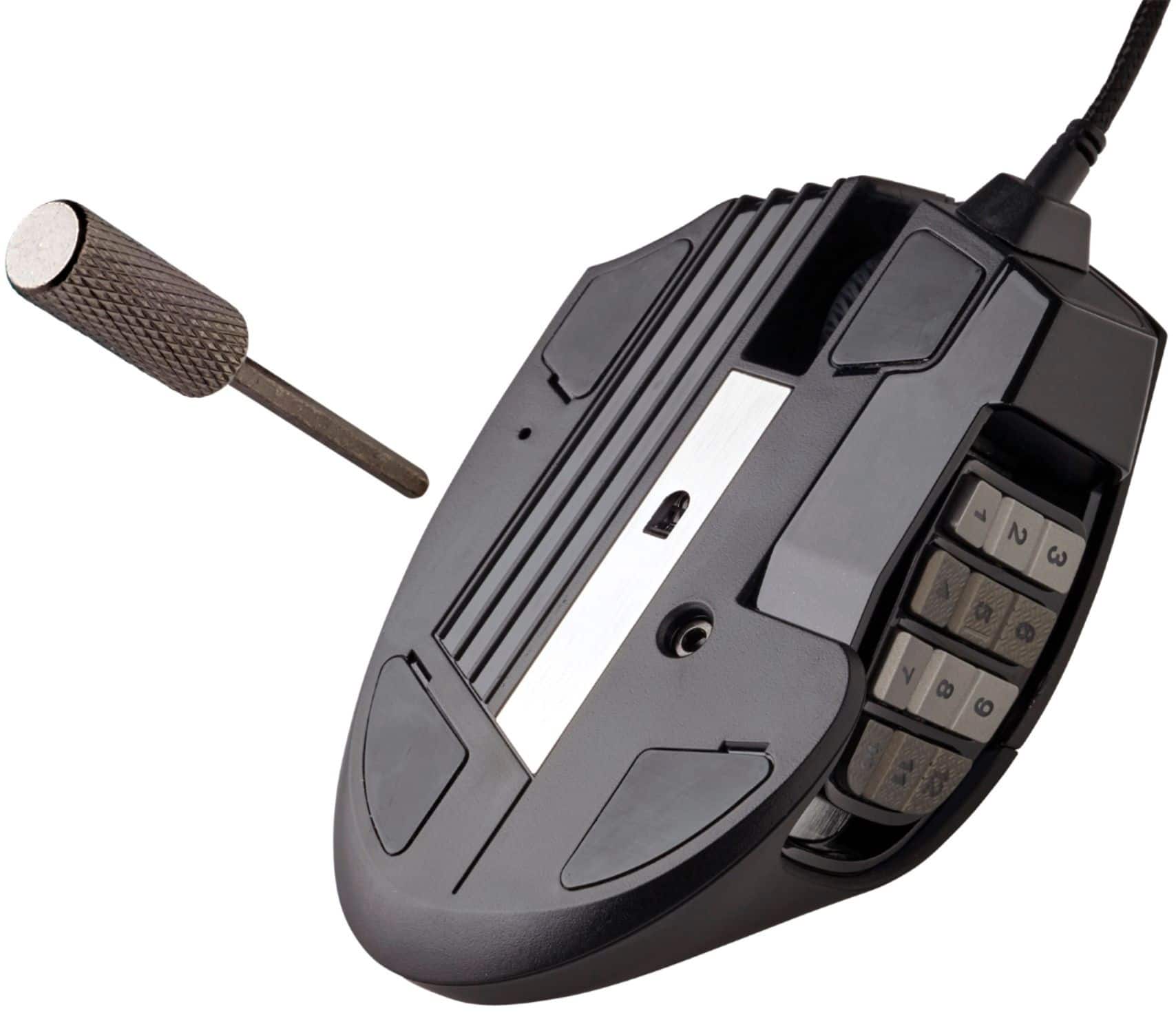
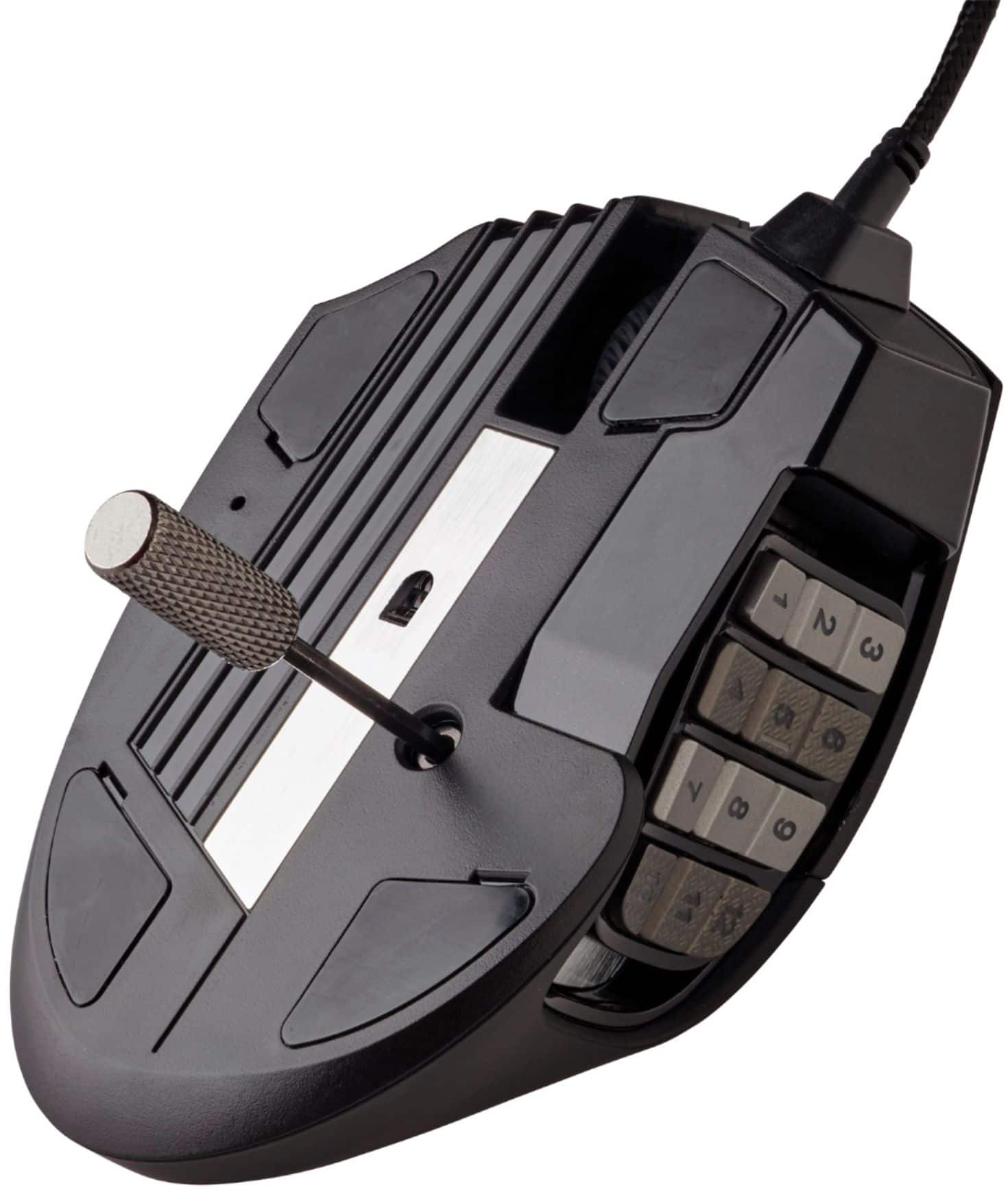
|Posted .This reviewer received promo considerations or sweepstakes entry for writing a review.The Scimitar RGB Elite MOBA/MMO Gaming Mouse did not disappoint. The Mouse: The size of the mouse fits well in my hand and I felt that I was able to have the KeySlider placed well for easy access to the keys. The click resistance is acceptable and even with slight pressure applied with holding I have had no accidental clicks, especially noted for the KeySlider pad. As far as overall design my only complaint is the length of the USB connector. The solid material area projecting from the USB port is about 2.5cm long prior to the cord – just a bit longer than I expected. The cord itself feels sturdy and durable, with an outer weaved fabric material. This mouse is sold with MOBA/MMO in the title. The KeySlider being the selling point of this statement. This is the feature that drew me to this mouse over other Corsair options. The KeySlider is on an adjustable sliding side panel on the left side of the mouse designed to be used with the thumb and allowing for preferred placement of the keys. There are 12 numbered keys associated that allow for individual programming that is quite extensive using the Corsair iCue program. This customization dashingly enhances keystroke/macro customization desired in MOBA/MMO style gaming, or most gaming for that matter. A part of me wishes that the keys themselves were not numbered and just present as keys; however, the numbering does allow for RGB lighting so the adult child inside of me that loves RGB accepts the numbers as an outlet for the light. The Software: With an internet connection, the Corsair iCue can be downloaded. This is the hub of control for not only the Scimitar RGB Elite mouse but also other Corsair products one would own. The integration of projects is a fabulous marketing decision that creates a desire for the consumer to have all their projects Corsair (buyer beware you may fall in love!). The mouse does have some pre-made profiles saved. There are easy to keep and use, edit, or remove. Making a new profile is simple with the first decision being a software profile (requires iCue and the originating computer) or a hardware profile (saves to the mouse even if switch between computers). The software profile does allow for more customization features, but the hardware profiles still have abundant features. Once a profile is made, one may set desired actions to the various keys. Each key is customizable except for the left click. (Providing 16 total options). Options include actions of macro, text, media, launch application, timer, disable, profile switching or numerous remapping options. Next, lighting effects. Corsair provides options for pre-designed options or custom choices. I applaud the colors available from a clean white to vibrant purple and orange (the two colors I have found struggle the most often). There are four regions able to be programmed under lighting effects: Front, scroll, side, and logo. This led to my first frustration of the mouse (and hopefully after reading this, no one will ever suffer as I). I was doing customization for the RGB, loved what I had found, but had one section of lighting that I could not alter – The panel located near the KeySlider! There was no option to change the color with lighting effects, but I noticed that the default setting and the pre-saved hardware options had different color (white or red). I was quite baffled, and long frustration short – The light is the DPI setting indicator. This leads to the next customizable feature in the iCue software, DPI settings. There are 5 customizable DPI settings (with a 6th “sniper” setting at 400 DPI) with a range of 400-18,000. Each chosen setting has an RGB option that may be chosen to be associated. If there is only one color you want this RGB light to be, change each DPI setting to be that one or you may leave a variety of colors to know your DPI setting with this light indicator. Beyond these options the program also has a performance tap that has angle snapping, lift height, pointer precision and speed along with another section for surface calibration.
I would recommend this to a friendA mouse with a thousand buttons
|Posted .This reviewer received promo considerations or sweepstakes entry for writing a review.A mouse with a thousand buttons, or so it feels. With the ability to program 17 buttons in three different profiles you can have all kinds of options. Each profile saves the specific button actions, the lighting for four different zones and the different DPI settings. The lighting is kind of essential to help tell what profile you are on and you can set the color for the DPI settings. The DPI is insane from as low as 100 all the way up to 18,000 which I don’t know how anyone can control that slight of a movement. All of these settings require that you have the iCUE software installed, but you can save the current profile settings, which are instantly applied to the mouse, to one of the on board hardware profiles. This will allow you to use the mouse on any computer with the settings you prefer without having to run the iCUE software on it. The instant apply is kind of annoying at times, especially if you want to change the right/left click functions, as they are required to be applied to a different button before you switch them, or you happen to change something accidentally and have to use this new setting to fix it. The ability to remap the buttons ranges from assigning a simple keyboard stroke to complex macros. You may spend a lot of time in here just trying to get the mouse the way you want it. Another customization feature is the ability to slide the 12 button keypad forwards or backwards a bit with the included allen key. Having this feature makes it so much easier to get the most function out of the keypad. The alternating texture of the keys also helps in finding the keys without looking at them, but that takes a little learning to get used to. With them being lit it isn’t hard to get a quick glance and catch the numbers. I still find myself bumping the wrong button from time to time though. The performance options and the surface calibration also allow you to get the best out of your play space. Say for instance you use some ceramic feet on your mouse, but had poor motion, you can run the surface calibration and the mouse now reacts properly to that lift distance. This mouse can be a game changer but it does take some time to customize and familiarize yourself with it.
I would recommend this to a friend- Pros mentioned:Build quality, Programmable buttonsCons mentioned:Scroll wheel, Software
Great mouse, clumsy software
||Posted . Owned for 3 weeks when reviewed.This reviewer received promo considerations or sweepstakes entry for writing a review.Very solid mouse for the price, better than the Razer MMO mouse I had previously. The adjustability in the side button panel was unexpected but is very welcome. The main buttons feel very sturdy and I suspect this mouse will last me a while. The only two negatives I have are related to the force required to actually "click" the mouse wheel (mouse button 3), it definitely needs more force than other mice I've used. The second negative isn't really about the mouse, it's about the iCue software. It's not the most intuitive which forced me to spend a bit more time getting things re-mapped and customized, but once I figured it out it wasn't too bad.
I would recommend this to a friend - Pros mentioned:Comfort, Weight
Good for Advanced Gamers
|Posted .This reviewer received promo considerations or sweepstakes entry for writing a review.The CORSAIR SCIMITAR RGB ELITE MOBA/MMO Gaming Mouse, Black, Backlit RGB LED, 18000 DPI, Optical is a pretty good gaming mouse. The features that I like include: 1) Ability to scroll quickly on menus and to have control of the mouse while doing so. 2) The numbers on the left-hand side of the mouse allow for quick configuration of games. 3. ) The numbers help with easy commands. 4.) The mouse is comfortable in my hand while gaming and it's lightweight. 5.) Like that it has backlit colors that can be changed as needed. So far from testing this mouse, I have seen no cons. If I should see some later, I will update my review.
I would recommend this to a friend - Pros mentioned:Programmable buttons, Responsiveness
Corsair icue mouse
||Posted . Owned for 1 month when reviewed.This reviewer received promo considerations or sweepstakes entry for writing a review.This is the second mouse I've purchased of this model. I did so because it is responsive and has a great feel. It has a bunch of button assignments, beautiful colors, and patterns. It makes gaming so much easier.
I would recommend this to a friend - Pros mentioned:Weight
Scroll-Click button dies really fast...
||Posted . Owned for 10 months when reviewed.This reviewer received promo considerations or sweepstakes entry for writing a review.I love almost everything about this mouse. The feel, the weight, the movement, the RGB colors... except the scroll-click button dies after an incredibly short amount of time. I wound up getting tired of the lack the scroll-click button and bought a second one... this scroll-click button died MONTHS faster than the other. Really disappointed.
No, I would not recommend this to a friend - Pros mentioned:Build quality, Responsiveness
Pretty great
||Posted . Owned for 3 weeks when reviewed.This reviewer received promo considerations or sweepstakes entry for writing a review.Very responsive. The mouse's overall feel is great, and the buttons have just the right texture when clicking. However, I got it for a Windows 8.1 laptop. The downside is the "iCUE" software they recommend to reprogram the buttons doesn't seem compatible with my Windows 8.1's software. Not a big deal since almost no one should be using 8.1 anymore, but it feels disingenuous to advertise Windows 8 compatibility on the box if the software can't reprogram the buttons. Kinda a major marketing point on the back of the box.
I would recommend this to a friend - Pros mentioned:Build qualityCons mentioned:Scroll wheel, Software
Great mouse but little issues
||Posted . Owned for 3 weeks when reviewed.This reviewer received promo considerations or sweepstakes entry for writing a review.I do really love this mouse. A perfect replacement of my old razer naga that died out on me. While the software is great for syncing lighting through all corsair products that being fans, mouse, keyboard, ect. It does bring some issues though one being that the mouse doesn't work with your own custom settings unless the program is opened in the backround or once per restart. It'll default to out of the box settings so the number keys won't work an also your DPI settings. Not a huge deal and easy fix but worth the mention. Another gripe is the mouse scroll wheel is loud and has like a clunk sound for every movement unless I scroll slowly. Overall though the mouse is well built, feels perfect in my hands and a great help for any MMO.
I would recommend this to a friend - Pros mentioned:Build quality, Programmable buttons
Solid mouse that can take a beating.
||Posted . Owned for 1 month when reviewed.This reviewer received promo considerations or sweepstakes entry for writing a review.Very sturdy. My first one lasted several years of constant abuse and only needed replaced because I let it get gunked up instead of taking care of it and keeping it clean. Easily had hundreds of thousands of clicks on the side buttons and never had one fail. The ONLY negative is having to download the icue app but it really isnt that big of a deal.
I would recommend this to a friend