Customer Ratings & Reviews
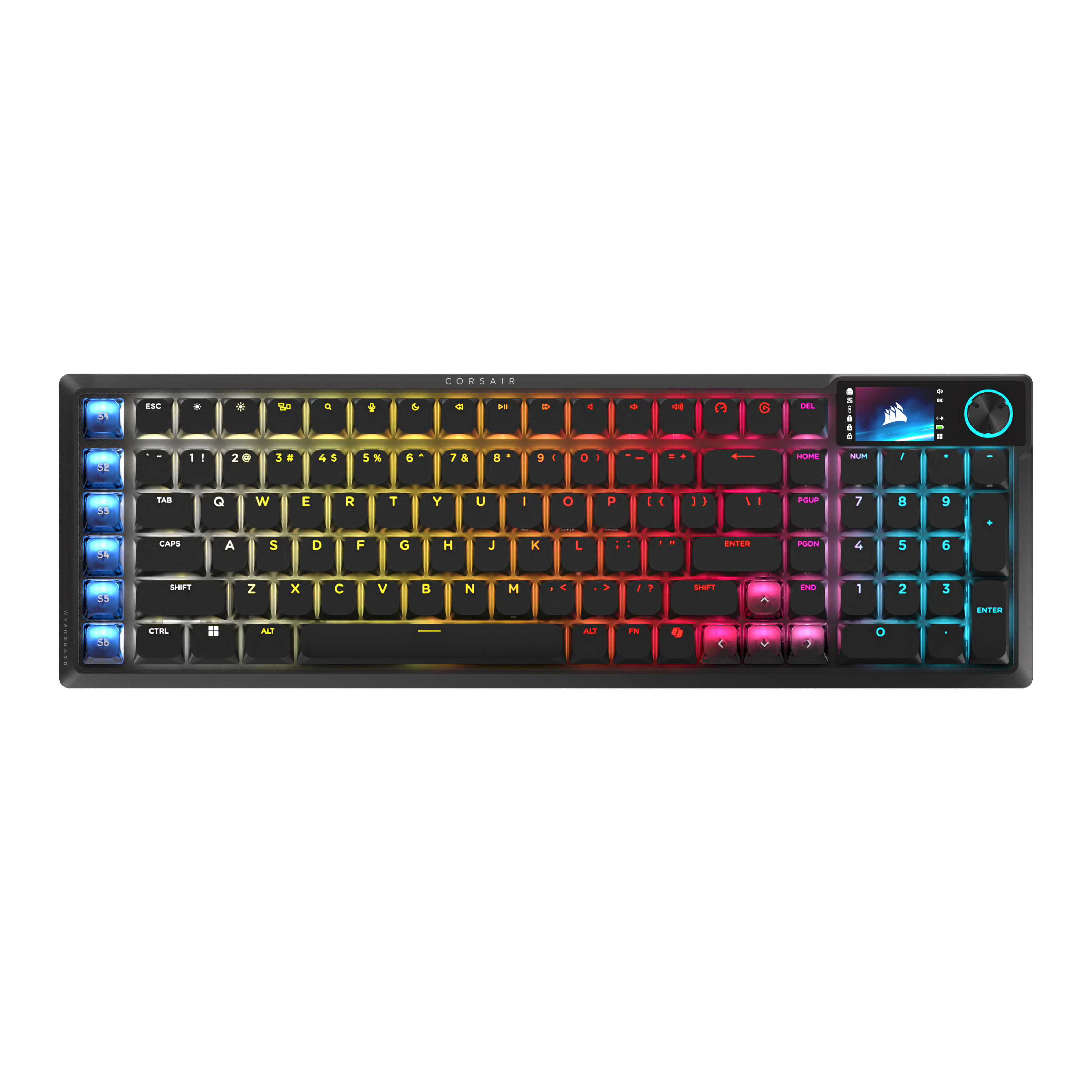

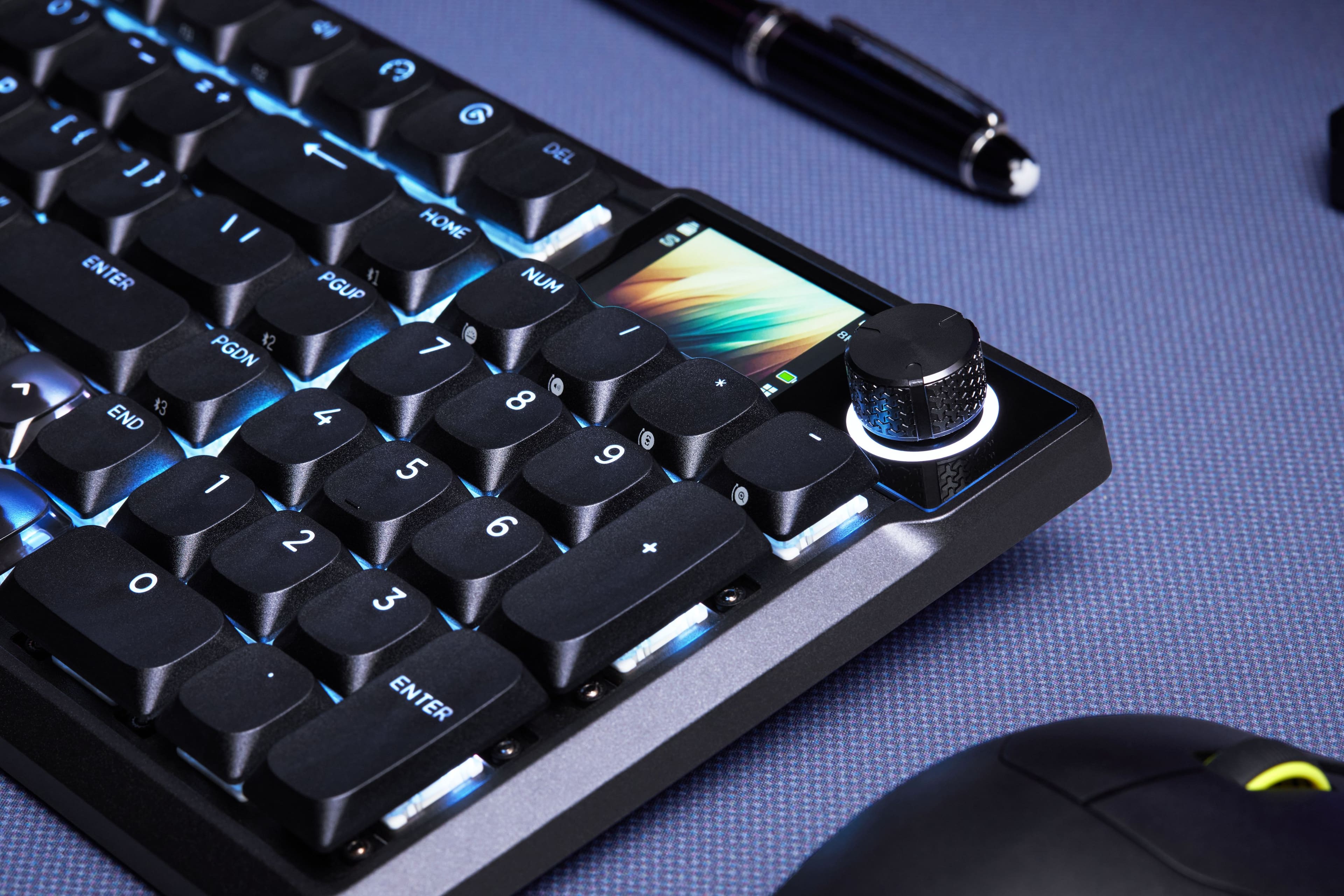
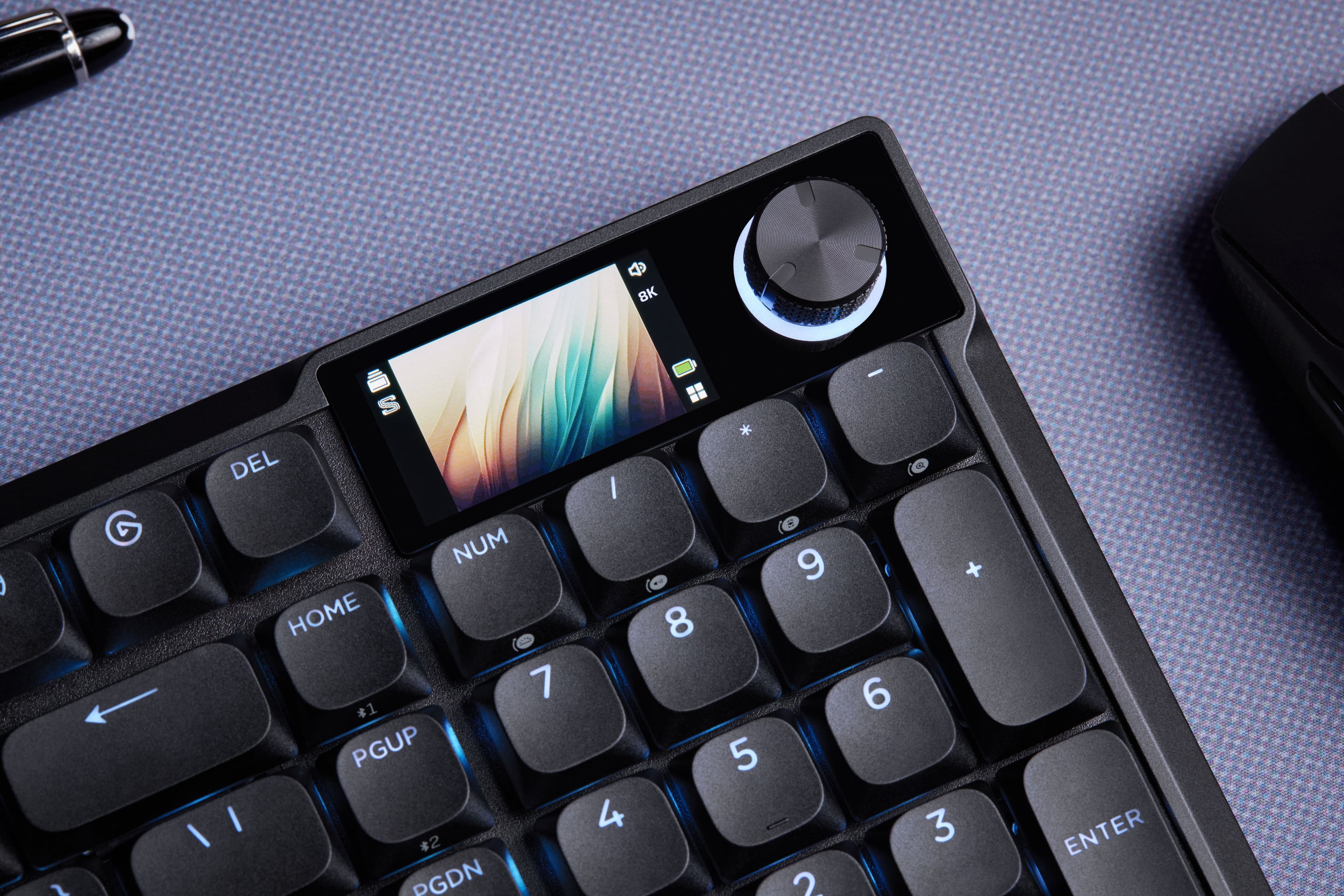
![S1 ESC * 1 ! 2 @ 3 # 4 $ 5 % 6 ^ 7 & 8 * 9 ( 0 ) - _ + = DEL HOME 1 2 3 4 5 6 7 8 9 0 S2 TAB Q W E R T Y U I O P [ { ] } | S3 CAPS A S D F G H J K L ; : " ENTER PGUP 4 5 6 S4 SHIFT Z X C V B N M , < . > ? SHIFT END 1 2 3 S5 CTRL ALT ALT FN 1 < > O ENTER](https://pisces.bbystatic.com/image2/BestBuy_US/images/products/b849de6c-37fc-4361-a115-814c6f02329b.png)
![S1 ESC 1! 2@ 3# 4$ 5% 6^ 7& 8* 9( 0) -_ =+ S2 TAB Q W E R T Y U I O P [ { } ] | S3 CAPS A S D F G H J K L ; ' ENTER S4 SHIFT Z X C V B N M , < > . ? S5 CTRL ALT FN SHIFT ALT S6 HOME NUM 7 8 9 4 5 6 1 2 3 0 . PGUP PGDN CORSAIR IVANGUARD](https://pisces.bbystatic.com/image2/BestBuy_US/images/products/bc30a295-85d0-4b9e-b448-2252ec87a695.png)
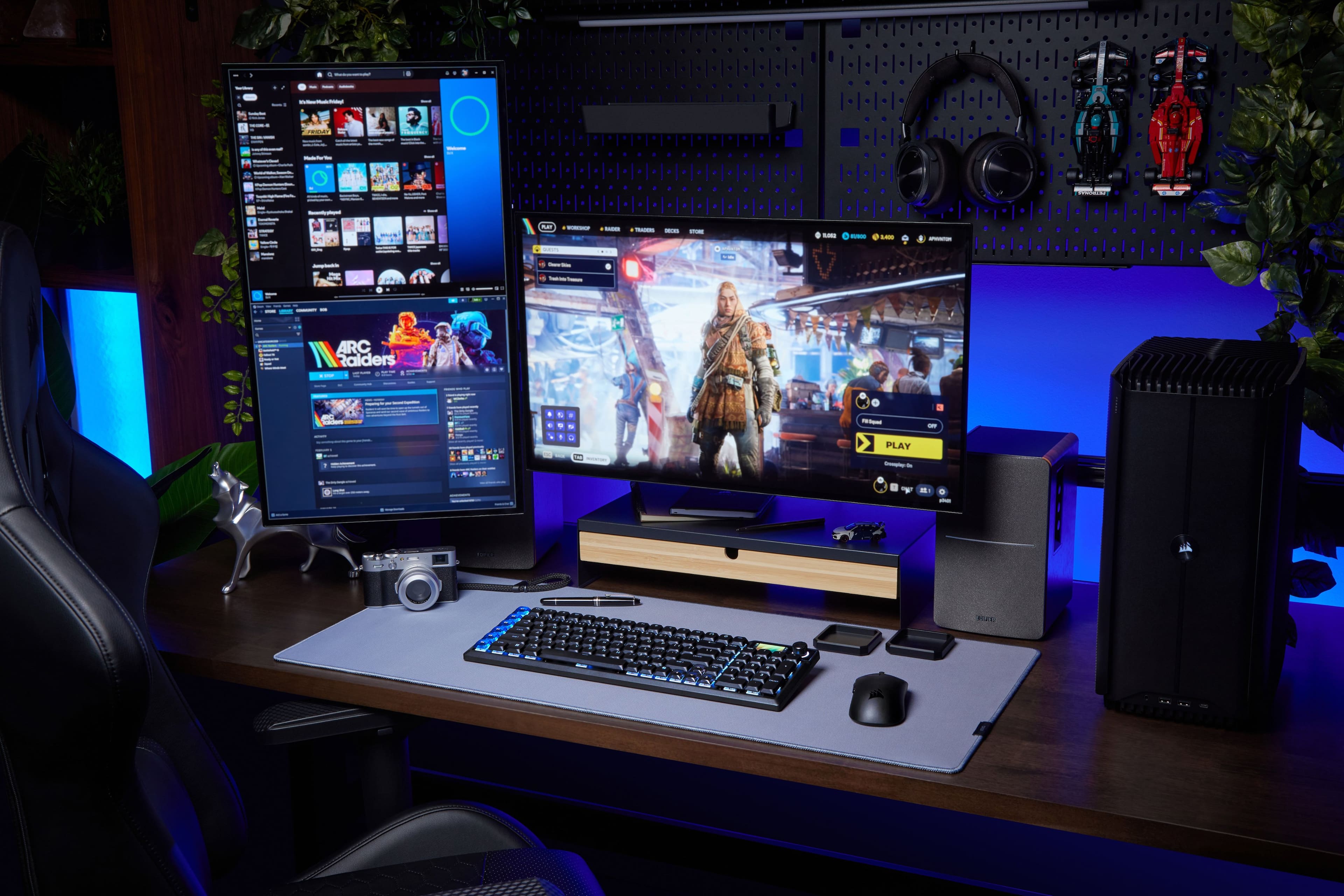
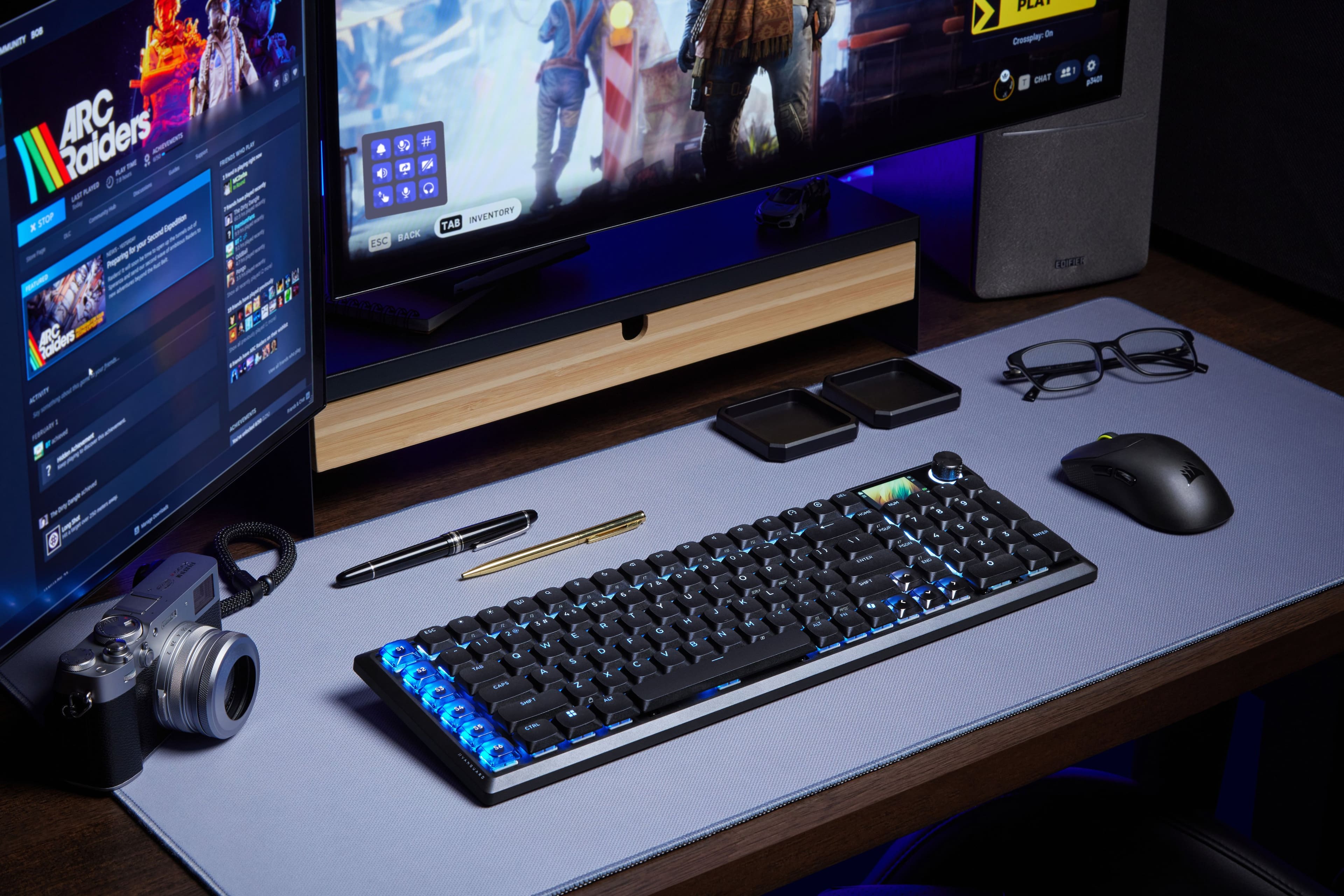
![HOME S1 ESC S2 S3 S4 a 0 1 2 3 # 4 5 6 7 8 9 0 ! 1 2 3 4 5 6 7 8 9 0 W Q TAB A CAPS SHIFT FZ KUP 4 F = I - KU0 } DM ) ] s 1 O C G E { ENTER a ( F 9 6 P 8 " F7 & O 1 7 - I SHIFT 6 SOLK L 1S U I ? 5 % A K F > Y 4 $ J PRTE T < FN H 0 R M ALT E G N de F B D V S C X Z o ALT 'S5 *S6 NVANGUARD CTRL](https://pisces.bbystatic.com/image2/BestBuy_US/images/products/c22e61b4-9e95-4ca3-8923-a1dcf5236411.jpg)
- Model:
- CH-91HA01B-NA
- SKU:
- 6666377
Rating by feature
- Value
Rating 4.3 out of 5 stars
- Quality
Rating 4.5 out of 5 stars
- Ease of Use
Rating 4.4 out of 5 stars
Customers are saying
Customers have good things to say about the product's outstanding build quality, quiet operation, and amazing typing experience. Users also praise its reliable connectivity, super responsive keys, and clean RGB lighting. Additionally, its solid battery life, extensive customization options, and portability are well-received.
This summary was generated by AI based on customer reviews.
- Pros mentioned:Key responsiveness, Noise level

Great Wireless Gaming Keyboard
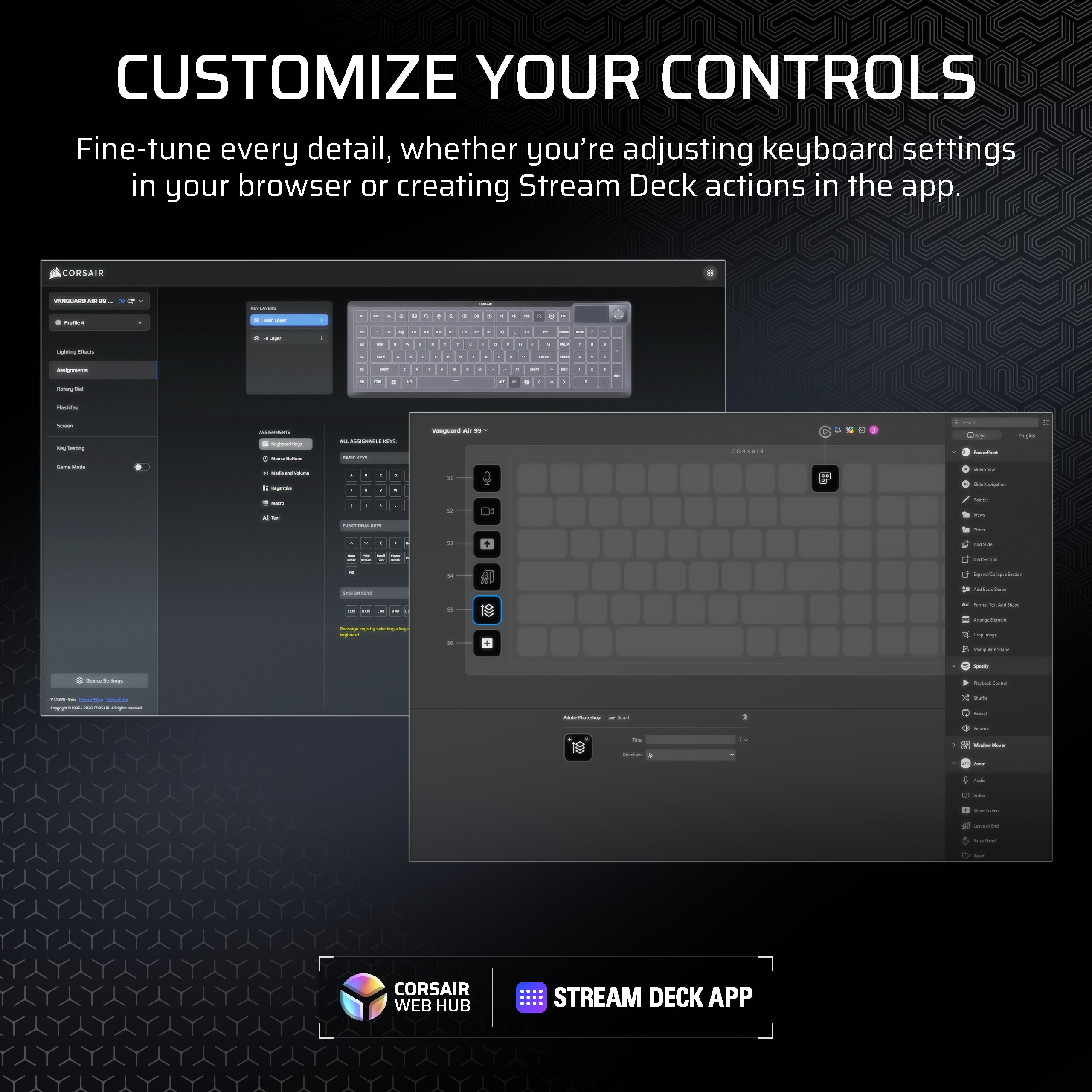
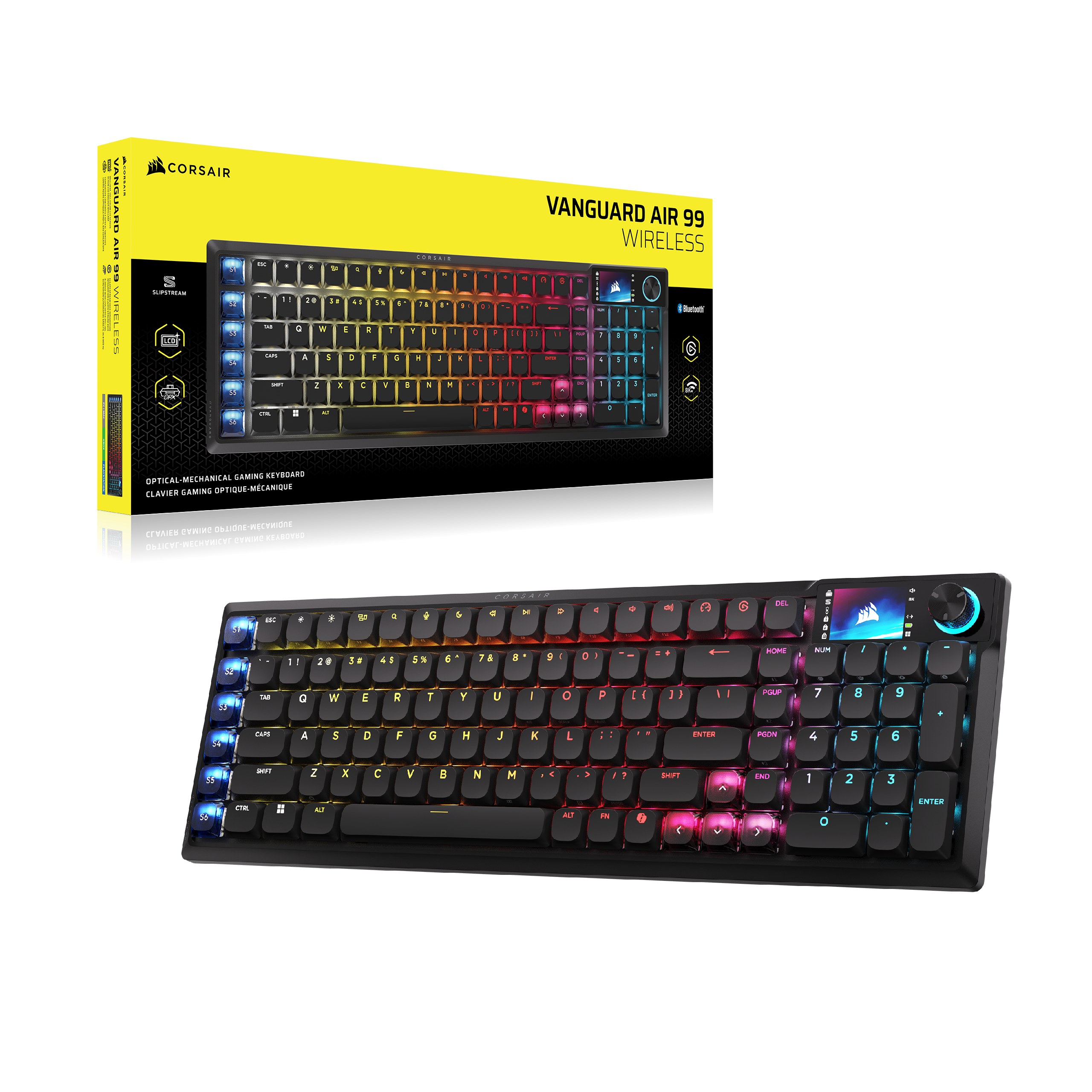
|Posted .This reviewer received promo considerations or sweepstakes entry for writing a review.The Corsair Vanguard Air 99 wireless keyboard has been a mostly great experience but as per usual with Corsair I feel plagued by the software. Packaging is nice with additional keycaps for Mac and some other customization depending on your use case. Switching them out is pretty easy although did not find a keycap puller which would have been nice. Keys are low profile but feel nice and very quiet compared to some other brands. The macro keys on the left are nice and the screen is alot of fun to tweak with .gifs. My main hang up on this thing is the software, it's not compatible with iCue and forces you to use the web app to configure it. This is a bit annoying when you have a mouse or controller that needs iCue but you can't open the web app if iCue is running..ugh Corsair. I had to disable the sleep function completely because whenever the keyboard would sleep when it woke up it would not be responsive at all unless I power cycled the keyboard and it would come back. So i just keep it disable now, hoping for a future firmware fix here. Overall really happy with it, I just wish they would make the webhub app and iCue play nicely between each other or just go all in for all the hardware on one or the other, and this is coming from a Corsair Keyboard, Mouse and Gaming Controller user. Still going to be my main driver for a gaming keyboard.
I would recommend this to a friend - Pros mentioned:Build quality
Corsairs best keyboard yet??
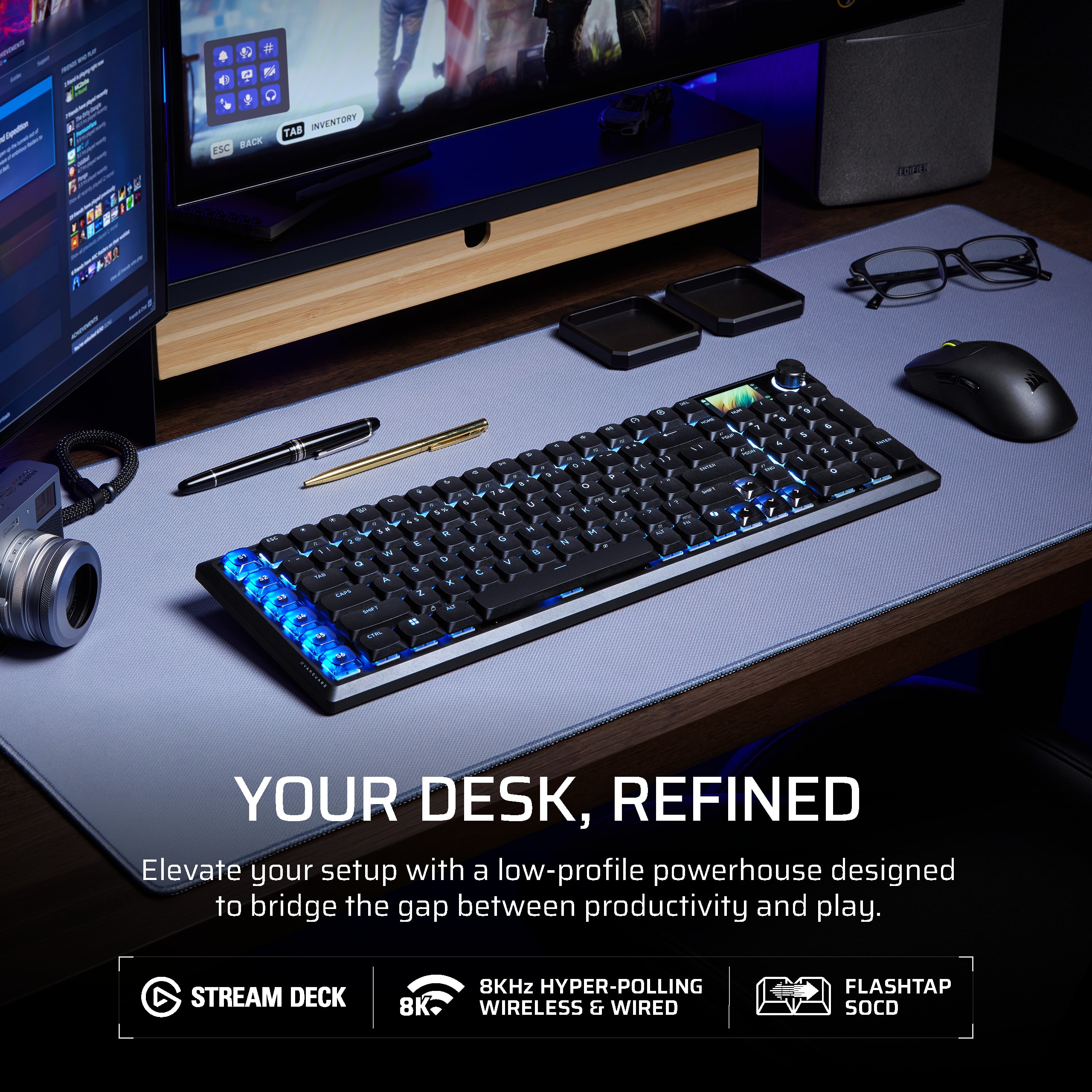
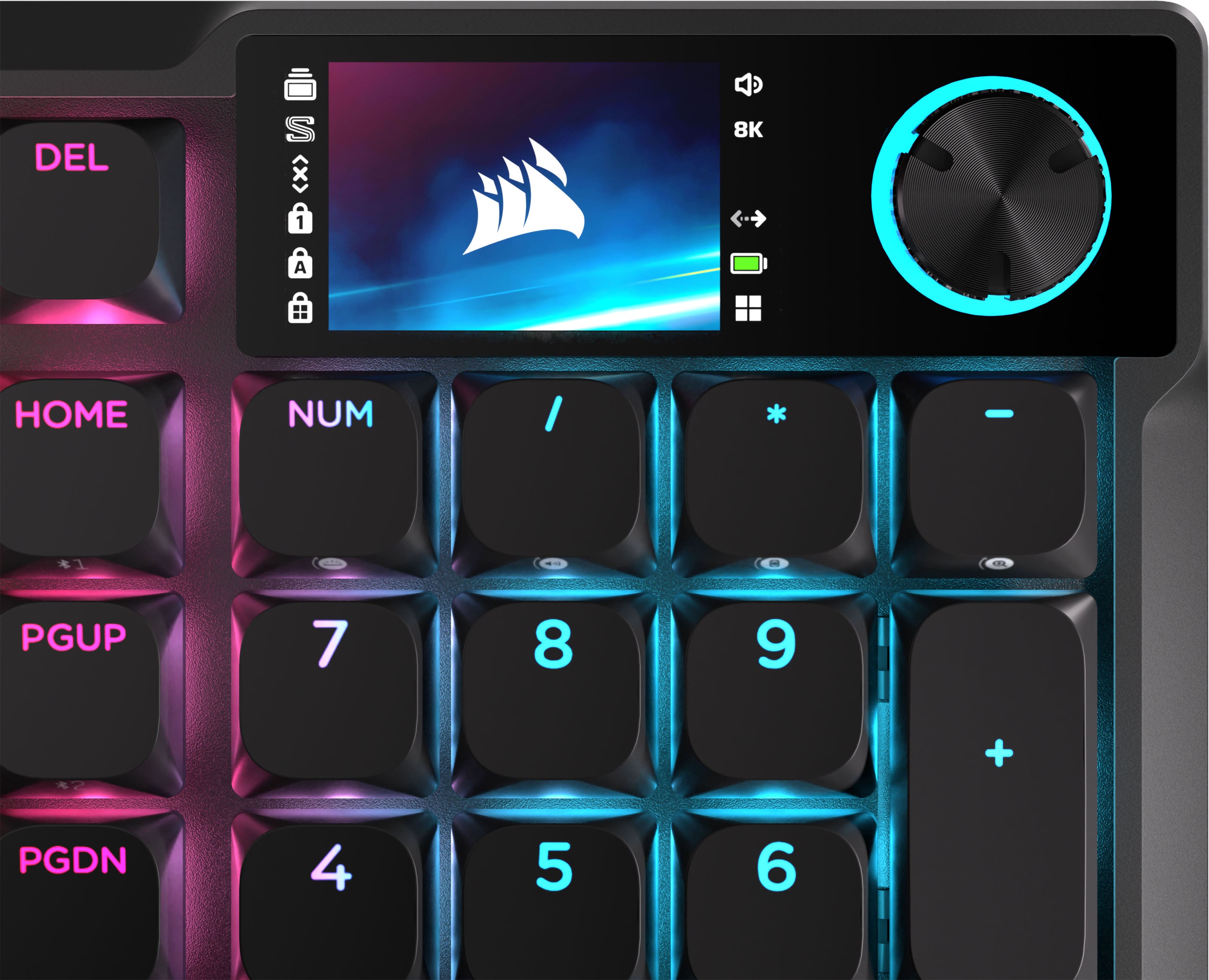
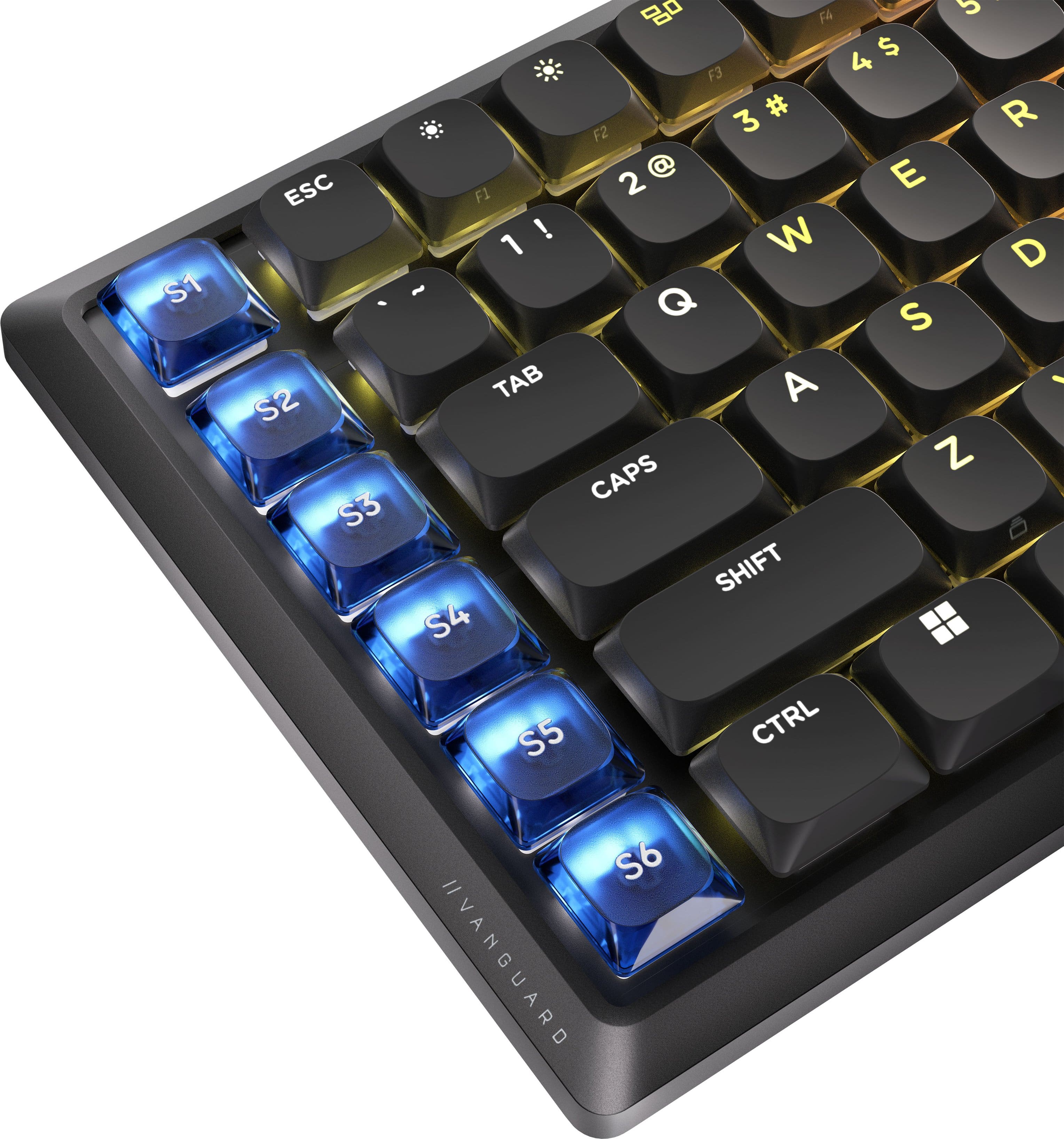
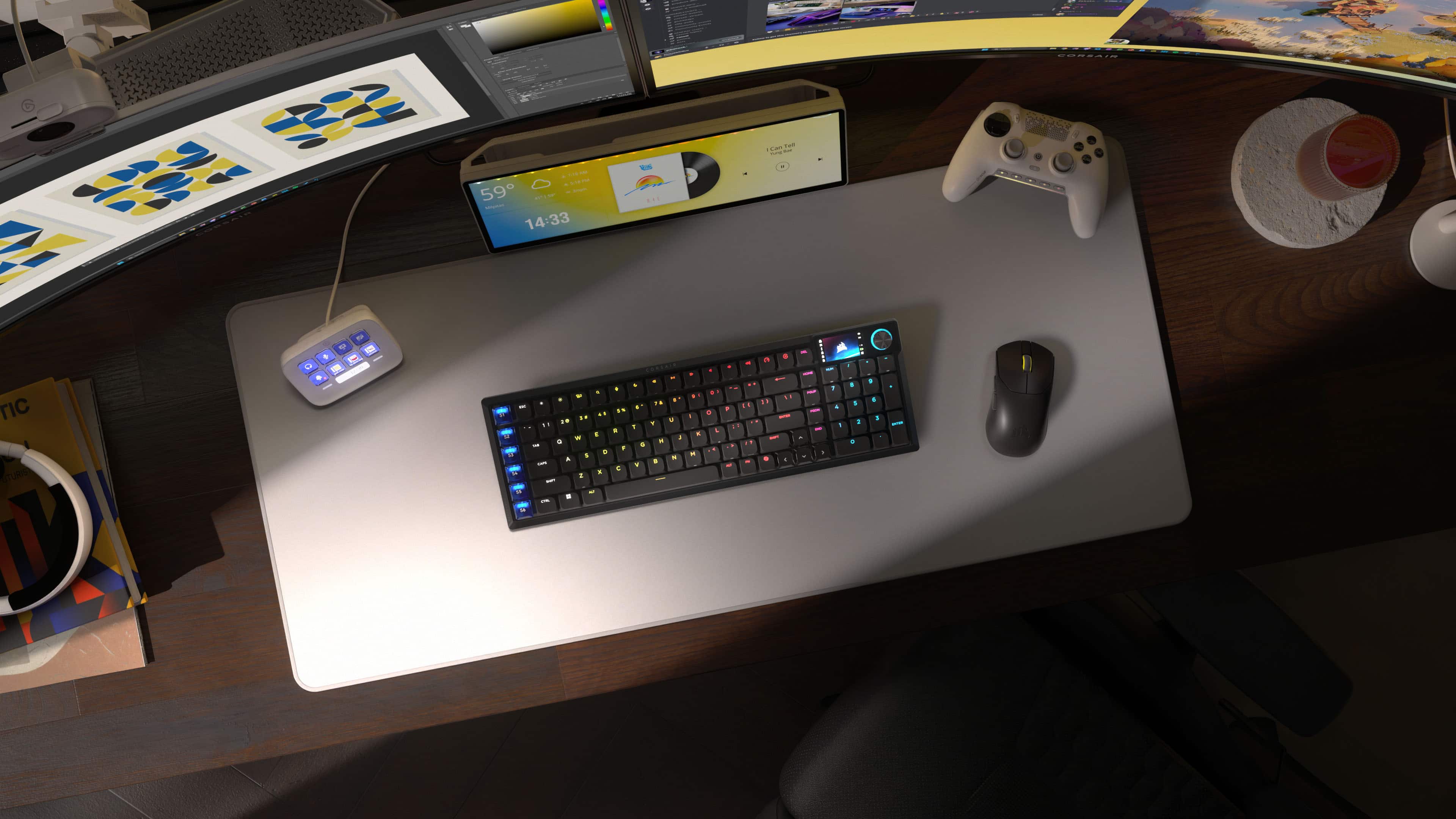
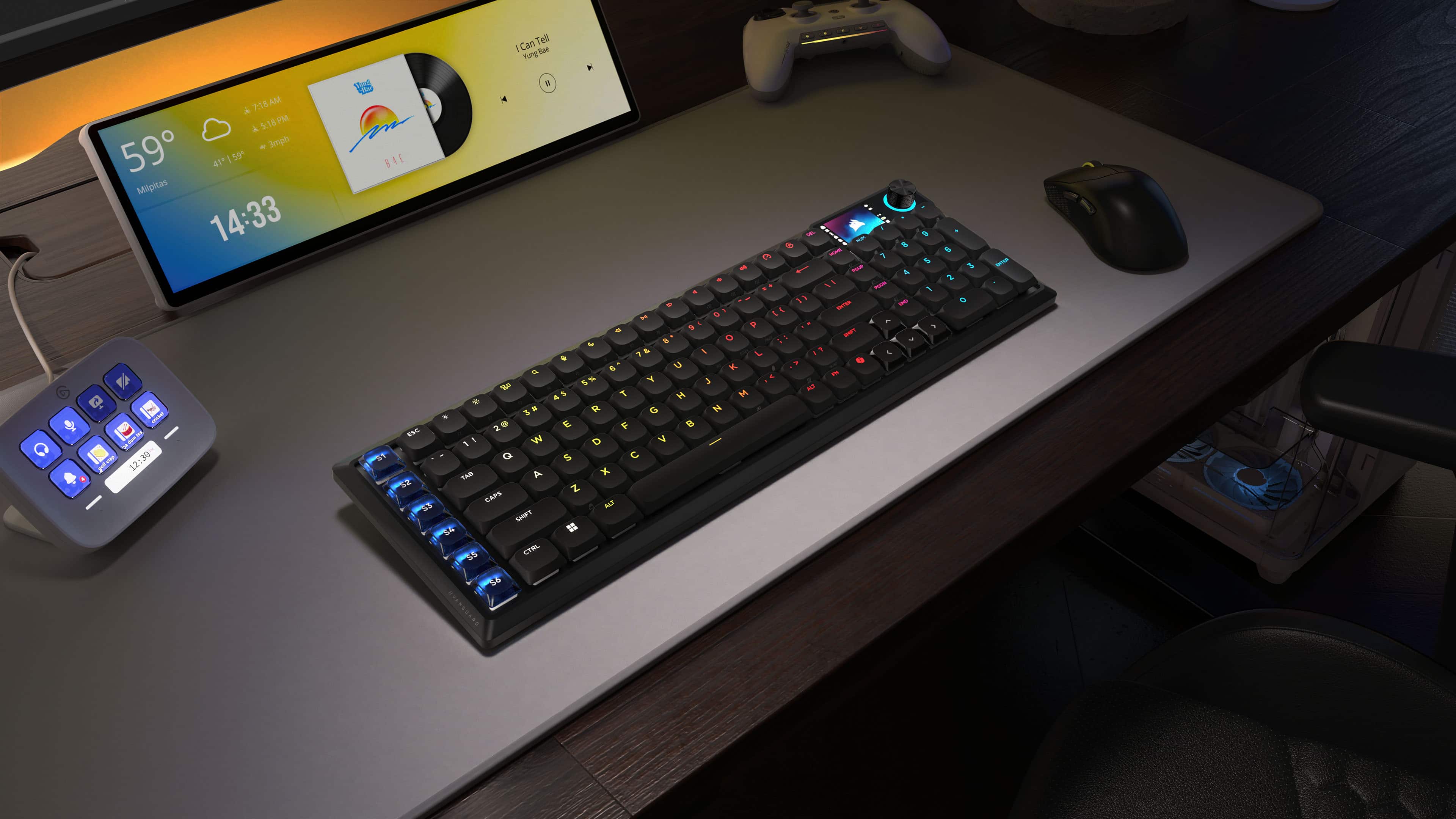
|Posted .This reviewer received promo considerations or sweepstakes entry for writing a review.Corsair is without a doubt my favorite computer gear brand to use, I have always loved their keyboards, but they really stepped it up a notch with this new Vanguard Air 99 keyboard. As someone who works remote for nine plus hours a day, edits photos and plays games in my leisure time, the computer gear I use is more than just accessories, I see them more as tools. The quality of the tools you use each day really can make a difference in ease of use, as well as the quality of work you can produce. The Vanguard Air 99 feels extremely durable, the aluminum frame is solid and does not flex or creak when pushing on it. The quiet and low profile keys are just what I look for in a keyboard, still large enough to feel individually but small enough to not feel intrusive. A right side number keyboard is a must for me and I was thrilled when I saw Corsair included it in this model, and the six programmable keys on the left are a huge bonus. I have been able to make them work for me in my normal work flow, as well as my gaming and photo editing and all have helped to make my efficiency improve. Even in wireless bluetooth mode, I have not experienced any lagging or response issues, which I expect nothing less when it comes to Corsair and their reputation. Again, as someone who has multiple uses for my keyboard everyday, I absolutely love the dedicated switch to change between Windows and Mac usage, this may seem small to some but to be able to get through an entire day with just one keyboard is huge. I have been loving the screen and dial in the front right corner of the keyboard and trying out all different functions on it. So far my favorite use of that has been during working hours, putting my music controls right on the screen, and using the dial as volume control! Overall, this keyboard is going to be able to help so many people tackle multitasking roles each day, and the efficiency it brings to the forefront is impressive!
I would recommend this to a friend The Vanguard That Actually Delivers
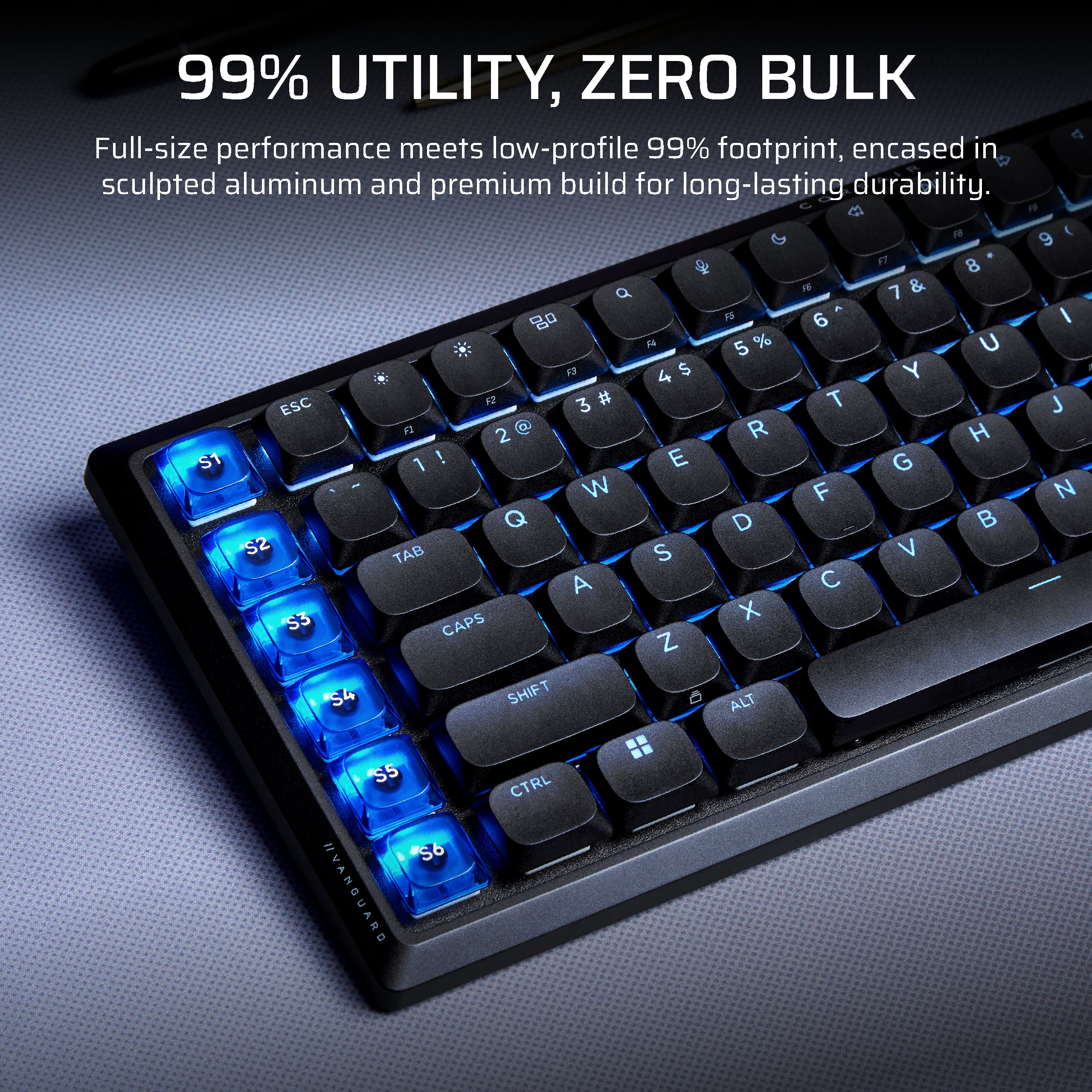
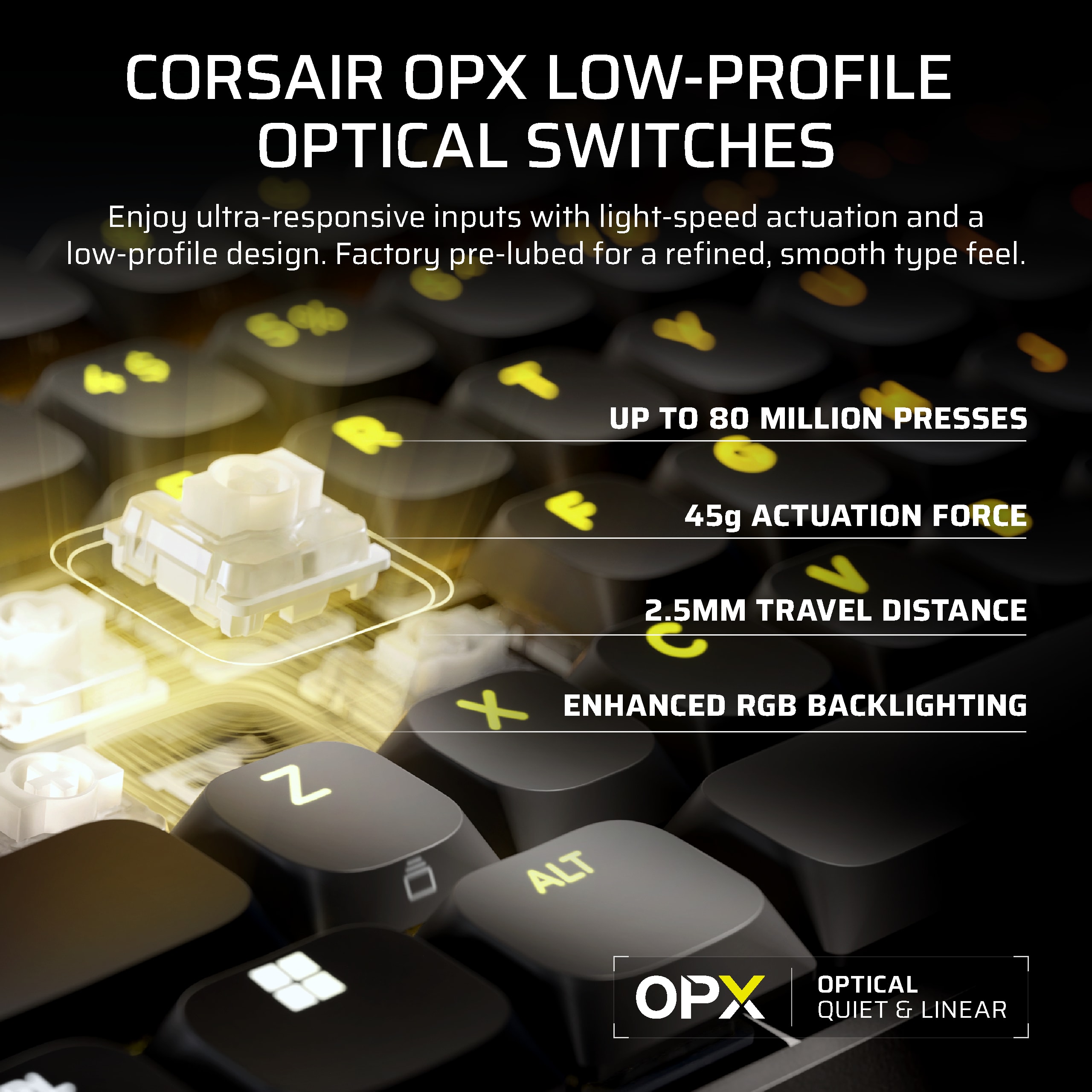
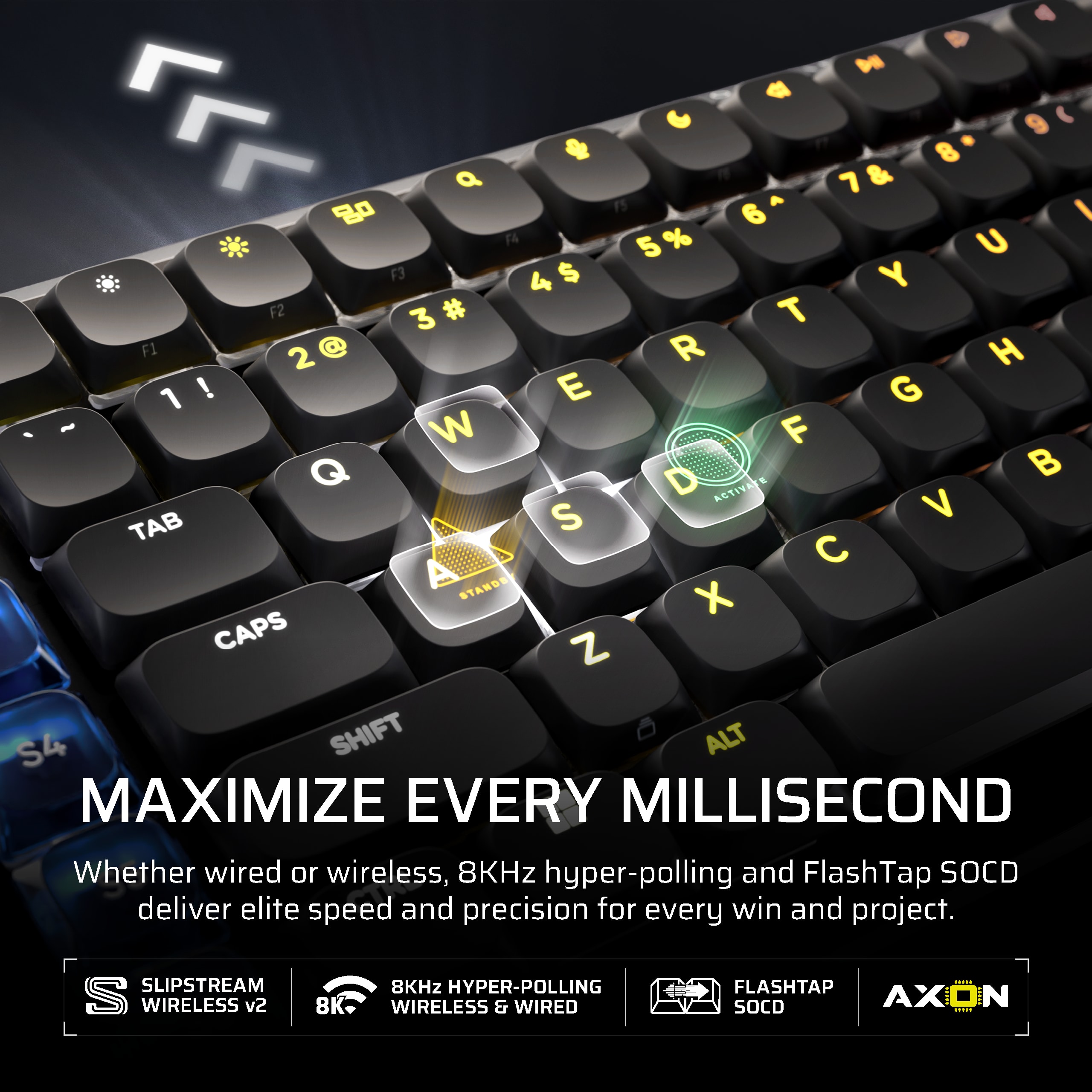
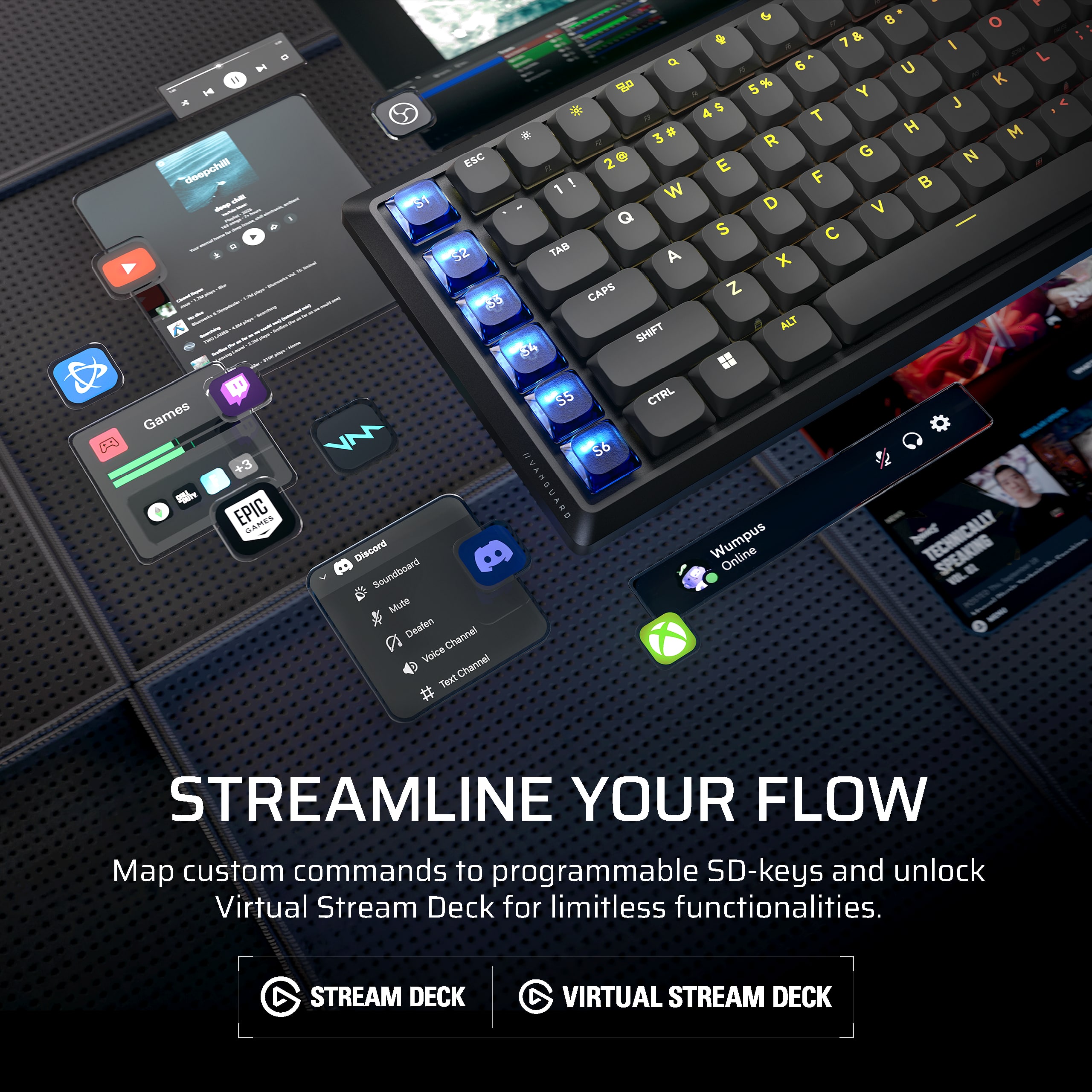
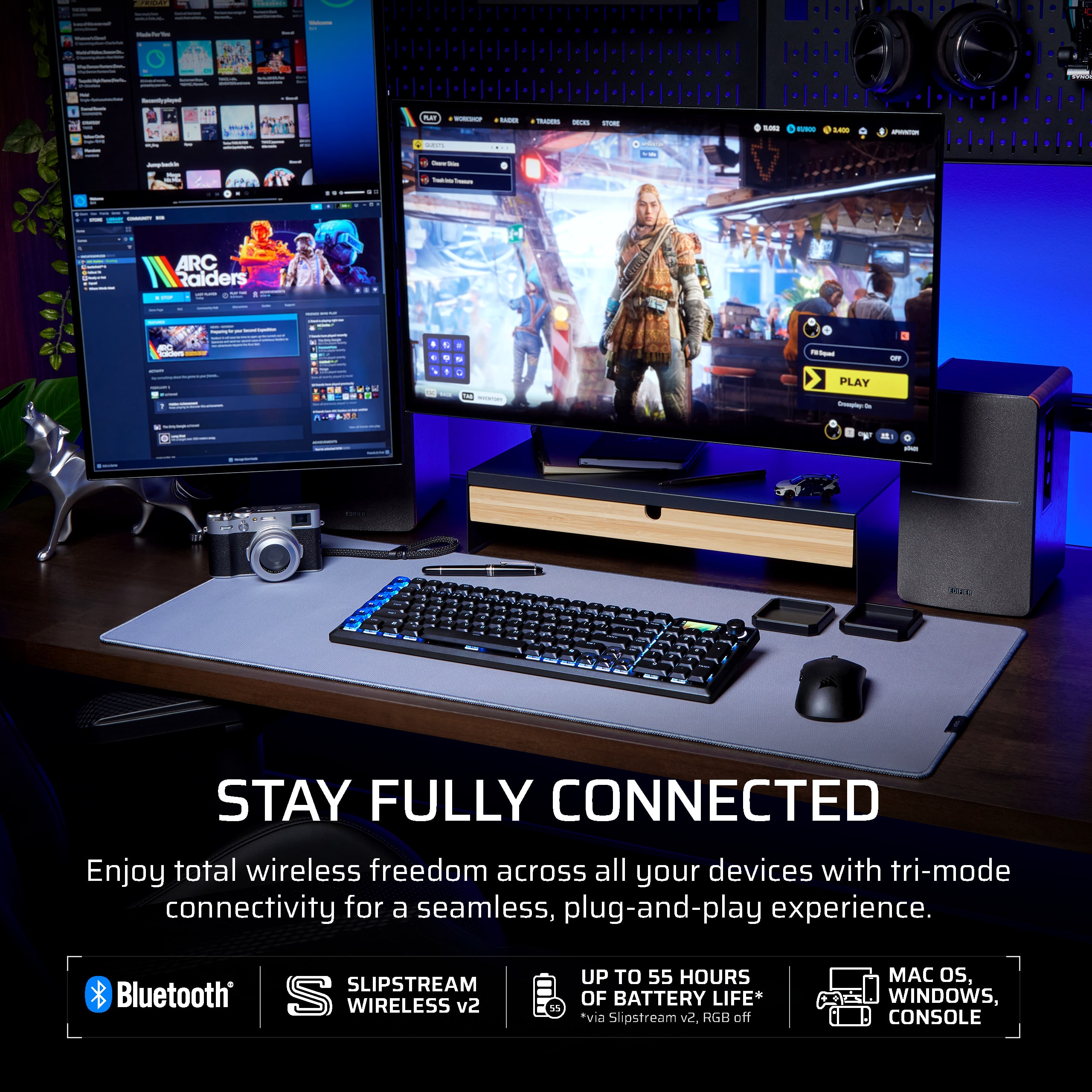
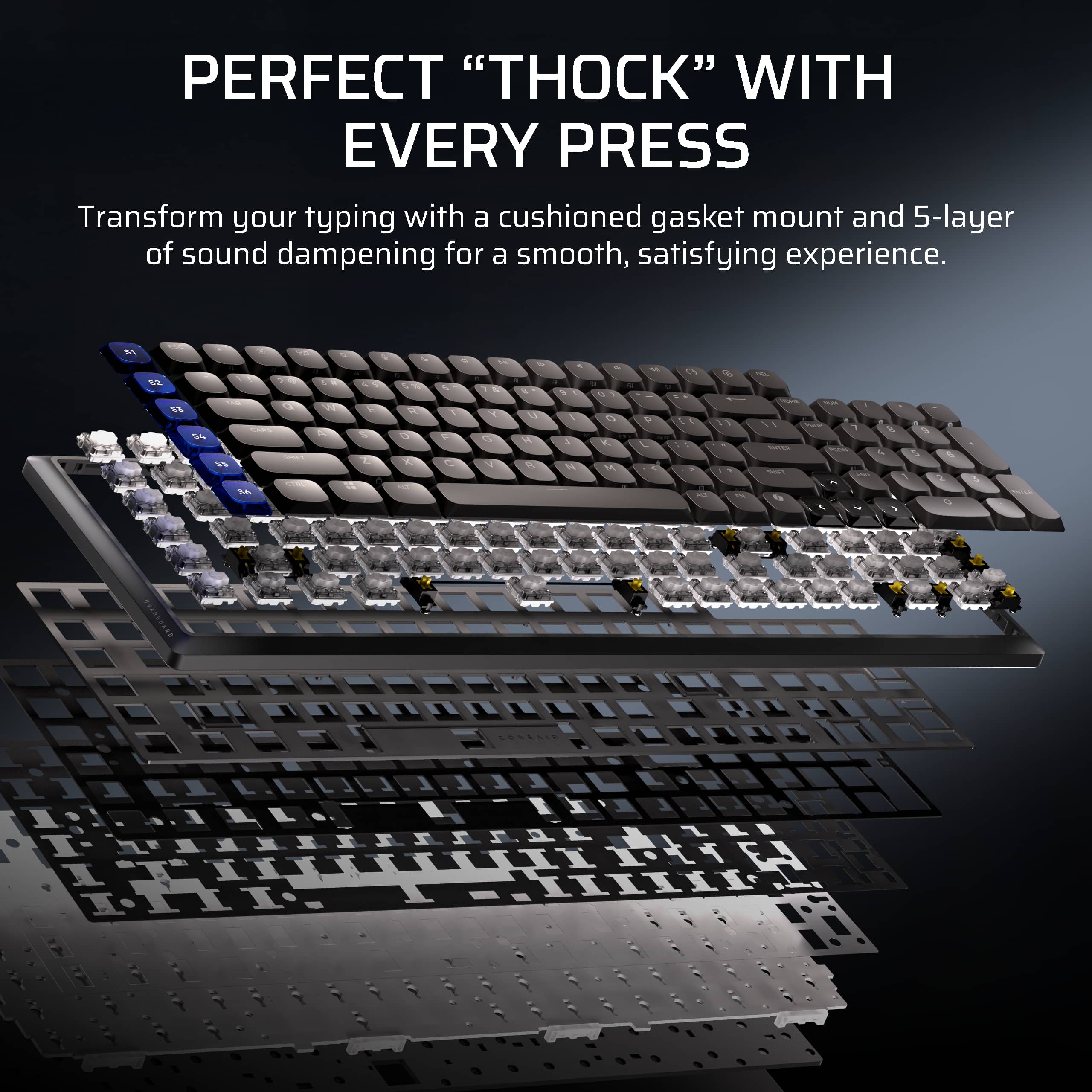
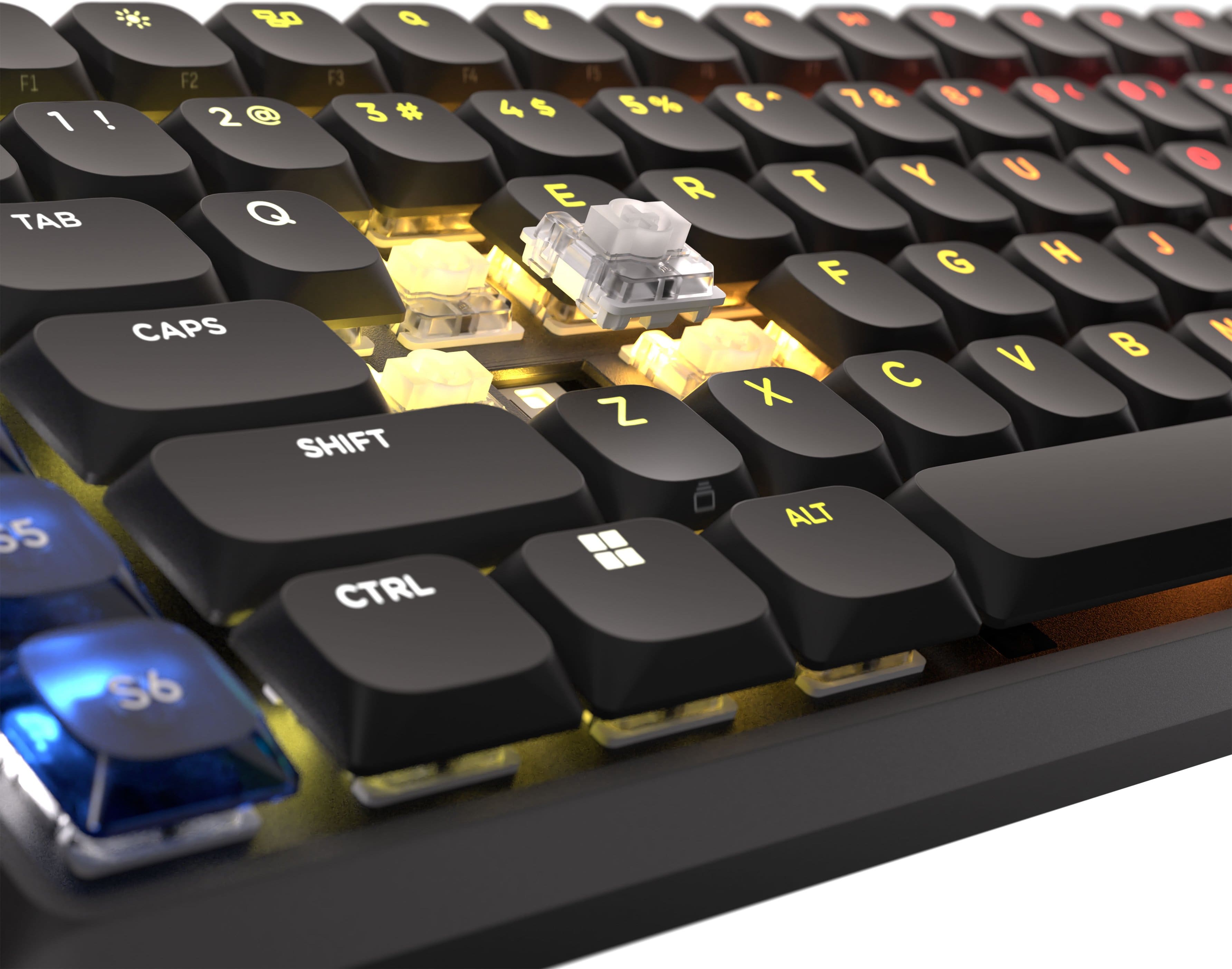
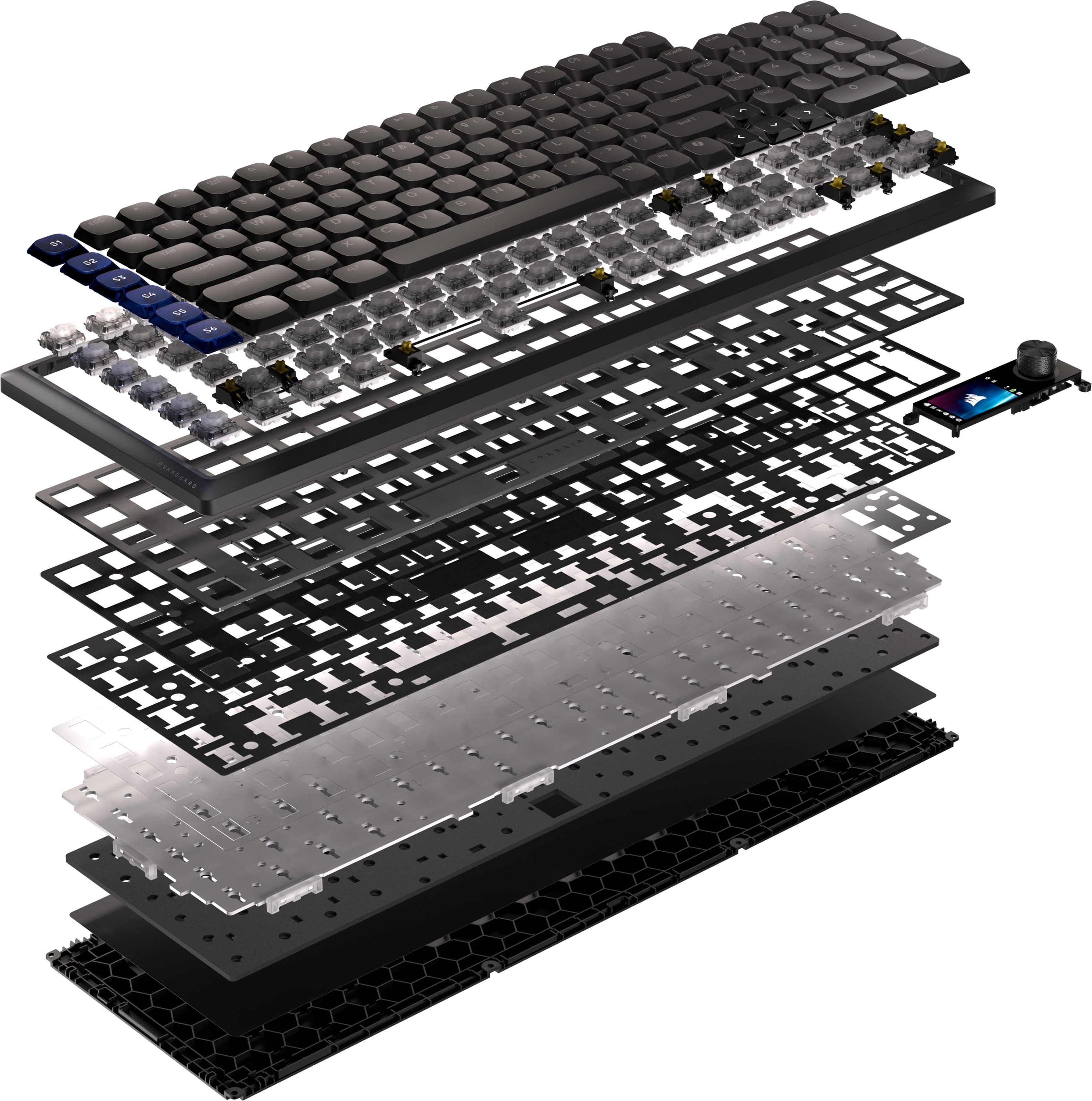
|Posted .This reviewer received promo considerations or sweepstakes entry for writing a review.I'll be honest, when I first heard Corsair was doubling down on a full-size keyboard while everyone else chased 60 percent layouts, my initial reaction was skepticism. But after a couple weeks with the Vanguard Air 99, I get what they were thinking. They looked at the desk market and said "we're not shrinking for the sake of it." Priced at a premium, this board isn't for everyone. But if you're someone who actually spends all day at a desk, it might be exactly what you've been missing. First thing you notice is the weight. Nearly two pounds of aluminum that feels substantive without being obnoxious. This isn't some hollow plastic frame pretending to be premium. The whole thing has this understated elegance that somehow manages to look expensive without trying too hard. The low-profile OPX switches have a 1.5mm actuation distance, and I was genuinely surprised by how satisfying they feel. I've always been a regular mechanical switch person, but these hit this weird sweet spot where they're responsive enough for gaming but quiet enough that you're not annoying people during work calls. The gasket mounting and five layers of sound dampening create this deeply satisfying "thunk" rather than the clack of traditional mechanical boards. Your fingers know they've hit something, but it's refined about it. The layout is a proper 99 percent, which means you get a full numpad and arrow keys without the usual compromises. Now the stuff that actually matters if you're considering dropping this much money. The 8,000Hz polling rate holds up both wired and wireless through their SLIPSTREAM v2 setup. I tested it extensively and honestly couldn't detect any lag in either mode. The six programmable Stream Deck keys on the left are genuinely useful. I've got macros set up for opening specific app combos, launching my development environment, and toggling my streaming setup. Single keypress stuff that normally requires three shortcuts or mouse clicks. The LCD screen is where things get subjective. It can display images, show status info, whatever. But does it justify the battery impact? Depends on what matters to you. For me it's mostly just a nice visual element. Content creators seem to get more out of it than casual users. The rotary dial lets you toggle between volume, brightness, scrolling, and zoom modes with function key combinations. These are the kinds of details that separate keyboards designed for actual use versus ones designed to hit a price point. Connectivity wise, you're looking at three modes: the wireless dongle for maximum speed, Bluetooth for multiple device support, or USB-C if you want it hardwired. What impressed me most was the Bluetooth side. You can pair three different devices and cycle between them instantly. I bounce between my desktop, MacBook, and iPad constantly, and before this I was either unplugging cables or hunting through settings every time I switched. Now it's just a key combo and I'm connected to whatever device I need. The tri-mode setup means you're not stuck with a single connection philosophy. The included Mac keycaps and studio control set show Corsair actually thought about different user types rather than just assuming everyone runs Windows. The real talk section. The tight spacing takes getting used to if you're coming from a standard full-size board. Took me about three days of making stupid typos before my muscle memory adjusted. Some people never get comfortable with it, so that's worth knowing. The low-profile switches are great but they're not the cutting edge tech anymore. Hall Effect magnetic switches are technically faster, so if competitive gaming at the highest level is your thing, you might want to look at what else is out there. The LCD screen drains battery noticeably when enabled. Bottom line is this feels like a keyboard built by people who understand what it's like to spend eight plus hours a day typing and clicking. It's quiet without being mushy. Responsive without betraying its low-profile design. The programmable keys actually cut down on workflow friction instead of just being a marketing gimmick. If you need a full-size layout that doesn't look like it wandered in from a gaming expo, and you actually use the features it offers, you'll probably love it. For someone looking to simplify their desk and have less cable clutter, the multi-device connectivity alone might be worth the price. It's not perfect. Nothing is. But it's the keyboard I'd actually want to keep using every single day.
I would recommend this to a friendRefined Keyboard Provides Superior Experience
|Posted .This reviewer received promo considerations or sweepstakes entry for writing a review.This newest model Corsair keyboard hits all the right buttons for me. It has a solid build with an aluminum frame so my sometimes too ‘heavy handed’ actions didn’t affect it at all. I did like the RGB enhanced color combinations which I played around with a lot. This is a fun area to explore before you get down to more intense usage for games. In general the keyboard had a very smooth touch that worked great even outside of gaming for Powerpoint, Word and other day to day activities. I love the sound of the keystrokes, very calming in some way. I did appreciate that I could create macros as well as customize lighting and even without adding additional software. I used the Corsair Web Hub (I used Chrome for my browser) but I did also download the iCue software. Corsair is far ahead of other keyboards with their customization capabilities. I did try all three connection options including the Slipstream dongle, Bluetooth and wired via the included cable. In the end I preferred the wired connection which seemed faster. The 8,000Hz hyper-polling for super-fast inputs does work via wired or wireless but my sense of faster speed was still with the wired although it was close. The touch of the keys is superb. The keys are very responsive with superior specifications and a nice sound as well as tactile feel. I quit using my other keyboards now. The 5-layer sound dampening is another build factor that does indeed reduce annoying sounds that can be heard (albeit subtle) with other keyboards, so the sound dampening does indeed work well. This feature could be overlooked but it is another example of the better build design, my tip of the cap to the engineers at Corsair – thanks. I do highly recommend this excellent product that goes the extra mile to give you a more refined, effective and superior keyboard.
I would recommend this to a friendGreat key feel, features, and compatibility
|Posted .This reviewer received promo considerations or sweepstakes entry for writing a review.The Corsair Vanguard Air 99 is a full featured keyboard with a great key feel and compatibility across many operating systems. I mainly use this with MacOS and I like that you can change the keycaps for control, option, and command. Those keys are included in the box, too. It did take me a few days to become used to the keyboard layout, but I’m used to it now and really enjoy it. The key travel is so good - it isn’t a full tall mechanical keyboard, but it isn’t a flat chiclet style either. It is a great in-between and this results in very satisfying key presses. The optical switches are really responsive and fast. Corsair Web Hub is how the keyboard is configured and I found it easy to use. I did need to use Chrome (I think any Chromium based browser should work) but had no problems. It was easy to change the lighting and set up macros. There is also an integrated Stream Deck and I found that easy to use to set up the quick keys on the left of the keyboard. It is a really neat addition, and if you’ve used stand along Stream Decks, this is similar. I like the volume knob, it is so satisfying to use and you can press it to mute or unmute. This keyboard is easy to recommend if it is in your budget and would make an amazing gift for any aspiring gamers or content creators. The combination of features and the great key feel are too good to pass up.
I would recommend this to a friendBad software ruins a nice piece of hardware
|Posted .This reviewer received promo considerations or sweepstakes entry for writing a review.tldr: This is a great piece of hardware (almost) that might be worth dealing with if it were not completely ruined by the poor software experience. Mac and Linux "compatibility" requires third party software. Using this keyboard requires compromises that are, in my opinion, unacceptable. Upon initial inspection, Corsair’s hardware design and execution are splendid. The aluminum frame is minimalistic yet aesthetically pleasing, avoiding the generic appearance of many high-end keyboards. It exudes a substantial and satisfying design. The keyboard features mechanical, hot-swappable keys, a notable advantage for wireless keyboards. The switches are swift and comfortable. The backlighting surpasses expectations, providing bright and precise illumination, which is particularly advantageous for wireless keyboards. The double-shot keycaps are well-crafted, with a clean and consistent shine-through effect. The translucent caps on the left S-row and arrow keys add a touch of elegance, enhancing visibility, especially in low-light conditions. A satisfying metal knob is provided for volume control (or zooming and scrolling, configurable via the hub). Adjacent to the volume knob is an informative display that includes a battery level indicator, connection information, profile settings, and operating mode (Windows or Mac). The keyboard layout is almost flat, resembling a laptop, with a slight downward pitch on the edges towards the top of the board. This design is particularly beneficial for laptop users, as it allows for immediate comfort and ease of use. Additionally, Corsair has included keycaps for swapping out corresponding Mac functions. Translucent keycaps for the S-row functions are also provided, featuring icons such as a camera and microphone. Attention to detail and thoughtful design are evident throughout the hardware, with the exception of one glaring omission and one inexpensive adapter. The glaring omission is the absence of a proximity sensor, which is present on other modern, high-end boards. When a wireless keyboard has a proximity sensor, it detects when your hands approach the keyboard and wakes up, eliminating the need to wait for a connection before use. Functionally, this means that when the Vanguard Air 99 enters sleep mode, it takes approximately two seconds (up to seven seconds in my dense Bluetooth setup with a mouse, controller, and light) after pressing a key or turning the volume knob. Additionally, it tends not to respond to my instinctive quick bump of the spacebar as I approach to sit. It does not respond to very quick taps; it requires a slightly more deliberate action from me. While I could potentially adapt to the wake delay after sleep, which has remained consistent throughout my use, it feels like an eternity when I am in a hurry. The hardware is so well-designed that I do not believe it was a design omission; rather, I prefer to think of it as a cost-cutting measure. Regardless of the reason, it is a poor choice. The configuration software situation is, in my opinion, a chaotic mess. In my understanding, the keyboard’s compatibility with operating systems is not as straightforward as it may seem. It functions more like a browser-based keyboard, reminiscent of Java from two decades ago, albeit with improved aesthetics. For Windows users, there is currently no iCue software support for this keyboard beyond one month after its launch. However, the keyboard can be utilized through the included Microsoft Edge browser’s web app. Corsair has also indicated compatibility with Chrome and Opera. On the other hand, Firefox and Safari are not compatible, as they are widely regarded as more secure browsers. Users should consider this when making their decision. For Mac and Linux users, both of which are listed as compatible, it is worth noting that installing one of these three browsers allows access to most of the keyboard’s features. However, users must install third-party software, accept its terms of use and privacy policy, grant the administrator access to their Macintosh and its connected devices, and navigate to the web page where they can configure the high-end keyboard. Unfortunately, there is currently no native keyboard configuration software available for use with Macintosh or Linux. Forcing customers to install third-party privacy-invasive software that is likely to contain bugs and security flaws is an irresponsible and potentially unethical abuse of Corsair customers’ trust. Despite these challenges, it is positive that once the keyboard is configured and profiles are saved to the onboard 32MB storage, users do not need to use or run the web hub until they wish to make changes. In essence, it has become the responsibility of the customer, rather than Corsair, to ensure that the keyboard can be configured. Given the complexities involved, it is understandable why Corsair’s nonchalant attitude towards their responsibility to build a complete product before charging for it has dampened my initial enthusiasm for this keyboard. In conclusion, I would advise against purchasing this keyboard.
No, I would not recommend this to a friend