Customer Ratings & Reviews
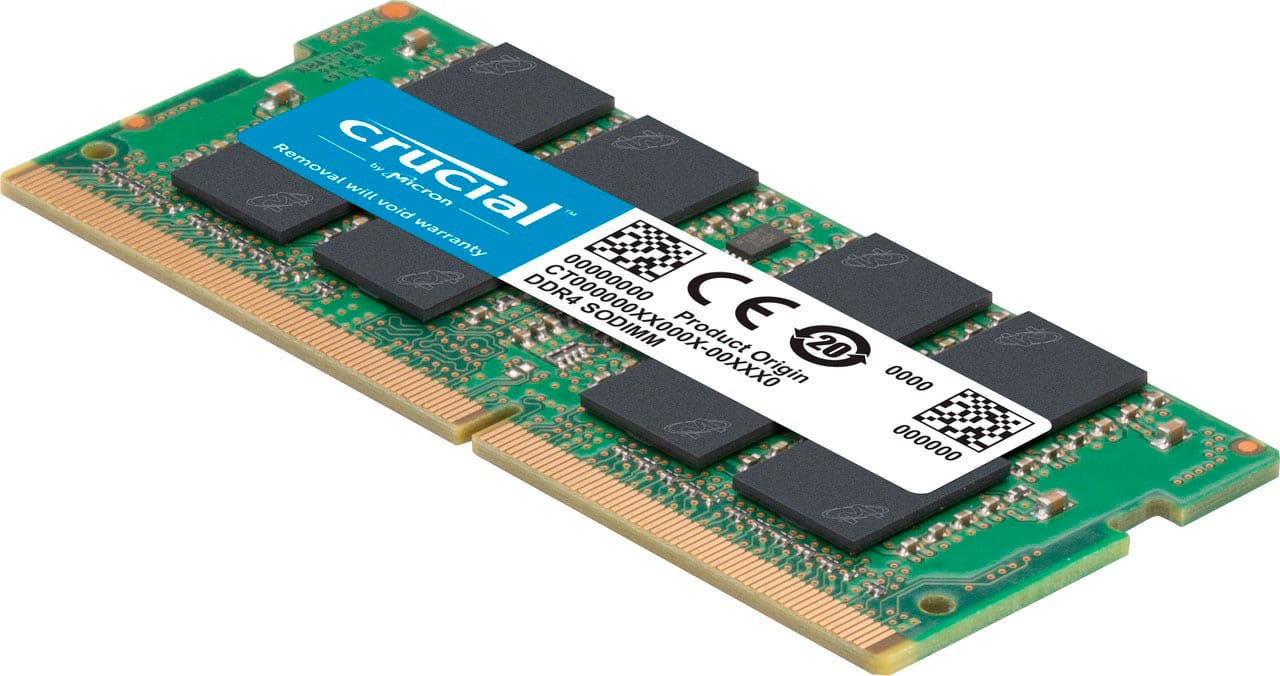
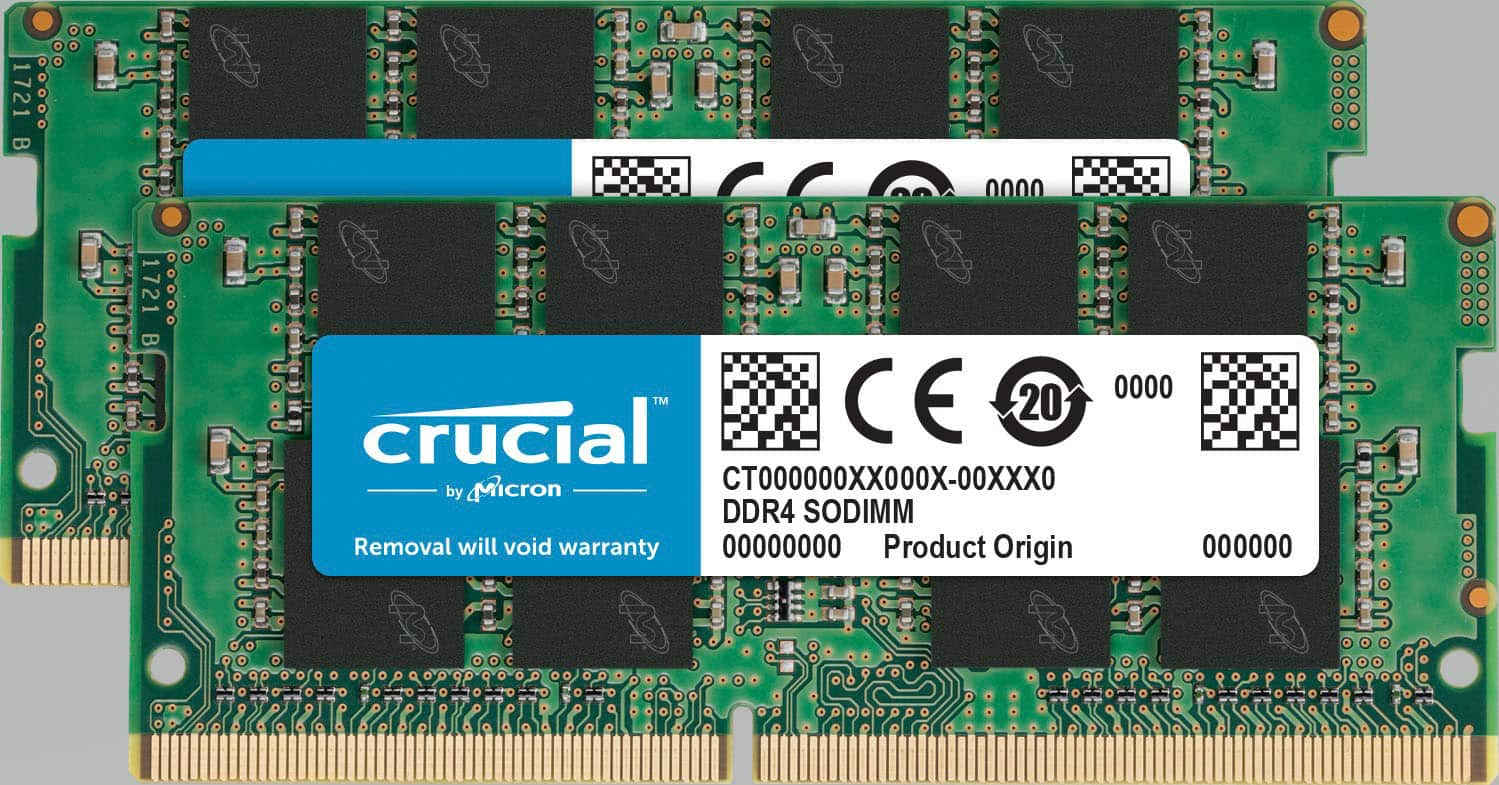
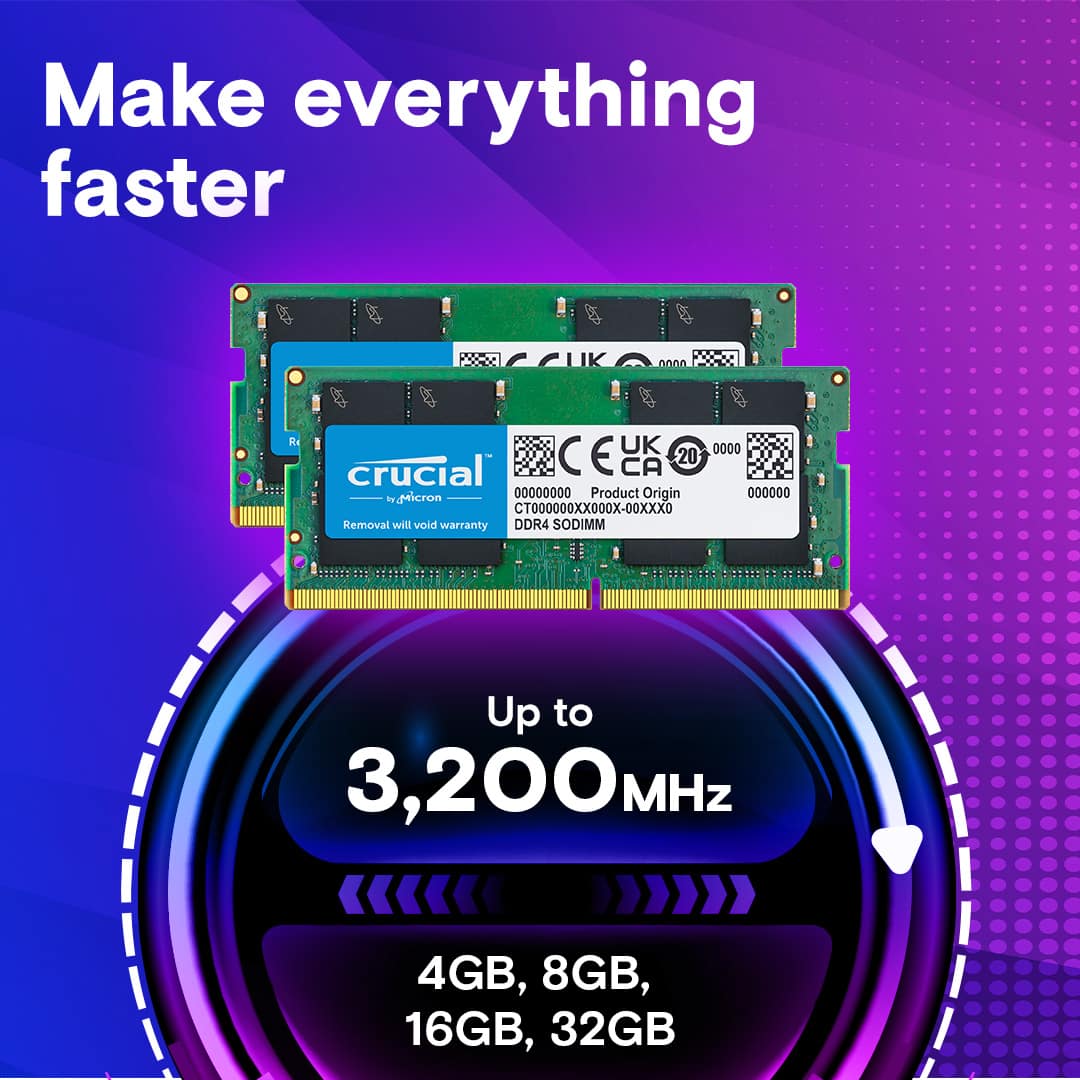
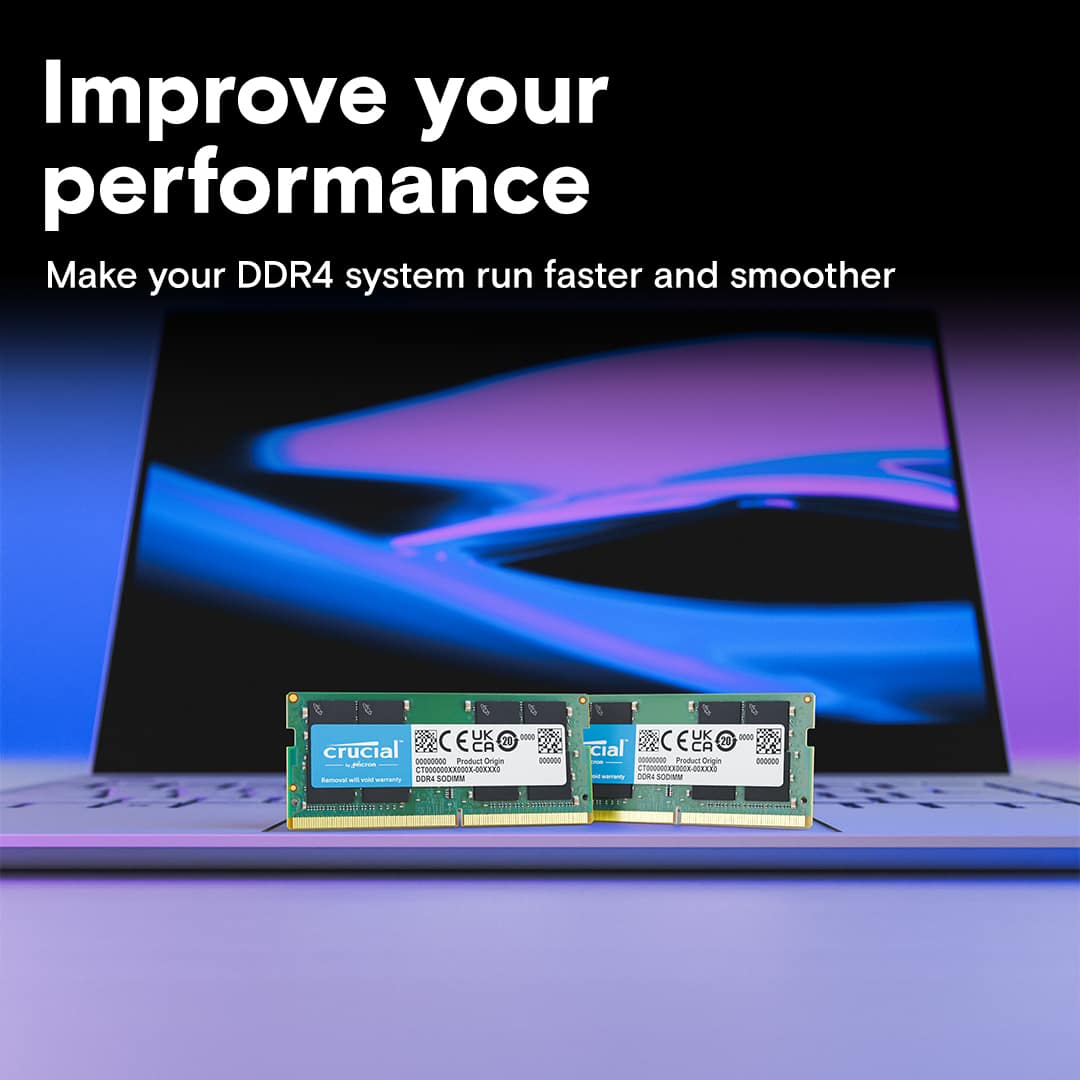
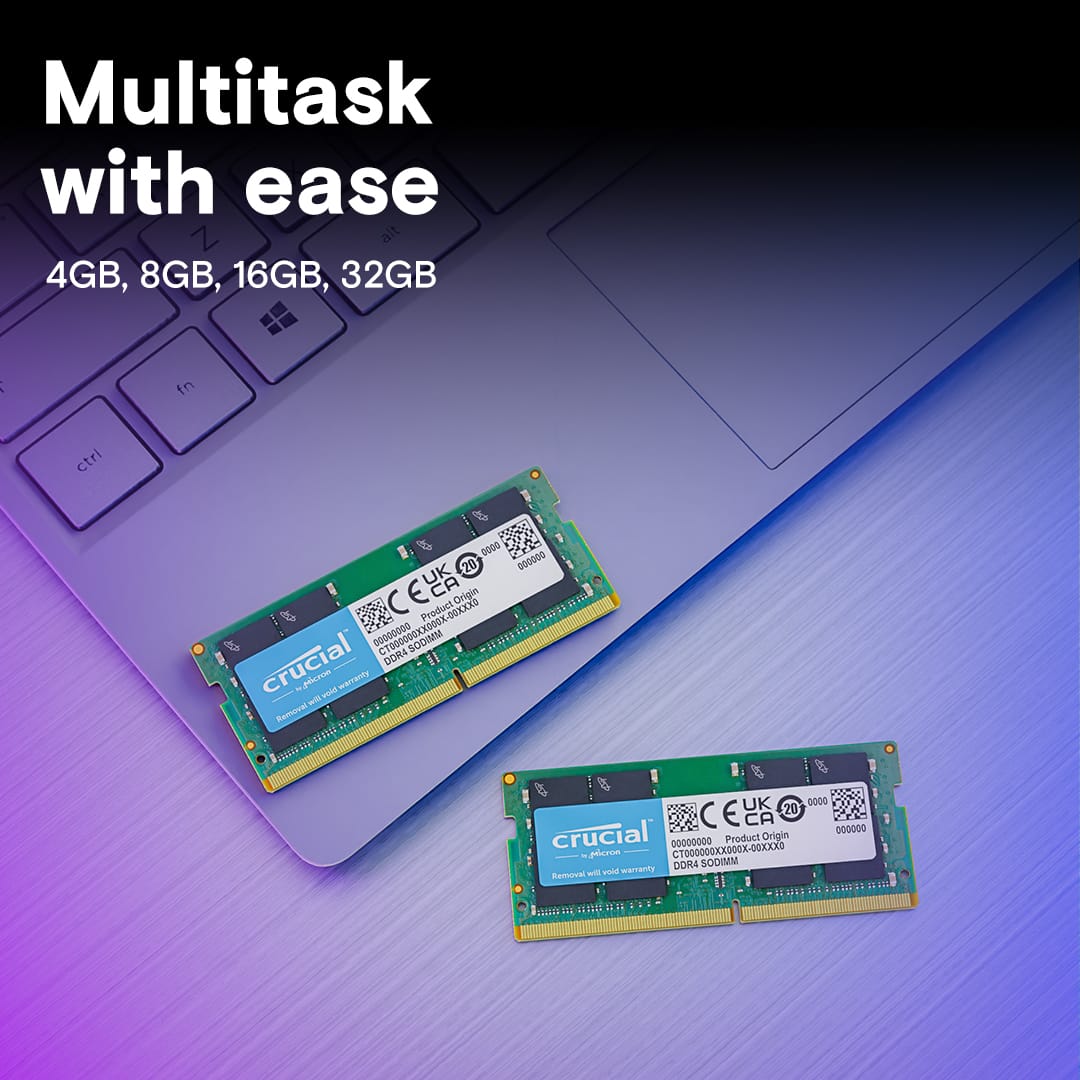

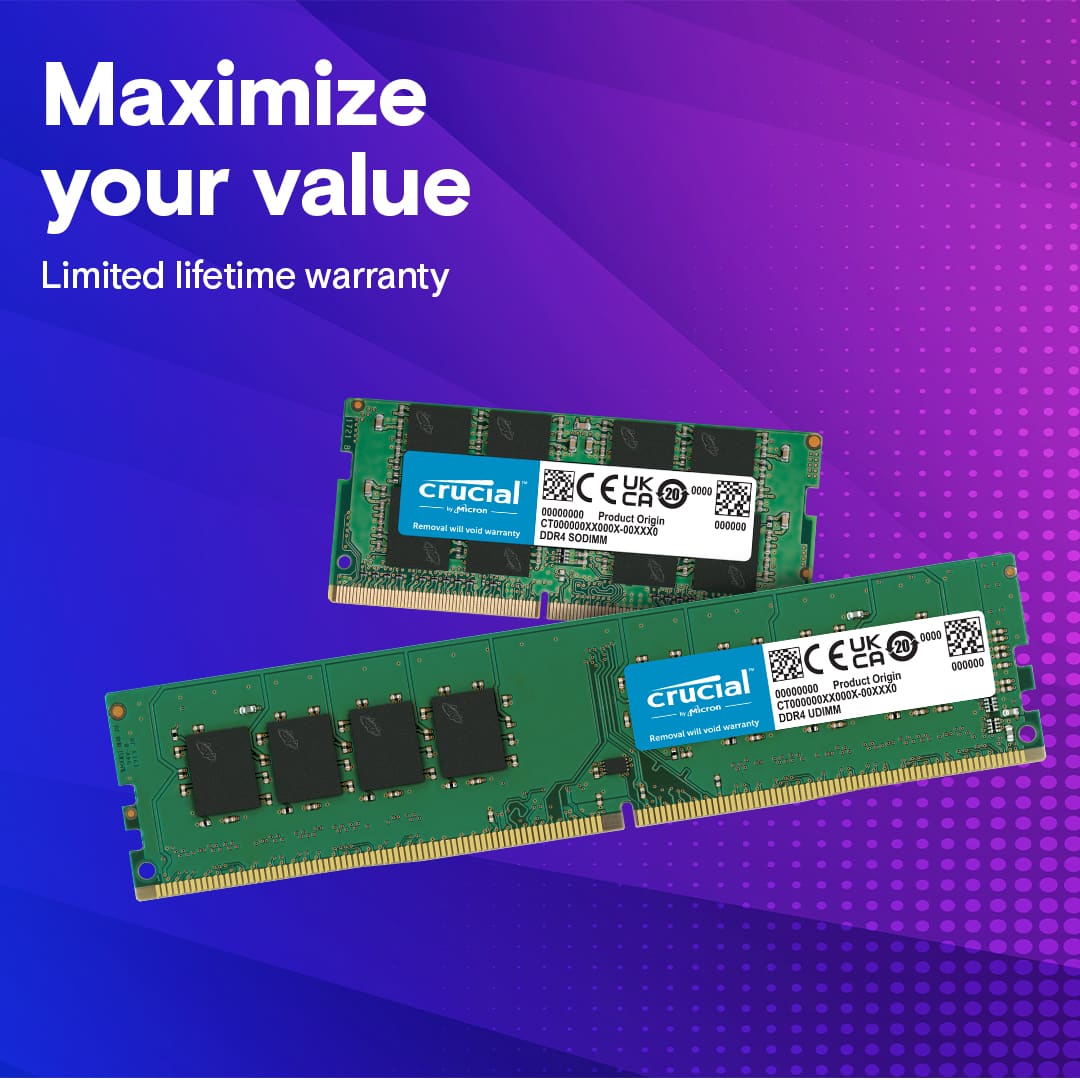
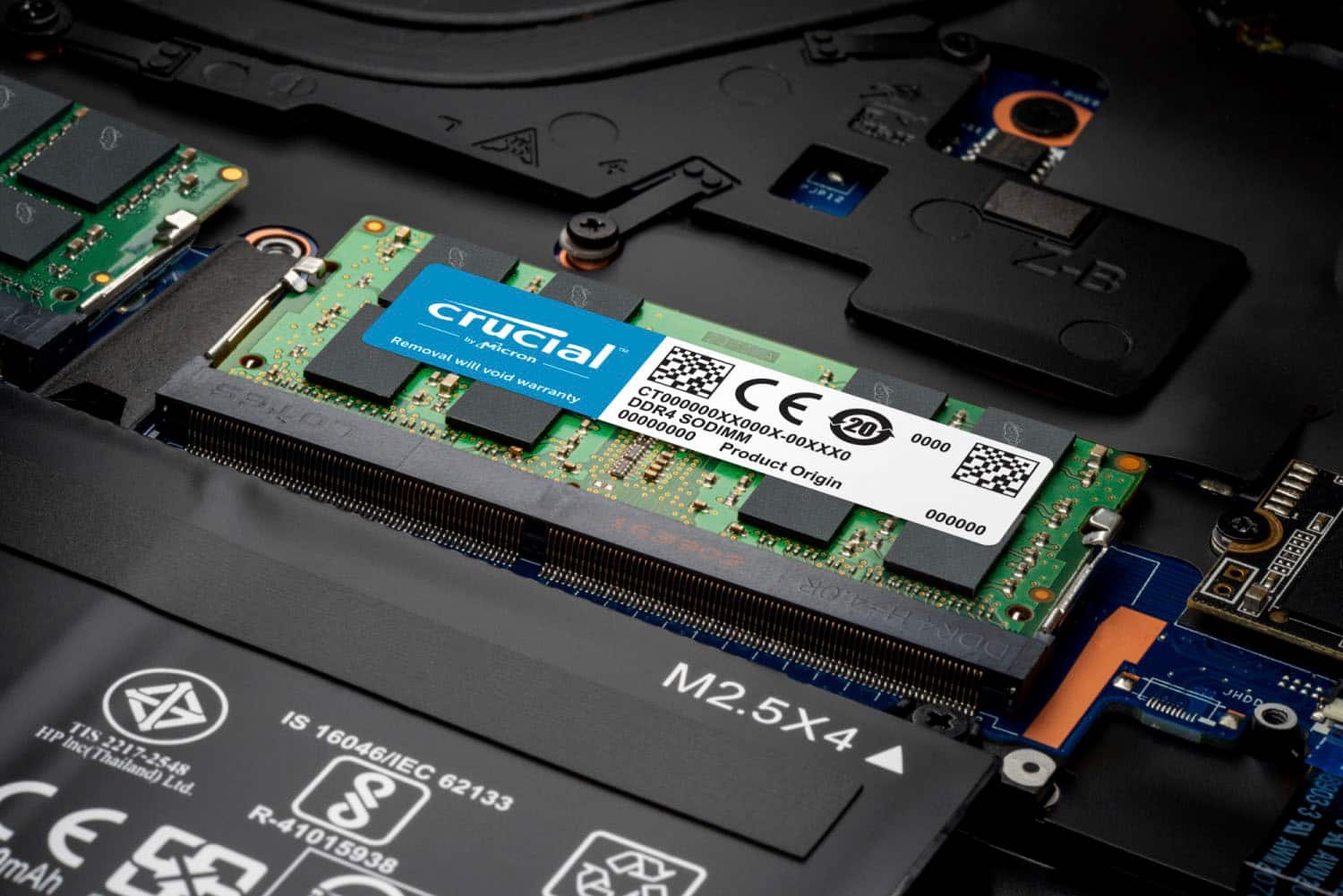
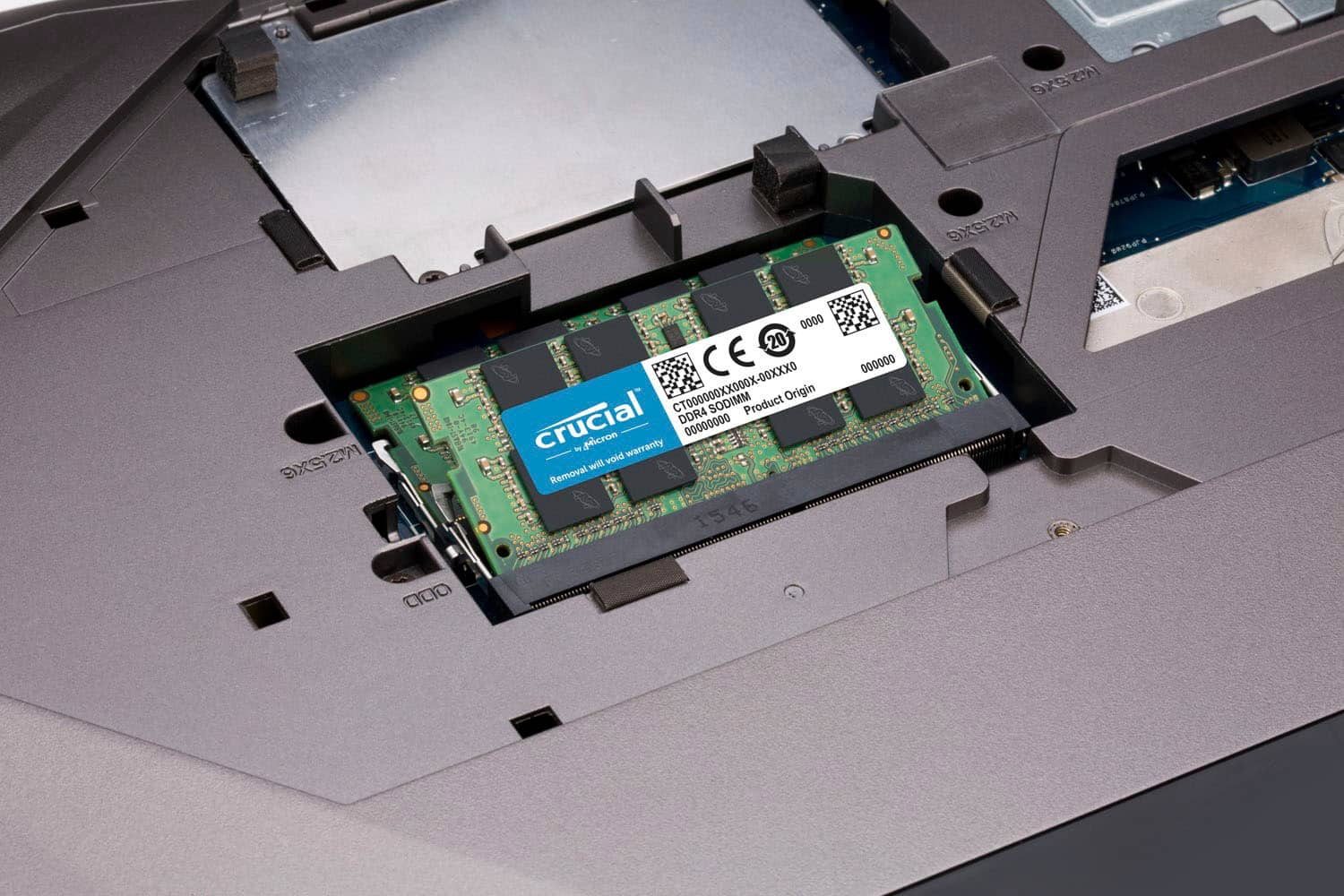
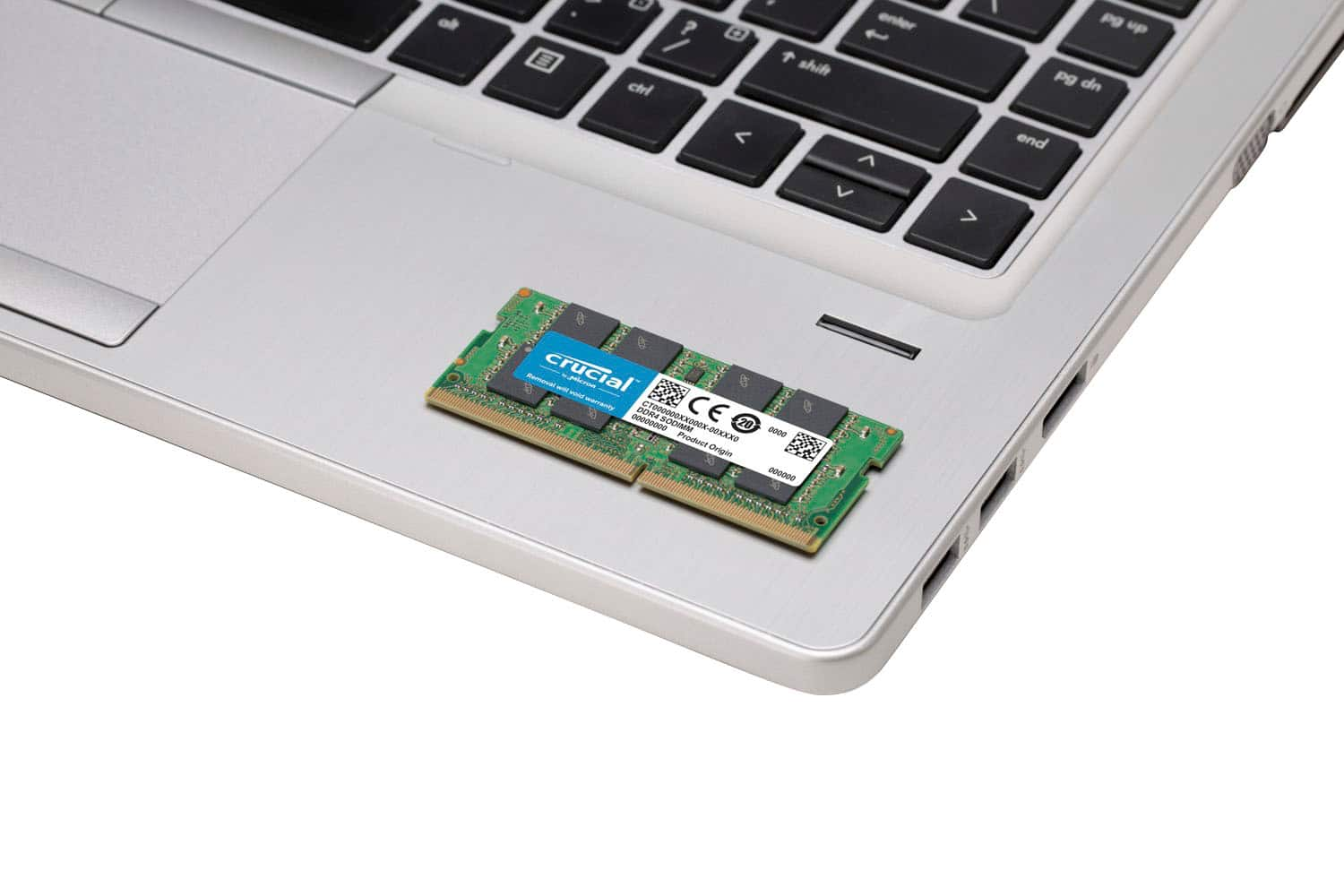
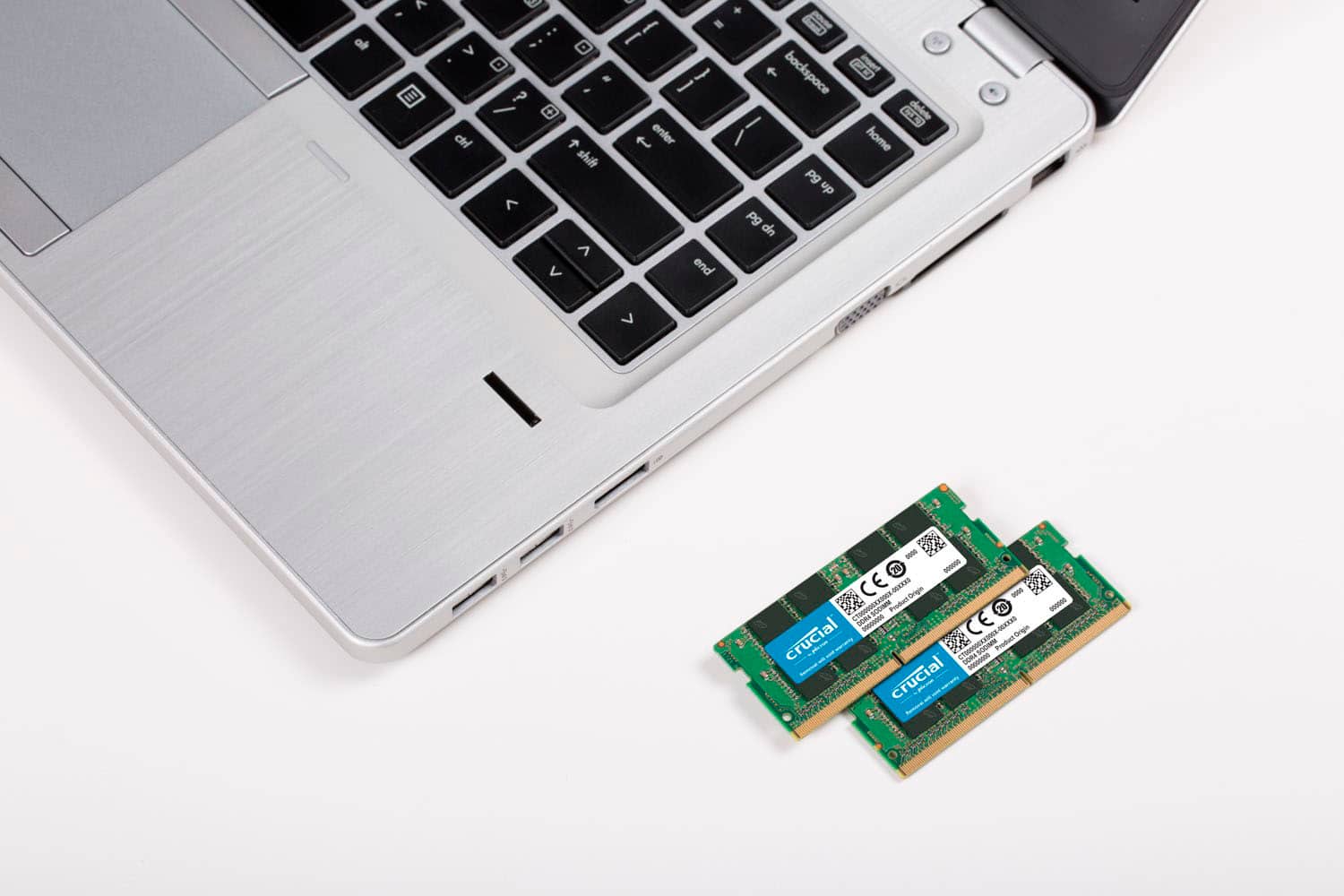
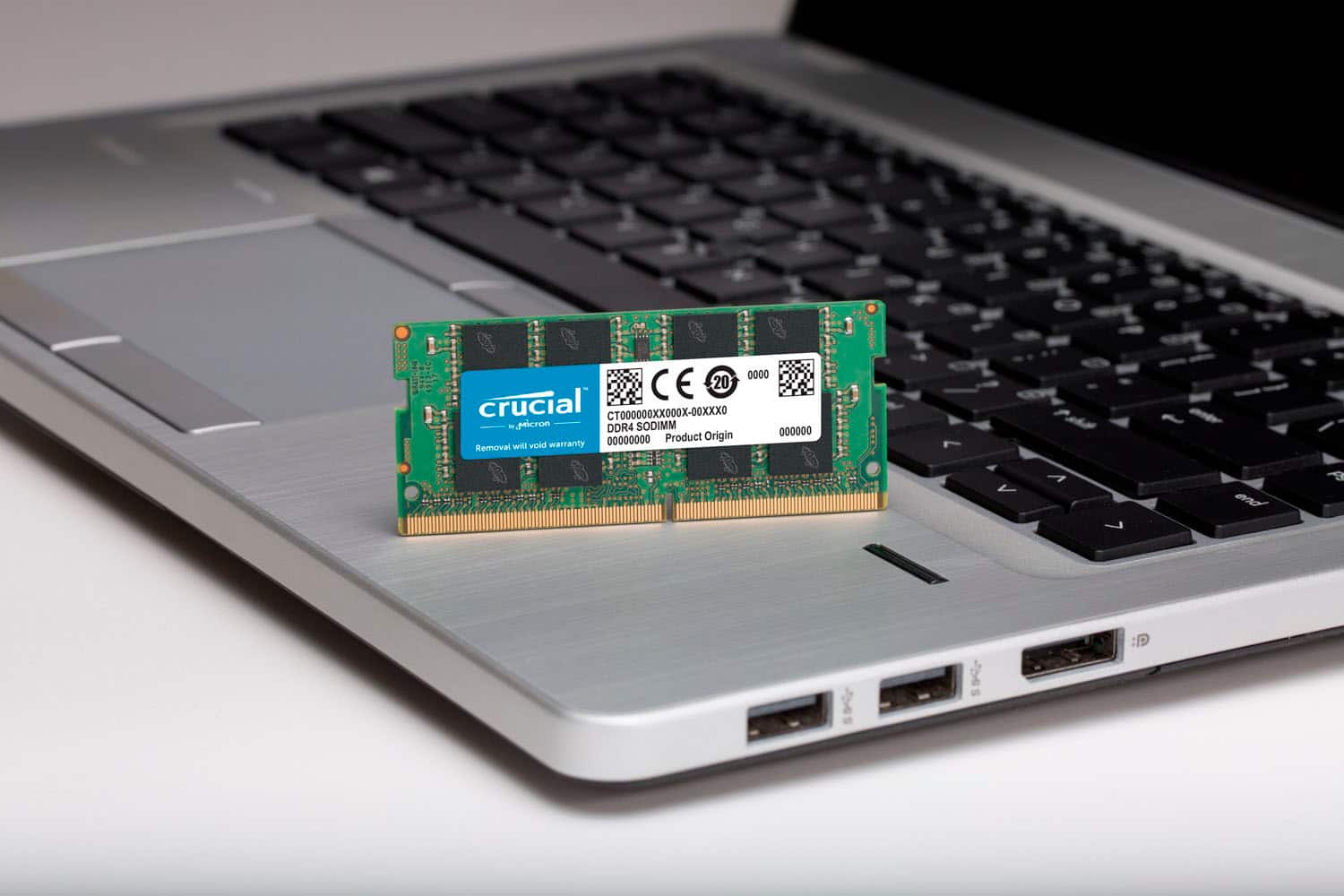
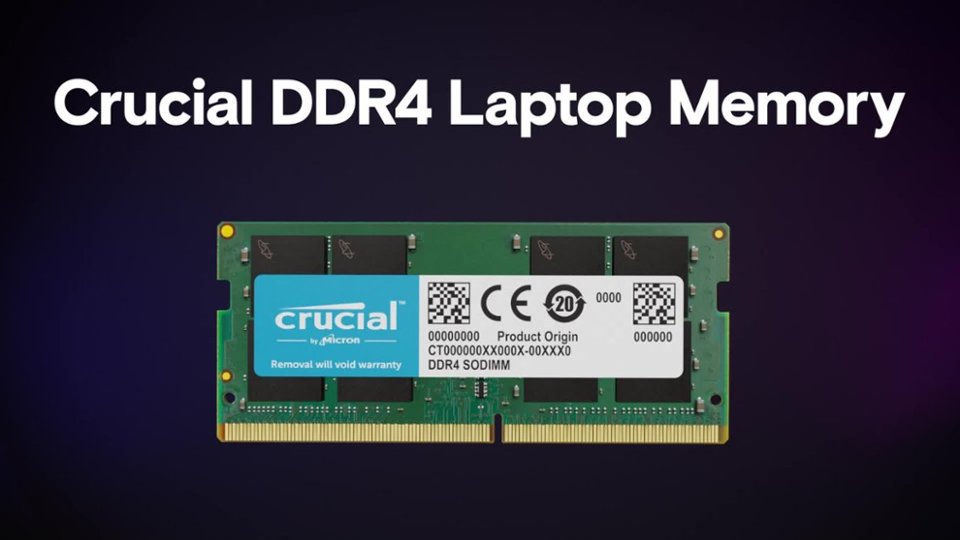
- Model:
- CT2K16G4SFRA32A
- SKU:
- 11122204
Rating by feature
- Value
Rating 4.8 out of 5 stars
- Quality
Rating 4.9 out of 5 stars
- Ease of Use
Rating 4.8 out of 5 stars
Customers are saying
Customers admire the significant performance improvement, increased speed, and enhanced memory capacity provided by this RAM. They frequently highlight its excellent compatibility, ease of use, and straightforward installation process, finding it to be a great upgrade. Many also appreciate the reasonable price for the performance it delivers, with some even noting a reduction in computer fan noise.
This summary was generated by AI based on customer reviews.
- Pros mentioned:Performance, Speed
he memory modules are well-built
||Posted . Owned for 5 months when reviewed.This reviewer received promo considerations or sweepstakes entry for writing a review.I’ve recently upgraded my laptop with the Crucial 32GB Kit (2x16GB) DDR4 3200MHz C22 SODIMM Laptop Memory Kit, and the difference in performance is remarkable. The installation was straightforward and took just a few minutes with no special tools required. The memory modules are well-built and fit perfectly into my laptop’s slots. Since the upgrade, I’ve noticed a significant improvement in my laptop’s speed and responsiveness. Applications load much faster, and multitasking has become seamless. Whether I’m editing videos, running virtual machines, or just browsing with multiple tabs open, everything runs smoothly without any lag. One of the standout features is the 3200MHz speed, which ensures that my system can handle demanding tasks with ease. The CAS latency of 22 is also quite good for this type of memory, providing a good balance between speed and stability. Overall, the Crucial 32GB Kit is an excellent investment for anyone looking to boost their laptop’s performance. It’s reliable, easy to install, and offers great value for the price. I highly recommend it to anyone in need of a memory upgrade. One of the standout features is the USB 3.2 Gen 2 interface, which offers impressive data transfer speeds up to 10Gbps. This has significantly improved my workflow, especially when transferring large files. The inclusion of both a USB-C cable and a USB-A adapter adds versatility, allowing me to use the enclosure with various devices. However, I did encounter a minor issue with the enclosure getting a bit warm during extended use, but it hasn’t affected performance so far. Additionally, while the LED indicators are helpful, they could be a bit brighter for better visibility. Overall, the Insignia™ M.2 NVMe to USB-C SSD Enclosure is a reliable and efficient solution for anyone looking to expand their storage options. I would definitely recommend it to others.
I would recommend this to a friend - Pros mentioned:Compatibility
Easy upgrade
||Posted .This reviewer received promo considerations or sweepstakes entry for writing a review.The product is exactly as advertised, they fit right in the slots and even though I've never upgraded my laptop before, it was easy to do. Also, big points for actually delivering the product. I originally ordered through Amazon and they delivered an empty package. Best Buy not only offered a better price and a shorter shipping window, they actually delivered the product, so 10/10 for me, 5/5 stars. (My laptop is an Acer Nitro 5 AN515-55 for those also trying to upgrade theirs) (The first picture is the Amazon package, the second and third pictures are the Best Buy product)
I would recommend this to a friend - Pros mentioned:Performance, Ram
Great for CoD/Fortnite
||Posted . Owned for 1.5 years when reviewed.This reviewer received promo considerations or sweepstakes entry for writing a review.I bought these along with a $500 MSI laptop running GeForce RTX™ 2050 and its able to play any game i tried so far with ease n no lag. Call of duty black ops 6 play really smooth and so does Fortnite at low to mid settings, i haven't teied high settings yet on that game. 32Gb is enough ram for about 95% of games. Most games require about 2-16gb ram so 32gb is way higher so expect smooth gameplay.
I would recommend this to a friend - Pros mentioned:Performance
Upgraded to 32GB
||Posted . Owned for 3 weeks when reviewed.This reviewer received promo considerations or sweepstakes entry for writing a review.Best Buy installed this 32GB into my existing All-In_One HP, increasing from my previous 16 GB that came with the computer. Their service was excellent and I could not be happier with the improved memory for my personal and business needs.
I would recommend this to a friend - Pros mentioned:Ram
Great buy and easy installation
||Posted . Owned for 1 month when reviewed.This reviewer received promo considerations or sweepstakes entry for writing a review.I have a acer nitro 5 AN515-53 series which has a max of 32GB RAM so I have two 16 GBs now and they are perfect for me and my modded Minecraft servers. Check your laptops specs for the max ram that your computer can run because more isn’t necessarily better and you would be spending money on extra ram you won’t be using, and the package doesn’t come with instructions so YouTube is your best friend when you need help removing and installing your new ram and take it slow and easy because the connectors and the pins are delicate and you don’t want to force and damage anything especially if it was your first time changing ram like me and it was surprisingly easy.
I would recommend this to a friend - Pros mentioned:Ram
Affordable, high quality RAM!
||Posted . Owned for less than 1 week when reviewed.This reviewer received promo considerations or sweepstakes entry for writing a review.No dislikes whatsoever, but the likes are high. Firstly, I replaced my 8GB stick with these 2 16GB sticks, and one game I specifically play has increased by 50-60fps, earning me up to 144 in small servers and up to 90 in big servers (which is a huge boost, considering I was barely getting 50 in a big server). And for anyone wondering. Yes, this is compatible and works 100% on the Acer Nitro 5 AN515-57-536Q.
I would recommend this to a friend - Pros mentioned:Ease of use, Performance
Great memory and easy install
||Posted . Owned for 3 weeks when reviewed.This reviewer received promo considerations or sweepstakes entry for writing a review.Easy to install and immediate results after I restarted the laptop. No issues.
I would recommend this to a friend - Pros mentioned:Performance
Works!
||Posted .This reviewer received promo considerations or sweepstakes entry for writing a review.Works great! Using it on my personal laptop and running it daily no issues
I would recommend this to a friend - Pros mentioned:Performance
Fast Ram at a great price
||Posted . Owned for 3 weeks when reviewed.This reviewer received promo considerations or sweepstakes entry for writing a review.Super stable and It sped my laptop up considerably. Will definitely upgrade my other one as well
No, I would not recommend this to a friend RAM Crucial 2x 16 32 gig kit
||Posted .This reviewer received promo considerations or sweepstakes entry for writing a review.Amazing it was an amazing experience getting it to help my laptop get better fps in video games
I would recommend this to a friendRAM Stick
||Posted . Owned for 3 weeks when reviewed.This reviewer received promo considerations or sweepstakes entry for writing a review.I'm sure it does what it needs to, but it didn't solve my problem with my HP Omen 15 laptop.
I would recommend this to a friend- Pros mentioned:Ram
Good quality
||Posted . Owned for 2 weeks when reviewed.This reviewer received promo considerations or sweepstakes entry for writing a review.The Ram was very good quality i bought a pny Ram before but it didn’t work but this one no problems and ran anything
I would recommend this to a friend Excellent work
||Posted . Owned for 1 month when reviewed.This reviewer received promo considerations or sweepstakes entry for writing a review.Well, I had 8GB RAM, so changing it to 32GB meant a huge change in response times. I changed the memory on my Inspire 15 i3520.
I would recommend this to a friend- Pros mentioned:Ram
Ram
||Posted . Owned for 1 month when reviewed.This reviewer received promo considerations or sweepstakes entry for writing a review.Ram worked just as intended 10/10 if you wanna have better ram
I would recommend this to a friend - Pros mentioned:Ram
Dual Rank
||Posted . Owned for less than 1 week when reviewed.This reviewer received promo considerations or sweepstakes entry for writing a review.I checked my RAM and I lucked out and got DUAL rank, however it seems to be old. It shows Week/Year: 51/22 It is RAM batch from last year.
I would recommend this to a friend - Pros mentioned:Compatibility, Ease of use, Performance

Great and easy upgrade!
|Posted .This reviewer received promo considerations or sweepstakes entry for writing a review.Great Dram upgrade kit. It's meant for any PC's with SODIMM slots (typically for laptops or small form factor desktops). The kit is a dual channel kit, so it's meant to be installed in pairs for better performance. It comes inside a hard plastic cover. I knew the upgrade was going to be ease as Crucial makes great products, however always check your PC/Laptop manufacturer's RAM compatibility list. In my case, the upgrade was super easy. Pop the back cover, remove the old ram (I had just one sodimm of 8 gigs) and pop in the new ones. Remember to always enable XMP profiles to be able to achieve the 3200 mhz, otherwise your PC may try to run the kit at 2666 mhz. My computer just said RAM amount changed and started as usual. Windows detected the new amount of ram right away and I can definitely tell the improvement in speed. 32 GB is definitely getting there as the standard now. With new PC games requiring that as a minimum (looking at you, Hogwarts legacy). If you also do video editing or some work that requires lots of RAM, this kit will definitely serve you. My PC boots super fast and there is no virtual mem swapping or anything. Highly recommend this kit to anyone looking to upgrade your setup! Even if you think you don't need 32 Gb, I would just future proof it and go for it, considering the price is so good.
I would recommend this to a friend - Pros mentioned:Performance
Tangible performance increases w/right conditions
|Posted .This reviewer received promo considerations or sweepstakes entry for writing a review.It's pretty hard to get too excited about laptop memory--typically it either works or it doesn't. This is especially true given that most OEMs lock down the BIOS on mobile motherboards (save for those in *really* pricey enthusiast or custom gaming/content creation units) so that XMP profiles are unavailable, much less offer up advanced overclocking settings for the user. That pretty much limits a typical laptop/notebook to whatever memory specifications shipped from the factory without any real prospect of accelerating the computing environment with faster or more robust memory that clocks in a few hundred MHz higher or offers slightly better timings. In fact, my older i7/RTX 2080 gaming laptop won't even boot with DDR4 memory that is spec'd above 2666 MHz even though most SODIMMs will still operate at lower frequencies. But my more recent "budget" gaming laptop, with an AMD Ryzen 5 5600H and an RTX 3050, surprised the heck out of me by turning in real performance gains that contradicted much of the prevailing sentiment that 16GB is probably "good enough" for most users. I've been an Intel user most of my life but I've read that AMD CPUs can be more sensitive/responsive to faster memory speeds than Intel processors, but my experience also demonstrated that at least this AMD CPU seemed to be responsive to MORE memory as well. My budget gaming laptop only came with a single stick of 8GB 3200 MHz CL22 RAM operating in single-channel mode. Adding another stick of identically spec'd RAM turned in some dramatic performance improvements in some AAA gaming titles (which was not surprising in the least). A year later, along comes Crucial with this 32GB kit of 3200 MHz CL22 memory...I thought, "what the heck?" I don't do a lot of complex photo and video editing on my laptop--though I do dabble a bit from time to time--and generally tend to limit open browser tabs to less than 5 or so at a time. As such, I didn't necessarily expect to experience much in the way of improvements in "everyday performance" going from 16GB to 32GB the way I did going from 8GB (one SODIMM) to 16GB (two SODIMMs). Again, the prevailing wisdom (as I understand it) is that avid multi-taskers and those who work with very large photo or video files/editing programs are generally those who tend to experience the most *noticeable* improvements in speed, responsiveness, and performance over those who use their computers for general media/Internet use, office productivity, or gaming. Interestingly, that's not what I found... Installation of this Crucial 32GB kit was completely painless--I just popped out the old SODIMMs and put the new ones in place--my computer booted up, gave me a BIOS screen confirming a memory change, and then continued on into Windows without a hitch. I ran the exact same benchmarks at 1080p in 16GB and 32GB configurations ensuring all frame limiters, VSYNC, and DLSS/FSR functions were turned off so I could get a sense of any baseline improvements in performance before any scaling/AI tricks and shortcuts were figured into the mix. The size of the performance gains (LOW/HIGH/AVE fps) were NOT what I expected: Horizon Zero Dawn - Original/MED preset 16GB: 20/120/68 32GB: 42/172/89 (31% increase) Shadow of the Tomb Raider - HIGH 16GB: 46/101/60 32GB: 61/142/81 (35% increase) Red Dead Redemption 2 – NVIDIA Recommended/MED & HIGH 16GB: 11/104/38 32GB: 22/79/55 (45% increase) Gears 5 - HIGH 16GB: 63.7 AVE 32GB: 88.6 AVE (39% increase) Metro Exodus - HIGH 16GB: 20/55/36 32GB: 25/79/51 (41.7% increase) Based on everything I've read, I SHOULDN'T be seeing performance gains quite this high going from 16GB to 32GB unless there's something else magic going on in that AMD CPU's Infinity Fabric, or there was something just fundamentally wrong or misconfiged with the previous two sticks of RAM that never manifested in a crash or output error, but also still managed to turn in measurable performance gains over operating with just one stick of 8GB RAM. I went spelunking into the BIOS for any settings that might be responsible for throttling my previous 16GB setup--a weird dual-stick/single-channel memory mode or something like that, but my laptop features no user-adjustable settings for memory at all, and only displays the total RAM available. After running the benchmarks, turning off the laptop, swapping out the memory, then turning on the laptop and running the exact same benchmarks without having made any other changes to Windows, the game's video settings, or in NVIDIA control panel, I'm just not sure what else could be going on here. I suppose it's possible that despite the same timings and specifications, the two original 8GB SODIMMs weren't perfectly matched and therefore weren't always running in dual-channel mode...if so, my experience and results at least indicate what kind of performance gains might still be possible going from single channel to dual-channel mode using the Crucial 32GB memory kit. But at least in my situation, with this particular mixture of hardware and on these particular titles, installing this Crucial 32GB memory kit resulted in noticeable and measurable increases in gaming performance, well beyond any sense of "my computer feels snappier and more responsive now" (which it definitely does, BTW). Will you see the same performance gains, I don't know--but given that the marginal increase in price going from 16GB to 32GB SODIMM kits is relatively low these days, why not give yourself and your PC a bit of breathing room and future proofing anyway? The ONLY gotcha I can think of is that these SODIMMs are dual-sided; they have memory modules on both sides of the PCB. If you have a super-thin notebook or ultrabook with very low-profile memory sockets that sit right against the motherboard (or right against each other), you MIGHT have some issues with fitment; but otherwise, this memory kit turns in rock-solid performance at a reasonable price that should give your laptop plenty of overhead for demanding files and programs as well as multiple open windows and apps. DEFINITELY RECOMMENDED!
I would recommend this to a friend - Pros mentioned:Performance, Ram, Speed
Solid DDR4 Sodimm kit
|Posted .This reviewer received promo considerations or sweepstakes entry for writing a review.I own several SSD drives from Crucial, including some NVMe drives and I haven't had any issues with them. Crucial is part of Micron which manufactures and supplies other brands with memory chips as well. I needed a bit more RAM for one of my gaming laptops and I decided to give this kit a chance. This kit comes with two 16 gig DDR4 sticks which can run at 3200 MHz, which is some of the fastest you can get for a laptop with DDR4 banks. Before installing this kit, I ran some tests with the memory I was replacing (2 x 8 gigs at 3200 MHz from a competitor). I would like to point out that even though Windows 10/11 can run with only 8 gigs, I recommend at least 16 gigs in order to have some room. Windows quite memory hungry and the more memory is available, the smoother and faster the system will run. Now, 32 gigs might seem like overkill to some, but it does provide the best experience. The gain between 16 and 32 gigs is very noticeable. For starters, Windows loads faster. It took approx. 15 seconds from boot to desktop with the 16 gig kit. After installing this Crucial 32 gig kit, this dropped to an average of 10 seconds. Launching or switching from and to different programs or games is fast and smoother than butter. On average, I have observed a 25 to 35% performance gain with the 32 gigs. Games load and run much better and this leaves enough room for video or image editing software to operate properly. I have run some benchmarks as well and the Crucial memory kit wins big. The bottom line is this: Crucial delivers an excellent product which will allow you to game and work without a hitch. I would recommend this kit to anyone who needs an upgrade.
I would recommend this to a friend - Pros mentioned:Performance, Ram
Quick, Effective, Efficient Upgrade.
|Posted .This reviewer received promo considerations or sweepstakes entry for writing a review.There aren’t too many things you can do to upgrade a laptop these days quickly and effectively. To be able to do that at a decent price point as well? This is exactly what I was looking for. To be sure, my laptop is “getting by,” but as its age starts to show more and more, along with the ever-increasing demands put on it by newer (and older) software, its clock is certainly ticking. Install for me was, well, a breeze. A couple of screws and a quick switch was all I needed to do (I removed 2 8GB DIMMs). Of course, this will be totally dependent on your machine, and absolutely be sure that you can install 2 DIMMs, given the seeming trend to solder some RAM to the motherboard. Frankly, a move I hate. Immediately, I noticed a difference. Boot was quicker, everyday tasks were smoother, and I even saw some fairly dramatic results in the little bit of gaming I do on this machine. Given how I use my laptop, the snappier Chrome tab play has been most beneficial so far. General use and being able to open even more tabs (yes, I have an issue) has been great. Being able to do that as well as have increased performance while running other tasks at the same time really had me shaking my head as to why I did not do this sooner. I have been nothing but pleased so far. I think given todays workloads and software environment, 32GB should sort of kind of be the floor on RAM. Especially when working in the confines of Windows. Perhaps in other operating systems, it may not be needed, and surely, if your use case is not that resource heavy, you can get by with 8GB or 16GB, but for many I think 32GB should be the route to take. Ultimately, this RAM is perfect to upgrade a system. You can get increased performance across the board, a little bit of futureproofing, and can give some more life to an again system. It comes in at a very reasonable price and from a well-respected name in the space. Obviously, check your use case, and double check any compatibility issues, but I don’t really see anything but positives here.
I would recommend this to a friend - Pros mentioned:Compatibility, Ease of use, Performance
Quadrupled my RAM for Lenovo Legion 5 15imh05
||Posted .This reviewer received promo considerations or sweepstakes entry for writing a review.This took me from 8GB of RAM to my laptop's maximum of 32GB, and it's been perfect. I'm a gamer and a content creator, so a lot of the things I use my laptop for are pretty resource intensive. After a few games and editing programs updated this summer, having any application open had me at about 95% RAM usage, and my computer was running slower than molasses in January. This RAM is compatible with my Lenovo Legion, which is thankfully not too difficult to open up. Installation was relatively simple (make sure to unplug your laptop battery, and work in a static-free, clean environment!), and I could see the improvement immediately. Best Buy had this RAM kit available for about $20 cheaper than I expected, and with fastest shipping, it took just under a week to arrive. Now, my laptop is back to running like a dream, and I can do my job without everything freezing or lagging constantly.
I would recommend this to a friend