Last-Minute SavingsLimited quantities.Shop now

Skip to content
Gift Ideas
Main Content

Customer Ratings & Reviews
Your price for this item is $492.09

Customer reviews

Rating 4.9 out of 5 stars with 460 reviews

Rating Filter

Rating by feature

  • Value

    Rating 4.8 out of 5 stars

  • Quality

    Rating 4.9 out of 5 stars

  • Ease of Use

    Rating 4.8 out of 5 stars

97%
would recommend
to a friend
The vast majority of our reviews come from verified purchases. Reviews from customers may include My Best Buy members, employees, and Tech Insider Network members (as tagged). Select reviewers may receive discounted products, promotional considerations or entries into drawings for honest, helpful reviews.
Page 21 Showing 401-420 of 460 reviews
  • Rated 4 out of 5 stars

    Happy i got this for my alienware m17

    |
    |
    Posted . Owned for 1 month when reviewed.
    This reviewer received promo considerations or sweepstakes entry for writing a review.

    Pc is running alot better its worth the buy and easy to install

    I would recommend this to a friend

  • Rated 1 out of 5 stars

    Lost Shippment

    |
    |
    Posted .
    This reviewer received promo considerations or sweepstakes entry for writing a review.

    First order was lost in shipping. Trying to get replacement was a challenge. Finally way past get date replacement was received. Late delivery (17 days later received) Memory is working fine in my laptop. booted right backup. Old memory was failing.

    I would recommend this to a friend
  • Tech Insider Network Member

    Rated 5 out of 5 stars

    Upgrading from 16 GB to 32 GB Was A Massive Win

    |
    Tech Insider Network Member
    Posted .
    This reviewer received promo considerations or sweepstakes entry for writing a review.

    WHY UPGRADE?: 1. Older games are fine at about 8 GB RAM, newer are wanting 16 GB minimum, so 32 GB gives you some future proofing and headroom. - Personally, in Escape From Tarkov (with nothing else open on my computer) I was hitting 21 GB usage in some maps. Having this extra RAM decreased studders dramatically and made things run super smooth in all my games. As the biggest thing increased RAM does is reduce your 1% lows. I saw this across the board on the games I tried (Cyberpunk 2077, Escape From Tarkov, Elden Ring, GTA 5, GTA Online, some other indie games). 2. If you are doing anything else on your computer while gaming (for example streaming, playing videos in the background, music, email, etc) this will help give you overhead. Most of the games I was in (again with nothing else open in the background) I was sitting at 12 – 14 GB of RAM. Which means if I have other tabs open or am doing other things while gaming I’m going to hit that 16 GB limit quickly which gives me slowdowns and studders. 3. As mentioned noticeably reduces 1% lows, can mildly help average and maximum frame rate as well. 4. What you may not realize is that while you are under the threshold for your RAM when you look it can rapidly add things depending on what you are doing and then take them off. During those times if you don’t have headroom it will cause studders/slowdowns. Again, in Tarkov I was seeing differences of 9 GB (12 GB – 21 GB) depending on map and where I was located (not memory leak, Factory vs Reserve). 4. For me I went from Single Channel to Dual Channel. Which better balances the load allowing for things to happen faster, as again it keeps buffer lower. 5. If you are an engineer, scientist, composer/mixer, video editor that has a lot of things or processes going at one time you’ll probably actually want to go to 64 – 128 GB or even 256 GB as it will allow for slightly improved buffer times when scrubbing and reduces export times. 6. For average users 32 GB is likely overkill. As even at 16 GB you can have multiple 4K streams running along with an unreasonable amount of chrome tabs going before you fill it. But again, if you are a gamer, or someone who is doing demanding work on your PC 32 GB is going to be a sweat spot for price to performance. 7. Crucial is a good brand that I trust and have used a lot. 8. 3200 MHz for DDR4 is pretty much the fastest it gets (technically 3600 but I almost never see that). My laptop only supports 3200 MHz anyways and I didn’t even have to do anything in my bios to make it work (at least for my laptop). PERSONAL DIFFERENCES I SAW: - My system was more responsive all around. Mostly due to going from single to dual channel along with increased overhead. This allowed me to have everything I wanted open (multiple chrome tabs, 4K videos running, streams, email, programs, etc) without causing any slowdowns whatsoever. As everything was instantly available. - All my games ran noticeably smoother. They seemed to load a bit faster but most importantly they seemed more responsive (less latency), had better frame times (almost flat line throughout), and I had a lot less studders. Making it a lot more enjoyable to play. As previously my gaming laptop would annoy me as it always felt like it was lagging. That feeling is now gone. - Reduced export time, better scrubbing, and Adobe products crashed less often and gave me less issues. - Was able to do other things while gaming (videos, having maps open, etc.) without seeing any issues. INSTALL: This is an easy upgrade. First, you make sure your laptop supports it. Personally, I put it in a Dell G15 5515 Gaming Laptop. Second, you open up your laptop. Third, you find the RAM slot, eject the old stuff, put in the new stuff. Fourth, boot up your machine. My laptop immediately registered it, I did some diagnostic testing to ensure it was all good (it was), and then I booted into windows and mission complete. Total time spent 17 minutes. (7 minutes opening/closing and installing hardware, 10 minutes on checks). CONCLUSION: This is an easy upgrade that has helped my laptop feel ultra responsive and less laggy. As I already had a good processor, graphics card, and m.2 SSD. This was the last step and it has made a huge difference. If this were to break for whatever reason, I’d go to the store same day and buy another pair. As for my use case I don’t want to go back to 16 GB.

    I would recommend this to a friend
  • Rated 1 out of 5 stars

    FEDEX LOST MY PACKAGE

    |
    |
    Posted .
    This reviewer received promo considerations or sweepstakes entry for writing a review.

    Was not delivered by Fedex they lost my package. Then found out the driver failed to do his job he drove strIfht thru Louisiana to Texas . So honestly i can not post a review of the product

    I would recommend this to a friend
  • Tech Insider Network Member

    Rated 5 out of 5 stars

    Great memory upgrade for a laptop or miniPC

    |
    Tech Insider Network Member
    Posted .
    This reviewer received promo considerations or sweepstakes entry for writing a review.

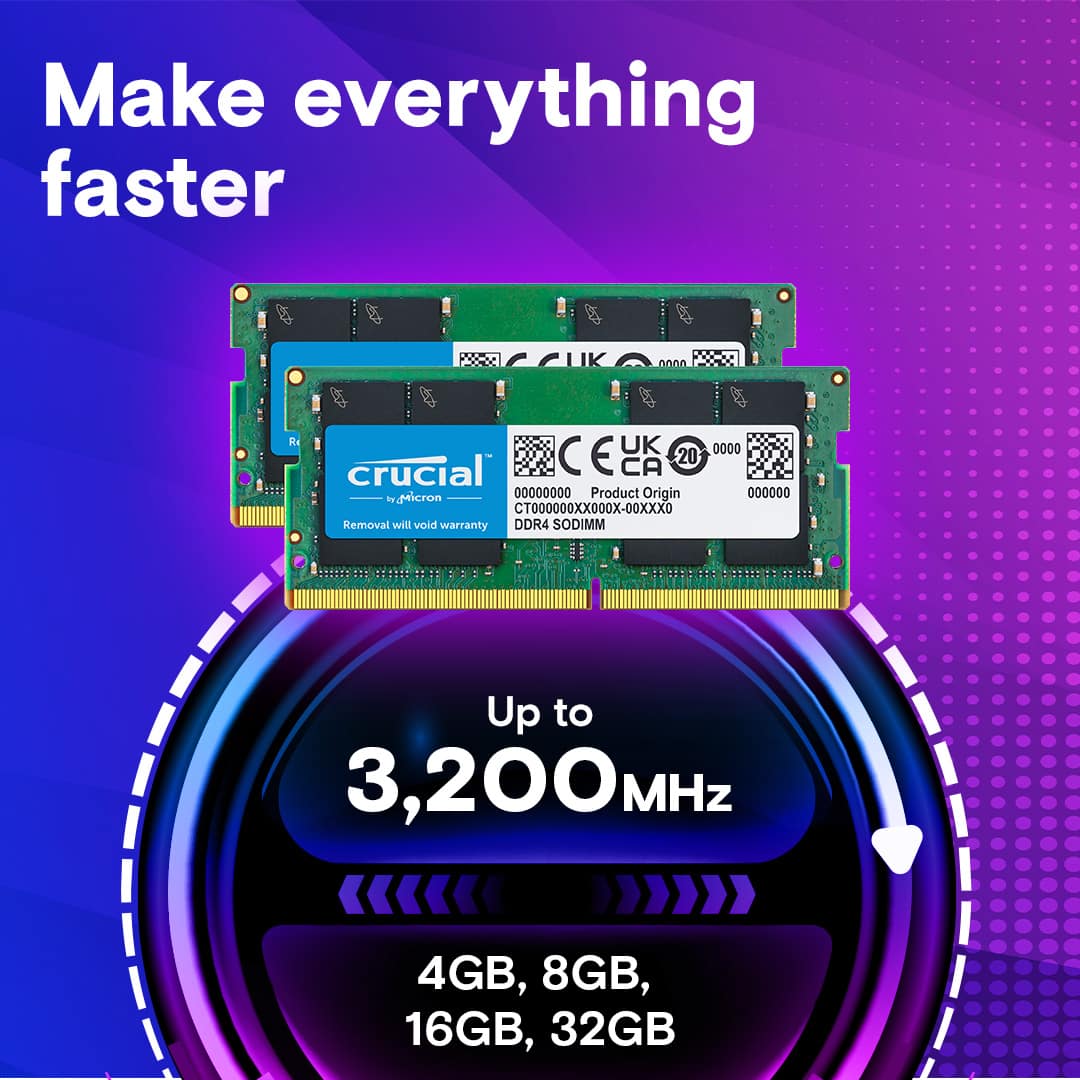
    RAM is one of those things that you can seldom have enough of - even if you use an efficient operating system, various apps and programs can quickly eat up whatever RAM you give them. So, yes, the more RAM the better. FASTER RAM is also a huge plus, as the faster the RAM, the faster it can move the needed data around. This additional speed is also a big plus if you are using a PC without a dedicated graphics card - integrated graphics on a processor (whether AMD or Intel) use the system RAM as video memory also, meaning faster / more RAM can mean better graphics as well. So where does that leave this particular kit then? Well, it certainly checks all the boxes. It's quite a lot of RAM at 32GB (that's even a lot for those that like to open dozens of browser tabs and many other applications besides). It's from a manufacturer known for their quality in Crucial who stands behind their products. And it's fairly fast for DDR4 SODIMM (laptop form factor) RAM at 3200MHz with good timings besides. And it's a dual channel kit (two matched sticks) which helps the speed even more. In practice, it's also very good. I used this kit to upgrade a Ryzen 7 4700U powered mini PC removing two 8GB sticks (16GB total) and replacing it with this 2x16GB (32GB total kit). Immediately the PC felt snappier in use, particularly when multi-tasking and switching between apps. Installing the RAM was easy - simply push out on the side tabs from the motherboard that hold the RAM in and the old RAM will lift up so it can be taken out, then push the new RAM into the slot at a 30ish degree angle and slip it down under the side tabs. Done. The new RAM also helped the mini PC get better graphical performance, with a 10% gain in gaming benchmarks (over a former 16GB dual channel kit)! So if you're looking for a great way to boost the performance of your mini PC or laptop (so long as the mini PC uses SODIMM/laptop form factor RAM), this is a great kit to do it with!

    I would recommend this to a friend
  • Rated 1 out of 5 stars

    Return issue

    |
    |
    Posted . Owned for 3 weeks when reviewed.
    This reviewer received promo considerations or sweepstakes entry for writing a review.

    I returned this product and am still waiting for refund since September 11th. I am still waiting to be credited for 2 items that I returned in September, I returned a whole order, 1 all in one pc and 1 tool kit for pc and 1 memory upgrade for the same pc that I returned in the same box as instructed by Best Buy Support Chat. I have only been refunded to my credit card for the All in One PC and not the other items I bought for the pc that I no longer have or need, which is why I sent them all back together.

    I would recommend this to a friend
  • Tech Insider Network Member

    Rated 5 out of 5 stars

    Crucial 32GB Memory Kit (2-16GB Sticks)

    |
    Tech Insider Network Member
    Posted .
    This reviewer received promo considerations or sweepstakes entry for writing a review.

    So I just received my Crucial 32GB Memory Kit for PC a few days ago and have been trying it out in my Dell All-In-One desktop computer. Back when I first received my Dell AIO, it came stock with 16GB of DDR4 ram. Running the hardware scan on Crucial’s website, informed me of what hardware I could bump my PC up to. So I followed along with a quick guide off of YouTube on how to crack open my AIO. They can be a little tricky because they tend to have cables connected between the screen and the PC’s motherboard. This is the most tedious part on swapping out ram or hard drives on AIO, not to mention time consuming. After finally cracking open my AIO I was able to quickly pop out the 2 8GB sticks and pop in the 2 new 16GB sticks for a total of 32GB. Carefully working backwards, I secured the front and back of AIO with snapping the frame and tightening the screws back in place. Once I got everything reconnected I hit the power button and booted up my PC. So far over the last few days everything has worked accordingly without and issues. Before swapping out the ram, my computer was already pretty fast between boot times and the loading of programs. Now it’s flying a heck of a lot faster with booting and opening and closing different programs. The fan is not kicking on like it was with the previous 16GB. Going from 16 to 32GB has given my Dell AIO PC an extension on life.

    I would recommend this to a friend
  • Tech Insider Network Member

    Rated 5 out of 5 stars

    Easy upgrade!

    |
    Tech Insider Network Member
    Posted .
    This reviewer received promo considerations or sweepstakes entry for writing a review.

    My wife's AIO desktop is starting to get a little sluggish. Between it having a spinning HDD and only 12GB of RAM, I knew it needed both an SSD and more RAM. In the past I've always chosen Crucial for my memory upgrades as their RAM has always been the most compatible and stable that I've found - this time it was no different. After fighting her computer to get it open, I was able to find the panel that neatly hid the memory slots. Opening it, I removed both the 8GB and 4GB sticks that were factory-installed and replacement them with the two Crucial sticks of RAM, followed by putting in the SSD while it was still open. A few minutes later after completeing the reassembly I fired up the computer, installed the OS, and restored all of her backed up files - really flies now! It was "current" back when Windows 10 was a younger OS, but now with Windows 11 it was starting to drag - not the case anymore! I'll continue to recommend Crucial to any customer or friend who needs a memory upgrade - still the best!

    I would recommend this to a friend
  • Rated 1 out of 5 stars

    Not compatible with dell

    |
    |
    Posted .
    This reviewer received promo considerations or sweepstakes entry for writing a review.

    It fired my computer. I had a dell latitude 5401. Just don't buy them they are not compatible.

    No, I would not recommend this to a friend
  • Rated 1 out of 5 stars

    I got a bad ram stick

    |
    |
    Posted . Owned for less than 1 week when reviewed.
    This reviewer received promo considerations or sweepstakes entry for writing a review.

    Got a dead ram stick. crashed my computer the moment after I installed it and just to make sure that I wasnt the problem, took it out, checked it, cleaned it, installed again, check update and bios, and it still crashed my system all the same. but bad product on arrival

    No, I would not recommend this to a friend
  • Tech Insider Network Member

    Rated 5 out of 5 stars

    Installed easily and works well

    |
    Tech Insider Network Member
    Posted .
    This reviewer received promo considerations or sweepstakes entry for writing a review.

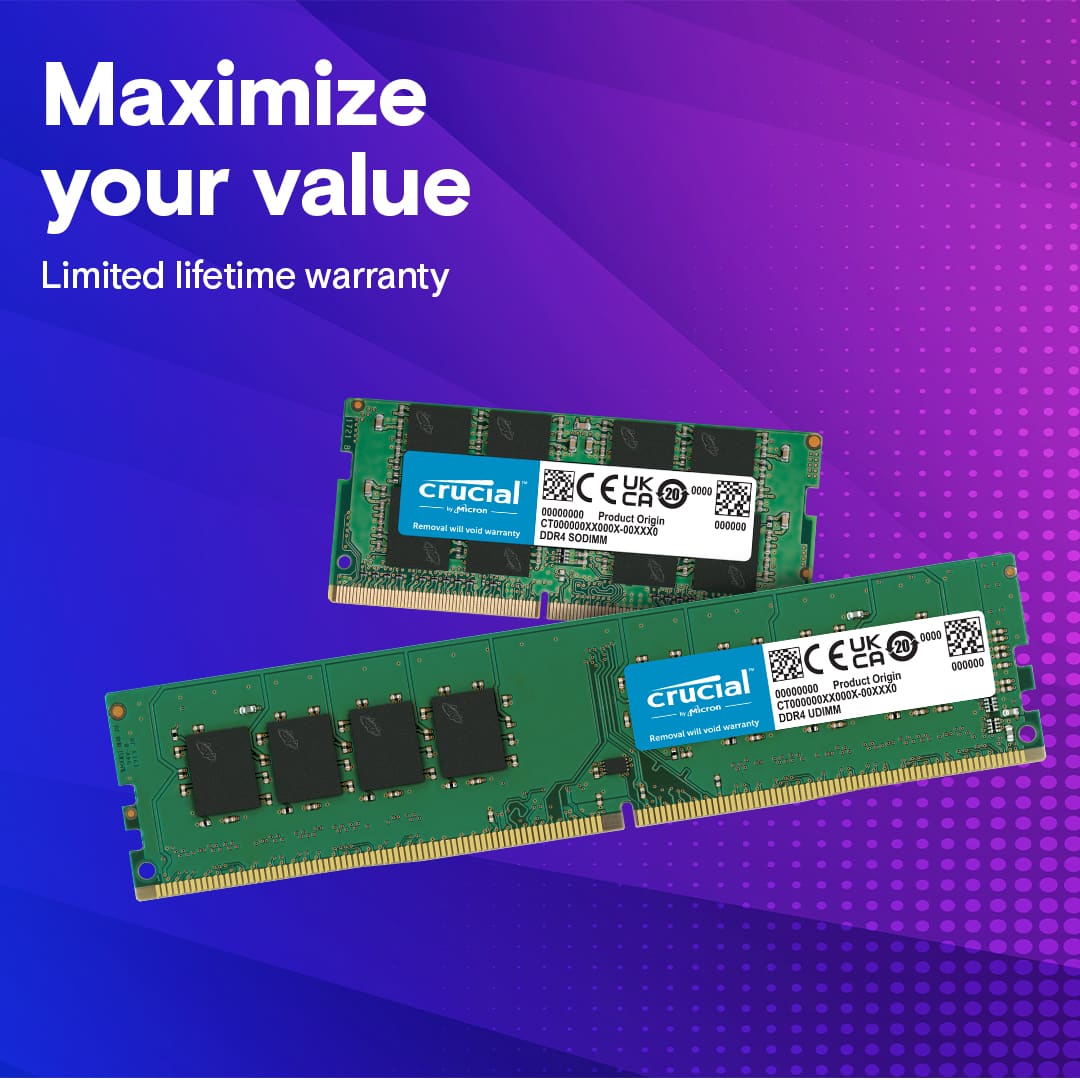
    My laptop had 16GB of RAM, and I was looking to upgrade it to 32GB to help "future proof" my laptop as games and applications get more and more resource intensive. Laptops are expensive, and spending a little on a RAM upgrade now should allow me to put off replacing the whole laptop for at least another year or two. The upgrade went smoothly, and I'm quite happy with my laptop's performance with this RAM set. Applications open smoothly, I'm able to multi-task without any lags or crashes, I can dedicate more RAM to my virtual machines, and I should be good to install AAA games for at least another couple years. Getting this RAM upgrade was a major win for me, and I strongly recommend it for anyone looking to extend the life of their existing equipment. One word of caution for those looking to upgrade though: Make sure that your device has user upgradeable RAM before purchasing this upgrade kit. A lot of manufacturers solder the RAM directly onto the motherboard. I was fortunate in that my device had two, easily accessible, RAM slots that weren't soldered in place. Also, make sure that your laptop uses DDR4 RAM. Most laptops sold over the past couple years have DDR4 memory, but some of the more recent laptops have started to use DDR5. If you have two user accessible RAM slots, and your laptop uses DDR4 memory, then this is the RAM set to get.

    I would recommend this to a friend
  • Rated 5 out of 5 stars

    HP laptop memory upgrade

    Posted .
    This reviewer received promo considerations or sweepstakes entry for writing a review.

    Worked perfect in my HP. Plug and play. HP says you cant use over 8 gigs of memory but this has gone up to 11 gigs so far in everday use and my perfomance seems much better.

    I would recommend this to a friend
  • Tech Insider Network Member

    Rated 5 out of 5 stars

    Good upgrade

    |
    Tech Insider Network Member
    Posted .
    This reviewer received promo considerations or sweepstakes entry for writing a review.

    This is a nice upgrade at a good price for ddr4 users. Some of the newer laptops are starting to use ddr5 which is faster but most laptops are still using ddr4. Be sure your laptop uses ddr4 since ddr5 is not compatible with ddr4. The slots are different. I'm pretty sure that 3200Mhz is the fastest speed for ddr4 so this will be plenty fast. It should also work fine at slower speeds if your system won't support 3200Mhz. Also be sure your laptop has two ram slots that can be swapped since many have one or more ram sticks soldered in making them unavailable for upgrading. Many have just one slot that can be upgraded but since this is a 2 pak you would probably be better off just getting one. But if you do have two slots that can be changed out then this is a good upgrade for more ram. If you're thinking you may need more ram then you probably do. Most games currently don't use more than 16GB but that will likely be changing sometime soon. Also if you're running a game that uses nearly 16G and want to open an app without quitting the game you may be a little short. 32GB is great for multitasking and also you can open many many tabs in your browser without hurting your performance. I used to limit my number of tabs because when I opened too many they would slow down considerably and often malfunction. After this upgrade I purposely opened a lot of sites at once in my browser and they ran fast and reliably. It didn't seem to matter how many, they all worked well. My laptop seems a bit faster now too. It's a few years old hp spectre with i7 and the old ram (16GB) was 2666Mhz so this ram is faster. I wasn't sure it would support the faster speed but it does. I thought it was pretty fast already but now it's really fast and fewer hiccups. Crucial has been around for awhile now and I have used several of their products with good results. None of them have failed me yet.

    I would recommend this to a friend
  • Rated 1 out of 5 stars

    Faulty

    |
    |
    Posted . Owned for 1 month when reviewed.
    This reviewer received promo considerations or sweepstakes entry for writing a review.

    Unfortunately, the one i got was faulty after the installation was complete. The laptop wouldn't even boot thankfully i was able to return and get a full refund

    No, I would not recommend this to a friend
  • Rated 5 out of 5 stars

    Ram stick.

    Posted .
    This reviewer received promo considerations or sweepstakes entry for writing a review.

    The ram stick was really easy to insert into my computer. But the ram runs very well and im happy with my purchase.for this much ram at this value id recommend you buy it. Plus the company that made this ram is very reputable.

    I would recommend this to a friend
  • Tech Insider Network Member

    Rated 5 out of 5 stars

    Effective RAM upgrade kit

    |
    Tech Insider Network Member
    Posted .
    This reviewer received promo considerations or sweepstakes entry for writing a review.

    This is good RAM. It's honestly a little hard to say more than that, particularly when it's for a mobile device. Unlike with desktop memory, there really aren't a ton of options available for laptop SODIMMs in regards to how you configure it or what kind of performance improvements you can make. But this does check all the boxes. The CAS Latency of 22 is decently low for mobile memory. There are a few DDR4 kits that can manage a CL of 20, but the performance gains you get from that are pretty negligible. The speed is great. And it runs stable. In my case I was swapping it into a gaming laptop that I often use for 3D work, since the 16gb it shipped with was starting to bog down a little on more complex jobs. The new memory performs almost exactly the same in day to day tasks (within .6% on most benchmarks) and did a great job of clearing that bottleneck I was encountering on the more complex tasks. System stability is great, it passed a memtest with flying colors, and power consumption remains more or less the same. So... yeah. It's good RAM from a reputable supplier. It's a great choice for everyday use in high powered machines.

    I would recommend this to a friend
  • Tech Insider Network Member

    Rated 5 out of 5 stars

    Excellent upgrade for laptop!

    |
    Tech Insider Network Member
    Posted .
    This reviewer received promo considerations or sweepstakes entry for writing a review.

    This is the perfect upgrade a laptop that has two or more SODIMM slots, and after installing them you'll notice that it really does make your PC feel faster both in terms of multi-tasking with more apps/programs running at the same time and makes a difference in gaming with many games having better frame rates and reduced load times. Installation is very easy in most cases, many laptops have a cover with a couple of screws that you can remove to install RAM and hard drives and most manufacturers have instructions on how to do this for your specific model on their support sites. I have two laptops one that had two 4GB DDR4 SODIMMS and I upgraded it to these 16GB modules and it definitely made a huge difference in terms of being able to load multiple programs and games where it reduced load times for some games. I run Fusion 360 and larger drawings load faster. In addition, surfing the web and using multiple tabs you'll notice a huge difference in performance if you're one that likes to have many tabs open at once. It really is a perfect upgrade for any laptop that has 8GB or less of ram and supports DDR4 3200 SODIMMS. Corsair makes great memory and this is a perfect upgrade that I would recommend to anyone who has a laptop that takes DDR4 SODIMMS and only has 8gb of ram.

    I would recommend this to a friend
  • Tech Insider Network Member

    Rated 5 out of 5 stars

    Reliable Fast RAM with Zero Performance Issues

    |
    Tech Insider Network Member
    Posted .
    This reviewer received promo considerations or sweepstakes entry for writing a review.

    As someone who owns multiple custom desktop and personalized gaming laptops, I knew I had to upgrade one of my laptops to this 32GB Kit to see the performance difference. First off it’s a SODIMM RAM meaning don’t try to use this for a regular motherboard, it’s designed for laptops. Secondly the installation is beyond easy and seamless as long as you know how to install ram into slots. (Be sure to ground yourself.) Upon boot my boot time increased way beyond what I expected of the RAM to perform. Boot time with stock 16GB Ram usually was around 25-30 seconds. With this ram I was at the Windows login screen in a crazy 12 seconds. Now that’s all good and fine but how does it perform under serious load. The answer is, perfect. I was able to open up a video editing program, photo editing program, 15 browser tabs with one playing YouTube/Music, a document editor, and finally a desktop music application. This test was less so about functionally operating but more so how would The RAM respond to this much load. I didn’t experience any slow downs in the least when I ran all of this at once. It was truly incredible. Crucial is a reliable brand in the computer market and this product only stands the test of time of the reliability of the Crucial brand!

    I would recommend this to a friend
  • Tech Insider Network Member

    Rated 5 out of 5 stars

    Great upgrade to my laptop

    |
    Tech Insider Network Member
    Posted .
    This reviewer received promo considerations or sweepstakes entry for writing a review.

    I wasn't having issues with my 16GB laptop but I decided it was time to see what 32GB could do. I didn't have a pry tool so I destroyed several fingernails in the attempt to open my laptop. Said a few choice words, but finally got the back off to expose the board and components in all their splendor. I was happy to also see it was exceptionally clean in there. I swapped out the 16 for the 32 GB and put everything back together like I was never in it. The laptop instantly recognized the new RAM. It booted into windows faster than before and I could tell a difference in how smooth and responsive everything runs now. Apps open and close much faster. I opened more things just to test it's multitasking ability and found it to be a non issue. There was no lag even with applications with a heavy footprint such as photoshop, Office apps, and streaming videos. I've not felt so productive on my laptop in a while. I'm very pleased with the upgrade. I would definitely recommend making the swap to 32 GB to anyone looking to upgrade their laptop, I would also recommend doing the research to make sure their laptop is capabile of handling such an upgrade.

    I would recommend this to a friend
  • Tech Insider Network Member

    Rated 5 out of 5 stars

    Laptop Ram that works as it should

    |
    Tech Insider Network Member
    Posted .
    This reviewer received promo considerations or sweepstakes entry for writing a review.

    This is laptop ram, so the most important thing to do is make sure to look up the type of ram your laptop can take and also make sure you know how to change/add the ram. This is more so about you doing your research, then buying ram and hoping it fits. So make sure your laptop can take DDR4-3200 ram to make sure this is going to work before making the purchase. Outside of that, if you get the ram and the model fits your laptop, then this ram works great! I’ve not run any crazy bench marks to see the change in performance from my current ram to this upgrade, but from my experience I’ve seen some improvement though nothing crazy as I went from 16gb to 32gb in my laptop. If you are in need of adding ram, then this is a strong recommendation from me. Not much else to add about it, as again, I didn't do bench marking to see what those say on performance. I've your only using 8 gb ram then you'll probably experience more improvement then if you're going from 16 gb. Again, happy with the performance from my side so would recommend it if you need more ram.

    I would recommend this to a friend