Customer Ratings & Reviews
- Model:
- CT2000P310SSD8
- SKU:
- 10117386
Rating by feature
- Value
Rating 4.8 out of 5 stars
- Quality
Rating 4.8 out of 5 stars
- Ease of Use
Rating 4.9 out of 5 stars
to a friend

Small and Super Speedy
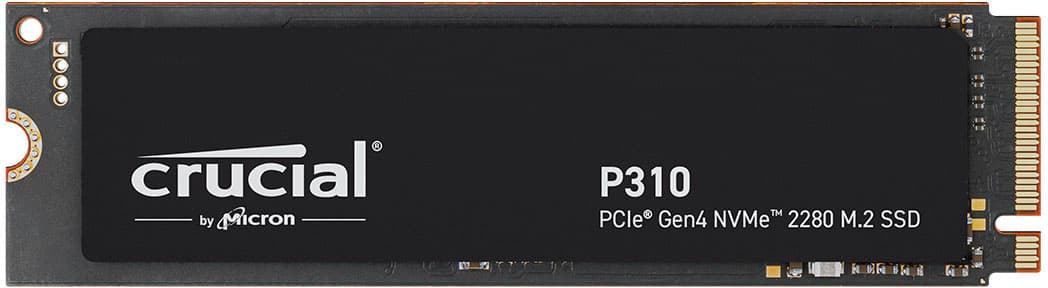
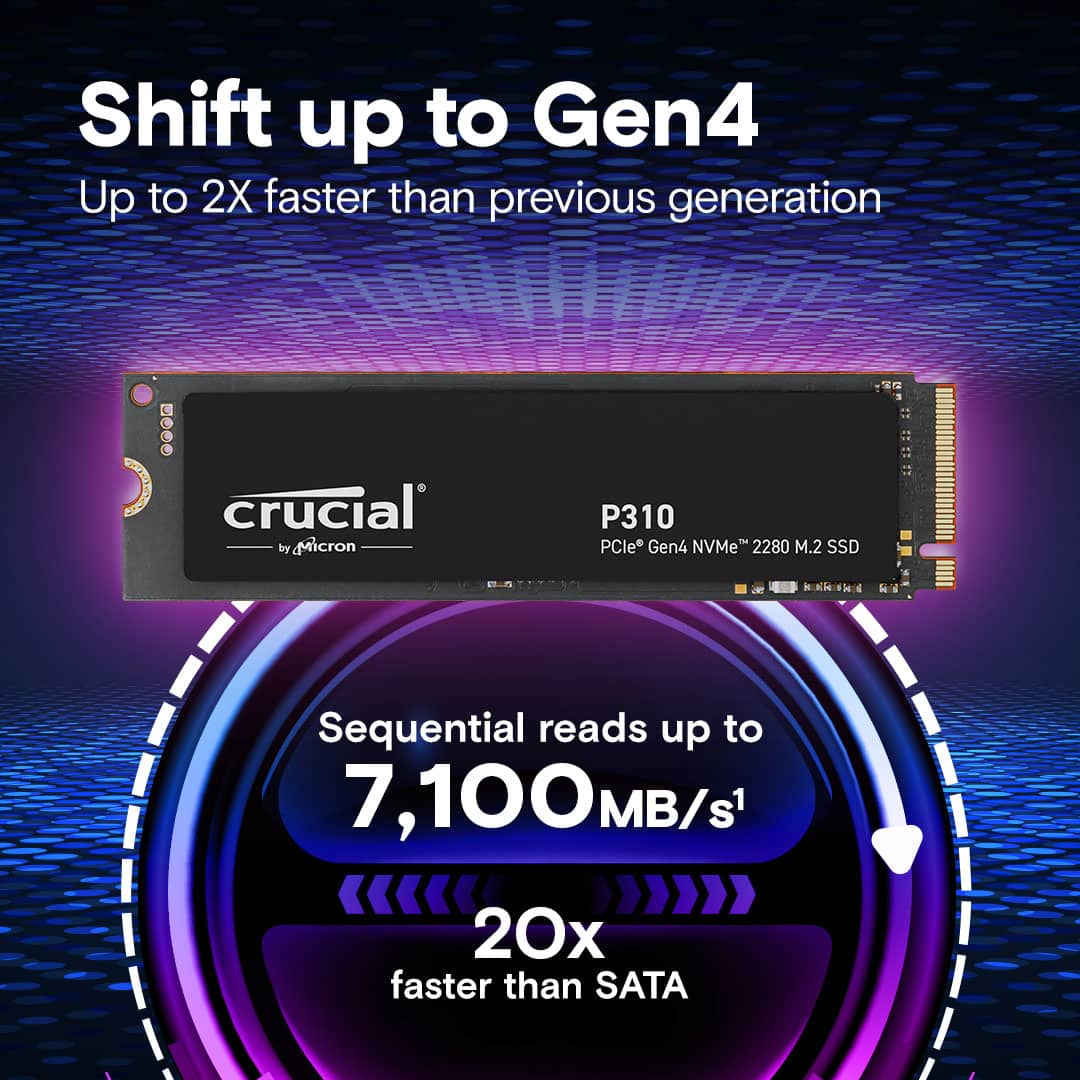
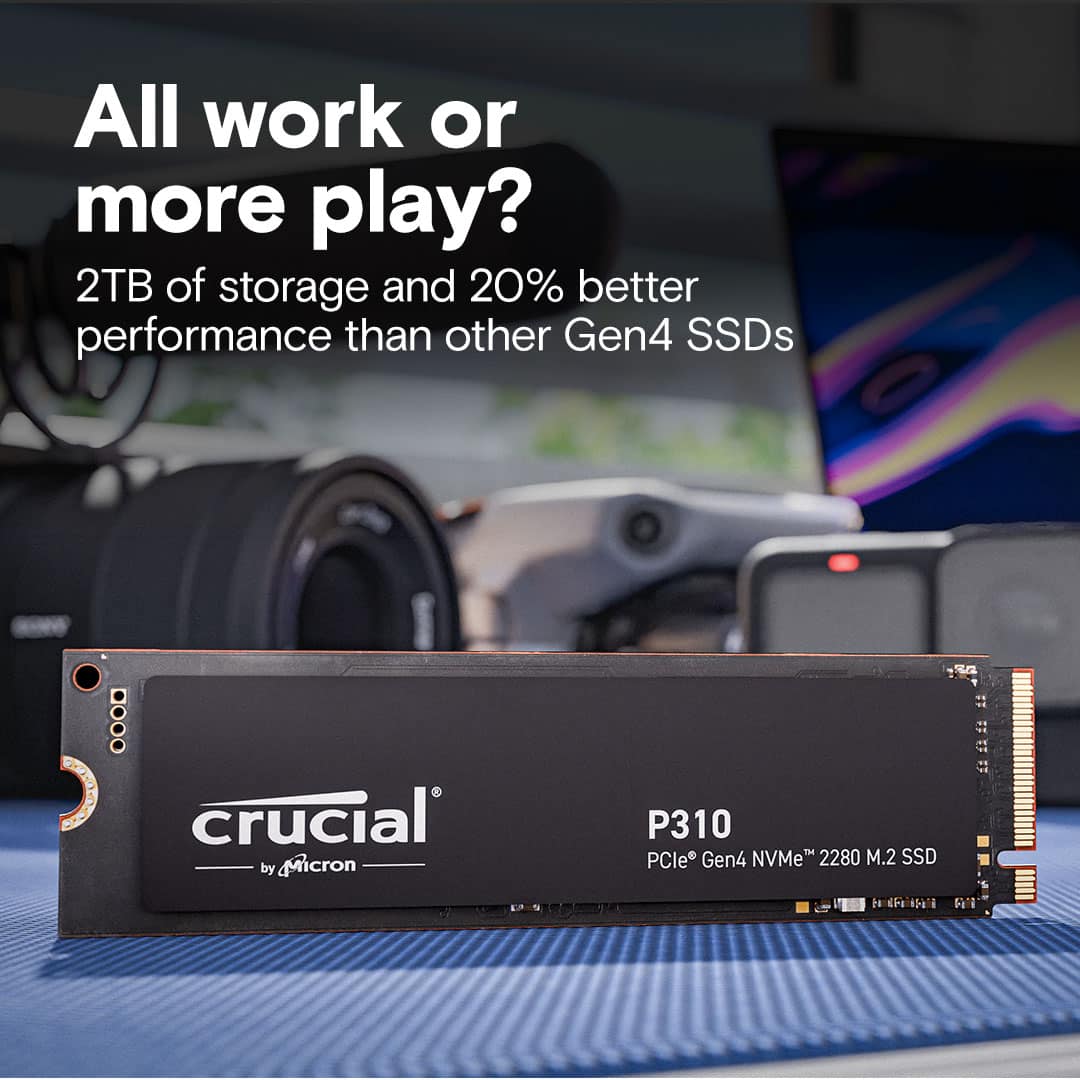
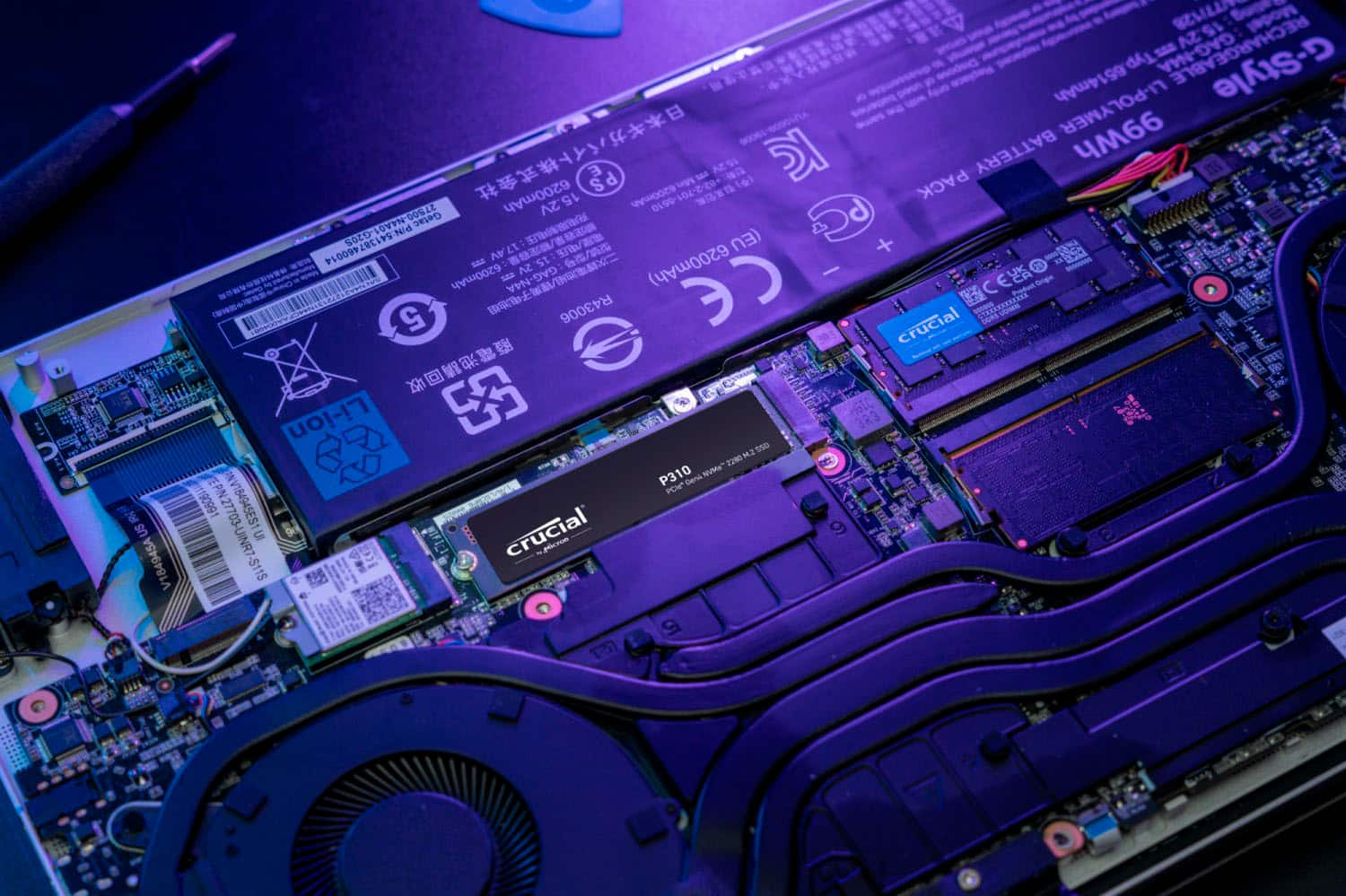
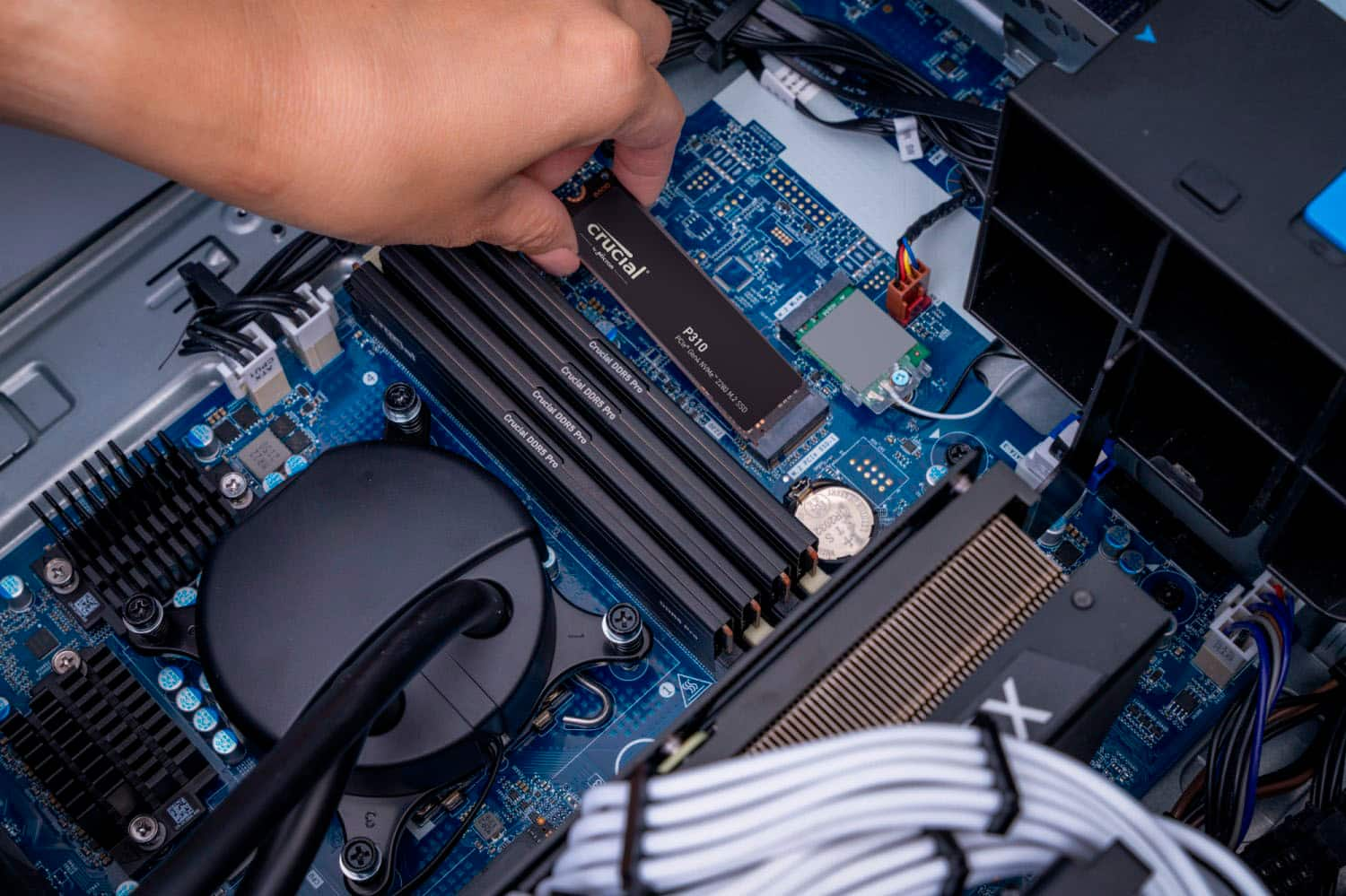
|Posted .This reviewer received promo considerations or sweepstakes entry for writing a review.This nice little 2 TB drive has multiple uses. Many of the newer laptops come with this type of SSD. You can use various brands of cloning software and easily upgrade the size and speed of your current drive by moving your operating system, Apps and data to this drive. This is a Gen4 (fastest) version of this type of SSD. A little research will show you that a PCIe Gen 4NVMe SSD (which is the latest) is significantly faster than other SSDs. It has much higher data transfer speeds relative to older SSD technologies. It is about twice as fast as the Gen3 technology. I did find the shipping was very protective of the drive and indeed it was in perfect shape when I received. It’s built rather solid as is necessary, Crucial has produced a high-quality product with this little but very high-capacity storage device. Based on the specifications, it is top rate. I tried using this speedy little marvel in two ways. First to insert into one of my laptops that had the interface for the NVMe drives. It was very much faster for everything including games, spreadsheets, photo shopping and especially CAD/CAM work was visibly faster – like amazing speed. No worries about cloning a drive anymore. At one time it was more of a tedious task that sometimes failed. Now the software is so refined that it is simple. The removal and insertion of the new drive into the laptop is very easy. Your main research will be just to check how to open the laptop if it does not have the convenient screw-together method. Go for it, you will be ecstatic with the results of putting in this much faster device. You might need to get a NVMe external USB enclosure to make it easy to format the new SSD. See next paragraphs for some detail on that. I also wanted to use this type of speedy drive as an external USB drive, so I bought a second one. I also purchased an Insignia enclosure from Best Buy and proceeded to insert this 2 TB drive into the enclosure. The process is very simple and as long as you have the right enclosure it is a quick process. It is not quite plug-and-play, since you will have to format the drive (same as you may have already done to get it ready to clone). Setting up the external drive is reasonably straightforward. But you will have to format the drive on first usage. When inserted into a USB port (after you put it in the aforementioned enclosure) the Windows OS will see the drive but you will need to format it using Windows ‘Disk Manager’. Recall you just right-click on the Windows logo in the lower left of your screen and you can see Disk Management and you select it. Inside Disk Management you will assign this device a drive letter and then format it in a few clicks. Now you have a small but high capacity and very speedy external drive for your backups or to use to move content between computers. I would highly recommend this Crucial NVMe drive. You can clone your OS (and Apps/Data) data with it or you can create a very capable external USB drive. In either case, you will enjoy super-fast data reads and writes.
I would recommend this to a friendWorth the upgrade
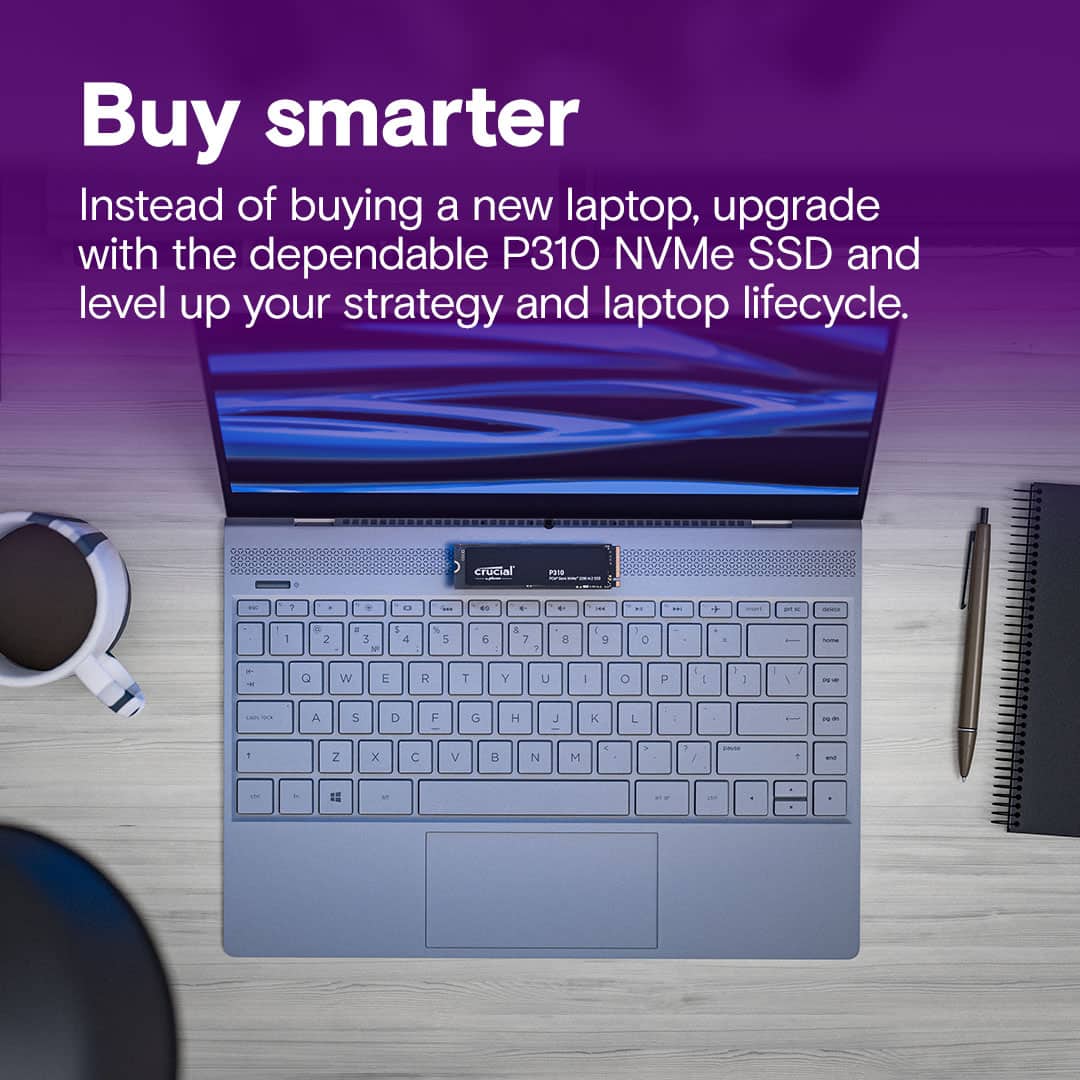
|Posted .This reviewer received promo considerations or sweepstakes entry for writing a review.I haven’t noticed a hard drive upgrade as much as this one since I upgraded from a 5400rpm to an SSD. I didn’t notice as much in my gaming desktop, it was better, just not out of this world better, but that SSD was already nicer. So, I figured I’d throw it in my mid-tier all purpose laptop I use for note taking (pen and touch screen) and see what kind of difference it made. It’s like I have a completely different machine now. The bootup is incredible quick, I don’t have to wait forever and a day for games to boot up and the whole computer just screams along. All this to say, if you bought a high end desktop last month, you may not notice a significant difference if you upgrade, if you are dealing with a year or two old last gen SSD, spending money on a hard drive upgrade my be a better deal than getting a new laptop all together (a long as you bought a laptop that is easy to swap out the hard drive). Back in the day cloning a hard drive was easy, and it still can be. I didn’t see anything in the instructions about free cloning software, so I went with the CloneZilla method first, at which point I found out that it isn’t as easy as it used. I mean once you realize the problem it’s simple. Just disable BitLocker. Then I decided to look again and I saw you can get a free version of Acronis from www.crucial.com/clone that only works with crucial drives. Once again, you need to make sure that you disable BitLocker otherwise the hard drive will not be recognized by a computer at all. I had to boot from an Ubuntu drive (any OS would have worked) and then it was able to see the hard drive and wipe it that way, otherwise the computer wasn’t recognizing at all when I made this mistake the first time, not even in the disk management application. The last method I realized and decided to try was using Dell’s built in method. Apparently many of the OEMs have built in method for cloning hard drives now, and it supported BitLocker, so honestly, I’d recommend checking if you OEM included this, on my Dell it was just pressing ESC during boot up which took me to the support assist menu that had a cloning option. If you are new to the Hard drive cloning world, I would try these methods in the exact opposite way that I tried them. My old SSD was 256GB so it was three quarters full of just my regular software not counting any game I wanted to have there; I realize I should have done this way earlier with how easy it was and what a difference it has made in both room and performance on my daily machine.
I would recommend this to a friendNice drive great size for games and media files
|Posted .This reviewer received promo considerations or sweepstakes entry for writing a review.Well I can definitely say that it is fast. I use it as a drive that I carry my some of my movies and music on. Sometimes I just don't want to use up my data plan and I can just plug this drive into my phone and fire up jetAudio+ for my music or VLC player for the movies and I am good to go. It doesn't get too hot while I stream music for a few hours or play a 4K Dolby Vision file in the background while I am doing some work. I haven't put it into a PC to do a honest to goodness speed test but the difference from the last drive I used is noticeable when I am transferring files from my server to the drive. I would at some point I will put this drive in a new build next month when I build a new rig for gaming. Then I will have a better idea of read write speeds and reliability of the drive. I haven't added any of my games yet but that will be happening very soon. Going to add some games from my Steam library to it and give it some nice quality time and I am hoping it performs as well as it has been with it just being used as a storage device.
I would recommend this to a friendCrucial P310 Gen4 NVMe 2280 M.2 SSD
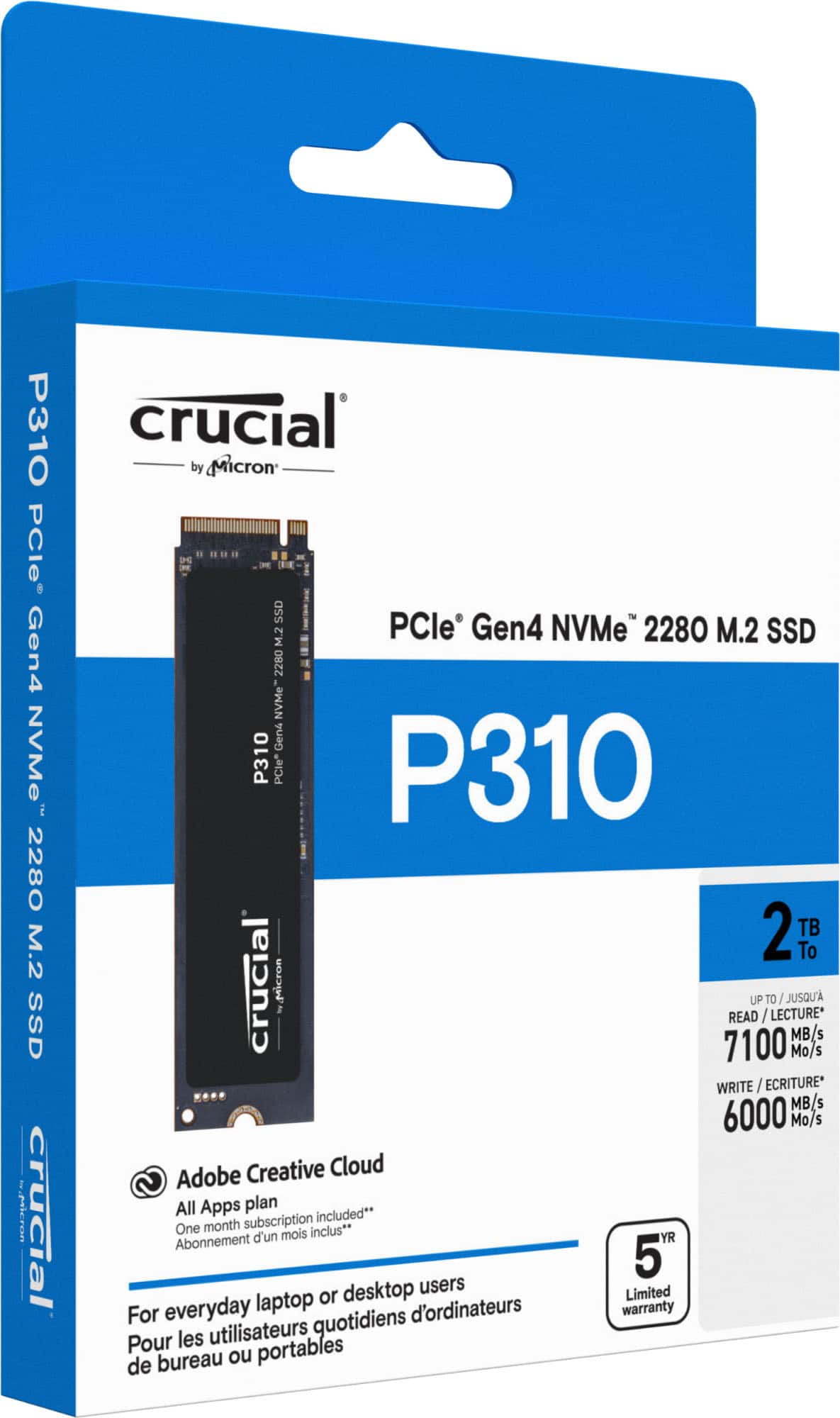
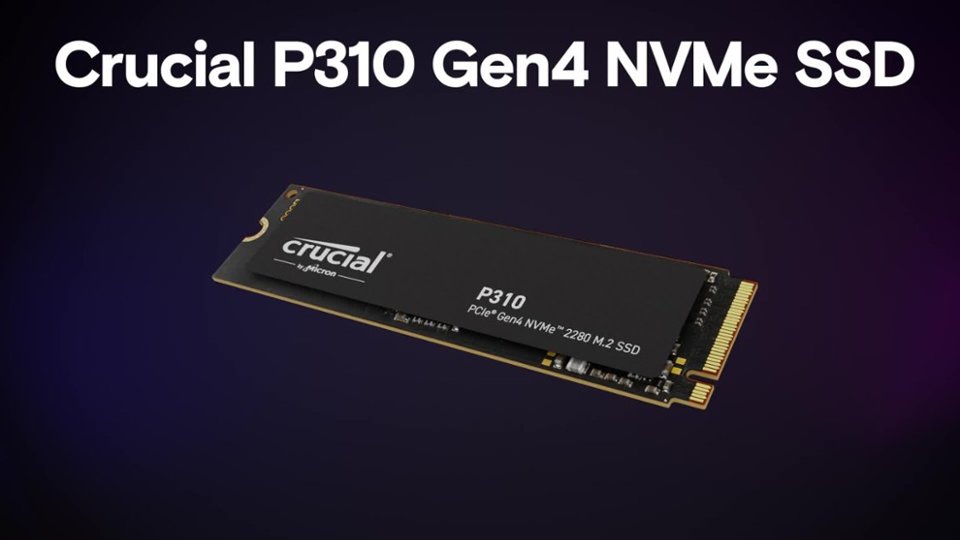
|Posted .This reviewer received promo considerations or sweepstakes entry for writing a review.This SSD might be one of the fastest that I have had so far and I say that being one that has stuck to one brand for quite a while now and it's very possible that I might be changing brands soon! this M.2 like most of the others is easy to install. the nice thing about this SSD is that it is in all actual fact backward compatible to Gen3 even though it's a Gen4 so if you don't have a gen4 free to use it will still work. Speed wise for read it's 7100 mb/s with a write speed of 6000. If your a gamer this would be great for you as it does load up fast game wise and the same with other software. If your putting this into a laptop you do not want to use a heat sink as it will not fit if your putting it in a Xbox then yes you will need a heat sink version. To be honest I really haven't found many cons for this SSD even after reading up on it and the cons that I mention are not the ones that I might thing are cons as I stated I haven't found many if any at all yet. These two cons are what I have read about the TBW being low a 440 if I remember correctly which means Low durability, and the other one is that is max's out at 2tb no ifs and's or buts, unlike other name brand one that give some lead way on the storage. All in all this SSD is a good one and I would recommend it to anyone
I would recommend this to a friendSpace and Speed
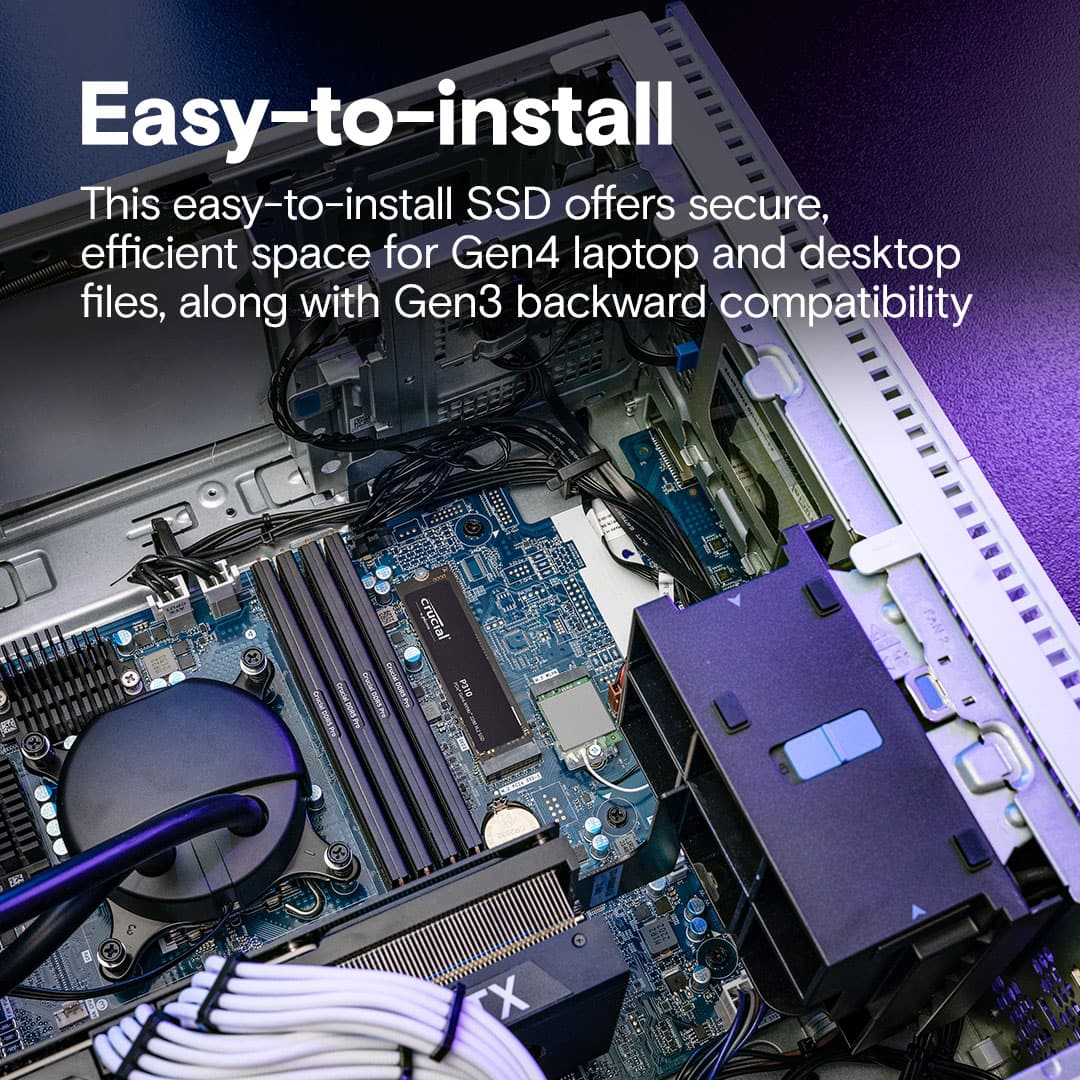
|Posted .This reviewer received promo considerations or sweepstakes entry for writing a review.Amazing when I look back on years of storage evolution... I got my first Best Buy Credit Card, to get a 200MB hard drive for $200... Now we are doing 2TB in the size of a stick of gum. We dropped this chip into our son's gaming desktop, as a secondary storage device. His MB supports up to Gen 2 performance, and we didn't have to do anything in settings or configurations to allow this Gen 4, to work perfectly fine. The system immediately recognized it, got into Windows and formatted it in a blink as a 2nd drive. Write times are super fast, for most files and directories we transferred it was in a blink (almost like it was going to the same device. Game play seems to be improved for games that were re-installed onto this drive (removed from the main system). The only downside, and that has to do with the mother board setup, is that we had to remove the video card, in order to access the slot to install this chip. So a little planning is necessary on this one. But end of day.. . to get his kind of space, performance at this price point... if your Mother board supports it, this is a no brainer
I would recommend this to a friendReliable
Posted .This reviewer received promo considerations or sweepstakes entry for writing a review.I have been using this less than a month, but it is working without error and is a huge benefit to modern PC needs.
I would recommend this to a friendSolid
Posted .This reviewer received promo considerations or sweepstakes entry for writing a review.Solid performance and no issues for my latest build. They were still relatively cheap when I got them, hopefully they come down in price again once the AI bubble pops.
I would recommend this to a friendExcellent SSD Drive.
Posted .This reviewer received promo considerations or sweepstakes entry for writing a review.I recently purchased this SSD drive and it seems to be performing well in my HP Omen 15 laptop. I only use Crucial SSD drives in my laptop and when used with the Crucial Storage Executive software you can enable the momentum cache which improves the read speed of the drive. I have had this drive for about 1 month and it has performed well for my needs. I found using the included software to migrate the OS went exceptionally well and greatly improved the speed on how fast I could migrate my OS to the new drive. Worth the purchase.
I would recommend this to a friendRevieww
Posted .This reviewer received promo considerations or sweepstakes entry for writing a review.It was recommended to me for a new PC and it works really well
I would recommend this to a friendGreat product
Posted .This reviewer received promo considerations or sweepstakes entry for writing a review.bought for a customer , no complaints . very fast running apps
I would recommend this to a friendgood buy
Posted .This reviewer received promo considerations or sweepstakes entry for writing a review.download speed is good and sise fits if you buy corectly
I would recommend this to a friendA whole lotta Bang for your Buck
Posted .This reviewer received promo considerations or sweepstakes entry for writing a review.It has worked great and fast so far, and is also very cheap.
I would recommend this to a friendReview of the best package I ever had
Posted .This reviewer received promo considerations or sweepstakes entry for writing a review.Is good product and the delivery was very fast I appreciate
I would recommend this to a friend