Customer Ratings & Reviews
- Model:
- CT2000P310SSD8
- |
- SKU:
- 6594262
Customer reviews
Rating 4.8 out of 5 stars with 217 reviews
(217 customer reviews)Rating by feature
- Value4.8
Rating 4.8 out of 5 stars
- Quality4.8
Rating 4.8 out of 5 stars
- Ease of Use4.8
Rating 4.8 out of 5 stars
Customers are saying
Customers are delighted by the excellent overall performance and speed of the P310 2TB Internal SSD. Users appreciate the straightforward installation process and the ample storage capacity it provides. Additionally, the drive's efficient heat dissipation and reliable SSD performance have been well-received.
This summary was generated by AI based on customer reviews.
- Pros mentioned:Overall performance, Speed, Storage capacity
Rated 5 out of 5 stars
Awesome little SSD
|Posted .This reviewer received promo considerations or sweepstakes entry for writing a review.I'm a gamer and media nerd. So having the best specifications and equipment is important to me, especially when it comes to storage. I have owned a few solid state drives and they have all done their jobs but this one, from Crucial, is the best SSD I have ever owned. I use it in an external enclosure for my game and media library. I like to switch back and fourth between my gaming desktop and gaming laptop. I'll start with the installation itself. While I primarily use it with the external enclosure, for testing purposes, I first installed it in my gaming desktop. The installation took two seconds. It's truly so easy to do. That's a huge plus for me. Once installed, it was recognized by my pc and I formatted the drive. After all that was compete, it was ready to go. I first downloaded a few games. These games ranged from 68 to 107 gigabytes in size. Having two terabytes of space is a huge plus because games are getting larger in size. They installed to the drive in a matter of minutes. I have never had an install on any kind of drive complete that fast. It is pure craziness in the best way. Once I finished the downloads, I booted up the games. I tried each one I installed to see the difference, if any, in load times. Each game booted in seconds. Once on the main menu, I loaded a saved file and it pretty much started up instantly. Playing the game was smooth and I didn't notice and lag or pixelation. I had some of these issues with prior drives cause they couldn't keep for for whatever reason. This SSD gave me no issues whatsoever when playing any games. I also loaded movies onto it. Each movie played right away and played very smoothly. I am very happy with this drive. Great job Crucial.
I would recommend this to a friend - Pros mentioned:Installation ease, Overall performance, Storage capacity
Rated 5 out of 5 stars
Powerful storage
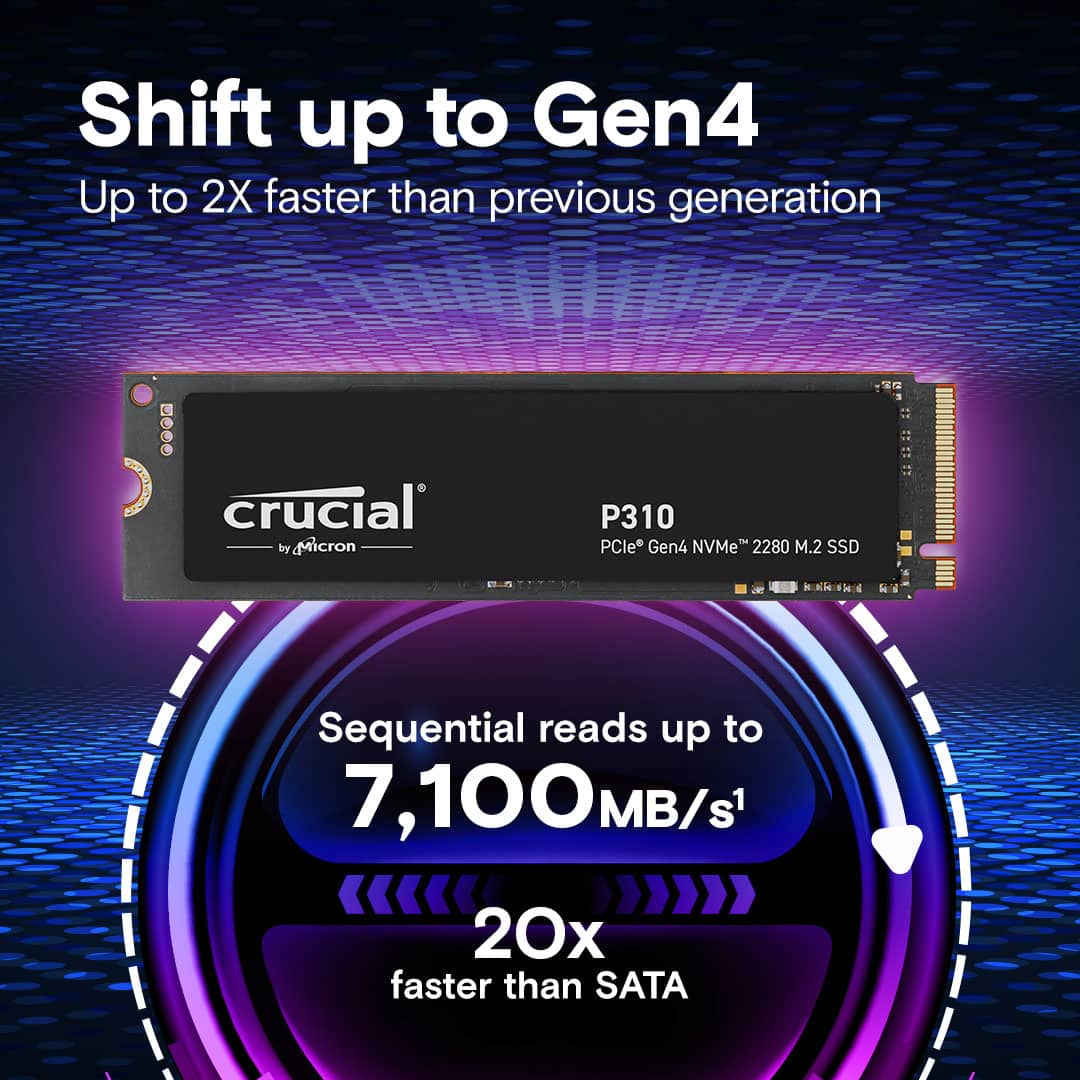
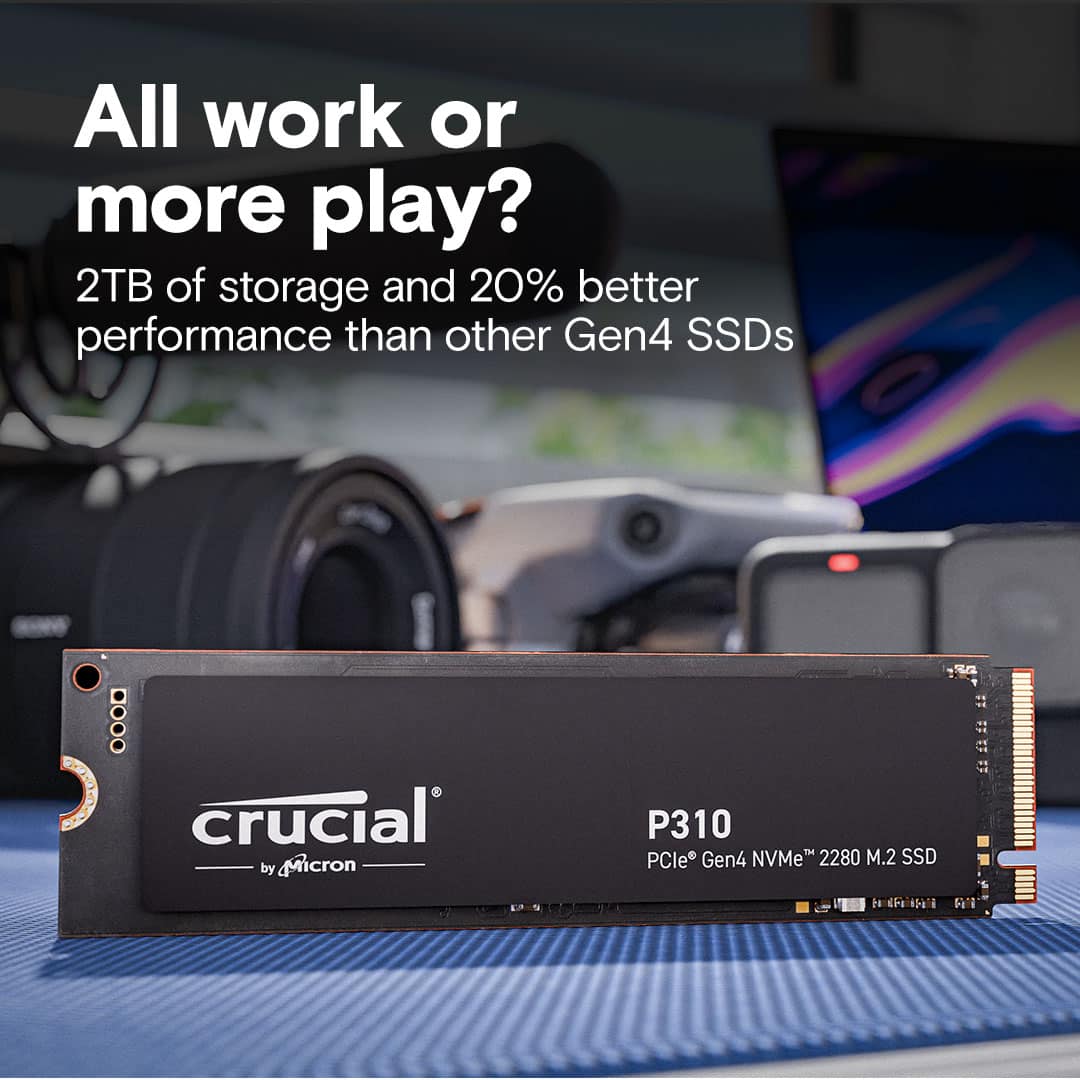
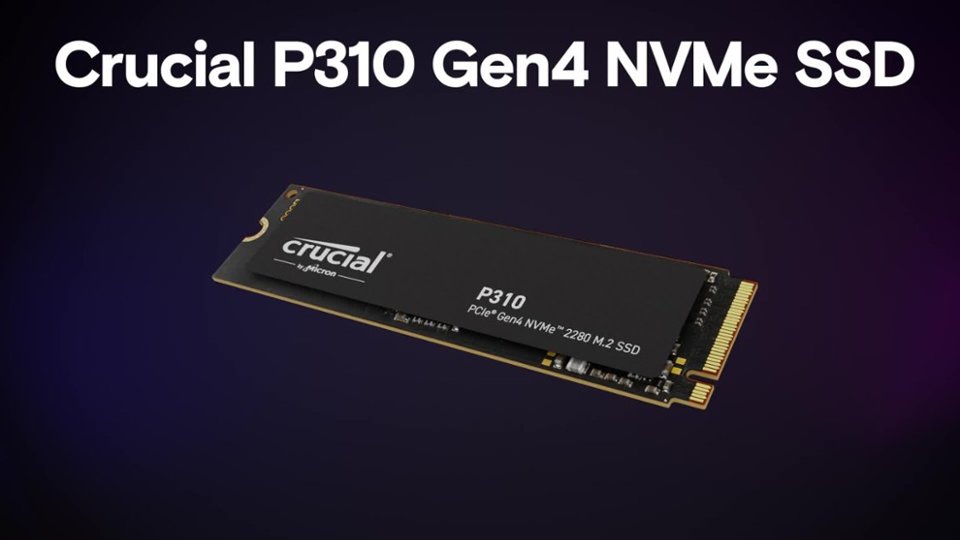
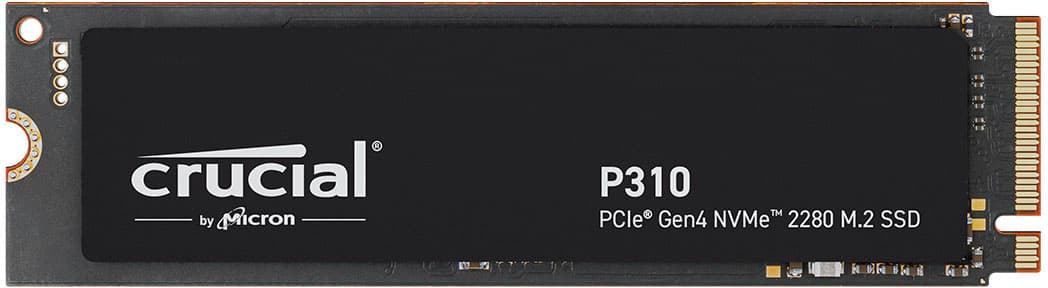
|Posted .This reviewer received promo considerations or sweepstakes entry for writing a review.Never thinking I would ever need more than 1 terabyte of storage, I decided to try out this Crucial 2TB P310 Gen4 NVMe SSD to see if it would speed up performance on my PC. Well this P310 doesn't disappoint. Installation is very straight forward if you have ever replaced memory in your PC. If you need help, there are plenty of youtube videos to help you along. As far a storage goes, this is top of the line. The Gen4 performance sped up my boot time, and gave me plenty of room to store all my games, documents, pictures, with a quick response when opening all my applications like photoshop and powerpoint. The best advantage to this upgrade has definitely been storing all my games on it. The load time to start a game has improved about 20% and switching between games and other apps has lightning quick response time. The Crucial P310 Gen4 is built with Micron® Advanced 3D NAND, supporting super fast sequential reads up to 7100MB/s. Crucial boasts that it's 2 times faster than the previous gen3 and 20x faster than SATA. Not being a computer guru, All I can say about the sequential reads reaching 7100 MB/s is that my boot ups, games and apps are performing much faster and efficient then my previous storage. I would highly recommend this Crucial P310 if you need more storage and improved speeds.
I would recommend this to a friend - Pros mentioned:Installation ease, Storage capacity
Rated 5 out of 5 stars
Solid Performance and Storage Upgrade
|Posted .This reviewer received promo considerations or sweepstakes entry for writing a review.I upgraded my all-in-one PC with the Crucial 2TB P310 Gen4 NVMe SSD. Initially, I was surprised by the lack of a heat sink, but the unit has performed well. The installation process was straightforward for the SSD itself, though I faced some challenges with my PC, which were unrelated to the SSD. The performance has improved significantly compared to the OEM 1TB SSD. Boot times, application load times, and processing times in applications like Photoshop are faster. The SSD has been reliable and stable with no issues since the upgrade. The 2TB storage capacity is sufficient for my needs, especially for saving, editing, and exporting photos and videos. The product offers good value for the money. The increased storage capacity has allowed me to manage my files more efficiently, and I no longer worry about running out of space. The SSD's speed has also enhanced my overall computing experience, making everyday tasks quicker and more efficient. Overall, the Crucial 2TB P310 Gen4 NVMe SSD is a solid upgrade for those needing more storage and better performance. It delivers on its promises and offers excellent value for the money. I would recommend it to anyone looking to improve their PC's performance and storage capacity.
I would recommend this to a friend - Pros mentioned:Heat dissipation, Overall performance, Speed
Rated 4 out of 5 stars
Good but could be better
|Posted .This reviewer received promo considerations or sweepstakes entry for writing a review.The Crucial P310 NVMe SSD is yet another entry into a competitive segment of budget but performant storage. With so many available options out there, is this the correct choice when choosing your next NVMe option? Over the years, I have found myself gravitating towards Crucial storage options because of their competitive pricing, performance, and reliability. I have yet to have a storage from them fail, and I expect no less from the P310. During benchmarks, the advertised numbers of 7100 read and 6000 writes were met without a problem. Even when used in a laptop, the temperatures reached a high of 70 degrees Celsius when benchmarking. There was also no observed degradation of the drive after a couple hours of heavy usage. Overall, as far as the hardware is concerned, there are no complaints. While it is priced well, it is not the best as of current market. When compared to the SPATIUM M482, this is clearly no the better choice. The SPATIUM is cheaper, faster, and rated for longer usage (1200 TBW vs 440 TBW). Other close competitors like the Western Digital Black offers higher speeds and more TBW but priced just a bit higher. It seems that once the sales start to begin, this is when the Crucial will start to outshine its competition. However on launch, it is hard to recommend this.
No, I would not recommend this to a friend Rated 1 out of 5 stars
dose not work
||Posted .This reviewer received promo considerations or sweepstakes entry for writing a review.it did not even fit in my ps5 and it was so hard to open the box so I had to rip it and now I cant return it.
No, I would not recommend this to a friend- Pros mentioned:Overall performance, Speed
Rated 5 out of 5 stars
easiest upgrade to make any pc like new
|Posted .This reviewer received promo considerations or sweepstakes entry for writing a review.Ok, I consider myself a somewhat casual techy gamer and content creator and I am always on the lookout for new and trendy tech that I can learn about and use to improve productivity. As a such, I am always looking for faster speeds and more storage space. I was able to pick up the Crucial P310 2TB PCIe Gen 4 2280 M.2 SSD and opted to install this SSD in my desktop pc. This has been a fantastic upgrade for my desktop setup and the install was straightforward and very easy thanks to Crucial’s Micron Acronis software which I have used on occasion in the past and used this in cloning my old drive. I decided to use this SSD as my primary boot drive, and the difference in boot-up time was immediately noticeable, my system now boots exceptionally faster, cutting down on the wait time significantly. Once installed, every process felt noticeably snappier. Apps open in an instant, and while my PC wasn’t exactly slow before, the P310 upgrade made it feel like I had a completely new rig. It's almost like everything just glides along without any resistance, making multitasking, game launching, and file transfers incredibly smooth. The overall performance boost is undeniable. Although my primary use for this drive is as a boot drive, the 2TB of storage gives me peace of mind knowing that I can now store tons of files or even a couple games on the same drive without worrying about running out of space anytime soon. With game files getting larger and larger, it’s great to know I can fit a couple of AAA titles directly onto this SSD without compromising on speed or capacity. For any gamer or content creator looking to improve their system’s performance and have ample storage for games, the Crucial P310 2TB SSD is a great choice and the cost to storage ratio is not bad also. It’s been a simple a great upgrade to my setup, providing both the speed and space I need and want to keep up with modern gaming demands. I highly recommend it!
I would recommend this to a friend - Pros mentioned:Speed, Storage capacity
Rated 5 out of 5 stars
Value, quality name, and incredible speeds
|Posted .This reviewer received promo considerations or sweepstakes entry for writing a review.Crucial has been a name I’ve known since the early days of my computer building in the 1990s. I always looked at Crucial as a gold standard for memory and storage solutions, and still consider them to be a quality brand today. The Generation 4 SSD technology on the market today is truly impressive. My tests with this SSD involved installing in both a USB-C enclosure for external use and internally to a laptop with a Generation 4 MVNE slot available. The internal installation was impressive, showing a sustained read speed of around 6800 MB/s and a write speed of around 5500 MB/s. This was something I expected, and was pleased. What truly impressed me with this SSD was the external performance. Considering this was not a Thunderbolt enclosure, it had USB-C 3.2 capability, so I expected something on the order of 30-40% of the internal speeds. Surprising me was the fact that I actually achieved speeds around 80% of the internal installation for read speeds, and around 70% for write speeds. This blew away my expectations. Considering this, I would not hesitate recommending this SSD to anyone looking for a lot of storage, especially for the prices it is at today. I can’t speak to longevity, but considering SSDs have shown good life, I’m hopeful this will last me a long time.
I would recommend this to a friend - Pros mentioned:Speed, Storage capacity
Rated 5 out of 5 stars
Space and Speed
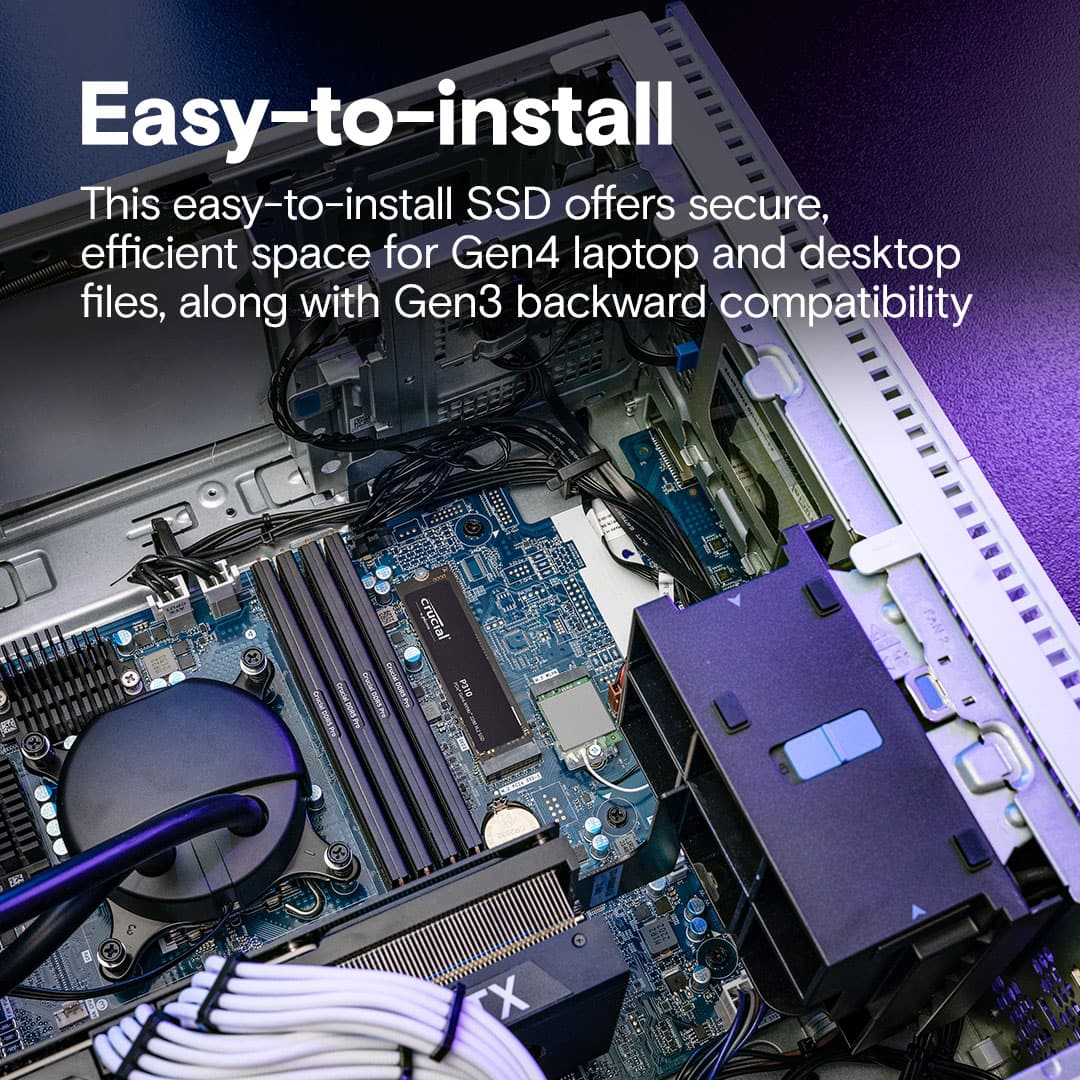
|Posted .This reviewer received promo considerations or sweepstakes entry for writing a review.Amazing when I look back on years of storage evolution... I got my first Best Buy Credit Card, to get a 200MB hard drive for $200... Now we are doing 2TB in the size of a stick of gum. We dropped this chip into our son's gaming desktop, as a secondary storage device. His MB supports up to Gen 2 performance, and we didn't have to do anything in settings or configurations to allow this Gen 4, to work perfectly fine. The system immediately recognized it, got into Windows and formatted it in a blink as a 2nd drive. Write times are super fast, for most files and directories we transferred it was in a blink (almost like it was going to the same device. Game play seems to be improved for games that were re-installed onto this drive (removed from the main system). The only downside, and that has to do with the mother board setup, is that we had to remove the video card, in order to access the slot to install this chip. So a little planning is necessary on this one. But end of day.. . to get his kind of space, performance at this price point... if your Mother board supports it, this is a no brainer
I would recommend this to a friend - Pros mentioned:Installation ease, Speed
Rated 5 out of 5 stars
Blazing fast storage with good capacity
|Posted .This reviewer received promo considerations or sweepstakes entry for writing a review.Near as I can tell, this storage is as fast as advertised. I'm using it to replace a physical hard drive, so just about anything available today would be faster - but after transferring my data from the old to the new, everything loads noticeably faster. In fact, I think that maybe other parts of my PC might be causing any slowness I see. I do a reasonably amount of video editing and manipulation, and this speed improvement is great for my productivity. I used to have to queue up edits to be made, and then have them run while I took a lunch break. Now I'm able to almost everything in real time with the highest quality videos (these are quite large, multiple GB each). Installation was simple - assuming you have an m2280 slot, there are two screws and you can't really get it wrong. The biggest challenges you might have (with a PC anyway) are more related to Windows and the boot process, certainly nothing that is the fault of this storage chip. It's also a bit annoying to have multiple drives installed (one for Windows and apps, one for my data storage) so I think I might back all of it up and reinstall so I can just use this NVMe chip.
I would recommend this to a friend - Pros mentioned:Installation ease, Overall performance
Rated 5 out of 5 stars
Great NVME at a great price
|Posted .This reviewer received promo considerations or sweepstakes entry for writing a review.So far this new NVME has been a great value. Installation is as straightforward as any other NVME drive, so needless to say it is quick and painless. I haven't done any deep drive testing to confirm advertised speeds, but the drive seems to perform inline with other NVME drives I have had in my computer over the years. Files transfer lightning quick, and game load times are barely noticeable, as it should be on a modern gaming pc with all solid-state memory. This drive would be a great addition to anyone looking for a fast and reasonably priced NVME to build their gaming rig around, or to add additional space. Those steam libraries add up quick, so being able to add in an extra 2TB of space in a few minutes is a huge plus. It's nice to see more and more companies coming out with faster and higher capacity drives at reasonable prices. There's nothing worse than running out of space for your game library and not being able to comfortably afford to add more. This drive is a great addition to the market and should help a lot of people add more space to their gaming rigs.
I would recommend this to a friend - Pros mentioned:Speed
Rated 5 out of 5 stars
Small and Super Speedy
|Posted .This reviewer received promo considerations or sweepstakes entry for writing a review.This nice little 2 TB drive has multiple uses. Many of the newer laptops come with this type of SSD. You can use various brands of cloning software and easily upgrade the size and speed of your current drive by moving your operating system, Apps and data to this drive. This is a Gen4 (fastest) version of this type of SSD. A little research will show you that a PCIe Gen 4NVMe SSD (which is the latest) is significantly faster than other SSDs. It has much higher data transfer speeds relative to older SSD technologies. It is about twice as fast as the Gen3 technology. I did find the shipping was very protective of the drive and indeed it was in perfect shape when I received. It’s built rather solid as is necessary, Crucial has produced a high-quality product with this little but very high-capacity storage device. Based on the specifications, it is top rate. I tried using this speedy little marvel in two ways. First to insert into one of my laptops that had the interface for the NVMe drives. It was very much faster for everything including games, spreadsheets, photo shopping and especially CAD/CAM work was visibly faster – like amazing speed. No worries about cloning a drive anymore. At one time it was more of a tedious task that sometimes failed. Now the software is so refined that it is simple. The removal and insertion of the new drive into the laptop is very easy. Your main research will be just to check how to open the laptop if it does not have the convenient screw-together method. Go for it, you will be ecstatic with the results of putting in this much faster device. You might need to get a NVMe external USB enclosure to make it easy to format the new SSD. See next paragraphs for some detail on that. I also wanted to use this type of speedy drive as an external USB drive, so I bought a second one. I also purchased an Insignia enclosure from Best Buy and proceeded to insert this 2 TB drive into the enclosure. The process is very simple and as long as you have the right enclosure it is a quick process. It is not quite plug-and-play, since you will have to format the drive (same as you may have already done to get it ready to clone). Setting up the external drive is reasonably straightforward. But you will have to format the drive on first usage. When inserted into a USB port (after you put it in the aforementioned enclosure) the Windows OS will see the drive but you will need to format it using Windows ‘Disk Manager’. Recall you just right-click on the Windows logo in the lower left of your screen and you can see Disk Management and you select it. Inside Disk Management you will assign this device a drive letter and then format it in a few clicks. Now you have a small but high capacity and very speedy external drive for your backups or to use to move content between computers. I would highly recommend this Crucial NVMe drive. You can clone your OS (and Apps/Data) data with it or you can create a very capable external USB drive. In either case, you will enjoy super-fast data reads and writes.
I would recommend this to a friend - Pros mentioned:Overall performance
Rated 5 out of 5 stars
Worth the upgrade
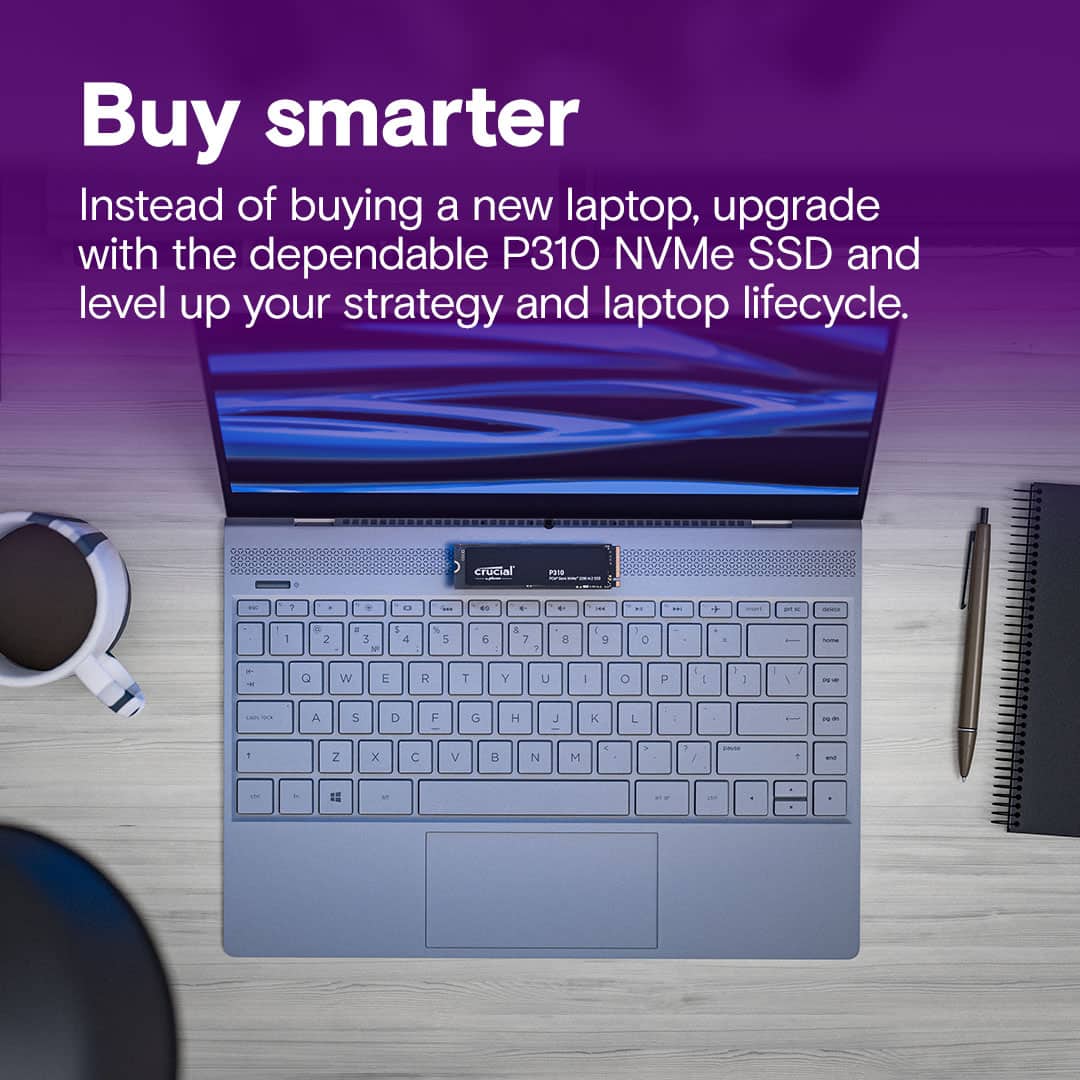
|Posted .This reviewer received promo considerations or sweepstakes entry for writing a review.I haven’t noticed a hard drive upgrade as much as this one since I upgraded from a 5400rpm to an SSD. I didn’t notice as much in my gaming desktop, it was better, just not out of this world better, but that SSD was already nicer. So, I figured I’d throw it in my mid-tier all purpose laptop I use for note taking (pen and touch screen) and see what kind of difference it made. It’s like I have a completely different machine now. The bootup is incredible quick, I don’t have to wait forever and a day for games to boot up and the whole computer just screams along. All this to say, if you bought a high end desktop last month, you may not notice a significant difference if you upgrade, if you are dealing with a year or two old last gen SSD, spending money on a hard drive upgrade my be a better deal than getting a new laptop all together (a long as you bought a laptop that is easy to swap out the hard drive). Back in the day cloning a hard drive was easy, and it still can be. I didn’t see anything in the instructions about free cloning software, so I went with the CloneZilla method first, at which point I found out that it isn’t as easy as it used. I mean once you realize the problem it’s simple. Just disable BitLocker. Then I decided to look again and I saw you can get a free version of Acronis from www.crucial.com/clone that only works with crucial drives. Once again, you need to make sure that you disable BitLocker otherwise the hard drive will not be recognized by a computer at all. I had to boot from an Ubuntu drive (any OS would have worked) and then it was able to see the hard drive and wipe it that way, otherwise the computer wasn’t recognizing at all when I made this mistake the first time, not even in the disk management application. The last method I realized and decided to try was using Dell’s built in method. Apparently many of the OEMs have built in method for cloning hard drives now, and it supported BitLocker, so honestly, I’d recommend checking if you OEM included this, on my Dell it was just pressing ESC during boot up which took me to the support assist menu that had a cloning option. If you are new to the Hard drive cloning world, I would try these methods in the exact opposite way that I tried them. My old SSD was 256GB so it was three quarters full of just my regular software not counting any game I wanted to have there; I realize I should have done this way earlier with how easy it was and what a difference it has made in both room and performance on my daily machine.
I would recommend this to a friend - Pros mentioned:Heat dissipation, Speed
Rated 4 out of 5 stars
Nice drive great size for games and media files
|Posted .This reviewer received promo considerations or sweepstakes entry for writing a review.Well I can definitely say that it is fast. I use it as a drive that I carry my some of my movies and music on. Sometimes I just don't want to use up my data plan and I can just plug this drive into my phone and fire up jetAudio+ for my music or VLC player for the movies and I am good to go. It doesn't get too hot while I stream music for a few hours or play a 4K Dolby Vision file in the background while I am doing some work. I haven't put it into a PC to do a honest to goodness speed test but the difference from the last drive I used is noticeable when I am transferring files from my server to the drive. I would at some point I will put this drive in a new build next month when I build a new rig for gaming. Then I will have a better idea of read write speeds and reliability of the drive. I haven't added any of my games yet but that will be happening very soon. Going to add some games from my Steam library to it and give it some nice quality time and I am hoping it performs as well as it has been with it just being used as a storage device.
I would recommend this to a friend - Pros mentioned:Speed
Rated 5 out of 5 stars
Crucial P310 Gen4 NVMe 2280 M.2 SSD
|Posted .This reviewer received promo considerations or sweepstakes entry for writing a review.This SSD might be one of the fastest that I have had so far and I say that being one that has stuck to one brand for quite a while now and it's very possible that I might be changing brands soon! this M.2 like most of the others is easy to install. the nice thing about this SSD is that it is in all actual fact backward compatible to Gen3 even though it's a Gen4 so if you don't have a gen4 free to use it will still work. Speed wise for read it's 7100 mb/s with a write speed of 6000. If your a gamer this would be great for you as it does load up fast game wise and the same with other software. If your putting this into a laptop you do not want to use a heat sink as it will not fit if your putting it in a Xbox then yes you will need a heat sink version. To be honest I really haven't found many cons for this SSD even after reading up on it and the cons that I mention are not the ones that I might thing are cons as I stated I haven't found many if any at all yet. These two cons are what I have read about the TBW being low a 440 if I remember correctly which means Low durability, and the other one is that is max's out at 2tb no ifs and's or buts, unlike other name brand one that give some lead way on the storage. All in all this SSD is a good one and I would recommend it to anyone
I would recommend this to a friend - Pros mentioned:Speed
Rated 5 out of 5 stars
Excellent SSD Drive.
Posted .This reviewer received promo considerations or sweepstakes entry for writing a review.I recently purchased this SSD drive and it seems to be performing well in my HP Omen 15 laptop. I only use Crucial SSD drives in my laptop and when used with the Crucial Storage Executive software you can enable the momentum cache which improves the read speed of the drive. I have had this drive for about 1 month and it has performed well for my needs. I found using the included software to migrate the OS went exceptionally well and greatly improved the speed on how fast I could migrate my OS to the new drive. Worth the purchase.
I would recommend this to a friend - Pros mentioned:Overall performance
Rated 5 out of 5 stars
A whole lotta Bang for your Buck
Posted .This reviewer received promo considerations or sweepstakes entry for writing a review.It has worked great and fast so far, and is also very cheap.
I would recommend this to a friend Rated 5 out of 5 stars
Review of the best package I ever had
Posted .This reviewer received promo considerations or sweepstakes entry for writing a review.Is good product and the delivery was very fast I appreciate
I would recommend this to a friend