Customer Ratings & Reviews
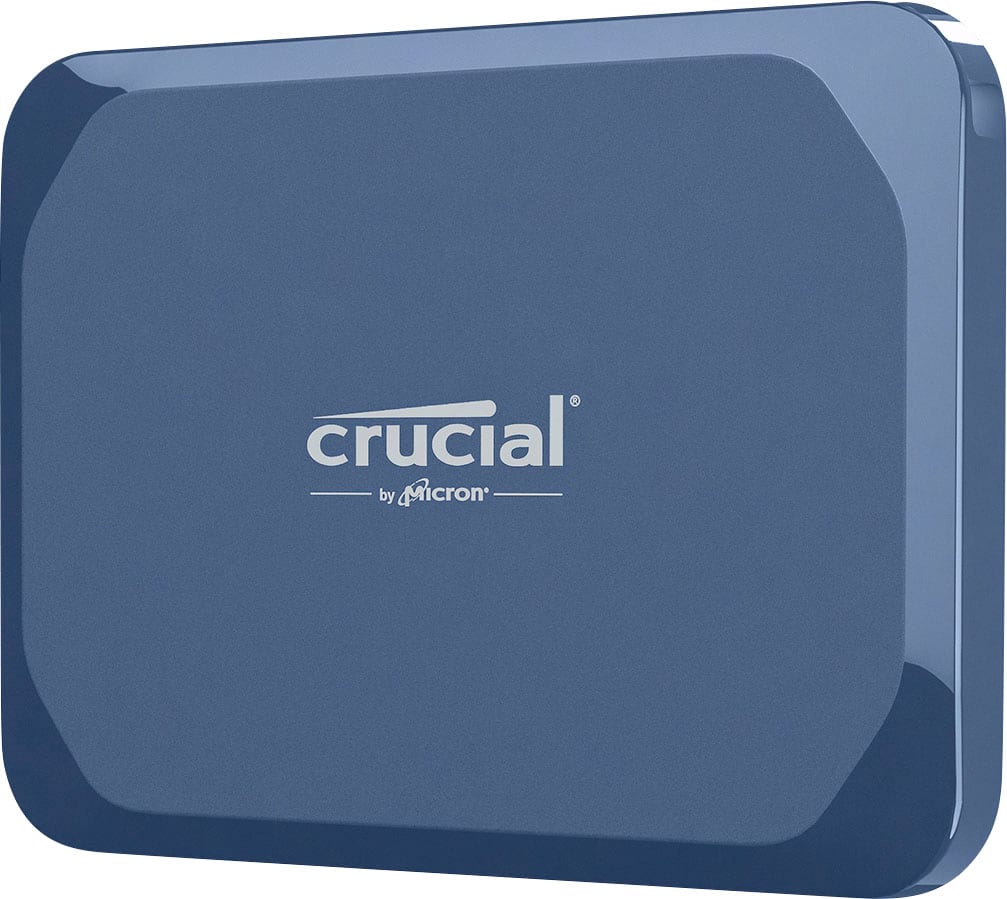


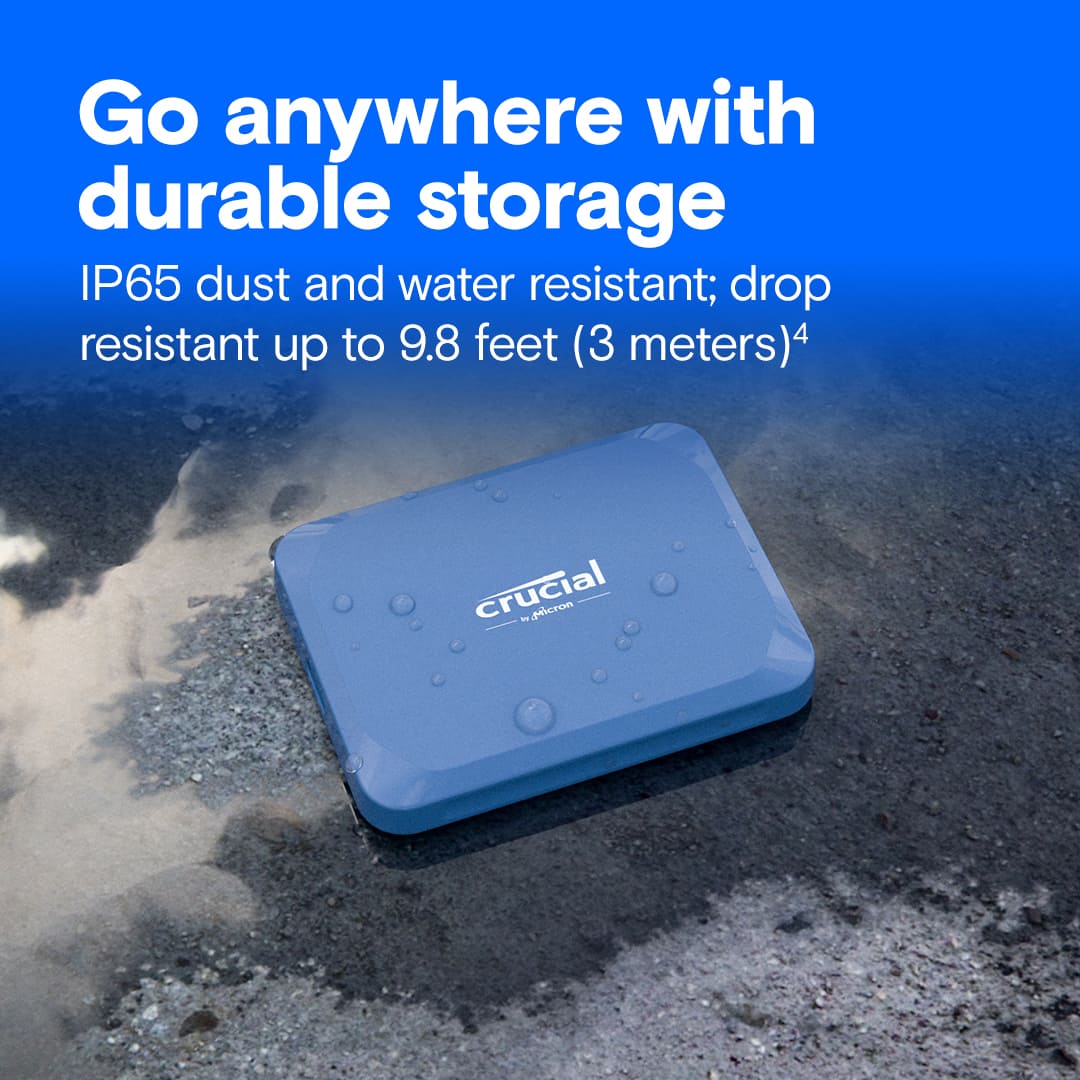
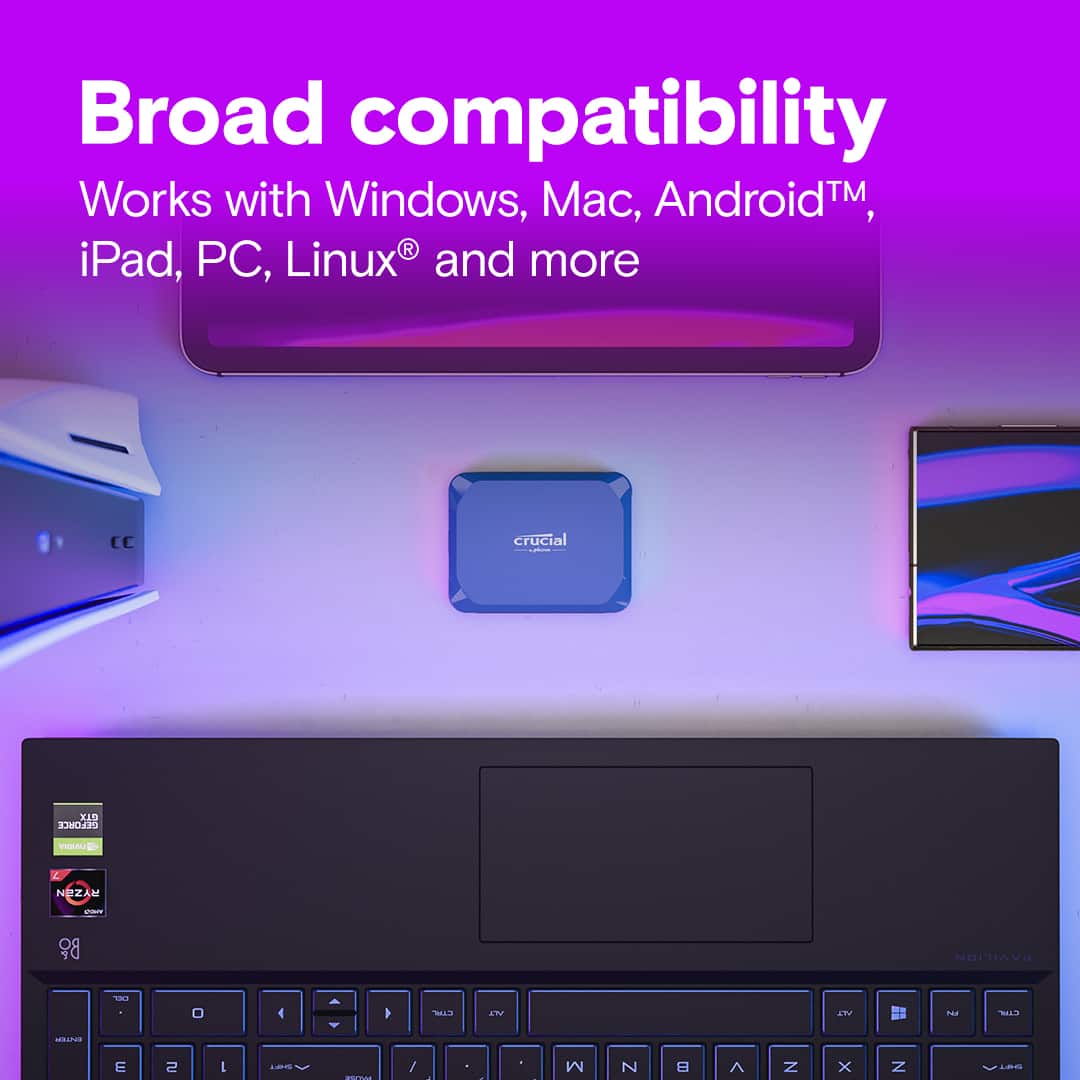

- Model:
- CT8000X10SSD9
- |
- SKU:
- 12017043
Customer reviews
Rating 4.8 out of 5 stars with 28 reviews
(28 customer reviews)Rating by feature
- Value4.5
Rating 4.5 out of 5 stars
- Quality4.7
Rating 4.7 out of 5 stars
- Ease of Use4.6
Rating 4.6 out of 5 stars
to a friend
Rated 5 out of 5 stars
Crucial - X10 8TB External USB-C SSD - Blue
||Posted .This reviewer received promo considerations or sweepstakes entry for writing a review.Crucial - X10 8TB External USB-C SSD - Blue This item is a major improvement over my old SSD WD drives. It is much faster and holds 2TB more of data than my old storage device. For it size it is nice. So far no issues or complaints. It is a nice device with large capacity.
This review is from Crucial - X10 8TB External USB-C SSD - Blue
I would recommend this to a friendRated 5 out of 5 stars
Small, compact with large capacity
||Posted .This reviewer received promo considerations or sweepstakes entry for writing a review.Great deal on Black Friday sale. The Crucial X10 8TB SSD drive is smaller than I thought but with large capacity. It's 7.2TB rather than 8TB, which is expected. I was skeptical at first as its price was much lower compared to other brands (Samsung and SanDisk), I copied some movies and games into the SSD drive, and it really held up to 7.2TB, but the writing speed dropped significantly when it passed half of its full capacity (around 4TB).
This review is from Crucial - X10 8TB External USB-C SSD - Blue
I would recommend this to a friendRated 5 out of 5 stars
Great product
||Posted . Owned for 1 week when reviewed.This reviewer received promo considerations or sweepstakes entry for writing a review.The Crucial X10 External SSD is a fantastic little drive—super fast, reliable, and incredibly easy to use. File transfers are quick and smooth, and its compact design makes it perfect for on-the-go storage. It’s a great choice if you want strong performance in a portable package.
This review is from Crucial - X10 8TB External USB-C SSD - Blue
I would recommend this to a friendRated 5 out of 5 stars
worx great, high ticket item though
||Posted .This reviewer received promo considerations or sweepstakes entry for writing a review.I have tons of videos and had them stored on 7200RPM ext disc drive. was running out of room and those 7200s are becoming hard to come by. (outdated technology being replaced by solid state) this device is smaller than a credit card so much more compact and much faster. wish I didn't have to spend as much as I did to get it but now that I got it it's great. super fast transfers and and upgrade in storage capacity for me. Watching the videos is a breeze now
This review is from Crucial - X10 8TB External USB-C SSD - Blue
I would recommend this to a friendRated 5 out of 5 stars
Crucial storage for the win!
||Posted .This reviewer received promo considerations or sweepstakes entry for writing a review.8TB fast reliable SSD storage in such a small package. We’ve come a long way in regards to storage solutions. Being able to have so much storage in a miniature package is amazing. I’ve come to love the crucial brand. I have 20TB of this small storage solution and it hasn’t let me down yet. I would recommend this brand to anyone. I use it with a Mac mini as my main storage solution and run Final Cut Pro off of it. Crucial for the win!
This review is from Crucial - X10 8TB External USB-C SSD - Blue
I would recommend this to a friendRated 5 out of 5 stars
Big power in a small package
||Posted .This reviewer received promo considerations or sweepstakes entry for writing a review.So far, one of the smallest, fastest and largest capacity hard drives I’ve worked with. I’ve been able to work off of the hard drive with no slowdown during a full day. I don’t think this will be the only one I purchase. Only wish I could take advantage of the monitoring features only available on Windows. I’m using with a MacBook Pro
This review is from Crucial - X10 8TB External USB-C SSD - Blue
I would recommend this to a friendRated 3 out of 5 stars
Love and Hate for Crucial X10 8TB External SSD
||Posted .This reviewer received promo considerations or sweepstakes entry for writing a review.The Crucial X10 8TB External USB-C SSD - Blue drive came in 2 days and was surprisingly small. Before opening, there is a QR code to get instructions (?) but it turns into a really annoying product registration website with constantly shifting phone screens that took 30 minutes to enter about 1 minute worth of owner information. The drive functioned great for a few days but then would disappear from file manager upon waking Windows 11 from Sleep mode, requiring me to dis- re-connect the USB-C cable. Today, the drive started cycling on/off/on while the computer (HP laptop) was in use! I quick web search led to all kinds of Windows 10 fixes to battery saver modes which selectively turn power off to USB ports. Sadly, Windows 11 is completely different. Another site gave the following solution which seems to be working at the moment: In Windows 11 you can disable the USB Selective Suspend in the device manager. 1-Right-click on Start and select Device manager. 2-Expand Universal Serial Bus controllers. 3-In this list, there are usually quite a few USB Root Hubs and USB controllers. Unless you know exactly which one your device is plugged in to, then you will need to perform this change on every hub and controller listed here. 4-Right click a Root Hub and click properties. 5-Select the “Power Management” tab. 6-Uncheck the “Allow the computer to turn off this device to save power” setting and click OK. 7-Repeat as needed for the other USB Root Hubs/controllers. Good luck.
This review is from Crucial - X10 8TB External USB-C SSD - Blue
I would recommend this to a friendRated 5 out of 5 stars
Never knew so much storage cd be so fast & light!
||Posted . Owned for 1 month when reviewed.This reviewer received promo considerations or sweepstakes entry for writing a review.Got this on sale for about half what it’s going for now. This external SSD is light, fast, and even pretty.
This review is from Crucial - X10 8TB External USB-C SSD - Blue
I would recommend this to a friendRated 5 out of 5 stars
Amazing speed and capacity.
||Posted .This reviewer received promo considerations or sweepstakes entry for writing a review.Fast, small and reliable. The 8TB seems pricey till you check out the competitors pricing. These are a decent value. Go back a few years and tell yourself that you're going to have 8TB's in a drive smaller than your palm. This thing is incredible. I tested both thoroughly for about 36 hours each and they had ZERO bad sectors. Speeds are incredible. fantastic travel drives. If you don't need 8TB the smaller drives are much more affordable. Perfect for travel backups. I wish the case wasn't plastic, but really even if it was metal you wouldn't want to drop it. I bough EVA cases and rubber bumpers for both of my drives and I don't worry about impacts at all any longer.
This review is from Crucial - X10 8TB External USB-C SSD - Blue
I would recommend this to a friendRated 5 out of 5 stars
Excellent portable external drive
||Posted . Owned for 1 month when reviewed.This reviewer received promo considerations or sweepstakes entry for writing a review.I purchased this drive so I could easily store a backup of all my computer files in a 3x5 safety deposit box at my bank. It's tiny size and good upload speed made it a piece of cake to do the backups and store it in the safety deposit box. It works straight out of the box, no software to download or formatting required.
This review is from Crucial - X10 8TB External USB-C SSD - Blue
I would recommend this to a friendRated 5 out of 5 stars
Crucial X10
||Posted .This reviewer received promo considerations or sweepstakes entry for writing a review.Love this thing man. It’s portable and an ssd so it’s one of the best on the market for the price.
This review is from Crucial - X10 8TB External USB-C SSD - Blue
I would recommend this to a friendRated 5 out of 5 stars
teeny tiny .. but like the tardis ..
||Posted .This reviewer received promo considerations or sweepstakes entry for writing a review.nice little storage drive; teeny tiny on the outside...but huge on the inside
This review is from Crucial - X10 8TB External USB-C SSD - Blue
I would recommend this to a friendRated 5 out of 5 stars
Great value for the amount of storage
||Posted . Owned for 3 weeks when reviewed.This reviewer received promo considerations or sweepstakes entry for writing a review.Very small device to take with you when traveling around. A great value for the amount of storage. Would definitely recommend.
This review is from Crucial - X10 8TB External USB-C SSD - Blue
I would recommend this to a friendRated 5 out of 5 stars
Snappy external SSD
||Posted .This reviewer received promo considerations or sweepstakes entry for writing a review.Great little external SSD. Quickly recognized like plug and play. Write 2100 download 2100 upload per my mac. Stays cool during use. Pleased but be forewarned Crucial name is going away for good, just hope warranty remain in effect.
This review is from Crucial - X10 8TB External USB-C SSD - Blue
I would recommend this to a friendRated 5 out of 5 stars
Best External SSD for Price/Performance/Storage
||Posted .This reviewer received promo considerations or sweepstakes entry for writing a review.The Crucial X10 8TB is one of the best external SSD's for the price vs storage capacity vs write performance speeds. This thing is just as fast as the Crucial X10 Pro 4TB and I'm getting ~650MB/s sustained transfer rates for large files copied from onboard NVME, but also holds twice as much, but does not cost twice as much!
This review is from Crucial - X10 8TB External USB-C SSD - Blue
I would recommend this to a friendRated 5 out of 5 stars
Awesome
||Posted . Owned for 3 months when reviewed.This reviewer received promo considerations or sweepstakes entry for writing a review.Works amazing! Plenty of space for lots of movies, games, and docs! Very happy with this purchase!
This review is from Crucial - X10 8TB External USB-C SSD - Blue
I would recommend this to a friendRated 5 out of 5 stars
Get it while you can
||Posted .This reviewer received promo considerations or sweepstakes entry for writing a review.Got this on sale to replace a 4TB these things just work it’s a shame the company closed its consumer branch and only does corporate & commercial products now
This review is from Crucial - X10 8TB External USB-C SSD - Blue
I would recommend this to a friendRated 5 out of 5 stars
Crucial external SSD review
||Posted .This reviewer received promo considerations or sweepstakes entry for writing a review.Excellent external SSD. It works nicely for the purpose that I bought it for.
This review is from Crucial - X10 8TB External USB-C SSD - Blue
I would recommend this to a friendRated 5 out of 5 stars
Excellent storage option for enthusiasts
||Posted .This reviewer received promo considerations or sweepstakes entry for writing a review.Amazing product. Real fast read and write operations. 8TB option is really great for enthusiasts:
This review is from Crucial - X10 8TB External USB-C SSD - Blue
I would recommend this to a friendRated 5 out of 5 stars
Crucial 8 tb drive
||Posted .This reviewer received promo considerations or sweepstakes entry for writing a review.Works great, very fast and convenient. Easily transfer all myndata from multiple drives to this one.
This review is from Crucial - X10 8TB External USB-C SSD - Blue
I would recommend this to a friend