Save up to 50% on 3-Day Sale deals.Ends 12/7.Shop now

Main Content

Customer Ratings & Reviews
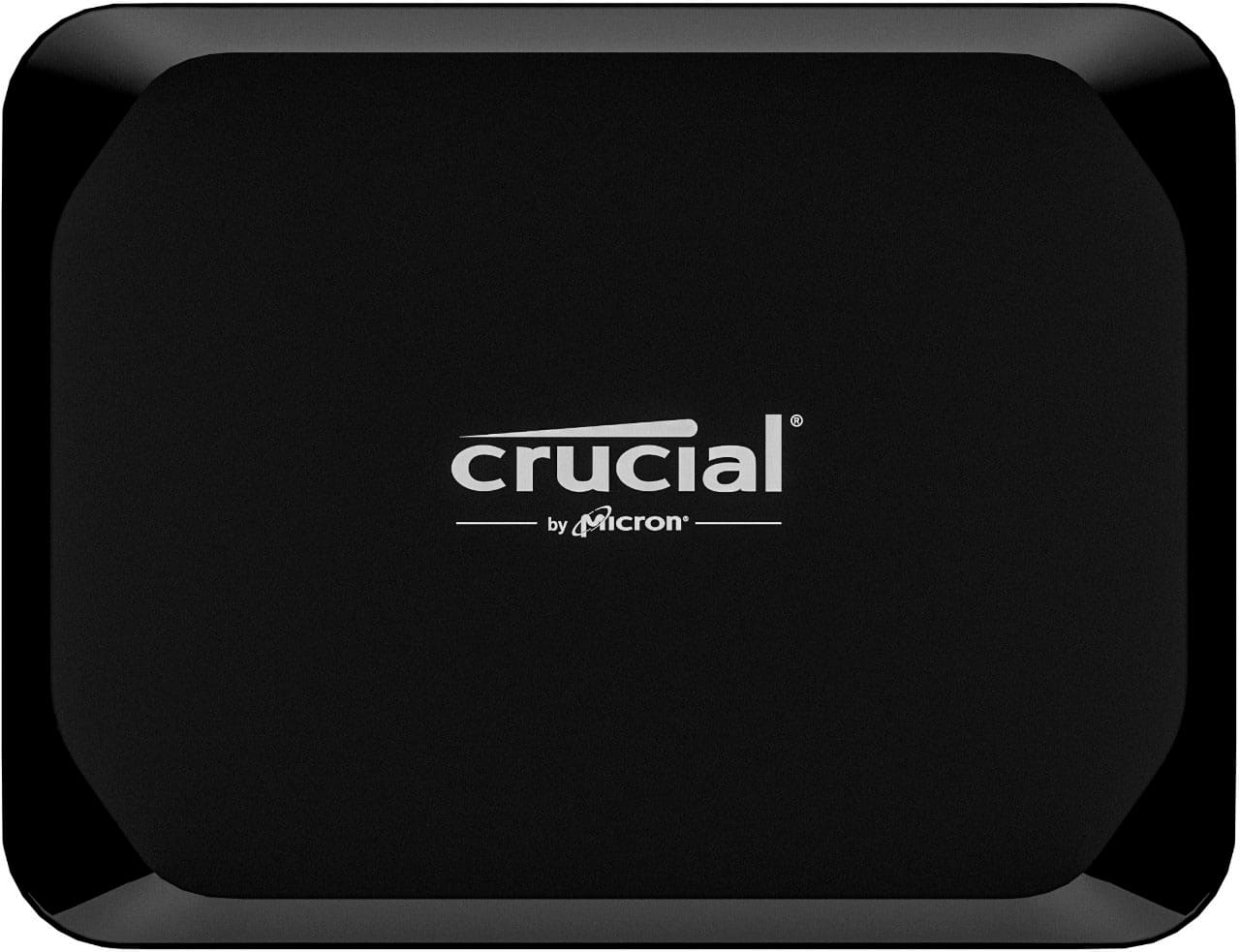
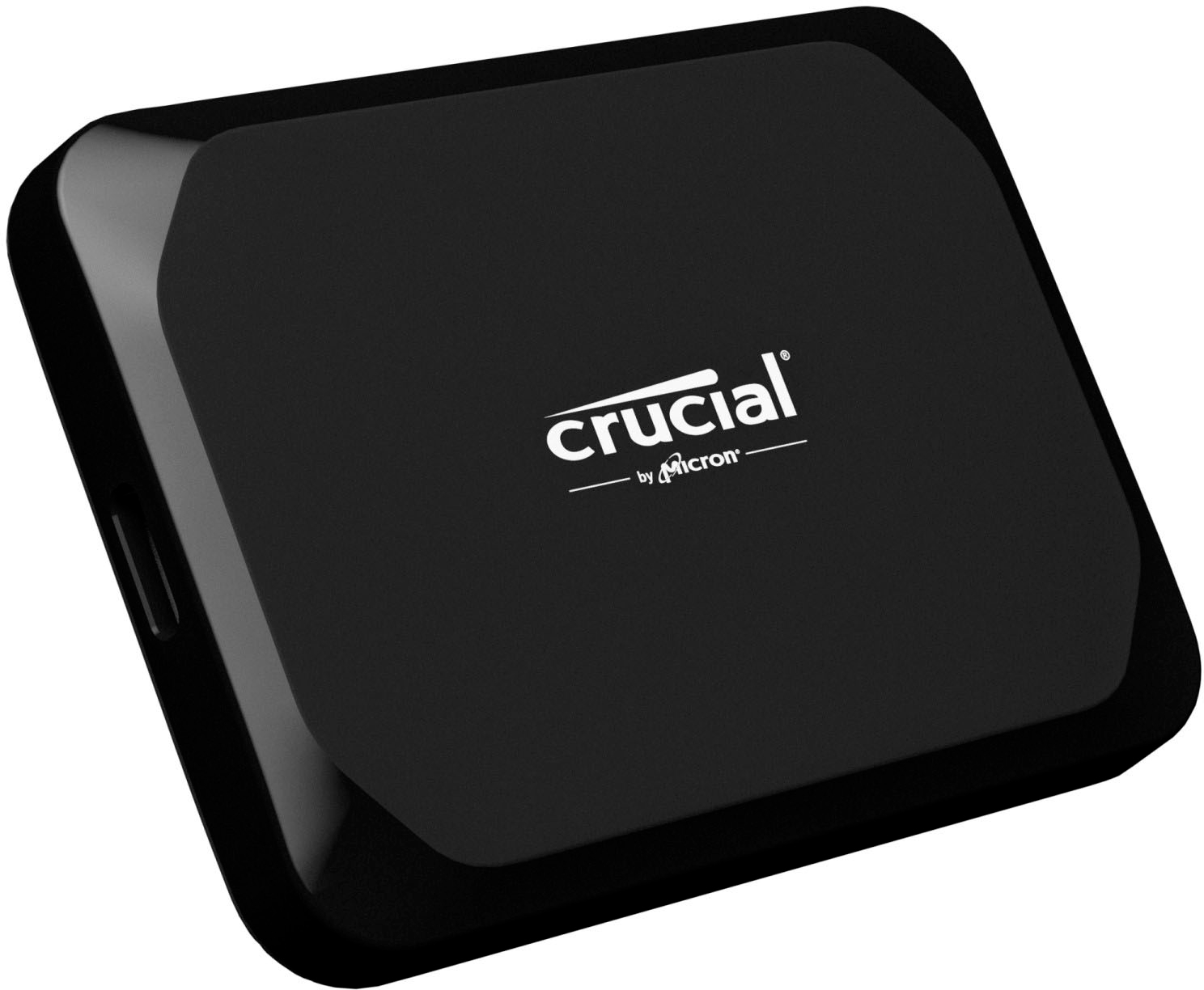
Your price for this item is $184.99
The comparable value price is $195.99

Customer reviews

Rating 4.7 out of 5 stars with 244 reviews

Rating Filter

Rating by feature

  • Value

    Rating 4.6 out of 5 stars

  • Quality

    Rating 4.7 out of 5 stars

  • Ease of Use

    Rating 4.7 out of 5 stars

Pros mentioned filter

Cons mentioned filter

93%would recommend to a friend

Customers are saying

Customers have good things to say about the X9 2TB External USB-C SSD's small size and portability, praising its performance and substantial storage capacity. Many appreciate its robust build quality and lightweight design, making it ideal for on-the-go use. A few users mentioned challenges with connectivity, primarily concerning the included cable and compatibility with certain devices.

This summary was generated by AI based on customer reviews.

The vast majority of our reviews come from verified purchases. Reviews from customers may include My Best Buy members, employees, and Tech Insider Network members (as tagged). Select reviewers may receive discounted products, promotional considerations or entries into drawings for honest, helpful reviews.
Page 1 Showing 1-20 of 244 reviews
  • Pros mentioned:
    Portability, Speed

    Rated 4 out of 5 stars

    Pocket-Sized Powerhouse Storage

    |
    |
    Posted .
    This reviewer received promo considerations or sweepstakes entry for writing a review.

    Excellent speed and portability! The X9 is a fantastic external drive for backups and large file transfers. The compact design makes it easy to carry, and the USB-C connectivity ensures quick, reliable performance. A solid choice for anyone needing fast, external storage

    I would recommend this to a friend
  • Pros mentioned:
    Overall performance, Size, Speed

    Rated 5 out of 5 stars

    Crucial SSD

    |
    |
    Posted . Owned for 1 week when reviewed.
    This reviewer received promo considerations or sweepstakes entry for writing a review.

    Great storage Unit. Very light small and very fast. It doesn`t get hot like many others and always working very well. Much better than the last one X6

    I would recommend this to a friend
  • Pros mentioned:
    Overall performance, Portability, Size

    Rated 5 out of 5 stars

    Quick and Awesome!

    |
    |
    Posted . Owned for 2 weeks when reviewed.
    This reviewer received promo considerations or sweepstakes entry for writing a review.

    This drive is tiny and fast! Was able to backup my files in no time at all. Easy to store and take with you on travel trips for work. Adds almost aero weight! Price was insane because it was on sale! Great work Best Buy and Crucial!

    I would recommend this to a friend
  • Pros mentioned:
    Size

    Rated 5 out of 5 stars

    Compact drive

    |
    |
    Posted . Owned for 1 month when reviewed.
    This reviewer received promo considerations or sweepstakes entry for writing a review.

    Love this drive. It’s small but practical. plugged into my laptop and recognized right away.

    I would recommend this to a friend
  • Pros mentioned:
    Overall performance, Portability

    Rated 5 out of 5 stars

    ANOTHER FILMMAKER FRIEND

    |
    |
    Posted . Owned for 3 months when reviewed.
    This reviewer received promo considerations or sweepstakes entry for writing a review.

    'm a filmmaker, and I do my own editing, so I'm in constant need of LARGE hard drives to transfer projects to different production departments, as well as deliver films to distributors. These small but huge portable hard drives are perfect for what I need. Reliable with a great price.

    I would recommend this to a friend
  • Pros mentioned:
    Overall performance, Portability

    Rated 5 out of 5 stars

    Excellent SSD for the Price.

    |
    |
    Posted . Owned for 2 weeks when reviewed.
    This reviewer received promo considerations or sweepstakes entry for writing a review.

    It's small lightweight and didn't get too warm when plugged into my MacBook Pro for long periods of time. I just wish I could transfer things from this SSD drive to my Micro SD card when connected to my MacBook Pro. Transfer speeds on my Samsung 360 book 3 is not as advertised but I had three transfers coming out of this thing and it handled the transfers without burning up. I call that a win. Even if it was not as fast as advertised.

    I would recommend this to a friend
  • Pros mentioned:
    Overall performance, Portability

    Rated 5 out of 5 stars

    a Data Hoarder's MUST!! \○/

    |
    |
    Posted . Owned for 3 weeks when reviewed.
    This reviewer received promo considerations or sweepstakes entry for writing a review.

    It's TEENY TINY but performance is BIG! Use it with my s21 wayy more than my t7. The one with the rubber outer shell~ ...feels light as a feather and if your cord is new/stiff enough it can hold it up abit lol Stash it in a ziplock with the rest of my cords whenever make a Disney trip (=

    I would recommend this to a friend
  • Pros mentioned:
    Speed

    Rated 5 out of 5 stars

    VERY FAST RECORDING!!!

    |
    |
    Posted .
    This reviewer received promo considerations or sweepstakes entry for writing a review.

    This hard drive is fast enough to record our live stream in HD through OBS. If you are looking for a very fast recording hard drive, this is it!

    I would recommend this to a friend
  • Pros mentioned:
    Portability

    Rated 3 out of 5 stars

    Small and ight but not for older computers.

    |
    |
    Posted .
    This reviewer received promo considerations or sweepstakes entry for writing a review.

    I like this device but it has limited connections available. I had to go back to a slightly older laptop. There is no way to connect via USB port so I couldn't open saved files I had to use a port and an adapter. Other than that, it is very light, small, and holds lots of data.

    I would recommend this to a friend
  • Pros mentioned:
    Speed

    Rated 5 out of 5 stars

    Great, competitive storage and transfer speed

    |
    |
    Posted . Owned for 4 months when reviewed.
    This reviewer received promo considerations or sweepstakes entry for writing a review.

    Great build quality and transfer speed, and budget-friendly compared to competitor brands like Samsung.

    I would recommend this to a friend
  • Pros mentioned:
    Storage capacity

    Rated 5 out of 5 stars

    Great add on

    |
    |
    Posted . Owned for 2 weeks when reviewed.
    This reviewer received promo considerations or sweepstakes entry for writing a review.

    Great add on to my MacBook Air! I use it to store Parellels and the programs I run on parellels.

    I would recommend this to a friend
  • Pros mentioned:
    Overall performance

    Rated 4 out of 5 stars

    Be careful of the defective USB cable bundled

    |
    |
    Posted . Owned for less than 1 week when reviewed.
    This reviewer received promo considerations or sweepstakes entry for writing a review.

    The bundled USB cable does not work at all. Windows showed malfunctioned device. When I connected with another new USB cable, the SSD is good in performance. It took me an hour to find out the problem.

    I would recommend this to a friend
  • Pros mentioned:
    Speed

    Rated 5 out of 5 stars

    Crucial External Hard Drive

    |
    |
    Posted . Owned for 3 weeks when reviewed.
    This reviewer received promo considerations or sweepstakes entry for writing a review.

    This 2TB Crucial External Hard Drive is very fast and that definitely works well when I’m working in the recording studio. It’s also compact and sturdy. Love it!

    I would recommend this to a friend
  • Pros mentioned:
    Storage capacity

    Rated 5 out of 5 stars

    Best for music storage

    |
    |
    Posted . Owned for 6 months when reviewed.
    This reviewer received promo considerations or sweepstakes entry for writing a review.

    Use it for all more music production storage. Can get any better

    I would recommend this to a friend
  • Pros mentioned:
    Portability

    Rated 5 out of 5 stars

    Crucial ssd external.

    |
    |
    Posted . Owned for 1 month when reviewed.
    This reviewer received promo considerations or sweepstakes entry for writing a review.

    Easy to use and has a tremendous amount of storage. I would buy another.

    I would recommend this to a friend
  • Pros mentioned:
    Portability, Size
    Tech Insider Network Member

    Rated 5 out of 5 stars

    Fast Transfer Rate, Ultra Compact but Very Rugged!

    |
    Tech Insider Network Member
    Posted .
    This reviewer received promo considerations or sweepstakes entry for writing a review.

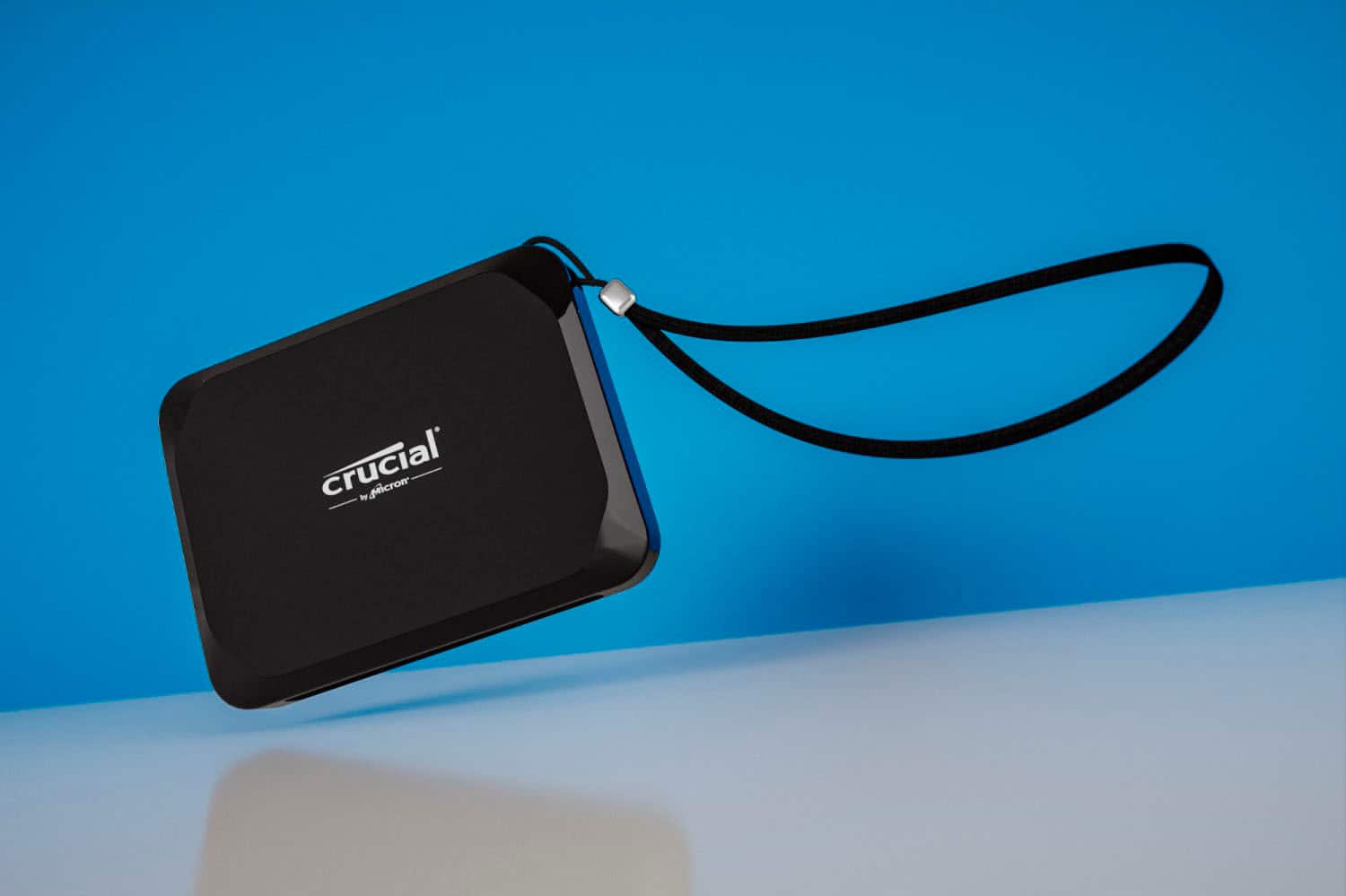
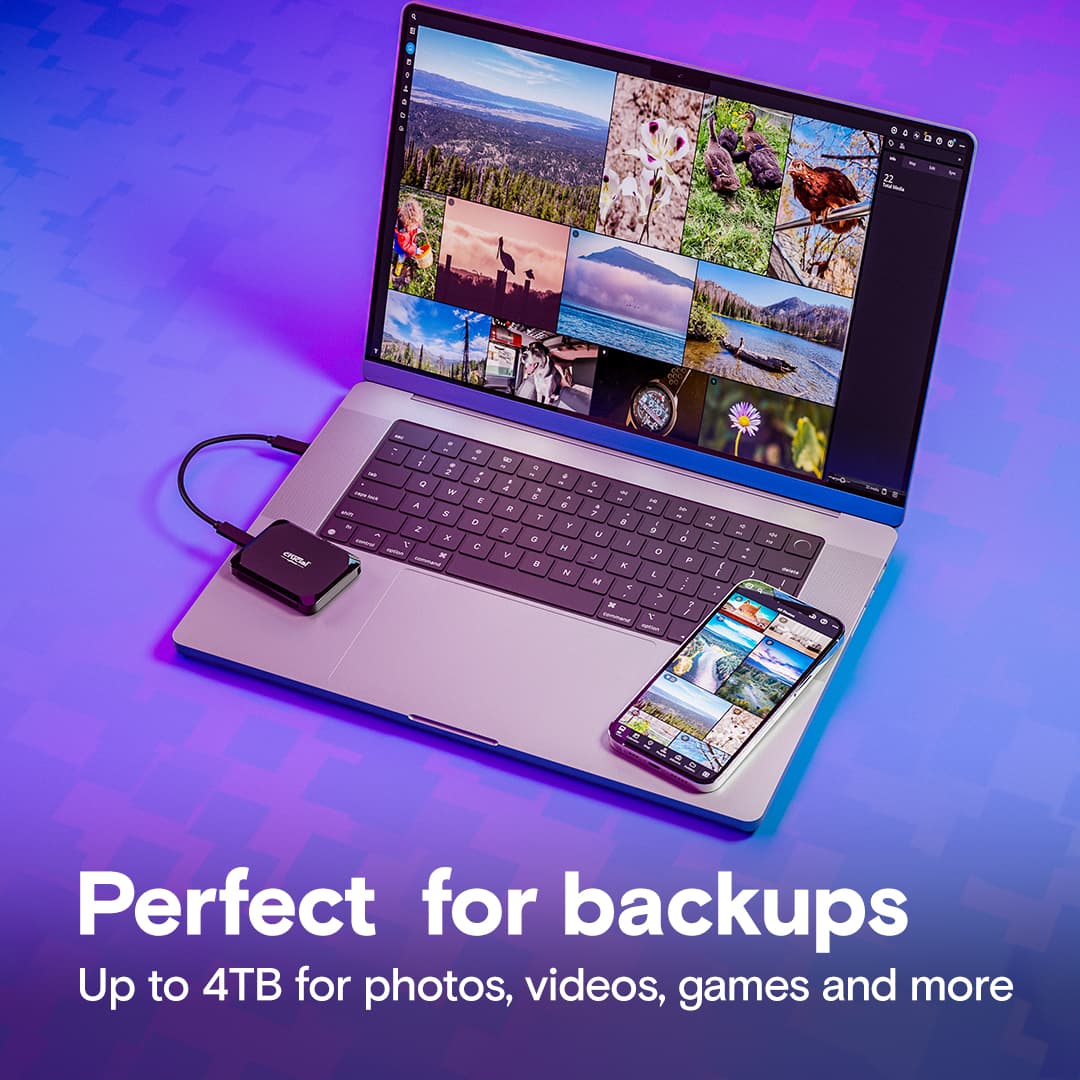
    The Crucial X9 2 TB SSD Portable hard drive is a very reliable, inexpensive, easy to use and compact means of backing up your precious files, photos, videos and music from all of your primary devices. It is an essential accessory which can be used in an automatic or manual (batch) mode to very rapidly create backups of your data and preserve them against loss or corruption. It utilizes solid state NAND memory which is much faster and far more reliable than physical hard drive technology. Crucial is a line of DRAM and flash memory products produced by Micron Technology, Inc. Micron was founded in Boise, Idaho in 1978 as a four person semiconductor design company. In 1980 Micron built its first fabrication plant, producing its first product, a 64K DRAM in 1981. It became a public company in 1984 and that same year produced a 256K DRAM, followed by a 1 MB DRAM in 1987. Crucial was created in 1996 to sell memory upgrades to end-users. Later Micron acquired Texas Instruments’ memory business and Toshiba’s DRAM operations. In 2002 Micron created the first 1 GB DDR DRAM, then in 2004 the first 2 GB NAND flash memory product. Micron Technology continued to make acquisitions, including Lexar Media, and today has annual sales of $16 billion. Here are the key features of this great backup tool: • Crucial X9 2.0 Terabyte portable external solid state hard drive (SSD) (Model: CT2000X9SSD9) • USB 3.2 Gen 2 (10 GB/sec) interface and power source, USB 2.0 compatible • Up to 1,050 MB/sec data transfer rate • Utilizes Micron 176 level 3D QLC NAND • Endurance: 1,000+ write cycles • Drop-proof up to 7 feet • Highly resistant to shock, vibration and extreme temperatures • Music capacity: Approximately 11,000 albums (240,000 songs) at high quality compression • Video capacity: Approximately 240 hours of HD video • Matt black ABS plastic case • 9.5 inch USB-C to USB-C connection cable • Very Compact: 2.0 x 2.5 x 0.4 inches • Featherweight: 1.6 ounces (including cable) • Lanyard hole (no lanyard included) • Includes Acronis True Image software for backing up and cloning drive • Also includes one month trial of Mylio Photos for photo organizing and one month trial to Adobe Acrobat Pro software • Three year limited warranty The Crucial X9 is very tiny, much smaller than a conventional external drive (see photo comparison with a standard 2 TB drive next to the X9). The SSD is an attractive little package in matte black with glossy edges. But more importantly, it seems solid and should give good protection for the drive. Crucial states that the X9 drive can survive a 7 foot drop and is resistant to shock, vibration and temperature extremes. Most users really don’t understand how fragile a conventional hard drive can be. They consist of a set of magnetic platters rotating at high rate (usually 5400 RPM or higher) with a set of pickup arms moving across their surface to read the data and transfer it. While hard drives are somewhat shock resistant, a hard jolt can actually cause the arm to contact the platter surface and permanently damage the drive. That is why laptops frequently have hard drive failures – users casually bump them, drop them or otherwise abuse them. Solid State Drives (SSD) are immune to this kind of damage. Use of this Crucial external drive could not be easier. Just attach the included USB connection cord, plug it into a USB C port on your computer and look for a drive labeled “Crucial X9.” The connection cable provides the power for the drive. The included Acronis and trial software is on the SSD and there is a link to register the drive’s warranty with Crucial. I suggest that you copy all files to a folder on your PC. Then reformat the X9 to use the NTFS file system. This is a quick process and will enable you to store larger files on the SSD. While the Acronis backup software will do a nice job of backing up your hard drive, I suggest that you follow a simple manual procedure which is reliable and fool-proof. First, download a copy of the free Belarc Advisor software. It will create a detailed inventory of your programs and hardware, but most significantly, it will record the software license keys needed to reinstall some software (such as the Windows operating system and Microsoft Office.) Save this as a PDF with the date in the file name. Next, create a new folder on the Crucial X9, labeled with the name of your computer and the date. Find the “Users” folder in the C drive and drag the subfolders (Documents, Desktop, Pictures, Videos, Music, etc.) it over to that new folder on the SSD. That will copy all of your personal files and key hidden files (like the PST file used by Outlook to store emails, calendar and contacts.). Don’t bother copying your programs or the Windows files since if your PC fails, you will need to reinstall all of them. But the list of programs in the Belarc PDF will tell you what you need to reinstall. The more important files are your personal documents, photos, music, videos, etc. You might also make a practice of creating a copy of any of your downloaded software into a separate subfolder in your Users folder. That will make it easier to recover. Do the above procedure as often as you feel necessary. I suggest once every three months for each of your computers for all of your User files. Keep the two most recent backups and (if you wish) delete the older backups. But here is the most important piece of advice I can give: Don’t assume that your backup folder is safe on just one backup hard drive! Buy a second Crucial X9 and make a second backup of your precious files on it. If you are really paranoid (or just very safety conscious) store that second external hard drive in your safe deposit box or at a storage facility. That will protect it in the event of theft or fire destroying your PC and your on-site backup hard drive. How long does it take to back up all of your files? The Music folder on my primary computer is 42.191 GB and it took just 138 seconds to copy it to the Crucial X9. That was an average data transfer rate of about 305.7 MB/second. Keep in mind that data transfer rates will vary based upon your own computer’s processor, RAM and hard drive, but you can assume that it will take about 10 minutes in most cases and you can keep using your PC while the backup is proceeding. By the way, if you have an older PC which does not have USB-C ports and has only USB 2.0 ports, the backup process will still work, but it will take much longer (10X-20X) as long for the data transfer to take place. You will also need to use a USB-C to USB-A cable (which is not included with the Crucial X9, but readily available.) For comparison, I copied that same Music folder over to a standard 2GB external HDD, connected to a 3.2 USB Type A port. That port is about half as fast (10 GB/sec vs 20 GB/sec) as a USB Type C port. The copy process took 4,086 seconds – an average transfer rate of just 10.3 MB/second. The older style HDD took about 30 times as long as the Crucial X9! Are there any drawbacks to SSD technology? Theoretically, the NAND memory cells have a limited number of write/erase cycles. Each time the cell is erased to store new data an oxide layer necessary for operation is slightly eroded. Eventually the data in the cell cannot be changed. At that point the drive will still allow access to the stored data but it cannot be changed. For the type of memory used in the Crucial X9 the maximum number of write cycles is about 1,000. However, no user is likely to ever hit that number of write cycles in normal use. It would mean writing and erasing about 2,000 terabytes of data on the same Crucial X9. That would mean backing up your PC and replacing that backup about 5,000 times since a full backup would be about 400 GB of data. That would never happen! The Crucial X9 is very rugged – you can drop it, shake it, store it in a hot attic or an unheated garage – and it will still function perfectly. It is ideal for long-term storage of your precious data. Bottom line: Don’t hesitate; buy a pair of these Crucial X9 2.0 TB drives! It is a bargain at a price of about $50 per TB, is made by a premier semiconductor manufacturer, could not be easier to use and will ensure that you will always have a reliable copy of your irreplaceable photos, videos, documents and all of the other essential elements of your personal history. But after you buy it, make sure that you use it every few months to create a full backup of your files. Someday you will be very grateful that you did so!

    I would recommend this to a friend
  • Pros mentioned:
    Overall performance, Portability, Size
    Tech Insider Network Member

    Rated 5 out of 5 stars

    Tiny portable SSD for gaming, videos, storage + !

    |
    Tech Insider Network Member
    Posted .
    This reviewer received promo considerations or sweepstakes entry for writing a review.

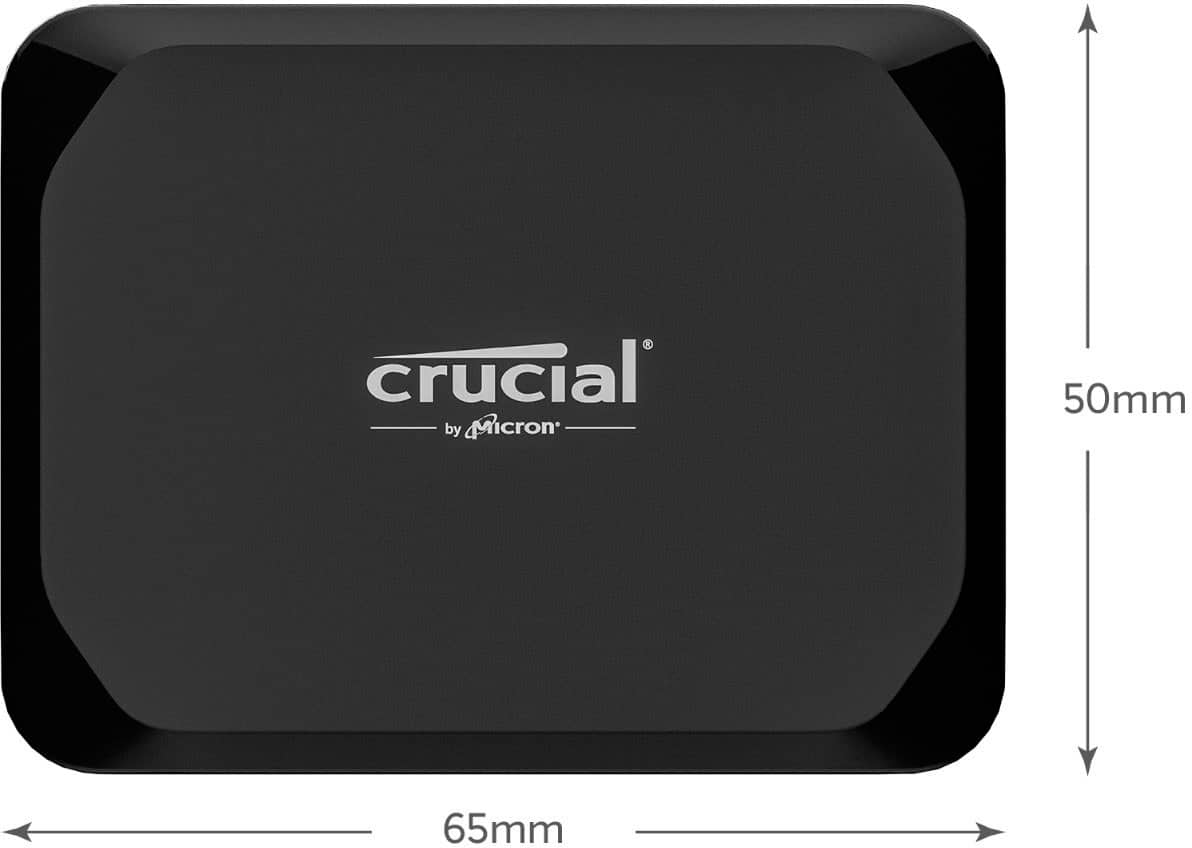
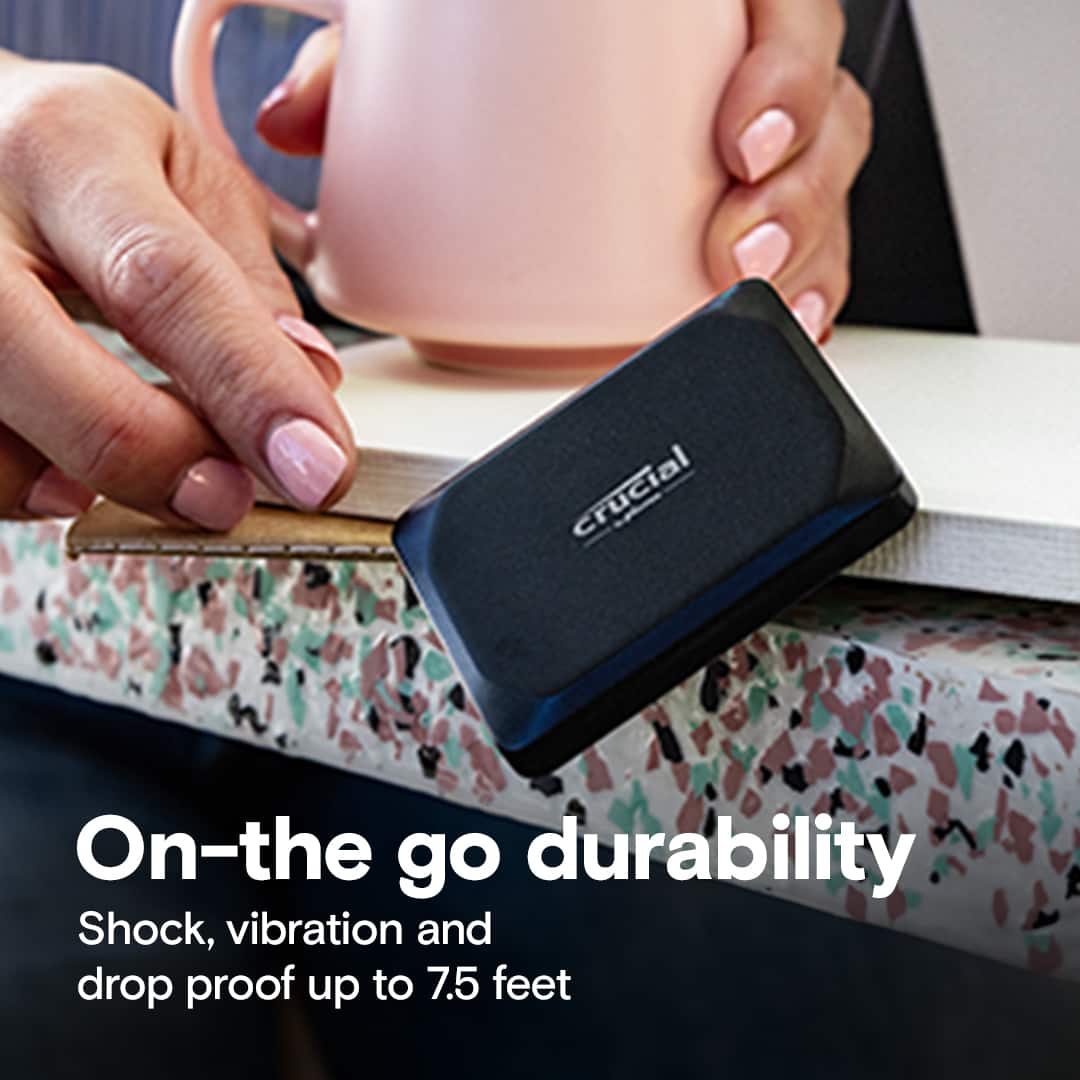
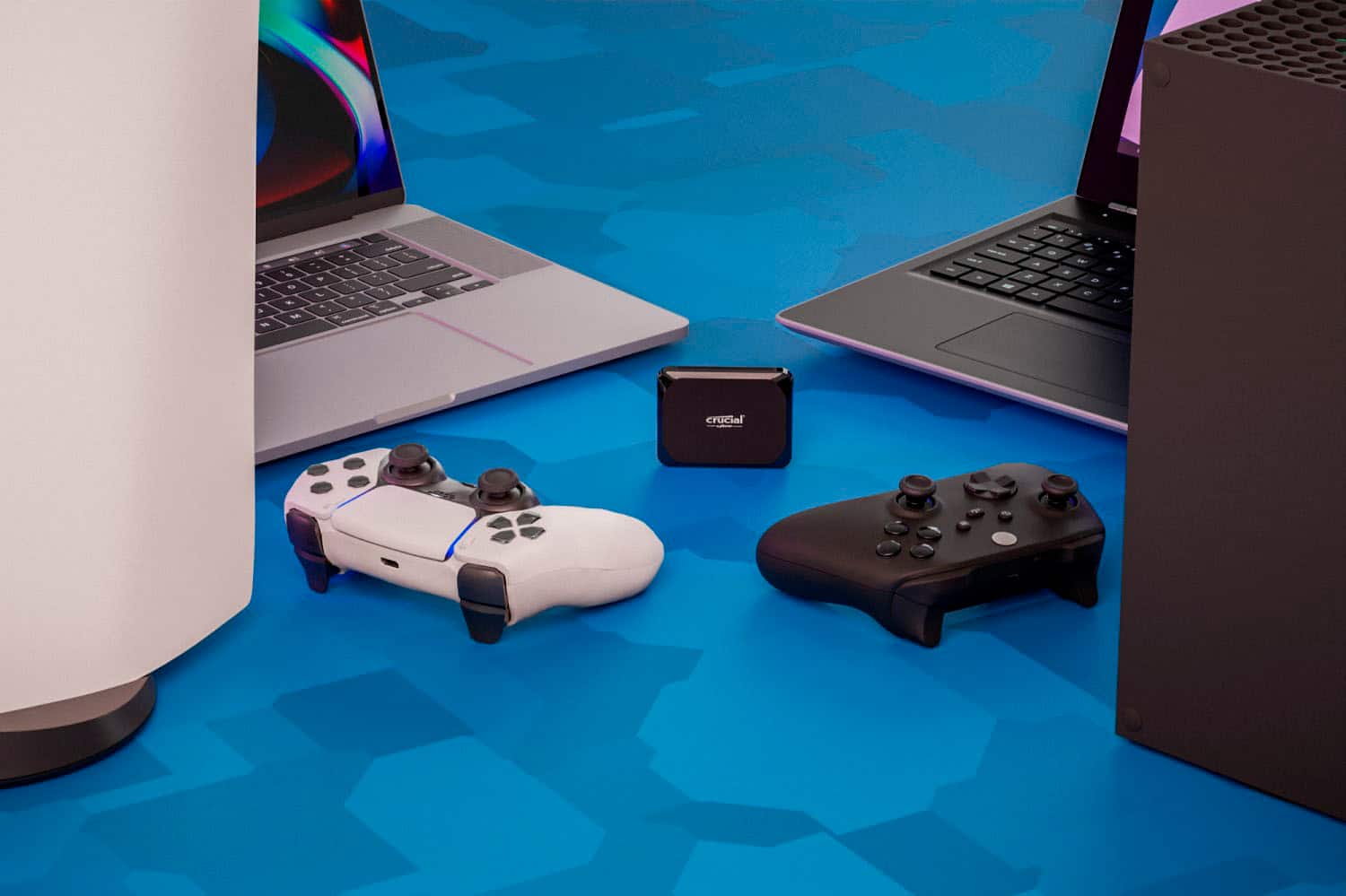
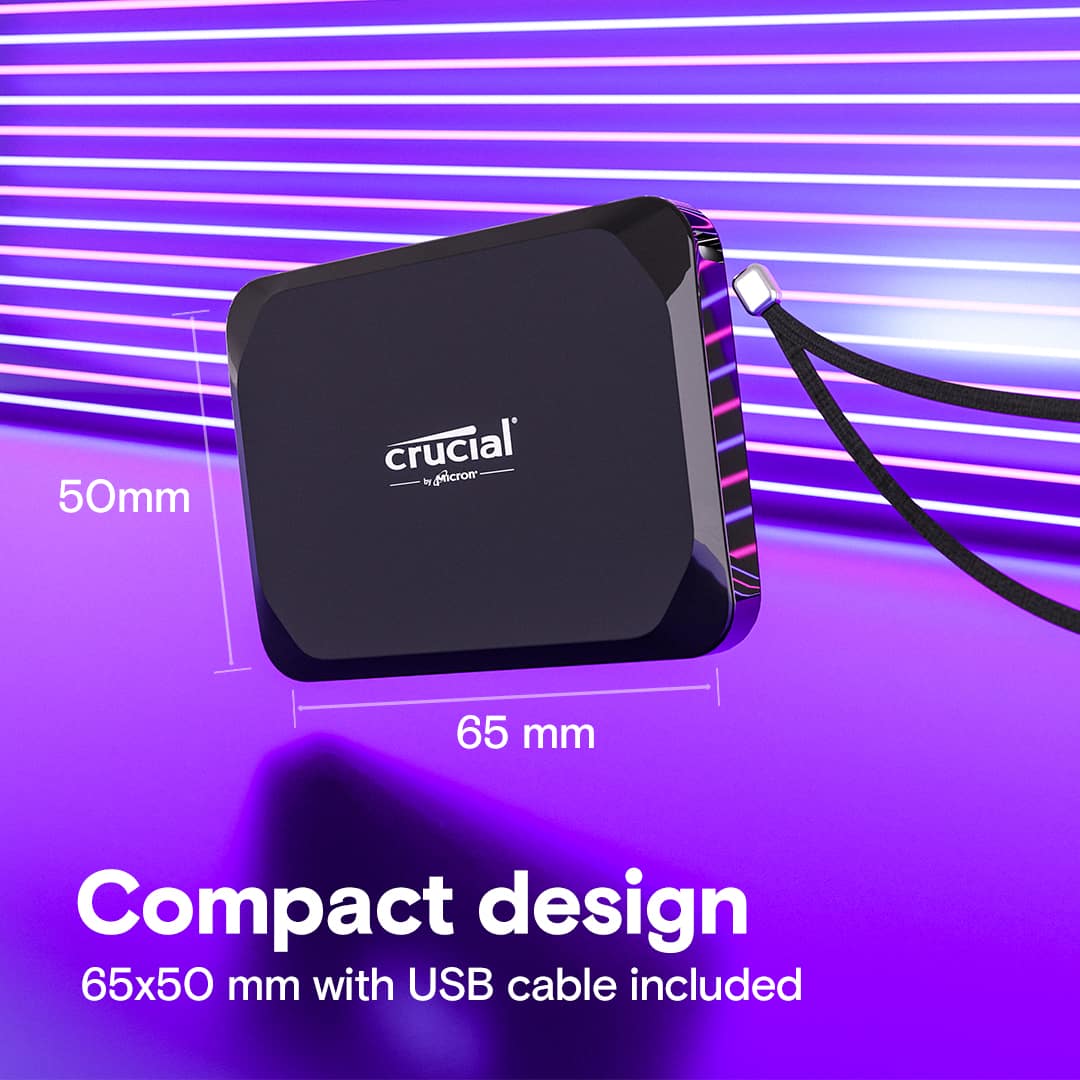
    Quick Overview ================================= You'll never have enough storage. On top of that, the faster the storage is, the better! The Crucial X9 is a tiny portable (it even has a lanyard hole!) SSD that's flexible enough to use for home or gaming. Overall build ================================= Opening the box, you'll be surprised at how small the Crucial X9 is - it's tiny! It takes up less than half of the box, measuring just under 2" x 3" (specifically 65mm x 50mm). It also comes with a tiny USB-C cable and Quick Start guide that just directs you to Crucial's website. Since this is a plug-and-play device, I wouldn't worry about that too much. It's plastic, but it's a hard, firm plastic with no flex or creaking to it. It's actually drop-rated to survive drops up to 7.5 feet! It can handle extreme temperature, shock and vibration, but it's not IP-rated for water or dust ingress. Still, I think it's a pretty sturdy device as long as you're not taking it off-road or camping. It has a 3-year warranty and I'm happy to say in the rare cases that I've had issues with Crucial devices (SD cards, memory), I've been taken care of. It's listed as compatible with every OS from Windows to Mac to Android/iOS and will work with gaming consoles like an Xbox or Playstation. Not only that, since it's a hard drive, it was detected by my Steam Deck as well. Note - there are a few steps to get it working under SteamOS/Linux, but that's not in-scope for this review, though it's definitely a way to add more storage to your Deck! The most interesting software that's included is Acronis which can be used to back up your PC and migrate the data to another one. I've used Acronis quite a bit as a PC builder and it's always worked reliably for me. Performance ================================= Not all SSDs are the same (SATA, NVMe) and neither are the connectors (USB-A, USB-C) with even more specific variants under each type! It can get confusing, but if you have a new or fairly recent device with a native USB-C port you should get the rated speeds. I've attached a screenshot of my CrystalDiskMark performance and it's nearly the same as Crucial's factory performance ratings. This is great to see since many of the factory or lab tests are under "perfect" conditions that aren't really applicable to the real world. I got the fastest speeds on my most performant device, my Asus Strix 18. I have another Dell desktop with a USB-C port (that's obviously not 3.2) and was getting about half the speeds. Still, this is a super-fast drive if you don't need the ultimate performance from their top-of-the-line X10 Pro. As I've been creating more videos, I have to move large files around quite a bit and some testing with this drive was impressive: ------------------------------------------- 2.77 GB in less than 5 seconds 3.77 GB in 6.5 seconds 5.78 GB in less than 10 seconds This was all hand-timed using my phone's stopwatch feature, but you get the idea. My "deep storage" consists of a larger set of SATA HDDs and copying those same files can be 3-4x longer! Games are getting larger and larger, from 10s of GB to 100s of GB for some of the top AAA games, so more storage is always welcome! With the older USB-A/USB 3.x implementation, you were limited to a maximum of 5 Gbps, but real world could be much slower so it wouldn't be ideal for gaming. Now, with up to 10 Gbps (or even 20 Gbps at USB3.2 Gen 2x2) like in this Crucial X9, gaming is no problem. Adding this drive to my Steam Library on my current gaming PC (Asus Strix 18) was a no-brainer and there was no perceptible difference playing a game that was installed on my internal NVMe SSD or on the Crucial X9. That was a fun way to test the drive! If you're running out of space in your gaming rig and don't have additional internal NVMe/M.2 slots, this drive is definitely an easy way to upgrade your storage without having to open up your PC. Conclusion ================================= Fast storage, that's tiny, portable and fairly rugged at a great price from a company that's known for reliability and performance. I'm not sure what else you could ask for outside of hardware encryption or slightly faster speed offered by the X10 Pro. For gaming, storage of your photos, videos, and other general use-cases, I'd say you can't go wrong with this Crucial X9 portable SSD.

    I would recommend this to a friend
  • Rated 1 out of 5 stars

    Returning it

    |
    |
    Posted . Owned for less than 1 week when reviewed.
    This reviewer received promo considerations or sweepstakes entry for writing a review.

    I am very computer savvy -- just wanted to make that clear before someone comments that I don't know what I am doing or talking about. I know that the performance of this drive is dependent on the quality of the cable, the speed of the port the cable is connected to, and the speed of the host drive where the data is coming from. The drive is advertised as having speeds up to 1,050 megabytes a second. When plugged in with the original USB-C cable, and transferring files to a M1 Pro MBP, I should not be getting bursts of 300 megabytes of second, with intermittent slowdowns that average 60 megabytes a second. At best when this drive was operating at the fastest speeds, it still fell short by roughly 800 megabytes a second. Additionally, when hooked up to my PC on USB-C and transferring files to a SSD, it's just a slow. To put it into comparison, my external conventional hard drive transferred the needed files faster overall. The connection stayed a solid 150 megabytes a second, and did not sputter out like the X9 did -- with dips to abysmal transfer speeds. Not going to bother exchanging it for another one just to find out it performs just as bad. TLDR: Brand new day old X9 has terrible read/write speeds, old conventional HDD beats it out over long transfers. Returning.

    No, I would not recommend this to a friend
  • Pros mentioned:
    Portability, Storage capacity
    Tech Insider Network Member

    Rated 5 out of 5 stars

    How did we get by with the old portable drives?!

    |
    Tech Insider Network Member
    Posted .
    This reviewer received promo considerations or sweepstakes entry for writing a review.

    Portable drives are a must for me. I use them as local backups on my computers, and I also like to keep one full of my graphic-design library. I have 1000's of fonts, bitmaps, vectors, and other resources for my graphic design work. While this is a side-hobby and not my career, I still find myself doing my design work on different computers and sometimes in different environments. That means I need to have my library available without having to rely on internet connections, computers with large amounts of disk space, or being at home on my own network. I have been using portable spinning drives for a long time for this because they are inexpensive and have a lot drive space. I know about SSD's in the portable category, but had not considered them before, assuming they were too expensive for the amount of drive space I would need. This Crucial X9 portable SSD opened my eyes. I took it out of the package and realized it was about the same size as 2 of my USB thumb drives next to each other! These things are tiny! Not only that, but because of the technology, I don't have to worry about being extra careful to not let the drive get bumped, especially while using it. They are much more rugged and ideal for portability. The drive itself is so small, I can set my Logitech mouse on top of it and completely cover it. It's also incredibly lightweight, so you won't notice it in a pocket or bag. READING & WRITING The feature I didn't consider until now was the speed. We generally have some form of SSD in our computers now, because they can be read much faster than the old spinning drives. This obviously applies here. When I'm digging through a massive library of files, especially ones that I want to preview without having to open every one of them, the drive read-speed really matters. Previewing files on my previous drives meant waiting for each one to load, which sometimes takes a few seconds per file. This drive, when plugged into a USB-C port on either my MacBook Pro or Dell Inspiron, makes previewing seem to happen almost instantaneously. THE NUMBERS In my pictures, I show the disk read and write speeds. Crucial states that the drive is capable of read speeds of up to 1,050 MB. In my tests, I was just shy of this, and my hardware is much less than that of what Crucial used for their own tests. Performance will likely vary a bit from one user to another, depending on what type of computer hardware you are using. However, both of the computers I tested this drive on are at least 3 years old as of this writing. WHAT THIS MEANS If you are not technical and are just shopping for a portable drive, the numbers you see on these testing results may not mean much to you. To better show why this is such an upgrade over a spinning drive, my pictures show the read and write speeds for my spinning portable drive. This drive sits on my desktop for nightly backups. I have another one of the same that I use for my graphic-design resources. It's not much thicker, but definitely a lot larger than this Crucial X9 drive. For the speed tests, I am showing you the read and write speeds of both the spinning drive, and this X9 SSD, and how dramatic the difference is. USABILITY Crucial markets this drive as being suitable for consumer workloads. This means day-to-day reading and writing of files between the drive and potentially multiple computers, acting as addition drive space on a device that has limited disk space (say, 256 MB or less), acting as a backup drive for your computer, and even running games and software from the device. It will definitely meet those needs for most purchasers. The drive comes with a USB-C cable, USB-C on both ends. The cable is rather short, which is fine if you are using it on a laptop or tablet that is in front of you, but may be too short if the device you are connecting to is under a desk, behind a monitor, or in another hard-to-access location. Plugging this into a USB-C 3.2 or better port will maximize its performance, but if you do not have access to a USB-C port on your device, you will need an adapter to use this, and the transfer speeds will probably be less than what the X9 SSD is capable of. However, purchasing this now will mean that you will likely have USB-C on your device in the future, at which point you will be able to take full advantage of the transfer speeds of this portable drive. OVERALL I am really impressed with this drive! I know that Crucial is a high-quality brand and I have no doubt this will serve me well for a long time. The 2TB storage capacity is sufficient for most users. If your needs are within 500 MB or less of this capacity, upgrade to Crucial's 4TB version so you are good well into the future, as you don't want to max out an SSD because of the way they work. It's small and extremely lightweight, along with being durable. If you have never used a portable SSD (like me), this will reinvent portable storage for you!

    I would recommend this to a friend
  • Pros mentioned:
    Overall performance, Portability, Size
    Tech Insider Network Member

    Rated 5 out of 5 stars

    Respectable performance and capacity SSD

    |
    Tech Insider Network Member
    Posted .
    This reviewer received promo considerations or sweepstakes entry for writing a review.

    This SSD is just one notch below the top of the line in the Crucial’s line of portable SSD products. There are two great features that this SSD brings to the table: portability and powerful performance. In addition to that, the SSD is also drop, shock and vibration proof as well as resistant to extreme temperature. Just be sure that your device supports USB-C 3.2 Gen 2 interface in order to maximize the potential speed of the SSD. I can’t believe how small SSD these days; even with the capacity of 2 TB, the form factor is so small and thin. The days of USB flash drive should be over. The SSD is encased in a polymer plastic material and it looks sturdy enough to survive accidental drops; though we have to bear in mind that it is still made of plastic after all. The SSD connects to devices with a USB-C cable and the included cable works well as it supports maximum transfer speed that the SSD is capable to. The SSD is rated at about 1 GBPS read speed. As for the write speed, real world test by transferring 1 GBPS of data to the drive shows about half of that theoretical read speed. This kind of speed should be enough for most users. The SSD comes with 3-year warranty. With 2 TB of capacity, this portable SSD is extremely handy not only for storing data externally for your gadgets, but also as backup for your entire computer. One very useful usage scenario for an SSD at this level of speed is for playing games, which will slash-off loading times. Just install as many recent AAA games as you want into this SSD and you still have some space left. Since it’s so small, you may want to store it in a nice little sleeve.

    I would recommend this to a friend
Sponsored