Customer Ratings & Reviews

- Model:
- S2422HZ
- SKU:
- 6479102
Rating by feature
- Display Quality
Rating 4.4 out of 5 stars
- Ease of Use
Rating 4.6 out of 5 stars
- Features
Rating 4.5 out of 5 stars
Customers are saying
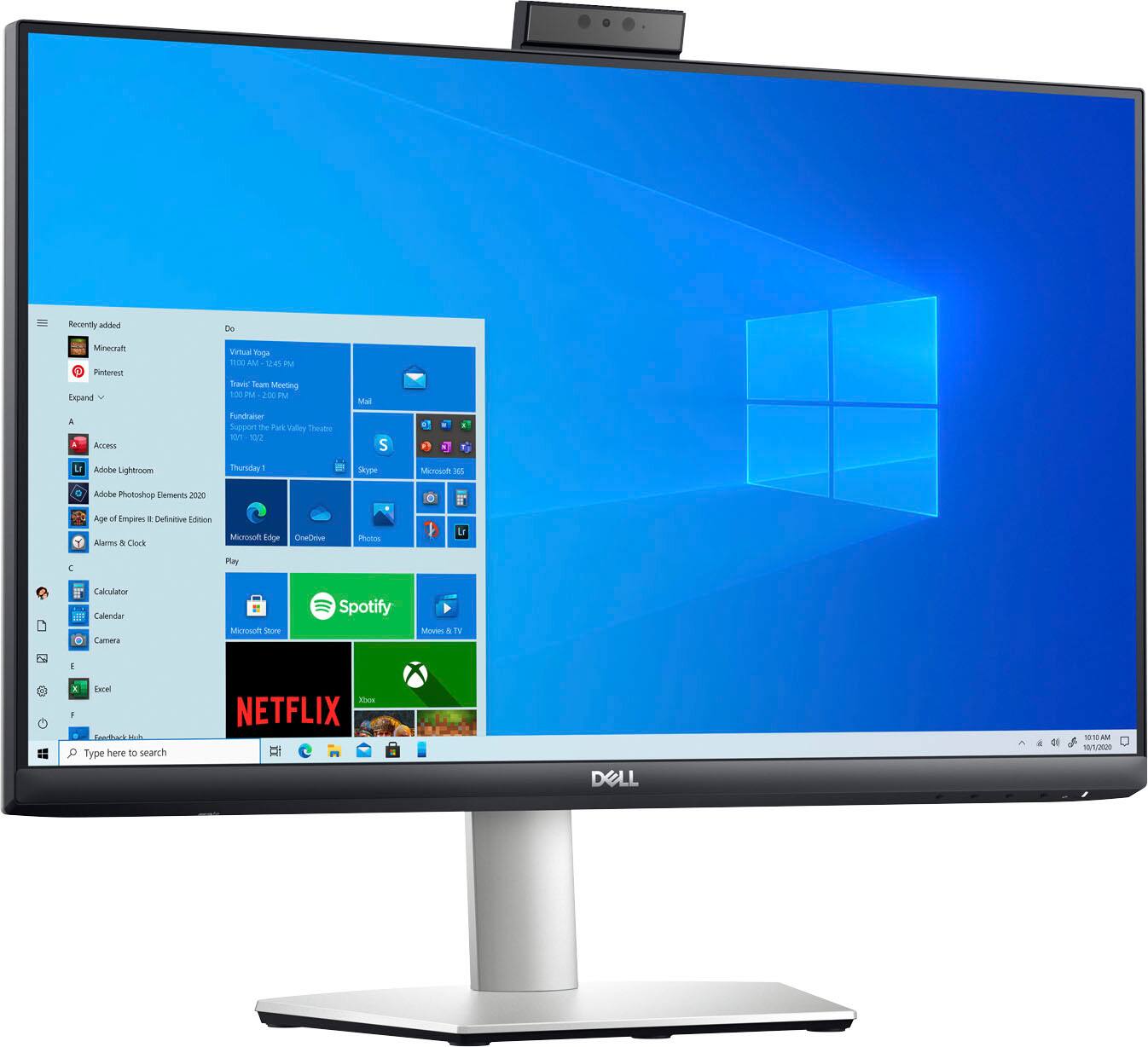
Customers commend the webcam, screen size, and USB-C capabilities of the 24" IPS LED FHD FreeSync Compatible Monitor. Positive feedback also highlights the monitor's ease of use, built-in speakers, and excellent resolution and sound quality. Many appreciate the refresh rate, making it suitable for various uses including gaming. The versatile stand is also a frequently praised feature.
This summary was generated by AI based on customer reviews.
Love this Monitor
||Posted . Owned for 4 months when reviewed.This reviewer received promo considerations or sweepstakes entry for writing a review.I am a hard core HP product lover, yet this Dell monitor provided everything i needed to get my work done and unclutter my desktop. I had speakers and a webcam on my previous monitor, but wanted all in one. The price is great, i can have Zoom meetings with ease and add it as a second monitor, when needed with my laptop. I highly recommended it!
I would recommend this to a friend- Pros mentioned:Ease of use
Monitor
||Posted . Owned for 1 month when reviewed.This reviewer received promo considerations or sweepstakes entry for writing a review.I am very pleased with my purchase thank you so easy to use.
I would recommend this to a friend - Pros mentioned:Webcam
Dell 24
||Posted . Owned for 3 weeks when reviewed.This reviewer received promo considerations or sweepstakes entry for writing a review.Excellent, very particle love it! The camera is great!
I would recommend this to a friend - Pros mentioned:Speakers, Webcam

Hard to imagine an ideal buyer for this
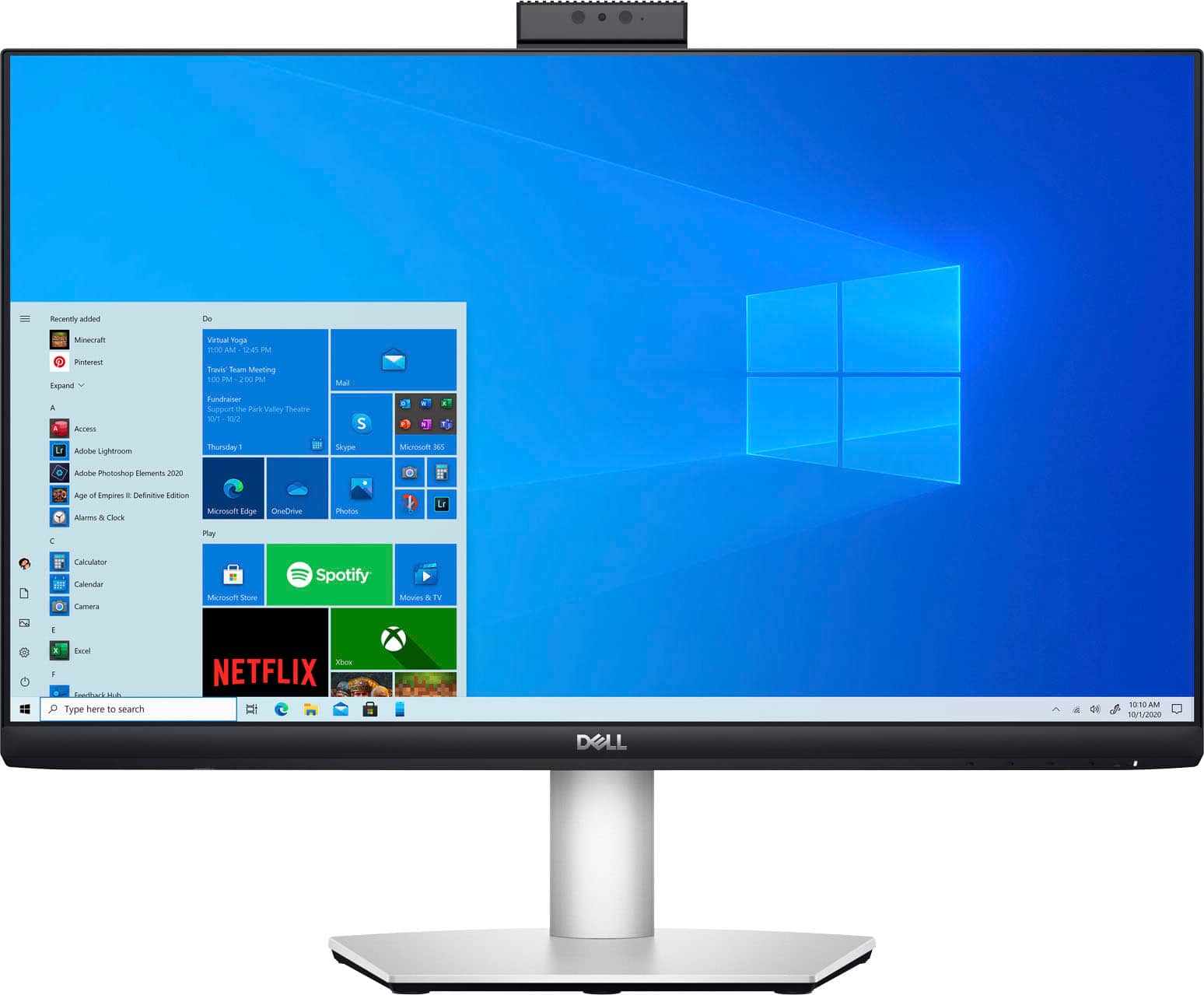
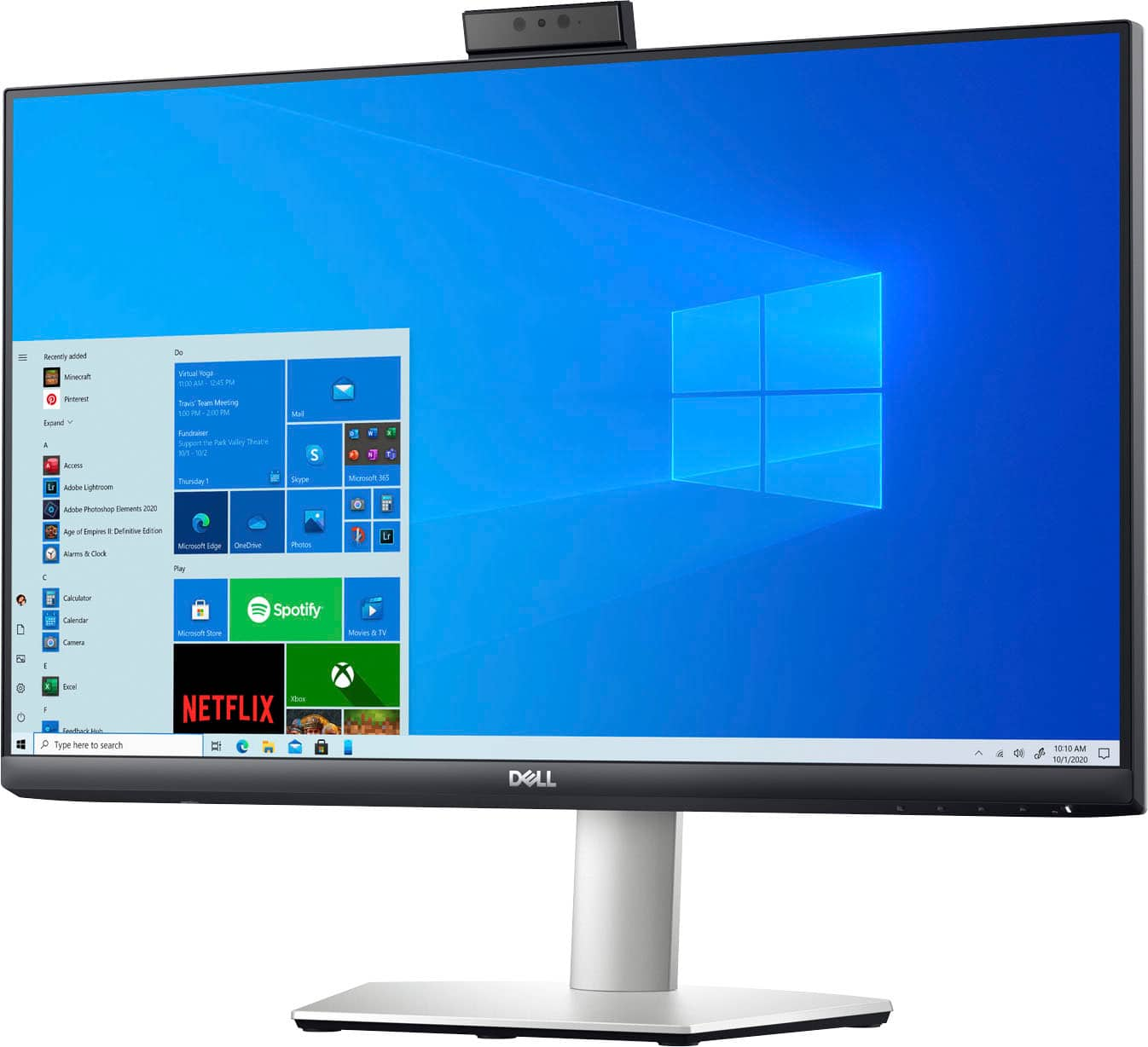
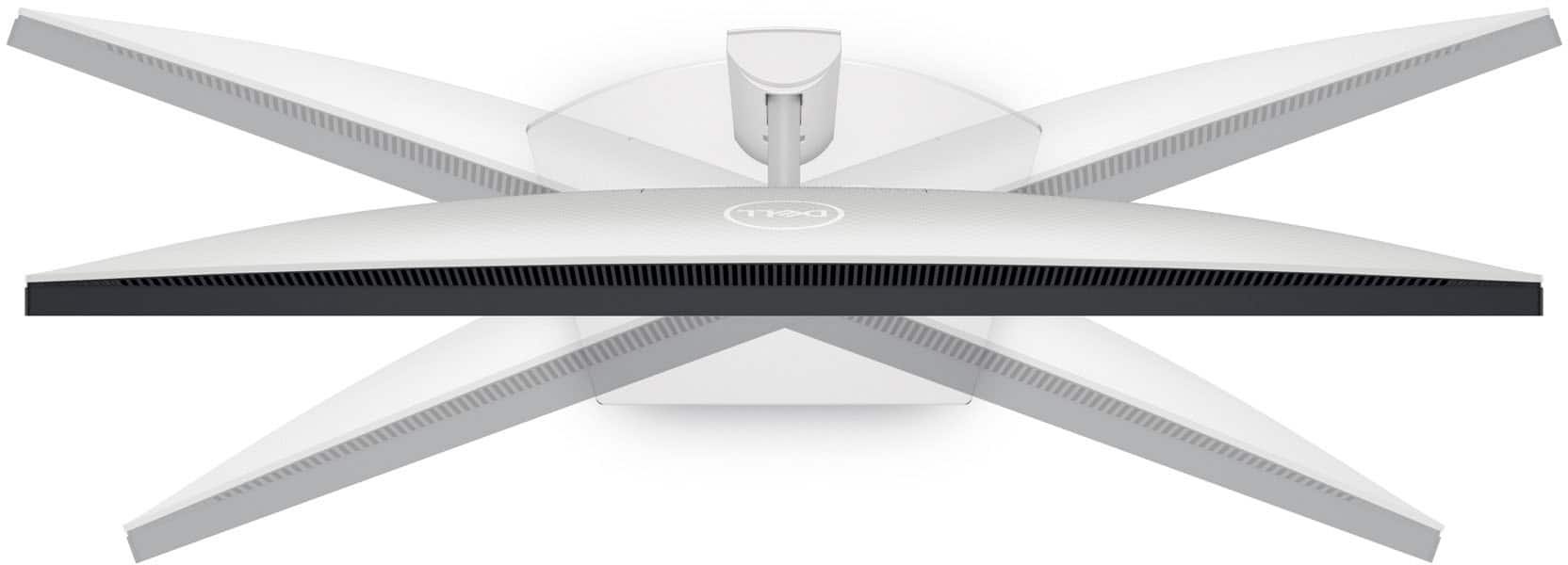
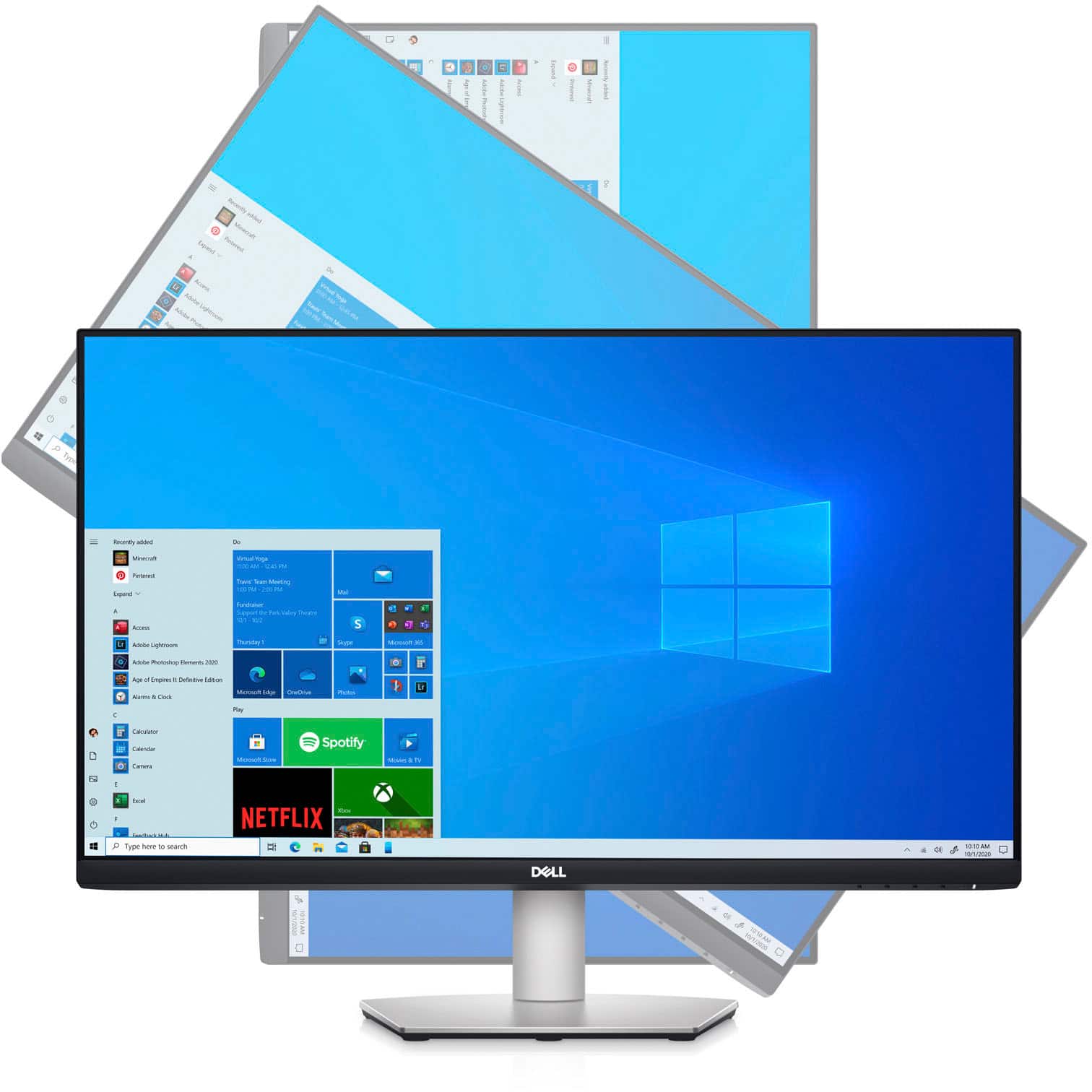
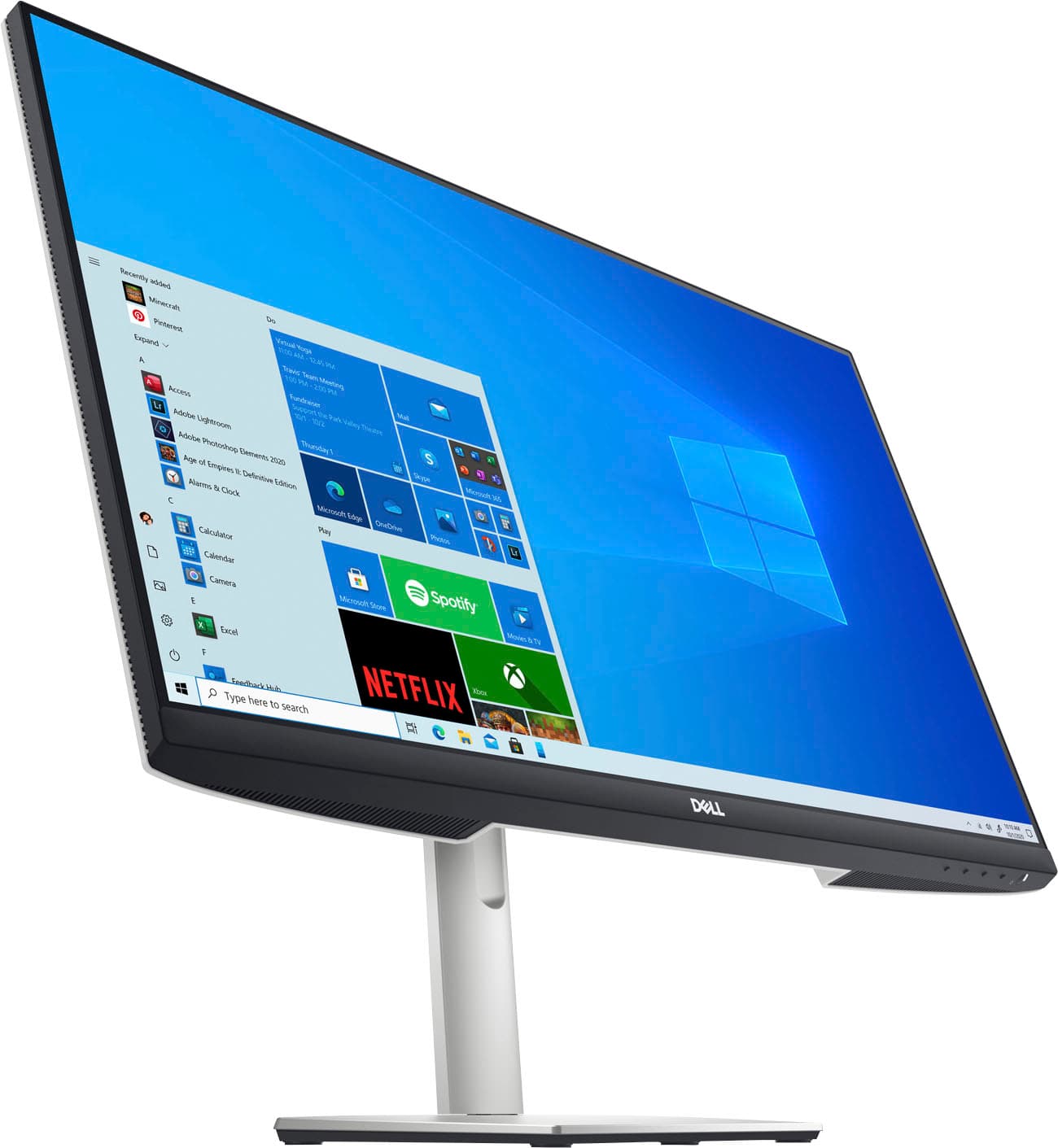
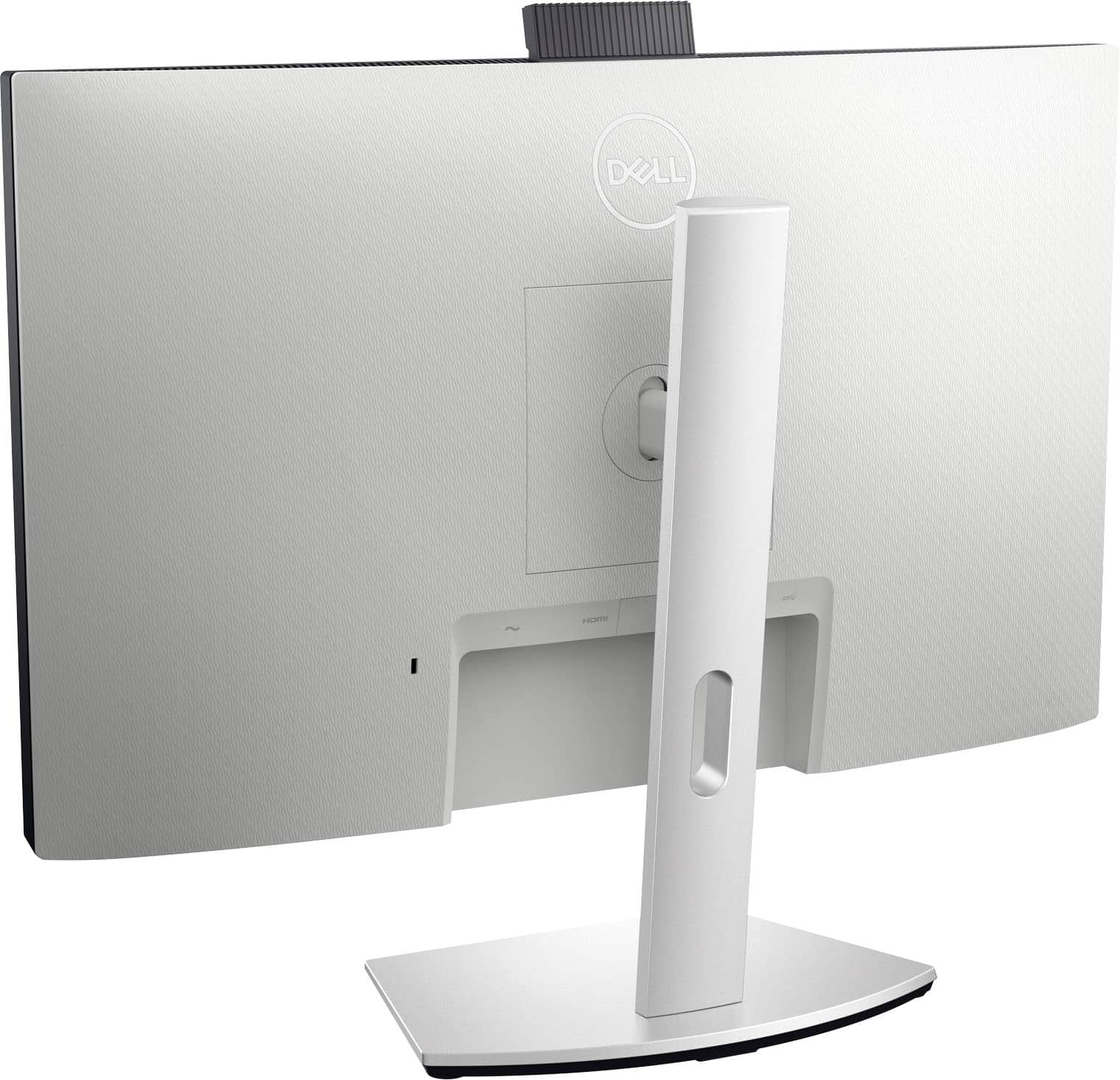
|Posted .This reviewer received promo considerations or sweepstakes entry for writing a review.I've always been partial to Dell monitors; generally they are a good value for the price. The price, by the way, is always variable--there's almost always a sale or offer to obtain decent Dell monitors for less than their MSRP. Dell’s S2422HZ monitor is a 24” full HD monitor—the first strike against it. I understand that I can be a bit of a snob when it comes to technology, as I’m used to a 32” 4K Dell monitor that has delivered with little to no issue for the last few years. Still, while 24” monitors are great, I find that to be too large physically when paired with a panel limited to FHD. This monitor is FreeSync capable and sports a 75Hz refresh rate, which is decent. The IPS panel gets plenty bright and clear and doesn’t suffer the “haze” that I’ve experienced from time to time on certain models of Dell monitors. It has a clean design, in line with modern Dell monitors, and has a great stand that is height-adjustable and rotates up to 90 degrees. It has a built in USB hub (two additional USB type-A ports) and offers video connections via HDMI 1.4, DisplayPort 1.2 and USB-C with power delivery up to 65 watts. It has onboard dual 5 watt speakers which get the job done but aren’t something to get excited about. It is VESA-mount ready as well. The monitor also has a built-in webcam which pops up from the top of the chassis by pressing down on it. The 5 MP camera unit also has an array of noise cancelling microphones, and the camera is compatible with Windows Hello. It’s clear this monitor is designed for the now web-conferencing first world, and while it does a decent job at that, seems a little too niche for it to be recommended for virtually any other purpose. I suppose if you spend a lot of time on video conferences and want to have a dedicated monitor for those calls, this could be an option for you—but its resolution limitation stop it from being good for much else. The final strike for me with this monitor is the price tag. I said before, rarely do you pay MSRP for Dell monitors, but anything over $225 or $250 for this particular monitor seems excessive to me. Yes, it’s a large display, but again limited by resolution. It has great connectivity, but that connectivity is only useful if you want to connect things to it. And while a built-in camera and mic array for video conferencing is a nice feature, I’ve struggled to find other uses for it—and in the world of tech, uni-tasking products don’t stand the test of time. There very well could be buyers for this product that fit into the niche for which it is marketed. I don’t happen to be one of those buyers, and don’t know a lot of people in my circle who this would make sense for. It doesn’t exclude it from being a good product, but it does make it a product that is hard to recommend.
No, I would not recommend this to a friendBrand response from YourDellTeam
Posted .Dear TheTechNugget,
We appreciate your valued feedback. We are sorry to hear you are not completely satisfied with your Dell Monitor. This is certainly not what we like to hear from our loyal customers. We will share your comments with our quality team so improvements can be made now and in the future.
If you require further assistance, you can contact Dell directly with the information below.
Chat or call: https://bit.ly/DellSupportTeam
Phone number to Dell 1-800-624-9896
Best,
Ashley@Dell
- Pros mentioned:Ease of use
Dell FreeSync Monitor
||Posted . Owned for 1 month when reviewed.This reviewer received promo considerations or sweepstakes entry for writing a review.I love the monitor but the webcam did not work. It was easy to install, but all of the cords that came with it did not work with my computer and sadly the camera did not work.
I would recommend this to a friendBrand response from YourDellTeam
Posted .Hi Rose,
We appreciate you taking the time to leave us your review. We are glad to hear that you're pleased with your monitor and we apologize for the issue you have come across when trying to use your camera. Below I have provided troubleshooting instructions with the full article that can help resolve the camera issue.
Here are the recommended steps:
1. Close any applications that are using the webcam (this may include web pages). Save and close any applications that you are working on as the computer will need to restart.
2. Press and hold the Windows key, and then press the q key.
3. In the search box type device manager.
4. Select Device Manager (Control panel) in the list of results.
5. Touch or click the plus (+) sign to the left of Cameras or Imaging Devices.
- Note: When there is no listing for Cameras or Imaging Devices, "Contact Technical Support."
6. Touch and hold or right-click Integrated Webcam or USB camera.
7. Touch or click Uninstall.
8. Confirm the uninstall process by clicking OK.
9. Once uninstalled, restart the computer.
- Note: Windows 10 will automatically detect and install the Webcam drivers.
10. When the Webcam does still does not function, the webcam software should also be uninstalled and reinstalled after the drivers are installed. Contact the Webcam software provider for assistance.
11. This link can be used for further solutions and details: http://dell.to/3m00ioA.
After utilizing the troubleshooting options provided, if the problem persists, please contact our support team here at your earliest convenience: https://bit.ly/DellSupportTeam.
If you should require further assistance, you can contact Dell directly with the information below.
Chat or call: https://bit.ly/DellSupportTeam
Phone number to Dell 1-800-624-9896
Best,
Wendy@Dell
Defective
||Posted . Owned for 1 month when reviewed.This reviewer received promo considerations or sweepstakes entry for writing a review.I bought this as Open Box. Wanted to like it but the microphone worked one day, and not the next. This went on for several days. The Geek Squad spent a couple hours remotely looking for a cause. They determined the microphone to be defective and recommended I return it.
No, I would not recommend this to a friendExcellent monitor!
||Posted . Owned for 1 month when reviewed.This reviewer received promo considerations or sweepstakes entry for writing a review.This Dell monitor is exactly what I needed. With the built-in camera and speakers, it definitely freed up much needed space on my small desk.
I would recommend this to a friendGood monitor
||Posted . Owned for 3 weeks when reviewed.This reviewer received promo considerations or sweepstakes entry for writing a review.Works fine. Just be sure to have a USB-C or suitable adapter from CPU to monitor to use camera. HDMI will allow speakers but not camera.
I would recommend this to a friendSharp Display
||Posted . Owned for less than 1 week when reviewed.This reviewer received promo considerations or sweepstakes entry for writing a review.I'm amazed with this Dell Monitor for its price and quality. I use it in the office. The sharpness and clarity of the image and font is outstanding!
I would recommend this to a friend- Pros mentioned:Ease of use
Computer screen
||Posted . Owned for less than 1 week when reviewed.This reviewer received promo considerations or sweepstakes entry for writing a review.Took a while to get the screen hooked up and going but once we did it is very nice.
I would recommend this to a friendBrand response from YourDellTeam
Posted .Hi Nurse,
Thank you for your valued feedback. We are sorry to hear that have come across some troubles with the initial setup of your Dell 24” FHD FreeSync Monitor, but we are glad to hear that everything works well now and you are happy with your purchase. We will share your comments with our quality team so improvements can be made now and in the future.
If you have any questions or concerns about this product, please use the information below to contact Dell at your earliest convenience.
Best,
Katarina@Dell
Should you need further assistance, you can contact Dell directly with the information below.
Chat or call: https://bit.ly/DellSupportTeam
Phone number to Dell 1-800-624-9896
- Pros mentioned:Speakers, Usb-c, Webcam
Say HELLO to Picture Perfect Video Conferencing
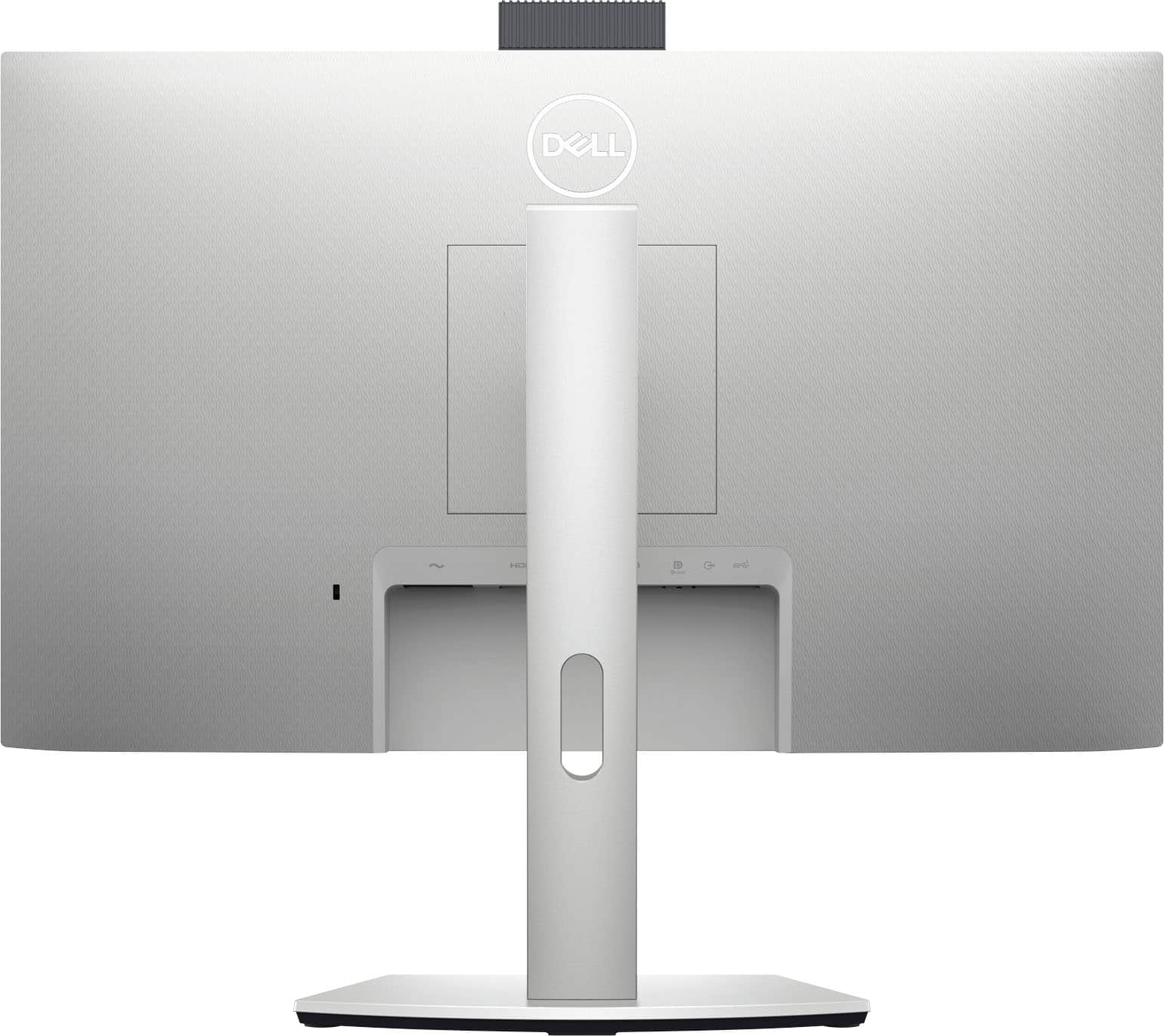
|Posted .This reviewer received promo considerations or sweepstakes entry for writing a review.Have reviewed many monitors, owned dozens, and purchased hundreds for offices, the Dell 24 Video Conferencing monitor quickly became one of my favorites, hands down. The Dell 24 Video Conferencing monitor is a success, whether you’re conferencing with team members, business partners across the globe or with friends down the street. The design, engineering, and product are brilliantly executed. First impression was of the stand which is smartly stylish and functional. Typically, do not get into the monitor stands in reviewing, though this stand requires a nod for its stylish, solid design with an ideal center slot for wire management, nice. Apart from an exceptional IPS LED monitor which has solid blacks and superb color accuracy is the array of ports, more than I have seen on a monitor: 1. DisplayPort 2. HDMI 3. USB-C 3.2 Gen 1 (Video, data, video, mobile/laptop charging “even when the monitor is off” 4. USB 3.2 ports (2) Likes: 1. FreeSync 2. Noise-cancelling microphone 3. 5W speakers 4. Built in 5P camera 5. Windows Hello support – one of my favorites 6. Ability to hide the camera – simply lower the camera back into the monitor – privacy/security 7. Stand swivels, tilts, and pivots for ideal viewing adjustment 8. Low blue light screen tech, easy on the eyes Windows Hello runs beautifully on the Dell 24 Video Conferencing monitor, with all the tech the monitor provides the pop-up monitor with Hello rang my bell. Have been using Windows Hello with fingerprint for years, the facial recognition on the Dell made my day, and I am forever spoiled to any other login methods. Bottom-line the Dell 24 Video Conferencing monitor has taken front and center on my desktop, from the gorgeous screen, the array of port support, the stand and Windows Hello login my other monitors stand in the shadow. Picture-perfect for anyone who spends the day at their desk working, video conferencing or just having fun the Dell brings a new level of tech to the game.
I would recommend this to a friend good monitor
||Posted . Owned for 1 year when reviewed.This reviewer received promo considerations or sweepstakes entry for writing a review.ok monitor. not the greatest quality but solid unit for secondary monitor
I would recommend this to a friend- Pros mentioned:Speakers, Webcam
Nice, versatile monitor
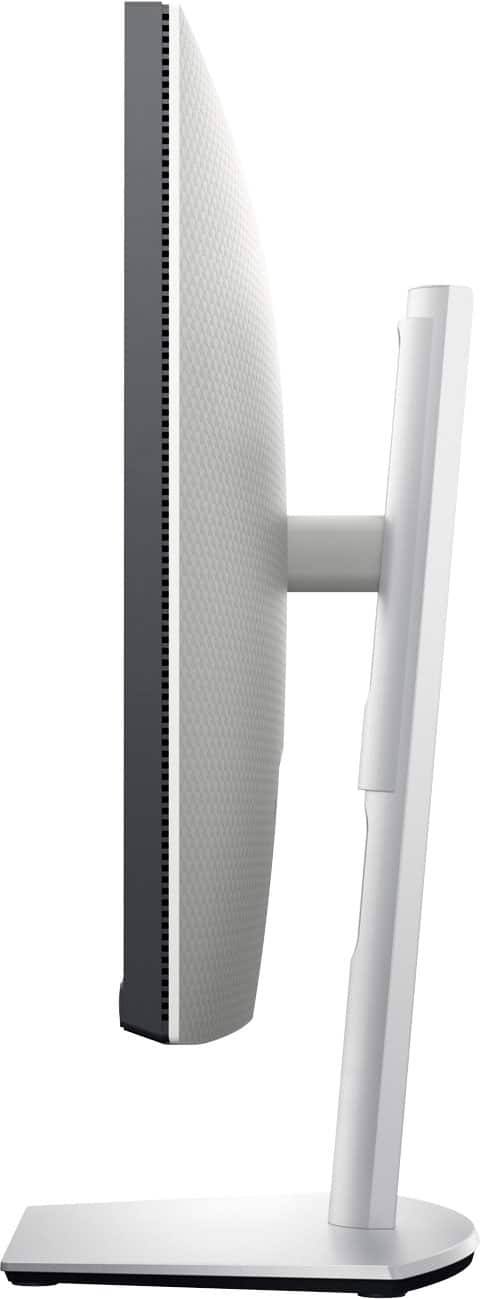
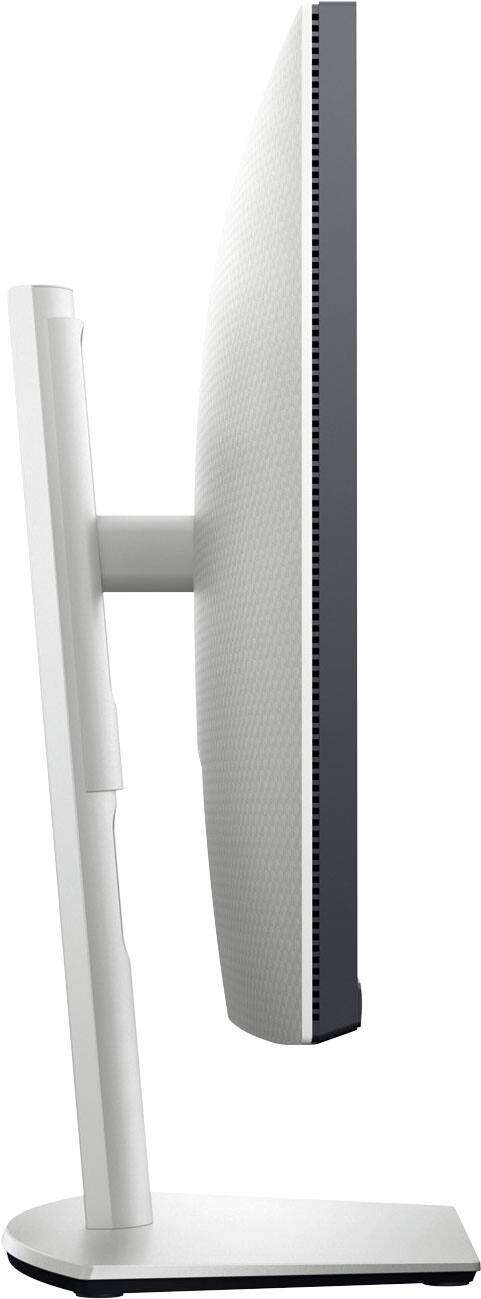
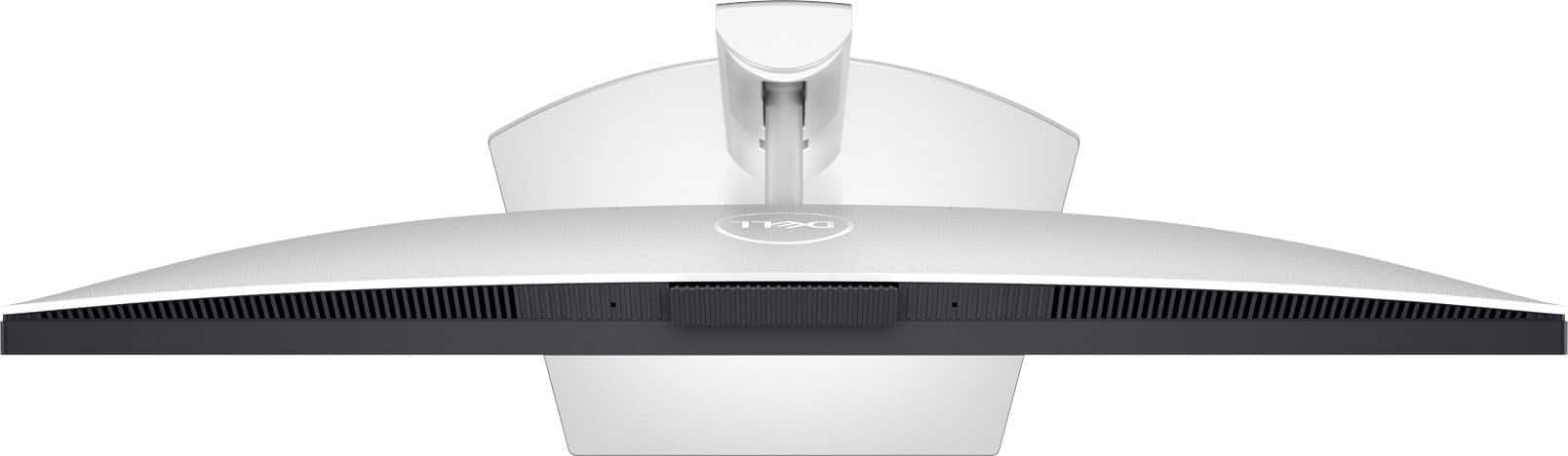
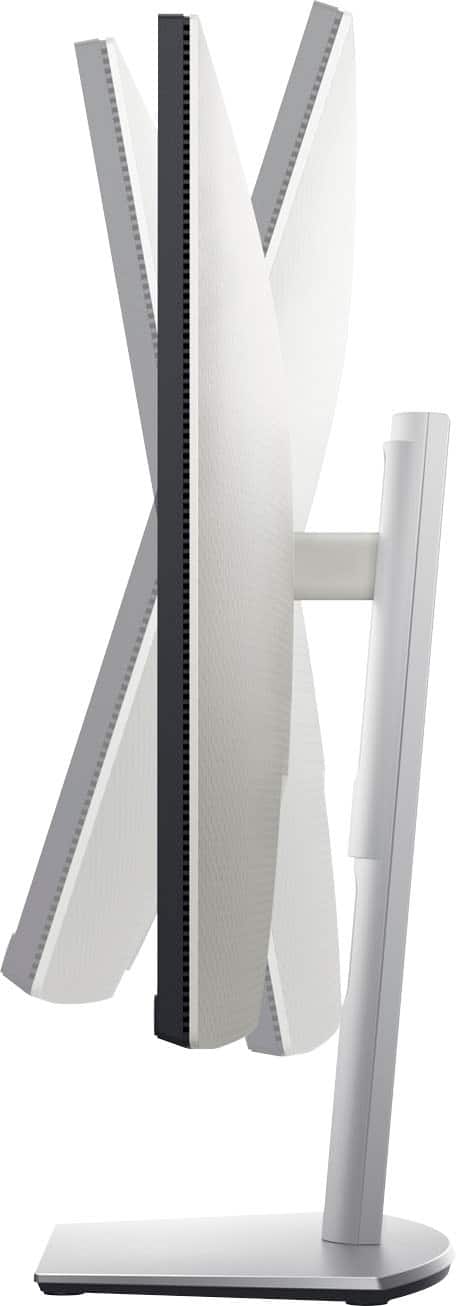
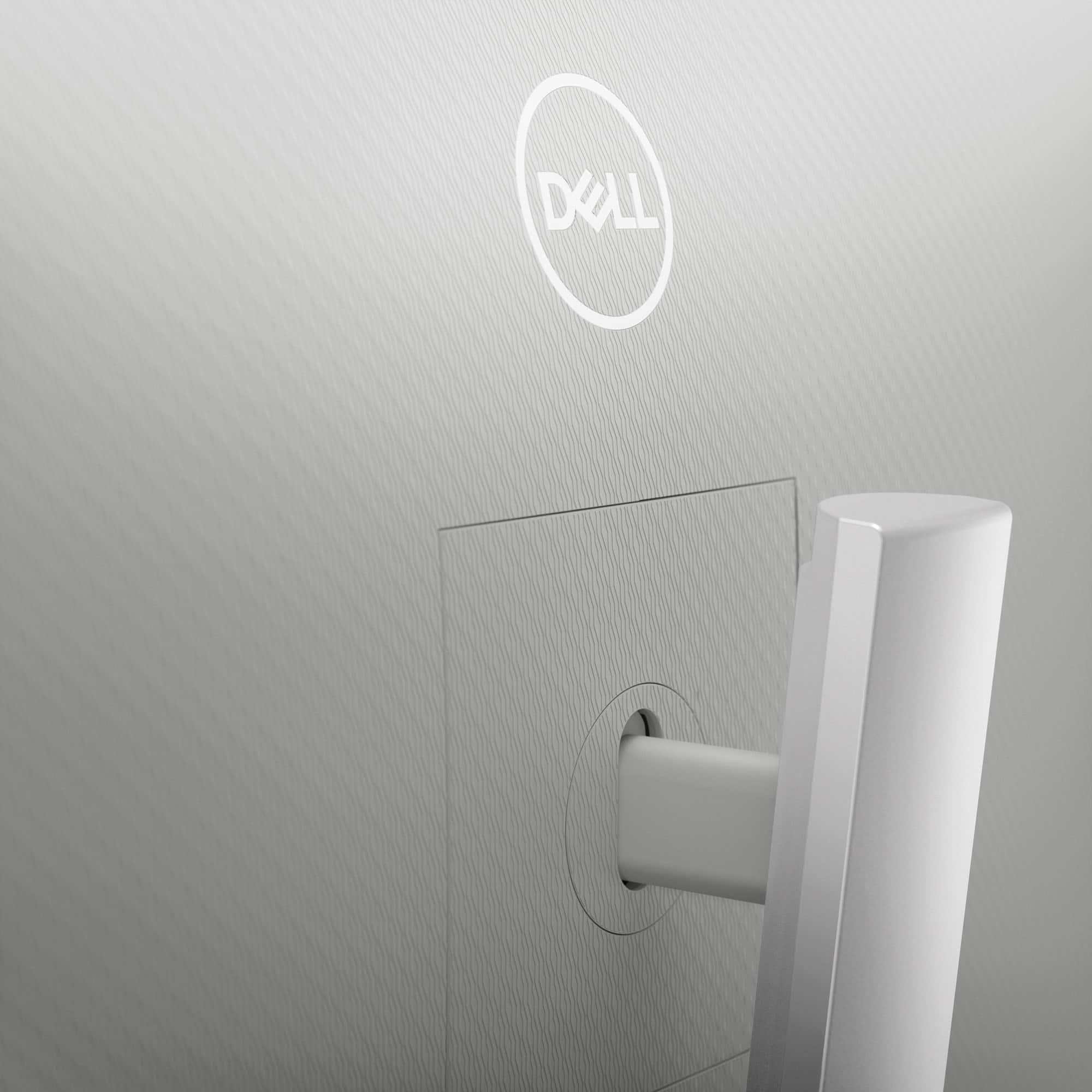
|Posted .This reviewer received promo considerations or sweepstakes entry for writing a review.Dell - 24" IPS LED FHD FreeSync Compatible Monitor (DisplayPort, HDMI, USB) – Silver When you open the monitor’s well-padded box, you’ll find the stand in two parts, the monitor, a power cable and a USB-C connection cable. The multi-function USB-C connection provides video, audio and data, and charges your laptop., all at the same time, which means you don’t need an HDMI connection. So, with just that one cord, you'll have a lot less clutter. And the stand includes a slot to put your cable through for an even neater desktop appearance. There’s a single page setup sheet to help you get started and a link to the online User’s Guide, which you’ll want to download. Once downloaded, the User’s Guide will show you how to use the controls to set up the monitor exactly the way you want it. The monitor has a very versatile stand. You can adjust the monitor’s height for best viewing, and it tilts, swivels and pivots (it can even go completely vertical, if needed), so positioning this monitor to exactly where it’s most comfortable for your viewing preference shouldn’t be a problem. There’s a hidden pop-up camera that helps guard your privacy when not in use. Its facial recognition feature can be used with Windows Hello for faster log on. There’s also a noise-cancelling microphone, and the included dual 5W speakers are crisp and clear. So, this monitor is all set for those ever-more-common virtual meetings and visits. Dell certainly didn’t skimp on connections. There are HDMI, Display Port, USB-A, USB-C and Headphone Jack connections. The USB-A port can be used for charging your mobile phone or other devices. Finally, it works with Windows, Android, Chrome, Linux and Mac. So, if you’re looking for a versatile 24” monitor that includes an external camera and speakers, this could certainly be a good choice.
I would recommend this to a friend Get it!!
||Posted . Owned for 9 months when reviewed.This reviewer received promo considerations or sweepstakes entry for writing a review.Love this monitor!! Had no trouble connecting to my Mac unlike other monitors I’ve tried.
I would recommend this to a friend- Pros mentioned:Usb-c, Webcam
Good choice for home computing or office
|Posted .This reviewer received promo considerations or sweepstakes entry for writing a review.For those working from home or in a business environment this monitor has some nice options. In this time of Zoom and video conferencing this monitor makes it easy with the built-in camera, microphone and speakers. I really like the design of the pop-up camera which allows one to hide the camera to ensure it is not in use. The USB-C connection keeps things uncluttered and allows easy charging of one’s laptop even when the monitor is powered off. Monitor set-up is very good with a nice design that requires no tools. I appreciate it when a company makes things simple, easy and at the same time of good quality. There is a lot of versatility in terms of adjustments that one can easily make with this monitor stand. Not only is it easily height adjustable, but the swivel and pivot options are such that one should be able to accommodate any video conferencing requirements to comfortably use this monitor. The display has a 75Hz refresh rate with good color and clarity. It also utilizes ComfortView Plus which is an always-on, built-in low blue light screen that is provided to help with eye comfort. Two USB 3.2 ports offer additional options for charging and connecting other devices. I’ve had a previous Dell 24” FHD monitor and I like them for their simple, modern design and reliability. This monitor adds some nice options with the built-in, pop-up camera, and mic, speakers and versatile, adjustment capabilities. For those needing a quality workstation I find this to be a really great choice. Others such as gamers or those doing graphics intensive tasks would probably opt for a higher end, larger monitor. This Dell monitor does what it is designed to do and I think there are many users who will appreciate some of the added features.
I would recommend this to a friend Good Monitor
||Posted . Owned for 2 weeks when reviewed.This reviewer received promo considerations or sweepstakes entry for writing a review.A nice monitor. I think the camera quality could be a little better though.
I would recommend this to a friendGood buy!
||Posted . Owned for 1 month when reviewed.This reviewer received promo considerations or sweepstakes entry for writing a review.Great quality, colors are good, easy to set up and worked well with extended/2nd screen.
I would recommend this to a friendI love this monitor.
||Posted . Owned for 2 months when reviewed.This reviewer received promo considerations or sweepstakes entry for writing a review.I love this monitor. I just wish it came with a DisplayPort cable.
I would recommend this to a friendExcellent Purchase
||Posted . Owned for 1 month when reviewed.This reviewer received promo considerations or sweepstakes entry for writing a review.Easy to put together and has a great image and good purchase, and the price was right.
I would recommend this to a friendNice monitor
||Posted . Owned for 1 week when reviewed.This reviewer received promo considerations or sweepstakes entry for writing a review.I really have enjoyed using this monitor. The camera is great for my meetings.
I would recommend this to a friend