Customer Ratings & Reviews
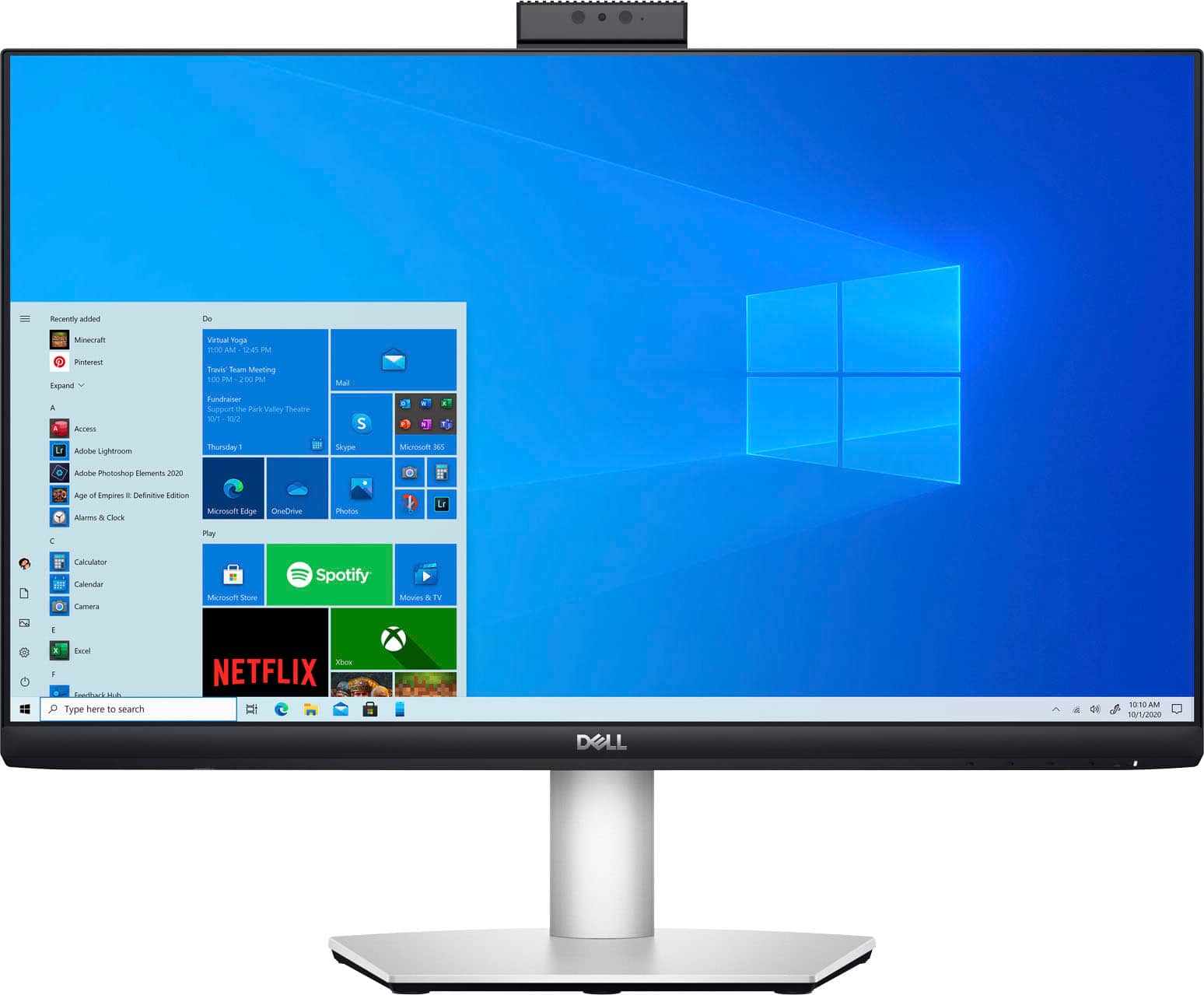
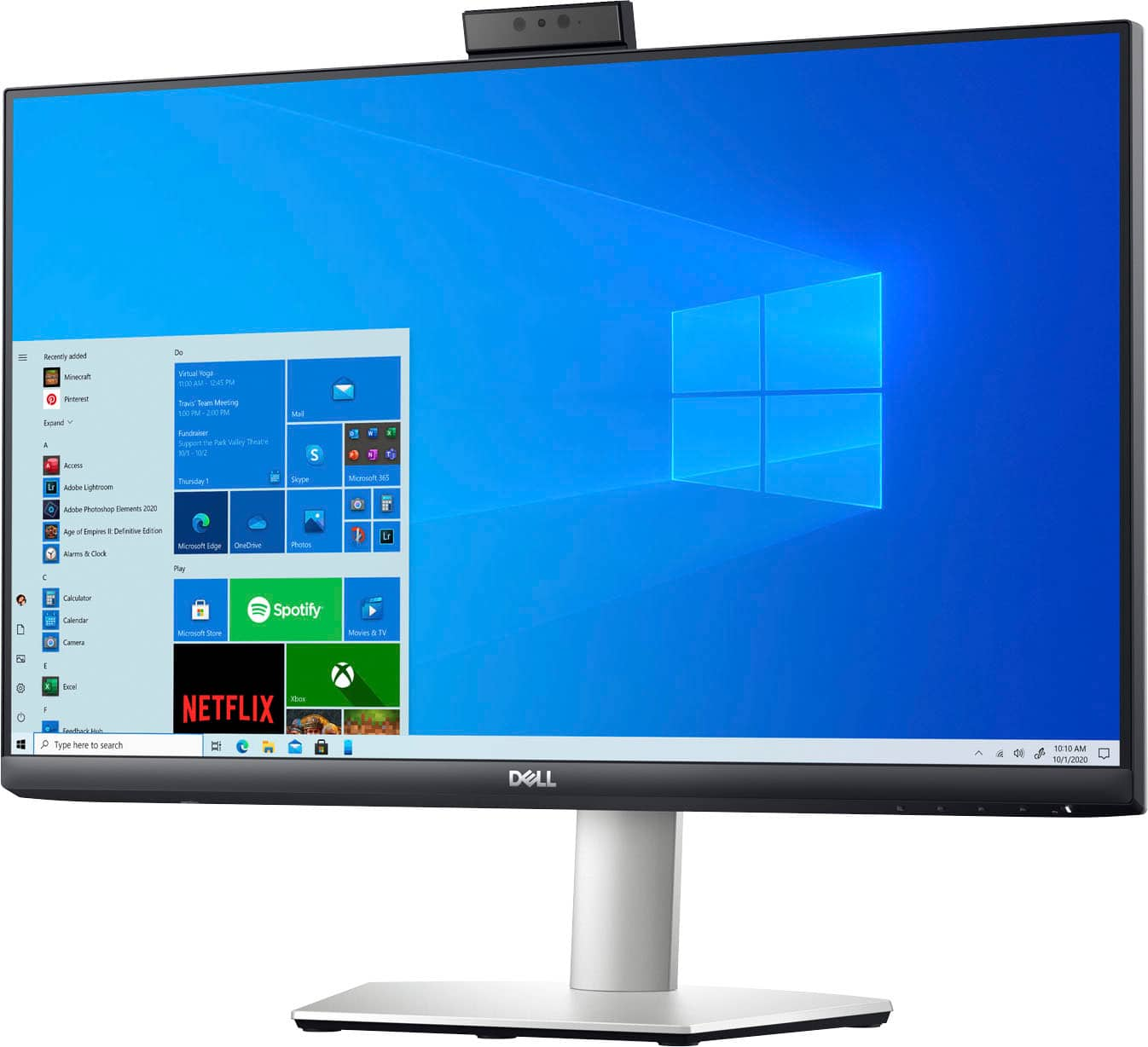
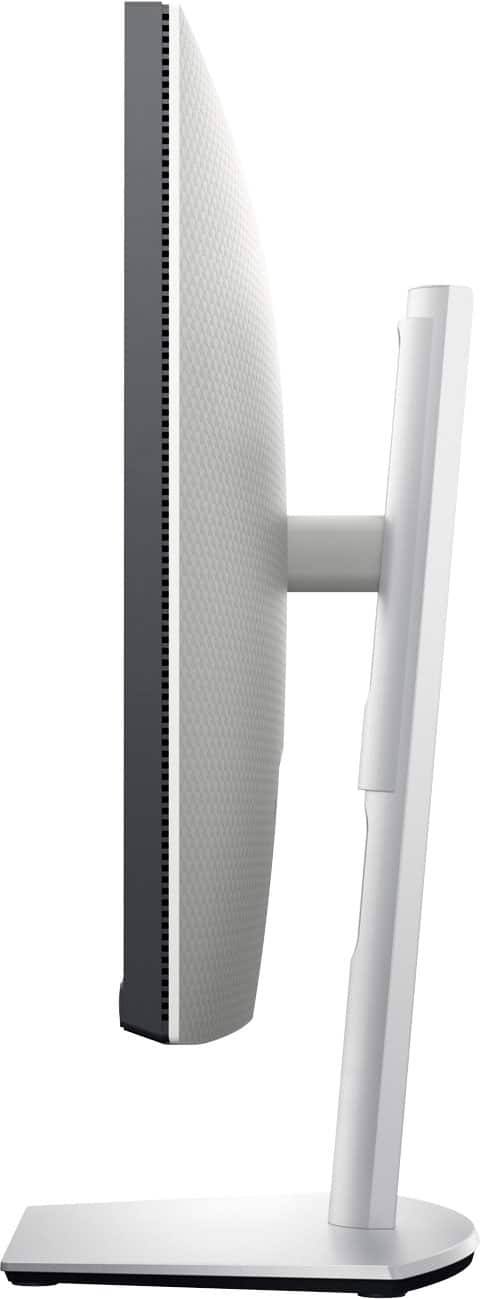
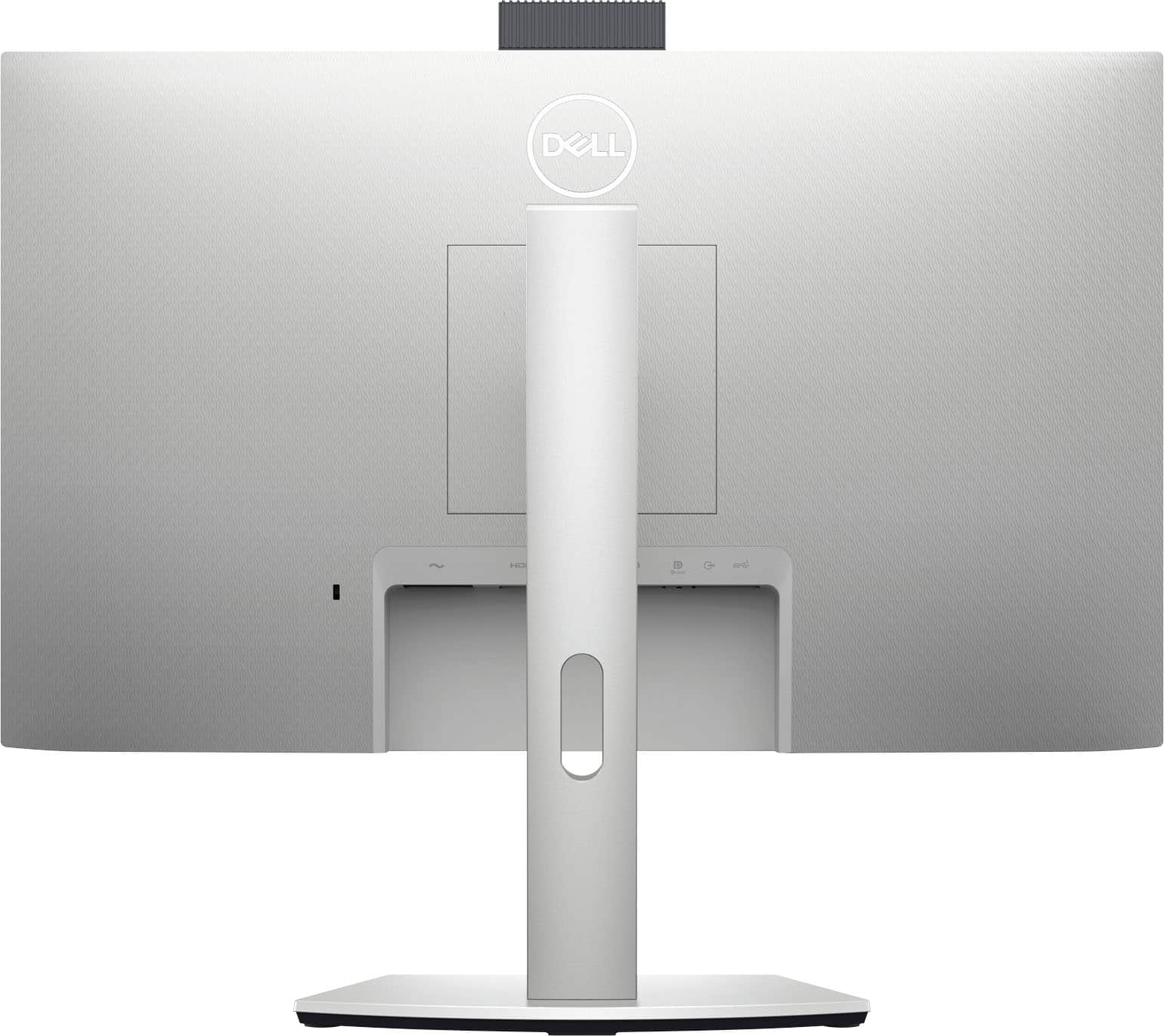

- Model:
- S2422HZ
- SKU:
- 6479102
Rating by feature
- Display Quality
Rating 4.4 out of 5 stars
- Ease of Use
Rating 4.6 out of 5 stars
- Features
Rating 4.5 out of 5 stars
Customers are saying
Customers commend the webcam, screen size, and USB-C capabilities of the 24" IPS LED FHD FreeSync Compatible Monitor. Positive feedback also highlights the monitor's ease of use, built-in speakers, and excellent resolution and sound quality. Many appreciate the refresh rate, making it suitable for various uses including gaming. The versatile stand is also a frequently praised feature.
This summary was generated by AI based on customer reviews.
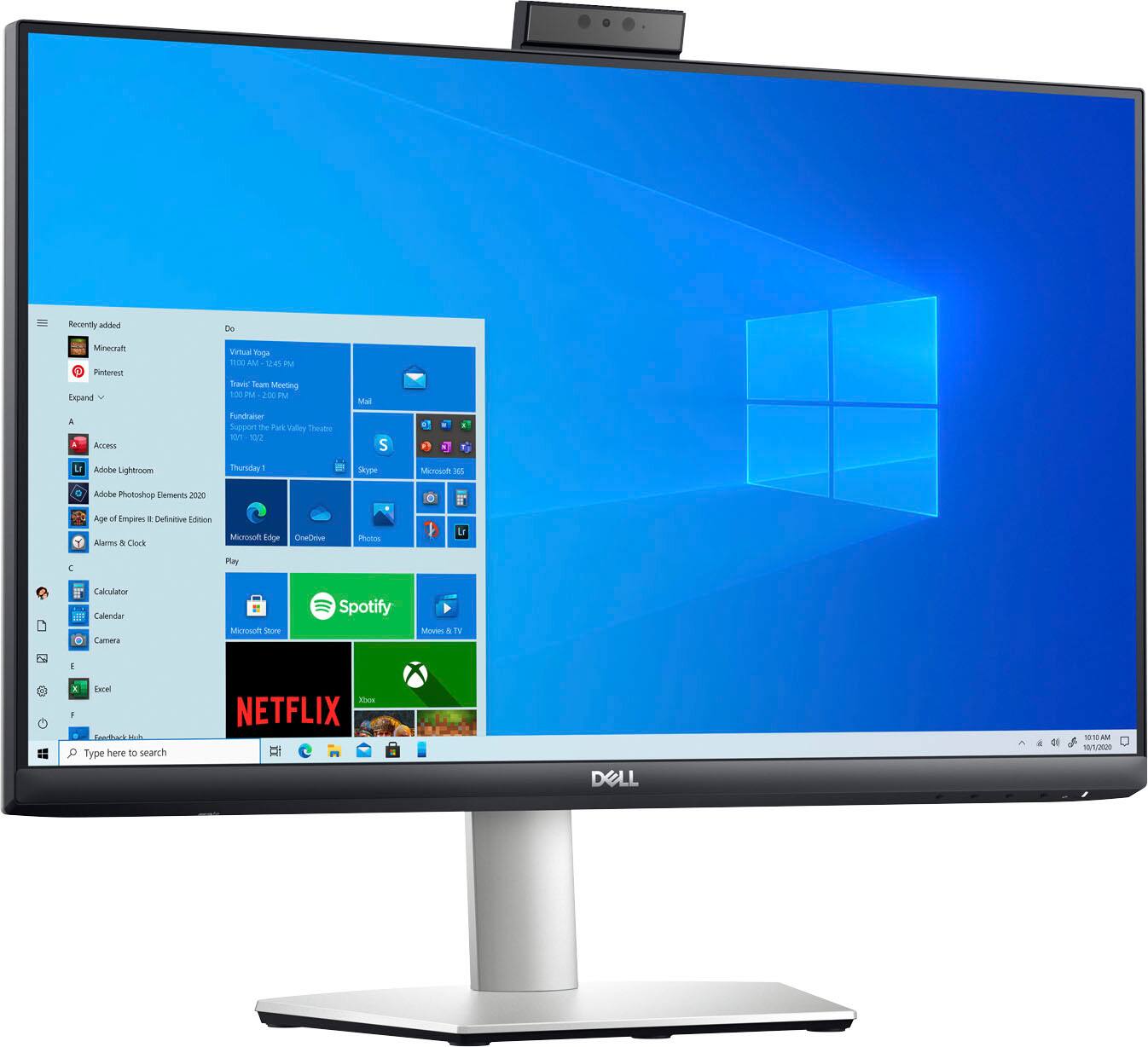
Dell Monitor with Webcam
||Posted . Owned for 1 month when reviewed.This reviewer received promo considerations or sweepstakes entry for writing a review.Excellent. As advertised same quality you would expect from Dell
I would recommend this to a friendGreat monitor
||Posted . Owned for 1 month when reviewed.This reviewer received promo considerations or sweepstakes entry for writing a review.Nice monitor for work. Has all the functionality I was looking for.
I would recommend this to a friendGreat Dell Monitor
||Posted . Owned for 1 month when reviewed.This reviewer received promo considerations or sweepstakes entry for writing a review.The Dell 24" Monitor is a great video conferencing monitor.
I would recommend this to a friendBest you can get.
||Posted . Owned for 1 month when reviewed.This reviewer received promo considerations or sweepstakes entry for writing a review.This is such a great all in one monitor. You can’t go wrong.
I would recommend this to a friendIts sharp
||Posted . Owned for 3 weeks when reviewed.This reviewer received promo considerations or sweepstakes entry for writing a review.Love this monitor . Works great with my mac mini.
I would recommend this to a friendNew game monitor
||Posted .This reviewer received promo considerations or sweepstakes entry for writing a review.its running great so far. i like how it is very clear
I would recommend this to a friendGood overall monitor.
||Posted . Owned for 3 weeks when reviewed.This reviewer received promo considerations or sweepstakes entry for writing a review.Great monitor, but I don't see why the built in video camera cannot be utilized via the DisplayPort.
I would recommend this to a friendBrand response from YourDellTeam
Posted .Hi Johnk916,
We would like to thank you for taking the time to provide us with your feedback. We are glad you like your Dell 24” monitor but we are sorry to hear you are not too happy with its built-in camera because of the way it connects to your computer.
For the webcam to function, connect the provided USB-C to USB-C cable between the computer and the monitor. If the computer does not support USB-C, use a USB Type-A to USB-C cable (optional purchase).
For a more detailed description of how to connect the webcam, please see the link below and refer to the “Webcam troubleshooting” section:
Dell S2422HZ Monitor Usage and Troubleshooting Guide: https://dell.to/3aNoXwE
If you come across any other questions or have concerns about this product, please don’t hesitate to contact Dell Support Team at the information provided below.
Best,
Katarina@Dell
Should you need further assistance, you can contact Dell directly with the information below.
Chat or call: https://bit.ly/DellSupportTeam
Phone number to Dell 1-800-624-9896
- Pros mentioned:Screen size, Webcam

A Display That Does Alot
|Posted .This reviewer received promo considerations or sweepstakes entry for writing a review.Below are my findings when using the Dell S2422HZ monitor. [Pro: Picture quality is excellent.] The Dell S2422HZ produces great colors and nice images. The ability to toggle among color profiles makes it helpful when I want to quickly adjust the settings according to the content I'm viewing. [Pro: You can preserve many ports on your laptop by using the ports on the monitor.] With this display, I was able to charge my laptop, charge another device, use speakers, transfer data, and utilize a webcam all at the same time. It's hard to ask for much more out of a monitor. I love that I was able to keep my laptop free of additional connections because my monitor acts as a hub. [Pro: Camera is decent.] The camera won't win any awards, but it produces a good video quality that can be useful for business, school, or home. The mic caught my voice accurately, and the playback was passable. The mechanism for hiding the camera works well, and adds much value to the overall display. I also liked that I was able to use Windows Hello to easily log onto my PC. [Pro: Monitor has an excellent design.] Along with a beautiful frame, the S2422HZ allows for the height to be adjusted and provides a hole for neat cable management. [Con: Internal speakers are mediocre.] The built-in speakers are basic. I didn't have high hopes for them, but I did encounter a little bit of crackling noise while using them. Fortunately, monitors are purchased more so for the display rather than the sound. [Pro: External speakers can be used.] Dell makes up for the lackluster speakers by providing an ability to connect external speakers via an auxiliary cable. For me, this compensates greatly because I own several portable speakers which don't take of much desk space [Con: Cannot use headphones with the monitor.] According to the online manual, headphones are unsupported. This feature is more of a "I wish it did this" rather than a "it should do this". [Conclusion] Overall, this monitor is suited for many different people. I enjoy this display as a work from home monitor. However, the versatility of it makes it useful for business professionals and students. The speakers are disappointing. However, the S2422HZ provides a decent webcam, but an even better display. Yet, the biggest benefit is how many things can be connected to the monitor. I can state enough how crucial it is to be able to charge my laptop through the USB C port and still be able to use other USB A ports on the monitor.
I would recommend this to a friend Don't buy, stay away.
||Posted . Owned for 1 week when reviewed.This reviewer received promo considerations or sweepstakes entry for writing a review.Probably the worst monitor I have ever purchased. I purchased 4 for two computers for dual monitor set up. The only cable it came with is a USB-C that only works on my brand new Dell computer for audio functions. Had to purchase my own HDMI and VGA to HDMI adapter. Screen is blurry, it takes forever to load. Contacted Dell customer service and the lady had the nerve to say it should have came with more cables. Called Bestbuy customer service and they were worse. Never buy anything remotely related to this product. Pure garbage.
No, I would not recommend this to a friendBrand response from YourDellTeam
Posted .Hello Steve,
We appreciate you taking the time to leave us your review. We apologize for all the issues you have come across with your Dell 24” monitor because it didn’t include the cables you need and the picture is blurry. We will share your comment with our quality team, so future improvements can be made.
Your monitor has a built-in diagnostic tool that helps you determine if any screen abnormality you experience is an inherent problem with your monitor, or with your computer and video card.
To run the built-in diagnostics:
1. Ensure that the screen is clean (no dust particles on the surface of the screen).
2. Press and hold Button 4 for about 4 seconds until a pop-menu appears.
3. Use Button 1 or Button 2 to select the diagnostic tool and use Button 3 to confirm. A gray test pattern appears at the beginning of the diagnostic program.
4. Carefully inspect the screen for abnormalities.
5. Press Button 1 again to change the test patterns.
6. Repeat steps 4 and 5 to inspect the display in red, green, blue, black, white, and text screens.
7. Press Button 1 to end the diagnostic program.
If you do not detect any screen abnormalities upon using the built-in diagnostic tool, the monitor is functioning properly. Check the video card and computer.
The full article on built-in diagnostics can be found below:
How to Run a Diagnostic Test on a Dell Monitor: https://dell.to/3CW8ctj
If the issues are still not resolved after applying the troubleshooting tips above, please contact the Dell Support Team at the information provided below for further guidance. We hope that the next representative you speak with can help you to resolve this issue to your satisfaction.
Best,
Katarina@Dell
Should you need further assistance, you can contact Dell directly with the information below.
Chat or call: https://bit.ly/DellSupportTeam
Phone number to Dell 1-800-624-9896
Malfunction
||Posted . Owned for 1 week when reviewed.This reviewer received promo considerations or sweepstakes entry for writing a review.The picture on this monitor is fine but I returned it to the store because the built in speakers pop and crackle and had a background humming noise that was unacceptable.
No, I would not recommend this to a friendBrand response from YourDellTeam
Posted .Hi Howard,
Thank you for your valued feedback. We are sorry to hear you had some trouble with the audio of your Dell Monitor and ultimately decided to return it. We will share your comments with our quality team so improvements can be made to current and future products.
Should you require further assistance, you can contact Dell directly with the information below.
Chat or call: https://bit.ly/DellSupportTeam
Phone number to Dell 1-800-624-9896
Best,
Ashley@Dell
- Pros mentioned:Screen size, Usb-c
Awesome monitor!
|Posted .This reviewer received promo considerations or sweepstakes entry for writing a review.I received this item for free in exchange for my honest review. I occasionally have the opportunity to work from home, and I've been spoiled by having 2 screens at work so I'd been looking at buying a second monitor to be able to use when I work from home when the offer to request this came through. I jumped at the offer and am so glad I did, because honestly, there's nothing I didn't like about it! I took it to work and used it for a few days in place of my external monitor there (also a 24" Dell), and went to work! We use Microsoft Teams a lot for meetings, and it did great! I liked the ability to use the camera on the monitor instead of my laptop because there are sometimes 2 or 3 of us using the same cam during a meeting, and this monitor allowed us to not have to be on top of each other during the calls but is also much bigger than my laptop screen meaning everything was more easily seen. I like that there is both an HDMI and a USB-C option to connect it to your computer, instead of just one or the other, which allows it to be used with older computers that don't have USB-C capability (like the old laptop of mine that I have it connected to now at home so I can stream TV while I use my good laptop for gaming). The built-in speakers aren't groundbreaking by any means, but they definitely get the job done and are better than some laptops I've used.
I would recommend this to a friend Too good to be true
||Posted . Owned for 1 month when reviewed.This reviewer received promo considerations or sweepstakes entry for writing a review.I might have gotten a lemon but this monitor sold me on all of the bells and whistles for a conference like monitor but sadly there is something wrong with its speakers. They keep going out during calls. I've had it checked by my IT department and Dell. I will have to exchange this for something else.
No, I would not recommend this to a friendBrand response from YourDellTeam
Posted .Dear LuzP,
We appreciate you taking the time to leave us your review. We apologize for the issues you have experienced with your Dell 24” IPS LED monitor, because its speakers are not working properly. We are sorry to hear that the IT department or Dell was not able to help you.
We recommend reaching out to the Dell Support Team at the information provided below. We hope that the next representative you talk to can help resolve the issues with your monitor.
Best,
Katarina@Dell
Should you need further assistance, you can contact Dell directly with the information below.
Chat or call: https://bit.ly/DellSupportTeam
Phone number to Dell: 1-800-624-9896
- Pros mentioned:Ease of use, Speakers, Webcam
Excellent 24" monitors
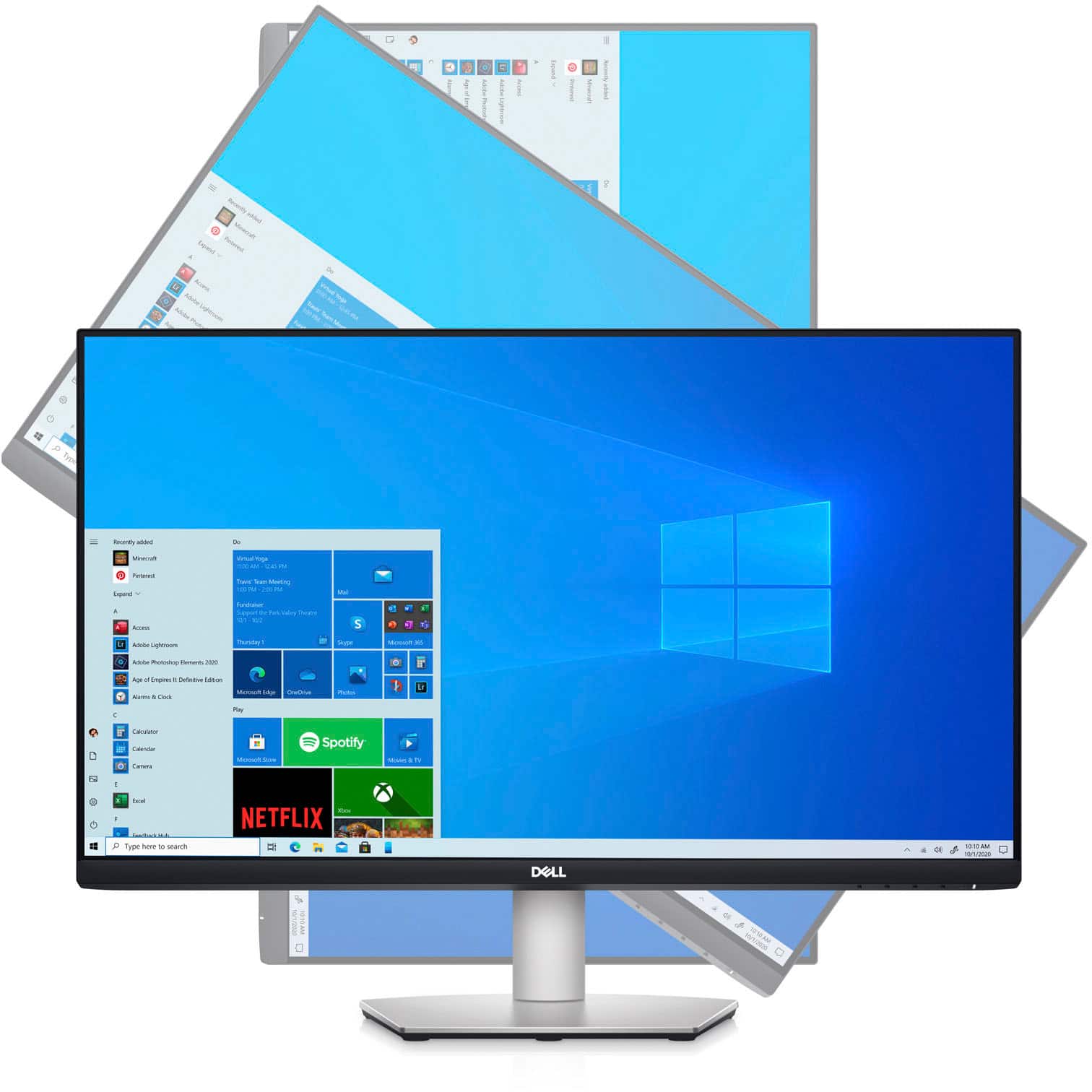
Posted .This reviewer received promo considerations or sweepstakes entry for writing a review.I bought two of these monitors to use with a new computer. Set up was very easy and I like that the monitors can be used horizontally or vertically. Also, each has a mic and camera. Very pleased with the purchase.
I would recommend this to a friend - Pros mentioned:Usb-c, Webcam
Excellent multi-use monitor
|Posted .This reviewer received promo considerations or sweepstakes entry for writing a review.I have been very impressed with this monitor so far. I currently have it on a dual monitor mount, and use it for work and personal use. While working, I have a sharp 1080p display with a built in webcam for all of my Teams meetings. When work is over, I use it as a 2nd monitor connected to my gaming PC. Build quality of this monitor is hefty and solid. Dell monitors have integrated power supplies and normal PC power cables. This monitor offers one-cable usb-c connections to compatible laptops, while also providing PD charging. I am able to keep my laptop connected to the screen and charging with a single cable. I can also fast charge my phone with the usb-c cable since the monitor has a high wattage power delivery system. Overall this a great multi-use monitor, and if you only have the budget to buy 1 screen, you can't go wrong with this model. Laptop/phone charging, external display, and HD webcam/mic functionality in a single screen? It's a great value.
I would recommend this to a friend - Pros mentioned:Usb-c
Excellent work from home/video conference monitor
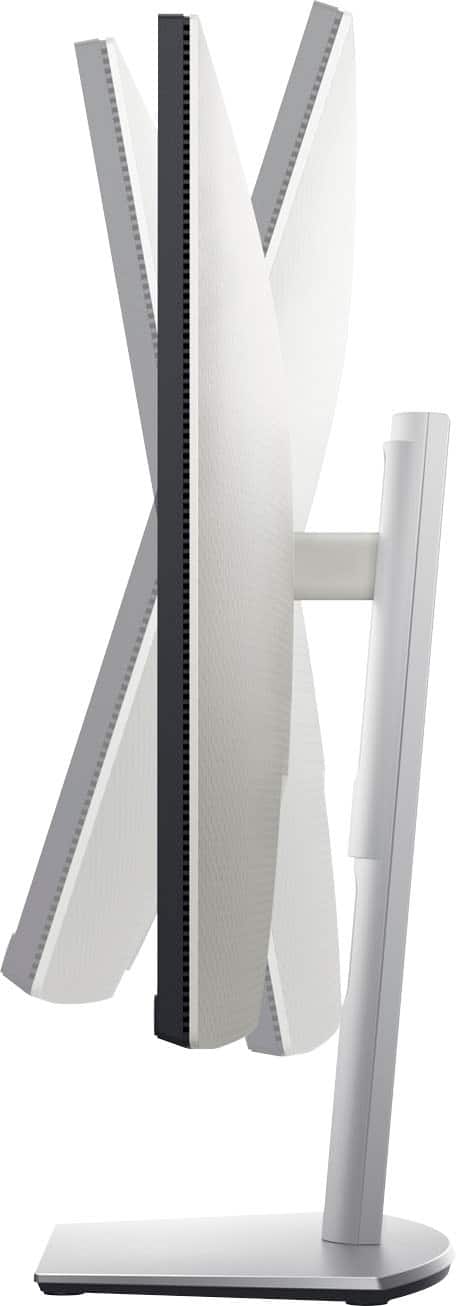
|Posted .This reviewer received promo considerations or sweepstakes entry for writing a review.This Dell 24" monitor is an excellent product for video conferencing and to declutter the workspace. Viewing angles are good and the screen is bright. The motion response time is respectable at 4ms, but not top of the line (closer to 1ms). Keeping in mind this is not a gaming monitor, the display is of excellent quality. Watching sports or movies showed smooth motion with no lag. The monitor comes nicely packaged and is easy to setup. I appreciated how easy it is to adjust the physical position of the monitor (up/down, tilt, swivel left/right). It is far more adjustable that any other monitor I have used. The best part is the USB-C port which is the one cable you will need (assuming your computer supports USB-C). From this single cable you can charge a laptop (65w output), connect video to the monitor, and the USB-C port also acts as a USB hub. There are two USB-A ports on the monitor to which peripherals can be attached or charged. For example, I have my bluetooth earbuds cradle connected to one port so that the earbuds charge. I also appreciate that there is NOT a large brick power supply external to the monitor. There is just a typical three prong power cable from an outlet to the monitor. Two minor cons for this monitor. First, like most things now, the printed instructions are the bare minimum and in my opinion inadequate. It took me a while to figure out how to make the camera pop up out of the monitor frame. How hard is it to put an instruction or sticker to "push here" to make the camera pop up? Second, the integrated camera is just OK. While performance is on par with other similar 1080p webcams, the low light properties leave a lot to be desired. Overall I'm very satisfied with this monitor and it's a great addition to my desktop workspace.
I would recommend this to a friend Poor online delivery
||Posted .This reviewer received promo considerations or sweepstakes entry for writing a review.I purchase a new monitor online. It was delivered to as open box ,the box was cut open half of the monitor already opened . Very poor service.
No, I would not recommend this to a friendBrand response from YourDellTeam
Posted .Hi SravaniB,
Thank you for taking the time to leave us a review of your Dell 24” Monitor. We are sorry to hear that the box was open upon delivery. That is not the type of feedback we like to hear from our customers or the type of product Dell intends to deliver. We have noted the details of your statement and will use them to help improve current and future products.
Should you need further assistance; we recommend that you contact Dell directly with the information below.
Chat or call: https://bit.ly/DellSupportTeam
Phone number to Dell: 1-800-624-9896.
Sincerely,
Summer@Dell
- Pros mentioned:Usb-c
Excellent monitor for office work
|Posted .This reviewer received promo considerations or sweepstakes entry for writing a review.The Dell Freesync monitor is a terrific monitor for general office work. It comes with a built-in hub to attach peripherals and has a premium look. Besides the hub, the other main feature is it has a built-in camera that can be popped up during use, and sleekly hidden otherwise. PROs • USB-C works great with my MacBook Pro, which recognizes the monitor’s built-in camera, microphone and any peripherals attached to it. Be sure to use the cable included in the box and insert it into the proper USB-C port on your computer, as not all USB-C ports and cables are capable of carrying the data needed. • USB-C provides 75Hz sync rate, whereas, HDMI maxes out at 60Hz. • Adjustable by height, tilt, and rotation (for horizontal or vertical use). • Matte finish eliminates reflections • Camera is only 5 Megapixels but colors are decent in the images. • Great for office work with good colors. • Built-in hub allows you to plug in a few peripherals. CONs • The slots in the back of the monitor require you to plug cables in vertically, which can be awkward. I prefer horizontal plugs into the back of the which are easier to see how the cable should align with the slot. • Sound is average. It’s loud but my laptop has a richer sound with better bass. • Full HD only. I would not recommend it for high-res graphics, video, or photography editing. This is a great monitor for office work and backed by Dell’s excellent service.
I would recommend this to a friend Great all-around work from home package
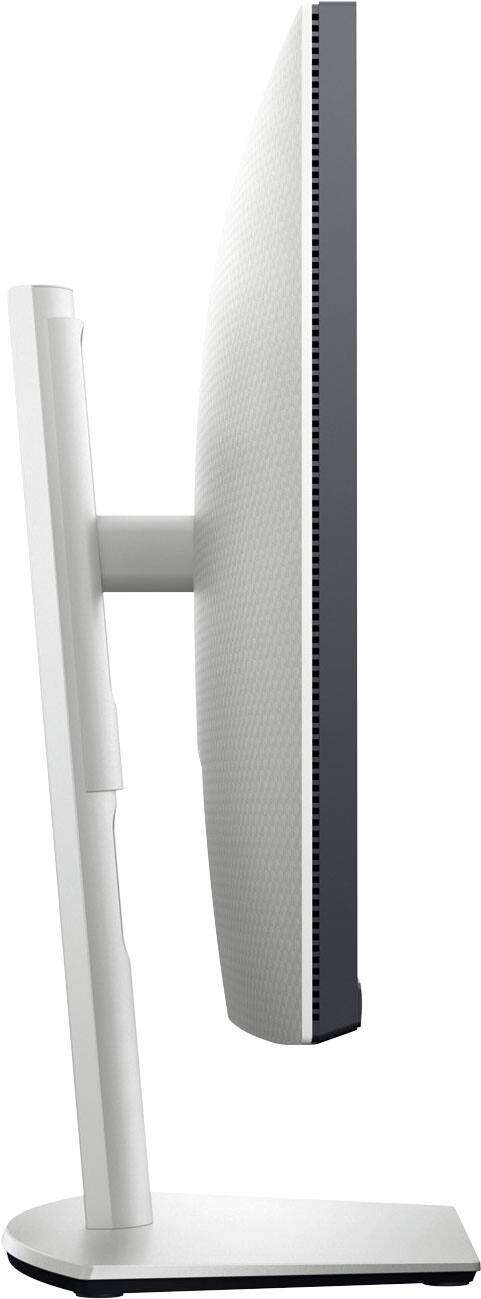
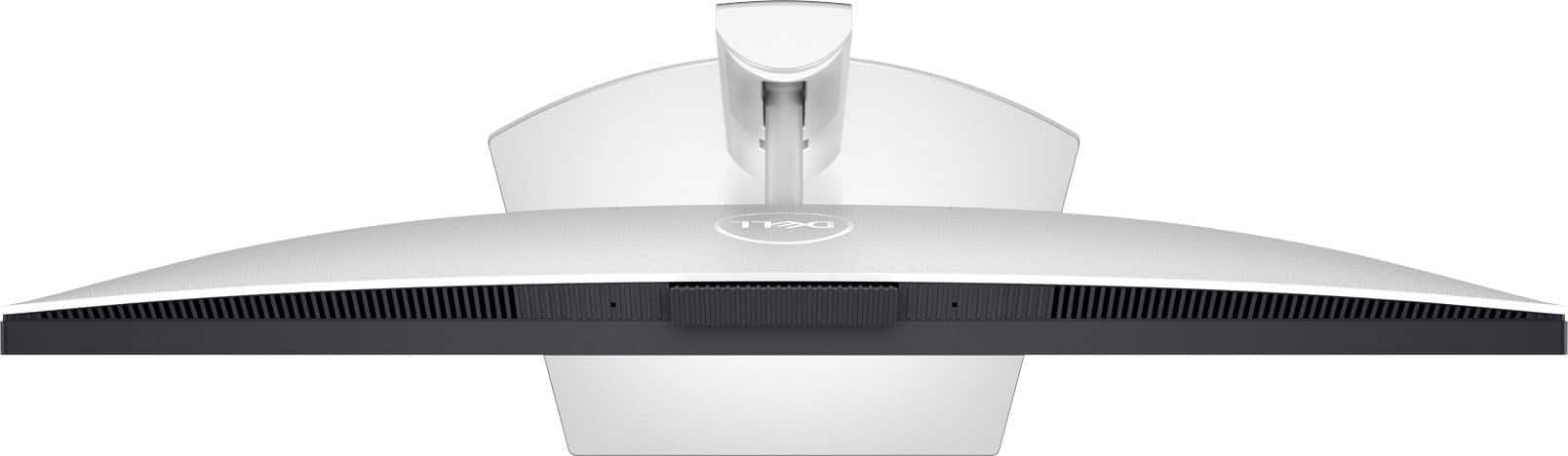
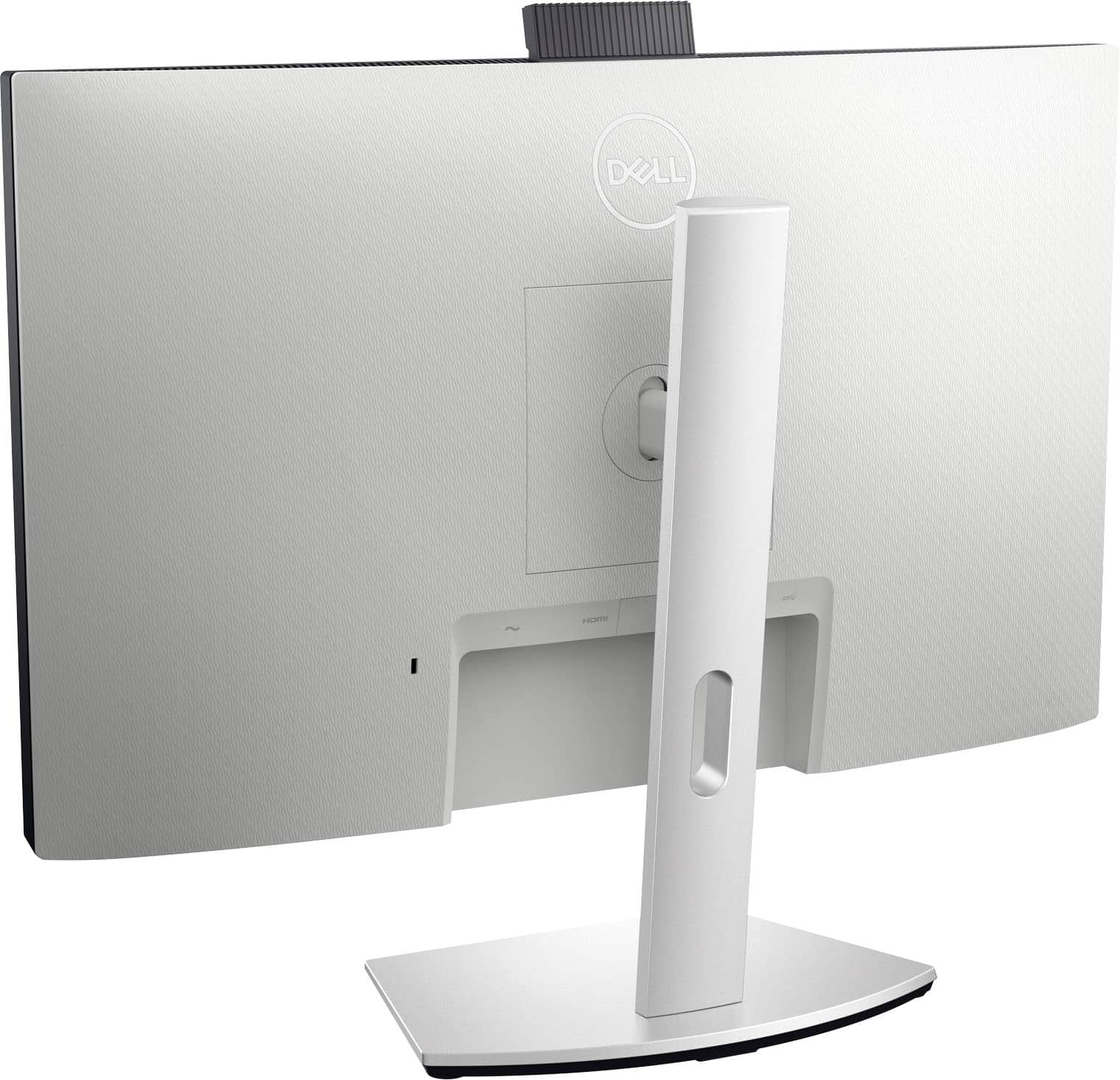
|Posted .This reviewer received promo considerations or sweepstakes entry for writing a review.Like many others, I’ve been working from home since the start of last year’s pandemic. As time has gone on, I’ve been improving my work from home setup. Some of the items that I’ve added in the last 18 months include external speakers, an external web cam, and a USB speaker phone device. While all of these have worked very well, my desktop just keeps getting more and more cluttered by USB cables. The Dell S2422HZ monitor aims to provide a solution to this problem, bundling a pair of 5W speakers, microphone and webcam with a high-quality monitor. In addition, it connects to the computer via USB-C cable that also provides power, which means that you can also put away the charging cable for your computer, clearing up even more space. This is one of the best features of this monitor, as it cleans up the working space around it to be used for things other than cable storage. First things first, it’s a monitor, so how does it look? This is a full HD monitor, so it tops out at 1920 x 1080. Given everything else this monitor does for the price, and the fact that it’s a 24-inch monitor, that’s not unexpected, but I would have preferred at least 2K resolution. Nonetheless, it is a very nice-looking monitor, with a very crisp presentation. The color saturation is also good, and when placed side by side with my other 24-inch FHD monitor, the Dell is slightly sharper with richer colors. The 75 Hz refresh rate makes movements a bit smoother as well. I’m pleased with the way it looks. The built-in web cam is good, but not great. It’s a 5 megapixel camera, and it produces decent images, but it’s just a little grainy. I think Dell could have done better here, especially given that this is one of the selling points for this monitor at a time when everyone is relying on their web cam. It’s better than a lot of 720p cams I’ve seen, so I’m really not complaining. One nice thing is that it also includes an IR camera so that it can work with the facial recognition feature of Windows Hello. Unfortunately, I could never get this to work with my Surface Book 3. Windows attempted to set it up, but it never could complete the setup, so I wasn’t able to fully test this feature. Updating the driver from Dell’s website didn’t help with this either. The camera is recessed into the housing of the monitor, so there’s no way for it to see you until you push it to pop it up. It can be on inside the housing, but viewers will only see blackness. It does have a nice wide field of view, which makes it easy to fit into the frame. The microphone seems to work very well. At no time did anyone in my meetings have any trouble hearing me, so I think Dell has done a good job here. The dual speakers are also very good. You won’t be blasting anyone out of the room, but they get plenty loud, much better than the typical speakers built into most laptops. It’s great to get such high-quality sound without having to sacrifice any desktop space to get it. The monitor comes with a full selection of ports on the back: • 1 HDMI Port • 1 Displayport • 1 USB-C Port • Audio Jack • 2 SS USB-A ports (one of these is hidden sneakily in the left speaker grill) My only complaint here is that Dell chose to make all the ports be such that you have to plug into them by pushing the connector up into the port instead of horizontally into the back. This is good if you’re putting this monitor in a tight space, but it does make it harder to just plug right into the port, since it’s not visible when looking down on the back of the monitor. The monitor comes with an excellent stand. This thing is a beast! It’s not just a cheap plastic base and stand. The base is plastic over metal, and the vertical piece snaps nicely into the back of the monitor and screws into the base without tools. The stand can easily be disconnected if you’d prefer to mount it on the wall or use a VESA monitor arm. This is nicely done and is well thought-out. Speaking of the stand, it supports variable height adjustments and swivels, even allowing you to turn it completely to portrait mode if you want to review a long document. This is a nice surprise and makes the monitor even more versatile! Dell has really produced a full-featured device for the work from home crowd. It provides all the functionality you need to work from home in a single-cable setup, providing a clutter-free workspace. Boasting a great-looking video panel, noise-cancelling microphones, powerful speakers, and pop-up webcam, this monitor has it all in an attractive, small bezel package. At first I wasn’t sure I would like it, but I love what it’s done for my working space!
I would recommend this to a friendPoor Camera and Speaker Quality
||Posted . Owned for 3 weeks when reviewed.This reviewer received promo considerations or sweepstakes entry for writing a review.Camera quality is poor and so are the built-in speakers.
No, I would not recommend this to a friendBrand response from YourDellTeam
Posted .Dear MacW,
We would like to thank you for taking the time to leave us your review. We are sorry to hear you are not happy with the camera and audio quality of your Dell 24” monitor.
Your monitor has a built-in diagnostic tool that helps you determine if any screen abnormality you experience is an inherent problem with your monitor, or with your computer and video card.
To run the built-in diagnostics:
1. Ensure that the screen is clean (no dust particles on the surface of the screen).
2. Press and hold Button 4 for about 4 seconds until a pop-menu appears.
3. Use Button 1 or Button 2 to select the diagnostic tool and use Button 3 to confirm. A gray test pattern appears at the beginning of the diagnostic program.
4. Carefully inspect the screen for abnormalities.
5. Press Button 1 again to change the test patterns.
6. Repeat steps 4 and 5 to inspect the display in red, green, blue, black, white, and text screens.
7. Press Button 1 to end the diagnostic program.
If you do not detect any screen abnormalities upon using the built-in diagnostic tool, the monitor is functioning properly. Check the video card and computer.
The full article on built-in diagnostics can be found below:
How to Run a Diagnostic Test on a Dell Monitor: https://dell.to/3CW8ctj
If you still experiencing these issues after you have finished troubleshooting your system, please reach out to our support team here: https://bit.ly/DellSupportTeam
Best,
Katarina@Dell
Should you need further assistance, you can contact Dell directly with the information below.
Chat or call: https://bit.ly/DellSupportTeam
Phone number to Dell 1-800-624-9896
Great Monitor with Great Connectivity!
|Posted .This reviewer received promo considerations or sweepstakes entry for writing a review.This Dell 24" IPS LED FHD FreeSync Compatible Monitor is a really nice monitor that combines what would normally be several pieces of equipment with multiple cords, all into a single device. It has a lot of great features that I really like: - First, it has a very nice 24" clear and sharp picture for all my video needs. - I love the fact it has a built in webcam and that I can pop it up when I need to use it and push it down when not in use, which ensures it isn't accidentally left on. I've been using it on Zoom, WebEx and MS Teams video conferencing for working at home and my video has been nice and clear. - It also has integrated 5W speakers which I have found work great for all of my video conferencing. Voices and the audio from videos and video conferencing come through nice and clear. It isn't going to provide stellar music sound with speakers of this size, but music sounds better on these speakers than it does on my laptop speakers. It's not bad, but of course, not a lot of bass, as one would expect. - It also has a built in noise cancelling microphone. I tested that out with a few different background noises in my house. The person on the other end could not detect most normal home noises in the background, unless it was something really loud. - One of my favorite things of all is that the USB-C Hub is built right in. All of the above mentioned things, the monitor, webcam, speakers and microphone are all connected and operational with my laptop by just plugging in a single USB-C cord, which comes with the monitor. This feature is great, as now I no longer have to worry about having a docking station or a whole bunch of cords in my way in my home office. Plus the same cord also charges my laptop, so I don't even have to have a laptop power cord on my desk anymore. - The monitor is height adjustable and it tilts, swivels and pivots, so it can be adjusted perfectly for any way you want to use it. This is the first monitor I've had that pivots from landscape to portrait mode. I've found this really convenient for some applications. - It has plenty of connection options built in also. If your laptop doesn't support USB-C then you can use the DisplayPort, HDMI port and the two USB 3.2 ports for a variety of other ways connect to the laptop, but you just may need more than one cord to connect everything that you can do through the single USB-C connection. It also has a separate audio jack. They seem to have thought of every possible type of connection to support anything I would ever want to connect. I really can't think of any negatives to share about this monitor, as it is all working great for my home office and it has really simplified my set-up and reduced the cord clutter on my desk. As I mentioned, you shouldn't expect stereo music sound from the speakers, but I don't see that as a main purpose for monitor speakers anyway. I would highly recommend this monitor!
I would recommend this to a friend