Customer Ratings & Reviews
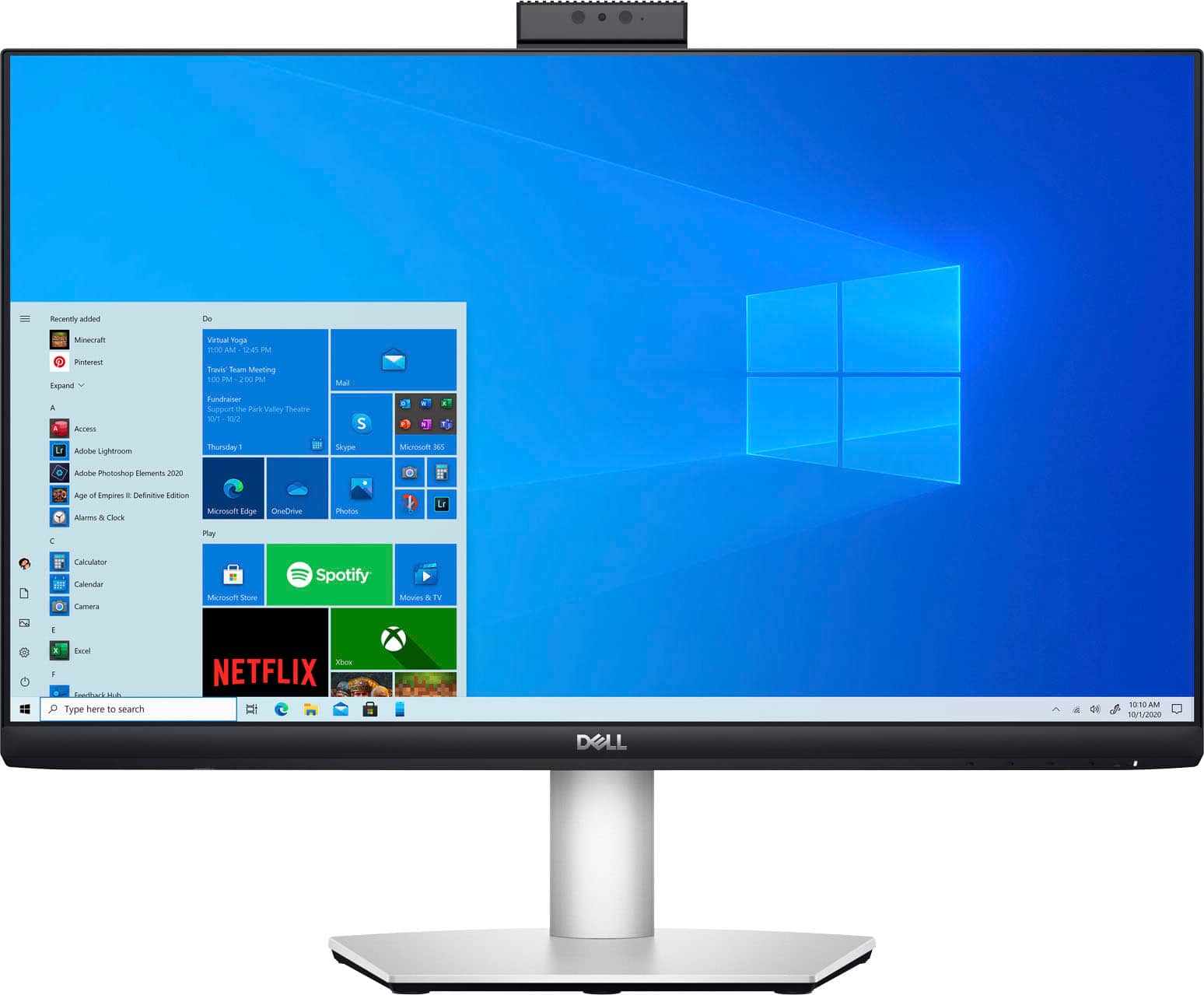
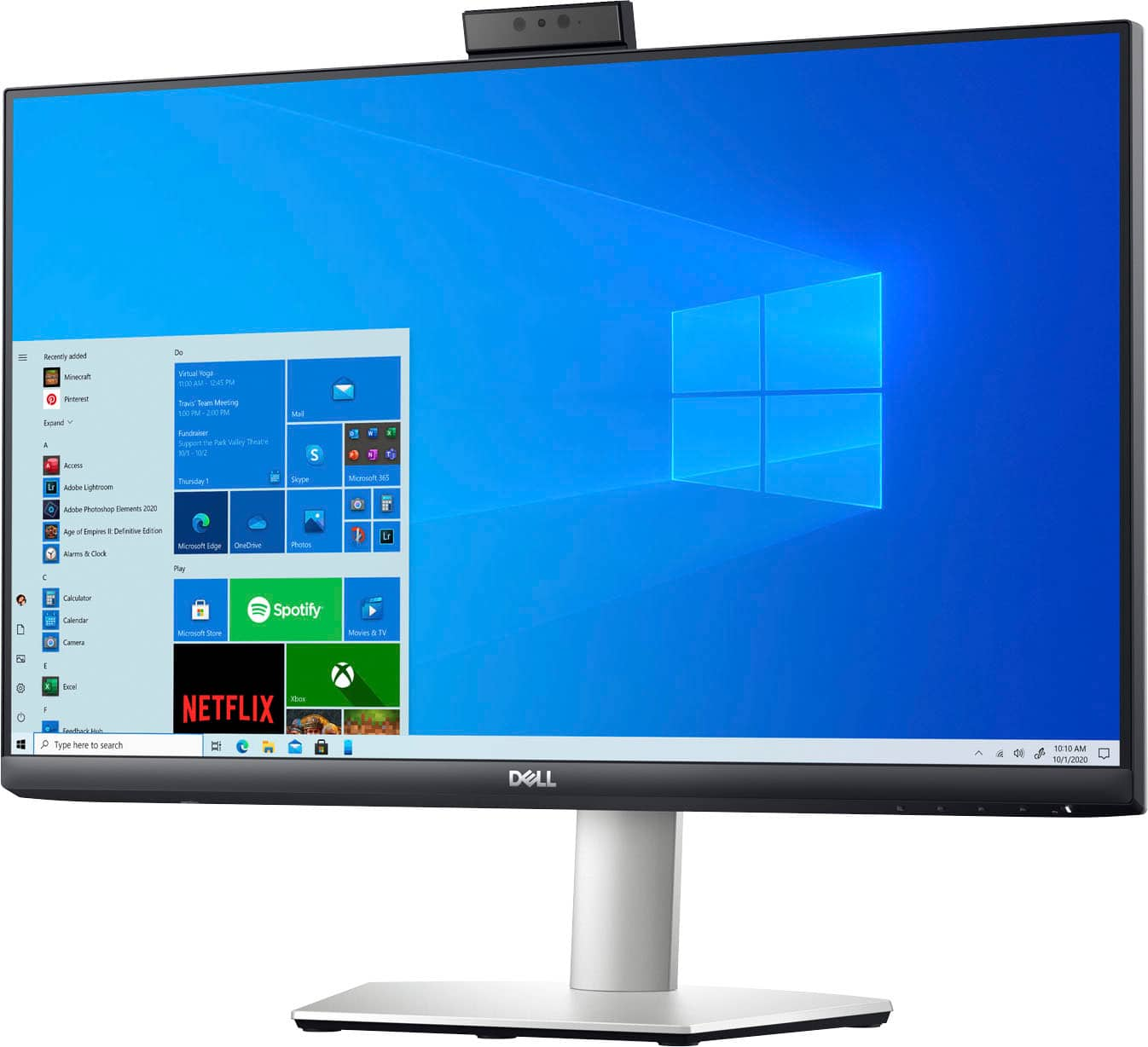
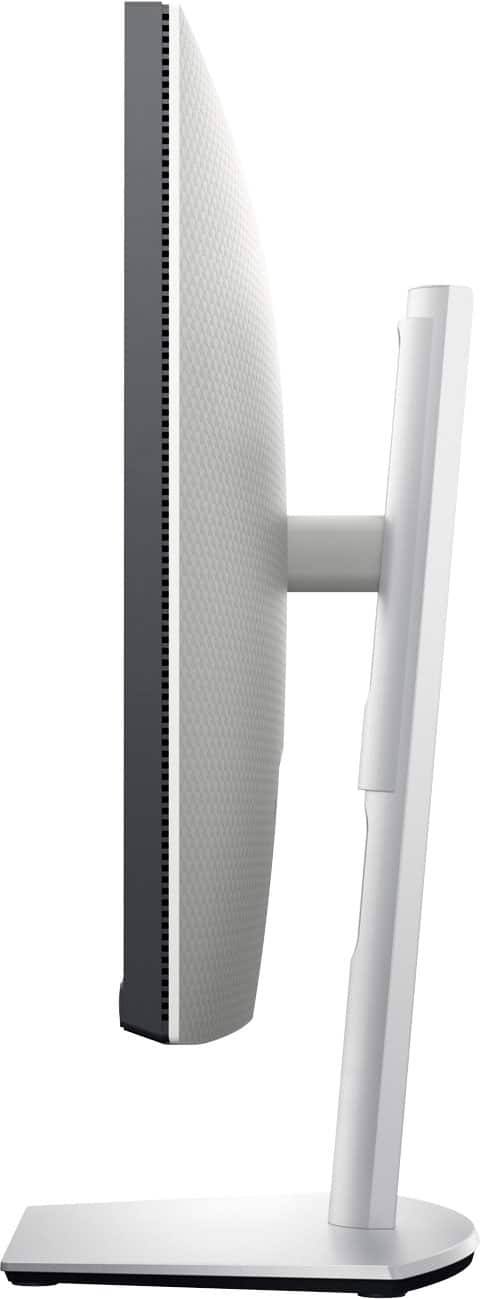
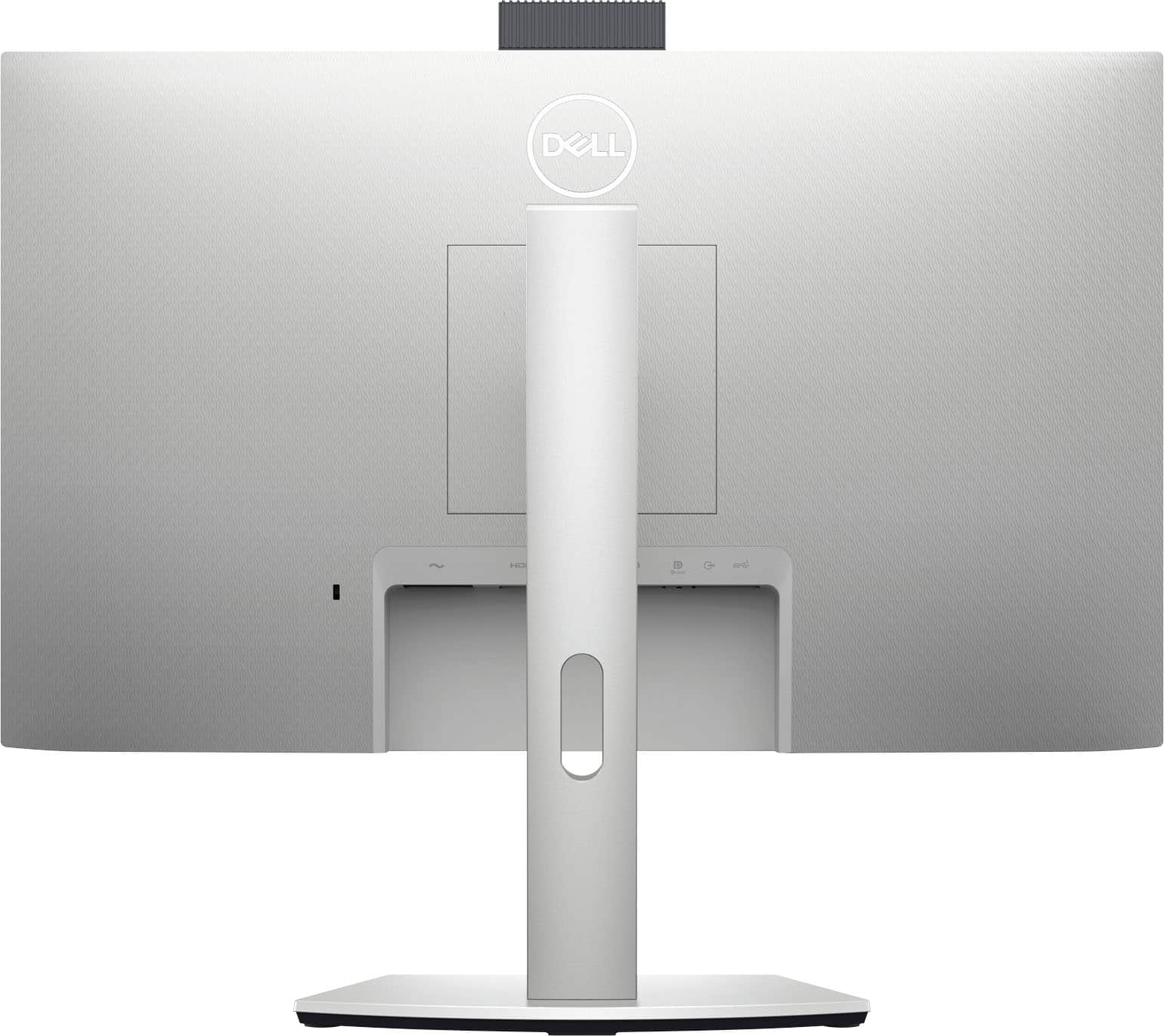

- Model:
- S2422HZ
- SKU:
- 6479102
Rating by feature
- Display Quality
Rating 4.4 out of 5 stars
- Ease of Use
Rating 4.6 out of 5 stars
- Features
Rating 4.5 out of 5 stars
Customers are saying
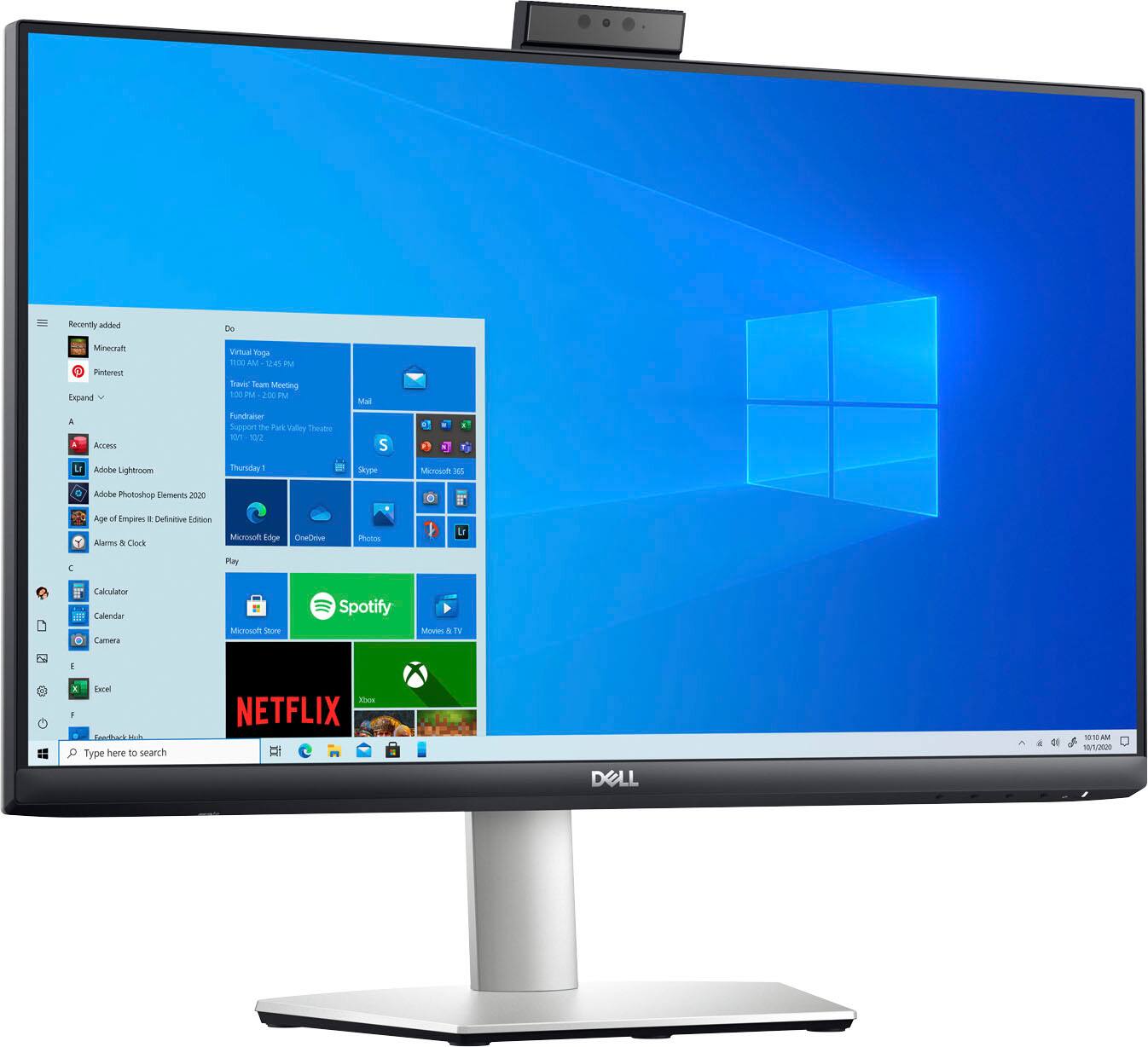
Customers commend the webcam, screen size, and USB-C capabilities of the 24" IPS LED FHD FreeSync Compatible Monitor. Positive feedback also highlights the monitor's ease of use, built-in speakers, and excellent resolution and sound quality. Many appreciate the refresh rate, making it suitable for various uses including gaming. The versatile stand is also a frequently praised feature.
This summary was generated by AI based on customer reviews.

Video conferencing all-in-one
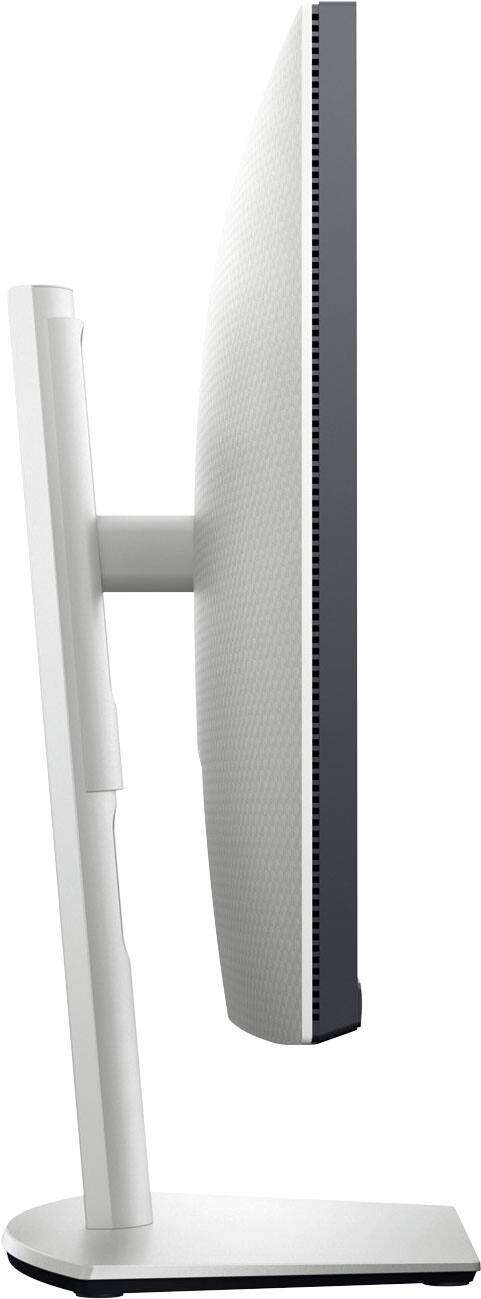
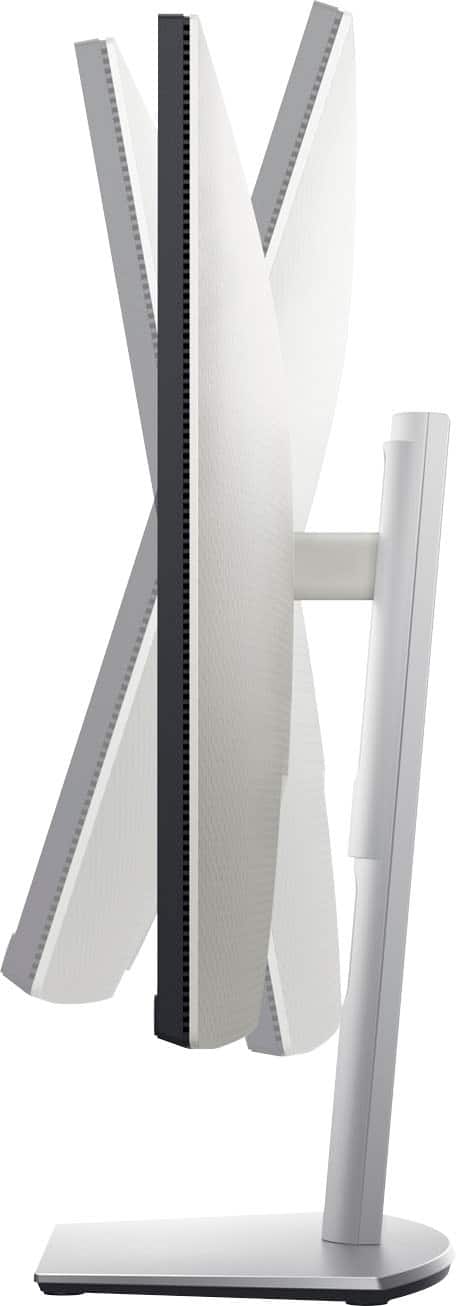
|Posted .This reviewer received promo considerations or sweepstakes entry for writing a review.I have a multi-monitor setup but I have been using my laptop as my third screen so I could use its camera and mic for video conferencing via Microsoft Teams. My laptop's screen is small, which made giving presentations while facing the camera difficult. This 24" monitor is the perfect solution, with its built-in camera and mic, I can easily see what I am presenting or working on while making eye contact. As a bonus, this monitor’s speakers are a major upgrade over my business laptop and I can charge my headset from its built-in USB hub. Pros - Built-in 2 port USB hub (that can be set to stay on to charge devices even when the monitor is in standby) - USB-C port allows you to connect the display, camera, speaker and mic with just one cable (plus it has 65W power supply that can charge your laptop) - Clear camera that can be hidden for privacy - it also offers a pretty wide-angle - I had to clean up my home office a bit due to the additional coverage! - Noise cancelling microphone - Speakers have good sound quality and volume - Sharp and bright 24" screen with 1920x1080 resolution - Clean design with a solid base that allows you to the adjust angle, height and even orientation of the screen. - Easy setup requiring just a few minutes and no tools. Teams recognized the monitor's camera, speakers and mic automatically. - 6ft USB-C to USB-C cable included Things to Consider - If you are like me and don't have a free USB-C port (my laptop's is blocked by its docking station) then you will need to buy a display port (or HDMI) cable and a USB-A to C cable. Even having to run 2 cables is better than separate cables for everything that is built into this monitor. - The camera angle is not adjustable independent of the monitor and I wish it could be angled down a little more.
I would recommend this to a friendOutstanding WFH Monitor!
|Posted .This reviewer received promo considerations or sweepstakes entry for writing a review.When I began my Work From Home (WFH) adventure in the spring of 2020, I was using a work-supplied monitor and my laptop screen to accomplish a dual-monitor set up. It worked well enough, but the 14" laptop screen was pretty puny next to a 22" monitor and required flipping back & forth between glasses/no glasses and/or swapping applications between the screens to best use the bigger monitor. Eventually, I was able to get a second, larger monitor and not use the laptop at all, BUT that required a proliferation of cords & accessories- a dual-monitor-capable USB hub, a separate webcam (since I was keeping the laptop closed & out of the way) and muffled audio (since I was keeping the laptop closed & out of the way). And then along comes the Dell - 24" IPS LED FHD FreeSync Compatible Monitor!! I now have two, 24" displays and: - got rid of the separate webcam because of the built-in microphone and camera on the Dell - 24" IPS LED FHD FreeSync Compatible Monitor - have vastly improved audio because of the Dell's built in 5W speakers - eliminated BOTH the laptop power cord & a 2nd HDMI cable because the Dell plugs into a power-enabled USB-C port that both charges & communicates with the laptop. All in all, I've got a MUCH nicer set-up with fewer cables, better viewing, & better audio! If you're making a WFH upgrade- the Dell - 24" IPS LED FHD FreeSync Compatible Monitor is the one you want!
I would recommend this to a friend- Pros mentioned:Webcam
Small Bezels and Great Picture
|Posted .This reviewer received promo considerations or sweepstakes entry for writing a review.I am a fan of small bezels. I prefer more screen space when possible. This monitor has small bezels and a great overall design. The pop up camera is a nice addition to be used as needed. Overall the picture is crisp and clear. I would highly recommend this monitor.
I would recommend this to a friend - Pros mentioned:Screen size
mac-mini partner
Posted .This reviewer received promo considerations or sweepstakes entry for writing a review.good match with the mac-mini great color and definition
I would recommend this to a friend Excellent monitor choice
Posted .This reviewer received promo considerations or sweepstakes entry for writing a review.The monitor is very well designed and well made. It works well with my new mac mini. It also looks good on my desk.
I would recommend this to a friend- Pros mentioned:Speakers
Idea is great but let down by an awful webcam
Posted .This reviewer received promo considerations or sweepstakes entry for writing a review.I want to give this monitor a higher rating because the concept is fantastic. One cord to attach your computer and if you use a wireless keyboard and mouse you'd have only two cords on your desk -- monitor power cord and USB hub cord. The display works well and looks nice and the speakers are very good for monitor speakers. BUT.... It's all let down by a very poor webcam. I think that Dell must use an incredibly small sensor. Something is going wrong. The resolution of the webcam is spec-wise decent. But because the chip is getting so little light you end up with lots of noise which makes the effective or apparent resolution much worse than the "technical" resolution. This also means colors tend to have a green tint. It can be mitigated to some extent by pumping A LOT of light into the room, but I have found that the best solution is to use a separate webcam. And, if I'm going to be doing that, what is the point of buying a monitor with an integrated webcam? The wonderful concept is further let down by the inclusion of only two additional USB ports on the monitor, one of which is on the bottom edge so attaching anything there leads to more cables or dongles visible. I LOVE the concept of this monitor. But Dell needs to ship with a much improved webcam and an additional 2-3 USB ports on the back. I'm sad to say I'm disappointed. Pros: - Pop-up webcam for bot appearance and privacy - USB hub -- power your laptop through hub cable - Decent speakers Cons: - Poor webcam (too much noise, colors impacted, awful low light performance) - Not enough USB ports to effectively use as a hub
No, I would not recommend this to a friendBrand response from YourDellTeam
Posted .Hi JCHJ,
We appreciate you taking the time to leave us your review. We are glad to hear that you are enjoying some of the features of your Dell 24” ISP LED monitor but we are sorry to hear that you are not too happy with the quality of its webcam and the fact that it is lacking USB ports. We will share your comments about these issues with our quality team, so future improvements can be made.
To help the webcam to function properly, connect the provided USB-C to the USB-C cable between the computer and the monitor. If the computer does not support USB-C, use a USB Type-A to USB-C cable (sold separately).
Follow these steps to enable the webcam on the monitor:
1. Ensure that the USB cable is connected between the computer and the monitor.
2. Push the top of the webcam to pop up the camera.
3. Enable the camera in Windows 10, 8.1, or 8.
3a. Right-click Start and select Settings.
3b. In Windows Settings, click Privacy.
3c. In the left pane, click Camera.
3d. Ensure that the Allow apps to access your camera are enabled.
3e. Scroll down and ensure that the Allow desktop apps to access your camera are enabled.
4. Enable the webcam in the On-Screen Display (OSD) menu of the monitor.
5. Ensure that DELL Monitor RGB Webcam is the default camera in apps such as Microsoft Teams, Skype, or Zoom. To learn how to change the webcam settings in these apps, go to the software manufacturer’s website.
You can view the full setup steps for this monitor on page 63 of the User's Guide here: https://dell.to/3Izs483
I have also included a link to a troubleshooting article for your monitor. Please refer to the troubleshooting section – “Webcam Troubleshooting”:
Dell S2422HZ Monitor Usage and Troubleshooting Guide: https://dell.to/3wdmOm6
If you need any further assistance or have any additional questions, please reach out to our Support Team directly by using the information provided below.
Best,
Katarina@Dell
Should you need further assistance, you can contact Dell directly with the information below.
Chat or call: https://bit.ly/DellSupportTeam
Phone number to Dell: 1-800-624-9896
It's alright minus the sound
Posted .This reviewer received promo considerations or sweepstakes entry for writing a review.Mostly easy set up, but I did have to go buy a separate cord that wasn't included to connect the monitor to my desktop. It only included a cord to connect it to my laptop, which is a feature I don't need. My major complaint is that the sound is pretty bad. It's alright for zoom meetings, although it tends to make people sound more high-pitched than they are in real life. Listening to podcasts? Bad sound, high-pitched again. Audiobooks? Volume is maxed out and sometimes I have a hard time hearing it. Music? Don't even try it.
No, I would not recommend this to a friendclose but not quite
Posted .This reviewer received promo considerations or sweepstakes entry for writing a review.I want to love it but the video quality makes it look like i am ina really dark room
No, I would not recommend this to a friendBrand response from YourDellTeam
Posted .Dear user879291,
Thank you for taking the time to leave a review of your Dell 24” monitor. We are sorry to hear that you are not completely satisfied with the video quality of your device. That is not the type of feedback we like to hear from our customers, or the type of product Dell intends to deliver. We have noted the details of your statement and will use them to improve current and future products. For your convenience I have provided the toll-free number and chat link for our support team below.
If you continue to experience issues, please reach out to Dell Support directly by using the information provided below.
Chat or call: https://bit.ly/DellSupportTeam
Phone number to Dell: 1-800-624-9896
Best,
Summer@Dell
Avoid Open Box Items
Posted .This reviewer received promo considerations or sweepstakes entry for writing a review.Bought this open box and it was packed with the wrong power cord. That caused me a 2 hour round trip to the Best Buy that didn’t even get a single sorry or compensation for their failure. Don’t waste your time with open box items as they don’t put any effort in making sure they have the items they came with. Not to mention that the open box price was the same as the brand new price on Amazon. After pointing that out to the managers they lowered the price on the open box but I would have bought the Amazon monitor to avoid all the time I had to spend in the car as a result of the poor packaging of the open box that lead to the wrong power cable being in the box.
No, I would not recommend this to a friendMonitor woes
Posted .This reviewer received promo considerations or sweepstakes entry for writing a review.This product was purchased as a Christmas gift. After it arrived I found out it may not have been compatible with the PC it was purchased for. I returned the product to our nearest store and was told it was indeed compatible. Upon opening the box, I discovered in fact that it was NOT compatible. There fore I returned the product.
No, I would not recommend this to a friendBrand response from YourDellTeam
Posted .Hello Monitor,
We appreciate you taking the time to leave us your review. We sincerely apologize for the issues you had with your Dell Monitor not being compatible with your PC and ultimately decided to return it. This is certainly not what we like to hear from our valued customers.
Should you require further assistance, you can contact Dell directly with the information below.
Chat or call: https://bit.ly/DellSupportTeam
Phone number to Dell 1-800-624-9896
Best,
Ashley@Dell