Customer Ratings & Reviews



- Model:
- S2716DGR
- SKU:
- 5293502
Rating by feature
- Ease of Use
Rating 4.7 out of 5 stars
- Value
Rating 4.4 out of 5 stars
- Quality
Rating 4.6 out of 5 stars
Customers are saying
Customers are delighted by the 27" LED QHD G-SYNC Monitor's exceptional picture quality, smooth G-SYNC functionality, and high refresh rate, all contributing to a superb gaming experience. Many appreciate the monitor's excellent performance and value for its price. While some users mention the lack of built-in speakers and the type of panel used, the overwhelmingly positive feedback focuses on the visual experience and gaming capabilities. The sturdy stand also receives praise.
This summary was generated by AI based on customer reviews.
- Pros mentioned:144hz, Gaming
Great Monitor for gaming!!
Posted .This reviewer received promo considerations or sweepstakes entry for writing a review.This is the best monitor for gaming. Games look amazing. Looks quality product. No dead pixel or light bleed on mine. Make sure to download and install the drivers from dell website. Dell drivers gave me the best color calibration. Everything else is default other than I set brightness settings to 40 for my needs. Gsync works great with my single titan x. All the new games looks buttery smooth with ultra settings.
I would recommend this to a friend - Pros mentioned:Refresh rate, Resolution
The prefect gaming monitor from Dell
Posted .This reviewer received promo considerations or sweepstakes entry for writing a review.It may be a Dell monitor but don't be fooled. It's not your normal Dell monitor that you may be expecting. This monitor is really just meant for those whom are going to be gaming more on their computers than anything else. At the current price, this monitor is excellent for what it offers. You'll get Nvidia G-sync, ultra-fast 1ms response time, 144hz refresh rate, and up to 2k resolution. The only drawback is that it's has a TN panel. Once you calibrated, it will look less washed out. It's not completely bad at least it's not for gaming (which is why this monitor is meant for gamers). Games look amazing with this monitor. I really do love this monitor, and I got no dead pixels which is great news.
I would recommend this to a friend - Pros mentioned:Refresh rate, Resolution
Fantastic Monitor After Some Tweaking
Posted .This reviewer received promo considerations or sweepstakes entry for writing a review.Out of the box, you get a large, bright monitor running at a high resolution (1440p) and a good refresh rate (60Hz). To get your money's worth, calibrate the color to your liking (mine came with a dusty orange tint out of the box, so I increased the blue and decreased the red) and make sure to set the monitor to fast response time and your monitor settings in windows to "2560x1440@144Hz". After all of this, the monitor will be ready to go. Only thing I've noticed is that color accuracy is a little off and still has a bit of an orange tint, but it's barely noticeable, and that it has some trail problems with white backgrounds that are again barely noticeable. Very satisfied overall, just after a lot of setup, as it's not ready for top performance out of the box.
I would recommend this to a friend - Pros mentioned:Refresh rate
Awesome, Smooth Monitor
Posted .This reviewer received promo considerations or sweepstakes entry for writing a review.Great monitor for gaming. Playing EVE online, the monitor is light years (no pun intended) better than the Samsung 27" monitor it replaced. Refresh rate is very quick resulting in proper rendering and no blurred lagging. If you use one, or link multiple monitors, this is hard to beat!
I would recommend this to a friend - Pros mentioned:Refresh rate
Great monitor with a few minor issues
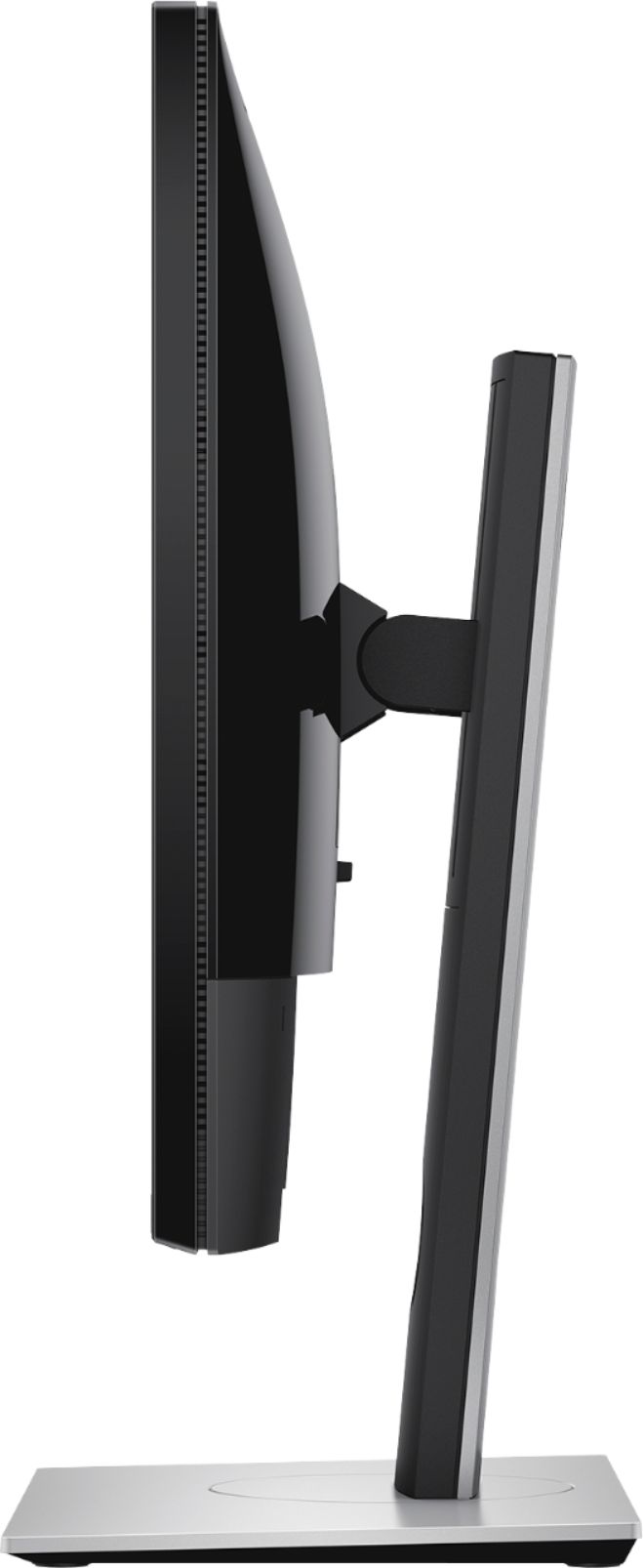
Posted .This reviewer received promo considerations or sweepstakes entry for writing a review.First, I'll start by saying: do not pay the $599 tag for this monitor. When on sale for 350 to 400, it's a go. RESOLUTION: 1440p resolution is beautiful - after playing games at QHD, then setting the monitor to 1080p, the difference is amazing. 1440p is enough especially for gaming - it's the true sweet spot. 4K is nice, but the majority of gaming setups will struggle to push 4K beyond 60FPS. My 1080ti / 9700k rig maintains 144 frames at 1440p no problem. RESPONSE TIME: As for 1ms response time, I'm always skeptical, but even if it were only 4 to 7ms, it would be totally adequate. I find the response time of this panel to be great. COLOR: Out the box, this panel leaves much to be desired on the color front. Washed out with greyish blacks. However, adjusting the color profile to your liking will vastly improve the color depth and accuracy. Many forums can provide you with proven color profiles for both the monitor and the graphics card to make a huge difference. Out the box color is 6-7/10. Once adjusted, I give it an 8.5/10. It's a TN panel - color and viewing angles aren't the strengths of TN panels - what it lacks in this department it gains in input lag and refresh rate. REFRESH RATE / G-SYNC: If your PC is capable of pushing 144 frames, a 144hz monitor will be a MAJOR improvement for gaming. After gaming at 60 frames for the longest times, the jump to 144 frames made the biggest difference. I have definitely improved in first person shooters where high frame rate can improve the overall experience and responsiveness. 1440p is a bonus - jumping from 60HZ to 144HZ is a much more significant improvement than 1080p to 1440p. I'd would much prefer 1080p @ 144HZ over 4k or 1440P @ 60HZ. As for G Sync, this monitor shows some bugs when G Sync is enabled and using DisplayPort. My panel flickers on bootup and there's a delay on the monitor loading the color settings (does not when connected via HDMI) but I must deal with it to get that 144hz G-Sync goodness with DisplayPort. Once my PC is booted, it's smooth sailing and does not have any issues. BUILD QUALITY / AESTHETICS: Super solid build quality. Height and angles adjustments are nice. Size is ideal. 27" is the sweet spot IMO, it's large without feeling too huge - 32" and higher may be overkill for a desk setup. I greatly appreciate the understated, non-gamery design. Does not follow the typical gaming monitor design (like the Acer Predator) which I really like. The thin bezels and sturdy grey base and mount make this thing simple and beautiful. In short, at $350 there isn't a better gaming monitor in this class on the market - and I can accept it's shortcomings. At $600, I think there are better options, especially if jumping to the $700 range
I would recommend this to a friend - Pros mentioned:Price
Excellent monitor for the price I paid
Posted .This reviewer received promo considerations or sweepstakes entry for writing a review.Was able to grab this monitor for $350 during the Black Friday sale. It is well worth the money. G-SYNC seems to maintain a stable 144fps with no screen tearing. The TN panel in this monitor is one of the best TNs out there. I suggest looking up a calibration for this monitor. There's one on reddit that really made the screen look more like an IPS screen than a TN. Great response rate as well. Make sure to disable Deep Power Sleep once you set up the monitor. It causes the monitor to not wake up from sleep. It's in the menu settings and is defaulted to on.
I would recommend this to a friend - Pros mentioned:Refresh rate
Supperb! Nvidia must have
Posted .This reviewer received promo considerations or sweepstakes entry for writing a review.I'm coming from an Acer 1080p monitor with a refresh rate cap of 75, and a GTX 1080 card. If you're wondering if the upgrade to 1440, 144 refresh, is worth it, ... the answer is ABSOLUTELY. I've been playing triple-A games for a year now with the 1080p monitor, and switching to a 1440, 144 refresh monitor, is amazing. You might not get the 120+ FPS that you used to get (with a GTX 1080 or below,definitely not), but what people wont tell you is that the refresh rate is definitely MUCH more important frame rate. A triple-A game playing at 1440p and 144 hz with just 60-80 frames, looks SOOO much more better than the same game running at 1080p and 120 FPS. Those frames mean nothing without a supperb refresh rate. Even with just 60 frames, at 144hz, you can spin around in an instant and lose nothing in sight. My old monitor was sporting a 4-5 ms response rate, and I saw ghosting all the time whenever I looked around in-game. With the 144hz, and 1ms response time of this monitor, I never see a single ghost or blurs no matter how fast an object moves. I couldn't even get a ghost to appear if I tried (and I did). Colors are bright and vibrant (with some tweaks to the default factory settings). Contrast is great. Brightness is brilliant. Sharpness is razor sharp (I can see the smallest of texts, and game graphic edges do not blur). And once again, the response and refresh is just amazing. The G-Sync worked pretty much automatically, without any need for set-up, and I have not seen even the slightest hint of tearing. Witcher 3 looks amazing. (75-85 frames with all Ultra, GTX 1080) The Evil Within 2 looks amazing. (60-80 frames with all Ultra) Reduce the setting some for higher frame if needed. This monitor is outstanding when on sell for ~ 350. If you're looking to upgrade, and you use Nvidia, don't pass up a deal with this monitor. My current settings.... Monitor: Brightness/Contrast = 55/75 R/G/B: 97/99/97 Response Time: Normal (from what I've seen this best, and I can confirm) Nvidia Control Settings: (Adjust Desktop Color Settings) Brightness/Contrast: 50/50 Gamma: 0.72 Vibrance: 50 Hue: 0
I would recommend this to a friend Great Monitor! :)
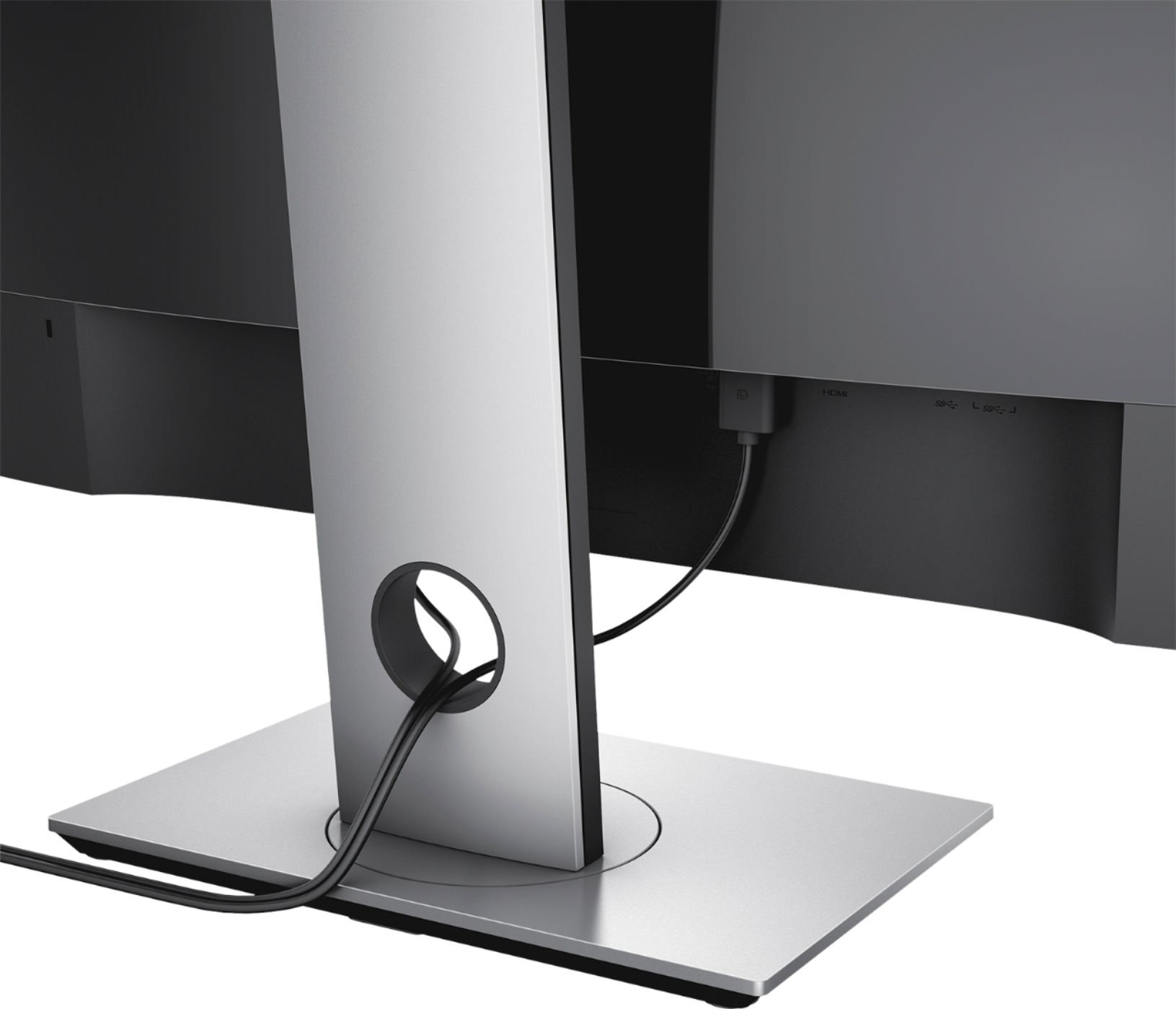
Posted .This reviewer received promo considerations or sweepstakes entry for writing a review.This monitor is awesome! :) The only downside to this was that when i was setting it up, there was no VGA cable in the box. And there was supposed to be one. because it said it on the instructions. It did come with the HDMI cable but not the VGA cable. So I contacted Bestbuy on their website via live chat and spoke to Klent. He told me to take the receipt, and my photo ID and give them the case number that he gave me back to the store so i can get my VGA cable and they gave it to me at no extra cost since the manufacturer forgot to put the VGA cable in the box. I never had this happen before. But overall the monitor is great! :) I would recommend others to buy this monitor. But when you get this monitor check to make sure you get both HDMI and VGA cables in the box. :)
I would recommend this to a friend- Pros mentioned:PriceCons mentioned:Ghosting
Dimmed edge, replacement has gsync flicker
Posted .This reviewer received promo considerations or sweepstakes entry for writing a review.Got the A09 latest revision monitor. Great colors out of the box. Monitor is very crisp in person, both the edges and screen. Great TN panel. Great price. No back-light bleed on the two I got, and no dead pixels. No vertical line issue that older revisions had, and banding seems OK. Not the best since it's a TN panel. It won't be as good as IPS, but if banding is very bad, get the latest revision or swap a new one. Easy to use monitor controls, navigation, etc. The input lag has been tested to be fairly minimal, which is great! Happy with it for shooter games. Overall, the monitor is a beauty and I'd recommend it IF you don't get one with issues... First one I got I noticed the left edge was slightly dimmed. I'm guessing the back light wasn't shining evenly. Yes I looked at it straight on, as TN panels have bad viewing angles. I replaced it with the same unit at BB after about 13 days. Left edge wasn't as bad this time around. Now I noticed if I have a refresh rate and FPS of 60 or less, I get the g sync flicker or PWM flicker where if I'm in a game menu or loading screen (or in-game if it drops to 60 or below), the screen slightly changes it's brightness or gamma up and down, creating a pulse/flashing effect in brightness. If the fps/refresh rate is more than 60, there's no flicker. If I turn off Gsync, there's no flicker. I assured my monitor settings were the same as before, read many gsync tips online, and no avail. I tried following tips from Dell that I've seen suggested to other users, and nothing is fixed. The first monitor I had, I did not notice this flicker. My old monitor has no flicker. Online shows others having this issue, as well as some with the same monitor that don't have the issue. I even bought a new DP cable, and that didn't change anything. I tried both cables in both directions, and tried different ports on my GPU (Asus 1080 TI) just to eliminate that being the issue. I understand there's some Gsync flicker at or below 35-40 refresh/FPS, but at 60? Unacceptable. I can't stand flickering in menus and loading screens for a monitor I'd like to keep for a long time. I also don't want the issue to become worse over time. Both monitors in "Fast" mode, for the "1ms" time, have severe ghosting or overshoot. Look it up online, many examples. You won't get the true speed that they market. Online has more than enough evidence and testing. That's ok, it's still very fast, and faster than IPS, which I prefer the TN for it's faster response time. Just look online if you're sensitive to this information. Watch comparison videos, in depth reviews, etc. It's reviewed great, and it is a great monitor, but again, when you have one without issues. There still is the deep sleep issue that many have discussed online. That doesn't bother me much, or at all. I just want the monitor to be working properly when it is on, awake, and running. I'm worried I can't swap out this monitor for a new one knowing that the first monitor I bought is past the return policy. Does the swapped one reset the return policy? I'd like to try a third one, but am hoping I don't get a different issue yet again. I'm willing to change my review if I get one that doesn't have these common issues.
No, I would not recommend this to a friendBrand response from YourDellTeam
Posted .V1001,
We're sorry to hear about the flickering issues that you're experiencing on your Dell monitor. We'd recommend checking out your monitor's support page for articles related to the issues that you're facing, including Deep Sleep Mode: https://dell.to/2MBWoFx.
Best,
Bryan
1-800-624-9896
- Pros mentioned:Gaming, Price
Fantastic Upgrade
Posted .This reviewer received promo considerations or sweepstakes entry for writing a review.I just bought a NVidia GTX 1070 G1 gaming card and wanted a monitor that could take advantage of it. Colors were a little wonky out of the box, but fiddling with calibration settings produced good results. Running GTAV at max settings in 1440p is fantastic! This monitor may not be as good as the ASUS or BenQ, but I got this one on sale for $300 less than those models. Great value for the money!
I would recommend this to a friend - Pros mentioned:144hz, Refresh rate
Great gaming monitor
Posted .This reviewer received promo considerations or sweepstakes entry for writing a review.This by far is the best monitor I've seen or used so far. Great purchase if priced around $500. Gsync at 144hz is buttery smooth. I didn't even know gaming could feel this awesome. Out of the box colors are not the best but after a bit of tinkering it looks amazing. ( I just looked up someone else's color adjustment settings) Definitely do not use stock settings. Also I would recommend capping fps at 140 just for a bit of leeway. Perfect monitor for my gtx 1070
I would recommend this to a friend - Pros mentioned:Gaming
100% Satisfied
Posted .This reviewer received promo considerations or sweepstakes entry for writing a review.Anyone that tells you this screen is a lot worse than ips don't know what they're talking about. If you just make some adjustments to the settings it is VERY close to an ips screen in terms of color. I know because I have to other ips monitors right next to it. I got this for gaming but I use it for everything else now. Unless you photo edit professionally, there is no reason to pay $200-$300 more for the acre and asus ips equivalent in my opinion.
I would recommend this to a friend - Pros mentioned:Price
Great monitor
Posted .This reviewer received promo considerations or sweepstakes entry for writing a review.This monitor is amazing for a TN panel. I debated for awhile on whether I wanted to go lower resolution IPS or 34'' Ultrawide and I have no regrets with this monitor. Once I configured the color settings through Nvidia's control panel, this monitor provides deep rich colors. For the price, this is the best high resolution, low response time, G-Sync, and 144hz monitor you can buy. In addition, no dead pixels or light bleed.
I would recommend this to a friend - Pros mentioned:Refresh rate, Resolution
Absolutely Excellent !!!!
Posted .This reviewer received promo considerations or sweepstakes entry for writing a review.27" Wide Screen Monitor (Beautiful) 2560x1440 High Resolution (2k) (Awesome) 144mhz Refresh Rate (Very Fast) 1ms Response Rate (Exceptionally Fast) G-Sync (Amazing) GSync matches the Graphics Card Refresh Rate to the Monitor For No Stutter, No Input Lag, No Choppiness, No Tearing What more do you want. ? It is the BEST You will Notice the Difference. Price a little high - but worth it, and Deals Always Available.
I would recommend this to a friend - Pros mentioned:Price, Resolution
Nice monitor!
Posted .This reviewer received promo considerations or sweepstakes entry for writing a review.Picked this up about a month ago when it was on sale. Been looking for a nice 1440p 144Hz monitor for a while. I didn't really consider the G-Sync option when looking around as it usually put the price out of my budget zone. Just need to play around with the settings to get it to your liking. After a little tweaking it's a very nice monitor!
I would recommend this to a friend - Pros mentioned:Price, Refresh rate
Very good monitor
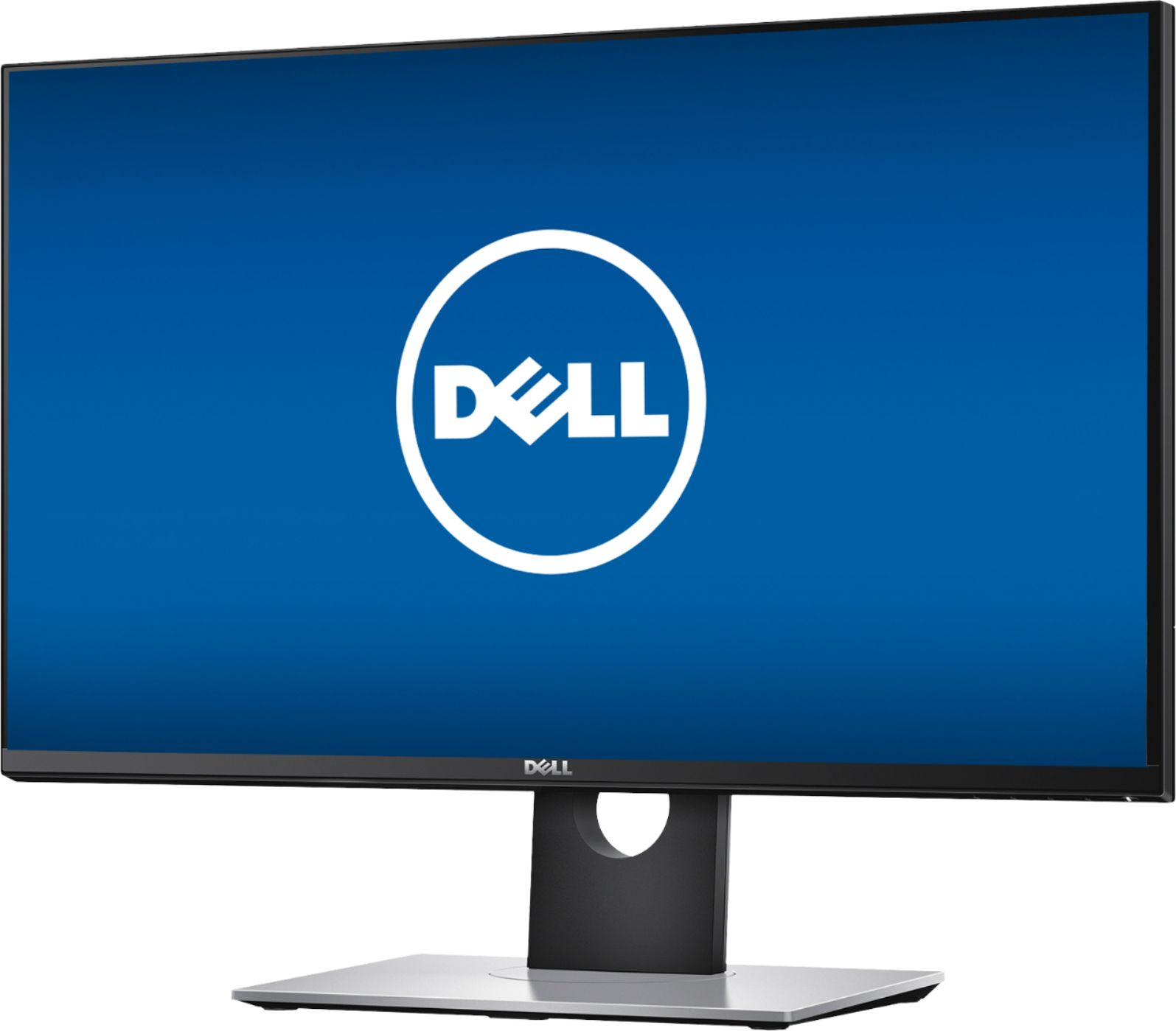
Posted .This reviewer received promo considerations or sweepstakes entry for writing a review.Monitor is great. Amazing price for a 1440p 144hz GSync. Plays games beautifully. The DELL logo is off center on my monitor, but its not enough of a concern to me. I would highly recommend this monitor to somebody looking for a quality 2K 144hz monitor but doesn't want to deal with the quality control issues of other companies.
I would recommend this to a friend - Pros mentioned:Refresh rate
Great monitor
Posted .This reviewer received promo considerations or sweepstakes entry for writing a review.Colors are good, refresh better than good, size perfect
I would recommend this to a friend - Pros mentioned:Resolution
All my games have gotten an upgrade
Posted .This reviewer received promo considerations or sweepstakes entry for writing a review.Started looking for a new monitor to deal with the tears and lags from the 60Hz monitors I'd always had. Found the Dell S2716DGR on Best Buy's site right away and knew it was for me. This is an all around excellent monitor. Between the 2516X1440 resolution and its amazing speed and responsiveness, my games look like they're movies. I had finally gotten Rise of the Tomb Raider just recently and the switch out to the new monitor happened mid-play. It looked like a whole new game after the switch. The only thing I can find to criticize is the placement of the power and control buttons being on the bottom of the bezel. I'm use to simply running my hand over the front corner of a monitor - even as I'm walking by it - but with this, I have to feel around to find the small power button (it's not the large size that the manual shows, but the same size as the option buttons). Also, I feel like I'm pushing that side of the monitor up any time I have to use the buttons, knocking the display askew. As others have said, you do need to adjust the OOB setings, but once you do it looks amazing. For reference, here are the settings I settled on after much experimentation: OSD Brightness 26 Contrast 75 R 97 G 99 B 96 Nvidia Control Panel Digital Vibrance 67
I would recommend this to a friend One of the best monitors you can get
Posted .This reviewer received promo considerations or sweepstakes entry for writing a review.This Dell 27" LED QHD G-SYNC monitor is an absolute game-changer! The picture quality is beyond impressive, delivering crystal-clear visuals that make every image pop. You definitely have to tweak the settings but it's a great monitor overall.
I would recommend this to a friendAmazing Monitor
Posted .This reviewer received promo considerations or sweepstakes entry for writing a review.I've owned this monitor since 2017 and it still shows no signs of giving up. Survived multiple moves between locations and is still in excellent work. Best monitor purchase I've made
I would recommend this to a friend