Customer Ratings & Reviews
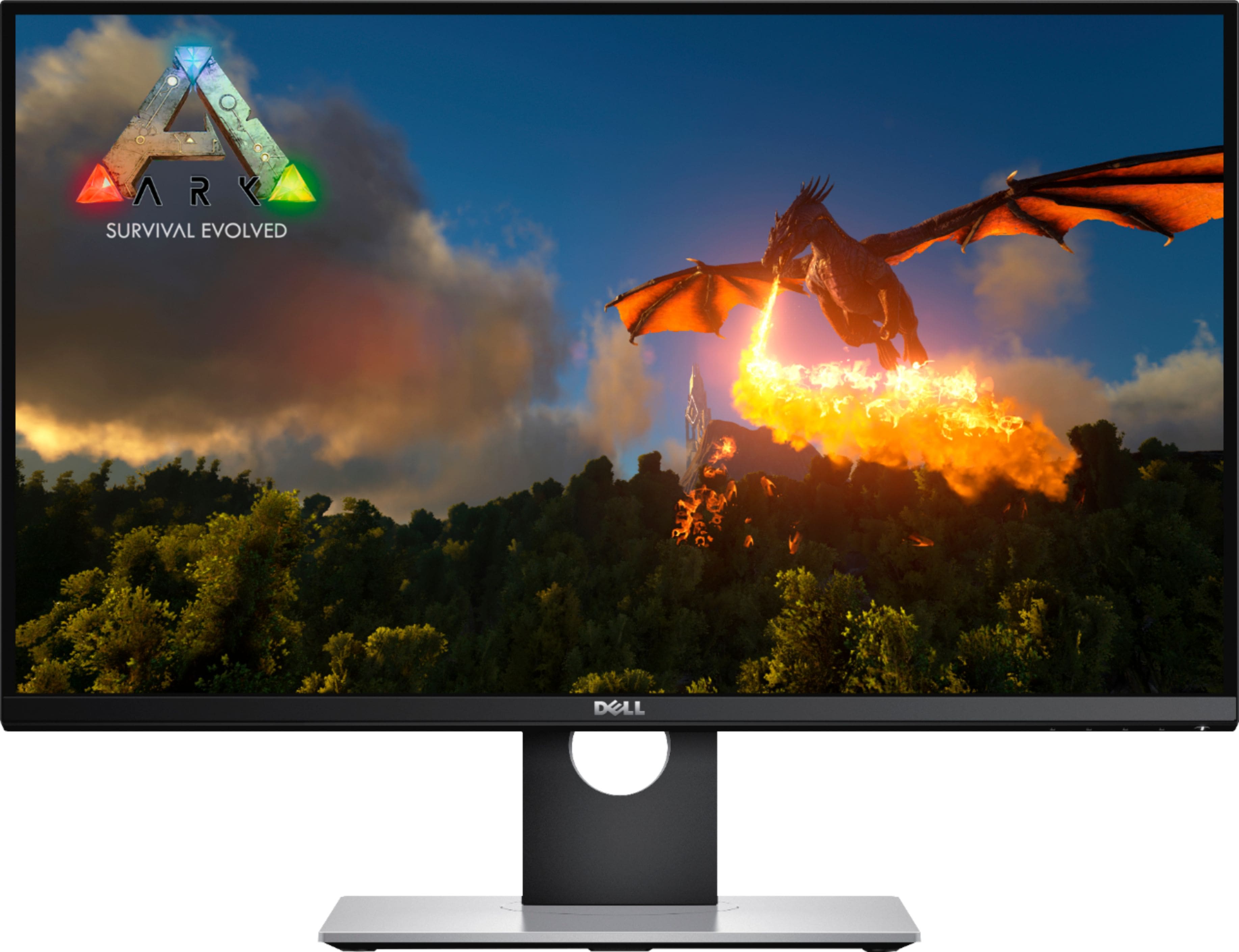
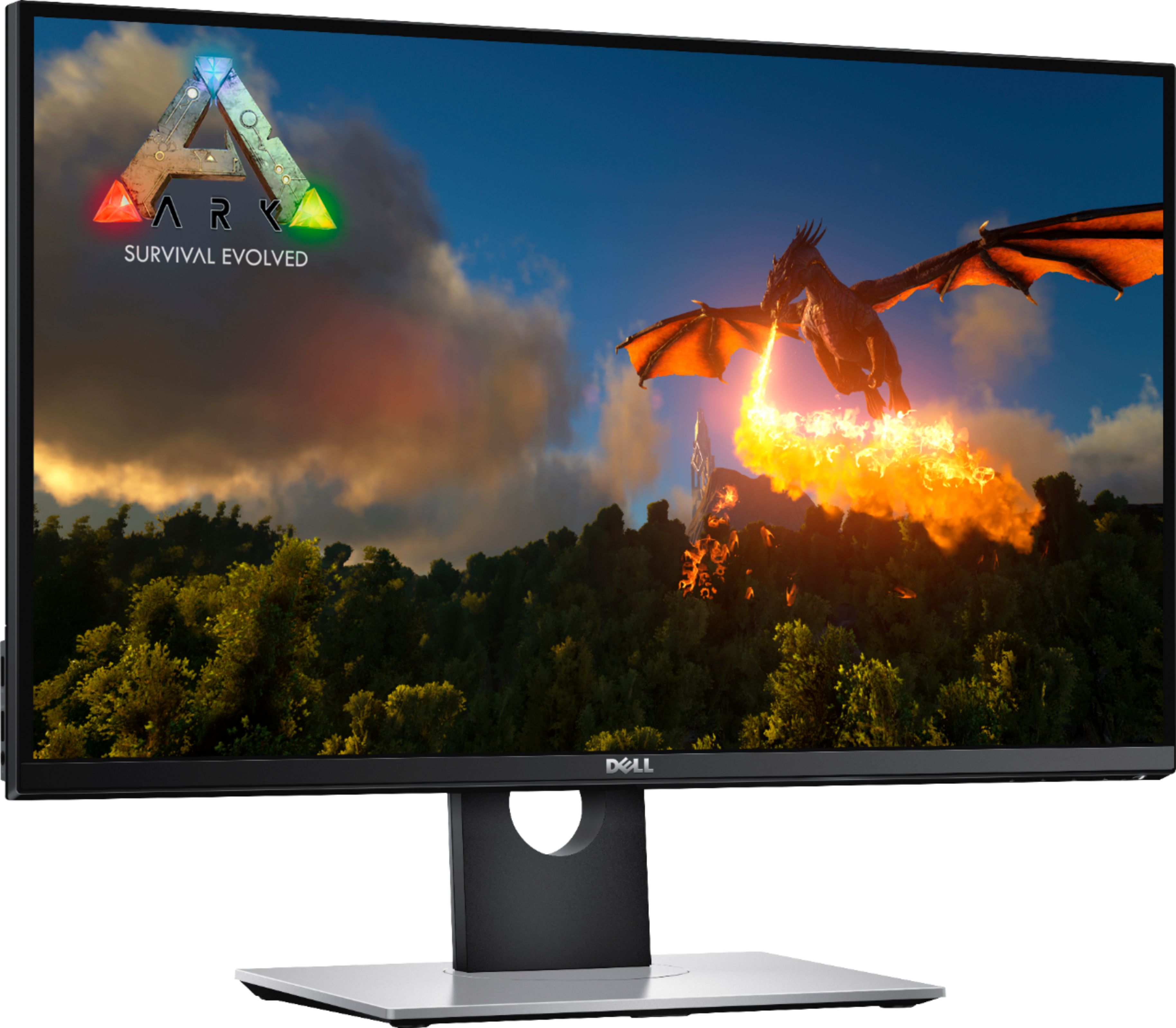
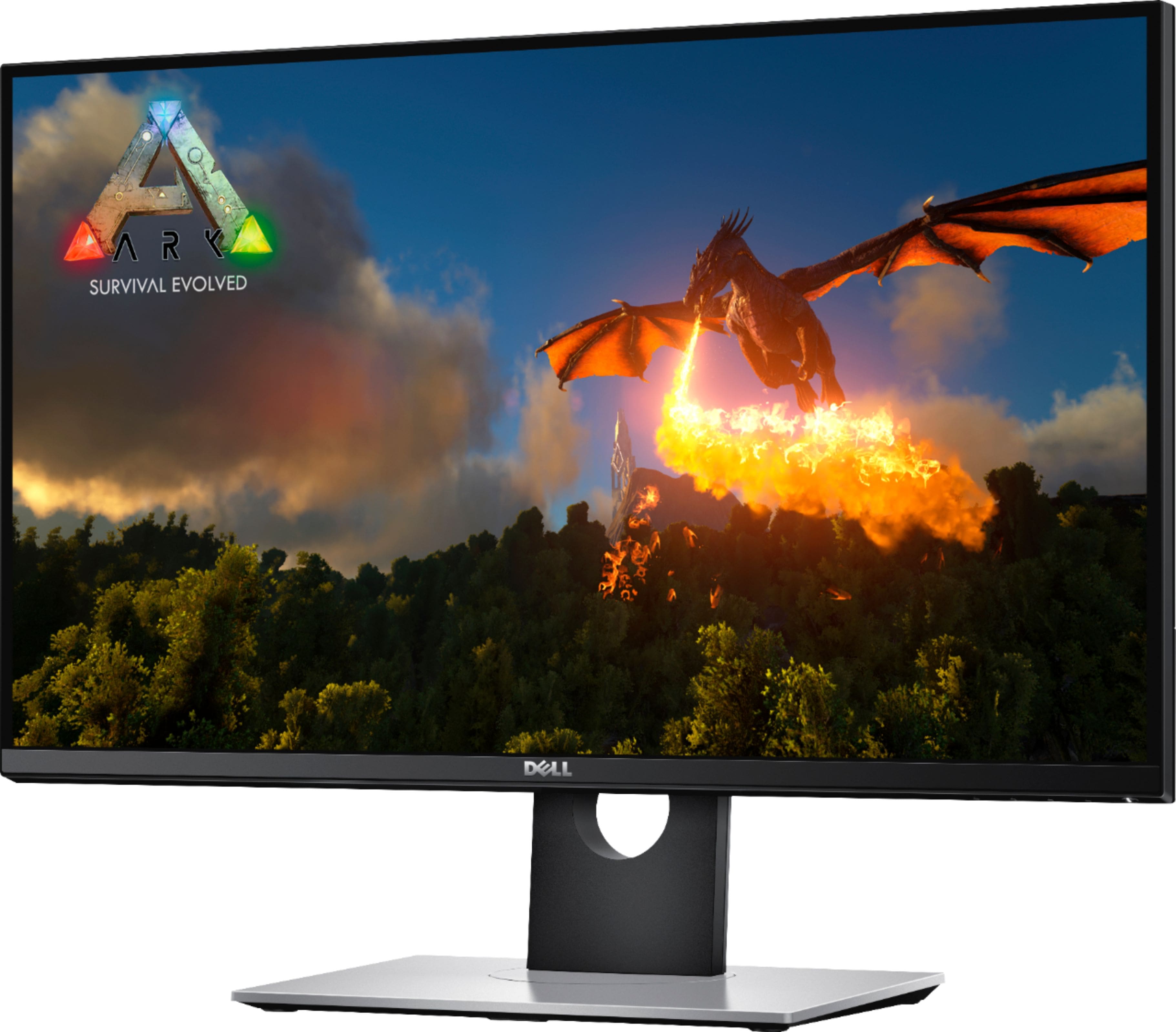
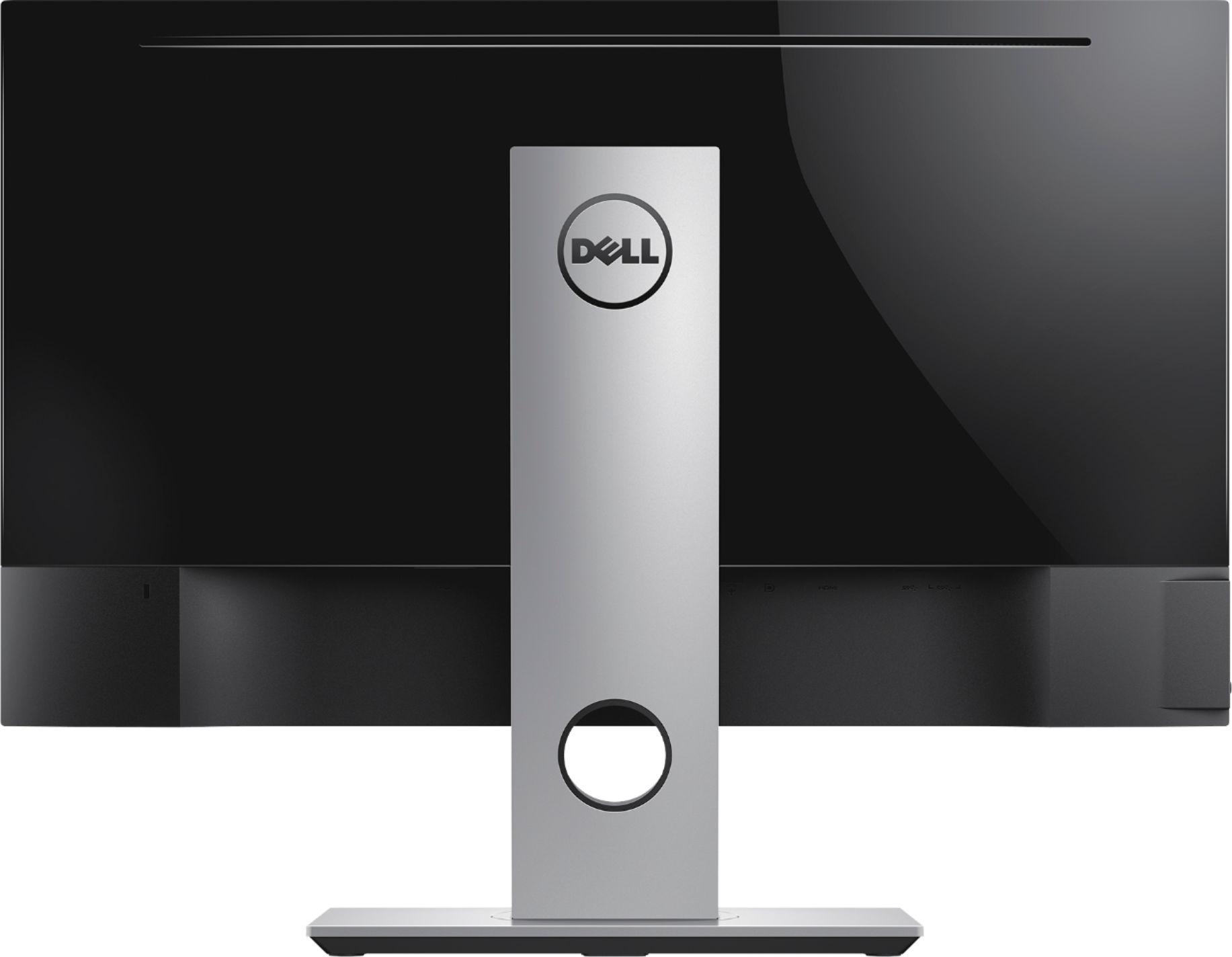




- Model:
- S2716DGR
- SKU:
- 5293502
Rating by feature
- Ease of Use
Rating 4.7 out of 5 stars
- Value
Rating 4.4 out of 5 stars
- Quality
Rating 4.6 out of 5 stars
Customers are saying
Customers are delighted by the 27" LED QHD G-SYNC Monitor's exceptional picture quality, smooth G-SYNC functionality, and high refresh rate, all contributing to a superb gaming experience. Many appreciate the monitor's excellent performance and value for its price. While some users mention the lack of built-in speakers and the type of panel used, the overwhelmingly positive feedback focuses on the visual experience and gaming capabilities. The sturdy stand also receives praise.
This summary was generated by AI based on customer reviews.
Flickering issue at all resolutions
Posted .This reviewer received promo considerations or sweepstakes entry for writing a review.About a month into having this monitor, it started flickering. I tried playing games on all resolutions, and still had the flickering issue. GSync on and off, still flickers. I switched back to my acer and had no issues. Tried all the DP cables there were. As a smart customer, I ordered best buy warranty for around $80, so I took it to Best Buy to be replaced. The warranty was then "used" so i purchased another warranty on the new monitor i was going to receive. I received the monitor and right as I booted up a game, it started flickering again. The monitor (and all of these Dell monitors this model) are defective. All of them. No driver support since 2015. Countless forums about this issue. No drivers were released to fix this issue. Dell does not support its monitors. Would not suggest. Please note, the flickering was when doing anything from gaming to browsing the web, or writing word documents or excel spreadsheets.... etc.
No, I would not recommend this to a friendBrand response from YourDellTeam
Posted .JDMaybeCrazy,
We're sorry to hear that your monitor is giving you so many flickering issues. Have you reached out to Dell's Technical Support Team? They are always there to help you with issues like this that you may have: http://dell.to/2sH7Qlm.
We hope that your flickering issue will be resolved soon.
Best,
Bryan
1-800-624-9896
Serious Quality Control Issues
Posted .This reviewer received promo considerations or sweepstakes entry for writing a review.I bought more than a few of these, and exchanged a fair number of these. It seems the to get a good one you are looking at 1 out of 5 or 6 odds for getting a good one, therefore the 1 out of 5 star. When you get a good one, it is actually quite nice. The bad ones have defects and failure modes of the follow: 1. Bad pixels - usually pixel stays black or fails to get past dark gray 2. Buzzing Coil whine, some much louder than others 3. Backlight white is not always the same "white" and it differs from monitor to monitor, and changing the brightness setting does NOT equalize them. Some "white" looks more yellow than others, the variation is too wide for something that should be consistently manufactured. 4. Deep sleep failure mode 1: refuse to wake up 6. Deep sleep failure mode 2: refuse to go into deep sleep mode even with the setting enabled and sits and vampires 12 watts of power while supposedly in "off" state, screen is black. 5. Bezel plastic has rough cut unpolished edges but not always at the same spots. This is terrible quality control.
No, I would not recommend this to a friendNot quite there yet
Posted .This reviewer received promo considerations or sweepstakes entry for writing a review.I liked the monitor for all of the features. It had a really bright picture and the colors were great. The only issue was the color banding. This monitor suffers from some serious banding issues. Most notably in darker pictures or scenes. I've read that this is an issue with TN panels, my other Acer TN panel does not have this issue at all. Basically, anywhere there might be a tiny bit of banding on a regular monitor, this monitor highlights the it. The only way I found to really work around the issue was by setting the nvidia color settings to some more extremes. The picture still looked bad, but the banding was still bad. I tried everything I could find to fix it. New ICC profiles, crushing blacks, dimming the monitor brightness. Nothing worked. I don't feel at though this was worth the $500.I returned it and hopefully we'll get a decent IPS panel sometime soon.
No, I would not recommend this to a friendNice monitor but won't last.
Posted .This reviewer received promo considerations or sweepstakes entry for writing a review.After 4 years and monitor no longer works. 3 years warranty is a joke. Dell used to have quality computer products but lately it's junk. I'm not buying Dell products anymore.
No, I would not recommend this to a friendPoor Image
Posted .This reviewer received promo considerations or sweepstakes entry for writing a review.My first one of these I bought had a group of pixels die within 3 months. Had it exchanged; the second one just didn't look right and I didn't realize why until I bought another monitor brand to try out. These are the worst. I understand anti-glare can create a fuzzy quality to images... but I thought my sight was messing up with how BAD the fuzziness was. I looked at video's, and read articles on how to optimize the screen quality and nothing really helped. I Will not be getting a Dell monitor again. How is this $600?
No, I would not recommend this to a friendBrand response from YourDellTeam
Posted .Frogprince13,
We're sorry to hear about the issues that you've had with your monitor so far. Please take a moment to read Dell's guidelines on pixels: https://www.dell.com/support/article/SLN130145.
If you'd like to adjust the resolution of your monitor, consider reading this article: https://dell.to/2CLF6yC.
Best,
Bryan
1-800-624-9896
- Cons mentioned:Dead pixel
Dead Pixels + Bright pixels X2 times
Posted .This reviewer received promo considerations or sweepstakes entry for writing a review.Dead Pixels + Bright pixels X2 times, unbelievable... stay away from it
No, I would not recommend this to a friendBrand response from YourDellTeam
Posted .shmn,
We appreciate your feedback and we're sorry to hear about the dead pixels on your monitor. We'd recommend checking to make sure that all of the drivers and software on your computer are up to date: https://dell.to/2tQkAbg.
We hope that this will bring back the colors that you were expecting.
Best,
Bryan
1-800-624-9896
Not worth
Posted .This reviewer received promo considerations or sweepstakes entry for writing a review.Colorbanding in darker scenes and TN is lame in 2020.
No, I would not recommend this to a friendDidn't last long
Posted .This reviewer received promo considerations or sweepstakes entry for writing a review.Just outside of warranty the panel has started to delaminate. I never have experienced this with any monitor. I bought the Dell because I wanted quality, but was let down.
No, I would not recommend this to a friendWorked Less Than 3 Years
Posted .This reviewer received promo considerations or sweepstakes entry for writing a review.I had this monitor for less than 3 years before it started glitching; random pixels in the top left corner. Gradually it got worse until the entire screen flickered and glitched. I will never buy another Dell monitor again.
No, I would not recommend this to a friendBrand response from YourDellTeam
Posted .Goodman,
Thanks for your review and we're sorry to hear about the issues that you're having with your Dell monitor. We'd recommend that you diagnose your monitor with the steps on this page: https://dell.to/2NSyqI4.
Best,
Bryan
1-800-624-9896
Wavy lines at top of screen
Posted .This reviewer received promo considerations or sweepstakes entry for writing a review.Pretty disappointing that the screen would have jaggy wavy lines at the top. Some research says it is the Yogore/Mura defect. Got a replacement from Dell and it’s the same thing.
No, I would not recommend this to a friendOn DP connection, falls asleep, and won't wake up
Posted .This reviewer received promo considerations or sweepstakes entry for writing a review.I tried several things to fix it, HDMI works only. non-functional if using display port
No, I would not recommend this to a friendBrand response from YourDellTeam
Posted .jtara1,
Thanks for your review. We're sorry to hear that the display port is not working properly on your computer. Please contact our Technical Support Team for additional assistance: http://dell.to/2sH7Qlm.
Best,
Bryan
1-800-624-9896
Burnt out when initially plugged in!!
Posted .This reviewer received promo considerations or sweepstakes entry for writing a review.I wish I could leave a review on performance but unfortunately I didn’t make it that far!!! Burnt out when I first plugged it in within 1.5hr of purchasing it!!! Back to Best Buy we go!!
No, I would not recommend this to a friend