Customer Ratings & Reviews

- Model:
- DA310
- SKU:
- 6454239
Rating by feature
- Value
Rating 4.2 out of 5 stars
- Quality
Rating 4.5 out of 5 stars
- Ease of Use
Rating 4.5 out of 5 stars
Customers are saying
Customers frequently mention the adapter's convenient size and ease of use, making it ideal for travel and everyday use. The versatile port selection, including HDMI, USB-A, and Ethernet, is also a highlight, allowing connection to various devices. Many appreciate the sleek design and reliable performance. The adapter's compatibility with both Windows and MacOS operating systems is another frequently cited advantage.
This summary was generated by AI based on customer reviews.
- Pros mentioned:Hdmi
Excellent Dock for the Size
||Posted . Owned for 3 weeks when reviewed.This reviewer received promo considerations or sweepstakes entry for writing a review.The dock is lightweight and compact, adding virtually no weight to my backpack. It worked flawlessly out of the box, even passing through charging capabilities to the laptop via USB-C. The available port options provide everything I need while on the go.
I would recommend this to a friend - Pros mentioned:Hdmi
MUST HAVE for business people...
||Posted . Owned for 3 weeks when reviewed.This reviewer received promo considerations or sweepstakes entry for writing a review.Very helpful when you need USB storage devices (ie. thumb drive) on these Dells slim line laptops. Highly recommended for multi-monitors (DisplayPort, HDMI or RGB). Sometime this goes on Sales.
I would recommend this to a friend Hub
||Posted . Owned for 4 months when reviewed.This reviewer received promo considerations or sweepstakes entry for writing a review.A decent usb c hub. It is small and fits well in travel bag.
I would recommend this to a friend- Pros mentioned:Portability
good small dock for traveling
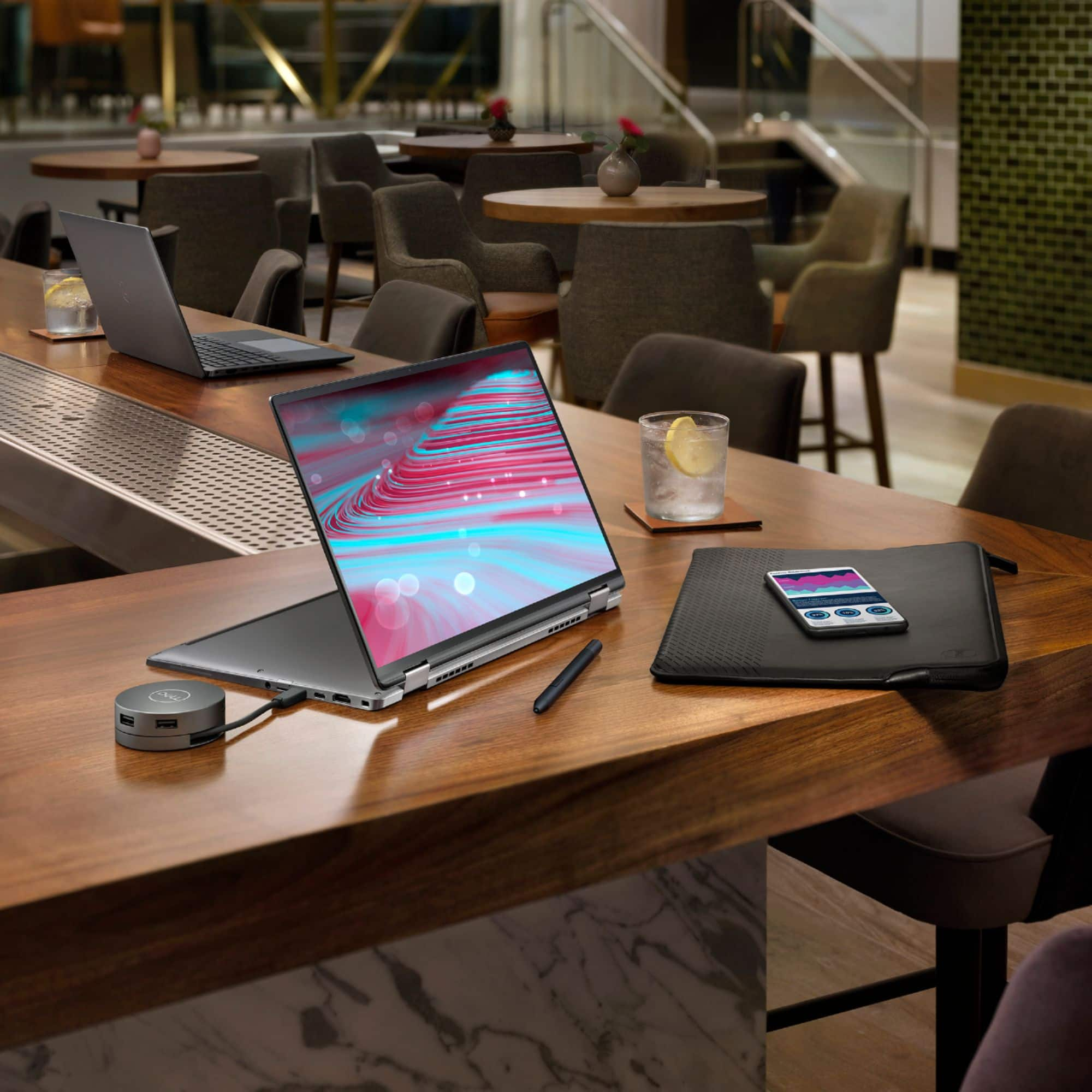
||Posted . Owned for 3 months when reviewed.This reviewer received promo considerations or sweepstakes entry for writing a review.Very convenient and portable dock, with multiple ports to connect all sort of devices, the cable will retract so it is easy to carry around
I would recommend this to a friend - Pros mentioned:Overall performance
Great Product and Easy to Take with you anywhere
||Posted . Owned for 3 weeks when reviewed.This reviewer received promo considerations or sweepstakes entry for writing a review.Great product, exactly what I needed. If you have any issues connecting a second monitor just unplug them and then plug one in at a time
I would recommend this to a friend - Pros mentioned:Overall performance
Working well
||Posted . Owned for 1 month when reviewed.This reviewer received promo considerations or sweepstakes entry for writing a review.This has worked really well for us so far. No complaints.
I would recommend this to a friend - Pros mentioned:Hdmi
Leonel
||Posted .This reviewer received promo considerations or sweepstakes entry for writing a review.This product is very good, it is very useful in my home, I recommend it to my friends and family.
I would recommend this to a friend Great multi-purpose output.
||Posted . Owned for 5 months when reviewed.This reviewer received promo considerations or sweepstakes entry for writing a review.Excellent multi-purpose adapter. All the output I need in a perfect portable size.
I would recommend this to a friend- Pros mentioned:Hdmi
Dock does what dock should do
||Posted . Owned for 9 months when reviewed.This reviewer received promo considerations or sweepstakes entry for writing a review.Purchased this dock for our business and it works great. No complaints!
I would recommend this to a friend - Pros mentioned:Portability
Dell docking station
||Posted . Owned for 3 weeks when reviewed.This reviewer received promo considerations or sweepstakes entry for writing a review.Dell multiple port docking station easy to use and good quality, affordable price
I would recommend this to a friend Works for my needs
||Posted .This reviewer received promo considerations or sweepstakes entry for writing a review.This has enough ports that I needed but note it is for only one monitor. I was able to plug my second monitor directly into my laptop’s hdmi port to use 2 at once. I do wish the cord was a bit longer on the device and that is why I gave 4 stars
I would recommend this to a friendNot for Mac's with Apple M1
||Posted .This reviewer received promo considerations or sweepstakes entry for writing a review.On M1 MacBook Pro ethernet adapter is capped at 200 megabit for some reason, forcing the connection to 1000bt full duplex has no effect. Display output seems to work, but will not let you connect a second display even directly via usb-c if a display is connected to this hub. Pass through power seemed to work ok. I'm returning it. I'm sure it's a nice hub for PC as per usual with Dell. But even though Dell's support site claims this will work and has been tested (DA310) against Apple M1, there are some issues. There is a firmware updater but I'm unable to update the firmware since I only have Apple products in my house and their updater only works with Windows 10
No, I would not recommend this to a friendBrand response from YourDellTeam
Posted .Hello cerebrix,
We are sorry to learn that your USB-C Mobile Adapter isn't quite meeting expectations. We really do appreciate your feedback and will use it to help improve our current and future products. Indeed, there was a BIOS update released for this product. However, the Dell DA310 firmware update is supported on system that are running Windows 10. If needed in the future, here is the link to the Dell USB-C Mobile Adapter DA310 FW Updater - https://dell.to/3gyY5zM.
Best regards,
Wendy C.
For further assistance, you can contact Dell directly with the information below Chat or Call:
https://bit.ly/DellSupportTeam.
Phone number to Dell: 1-800-264-9896.
- Pros mentioned:Overall performance
Review of Dell DA310
||Posted . Owned for 3 weeks when reviewed.This reviewer received promo considerations or sweepstakes entry for writing a review.Works Great, was easy to configure and worked great the first time.
I would recommend this to a friend Be aware you can only connect 1 display
||Posted . Owned for 4 months when reviewed.This reviewer received promo considerations or sweepstakes entry for writing a review.The updated version of this puck is great because it can pass USB PD through to your device for charging. The only note is that you can only connect a single display to it. This is clearly stated in the documentation, so all the negative reviews about how it only connects one monitor clearly didn't read the instructions. it's compact and cute.
I would recommend this to a friend- Pros mentioned:Overall performance
Works great
||Posted . Owned for 4 months when reviewed.This reviewer received promo considerations or sweepstakes entry for writing a review.The power option is good love it. No issues with the hub
I would recommend this to a friend Alright i guess
||Posted . Owned for more than 2 years when reviewed.This reviewer received promo considerations or sweepstakes entry for writing a review.Never used it to much but great add on for my dell xps 13 it doesn't let me charge my laptop when in use so that was a bumber
No, I would not recommend this to a friendDidn't do what I was told
||Posted . Owned for 6 months when reviewed.This reviewer received promo considerations or sweepstakes entry for writing a review.My laptop is fancy and doesn't have any video outputs other than USB-C. While the laptop came with an adapter to allow for standard USB and one HDMI, I wanted to use the full video capacity of the computer and dual monitors. I was told this would do that. While it has multiple outputs, only one display port works at a time. The portability is nice as the cord quickly and easily retracts into the case but it is really just a fancy hub. I returned this in favor of something that fit my actual wants/needs.
No, I would not recommend this to a friendBrand response from YourDellTeam
Posted .Hi Pejackson,
We appreciate you taking the time to leave us your valued feedback. We are sorry to hear the Dell DA310 Mobile Adapter did not meet your needs and you ultimately decided to return the device. Feedback like yours helps improve our products. We will share your comments with our quality team so improvements can be made now and in the future.
Sincerely,
Ashley@Dell
Should you need further assistance, you can contact Dell directly with the information below.
Chat or call: https://bit.ly/DellSupportTeam
Phone number to Dell 1-800-624-9896
Dell Thunder Port multiple ports puck.
||Posted . Owned for 5 months when reviewed.This reviewer received promo considerations or sweepstakes entry for writing a review.I bought the Dell laptop 2-1 tablet you have to have the Dell pick it has either net plus HDMI plus other plugins you will need. Nice fast easy to hook up. I bought it from Best Buy few days later had it $28.00 cheaper they gave me back the $28.00 difference.
I would recommend this to a friend- Pros mentioned:Hdmi, Portability

Practical
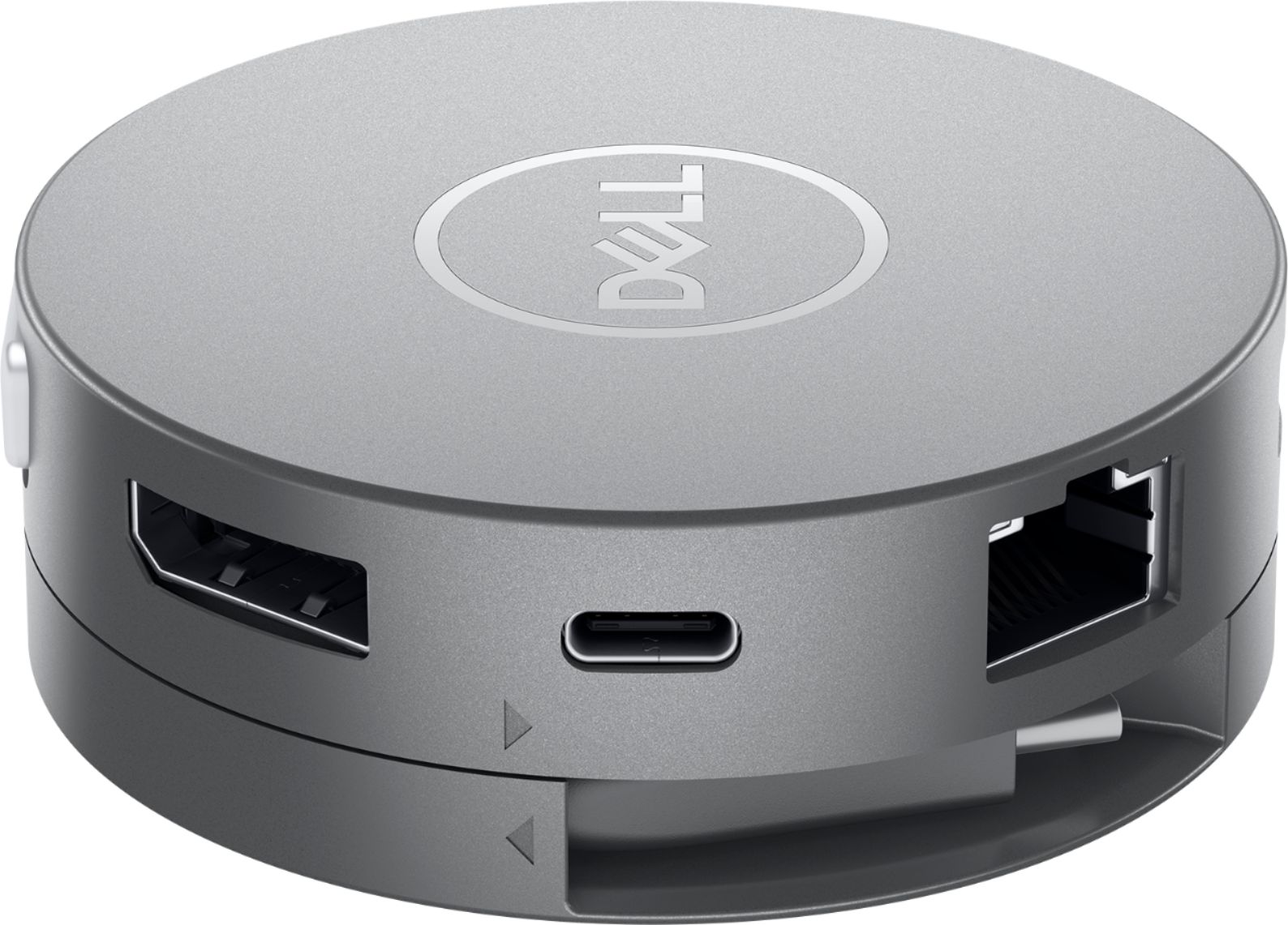
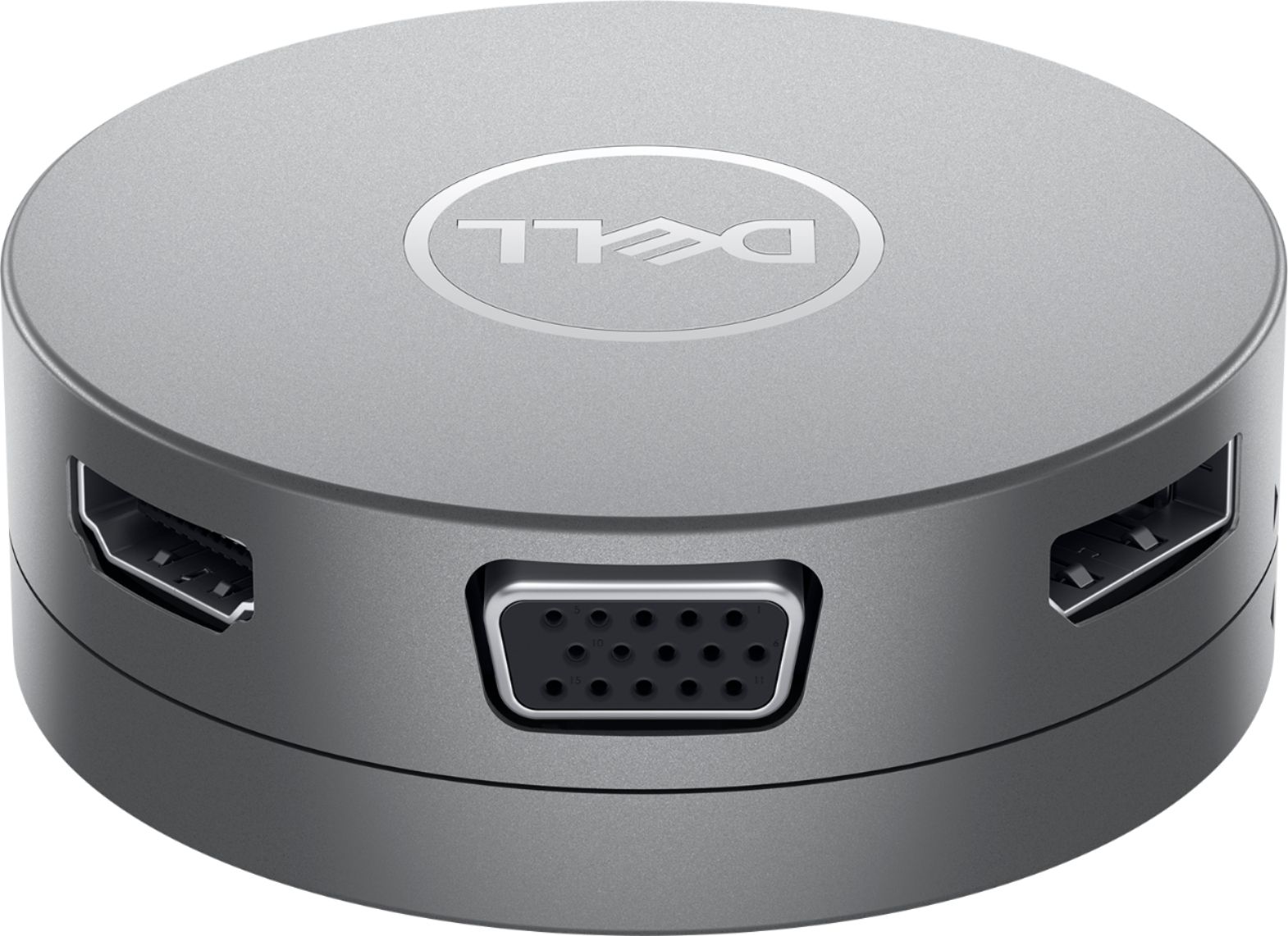
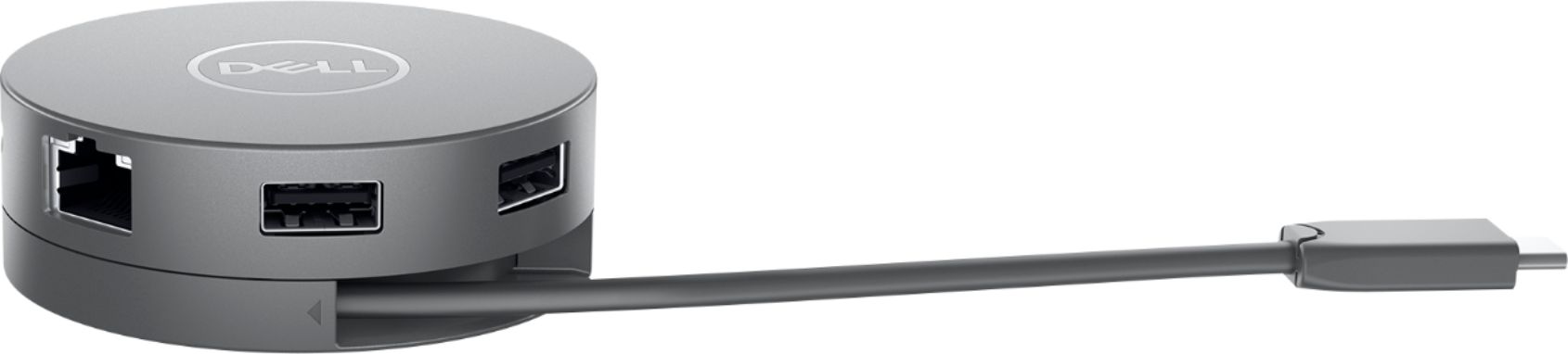
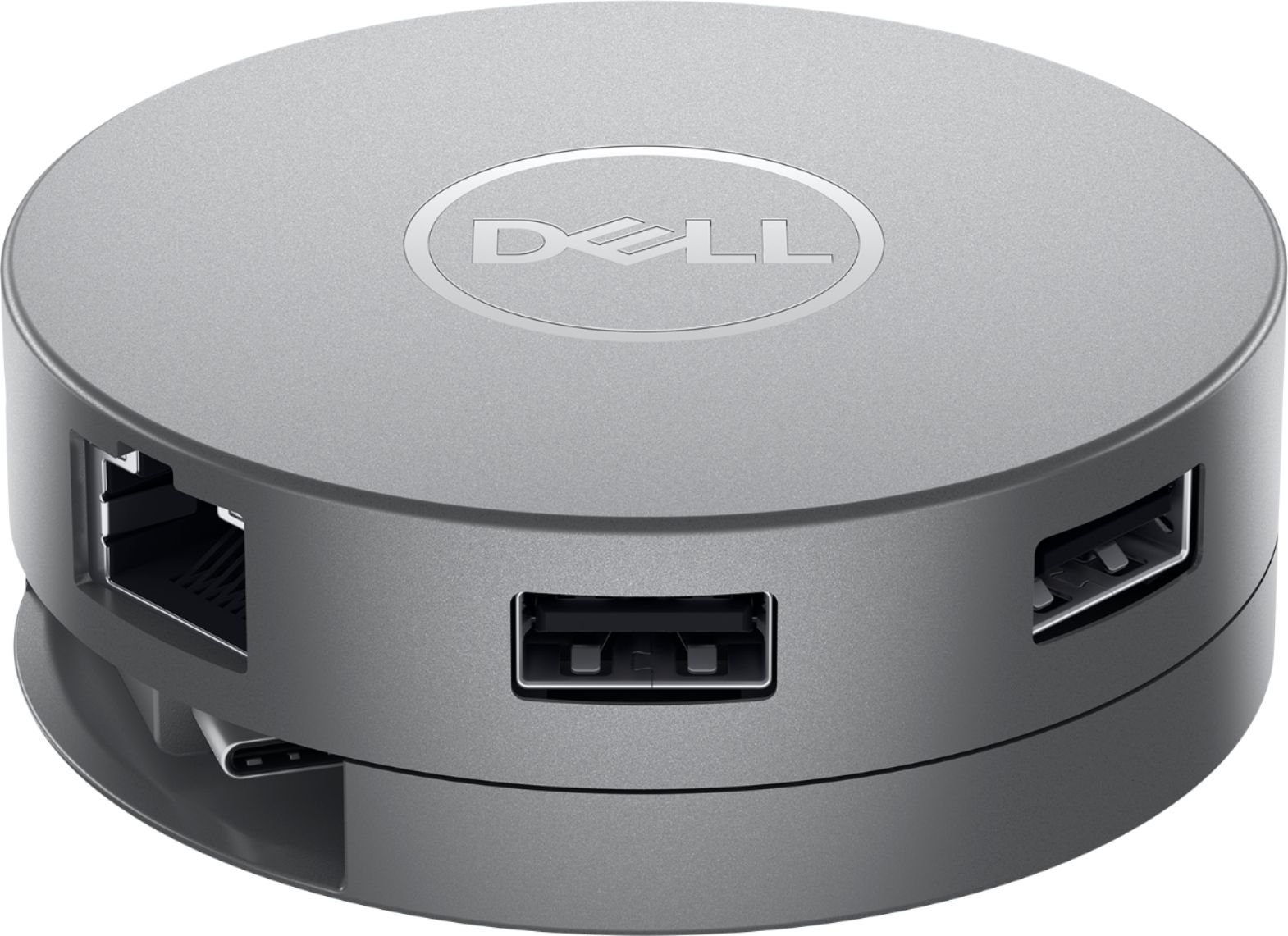
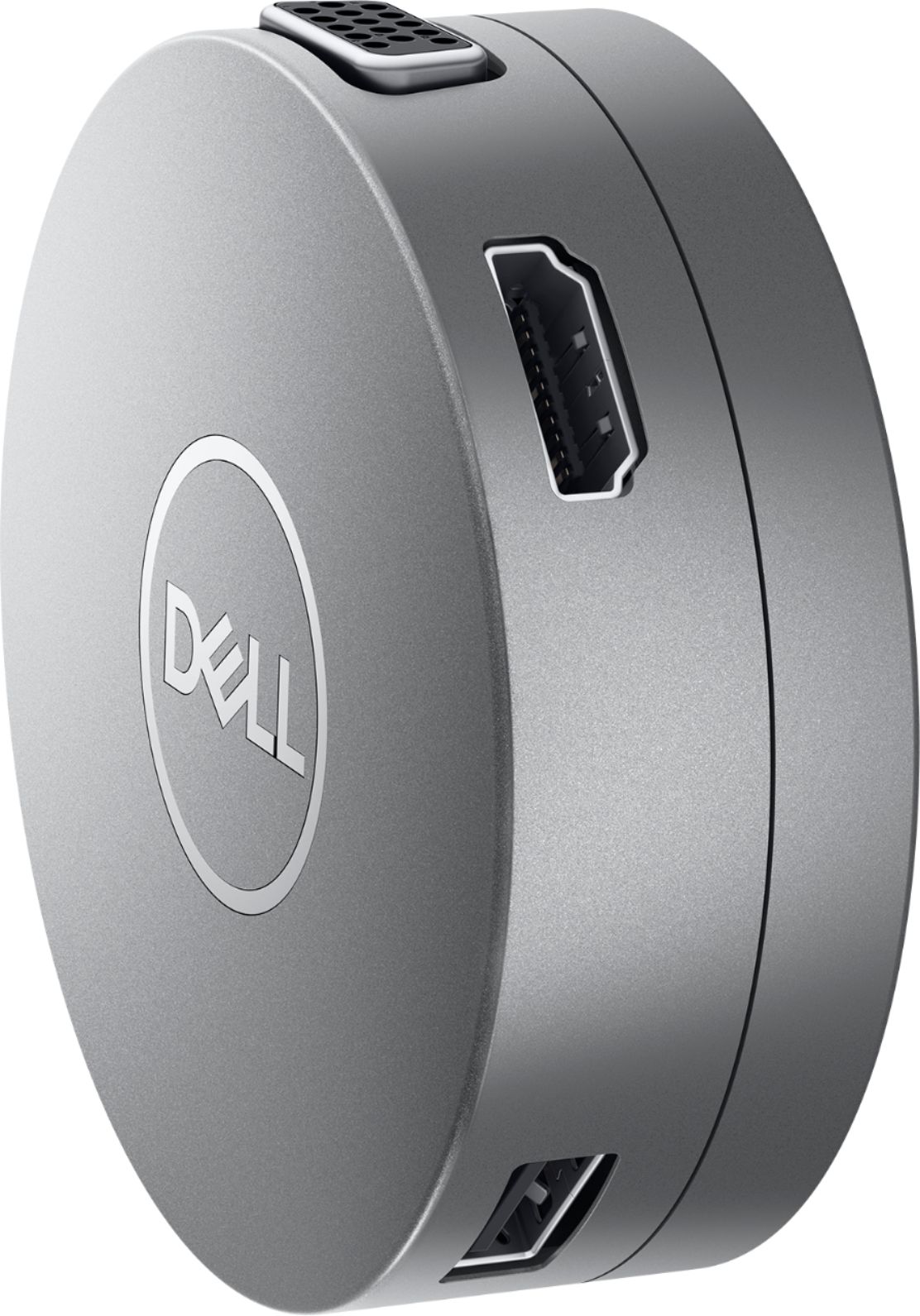
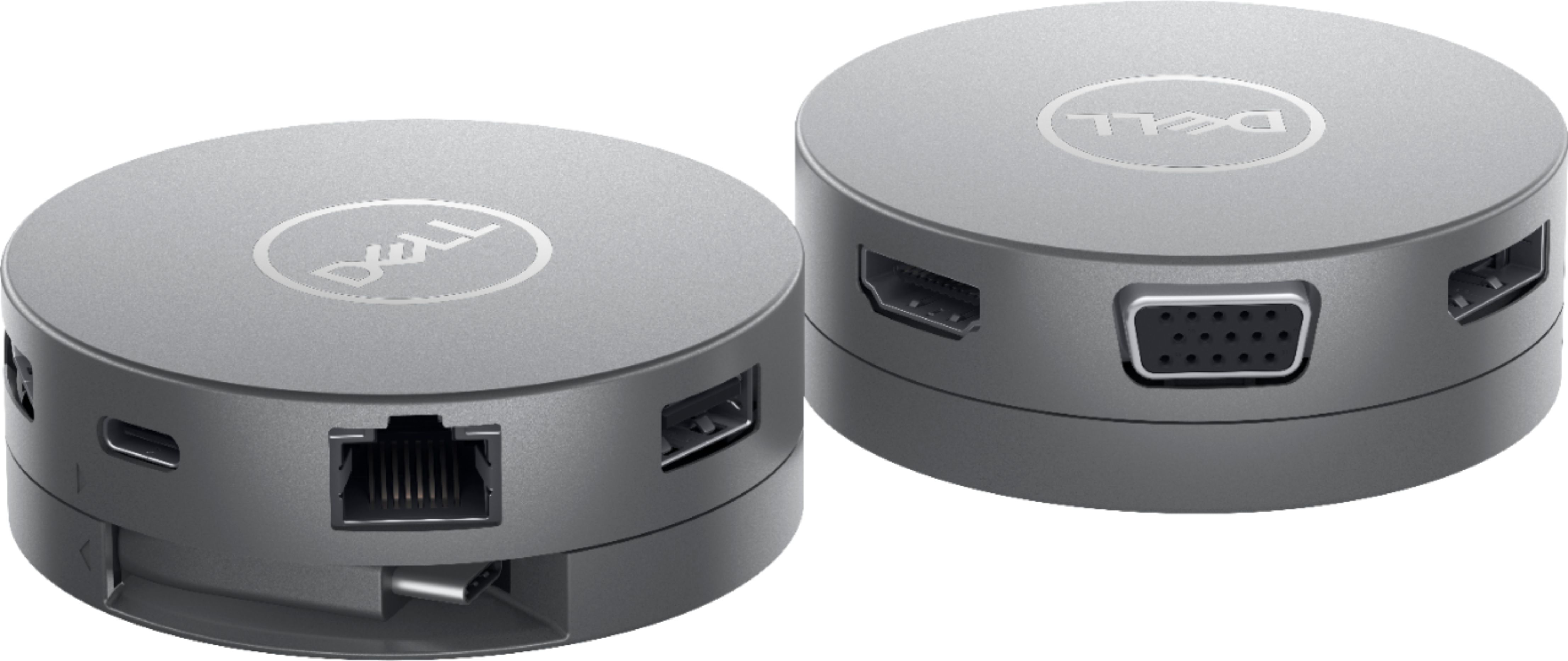
|Posted .This reviewer received promo considerations or sweepstakes entry for writing a review.Summary: Overall a very practical device for anyone who could use some simple expansion to their home office setup or travels frequently. There are a few caveats to this unit but overall good for most people. Pros: -Compact -Multiple USB ports -VGA, Display port and HDMI -High speed connections -Ethernet Cons -Only one USB-C port -No Thunderbolt support -Flimsy build -Short USB-C cable Unboxing / setup: This is a very small section as the unit and simple documentation are in the box. Setup is as simple as plugging it into your USB-C port on your laptop. Use: Initial impression was that it is very useful as the size makes it easy to pack and it works with pretty much everything as you will find an HDMI, VGA, Display port, USB-C, Ethernet and two USB-A 3.1 ports on the device. The connector to the PC is clever in that you twist the bottom of the unit and the cable unravels or winds up for storage. The rotation mechanism feels somewhat flimsy but it is unique and useful. Testing out the ports, I was happy to see that the HDMI is version 2.0 so it supports 4k at 60hz. I found one problem when testing out the USB-C input though. I connected my SSD hard drive to the device using a thunderbolt 3 rated USB-C Cable. The connection to hard drive kept dropping in and out. I verified the cable is good with a direct connection to my PC so it appears if you are connecting anything that supports thunderbolt 3, you might have some issues with your connection. Everything else I connected to the USB-C port had no issues. I also would have preferred a second USB-C port since if you are using the open USB-C port as a power connector pass through to your laptop, you no longer have a USB-C port available. This might matter to more than others as there are still USB-A 3.1 ports available. I enjoy this device and it will help immensely during travel but it is probably best for anyone with a lot of older connections and doesn’t own a lot of USB-C devices yet.
I would recommend this to a friend - Pros mentioned:Overall performance, PortabilityCons mentioned:Cord length
Well-built adapter with all the options
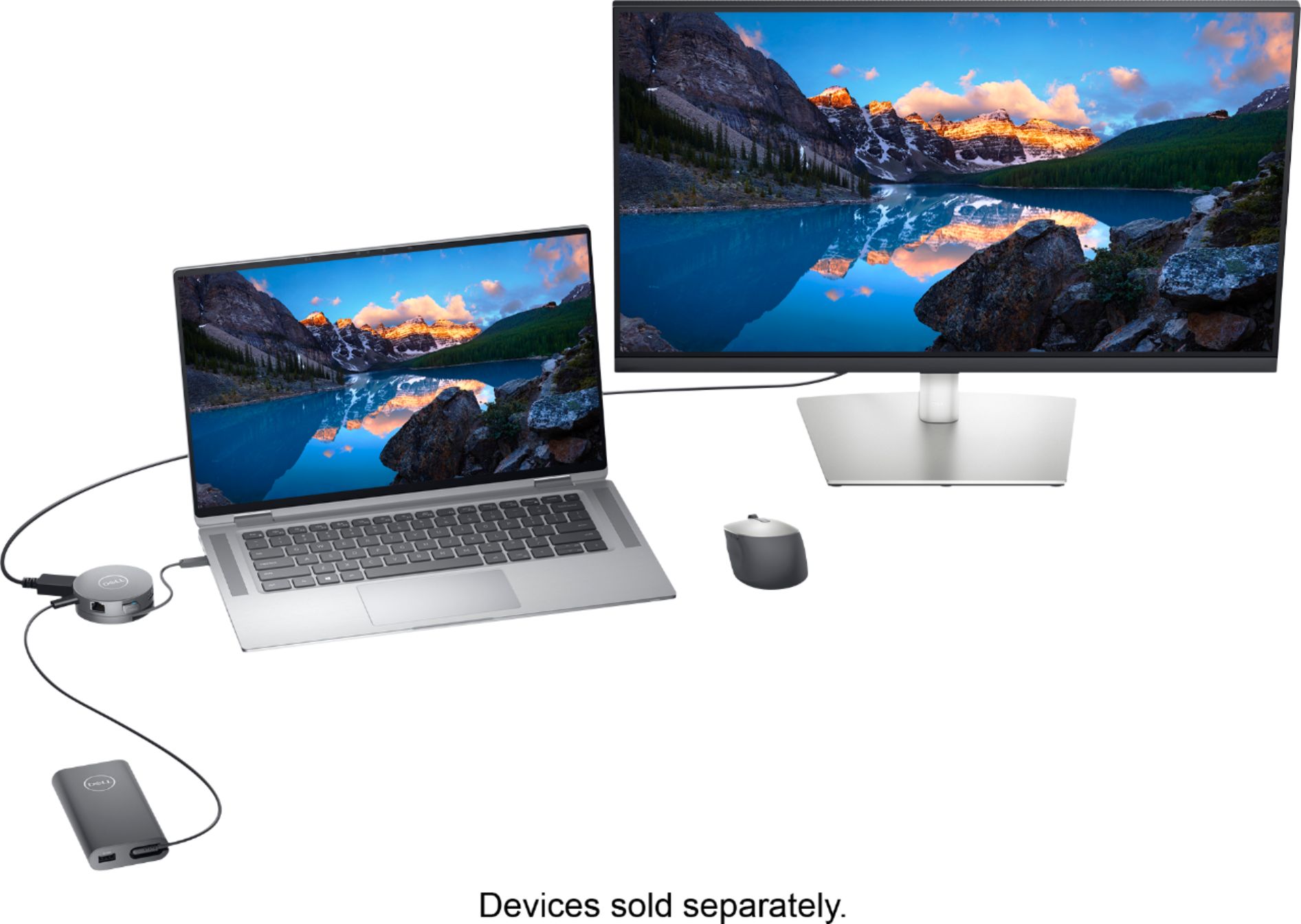
|Posted .This reviewer received promo considerations or sweepstakes entry for writing a review.The Dell DA310 mobile adapter is an update to the Dell DA300. I did not previously own the DA300, but I compared the new one to the previous one to understand the differences. The DA310 a compact port replicator shaped like a hockey puck. It includes ports for USB-A, USB-C, HDMI, VGA, Display Port(DP), and Ethernet. It improves on the DA300 by adding an additional USB-A port and now features power pass-through. You may not need power pass-through, but if your machine only has a single USB-C port that is used for both peripherals and charging, you won’t be able to use any dongle that doesn’t also allow you to charge your machine when it’s low on power. The DA310 adds that capability, so now you don’t need to choose between charging and having extra ports. The main reason for an adapter like this is to allow you to carry one small package instead of a bunch of dongles and adapters. As laptops become thinner and get rid of ports, an adapter like the DA310 is very handy. At first I thought it was a bit pricey, but then I considered the dongles I’ve purchased over the years: USB-C to USB-A, USB-C to VGA, USB-C to HDMI, USB-C to Ethernet. Each of these can cost from $15 to $30, and I can’t use them at the same time on the same machine. In that light, the DA310 is a good value and allows me to have all of these adapters available without having to remember to carry them all with me separately. I tested the DA310 on a Windows machine, as well as a Google Pixelbook, using 2 different high definition external monitors. External monitors were no problem, but I should mention that the DA310 isn’t meant to allow you to run multiple external monitors. You may only use one of the video ports at a time, so keep that in mind. The DA310 handled every peripheral with ease, and allowed me to charge my Pixelbook while using it. It features an innovative wind-up mechanism to keep the USB-C connector neatly out of the way when not in use. The connector is hard-wired, which means you won’t be able to leave it behind, but it’s shorter than I would have preferred. With my laptop on a stand, I had to rest the DA310 on a box so that it would be within reach of the laptop. This is not a big deal, but I would have appreciated a little more length. I also think it might have been a good thing for the connecting cable to be replaceable. I’m not sure if they could have achieved the winding action that way, but it would be nice to know that if the connector itself went bad, it could be easily replaced. The DA310 could potentially be used as a hub if you typically leave your peripherals in place and would like to be able to plug them all in with a single connection. This would certainly provide a compact way to do that. I decide to try that, so I also plugged in my Logitech Unifying Receiver, which is used by my Bluetooth mouse and keyboard, into one of the USB-A ports on the DA310. This worked like a charm, until I restarted the machine. I doubt this will be a problem for most people, but my Windows laptop for work uses McAfee security, which requires a DOS-based login before handing off to Windows. The USB-C port is not active during the DOS bootup, while USB-A stays active, so my peripherals didn’t work until Windows came up. I’m sure this is a quirk of the computer, and not the DA310, but I just wanted to mention it, in case it matters to you. The last thing to consider is the shape of the DA310. As previously mentioned, and as I’m sure you’ve seen in the pictures, the DA310 is circular. If all of the ports are in use, you’ll have cables sticking out in all directions. If that’s an issue for you, you may want to consider something in a different shape. Competing products are priced similarly, but you’ll want to compare their features to the DA310 first. I found the DA310 to be very well-built, and does a great job doing what it’s supposed to do. If you’re in the market for something like this, I think you’ll be happy with it—I recommend it!
I would recommend this to a friend