Customer Ratings & Reviews
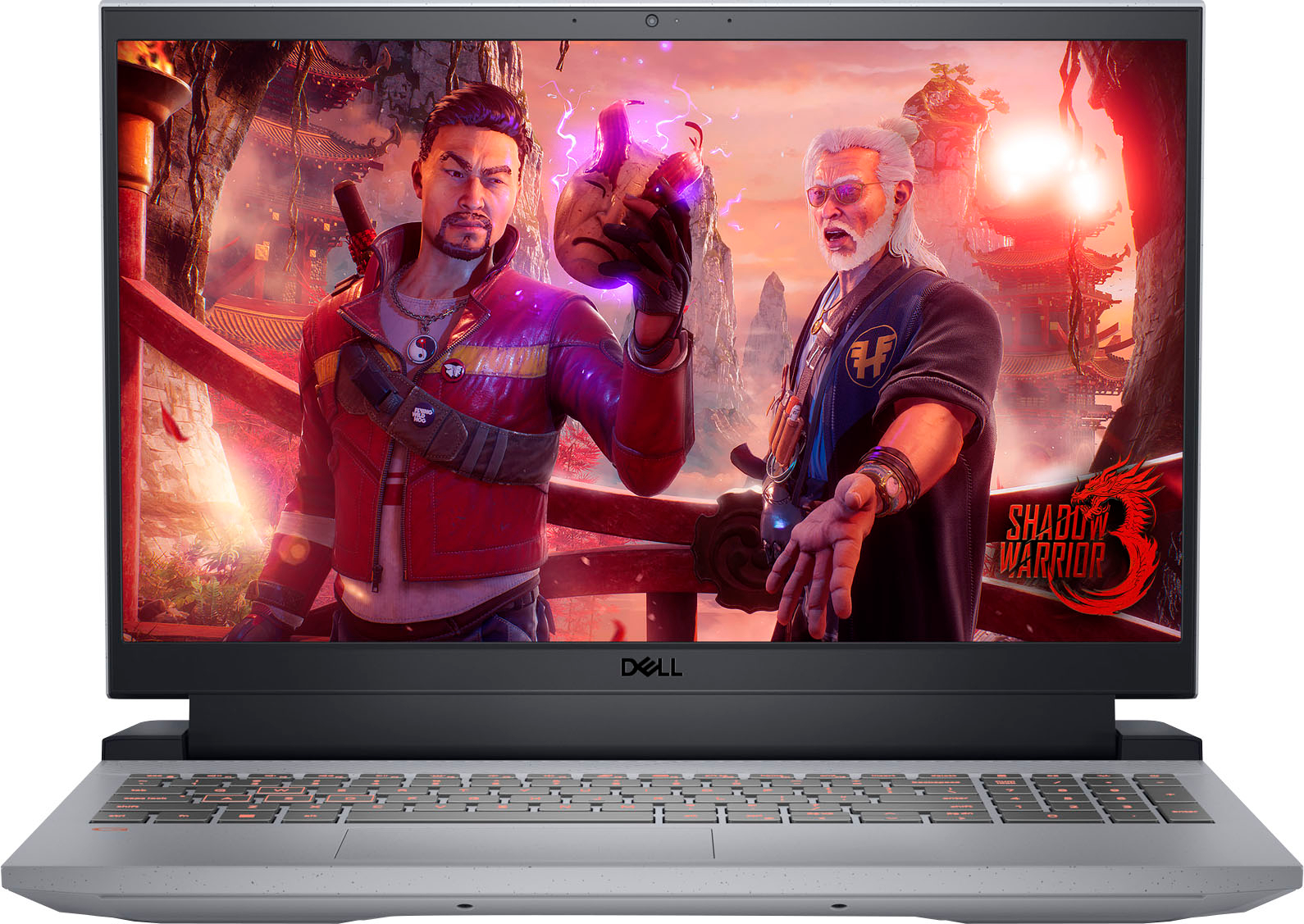
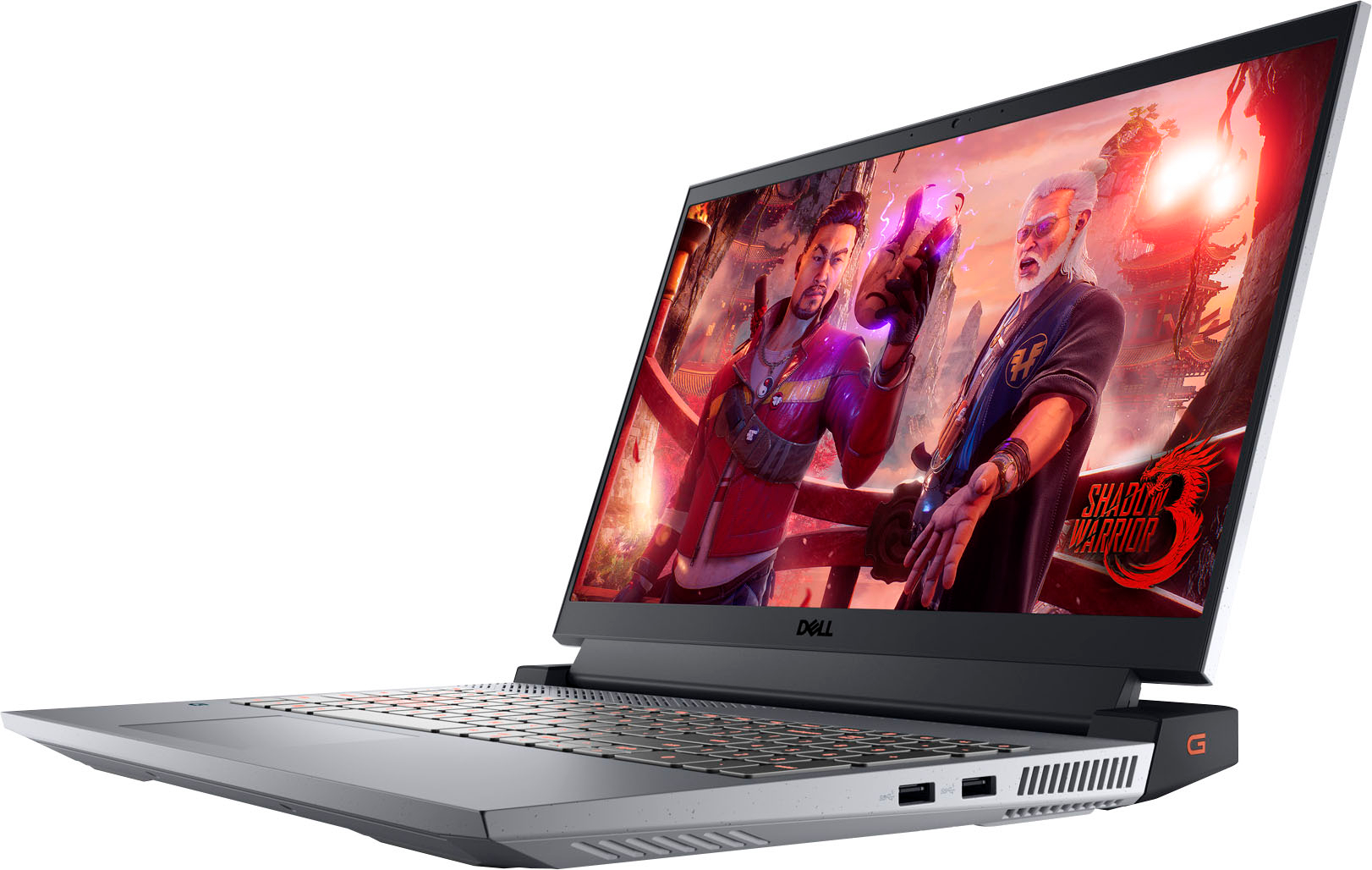
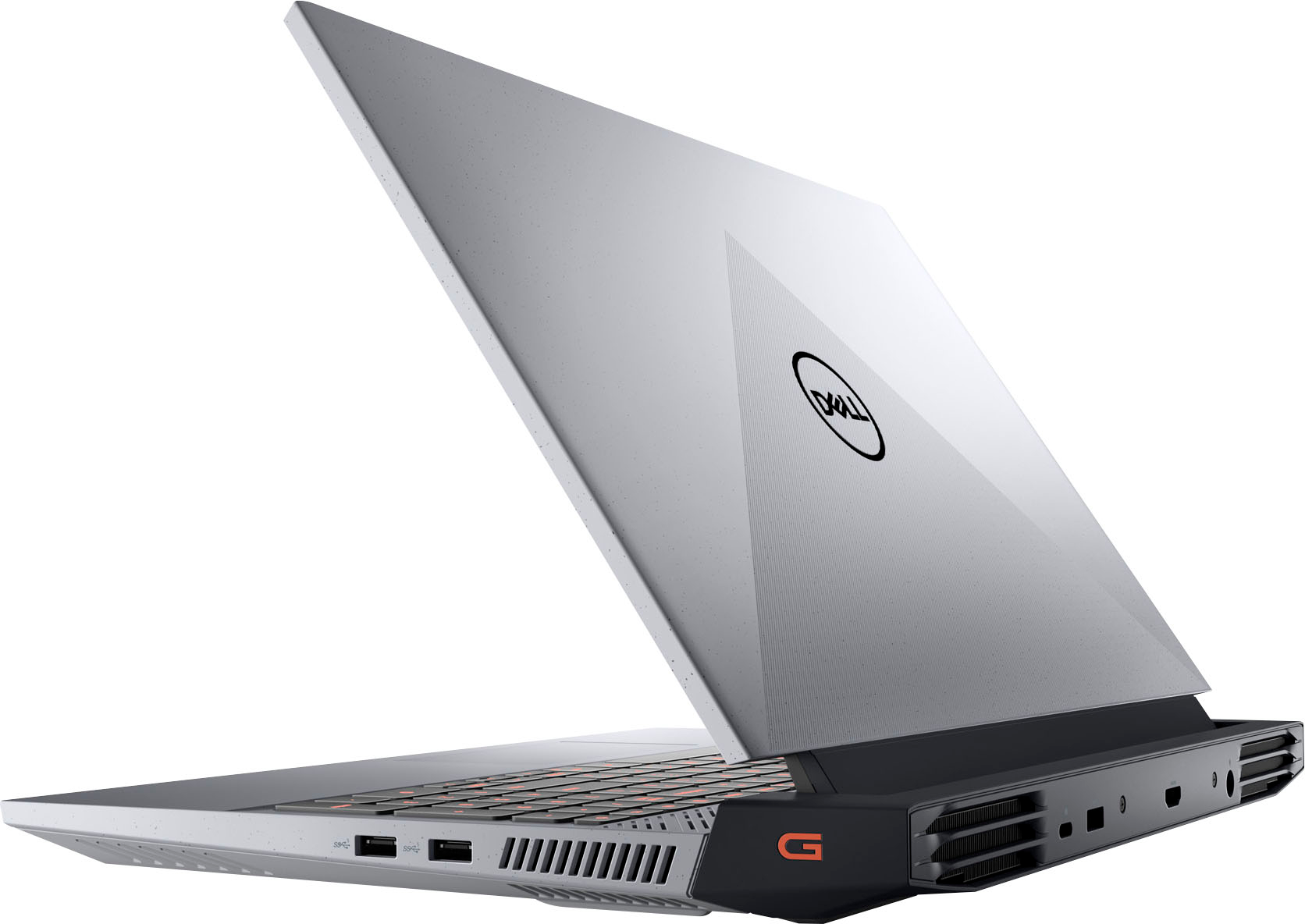
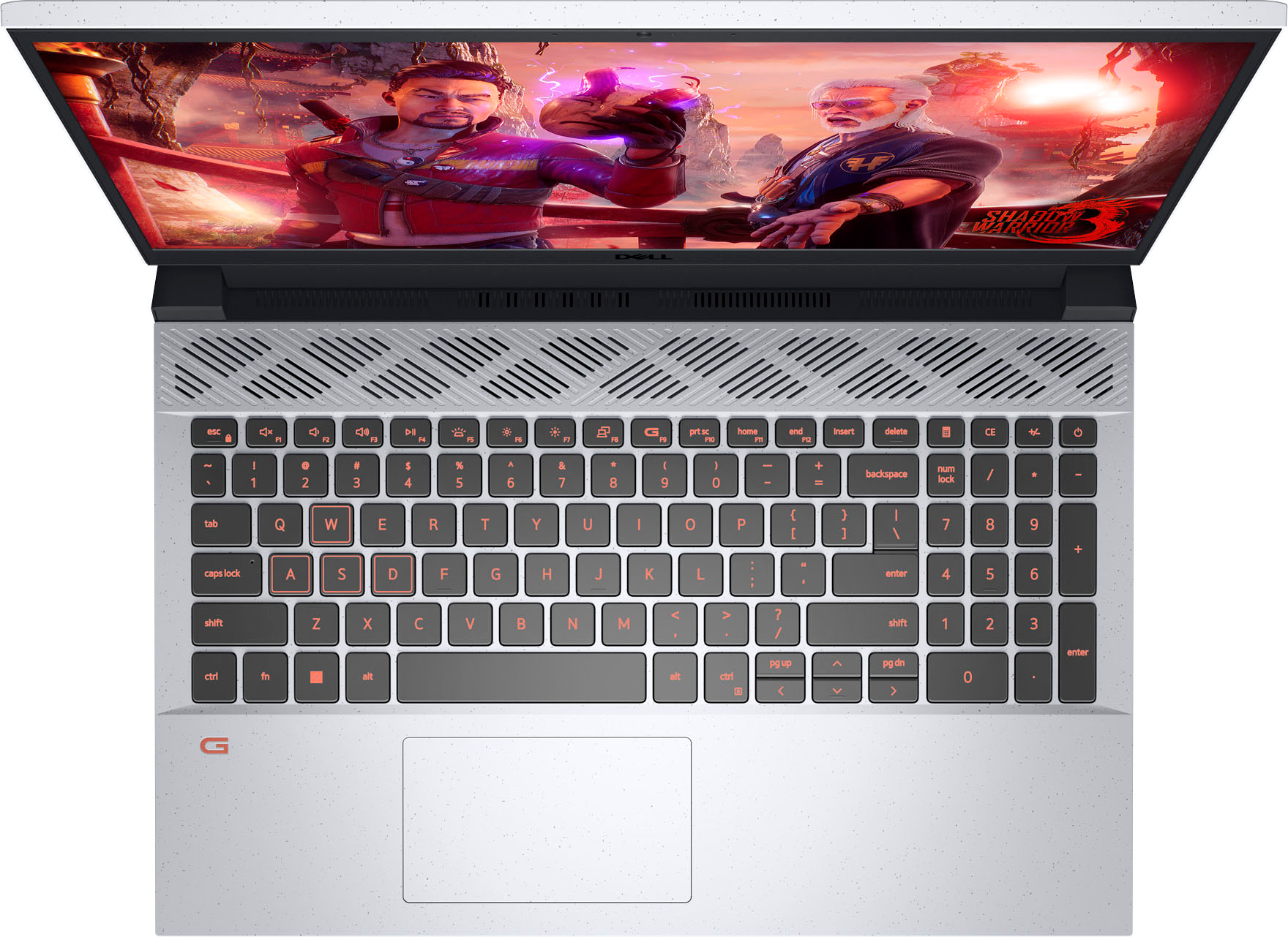



- Model:
- G15RE-A362GRY-PUS
- SKU:
- 6510327
Rating by feature
- Battery Life
Rating 3.9 out of 5 stars
- Speed
Rating 4.4 out of 5 stars
- Display
Rating 4.4 out of 5 stars
Customers are saying
Customers express satisfaction with the G15 gaming laptop's performance, graphics capabilities, and build quality. Many appreciate its price point relative to its features, while some note that the refresh rate is a positive aspect for gaming. However, concerns exist regarding battery life and the laptop's weight. A few users also reported issues with the screen and memory.
This summary was generated by AI based on customer reviews.
Nice pc
||Posted . Owned for 1 week when reviewed.This reviewer received promo considerations or sweepstakes entry for writing a review.It came perfect, exactly what I was looking for, perfect for gamers
I would recommend this to a friend- Pros mentioned:Graphics, Ram

Good Entry Level Gaming Laptop, but Chunky
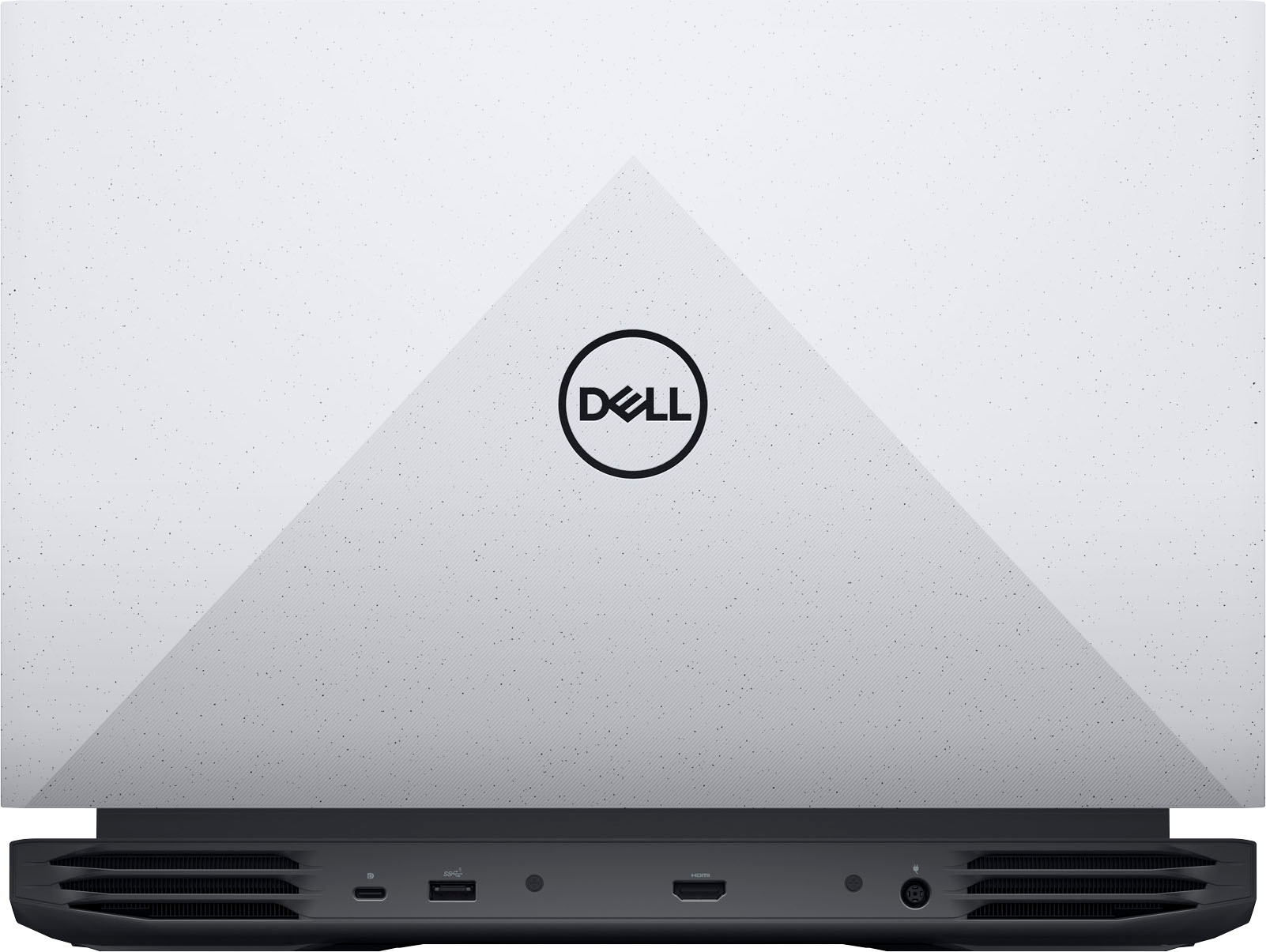
|Posted .This reviewer received promo considerations or sweepstakes entry for writing a review.This entry level gaming laptop game packaged well and comes with a big 180w charger brick. The connector on the charger is the same barrel plug that has been on most Dell Laptops for at least the last decade and a half. But if you plug in an older/lower wattage dell charger with the same plug, and try to power on this laptop, it will quickly remind you that that 80 or 90w charger isn't going to do the trick long term. The hardware is from 2022 releases, with the newest Ryzen 5 CPU generation, and DDR5 for the system memory. I can't tell, but I assume the drive is PCIE Gen4 (latest) speed, and the graphics card memory is listed as DDR6. This laptop is Chunky with a Captial C, and heavy. This is not a form factor you might be used for the notebook that's also a gaming laptop, i.e. thin, light, powerful, and very very hot when gaming. This is more like the standard gaming laptop case from 5 or so years ago. The speckling on the off-white plastic caught me off guard, but now it's growing on me, I kind of like it. Reminds me of cookies and cream. The screen is nice, 1080p, capable of fast refresh, not overly bright, but gets the job done. The hinge on the screen comes in a little on each side, be careful not to get something stuck in there when closing the laptop. Now for the guts. I took the back off and added an 8gb DDR5 stick in to the open memory slot on the laptop. 16gb of ram works a lot better for many of the tasks a gaming laptop will be tasked to do. 8gb is the absolute minimum and consider upgrading to 16gb as the first (and cheapest) thing to do if you think you need more oomph out of this laptop. When having the back off, you will notice that there is only a place for ONE SSD drive slot, which is of course taken by the mini 512GB drive that this laptop comes with. Again, 512GB is the bare minimum for a gaming laptop, I really think they should have gone with a 1TB drive to start. Because you can't just add a second drive in here, it's much more of a process to move to a bigger drive than just adding a 2nd memory stick like I did. The sound is pretty good for a laptop, but I usually wear over the ear cans when using my laptops, there is a headset jack for the wired versions, and a USB-C connector for the all-purpose wireless headsets. Bluetooth is also an option. The wireless Wi-Fi card is AX, so plenty of speed if you got the router for it. Speaking of the USB-C connector, it is on the back with the HDMI port, the charger plug port, and one USB-A standard connector. So, if minimalist look is your goal, you can pretty much hide all your important connections behind the laptop. As far as gaming, this is entry level with an entry level graphics card, the 3050, with a definitely entry level amount of graphics ram at 4GB. It did well on Forza Horizon 5 at medium settings at native 1080p resolution looking good, kept the frames per second from dropping too low. The "G" button (press Function Key and F9) on the keyboard will boost the fans to the max to help out on intensive use. It will get fairly hot when going full tilt, but not as much as say a notebook style gaming laptop. You should be able to play older games with most of the bells and whistles set on high. I recommend this laptop for entry gaming, but would recommend adding 8GB of ram to make it perform a bit better all around.
I would recommend this to a friend Nice
||Posted .This reviewer received promo considerations or sweepstakes entry for writing a review.Worker make the buy process nice and fast. Love the shopping environment.
I would recommend this to a friendPiece of crap
||Posted . Owned for 1 month when reviewed.This reviewer received promo considerations or sweepstakes entry for writing a review.I just bought this laptop a month ago and I’ve already had to take it to geek squad twice. Avoid this one at all cost
No, I would not recommend this to a friendBrand response from YourDellTeam
Posted .Hi PhillipH,
Thank you for taking the time to leave a review of your Dell G15 Gaming Laptop. We are sorry to hear that you are experiencing an issue with your device and have had to take it in to geek squad. That is not the type of product Dell intends to deliver to our customers, or the type of feedback we like to hear. We would love to help you but will need a little more information. Below I have provided the toll-free number and chat link to our support team. We recommend reaching out at your earliest convenience.
Should you need further assistance; we recommend that you contact Dell directly with the information below.
Chat or call: https://bit.ly/DellSupportTeam
Phone number to Dell: 1-800-624-9896
Best,
Summer@Dell
Not happy
||Posted . Owned for 1 week when reviewed.This reviewer received promo considerations or sweepstakes entry for writing a review.Very heavy. Worked great the first week, but wouldn't turn back on. Traded it in for a lighter HP with touch screen.
No, I would not recommend this to a friendBrand response from YourDellTeam
Posted .Hey MarieP,
Thank you for taking the time to leave a review of your Dell G15 Gaming Laptop. We are sorry to hear that you are experiencing an issue with your device powering on. That is not the type of feedback we like to hear from our customers, or the type of product Dell intends to deliver. We have noted the details of your statement and will use them to improve current and future products. Below, I have provided a troubleshooting link to help resolve your issue.
How to Troubleshoot No Power Issues: https://dell.to/3xXRwjo
Should you need further assistance; we recommend that you contact Dell directly with the information below.
Chat or call: https://bit.ly/DellSupportTeam
Phone number to Dell: 1-800-624-9896.
Best,
Summer@Dell
Kept Crashing
||Posted . Owned for 3 weeks when reviewed.This reviewer received promo considerations or sweepstakes entry for writing a review.Returned because it kept crashing. Computer reset itself twice, then another time it locked me out.
No, I would not recommend this to a friendBrand response from YourDellTeam
Posted .Hello There Shiv,
We value your feedback and want to thank you for taking the time to leave a review of your Dell G15 gaming laptop. We are sorry to hear that you were experiencing an issue with your device crashing and made the decision to return it. That is not the type of feedback we like to hear from our customers, or the type of product Dell intends to deliver. We have noted the details of your statement and we will escalate them to our quality department for improvements on current and future products.
If you continue to experience issues, please reach out to Dell Support directly by using the information provided below.
Chat or call: https://bit.ly/DellSupportTeam
Phone number to Dell: 1-800-624-9896
Best,
Summer@Dell
- Pros mentioned:GraphicsCons mentioned:Heat
Great screen! and above average gaming laptop
|Posted .This reviewer received promo considerations or sweepstakes entry for writing a review.The beautiful big 15.6 screen is my favorite feature. 120hz makes a huge difference with sports games, COD and competitive games. The actual computer itself is what you would expect weight wise for a Dell, comfortable but also not light. As far as the brick (power supply cable) it’s is lighter then it looks. Now as far as speed! This thing loads up beautifully and fast which you would expect with SSD this days. Size of the hard drive is on the smaller size but nowadays with external hds that’s not an issue really. Graphics card is very good and packs a punch! Not gonna bore you with benchmarks because you can find plenty online but when it matters the games I play are run with performance versus graphics in mind most of the time and run excellent. It gets hot just as any gaming system would, the heat sinks can only do so much but honestly I have experienced zero issues with heat. Games fly and I play for lengthy times 2+ hours. It’s a good system and especially for a price you would not expect.
I would recommend this to a friend Mr.
||Posted . Owned for 1 month when reviewed.This reviewer received promo considerations or sweepstakes entry for writing a review.Good customer service, best computer l was very happy at Best Buy
I would recommend this to a friendI love it
||Posted . Owned for 1 month when reviewed.This reviewer received promo considerations or sweepstakes entry for writing a review.The perfect laptop, very fast I lo e the screen display
I would recommend this to a friendGoid.
||Posted . Owned for 1 week when reviewed.This reviewer received promo considerations or sweepstakes entry for writing a review.Very good Lap Top,beautifull screen,very good sound.
I would recommend this to a friendGaming
||Posted . Owned for 1 week when reviewed.This reviewer received promo considerations or sweepstakes entry for writing a review.Good beginner gaming laptop not to heavy easy to use
I would recommend this to a friendGreat computer for the money.
||Posted . Owned for 1 month when reviewed.This reviewer received promo considerations or sweepstakes entry for writing a review.Great computer so far. Graphics are colorful and clear!
I would recommend this to a friendnever buy open box laptop again srart shutting do
||Posted . Owned for 2 months when reviewed.This reviewer received promo considerations or sweepstakes entry for writing a review.never buy open box laptop again srart shutting down one the return window closed
No, I would not recommend this to a friendGood purchase
||Posted . Owned for less than 1 week when reviewed.This reviewer received promo considerations or sweepstakes entry for writing a review.Great value for price, does everything we needed it for
I would recommend this to a friendBuy it if you are going to play plants vs zombies
||Posted . Owned for 1 month when reviewed.This reviewer received promo considerations or sweepstakes entry for writing a review.Its not a bad laptop, mine de number pad wasn’t working, it freeze 4 times and i felt too slow.
No, I would not recommend this to a friendBrand response from YourDellTeam
Posted .Dear JacobB,
Thank you for taking the time to leave a review of your Dell G15 Gaming Laptop. We are sorry to hear that you are experiencing an issue with your touchpad. That is not the type of feedback we like to hear from our customers. Below I have provided the troubleshooting steps to help resolve your issue. Some Notebooks and Tablets with Keyboards have added gesture features to the touchpad hardware and drivers. A few of these features are two or three finger scrolling, pinch zoom, circle zoom, rotate and swiping. These new features may be the reason for the erratic cursor movement since most are turned on by default. You can disable or modify the way the features work in the touchpad driver properties. Here are some tips to modify these settings:
1. In the Search box, type main.cpl.
2. Touch or click main.cpl in the list of programs.
3. Touch or click the Dell Touchpad tab.
4. Touch or click on the picture of the touchpad.
5. Touch or click Gestures (depending on your computer there may not be a Gestures option).
6. Change the options as preferred.
7. Touch or click Save.
8. Touch or click the X in the upper-right corner to close the Dell Touchpad Utility.
9. Touch or click OK on the Mouse Properties window.
10. If the touchpad still does not work after following the preceding steps, refer to Dell Knowledge Base article - http://dell.to/2iaiujA.
You can read the full article here - http://dell.to/2tqmS02.
Should you need further assistance; we recommend that you contact Dell directly with the information below.
Chat or call: https://bit.ly/DellSupportTeam
Phone number to Dell: 1-800-624-9896.
Best,
Summer@Dell
Not happy
||Posted . Owned for 7 months when reviewed.This reviewer received promo considerations or sweepstakes entry for writing a review.Had less than 2 months and crashed. Would not recommend
No, I would not recommend this to a friendBrand response from YourDellTeam
Posted .Hey AngieM,
We appreciate you taking the time to leave us your review. We sincerely apologize for the crashing issues that you are experiencing with your Dell G15 gaming laptop. It's important for us to hear about inconsistencies in our products for consideration of future development. Below I have provided troubleshooting instructions with the full article that can help resolve this issue.
Here are the steps to help resolve your crashing issue:
1. At the desktop, click the Search the web and Windows box and type "problem reports".
2. Select View all problem reports viewing a list of errors that have occurred on your computer and possible solutions for them, such as updating drivers, flashing your system BIOS, or checking for updates to the software.
3. Under the Source column, look for Windows and under Summary, look for Shut down unexpectedly.
4. Right-click the line item and select Check for a solution.
We'd also suggest checking to make sure that your software and drivers are up to date on Dell's Product Page here: https://dell.to/3khR75H
You can read the full article on solving PC crashing issues here: http://dell.to/2u98Cct
If you still experience any issues after you have finished troubleshooting your device using the steps above, please reach out to us at: https://bit.ly/DellSupportTeam.
If you continue to experience issues, please reach out to Dell Support directly by using the information provided below.
Chat or call: https://bit.ly/DellSupportTeam
Phone number to Dell: 1-800-624-9896
Best,
Summer@Dell
Mid at best
||Posted . Owned for 2 weeks when reviewed.This reviewer received promo considerations or sweepstakes entry for writing a review.It would be a great laptop if it didn’t crash every other day.
No, I would not recommend this to a friendBrand response from YourDellTeam
Posted .Hey There AlexisH,
We value your feedback and want to thank you for taking the time to leave a review of your Dell G15 Gaming Laptop. We are sorry to hear that your system is crashing. Below I have provided troubleshooting instructions with the full article that can help resolve this issue.
Here are the steps to help resolve your crashing issue:
1. At the desktop, click the Search the web and Windows box and type "problem reports".
2. Select View all problem reports viewing a list of errors that have occurred on your computer and possible solutions for them, such as updating drivers, flashing your system BIOS, or checking for updates to the software.
3. Under the Source column, look for Windows and under Summary, look for Shut down unexpectedly.
4. Right-click the line item and select Check for a solution.
We'd also suggest checking to make sure that your software and drivers are up to date on Dell's Product Page here: https://dell.to/3khR75H
You can read the full article on solving PC crashing issues here: http://dell.to/2u98Cct
Should you need further assistance; we recommend that you contact Dell directly with the information below.
Chat or call: https://bit.ly/DellSupportTeam
Phone number to Dell: 1-800-624-9896.
Regards,
Summer@Dell
A Lemon!
||Posted . Owned for 1 week when reviewed.This reviewer received promo considerations or sweepstakes entry for writing a review.Quit working within 3 days !! Would not recommend!!
No, I would not recommend this to a friendBrand response from YourDellTeam
Posted .Greetings HarvettaP,
We value your feedback and want to thank you for taking the time to leave a review of your Dell G15 Gaming Laptop. We are sorry to hear that you are not completely satisfied with your device and that it is not working. That is not the type of feedback we like to hear from our customers, or the type of product Dell intends to deliver. We have noted the details of your statement and will use them to improve current and future products. We would love to help you resolve any issues that you are experiencing but will need a little more information. Below I have provided the toll-free number and chat link below to reach our customer support team.
Should you need further assistance; we recommend that you contact Dell directly with the information below.
Chat or call: https://bit.ly/DellSupportTeam
Phone number to Dell: 1-800-624-9896.
Sincerely,
Summer@Dell
- Pros mentioned:Graphics
Solid quality choice for affordable price
|Posted .This reviewer received promo considerations or sweepstakes entry for writing a review.Dell G15 15.6" is a gamer. Like everything there are pros and cons or more accurately things I would like to have different, but the bottom line is this is a solid quality laptop with great graphics and a stout build for the price. Out of the box, this feels solid. Not too heavy but for a high strength sturdy plastic rig, it does not fell cheap or flimsy and feels and looks like it will have some staying power since I will use it on the road at times. Easy to set up like any windows machine and I was pleasantly surprised at the lack of add on programs and extra "ware". Once up and running and through all the syncing and log ins, it showed to be easy and intuitive like most in this class. This I noticed in the con list: picture clarity / brightness is a little limited from some rigs I have seen and used, but it is not really a deal breaker. Otherwise the graphics and responsiveness keep up with the game speed and streaming admirably. The 8GB memory is ok, but I believe I will eventually add on to this as my needs will ultimately outpace the memory size. Battery life so far is good. I am generally not impressed with battery life and it almost always does not meet manufacturers claims. I can get a few hours on battery so far with casual use. When playing games, so far on battery it is like 2 hours tops. All in all great choice for the price!
I would recommend this to a friend Cheap hardware
||Posted . Owned for 1 week when reviewed.This reviewer received promo considerations or sweepstakes entry for writing a review.The computer ran fine out of the Box for only 3 days .This is 3 days of light to medium use On the 3rd day I open my lid to discover I have no power at all None of the buttons are responding in the power button does not function I'm assuming this is a motherboard hardware malfunction considering the multiple other reviews noting the same type of failure. Purchase at your own risk it's a gamble if it's going to last a couple of days or a few years.
No, I would not recommend this to a friendBrand response from YourDellTeam
Posted .Hey Joshua,
We appreciate you taking the time to leave us a review of your Dell G15 Gaming Laptop. We are sorry to hear that your device will not power up. That is not the type of feedback we like to hear from our customers, or the type of product Dell intends to deliver. I have provided a troubleshooting link below to help resolve your issue.
How to Troubleshoot Power Issues: https://dell.to/3VAD4aY
Should you need further assistance; we recommend that you contact Dell directly with the information below.
Chat or call: https://bit.ly/DellSupportTeam
Phone number to Dell: 1-800-624-9896.
Regards,
Summer@Dell