Customer Ratings & Reviews
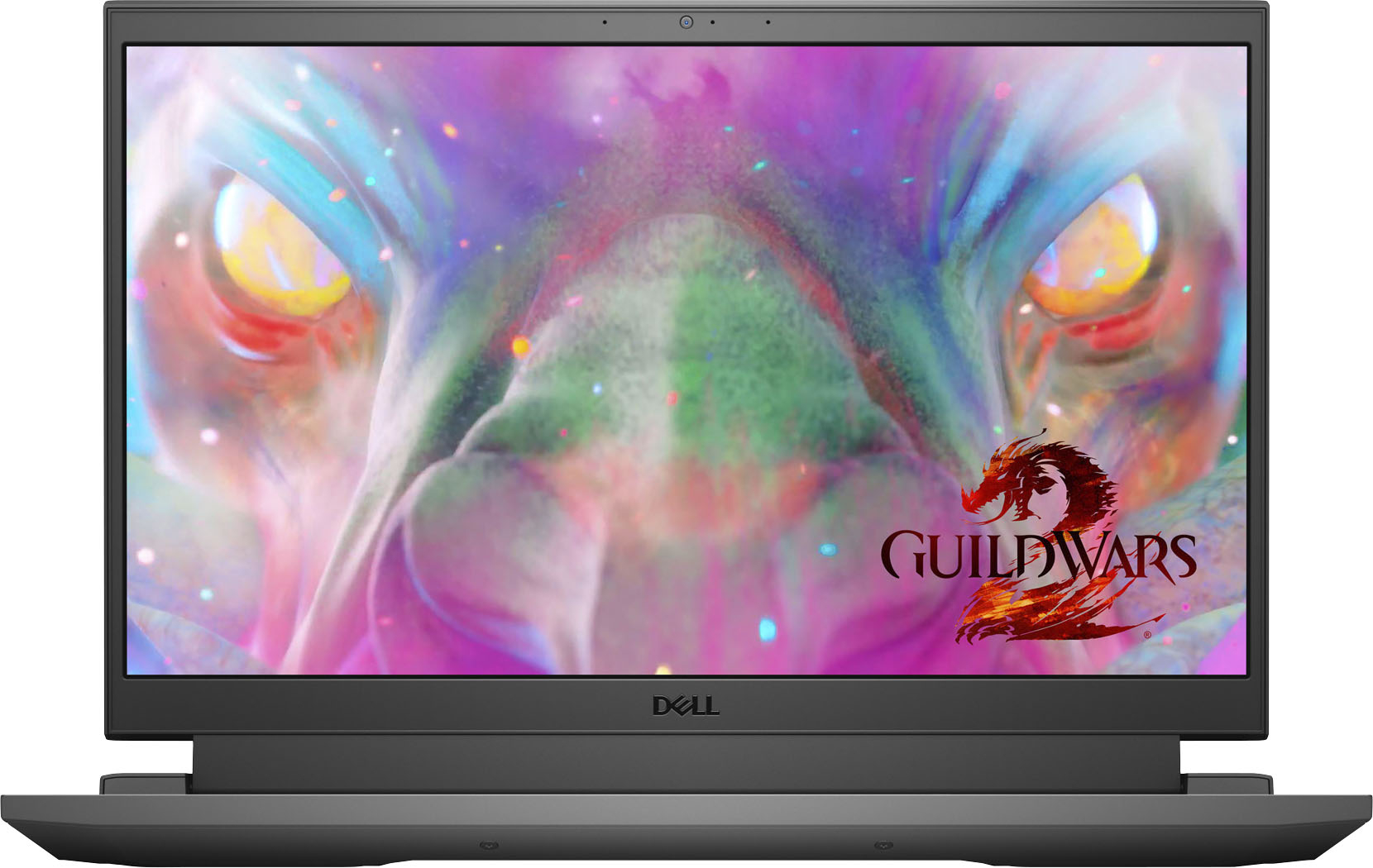
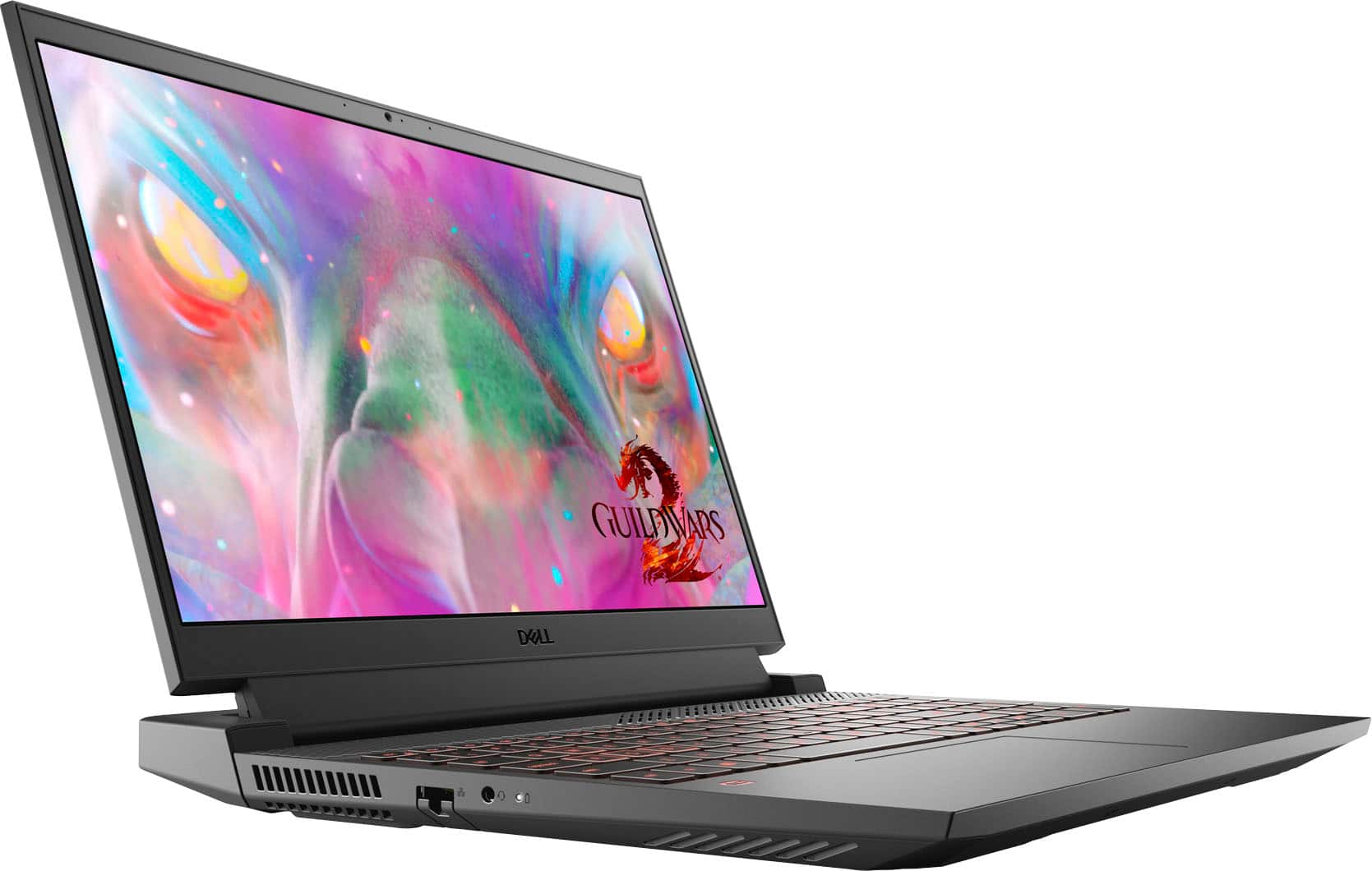
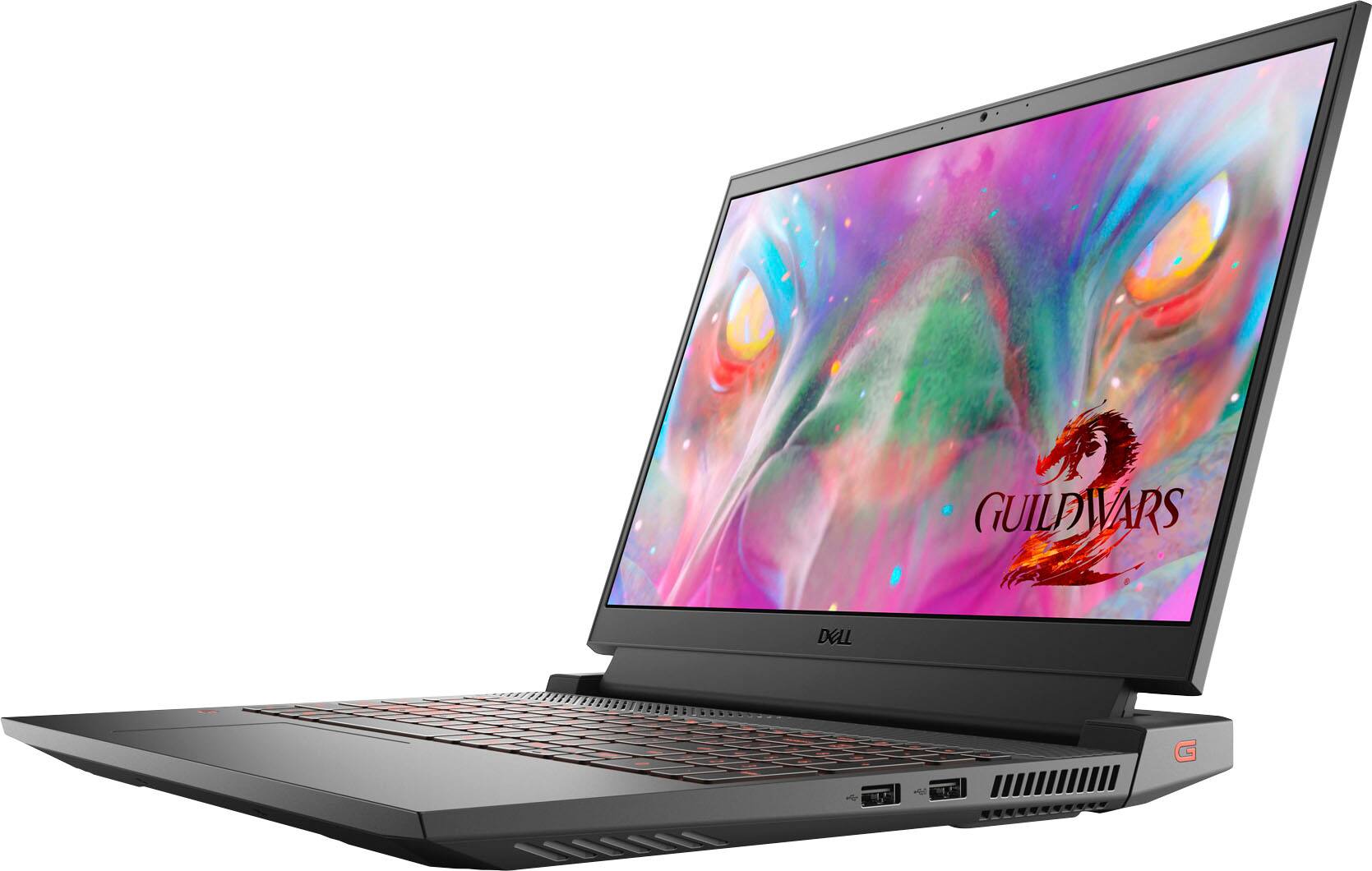
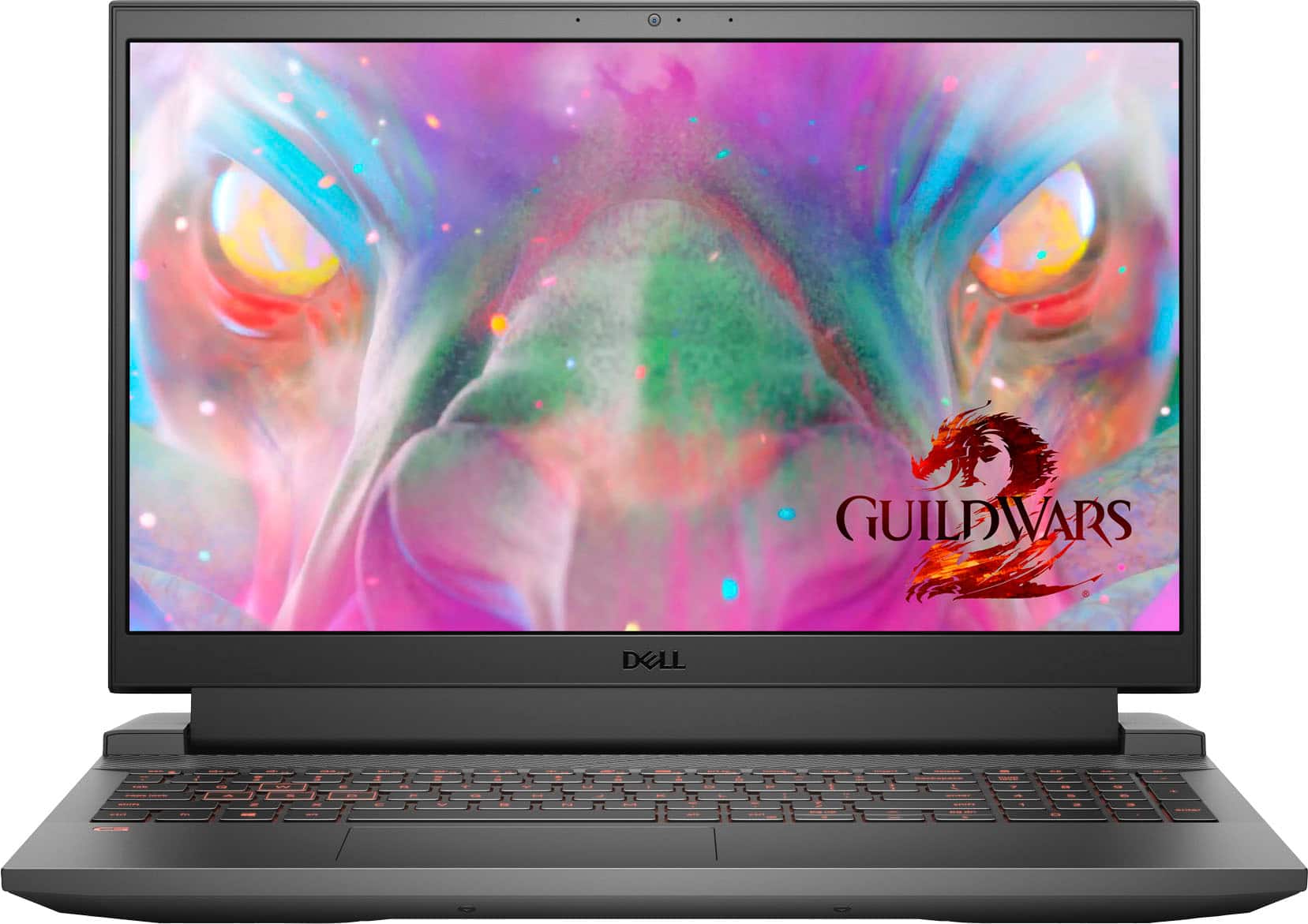
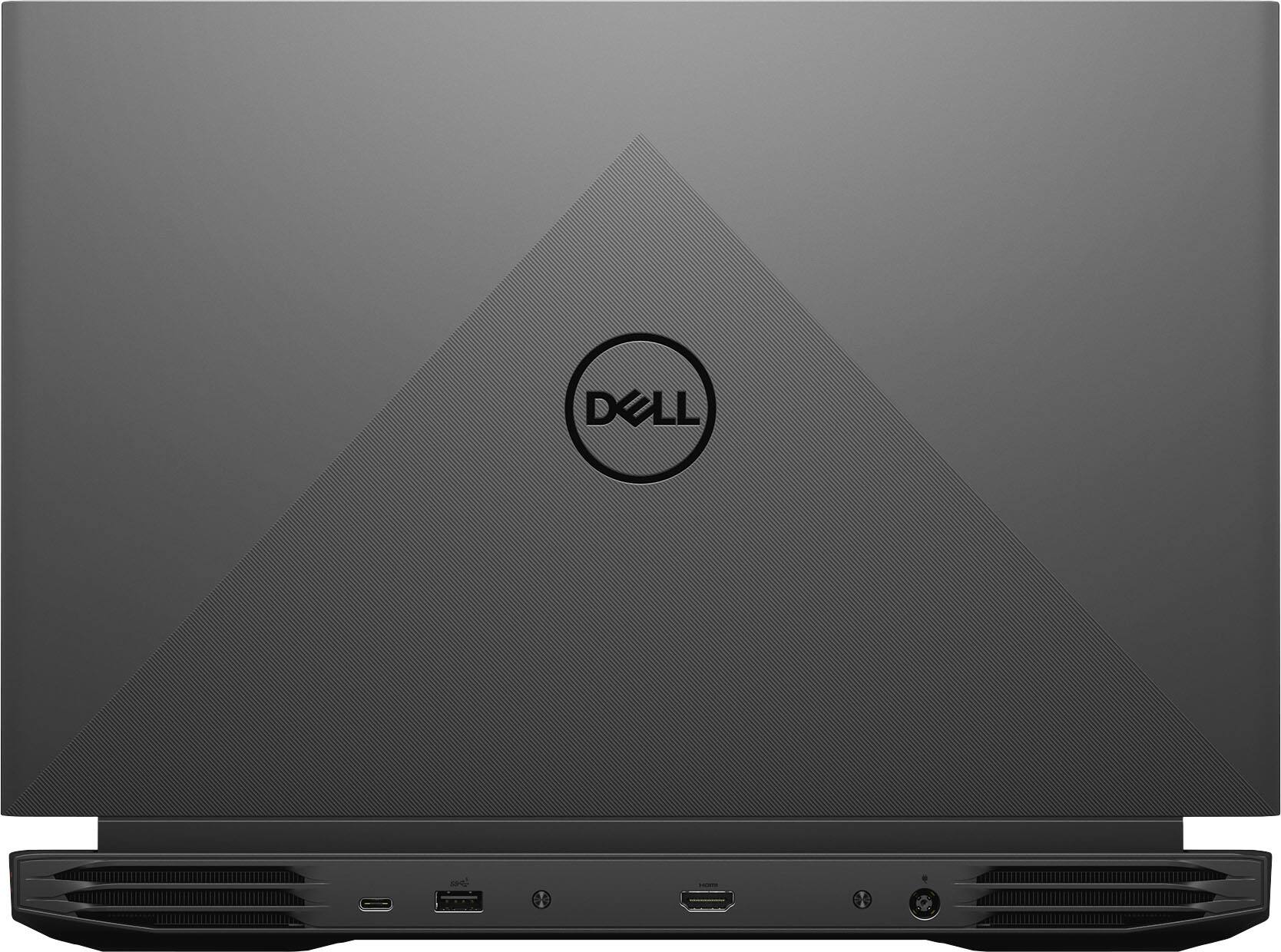


- Model:
- G15-5511-7517BLK
- SKU:
- 6470463
Rating by feature
- Battery Life
Rating 3.8 out of 5 stars
- Speed
Rating 4.6 out of 5 stars
- Display
Rating 4.6 out of 5 stars
Customers are saying
Customers are delighted by the performance and graphics capabilities of the G15 15.6" FHD 120Hz Gaming Laptop, finding it easy to use and appreciating the ample RAM. However, some users express concerns regarding battery life and occasional screen issues. The laptop's weight and fan noise also received some negative feedback.
This summary was generated by AI based on customer reviews.
Awesome device under 500 bucks
||Posted . Owned for 1 month when reviewed.This reviewer received promo considerations or sweepstakes entry for writing a review.This is a very decent laptop with nice sound output and great display. No complaints so far.
I would recommend this to a friendAwesome gaming laptop
||Posted . Owned for less than 1 week when reviewed.This reviewer received promo considerations or sweepstakes entry for writing a review.My daughter will love opening this up for Christmas. This was great for the price, and with total tech free protection plan
I would recommend this to a friend- Cons mentioned:Battery life
Battery life is not great.
||Posted . Owned for 3 weeks when reviewed.This reviewer received promo considerations or sweepstakes entry for writing a review.The computer works ok. It’s just the battery life is poor. It’s a brand new computer and should be able to last more than 2 hours on a medium saver setting.
No, I would not recommend this to a friendBrand response from YourDellTeam
Posted .Dear Valued Customer,
We would like to thank you for taking the time to provide us with your feedback. We are sorry to hear that the battery on your new Dell G15 gaming laptop is not performing as you expected.
I have included steps to help improve the battery performance of your laptop:
1. On the taskbar’s notification area, right-click the Battery icon.
2. On the options list, click Power Options.
3. Select a power plan on the battery meter, such as Power Saver or Balanced. Windows 10 has a built-in 'Battery Saver' mode that can be activated to extend your system's battery life. The Battery Saver mode will monitor and limit background activity and other features such as push notifications. You do have the option to enable or disable this mode within settings or within advanced Battery Saver settings, you can customize the mode to best suit your needs.
a) Click on the Action Center icon in the taskbar and select the tile for Battery Saver.
b) If running Cortana then type Battery Saver into the search box and select from the results.
Within the Battery Saver settings page, you will be able to turn on and off the feature and customize the feature to best meet your needs.
c) Turn Battery Saver On or Off.
d) Additional settings available via the Battery use and Battery saver settings links.
e) Battery use shows further info on apps and their power usage.
f) Battery Saver Settings screen allows you to customize further Battery Saver feature.
How to Improve the Performance of a Dell Laptop Battery: http://dell.to/2vfXWf4
If the issue with your gaming laptop is still not resolved after utilizing the troubleshooting options above, please contact the Dell Support Team at 1-800-624-9896 for further guidance.
Best,
Katarina@Dell
Should you need further assistance, you can contact Dell directly with the information below.
Chat or call: https://bit.ly/DellSupportTeam
Phone number to Dell 1-800-624-9896
Dell Laptop
||Posted . Owned for 5 months when reviewed.This reviewer received promo considerations or sweepstakes entry for writing a review.This is a great laptop- screen resolution is amazing and runs all my program applications without any issues
I would recommend this to a friendLove!
||Posted . Owned for less than 1 week when reviewed.This reviewer received promo considerations or sweepstakes entry for writing a review.We were very worried when purchasing this computer, we weren't sure if it would get the job done. It has been great!
I would recommend this to a friendGreat laptop, would recommend
||Posted . Owned for 2 weeks when reviewed.This reviewer received promo considerations or sweepstakes entry for writing a review.Great laptop, I used this laptop for dentistry applications that involves a lot of video/graphics and works great.
I would recommend this to a friendGreat Laptop
||Posted . Owned for 3 weeks when reviewed.This reviewer received promo considerations or sweepstakes entry for writing a review.Great laptop, customer service excellent as well, looks like this laptop will last me a while
I would recommend this to a friendSatisfied customer
||Posted .This reviewer received promo considerations or sweepstakes entry for writing a review.Customer service was efficient and professional. The Dell product has lived up to all expectations!
I would recommend this to a friend- Cons mentioned:Battery life
Battery UGH
||Posted . Owned for 1 week when reviewed.This reviewer received promo considerations or sweepstakes entry for writing a review.The battery is absolutely horrendous. I did the usual drain then fully charge. The laptop lasted 1:15 minutes on battery power the first few days and now it lasts 45 minutes. We have a Lenovo Yoga my other son uses for gaming and it lasts 4-5 hours on battery. I wish this was an anomaly but other reviews say the same thing. Dell NEEDS to fix this. Definitely going to return and go back to Lenovo instead.
No, I would not recommend this to a friendBrand response from YourDellTeam
Posted .Dear Bhawes200,
We appreciate you taking the time to leave us your review. We are sorry to hear that you are not too happy with your Dell G15 gaming laptop because the battery performance is not as you expected.
To help with a battery performance issue, we recommend changing the Power Plan:
1. On the notification area of the taskbar, right-click the Battery icon.
2. On the options list, click Power Options.
3. Select a power plan on the battery meter, such as Power Saver or Balanced. Windows 10 has a built-in 'Battery Saver' mode that can be activated to extend your system's battery life. The Battery Saver mode will monitor and limit background activity and other features such as push notifications. You do have the option to enable or disable this mode within settings or within advanced Battery Saver settings, you can customize the mode to best suit your needs.
a) Click on the Action Center icon in the taskbar and select the tile for Battery Saver.
b) If running Cortana then type Battery Saver into the search box and select from the results.
Within the Battery Saver settings page, you will be able to turn on and off the feature and customize the feature to best meet your needs.
c) Turn the Battery Saver On or Off.
d) Additional settings are available via the Battery use and Battery saver settings links.
e) Battery use shows further info on apps and their power usage.
f) Battery Saver Settings screen allows you to customize further Battery Saver features.
You can read the full article here - http://dell.to/2vfXWf4
If the battery problem with your G15 laptop is not resolved after applying the troubleshooting tips above, please reach out to our support team here for further guidance: 1-800-624-9896.
Best,
Katarina@Dell
Should you need further assistance, you can contact Dell directly with the information below.
Chat or call: https://bit.ly/DellSupportTeam
Phone number to Dell: 1-800-624-9896
Amazing lil laptop
||Posted . Owned for 3 weeks when reviewed.This reviewer received promo considerations or sweepstakes entry for writing a review.Amazing laptop to take with me on the go! Packs up easy and lightweight for an on the go gamer.
I would recommend this to a friendLaptop
||Posted .This reviewer received promo considerations or sweepstakes entry for writing a review.Order online and was able to pick up within 30 minutes. GREAT CUSTOMER SREVICE! GREAT PRODUCT
I would recommend this to a friendDO NOT BUY THIS PRODUCT
Posted .This reviewer received promo considerations or sweepstakes entry for writing a review.the worst dell model, the worst purchase, they have changed it twice already, and now the screen has problems again, it will probably be the last dell that I buy
No, I would not recommend this to a friendBrand response from YourDellTeam
Posted .Hello Valued Customer,
We would like to thank you for taking the time to provide us with your feedback. We are sorry to hear that you are not too happy with your Dell G15 gaming laptop because you are experiencing issues with its screen.
To help with this issue, we recommend making sure, that all drivers are current and up to date. I have provided a link to the Drivers and Downloads Page for your gaming laptop where you can check for any applicable updates.
Drivers and Downloads Page: https://dell.to/3PFo48k
We also recommend following these troubleshooting tips:
1. Run the automated tools in SupportAssist to ensure that the drivers and BIOS are up to date and your computer is optimized
2. Verify display or video issue on an external monitor
3. Check for physical damage on the LCD screen
4. Run hardware diagnostics on the LCD screen
5. Verify the display or video issue in Windows Safe Mode
6. Download and install Microsoft Windows Updates
7. Change the video or display settings, and adjust the brightness
8. Touch screen troubleshooting
9. Run a Video Stress Test using Dell SupportAssist
10. Perform a Windows System Restore
11. Restore the computer to factory defaults
The whole article on this subject can be found here:
How to Troubleshoot Display or Video Issues on a Dell Laptop: https://dell.to/3pE7wm4
If the issue with the screen is still not resolved after utilizing the troubleshooting options above, please contact the Dell Support Team at 1-800-624-9896 for further guidance.
Best,
Katarina@Dell
Should you need further assistance, you can contact Dell directly with the information below.
Chat or call: https://bit.ly/DellSupportTeam
Phone number to Dell: 1-800-624-9896
Nice laptop
||Posted . Owned for 2 weeks when reviewed.This reviewer received promo considerations or sweepstakes entry for writing a review.Got it open box, great laptop if you get it for the right price. No concerns
I would recommend this to a friendGreat
||Posted . Owned for 1 month when reviewed.This reviewer received promo considerations or sweepstakes entry for writing a review.Excellent condition Came with original box and everything was very well packaged
I would recommend this to a friendDell
||Posted . Owned for 5 months when reviewed.This reviewer received promo considerations or sweepstakes entry for writing a review.I use it for school and for gaming. It works really well and I haven't had problems
I would recommend this to a friendNice
||Posted .This reviewer received promo considerations or sweepstakes entry for writing a review.Seems pretty great so far, i only use it once a week rn for a podcast thing
I would recommend this to a friendGreat Price for High-end Laptop
||Posted . Owned for 5 months when reviewed.This reviewer received promo considerations or sweepstakes entry for writing a review.Great budget friendly deal. Great quality and easy setup.
I would recommend this to a friendSatisfied with Purchase
||Posted . Owned for less than 1 week when reviewed.This reviewer received promo considerations or sweepstakes entry for writing a review.Great machine. Just as advertised. Quick, easy to set-up and nice back-lighting.
I would recommend this to a friendGaning laptop
||Posted . Owned for 3 weeks when reviewed.This reviewer received promo considerations or sweepstakes entry for writing a review.Its a very good laptop would recommend to anyone with a budget
I would recommend this to a friendExcellent choice
||Posted . Owned for 2 months when reviewed.This reviewer received promo considerations or sweepstakes entry for writing a review.Great laptop for my sons birthday, runs all his games no problems
I would recommend this to a friend