Customer Ratings & Reviews
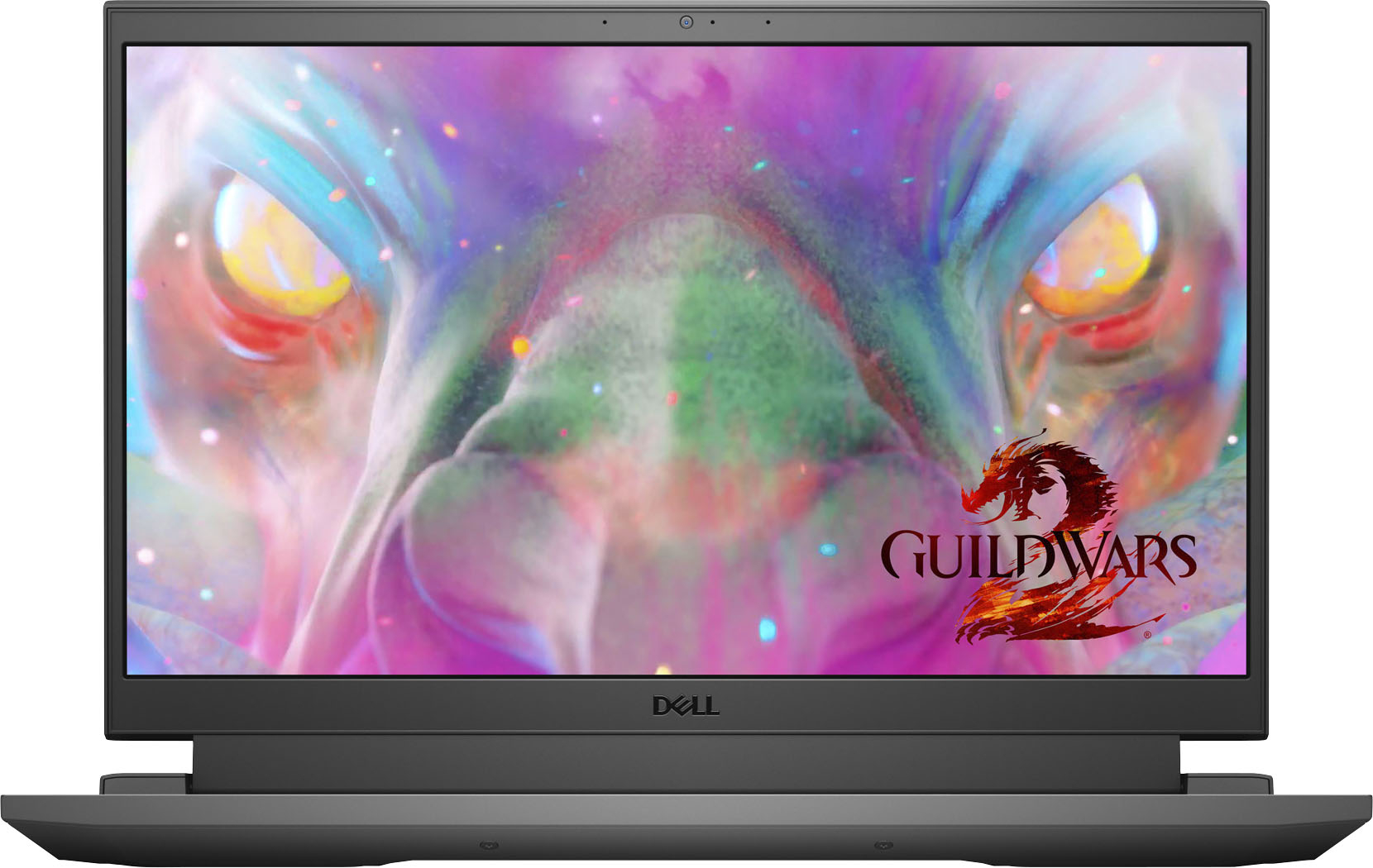
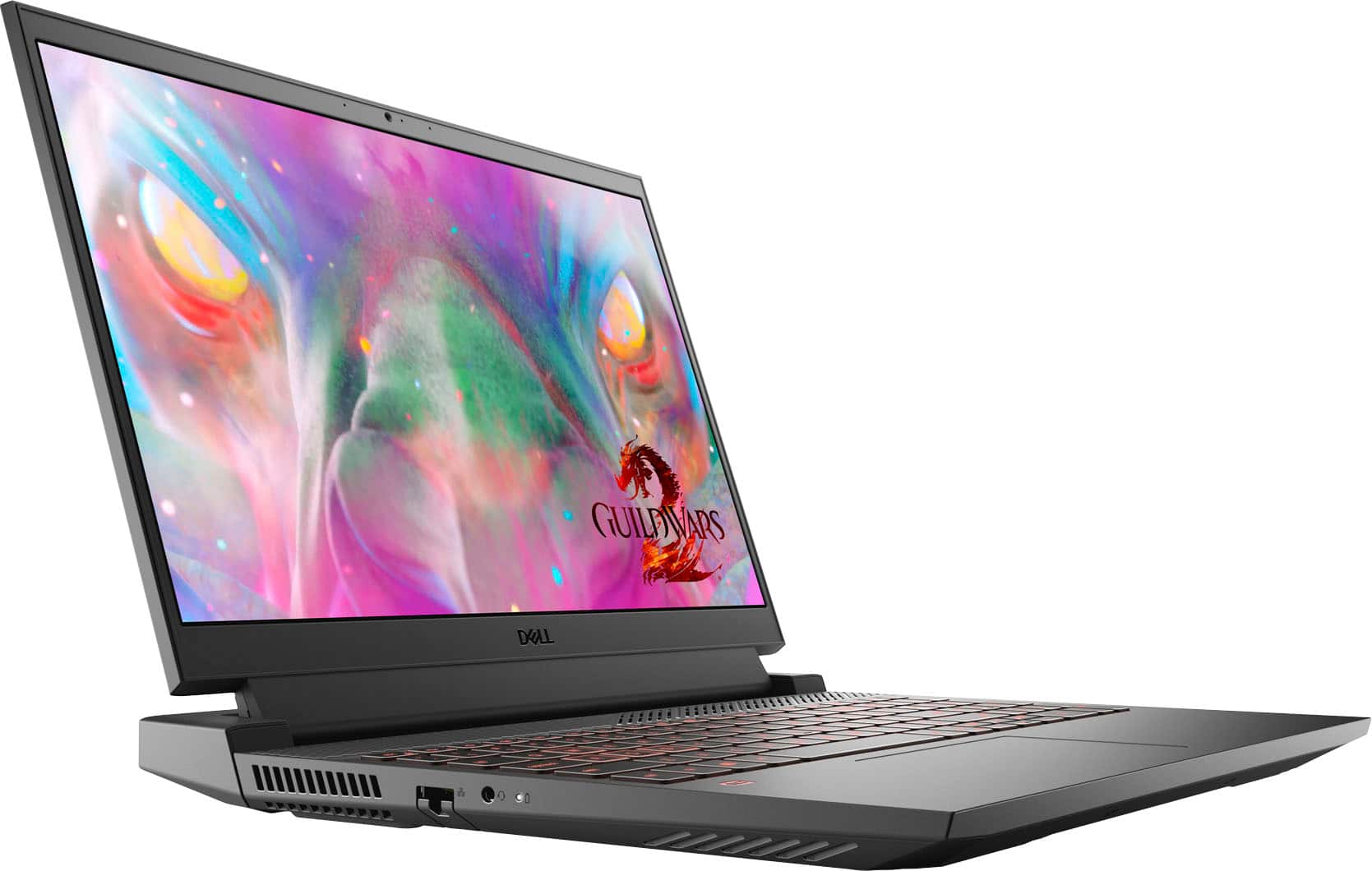
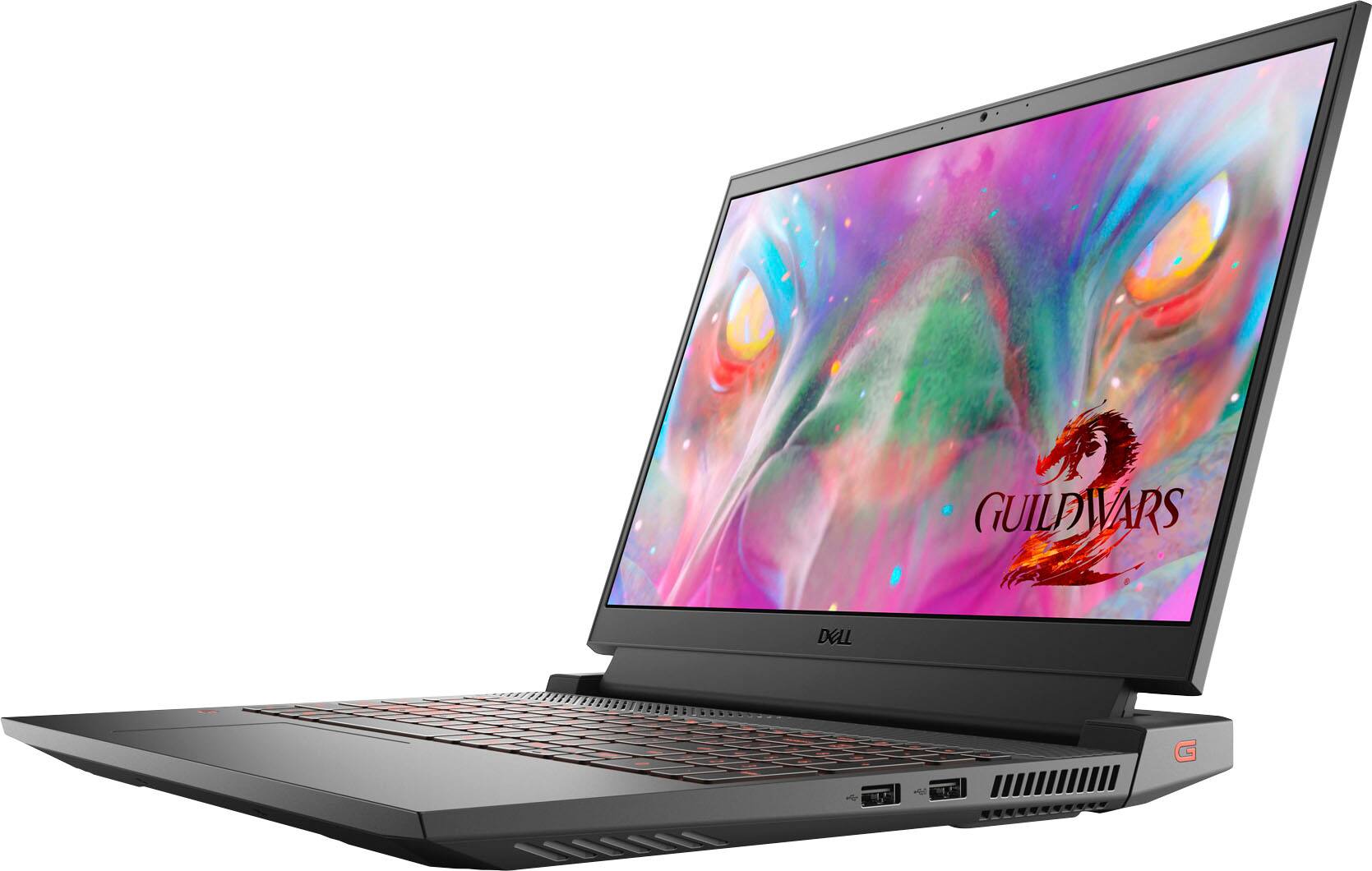
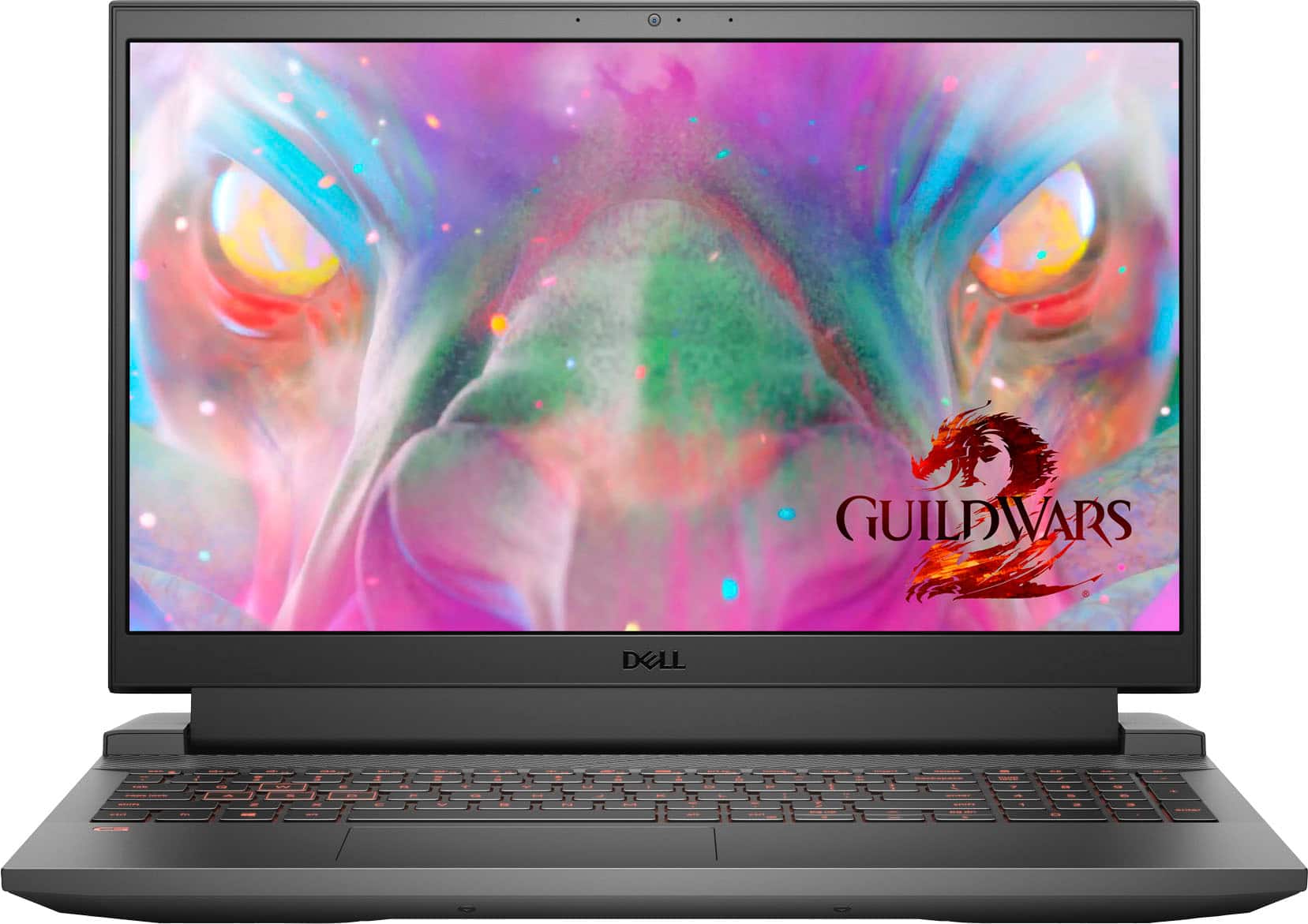
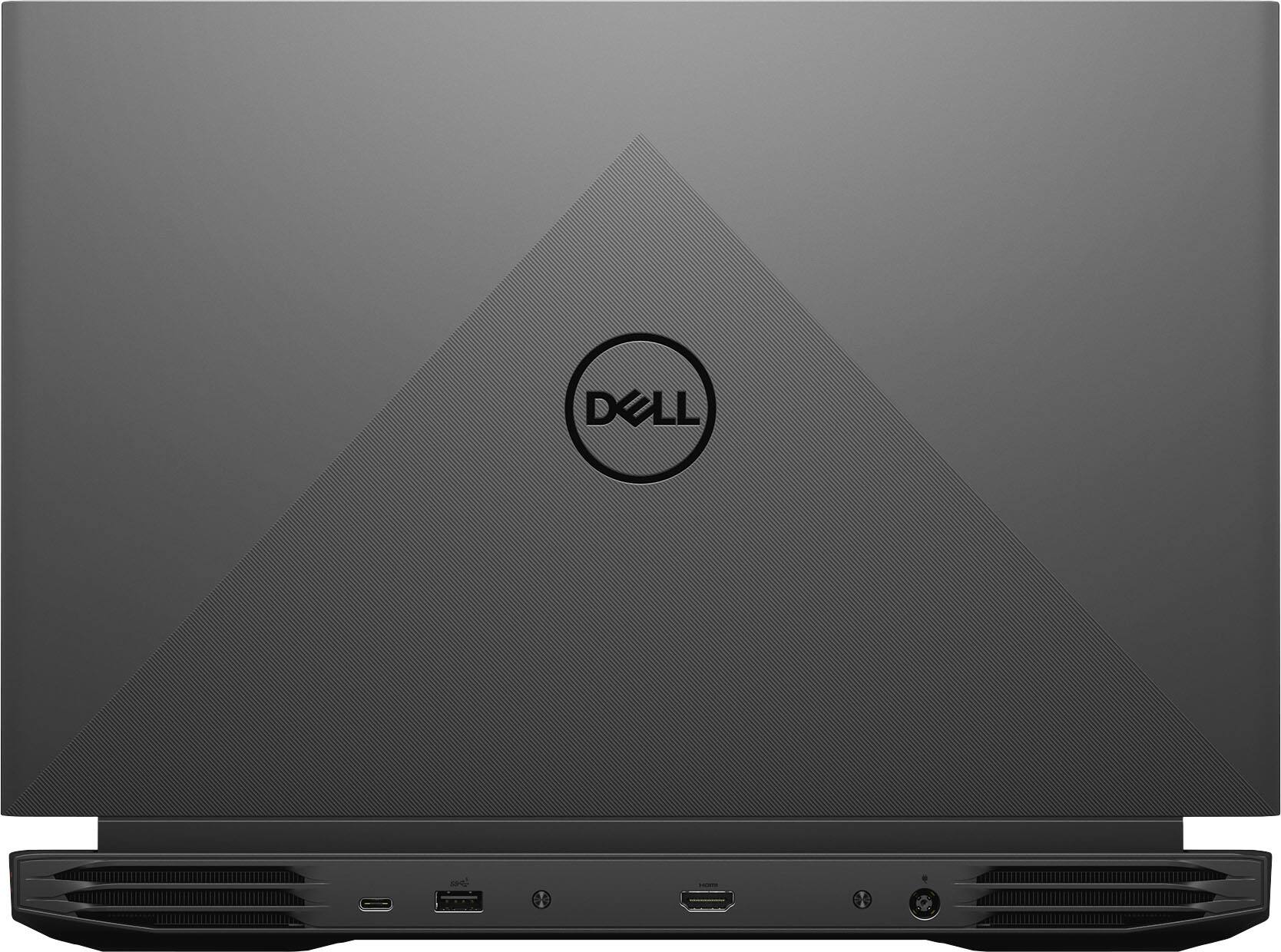


- Model:
- G15-5511-7517BLK
- SKU:
- 6470463
Rating by feature
- Battery Life
Rating 3.8 out of 5 stars
- Speed
Rating 4.6 out of 5 stars
- Display
Rating 4.6 out of 5 stars
Customers are saying
Customers are delighted by the performance and graphics capabilities of the G15 15.6" FHD 120Hz Gaming Laptop, finding it easy to use and appreciating the ample RAM. However, some users express concerns regarding battery life and occasional screen issues. The laptop's weight and fan noise also received some negative feedback.
This summary was generated by AI based on customer reviews.
FR 4451
||Posted . Owned for 3 weeks when reviewed.This reviewer received promo considerations or sweepstakes entry for writing a review.Great computer for high school robotics team. FRC4451
I would recommend this to a friendDell laptop
||Posted . Owned for 3 weeks when reviewed.This reviewer received promo considerations or sweepstakes entry for writing a review.This laptop is great for gaming - for all you gamers out there!!
I would recommend this to a friendGood
||Posted .This reviewer received promo considerations or sweepstakes entry for writing a review.Good laptop, palus games very well no complaints nope none
I would recommend this to a friendDell Gaming Laptop
||Posted . Owned for 1 week when reviewed.This reviewer received promo considerations or sweepstakes entry for writing a review.Great laptop for college graphics, needed for Design Class!
I would recommend this to a friendVery satisfied
||Posted . Owned for 1 week when reviewed.This reviewer received promo considerations or sweepstakes entry for writing a review.Great for college students engineering program....
I would recommend this to a friendReally good
||Posted .This reviewer received promo considerations or sweepstakes entry for writing a review.Really good product..soo far no issues with the item
I would recommend this to a friendGreat product
||Posted . Owned for 1 week when reviewed.This reviewer received promo considerations or sweepstakes entry for writing a review.My son is enjoying his gaming computer!!!!!!!!!!!!!!
I would recommend this to a friendMe
||Posted .This reviewer received promo considerations or sweepstakes entry for writing a review.Good experience had no issues love the product would
I would recommend this to a friend- Cons mentioned:Battery life
I would hold back from this product.
||Posted . Owned for 3 weeks when reviewed.This reviewer received promo considerations or sweepstakes entry for writing a review.bought the laptop and after 5 days of using, it simply died. Took it to the store and geek squad was unable to do anything. they had take it back and refund me. all my data I transferred to new laptop got lost. if I wanted to retain my data, I had to pay extra 200$. overall experience with the laptop was disappointing.
No, I would not recommend this to a friendBrand response from YourDellTeam
Posted .Dear Levani,
We appreciate you taking the time to leave us your review. We sincerely apologize for the trouble you had with your Dell G15 and ultimately had to return it. This is certainly not what we like to hear from our valued customers. We will share your feedback with our quality team so improvements can be made now and in the future.
Best Regards,
Ashley@Dell
Should you need further assistance, you can contact Dell directly with the information below.
Chat or call: https://bit.ly/DellSupportTeam
Phone number to Dell 1-800-624-9896
Good laptop other than poor battery life.
||Posted . Owned for 2 weeks when reviewed.This reviewer received promo considerations or sweepstakes entry for writing a review.Good laptop other than poor battery life. The laptop has a great processor, and long with 16GB RAM, making it very fast.
I would recommend this to a friendBrand response from YourDellTeam
Posted .Dear Malone,
Thank you for taking the time to leave us your review. We apologize for the battery life issue you have had with your Dell G15. Below I have provided the steps to change the power plan on your PC to help improve the performance of your battery. I have also given you the full article link, which has more options if they are needed.
Change the Power Plan:
1. On the notification area of the taskbar, right-click the Battery icon.
2. On the options list, click Power Options.
3. Select a power plan on the battery meter, such as Power Saver or Balanced. Windows 10 has a built in 'Battery Saver' mode that can be activated to extend your system's battery life. The Battery Saver mode will monitor and limit background activity and other features such as push notifications. You do have the option to enable or disable this mode within settings or within advanced Battery Saver settings, you can customize the mode to best suit your needs.
a) Click on the Action Center icon in the taskbar and select the tile for Battery Saver.
b) If running Cortana then type Battery Saver into the search box and select from the results.
Within the Battery Saver settings page, you will be able to turn on and off the feature and customize the feature to best meet your needs.
c) Turn Battery Saver On or Off.
d) Additional settings available via the Battery use and Battery saver settings links.
e) Battery use shows further info on apps and their power usage.
f) Battery Saver Settings screen allows you to customize further Battery Saver feature.
You can read the full article here - http://dell.to/2vfXWf4.
If you still experience this problem after you have finished troubleshooting your system, please feel free to contact our support team here: 1-800-624-9896.
If you require further assistance, you can contact Dell directly with the information below.
Chat or call: https://bit.ly/DellSupportTeam
Phone number to Dell 1-800-624-9896
Best,
Ashley@Dell
Most expensive brick I’ve ever purchased
||Posted . Owned for 2 weeks when reviewed.This reviewer received promo considerations or sweepstakes entry for writing a review.Terrible product! I purchased this G15 with the intention of light to medium gaming use. Over the course of the first week I didn’t have much time to play anything on it because of work. On the 11th day I downloaded Destiny 2, I played it on the recommended graphic setting for less than an hour. I quit playing and spent another 15-20 mins scrolling through steam. I left for a few mins and came back to a $1300 brick on my desk. I still have no idea what happened to it, it was fully charged, it was adequately cooled, but for some reason it just shut off and never turned back on. Avoid the Dell G15 laptops!
No, I would not recommend this to a friendBrand response from YourDellTeam
Posted .Dear Hopalongpeter,
We want to thank you for your valued feedback. We sincerely apologize for the trouble you are having with your Dell G15 not booting up. Below I have provided a link to help resolve this issue. On that page, you can choose between, no power, no post not boot, or no video. Once you choose you can find the options to help troubleshoot and resolve that issue.
Resolve boot up issues: https://dell.to/3sdfce6
After utilizing the troubleshooting options provided above, if the issue is not resolved, please reach out to our support team here: 1-800-624-9896.
If you require further assistance, you can contact Dell directly with the information below.
Chat or call: https://bit.ly/DellSupportTeam
Phone number to Dell 1-800-624-9896
Best,
Ashley@Dell
Does the job
||Posted . Owned for 3 weeks when reviewed.This reviewer received promo considerations or sweepstakes entry for writing a review.Does the job but start up is slow and frequently freezes/needs to be restarted. For the price its still worth it
I would recommend this to a friendBrand response from YourDellTeam
Posted .Dear Kittennuggets,
We want to thank you for taking the time to leave us your review. We apologize for the freezing issue you have come across with your Dell G15. It is important for us to hear about any inconsistencies with our products. We do recommend updating these drivers and Bios in this order to help with the problem. I have provided the Drivers and Downloads page for your PC below so you can do any applicable updates.
Update these Drivers (update in this order)
BIOS
Chipset driver
Video driver
Audio driver
Network driver
Other drivers
You can read the full article here: https://dell.to/3rTldMZ
Drivers and Downloads page: https://dell.to/33pb6ck
Please do make updates to the drivers listed above, and if the problem persists, please feel free to reach out to our support team here: https://bit.ly/DellSupportTeam.
If you require further assistance, you can contact Dell directly with the information below.
Chat or call: https://bit.ly/DellSupportTeam
Phone number to Dell 1-800-624-9896
Best,
Ashley@Dell
Won't turn on after only a few weeks of use!
||Posted . Owned for 1 month when reviewed.This reviewer received promo considerations or sweepstakes entry for writing a review.I bought this for my mom to use, not for gaming, but as a faster laptop to replace her desktop. This way, she can take it with her when she travels. It worked for 3-4 weeks, then we couldn't get it to turn on. We tried the tricks listed, got it to work, but a few days later it turned off again and now she can't get it to turn back on. The light comes on, on the power supply, but nothing on the laptop. We're stuck since she's in a different state now and she can't take it apart like some of the Dell suggestions. Sadly, it sounds like this is a common problem, one I missed when I was checking the original reviews. I don't like the idea of having her send it somewhere else to be fixed since all of her data is already on the hard drive, but it sounds like we don't have a choice. I'm very disappointed with this purchase.
No, I would not recommend this to a friendBrand response from YourDellTeam
Posted .Hello Valued Customer,
We appreciate you taking the time to leave us your review. We apologize for the issues you are experiencing with the Dell G15 gaming laptop you bought for your mom. This is certainly not what we like to hear from our valued customers.
Below I have provided a link to help resolve the booting issue (power issues). On that page, you can choose between, no power, no post, no boot, or no video. Once you choose you can find the options to help troubleshoot and resolve that issue. We would also suggest making sure all your drivers and downloads are up to date on your PC. I have also given you a link below to the Drivers and Downloads page for your computer.
Resolve Boot Up Issues: https://dell.to/3sdfce6
Drivers and Downloads page: https://dell.to/3PHXQ65
After utilizing the troubleshooting options provided, if the problem with your computer is not resolved, please contact our support team for further guidance here: https://bit.ly/DellSupportTeam.
Best,
Katarina@Dell
Should you need further assistance, you can contact Dell directly with the information below.
Chat or call: https://bit.ly/DellSupportTeam
Phone number to Dell: 1-800-624-9896
Dell g15
||Posted . Owned for 1 week when reviewed.This reviewer received promo considerations or sweepstakes entry for writing a review.Is good just lags a little plays games and everything just froze every once in a while
I would recommend this to a friendBrand response from YourDellTeam
Posted .Hi G15dell,
We appreciate you taking the time to leave us your review. We apologize for the performance issues you are experiencing with your G15 Gaming Laptop. It's important for us to hear about discrepancies in our products for consideration of future development. Below I have provided troubleshooting instructions with the full article that can help resolve this issue.
Here are the steps to help resolve your issue:
1. Run the automated tools in SupportAssist to ensure that the drivers are up to date and your computer is optimized.
2. Restart the computer.
3. Run a hardware diagnostic test.
4. Scan your computer for malware.
5. Restore the computer using Windows System Restore.
6. Restore the computer to factory default settings.
You can read the full article on solving performance issues here: https://dell.to/3yqre8r
If you still experience any issues after you have finished troubleshooting your laptop using the steps above, please reach out to our support team here: https://bit.ly/DellSupportTeam
We look forward to making this right for you!
Best,
Ashley@Dell
Should you need further assistance, you can contact Dell directly with the information below.
Chat or call: https://bit.ly/DellSupportTeam
Phone number to Dell 1-800-624-9896
- Cons mentioned:Battery life
DO NOT BUY!!
||Posted . Owned for 2 months when reviewed.This reviewer received promo considerations or sweepstakes entry for writing a review.Purchased on Nov. 5. 2021 for day trading. Worked perfectly fine for about a month. - Shut down, no power by December 20, 2021. Sent system back to Dell for fix and still waiting fo repair as of Jan. 18, 2021. Frustrated.
No, I would not recommend this to a friendBrand response from YourDellTeam
Posted .Dear LadySue,
Thank you for taking the time to leave us your review. We sincerely apologize for the trouble you are having with your Dell G15 getting power. This is certainly not what we like to hear from our valued customers. We are happy to hear you are getting your system repaired. We hope the system will work to your satisfaction and ours once you get it back. Should you need further guidance please feel free to reach out to our support team here: 1-800-624-9896.
Best Regards,
Ashley@Dell
Should you need further assistance, you can contact Dell directly with the information below.
Chat or call: https://bit.ly/DellSupportTeam
Phone number to Dell 1-800-624-9896
Freezing nightmare
||Posted . Owned for 1 week when reviewed.This reviewer received promo considerations or sweepstakes entry for writing a review.Froze on 2nd day while running zoom. Then continued to freeze 3 other times before I finally took it back. Very disappointed had to drive way out of my way to get this and just a total dud. I have three other dell laptops never had issues not sure what was the problem with this one. But with the amount I paid definitely not taking any chances and stright back to store in less than a week.
No, I would not recommend this to a friendBrand response from YourDellTeam
Posted .Ivan,
We're sorry to hear about the freezing that you experienced with your new computer. In the future if you experience this again we would recommend the following steps:
1. Run a Computer Diagnostic. To determine if your computer is experiencing a hardware problem, run the Dell Preboot System Assessment (PSA) Diagnostics. For information on how to run Diagnostics, and to determine the issue, refer to Dell Knowledge Base Article: http://dell.to/2iaiujA.
2. Check Safe Mode for Symptoms. To boot into safe mode, please follow the instructions below:
a) Start the computer.
b) Tap 'F8' on the keyboard immediately and every one second until the Dell logo screen disappears. From there you will see the Windows Advanced Options Menu on the screen. (If the Windows Advanced Options Menu does not appear, restart the system and try again.)
c) Select Safe mode with Networking and press Enter.
d) Log on as the administrator or as a user with administrative access.
e) Open applications and test the computer in safe mode. If the symptoms exist in safe mode, please continue the troubleshooting steps in this article. If the symptoms do not exist in safe mode, the issue is likely related to a driver or software and you may wish to complete step 3 to see if you are able to resolve the lockups or freezing.
3. Check for Malware. Malware (Virus, Spyware, etc.) can definitely cause a Windows system to lock up or appear to hang. To check for malware on your system and to ensure that your computer is up to date on security software, visit Dell Knowledge Base Article: http://dell.to/2wWP1zI.
You can read the full article here - http://dell.to/2tW5m33.
We are sorry to see that you decided to return your computer but we hope that you will consider Dell again in the future.
Best,
Bryan@Dell
If you require further assistance, you can contact Dell directly with the information below
Chat or Call:
https://bit.ly/DellSupportTeam
Phone number to Dell: 1-800-624-9896
Died after 4 days
||Posted . Owned for less than 1 week when reviewed.This reviewer received promo considerations or sweepstakes entry for writing a review.Unfortunately, I have to join the crowd whose laptop stopped working within one week of ownership. It was working fine for 4 days and I was really enjoying it. 5th day, went to boot up -- nothing. A brick. I called support and after troubleshooting, I need to send it back for a new motherboard. I am still waiting for the return box to arrive and after reading some reviews, I am concerned that it will be weeks before I get it back...4 days of use and probably weeks before I can use it again..ugh...it is my only laptop (writing this from a tablet),
No, I would not recommend this to a friendBrand response from YourDellTeam
Posted .Hi SeattleEd,
Thank you for taking the time to leave us your review and valued feedback. We sincerely apologize for your experience with your Dell G15 Gaming Laptop not turning on. We hope once repaired it will be working to your satisfaction and ours. Should you have any further questions or concerns, please feel free to reach out to our support team here: https://bit.ly/DellSupportTeam.
Best,
Ashley@Dell
Should you need further assistance, you can contact Dell directly with the information below.
Chat or call: https://bit.ly/DellSupportTeam
Phone number to Dell 1-800-624-9896
- Cons mentioned:Battery life
Dell G15 Review
||Posted . Owned for 3 weeks when reviewed.This reviewer received promo considerations or sweepstakes entry for writing a review.Manufacturing defect. Keyboard keys touch and leave marks on screen. Poor battery life. Would not recommend product.
No, I would not recommend this to a friendBrand response from YourDellTeam
Posted .Hello Valued Customer,
We appreciate you taking the time to leave us your review. We are sorry to hear that you are not too happy with your Dell G15 gaming laptop because its keyboard keys are defective and the battery life is not as good as you expected.
I have included steps to help improve the battery performance of your laptop:
1. On the taskbar’s notification area, right-click the Battery icon.
2. On the options list, click Power Options.
3. Select a power plan on the battery meter, such as Power Saver or Balanced. Windows 10 has a built-in 'Battery Saver' mode that can be activated to extend your system's battery life. The Battery Saver mode will monitor and limit background activity and other features such as push notifications. You do have the option to enable or disable this mode within settings or within advanced Battery Saver settings, you can customize the mode to best suit your needs.
a) Click on the Action Center icon in the taskbar and select the tile for Battery Saver.
b) If running Cortana then type Battery Saver into the search box and select from the results.
Within the Battery Saver settings page, you will be able to turn on and off the feature and customize the feature to best meet your needs.
c) Turn the Battery Saver On or Off.
d) Additional settings are available via the Battery use and Battery saver settings links.
e) Battery use shows further info on apps and their power usage.
f) Battery Saver Settings screen allows you to customize further Battery Saver features.
How to Improve the Performance of a Dell Laptop Battery: http://dell.to/2vfXWf4
To help with the defective keyboard keys, we recommend contacting the Dell Support Team at 1-800-624-9896 for further guidance.
Best,
Katarina@Dell
Should you need further assistance, you can contact Dell directly with the information below.
Chat or call: https://bit.ly/DellSupportTeam
Phone number to Dell 1-800-624-9896
Shame on Dell
||Posted . Owned for 3 weeks when reviewed.This reviewer received promo considerations or sweepstakes entry for writing a review.It was a very nice laptop, but after the second update by the 4th day I had it, the restart fail and went into the Blue screen. Also it was heating up too much.
No, I would not recommend this to a friendBrand response from YourDellTeam
Posted .Dear Valued Customer,
We would like to thank you for taking the time to provide us with your feedback. We are sorry to hear you are experiencing blue screen errors on your G15 gaming laptop. We understand how frustrating this can be. Below I have provided steps to help troubleshoot and resolve this issue and the full article link.
1. At the desktop, click the Search the web and Windows box and type ""problem reports"".
2. Select View all problem reports to view a list of errors that have occurred on your computer and possible solutions for them, such as updating drivers, flashing your system BIOS, or checking for updates to the software.
3. Under the Source column, look for Windows and under Summary, look for Shut down unexpectedly.
4. Right-click the line item and select Check for a solution.
We'd also suggest checking to make sure that your software and drivers are up to date. I have provided a link to the Drivers and Downloads Page here: https://dell.to/35Ef7uU
You can read the full article here - http://dell.to/2u98Cct
To help with overheating, Dell has released an Intel Power Management Utility to help with the overheating that you may be experiencing on your computer. For this package to take effect, the system power plan must be set to Balanced under the Additional Power Settings. Also, the Power Mode option that is displayed when you click the battery icon, should be set to Better Performance. This package only takes effect on AC power and not on battery power. The Intel Power Management Utility can be found here - http://dell.to/3tStRgX.
If you are still experiencing issues with your laptop after applying the troubleshooting tips above, please contact the Dell Support Team for further guidance at 1-800-624-9896.
Best,
Katarina@Dell
Should you need further assistance, you can contact Dell directly with the information below.
Chat or call: https://bit.ly/DellSupportTeam
Phone number to Dell 1-800-624-9896
✅
||Posted . Owned for 2 months when reviewed.This reviewer received promo considerations or sweepstakes entry for writing a review.It was slow at times, it worked okay but it wouldn’t run games that took a lot. It took forever to load up Minecraft , and it wouldn’t let me play any mods with it.
No, I would not recommend this to a friendBrand response from YourDellTeam
Posted .Hi Rose,
We want to thank you for your valued feedback. We sincerely apologize for the performance issues you have encountered with your G15. I have provided steps to using the Windows Performance Troubleshooter which should help resolve the performance issue. I have also provided a link to the full article that has more options if needed.
Windows performance Troubleshooter:
1. Close all open windows.
2. Press the Windows logo key + X key on the keyboard.
3. Click Control Panel.
4. Click System and Security.
5. Under Security and Maintenance, select Troubleshoot common problems.
6. Under System and Security, click Run maintenance tasks.
7. Follow the on-screen instructions and prompts to complete the process.
8. Restart the PC.
You can read the full article here - http://dell.to/2tSulGV.
After utilizing the troubleshooting options provided above, if the problem is not resolved, please feel free to contact our support team here: 1-800-624-9896.
If you should require further assistance, you can contact Dell directly with the information below.
Chat or call: https://bit.ly/DellSupportTeam
Phone number to Dell 1-800-624-9896
Best,
Wendy@Dell