Customer Ratings & Reviews
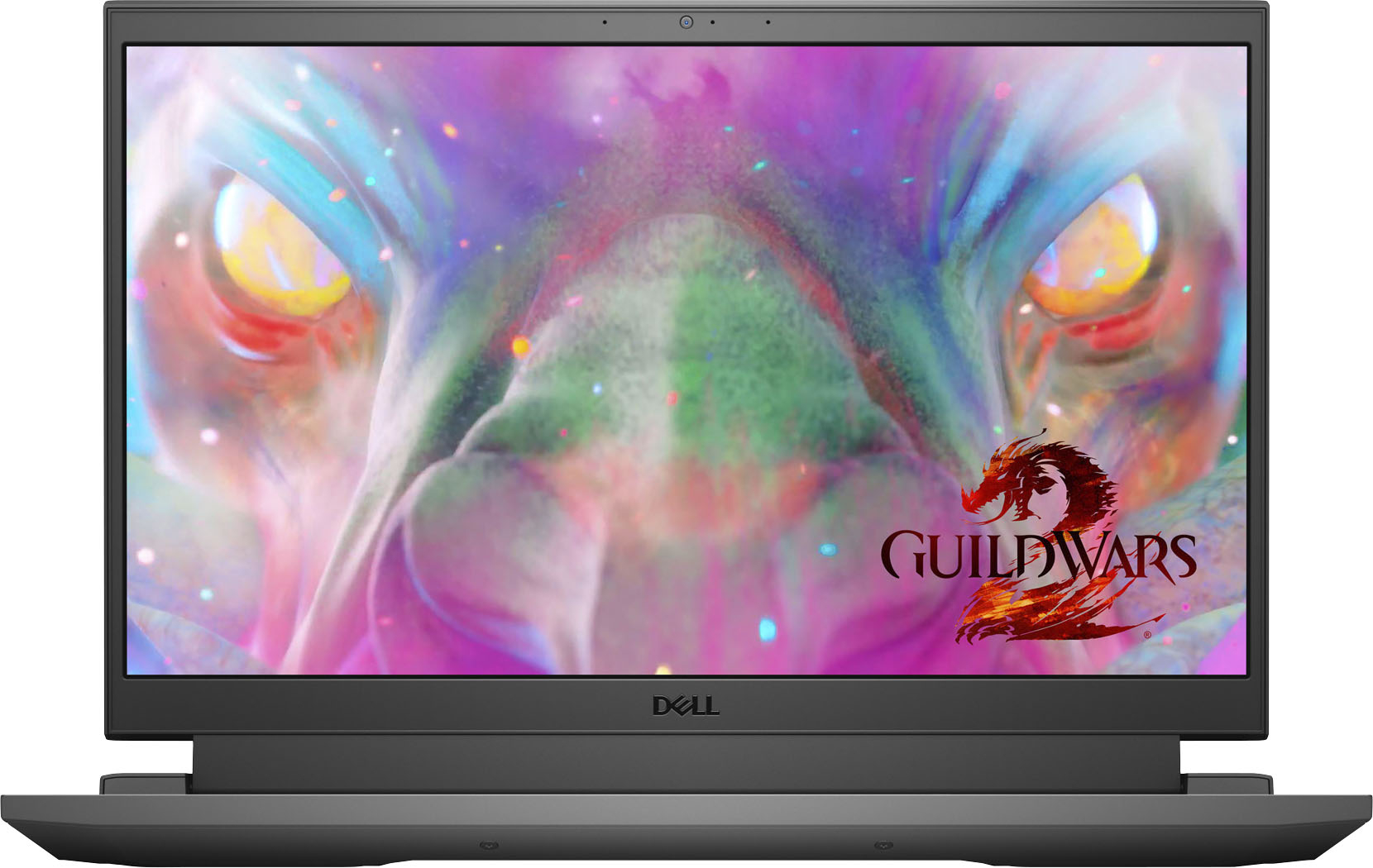
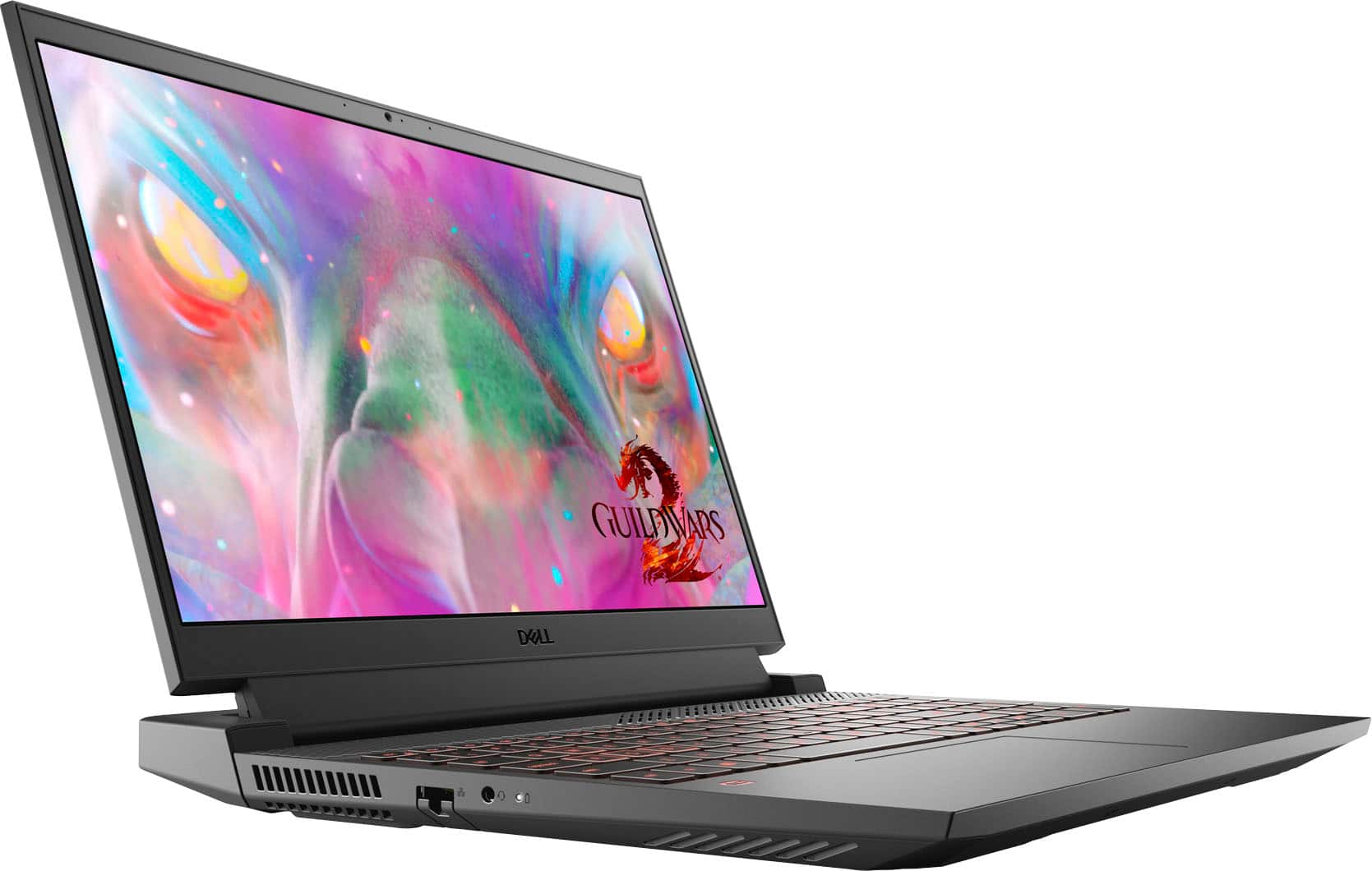
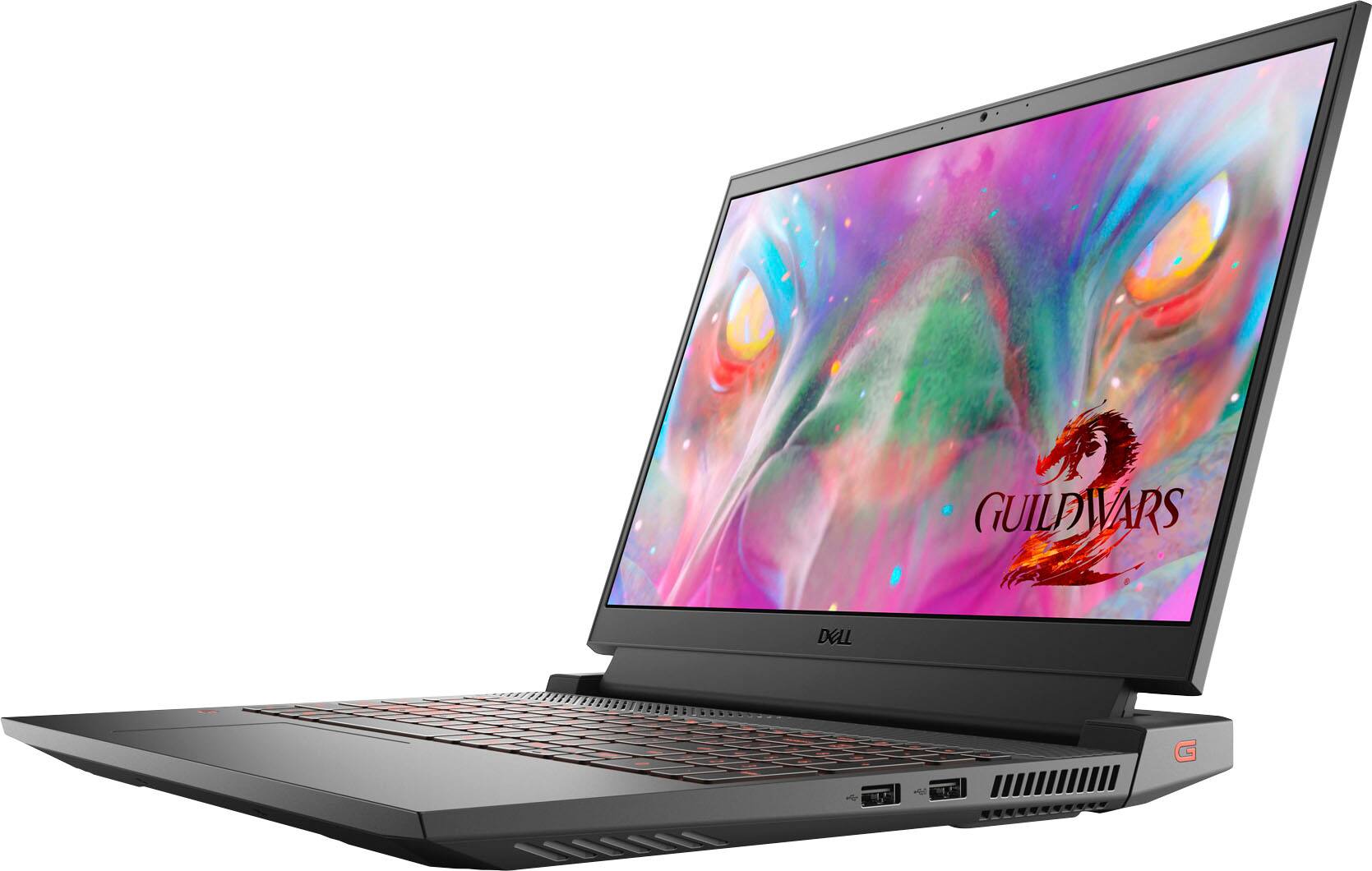
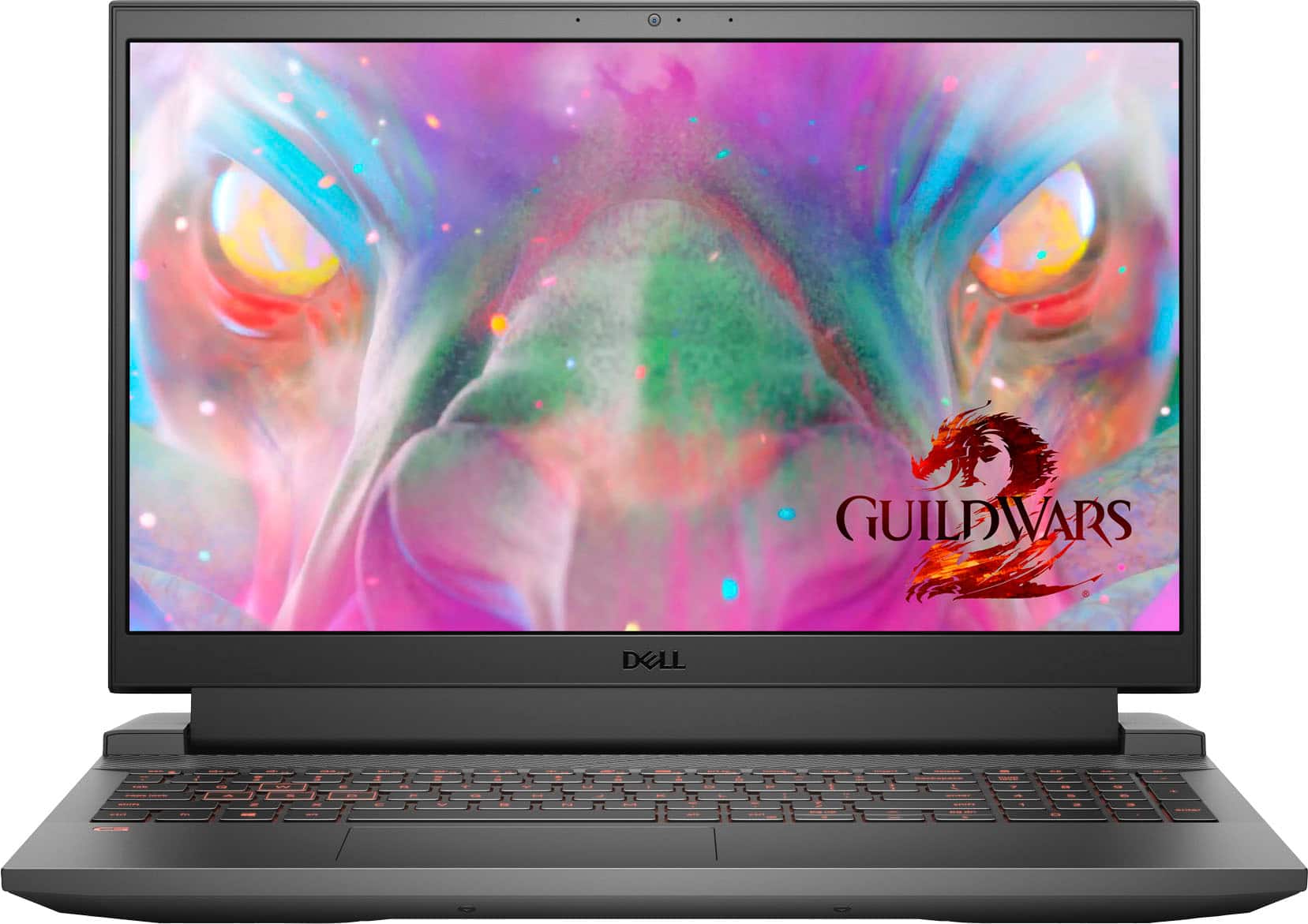


- Model:
- G15-5511-7517BLK
- SKU:
- 6470463
Rating by feature
- Battery Life
Rating 3.8 out of 5 stars
- Speed
Rating 4.6 out of 5 stars
- Display
Rating 4.6 out of 5 stars
Customers are saying
Customers are delighted by the performance and graphics capabilities of the G15 15.6" FHD 120Hz Gaming Laptop, finding it easy to use and appreciating the ample RAM. However, some users express concerns regarding battery life and occasional screen issues. The laptop's weight and fan noise also received some negative feedback.
This summary was generated by AI based on customer reviews.
- Cons mentioned:Battery life
Poor batter
Posted .This reviewer received promo considerations or sweepstakes entry for writing a review.Was given it as a gift and after 2 months the batter lasts only an hour on Google. Recommend buying a Dell computer again
No, I would not recommend this to a friendBrand response from YourDellTeam
Posted .Dear NathanR,
Thank you for taking the time to leave a review. We apologize for the battery performance issues you are experiencing with your G15 laptop. It's important for us to hear about inconsistencies in our products for consideration of future development. Below I have provided steps with the full articles that can help you improve the battery performance of your laptop.
Here are the steps to help improve the battery performance of your laptop:
1. On the notification area of the taskbar, right-click the Battery icon.
2. On the options list, click Power Options.
3. Select a power plan on the battery meter, such as Power Saver or Balanced. Windows 10 has a built-in 'Battery Saver' mode that can be activated to extend your system's battery life. The Battery Saver mode will monitor and limit background activity and other features such as push notifications. You do have the option to enable or disable this mode within settings or within advanced Battery Saver settings, you can customize the mode to best suit your needs.
a) Click on the Action Center icon in the taskbar and select the tile for Battery Saver.
b) If running Cortana, type Battery Saver into the search box and select from the results.
Within the Battery Saver settings page, you will be able to turn on and off the feature and customize the feature to best meet your needs.
c) Turn the Battery Saver On or Off.
d) Additional settings are available via the Battery use and Battery saver settings links.
e) Battery use shows further info on apps and their power usage.
f) Battery Saver Settings screen allows you to customize further the Battery Saver feature.
How to Improve the Performance of a Dell Laptop Battery: http://dell.to/2vfXWf4
Best Regards,
Summer@Dell
If you still experience any issues after you have finished troubleshooting your laptop using the steps above, please reach out to us at: https://bit.ly/DellSupportTeam
BS product
Posted .This reviewer received promo considerations or sweepstakes entry for writing a review.Got it as a gift and it was working all fine until the windows update ever since mf wifi doesnt connect and keeps giving error code 43 or error code 10 on the wifi adapter, ive tried to restore it to a previous point and nothing, change the adapter settings nothing, uninstall and reinstall the driver and nothing (ive had this laptop for a month now) do not buy this product.
No, I would not recommend this to a friendBrand response from YourDellTeam
Posted .Dear Jayc,
We would like to thank you for taking the time to provide us with your feedback. We apologize for the WIFI issues you have come across with your Dell G15 gaming laptop.
Below I have provided some resolutions to this issue. I have also provided the full article link, which has more options if they are needed. I have also included a link to the Drivers and Downloads page for your PC so you can check for applicable updates to the WIFI drivers.
1. Download and install the latest Wireless Card driver. (https://dell.to/2th3Tpe) After updating the driver, re-establish the connection with the Wireless Access Point and check the wireless performance.
2. If the issue persists, proceed to step 3.
3. Power-cycle the local network. Shut down the Dell system, the Wireless Access Point/Router, and the Modem. Wait a minimum of 60 seconds before powering up the components in the following order:
4. Power ON the Modem and wait for it to boot fully.
5. Power ON the Wireless Access Point/Router and wait for it to boot fully.
6. Power ON the Dell system.
7. Open Network and Sharing Center
8. In the left-side navigation pane, click on Change Adapter Settings
9. Right-click on the wireless connection icon and select Properties followed by the Configure button
10. Under Wireless Options, select the Wireless N mode
11. For Windows 8 or later systems click the Advanced tab and look for 802.11n Mode on the right you will be given the option to Enable or Disable. If the mode is not visible you may need to update your drivers and firmware.
12. From the drop-down menu, choose Disable followed by Ok
13. This should restore the wireless download and upload speed. Internet speed can be tested at http://speedtest.net
Full article link: https://dell.to/2RefLVN
Drivers and Downloads Page: https://dell.to/36kLyP7
After utilizing the troubleshooting options provided, if the problem persists, please reach out to our support team for further guidance here: 1-800-624-9896.
Best,
Katarina@Dell
Should you need further assistance, you can contact Dell directly with the information below.
Chat or call: https://bit.ly/DellSupportTeam
Phone number to Dell 1-800-624-9896
4 month old laptop died twice now
Posted .This reviewer received promo considerations or sweepstakes entry for writing a review.Extremely unhappy with the Dell laptop. Bought it mid March, motherboard had to be replaced in June and now laptop died again in July. Dell support thinks it's the motherboard again. When it works it's a nice laptop but reliability is a zero rating. First Dell I've ever bought, never again.
No, I would not recommend this to a friendBrand response from YourDellTeam
Posted .Hello KC10,
We would like to thank you for taking the time to provide us with your feedback. We are sorry to hear about the issues you are experiencing with your Dell G15 gaming laptop because first, its motherboard needed to be replaced, and now it is not working again and it looks like it is a faulty motherboard again.
We understand how frustrating this could be. We will share your review with our quality team, so future improvements can be made.
We hope that the Dell Support Team you have contacted will be able to resolve this issue and ensure the quality Dell always intends to deliver.
If you come across any questions or have concerns about this product, please don’t hesitate to contact Dell Support Team at the information provided below.
Best,
Katarina@Dell
Should you need further assistance, you can contact Dell directly with the information below.
Chat or call: https://bit.ly/DellSupportTeam
Phone number to Dell 1-800-624-9896