Customer Ratings & Reviews
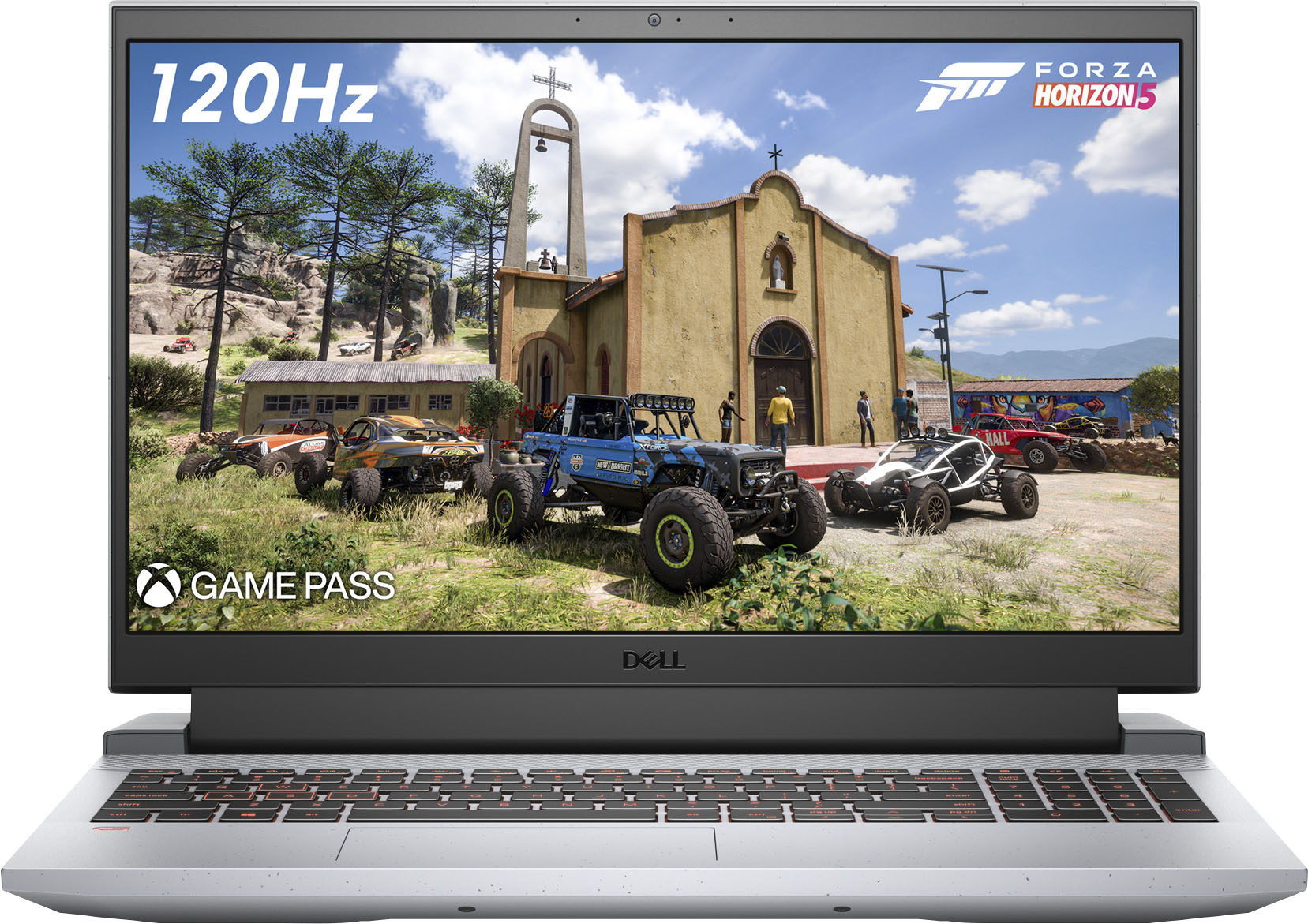
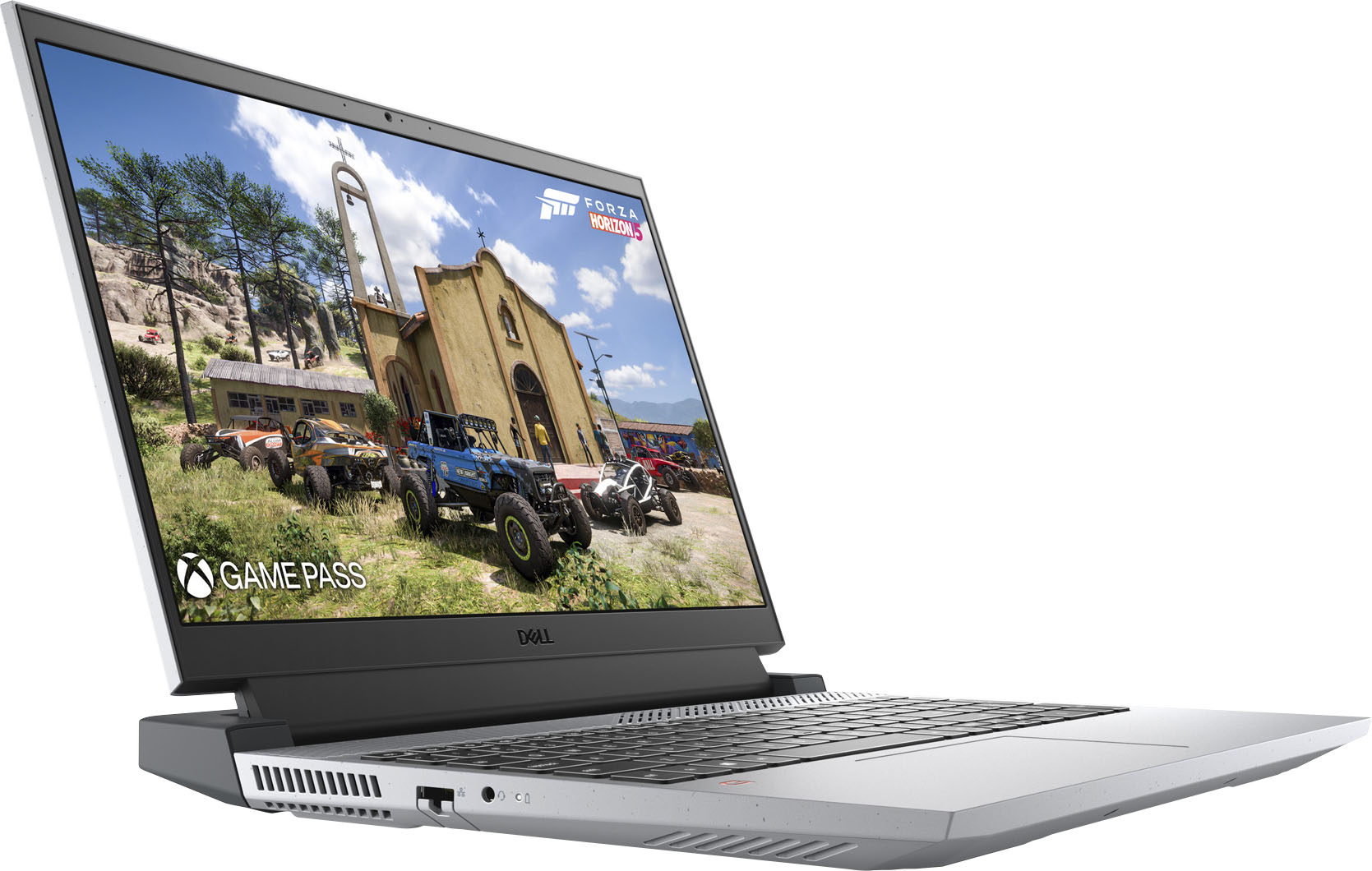
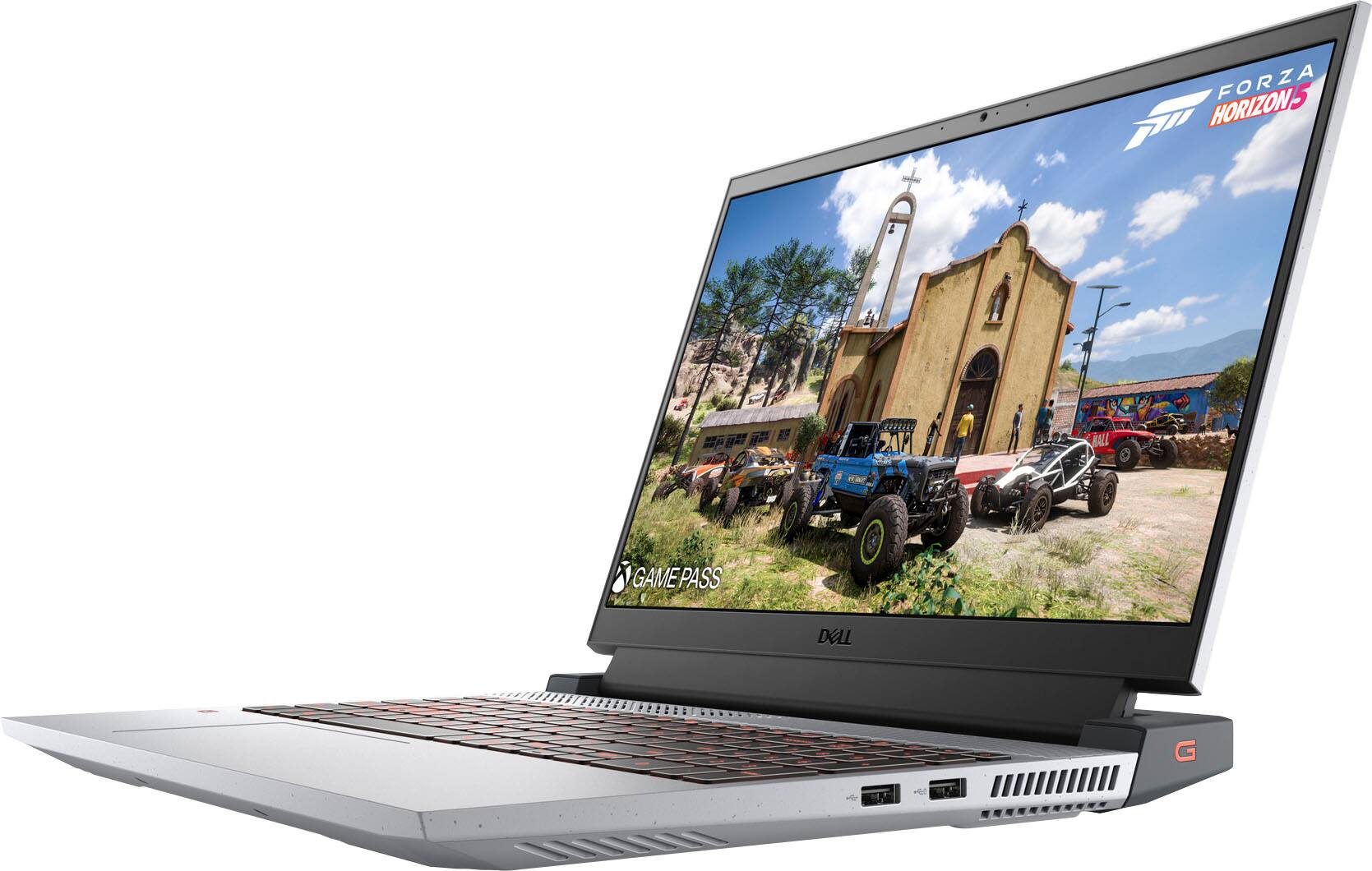
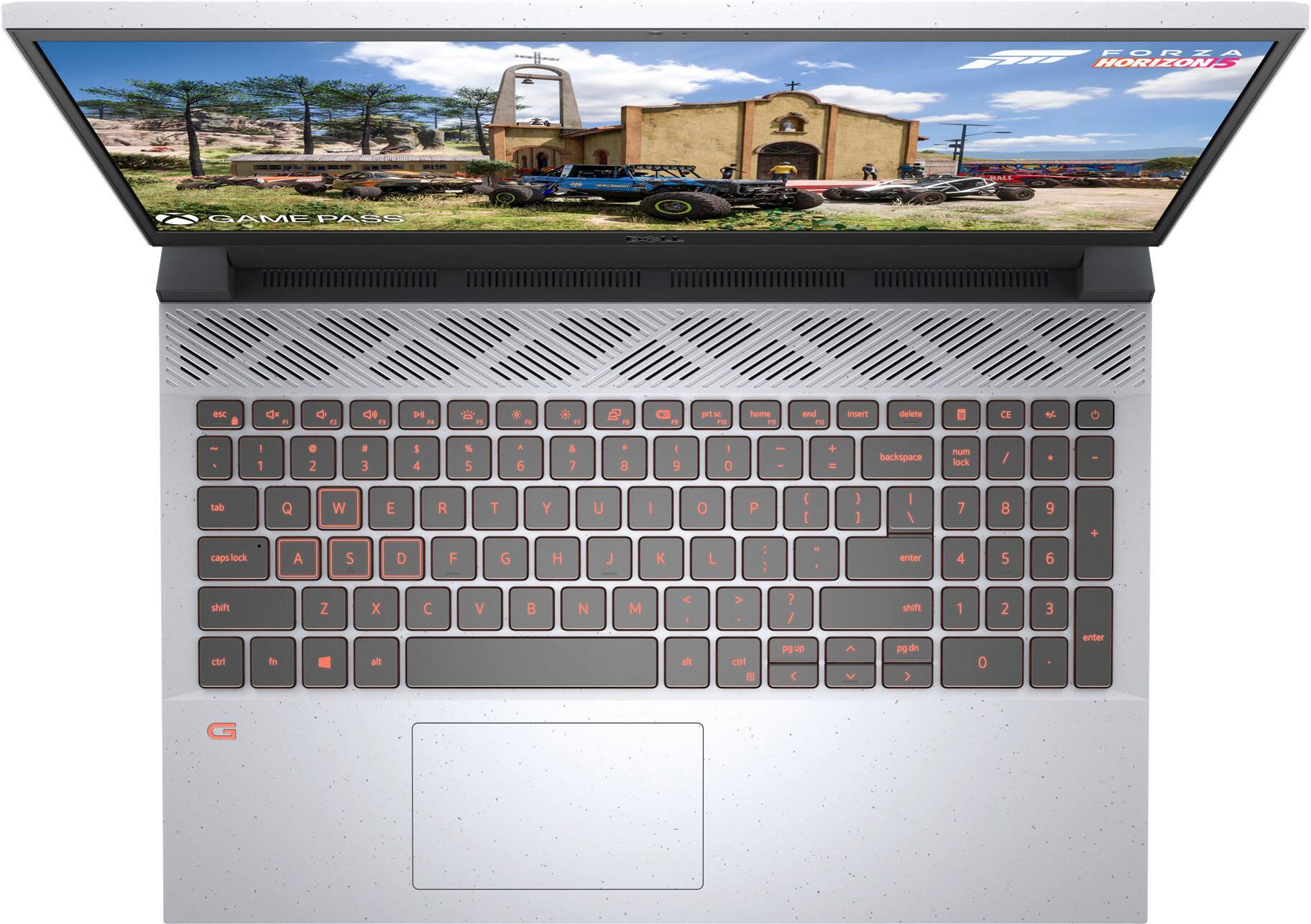




- Model:
- G15RE-A954GRY-PUS/A975GRY-PUS
- SKU:
- 6461724
Rating by feature
- Battery Life
Rating 4.2 out of 5 stars
- Speed
Rating 4.6 out of 5 stars
- Display
Rating 4.5 out of 5 stars
Customers are saying
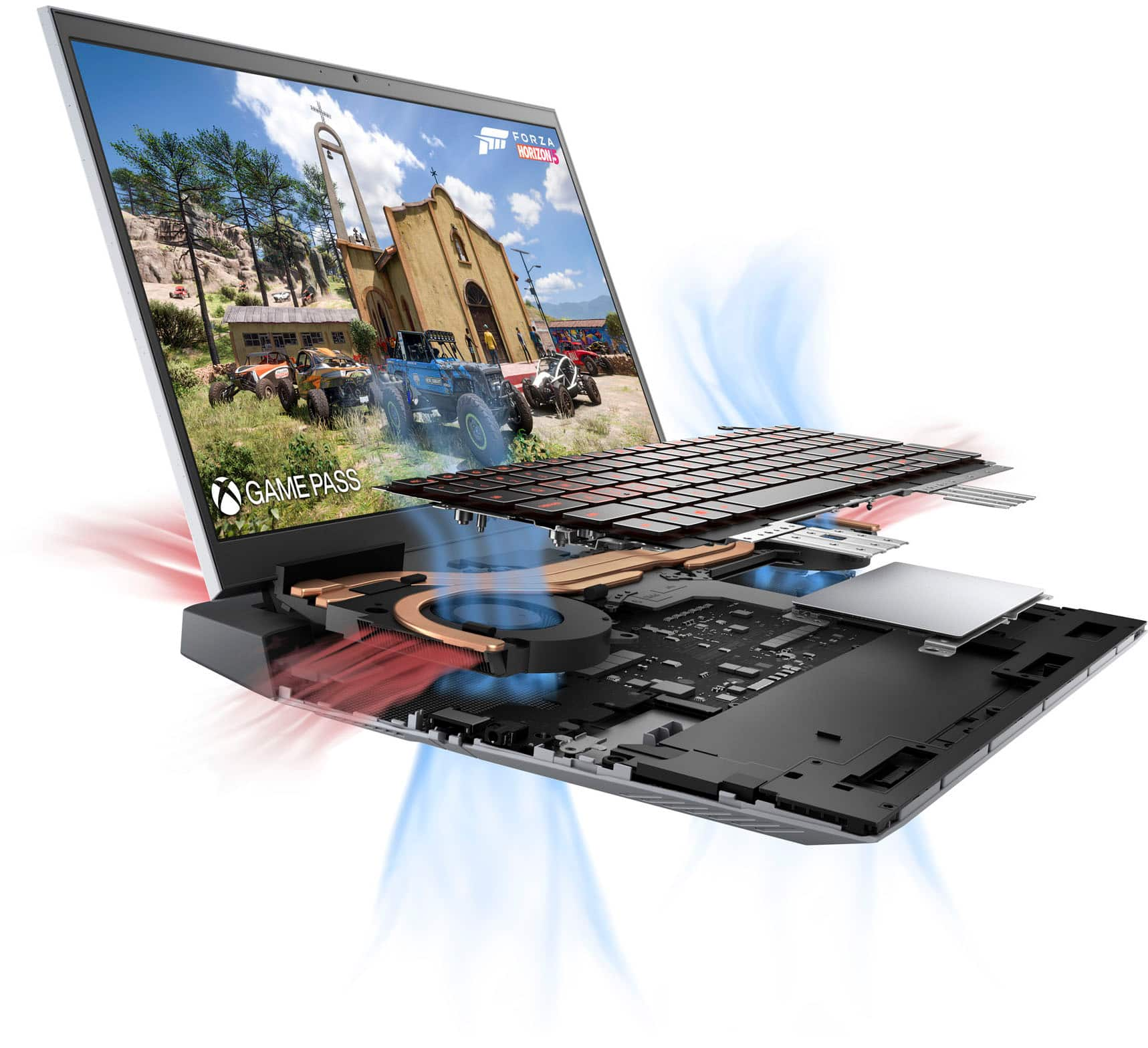
Customers have good things to say about the G15 laptop's performance, graphics capabilities, and build quality. Many also appreciate its price point and effective cooling system, although some users suggest memory and storage upgrades. However, negative feedback focuses on the battery life and the display's susceptibility to damage. The laptop's weight is also a recurring concern for some customers.
This summary was generated by AI based on customer reviews.
Gaming Laptop
||Posted .This reviewer received promo considerations or sweepstakes entry for writing a review.This laptop is good for gmaing and other work ----
I would recommend this to a friendGreat laptop
||Posted . Owned for 1 month when reviewed.This reviewer received promo considerations or sweepstakes entry for writing a review.Got one for my daughter and my son and they love them.
I would recommend this to a friendGaming
||Posted . Owned for 2 weeks when reviewed.This reviewer received promo considerations or sweepstakes entry for writing a review.Just an amazing product ...... My son love it .....
I would recommend this to a friendFirst gaming computer
||Posted . Owned for 1 month when reviewed.This reviewer received promo considerations or sweepstakes entry for writing a review.I'm a newbie with the computers, however I brought this computer for video editing. its works well for what i need it for. only thing that i was not aware of is I had to reformat the graphic card.
No, I would not recommend this to a friendBrand response from YourDellTeam
Posted .Dear Gamblersway,
Thank you very much for your valued feedback. We are glad that you are enjoying your first G15 gaming laptop and it is working well for you for video editing. But we are sorry to hear that you had to reformat its graphic card. We will share your comment about this issue with our quality team, so future improvements can be made.
If you come across any questions or have concerns about this product, please don’t hesitate to contact Dell Support Team at the information provided below.
Best,
Katarina@Dell
Should you need further assistance, you can contact Dell directly with the information below.
Chat or call: https://bit.ly/DellSupportTeam
Phone number to Dell 1-800-624-9896
Great Computer
||Posted . Owned for 1 month when reviewed.This reviewer received promo considerations or sweepstakes entry for writing a review.Easy-to-use..good specs..easy setup..nice feaures.
I would recommend this to a friendUpdate everything before using
||Posted . Owned for 2 months when reviewed.This reviewer received promo considerations or sweepstakes entry for writing a review.Runs really hot, had to update everything (including SSD FW) to stop it from crashing during gameplay constantly out of the box. 8GB ram is a bit on the light side, but price isn't bad and it's easy enough to add more.
I would recommend this to a friendBrand response from YourDellTeam
Posted .Hi Zippercow,
We appreciate you taking the time to leave us your review. We are glad you like the fact that your Dell G15 gaming laptop can be easily upgraded and that price was right, but we are sorry to hear that you came across overheating issues with this computer.
It sounds like you did end up getting the issue resolved, but if you do need technical support in the future, please use this support page link: https://dell.to/3swyZqB or call the Dell Support Team at 1-800-624-9896.
Best,
Katarina@Dell
Should you need further assistance, you can contact Dell directly with the information below.
Chat or call: https://bit.ly/DellSupportTeam
Phone number to Dell: 1-800-624-9896
Meeeh its ok
||Posted . Owned for 1 month when reviewed.This reviewer received promo considerations or sweepstakes entry for writing a review.Awesome and easy to setup. Bought for my teenage son and after loading Xbox app to it, it struggles to run Forza 5 on Full Capacity, gives errors. Im tech savvy and unfortunately it does good but I expected better. Battery life is ok too.
I would recommend this to a friendBrand response from YourDellTeam
Posted .Dear Emmarff88,
We want to thank you for taking the time to leave us your valued feedback. We apologize for the gaming performance issues you are experiencing with your Dell G15. Below I have provided a link to help maximize the gaming performance of your PC. There are resolutions, tips, and videos to help resolve this problem.
Maximizing your gaming performance: https://dell.to/3pn4vFl
If you still experience this problem after you have finished troubleshooting your system, please feel free to contact our support team here: https://bit.ly/DellSupportTeam.
If you require further assistance, you can contact Dell directly with the information below.
Chat or call: https://bit.ly/DellSupportTeam
Phone number to Dell 1-800-624-9896
Best,
Ashley@Dell
Works, should not have been sold as excellent
||Posted . Owned for 1 week when reviewed.This reviewer received promo considerations or sweepstakes entry for writing a review.While the device looked alright before opening, I guess the Geeksquad considers a broken key on a keyboard to still be certified excellent condition. When I opened the laptop I found that the "H" key was broken when it slide off
I would recommend this to a friendscammed
||Posted . Owned for 8 months when reviewed.This reviewer received promo considerations or sweepstakes entry for writing a review.They sold me a Laptop in terrible condition. They sold me a Laptop in terrible condition. I think I have been scammed
No, I would not recommend this to a friend- Cons mentioned:Battery life
Awful Battery Life
||Posted . Owned for 1 month when reviewed.This reviewer received promo considerations or sweepstakes entry for writing a review.Battery Life is really bad. Maybe 2 hours. Best Buy has gone down hill. Awful employees, especially management…. Never again.
No, I would not recommend this to a friendBrand response from YourDellTeam
Posted .Hi Valued Customer,
Thank you very much for your valuable feedback. We are sorry to hear that you are not too happy with your Dell G15 gaming laptop because the battery performance is not as you expected. We also apologize for the issues you have encountered with support team members. We will share your comment about this issue with our quality team so future improvements can be made.
To help with a battery performance issue, we recommend changing the Power Plan:
1. On the notification area of the taskbar, right-click the Battery icon.
2. On the options list, click Power Options.
3. Select a power plan on the battery meter, such as Power Saver or Balanced. Windows 10 has a built-in 'Battery Saver' mode that can be activated to extend your system's battery life. The Battery Saver mode will monitor and limit background activity and other features such as push notifications. You do have the option to enable or disable this mode within settings or within advanced Battery Saver settings, you can customize the mode to best suit your needs.
a) Click on the Action Center icon in the taskbar and select the tile for Battery Saver.
b) If running Cortana then type Battery Saver into the search box and select from the results.
Within the Battery Saver settings page, you will be able to turn on and off the feature and customize the feature to best meet your needs.
c) Turn the Battery Saver On or Off.
d) Additional settings are available via the Battery use and Battery saver settings links.
e) Battery use shows further info on apps and their power usage.
f) Battery Saver Settings screen allows you to customize further Battery Saver features.
You can read the full article here - http://dell.to/2vfXWf4
If the problem with your battery is not resolved after applying the troubleshooting tips above, please reach out to our support team here for further guidance: 1-800-624-9896.
Best,
Katarina@Dell
Should you need further assistance, you can contact Dell directly with the information below.
Chat or call: https://bit.ly/DellSupportTeam
Phone number to Dell 1-800-624-9896
Not loving it
||Posted . Owned for less than 1 week when reviewed.This reviewer received promo considerations or sweepstakes entry for writing a review.Fan gets loud. Battery dies fast. I want to like it, but the buttons place internally make it hard since I predominantly use the laptop closed and attached to a monitor. Not loving windows 11.
No, I would not recommend this to a friendBrand response from YourDellTeam
Posted .Hi WorkerBEE,
Thank you for your valued feedback. We sincerely apologize for the issues you have had with your Dell G15 that have made it less than enjoyable. To help troubleshoot and resolve the fan problems, I have provided troubleshooting instructions with the full article below. As for the battery life problem, I have provided the steps to change the power plan which helps with battery performance. I have also given you a link to the full article.
Here are the steps to help resolve your issue:
1. Check and clean air vents.
2. Provide proper ventilation.
3. Run a hardware diagnostic test.
4. Update the BIOS and device drivers.
5. Download and install Microsoft Windows Updates.
6. Run optimize my computer using Dell Support Assist.
7. Limit start-up programs.
8. Scan your computer for malware.
You can read the full article on how to solve fan noise issues here: https://dell.to/33NYLLE
Change the Power Plan:
1. On the notification area of the taskbar, right-click the Battery icon.
2. On the options list, click Power Options.
3. Select a power plan on the battery meter, such as Power Saver or Balanced. Windows 10 has a built in 'Battery Saver' mode that can be activated to extend your system's battery life. The Battery Saver mode will monitor and limit background activity and other features such as push notifications. You do have the option to enable or disable this mode within settings or within advanced Battery Saver settings, you can customize the mode to best suit your needs.
a) Click on the Action Center icon in the taskbar and select the tile for Battery Saver.
b) If running Cortana then type Battery Saver into the search box and select from the results.
Within the Battery Saver settings page, you will be able to turn on and off the feature and customize the feature to best meet your needs.
c) Turn Battery Saver On or Off.
d) Additional settings available via the Battery use and Battery saver settings links.
e) Battery use shows further info on apps and their power usage.
f) Battery Saver Settings screen allows you to customize further Battery Saver feature.
You can read the full article here - http://dell.to/2vfXWf4.
If you still experience these problems after you have finished troubleshooting your system, please feel free to contact our support team here: 1-800-624-9896.
If you require further assistance, you can contact Dell directly with the information below.
Chat or call: https://bit.ly/DellSupportTeam
Phone number to Dell 1-800-624-9896
Best,
Ashley@Dell
- Pros mentioned:Graphics

More Pro’s than Con’s for the G15
|Posted .This reviewer received promo considerations or sweepstakes entry for writing a review.My over all thoughts on the Dell G15 Gaming Laptop are more positive than negative. I have tested both graphics intensive as well as legacy type games. The heavy graphics games tested were “World of Warships” and “Call to Duty”. I was able to run both games with no issues, freezing or blips, maxed out fps to around 70, the only noticeable negative was that the laptop heated up more than normal processing, this has been mitigated by using a cooling pad and a lap board that had a fan/cooling element built in. I have taken the laptop with me to work and received compliments on the look and design. Essentially no on even noticed this was designed to be a gaming device. Dell engineers did an excellent job of building a light weight sleekly designed machine. Keyboard layout is excellent for all uses. Based on my career requirements this device can be used just as easily by a business traveler or a student that enjoys gaming. Battery life has been excellent while I have been on the road and in the office. Battery life while leaving the laptop in standby has been excellent and has out performed both of the major competitors devices I use regularly. The integrated Camera is excellent in each of the lighting situations I have tried it; I have participated in both professional work related teams and zoom calls while using this device as well as while gaming with friends. The built in microphone was good in each of these instances as well. Bluetooth on this device has worked with every device I have tried to include some older legacy bluetooth devices that didn’t work with the competitor laptops. Let’s step beyond the gaming uses this laptop was intended for. I loaded all of my professional software on this device. I use extensive Adobe Pro, CAD, non-standard MS Professional as well as professional photography editing software daily. This machine as built off the shelf can keep up with my work computers with ease. I would send this laptop off with a new college student in a heartbeat. All in all this is an excellent device choice for gaming, college needs and professional needs. Best All Around, Intentionally Designed Gaming device I have had in my hands. Generally my gaming devices have not been well designed for anything but gaming. Kudo’s to Dell on a job well done in this design.
I would recommend this to a friend Nice computer
||Posted . Owned for 1 week when reviewed.This reviewer received promo considerations or sweepstakes entry for writing a review.Not enough for the games I prefer to play. But other than that it's good laptop.
I would recommend this to a friendBrand response from YourDellTeam
Posted .Hi PeteP,
We want to thank you for taking the time to leave us your valued feedback. We apologize for the difficulty you are having with the gaming performance of your Dell G15. Below I have provided a link to help with maximizing the gaming performance of your system.
Maximizing your gaming performance: https://dell.to/3k7j7qK
After utilizing the troubleshooting option provided, if the problem persists, please feel free to reach out to our support team here: https://bit.ly/DellSupportTeam.
Should you require further assistance, you can contact Dell directly with the information below.
Chat or call: https://bit.ly/DellSupportTeam
Phone number to Dell 1-800-624-9896
Best,
Ashley@Dell
- Pros mentioned:Performance
Near Perfect
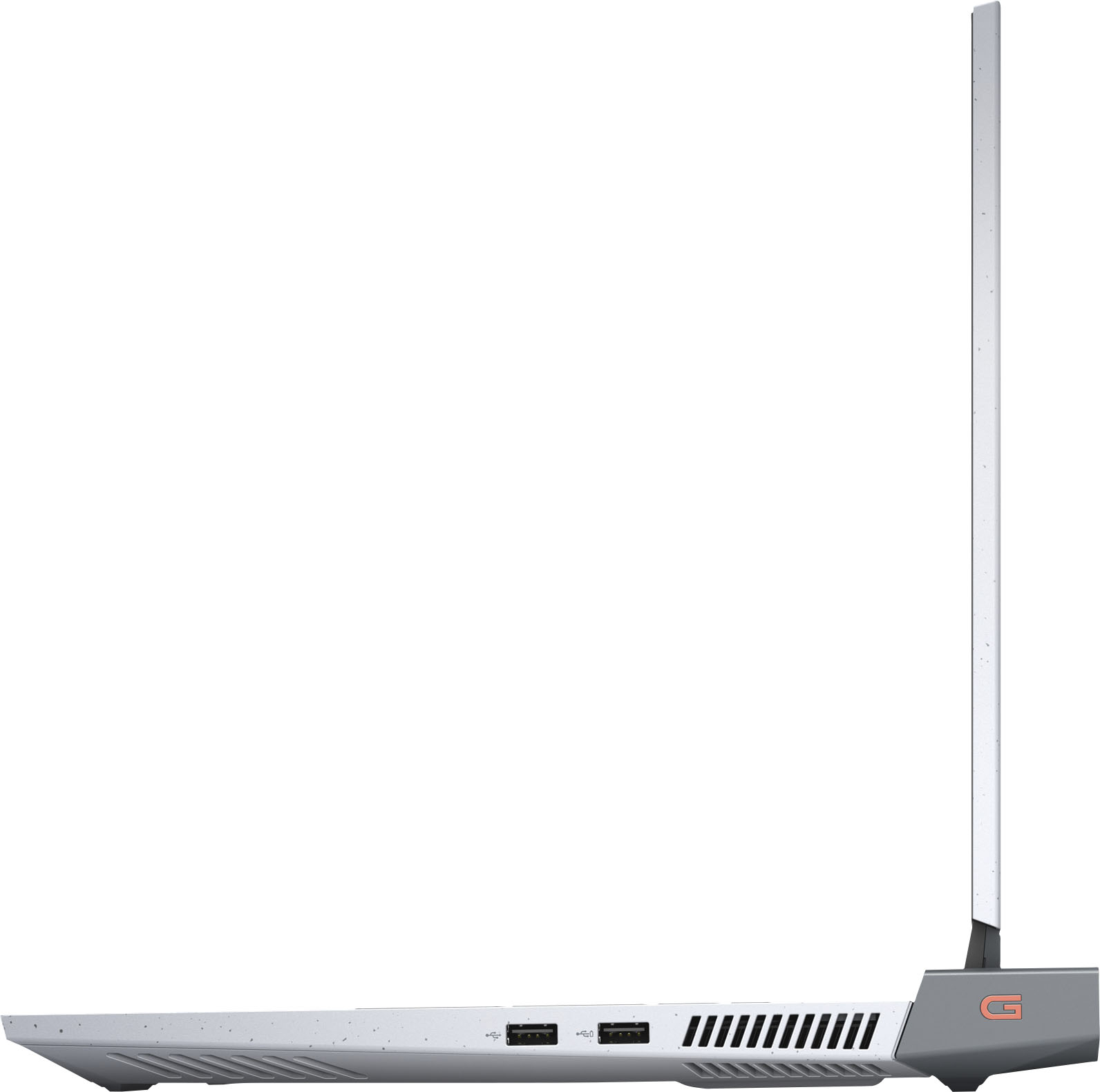
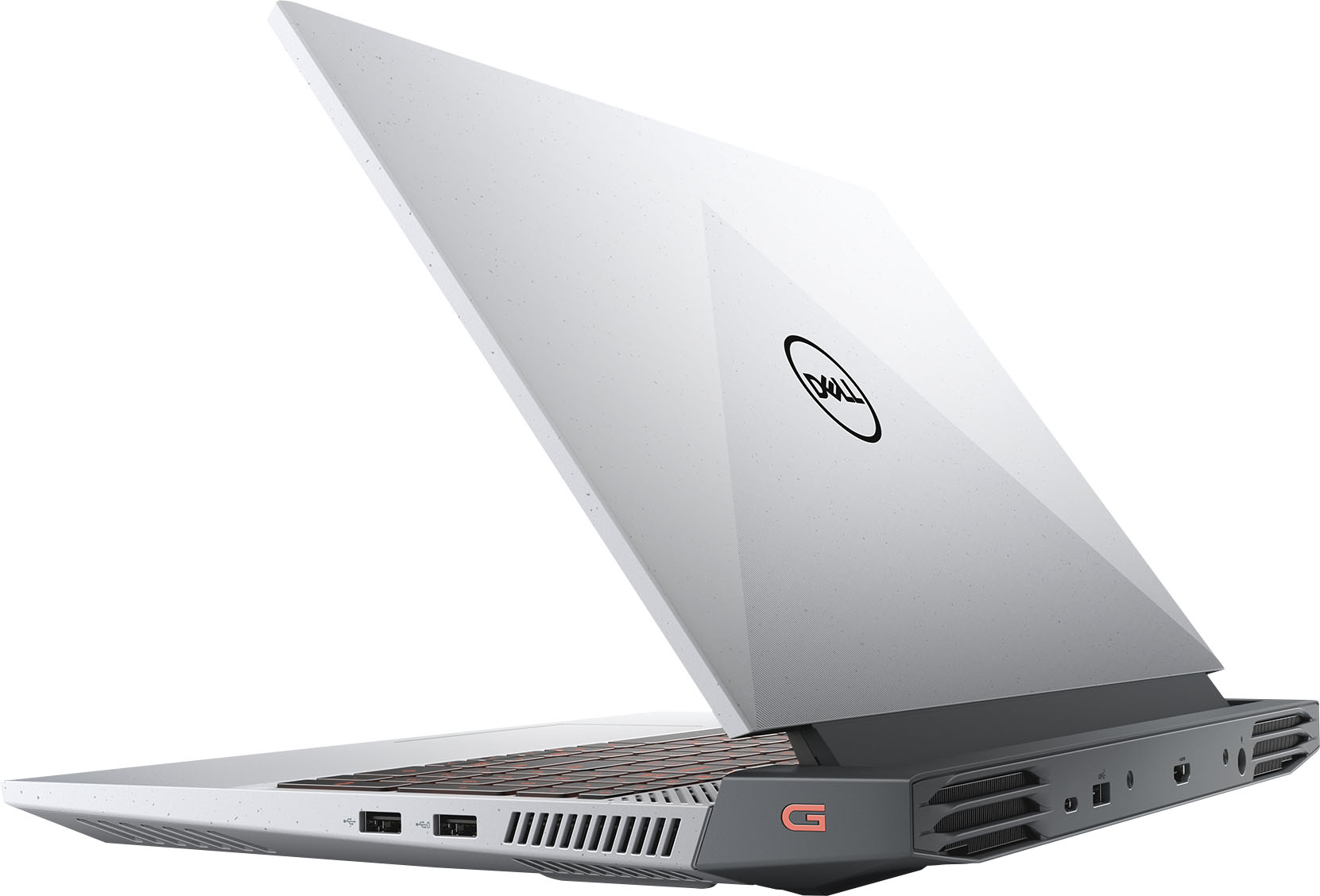
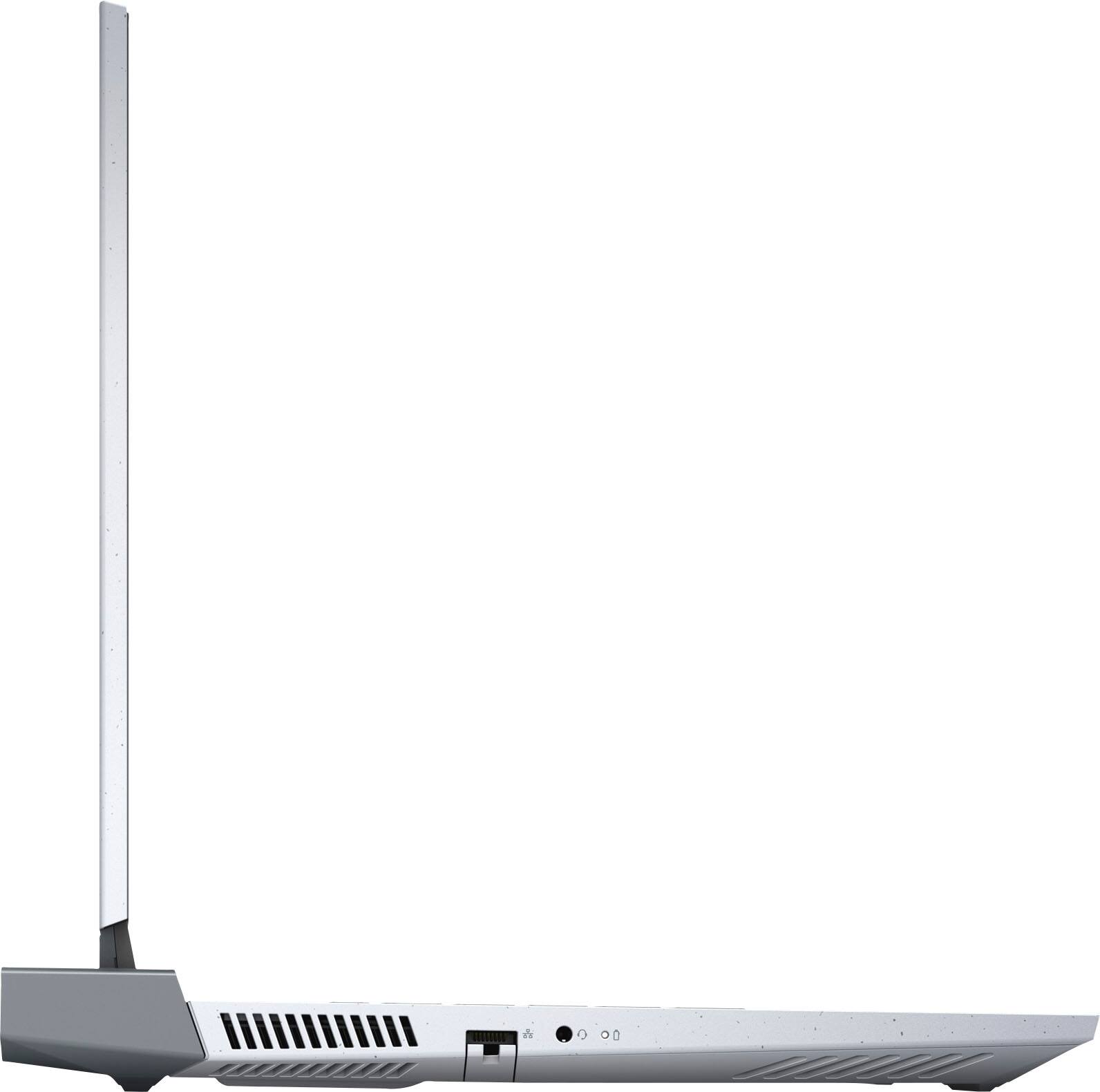
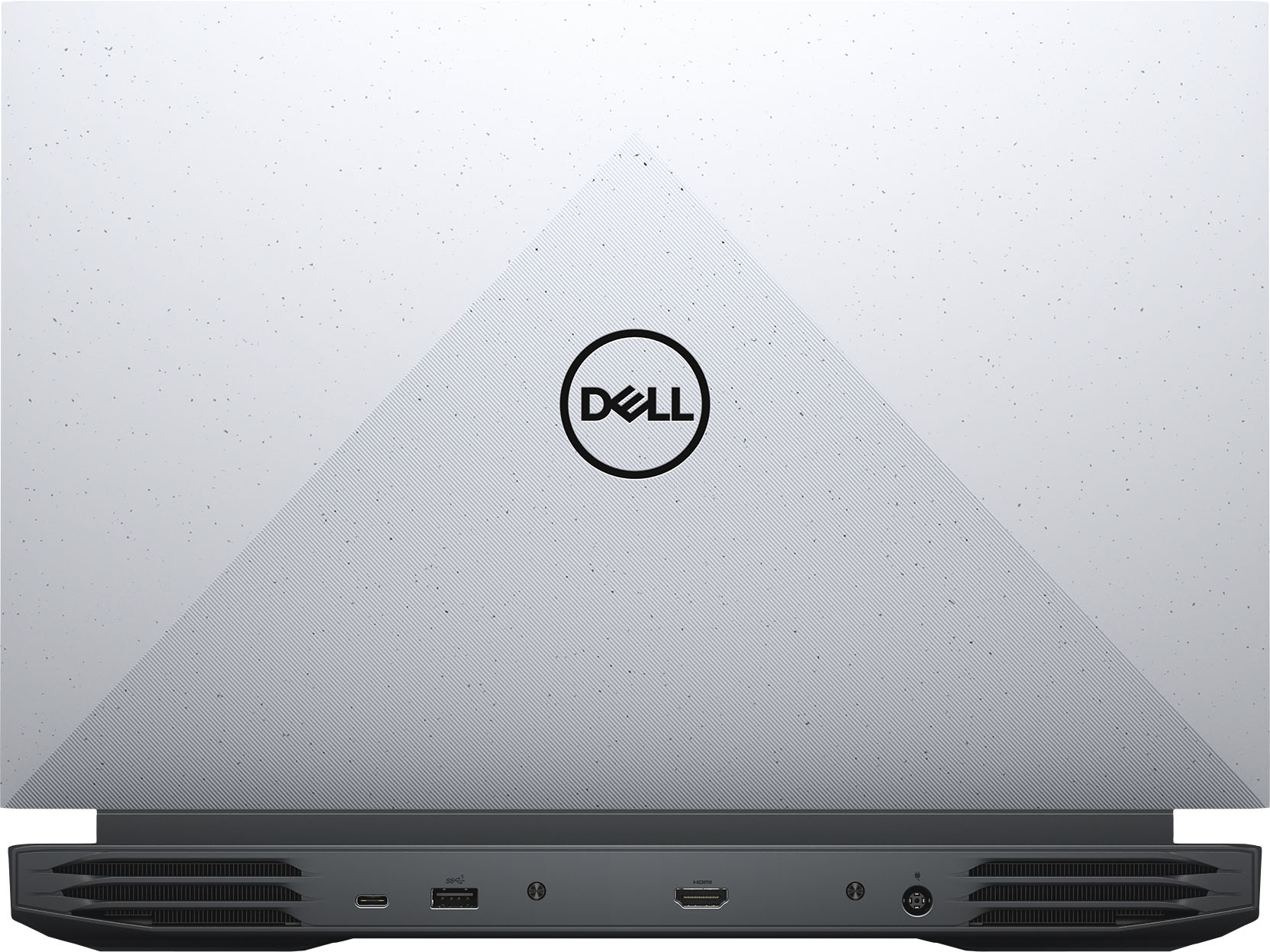
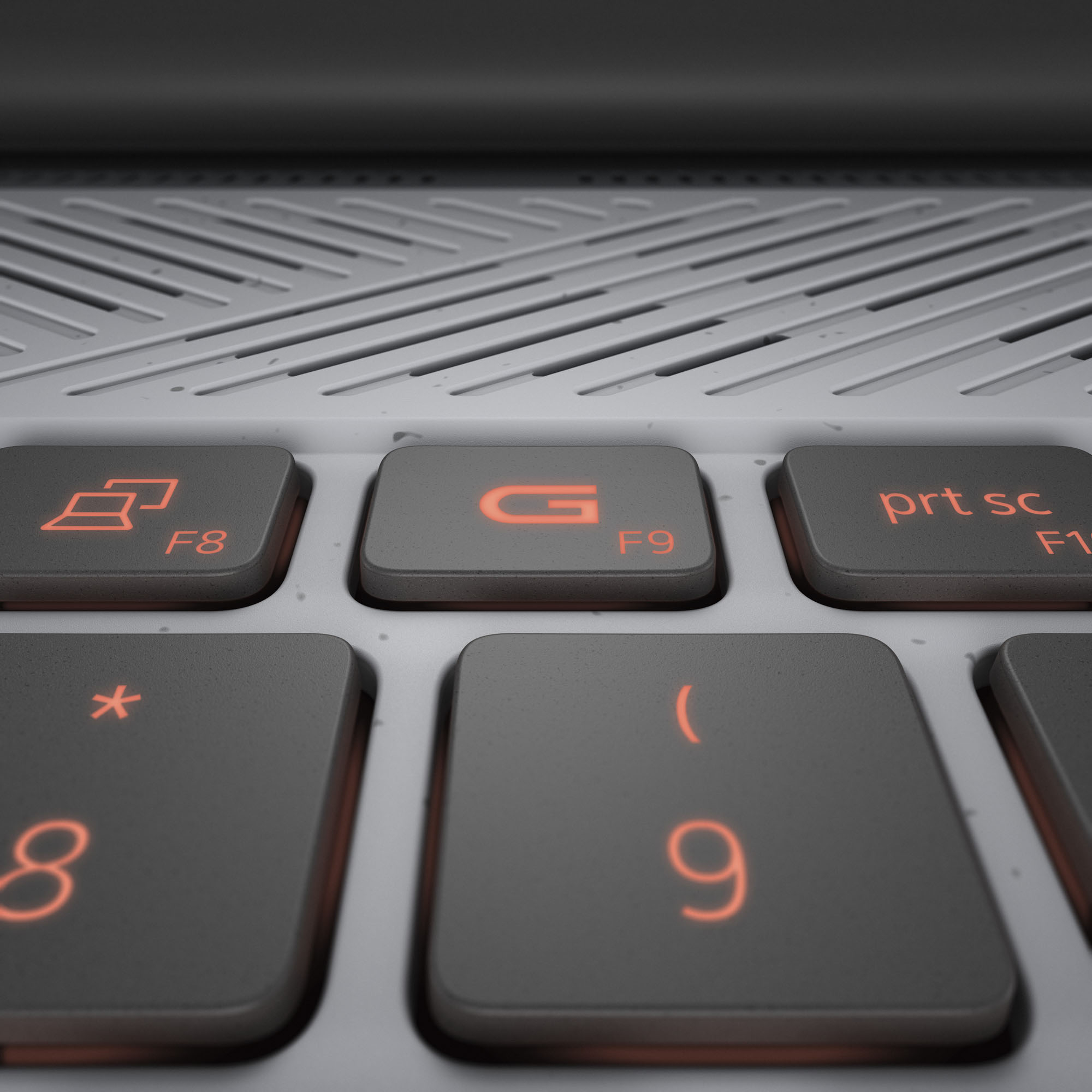
|Posted .This reviewer received promo considerations or sweepstakes entry for writing a review.My opinion, this is a near perfect laptop. A very large screen, for a mobile platform... very little space left on the sides of the monitor, so it is using the full space made available. The Keyboard is a full size keyboard with a numeric pad. For those that use that numeric pad, that is a big deal... as a lot of laptops get rid of it, and make the screen smaller or float the keyboard in the middle, with wasted space on the sides. My first nit pick is that the touch pad, is really big... almost too big. I hit it often when I don't want to, and it is sensitive to the touch. The battery life, well I haven't been able to drain it empty yet, even with power using... so far so good there. The power brick is that a brick, it is bigger then I hoped it would be, and it is a round plug. and not the USB-C style, so again... if you want an extra adapter, you can't go with the dozens of available power supplies, you need to buy one from Dell or wait for a 3rd party to release one. The SSD... very quick, very quick... but 512gb is just too small for a gaming laptop. 1 game can take up 1/3rd of this drive... and adding an external, defeats the purpose. So that is my primary reason for a drop of a star. Boots really really fast. Almost no lag. There is a healthy amount of pre-installed components, that for me... I uninstall (like Norton). I love having the physical network port... as I can get faster feeds with the hardline connection, then wifi. great to have both. Minimal USB ports, but there is the mix of USB-3 and USB-C. enough to get buy. I am playing to retire my Dell desktop with this laptop, and have the flexibility. I would have liked to see a DisplayPort output, with this higher end video chipset, but it just has an HDMI. Will need to look at options to add a 2nd external display. I am already getting messages that the laptop is ready for Windows 11, and confirmed... just now waiting to upgrade the OS, and ready to go.
I would recommend this to a friend RAM
||Posted . Owned for 1 month when reviewed.This reviewer received promo considerations or sweepstakes entry for writing a review.RAM memory Upgrade is not available. This is a problem.
I would recommend this to a friendBrand response from YourDellTeam
Posted .Hi Valued Customer,
Thank you very much for your valuable feedback. We are sorry to hear that you are not too happy with your Dell G15 gaming laptop because its memory upgrade is not available.
I have included a link to Set Up and Specification Guide for your G15 gaming laptop, which lists the memory specifications for your G15.
Dell G15 Set Up and Specification Guide: https://dell.to/3t4HhIb
If you come across any other questions or have concerns about this product, please don’t hesitate to contact Dell Support Team at the information provided below.
Best,
Katarina@Dell
Should you need further assistance, you can contact Dell directly with the information below.
Chat or call: https://bit.ly/DellSupportTeam
Phone number to Dell 1-800-624-9896
Decent performance, garbage structural hardware
||Posted . Owned for 2 weeks when reviewed.This reviewer received promo considerations or sweepstakes entry for writing a review.Tried to remove the screws on the back to add an SSD, they were incredibly soft and stripped almost immediately. One of them wouldn't turn at all
No, I would not recommend this to a friendBrand response from YourDellTeam
Posted .Hi NoSkillBill,
We would like to thank you for taking the time to provide us with your feedback. We are glad you are happy with the performance of your Dell G15 gaming laptop but we are sorry to hear that you are not too happy with the quality of its hardware. We will share your comment about this issue with our quality team, so future improvements can be made.
If you come across any questions or have concerns about this product, please don’t hesitate to contact Dell Support Team at the information provided below.
Best,
Katarina@Dell
Should you need further assistance, you can contact Dell directly with the information below.
Chat or call: https://bit.ly/DellSupportTeam
Phone number to Dell: 1-800-624-9896
- Cons mentioned:Display
No parts for repair-AVOID
||Posted . Owned for 2 months when reviewed.This reviewer received promo considerations or sweepstakes entry for writing a review.Screen broke very easy, Best Buy wanted to charge me $1000 to fix... Do not buy!!!
No, I would not recommend this to a friendBrand response from YourDellTeam
Posted .Hi Dadoffour,
We appreciate you taking the time to leave us your review. We are sorry to hear about the troubles you have encountered with your Dell G15 gaming laptop because its screen broke very easily and there are no parts available for repair. This is certainly not the experience that we like to hear from our customers. We appreciate your feedback and will use it to help improve our current and future products.
Please take a moment to contact the Dell Support Team at your earliest convenience at the information provided below. We hope that the next representative you speak with can help you to resolve this issue to your satisfaction.
Best,
Katarina@Dell
Should you need further assistance, you can contact Dell directly with the information below.
Chat or call: https://bit.ly/DellSupportTeam
Phone number to Dell: 1-800-624-9896
Poor experience at Best Buy
||Posted .This reviewer received promo considerations or sweepstakes entry for writing a review.I ordered the Laptop in Open Box Satisfactory condition and it is supposed to come with essential accessories but after picking up the Laptop I found that it's missing the power adapter. Why would Best Buy list the item as Satisfactory condition instead of Fair condition when it's missing an essential part. Missing 180W power adapter makes it useless. I drove 80 miles to get this Laptop.
No, I would not recommend this to a friendSTAY AWAY
||Posted . Owned for 1 month when reviewed.This reviewer received promo considerations or sweepstakes entry for writing a review.I bought this PC and got an endless boot error within 3 weeks. Best Buy Geek Squad wanted $200 to look at it. Thank god I bought it in December--I was able to return it for a full refund. I will never buy another Dell computer again!
No, I would not recommend this to a friendBrand response from YourDellTeam
Posted .Hello Jerry,
Thank you for taking the time to leave us your valued feedback. We sincerely apologize for the boot-up issues you encountered with your Dell G15 and ultimately decided to return the system. This is certainly not what we like to hear from our loyal customers.
Should you need further assistance, you can contact Dell directly with the information below.
Chat or call: https://bit.ly/DellSupportTeam
Phone number to Dell 1-800-624-9896
Best,
Ashley@Dell
Connection for battery charging is very loose
||Posted . Owned for 1 month when reviewed.This reviewer received promo considerations or sweepstakes entry for writing a review.The charger that plugs into the back of laptop isvery loose. It falls out very easily.
No, I would not recommend this to a friendBrand response from YourDellTeam
Posted .Hi Kathy,
We appreciate you taking the time to leave us your review. We are sorry to hear that you have come across some problems with your Dell G15 gaming laptop because the charger cord is very loose in the charger port and it is falling out. We will share your comments about this issue with our quality team, so future improvements can be made.
Please take a moment to call or chat with a Dell Support Representative at your earliest convenience at the information provided below, so they can help you to resolve this issue.
Best,
Katarina@Dell
Should you need further assistance, you can contact Dell directly with the information below.
Chat or call: https://bit.ly/DellSupportTeam
Phone number to Dell: 1-800-624-9896